
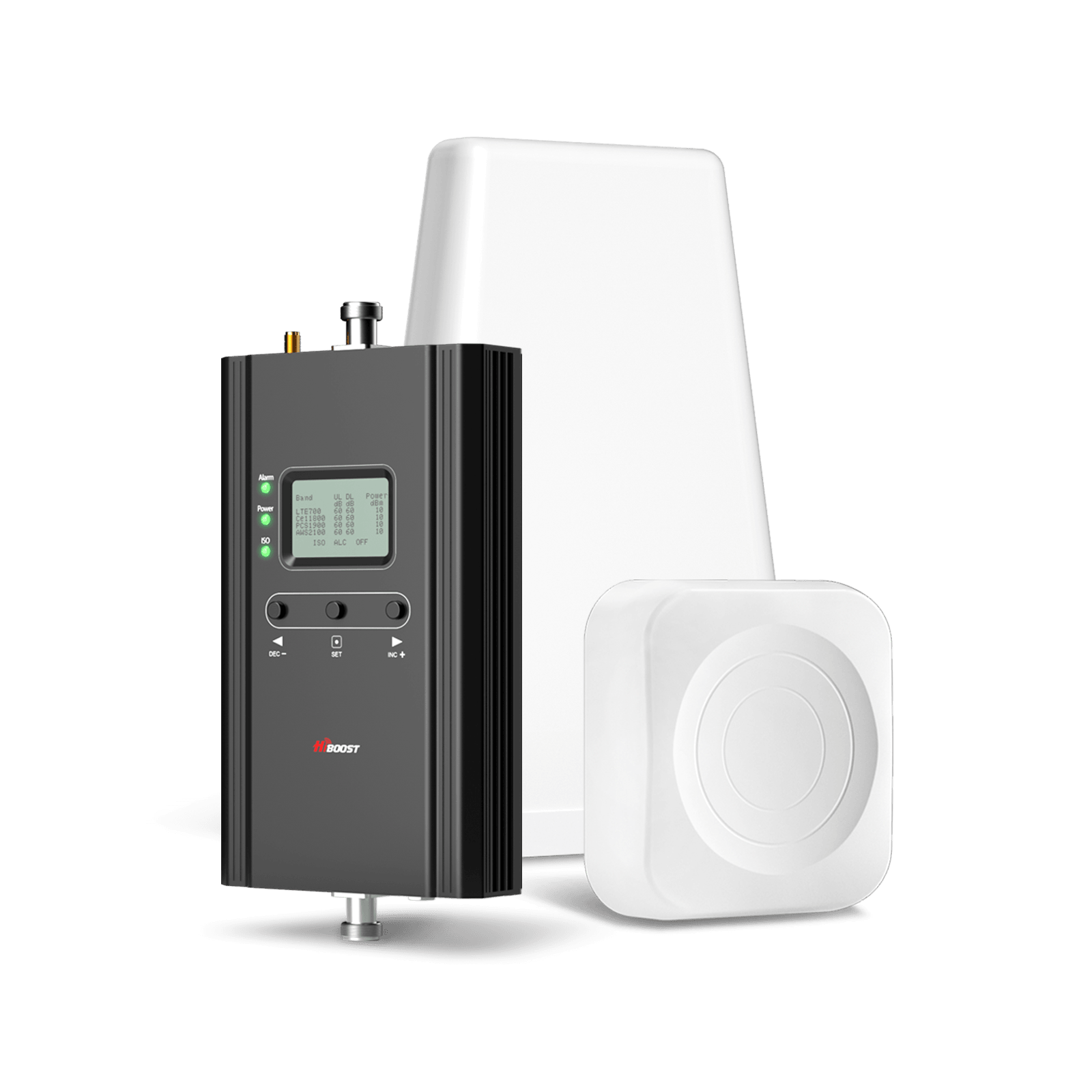
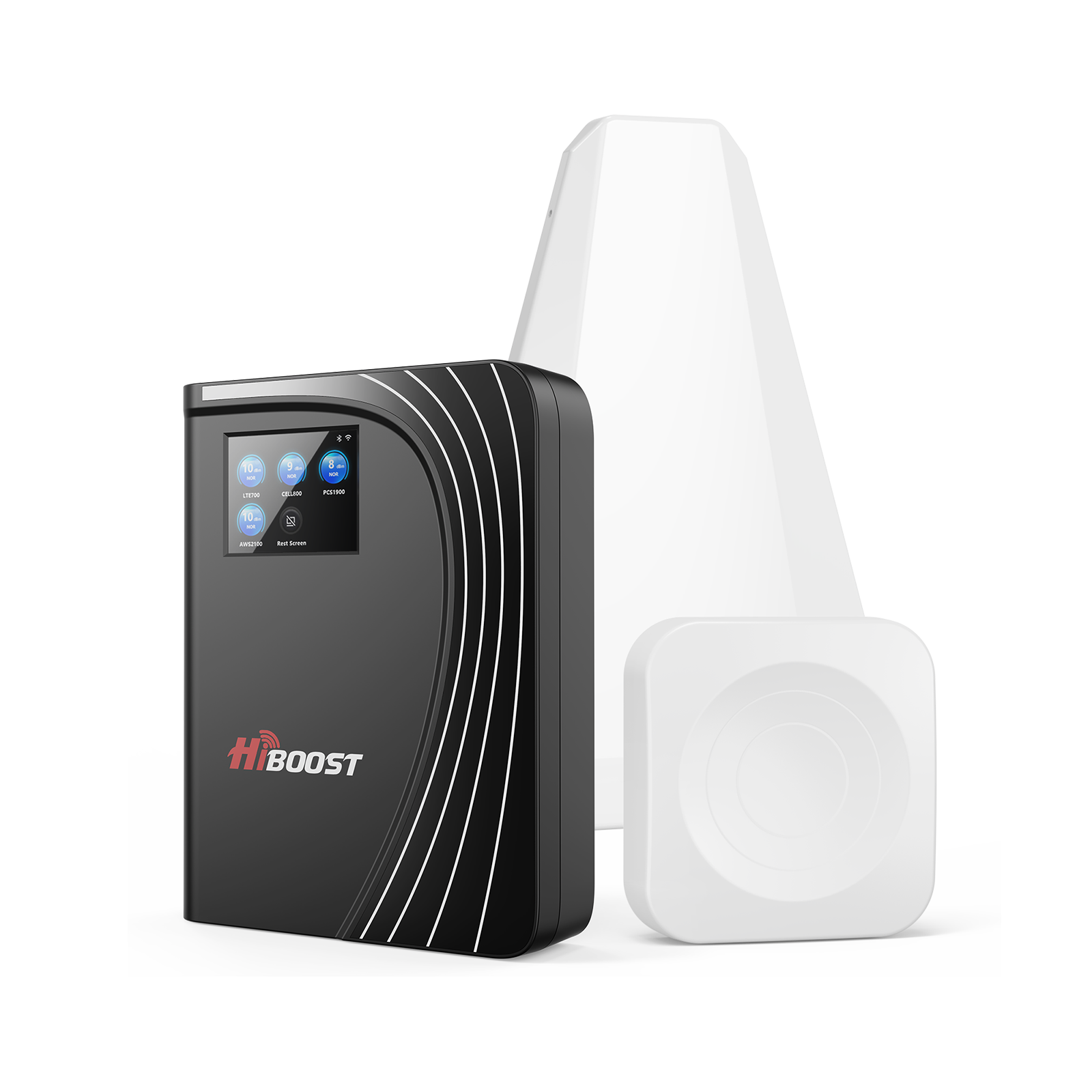
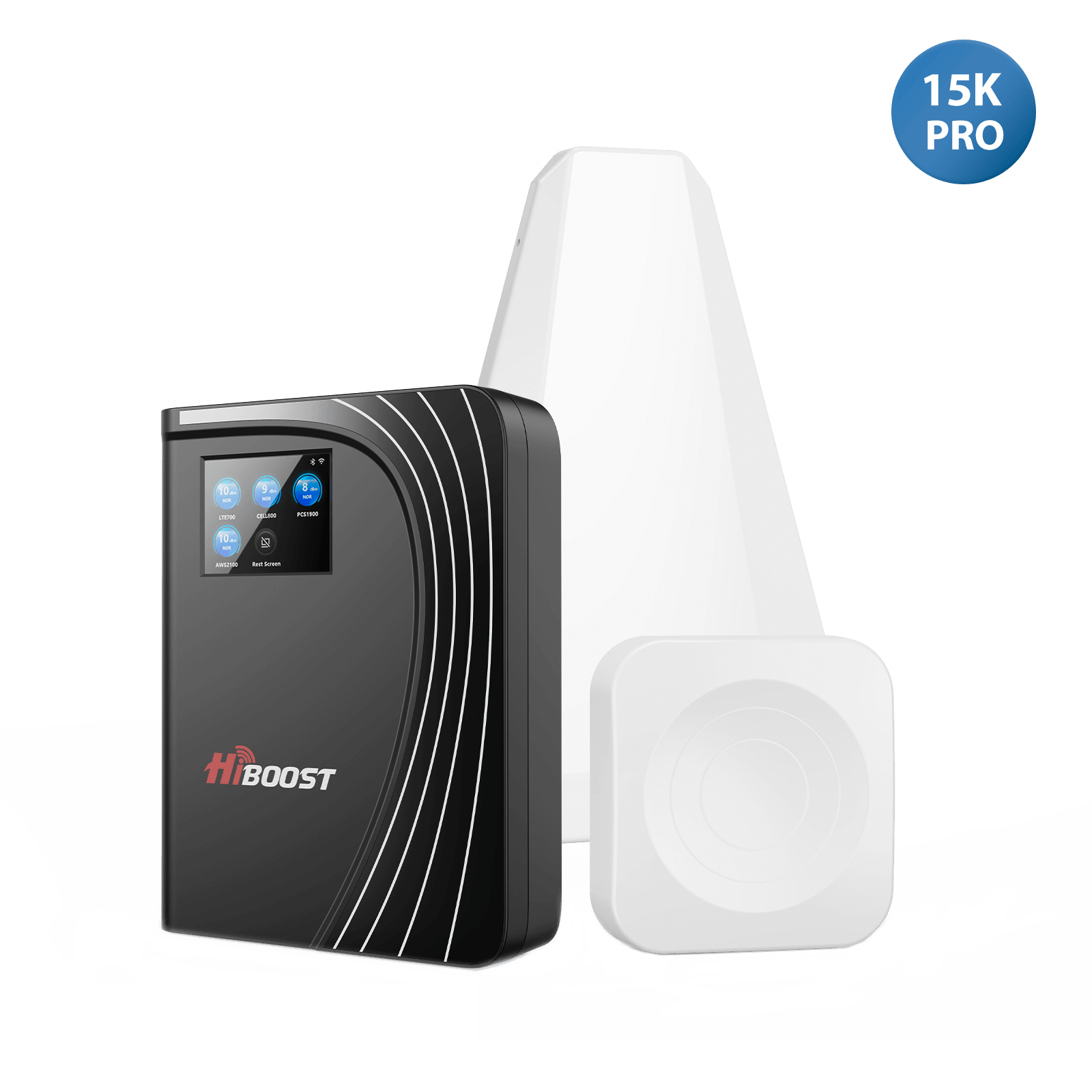
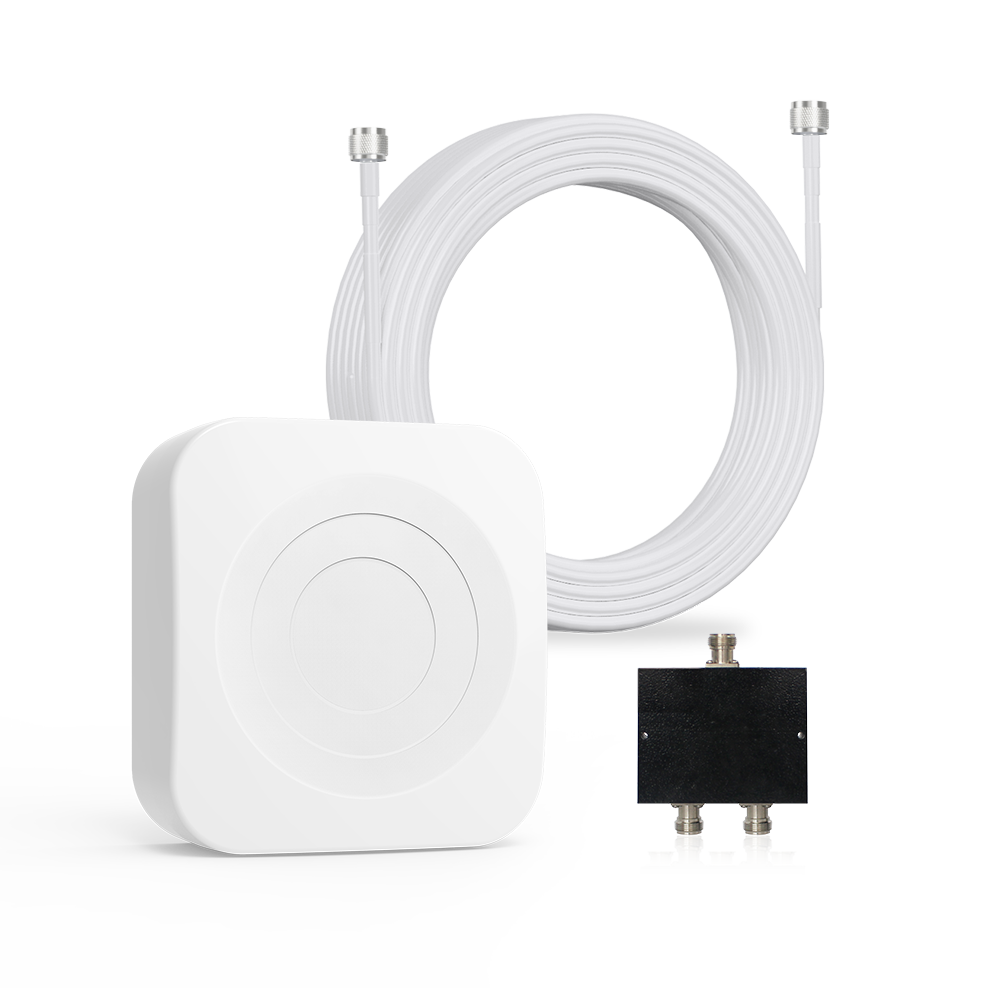
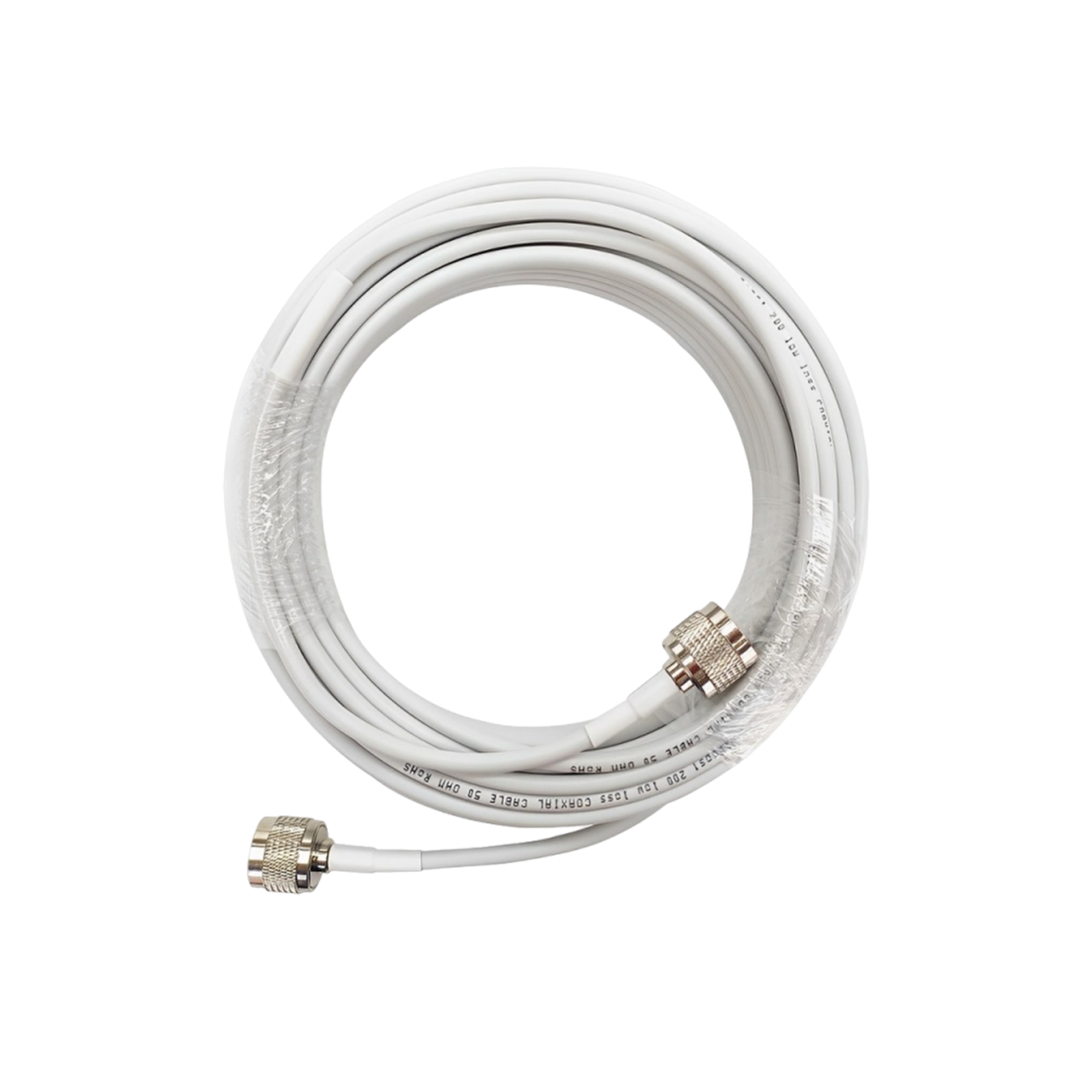
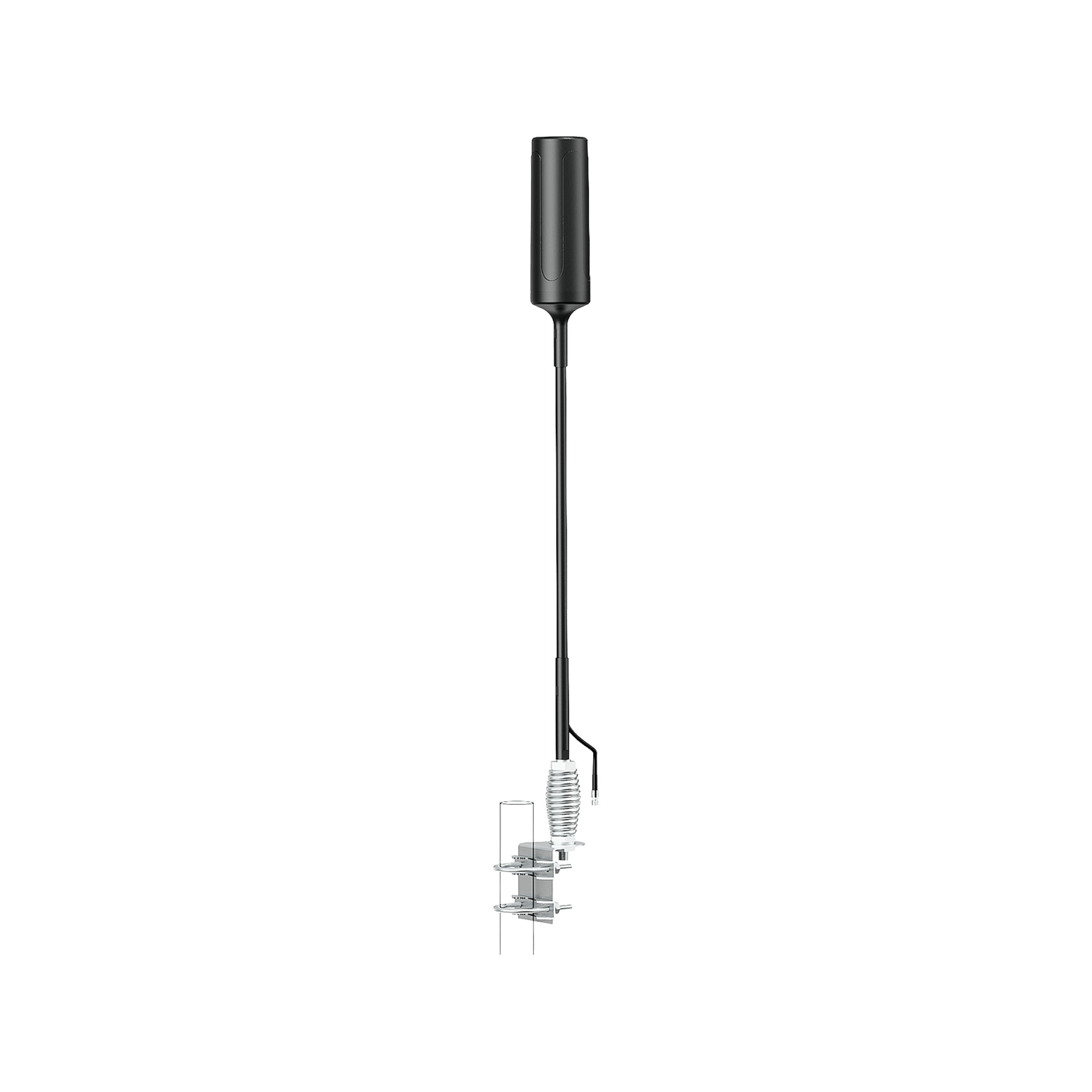
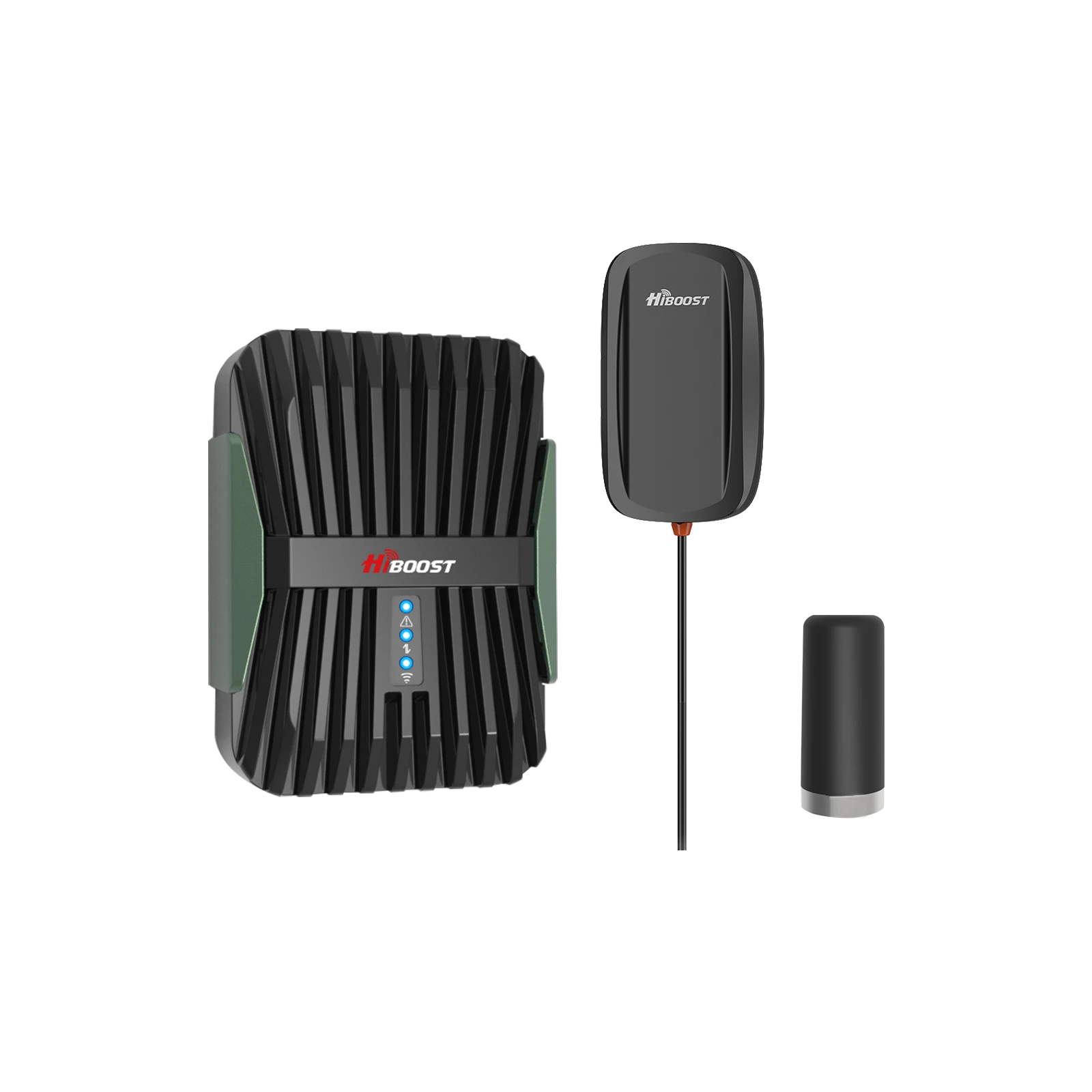
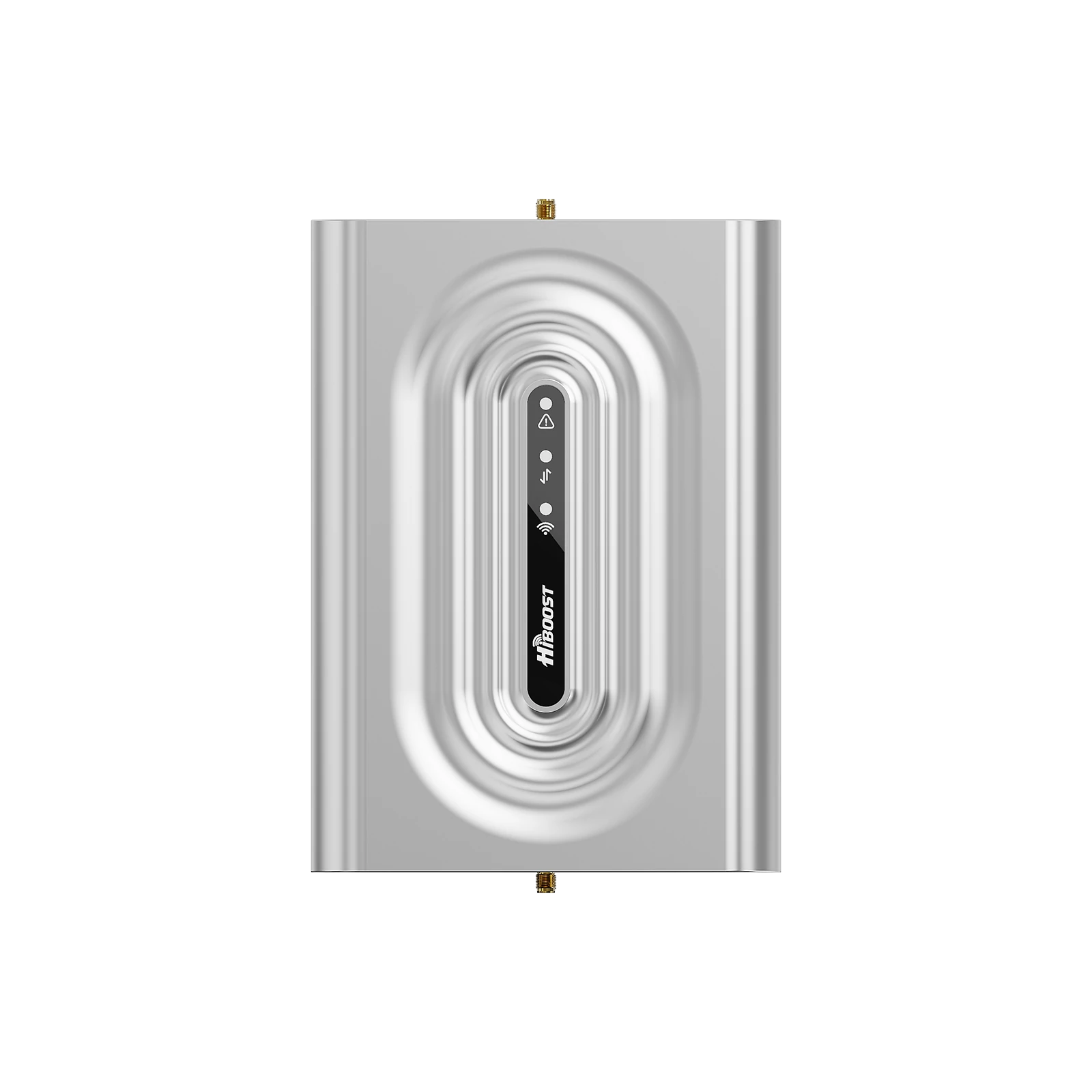
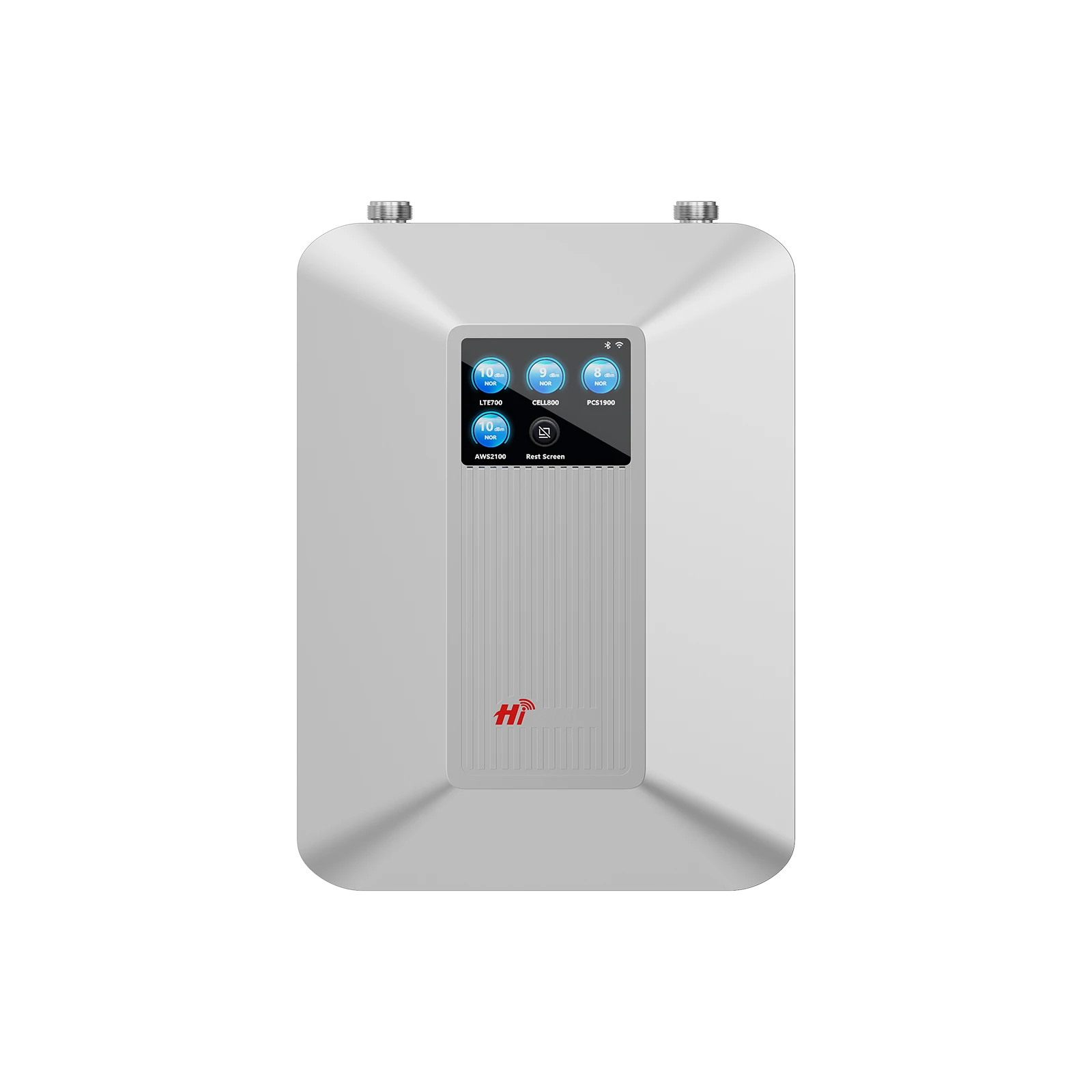
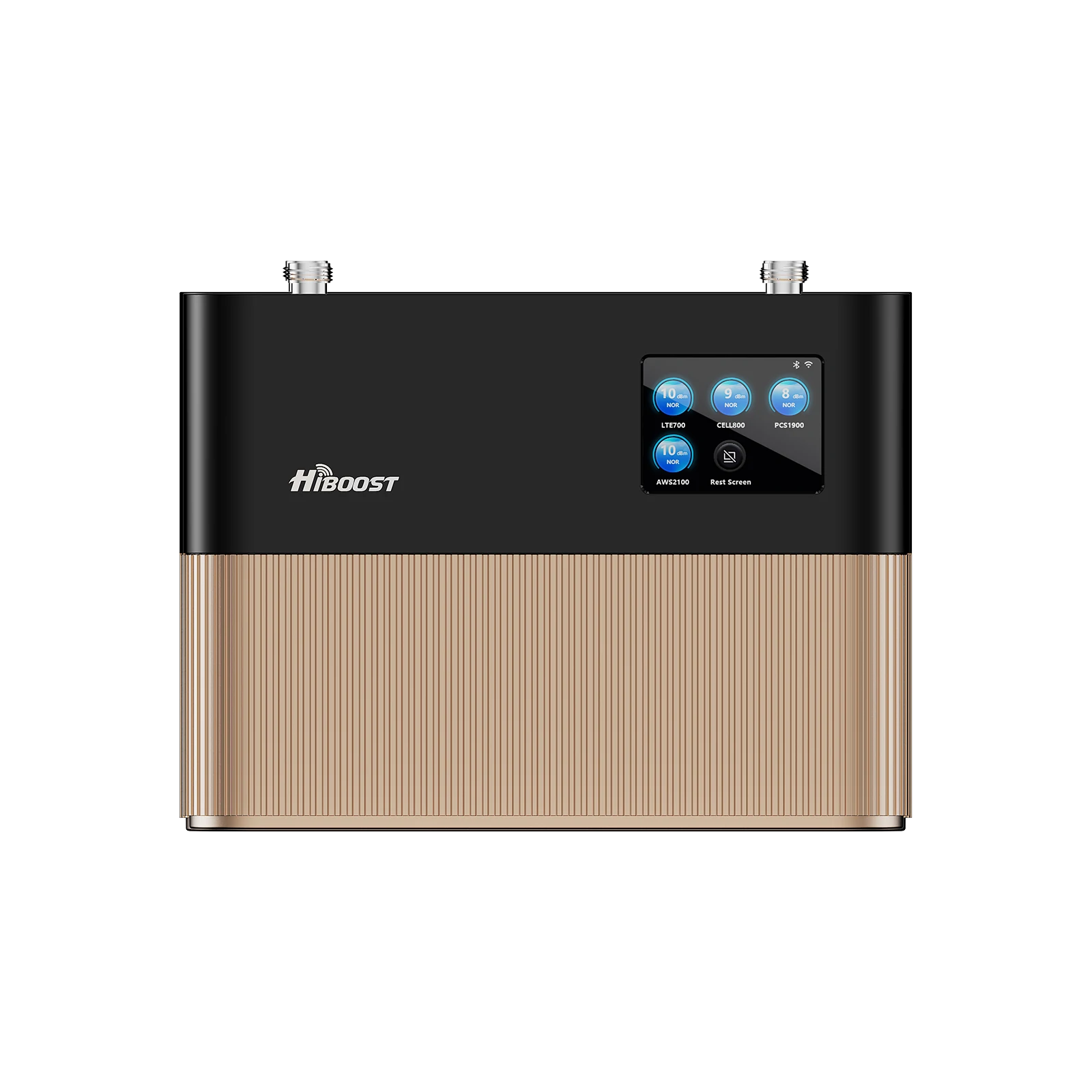
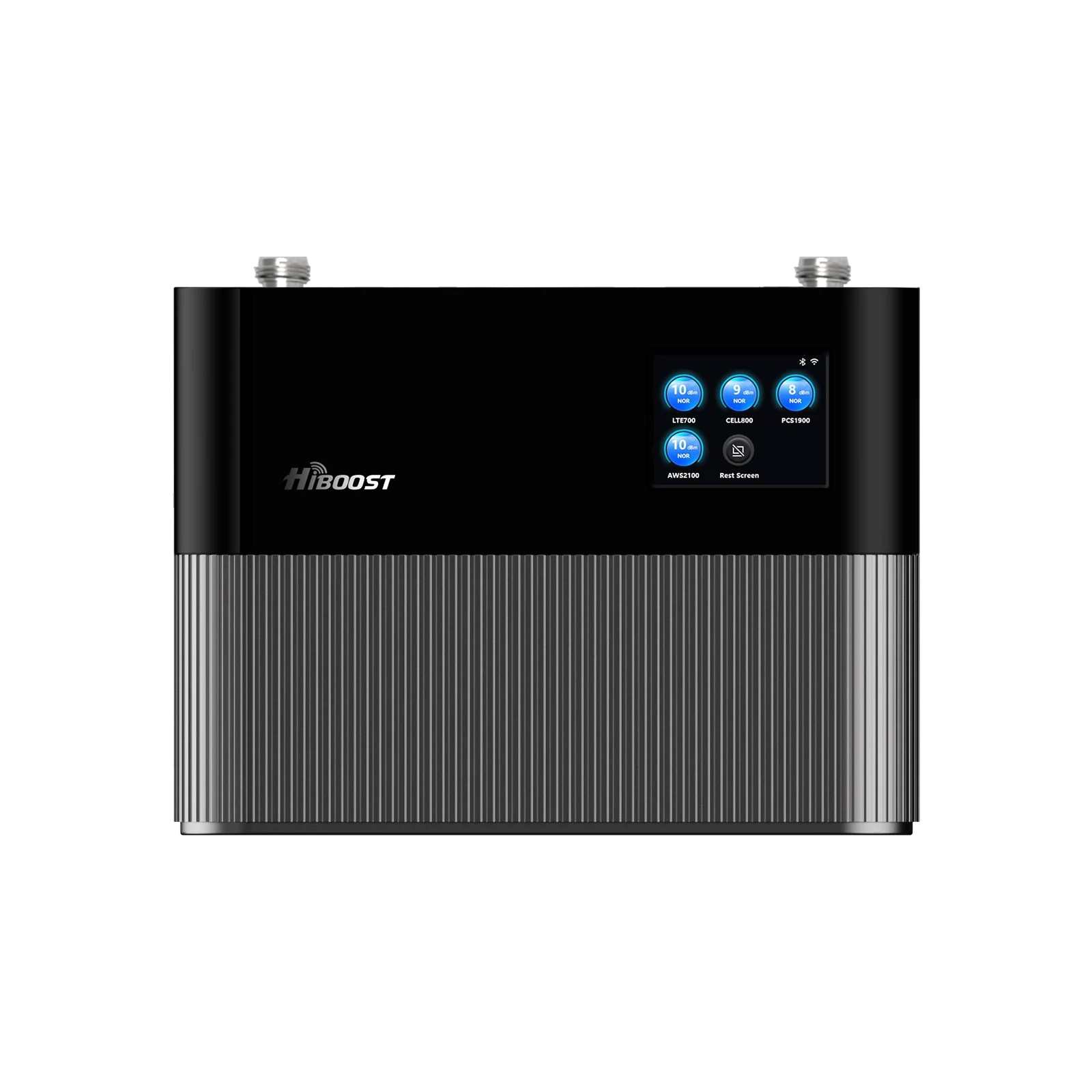
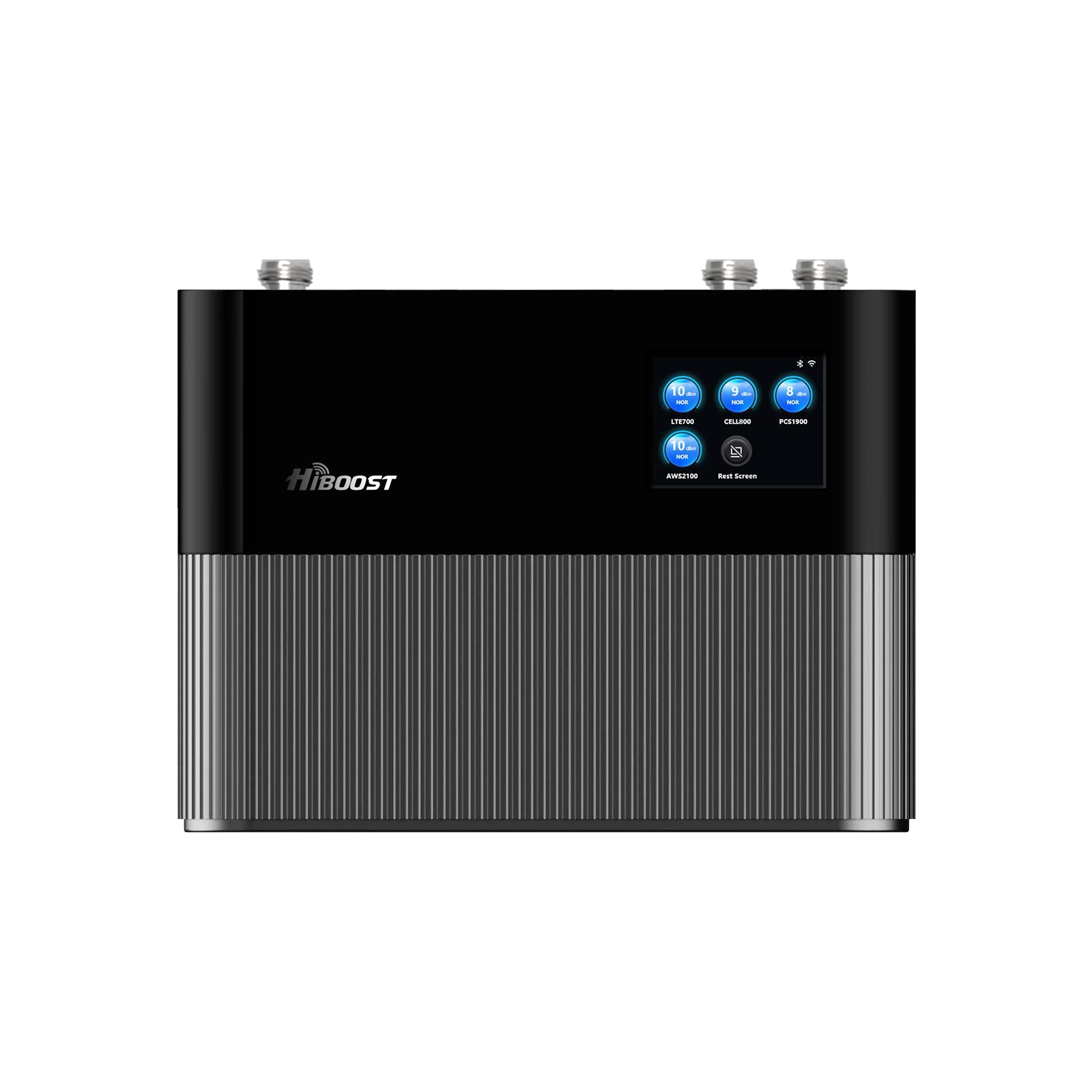
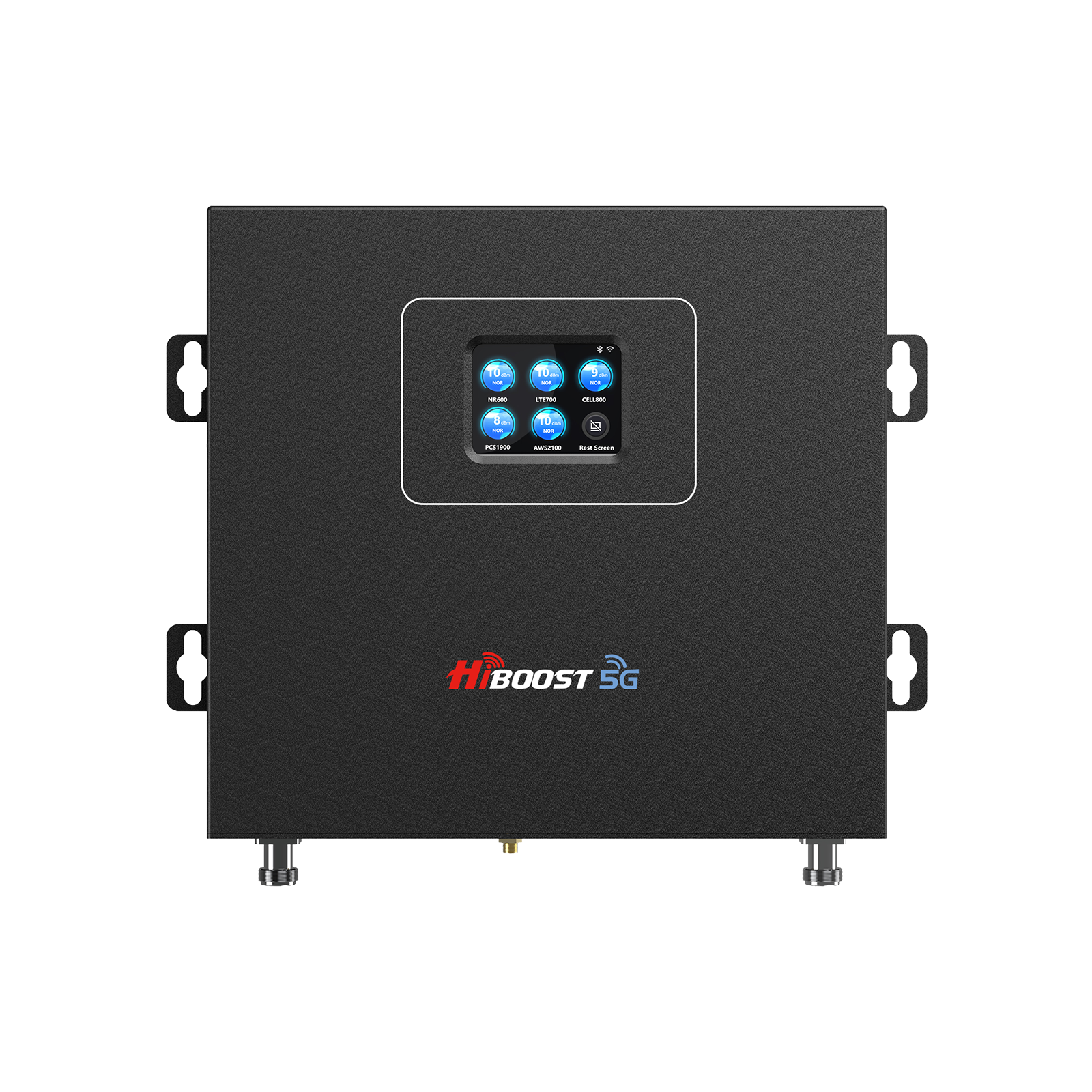
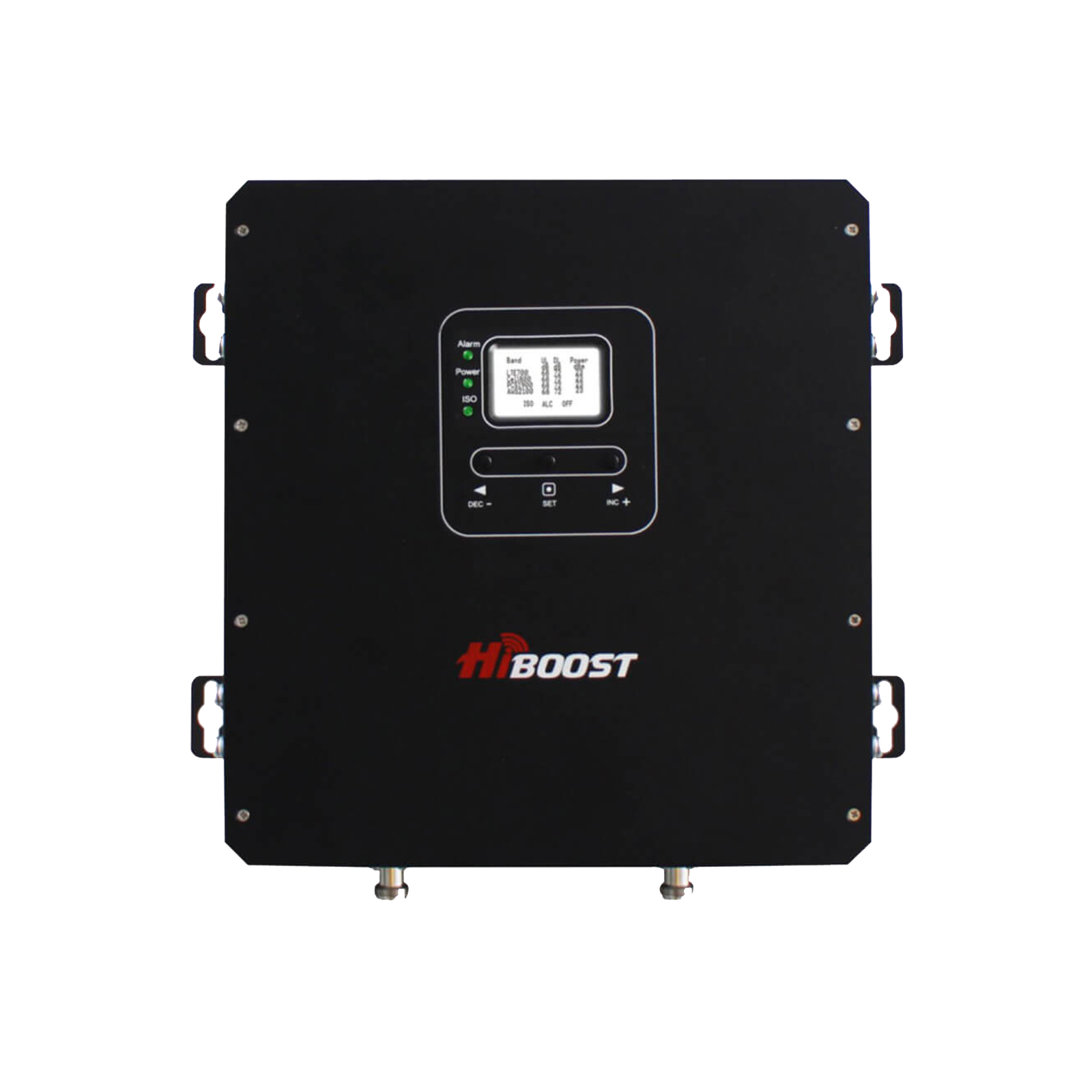
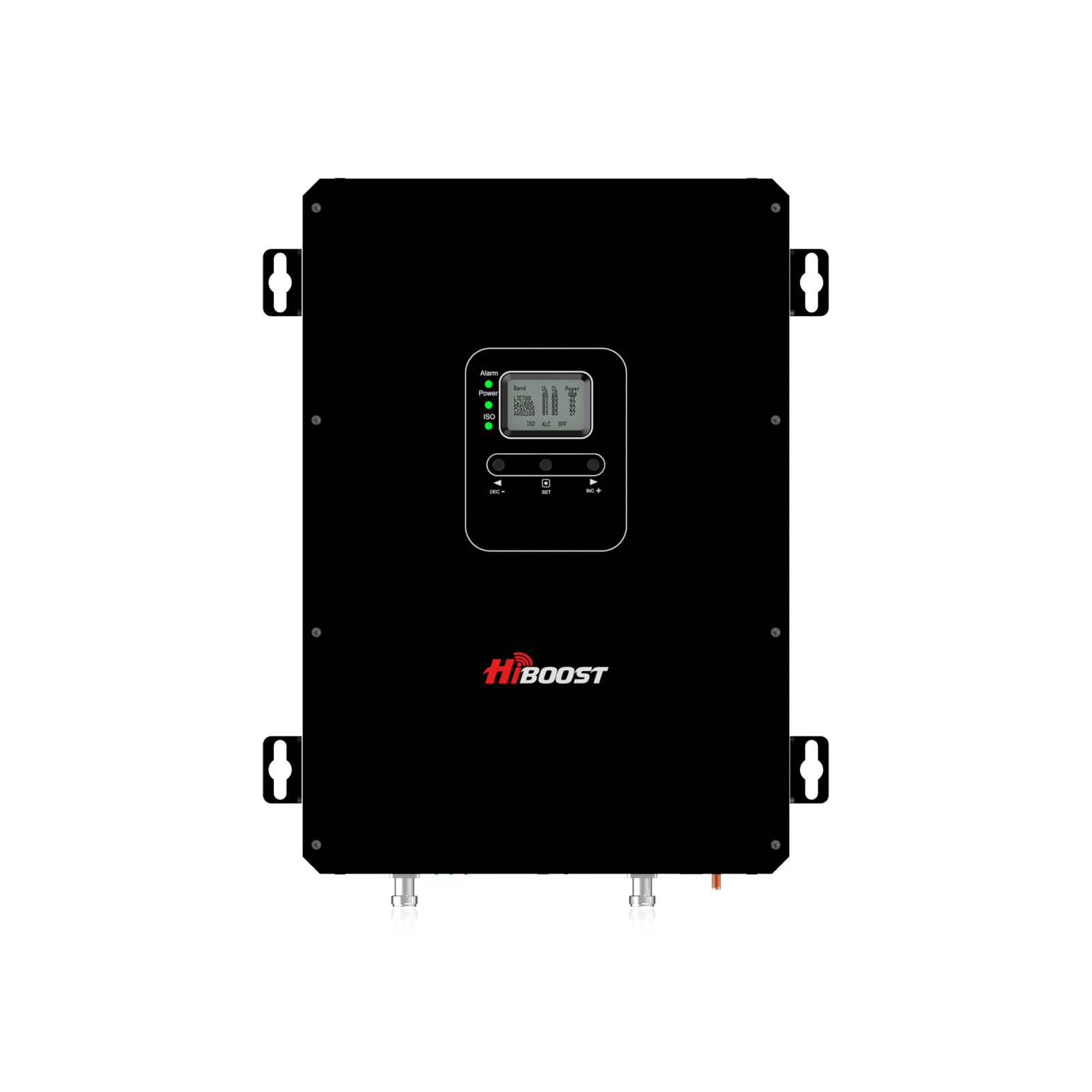
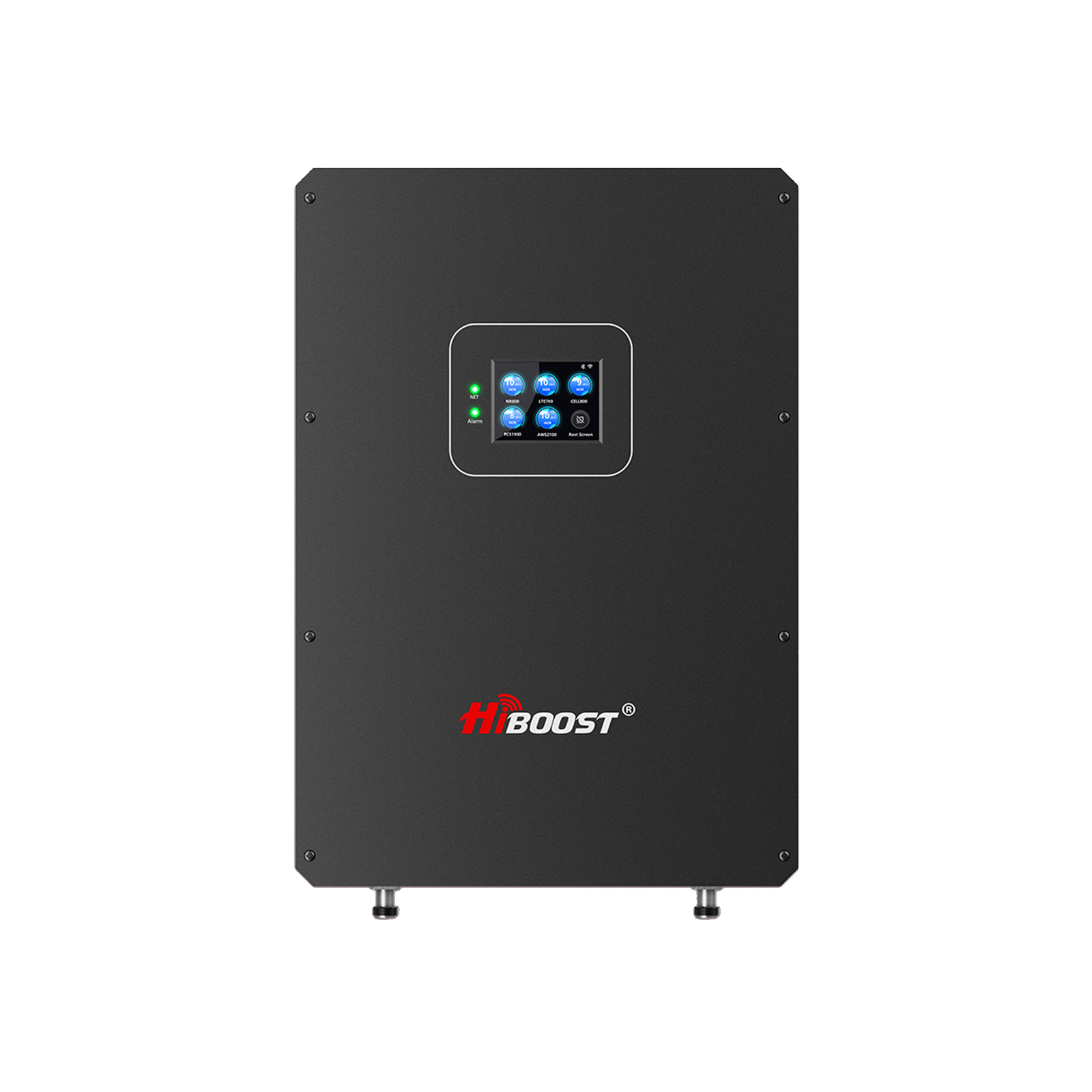
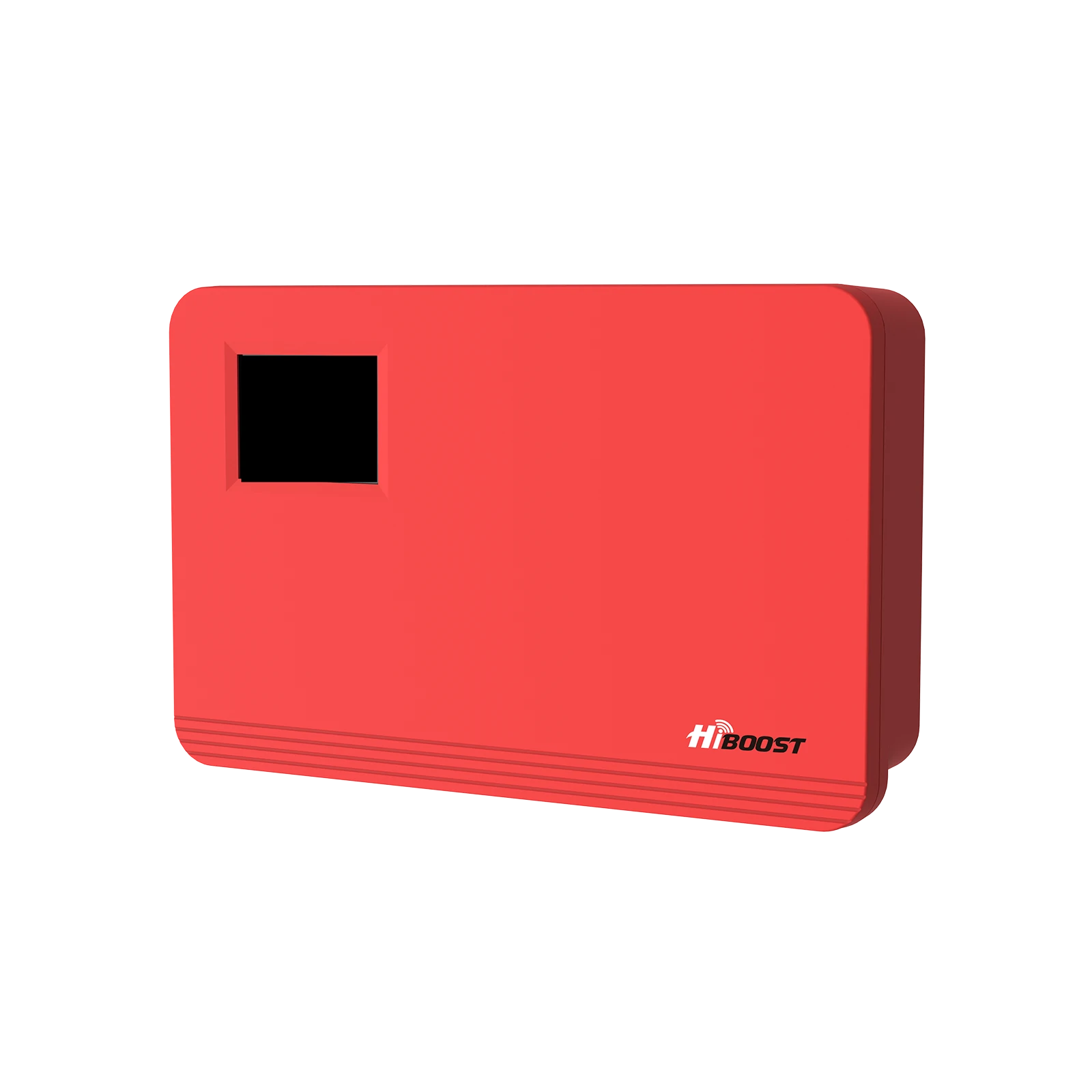
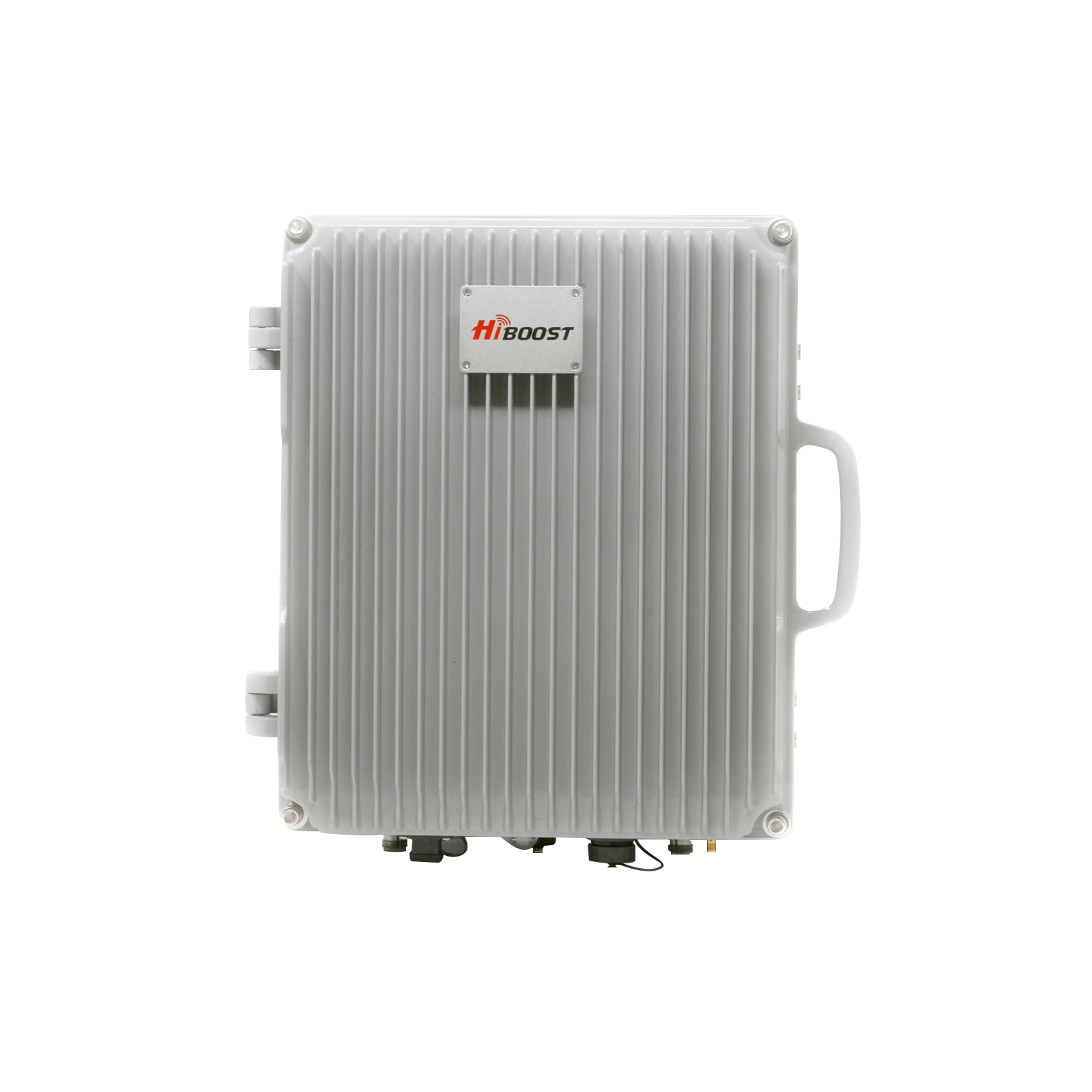
A cell phone signal booster uses an outdoor antenna, an amplifier, and an indoor antenna to rebroadcast a stronger signal inside. Choosing the right booster is crucial to get reliable coverage and value for your money. Dropped calls and weak reception are widespread. A Pew survey found 72% of Americans experience dropped calls to some degree. The wrong booster can lead to frustration instead of a fix. In this guide, we’ll walk you through how to find the perfect fit for your home, office, or vehicle, so you can enjoy seamless connectivity.

Why the right booster model matters: If you buy a booster that’s undersized for your space or signal conditions, you may still have dead zones. Conversely, an overly powerful or wrong frequency booster is a wasted investment. Common mistakes include expecting one small booster to cover a whole large house, buying a unit that doesn’t support your carrier’s frequencies, or not considering how many people/devices will use it. Avoiding these pitfalls will save you time, money, and ensure you actually get a better signal. This guide will highlight the key factors and help you choose the right booster model whether it’s for a small apartment, a large rural home, a multi user office, or even your car.
Choosing the right cell phone signal booster isn’t one size fits all. It depends on how large your space is, how many people/devices need coverage, and what carrier(s) you use, among other factors. In this introduction, we’ve seen why it’s important that the wrong choice can lead to poor results or regulatory issues, whereas the right booster ends dropped calls and slow data. Now, let’s dive into the specific factors you should consider before buying a signal booster.
Common mistakes to avoid: Don’t buy too small or ignore carrier compatibility. Every booster has a maximum coverage limit for example, don’t expect a single small booster to magically cover a huge home beyond its specs. Also, verify that the booster supports your carrier’s frequency bands, or it could be a wasted purchase. If multiple people will use the booster, ensure it can handle multi-user operation. This guide will help you steer clear of these mistakes and pick the optimal booster for your needs.
1. Key Factors to Consider Before Buying a Signal Booster
FCC (Federal Communications Commission) — Regulation & Certification: In the U.S., all consumer cell phone signal boosters must comply with FCC rules and meet the FCC’s network protection standards before they can be used legally. Consumer boosters must be FCC-certified and not cause harmful interference to wireless networks.
What’s New in 2026 When Choosing a Home Signal Booster?
As of 2026, FCC certification standards continue to evolve to ensure signal boosters do not interfere with carrier networks. This update includes clearer guidance on carrier compatibility, signal strength expectations in rural areas, and preferred installation practices. Below are key points you should know before buying.
When choosing a booster for your home, consider the FCC certification, indoor coverage area, and signal strength. In 2026, these factors are more important than ever due to increased network traffic and carrier enforcement.
After installing a booster, you’re required to register it with your wireless carrier. Major carriers provide online registration portals:
- Register your booster with T-Mobile here: T‑Mobile Signal Booster Registration (support page)
- Register your booster with Verizon here: Verizon Signal Booster Registration (official)
Each carrier’s registration ensures that your booster is authorized to operate on its network and helps prevent interference with other users’ calls.
2026 Home Signal Booster Buying Checklist
- Verify the FCC ID and certification
- Check compatibility with your carrier (Verizon, AT&T, T-Mobile)
- Measure your home coverage needs (sq. ft.)
- Understand gain, frequency bands, and installation setup
- Activation support and return policy
Before choosing a specific booster model, consider these key factors that determine what kind of solution you need:
1.1 Coverage Area (Square Footage): Assess the size of the area you need to cover with a better signal. Boosters are rated for a certain coverage range (in square feet) under ideal conditions. A booster that works for one room won’t cover an entire 3,000 sq ft house.
Matching the booster’s power to your space larger homes require more powerful boosters.
1.2 Number of Users/Devices: Consider how many people and devices will be simultaneously using the boosted signal. Most home boosters support multiple users and devices at once across all carriers, so a family or small office can all benefit. However, there are also single-user units. If you’re a solo remote worker, a compact desktop or cradle booster might suffice. For households or offices with many users, choose a multi-user booster that can handle the aggregate demand without quality loss.
1.3 Carrier Compatibility (Frequency Bands): Not all boosters work with every carrier. Always confirm the booster supports the frequency bands used by your carrier(s). Major carriers use a mix of bands; a good “multi-carrier” booster will cover common 4G LTE bands and often 3G/2G where applicable. If your household uses multiple carriers, you’ll want a wideband booster that boosts all of them simultaneously. The booster must also be certified for use to be legal.
1.4 Building Structure & Materials: Your home or building’s construction impacts booster choice. Thick concrete walls, metal roofs, insulation with foil (radiant barriers), or basement locations can weaken indoor signals.
If you have a lot of interior walls or multiple floors, you may need a booster with multiple inside antennas or a panel antenna to target different areas. Open layouts are easier to cover than segmented floorplans. Consider where you can run cables and mount antennas. Buildings with especially signal-blocking materials will benefit from a more powerful booster to overcome the losses.
1.5 Location and Outside Signal Strength: Are you in a rural area, suburb, or city? Your outside signal strength and environment are critical. In urban/ suburban areas, you might have a strong outdoor signal but can’t get it inside. A smaller booster may work since it’s “feeding” on a good outside signal.
In rural or remote areas with weak outside signals, you’ll need a more powerful booster to see a significant improvement. Also, consider distance to the nearest cell tower and any terrain or foliage blocking signal. Rural setups often use directional antennas aimed at distant towers, whereas urban setups might use an omni antenna if signals come from multiple directions.
By evaluating these factors: coverage area, user load, carriers, building structure, and location you can narrow down what class of booster you need. Next, we’ll look at specific recommendations by home size, then by number of users, and so on.

2. Choosing a Booster by Coverage Area (Home Size)
The first way to choose the right booster is by matching it to your home’s size. Boosters come in different power levels suitable for small apartments up to large homes and offices. Below, we break down three categories small, medium, and large with what to look for and example models.
Small Homes & Apartments (under 2,500 sq. ft.)
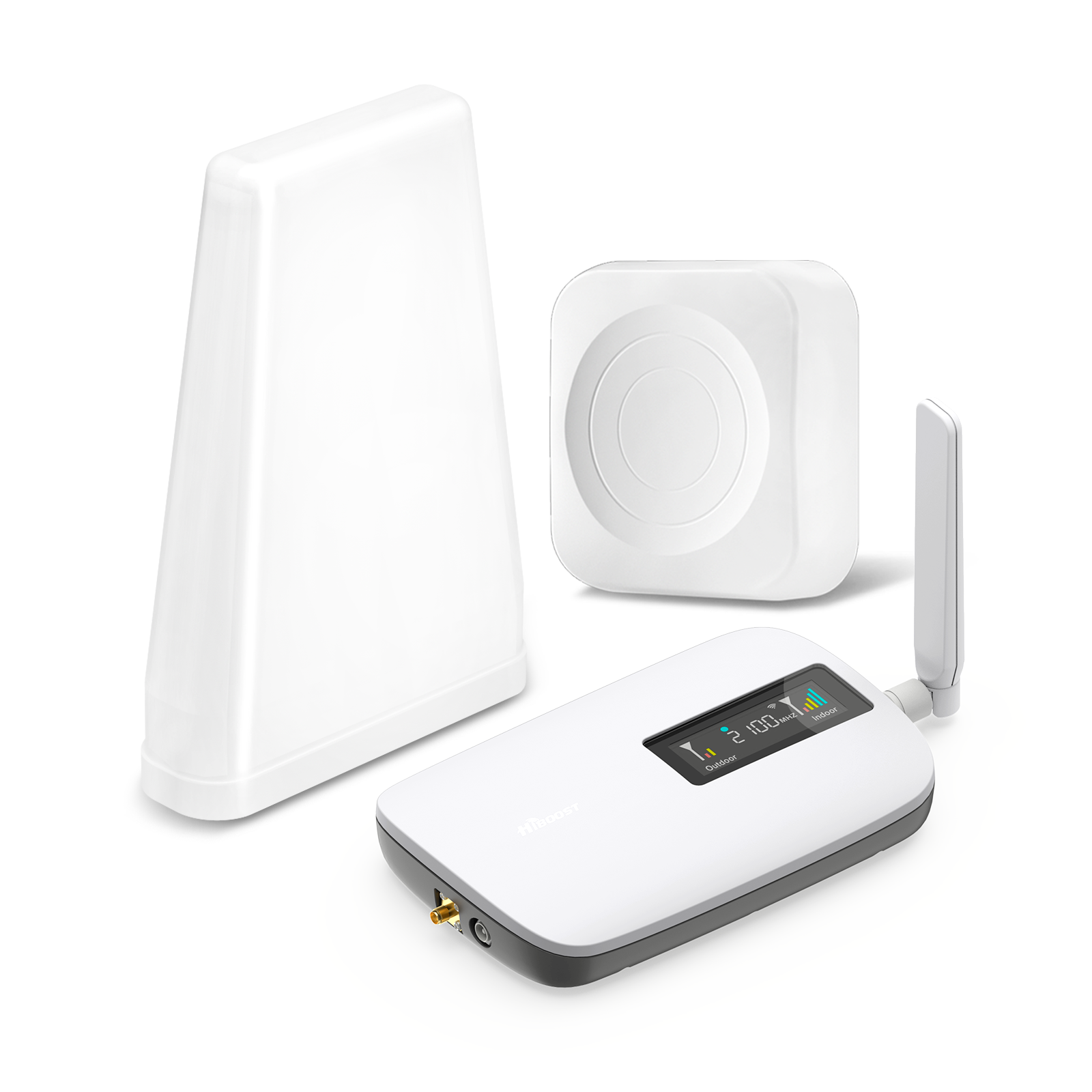
For a small home, apartment, condo, or a cottage, you won’t need the most powerful booster. A compact home booster is ideal; these are often the most affordable models and are easy to install. They usually cover up to about 1,500–2,500 sq ft in ideal conditions, which is enough for a few rooms or a small single-story apartment.
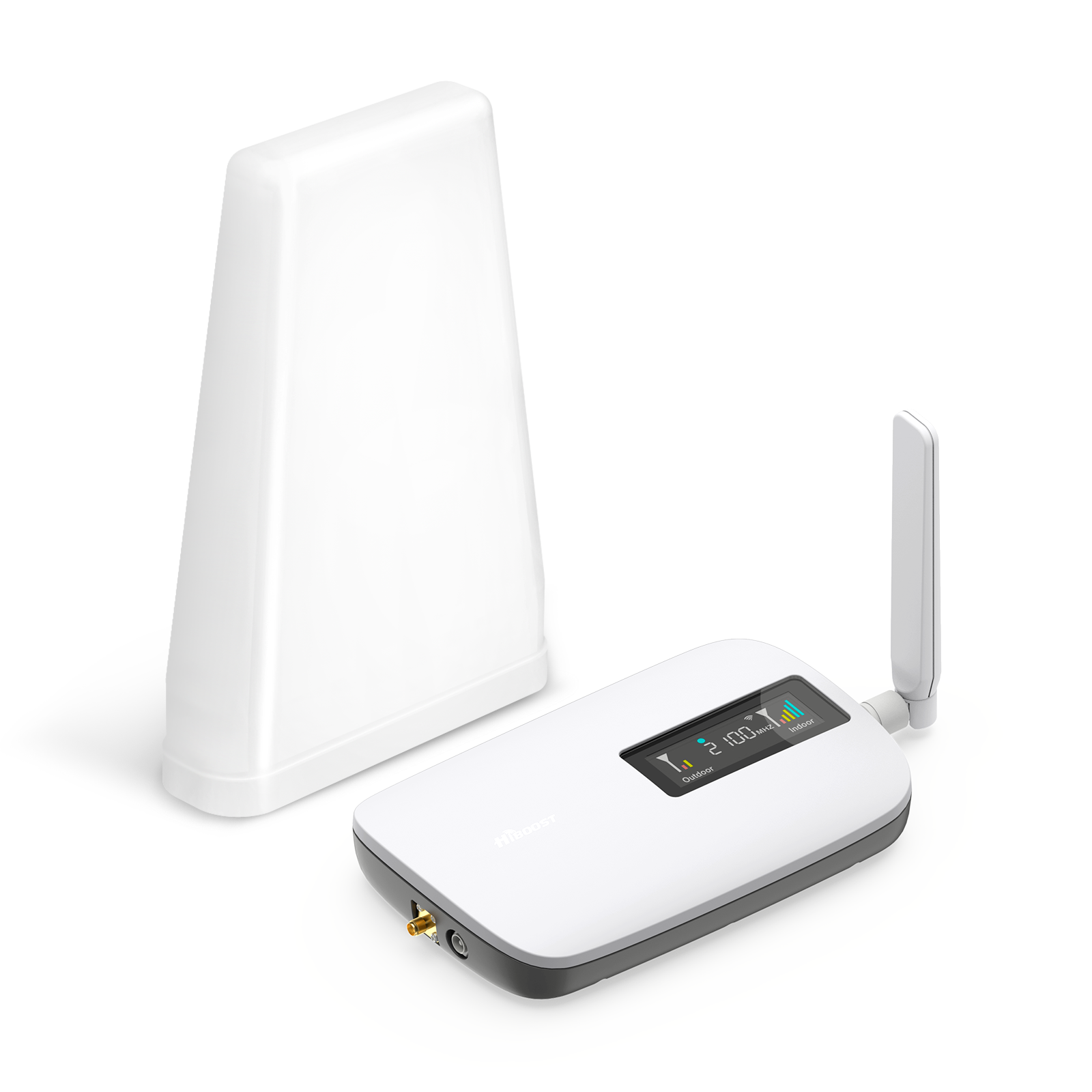
What to look for: A small form factor booster kit that includes an indoor antenna meant for a single room or a central area. Many small-home boosters plug directly into an outlet or sit on a desk, and often have a lower gain (around 60 dB) which is plenty for a small space. Despite their size, they still support multiple users and all major carriers in most cases.
Recommended models: For example, the HiBoost Home Sidekick is a budget friendly small-home booster that covers up to ~2,000 sq ft under good signal conditions. It’s great for an apartment or studio; users report it’s perfect for improving signal in one large room or a few small rooms. Another option is the SureCall Flare 3.0, which is an all-in-one style booster covering around 1,500–2,500 sq ft. These compact units are ideal for a couple or a single user in a small space.
Medium Homes (5,000–10,000 sq. ft.)
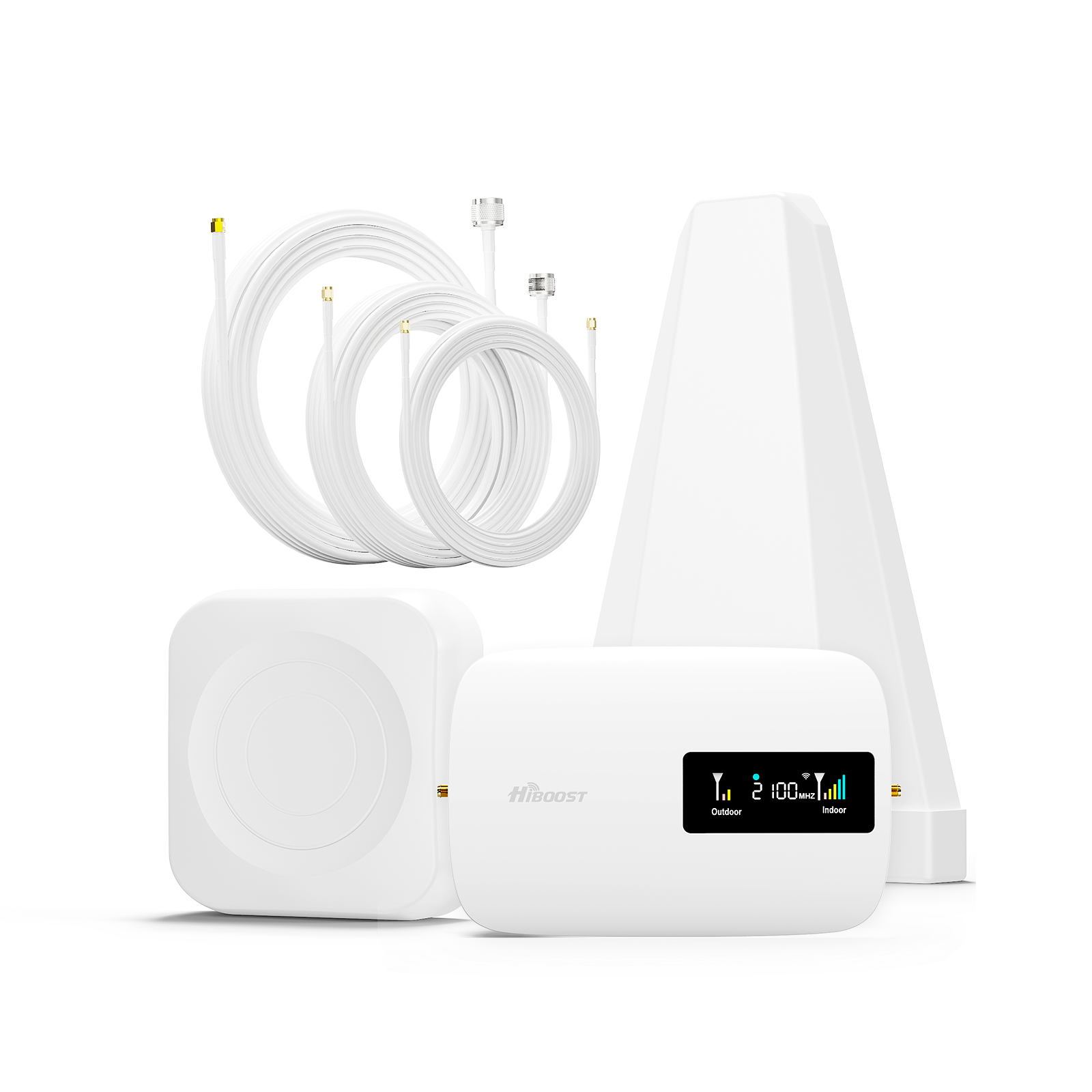
Medium size homes will benefit from a mid-range signal booster. These boosters provide stronger coverage and usually come with a panel or dome indoor antenna that can broadcast improved signal to multiple rooms.
What to look for: A booster kit rated for ~3,000 to 5,000 sq ft coverage. These often have separate indoor and outdoor antenna units. Placement is key: you might install the indoor antenna in a central location or run cable to two antennas if the kit supports it. The goal is to cover multiple rooms or an entire floor. Mid-range boosters strike a balance between performance and cost, and they can handle the needs of a family home.
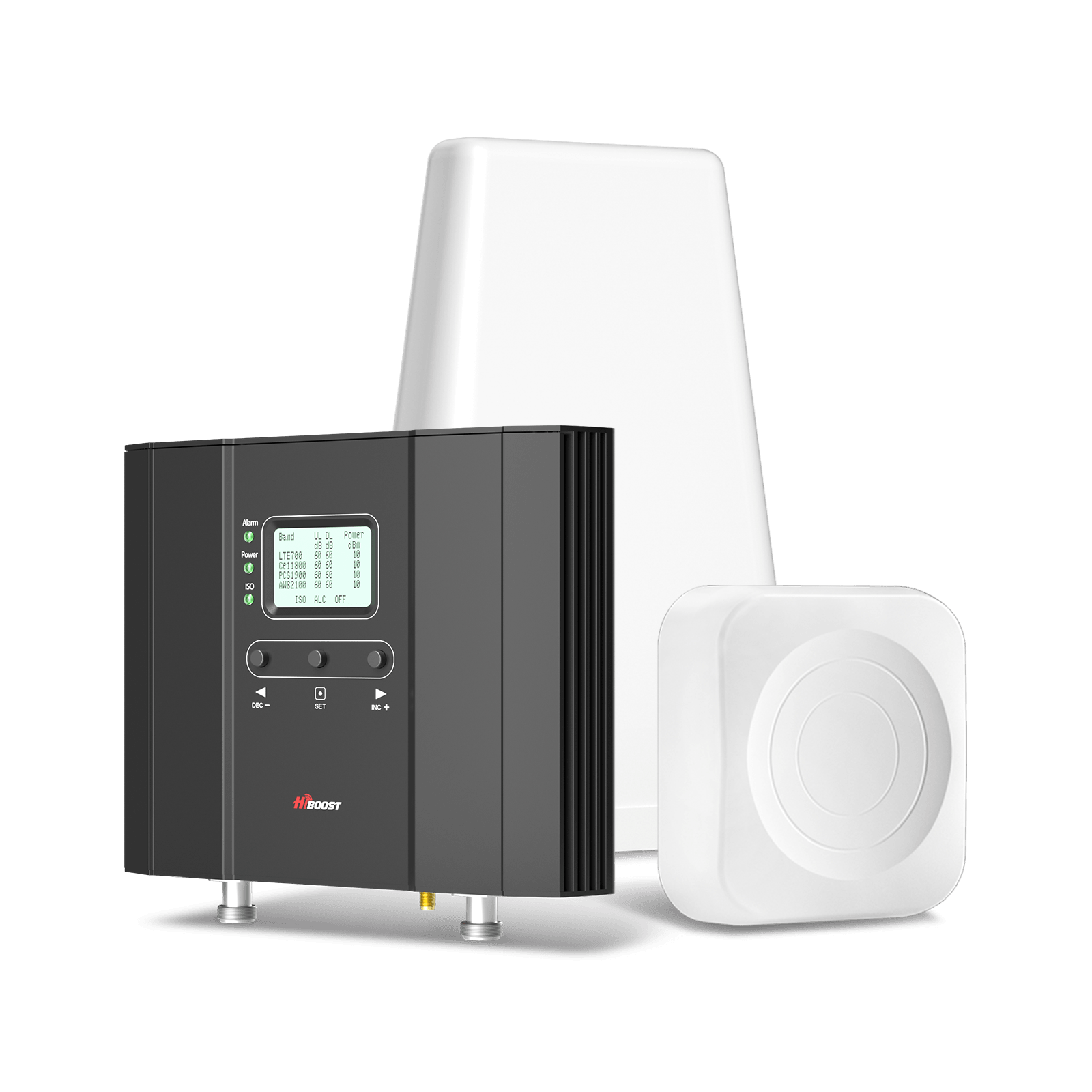
Recommended models: A popular choice in this category is the weBoost Home MultiRoom, which is designed for mid-size homes and can cover up to ~5,000 sq ft under ideal conditions. The Home MultiRoom is a dependable unit that boosts voice and data for all carriers, and it’s one of the best cell phone booster options for a large apartment or medium home.
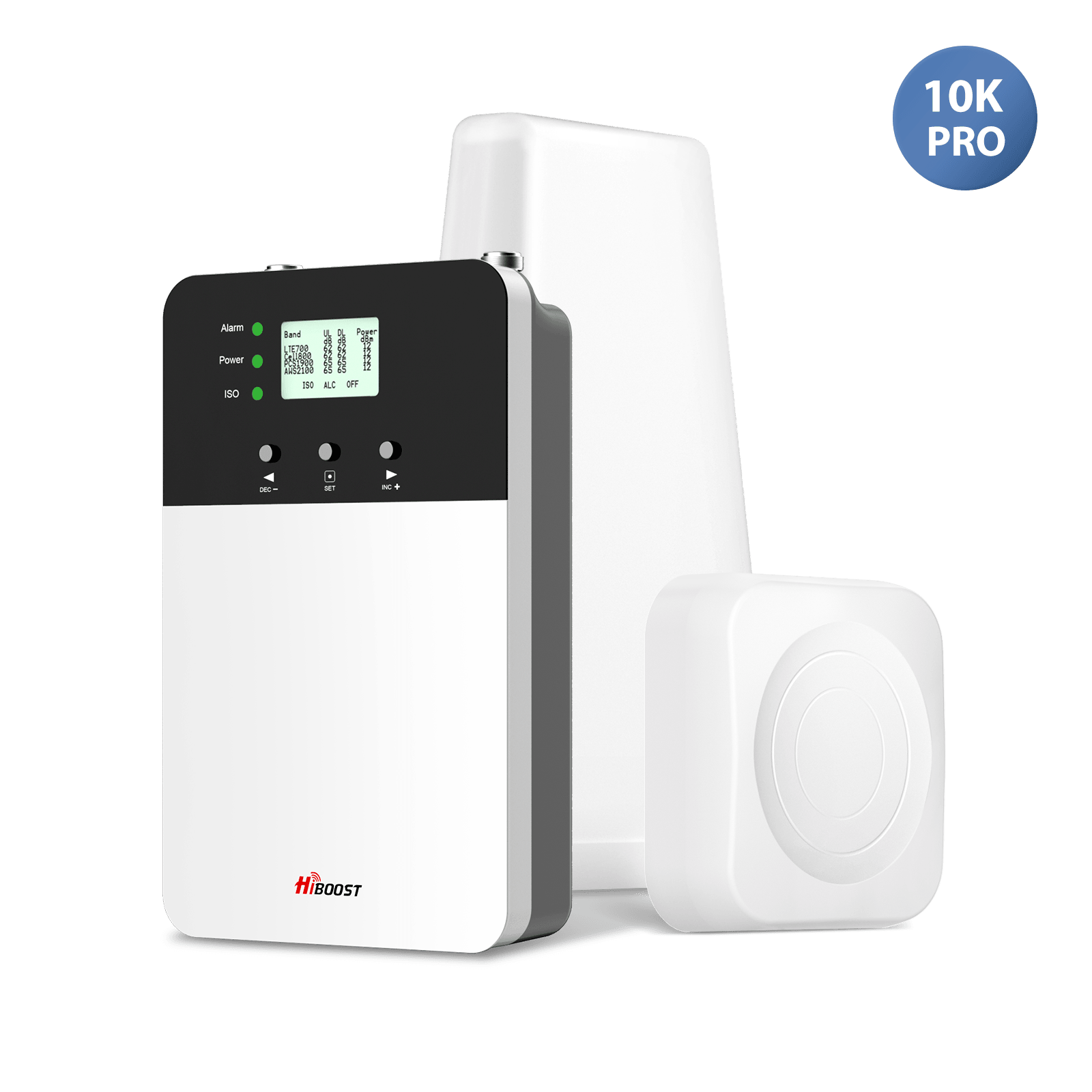
Another example is the HiBoost Home 10K Smart link or SureCall Fusion4 Home; these models advertise mid-level coverage and support multiple devices simultaneously. They tend to be priced in the mid-tier. These boosters are perfect if you want to cover an entire apartment or a multi-room section of your house with reliable signal.
Large Homes & Offices (10,000–15,000+ sq. ft.)
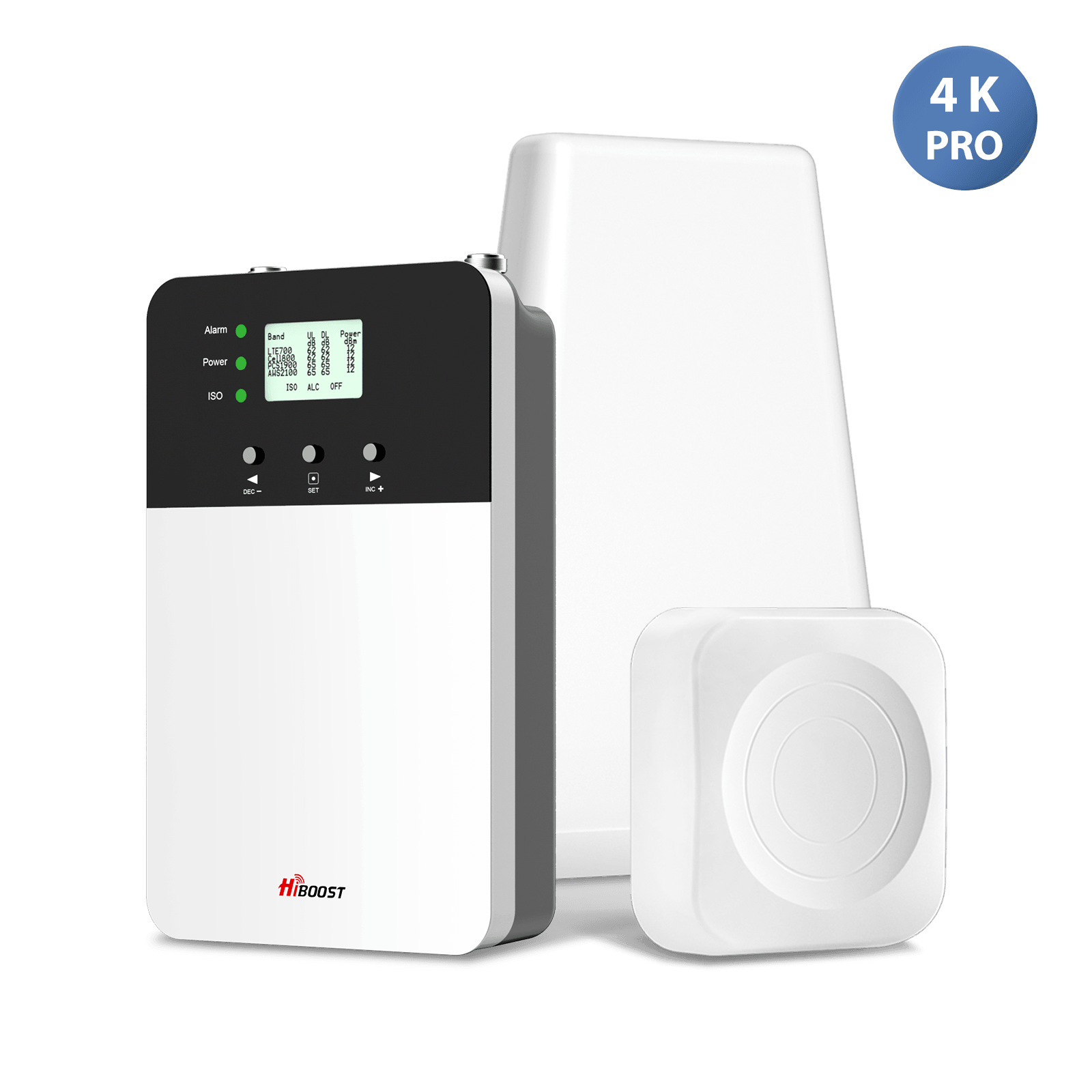
If you have a large home or need coverage across a big office or warehouse, you’ll need a high-power booster. These are the top-of-the-line residential boosters with maximum gain and often support multiple indoor antennas to distribute signals widely.
What to look for: Boosters in this class often advertise coverage like 7,000 sq ft, 10,000 sq ft, or even more. Keep in mind, those numbers assume a strong outside signal and optimal setup. In practice, covering 10,000+ sq ft might require multiple interior antennas and excellent exterior signals. Look for kits that include panel antennas or the ability to add additional antennas via splitters. Also, installation can be more involved. Sometimes professional installation is offered or recommended for these units, because aiming the directional outdoor antenna and running cable across a large building can be tricky.
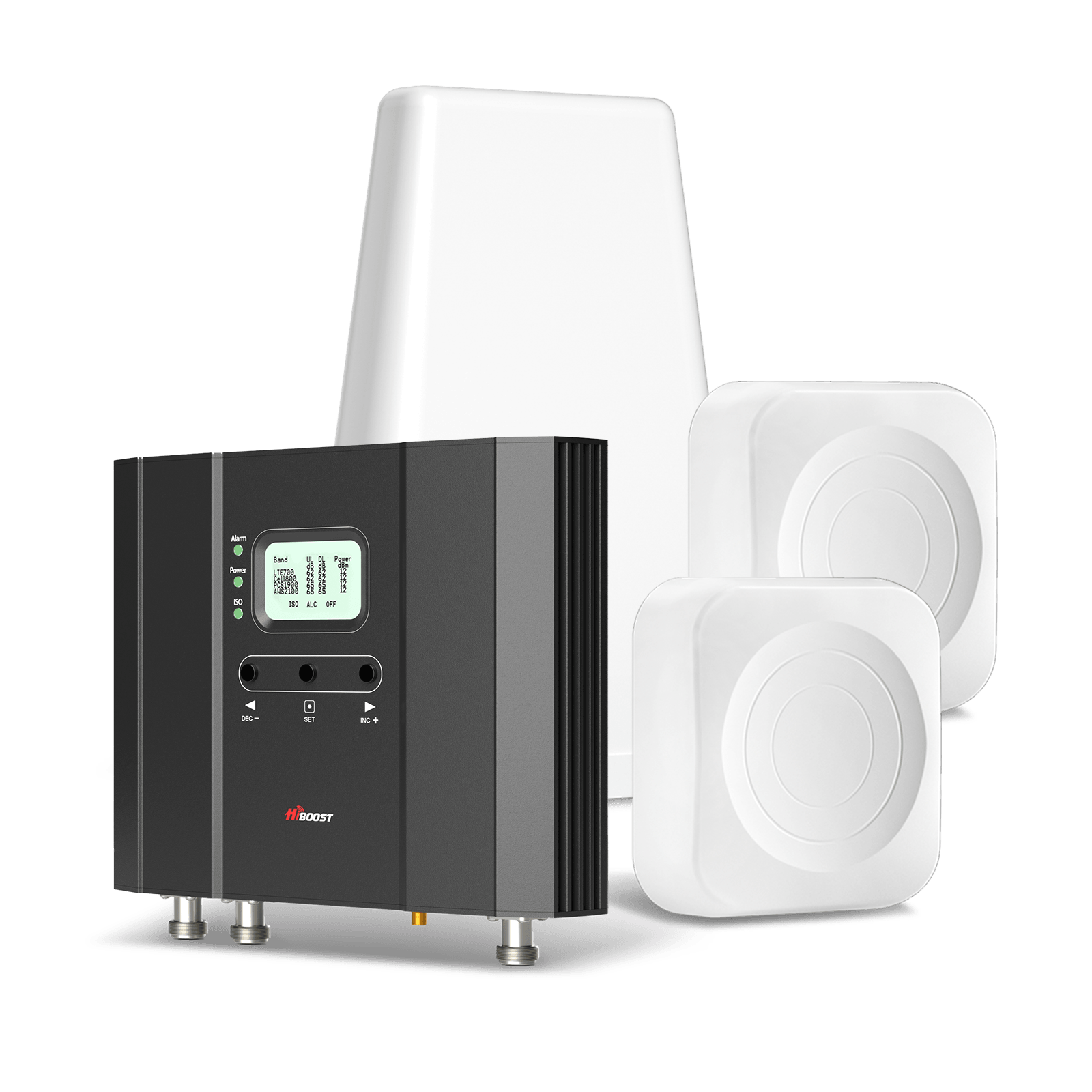
Recommended models: A leading model here is the HiBoost 15K Smart Link Deluxe, a powerful multi-carrier booster that is rated for up to ~15,000 sq ft of coverage. In strong signal areas, one Home Complete can blanket a large home. If the outside signal is weak, users report more like10,000–14,000 sq ft of reliable coverage still substantial. For even larger spaces, consider stepping up to commercial grade solutions: e.g., the SureCall Fusion5X 2.0 can cover up to ~20,000 sq ft with multiple antennas.
Another example is the Wilson Pro/weBoost Office 100, which comes with pro installation and covers ~25,000 sq ft, making it suitable for sizable offices or very large residences. These high-end boosters ensure a strong signal in every corner for large families, estates, or businesses. They are the best choice in fact, the best cell phone booster for a large home is usually one of these high-power, multi-antenna systems that can effectively overcome the distance and obstacles in a big space.
Below is a quick comparison table summarizing recommended coverage ranges and example models by home size:
📊 Booster Coverage by Home Size
| Home Size | Approx. Coverage Needed | Example Booster Models (Coverage) |
|
Small (≤ 2,500 sq ft) |
~1,000–2,500 sq ft (1–2 rooms | HiBoost Home Sidekick covers up to ~2,000 sq ft; SureCall Flare 3.0 – ~1,500–2,500 sq ft coverage |
| Medium (5,000–10,000 sq ft) |
~4,000–10,000 sq ft (multi-room) |
weBoost Home MultiRoom – up to ~5,000 sq ft coverage; HiBoost Home 10K – ~8,000+ sq ft coverage (mid-range) |
|
Large (10,000–15,000+ sq ft) |
10,000–15,000+ sq ft (whole home/office) |
HiBoost 15K Smart Link Deluxe – ~15,000 sq ft coverage; SureCall Fusion5X – up to ~20,000 sq ft with multiple antennas |
Table Notes: The coverage figures above assume ideal conditions. Real-world coverage may be less if the outside signal is weak or the building has many walls. For very large areas, multiple booster units or a commercial Distributed Antenna System (DAS) might be needed.
3. Choosing a Booster by Number of Users & Devices
Another important consideration is how many people will be using the boosted signal at the same time. The good news is that most residential and commercial signal boosters are multi-user by nature; they amplify cellular signals in an area, and any device within that area gets the boost. However, there are differences in booster types: some are designed for a single user/device, while others easily handle dozens of connections simultaneously. Here’s how to choose based on your user-load:
3.1 Single User / One Device at a Time: If you only need to improve signal for one phone at a time for instance, you’re a remote worker who just needs your own phone and maybe laptop boosted in a home office you could opt for a personal or cradle type booster. These are small boosters that create a very limited coverage bubble.
For example, the weBoost Drive Sleek is a cradle booster that boosts one device and provides about a 2-3 foot coverage radius. In a home context, a desktop booster placed on your desk could serve a similar role for one user. Single user boosters are also common in vehicles. If you truly only care about one device, these solutions are cost-effective and simple but they won’t support others in different rooms.
3.2 Family Household (3–8 users/devices): For a typical family or small office, you’ll want a multi-user booster that covers an area where everyone in the household can get enhanced signal. Fortunately, most home boosters support multiple users and devices simultaneously out of the box. There isn’t usually a hard “user limit” as long as everyone is within the coverage range, they all benefit. The important thing is to have enough coverage area and signal strength for where the family spends time.
A mid-range or large home booster will allow, for example, mom on Verizon, dad on AT&T, and kids on T-Mobile to all have improved reception at once. These multi-user boosters also handle multiple data streams e.g., several people streaming video or on calls. Just be aware that the boosted network is still ultimately using the cell tower’s capacity: if 6 people are all streaming HD video, the speeds each get might reduce, but that’s due to carrier/tower limits, not the booster itself.
In short, any quality home unit from brands like weBoost, SureCall, HiBoost, etc., will support the whole family across all carriers simultaneously. Choose the size based on coverage needed rather than number of users.
3.3 Offices, Commercial, or Large-Scale (10+ simultaneous users): For larger offices, co-working spaces, warehouses, or farms basically scenarios with many users and a large area you should look at enterprise level boosters or commercial systems. While even a home booster can technically boost signal for 20 devices in its coverage, the coverage might be the limiting factor in a big space. Enterprise boosters offer wider coverage and tools to ensure capacity for many users.
They often allow multiple internal antennas to spread signal over a floor or building. For instance, the weBoost Office 100 covers up to 25,000 sq ft and is suitable for a small office building supporting all carriers and dozens of users at once. In very large buildings with hundreds of users, a Distributed Antenna System might be used, but that’s beyond typical consumer needs.
The key takeaway is that for 10, 20, or even 100 users, a properly sized booster system can handle it, as long as it provides coverage to the areas those users are in. Ensure the booster you choose can cover the square footage, and it will inherently support the users in that space. If you anticipate heavy usage, leaning towards a commercial-grade booster that has higher output power could provide a better experience.
To summarize by user load, here’s a quick table:
📊 Number of Users vs. Booster Type
| User Environment | Typical # Devices/Users |
Booster Type Recommendation |
| Single User (1 device) | 1 (one phone or hotspot at a time) | Cradle/Personal Booster: e.g. weBoost Drive Sleek a cradle booster for one device. |
| Family Home (3–8 users) | Several devices (phones, tablets) across multiple carriers |
Multi-User Home Booster: e.g. HiBoost Home MultiRoom supports multiple users/carriers simultaneously in a house. Virtually all multi room boosters will allow entire families to use improved signal at once. |
| Large Office / Farm (10+ users) |
Dozens of devices (staff, visitors) over large area |
Enterprise/Commercial Booster: e.g. weBoost Office 100 or SureCall Fusion5X, which cover large areas and support heavy multi-user load. For very large buildings or >100 users, consider a DAS solution. |
Note: Standard multi carrier boosters do not have a fixed limit on number of devices they will boost any number of devices in their coverage area simultaneously. However, single user units only help one device at a time by design. Also, if too many users heavily use the network at once, the limiting factor will be the cell tower network capacity, not the booster hardware.
4. Carrier Compatibility & Frequency Bands
One crucial aspect of choosing a booster is ensuring it’s compatible with your cellular carrier(s) and their frequency bands. Here’s what you need to know:
Multi-Carrier (Wideband) vs. Carrier-Specific Boosters: Most consumer signal boosters on the market today are wideband, multi-carrier boosters meaning they can boost all the major carriers simultaneously. For instance, a booster might cover Band 12/13, Band 5 (850 MHz), Band 2/25 (1900 MHz PCS), Band 4 (1700/2100 AWS), etc., which together encompass the common 4G LTE frequencies of Verizon, AT&T, T-Mobile, and others. If you buy a multi-carrier booster, everyone in the household (on different carriers) will see improvement. These units are very versatile for homes and offices with mixed carrier usage.
On the other hand, there are single carrier boosters, These are typically advanced units that you program or set to boost only one carrier’s frequencies at a time. The advantage of a single carrier booster is that regulations allow them to have much higher gain since they are not interfering with other networks.
Single-carrier boosters can have up to +100 dB gain, whereas multi-carrier boosters are limited to about +65 to +72 dB gain by law. In practical terms, a carrier-specific booster might cover a larger area or pull in a much weaker signal for one carrier extremely well but it will do nothing for phones on other carriers.
These are ideal if, say, everyone in your building uses the same carrier, and you need maximum performance for that carrier. However, for most homes and offices, a multi-carrier booster is the better choice for broad coverage and flexibility.
Compatibility Check – Frequency Bands: Once you decide on a multi vs single carrier, you need to ensure the booster covers the specific frequency bands your carrier uses in your area. Not all boosters cover all bands. For example, some older or cheaper boosters might not support T-Mobile’s Band 71 or might lack coverage for Sprint’s old Band 41. Always check the spec sheet of the booster: it will list which frequency bands it amplifies. Then cross-check with your carrier’s bands.
A good wideband booster will typically cover all carriers’ 4G LTE and 3G bands by default but double check, especially if you rely on a specific band. As a rule, “tri-band” or “five-band” consumer boosters usually cover multiple carriers at once by spanning these frequencies. The booster’s documentation may outright say “compatible with all major US carriers: Verizon, AT&T, T-Mobile, Sprint, etc.” which indicates it’s covering their needed bands.
5G Compatibility: What about 5G? This is a common question as networks evolve. The current state is: most 4G LTE boosters will also boost “5G” signals if those 5G signals are deployed on the same bands/frequencies that the booster already supports. For example, carriers have repurposed some 4G bands to carry 5G. So if you see a booster marketed as “5G ready”, it usually means it covers the frequencies that could carry 5G or 4G.
However, boosters do not yet cover the new 5G-only bands like the mid-band 3.5 GHz or millimeter wave frequencies that are not within the range of current consumer boosters. The FCC has not approved consumer boosters for those new bands as of now. So essentially, your booster will help your 4G LTE and any 5G running over low-band spectrum, but it won’t amplify the super-fast mmWave 5G.
A good modern booster is “5G ready” in the sense that it won't become obsolete; it will continue to amplify the frequencies your phones use for LTE and low-band 5G. There’s no need to find a “5G-specific” booster beyond this, because none can boost, say, 3.7 GHz mid-band 5G yet.
Legal Considerations (FCC/CE Certification): Always purchase a booster that is approved by regulators in the US, that’s FCC certification. In Europe and other regions, look for CE certification or other local regulatory approval. Using a non-certified amplifier is illegal and can interfere with carrier networks, leading to fines. Reputable manufacturers all produce certified units that meet the standards.
In the US, you are also required to register your booster with your carrier. This is free and just informs them that you’re using a device on their network. It’s rarely an issue, but it’s part of using boosters legally. If you’re in countries like Canada, UK, etc., make sure the booster is legal there. Stick to well known brands and you should be fine. All the models mentioned in this guide are FCC-approved for use in the U.S.
5. 2026 Comparison: Home Signal Booster Features
|
Feature |
Why It Matters |
| FCC Certification | Ensures legal operation and interference prevention |
|
Carrier Support |
Compatibility with major U.S. networks |
|
Coverage Area |
Determines how much of your home is covered |
| Gain Levels | Affects strength of signal improvement |
6. Special Use Cases
Cell phone signal boosters aren’t just for typical homes in typical locations. You might have a unique situation that requires special consideration. Let’s look at a few special use cases and what to keep in mind for each:
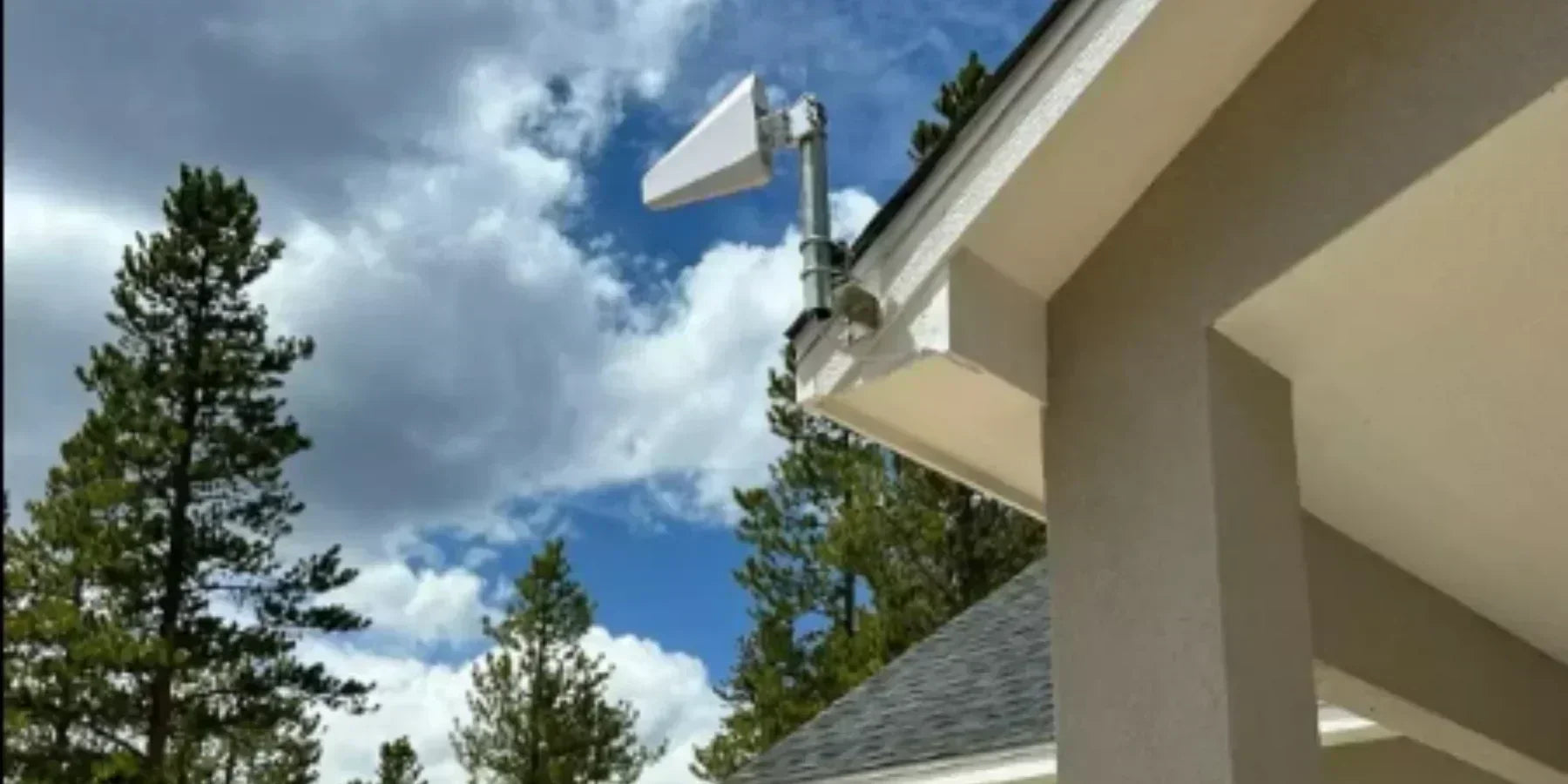
6.1 Rural Homes & Cabins (Very Weak Outside Signal): If you live in a rural area, countryside, or a remote cabin where cell coverage is spotty, a booster can be a lifesaver but you need the right setup. In these cases, the outdoor antenna and booster strength are critical. You will likely want a high-gain directional outdoor antenna that you can aim directly at the nearest cell tower for your carrier.
This focuses the booster system on pulling in that faint signal from far away. Pair that with a booster that has strong uplink power, which is the ability to transmit back to the distant tower. For example, the weBoost Home Complete has 24 dBm uplink power; it can reach far-off towers much better than weaker units. In rural setups, every dB of gain and every bit of antenna elevation matters. You’ll mount the outside antenna as high as possible where you get even a whisper of signal. Directional antennas usually work best since there may only be one tower in range.
Also, be realistic: if there is almost zero signal outside, a booster might not create a miracle; you need at least a faint signal for it to amplify. Many rural users combine boosters with tall antenna masts and even use smartphone apps or signal meters to point the antenna for optimal signal. The reward is that you can turn an unusable signal (maybe you get 1 bar outside) into a usable 2-3 bars inside for calls and basic data.
6.2 Urban Apartments & Dense Buildings: In big cities or urban areas, the outside signal might be strong near the building, but the construction materials cause the signal to not penetrate indoors well. If you live in a high-rise apartment or a condo with thick walls, a smaller booster can often do the job. The key is getting the donor antenna in a good spot. Sometimes, apartment dwellers cannot put an antenna on the roof. Instead, you might use a window mount antenna or place the external antenna on a balcony/window where your phone gets a signal.
There are boosters that have an indoor window unit to capture outside signals without a roof install. For urban environments, even a modest booster can give great results because the outdoor signal is generally decent. Focus on a unit that’s easy to install without permanent mounting. The coverage area might not need to be huge; perhaps you just need to cover your one apartment unit. A small or mid-size booster will work, and you can use an omni-directional outside antenna to catch signals from multiple cell sites around.
One tip: be mindful of oscillation in close quarters, make sure the indoor antenna and outdoor antenna have some separation to prevent them from hearing each other. Urban boosters often solve the problem of concrete and energy-efficient glass that otherwise kill your cell signal indoors. In summary: even city dwellers can benefit from boosters for example, many people in apartments use them to get signals into dead zones caused by parking garages or building infrastructure.
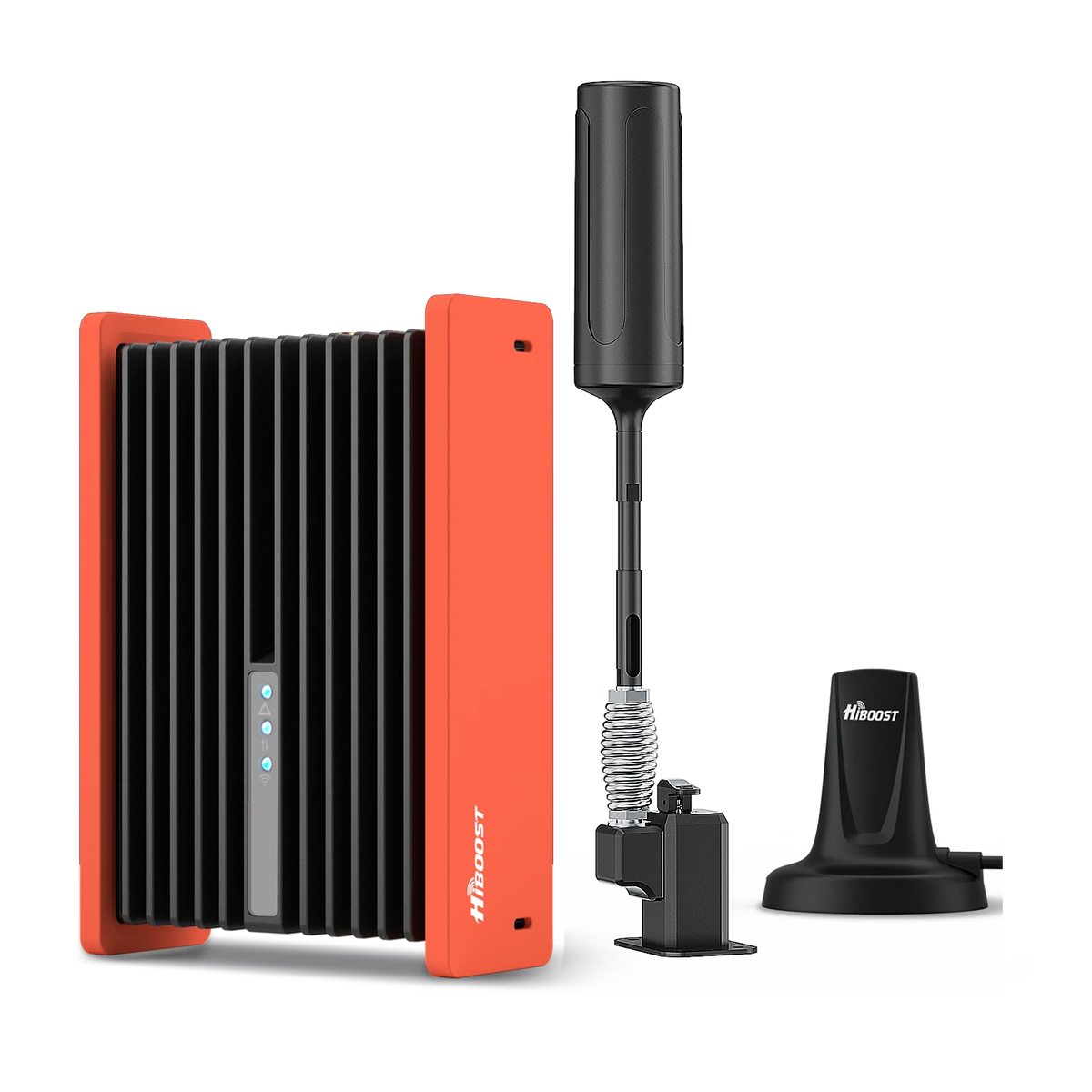
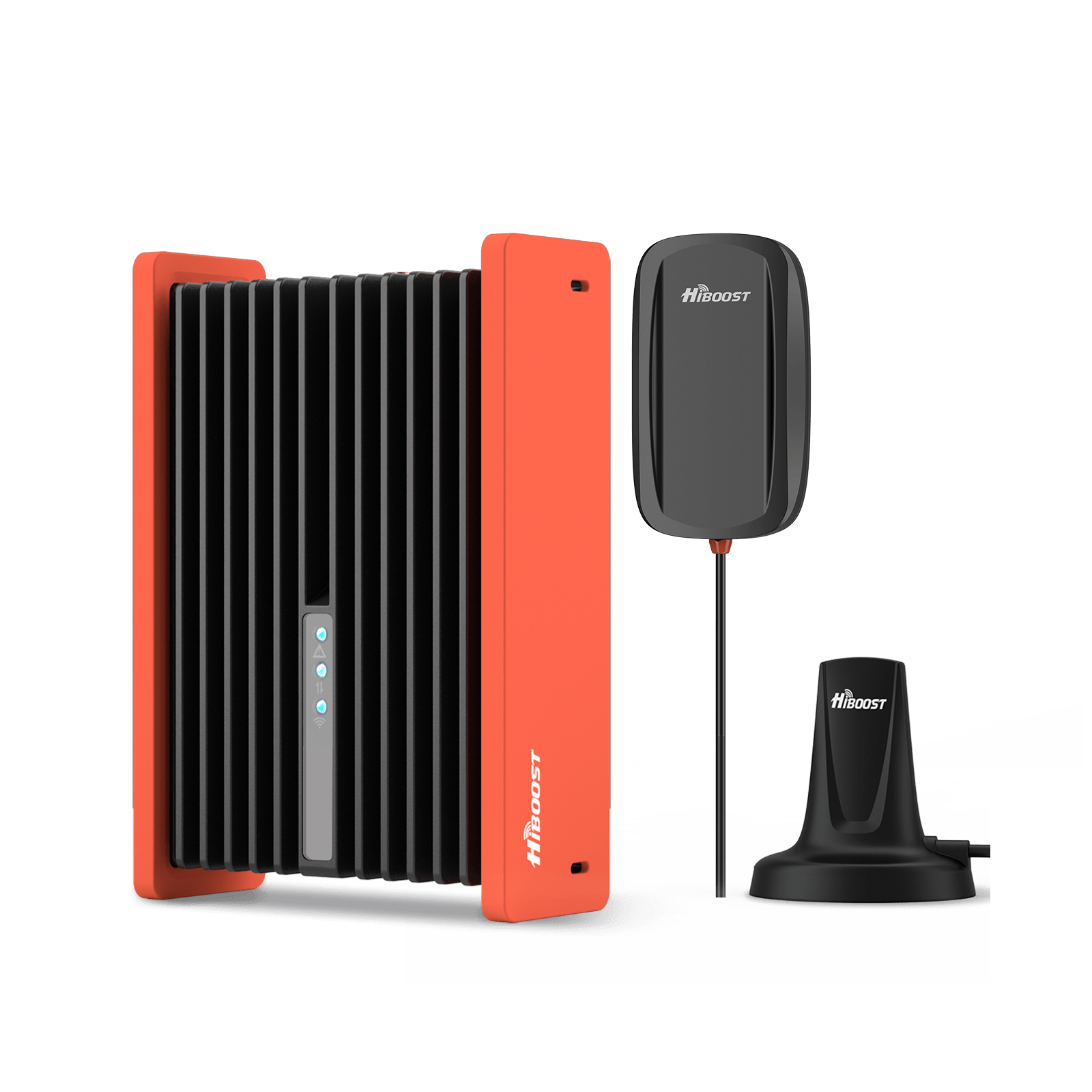
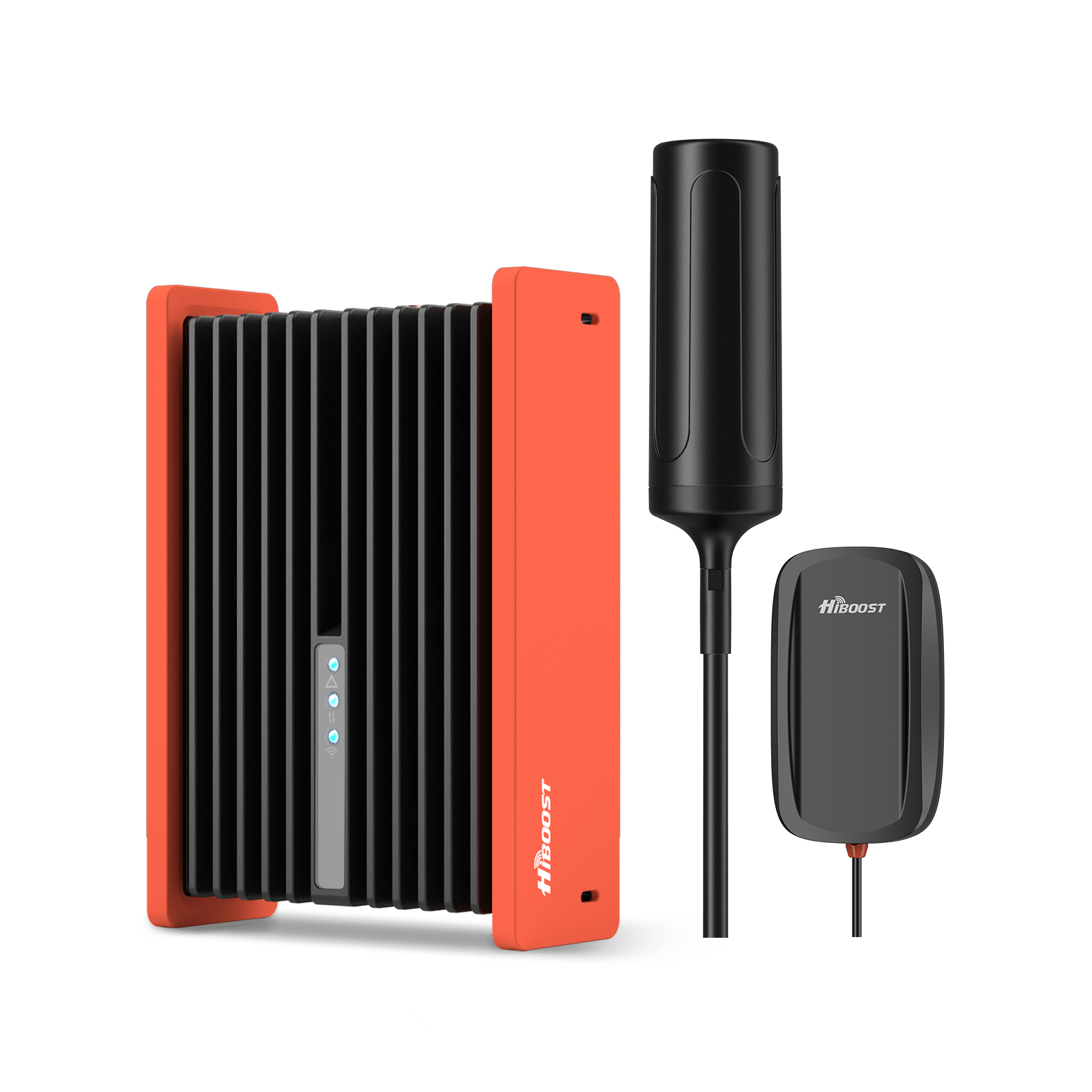
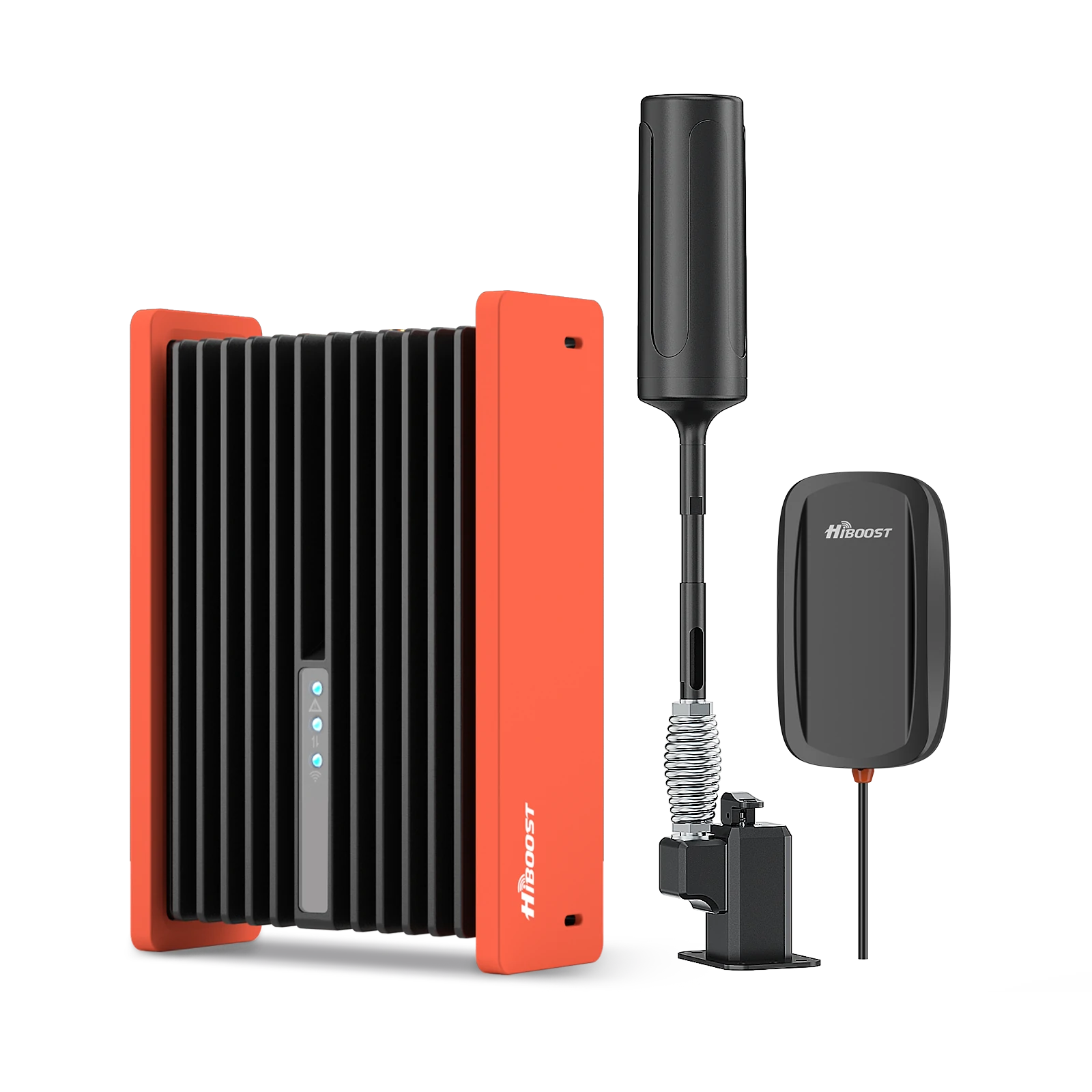
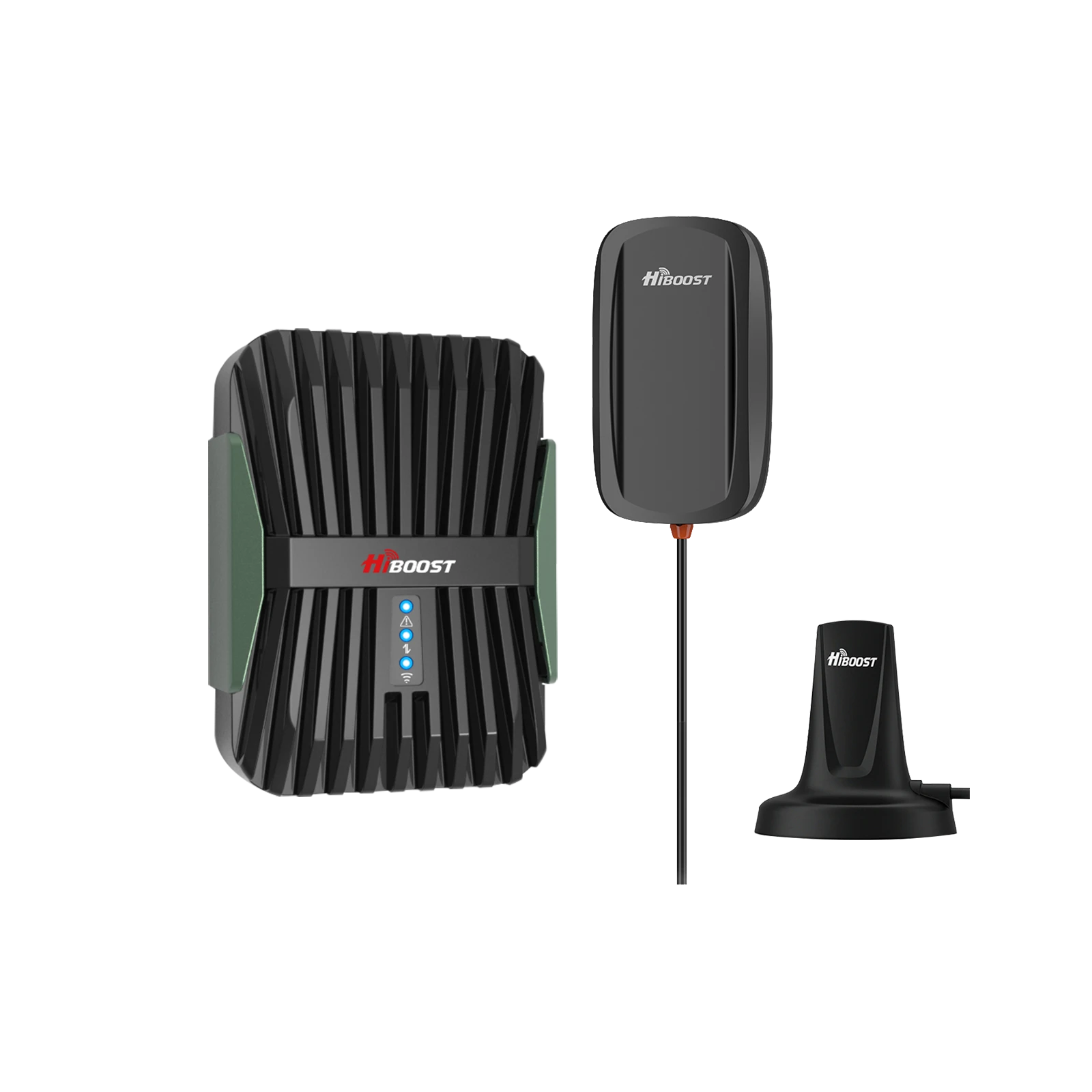
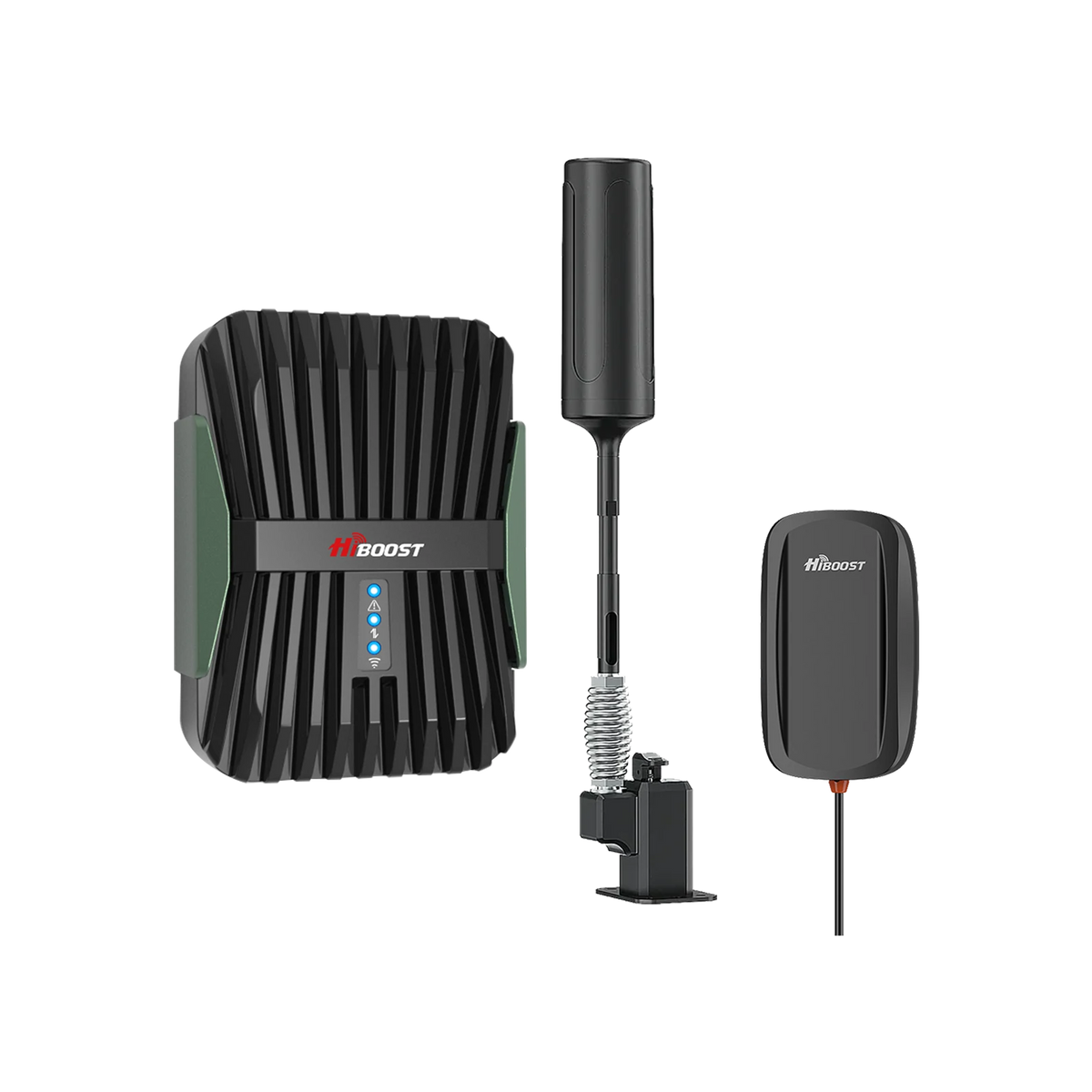
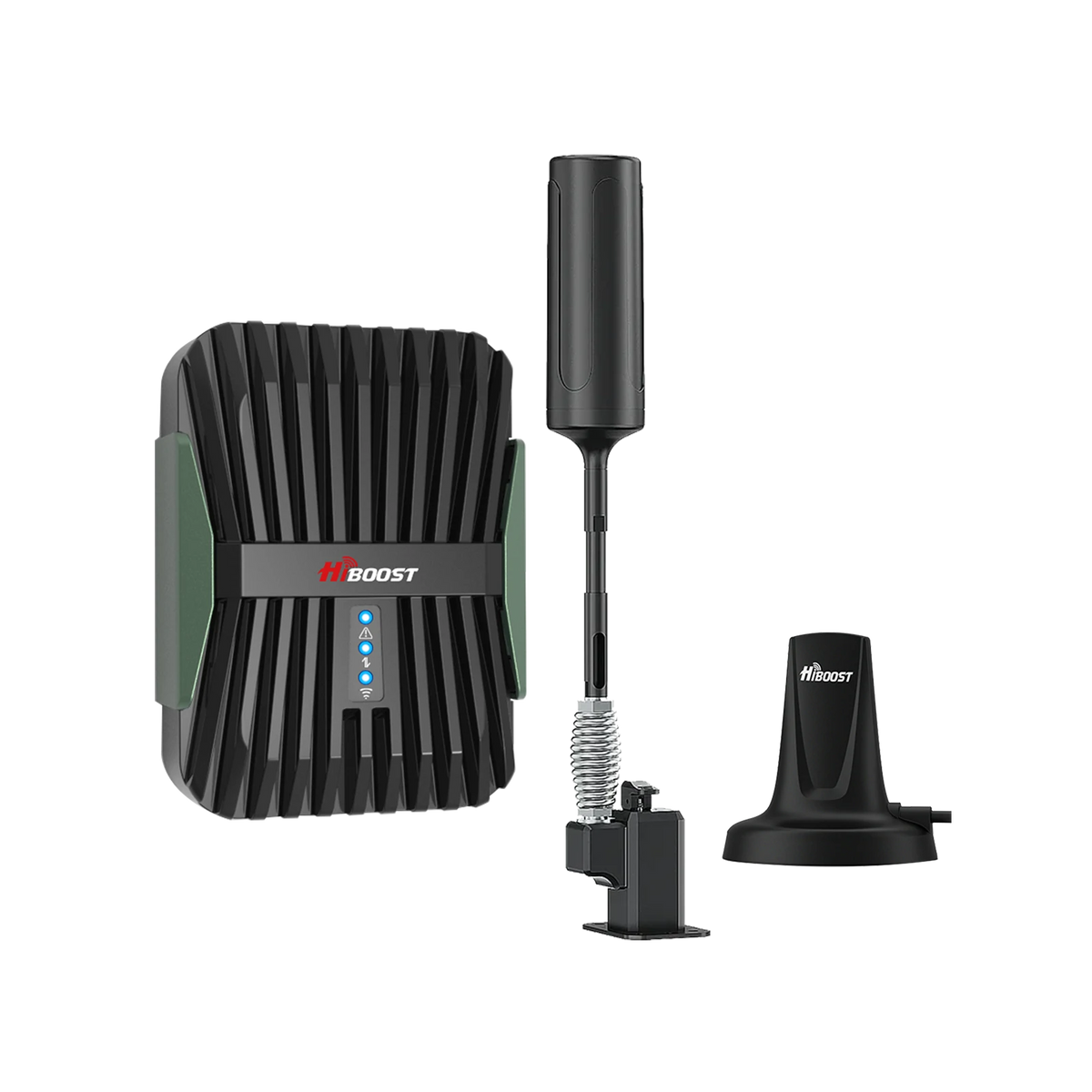
6.3 Vehicles (Cars, RVs, Trucks, Boats): Yes, you can take your cell signal booster on the road! Vehicle boosters are a special category designed to improve signal in your car, truck, RV, or boat. These systems run on 12V DC, use a small magnetic mount external antenna on the roof of the vehicle, and an indoor antenna that rebroadcasts inside the cabin.
Mobile boosters have lower max gain but they focus on keeping you connected while moving. For cars and SUVs, a common setup is a mag-mount antenna on the roof, with a small inside antenna that covers the immediate area usually enough for the driver and passengers to get a better signal.
Notably, vehicle boosters also support multiple users. For example, the weBoost Drive Reach is a popular car/RV booster that can handle up to 4 devices in the vehicle and is powerful enough to reach far rural towers while you drive. It has a higher uplink power (29.5 dBm) to stay connected to distant towers, making it great for road trips in remote areas. For an RV or truck, there are specialized antenna kits that pair with the same booster units to give a bit more range.
Boats can use marine boosters with marine-grade antennas as well, to get signals a few miles offshore. The key with vehicles is antenna placement: the outside antenna needs to be on the roof for best results, and the inside antenna should be where you usually use the phone. Keep expectations realistic: inside a car, the coverage bubble is small. You might need to have your phone within an arm’s length of the inside antenna for a strong boost.
But that’s usually fine in a vehicle cabin. If you’re frequently on the move or an RVer working from your RV, a vehicle booster can make a huge difference in maintaining calls and data where you’d otherwise drop off the network.
6.4 Businesses & Commercial Buildings: Businesses often have a scale or complexity that requires a bit more than a plug-and-play home booster. If you’re trying to cover a large building, multi-floor office, warehouse, hotel, or hospital, you might be looking at a commercial booster system or even a distributed antenna system. Commercial-grade boosters can be scaled with multiple interior antennas, longer cable runs, and even fiber distribution for very large facilities.
They are designed to cover tens of thousands to hundreds of thousands of square feet. For example, a DAS is essentially a network of antennas spread through a building, all fed by a powerful amplifier source. This is what you find in airports, stadiums, or very large corporate buildings. The principle is the same: an outside donor antenna pulls in a signal, an amplifier boosts it, and then instead of one antenna, many antennas distribute it.
If you run a small business in a large building, you can still use consumer or enterprise boosters; you just might need more than one or an upgraded solution. One great thing about boosters: they’re scalable. You can start with one and later add another or additional antennas if needed to cover more area. If your business spans multiple carriers and you have many customers or employees inside, definitely ensure the booster is multi-carrier and consider professional installation to fine-tune it.
Some boosters can be monitored remotely which is useful in IT managed environments. To summarize, for businesses: small offices might use the same boosters as large homes, whereas larger operations will move to enterprise solutions.
The investment in a quality system can greatly improve employee productivity and customer satisfaction by providing strong cell signals throughout your premises. And compared to the cost of lost calls or missed opportunities, a booster system can quickly pay off.
7. Installation Considerations
So you’ve selected a booster now how will you install it for optimal performance? Installation is generally DIY-friendly for home boosters, but there are important considerations to get the best results and to stay within regulations. Here are key installation tips:
7.1 Outdoor Antenna Placement: This is the most crucial factor in installation. The outside antenna (also called the donor antenna) should be placed where the cell signal is strongest. Typically, this means on your roof or high up on an exterior wall as high as practical. Height helps overcome obstructions and line-of-sight to the cell tower.
Use your phone in field test mode to find where on the roof or which side of the house gets the best dBm reading. Point directional antennas toward the nearest tower. If using an omni antenna, place it up high and clear of metal objects.
The higher, the better for example, mounting on a second-story roof will usually yield a stronger input signal than at ground level. Pro tip: Avoid pointing a directional antenna toward populated building areas of your own house to minimize feedback; it should point outwards to the tower.
7.2 Antenna Separation (Outdoor & Indoor): Keep plenty of distance between the outdoor antenna and the indoor antenna(s). They must be sufficiently separated to prevent oscillation which is like a microphone too close to a speaker.
Aim for at least 20 feet vertical or 50+ feet horizontal separation as a rule of thumb. Many booster manuals specify a minimum separation. If the booster detects oscillation, it will reduce gain or shut down to prevent interference, hurting your coverage.
So, if you can, mount the exterior antenna on the roof and the interior antenna down below and on the opposite side of the house from it. The goal is that the indoor antenna’s coverage area doesn’t “reach” the outdoor antenna.
7.3 Cable Routing and Quality: You’ll need to run coaxial cable from the outdoor antenna to the amplifier, and from the amplifier to the indoor antenna. Plan a route that is as short and straight as possible, because long cable runs incur signal loss. Use the best coax cable provided, don't substitute with flimsy cables.
Avoid sharp bends and avoid running coax alongside electrical wiring if you can or use flat cable window entry adapters that let you bring cable in without drilling. Tip: Long, low-quality cables can significantly reduce signal. It's a common mistake. Use the shortest cable that reaches, and if you need a long run, consider upgrading to a thicker low-loss cable.
7.4 Grounding and Surge Protection: If you mount an antenna on the roof or any high point, it should be properly grounded for electrical safety. Many kits include a simple grounding wire or recommend a grounding block in the coax line. Ground to a cold water pipe or building ground per the manual.
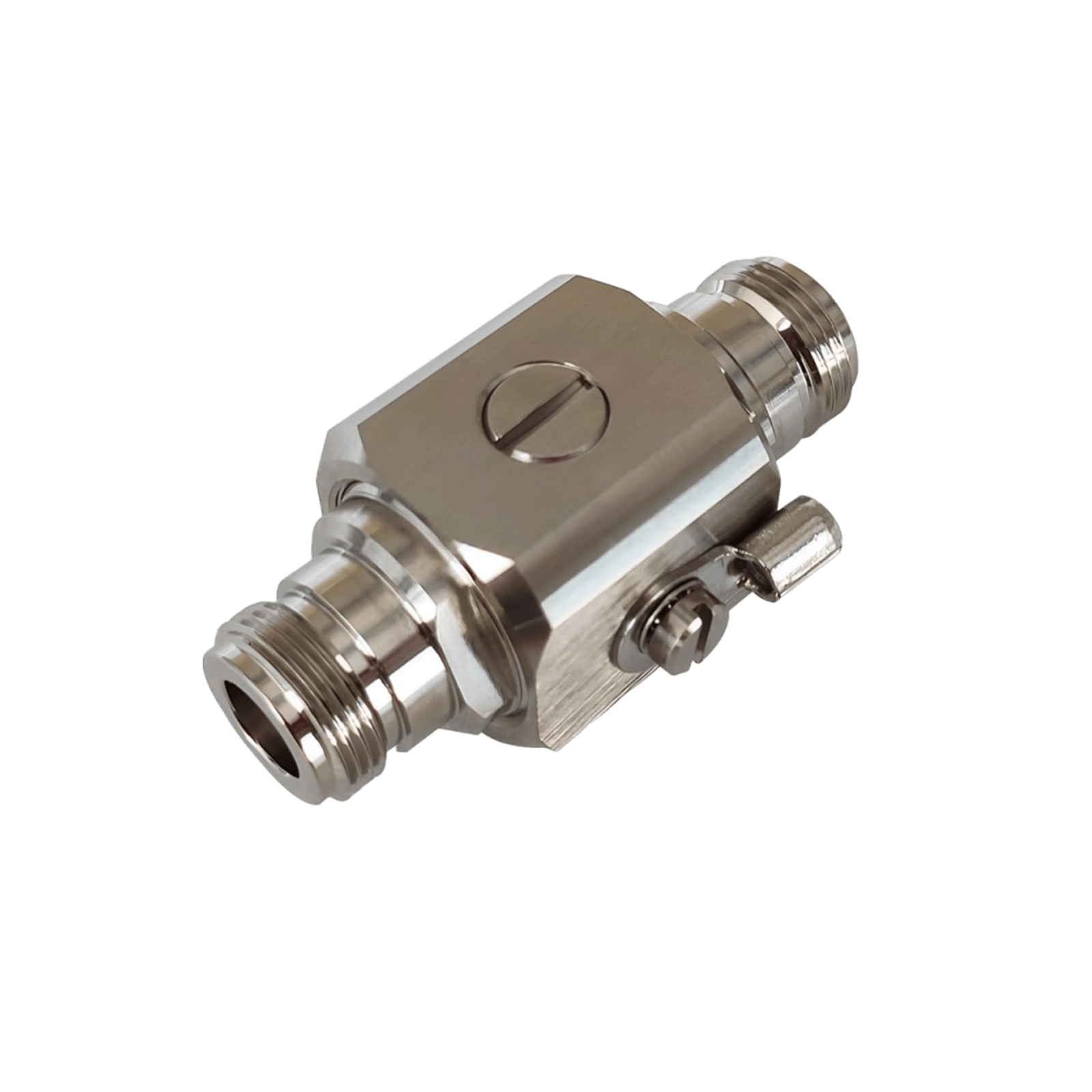
Also, in lightning-prone areas, consider a lightning surge protector inline with the cable that can save your booster from strikes. Never install an external antenna near power lines.
7.5 Indoor Antenna Placement: The inside antenna should ideally be located in the area where you most need improved signal, and as centrally as possible within that area. If it’s a panel antenna, it generally broadcasts in one direction; you might mount it on a wall facing into the room/house.
If it’s a dome antenna, it broadcasts downward and outward 360°. Place it such that it’s not immediately obstructed by metal or concrete. Higher placement can help cover a larger area. Also, try to place it where you typically have poor signal that way it’s filling in that gap.
Don’t hide the indoor antenna in a closet or behind a sofa; even though they aren’t the prettiest devices, they need open space to do their job effectively. If covering multiple floors, sometimes one antenna on the ceiling of the ground floor can even help the floor above, but if not, you might need multiple antennas.
7.6 Power and Booster Unit: Mount or place the booster/amplifier unit in a cool, ventilated area if possible. Near an outlet of course, since it needs continuous power. Many people put the booster in the attic, basement, or a closet that’s fine as long as it’s not getting overheated.
Once you connect the cables, you’ll power it on and observe the indicator lights. Follow the manual’s instructions for what the LED colors mean. If there’s an issue, you may have to adjust antenna placement or add attenuation as directed.
7.7 DIY vs. Professional Installation: Most home boosters are designed for DIY installation. If you're comfortable getting on a ladder/roof and running some cable, you can do it in a couple of hours. The kits come with mounting brackets and instructions.
However, for some people, or for more complex installs, a professional installation is worth considering. Some high end boosters even include professional installation in the price. A professional will have tools like signal meters to optimize antenna alignment and ensure everything is set up for peak performance.
If you go DIY, just plan it out and be safe on that roof! Use apps to point the antenna. For example, the weBoost App will help you find the nearest tower and even guide you through setup step by step very handy for first-timers.
7.8 Remote Monitoring and Smart Boosters: Some newer boosters, especially commercial ones, have smart features they connect to an app or cloud service where you can monitor the booster’s performance.
This can be useful if you want to see how the system is doing or get alerted if something goes wrong. If you have this feature, take advantage of it; for instance, HiBoost has an app for their units, and SureCall’s newer Fusion units have an app for aiming and diagnostics. These tools can save you time by showing realtime signal strength readings during installation, etc.
In short, proper installation is key to booster success. Even the best booster won’t help if the outside antenna is in a poor location or the cables are done incorrectly. Take the time to follow guidelines and you'll be rewarded with maximum bars indoors and stable coverage.
8. Cost vs. Value
Signal boosters come in a range of prices, so it’s natural to consider your budget. However, it’s important to evaluate cost in terms of the value and results you’ll get. Sometimes spending a bit more up front on the right booster will save you hassle and deliver better performance. Let’s break down cost considerations:
8.1 Price Ranges: Broadly, boosters can be categorized as budget, mid-range, and high-end. The price tends to correlate with coverage capability and included features. For example, around $300 might get you a basic home unit covering a single room or small area.
Around $500–$600, you get into robust home units that cover multiple rooms. At the top end, $1,000+ buys the most powerful home/office units. Vehicle boosters are generally cheaper around $200–$500 since they cover smaller areas.
8.2 Coverage per Dollar: One way to look at value is cost per square foot of coverage. A more expensive unit might actually be more cost-effective if it covers a vastly larger area. For instance, a $1,000 booster covering 7,500 sq ft is about $0.13 per sq ft, while a $300 booster covering 1,500 sq ft is $0.20 per sq ft so the bigger unit gives more coverage per dollar.
In professional installations, one rule of thumb is that installed booster systems range $0.50–$0.75 per square foot of coverage. If you have a large area to cover, skimping on a too-small booster will likely leave parts of your home with no improvement, meaning wasted potential.
8.3 Quality and Performance: Beyond just square footage, higher-priced boosters often have better performance in challenging conditions. They may have features like higher uplink power, better filtering and oscillation detection, LCD displays or apps for tuning, and longer warranty/support.
Cheaper models might max out at lower gain or lack certain bands. Reputable brands cost more but have proven tech and support. Remember, a booster is a long-term investment; a quality unit can last many years.
8.4 Long-Term ROI: Consider the value of what you gain with a booster. If you work from home, dropped calls or slow data can literally cost you business or productivity. With a booster, those missed or garbled work calls become clear, and that could easily justify the expense.
Or think of family safety if there’s an emergency, having a reliable cell signal to call 911 from your home is invaluable. If you’ve ever had to go stand in the yard or by a window to send a text, you know how frustrating poor signal is.
Boosters eliminate that hassle. They can also potentially extend your phone’s battery life because your phone isn’t straining to find a signal all the time, saving you daily annoyance.
8.5 Home Value: In areas where cell service is known to be bad, having a booster could be a selling point if you ever list your home. While it’s not as tangible as a renovated kitchen, realtors do note that reliable cell coverage is part of what modern buyers expect.
At the very least, it makes your home more functional for you. Some boosters are professionally installed and could potentially stay as part of the house infrastructure.
8.6 No Monthly Fees: Importantly, after the upfront cost, there’s no ongoing fee for a booster. It’s not like a subscription; you own the equipment and it just works using the free ambient cell signals.
In summary, match your booster investment to your needs. If you have a small dead zone and moderate outside signal, a budget unit might do great. If you have a big home with very weak outdoor signal, don’t cut corners, invest in a powerful booster that solves the problem once and for all.
The value comes in hassle free communications: fewer dropped calls, faster data, and general peace of mind. Many users report that after installing a booster, they can actually use their phone normally at home whereas before it was a constant headache that quality of life improvement is worth the cost.
9. FAQs (Frequently Asked Questions)
To wrap up, here are answers to some common questions about choosing and using cell phone signal boosters:
Q1: How do I know what booster size I need for my home?
A: Determine two main things: your coverage area and your outside signal strength. Choose a booster that’s rated for slightly more area than you have, especially if your outside signal is weak. For example, if you have a 2,000 sq ft house with poor outside signal, a booster rated for 4,000–5,000 sq ft might be appropriate.
If your outside signal is strong, you can get closer to the max coverage the booster advertises. Also consider the layout if your space is spread out or multi-story, you may need a stronger booster or multiple antennas. When in doubt, err on the side of a slightly more powerful booster; you can always attenuate if not needed, but you can’t magically push a small booster to double its design.
Q2: Can one booster work for multiple carriers at the same time (Verizon, AT&T, T-Mobile, etc.)?
A: Yes as long as you choose a wideband multi-carrier booster, it will amplify all carriers simultaneously within its coverage area. All the major consumer boosters are multi carriers. This means if one person is on Verizon and another on AT&T, both will get boosted signal from the same device. The booster doesn’t “care” which carrier; it just amplifies frequency bands.
However, note that single carrier boosters exist which only boost one carrier at a time; those are an exception and are usually used when you intentionally only want one carrier. But in a typical home scenario, you’ll get a multi-carrier unit and everyone’s covered.
Just ensure the booster covers the frequency bands for all those carriers. So in short: one booster can absolutely boost multiple carriers simultaneously, and you don’t pay extra per carrier or anything it’s all included.
Q3: Do 5G boosters also improve 4G LTE (and vice versa)?
A: Current boosters amplify frequency bands, not specific network technologies. If a booster is advertised as “5G compatible” or “5G booster,” it usually means it covers the bands that carry 5G signals (which are often the same bands that carry 4G). Therefore, it will improve 4G LTE signals on those bands as well.
Likewise, a 4G booster will boost 5G signals as long as those 5G signals are on frequencies the booster supports. For example, if your booster amplifies the 700 MHz band and your carrier launches 5G on 700 MHz, you’ll get a boost on 5G. There is nothing inherently different about amplifying a 5G vs 4G signal in those ranges. However, remember boosters cannot amplify new 5G-only frequencies yet.
So if your carrier’s 5G is on those bands, the booster won’t help there but your phone will likely switch to 4G in those cases anyway. In summary, any booster you buy now will improve your existing 4G and also support “5G” on low frequency bands. If you see a booster labeled for 5G, that’s mostly marketing. It's likely the same device as a 4G booster but tested to ensure it still works as carriers re-farm spectrum to 5G.
Q4: Will a signal booster fix a “no service” or extremely weak signal situation?
A: Not always. A booster cannot create a signal out of thin air it needs some signal to start with. If you have literally zero signal, a booster might not help because it has nothing to amplify. Most boosters require at least around -115 dBm or better to work with. If you’re on the edge of no coverage, a booster can sometimes take that faint, unusable signal and make it usable but if you’re truly in a dead zone, it’s not going to miraculously give you 5 bars. So the first step is to test signals outside your home. If you can’t make a call or get any connection outside, a booster is not the solution.
However, in most cases, people have at least a weak signal outside. A booster can work with that: for example, many rural users at -110 to -115 dBm outside get a solid 2-3 bars inside after boosting. Just set expectations that the booster “cures the sick but doesn’t raise the dead”.
Always check your outside signal that’s the best indicator of whether a booster can help. And ensure you aim the antenna at the best spot; sometimes even a few dB better outside can make the difference between zero and a functioning signal after boost.
Q5: Are signal boosters legal to use in the US and EU? Do I need permission?
A: Yes, cell boosters are legal in the US, Canada, EU, UK, and many other countries, as long as you use approved models and follow any registration requirements. In the US, the FCC in 2013 approved consumer boosters under certain rules that must be certified and not cause interference. All boosters sold from reputable vendors will be FCC certified.
The FCC also mandates you to register the device with your carrier. In practice, you buy a booster, then go to your carrier’s website and fill a form with your booster’s details. It's usually straightforward. In Europe, boosters must have the CE mark and sometimes require installation by a qualified person.
In some countries, technically you need the consent of the carrier to use a booster. Many EU countries have updated regs to allow certain consumer boosters. The key is: buy a device that’s. When you purchase from local distributors, you usually are fine.
Carriers generally endorse certain boosters for example, in the US all major carriers have agreed to allow boosters that meet the Network Protection Standard. In summary: It’s legal, just stick to the rules. Using a high-powered illegal repeater could interfere with cell sites and that will get you in trouble. But any booster we’ve discussed is safe and legal to use. Just do the quick registration online with your carrier after installation.
Choosing the right cell phone signal booster comes down to matching the device to your specific needs: your home size, the number of users, and your carrier signals. We’ve learned that there is no one-size-fits-all booster: a compact unit might be perfect for an apartment or single office, while a large home or office needs a more powerful system with multiple antennas.
By considering coverage area, user count, and carrier compatibility, and by understanding your building and location, you can make an informed decision and get the best results.
The payoff for choosing correctly is huge: you’ll enjoy solid call quality, fast data, and reliable signal in places that used to be dead zones. No more running to the porch to not drop a call with the right booster, you can stay connected anywhere in your home or building. It’s about targeting your specific problem: weak signal in a big house? get a high-power multi-room booster.
Few rooms with spotty coverage? a small desktop booster might do. Many users on different carriers? a wideband booster has you covered. Rural area? grab a kit with a yagi antenna and strong gain. In every case, there’s a solution that fits.
In closing, we reiterate: choose based on home size, user load, and carrier needs. Install it correctly, and you’ll likely wonder how you lived without it. With the right booster model, dropped calls and slow bars will be a thing of the past; you'll be able to stream, call, and work from anywhere in your space with confidence.
Ready to find the perfect booster? Check out our curated recommendations for different scenarios. We have detailed guides on the best boosters for small homes/apartments, for large homes/offices, and for vehicles. By browsing those categories, you can quickly find the top-rated models that fit your situation, making your decision even easier. Here’s to great signals ahead!
Q6: Is an FCC certified booster required in 2026?
Yes — only FCC certified boosters are legal for use in the U.S. as of 2026.
Q7: Do boosters work in rural areas?
Yes — with proper outdoor antenna placement, many boosters significantly improve signal even in weak areas.
Q8: How do I check if a booster works with my carrier?
Look for explicit carrier compatibility or frequency band support listed in product specs and match with your carrier frequencies.
Recommended Reading
Understanding How Cell Phone Signal Boosters Work
How to Test Your Current Cell Signal Strength at Home
Budget-Friendly Cell Signal Boosters Worth Buying
Benefits of a 5G-Ready Signal Booster in 2025
Troubleshooting Poor Performance After Installing a Booster
Cell Signal Boosters for Rural Homes: Unique Challenges
How to Optimize Booster Placement for Best Coverage
Last updated: January 2026
Car/Suv,RV,Truck,Vehicle


Our Home Signal Booster


Popular Articles


Leave a comment
All comments are moderated before being published.
This site is protected by hCaptcha and the hCaptcha Privacy Policy and Terms of Service apply.