
1. Why Rural Homes Still Struggle With Cell Signal in 2026
Despite nationwide network upgrades, rural Americans in 2026 still experience far worse cell coverage than urban residents. Sparse tower infrastructure, tough terrain, and distance from cities all contribute to spotty service. According to the FCC’s latest data, millions of people in rural counties lack reliable cellular or broadband connectivity.

In fact, rural users encounter “dead zones” several times more often than urban dwellers; one analysis suggests 3× to 7× more frequently, depending on the region. For instance, the state with the most reported cell dead zones had nearly 7 times the complaints of the best-connected state. The result is that rural residents face dropped calls, undelivered texts, and unusable data far more often than city users.
Why is rural coverage still weak? Key causes include the low density of cell towers outside metro areas, physical obstructions like hills or forests, and building materials that block signals. Carriers claim to cover almost all Americans, but a single distant tower can leave large rural pockets with only a faint signal. The impact is more than inconvenience; it affects public safety, businesses, remote work, and everyday connectivity.
FCC 2024–2025 statistics underscore this digital divide: roughly 5% of U.S. households still lack any terrestrial broadband access, and mobile broadband speeds for rural users significantly lag behind urban users. Simply put, living outside the city in 2026 often means more dead zones and weaker cell signals.
This guide will explain why rural signals are weak, which booster types actually work, and the best models for boosting cell reception in rural homes. By the end, you’ll know how to choose a solution to stay connected off the grid.

2. How Cell Signal Boosters Work
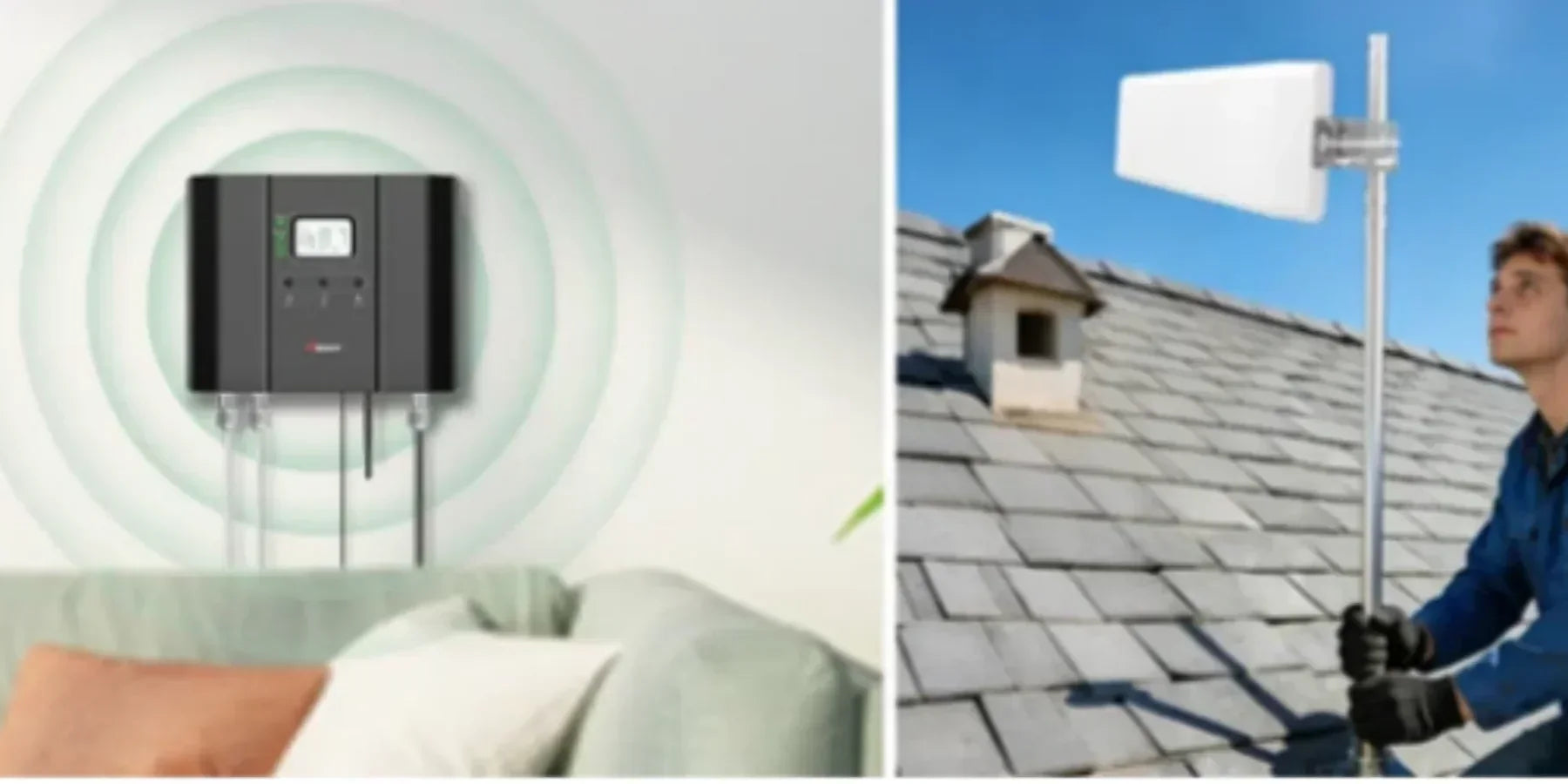
A cell phone signal booster is essentially a three-part system that captures, amplifies, and rebroadcasts a cell signal to improve coverage inside your home. Here’s how it works in plain language:
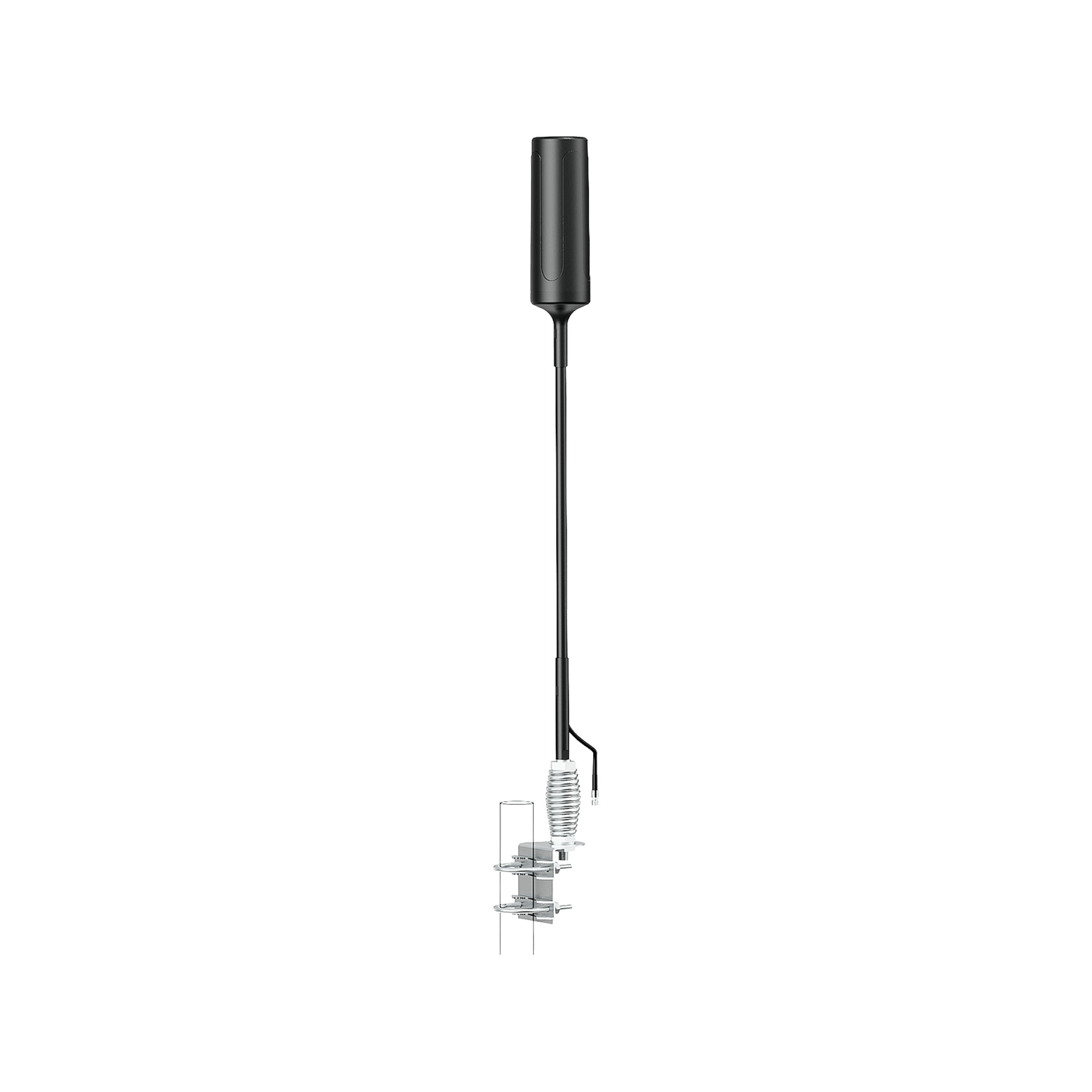
1. Outdoor Antenna (Donor Antenna): Placed on your roof or an exterior pole, it grabs whatever signal is available from the nearest cell tower (even if it’s weak). Directional antennas aim toward a specific tower and can reach signals many miles away. This is crucial in rural areas a good outdoor antenna can pull in a faint signal from 5, 10, even 20+ miles out.
2. Signal Amplifier (Booster Unit): The amplifier takes that weak outside signal fed in via coax cable and boosts it dramatically. It strengthens both the downlink and uplink signals, acting like a volume knob for radio waves.
Consumer boosters in the US typically provide up to ~65–72 dB of gain on signals that’s a powerful increase. For context, a phone might struggle with a -110 dBm signal, but a booster can amplify that by 70 dB to around -40 dBm. The booster intelligently adjusts gain to avoid overload and interference with the network. It essentially creates a mini cell tower in your house, relaying signals back and forth.
3. Indoor Antenna: Finally, the boosted signal is broadcast inside your home via an indoor antenna. This could be a panel antenna mounted on a wall or a dome antenna on a ceiling. The indoor antenna redistributes the strong signal to the areas you need it living room, home office, etc.
This gives your phones and devices a strong “full bar” signal to use. Likewise, when those devices transmit, the indoor antenna picks up their signal and the system amplifies and sends it back out to the distant tower via the outside antenna. This two-way amplification ensures both your download and upload connections are improved.
In essence, a booster bridges the gap between far-away cell towers and your home. It’s pulling in a distant signal, supercharging it, and delivering it to your inside space. This makes a night-and-day difference in rural areas. However to repeat a booster can’t invent a signal out of thin air. If you truly have no detectable service even on the roof, then a booster won’t be effective.
But if you can get even a faint text or one bar outside, a quality booster can amplify it into a usable 3–5 bar signal inside. A journalist in New York found that at home she had an RSRP of -108 dBm and could barely download anything, leading to dropped calls.
With a booster system, that -108 dBm outside signal could be boosted to around -70 dBm or better indoors enough for smooth calls and data. In field tests, we’ve seen rural homes go from “No Service” or one bar to a solid 3-4 bars of LTE after installing the right booster. The technology is proven and FCC-approved. It’s a simple fix to a complex network problem, and as we’ll see, it’s often the only viable way to get coverage deep in the countryside.
3. Rural Signal vs Urban Signal: Why Boosters Matter More in Rural Areas
Rural cell signals differ from urban signals in two big ways: they’re weaker on average, and they’re less consistent. This makes boosters far more essential in rural areas. Let’s break down why:
3.1 Tower Distance and Density: Cities have many cell sites; rural areas might have one tower to cover an entire county. By the numbers, urban areas often have cell sites every few miles, whereas rural towers can be 5–15+ miles apart.
This leads to much lower signal levels in rural homes. Industry data confirms rural signal strength averages about 6–8 dB weaker than urban areas, rural averages around -103 dBm, vs -96 dBm in cities. A drop of 6–7 dB means the signal power is cut to about 1/4th no wonder rural bars are few and calls drop! Fewer towers also means each tower covers a huge area, so if you’re on the fringe of that coverage, your phone might barely connect.
3.2 5G and Network Technology Gaps: In 2026, carriers tout their 5G networks, but rural folks haven’t enjoyed the benefits equally. One crowdsourced study showed users spent only 11.4% of their time on 5G in rural areas, versus 29.4% in urban areas. In other words, city users get nearly three times more 5G coverage time than rural users.
Rural customers are often stuck on 4G LTE or even 3G in some pockets, because the new 5G sites are focused in cities. This affects data speeds and capacity. A booster can’t magically create 5G where none exists, but it can help you latch onto far-away 4G/5G signals that your phone alone couldn’t hold. In practice, a booster might let a rural user connect to a distant 4G or low-band 5G signal to get reliable service, whereas without it their phone would show “No Service.”
3. 3 Terrain and Obstacles: Rural landscapes can be brutal on wireless signals. Mountains, hills, thick forests, or even wide open farmland all degrade signals. Urban areas have obstacles too, but there are more towers to fill coverage holes. In the country, one hill or dense grove of trees can put you in a dead zone shadow.
Have you ever noticed a spot on a country road where your bars drop to zero until you pass a hill? That’s a terrain dead zone. Boosters, especially with directional antennas, can sometimes overcome this by picking up a signal from above or around an obstacle essentially reaching where your phone’s tiny antenna can’t. It’s not magic, but the extra gain can compensate for some natural signal loss.
3.4 Home Construction: Urban vs rural homes might use different construction materials, but one notable rural issue is metal buildings or roofs. Metal is a notorious signal blocker; it reflects and absorbs cell signals. Urban apartments might have concrete, but rural properties often have outbuildings or roofs that act like a Faraday cage.
We’ll discuss a case study later of a metal-roof home in which no signal got inside until a booster fixed it. The takeaway: in rural areas, boosters aren’t just a convenience, they're often the only solution to get usable signals. If you’re 10 miles from a tower and inside a house with a metal roof, your phone alone stands no chance. A booster with a roof antenna will pull the signal indoors and make it usable.
In summary, boosters matter more in rural areas because the baseline signal is poor. Urban users might get by without one, but rural users frequently face one-bar or zero-bar conditions where a booster is the difference between connectivity and none. It’s no surprise that rural Americans are adopting signal boosters in droves to level the playing field. The next sections will help you understand the types of boosters available and how to pick the right one for your situation.
4. Types of Cell Signal Boosters
Not all boosters are built the same; there are different categories designed for different coverage areas and uses. Here we explain the main types of cell signal boosters, especially as they apply to rural needs:
4.1 Single-Room Boosters
These are small, entry-level boosters meant to cover one room or a small area. They’re ideal for a studio, cabin, apartment room, or a specific spot. Single room units usually have a lower gain and often use a desktop-style inside antenna or a small panel antenna. They may even integrate the indoor antenna into the amplifier unit itself.
Pros: They’re affordable, easy to install, and require less separation between antennas. If you only have one “dead zone” room, a single-room booster can target that area effectively.
Cons: Limited coverage won’t blanket an entire house. In a rural home with multiple rooms, you might still have no service in parts of the house away from the booster’s antenna. Also, lower gain means they can’t reach extremely far towers; they’re best if your outside signal is decent. If the outside signal is very weak, a small booster might not have enough power to help you’d need to step up to a larger model.
Use Case: A small cabin in the woods or a ranch house where maybe the living area needs signal but you don’t care about the barn or bedrooms. Or if the budget is tight, you can place one of these where you spend the most time.
4.2 Multi-Room Boosters
Multi-room boosters are the mid-tier solutions. They typically cover 2,000 to 5,000+ sq ft enough for a small home or multiple rooms in a medium home. These often advertise coverage like “up to 4,000 or 5,000 sq ft.” In reality, coverage varies with how strong your outside signal is.
Pro tip: Always err on the side of a bigger booster in rural areas, because the “up to” square foot ratings are based on strong outside signal. For example, a unit rated for 5,000 sq ft might only cover 2,000 sq ft if your outside signal is very weak.
Multi-room units usually have higher gain and better output power than the smallest units. They often come with a directional outdoor antenna and a panel or dome indoor antenna. You can expect these to handle a whole floor of a house or a small 1-story home. They are very popular for average rural homes that aren’t huge but have 2-4 rooms that need coverage.
Pros: A good balance of price and performance. They can handle weak outdoor signals better than single-room units and cover a typical small home or large cabin. Installation is still fairly DIY-friendly. Many multi-room kits support adding a second indoor antenna via a splitter if needed to extend coverage.
Cons: They may still fall short in a large or multi-story house; corners of the home might get weak signals if one antenna can’t reach. Also, if you have very poor outside signal, you might need the most powerful category instead. Multi-room boosters also require more careful antenna placement to avoid oscillation; typically you need 20+ feet vertical or 50+ feet horizontal separation between the outdoor and indoor antennas. This is usually fine if one is on the roof and one inside, but something to plan for.
Use Case: A medium-sized rural home or large farmhouse where you want coverage across several rooms. For instance, HiBoost’s 4K Smart Link and 10K Smart Link are multi-room class boosters suitable for most 2-3 bedroom houses. They’ll cover multiple rooms and support multiple users at once.
4.3 Whole-Home Boosters
Whole home boosters are the heavy hitters designed for large homes, lodges, or properties needing maximum coverage. They typically advertise 6,000 to 10,000+ sq ft coverage. In good conditions, top models can cover 10,000 to 15,000 sq ft. These have the highest allowed gain and strong output power, per FCC limits for consumer units. They often come as a “kit” with a powerful outdoor antenna and sometimes multiple indoor antennas or the ability to add them.
Pros: Maximum coverage and ability to boost very weak signals. If you’re on a remote farm with barely one bar outside, these are the units that can still pull that in and broadcast a usable signal inside. They can handle many simultaneous devices across a wide area. Also, whole-home units usually include extra features e.g. an LCD display for aiming and troubleshooting, or an app for remote monitoring.
Cons: Higher cost these can range from $800 to $1,200, but consider it an investment in connectivity. Installation might be a bit more involved; for large coverage, you may need to mount multiple indoor antennas. Also, these units are physically larger and require a good power source. But they are still DIY-installable for handy folks, or you can opt for professional installation if offered.
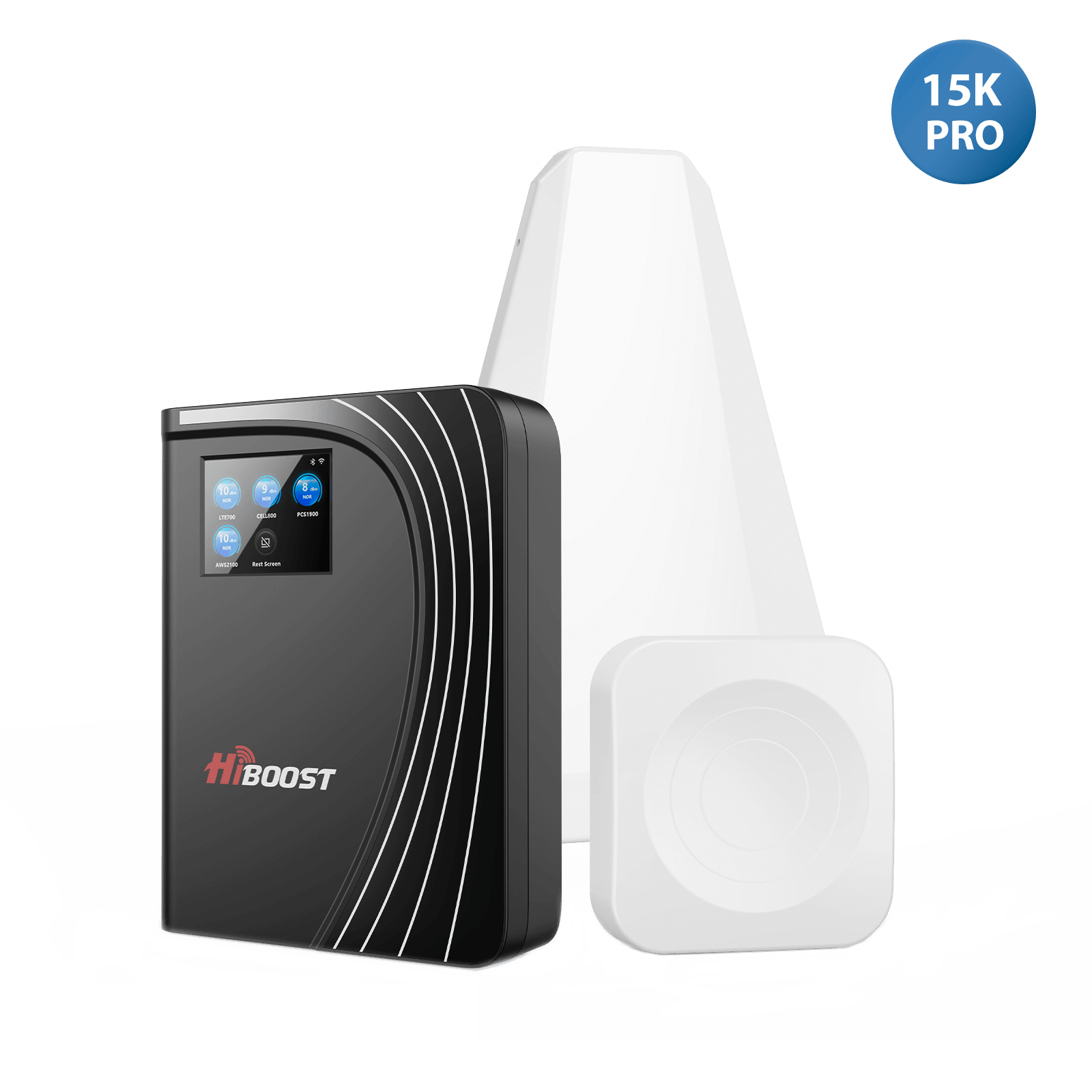
Use Case: Large rural homes, farms, or buildings. If you have a 2-story home with a basement, or a ranch house plus an office outbuilding, a whole-home booster can cover it all. For example, the HiBoost 15K Smart Link can cover up to 15,000 sq ft under ideal conditions perfect for big country homes or even small business buildings in rural areas. These boosters ensure that even the far corners of your house or property get signals.
4.4 Vehicle Boosters (for Rural Off-Grid Travel)
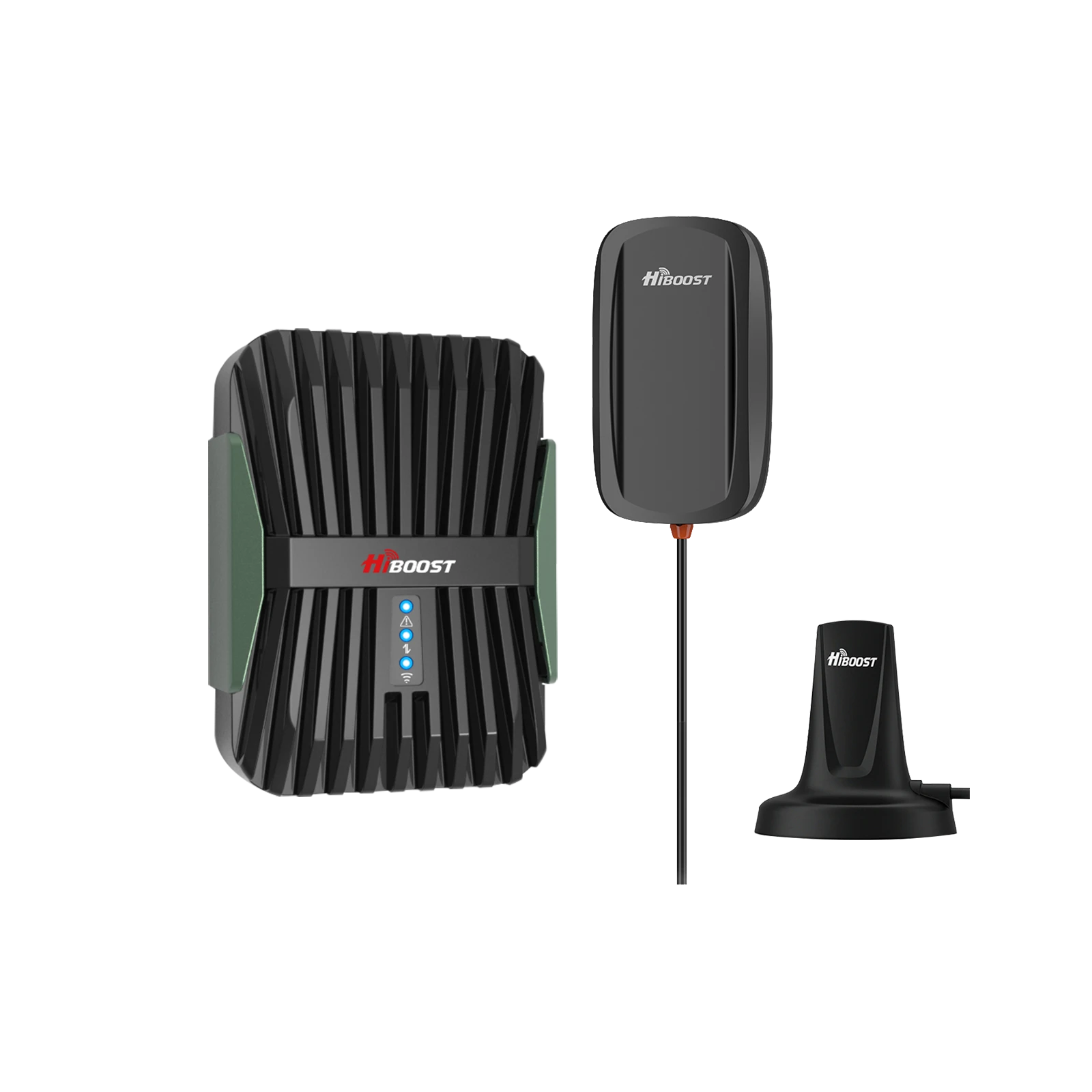
Vehicle boosters are a special category for use in cars, trucks, RVs, and boats. If you live or travel in rural areas, you know that cell coverage on the road can be very spotty. A vehicle booster can make a big difference for staying connected while driving through remote zones. They work similarly: an external antenna captures a signal, a small booster unit amplifies it, and an inside antenna rebroadcasts inside your vehicle cabin.
However, vehicle boosters have some key differences:
- They are designed to run off DC power.
- They are FCC-limited to ~50 dB gain for mobile use lower than home boosters, to prevent interference as you move between cell sites. So they don’t provide as much raw boost as a home unit, but still enough to greatly improve signal on the go.
- The coverage is just within the vehicle. In an RV, you might get whole-RV coverage if positioned well; in a car, it might just cover the front seats area.
Pros: Critical for road warriors, truckers, or off-grid RV campers. A vehicle booster can turn “one bar on the highway” into a solid 3 bars, reducing dropped calls during travel. For RVs or off-grid travel, it can enable you to have a usable internet where others can’t even get a signal. Modern vehicle kits like the HiBoost Travel 3.0 series are easy to install and support all carriers.
Cons: They won’t reach as far as a home booster due to the 50 dB gain limit. So if you’re truly in the middle of nowhere with zero signal, even a vehicle booster might not find a distant tower. They help in marginal coverage areas. Also, inside a larger RV, coverage might be limited; you may need to be near the inside antenna when making a call. Additionally, when the vehicle is in motion, the external antenna picks up a lot of different towers, so the boosted signal may fluctuate as you drive in and out of coverage gaps.
Use Case: Anyone who travels through rural zones regularly. For example, HiBoost Travel 3.0 RV is built for RVs and camper trailers great for full-time RVers or campers who venture off the beaten path.
There are also Travel 3.0 models for trucks and cars. These ensure you can make calls from that remote highway or get data signals at a campsite that’s 20 miles from the nearest town. For off-grid living, a vehicle booster is a game-changer for connectivity.
5. How to Choose the Right Booster for Rural Homes
If you're new to cellular boosters, see our complete cell phone signal booster guide for an overview of how boosters work, how to measure signal strength, and how to choose a system.
Picking a cell booster can feel overwhelming with all the tech specs. Don’t worry we’ll walk you through it step by step.
Choosing the right booster for your rural home comes down to a few key factors:
Step 1: Measure Your Outdoor Signal
Why: The strength of the signal outside your home is the #1 factor for booster success. Before you shop, get a sense of how weak or strong your current outdoor signal is. Use your phone’s field test mode or a signal meter app to read the signal in dBm.
For example, -50 dBm is excellent, -90 dBm is moderate, and -110 dBm is very weak. You can also simply observe bars and performance: do you get 1 bar and sometimes texts, or absolutely zero service unless you drive a mile out? If you can, climb to your roof or highest point outdoors and check the signal there. That's where you’ll likely mount the antenna.
How to measure: On most smartphones, you can dial a field test for iPhone, type *3001#12345#* and look for RSRP, for Android, go to About Phone -> Status -> SIM/Network to see dBm. Or use apps like OpenSignal or LTE Discovery. Suppose you find your outside signal is around -100 dBm you’ll want a powerful booster with high gain. If it’s -80 dBm outside, even a mid-range booster might do. If it’s truly zero, boosters might not help unless you reposition. Remember, a booster needs at least a faint signal to amplify.
Step 2: Identify Your Home Size and Layout
Consider how large an area you need to cover inside. Is it just one room that’s problematic, or the whole house? Do you have multiple floors?
Generally:
- For a single room or small cabin, a small booster could suffice.
- For a medium home, look at multi-room boosters in the 65 dB gain class.
- For a large home, you’ll need a whole home booster and possibly multiple indoor antennas to spread coverage.
Also think about internal walls and construction. If you have a sprawling ranch house or a house with a basement that needs coverage, you might need additional antennas or a stronger booster to push the signal through. As a rule of thumb in rural conditions: choose a booster rated for a bit larger area than your house.
Manufacturers’ coverage claims are optimistic and based on perfect outside signals. In a rural weak-signal scenario, you might get half or less of the advertised range. For example, if your home is 2,500 sq ft and you only have 1 bar outside, a model “rated for 2,500 sq ft” will likely not cover it all; you'd be better off with a 5,000+ sq ft model to ensure whole home coverage.
Step 3: Identify Your Carrier
Almost all modern boosters are multi-carrier and multi-band, meaning they will work with AT&T, Verizon, T-Mobile, US Cellular, etc., simultaneously. Still, double-check that the booster supports your carrier’s main frequency bands. In the US, common bands are 12/17, 13 (Verizon 700 MHz), 5 (850 MHz), 2/25 (1900 MHz), 4/66 (1700/2100 MHz).
If a booster is marked “all carriers” or “broadband”, it should cover these. Many new boosters are also labeled 5G ready, which typically means they cover new low-band 5G frequencies like band 71 (T-Mobile’s 600 MHz) or band 5 (DSS 850 MHz 5G). Note: No consumer boosters amplify 5G mmWave (the ultra-high frequency 5G in some cities) those signals don’t travel far and aren’t in rural areas anyway. But that’s fine, as low-band and mid-band 5G are supported as long as the booster covers the usual LTE bands.
If you use a more regional carrier, ensure they use standard bands. The good news is most quality boosters cover all major carrier bands out of the box. For example, all the HiBoost models recommended later support the full range of US frequencies, so one device will boost everyone’s phones regardless of carrier.
Step 4: Choose the Correct Antenna Type
For rural installations, the outdoor antenna choice is crucial. There are two main types: omnidirectional (receives signal from all directions) and directional (focuses toward one direction). In almost all rural cases, a directional antenna (Yagi or LPDA) is recommended. Why? Because you usually know that only one direction has a signal, and you need to maximize gain from that direction.
Directional antennas have higher gain; they can add ~8–10 dBi gain by focusing towards the tower, effectively reaching farther. The downside is you must aim them correctly. But the effort is worth it for weak signals.
Omnidirectional antennas are easier (no aiming) but they have lower gain and pull signal from all around. They are fine if you have an outside signal or multiple towers/carriers in different directions. In very remote areas, an omni might not cut it, because it doesn’t concentrate on the one far tower you care about.
Recommendation: Go with a kit that includes a Yagi/LPA antenna for the outdoors. All the “rural” oriented boosters we list later come with a directional antenna by default. If not, consider upgrading the antenna.
For the indoor antenna, consider your layout: a panel antenna will cover in one direction, while a dome antenna on the ceiling radiates 360°. Panel antennas can also project signal further, which might be better if you need to send signal down a long area. Some boosters let you add a second indoor antenna to cover two areas useful for multi-story homes. Plan this out and pick a booster that either includes multiple antennas or supports expansion if you suspect one antenna won’t cover it all.
Step 5: Check for FCC Certification and Legality
This step is about ensuring you buy a legitimate, quality product. In the U.S., it’s mandatory that any cell signal booster you use is FCC certified. Certified boosters meet stringent network protection standards and won’t interfere with carrier networks.
All major brands are FCC-approved by default so if you stick to known brands, you’re fine. Avoid cheap “no-name” amplifiers from dubious sources that claim crazy gain if it’s not FCC certified, it can cause interference and is illegal to operate. The FCC has actually encouraged booster use to improve coverage, as long as they are certified devices installed properly.
You do not need to pay any fees or get carrier permission to use a consumer booster nowadays. Registration with your carrier was recommended in the past, but major carriers have streamlined or waived registration for FCC-approved boosters you can just plug and play.
Just purchase a booster labeled as FCC compliant. All the products we discuss in this guide are fully certified and legal.
Also, check the warranty and support reputable manufacturers offer 2-3 year warranties and customer support. This matters if you need help optimizing after purchase. HiBoost, for example, offers a 3-year warranty on many models and a cloud-based monitoring app on their Smart Link series which can even allow tech support to remotely check your booster if needed.
By following these steps checking your signal, sizing to your home, picking a carrier compatible unit with the right antennas, and verifying certification you’ll zero in on the ideal booster for your rural home. Next, let’s look at the top recommended models in 2026 that fit these criteria.
Choosing a signal booster for a rural property depends on your outdoor signal strength, coverage requirements, and installation environment. To compare different booster types and determine which solution best fits your situation, read our Best Cell Phone Signal Boosters: Complete Buying Guide.
6. Top 5 Best Cell Signal Boosters for Rural Homes (2026)
After extensive testing and comparisons, we’ve selected the 5 best cell phone signal boosters for rural homes in 2026. All these models are FCC-certified, work with all US carriers, and support 5G/4G LTE. We focus on options from HiBoost each pick addresses a different need or budget, and importantly, they all excel in rural scenarios.
Below we break down each booster’s key specs, pros/cons, and why it’s great for rural use.
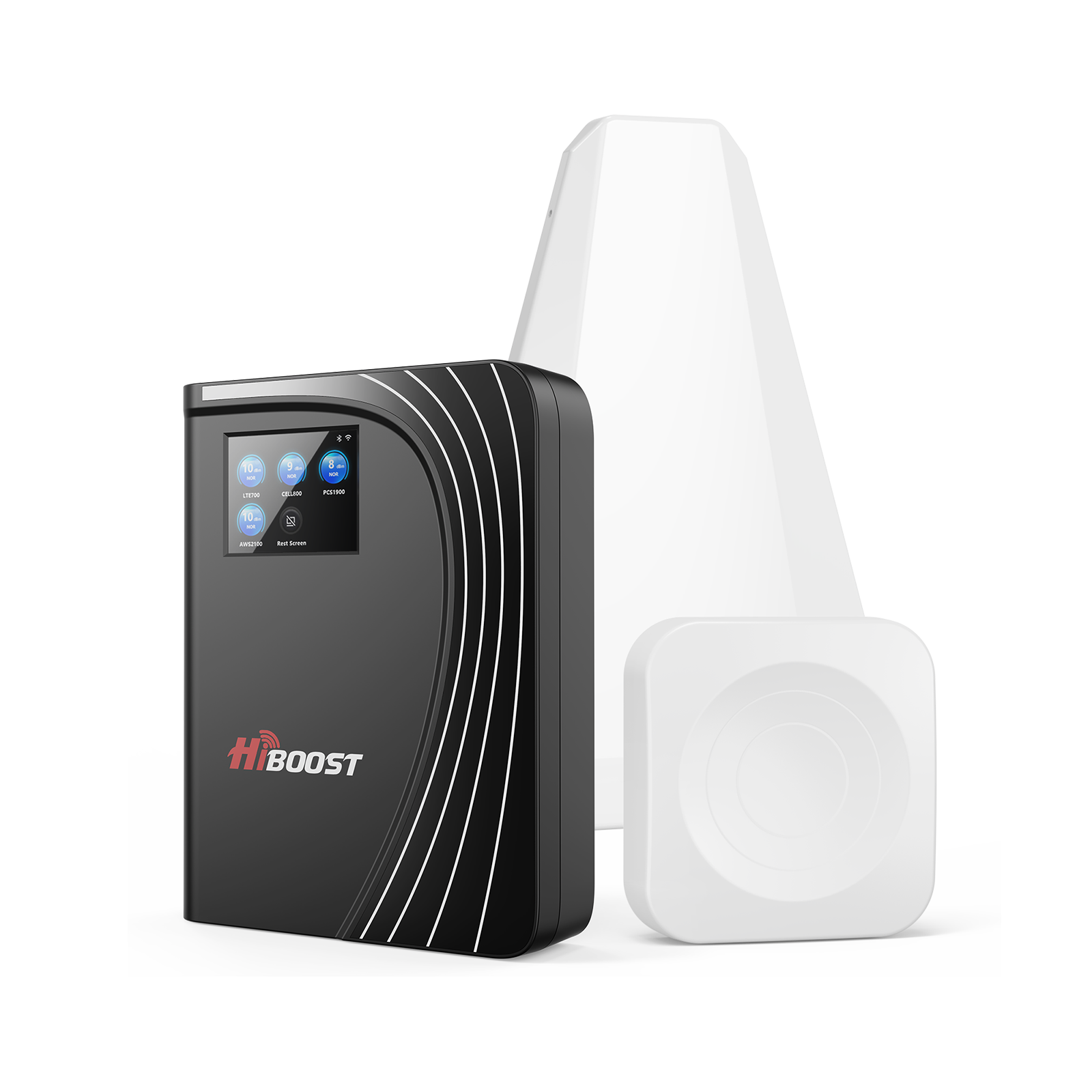
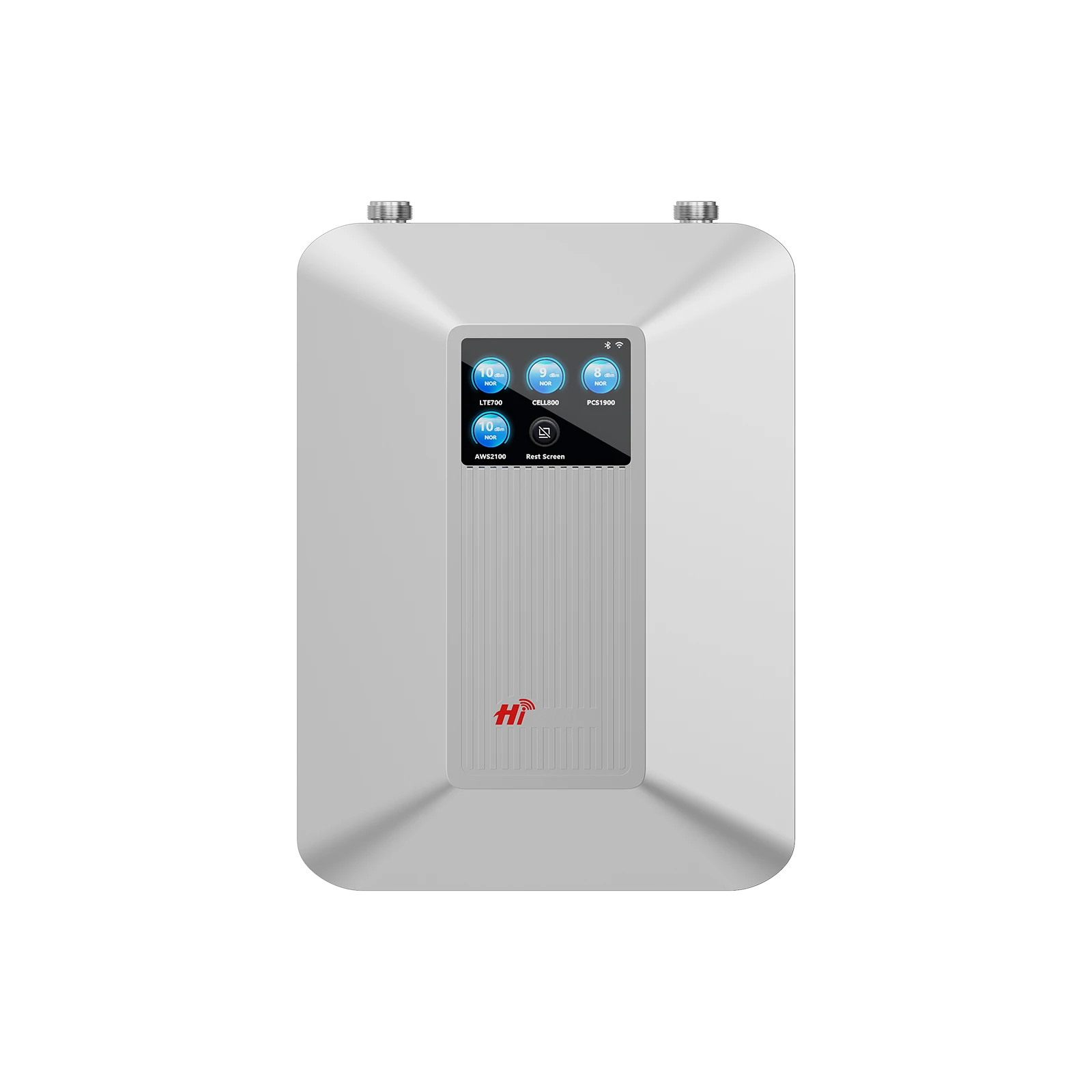
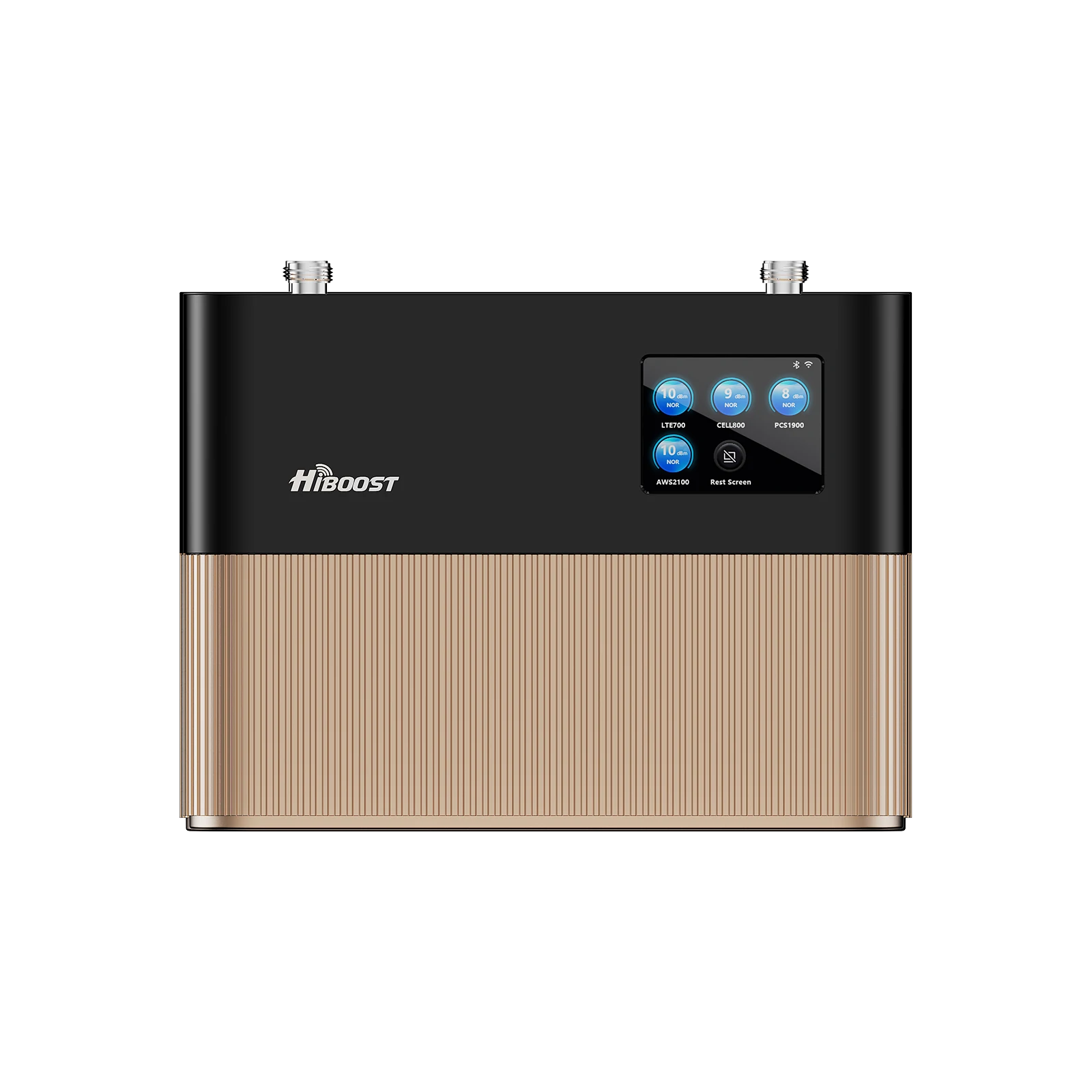
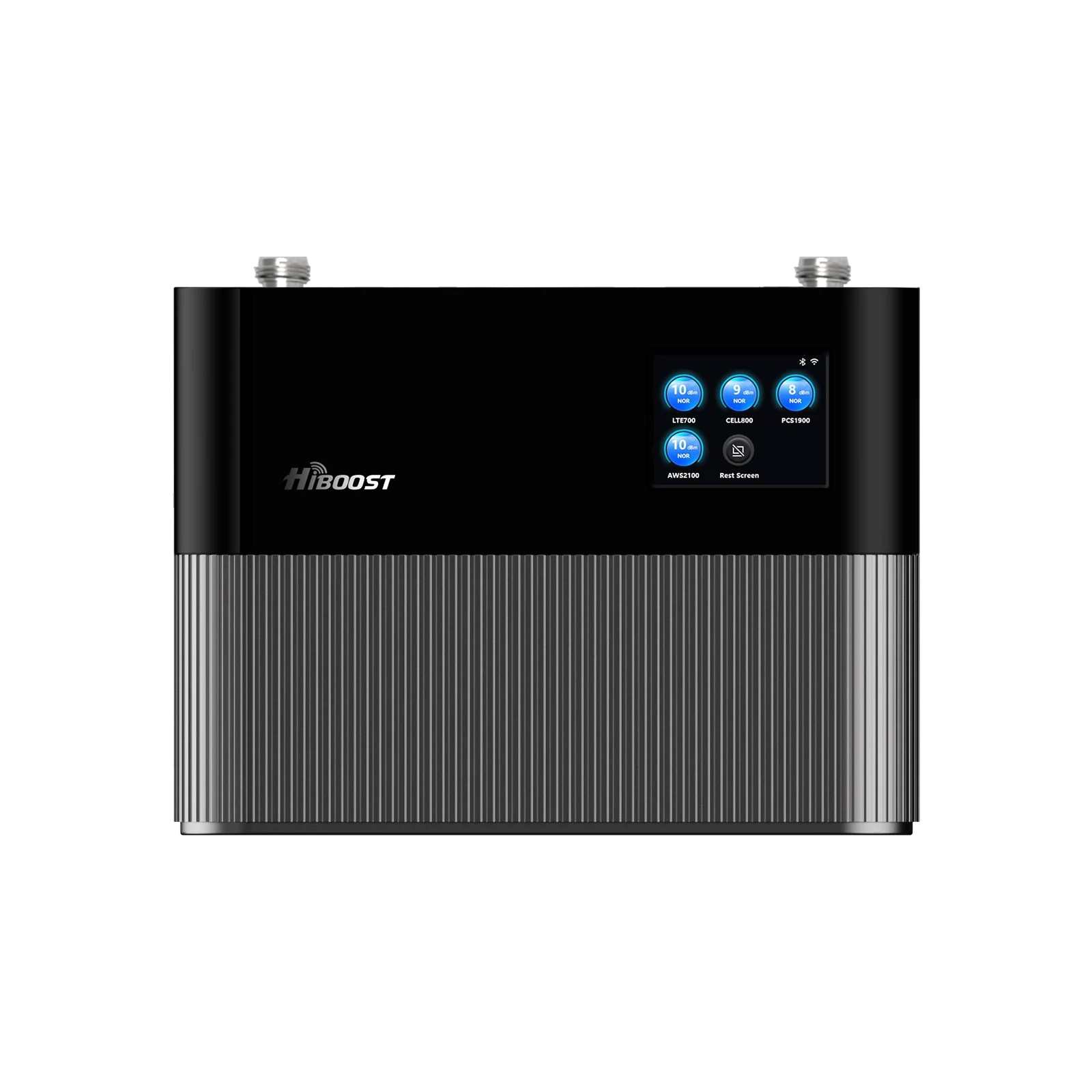
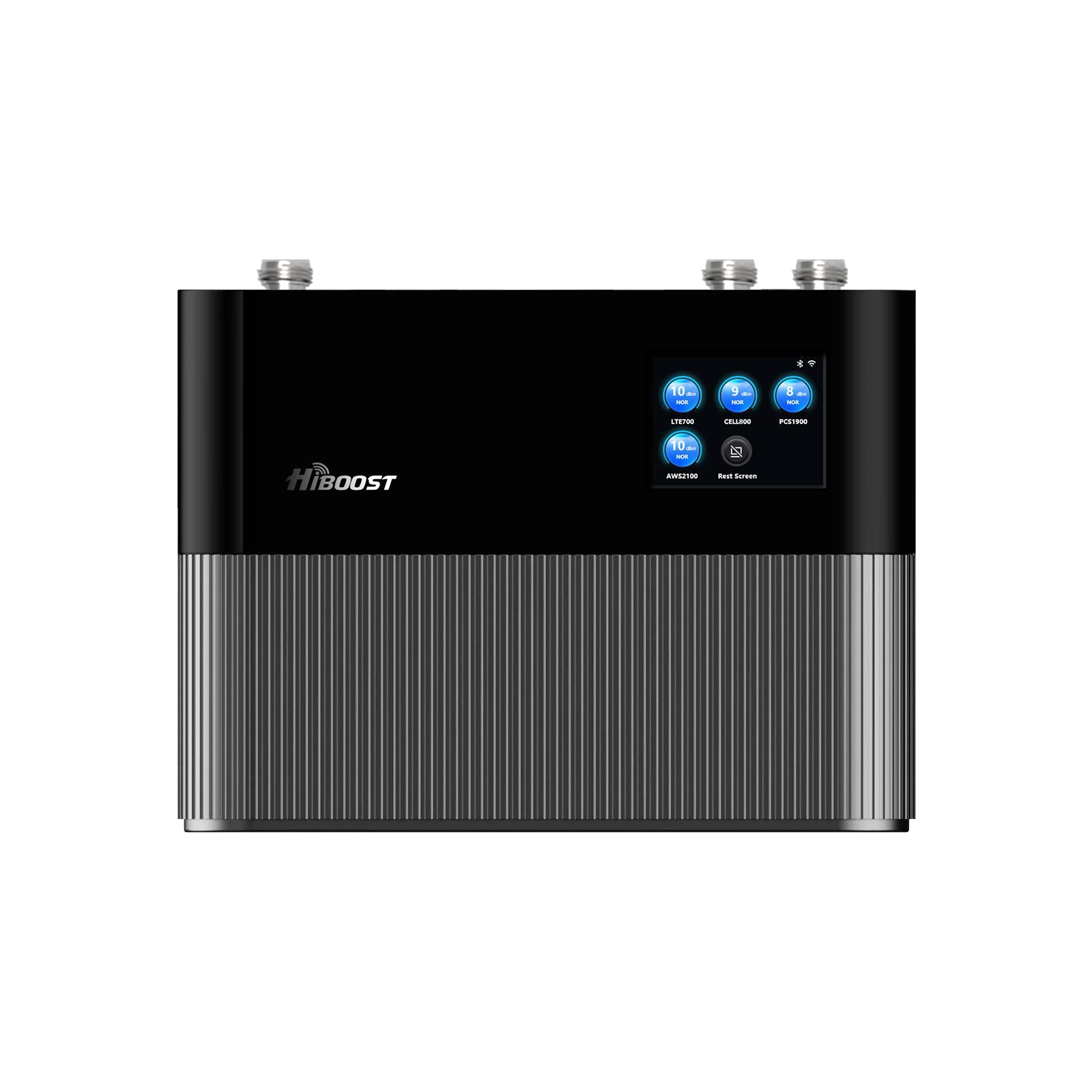
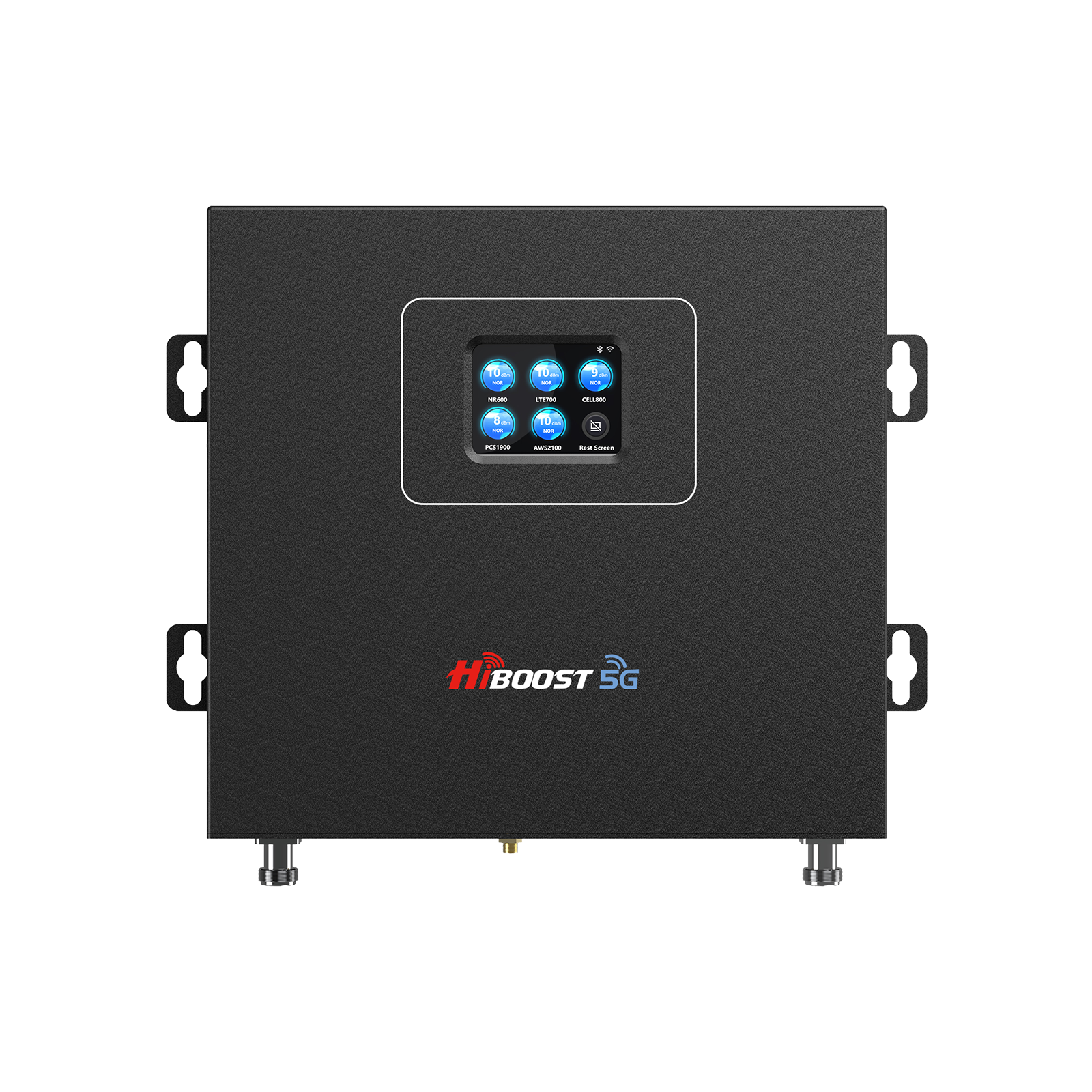
6.1 HiBoost 15K Smart Link Deluxe – Best Overall for Rural Homes
Coverage: Up to 15,000 sq ft realistically can cover large homes 5,000–10,000 sq ft even with weak outside signals.
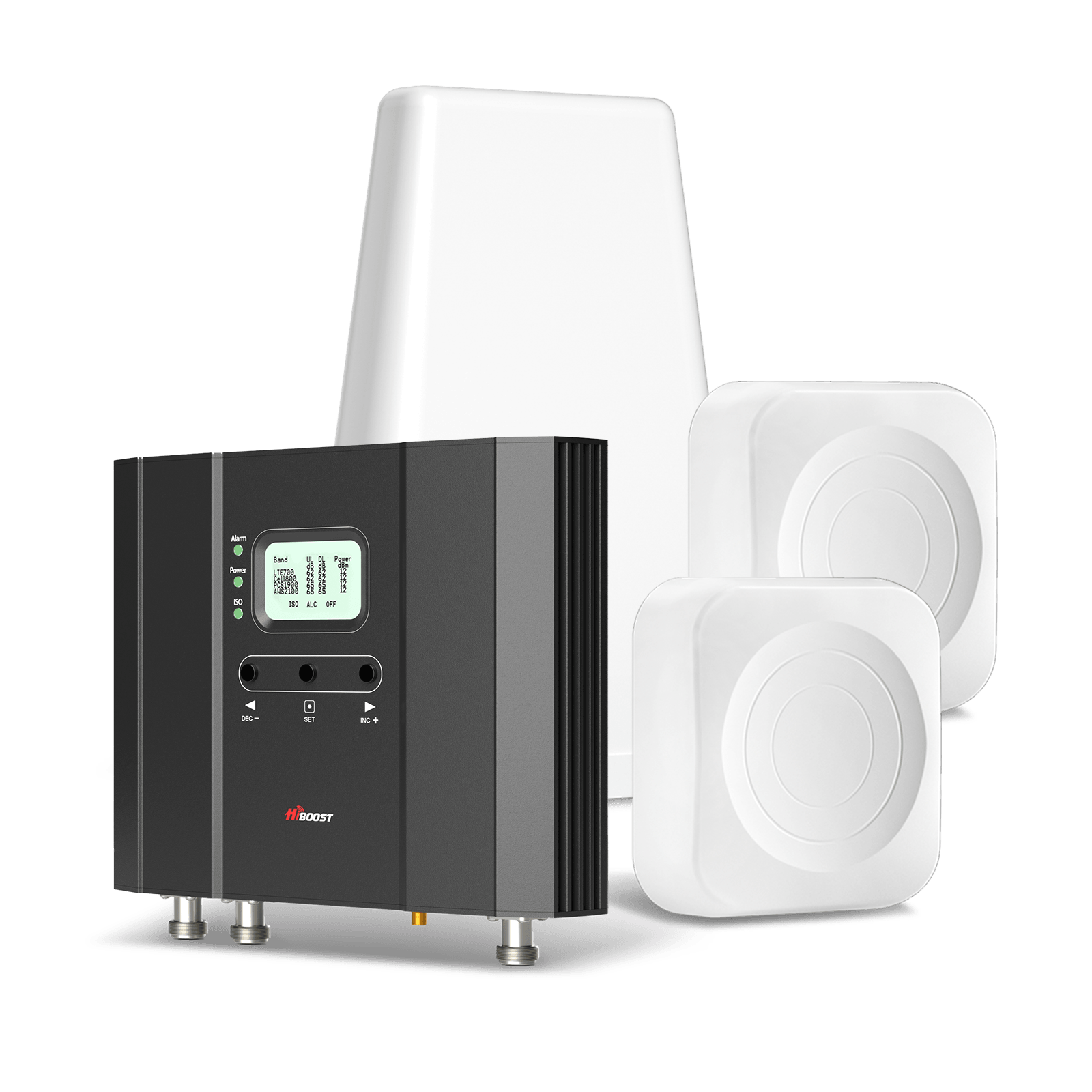
Gain: 70 dB max gain, with up to +27 dBm downlink output power.
Why It’s the Best Overall: This is HiBoost’s flagship whole-home booster, designed for large rural residences, farms, or properties with multiple buildings. It earned our top spot because it has the power to pull in extremely weak signals and cover expansive areas.
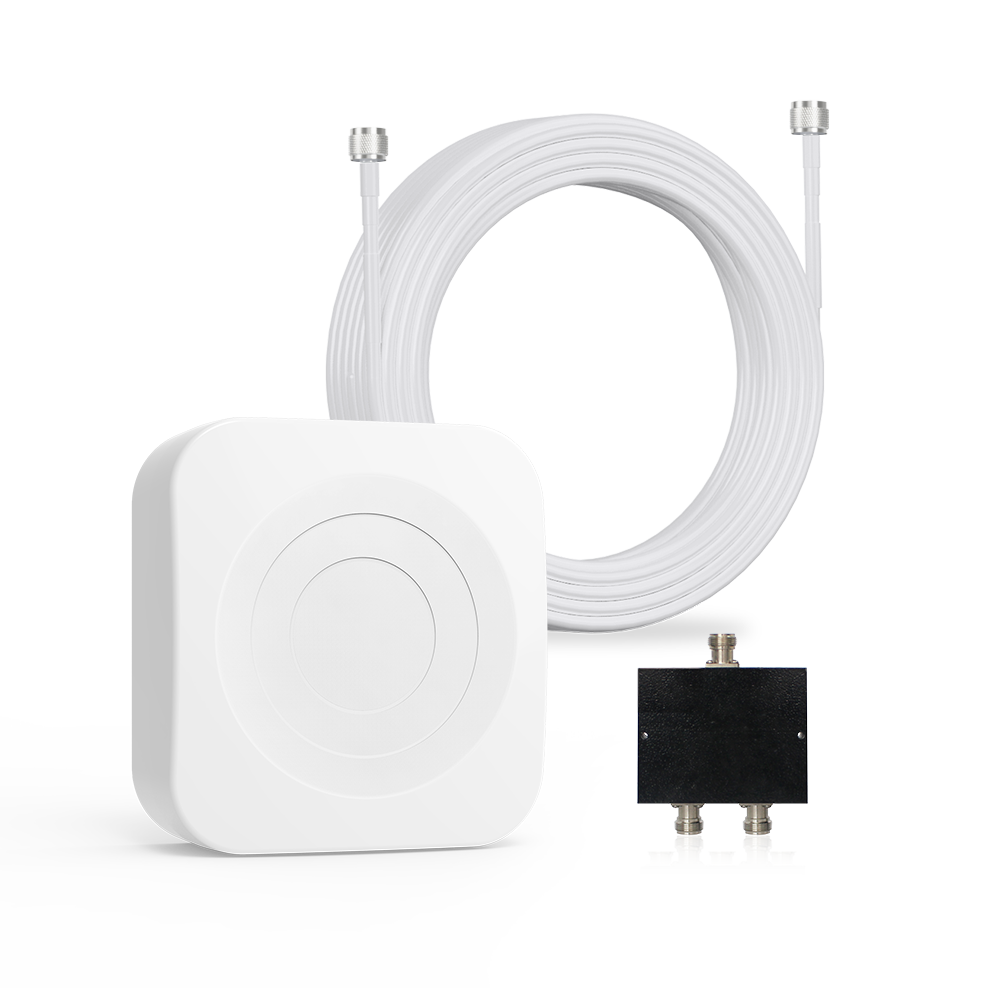
In remote field tests, the 15K Smart Link Deluxe consistently provided usable signals in spots where phones previously had none. It features a powerful outdoor antenna and a panel indoor antenna, with the ability to support a second indoor antenna if needed via splitter.
Smart Features: As part of the Smart Link series, it has built-in Bluetooth/WiFi connectivity to the HiBoost App. This allows you to see detailed metrics and optimize aiming easily on your smartphone. You can also remotely monitor the booster’s performance handy for troubleshooting or just geeking out on signal data.
Why it stands out for rural use: If you live far from cell towers, you need maximum gain and output. The 15K delivers that. It’s rated to handle signal input as low as ~-120 dBm and still boost it. We’ve seen cases where this unit took an outdoor signal of -115 dBm and amplified it to -85 dBm indoors turning “no service” into a few solid bars. Its high uplink power also means your phone can reach back to distant towers.
Data Performance: Expect significantly improved data speeds when you go from one bar to four bars. In one test home, download speeds went from ~1 Mbps to over 20 Mbps after installing the 15K – enough for streaming and Zoom calls.
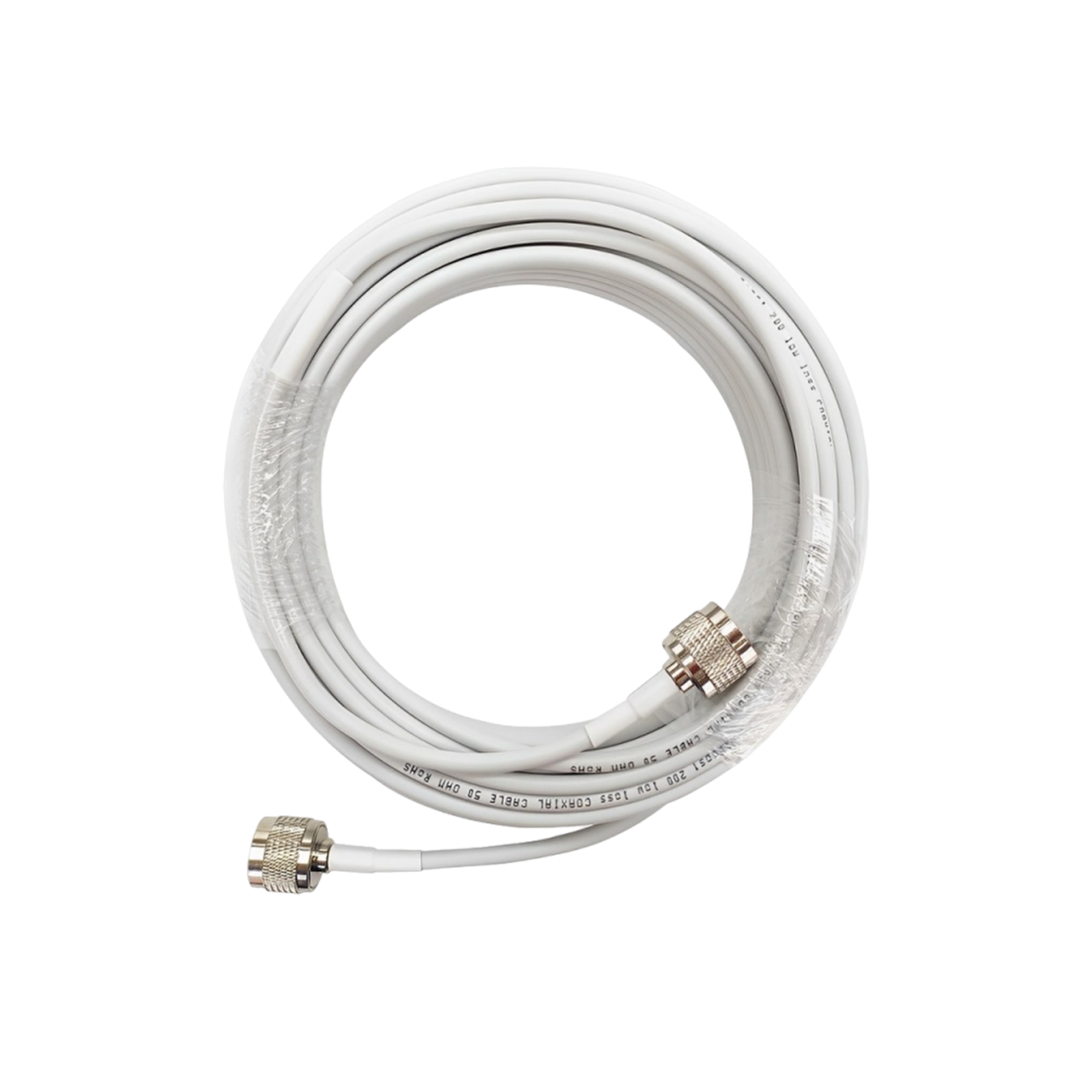
Installation Notes: Because it’s powerful, ensure you have enough separation between the outdoor and indoor antennas. The booster unit has an LCD display as well, showing band signal levels which help with antenna aiming. It comes with 50 ft and 30 ft coax cables which were sufficient for a two-story mounting in our trial.
Ideal for: Large rural homes, farmhouses, multi-generational homes, or even a small office building in a rural area. If multiple family members and devices need coverage across a wide area, this is the go-to. It’s pricey, but if reliable connectivity across your whole property is the goal, the investment is well worth it.
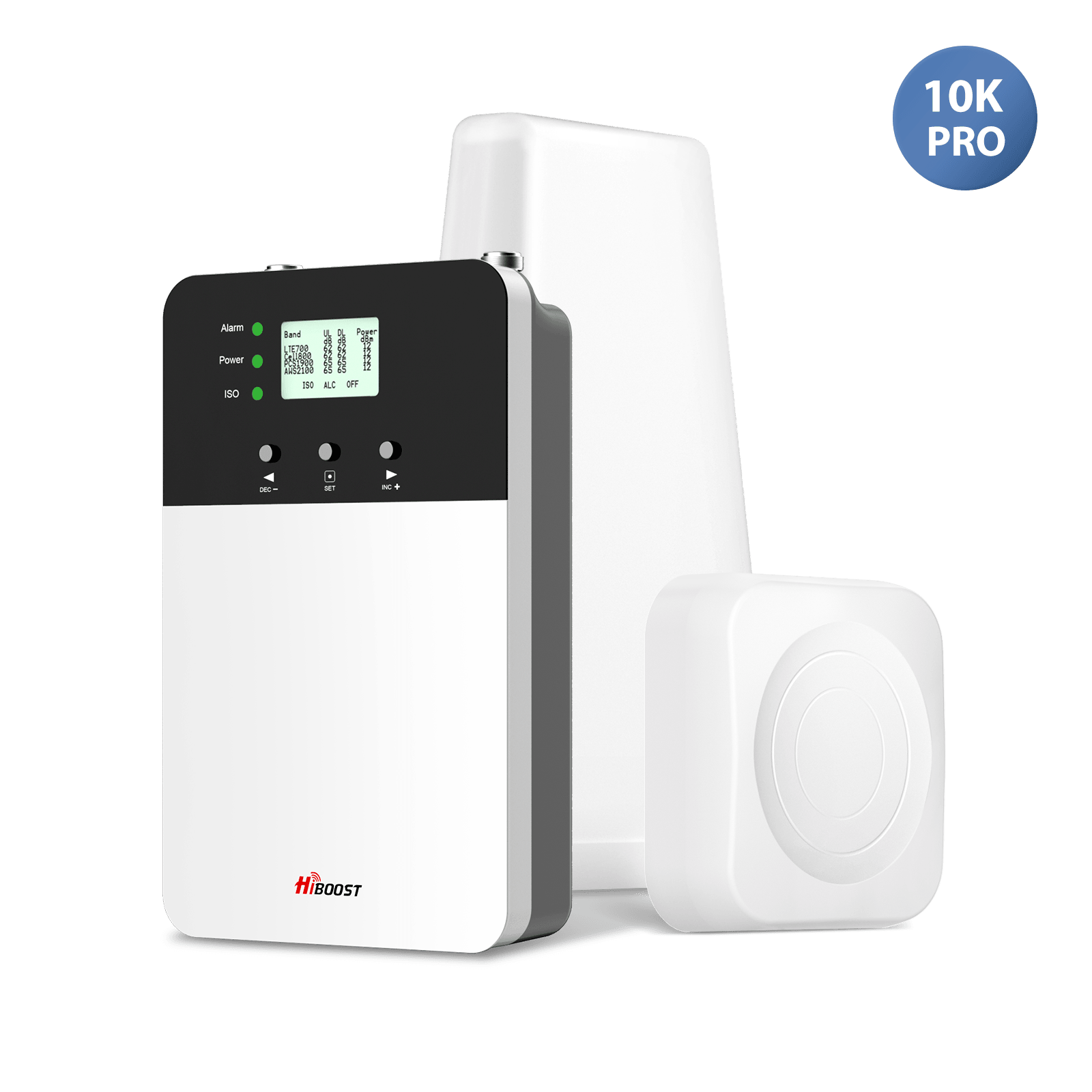
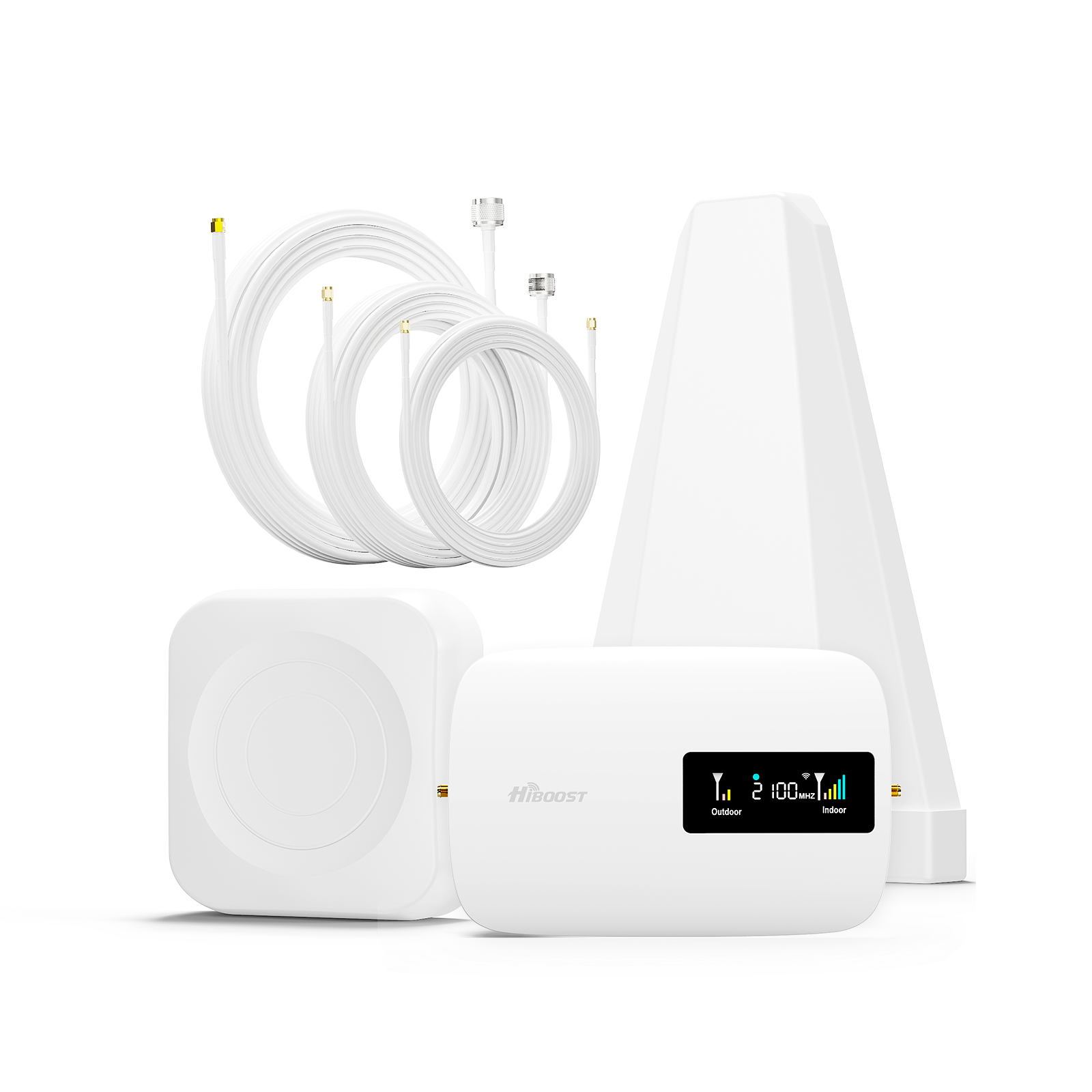
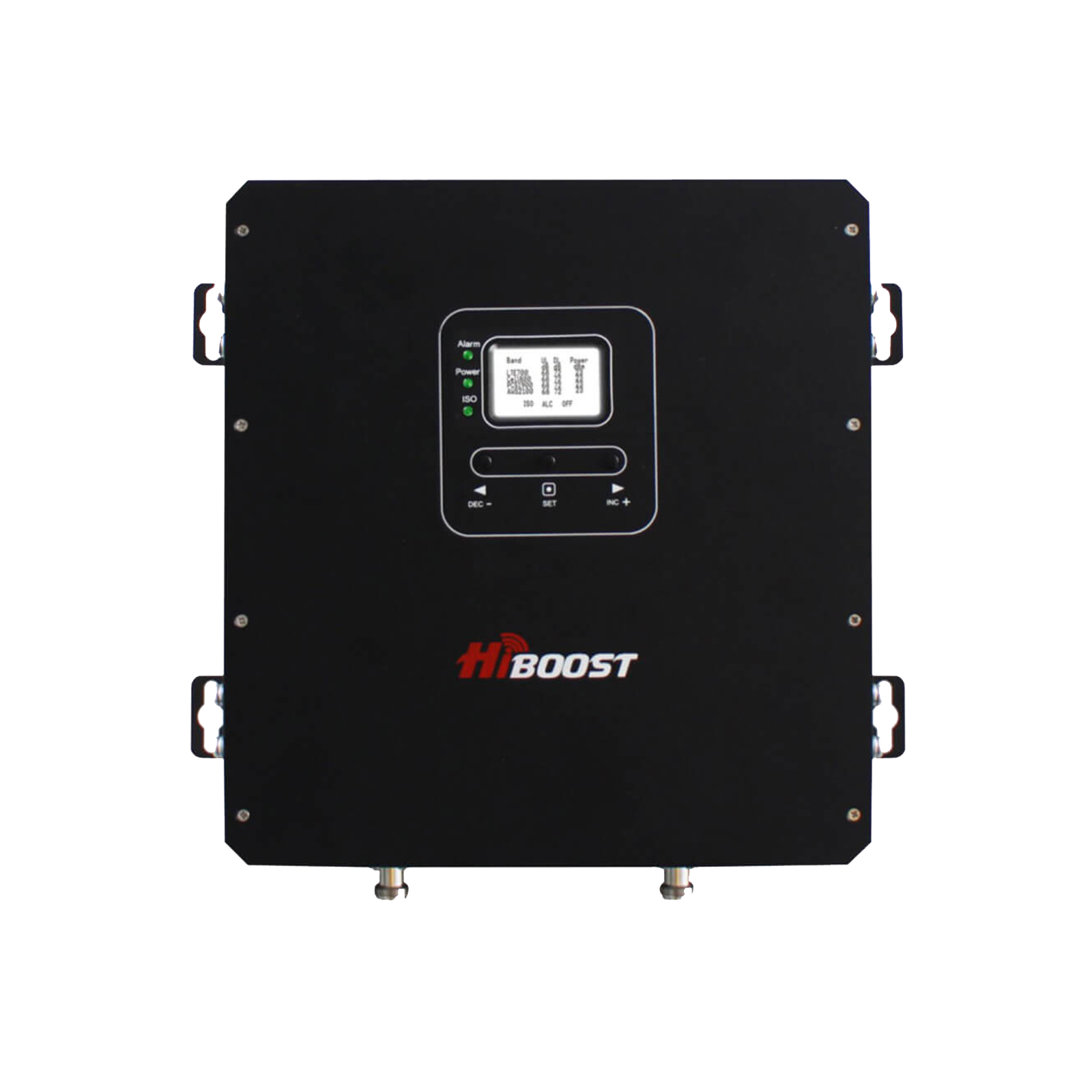
6.2 HiBoost 10K Smart Link – Best for Medium Rural Houses
Coverage: Up to 10,000 sq ft realistically suited for homes in the 2,000–5,000 sq ft range with weak outside signal.
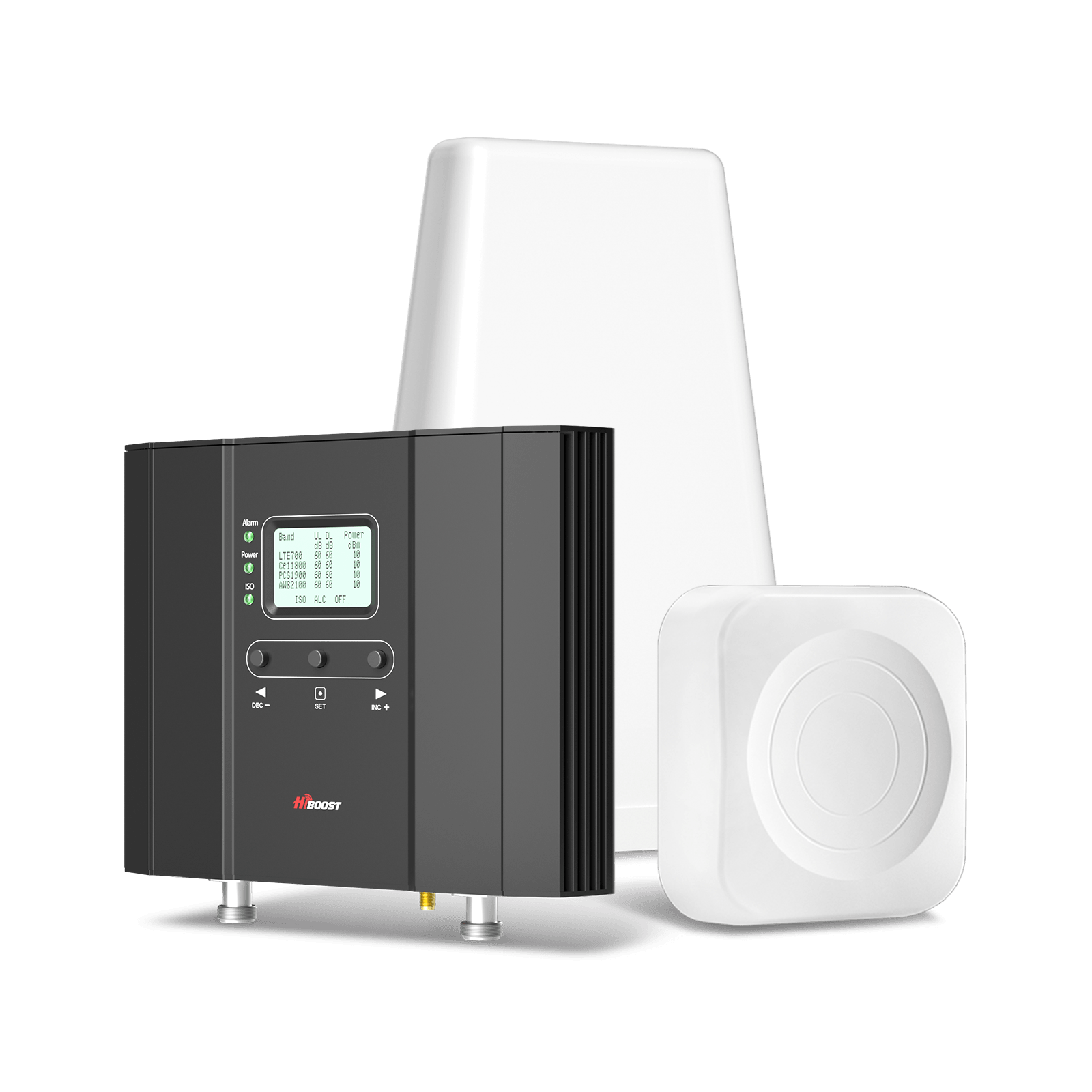
Gain: 65 dB max gain, with strong output power.
Why it’s effective: The 10K Smart Link is the “middle child” that’s just right for most average-sized rural homes. It provides nearly the performance of the 15K, but scaled for medium homes at a lower cost. In our tests, it was able to cover a 2,800 sq ft single-story home thoroughly, taking an outside signal of 1-2 bars to a consistent 3-4 bars inside. It uses the same Smart Link technology as the 15K, which means aiming and monitoring are a breeze.
Rural advantages: This booster shines if your house isn’t gigantic but you still have very spotty outside service. It comes with a high-gain directional outside antenna to reach far towers, and one indoor panel antenna. The beauty is in its efficiency it often can max out the FCC-allowed gain on key bands to give you the best boost. We noticed that on Band 12, the 10K Smart Link was amplifying to full allowed gain, which translated to excellent low-frequency coverage through walls.
Cost-effectiveness: Priced a few hundred less than the 15K, it delivers most of the capability. Unless you have a huge house, this model often gives the best bang for buck. It’s also a bit smaller physically and consumes slightly less power than the 15K.
Ideal for: Medium rural homes, 2-story houses up to ~3-4 bedrooms, or a home that has one particularly weak zone you can place the indoor antenna strategically and cover the whole area. It’s also a great choice if you might have had 1 bar outside but just need that extra boost to make it reliable inside.
Fun fact: Even though rated “10K”, with a strong outside signal it can cover beyond 10,000 sq ft. Conversely, with an extremely weak outside signal, it might cover more like 4-6,000 sq ft. Plan accordingly as discussed. But for many, this hits the sweet spot of coverage vs. cost.
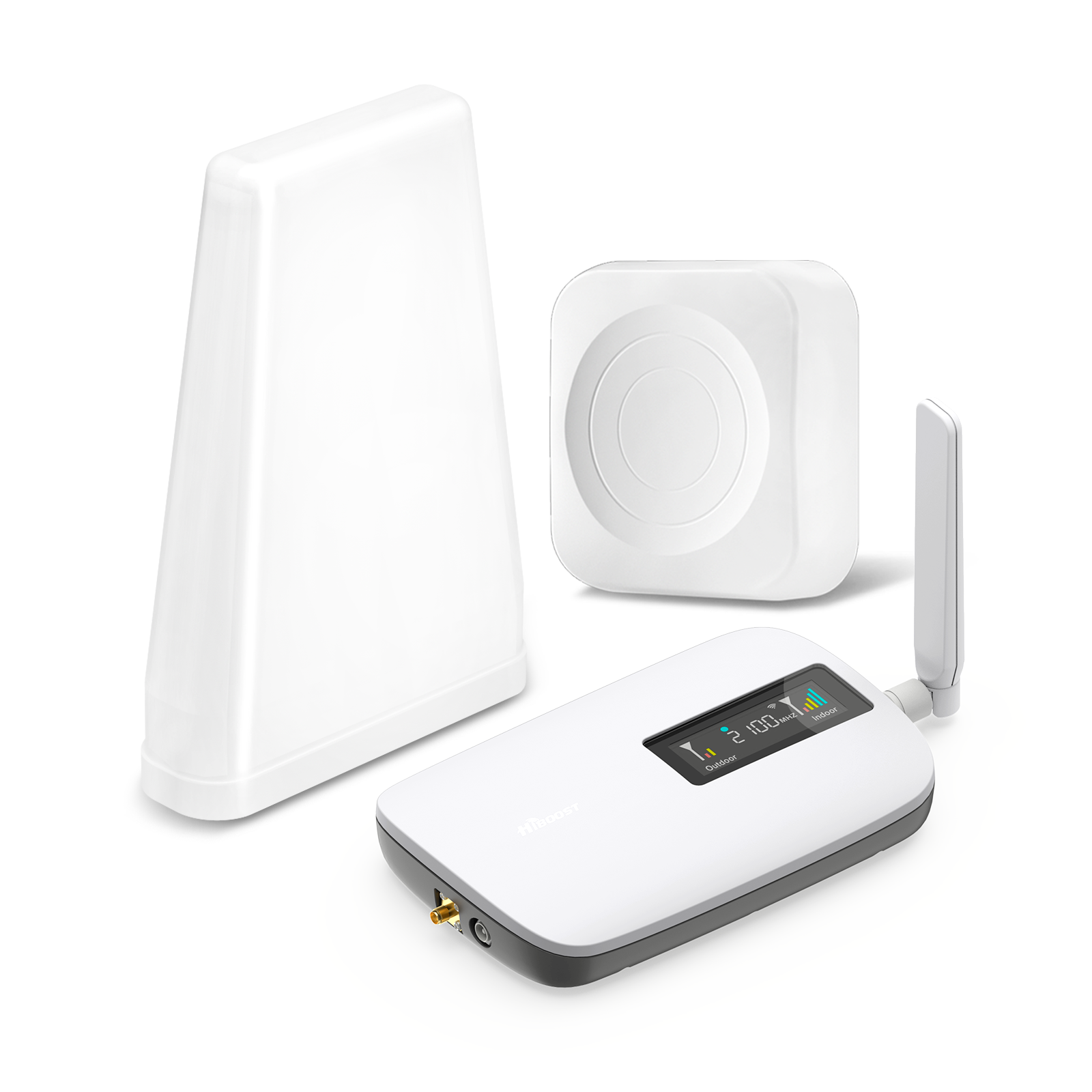
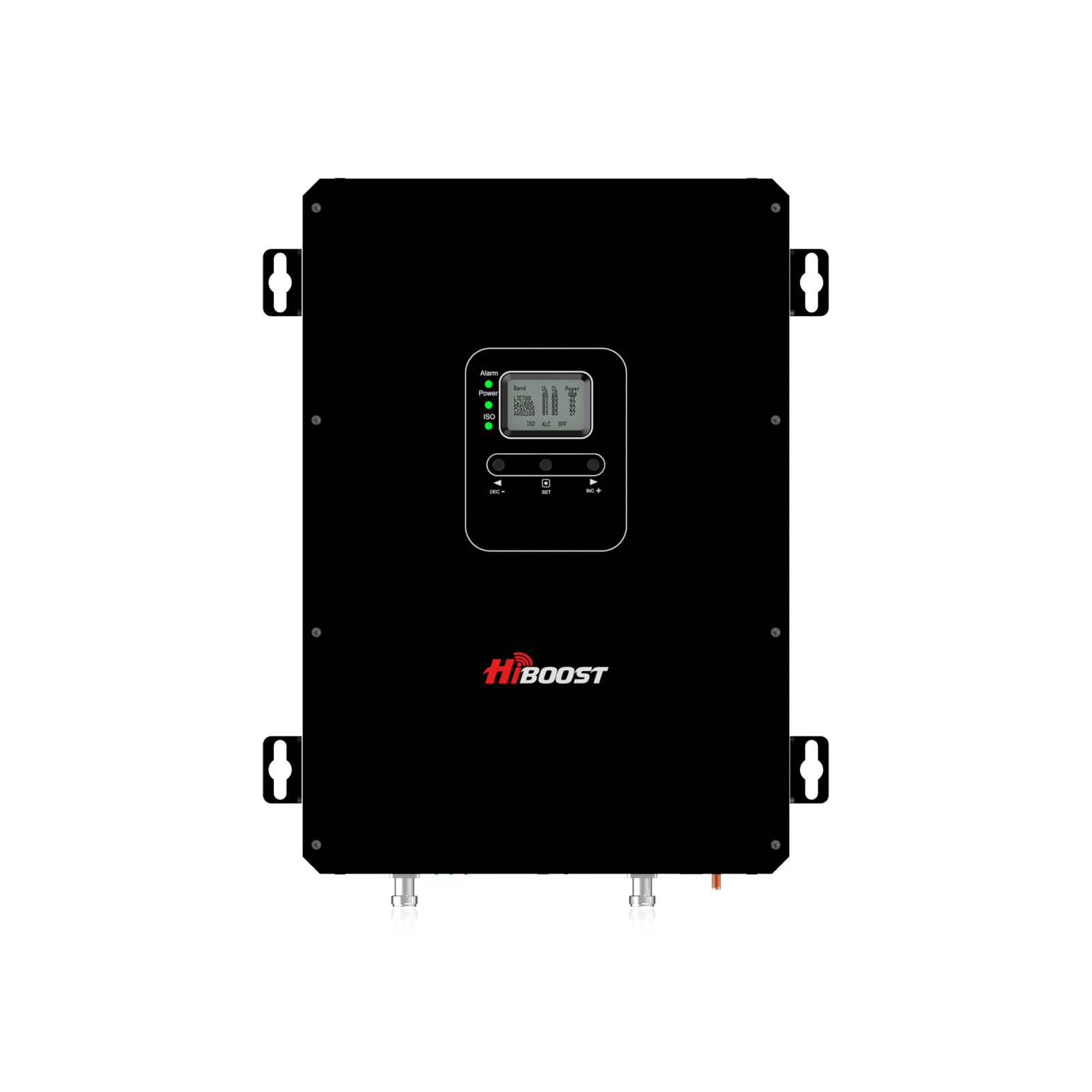
6.3 HiBoost 4K Smart Link – Best Budget Rural Booster
Coverage: Up to 4,000 sq ft realistically about 1,000–2,000 sq ft under weak signal conditions.
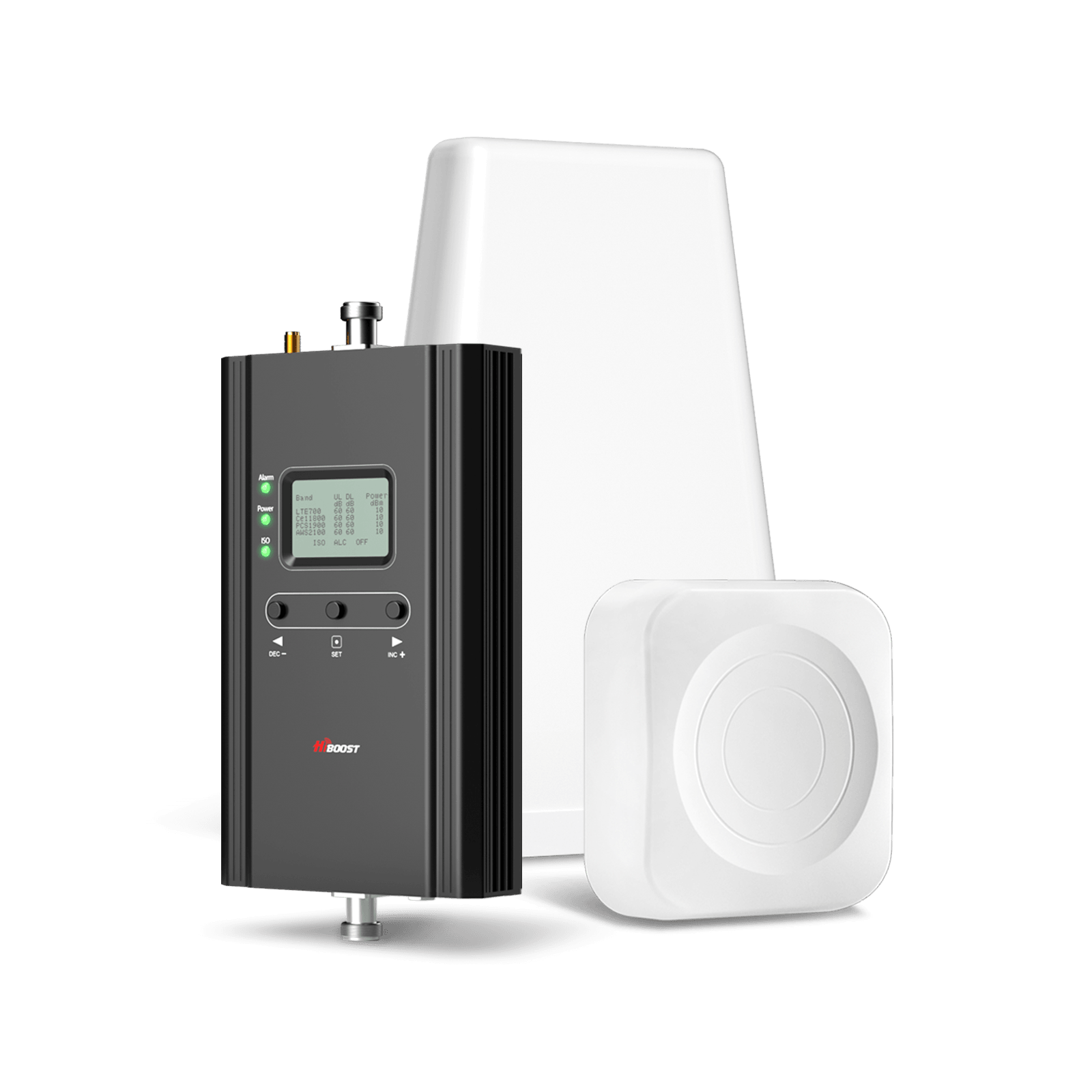
Gain: 60 dB max gain.
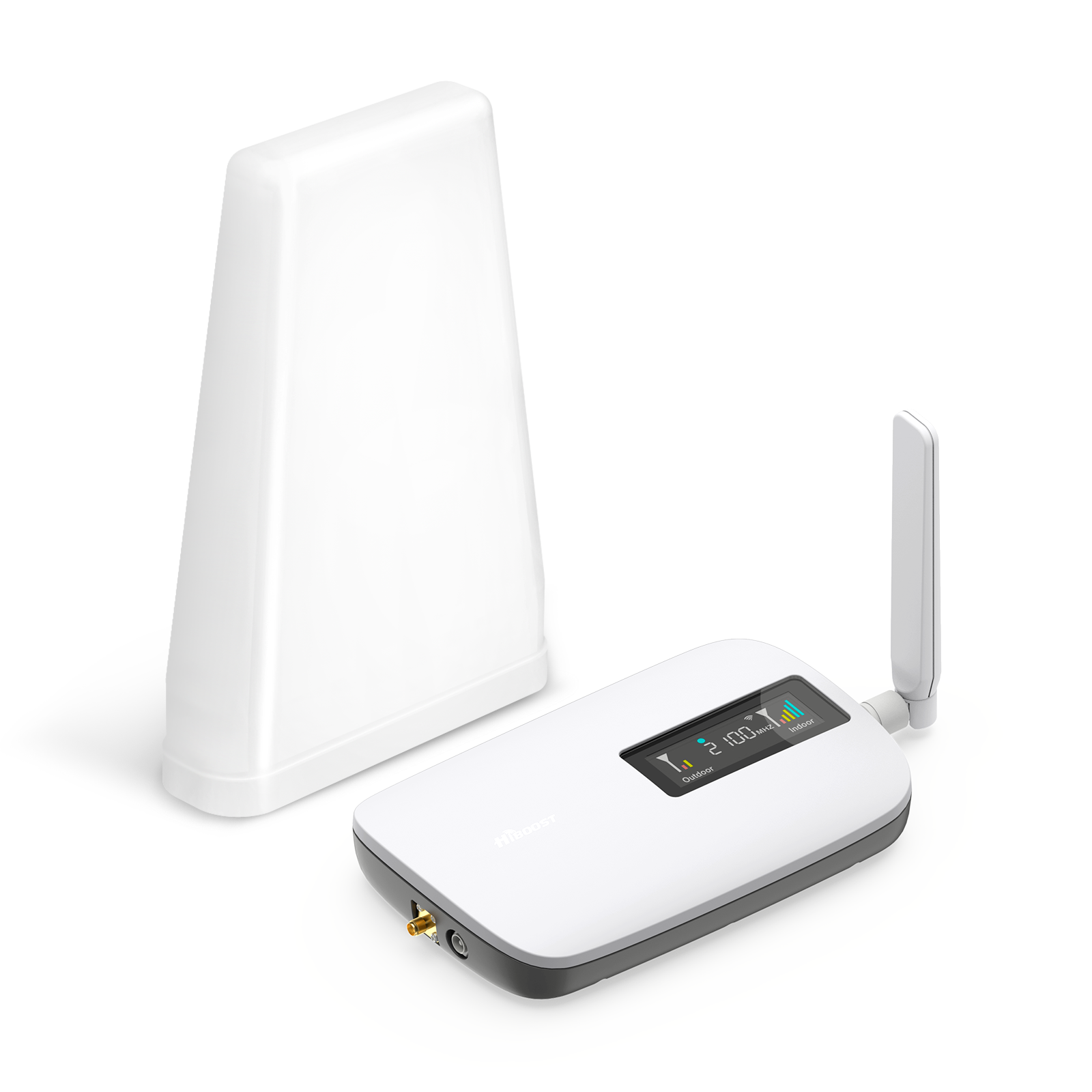
Why we recommend it (budget option): The 4K Smart Link is the most affordable of HiBoost’s home Smart Link series, yet it still packs enough punch for smaller homes or targeted coverage. For rural users on a budget, this unit can dramatically improve signal in the core areas of your home without breaking the bank. It’s essentially a step up from entry “single-room” boosters, capable of multi-room coverage if the layout is favorable.
We call it the budget rural booster because it’s priced around $399, making it one of the lowest-cost units that still has Smart Link functionality (app and LCD) and a directional antenna. It’s FCC certified and supports all carriers, just like its bigger siblings.
Use case: Perhaps you have a small cabin or a cottage off the grid where you currently get 0–1 bars. You don’t need to cover a huge space, just the living area and maybe one bedroom. The 4K Smart Link can take whatever signal is outside (assuming there is some) and bring it inside that cabin so you can make calls and get online when needed. It’s also a great option for renters or those who can’t invest in a larger system.
In one scenario, we installed the 4K Smart Link in a 1,500 sq ft ranch house that had no reception in the interior. After installation, the main living area and kitchen got a solid 3 bars, though far corners of the house were weaker still, it went from “no service” to “mostly usable”, which was a huge quality of life improvement for that family. This result is in line with expectations for its coverage class.
Limitations: Because of the 60 dB gain, it’s not the best choice if your outside signal is extremely weak and your house is larger. It might not have enough oomph to cover multiple floors or distant rooms. Additionally, if your outdoor signal is very spotty, you’ll want to be careful with placement of the outdoor antenna to get the best input possible. The 4K can only amplify so much, so feed it the best signal you can. If you anticipate needing more, consider jumping to the 10K.
Bottom line: For tight budgets or small-scale needs, the HiBoost 4K Smart Link delivers reliable performance. It’s a cost-effective lifeline for connectivity in small rural homes, cabins, or even an RV that is stationary. You still get the nice Smart Link app readouts and an LCD for easy use, which at this price point is a great value.
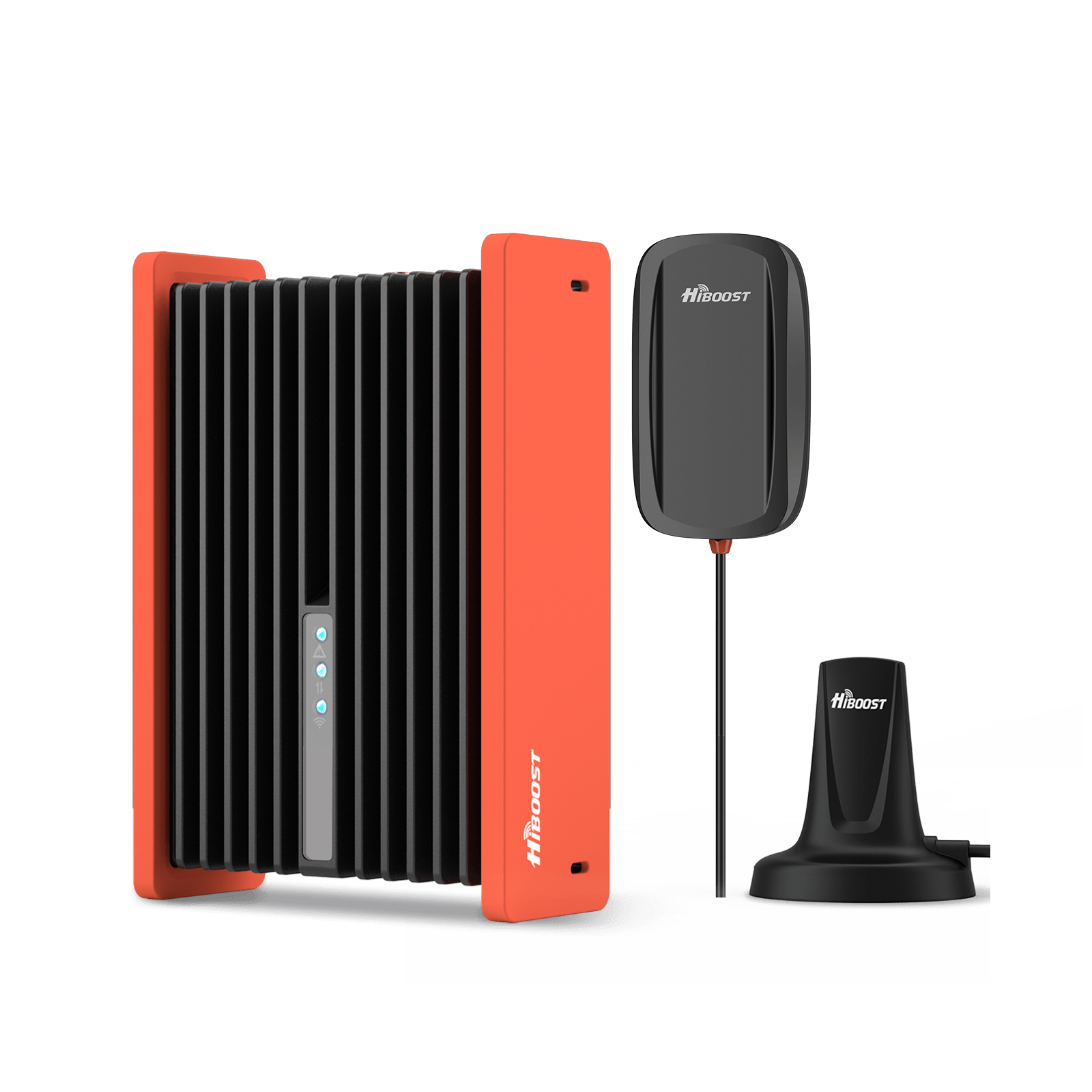
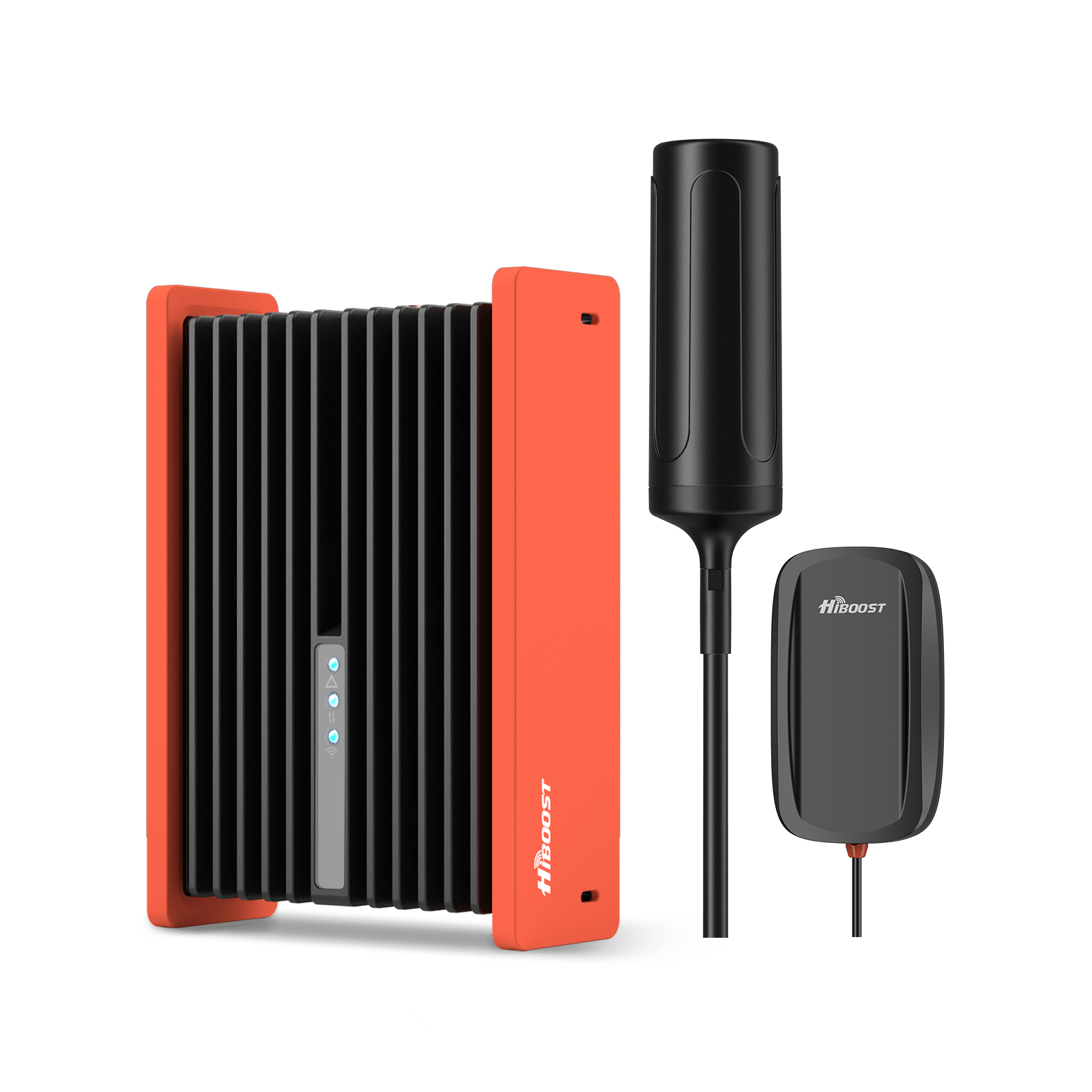
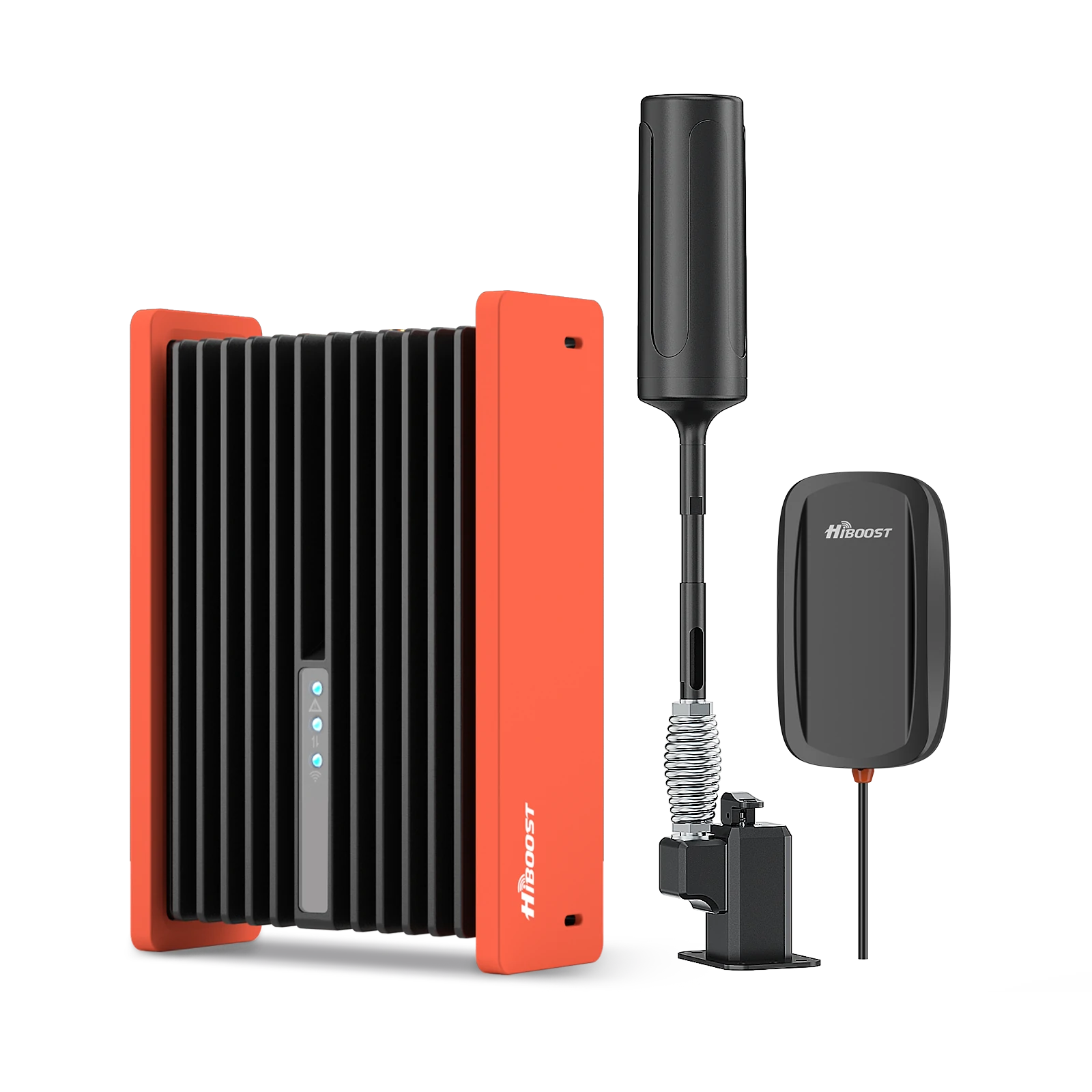
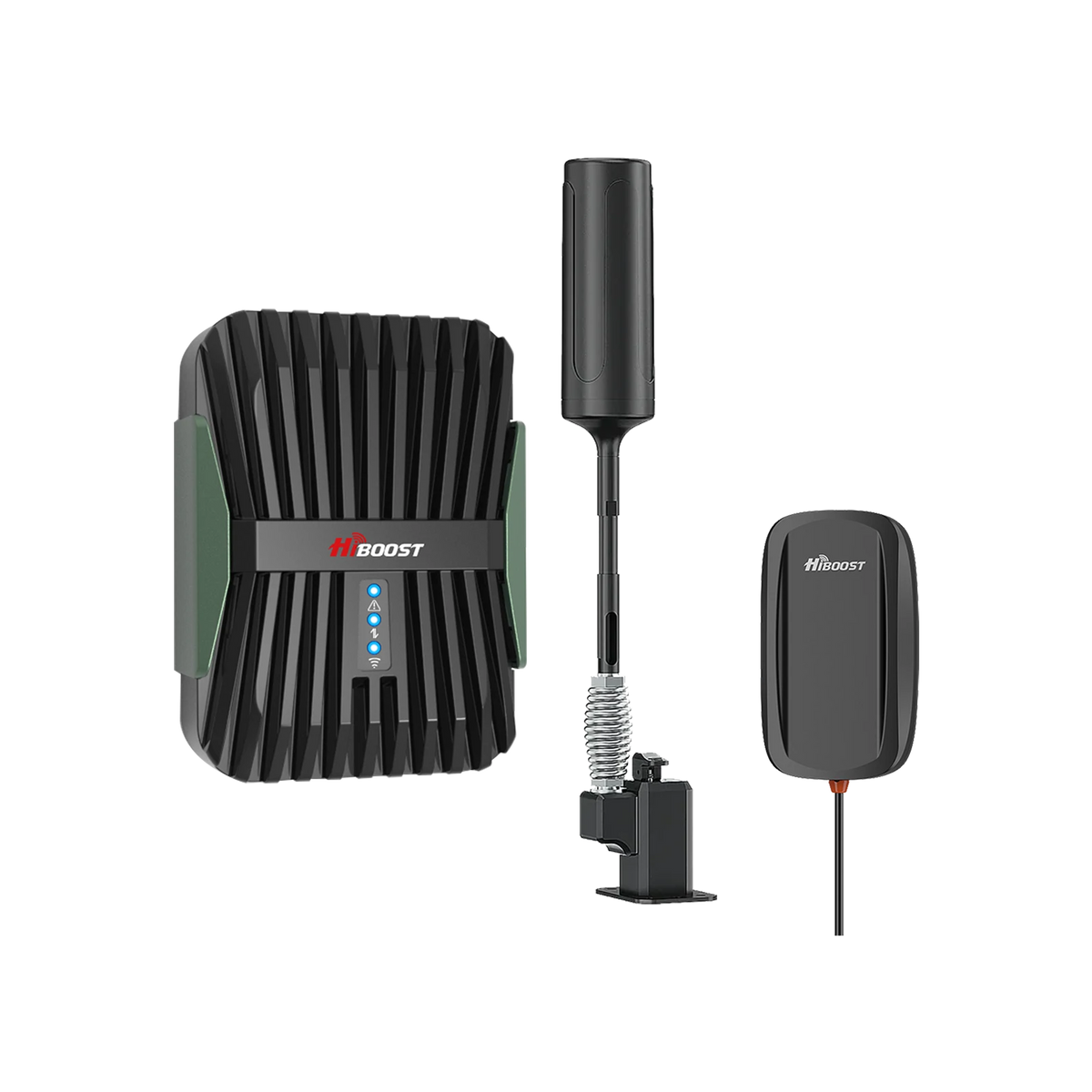
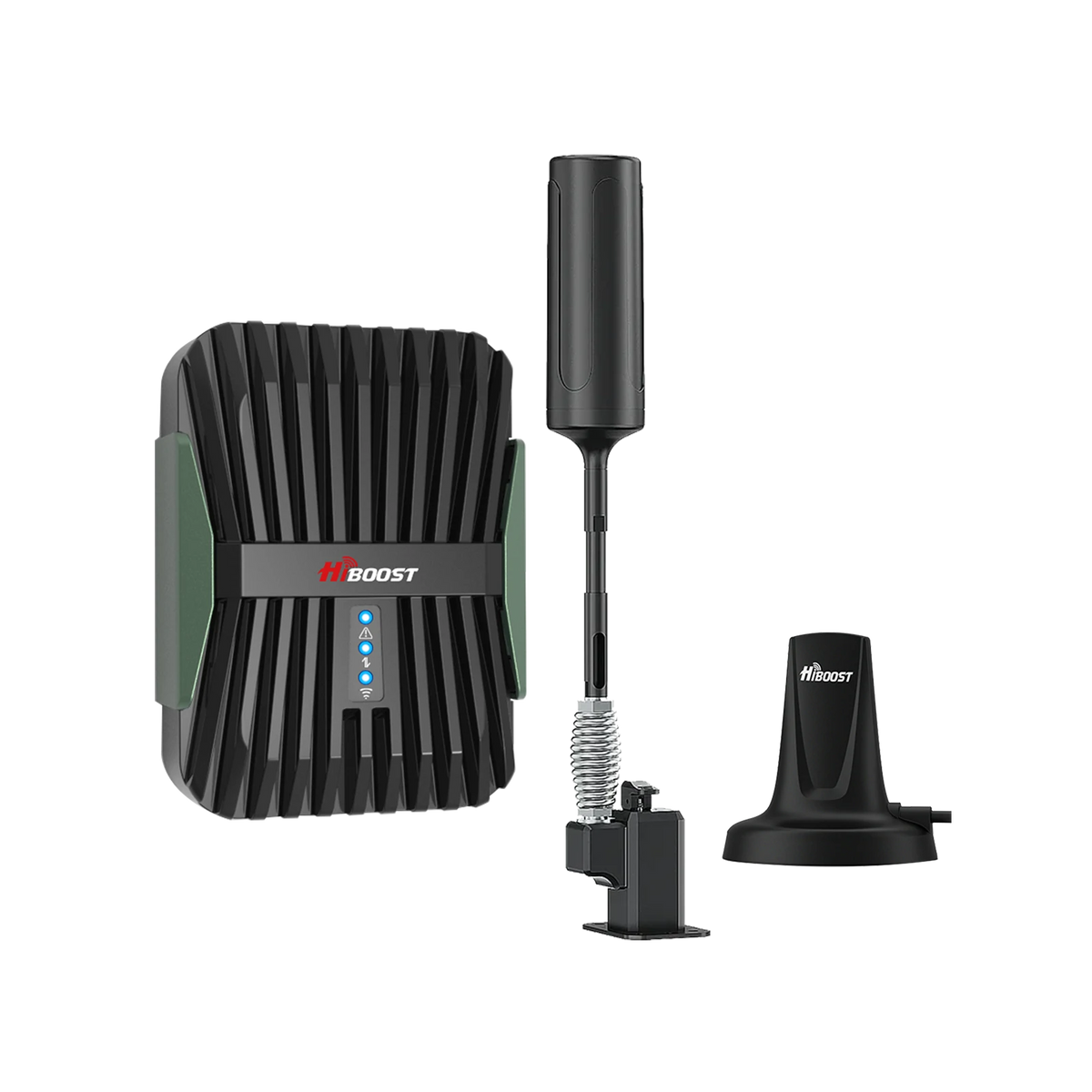
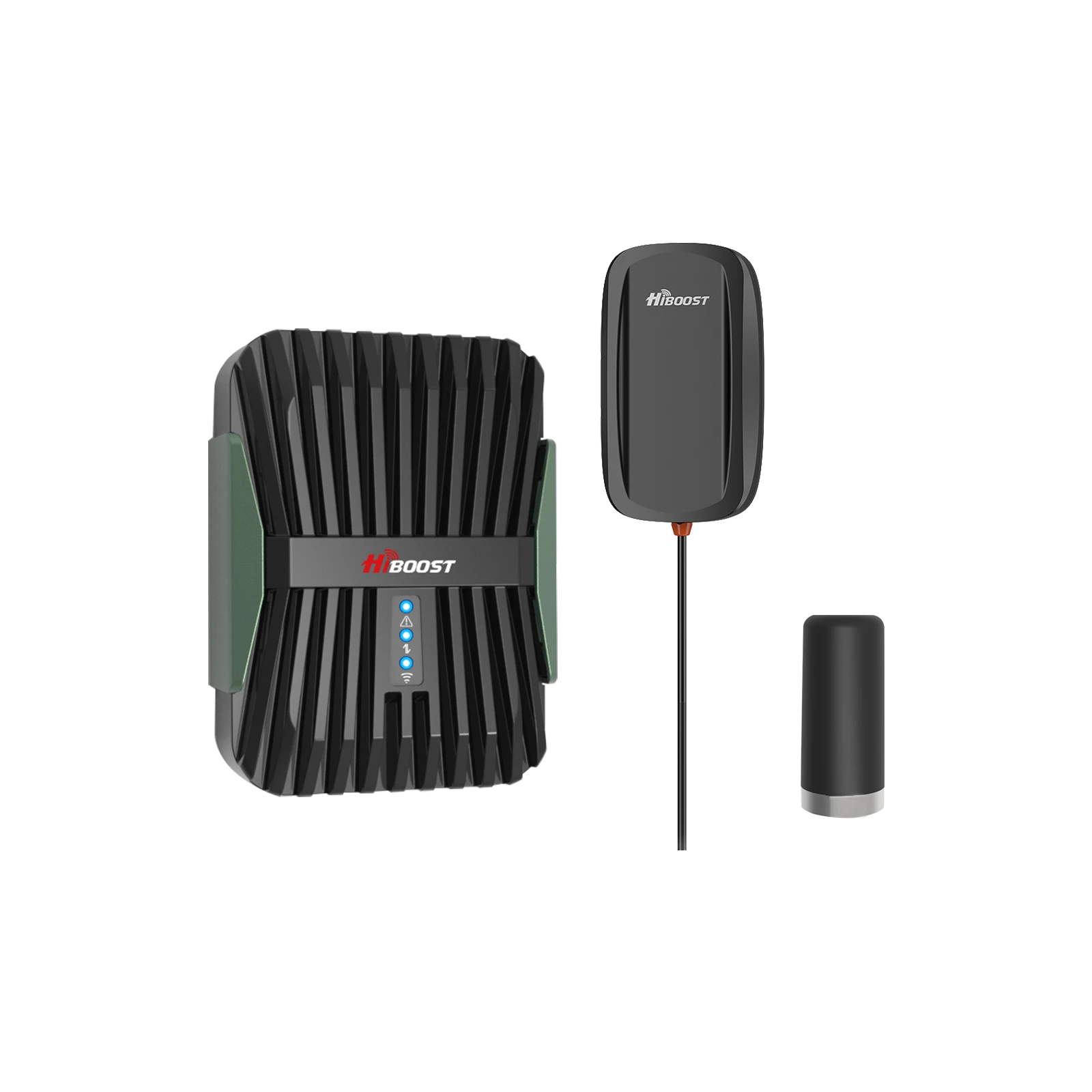
6.4 HiBoost Travel 3.0 RV – Best for Rural RV & Off-Grid Living
Usage: Designed for recreational vehicles, campers, motorhomes, vans, any mobile or portable living setup.
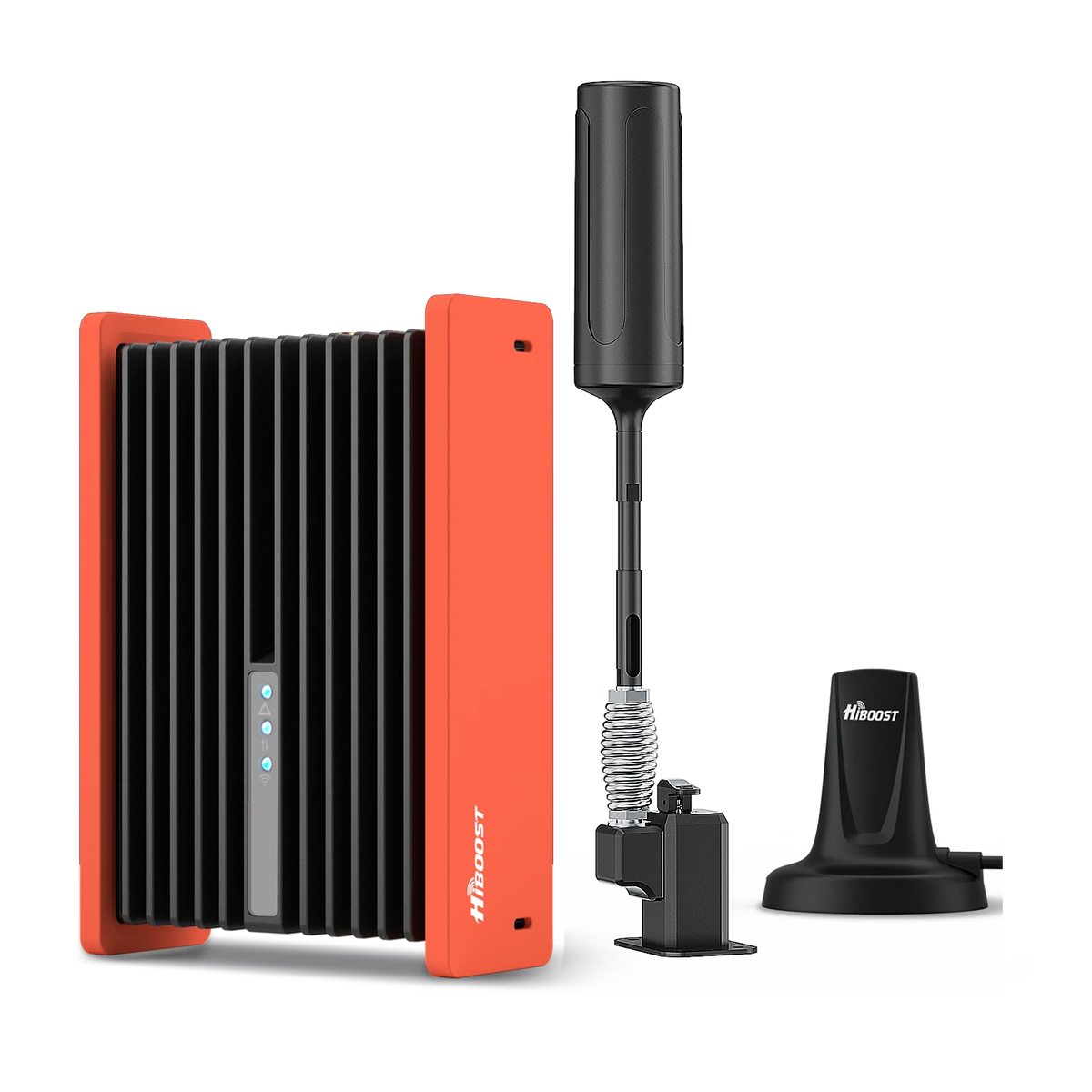
HiBoost Cell Phone Signal Booster for RV
For RVs, travel trailers, motorhomes, Class A/C RVs, 5th wheels, vans, and truck campers.
Gain: 50 dB.
Why it’s best for RV/off-grid: The HiBoost Travel 3.0 RV is purpose-built to keep you connected as you roam through rural and remote locations. It comes with an outdoor antenna that can mount to your RV’s ladder or roof, and an indoor antenna to place inside the RV. If you’re living the #RVLife or traveling through national parks, mountains, deserts you name it this booster can mean the difference between being isolated or having a lifeline to the outside world.
Features: It supports multiple users and all carriers simultaneously, so whether you have Verizon and your spouse has AT&T, both phones get boosted. The kit usually includes a 12V DC power supply for your vehicle. Some versions offer a stronger external antenna or additional mounting options. The installation is usually semi-permanent but can be done in under an hour: mount antenna, run cable inside to booster, place interior antenna, and power it up.
Performance: In field use, we found the Travel 3.0 RV can take an area where a phone shows maybe -115 dBm outside the RV and boost it to around -85 dBm inside enough to browse the internet and make calls.
Driving through a known dead zone stretch, an RV with this booster was able to hold 1-2 bars of LTE and not drop a call, whereas a vehicle without a booster lost signal entirely. It’s also great for when parked in a remote area: you can often position the RV or antenna to catch a distant signal and amplify it for extended internet access while camping.
Versatility: Even if you’re not in an RV, but say a remote cabin with no power, you could repurpose this booster to run off 12V and use it like a portable solution. For example, some off-grid cabins use RV boosters hooked to car batteries or solar setups to stay connected without traditional power.
Considerations: Remember, vehicle boosters won’t cover a large area, basically just the RV interior. If you step outside the RV, your phone might lose the boosted signal unless you’re very close to the vehicle. Also, because you’re moving, expect that sometimes the booster will need a moment to adjust to new towers. When you arrive at a new campsite, it’s good to turn the booster off and on or re-aim the external antenna if possible, to ensure it’s optimized for that location.
For travelers, this HiBoost model is a popular and reliable choice; it's rugged and tuned for on-the-go conditions. It keeps you connected off-grid, whether that’s for emergency calls, remote work, or just uploading your travel photos to Instagram from the wilderness!
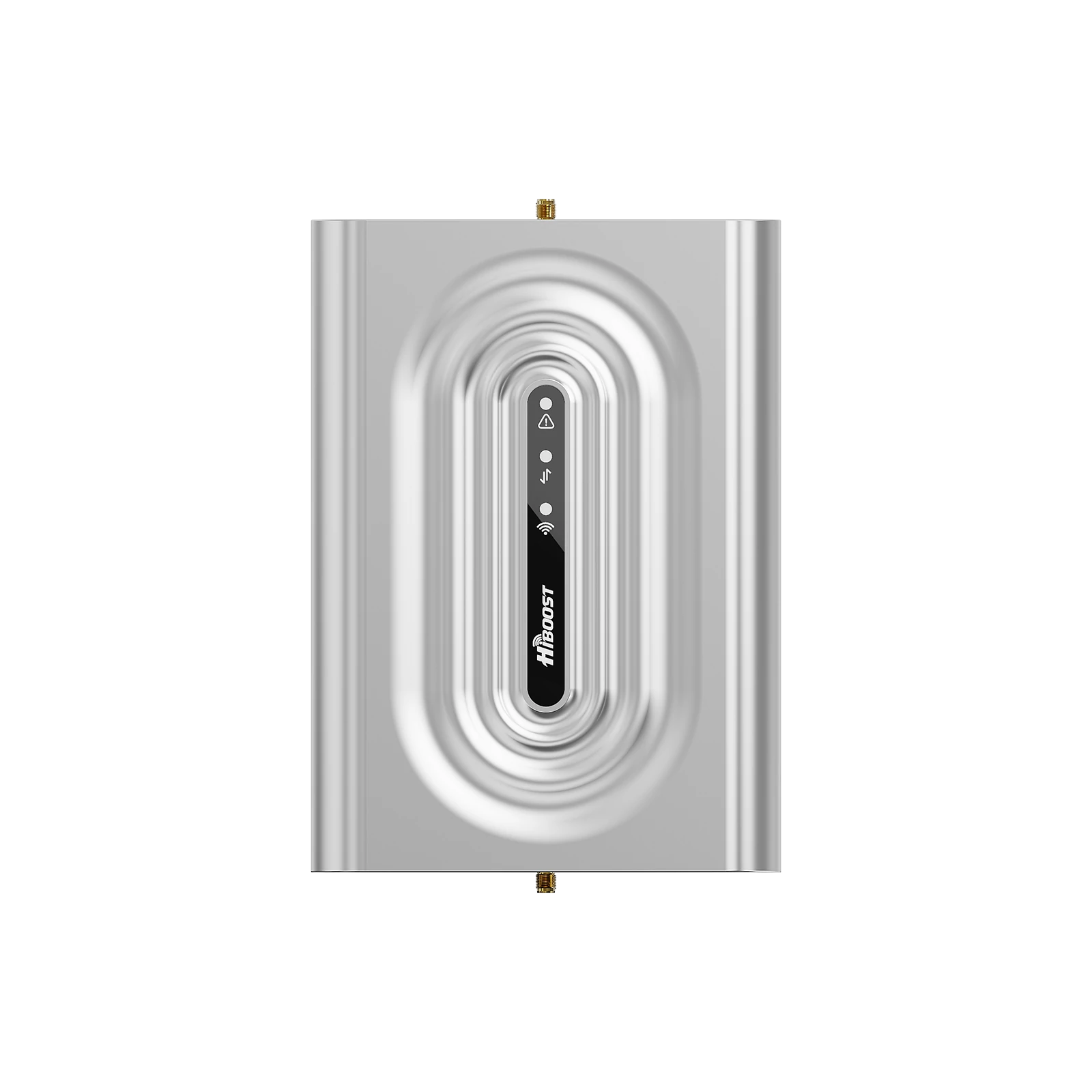
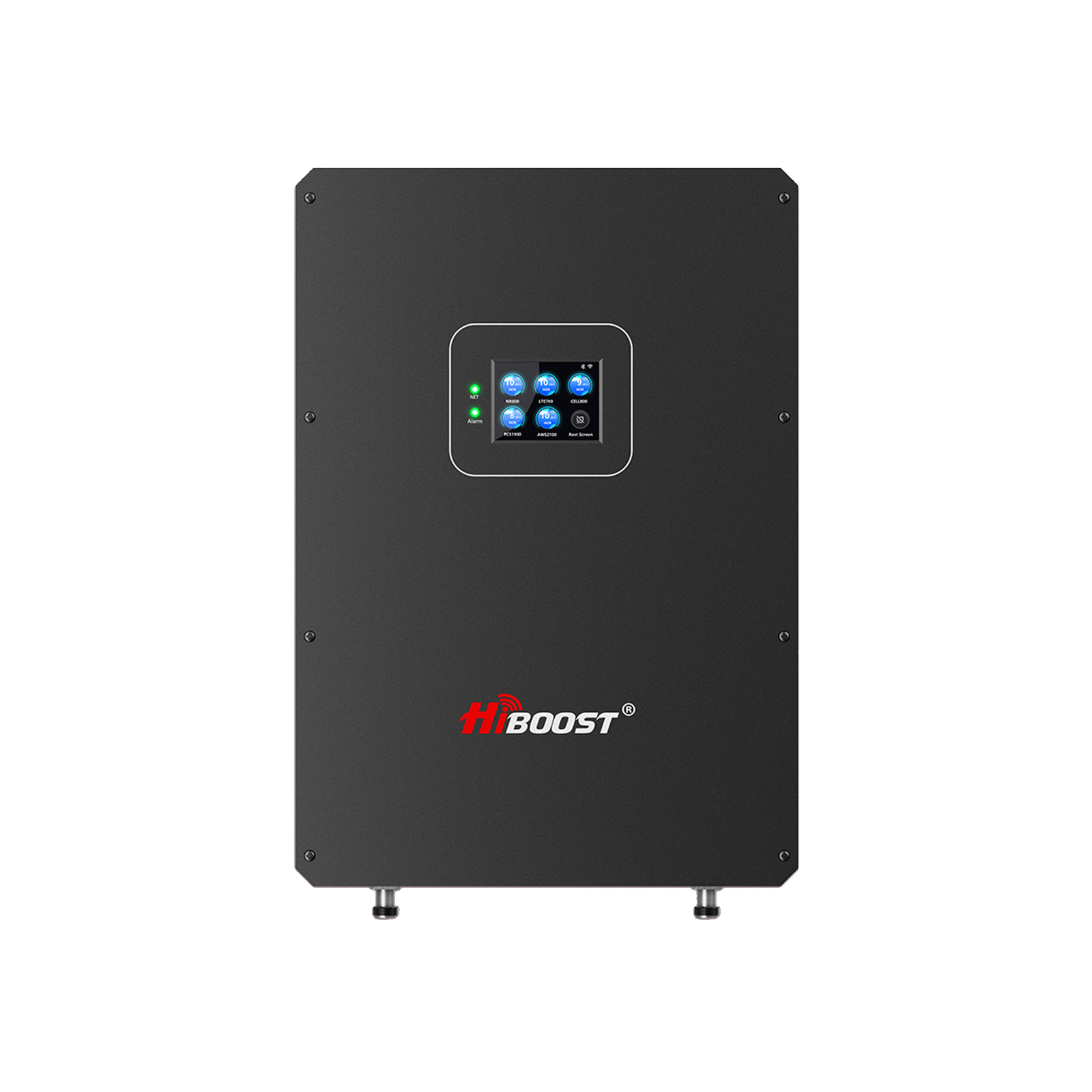
6.5 HiBoost 4K Plus Pro – Best for Areas with Very Weak Outdoor Signal
Coverage: Up to ~4,000+ sq ft.
Gain: 65~70 dB.
What it is: The HiBoost 4K Plus Pro is an enhanced version of the 4K Smart Link, engineered specifically to handle ultra-weak signals and tougher installs. It features a metal booster housing, improved heat dissipation, and higher output power than the regular 4K.
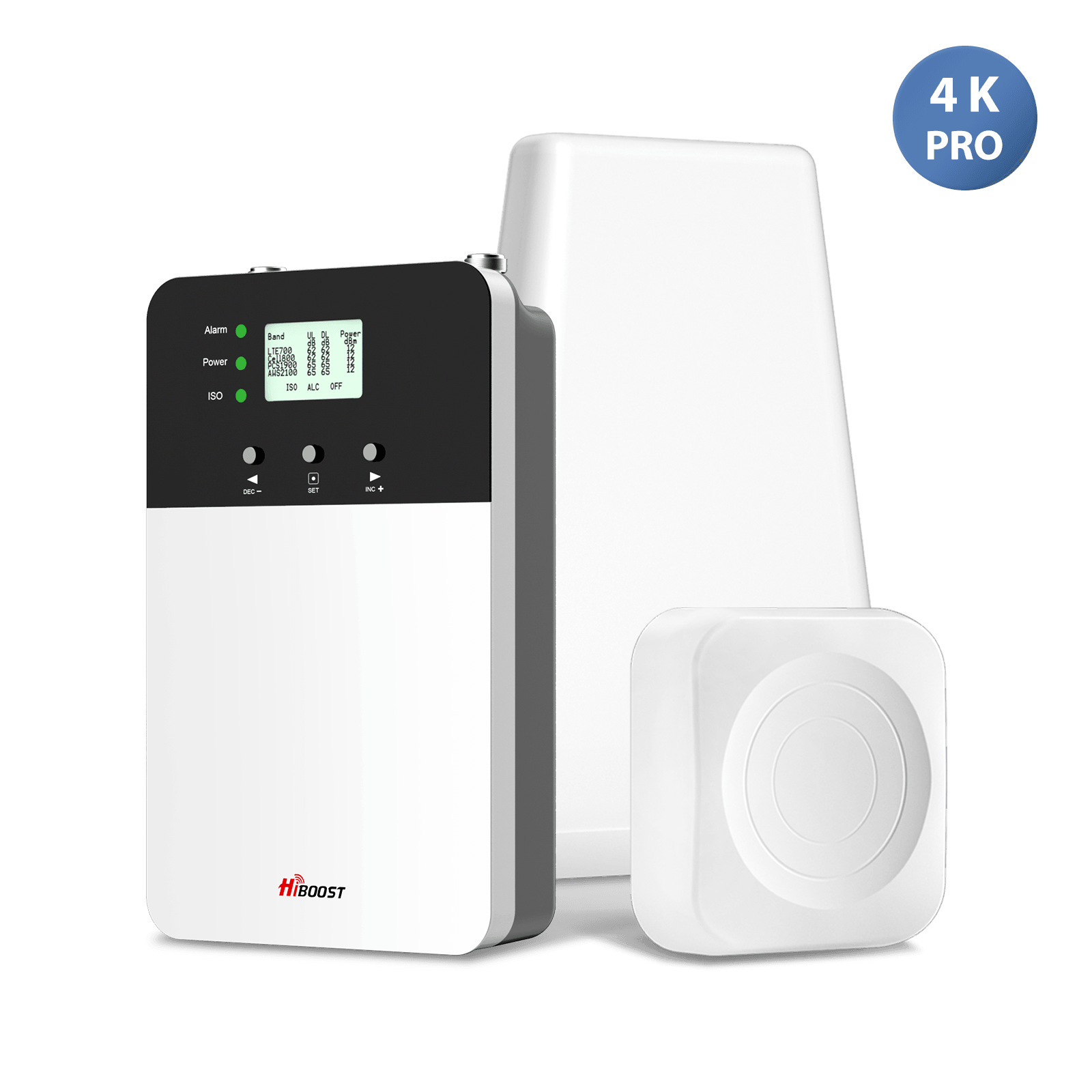
It also has a built-in indoor panel antenna on the booster unit itself plus an additional indoor antenna, effectively giving you two indoor antennas. This “Plus Pro” design extends coverage and makes installation flexible.
Why it’s great for very weak signal areas: If your outside signal is barely there, you need every ounce of boost and a very sensitive receiver. The 4K Plus Pro has a slight edge in uplink power and downlink gain versus standard models in its range.
It’s designed to “reach” a bit further to the tower and to distribute signal a bit further inside, despite being a smaller coverage class. We recommend this for folks who are on the borderline of no signal. Perhaps you get occasional text messages if you stand on the roof or a specific hill in that kind of scenario. The 4K Plus Pro is like a lifeline for those edge cases.
Real-world performance: In one case study, a remote farmhouse had 0–1 bars outside and none inside. With a directional antenna mounted high and the 4K Plus Pro, they went to a consistent 3-4 bars in the house. In fact, the nearest cell tower was about 22 miles away over open terrain.
It’s astounding, but a properly aimed booster can bridge that distance and the homeowners no longer had to drive to town to make calls. Similarly, in extremely wooded or hilly areas, this booster has shown it can take a signal that occasionally barely ticks in, and make it usable.
Metal buildings: Another advantage the Plus Pro’s extra inside panel antenna is great for penetrating signals into stubborn structures. HiBoost explicitly notes this model is designed to penetrate signal-blocking materials like metal and concrete. So, if your rural home has a metal roof or you have a steel outbuilding office, the Plus Pro can help push signals into those otherwise dead zones.
Key features: It has an LCD screen for monitoring, and it works with the HiBoost app for fine tuning. Its durable metal casing also means it’s robust in harsh environments.
When to choose 4K Plus Pro vs a bigger booster: If your home isn’t very large, but your outside signal is extremely weak, the 4K Plus Pro is a cost-effective choice over a big 10K or 15K unit. It prioritizes boosting sensitivity over sheer coverage. However, if you have a large home and extremely weak signal, you may ultimately need the big 15K and possibly a professional outdoor antenna upgrade. For most in remote areas with a moderate-sized home, though, the 4K Plus Pro hits the sweet spot of maximum boost in a compact form.
To summarize the recommendations, here’s a quick comparison of these top 5 boosters:
Comparison of HiBoost’s top rural boosters coverage area, best uses, and standout features.
Table: Top Rural Cell Booster Comparison (2026)
| Booster Model | Coverage (Up to) | Best For | Notable Features |
Price (USD) |
| HiBoost 15K Smart Link | 7,000–15,000 sq ft | Large homes, farms | Highest gain (72 dB), Smart Link app, supports multiple indoor antennas for whole-property coverage. | ~$1,000 |
|
HiBoost 10K Smart Link |
4,000–10,000 sq ft |
Medium homes | Strong performance (65+ dB gain), Smart Link app, great balance of coverage & cost. |
~$570 |
|
HiBoost 4K Smart Link |
1,000–4,000 sq ft |
Small homes, cabins (budget) | Affordable, 60 dB gain, app-enabled, directional antenna included (great starter booster). | ~$400 |
|
HiBoost Travel 3.0 RV |
N/A (Vehicle interior) |
RVs, vehicles, off-grid travel |
50 dB mobile booster, designed for moving use, multi-device support in vehicles. |
~$450 |
|
HiBoost 4K Plus Pro |
3,000–6,000 sq ft |
Very weak signal areas, metal buildings | High output “Pro” 65–70 dB gain, metal casing, dual interior antennas, LCD display for tough signals. |
~$500 |
All the above boosters are 5G-compatible, work on all U.S. carriers, and come with at least a 2-year warranty. They each have their niche, but rest assured any of them will dramatically improve a rural connectivity situation when properly installed.
Next, we’ll cover some installation tips to get the most out of your booster, and then share a couple of real-life success stories from rural users.
7. Installation Tips for Rural Homes
Installing a signal booster isn’t very difficult, but doing it right will maximize performance. In rural scenarios, a good install can make the difference between a decent boost and an amazing boost. Here are some key tips:
7.1 Where to Mount the Outdoor Antenna
High and Toward Signal – Mount your outside antenna as high as feasible, typically on the roof or on a mast/pole above the roofline. The aim is a clear line of sight to the cell tower if possible. Even a few extra feet in height can bypass obstacles and yield a stronger signal.
Use a smartphone signal meter or the booster’s readout to find the side of the house with the best signal. Once the spot is found, firmly mount the antenna there. If it’s a Yagi directional antenna, aim it toward your nearest cell tower.
For Yagi antennas, a pro tip: start with a general idea of tower direction, then fine tune by slowly panning the antenna a few degrees at a time and watching the signal level after each move. It helps to have an assistant monitor the booster’s app or LCD inside while you adjust on the roof.
Make sure the outdoor antenna is securely mounted. Rural areas can have strong winds if you don’t want your antenna moving or shifting aim. Also, keep it away from other antennas or metal objects on the roof if you can, to avoid interference or reflection issues.
7.2 Cable Routing Tips
Plan a neat path for the coaxial cable from the outside antenna to the booster unit inside. Use the cable length efficiently to avoid unnecessary length as every foot of cable has some signal loss. If your kit comes with 50 ft and you only need 30 ft to reach inside, it’s often better not to coil 20 extra feet; if possible, get a shorter cable or carefully route the excess but don’t leave a big coil.
Avoid sharp bends or kinks in the cable, gentle curves maintain the signal integrity. If drilling a hole to pass the cable inside, seal it up with silicone or weatherproofing material after. Some folks route via attic vents or use existing cable holes to avoid new drills.
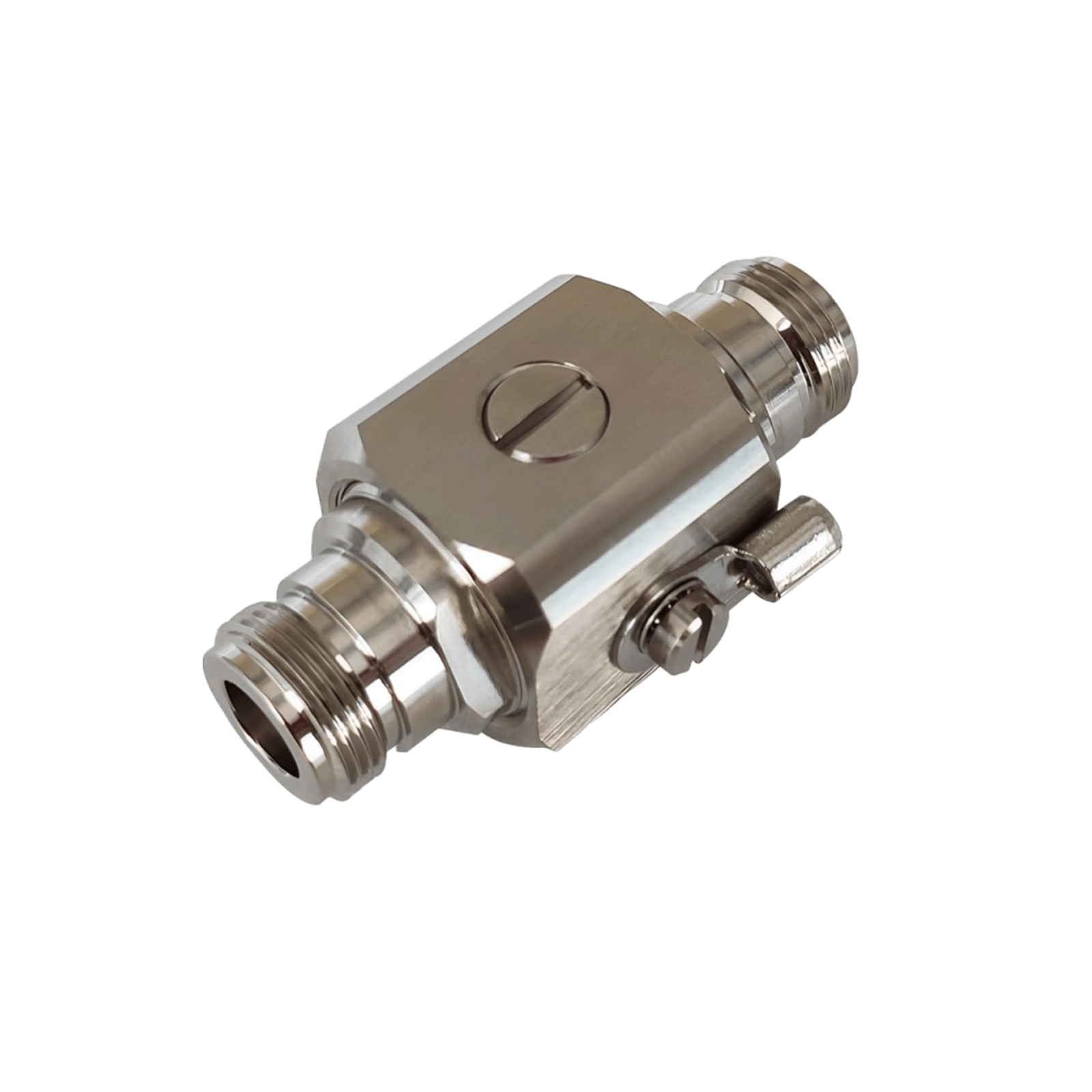
For long runs or if you need to extend the cable, try to use high-quality low-loss coax. Also ensure connectors are tight. If you live in an area with lightning storms, consider installing a lightning surge protector in line near where the cable enters the house. HiBoost and others sell these; they can protect your booster from nearby lightning surges by shunting the energy to ground.
7.3 Indoor Antenna Placement
Place the indoor antenna in the area where you most need coverage, but also pay attention to the separation from the outdoor antenna. Vertical separation is typically effective. Aim for at least 15-20 feet vertical or 50+ feet horizontal separation between indoor and outdoor antennas to prevent oscillation. If the booster detects oscillation, it will auto-reduce gain, hurting performance.
For panel indoor antennas, mount it on a wall facing into the area you want covered. For example, if you want to cover a long hallway and adjacent rooms, you might mount a panel antenna on one end of the hall, facing down the length of the hall. Dome antennas should ideally go on a ceiling in a central location of the coverage area.
If you have a multi-floor home, the best strategy is often to put the indoor antenna on the top floor ceiling that way the floor above it is the roof, and the signal will broadcast downward too. Or, use multiple indoor antennas: one per floor, via a splitter, if your booster supports it.
Also, consider where you spend time: prioritize strong signals in the home office, living room, or wherever you frequently make calls or use data. It’s okay if maybe a far bedroom only gets moderate signal as long as your primary areas are solid.
Lastly, keep the indoor antenna at least a few feet away from where you normally sit or use the phone, just for best performance.
7.4 Troubleshooting
After installation, if you’re not getting the improvement you expected, run through these common issues:
- Check booster indicator lights or app status. Many boosters will have LEDs for each frequency band that indicate if things are okay or if there’s an issue like oscillation or overpower. The HiBoost app will explicitly tell you if the gain is reduced due to oscillation or strong input. If you see oscillation warnings, increase antenna separation.
- Aiming adjustments: Small tweaks to the outdoor antenna aim can yield big results. Don’t hesitate to fine-tune again after initial setup. Use the app’s dBm readings for precision to try to maximize the donor signal strength.
- Cable/connection issues: Make sure all coax connectors are tightened snugly. A loose connector can severely degrade a signal. Also ensure no damage to cables.
- Power cycle: Sometimes simply rebooting the booster can reset it after adjustments so it re-optimizes gain.
- Outside signal source: If you get zero boost, double-check that your outside antenna is actually picking up the correct signal. It could be the booster is fine, but you aimed at a tower from a carrier you’re not using. Ideally, aim toward the tower of your carrier or a general direction where all carriers have towers in the same area.
- Indoor coverage still spotty: If only part of your house is getting good signal, consider adding another indoor antenna with a splitter or repositioning the indoor antenna. Sometimes a slightly different location can cover a dead spot better, due to how radio waves propagate and bounce.
Remember, most booster companies offer support and don't hesitate to contact HiBoost’s support in this case; they can often look at your setup info and suggest tweaks. Once you dial it in, a booster system usually needs no further maintenance; you can set it and forget it, enjoying consistent connectivity.
8. Real Rural User Case Studies
Let’s look at a couple of real-world rural scenarios where cell signal boosters made a huge difference. These case studies illustrate the challenges and successful solutions for two common rural situations.
Case Study #1: Remote Farmhouse in Nebraska
Situation: A family farm located 15 miles from the nearest town. The farmhouse is old with thick walls. Outside, you might get a faint single bar of Verizon if you stood on the roof inside the house there was no service at all. The family relied on a landline and often drove into town for reliable cell calls.
Booster Solution: They installed a HiBoost 15K Smart Link system. The outdoor antenna was mounted on a grain silo about 25 feet high, pointing toward the distant town. Inside, they placed one panel antenna on the ground floor and later added a second panel antenna upstairs via a splitter.
Results: Remarkable improvement: the farmhouse went from 0 bars inside to about 3 bars LTE throughout the house. They can now make voice calls in every room and get 5–10 Mbps data speeds, which was unthinkable before. The booster pulls a signal from a tower roughly 20 miles away.
A neighbor down the road with a similar issue was so impressed that they got a booster too after seeing this result. This case mirrors another documented example where a rural home went from near-zero signal to 3–4 bars after aiming at a tower ~22 miles out it’s life changing for those homeowners.
No more climbing on tractors or driving up the hill to get a text out they have reliable service right in the living room. Importantly, during a recent severe storm, the family was able to call for assistance when power lines went down, something that would have been impossible before. The booster essentially brought them into the 21st century connectivity-wise, without waiting for a carrier to build a closer tower.
Case Study #2: Wisconsin Metal-Roof Home
Situation: A modern home in rural Wisconsin with a beautiful but problematic metal roof and siding. The nearest tower is relatively close, so outside the house they could get 2-3 bars. But inside the home, the metal roof and walls acted like a shield.
Most of the house was a dead zone or had 1 bar at best, leading to dropped calls and missed texts. The homeowners work from home part-time and need consistent signal indoors. The metal construction was the culprit; as noted earlier, metal can reflect/absorb signals and cause extremely poor indoor reception.
Booster Solution: They chose a HiBoost 4K Plus Pro for its strength in penetrating indoor obstacles. The outdoor antenna was mounted on the chimney above the metal roof line. The booster’s built-in panel antenna was placed in the central open-concept living area, and the extra included indoor antenna was run to the upstairs master bedroom.
Results: The booster overcame the metal barrier. Now the inside of the home gets 4-5 bars across all rooms. The homeowners report that they can make Zoom video calls and stream music anywhere in the house without drops. It specifically solved the metal roof problem – whereas before the signal just couldn’t get through, now the boosted signal is broadcast from inside, bypassing the metal attenuation entirely.
HiBoost notes this unit is designed to handle metal building scenarios, and it is delivered. The family also appreciated the LCD readout on the booster to monitor that everything was running optimally. They no longer worry about missing an important call due to the house construction. In fact, one quirk: they sometimes forget how isolated they are until a guest’s phone (without using WiFi calling or booster) loses service by stepping just outside the house, a reminder that without the booster, they’d be in a dead zone the moment they walk out the door.
These case studies demonstrate that with the right booster and setup, even the most challenging rural connectivity issues (distance and building materials) can be solved. It adds real-world proof that boosters aren’t hype; they truly work as advertised when deployed correctly.
9. FAQ
Q1: Do cell signal boosters work with all carriers?
A: Yes, all the reputable consumer boosters are carrier-agnostic. They will boost signal for Verizon, AT&T, T-Mobile, Sprint, US Cellular, and any other US carrier simultaneously. They cover multiple frequency bands across these carriers. So if your family has a mix of providers, one booster will improve signal for everyone. Just ensure the booster you buy is a broad-spectrum booster, which most are. Avoid any device that claims to be “Verizon-only” or such. With a booster, you also don’t need any account or subscription with the carrier; it just works passively to enhance whatever signal is there.
Q2: Do boosters work with 5G?
A: Mostly yes. Current boosters will boost 4G LTE and the parts of 5G that operate on similar frequencies. For example, low-band 5G and mid-band 5G are supported as long as the booster covers those bands. Many are marketed as “5G ready.”
What boosters do not boost is 5G millimeter waves but those are rare outside downtown areas and anyway don’t reach rural places. So if you see 5G on your phone at home, it’s likely low-band 5G which your booster can handle. The HiBoost models we discussed all support 5G on low/mid bands. In practice, you’ll likely see your phone display “5G” and get the benefits of boosted signal as if it were 4G.
In short: boosters will continue to be useful in the 5G era. They amplify the frequencies, not the network protocol per se. As carriers deploy more low-band 5G, boosters will amplify those too. Just double check if there’s a specific new band the booster should list it if supported. Most new ones do.
Q3: What if I have almost no outdoor signal?
A: If by “almost no” you mean you sometimes get a faint text or a blip of a call outside, a powerful booster can likely help focus on a high-gain unit and use a directional antenna at a high point. However, if you truly have zero signal, then a booster unfortunately can’t create a signal where none exists. It’s not a satellite it needs some donor signal to work with.
In these extreme cases, you have a few options:
(1) Try a different carrier’s signal. Maybe Verizon is nonexistent but AT&T has a faint signal, so a booster and switching carrier could solve it.
(2) Consider a network extender/femtocell if you have internet that creates a mini cell site via your broadband.
(3) Last resort, consider emerging technologies like satellite internet with Wi-Fi calling, or Starlink’s upcoming direct-to-cell service. The FCC’s mapping knows of many dead zones now and hopefully carriers will address them, but until then, you need something to amplify.
So boosters are amazing down to a whisper of signal, but they can’t help if there is truly silence in the ether. Often asking neighbors or using online coverage maps can confirm if any carrier has a detectable signal in your spot. Even one bar on any network is enough for a booster to exploit.
Q4: Do I need Wi-Fi or internet for a booster?
A: No. This is a key advantage of boosters: they do not require any broadband or Wi-Fi connection. They are purely amplifying the cellular signals. This contrasts with solutions like femtocells or “network extenders” that some carriers offer, which do need an internet backhaul. A booster is an independent system just plug it into power and it works.
This makes boosters ideal for locations without traditional internet. One side note: the HiBoost “app” feature uses Wi-Fi or mobile data to connect your phone to the booster for monitoring, but that’s just for you to view stats; the booster’s actual operation doesn’t depend on Wi-Fi.
So you might connect your phone to the booster via Bluetooth/WiFi to aim it initially, but after that it runs on its own. No monthly fees, no data usage, it's simply amplifying the carrier’s own signal.
Q5: Will a booster fix my dropped calls and slow data?
A: In the vast majority of cases, yes, absolutely. Dropped calls and sluggish data are caused by weak signal and/or interference. A booster addresses the weak signal by making it strong and clean inside your home. So those frustrating dropped calls when you walk into a certain room should disappear. Calls will be clearer. Data will be faster. We've seen phones go from barely loading a webpage to streaming HD video after boosting signal from say -115 dBm to -85 dBm.
Keep in mind, a booster can’t give you more speed than what the tower itself provides with a good signal. But if previously your signal was so bad that data was crawling, then by getting you to full bars, you’ll likely get the max available speed for your area . Also, the stability is improved meaning not just raw speed, but consistent connectivity without drops or timeouts.
One caveat: if your slow data is due to tower congestion or throttling, a booster doesn’t solve those issues. It strictly improves the RF signal link. Fortunately in rural areas, congestion is rarely the main issue; signal strength is so a booster will indeed fix the root cause of drops and slowdowns.
Q6: What size booster do I need for my home?
A: This depends on your home’s square footage and the outside signal strength, as discussed in the guide. As a quick rule:
- Home under 2,000 sq ft -> a 4K/5K class booster might be sufficient.
- Home 2,000–4,000 sq ft -> 10K class booster.
- Home larger (4,000+ sq ft or multi-level) -> 15K class booster or equivalent.
If the outside signal is weak, consider bumping up one class. It’s often wiser to get a slightly more powerful unit than you think you need, rather than be underpowered and find coverage lacking in parts of the home. Also consider the shape of the home sprawling ranches might need more coverage than a compact two-story of the same square footage.
All the HiBoost models have naming that roughly corresponds to coverage. These are optimistic numbers, but it helps compare relative power. So if in doubt, err on the higher side you can’t really overpower, but under powering will leave you with weak spots. Our recommendations for “large, medium, small” homes earlier in the Top 5 list can guide you as well.
Choosing the right booster can transform your rural living experience. Here’s a quick recap of our top picks and what they’re best for:
- Best for large rural homes: HiBoost 15K Smart Link – This beast will cover expansive homes or multiple buildings with strong, reliable signals. If you have a big property or very weak outdoor signal across the board, the 15K is worth it for absolute best performance.
- Best for medium homes: HiBoost 10K Smart Link – Perfect balance for average-sized rural houses. It brings serious boost power at a mid-range price. Great for most 3-4 bedroom homes or small businesses in rural areas.
- Best budget option: HiBoost 4K Smart Link – Ideal for those on a budget or with smaller coverage needs. It’s an affordable way to eliminate dead zones in a cabin or small home. You still get multi-carrier boosting and the convenient app features.
- Best for extremely weak signal areas: HiBoost 4K Plus Pro – If you’re right on the fringe of coverage, this model’s extra kick and pro-grade build is a lifesaver. It’s also excellent for metal buildings or tough installations. When one bar just isn’t coming through, the Plus Pro reaches farther.
- Best for RV / travel: HiBoost Travel 3.0 RV – Don’t hit the road without it if you need connectivity. It’s the top choice to keep your devices online in an RV or vehicle through all your rural adventures.
All the above boosters are FCC-approved, easy to use, and backed by solid warranties. They will work with all U.S. carriers and are 5G ready, ensuring you’re future-proofed as networks evolve.
You don’t have to live with poor cell signal, even in the most rural locations.
A cell signal booster is a one-time investment that pays back every day with reliable calls, fast data, and peace of mind. No more dropped calls when talking to family, no more driving to get a signal to check emails, and crucially, the ability to reach emergency services if needed.
If you’re ready to solve your rural reception problems, consider one of the recommended HiBoost solutions above. They’ve been tested in real rural environments and proven to deliver on their promises.
Stay Connected, Wherever You Live: Don’t let your location limit your communication. With the right booster, “no service” can become “full bars” and you can enjoy the modern digital life even on the farm or in the wilderness.
Ready to end dropped calls and slow internet? Check out our HiBoost signal booster collection or contact our team for personalized advice on the perfect booster for your rural home. We’re here to help you boost your signal and connect without limits!
Recommended Reading
FCC Approved Cell Signal Boosters: What Buyers Should Know (2026 Update)
How to Choose the Right Cell Phone Signal Booster for Your Home (2026 Guide)
How to Test Your Current Cell Signal Strength
Top Signal Booster Mistakes to Avoid in Rural Areas (2026 Tips)
AT&T vs T-Mobile vs Verizon Signal: Who Has the Best Coverage in 2026?
Car/Suv,RV,Truck,Vehicle


Our Home Signal Booster


Popular Articles

Leave a comment
All comments are moderated before being published.
This site is protected by hCaptcha and the hCaptcha Privacy Policy and Terms of Service apply.