
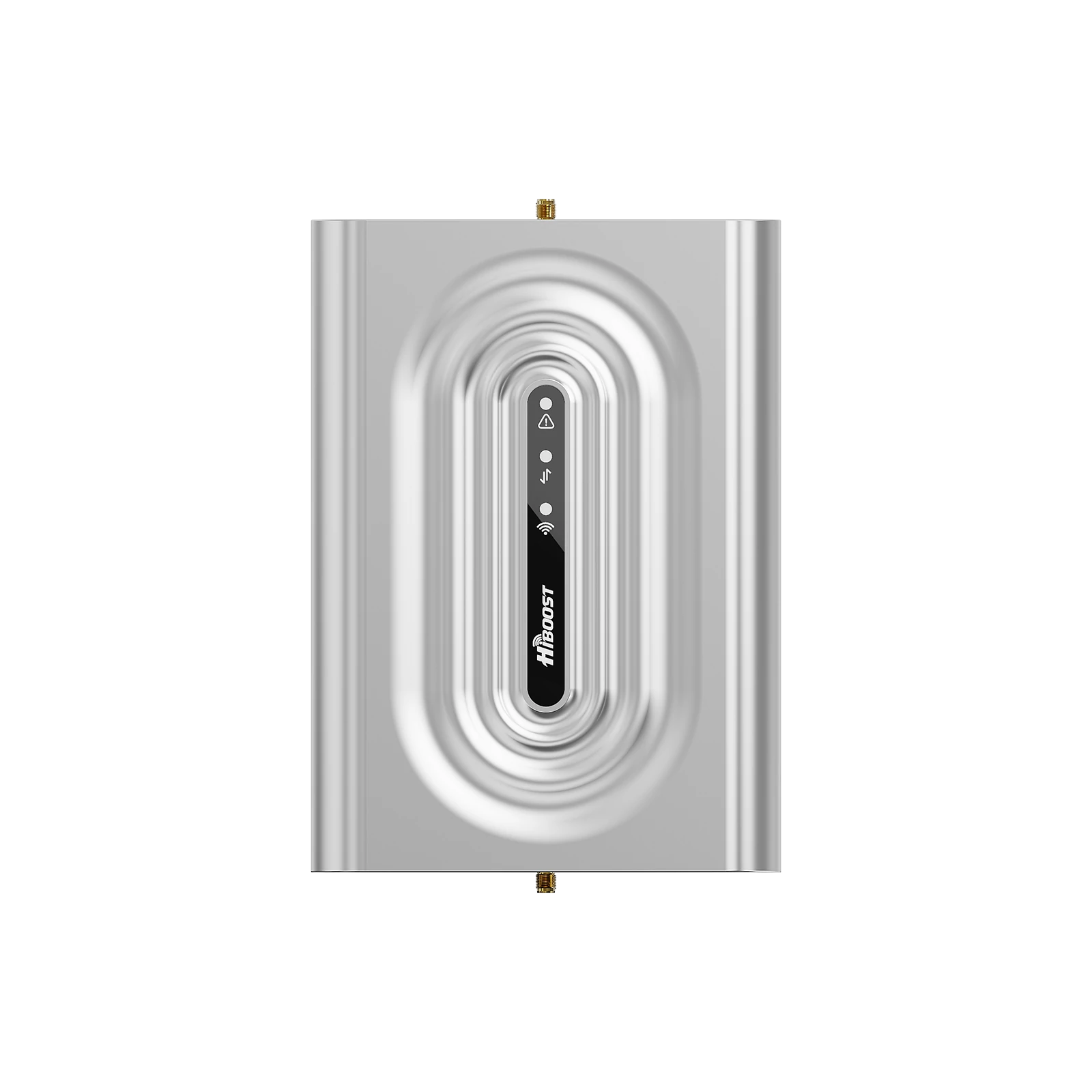
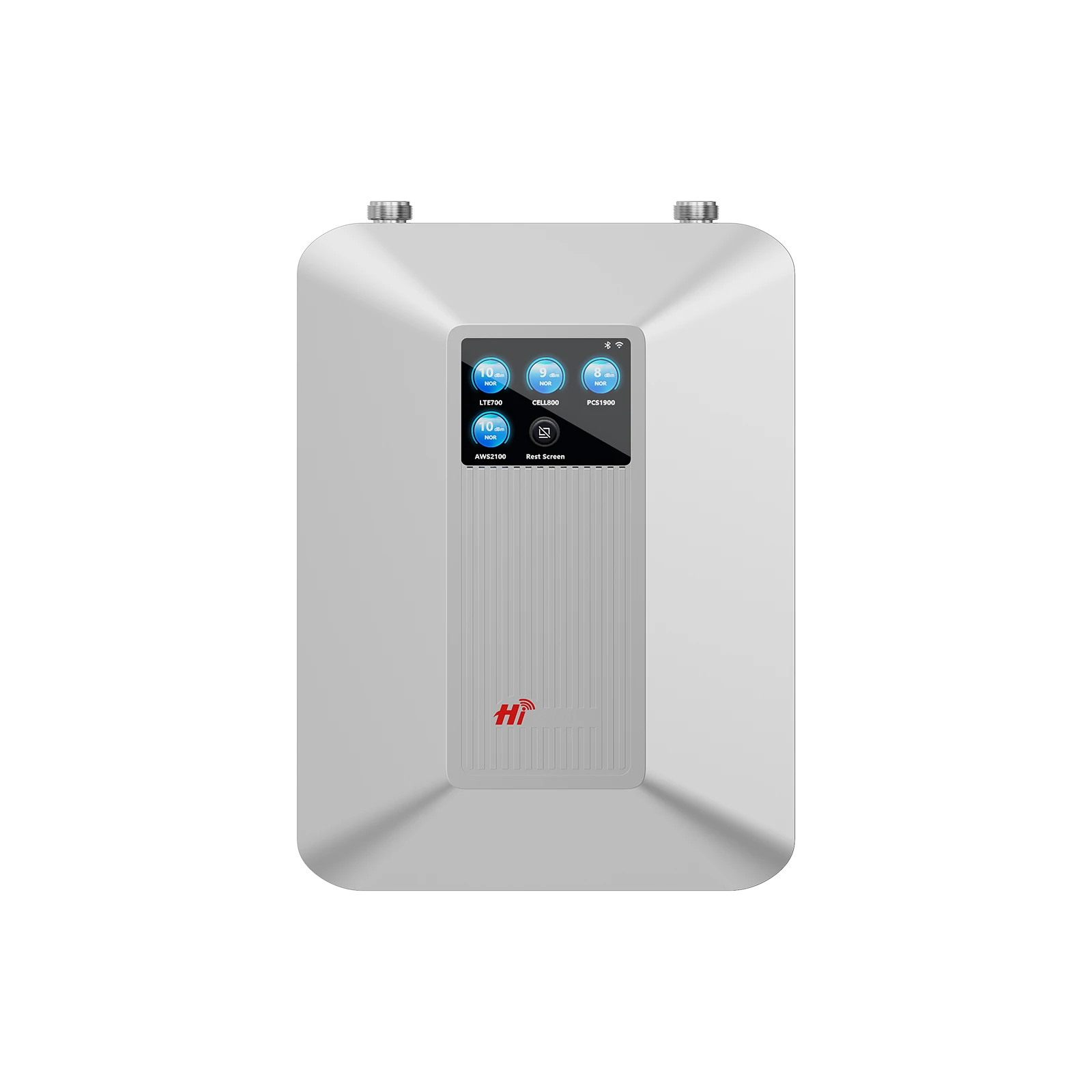
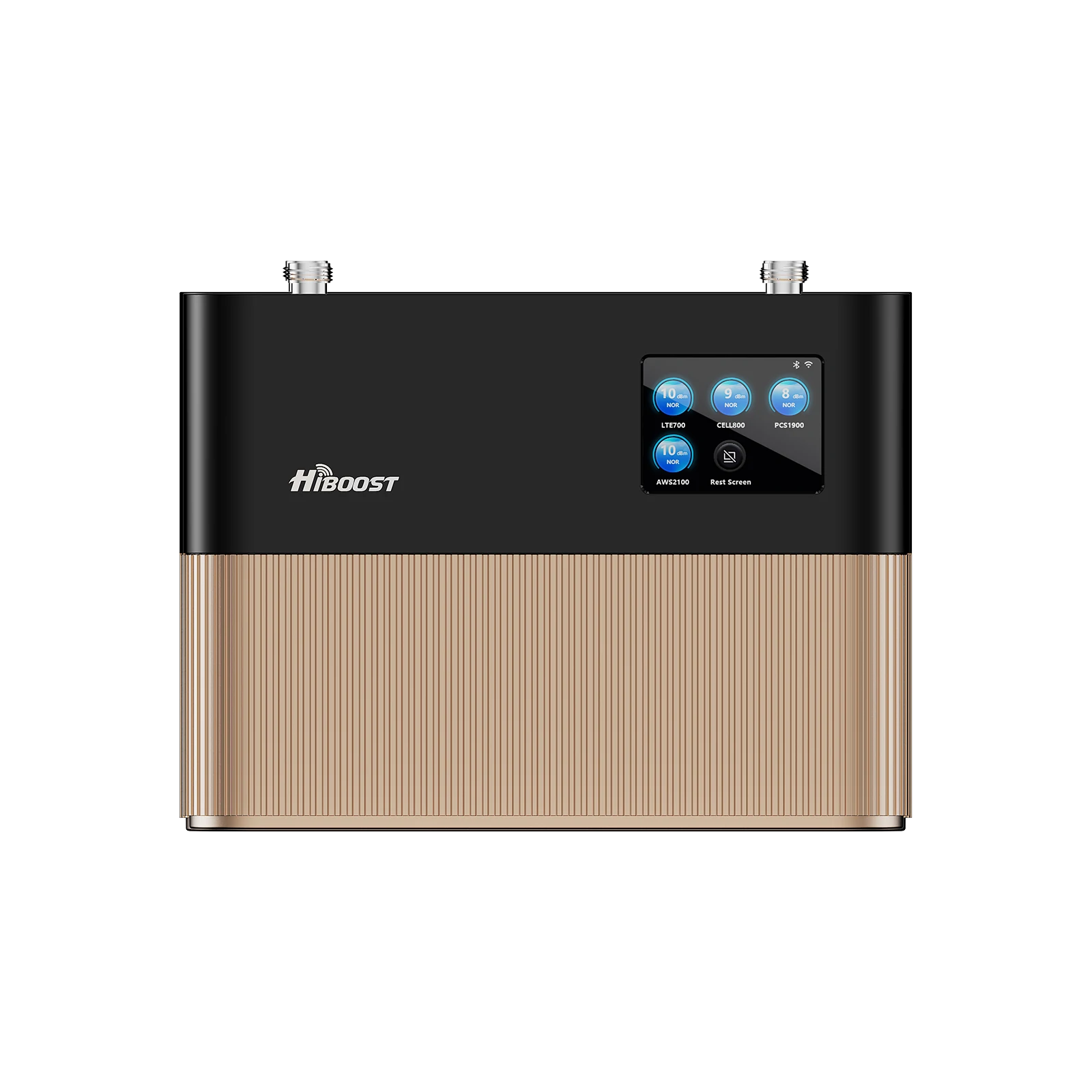
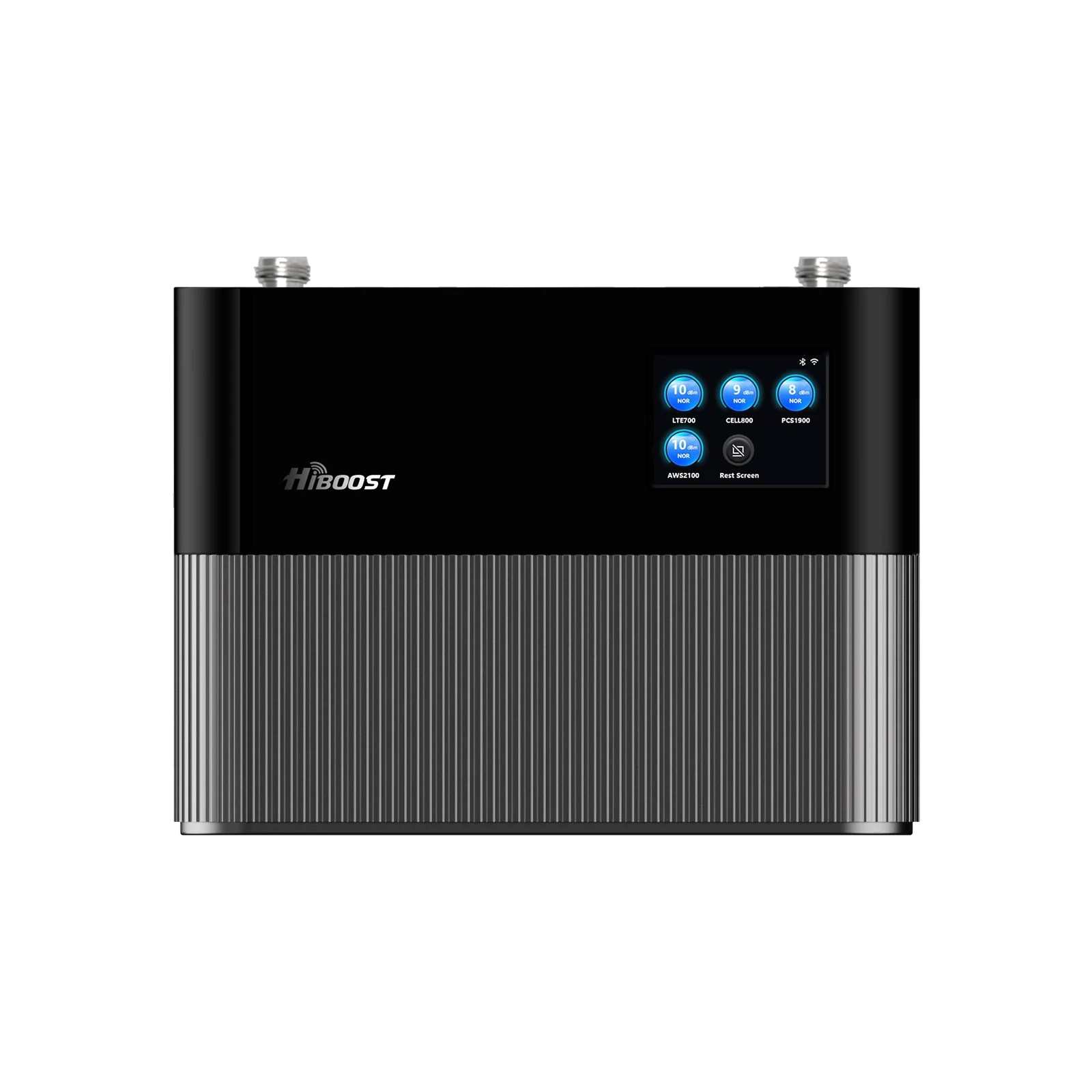
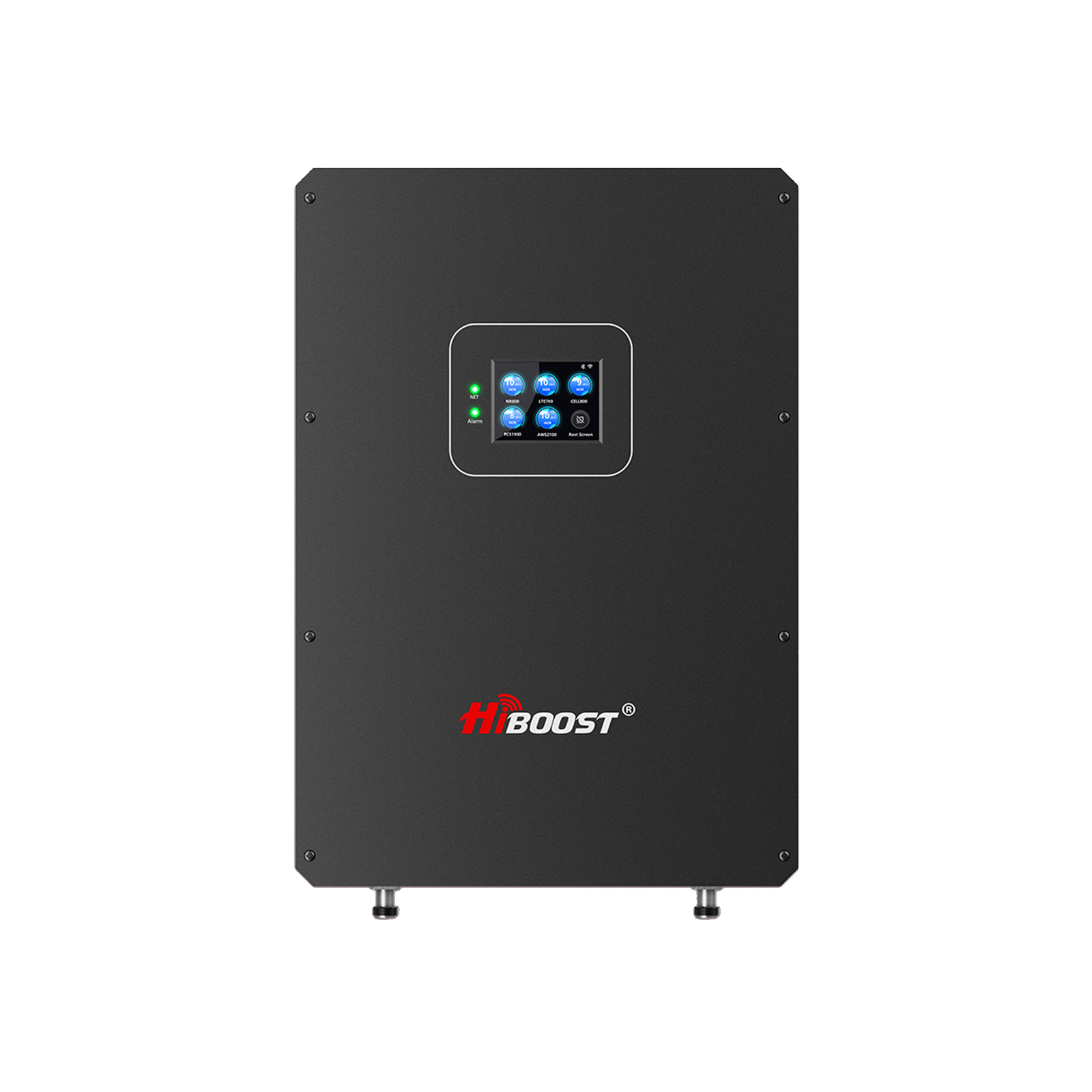
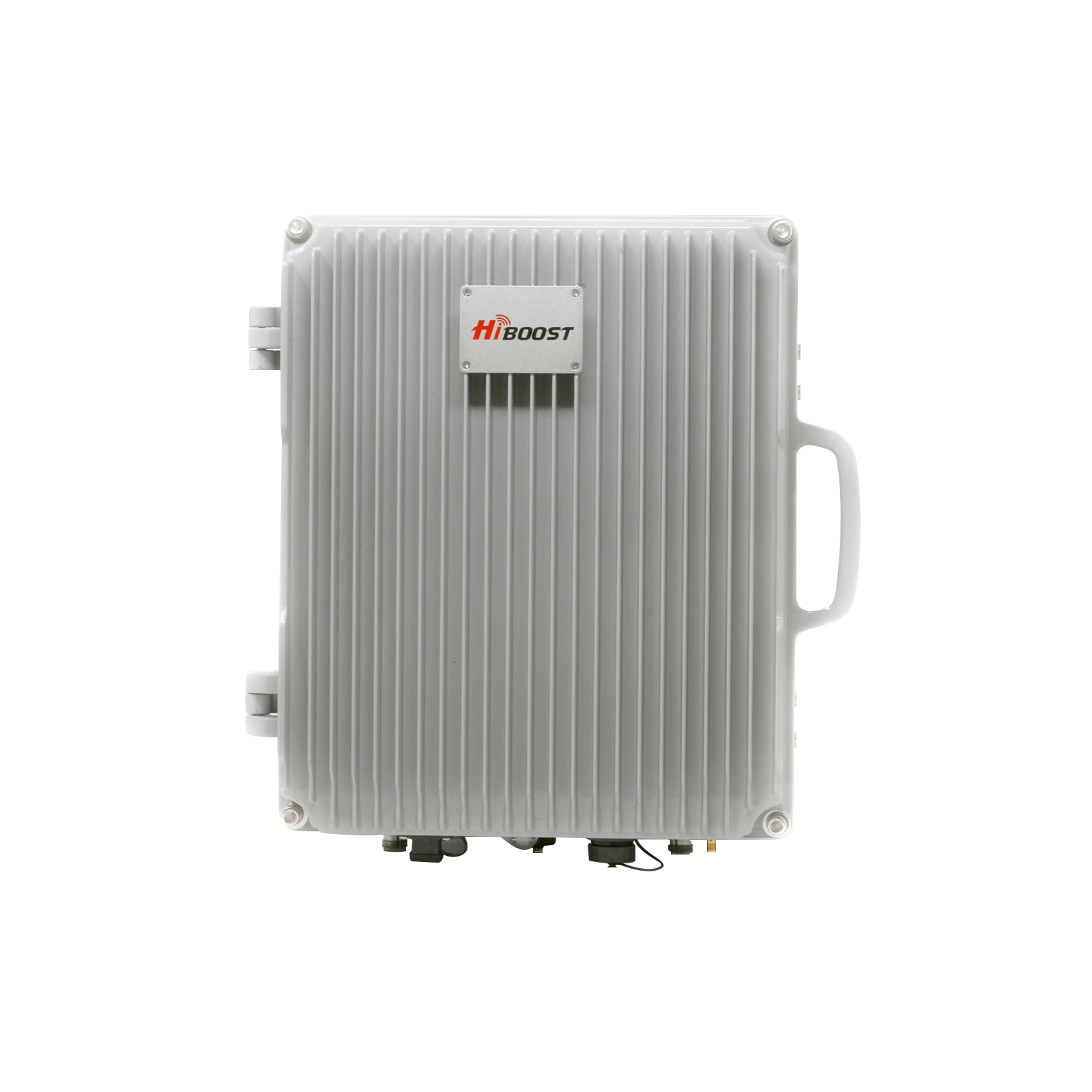
What Is FCC Certification for Cell Signal Boosters?
FCC certification for cell signal boosters means the device has been tested and authorized by the Federal Communications Commission to meet specific rules that prevent interference and ensure safe operation on U.S. wireless networks. In practical terms, an FCC-certified booster complies with FCC Part 20 Subpart O regulations, a set of requirements that were established to make sure consumer signal boosters can be used without harming cellular networks. Only boosters that pass these tests receive an FCC ID, indicating they are legal to use and sell in the United States.

What’s New in the 2026 Update?
Understanding FCC Regulation Part 20
FCC regulation Part 20 Subpart O lays out the ground rules for using signal boosters on cellular frequencies. This regulation, adopted via a 2013 FCC ruling, created two classes of boosters Consumer and Industrial and introduced a “Network Protection Standard” for consumer devices. In essence, the rules require consumer boosters to be self-monitoring, non-interfering, and operate only on specific licensed cellular bands e.g. cellular, PCS, AWS, 700 MHz. Part 20 Subpart O mandates that boosters must automatically adjust or shut down if they’re not working within safe parameters. It also limits booster output power and gain so that the device won’t overpower the cell towers or other users’ signals.
For consumers, these rules mean that any booster you buy should have built-in safeguards: oscillation detection, automatic gain control, and power-down features when near a cell site. The FCC certification process ensures these features cannot be disabled and will always function to protect the networks. In short, Part 20 ensures modern consumer boosters are “carrier-friendly” unlike old amplifiers before 2014 that could disrupt networks. When you see that a booster is “FCC Part 20 certified,” it indicates the device meets all these technical standards and has the FCC’s stamp of approval for legal use.
Types of FCC-Approved Boosters (Consumer vs. Industrial)
Not all boosters are the same. The FCC rules differentiate between consumer boosters and industrial boosters, and it’s important for buyers to understand which type they need:
Consumer Boosters:
These are the common plug-and-play boosters intended for personal, residential, or vehicular use. They are wideband devices that amplify signals for all major carriers simultaneously. Consumer boosters come in sub-types like home/office boosters and vehicle/RV boosters. They are sold as complete kits and are FCC certified under Part 20’s strict network protection standards.
If you’re boosting signal in your house, apartment, small business, car, or RV, you’ll be using a consumer booster. Thanks to FCC certification, these devices can be used by anyone without special permission just register the booster with your carrier and you’re good to go.
Industrial Boosters:
These refer to higher-power signal amplifiers designed for large commercial buildings, enterprises, or specialized scenarios. Industrial boosters often cover very large areas and may allow more fine tuning of specific frequency bands. Under FCC rules, industrial boosters require express consent from the licensed carriers for operation, because they can be powerful enough to impact network operations if used improperly.
They are typically installed by professional integrators and may be part of distributed antenna systems for office campuses, hospitals, stadiums, or public safety systems. In other words, if you need to boost signal across a 50-story building or a massive warehouse, an industrial-grade booster is the tool but deploying it involves coordination with carriers or FCC licensing due to the higher stakes. Some industrial boosters are band specific or have extra manual gain controls to tailor coverage.
For the average buyer or homeowner, these are not needed to stick to consumer models. But larger organizations should ensure any industrial class booster is FCC-approved and installed with carrier cooperation to stay legal.
Residential vs. Vehicle vs. Commercial Use: All FCC-approved consumer boosters can be used for residential/home settings or in vehicles, but they are optimized differently. A home/office booster is designed for stationary use; it typically allows higher gain since it’s fixed in one location. A vehicle booster must have lower gain and use smaller antennas for safety and practical reasons while driving. FCC rules limit broad-spectrum mobile boosters to about 50 dB gain maximum, whereas stationary building boosters can have between 65 dB and 72 dB of gain for stronger coverage indoors.
Commercial boosters may also fall under stationary use but can involve multiple indoor antennas and higher coverage, often with the same certification as consumer units or under industrial rules if they exceed those limits. The key takeaway: choose the booster type suited to your scenario: a home booster for buildings, a dedicated vehicle/RV booster for on the road use and ensure it’s FCC-approved for that usage. Never try to use an unauthorized high-power industrial amplifier in a home or vehicle; it’s illegal and unnecessary given the options available.
Key Technical Standards (Gain Limits, Noise, Shutdown Features)
FCC-approved boosters must adhere to several technical standards that keep them safe and effective:
Gain Limits:
Gain is how much the booster amplifies the signal. The FCC caps the gain to prevent boosters from overpowering the network. As noted, mobile boosters are limited to +50 dB gain, and home boosters are typically in the +60 to +72 dB range. These limits strike a balance: enough boost to fix weak signal areas, but not so much that the booster’s transmissions could reach far beyond your area and interfere with cell towers. When shopping, you’ll notice gain numbers in the specs of FCC-approved boosters. They usually fall within these legal limits.
Noise and Signal Quality:
Boosters inherently add a bit of noise along with the signal. The FCC sets strict noise power limits that a booster can emit back to the tower. In simple terms, a certified booster must not raise the noise floor beyond a tiny threshold. This ensures your booster won’t create static or interference on the network. Technically curious readers: FCC rules have formulas for max noise based on frequency, and for mobile boosters an absolute cap. The bottom line is that certified boosters run “clean” they amplify the signal without introducing excessive noise or spurious emissions. This keeps your connection quality high and avoids messing with anyone else’s service.
Oscillation Detection & Shutdown:
If the indoor antenna and outdoor antenna of a booster are too close or not properly isolated, a feedback loop can occur similar to a loudspeaker squealing when a microphone gets too near. FCC approved boosters are required to detect this oscillation condition and automatically reduce gain or shut themselves down to stop it.
This is a critical safety feature. It not only protects the network from interference, but also ensures the booster isn’t wasting power amplifying its own feedback. You might see terms like “anti-oscillation protection” or “auto oscillation control” in product descriptions; that's the FCC-mandated tech keeping the booster stable.
Auto Gain Control and Shutdown Near Cell Sites:
Modern boosters continually monitor the signals and will adjust their gain down if the incoming signal is very strong. They can even temporarily shut off amplification on certain frequencies if needed. This prevents overload situations.
In practical use, if you drive your booster-equipped vehicle from a rural area to a city with strong signals, the booster will dial itself down accordingly. It’s all automatic and required for certification. You might never notice it happening except that a well-designed booster will quietly “sleep” or reduce output when full boost isn’t needed.
Approved Frequency Bands Only:
FCC-certified consumer boosters are hardwired to operate only on the specific cellular bands allocated for consumer cellular services. They do not transmit on restricted frequencies like emergency channels, military bands, or other carriers’ licensed spectrum beyond what’s intended.
This is another reason to trust only FCC-approved units; they won’t suddenly start broadcasting on some frequency they shouldn’t. The device’s FCC ID certification documents list the exact bands that are allowed. All major brand consumer boosters cover the common 4G/LTE bands and even support 5G on those same bands, but they won’t go out of bounds.
In summary, the FCC technical standards ensure that a certified booster behaves nicely: it boosts within set limits, stays quiet when it should, and immediately corrects any abnormal behavior. These protections not only keep you legal, but they also often improve the user experience. A booster that isn’t oscillating or overloading is one that’s giving you a clearer, stronger signal without disruption.

Why FCC Approval Matters in 2026
As of 2026, the FCC requires all consumer cell signal boosters sold in the U.S. to meet strict certification standards. An FCC approved signal booster is designed to amplify existing cellular signals without causing interference to carrier networks.
If you’re in the market for a cell signal booster in 2026, making sure it’s FCC-approved is crucial. This is not just a bureaucratic box to tick, it has real implications for legality, carrier compatibility, and performance. The wireless landscape has evolved, but the fundamental reasons to insist on an FCC-certified booster remain as strong as ever:
Legal Use and Carrier Compatibility
In the United States, it is illegal to operate a cellular signal booster that isn’t FCC-certified. All the major carriers only permit boosters on their networks if the devices meet the FCC’s 2013 standards for consumer boosters. In fact, when those rules were adopted, carriers gave a blanket consent for customers to use any FCC-certified consumer booster on their networks.
This means you do not have to ask Verizon or AT&T for individual permission to use a certified booster they’ve already agreed. However, that consent does not extend to uncertified devices. Using a non-approved booster (for example, a cheap amplifier imported with no FCC ID) is considered “operating a radio transmitter without a license,” which violates federal law and carrier policies.
Carrier compatibility is another aspect: FCC approved consumer boosters are designed as wideband, multi-carrier solutions. They work with all U.S. providers by design. A certified booster from a reputable brand will boost the common frequency bands for Verizon, AT&T, T-Mobile, and US Cellular simultaneously, so you don’t have to worry about switching anything every phone in your home, regardless of carrier, can benefit.
By contrast, if a device isn’t FCC-approved, it may not cover all carriers or could even interfere with a carrier’s network if it amplifies the wrong frequencies. Thus, sticking to certified boosters guarantees seamless compatibility with your carrier’s requirements and network technology. It’s literally the law, but it’s also for your convenience, no hassles, just plug in and improve your signal legally.
Avoiding Signal Interference and Penalties
Perhaps the most important reason to use an FCC-approved booster is to avoid causing harmful interference. The FCC rules were put in place because older, unregulated boosters sometimes knocked out service in areas by interfering with cell towers. A rogue booster can confuse the network, raise noise levels, and degrade service for you and your neighbors. If a carrier detects interference, they (or the FCC) can track down the source and they have done so in the past. With a certified booster, this scenario is highly unlikely because of the built-in protections. With an unauthorized booster, it’s a real risk.
The penalties for operating an illegal booster can be steep. At minimum, if your device is found to be causing problems, you’ll be ordered to shut it down. In egregious cases, fines can be issued. The FCC has indicated that for deliberate or serious violations, say, using an industrial-grade booster without consent you could face fines exceeding $100,000.
That’s not a typo. While typical consumers who unknowingly use a bad device might just get a warning, it’s not something you want to mess with. Carriers have even stated in their policies (e.g., Verizon’s official booster FAQ) that any booster not meeting the new standards should be replaced, and they reserve the right to revoke permission for old or problematic units.
By choosing an FCC-approved booster, you eliminate the risk of these penalties. You’re operating within the law and using a device that’s been proven not to cause interference. Think of it as driving a street-legal car versus a modded race car without emissions controls: one keeps you safe and ticket-free, the other can get you in trouble.
The FCC approval is your guarantee that the booster won’t become a nuisance to the network, which means peace of mind for you as a user. And if by some rare chance a certified booster did cause an issue, the “shutdown if interference” rule means it would turn itself off or you’d be asked to turn it off resolving the issue without drama
Safety and Performance Benefits of Certified Devices
Beyond legality, there are safety and performance benefits to using certified boosters. Safety here refers both to network safety (covered above) and human safety. FCC-certified boosters must comply with RF exposure limits and other electrical safety standards. They undergo testing to ensure that when installed correctly, they are safe for you and your family. Each unit will have guidelines like “antennas must be at least 8 inches from any person” as noted in the FCC label requirements.
Following those guidelines keeps you well within safe radiation exposure levels. The devices are low-power and not hazardous when used as directed. An uncertified device might not have been tested for those safety limits, so you can’t be sure about its emissions. Therefore, sticking with approved boosters also means protecting your own health and property.
On the performance side, an FCC-approved booster is generally a reliable, well-engineered product from a reputable manufacturer. Companies like HiBoost had to design their boosters to meet stringent standards and undergo FCC lab certification. This often means the booster uses better components and smarter software.
The result for you: better signal quality, fewer dropped calls, and more consistent data speeds. Certified boosters incorporate features like automatic gain control, which actually helps performance by ensuring the booster is always operating at the optimal level for the current conditions.
You don’t experience oscillations because the device snubs them out proactively. In short, the same features that protect the network also optimize your coverage. That’s why with a good booster, you’ll notice clear voice calls and stable data where you once had dead zones and you won’t have to constantly reboot the device or tinker with it.
Another benefit: certified boosters typically come with warranties and customer support, something you definitely won’t get with a shady no-name amplifier. For instance, HiBoost offers a 3-year warranty on their devices, reflecting confidence in their quality. If anything goes wrong, you have support to troubleshoot rather than being left with a paperweight.
All these factors build trust that an FCC-approved booster is a sound investment: you get the coverage improvement you need without downsides. Brand name boosters also often include extra features like smartphone apps for monitoring, better housings (durable, metal construction for heat dissipation), and compliance with electrical codes. It’s a full package of reliability, whereas a non-certified booster is a gamble on many fronts.
2025 Updates to FCC Booster Rules
The cellular world is changing rapidly with the expansion of 5G, and you might wonder if FCC rules for boosters have changed as of 2025. The core regulations from 2014 remain in place today any booster you buy must still adhere to those network protection standards. However, there have been a few updates and ongoing developments to be aware of:
5G Frequency Support:
One notable issue is that the FCC’s consumer booster rules have not yet been updated to include some of the newer 5G frequency bands. Current FCC-certified boosters primarily amplify the 4G/LTE bands. This means if your carrier’s 5G operates on those legacy bands, a booster will help.
For example, Verizon and AT&T’s low band 5G is often just repurposed 4G bands and boosters do amplify those signals. But for the new dedicated 5G bands notably T-Mobile’s mid-band 5G or the C-Band frequencies no consumer boosters on the market can amplify those yet.
The FCC simply hasn’t expanded the certification program to cover those bands as of 2025. This is a hot topic: industry groups and consumers are urging the FCC to update the rules so boosters can officially support more 5G spectrum. But until that happens, be cautious of any product that claims “boosts 5G everywhere” if it’s FCC certified, it will boost 5G only on the frequencies that overlap with 4G bands. You might see terms like “5G-ready” on boosters, which generally mean exactly this: they'll work with 5G signals in the supported bands, but not the new mid/high bands.
2018 Rule Clarification:
In 2018, the FCC did make a minor update to booster guidelines, allowing businesses to use consumer boosters more freely. Originally, the 2014 rules talked about “personal use” and “enterprise use” and there was some confusion if a large business needed an industrial booster instead. The FCC clarified that even large businesses can deploy the so-called “consumer” boosters as long as they register them and follow the rules.
This opened the door for more commercial installations of standard boosters so you might find the same FCC-approved booster that a homeowner uses being used in a small office or retail store. The key is whether its power and coverage are sufficient, not who is using it. So as of 2025, consumer boosters are not just for consumers at home – they’re also approved for use by businesses, government offices, etc., which is great because it means more people in more scenarios can legally improve their signal with minimal paperwork.
Emerging Technologies:
Another ongoing development is the use of 5G mmWave and other new technologies. These are generally not applicable to boosters mmWave 5G has extremely short range and currently there are no signal boosters for those frequencies; they rely on dedicated small cell infrastructure. The FCC’s booster rules are mostly focused on the conventional cellular bands.
As 5G networks mature, we might see the FCC revisit booster rules, perhaps to officially incorporate new band classes or to address any interference lessons learned from 4G booster usage over the past decade. In mid-2025, the FCC was taking comments on improving rules for certain types of boosters. It shows that regulations can evolve, but changes, if any, will be deliberate.
Sunset of 3G Networks:
By 2022, all major carriers shut down their 3G networks. Most FCC-approved boosters were designed for 2G/3G/4G and continue to work fine for 4G and 5G (on supported bands). There’s no issue here except that the older standards are gone, and boosters now mainly amplify 4G LTE and whatever 5G is in the same range.
If you see references to “supports 2G and 3G” in product specs, that’s just because the devices are backward compatible practically, you’ll be using it for LTE and calls (since calls now go over LTE or Voice over LTE, which boosts support). All current boosters are forward-compatible with LTE and are partially compatible with 5G, so you’re not buying obsolete tech.
Just be aware that a future FCC rule update might allow new models to cover, say, T-Mobile’s 2.5 GHz band n41. When that happens, manufacturers like HiBoost will likely release new “true 5G-band” models but in the meantime, the boosters available now cover the vast majority of signals people use for phone calls and standard mobile data.
In summary, FCC booster rules in 2025 remain largely the same as the last decade, with the consumer protections firmly in place. The main update for buyers to know is the limitation regarding new 5G bands: an FCC approved booster will greatly enhance 4G and low-band 5G signals, but it won’t amplify every single 5G channel out there until regulations catch up.
Always check that any booster you consider is explicitly labeled as FCC certified. If any changes in rules occur after 2025, reputable manufacturers will inform customers and certify new models accordingly. For now, if it has that FCC ID and label, you can trust it’s built to the current gold standard for legality and performance.

FCC Approved Signal Booster Buying Checklist (2026)
- FCC Approved Signal Booster Buying Checklist (2026)
- FCC ID clearly listed on the product page
- Compatible with major U.S. carriers (Verizon, AT&T, T-Mobile)
- Designed for your use case: home, RV, vehicle, or rural areas
- Includes automatic gain control to prevent interference
List of FCC-Approved HiBoost Models (2026 Lineup)
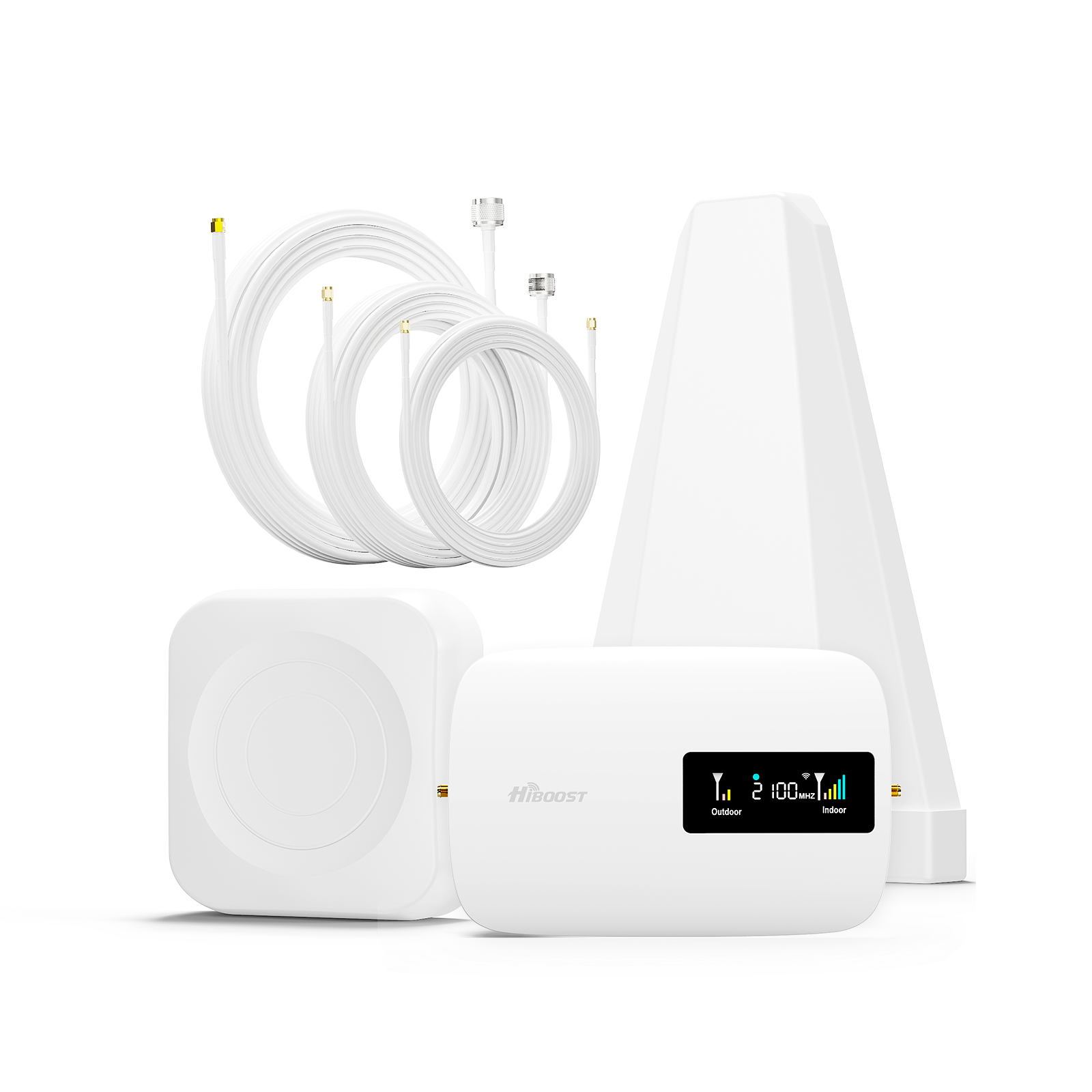
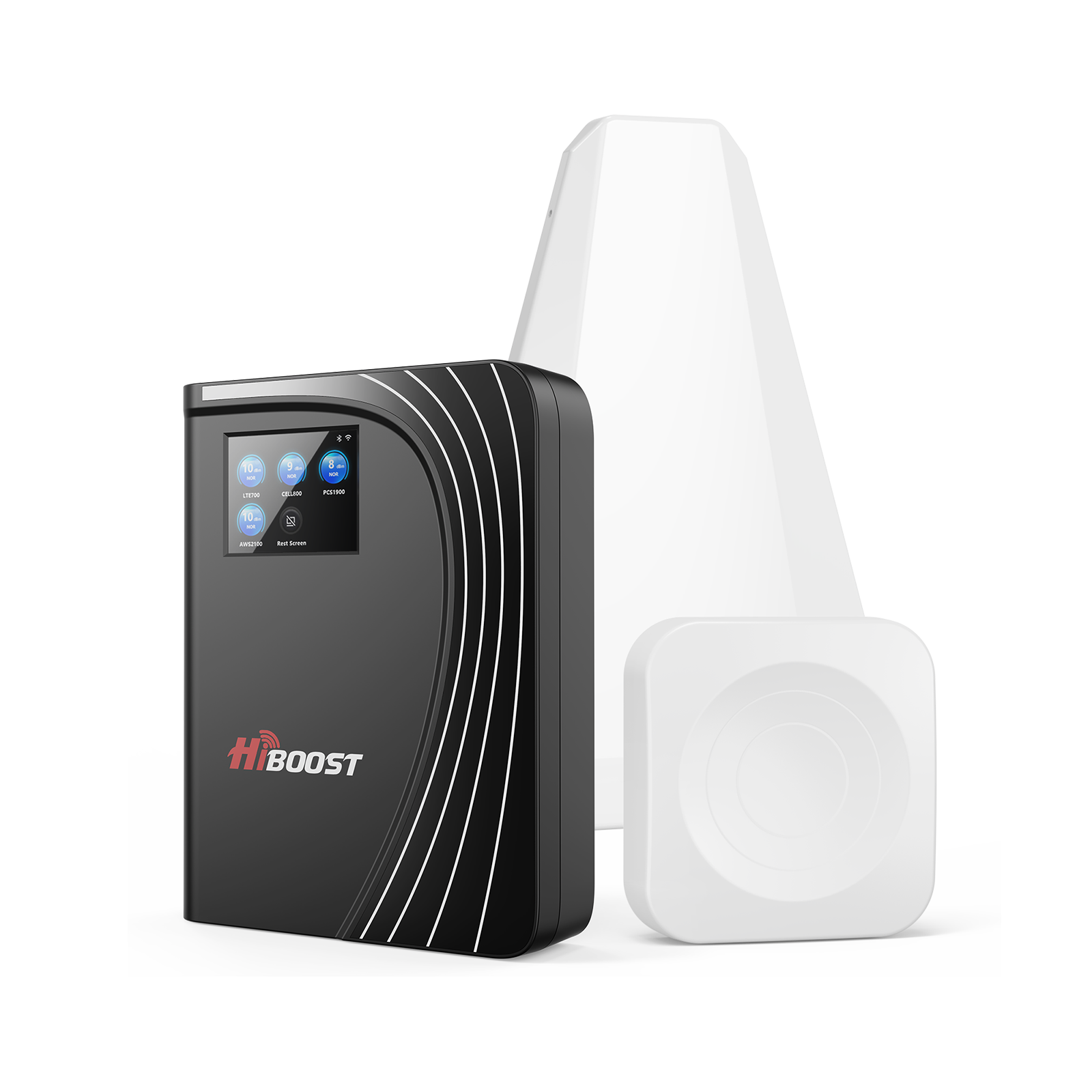
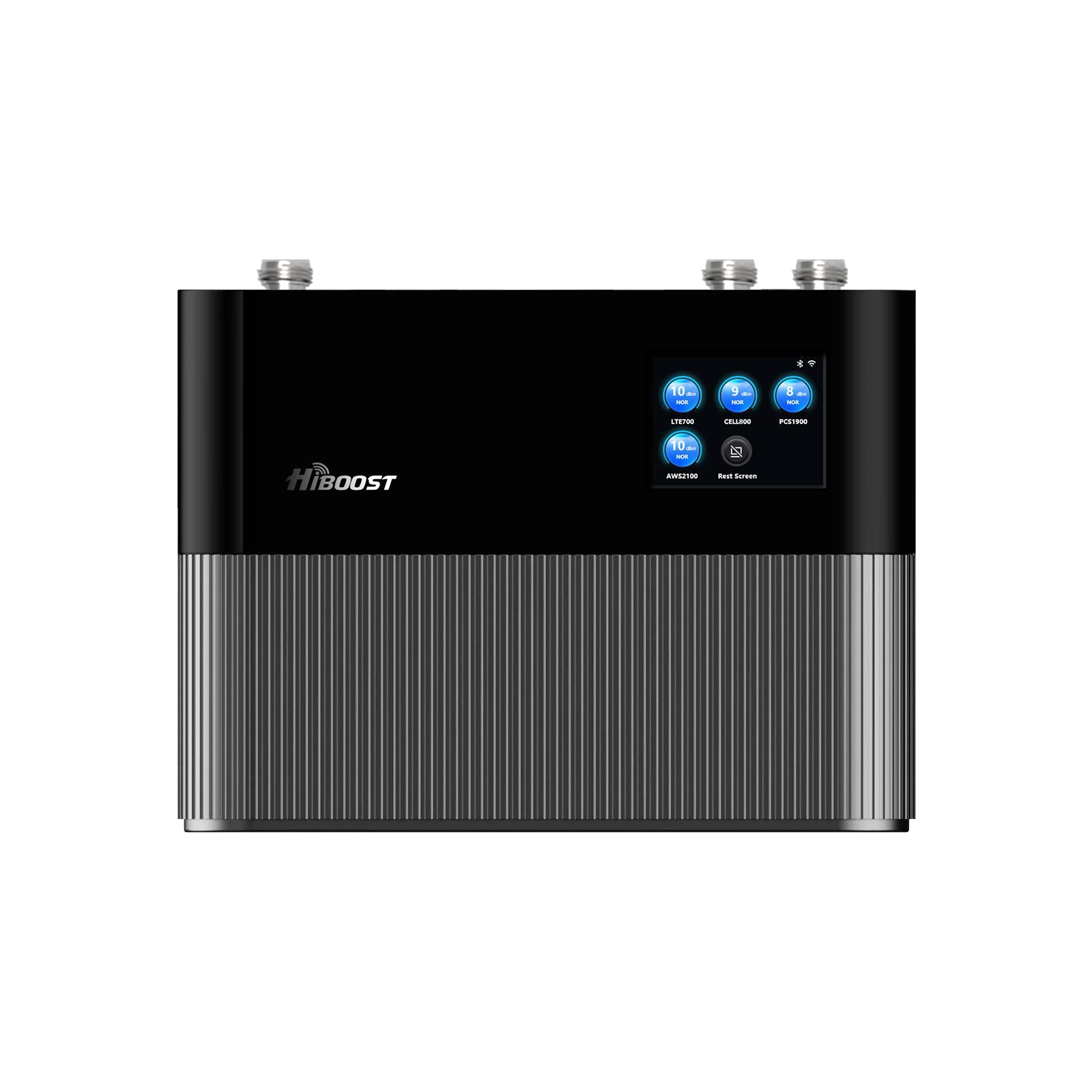
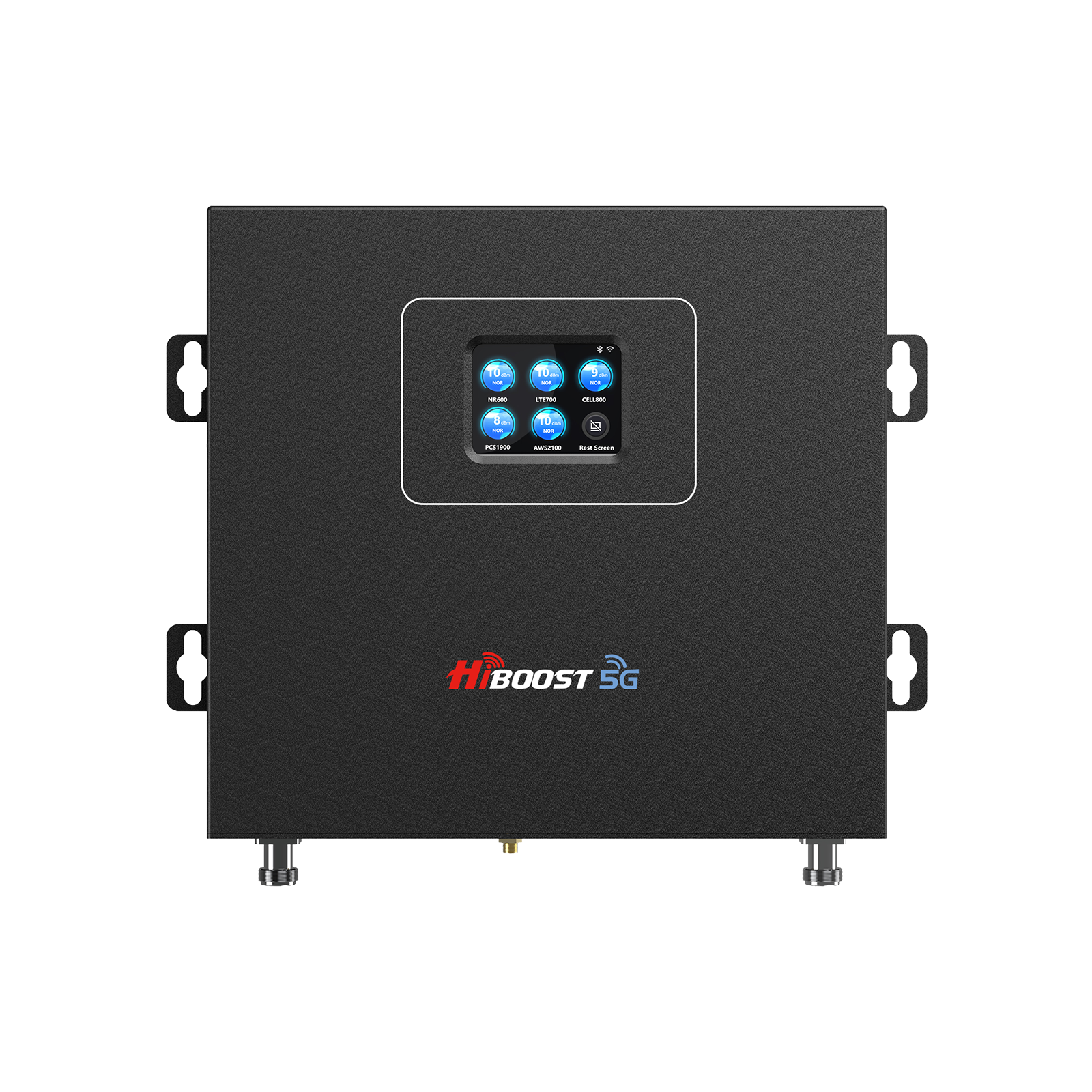
HiBoost is proud to offer a full lineup of FCC-approved cell signal boosters for every need from home use to vehicles to large commercial installations. All the models listed here are FCC certified for use in the U.S., meaning they meet or exceed the standards we’ve discussed (network-safe, multi-carrier compatible, etc.). Below is an overview of HiBoost’s 2026 booster lineup by category:
Home & Office Boosters
For improving signal indoors, HiBoost’s home/office boosters provide reliable coverage. Not only are these devices FCC-approved, but they also come with advanced features like the HiBoost Signal Supervisor app (on “Smart Link” models) for remote monitoring and tuning assistance. Key models include:
HiBoost 4K Smart Link Cell Signal Booster:
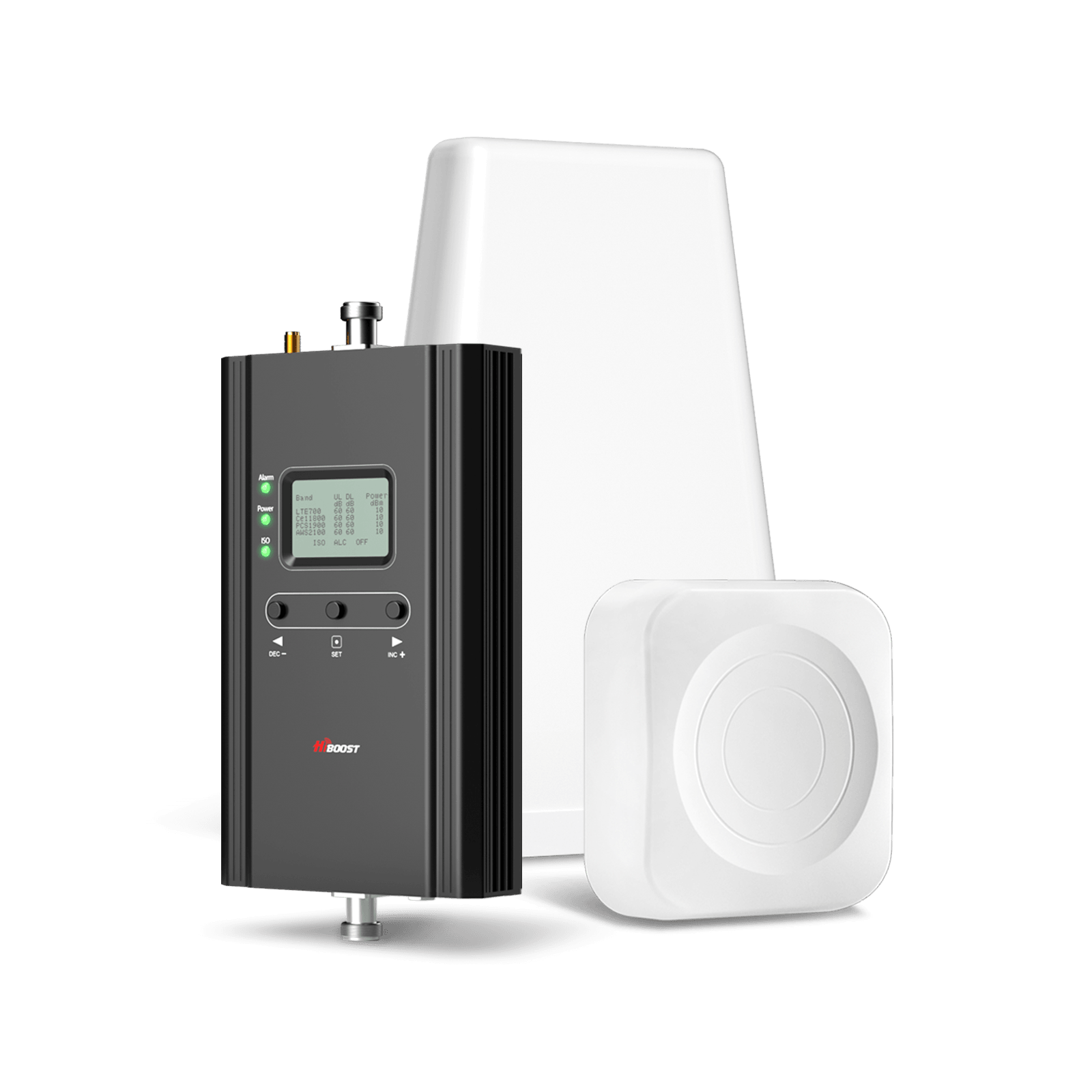
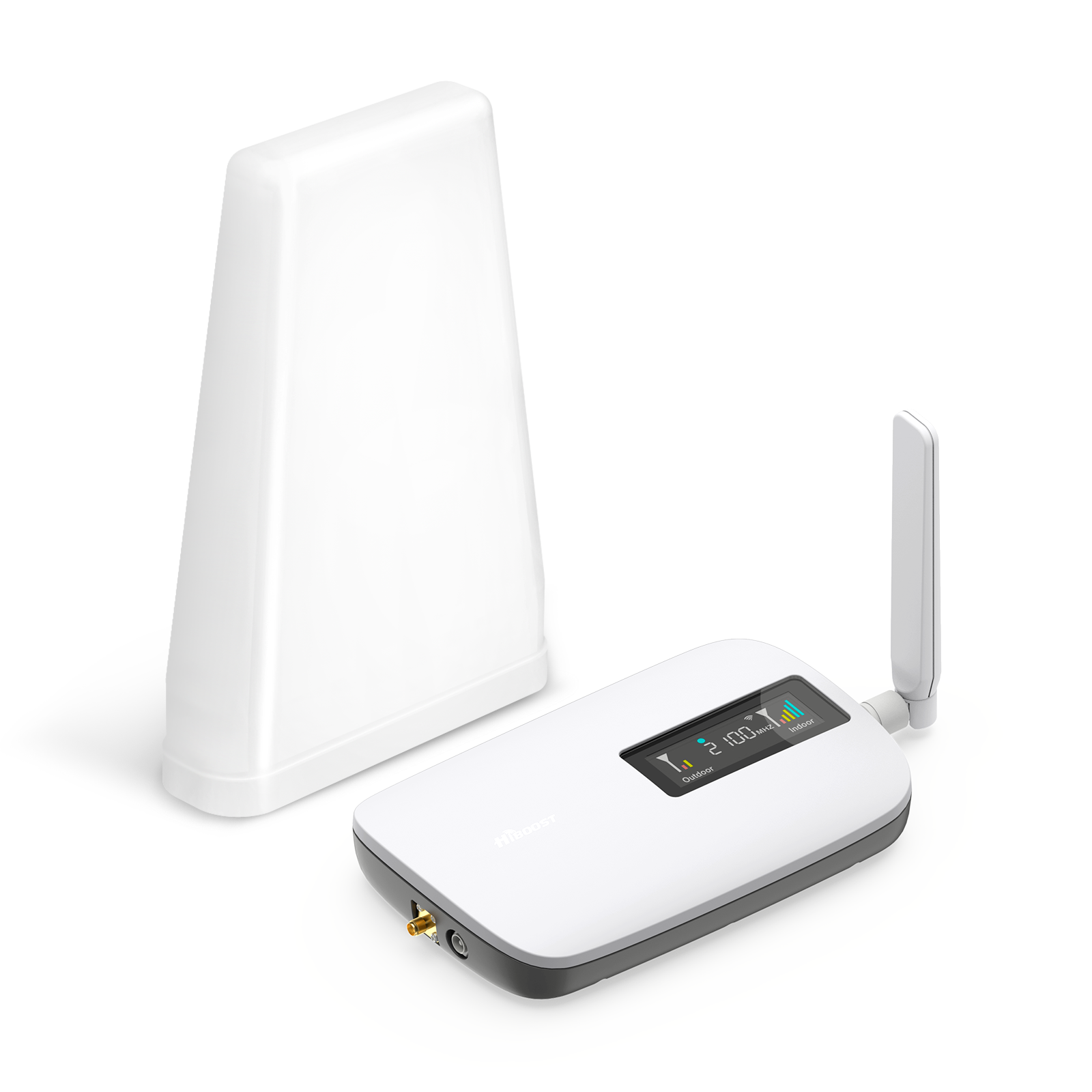
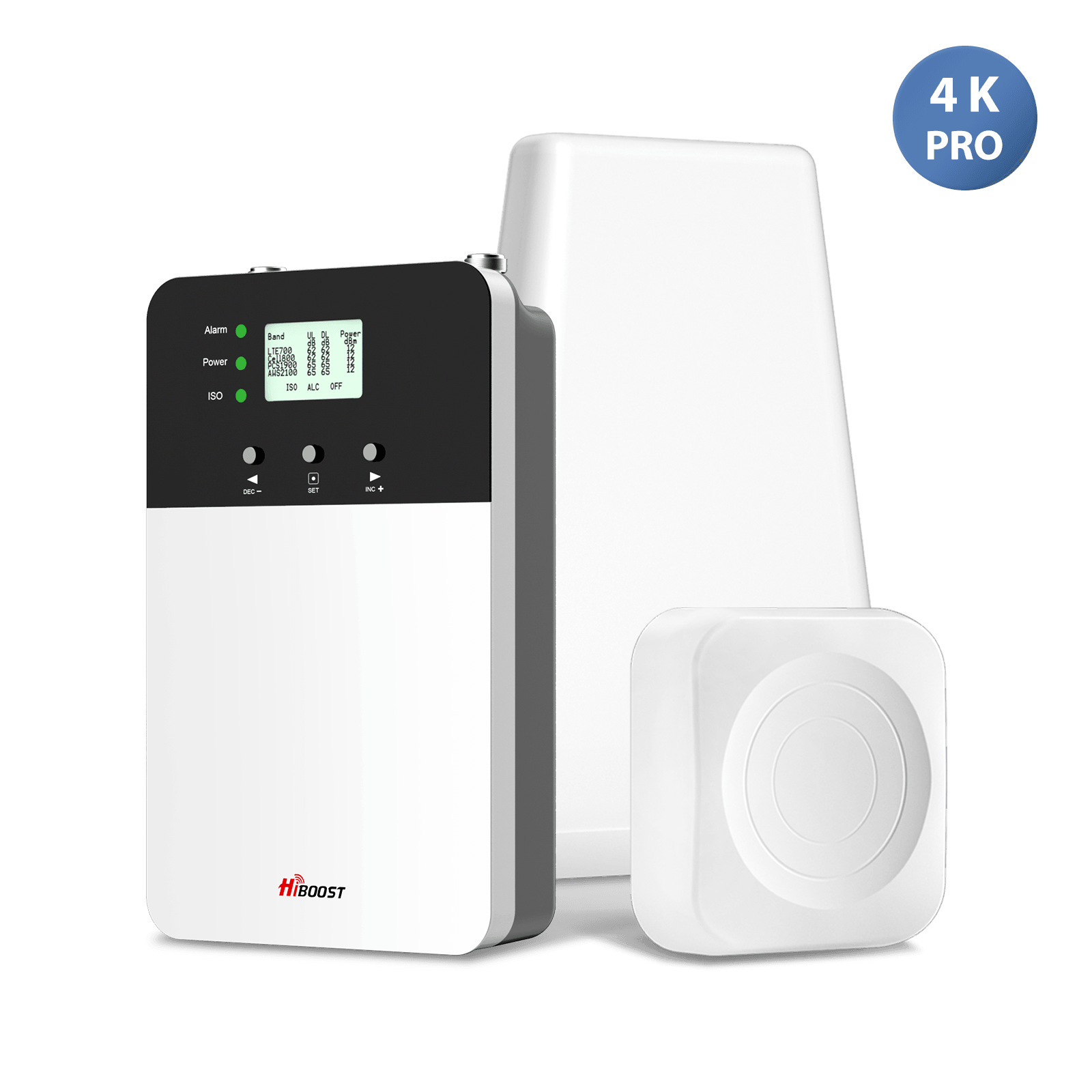
Ideal for small homes, condos, or cabins, the 4K Smart Link covers approximately 1,000 to 4,000 sq. ft. It’s a wideband booster supporting all carriers’ 4G LTE and low-band 5G signals. As a “Smart Link” model, it has built-in Bluetooth/Wi-Fi connectivity that lets you use a smartphone app to see the booster’s performance in real time and adjust antenna placements for optimal results.
Despite its compact size, this unit is fully FCC certified and equipped with all the required safety features. It’s a great choice for covering a small home or a specific weak-signal area. Internal link suggestion: Check out our detailed page on the HiBoost 4K Smart Link Cell Signal Booster for more information.
HiBoost 10K Plus Pro Phone Signal Booster:
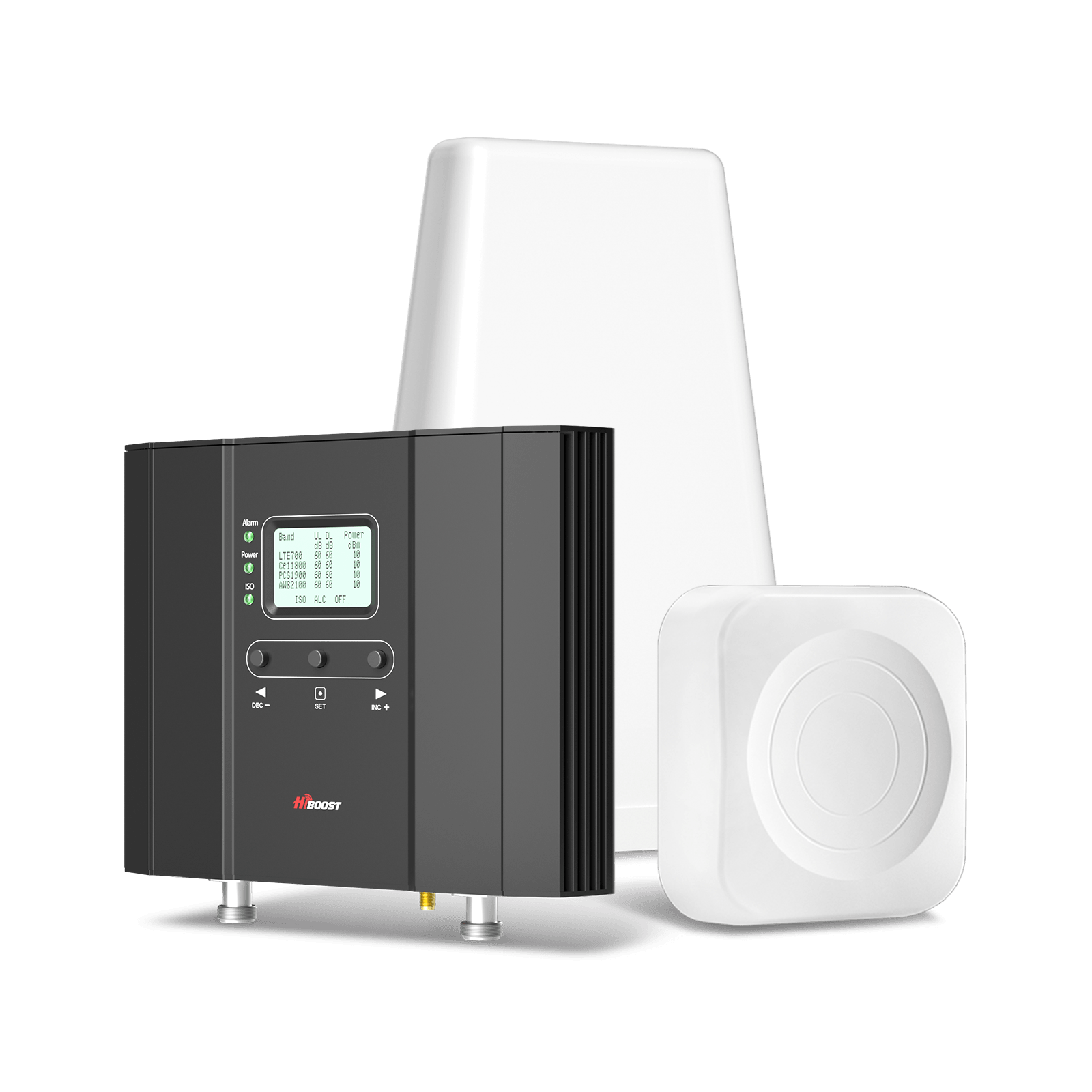
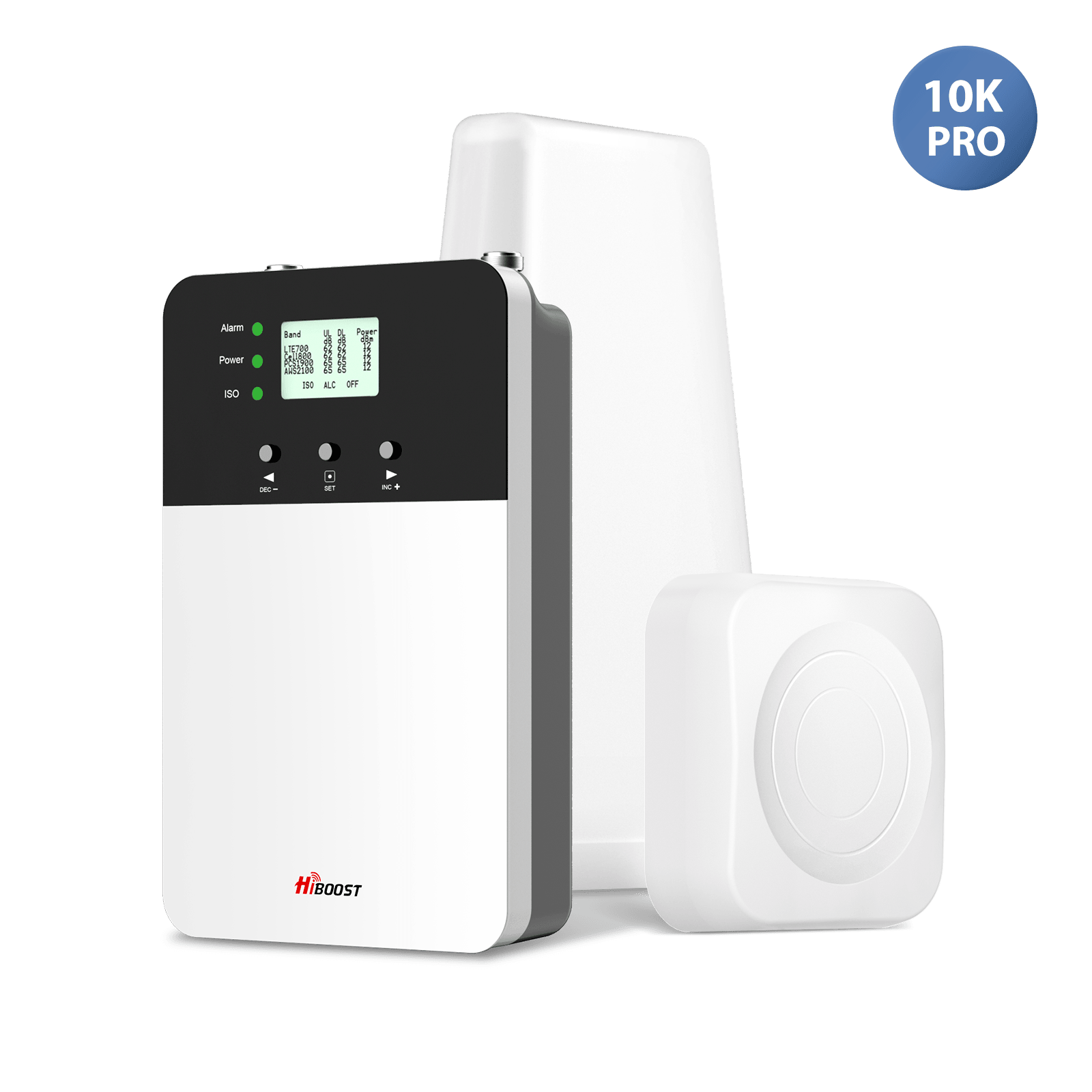
A step up in coverage, the 10K Plus Pro is designed for medium to large homes and offices, covering roughly 6,000 to 12,000 sq. ft. This is a powerful amplifier that can handle multiple rooms or a whole mid-sized house. The “Plus Pro” series emphasizes high gain and output power to blanket your space with improved signal. It supports 5-band amplification.
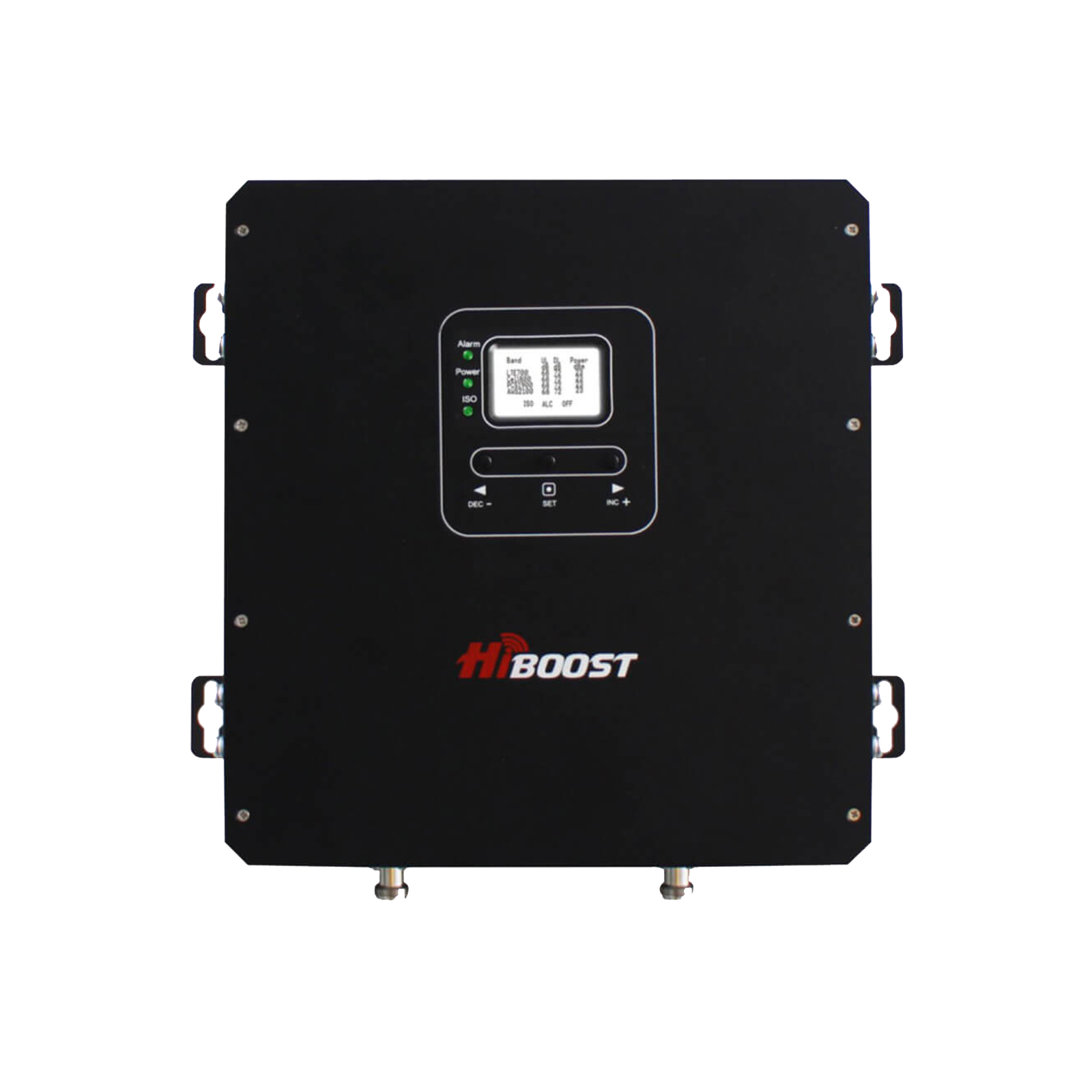
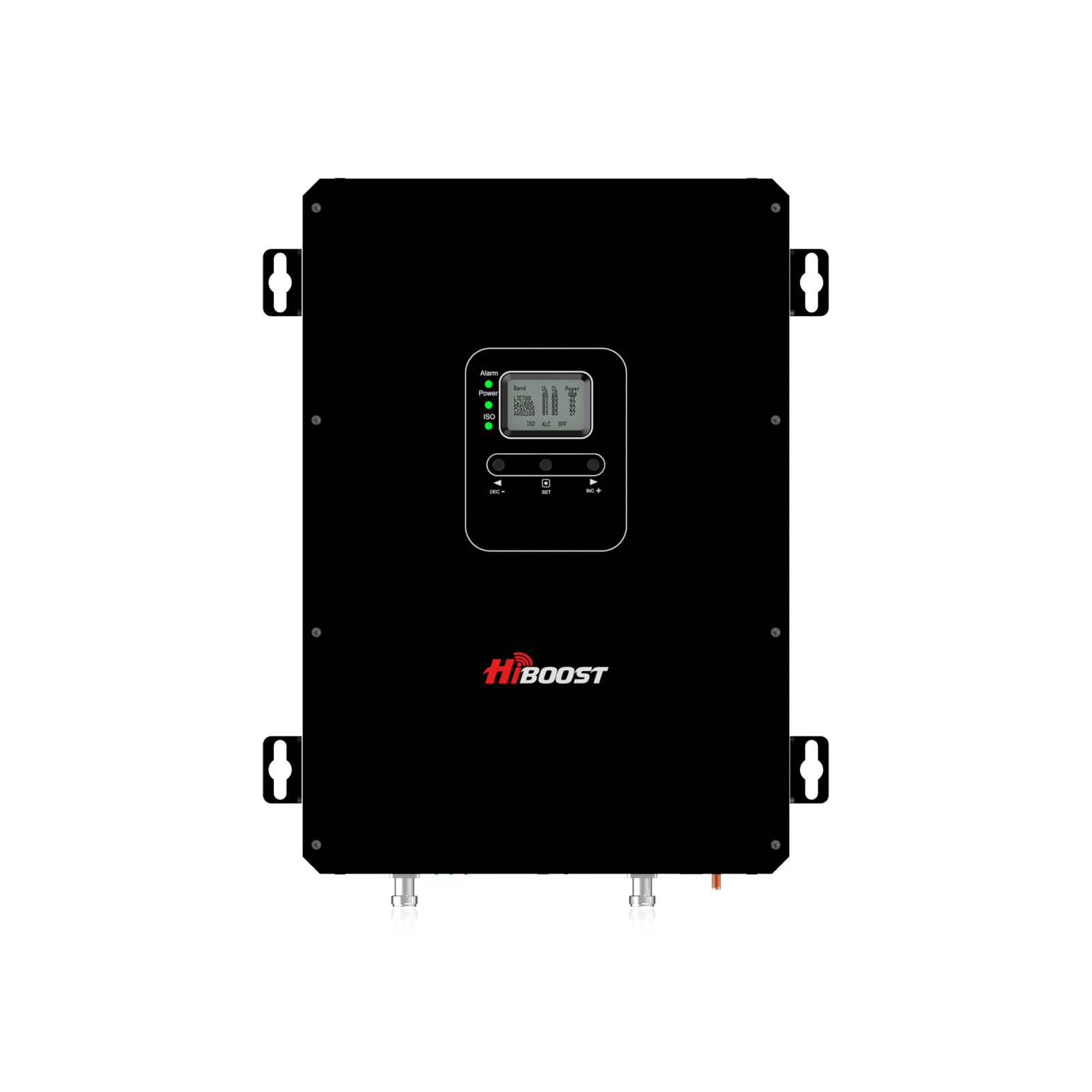
The 10K Plus Pro features an LCD display on the unit for reading signal levels and status at a glance. It’s also HiBoost Cloud capable (depending on exact model revision), meaning you can optionally connect it for remote monitoring. Like all HiBoost boosters, it’s FCC-approved and has automatic shutdown/AGC, etc., so it’s safe to crank up your bars at home. This is one of our bestsellers for people who want “whole home” coverage. Internal link suggestion: Learn more about the HiBoost 10K Plus Pro Booster on our website.
HiBoost 15K Smart Link Deluxe Cell Booster:
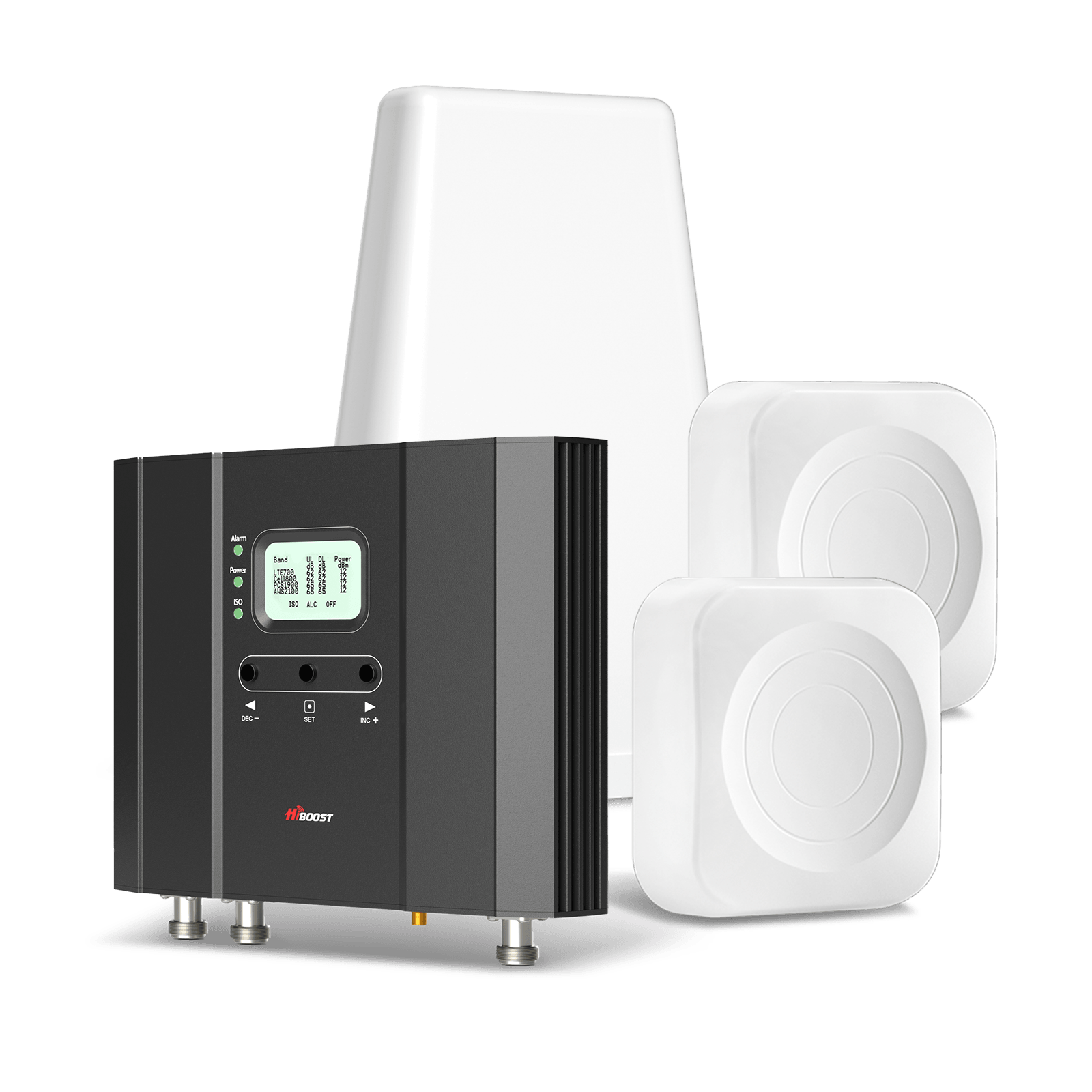
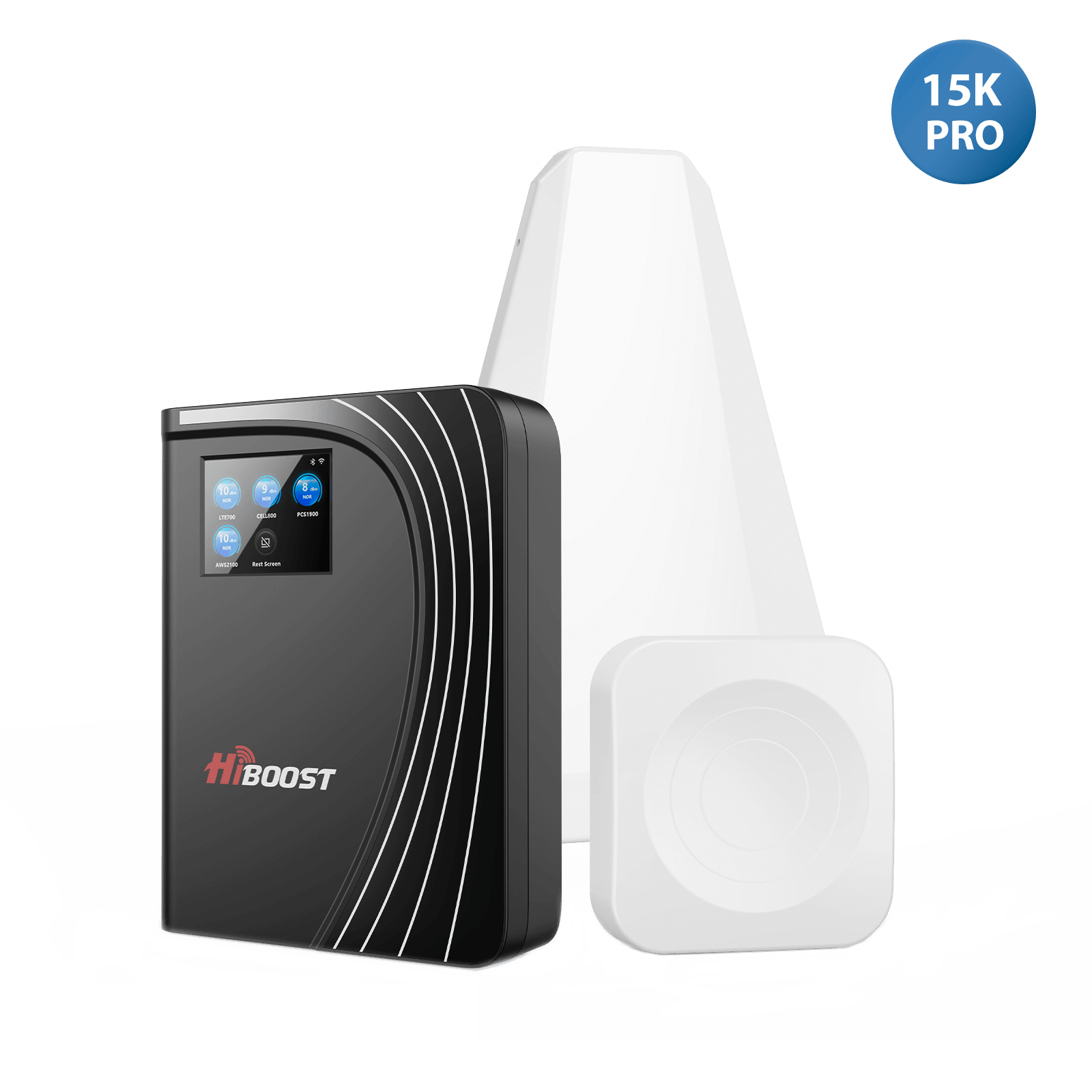
When you have a large home, mansion, farm house, or a multi-story office to cover, the 15K Smart Link Deluxe is up for the task. It covers areas of about 7,000 to 15,000 sq. ft, making it the most powerful standard consumer booster in HiBoost’s home lineup. This model is part of the Smart Link series, so it similarly offers app integration for easy monitoring and troubleshooting.
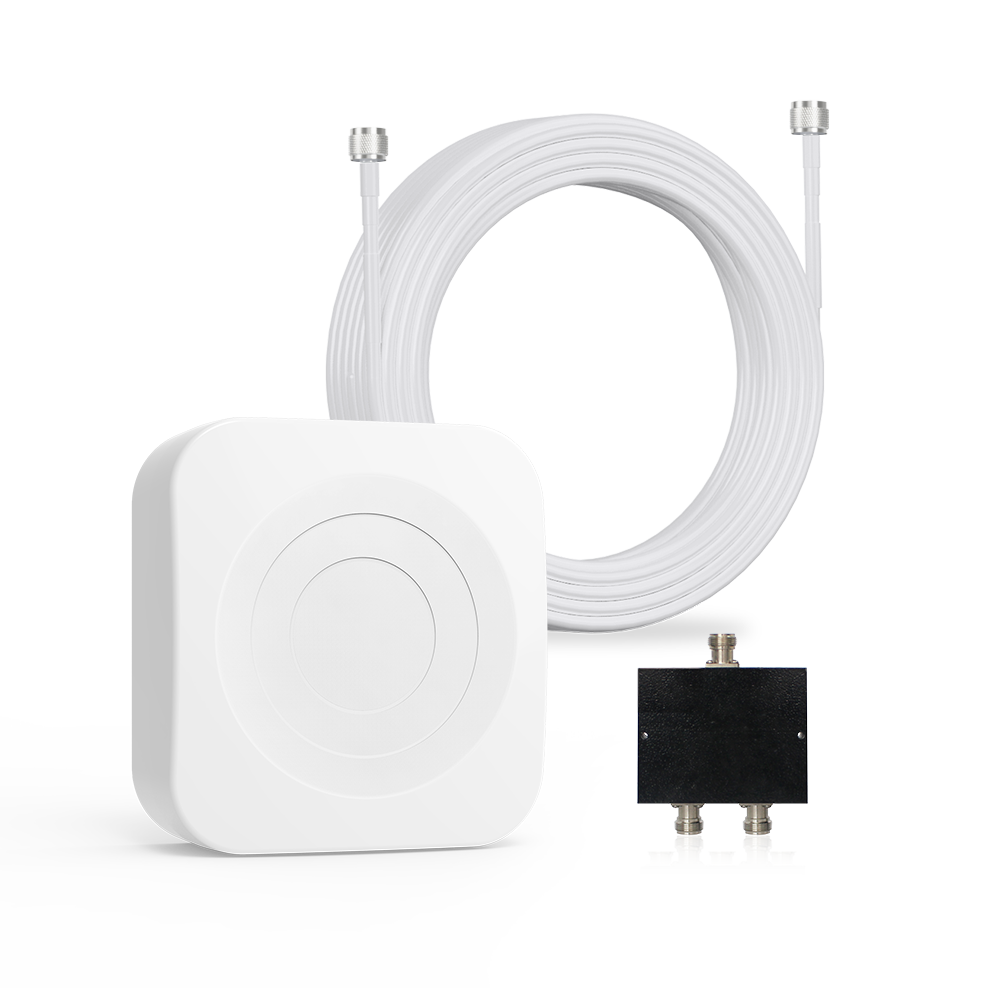
The “Deluxe” version typically includes a kit with multiple indoor antennas or higher grade antennas to help distribute signals throughout a bigger space. With this booster, you can support many users and devices concurrently great for a busy household or a small business office.
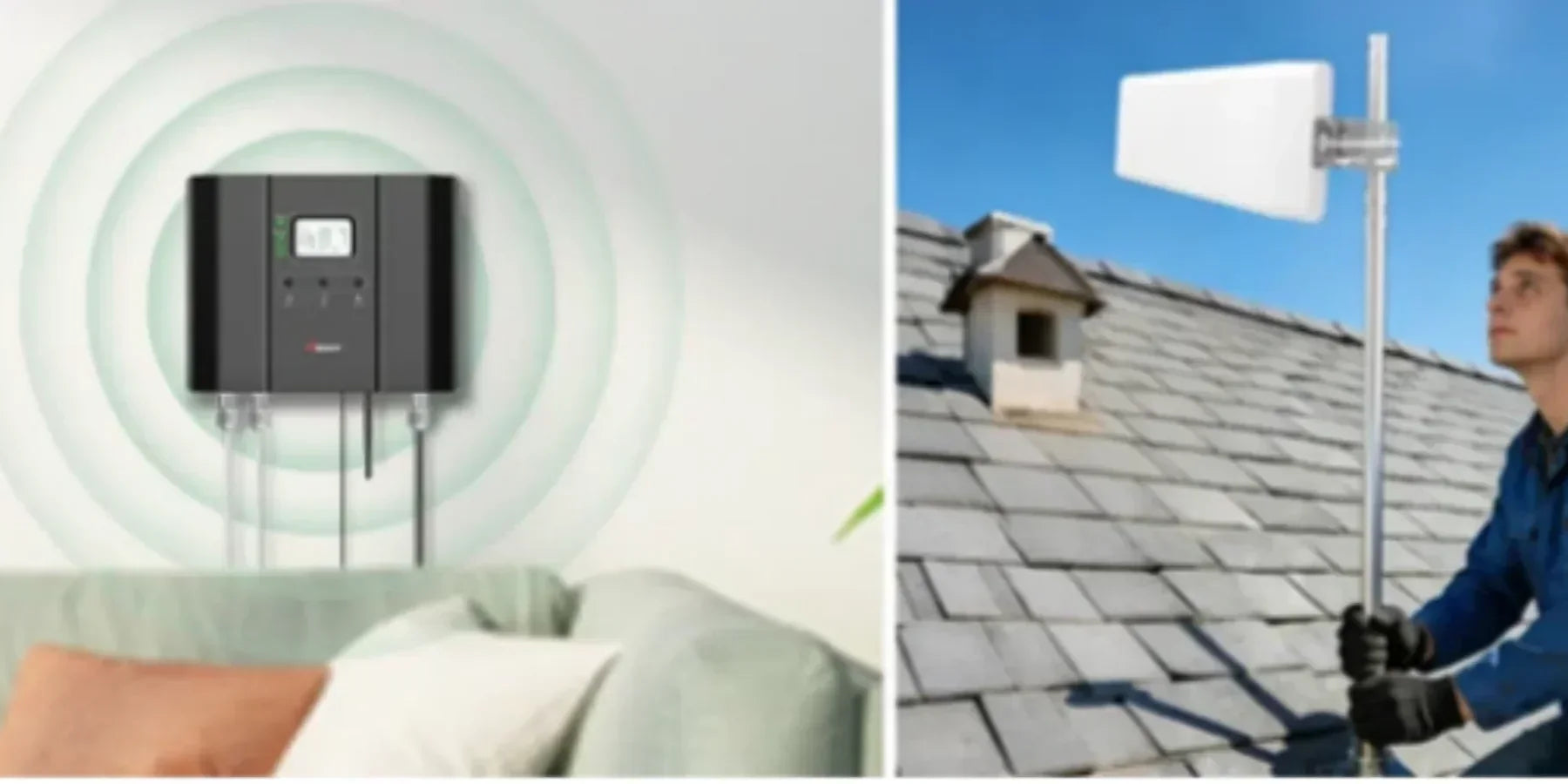
It’s an FCC-approved, five-band booster that will amplify signals from all carriers, ensuring everyone inside gets better reception. Despite its higher capacity, the device still plugs into a standard outlet and is relatively easy to install (mount the outdoor antenna on the roof, the booster unit inside, and run cables to indoor antenna(s)).
Because it’s powerful, proper antenna separation is important and the unit’s safety circuitry will guide you on that via the app or LCD. Internal link suggestion: See the HiBoost 15K Smart Link Deluxe product page for specifications and user reviews.
HiBoost also offers other home booster models like the Hero and Ally series, which are perfect for smaller coverage needs or budget-conscious shoppers. The HiBoost Hero covers up to ~2,500–3,000 sq. ft, and the HiBoost Ally covers around 2,000–2,500 sq. ft, featuring a balance of performance and value. Both are of course FCC-certified and support all carriers.
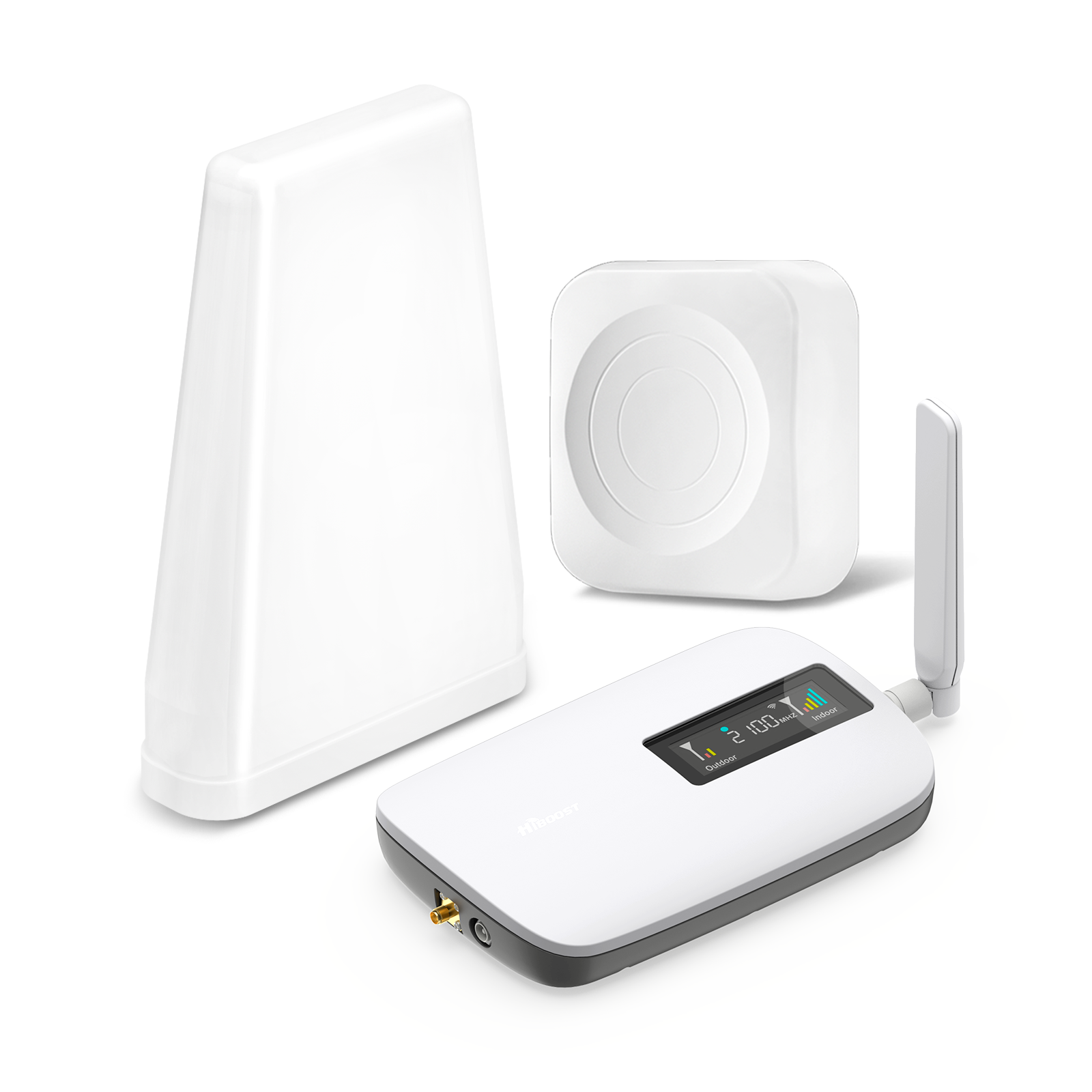
These models come as complete kits and are great entry-level solutions for tackling spotty signals in a single story home or apartment.
In summary, for home and office, HiBoost’s lineup has you covered from small spaces to mid-size to very large homes (15K series). All these models carry FCC IDs and certifications, ensuring they are legal to use and perform as advertised. You’ll enjoy features like LCD displays or app control, multi-user support, and robust warranties on these devices.

Vehicle & RV Boosters
When you’re on the move whether driving across town or touring the country in an RV a vehicle cell signal booster can be a lifesaver for staying connected. HiBoost’s vehicle and RV boosters are designed to be FCC-compliant mobile boosters, meaning they meet the special criteria for use in motion. The 2025 lineup includes the Travel 3.0 series, which has variants tailored to different types of vehicles:
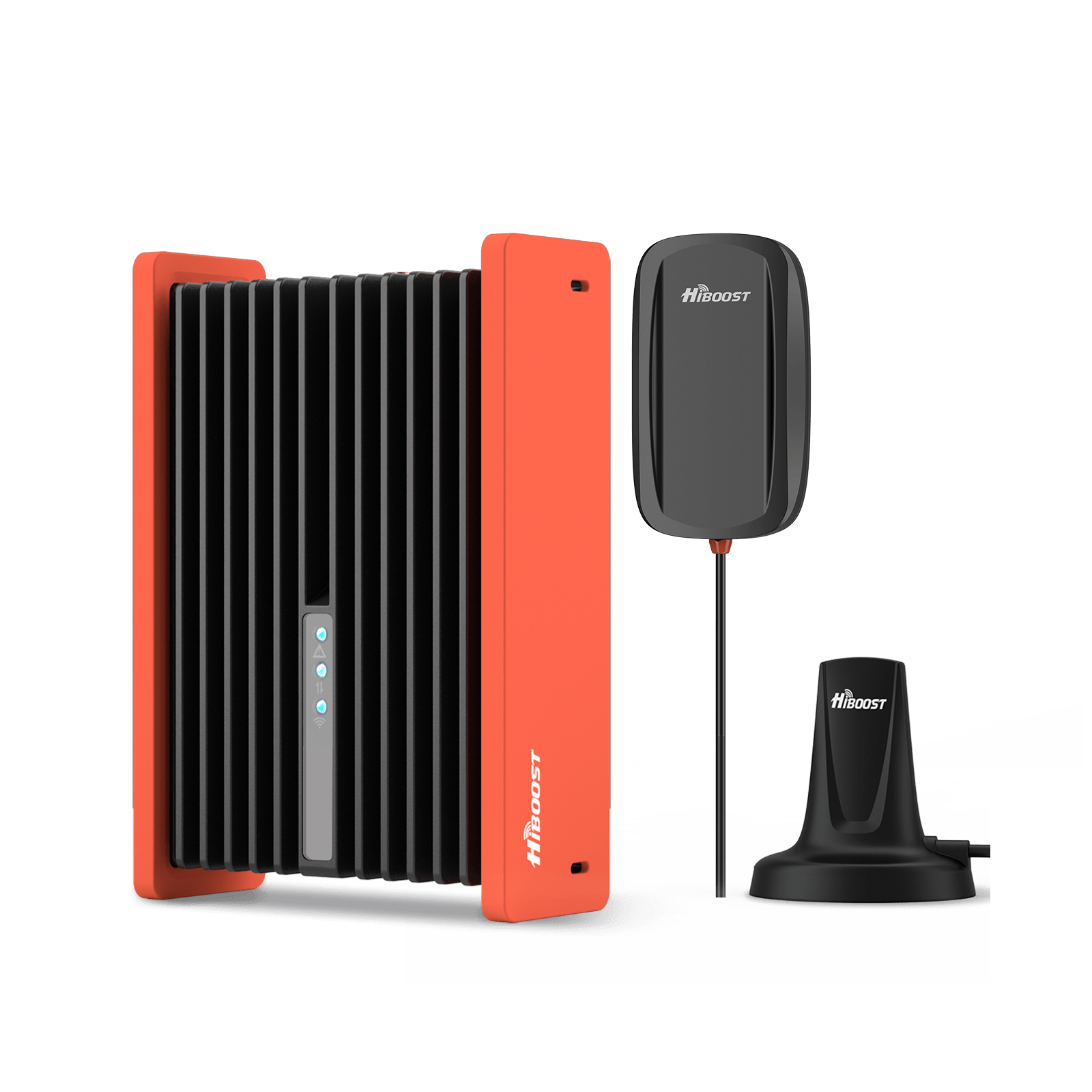
HiBoost Travel 3.0 Car Cell Phone Booster
For passenger cars, vans, mini trucks, pickups and SUVs
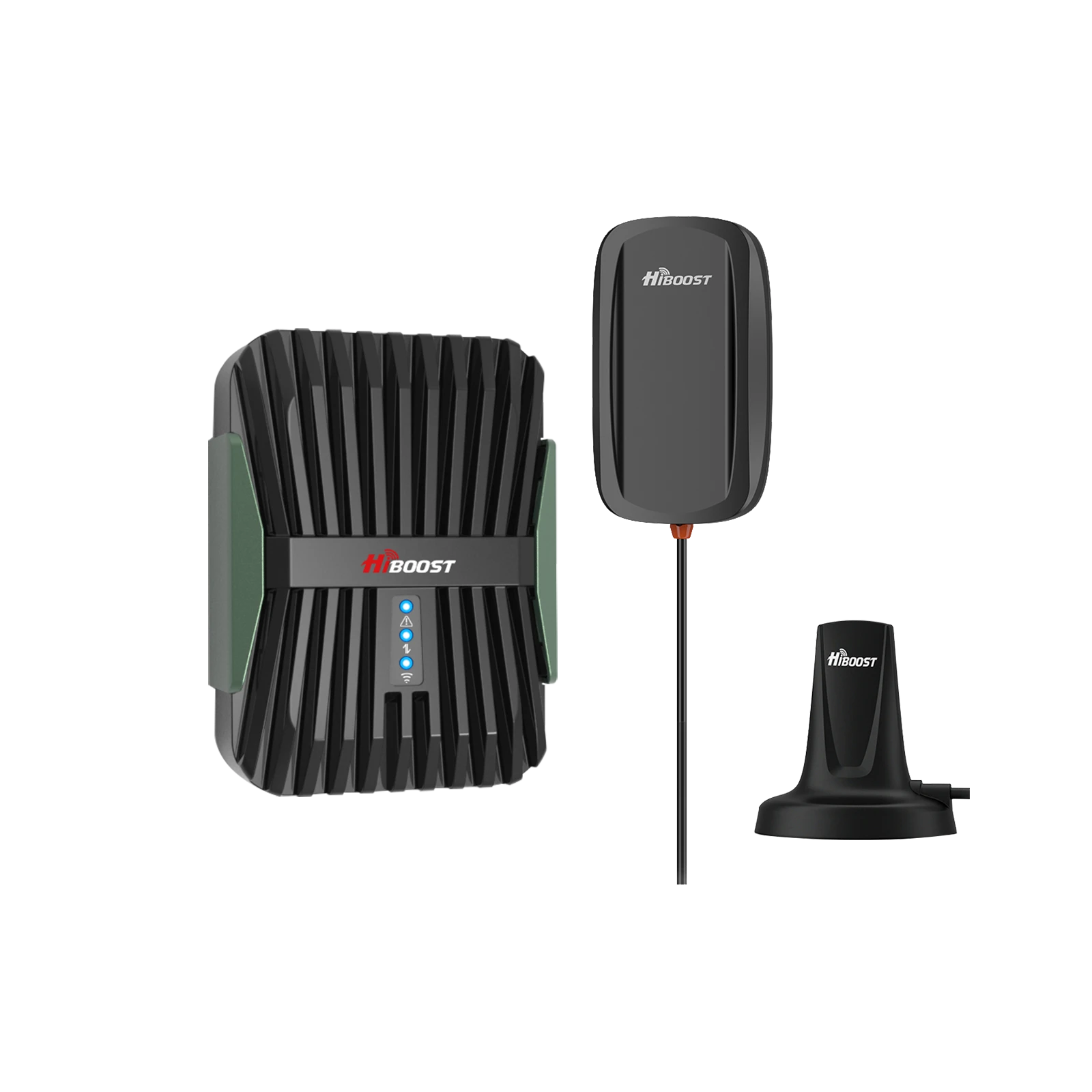
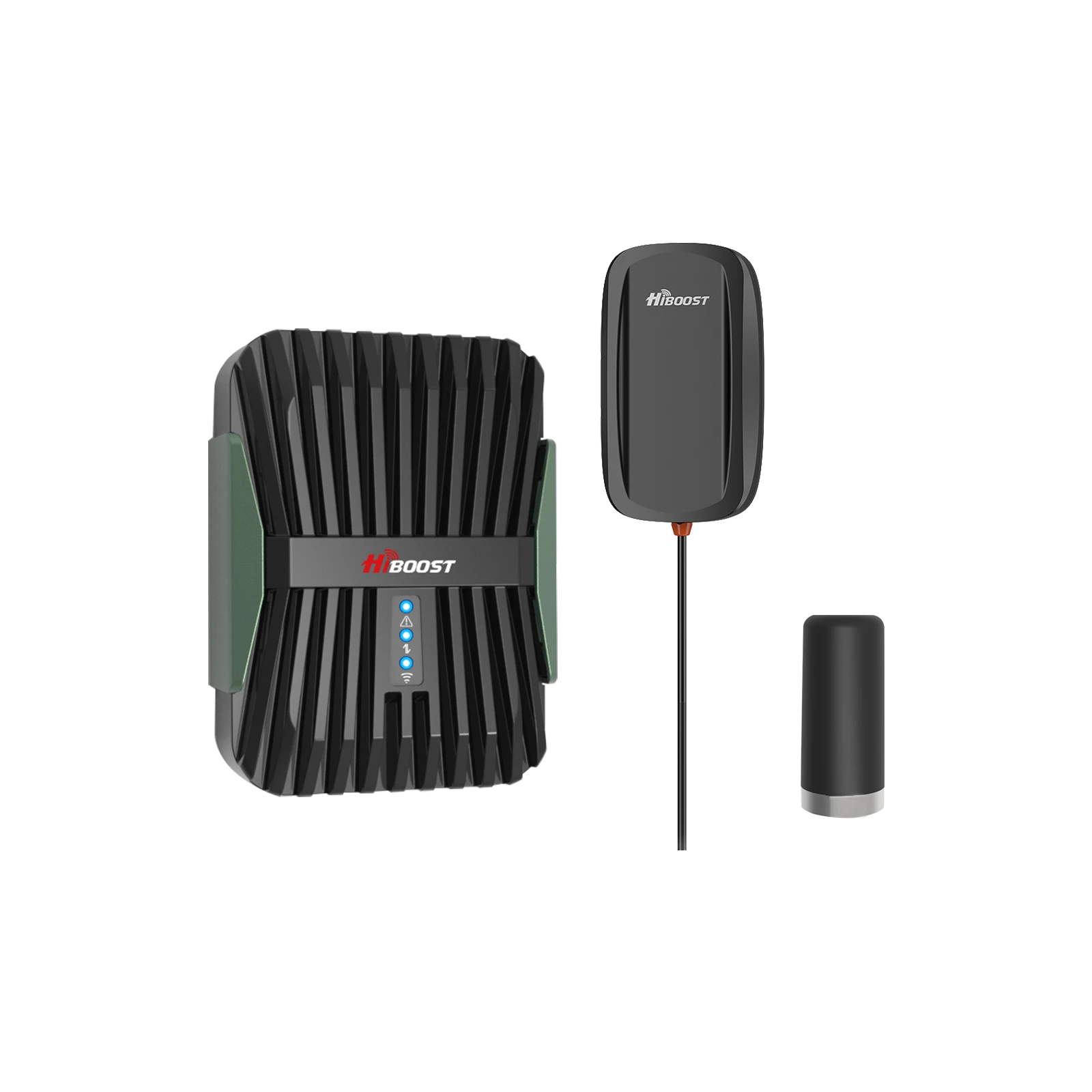
HiBoost Travel 3.0 Car Booster: This is a compact booster kit optimized for passenger vehicles such as sedans, SUVs, and pickup trucks. It helps eliminate dropped calls and improve data in your car by boosting signals within the cabin. This typically includes a small outside antenna, the booster amplifier, and an inside antenna that rebroadcasts the signal inside your car.
It supports multiple users . The installation is usually plug-and-play using a 12V DC socket. Being FCC-approved, it will operate within the allowed mobile parameters; you can expect up to 50 dB gain which is sufficient to dramatically improve 1-2 bars to 3-4 bars in many cases. It’s perfect for commuters, Uber/Lyft drivers, or anyone who travels through spotty coverage areas routinely.
HiBoost Travel 3.0 Truck Booster:
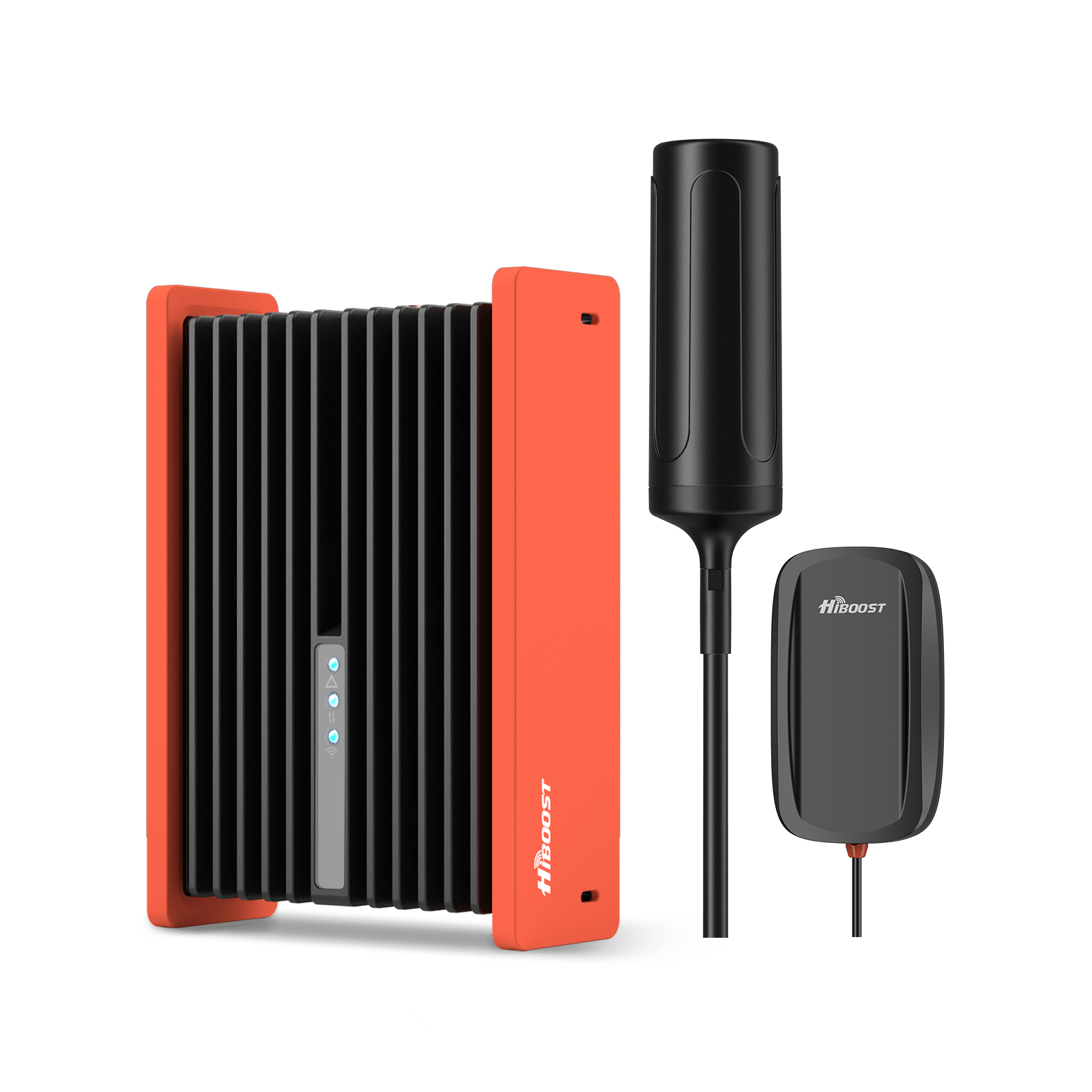
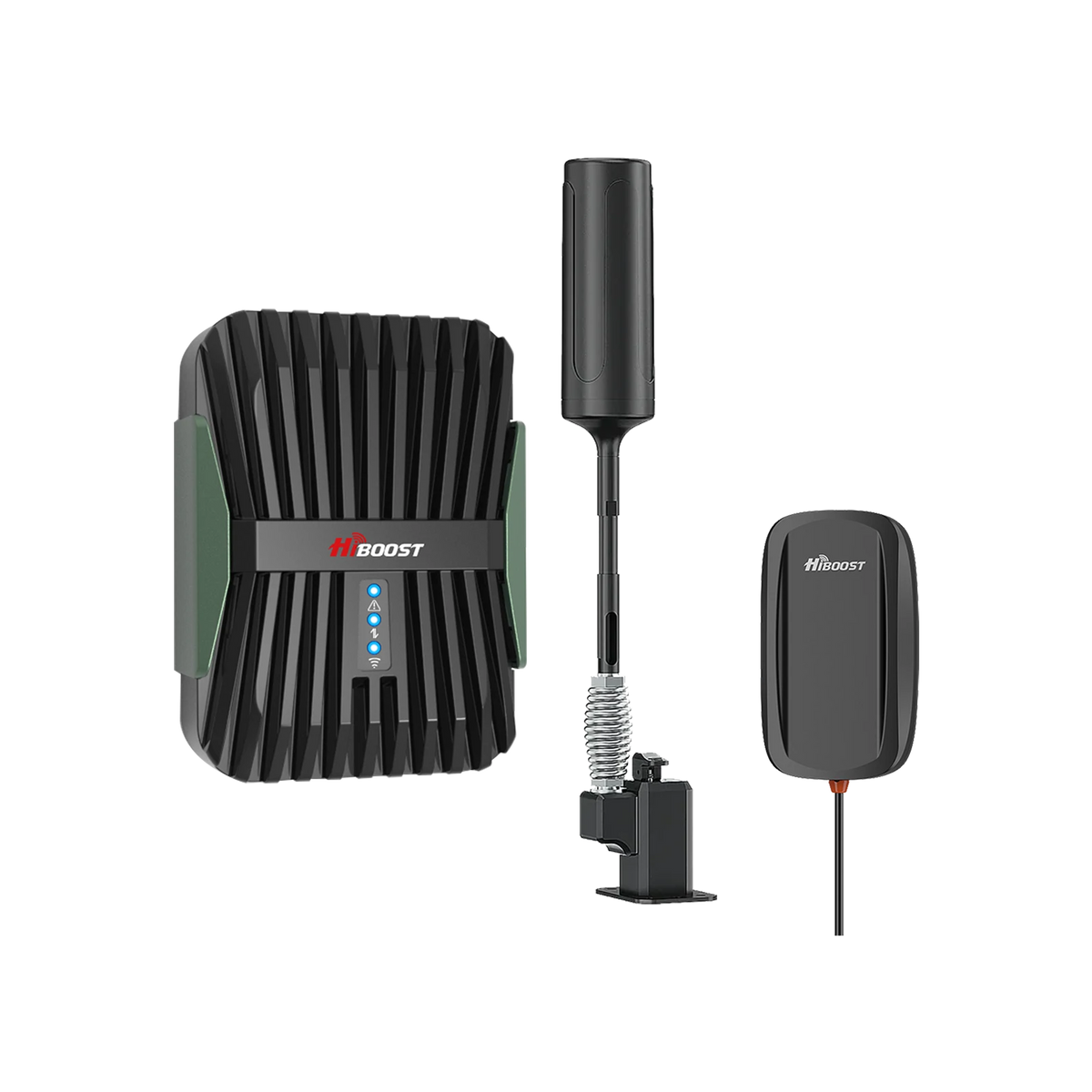
Designed for large vehicles like pickup trucks, semi-trucks, and commercial fleets, the Truck variant of the Travel 3.0 series includes a more rugged outside antenna. It’s built to handle the longer cabs and harsher conditions of trucks. Technically, the booster unit is similar to the car version, but the kit caters to trucks by providing a stronger signal reach inside the larger vehicle cabin.
Long haul truckers benefit greatly from this maintaining connectivity on remote highways for E-logs, dispatch communications, and personal use. HiBoost’s Truck booster kit is FCC certified and optimized so it won’t interfere with other truck electronics or CB radios, etc. It’s a reliable companion for anyone who basically has an office on wheels.
HiBoost Travel 3.0 RV and RV Max Boosters:
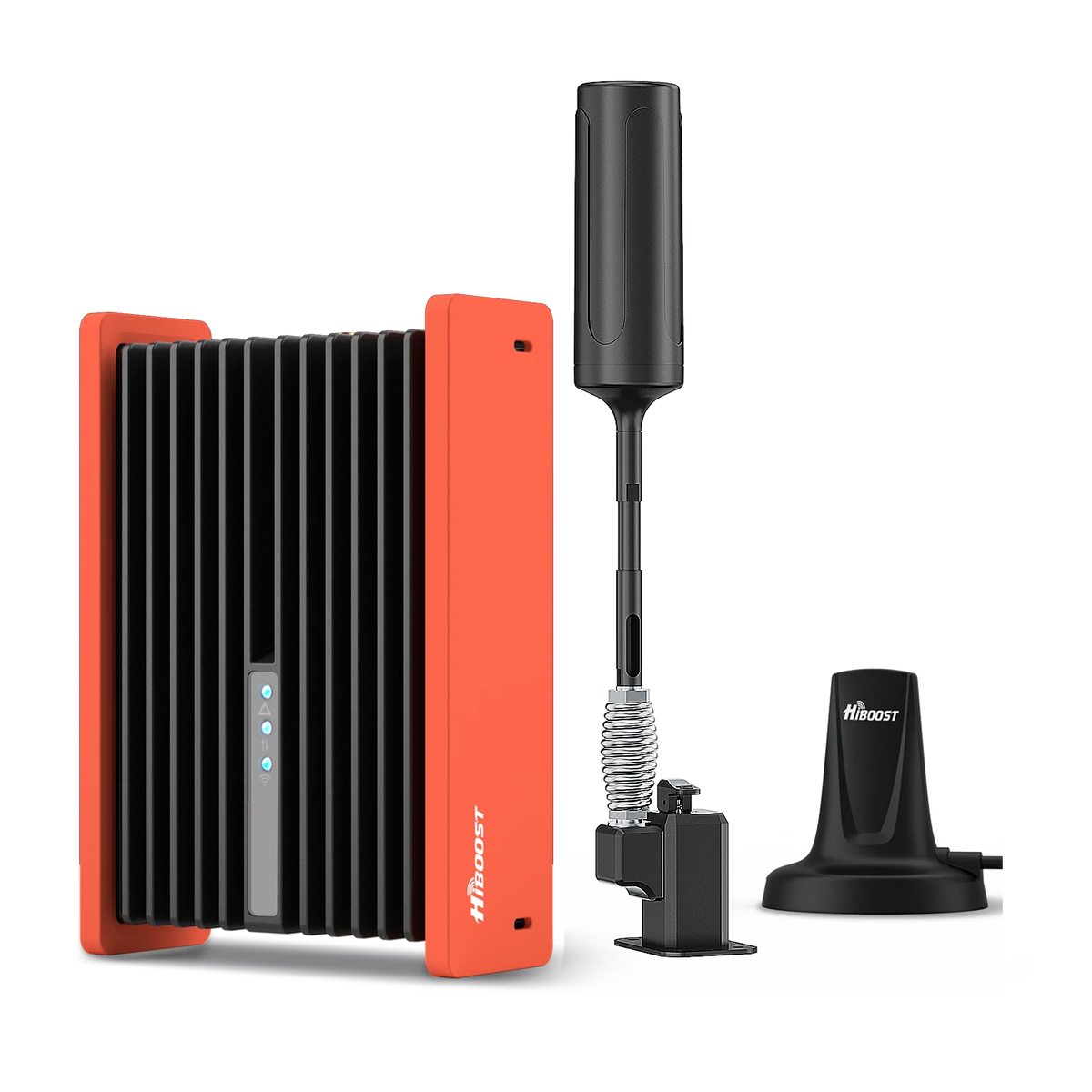
HiBoost Cell Phone Signal Booster for RV
For RVs, travel trailers, motorhomes, Class A/C RVs, 5th wheels, vans, and truck campers.
For RV enthusiasts and mobile homeowners, HiBoost offers the Travel 3.0 RV and Travel 3.0 RV Max kits. These boosters address the unique challenge of an RV: when moving, you’re a vehicle, but when parked, you’re like a home. The standard Travel 3.0 RV booster will dramatically improve signal inside an RV while driving, helping you stay connected for navigation, streaming, or working from the passenger seat.
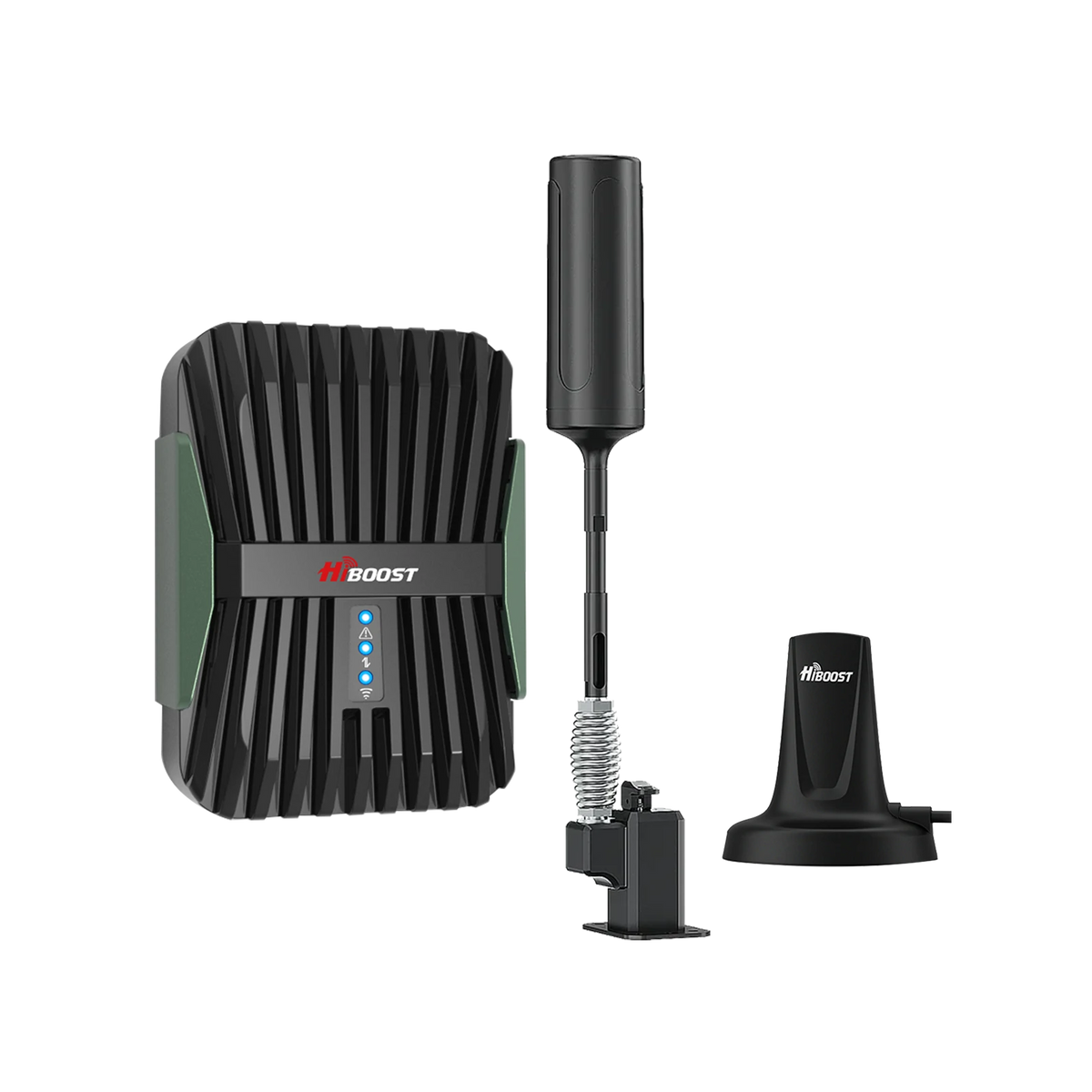
It typically uses an external antenna mounted on the RV (often with a ladder mount or suction cup) and an interior panel antenna to cover the RV’s living area. The RV Max version is an upgraded kit that includes a high-gain outdoor antenna. That higher antenna, plus possibly a directional design, lets you capture far-away cell signals better when you’re at a remote campsite.
The RV Max kit may also allow a bit higher gain when stationary; some boosters have a “Stationary Mode” that can go up to 65 dB when you’re not moving, since FCC permits higher gain for stationary use. With the RV Max, you essentially get the best of both worlds: compliant performance on the road, and extra boost when you’re settled at a location. These RV boosters are invaluable for full time RVers, enabling calling, internet, and even streaming TV in places where you’d otherwise have no bars.
HiBoost Travel 3.0 ExplorerX:
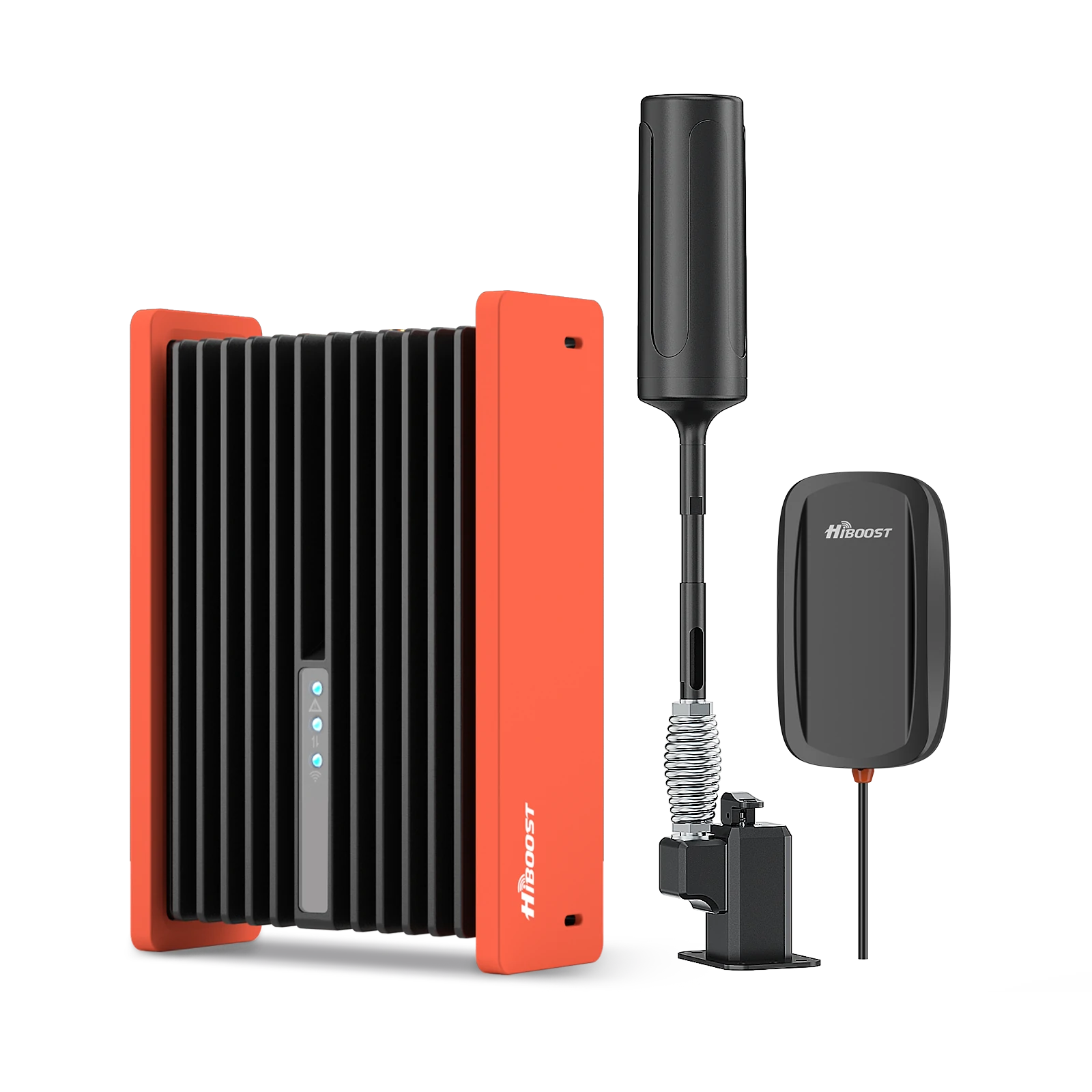
HiBoost Travel 3.0 Cell Phone Booster
For off-road vehicles, vans, SUVs, trucks, pickups and semi-trucks
The ExplorerX is a special edition in the Travel series intended for off-road adventurers and overlanders. It’s tailored for off-road vehicles, Jeeps, vans, and expedition trucks that venture well beyond the beaten path. The ExplorerX kit often features an even more rugged exterior antenna and a durable booster unit that can handle bumpy rides.
It’s FCC certified for mobile use and will ensure you can get a usable signal to make calls or send messages even when you’re camping in a national park or driving in the desert as long as there’s at least a faint signal outside for the booster to amplify. Many off-grid travelers pair this with cellular hotspots to keep laptops and other devices online. With the ExplorerX, safety is a factor too: it can be a lifeline for emergency calls when off-roading.
All HiBoost vehicle boosters support all major carriers simultaneously and are simple to use, basically install the antennas and power it on. They automatically adjust themselves. Since they’re FCC-approved, you don’t have to worry about them interfering with cell towers or other vehicles. One usage note: for mobile boosters, the coverage area inside the vehicle is relatively small due to the lower gain and the metal vehicle frame blocking signal.
This is normal; you'll typically keep your phone near the booster’s inside antenna. Doing so will give you the best results, often turning an unusable 1-bar signal into a steady connection.
HiBoost’s Travel series is a popular choice for road warriors because of its proven performance and build quality. These units are also covered by warranty and tech support. And yes you should still register these boosters with your carrier just like a home unit. In the next sections, we’ll explain how to do that.
Commercial & Industrial Models
For large commercial buildings, enterprise campuses, or industrial sites, HiBoost’s commercial/industrial booster lineup delivers serious performance while still holding FCC approvals. These models are sometimes referred to as “Pro” or “Industrial” series and are designed for professional installation to cover tens of thousands of square feet. Key models in 2025 include:
HiBoost Industrial 50K Booster (F25K-5S-BTW):

This is a powerhouse amplifier system intended for coverage up to 50,000 sq. ft thick multi-story office buildings, big-box stores, warehouses, hotels or hospitals. The Industrial 50K is a 5-band booster that supports all carriers’ 4G and low-band 5G.
It features an all-metal housing and manual gain control dials for each band, which allows integrators to fine-tune the amplification on specific frequency bands if needed. The device provides up to +72 dB gain with strong output power, making it capable of driving multiple indoor antennas across a large facility. Despite its name “industrial,” this model is indeed FCC-approved for wideband consumer use.
It meets the network protection standards and can be operated legally as long as it’s registered and, if applicable, you have consent if using it in a situation that requires it. The kit often comes with 4 indoor dome antennas to distribute signals on different floors or areas. If you have a large building with poor reception, the HiBoost Industrial 50K can be a turnkey solution but professional help is recommended to design and install the antenna layout for optimal coverage.
HiBoost Industrial 100K Booster (F27-5S “Telicos”):

Need even more coverage? The Industrial 100K is built for up to 100,000 sq. ft of coverage in massive areas like convention centers, airports, very large warehouses, or multi-building campuses. This unit has higher gain and higher output power (27 dBm), pushing the limits of amplification while still staying within a controlled, FCC-authorized framework.
Because of the power involved, this is definitely an enterprise grade solution. It often requires even more planning. The “Telicos” name indicates it’s part of HiBoost’s latest tech to handle 5G signals on the supported bands effectively. As with the 50K, the 100K supports all carriers simultaneously. These large boosters are essentially a small DAS system in a box, and they come with features like LCD readouts, alarms, and remote monitoring capability. Installation would involve coordinating with building owners and possibly the carriers. The 100K model is FCC certified (FCC ID OWWF27-5S) and thus legal to operate with carrier knowledge but because of its high power, always ensures compliance with any carrier-specific guidelines.
HiBoost SLT & SLW Series (20K/30K Pro Office Boosters):
HiBoost also has mid-tier commercial solutions like the SLT 20K Pro and SLW 30K Pro, which are aimed at office environments needing coverage around 20,000–30,000 sq. ft. These fill the gap between the home units and the big industrial units. They typically have gain in the 70+ dB range and support multiple indoor antennas.
They are often easier to deploy and can be bought directly (sometimes the largest units like the 50K/100K are sold through authorized integrators). The naming can be a bit technical (PRO20-5S-BTW, etc.), but essentially these are enterprise boosters that a contractor might install in a medium-sized business location. Rest assured, they carry FCC certifications and are equipped with all the feedback control and safety features. If you’re a business owner looking to cover, say, a 15,000 sq. ft. office floor, a HiBoost SLT 20K might be a cost-effective choice versus a more complex DAS.
All the commercial models maintain FCC approval. In fact, in their datasheets, you’ll find statements like “FCC and IC approved for use with all US and Canadian carriers”wirelessphonegallery.com. They also note the FCC ID so that installers or inspectors can verify the certification. One important note: Industrial vs. Consumer classification models like the 50K and 100K are often used in an enterprise context, but because they adhere to the Part 20 consumer booster specs (just at the high end of it), they can be deployed under the same framework.
However, if you ever consider a booster that is marketed as “industrial” and it does not clearly show an FCC consumer booster certification, be cautious it might require a different process to use. With HiBoost’s lineup, they’ve ensured even the big models are fully certified and legal. For example, the product manual warns that you must have an FCC license or consent to operate the device, but since carriers have generally consented to these certified devices, you are typically covered.
In short, HiBoost’s commercial/industrial boosters bring big coverage with legal compliance. They are a one stop solution to poor signal in large spaces, often much more budget friendly than installing a carrier-provided system. Just remember that planning is key. Our team or partners can help design the system to make the most of these powerful boosters. And yes, these units should be registered and documentation kept, in case carriers ever inquire. We’ll cover how you can verify FCC IDs and register boosters in the upcoming sections.
Common FCC Signal Booster Myths in 2026
- Myth #1: All signal boosters are illegal — false. FCC-approved boosters are fully legal.
- Myth #2: FCC approval is optional — false. Non-certified boosters may violate FCC rules.
- Myth #3: More gain always means better performance — not necessarily.
How to Verify an FCC ID Yourself
Every FCC-certified cell signal booster has a unique FCC ID, usually printed on the device label or in the user manual. If you want to double-check that a booster is genuinely approved, you can use this FCC ID to look up its certification details. Here’s a quick guide to do it:
- Locate the FCC ID: On HiBoost products, the FCC ID is typically on a label on the booster unit and starts with a three-letter Grantee Code followed by a model identifier. For example, one of HiBoost’s FCC IDs is OWWF25K-5S. “OWW” is the grantee code, and “F25K-5S” is the product code. On smaller home boosters, the format may look like OWW-XXX etc., but it will always say “FCC ID:” followed by the code.
- Visit the FCC Equipment Search: Go to the official FCC Equipment Authorization Search page. The direct link is often in FCC documentationwirelessphonegallery.com. There are also third party websites like fccid.io that can be used by simply typing the ID. For official results, use the FCC’s search form: it will have a field for Grantee Code and Product Code. In our example, you’d enter “OWW” in the Grantee field and “F25K-5S” in the Product field, then hit search.
- Review the Certification Info: The FCC database will show you any matching records. You should see an entry for the booster, likely under the company name Huaptec or HiBoost. By clicking through, you can view the Grant of Equipment Authorization, which is the legal document indicating FCC approval. It will list the frequency bands the booster can operate on, the compliance with Part 20.21, and any notes.
- You might also find internal and external photos, test reports, and the user manual in those filings. This is the ultimate confirmation that the model is approved. For instance, looking up FCC ID OWWF25K-5S shows it’s authorized for use on all the standard cellular bands and meets the requisite rules.
- Cross-check the FCC ID on the product listing: If you’re buying from a website or retailer, check if the FCC ID is listed in the product specifications. Reputable sellers will often list the FCC ID or at least mention compliance. HiBoost’s own site and manuals list FCC IDs for transparency. If a device you’re considering doesn’t provide an FCC ID upfront, that’s a red flag.
As a real-world example, let’s say you want to verify the HiBoost 10K Smart Link’s certification. You find the FCC ID on the device or manual. You plug that into the FCC database and retrieve the info, confirming it’s legit. This process can be done for any brand’s booster too; it's a great way to weed out fake or uncertified models.
Why verify? For peace of mind. The FCC ID search is especially useful if you come across a brand or model you’ve never heard of; a quick lookup will tell you if it’s actually authorized. All HiBoost models sold in the U.S. will have a valid FCC ID that you can verify, underscoring the brand’s compliance.
Now that you know your booster is FCC-approved, the next step after purchase is to register it with your carrier. Let’s walk through how to do that.
How to Register Your Cell Signal Booster
FCC rules require that consumers register their signal boosters with their wireless providers. Don’t worry registration is free and relatively simple. It’s essentially a record keeping measure so carriers know about boosters operating on their network and can contact you if needed. Below, we outline how to register, what info you need, and what to expect after registering.
Step-by-Step Registration Process
Each major U.S. carrier has an online portal or form for booster registration. Here’s a general step-by-step process that will work for AT&T, Verizon, T-Mobile, and others:
1. Purchase an FCC-certified booster:
Before registration, you obviously need to have a booster. Make sure it’s one of the legal models (like any of the HiBoost models listed above). You’ll need information from the booster for registration.
2. Find your carrier’s registration page:
- AT&T: Go to the AT&T Signal Booster Registration site. There may also be an FAQ page explaining the process.
- Verizon: Visit Verizon’s Signal Booster Registration page on their official website. Verizon typically has a dedicated page where you log in and then register your device.
- T-Mobile: Use the T-Mobile Booster Registration form. T-Mobile’s site might prompt you to log into your account to register the booster to your line.
- US Cellular: US Cellular also has a registration process, usually found on their website under support or coverage resources.
- Sprint (legacy): Sprint users have been migrated to T-Mobile, so use T-Mobile’s process if you’re a Sprint legacy customer.
- Other carriers/MVNOs: If you use a smaller carrier or an MVNO, often they don’t have their own form you would register with the underlying network operator.
3. Fill out the form with booster details:
The registration form will ask for specific information. Typically, you need to provide:
- Your name and contact info.
- Your wireless phone number or account number.
- The booster’s make and model.
- The booster’s serial number. This uniquely identifies your unit.
- The booster’s FCC ID. Some forms ask for this as an extra verification of certification.
- The location where the booster will be used. For a home or building, that’s the street address. For a mobile booster, use your home address or wherever the vehicle is primarily based. The idea is to have a rough location on file.
- Date of installation or first use.
4. Follow any on-screen instructions:
It’s straightforward: basically you’re telling the carrier “I have this specific FCC-approved booster and I’ll be using it at XYZ location on your network.”
5. Submit the form:
Once you’ve entered all details, submit the registration. Some carriers might require you to log in to your customer account to submit (Verizon, for instance, may tie it to your account). Others might have a standalone form.
6. Confirmation:
After submitting, you might get a confirmation message or email. AT&T’s system, for example, might not send an email but will display a confirmation on the webpage. Verizon’s system allows you to later view or edit your booster registrations by logging into your account.
T-Mobile might send a confirmation email. If you don’t see a confirmation, you could try re-submitting or contacting support to verify it went through. Generally, if the form gave you a “success” message, you’re all set.
This process is completely free and you do not need any special approval response. You’re not asking permission, you’re just providing notice/registration. As long as your booster is on the approved list, the carrier is essentially automatically consenting.
What Information You’ll Need
As mentioned above, gather the following before you start registration to make it quick:
1. Your carrier account info: Account number or phone number associated with your service.
2. Booster details:
- Brand and model: e.g., “HiBoost 10K Plus Pro”.
- Serial Number: This is typically on a sticker on the booster unit and also on the box. It’s often alphanumeric.
- FCC ID: Also on the unit/box/manual. It looks like a code with letters and numbers as discussed.
- Installation address: The address where the booster will be used. For a home unit, your home address. For an RV/vehicle, your home address or wherever you want to associate it.
- Contact email: Some forms ask for an email for confirmation.
- Installation date: Either the date of registration or date you first started using it.
3. User details if different: A few forms (like AT&T’s) ask if the “operator” is different from the “owner”. For instance, if you own the building but someone else (like a tenant or IT personnel) will operate the booster, you could fill both names. In most consumer cases, you just fill your own name.
4. Number of users (for T-Mobile): Uniquely, T-Mobile’s form asks how many people will use the booster. You can put an estimate (e.g., “4” for a family of four, or “50” for an office scenario). This isn’t critical, but they collect it presumably for network planning data.
Having this information handy makes registration a 5-minute task. On HiBoost boosters, the serial and FCC ID are easy to find, so just jot them down from the device or manual before you go online.
One more tip: If you have multiple boosters, you should register each one separately. Carriers allow multiple booster registrations on one account.
How Long Registration Takes and How to Confirm It’s Active
The good news: registration is usually instantaneous from the user’s perspective. Once you fill out the form and hit submit, your booster is considered “registered.” There is no further action needed on your part, and you typically do not need to wait for any approval letter. You also do not need to input anything into the booster; the booster operates independently. Registration is just a record in the carrier’s database.
To confirm it’s active or on file:
- With Verizon, you can log into your Verizon Wireless account online and navigate to the boosters/device registration section. You should see your booster listed with the details you provided, and you can update them if needed. This confirms Verizon has it on record.
- AT&T does not provide an easy way for you to see your registration after the fact. However, if you try to re-register the same booster, it might tell you it’s already registered. AT&T’s FAQ once stated that updates require a new registration because you can’t edit an old entry. So basically, once submitted, it’s in their database. You could call AT&T support to confirm by providing your booster’s info, but that’s usually not necessary.
- T-Mobile likewise doesn’t show you after submission, but if you got a confirmation screen or email, you can trust it’s done. If in doubt, you can re-enter the info and the system may alert you if that serial is already registered.
- U.S. Cellular and others might send an email confirmation which you can save.
How long does it take? The process itself is quick. In terms of the booster functioning, you do not have to wait at all; your booster will work regardless of registration status. The registration is more about compliance and giving carriers info. The FCC mainly wants it done “before use” or soon after installation. Realistically, if you forgot to register and have been using your booster, just go ahead and register now. There’s no penalty for late registration; carriers just want the info in the system.
In our experience and as noted by industry experts, carriers rarely, if ever, act on these registrations proactively. Don’t expect a welcome kit or anything. It’s largely silent. The only time the registration comes into play is if a carrier is troubleshooting an issue. For example, if a tower is seeing interference, they might check their booster reg database for any booster in that area and reach out to those owners to check their equipment. Or if you call tech support for network problems, mentioning you have a registered booster might help them in diagnosis.
Confirmation that it’s active: You won’t receive an “activation code” or something for the booster again, the booster works on its own as soon as you plug it in. If your booster is set up properly, you’ll notice the improved signal right away. That’s the real confirmation that everything is working. If there’s a problem (like the booster oscillating or not improving signal), that’s likely a setup issue, not a registration issue.
To summarize, registering is quick and done online. Once done, you can enjoy your improved cell signal with full peace of mind that you’re in compliance. If you ever replace the booster or move it to a new address, simply submit a new registration update to keep the info current.
Next, let’s talk about how to identify boosters that might not be legal or compliant, so you can avoid those altogether.
How to Spot Fake or Non-Compliant Boosters
As with any popular tech product, not every signal booster out there is legitimate. Some unscrupulous sellers might offer devices that do not meet FCC rules or are outright fake. Using such devices can cause the problems we discussed and likely won’t perform as well either. Here are ways to spot a bad booster and ensure you’re buying a proper FCC-approved unit.
Red Flags to Watch For
When shopping for a cell signal booster, be on the lookout for these red flags that could indicate the product is not FCC-compliant or is of dubious quality:
No FCC ID or Certification Mentioned:
Legit manufacturers will proudly display FCC certification info on their product pages, box, or manual. If you can’t find any reference to an FCC ID or compliance, assume it’s not certified. Every legal booster has an FCC ID label. If buying online, check product images for the label or the description for “FCC Certified.” No mention at all is a warning sign.
Unrealistic Performance Claims:
If a booster listing claims extreme things like “100 dB gain” or “covers 500,000 sq ft from one antenna” or “no external antenna needed, just plug in this sticker”, be skeptical. FCC limits prevent crazy high gain in wideband boosters. Also, covering hundreds of thousands of square feet is only possible with enterprise systems with multiple antennas, not a cheap gadget. Too good to be true specs often are. Stick with known models from known brands.
Very Low Prices from Unknown Brands:
Price alone isn’t an absolute indicator, but certified boosters typically cost a few hundred dollars because of the technology and testing involved. If you see a “signal booster” for $39.99 from a brand you’ve never heard of, it’s probably junk or a single-band device that won’t really help. There are also scam devices sold for cheap that are not real boosters. Genuine boosters have amplifiers, cables, antennas and are priced accordingly.
Authorized budget models do exist but they’ll still be from known companies and marketed responsibly.
Absence of a Complete Kit:
FCC rules mandate that consumer boosters must be sold as a complete kit with proper cables and antennas. If someone is selling just an amplifier box without the antennas, or a booster that requires you to find your own antennas, it may not be a legal consumer unit. Proper kits ensure that only approved antennas and cables are used, to maintain compliance. A “barebones” amplifier sale could indicate it’s either an industrial component requiring special setup or an uncertified unit.
No Brand or Support Information:
Reputable booster companies provide tech support, user manuals, and have websites. If you find a product with minimal documentation, broken English descriptions, and no support line or website, that’s a red flag. The booster might be a clone or knock-off. For example, there have been knock-offs mimicking branding of legit companies but spelled slightly differently if you can’t find the manufacturer’s official site, steer clear.
Claims of Not Needing Carrier Approval or Bypassing Rules:
Some sketchy sellers might say “No FCC license required” in a context that tries to spin it positively, or “will not be detected by carriers.” All legal boosters don’t need a personal FCC license, but the device itself needs an FCC certification. If the marketing is trying to suggest it somehow avoids needing approval, that’s suspicious. Also, any device claiming to jam or block signals is definitely illegal; those are signal jammers, not boosters, and are banned.
Outdated “Wideband” Amplifiers:
Prior to 2014, there were “wideband amplifiers” sold that didn’t have the network protection features. It’s illegal to sell those now, but you might find used ones floating around on auction sites or gray markets. These might even be from once-big brands but are now obsolete models.
If the model is not explicitly marketed as meeting the post-2014 standard, avoid it. For example, a product from 2011 that hasn’t been updated is not allowed. The presence of a label that says you must register is one indicator modern boosters have that label, old ones did not.
In summary, use common sense and stick to known brands and authorized retailers. If a device raises any doubts, perform the FCC ID lookup as described earlier. A bit of due diligence can save you from wasting money on a non-working gadget or risking an illegal device.
Why Buying from Authorized Sellers Matters
Once you’ve identified a good brand and model, the next step is to buy it from a trustworthy source. Here’s why we strongly recommend purchasing from authorized retailers or the official manufacturer’s store:
Guaranteed Authenticity:
Authorized sellers get their inventory directly from the manufacturer. When you buy from HiBoost’s official store or an authorized partner, you’re assured the product is genuine and new. Unfortunately, in the market there have been cases of counterfeit boosters or unauthorized resales of used/modified equipment. An authorized seller chain eliminates that risk you receive the real product with all proper labels, accessories, and manuals.
Warranty and Support:
HiBoost, for example, offers a 3-year warranty and customer support on all its boosters, but this applies when you buy from authorized channels. If you purchase from an unauthorized third-party, the warranty might be void. Authorized retailers will also facilitate returns or exchanges if needed.
They can also assist with basic setup questions. Unauthorized sellers likely won’t; you might be stuck with no customer service. Always check the warranty policy. It often states you need proof of purchase from an authorized source. Buying on random marketplaces or from overseas sellers could mean no warranty.
Verified Compliance:
Authorized resellers are knowledgeable about FCC compliance and will usually not carry products that aren’t certified. Their reputation is on the line too. If you shop on the official HiBoost website or a certified dealer, every booster you see will be FCC-approved.
On the other hand, a shady e-commerce site or auction listing could mix genuine and knock-off products. Sticking to authorized outlets removes the guesswork you won’t accidentally end up with a non-compliant device, because those channels don’t sell them.
Latest Models and Promotions:
Official channels ensure you get the latest hardware revision. Authorized sellers also offer the legitimate promotions that the manufacturer is running which often means you get a better price or added bonuses without compromising on safety. Unauthorized sellers might lure with a slightly lower price on paper, but you may end up with an older model or missing parts. It’s not worth saving a few bucks if you lose warranty and support.
Proper Documentation:
When buying from the right sources, you’ll receive proper documentation a user manual that explains installation and registration. This documentation is not only helpful, but it’s part of the compliance. If your package arrives with a photocopied or no manual, suspect something’s off. Authorized products will have full, professionally printed guides.
In short, buying authorized = peace of mind. For HiBoost products, you can buy directly from our website, from our official Amazon store, or from certified resellers listed on our site. If you ever have a doubt whether a seller is authorized, you can contact us to confirm. We want you to have a great experience, and that starts with getting a legitimate product in your hands.
Real Risks of Illegal Boosters
We’ve touched on this earlier, but it’s worth emphasizing the concrete risks of using a booster that isn’t FCC-approved:
Fines and Legal Trouble:
Running an illegal booster is essentially operating a radio transmitter without authorization. The FCC usually takes action in cases of interference. Real-world scenario: A few years back, the FCC traced interference at an airport to a rogue signal booster and fined the owner. If your unapproved booster knocks a cell site offline, the carrier can involve the FCC quickly. They have field agents that can pinpoint signal sources. Fines can run into tens of thousands of dollars easily, and you’ll be cited and required to stop using the device. If you ignore orders to cease interference, you could face even heavier penalties or legal injunctions. While the FCC isn’t out patrolling for boosters actively, causing interference puts you on their radar.
Carrier Blacklisting:
In some cases, if a device is causing problems, carriers might use network tools to try to shut it down or at least pinpoint it. They can’t “turn off” a physical booster remotely, but they can identify its impacts. They might also invalidate your device on their network if they could. At the very least, they will contact you. Being on the wrong side of your carrier is never good; they could potentially terminate your service for violating terms of service.
Interference with Emergency Services:
Worst-case, an illegal booster might not only interfere with cellular bands but possibly could splatter noise into adjacent bands used by public safety or aviation communications if it’s really poorly built. This is extremely dangerous and is a big reason the FCC doesn’t want uncertified transmitters out there.
Imagine if your cheap booster blocked a firefighter’s radio that’s a nightmare scenario and would bring enormous liability on you. FCC-certified boosters are tested to ensure they stay in their lane; they have strict emission limits, so they won’t interfere with other services.
Damage to Network and Devices:
A non-compliant booster could oscillate or overpower the network, which might not only degrade the tower’s coverage but could also theoretically stress your phone’s receiver. While not likely to physically “damage” phones, it can cause devices to behave improperly. The booster itself, if not designed well, could overheat or even be a fire hazard. Certified boosters have to use quality components and pass safety tests; knock-offs might skimp on that.
Poor Performance:
Apart from legal concerns, an illegal or fake booster likely just won’t work well. Many of the “mystery boosters” you find online either do nothing or are so unstable that they end up making your signal worse or fluctuating.
You could waste hours trying to get it to work, to no avail. Meanwhile, a real booster from a company like HiBoost will do what it promises. Illegal boosters give the whole product category a bad name because someone might install one and see no benefit. This can lead to frustration and lost money.
No Support or Updates:
If something goes wrong with a grey-market booster, you have zero support. No tech to call, no firmware fixes. You’re on your own, and likely out the cost of the device. Legal booster makers continually refine their products and provide customer care.
The bottom line: don’t risk it. It’s not worth endangering public communications or facing fines just to save a few bucks. Stick with legal boosters and use them properly. Then you’ll only experience the upsides: better cell signal and none of the headaches.
If you’re ever unsure about a product’s legitimacy, it’s best to walk away and choose a known option. In the next section, we’ll point you to exactly where you can find legitimate, FCC-approved boosters and even how to snag a good deal on them.
Where to Buy Legitimate FCC-Approved Boosters + Holiday Deals
Now that you’re informed about what to look for, let’s talk about where to get your FCC approved booster and if you’re shopping in 2025, how to take advantage of some great deals! HiBoost boosters can be purchased through several channels, all of which ensure you get a genuine product with full support.
Official HiBoost Store and Authorized Retailers
Your safest bet is to buy directly from the official HiBoost online store or from one of our authorized retailers:
HiBoost Official Website:
You can purchase any of the boosters we discussed at our official online store. This guarantees you receive a brand-new, authentic unit. Our site often has exclusive bundles and you’ll see the latest FCC-certified models listed.
All transactions are secure, and we offer free shipping on all orders and a hassle-free 30-day return policy if you’re not satisfied. Buying direct also means if there are any firmware updates or special instructions, you’ll be in the loop.
Authorized Online Retailers:
HiBoost products are available on major online platforms like Amazon, Walmart.com, and others, but make sure the seller is either “HiBoost” or an official partner. On Amazon, look for phrases like “Sold by HiBoost” or “Ships from and sold by Amazon.com” for our products.
We have an Amazon storefront where you can find our lineup, and these units are identical to buying from us. If you see HiBoost on Best Buy’s website or B&H Photo, those could be authorized as well; check our authorized dealer list on hiboost.com if unsure.
Brick-and-Mortar Stores:
Some electronics retailers and installer companies carry HiBoost boosters. For example, certain mobile electronics installers or home technology integrators might stock them. If working with a local installer for a commercial project, ensure they supply an FCC-approved booster. HiBoost’s enterprise solutions might be distributed through integrator channels; these are definitely legitimate sources as well.
International Customers:
If you’re outside the U.S., check our international sites (hiboost.ca for Canada, hiboost.eu for Europe). They provide region-appropriate models that meet local regulations. Don’t buy a U.S. booster for use in another country or vice versa, as the frequency bands differ and certifications differ.
When you buy from these channels, you not only get the product, but also the backing of HiBoost’s customer service. Our team can help with installation questions, troubleshooting, and fulfilling warranty claims if ever needed. Plus, you can be confident the booster is 100% FCC-certified and ready to use legally.
One more tip: Avoid buying a booster second-hand if you can. It might be tempting to grab a used unit on eBay, but you don’t know its history. Also, warranties usually don’t transfer. A new unit from an authorized source is the way to go for something as important as a device that keeps you connected.
Exclusive 2025 Promotions and Holiday Discounts (Up to 30% OFF)
Everyone loves a good deal, and if you’re reading this around the holiday season or a big shopping event, you’re in luck! HiBoost often runs special promotions during the year, with discounts that can save you a significant amount on a new booster. Here are some promotions to watch for in 2025:
Black Friday & Cyber Monday (November 2025):
This is typically the best time to snag a deal. HiBoost has offered up to 30% off on select models during Black Friday sales. For example, you might see 20% off all home boosters site wide, and an extra coupon to get to 30% off on premium models like the 15K Smart Link Deluxe. These promotions often run through Cyber Monday.
It’s a great opportunity to get that high end booster you want at a fraction of the cost. Keep an eye on our website banners or subscribe to our newsletter to get the promo codes. In 2025, expect Black Friday deals such as “Buy an RV booster, get 30% off a home booster” or straightforward discounts on single items. Inventory can go quickly, so plan to purchase when the sale is live.
Holiday Travel Deals (Summer 2025):
We often have summer sales around Memorial Day, 4th of July, or just mid summer travel season. In 2025, we’ve highlighted RV boosters in a special Holiday Travel Deal for instance, a promotion like “RV Boosters up to 30% off for summer road trips!”. If you’re gearing up your RV for the season, that’s a perfect time to buy. Similarly, a spring sale might feature vehicle boosters if a lot of people plan travel in spring break.
New Year and Other Holidays:
Occasionally, a New Year sale or an Easter/Spring sale might pop up. Also, watch for Prime Day. And don’t forget Father’s Day or Mother’s Day if you’re giving a booster we sometimes do a promo around those lines.
Coupon Codes and Bundles: Aside from percentage-off sales, HiBoost might offer bundle deals. These add value especially for larger installations. Also, check coupon sites or our promotions page sometimes we have a standing coupon like “SAVE10” for 10% off first-time purchase or referral discounts. Verified promo codes are listed on our site or official social media pages around promo periods.
Remember, to take advantage of these, make sure you’re buying from the official store or the sale is being honored by our authorized Amazon listing or partners. If you see a deal significantly beyond 30% off from a random reseller, be cautious it might not be legit. Our maximum direct discounts typically cap around 30-35% except in clearance situations.
Don’t miss out on current promotions visit our HiBoost Deals page to see active coupon codes and sale details. If a holiday sale is on, you’ll likely see banners on our site’s homepage. These deals make it the perfect time to upgrade your signal at a bargain.
Final Checklist Before You Buy
Before finalizing your booster purchase, run through this quick checklist to ensure you’ve covered all bases:
✅ FCC ID and Certification:
Confirm the model you chose is indeed FCC-approved. Peace of mind that it’s legal is essential.
✅ Coverage Needs:
Make sure the booster’s coverage range matches your needs. Check the square footage for home units or the fact that a vehicle unit is for a car vs RV, etc. For example, don’t buy a 4K Smart Link if you need to cover a 6,000 sq ft house better to go for a 10K or 15K model. Similarly, choose the right vehicle kit for your type of vehicle.
✅ Carrier/Band Support:
Verify that the booster works with your carrier. Any wideband booster will work with all major carriers’ 4G LTE and 3G. If you specifically need Band 25 or Band 12, etc., check the specs that those bands are included (HiBoost covers common ones like 2,4,5,12/17,13,25, etc.). Essentially all modern boosters do, but just ensure no odd exclusions.
✅ Registration Plan:
Acknowledge that once you receive the booster, you’ll register it with your carrier. Maybe bookmark the registration page or instructions. It’s simple but don’t forget to do it. It’s part of being a responsible booster owner.
✅ Installation Considerations:
Think about your installation and if you need any extras. Does the kit come with everything? HiBoost kits include antennas and cables. If you have a tall roof or need to run cable longer than provided, you might need an extension coax or a different mount.
We sell accessories like longer coax cables, antenna mounting poles, lightning surge protectors, etc. It’s easier to order those together. Also consider if you need a professional installer most home and vehicle boosters are DIY, but large building installs might need pro help.
✅ Authorized Seller:
Ensure you are purchasing from HiBoost directly or an authorized dealer. This ensures warranty and support. If on a website, check the seller name or “About Us” section. When in doubt, come to our official site.
✅ Price and Deals:
Apply any coupon codes or take advantage of current sales. A booster is an investment, so saving 20-30% in a sale is great. If a sale is upcoming (like Black Friday next week), and you can wait a few days, it might be worth it. However, also consider urgency if you urgently need better signal (perhaps for work or safety), it can pay for itself quickly, so don’t delay too long.
✅ Future-proofing:
All current boosters are LTE/5G compatible on existing bands. If you see a note like “5G Ready,” understand what that means (we explained earlier). If you anticipate needing support for new 5G bands once allowed, keep an eye on news but any booster you buy now will still massively help for calls and current data. It’s just something to note if your area has only one weird band for coverage.
With all these points checked, you can hit that “Buy Now” button with confidence. You’ll soon be enjoying reliable calls and fast data even in areas where you once had no signal. And you’ll do so legally, without any worry of causing issues for others or facing any fines. That's the beauty of sticking with FCC-approved boosters like HiBoost’s.
FAQs About FCC Approved Cell Signal Boosters
Are FCC approved cell signal boosters legal in 2026?
Yes. As of 2026, FCC-approved cell signal boosters are legal for consumer use in the United States when properly installed.
How can I check if a signal booster is FCC certified?
You can verify FCC certification by searching the FCC ID number listed on the product or manufacturer website.
Do FCC approved boosters work for rural areas?
Yes. Many FCC-certified boosters are specifically designed to improve weak signals in rural and remote locations.
Recommended Reading
Cell Phone Signal Booster Ultimate Guide (2025 Edition)
How to Choose the Best Cell Phone Signal Booster for Your Home (2025 Guide)
Weak Cell Signal Troubleshooting & Solutions (2025 Guide)
Find the Strongest Mobile Signal in Your Area – Step-by-Step Guide
Boost AT&T Signal Fast – Best Home, Car & 5G Signal Boosters in 2025
Struggling with Signal in the Country? These Boosters Might Save You (2025)
Verizon Signal Weak at Home? 5 Proven Ways to Fix It (2025 Update)
Last updated: January 2026
Car/Suv,RV,Truck,Vehicle


Our Home Signal Booster


Popular Articles

Leave a comment
All comments are moderated before being published.
This site is protected by hCaptcha and the hCaptcha Privacy Policy and Terms of Service apply.