
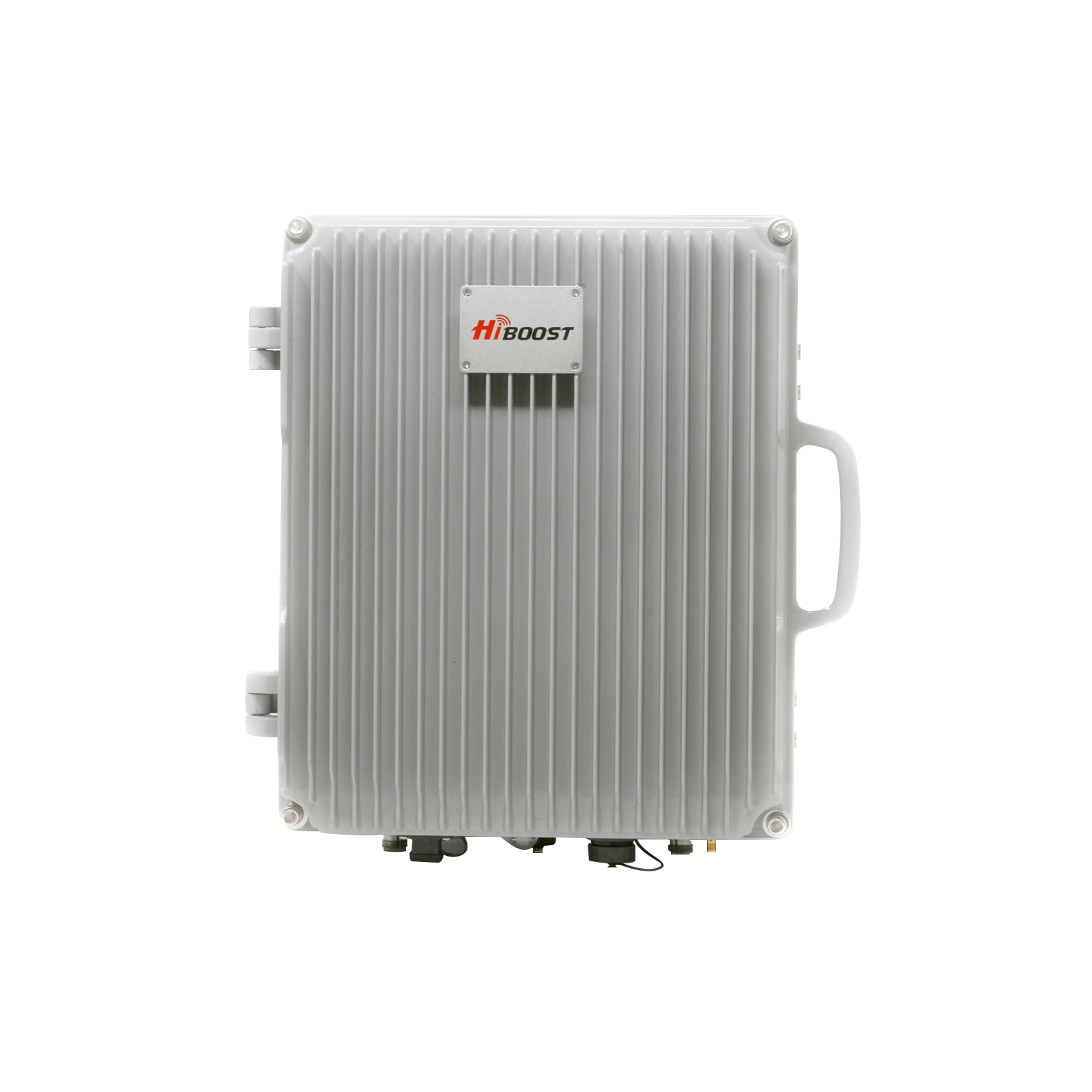
Many homeowners are selecting metal roofs for their houses. Because these are strong, have great fire resistance, and can be sustained for a long time, almost 40-70 years.
But, after installing a new metal roof, most people notice major problems like their phone calls having poor network, slower internet data, and most calls getting dropped. This is because the metal roofs block the signals from getting inside.

Don't worry, this article will provide you with simple and easy clear explanations and practical steps to solve your poor signal coverage by using science-based reasons and effective strategies.
Do Metal Roofs Really Block Cell Signals?
The short answer is yes, metal roofs really obstruct the signals from entering the area, even if they don't completely block them. The main reason is not “no signal at all,” but heavy attenuation and reflection of radio waves, which together can push a unable outdoor signals into “no service” territory indoors.
The Science of Signal Interference
Cell phone signals are a type of energy that is called radio frequency (RF) waves. Metal is a good electrical conductor. When RF waves hit a large solid piece of conductive metal, the metal tends to absorb and reflect the waves instead of allowing them to pass through.
This effect is like a Faraday cage, which is a metal box that prevents electromagnetic signals from coming in or out. Your metal roofs are like a large, incomplete Faraday cage, creating a “signal dead zone” inside your home.
Cellular networks use radio frequency spectrum bands, your phone typically sees power from about -50 dBm down to around -120 dBm. The metal is highly conductive, so when FR hits a larger, continuous metal surface, some energy is absorbed and some reflected, causing signal problems.
Why Metal Roofs Cause More Problems Than Other Roofing Materials

As the other roofing materials, like asphalt shingles or wood don't conduct electricity well, they allow most of the signals to pass through, even if they slightly weaken them.
Those metals that have thicker steel or aluminum are effective at blocking the signals. Some research shows that metal roofs and walls can weaken the upcoming signals by as much as -50 dBm; the signals could drop to a non-existent -140 dBm.
When Metal Roofs Cause the Worst Interference
The worst signal blocking happens when:
- The metal roof is made of dense, continuous sheets (like a large, smooth metal panel roof).
- If your home is in a rural area where the signal tower is already far away and has poor network coverage.
- The buildings have metal siding or those metal features, which makes the Faraday cage’s effect stronger.
Simple Physics of Signals
Think of a cell signal as invisible light trying to enter your home, metal behaves more like a mirror than a window for these waves. When radio frequency (RF) waves hit a large metal surface, part of the energy absorbed (attenuation) and part is reflected away, so much less reaches your phone.
Attenuation: The signal passes through but loses strength, metal roofs typically introduce 30-50 dB of loss, enough to turn a good outdoor signal into a dead zone.
Reflection: The signal bounces off the metal roof, never entering the building, which is what you can have 3-4 bars in your yard and 0-1 inside your home.
Here are some of the stories from our previous clients with the everyday scenarios:
Metal-Roofed Garage
Whenever you are outside of your garage, your phone sees about -90 dBm 2-3 bars, but once indoors, extra 30-40 dB of roof and wall losses push it to -120 dBm, where calls drop or fail to start. All because of the metal-roof you have on your garage.
Rural Home with Metal Roof
If you are in a house with metal roof or metal roof plates, there is a very high chance that you might not get full signals on your smartphones. Most of the time, you might be having 3-4 bars when you are outside the house and only 1 bar and low band inside the house.
Other Common Materials That Block Cell Signals - Often Combined With Metal Roofs
Metal is the primary cause, but some of the below-given materials in your home can also cause signal interruption:
Thick Concrete and Brick: These materials are thick and absorb the signal’s energy.
Low-E Glass Windows: These energy-efficient windows have a thin layer of metal oxide coating, which is basically designed to reflect heat. This metallic layer reflects cell signals.
Foil-Faced Insulation: Some types of attic insulation have a foil backing, which adds another layer of signal-blocking metal.
How to Tell if Your Metal Roof Is the Reason for Weak Signal
Frequency Bands - Low, Mid, High
The propagation behavior of different frequency bands in relation to metal roof surfaces is different.
Low Frequency
Lower frequencies (e.g., 600-900MHz LTE/5G) have longer wavelengths and therefore are more prone to bending around obstacles and passing through walls, however in low density they are attenuated by tens of decibels when passing through metal and other dense substances.
Mid-band frequency
Mid-band frequencies (1.826 GHz LTE/5G) are currently used as the workhorse bands; they fall more prey to attenuation as well as reflection by metal seriously and low-E glass thus degrading indoor performance faster.
Very high frequency
Very high frequency (24-40+GHz 5G) High-band frequencies or millimeter-wave frequencies (24-40+GHz 5G) are very high in data rate and display a very short range; metals, thick walls, and even picture-chrome-coated windows can virtually opaque the millimeter-wave bands, and this is why high-frequency (i.e. millimeter-wave) technology is rarely used indoors in deeply subterranean locations with no special indoor facilities.
Simple User Tests
Go outside: Go as far away from your home as you can go and check your signal bars. Now, go back inside and check again. If the signal drops at least two or more bars instantly, the building materials, most commonly the roof, are the big problem.
Test at a Window: Hold your phone near a window that is away from the metal eave or roof overhang. If the signal is slightly better there, it means that signal has difficulty passing through the roof.
Carrier and Location Factors
If you already have weak signals outside, your metal roof can further reduce it.This thing is common in rural or hilly regions. If your neighbors don't have metal roofs and are enjoying a good network but you don't, it means your roof is causing problems.
Typical Symptoms
Dropped Calls: Immediately cut off calls, mainly when you move away from a window.
Slow Data: Websites take a long time to load, or streaming video is constantly buffering.
High Battery Drain: Your phone has to work harder to find and hold onto a weak signal, which drains the battery faster.
How Much Signal Do Metal Roofs Really Block?
While the exact numbers depend on the metal type and thickness, the general consensus among experts is that metal can cause a signal loss of 30 to 50 dBm.
Example of Signal Loss:
- Strong Outdoor Signal: -80 dBm (3-4 bars)
- Loss From Metal Roof/Walls: $-40 \text{ dBm}$
- Indoor Signal: -120 dBm (No Service or 1 bar)
Below -100 dBm signal is considered as poor, and anything worse than -110 dBm is a dead zone. A usable signal is easily pushed into an unusable range through a metal roof.
This data is taken mostly from the experiments of people and studies that have been done in the past. The signal blockage is more likely to be affected by the thickness and material as stated before. You can contact our experts before choosing the cell signal booster so we can guide you better.
A Real Life Scenario - No Cell Service to 5 Bars | HiBoost is great
⭐⭐⭐⭐⭐
Mr. Hal says, our place of residence has a metal roof and could access a single bar of 4G on Verizon. There was practically no use of calls and data but the problem was solved with the help of HiBoost 4,000 sq ft booster, though the printing instructions were a bit confusing but their online app and online guide is 24/7 supportive.
I setup the booster and checked the signals with signal detecting apps. Both apps were showing the full signal strength inside the rooms. The signal improved to 5G with 5 bars. Calling and streaming have become flawless even in the metal-roofed area, and once again, the customer service was tremendous.

Practical, Real Solutions: How to Fix Weak Cell Signal in a Metal-Roof Home
Here are tested, step-by-step ways to fix your weak cell signal.
Solution 1: Improve Outdoor Signal First (Free/Low-Cost Options)
Reboot Your Phone: An efficient solution that helps your phone connect to the nearest tower.
Move Your Phone: Use your phone near a window or exterior door for calls.
Enable Wi-Fi Calling: When you have fast home internet, our phone goes to your phone setting and turns on Wi-Fi Calling. This allows you to make and receive calls/texts using your Wi-Fi instead of the cell tower.
Solution 2: Install a High-Gain Outdoor Antenna
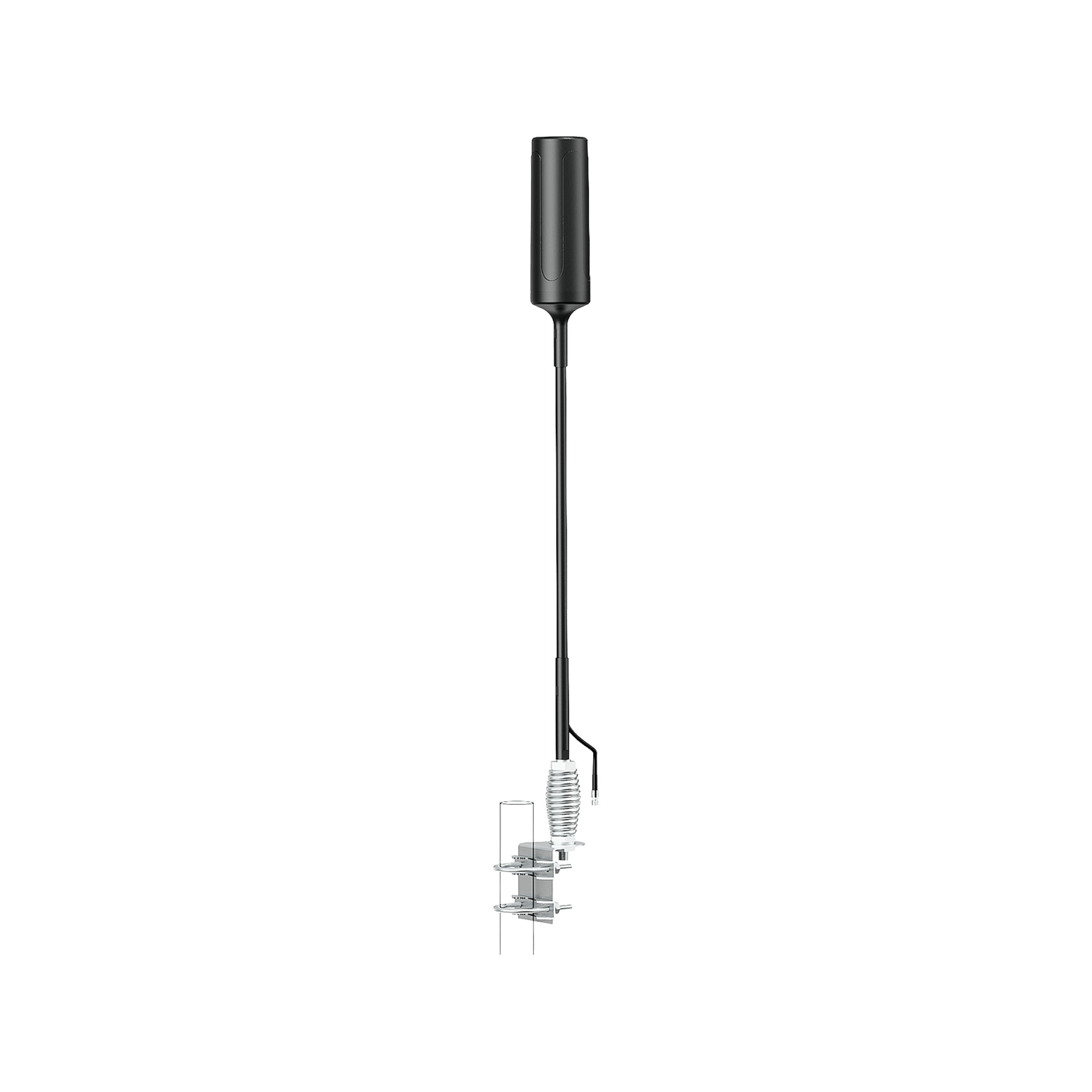
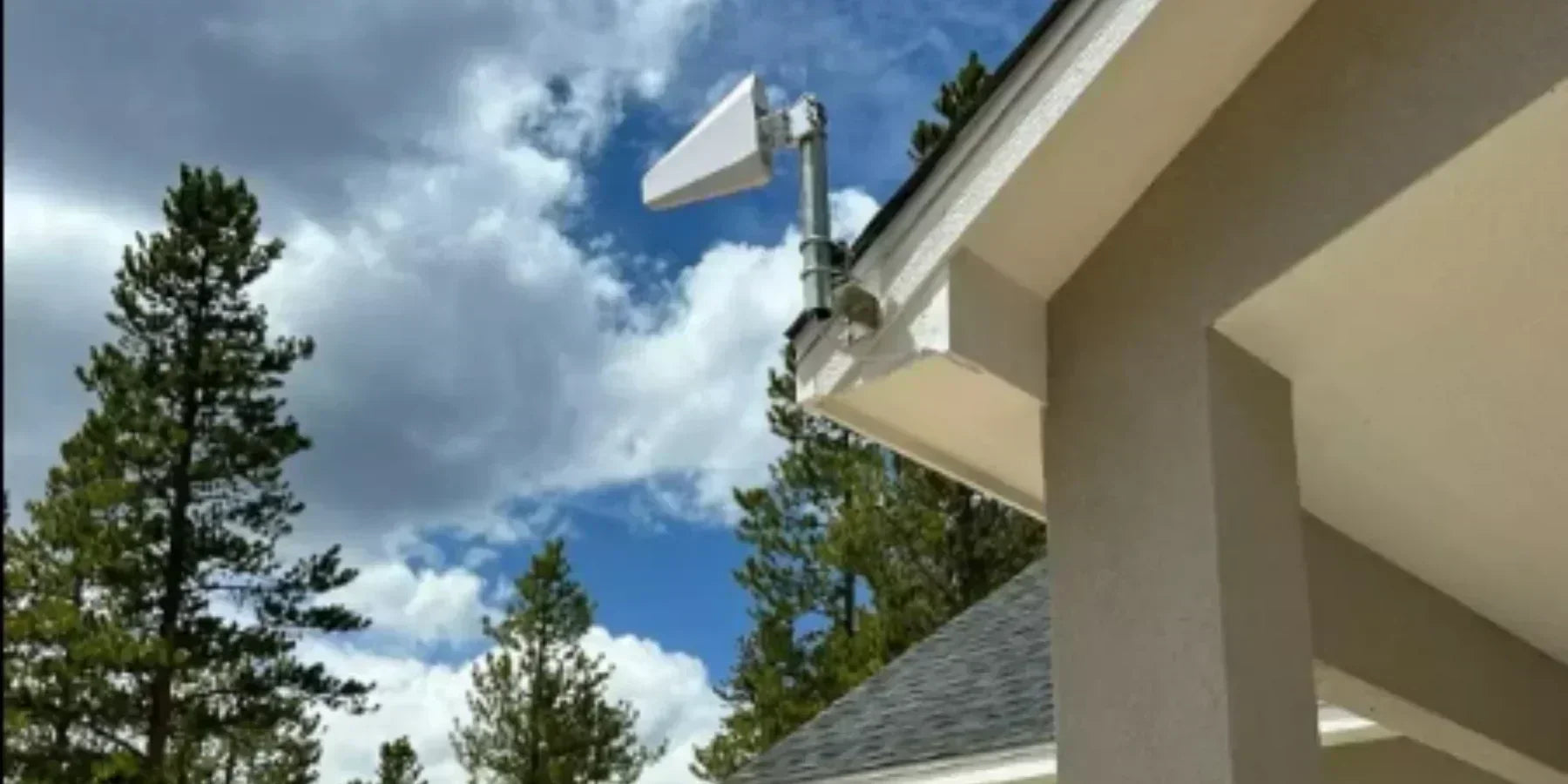
If you have some outdoor signals, then this option is great. You can place a directional antenna (like a Yagi antenna) high up on a pole outside and point it straight at the nearest cell tower. This antenna is connected to the booster system and captures the weaker signals much better than your phone.
Solution 3: Use a Carrier-Approved Cell Phone Signal Booster - Most Effective Solution
This is one of the best and most permanent ways to fix weak signals inside a metal-roofed home.
Why a Signal Booster Works
It fully avoids the metal roof by moving the signal from outside to inside by using a wire (coaxial cable). To understand this point further, let me tell you the difference between a booster, WiFi calling and FWA in a simple table.
| Situation |
Outdoor signals |
Internet options |
Primary fix to favor |
Why this choice make sense |
|
Rural metal--roof home, weak but present signal |
-90 to 01-5 dBm, stable |
Slow or data-capped wired, maybe satellite | Carrier approved cell booster (HiBoost Sidekick/4K/10K booster) | Maximum scarce RF; works for all phones without changing user behavior |
| Suburban home, decent tower, strong broadband |
Better than -90 dBm outside |
Good cable/fiber | WiFi calling nad mesh WiFi | Cheaper than a large booster bypasses RF issues by using broadband. |
|
Strong 5G outside, poor wired internet |
Good mid to high band 5G metal blocks indoors |
No cable/fiber; mobile options only |
5G FWA (Home internet) |
Uses a purpose-built 4G/5G gateway; then rely on WiFi calling inside. |
|
Mixed use, remote work, travel |
Fair outdoor 4G/5G, but dead zones when travelling |
Mostly not available |
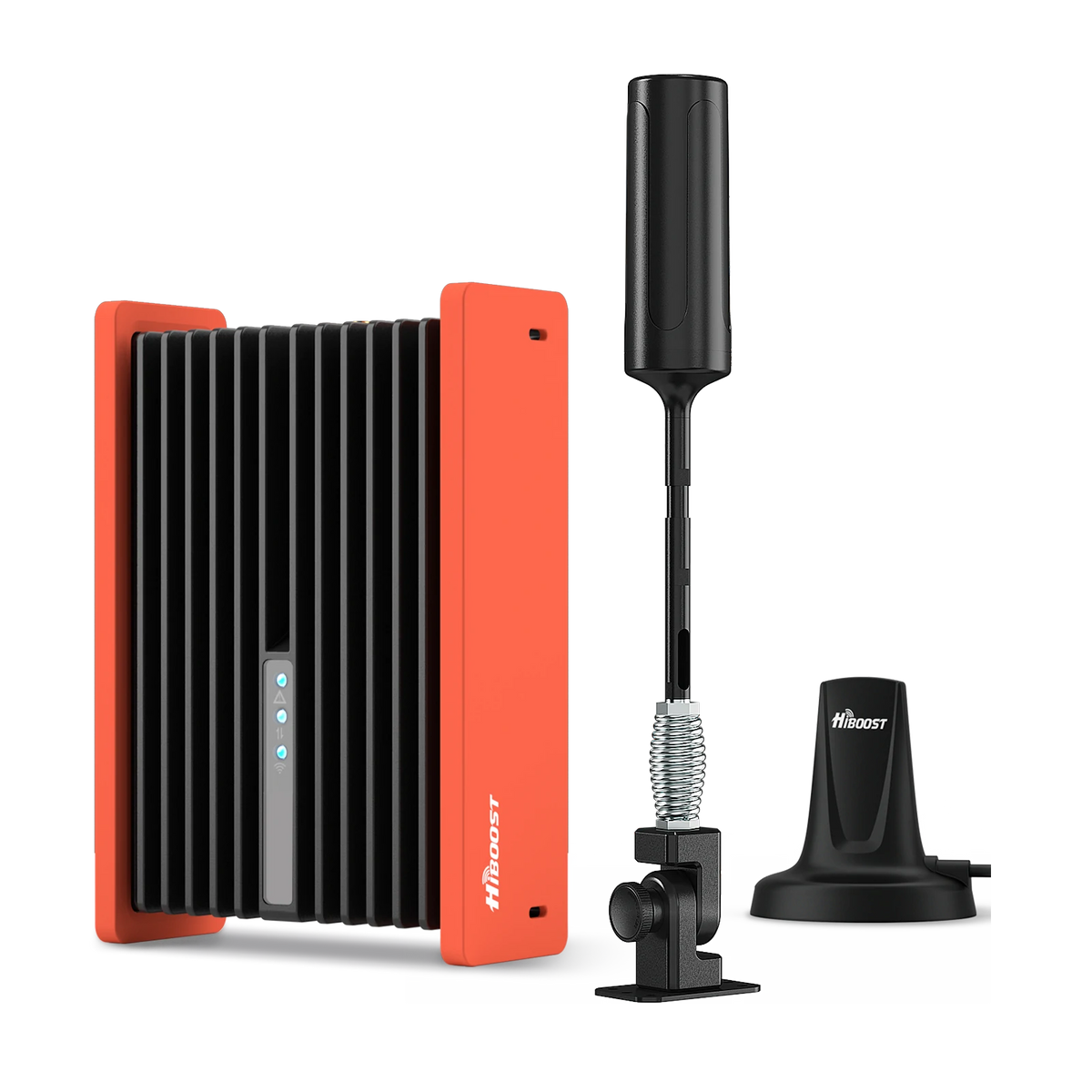
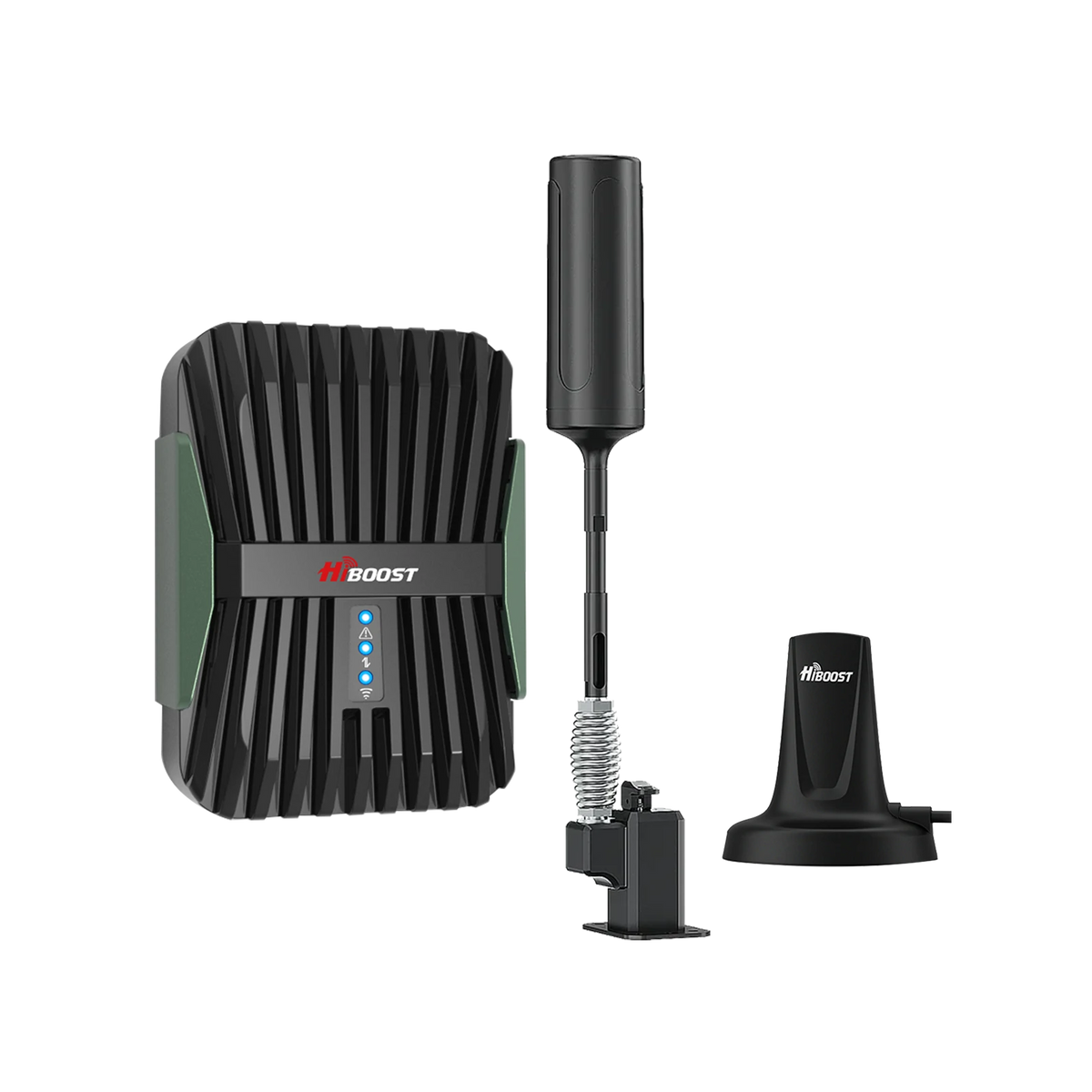
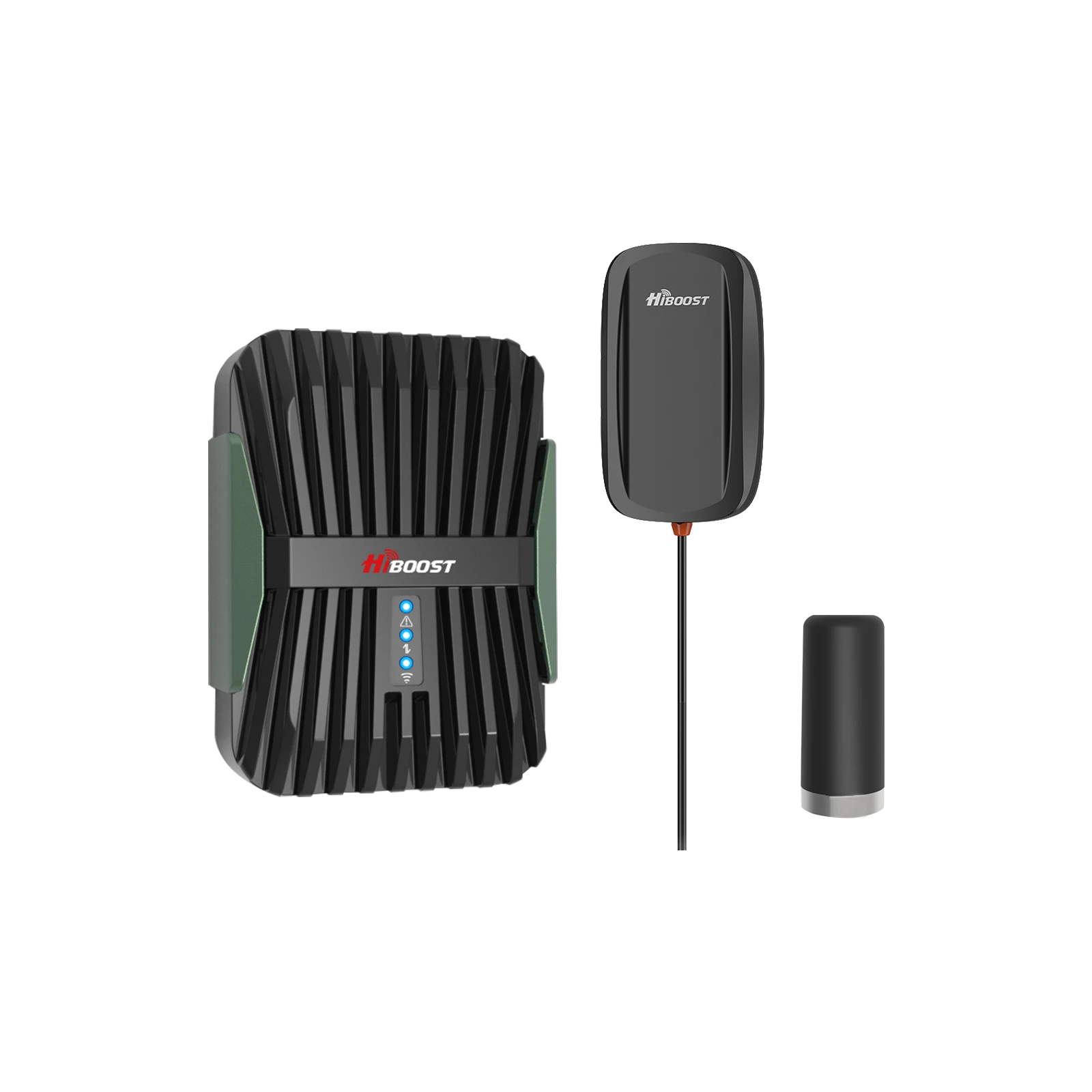
Vehicle booster is mandatory (HiBoost Travel 3.0 Car call phone booster | Booster restores native cellular signals (even if you are travelling) |
What Does a Booster System Do? | Carrier-Approved Boosters

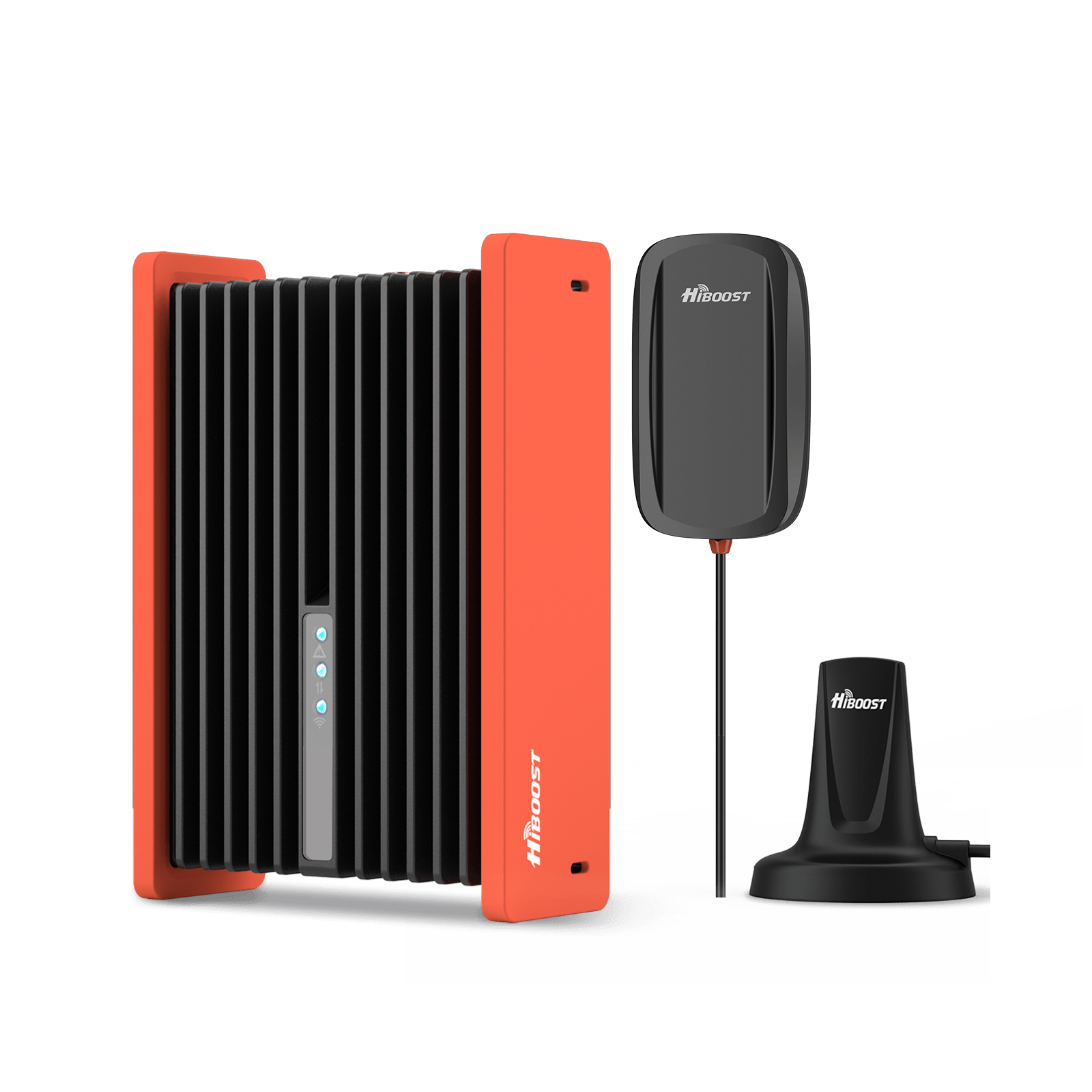
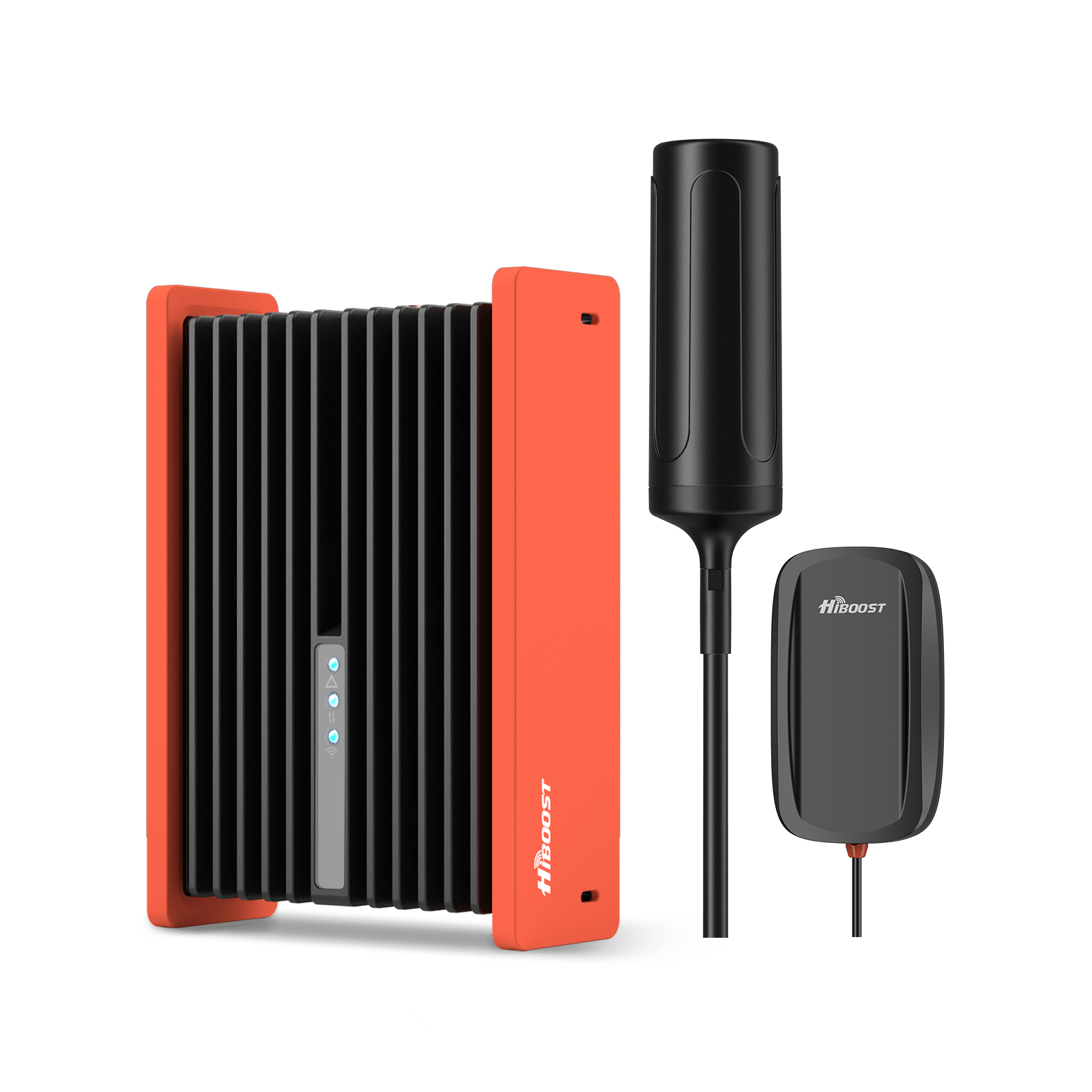
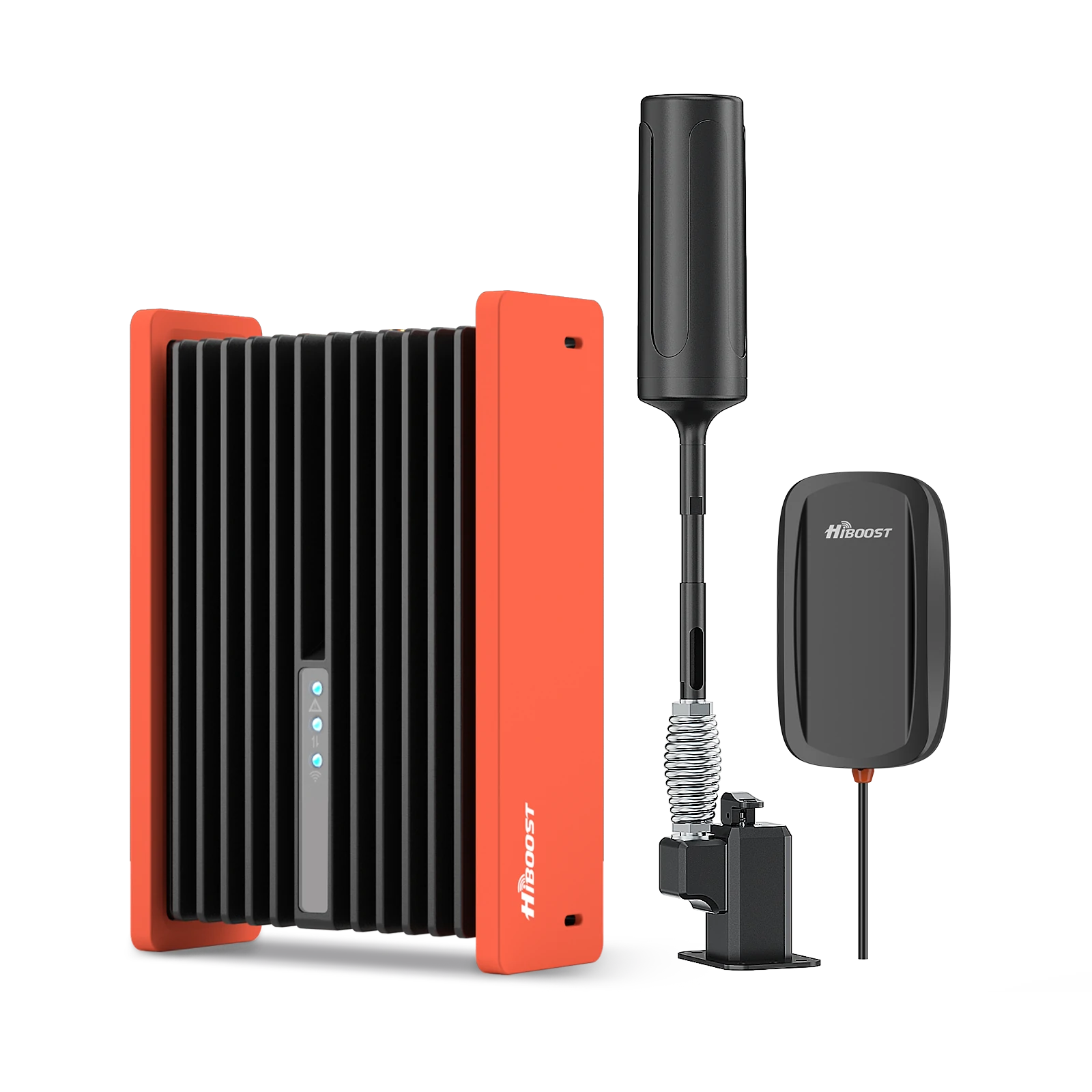
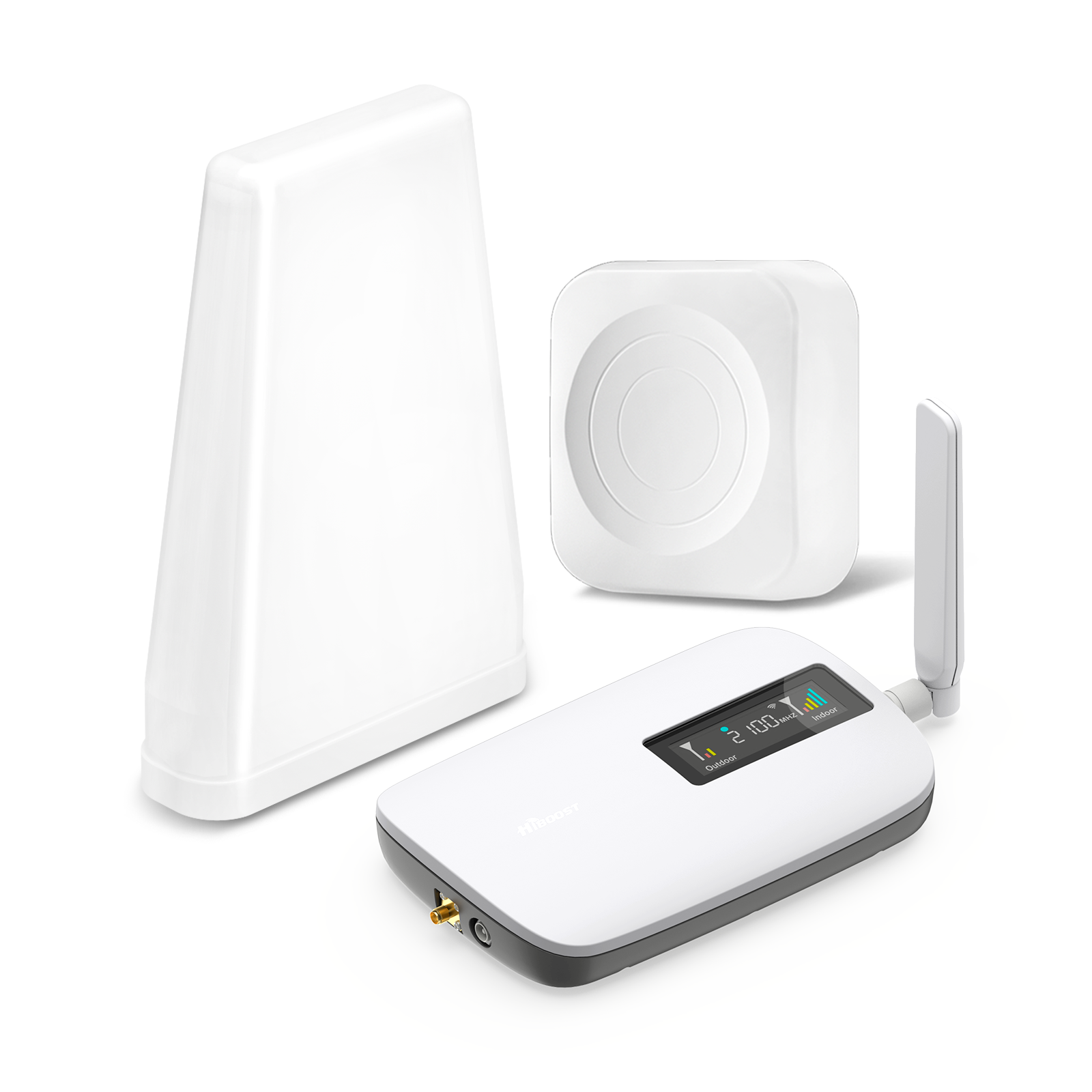
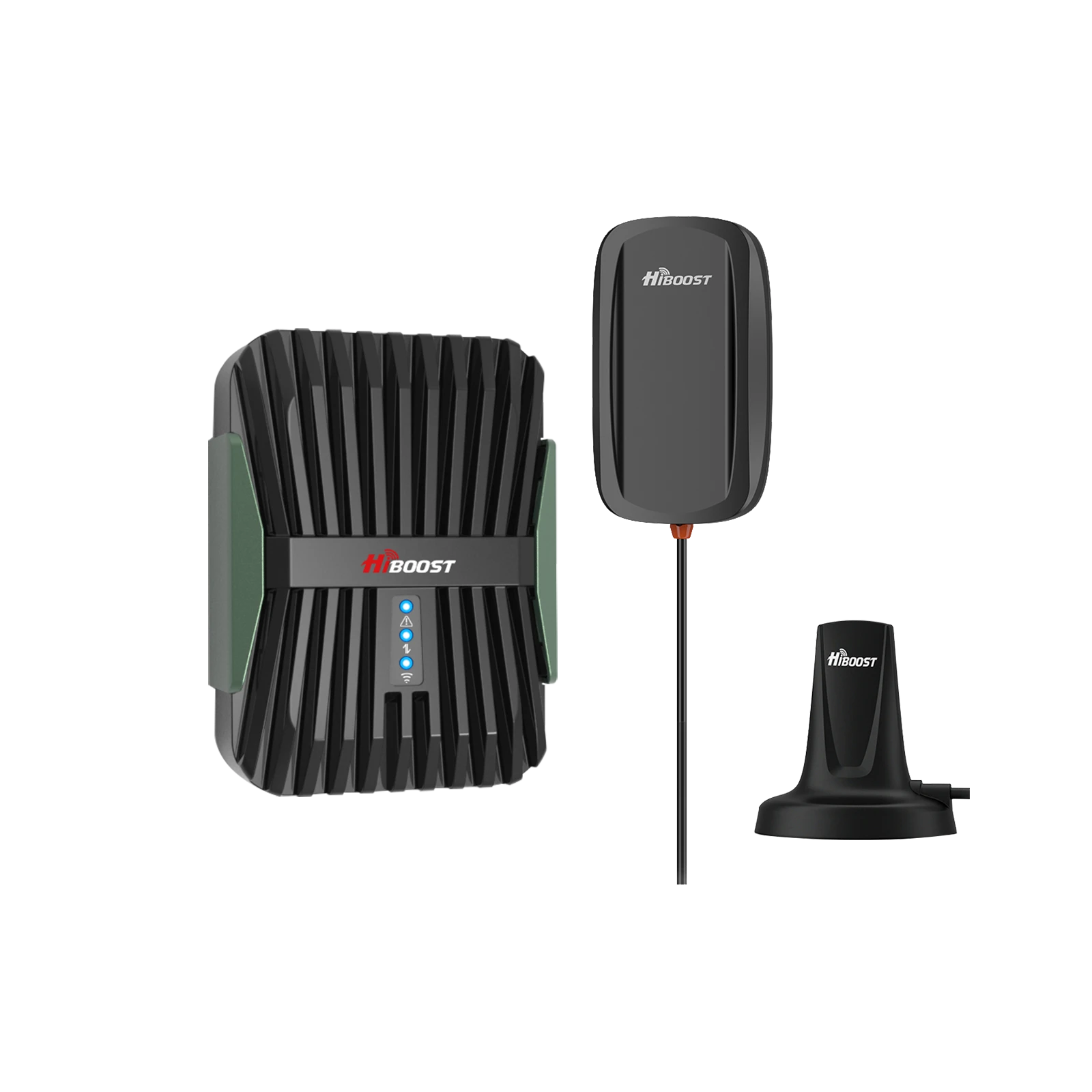
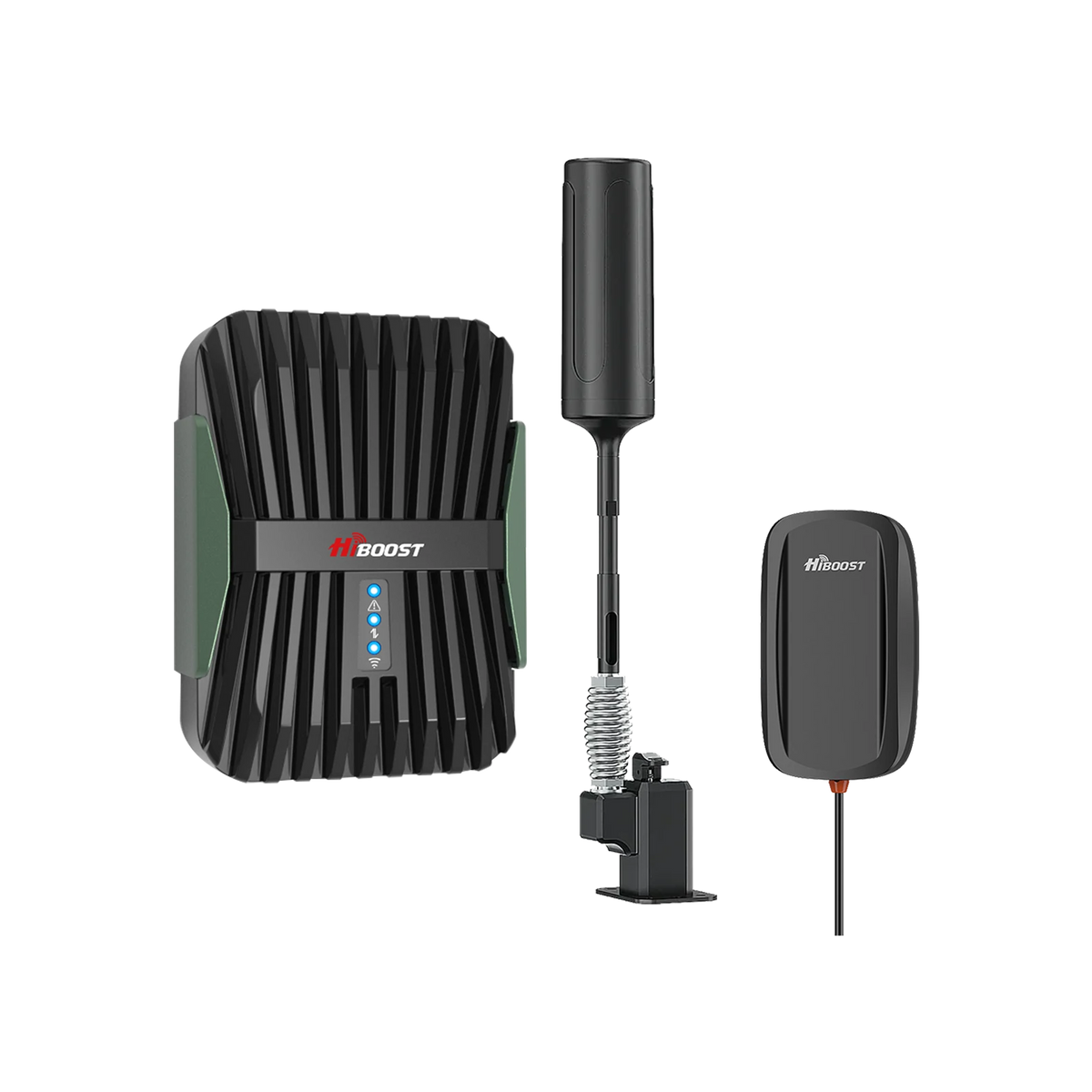
Boosters are made to amplify the cell signals coming from nearby cell signal towers. If you are in a remote location and getting only a few bars of signal on your mobile phone, the boosters will help you by capturing these signals, amplifying them, and broadcasting them to your mobile device.
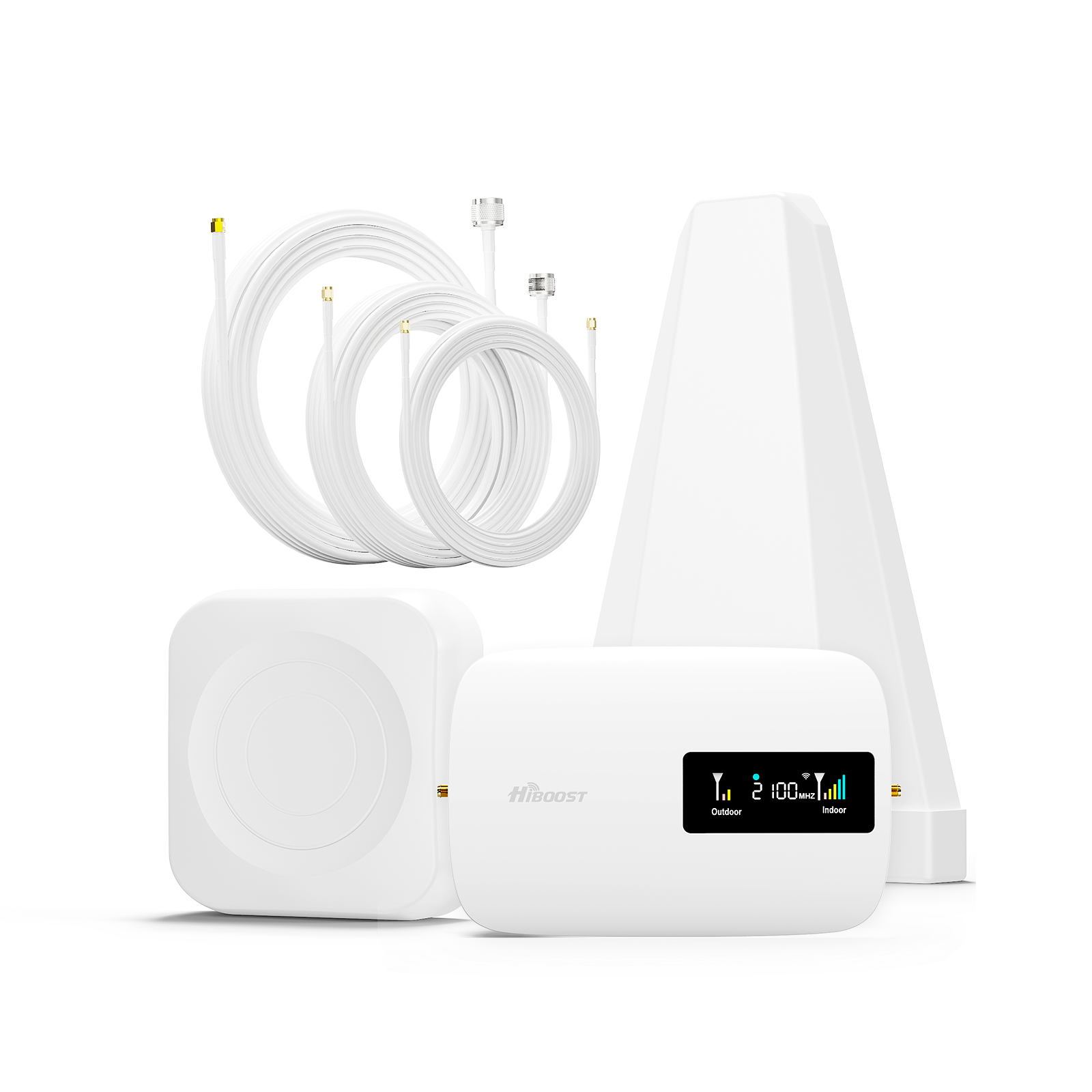
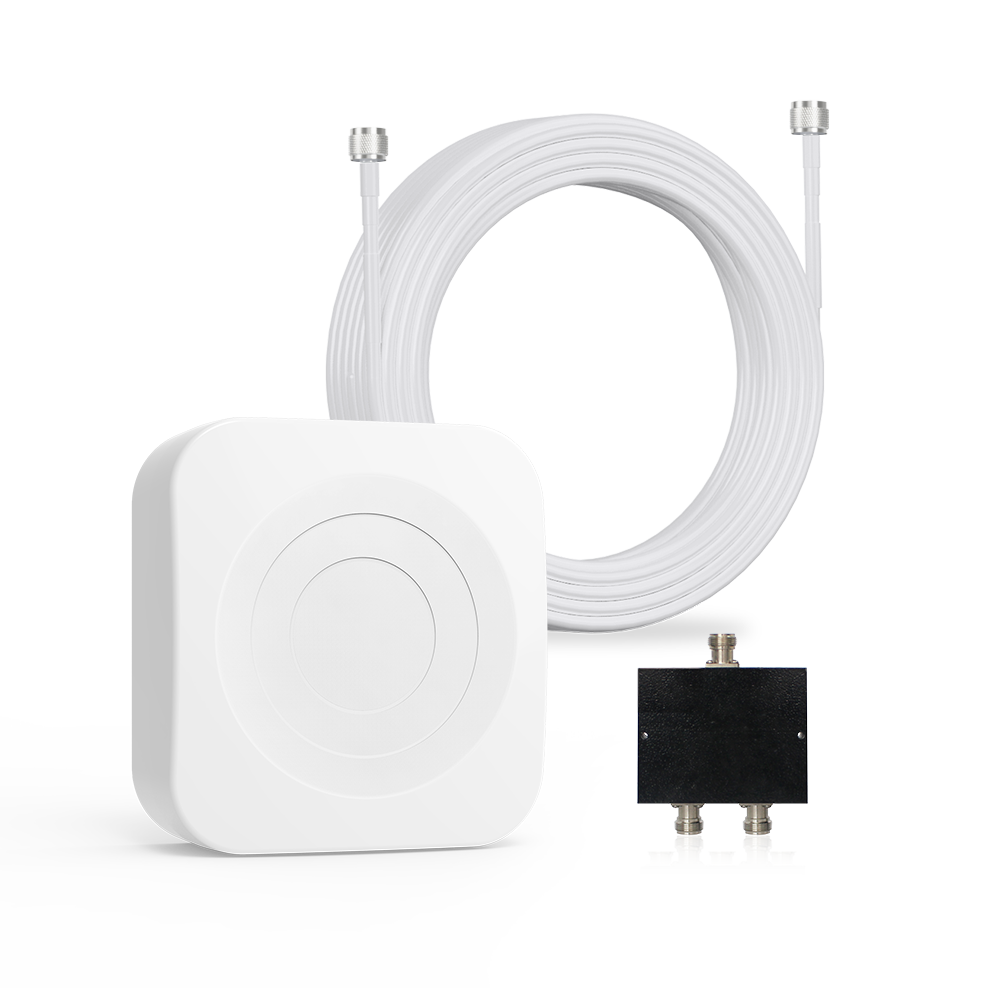
External Antenna
Captures the poor signal outside the metal roof. It is often mounted on or above the roof where signal is strongest, often improving raw RSSI by 5 to15 dB vs ground level.
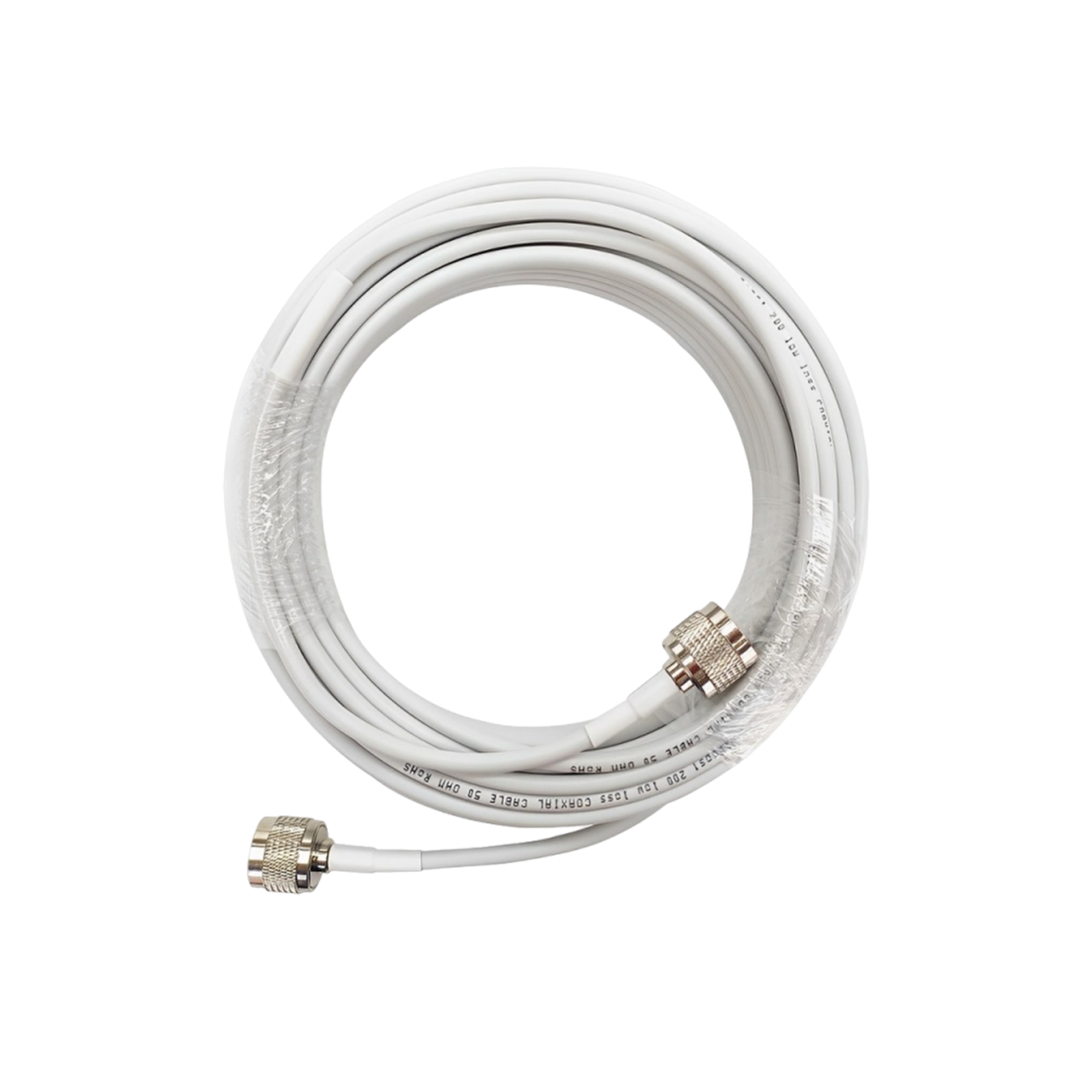
Coaxial Cable
Enters the captured signal through a wire into the house, completely bypassing the metal roof. Coaxial cable carries that RF indoors, avoiding the 30-50 dB of loss caused by the roof and walls.
Booster (Amplifier)
Takes the weak signal and boosts its power greatly. The amplifier adds up to 60-70 dB of gain (within FCC limits) and feeds one or more indoor antennas, often raising indoor levels from -115 dBm to around -80 to -90 dBm in real HiBoost studies.
Internal Antenna
Broadcast the new, strong signal inside your home. This receives the amplified signals and spreads them to the surroundings.
Some signal boosters also have additional kits to help you setup and install the booster in the best way possible.
Consumer boosters in the U.S. and Canada are strictly regulated by the following rules:
- They must be FCC-certified (and often ISED-certified in Canada) and designed not to cause harmful interference.
- Major carriers grant blanket approval for certified consumer boosters; users are usually required to register devices with the carrier.
HiBoost notes that its boosters are FFC-approved, 3GPP-compliant, and legal to use within major US and Canada carriers when installed as directed.
Booster Recommendation According to Your Need
You should manage a powerful system to overcome the signal loss for your homes under metal roofs. Look up boosters that include a high-gain outdoor antenna (often a Yagi style) and a powerful amplifier.
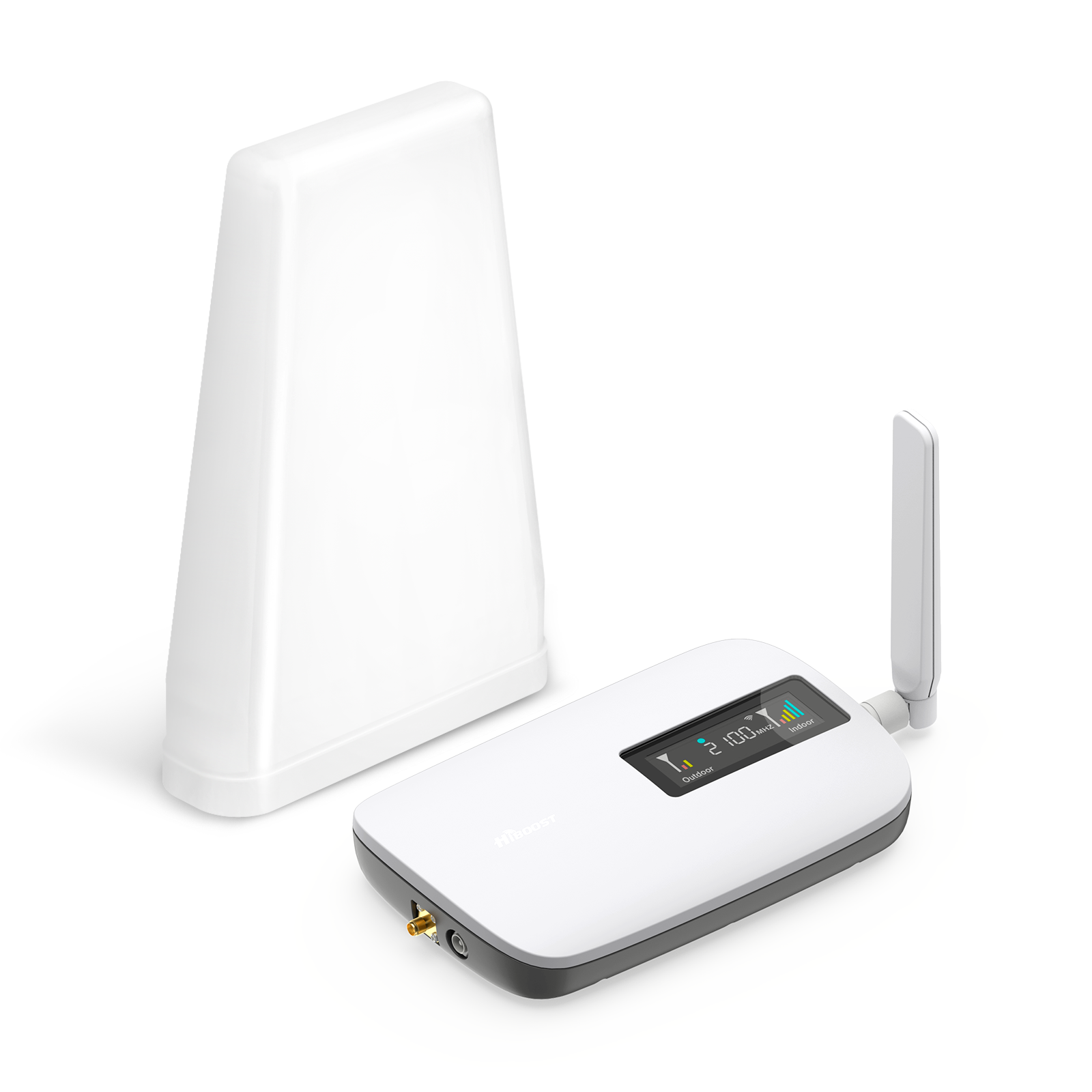
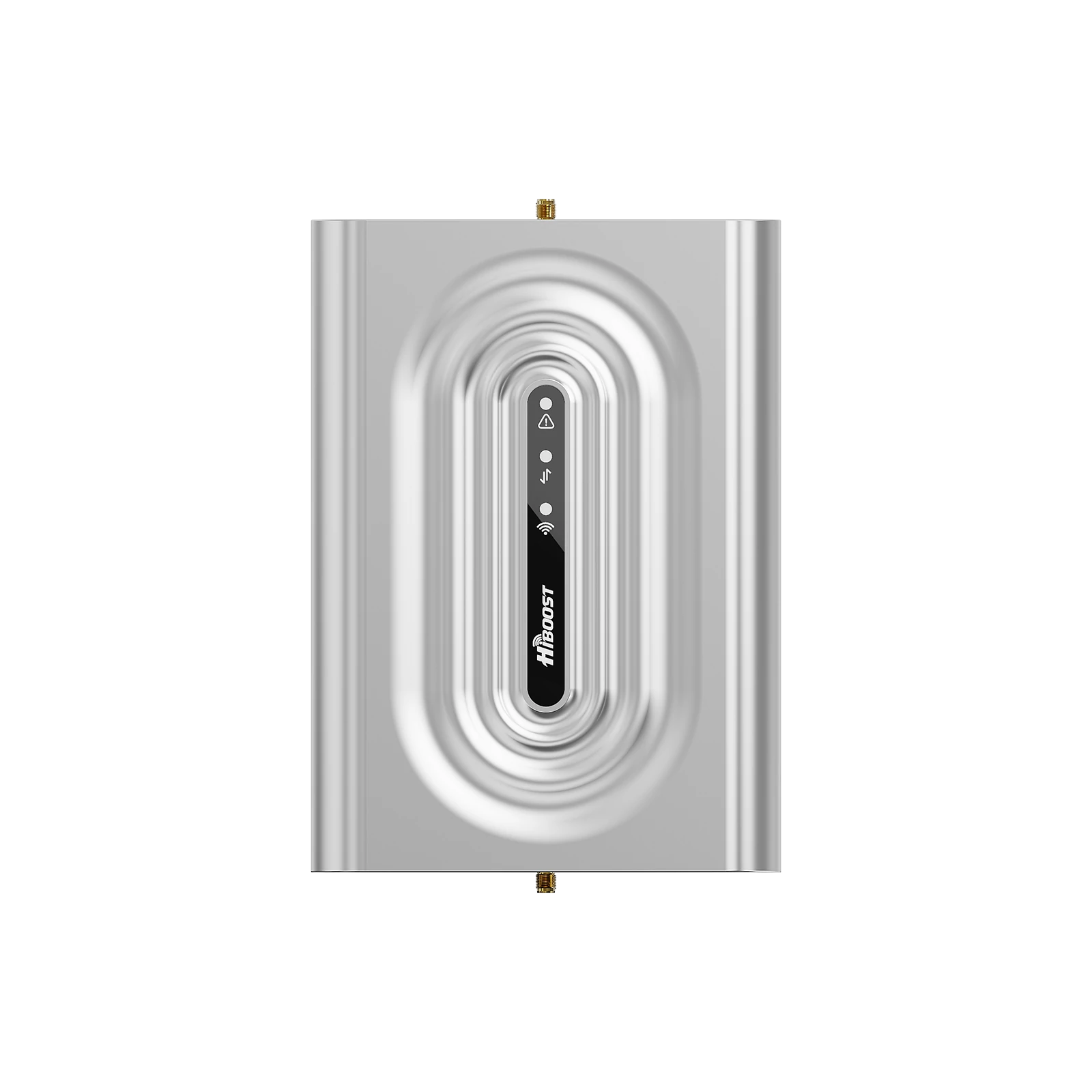
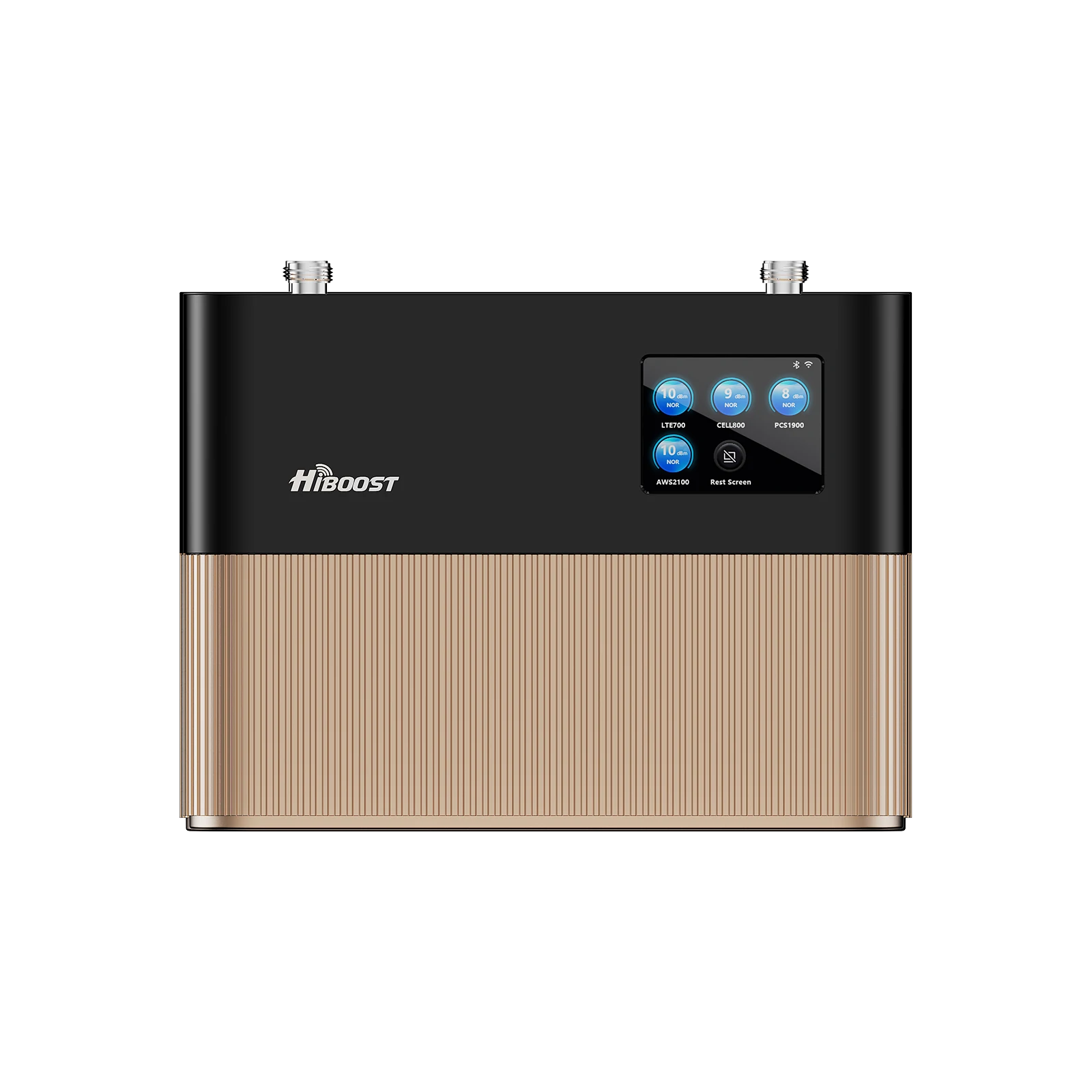
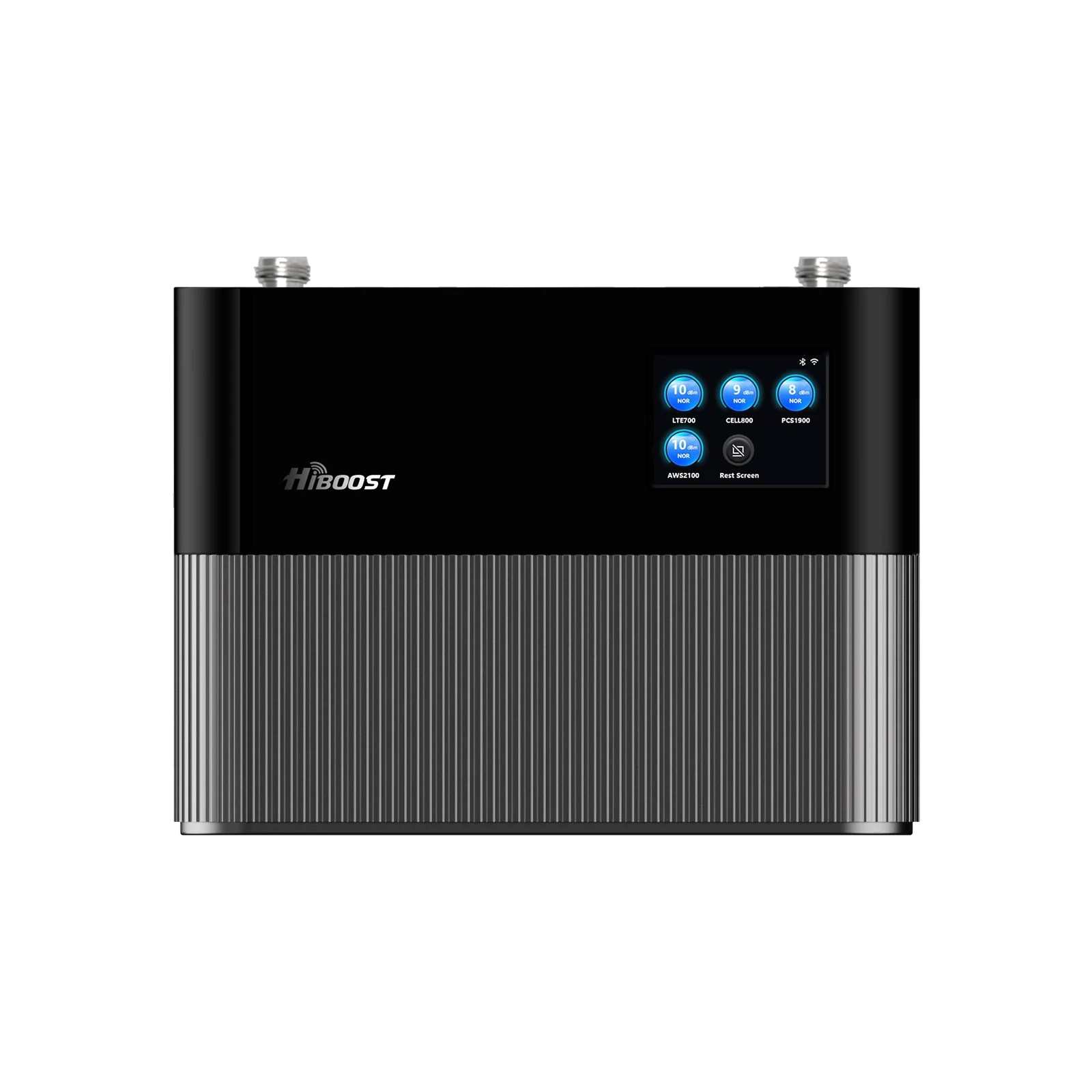
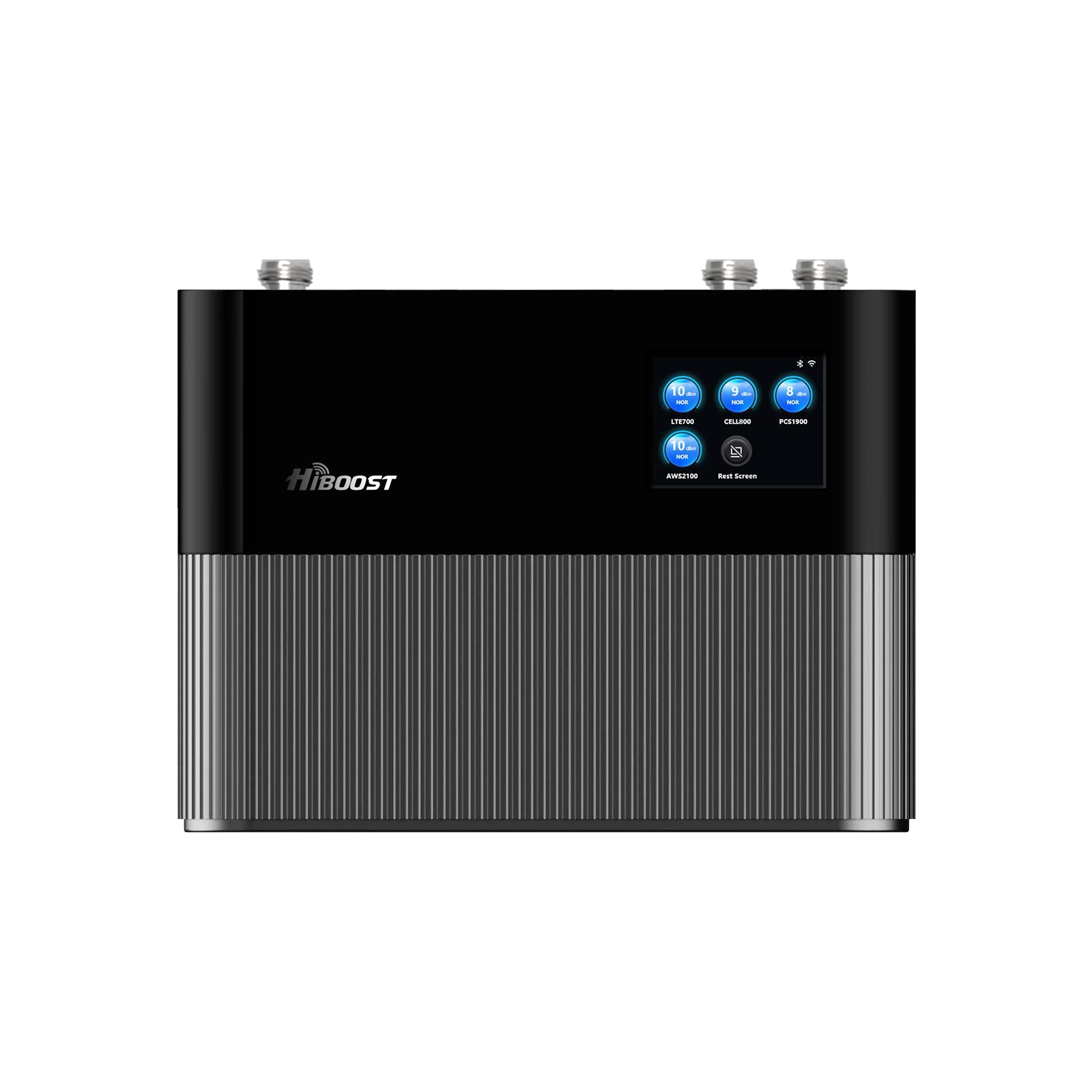
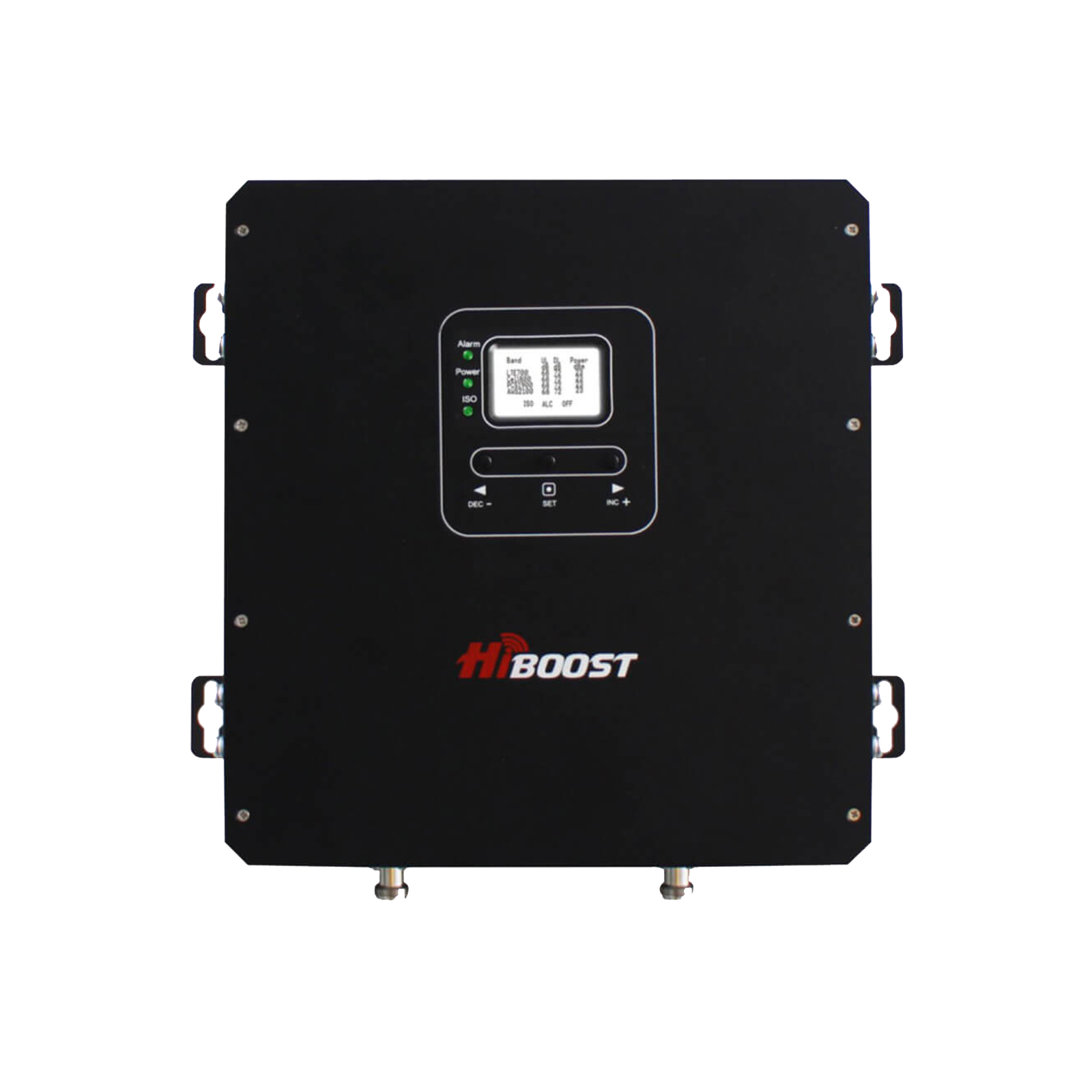
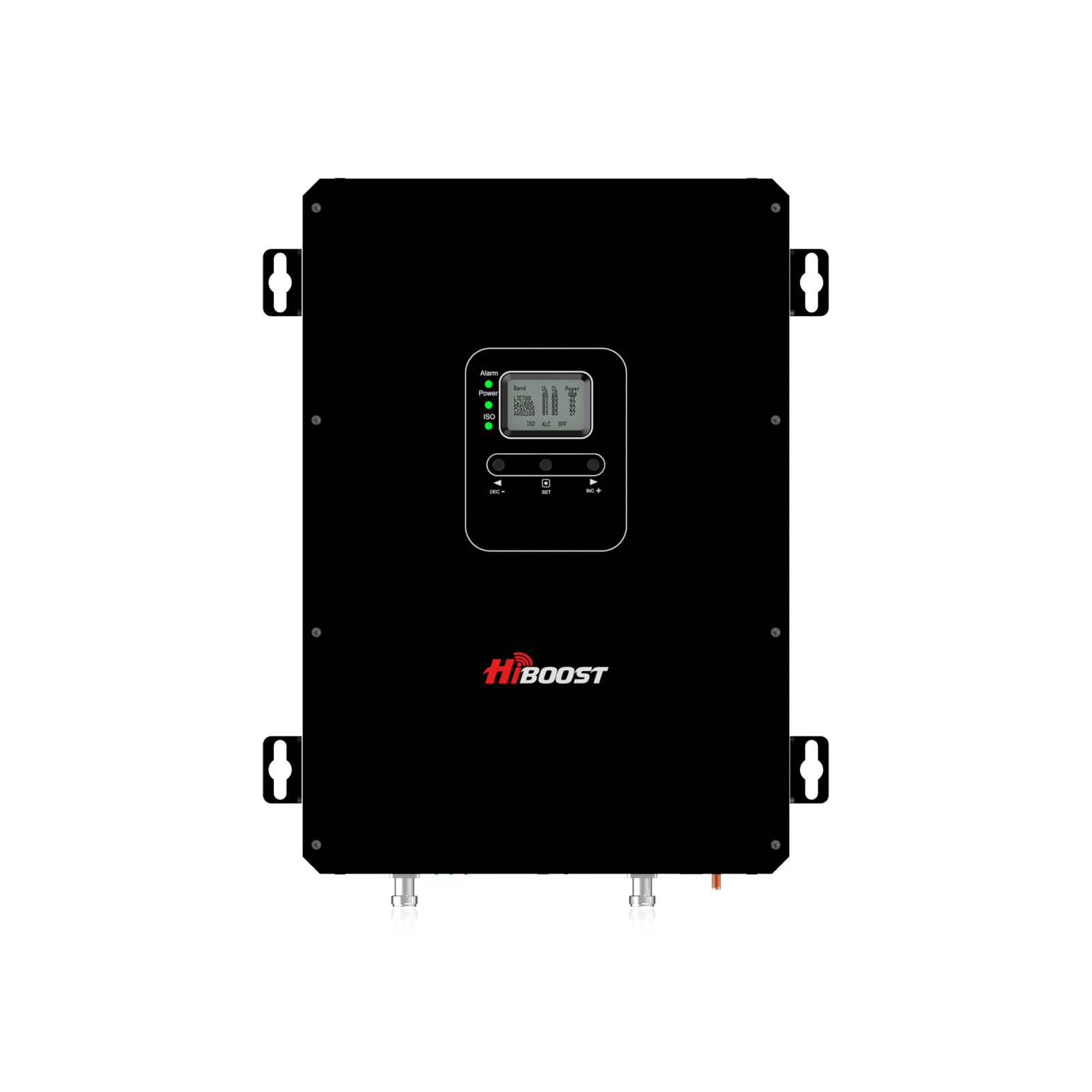
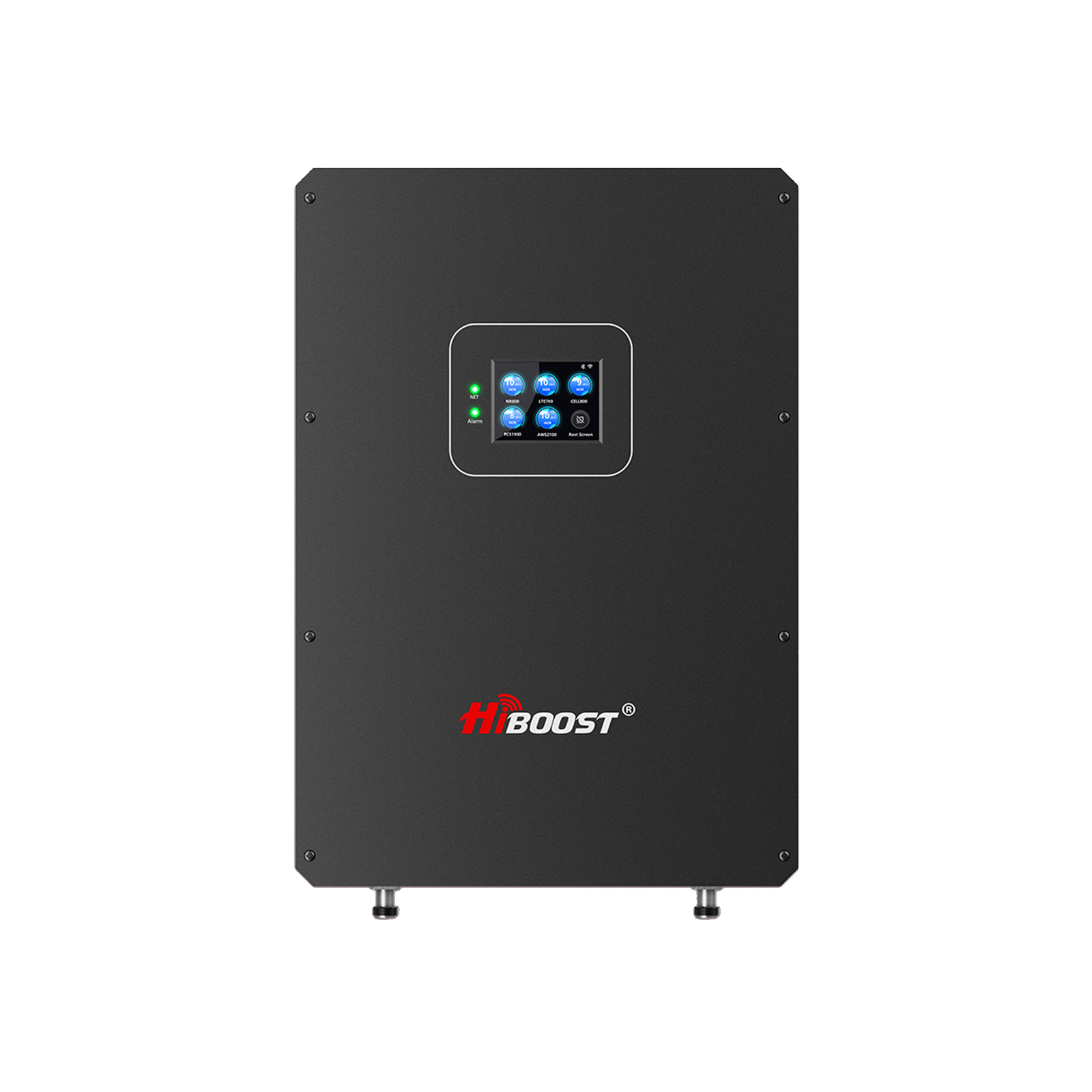
For smaller spaces (up to 2,000 sq. ft.), the HiBoost Sidekick Cell Signal Booster for Home is a concise but helpful choice.
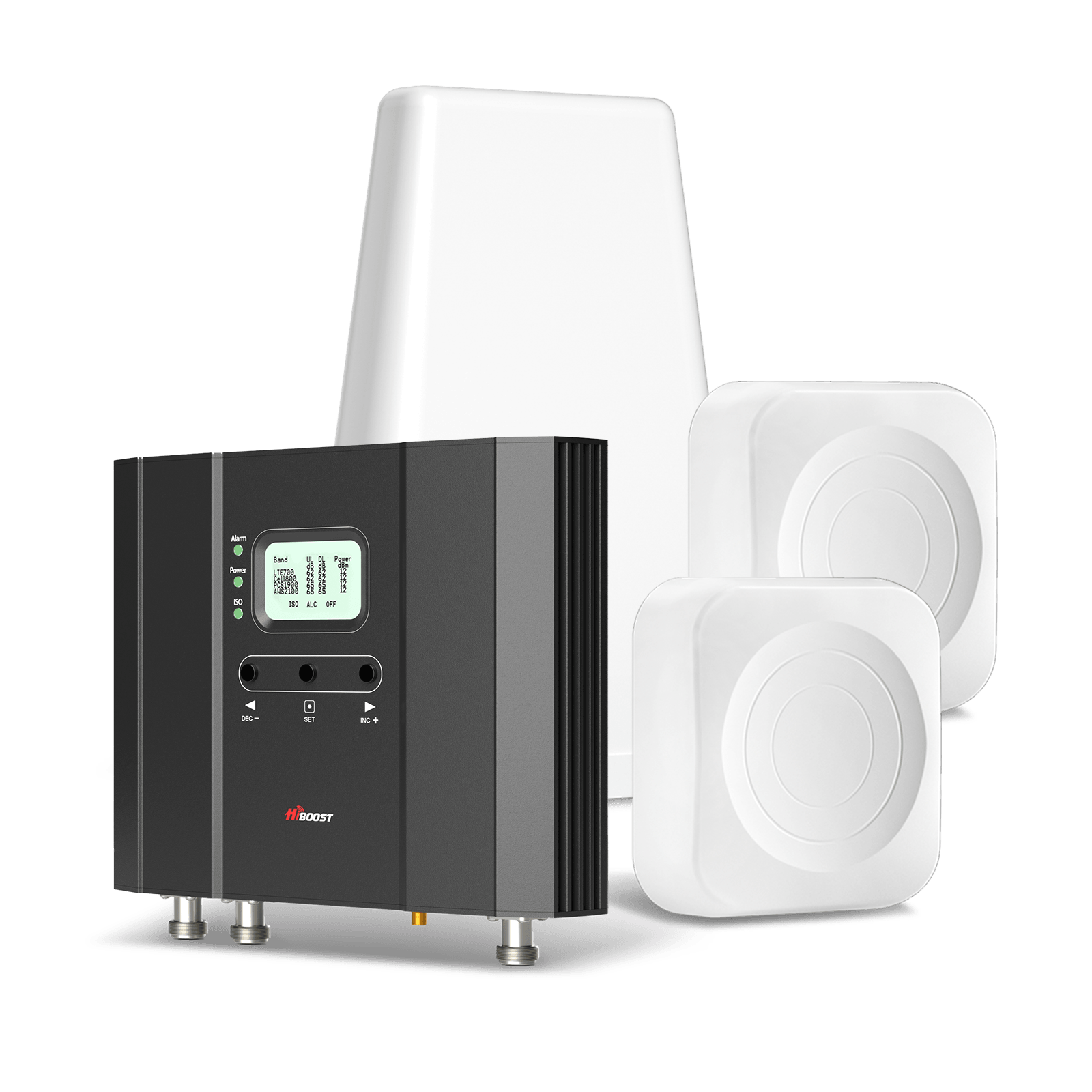
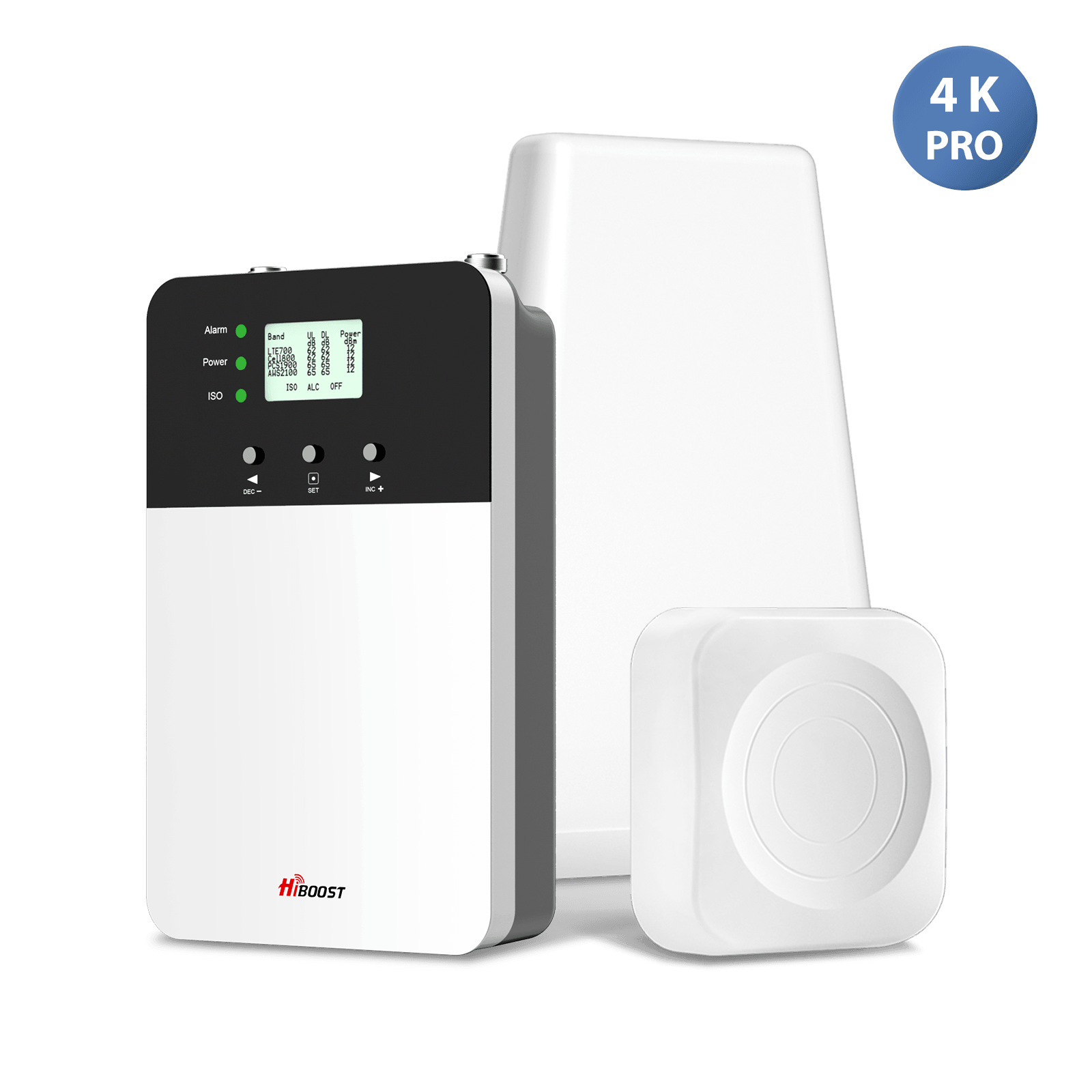
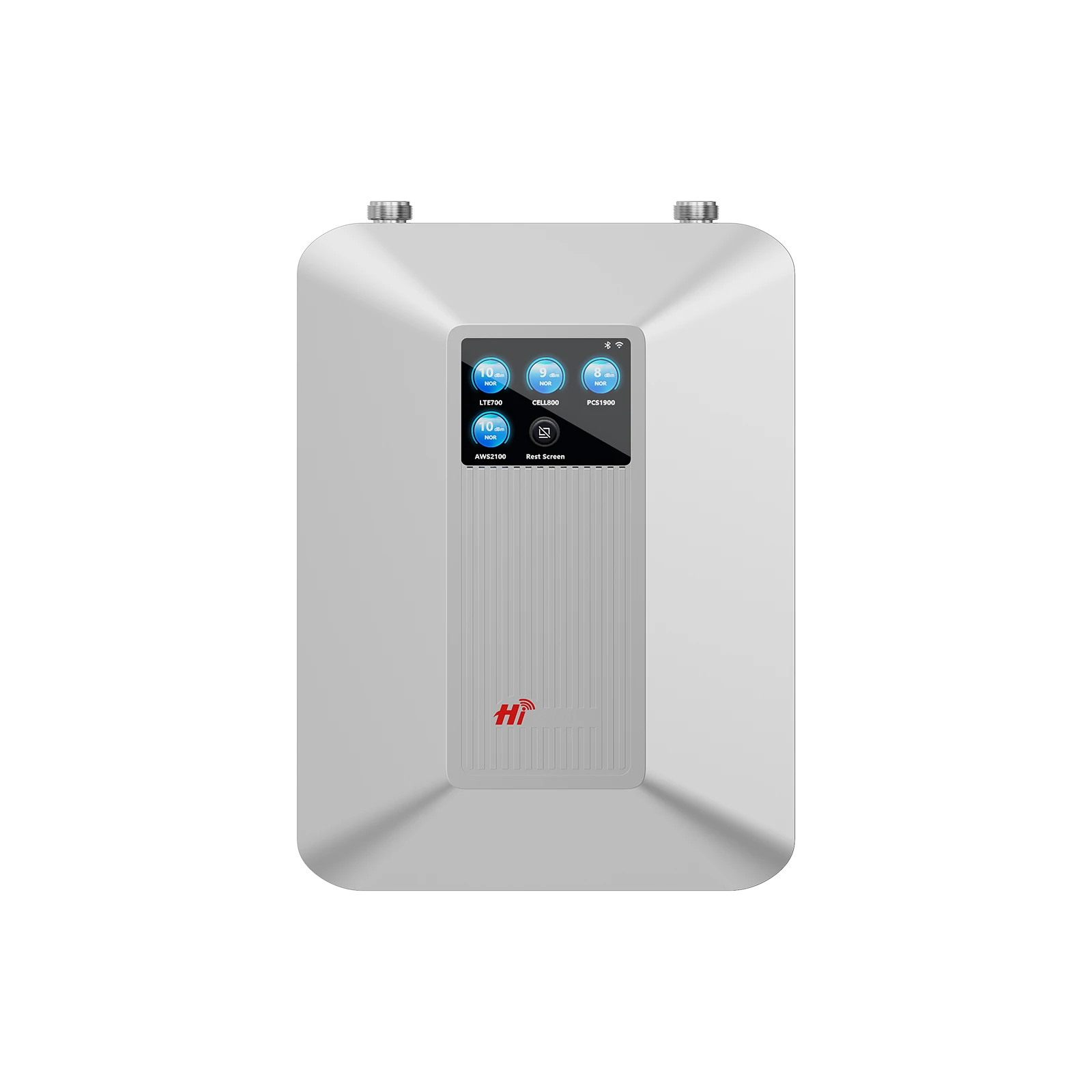
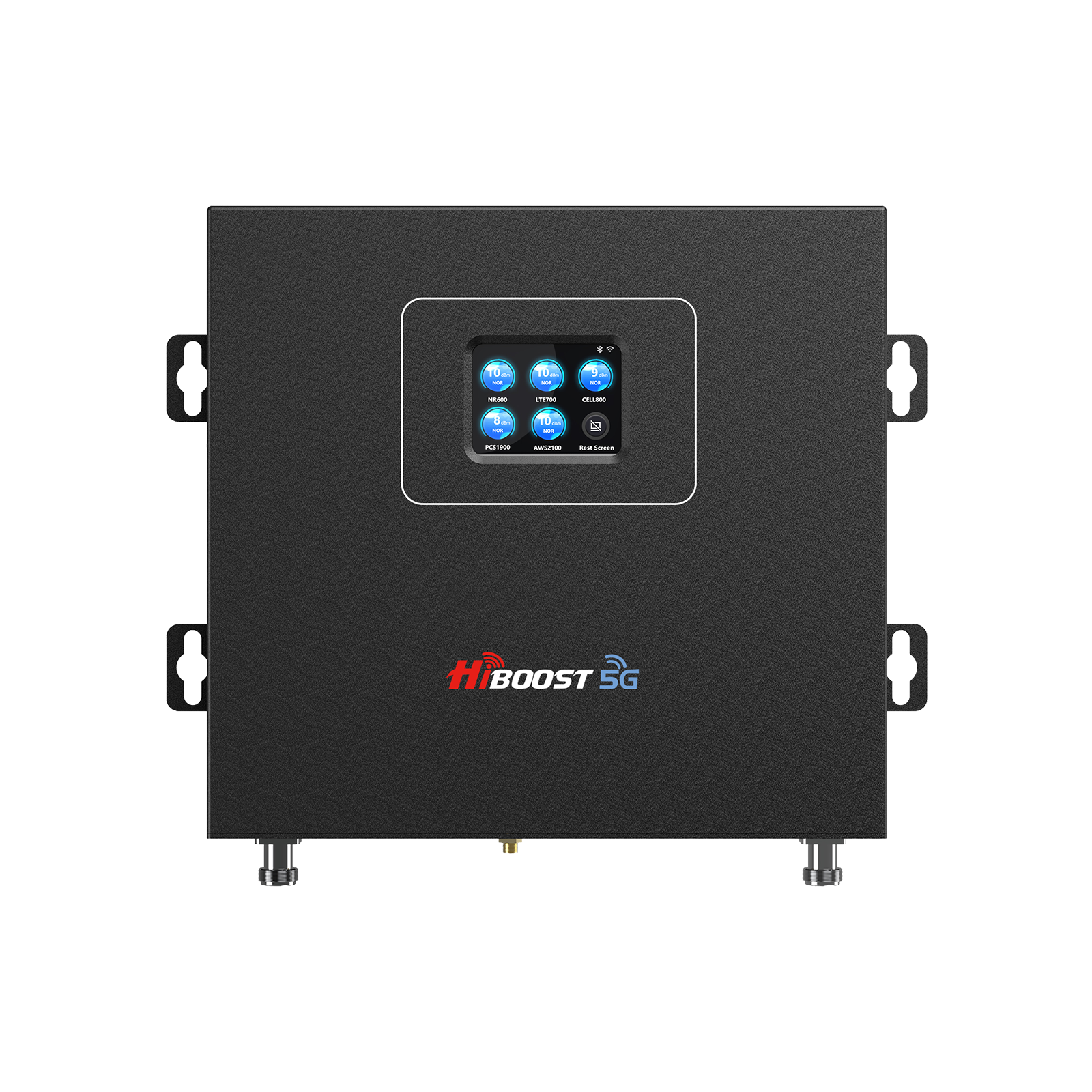
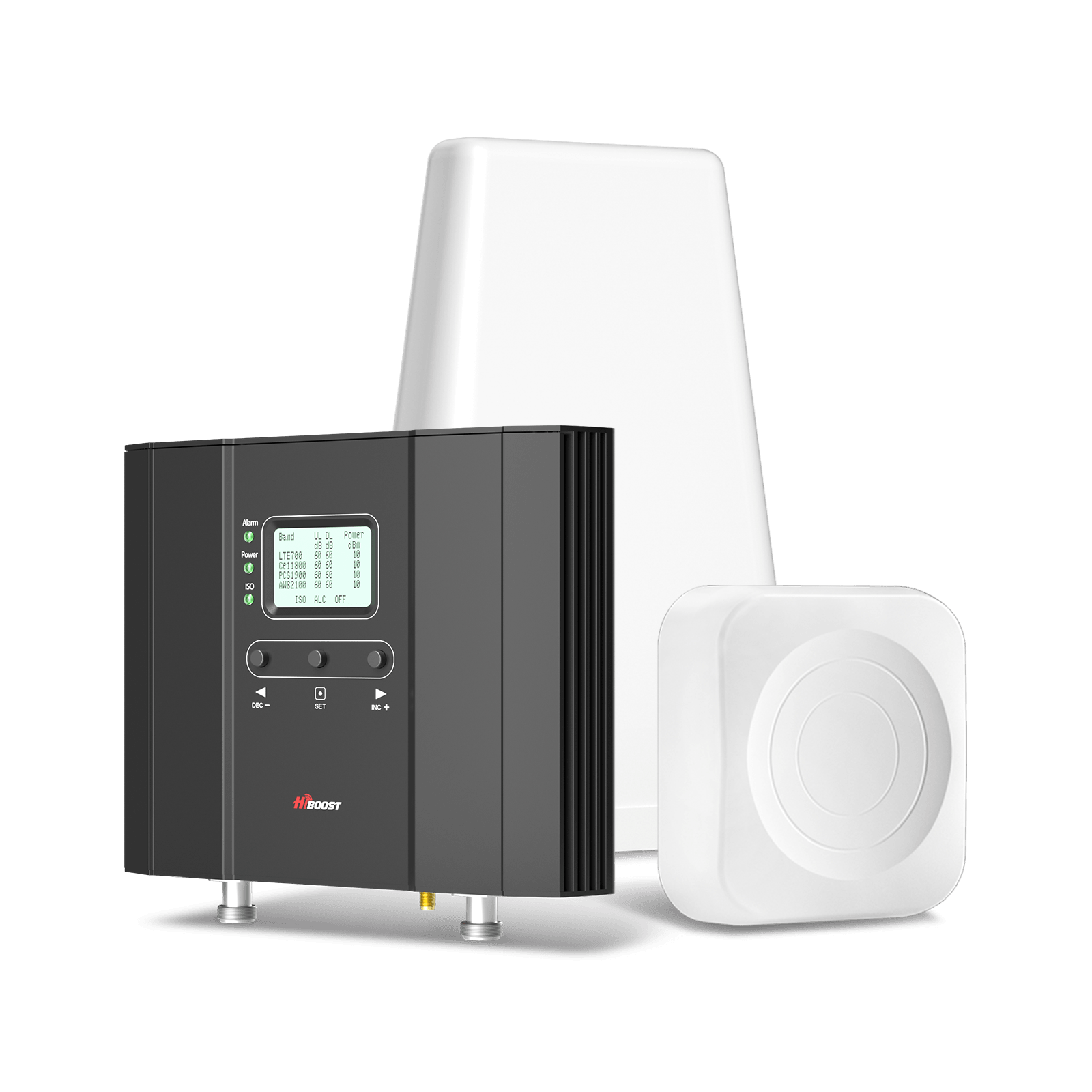
For mid-sized homes (up to 4,000 sq. ft.), access the HiBoost 4K Smart Link Cell Signal Booster or HiBoost 4K Plus Pro Home Cellular Booster, which prefer powerful performance and broader coverage to resolve the metal barrier.
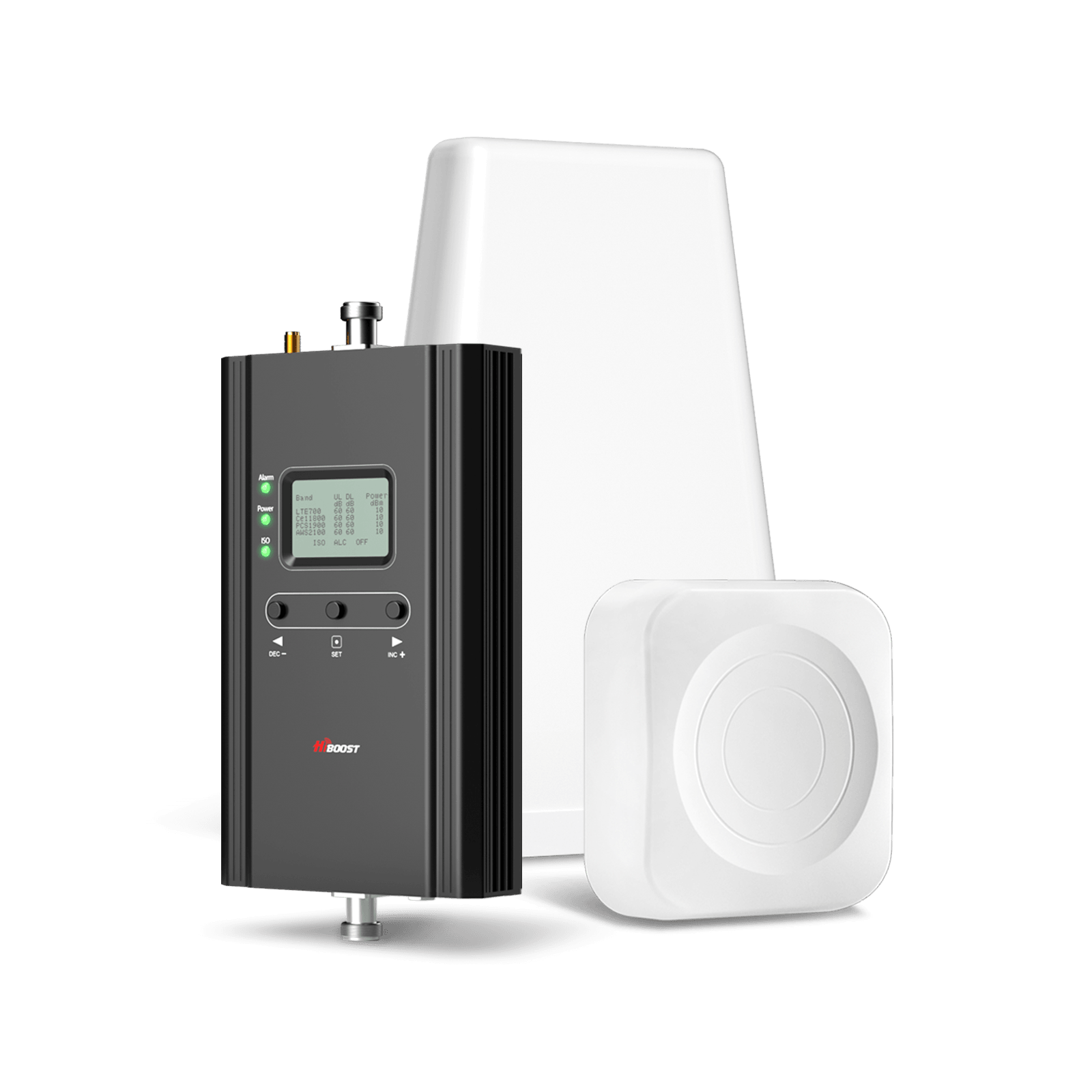
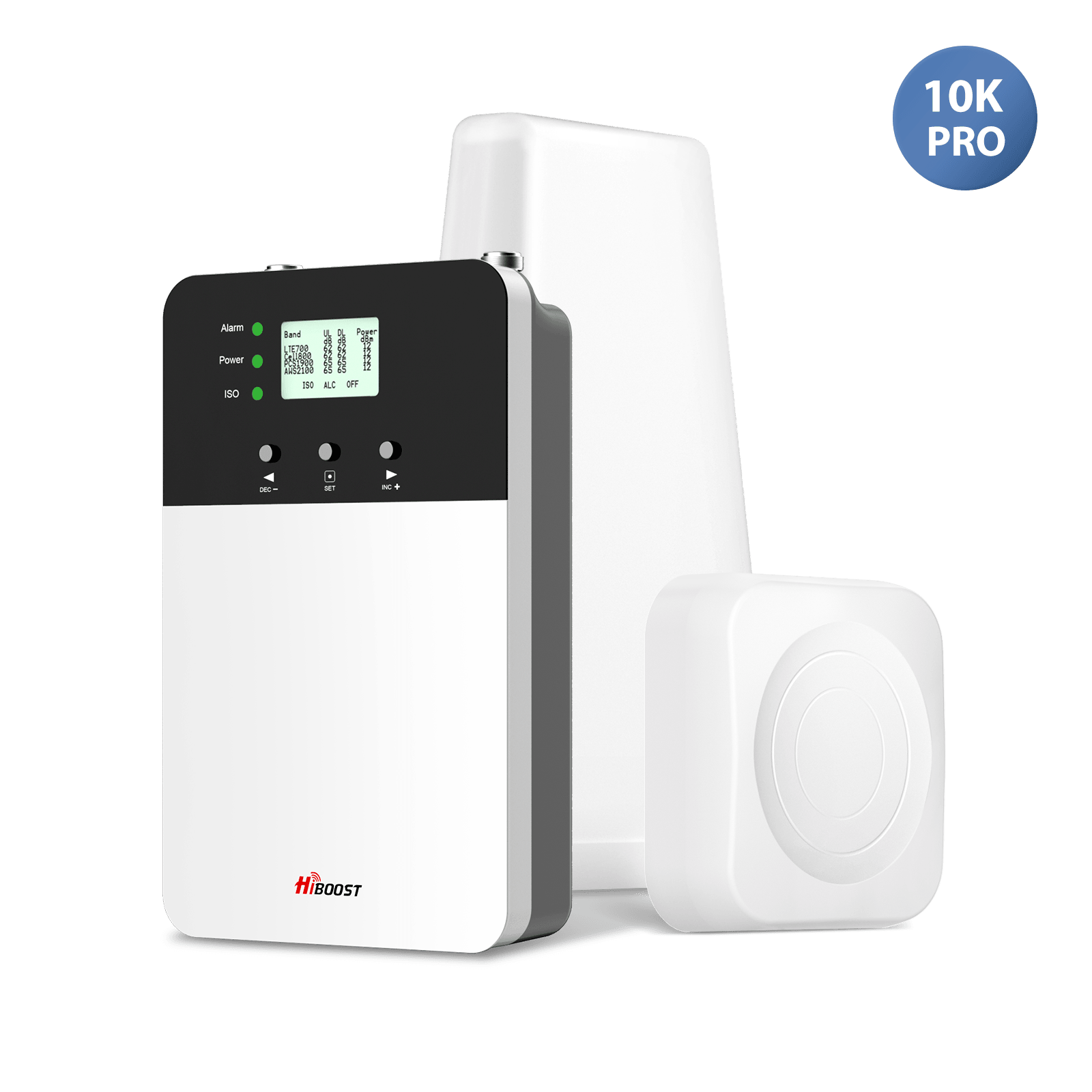
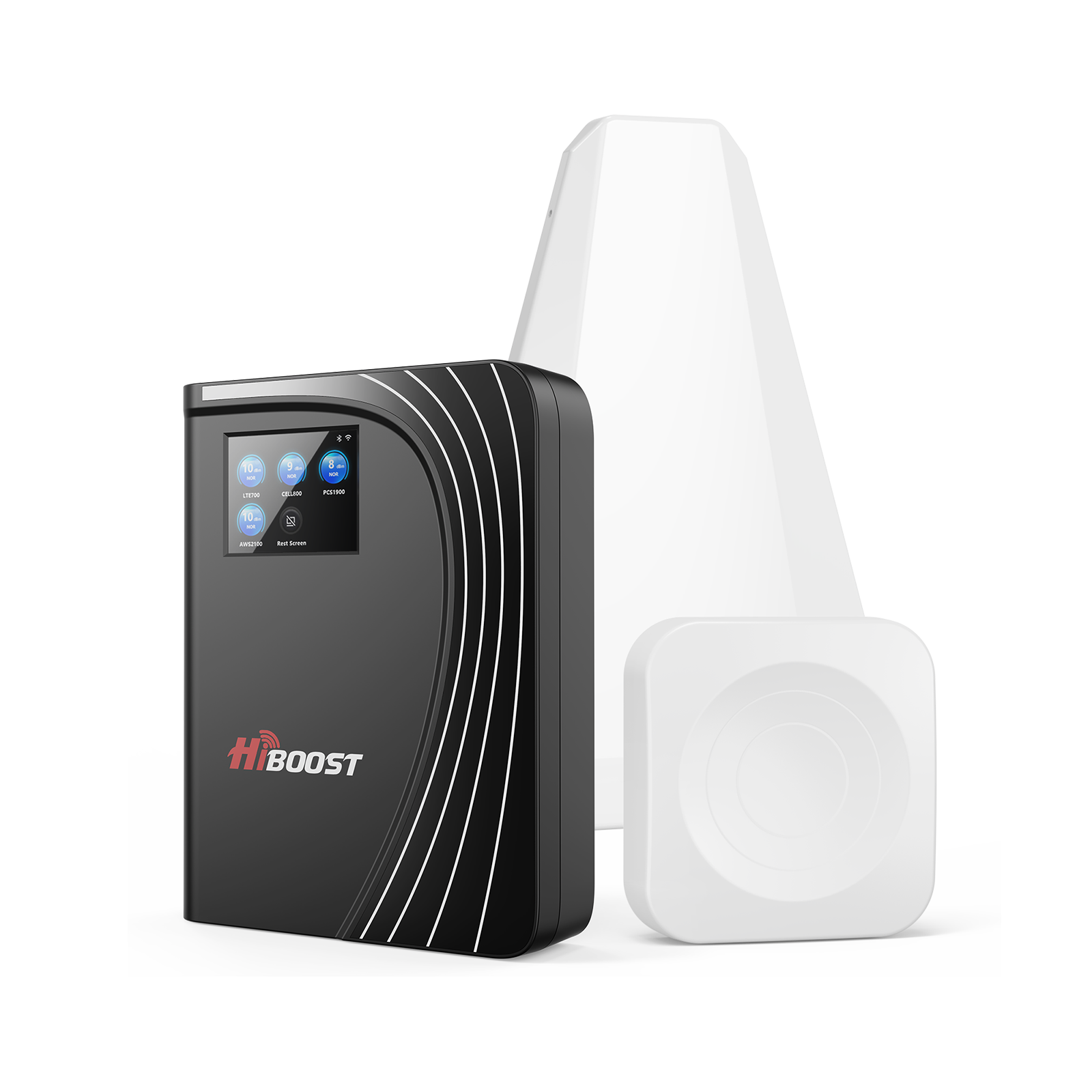
HiBoost’s residential models (Sidekick, 4K Smart Link, 10K Smart Link etc.) are designed for areas from small apartments to 10000+ sq. ft and users in metal-roof homes report going from barely usable LTE to 10-50+ Mbps after correct installation.
One HiBoost customer with a rural, metal-roofed home experienced their speeds increase from 0.5 Mbps to 12 Mbps after installation.
Solution 4: Create a Metal-Roof Bypass Point (Window Pass-Through)
If you can't drill holes for a cable due to the metal building, don't worry; some booster kits (like HiBoost’s) contain a flat “through-window” cable.
This thin, flat cable lets you run the antenna wire easily from outside to inside by simply placing it in a window or door frame. This allows you to reach the outside signals indoors without making a hole in the metal walls or the roof.
Solution 5: Use a 5G Home Internet or FWA Device as Backup
If you are living in an area with excellent 5G coverage, Fixed Wireless Access (FWA) devices (often called 5G Home Internet) can serve as an efficient backup.
This device usually has a strong outdoor or window-mounted antenna that attaches to the 5G network and then builds a Wi-Fi network in your home. This Wi-Fi is then used for Wi-Fi calling.
Solution 6: Mesh WiFi + WiFi Calling Setup
For those regions that have strong, wired internet (cable or fiber), activating a mesh Wi-Fi network is valuable.
This utilizes many small routers around your home to extend reliable Wi-Fi signals everywhere. When your Wi-Fi is powerful, you can blindly trust Wi-Fi Calling for all your phone calls and texts.
Troubleshooting: What If You Still Don’t Get Improved Signal?
If a signal booster still doesn’t give you full bars, here’s what to check:
- Antenna Aiming: Is the outdoor antenna connected directly to the strongest cell tower? Use a signal locator app to get the precise direction.
- Antenna Separation: Both outdoor and indoor antennas should be placed at a distance from each other (usually 20 feet vertically or 50 feet horizontally) to avoid feedback loops, called “oscillation.”
- Cable Quality: Are you using high-quality, low-loss coaxial cables? Longer, low-quality cables lost several signals’ power.
For customer review and the complete installation process of a signal booster in a metal-roofed home, take a look at this video
What Boosters Cannot Fix
You must know about the limitation of boosters so you don’t expect miracles from them. Here are a few major points for your understanding:
- No Signal means No Boost: If outdoor level of signals are effectively zero or worse then roughly -110 dBm across all bands, a booster cannot create signal from nothing.
- No Cure for Congestion: Boosters do not add tower capacity; heavy congestion, carrier throttling, or outages will still affect performance.
- Band and feature limits: Some boosters do not support every new band, or advanced carrier features, so users might not see full 5G speeds everywhere.
- Installation Dependent: Poor antenna aiming, low antenna separation, or cheap coax can negate much of the theoretical gain.
Future Trends - Will Metal Roofs Still Block 5G/6G Signals in the Future?
Unfortunately, 5G signals are more easily blocked by metal roofs than 4G signals. 5G frequently uses higher-frequency radio waves; the standard rule of physics is that higher frequencies are blocked easily by obstructions like metal.
The issue of signal blockage by metal roof will persist. As a result, powerful cell signal boosters will play a critical rule for metal-roofed homes in the future.
- Higher-frequency mid-band and mmWave layers experience stronger attenuation and reflection in metal, concrete, and coated glass compared to low-band 4G/5G.
- That means external antennas, boosters, and purpose-designed FWA gateways will likely stay essential tools for metal-roof homes seeking reliable indoor coverage.
You can now plug you specific HiBoost product recommendations including Sidekick, 4K, 10K with specific sq ft ranges.
FAQs
Do metal roofs really cause dropped calls?
Yes. By continuously weakening the signal inside your home, a metal roof can turn a good signal into a dead zone, leading to dropped calls.
Can aluminum or steel roofs block signals differently?
Yes. Ticker, denser metals such as steel or galvanized steel tend to block signals effectively than thinner, lighter metals like aluminum. However, big unbroken metal roofs will cause significant signal loss.
Will Starlink or FWA solve my problem?
Starlink and FWA (like 5G Home Internet) can resolve your issues for data and voice IP (like Wi-Fi Calling), but they do not enhance your phone’s normal cellular signal. They fix the poor network connectivity by providing a strong internet connection that doesn’t rely on a cell tower.
What is the best signal booster for metal-roofed homes?
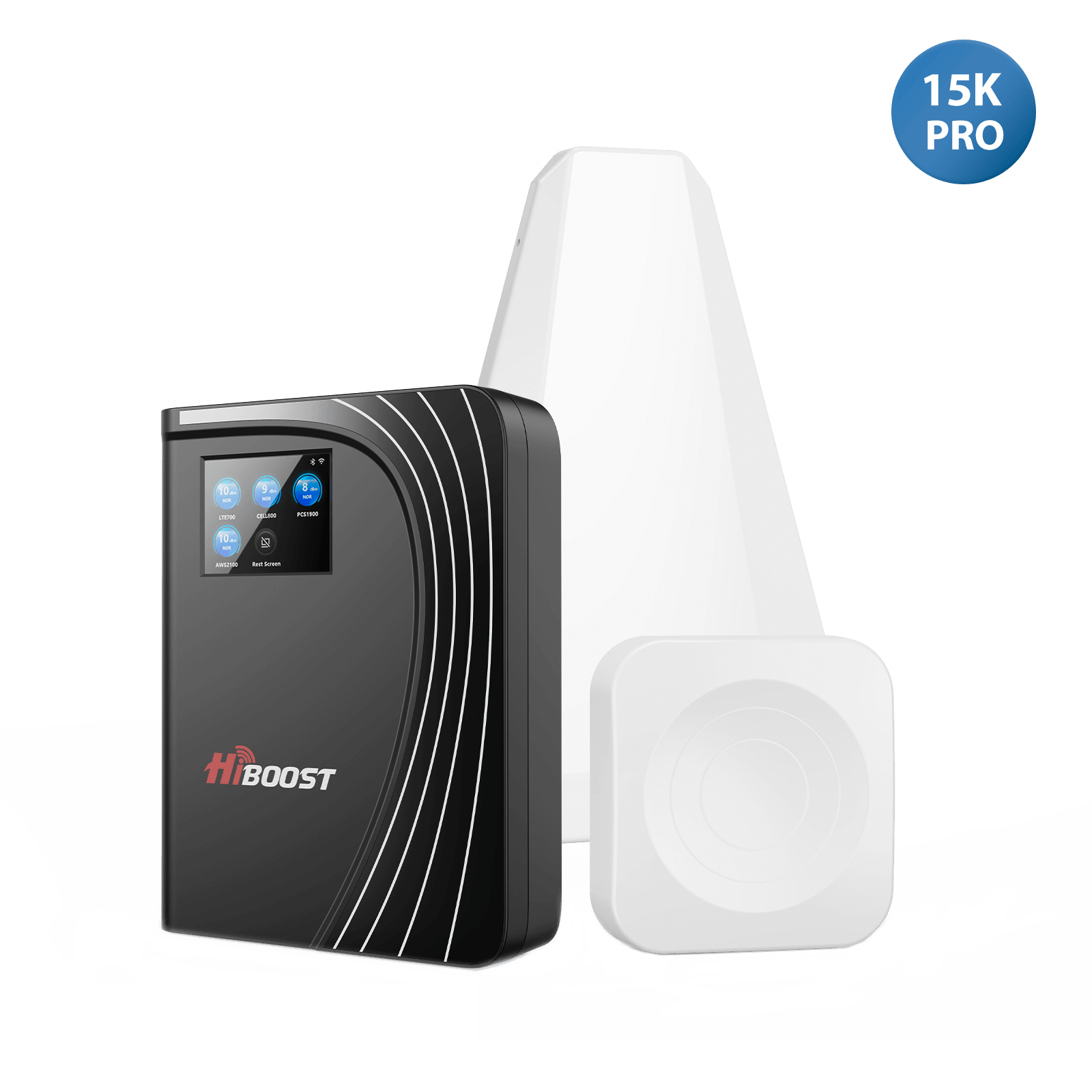
The efficient boosters for metal-roofed homes are powerful models with high gain and strong, directional outdoor antennas (Yagsi). Products like the HiBoost 10 K smart Link Cellular Booster are basically designed to overcome bigger areas and control efficient barriers like metal construction.
Does 5G penetrate metal worse than 4G?
Yes. 5G signals use higher frequencies, which have trouble moving through solid objects like metal. As a result, they are easily blocked as compared to the lower-frequency 4G signals.
Conclusion
As the metal roofs offer incredible protection and sustained value, but also present a real challenge for your phone signal. It is scientifically clear that metal reflects and absorbs the radio waves needed for calls and data. Fortunately, you don't need to compromise between a strong roof and smooth connectivity.
Wi-Fi calling and powerful cell phone signal boosters are the best solutions and highly effective. By capturing the signal from outside your roof and retransmitting it again indoors, a HiBoost signal booster is the most trustworthy way to turn your dead zone into a stable coverage area.
Recommended Reading
How To Boost Cell Phone Signal in a metal Building
Why Is My Phone Signal So Weak Indoors? Top Causes Explained
How to Boost Cell Phone Signal Inside Your Home (Step-by-Step Guide)
How to Test Cell Signal Strength Inside Your House
How to Choose the Right Signal Booster for Your Home
Do Cell Phone Signal Boosters Really Work for Metal Roof Homes?
FCC-Approved Cell Phone Signal Boosters: What Homeowners Should Know
Car/Suv,RV,Truck,Vehicle


Our Home Signal Booster



Popular Articles

Leave a comment
All comments are moderated before being published.
This site is protected by hCaptcha and the hCaptcha Privacy Policy and Terms of Service apply.