
1. Why T-Mobile Dead Zones Matter
T-Mobile’s network covers more of the U.S. than any other carrier, but dead zones still occur indoors and in remote areas. This isn’t a paradox, nationwide statistics don’t guarantee coverage at your exact location, which depends on building materials, distance to the tower, and how congested that cell is right now. Dead zones are especially critical in 2026: even a brief signal loss can block two‑factor authentication, disrupt work calls or navigation, and prevent emergency calls.

In fact, a RootMetrics study found T-Mobile’s 5G network was available nearly 92% of the time in 2H 2024 the highest of any U.S. carrier yet users still report meaningful gaps in coverage. This guide focuses on reliability: not just “do you see bars,” but “can you actually place calls and complete data tasks” when it matters.
2. What Is a “Dead Zone”? Clear Definition + Real Examples
A dead zone is any place where your phone cannot maintain a usable connection because the signal is too weak, the link is too noisy, or the cell is overloaded. Importantly, “dead” doesn’t only mean no bars on your screen; you could see 3 bars but still be unable to use data or make calls if the link quality or capacity is poor.
In practice, a dead zone is best defined by outcomes: if you can’t reliably send a text, browse, or make a call, you’re effectively in a dead zone regardless of the signal icon.
Common real-world dead zones include:

- Inside basements, elevators, or stairwells: Concrete walls and earth can block signals entirely.
- Energy‑efficient homes with coated glass: Many modern windows use Low-E coatings that reflect heat and radio waves. Low-E glass can introduce 20–30+ dB of signal loss at higher frequencies. For example, one study found ordinary glass lets through only ~3 dB of loss at 28 GHz, whereas a Low-E coated window can add ~27 dB loss. In practice, you may get 5G at the living room window but find the back bedroom dead because of the glass.
- Metal buildings and structures: Metal panels, foil insulation, or steel-reinforced concrete act like mirrors for cellular signals, reflecting them away or absorbing them. In mmWave bands, even a thin metal sheet can block 30 dB or more of signal, compared to just a few dB for wood or clear glass. For instance, a lab study showed red brick caused ~10 dB more loss at 5.25 GHz compared to 2.3 GHz, illustrating how higher frequencies suffer much greater attenuation.
- Crowded hotspots (stadiums, concerts, events): Even with perfect signal strength, tens of thousands of devices can overwhelm a cell site. Crowd venues often lack dedicated infrastructure, so heavy use leads to network congestion: the demand for data exceeds capacity, causing extremely slow speeds and dropped calls.
- Natural terrain (canyons, valleys, woods): Hills, ridges, and dense foliage block line-of-sight to towers. You’ll notice the same stretch of a rural highway always kills your signal, that's usually geography and tower spacing at fault, not your phone.
A simple model is helpful: dead zones arise when there’s too little signal, too much blockage, or too many users all fighting for the same slice of spectrum. If any of those is severe enough, you’ll have a dead zone.
3. Why T-Mobile Users Experience Dead Zones: Data and Evidence
3.1 Distance From Cell Towers
Cellular coverage naturally weakens with distance. Both downlink and uplink signals must be strong. At the edge of a cell’s range, the uplink is often the limiting factor: your phone can no longer transmit a reliable signal back to the tower, so calls drop or data stops, even if the phone still shows “5G” or “LTE.” That’s why driving just a few extra miles past a town can suddenly kill service.
3.2 Physical Obstructions
Indoor dead zones are usually due to building loss, not a network failure. Different materials attenuate radio waves by different amounts. Generally, materials are more lossy at higher frequencies. For example, research shows that at 5.25 GHz, brick walls introduce roughly 10 dB more loss than they do at 2.3 GHz.
Concrete or cinder blocks can cause multi‑dB to double‑digit dB losses. By contrast, common drywall or untreated glass add only a few dB at these frequencies. Modern Low-E windows are particularly problematic: their thin metal coating acts like a mirror.
Studies find Low-E glass can reflect ~90% of a 28 GHz mmWave signal, whereas ordinary glass would pass most of it. In plain terms: you might get LTE or low-band 5G through one window, but a higher-frequency 5G layer could be completely blocked going through the back wall. Even wiring or metal studs in walls make a difference: any conductive layer reflects, absorbs, or creates multipath. Roofs or ceilings with metal panels or foil backing can similarly kill a signal indoors.
3.3 Network Congestion
Sometimes the network looks fine but the service is unusable. That's congestion. When too many users are active at once, the network’s capacity is maxed out. Peak-hour testing often shows this: you might get 100 Mbps at 7 AM but nothing at 7 PM in the same spot.
T-Mobile’s own network docs admit that in heavy usage, some traffic slows down. In practice, areas like city lunch hour, evening rush, or event venues can show normal signal strength but glacial data or dropped calls as congestion sets in. In other words, if your bar graph is full but nothing loads, suspect that too many phones are competing for that tower’s attention.
3.4 Signal Frequency Differences
T-Mobile’s 5G network actually has two layers with different behavior indoors. The first is Extended Range 5G on Band n71, which uses a low frequency that travels far and penetrates obstacles well. The second is Ultra Capacity 5G, which includes mid-band n41 (2.5 GHz) and some mmWave bands where deployed. Mid-band and mmWave deliver higher speeds and capacity, but they are much easier to block.
Thus, two nearby spots may both show “5G” on the phone, but if one is catching n71 and the other only gets a blocked n41 signal, their performance will differ wildly. In short, low-band 5G (or even LTE) can often outperform high-band 5G indoors. T-Mobile’s coverage docs reflect this: Extended Range 5G on 600 MHz is “the foundation of our nationwide 5G network” for reliable indoor coverage, whereas Ultra Capacity brings fast speeds where it can reach.
3.5 Terrain & Environmental Factors
Long distances and natural obstructions compound the problem. Hills, valleys, and dense forests create shadow zones where even a nearby tower can’t reach because the line-of-sight is broken. Weather (rain, snow) and foliage can also add extra loss at higher frequencies. The practical takeaway: if your dead zone follows the same route or location consistently, it’s usually geography/tower placement, not your phone.
4. How to Diagnose Your T-Mobile Dead Zone
The goal is to distinguish between (1) weak signal, (2) noisy interference, and (3) congestion. You don’t need to become a radio engineer, just gather the right clues.
4.1 Test Your Signal Strength (dBm):
Bars are misleading. Instead, check the raw signal level in dBm or RSRP. A rule-of-thumb is that anything better than about –85 dBm is “excellent” signal; below –100 dBm is weak. If you’re consistently in the “very weak” range (e.g. below –110 dBm), work on getting a stronger signal (see fixes below).
If your readings are strong (say –80 dBm) but calls still drop, you’re likely dealing with interference or congestion rather than pure coverage. *(On Android, go to Settings → About phone → SIM/network status. On iPhone, dial 3001#12345# and look for RSRP/RSRQ.)
4.2 Compare Indoor vs Outdoor Signal:
Simply take your phone outside near a window or on the roof and check the signal again. If it jumps dramatically outdoors, you have a building-penetration issue. If it’s still weak even outside, the nearest tower may be too far or blocked.
4.3 Check T-Mobile Tower Location:
You don’t need exact coordinates, but using a tower-finder app or website can show roughly where the closest T-Mobile mast is. T-Mobile’s own booster/install guides recommend pointing any outdoor antenna that way. Even without hardware, this tells you which direction to sit by a window or orient a hotspot.
4.4 Simple Speed Tests:
Run a speed test during a good time of day and again at a “bad” time. If performance collapses only at peak hours while signal strength remains similar, congestion is the culprit. If speeds are poor at all times and the signal is weak, then coverage/building loss is the issue.
5. Fast Fixes for T-Mobile Dead Zones Start Here

5.1 Enable Wi‑Fi Calling:
This is often the quickest fix for indoor call drops. Wi‑Fi Calling lets your phone place calls and texts over your home (or office) Wi‑Fi when cellular is weak. T-Mobile supports it on most phones, and you simply enable it in Settings. T-Mobile notes that Wi-Fi Calling “improves call quality and provides a more stable connection” in areas with little to no cellular coverage. If your internet is reliable, this can effectively permanently eliminate indoor voice/text dead zones without any new hardware.
5.2 Restart Network / Airplane Mode Reset:
Sometimes the simplest step works. Toggle Airplane Mode on and off; this forces your phone to detach and reattach to the network, possibly picking a better cell. If issues persist, try resetting your network settings (in system settings) or checking for carrier settings updates this can clear any mismatched configurations.
5.3 Move to a Better Location:
Even a few feet can make a difference. Indoors, higher floors or outer walls (especially near windows) usually have better signal because of less obstruction. Avoid metal appliances or drywall between you and the window. For example, if working from home, try moving your desk or putting your phone on a windowsill. Since the cellular link is two-way, any reduction in obstacles (or in distance from the antenna) can restore connectivity.
5.4 Use a T‑Mobile Hotspot or Router:
A dedicated 4G/5G hotspot or home gateway can improve things. You can place the router where the signal is best and then connect your devices over Wi-Fi. For 5G gateways, adding an external MIMO antenna is a highly effective upgrade. Guides note that using a 4×4 outdoor antenna can unlock dramatically faster speeds and stronger signals on T-Mobile home internet. This sidesteps the band limitations of indoor boosters by feeding the best possible signal into the gateway.
5.5 Switch Between 5G and LTE:
If you find that 5G is spotty indoors, try forcing LTE-only mode in your phone’s settings. Often this forces the use of low-band LTE (700/600 MHz) which penetrates obstacles better. T-Mobile’s own coverage data shows that Extended Range 5G on 600 MHz is built for reliable indoor coverage, so an LTE fallback on a similar frequency can actually improve your experience when the higher-frequency 5G layers fail.
6. Long-Term Fixes for Home or Office Dead Zones

6.1 Install a Cell Phone Signal Booster:
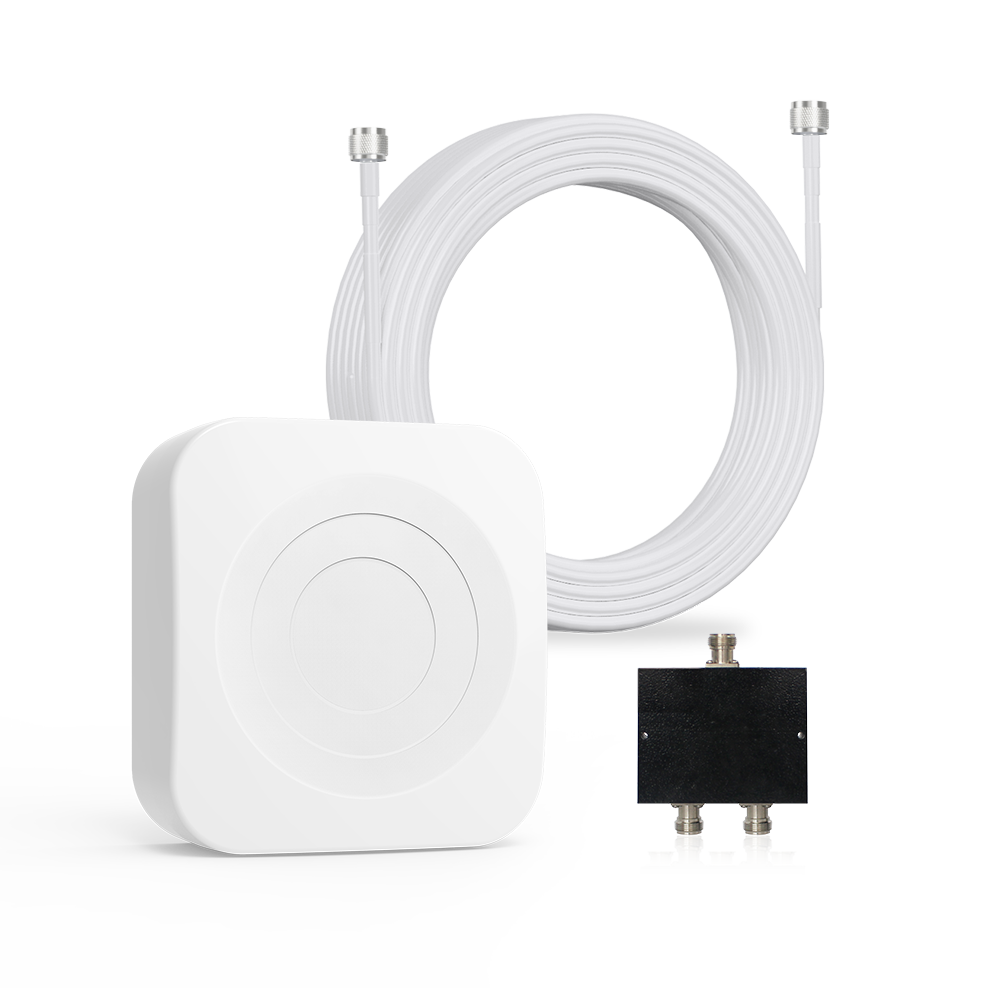
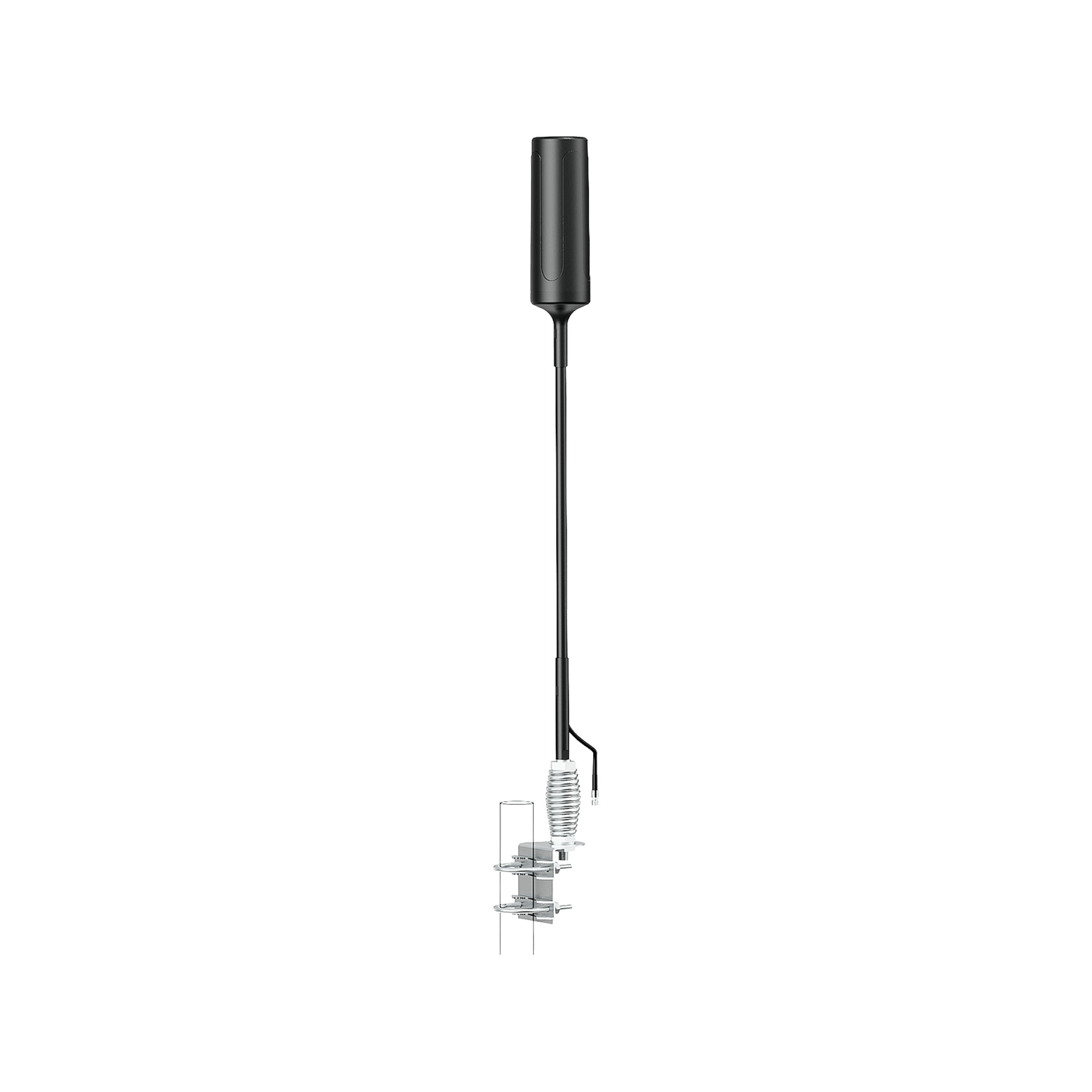
A professionally installed booster can cover your home or office. A booster system has three parts: an outdoor antenna, an amplifier, and one or more indoor antennas. The outdoor antenna picks up the existing cell signal, the amplifier strengthens it, and the indoor antenna rebroadcasts it. Important notes from experts and T-Mobile: boosters do not create new signals, you still need at least a weak outdoor connection for them to work.
But if you have even a modest signal outside, a booster can turn dead indoor areas into usable coverage. Modern boosters are FCC-certified and safe; by law they must adjust their gain to avoid interference. T-Mobile specifically points out that boosters can’t fully amplify mid-band or mmWave 5G, but they do strengthen LTE and lower-frequency 5G enough to stabilize real-world use.
In practice this means your devices will latch to improved LTE/600 MHz 5G indoors, giving you reliable calls and usable data. If you have zero outdoor signal, skip boosters and consider the next section on antennas or satellite solutions. Also remember that FCC rules require booster owners to register them with their carrier T-Mobile provides a quick registration form online.
6.2 Types of Boosters:
For homes, look at multi-room boosters. For vehicles there are mobile boosters designed to stay connected while moving. For large buildings or offices, commercial-scale systems exist but those often require professional installation. A key regulatory point: current FCC-approved boosters are optimized for lower frequencies. Most available boosters today amplify all major LTE bands and 600 MHz 5G, but not T-Mobile’s primary mid-band or mmWave.

A recent technical review confirms that FCC certified boosters “greatly enhance 4G and low-band 5G signals, but they won’t amplify every single 5G channel out there until regulations catch up”. In practice, even if you don’t get “Ultra Capacity 5G” indoors, the booster will improve LTE and low-band 5G coverage so your fallback speeds are much more reliable.
7. The Best Signal Boosters for T-Mobile Users (2026 Update)
Choose a booster size based on your home’s area and how strong an outdoor signal you have. For example (all HiBoost models are FCC-certified for multi-carrier use):
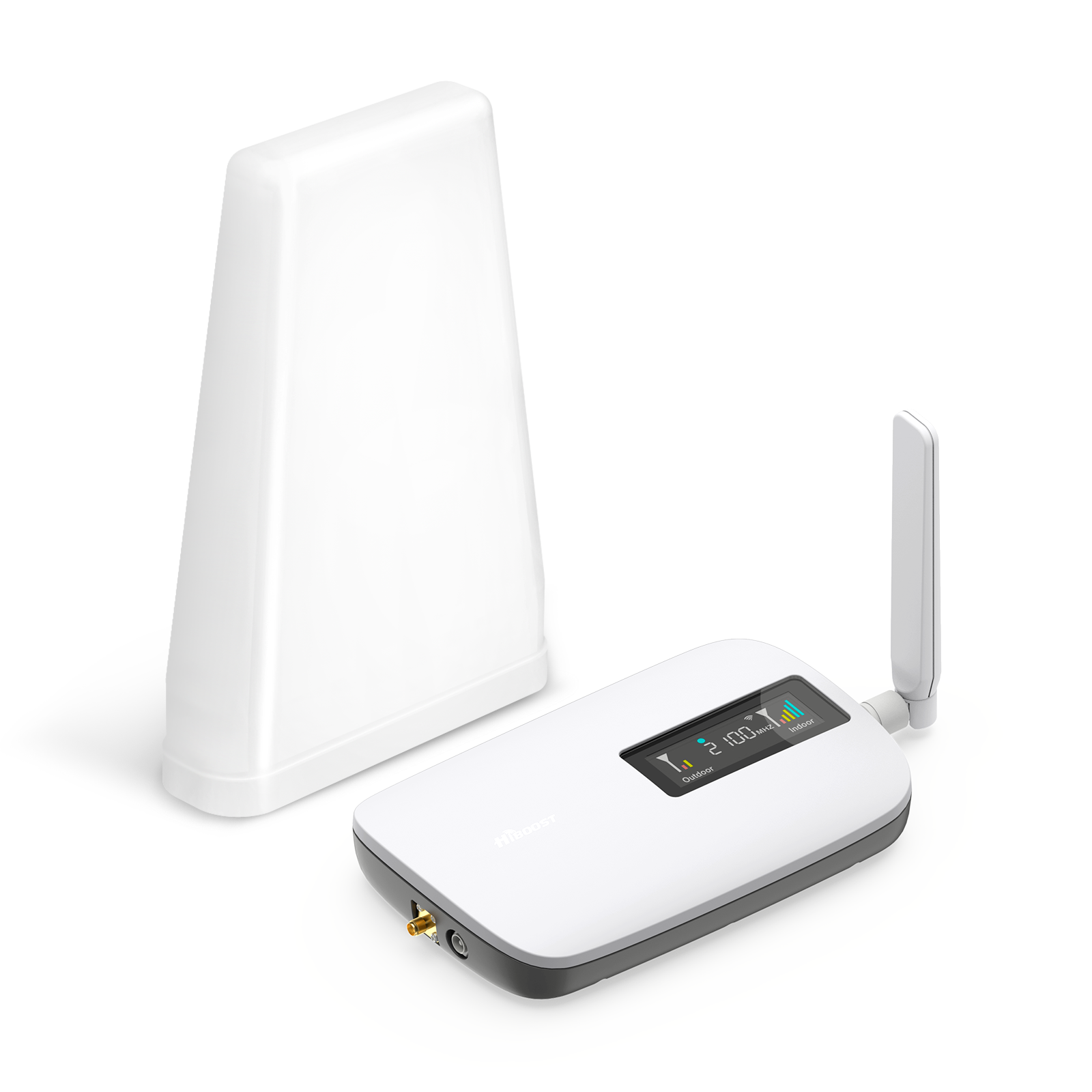
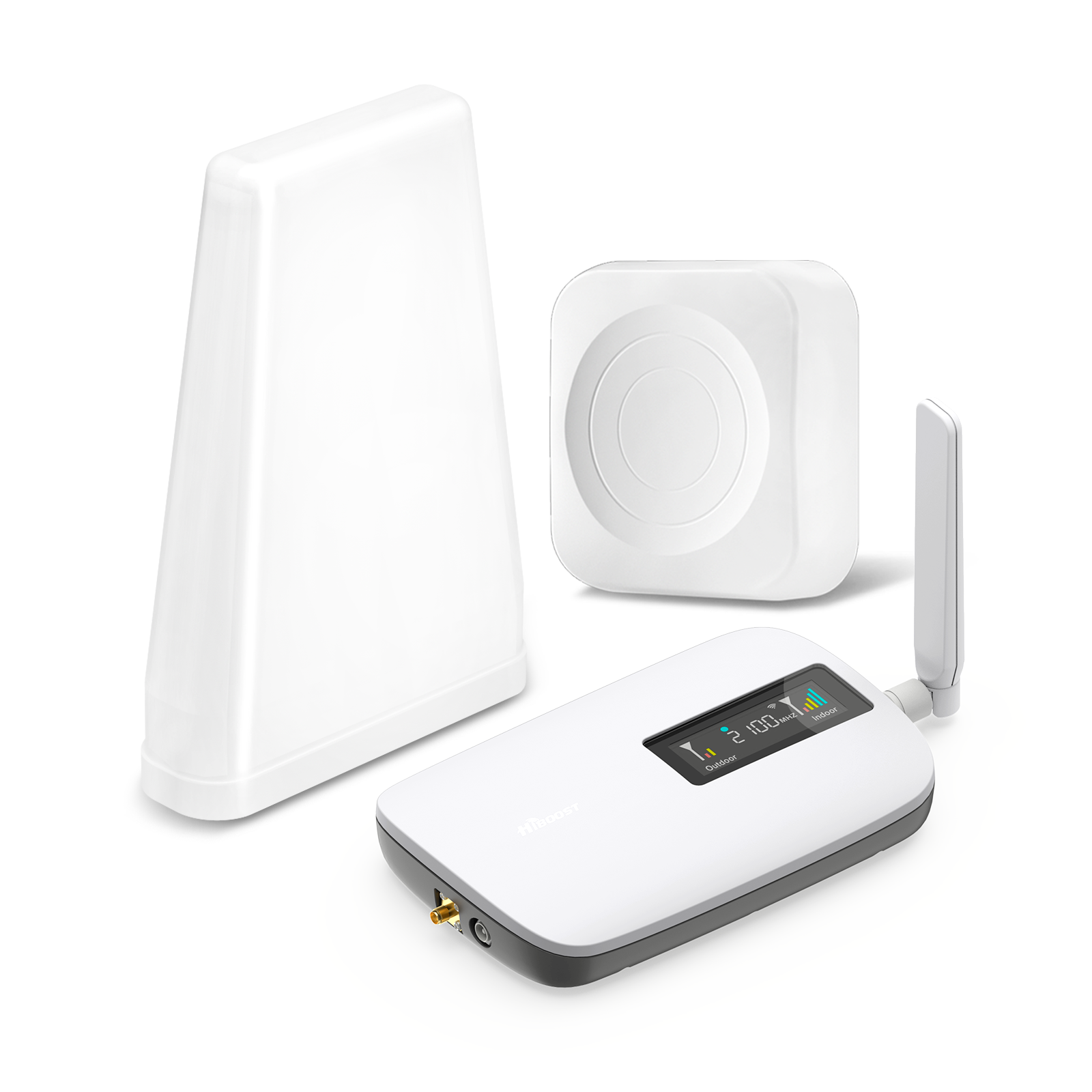
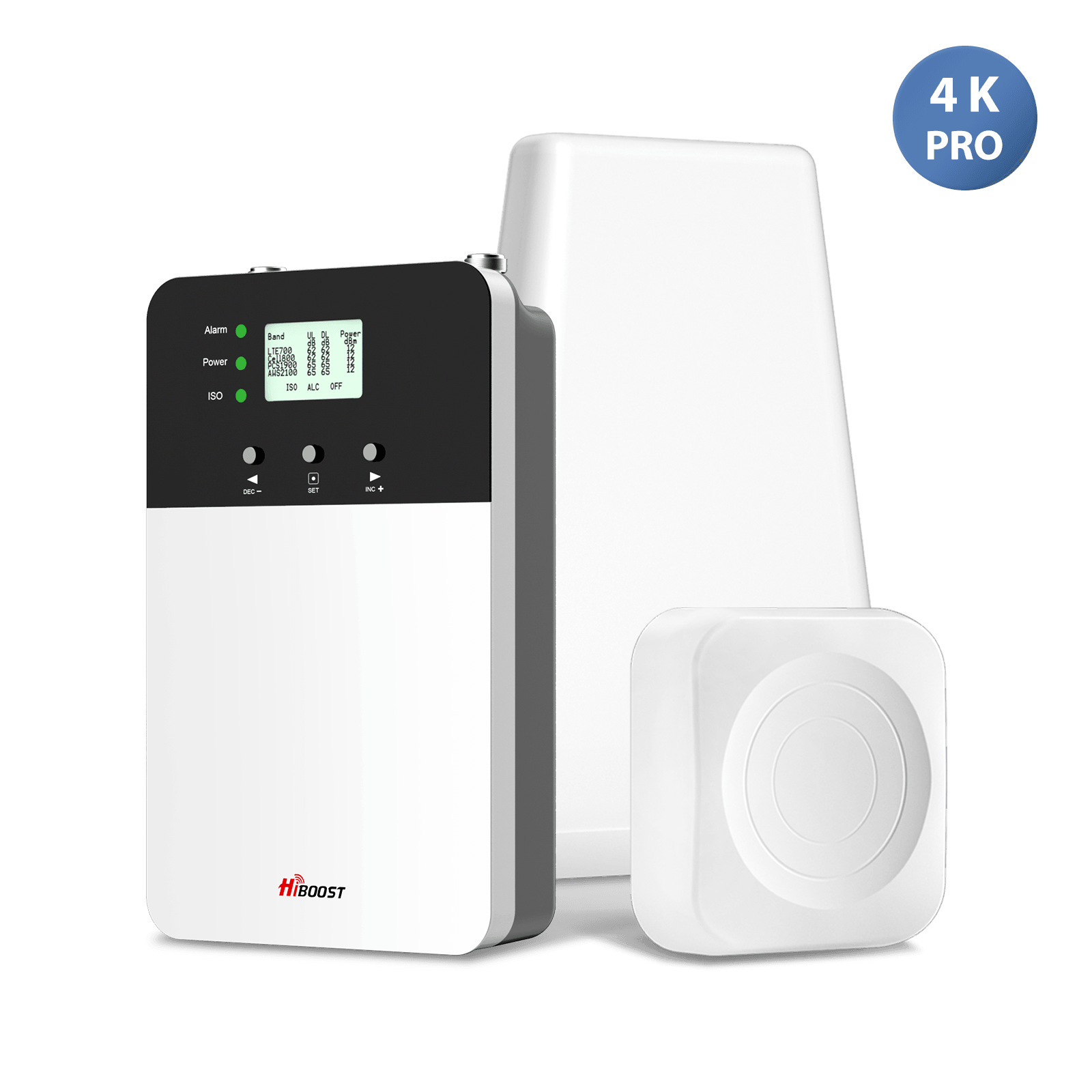
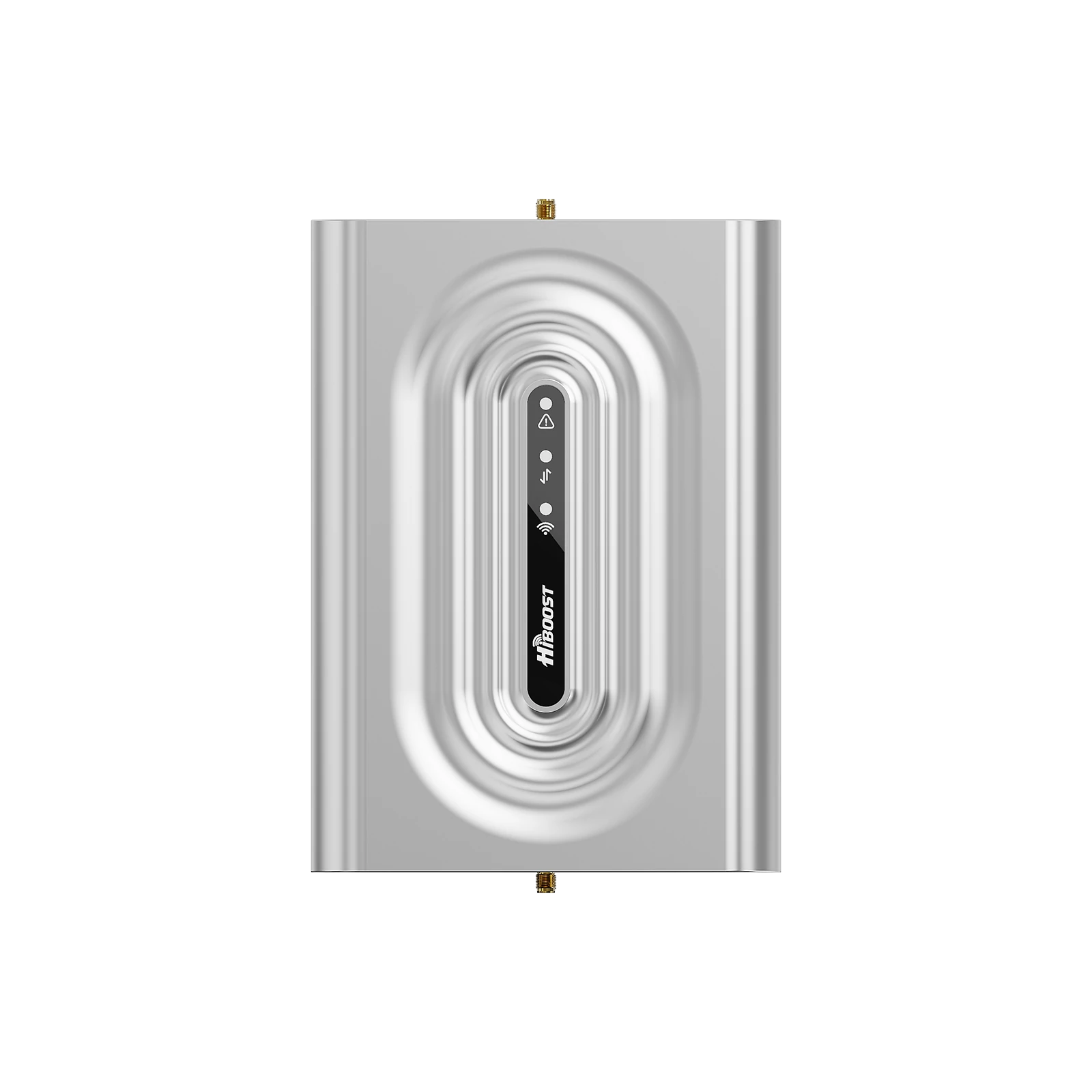
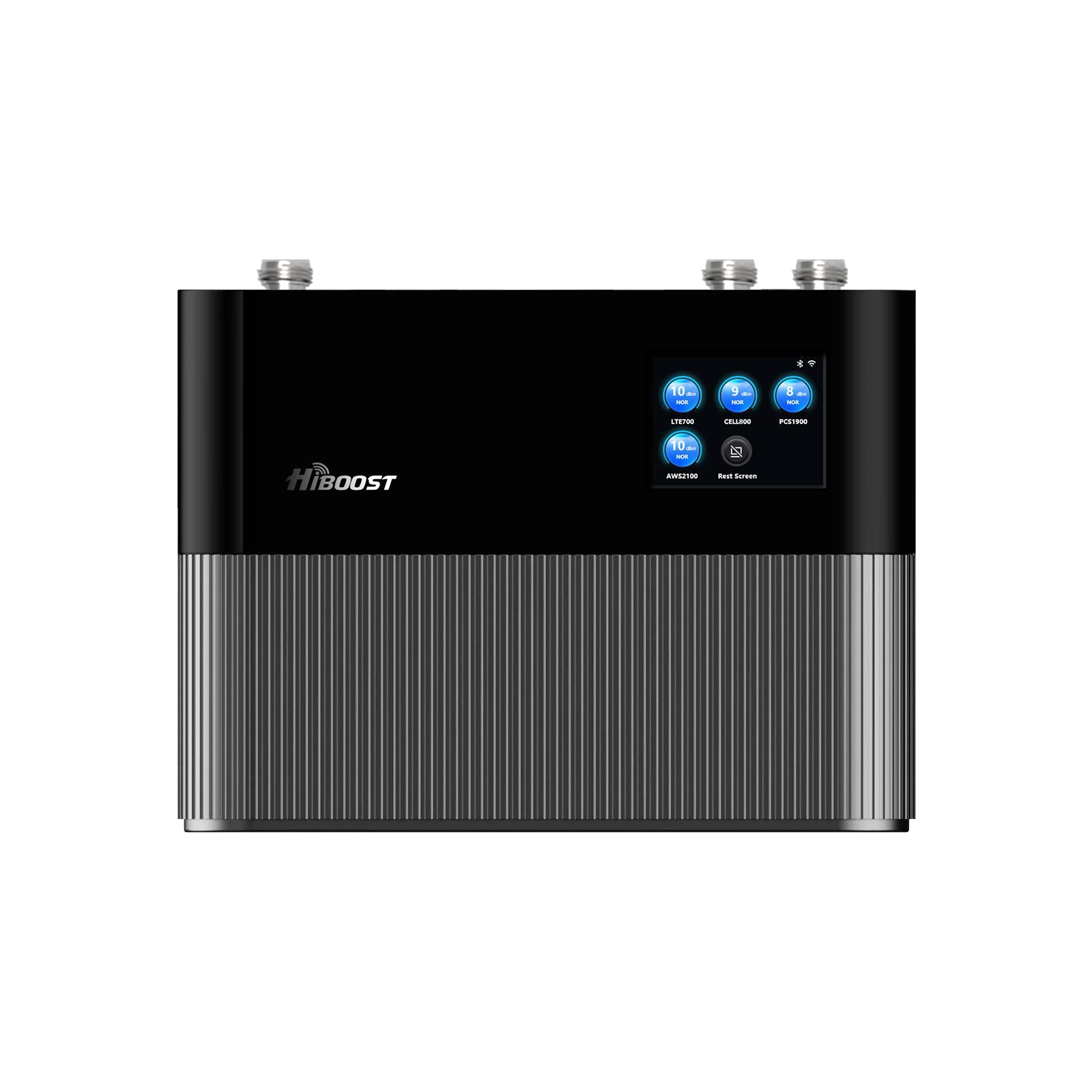
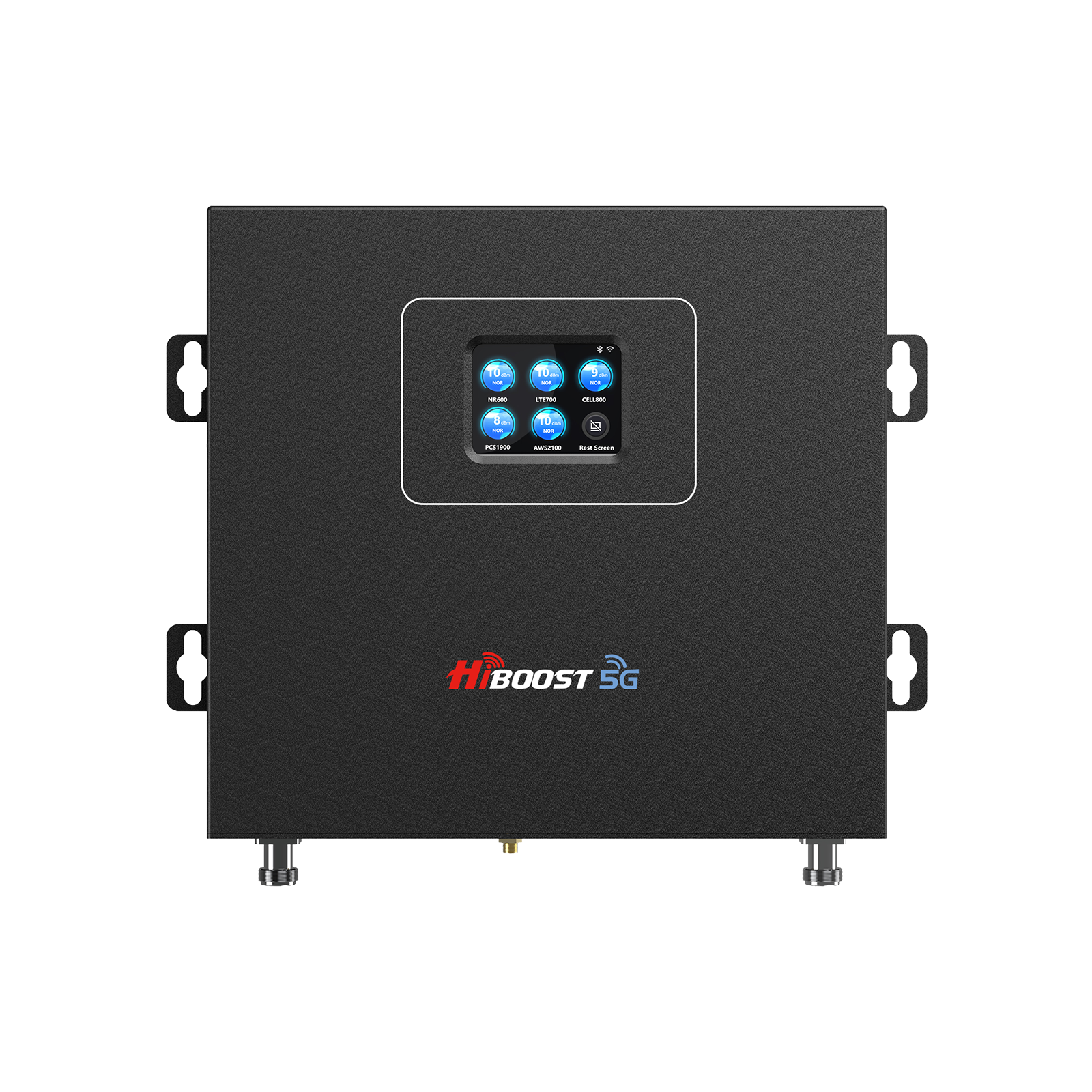
- Small homes/apartments (~1,000–4,000 sq ft): HiBoost 4K Smart Link. Covers roughly 1,000–4,000 sq ft. Good for a condo or small house, it supports all carriers’ LTE and low-band 5G. It even has a smartphone app for monitoring signal levels.
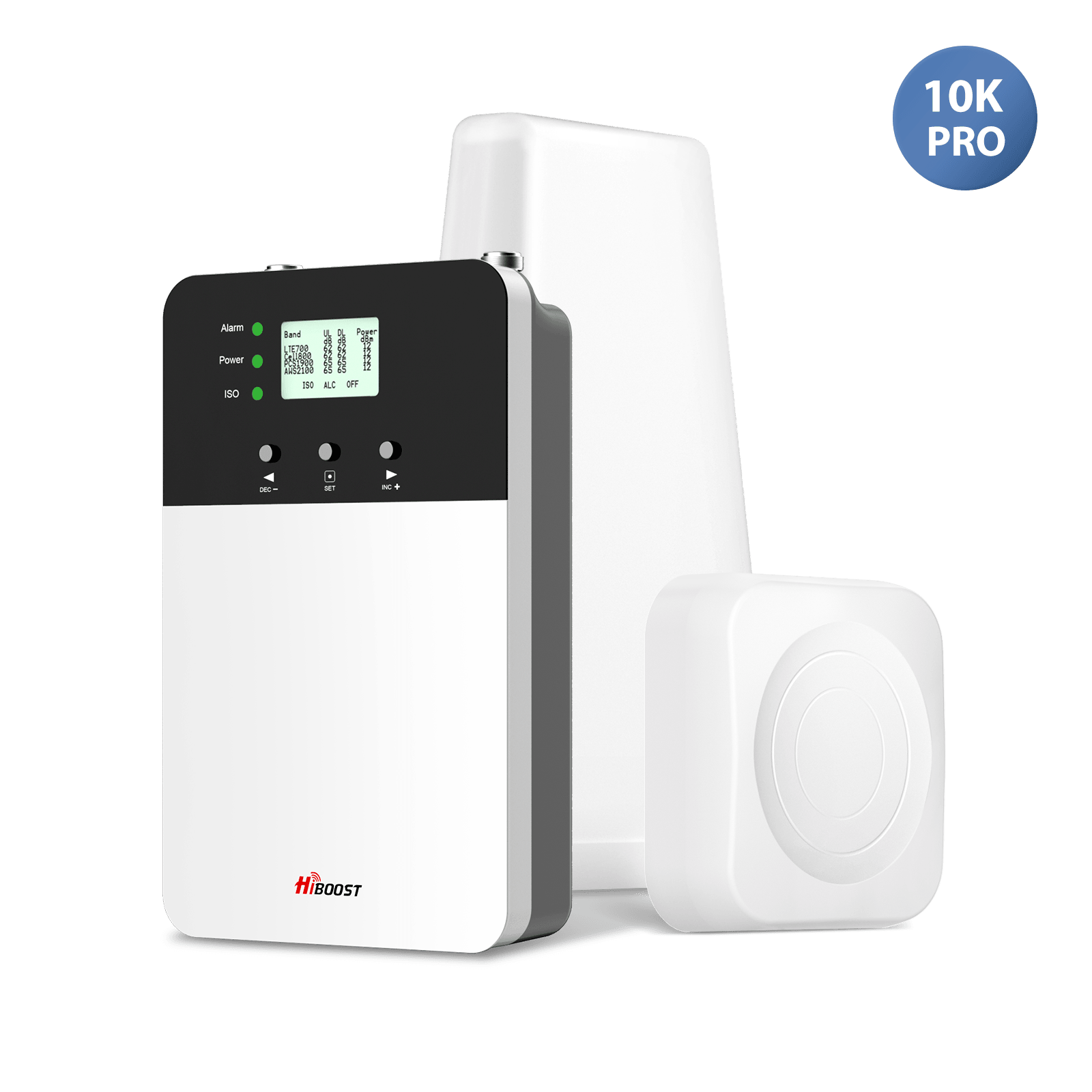
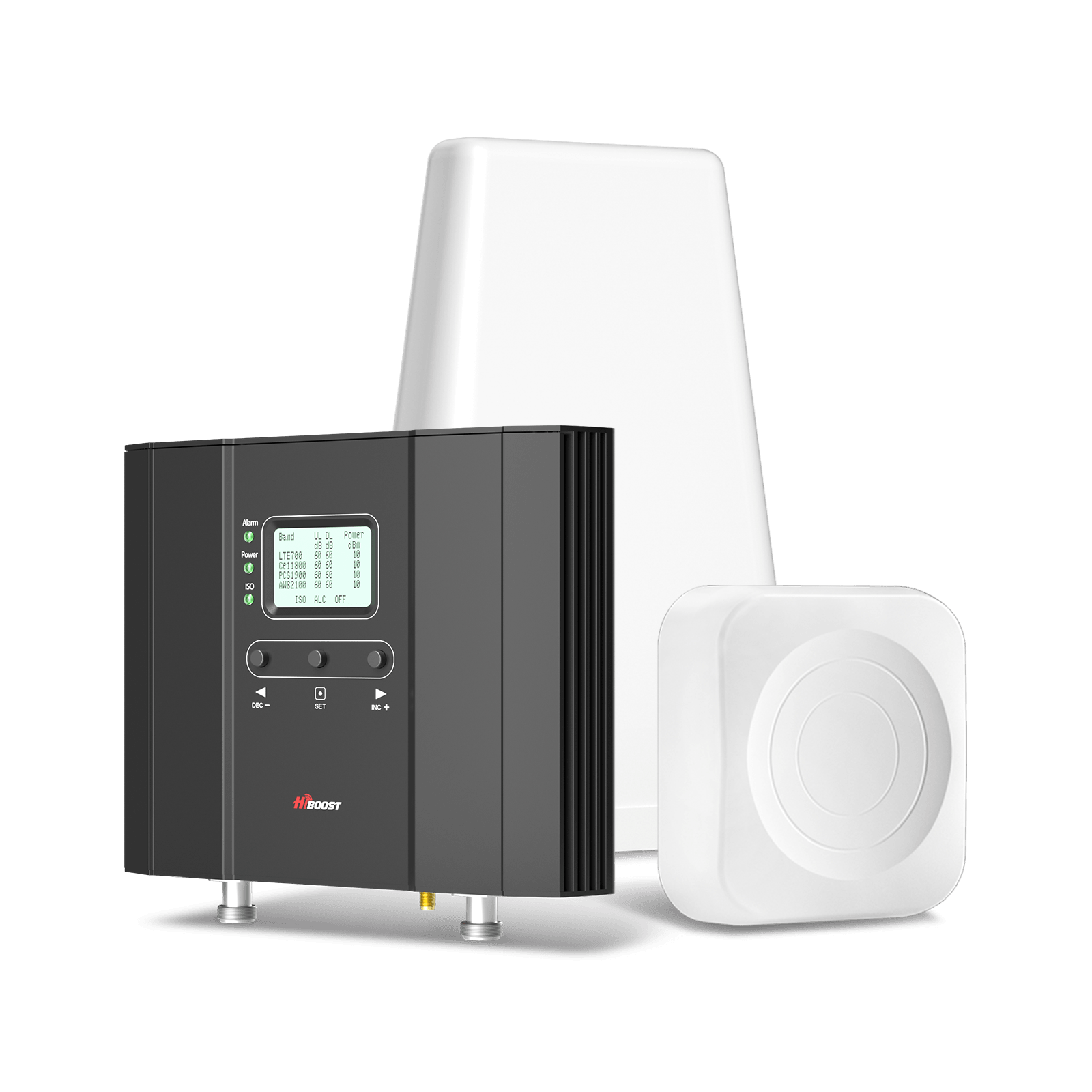
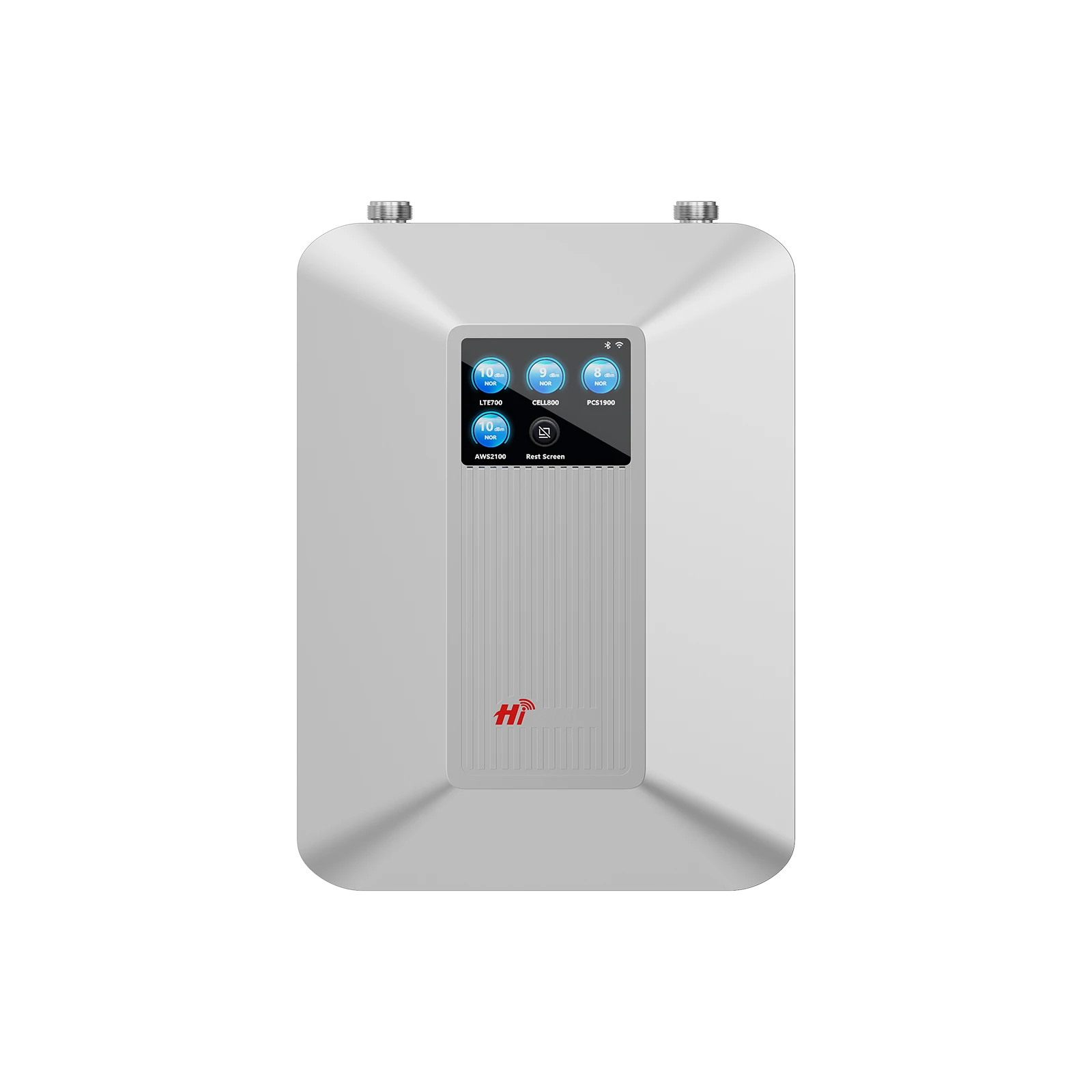
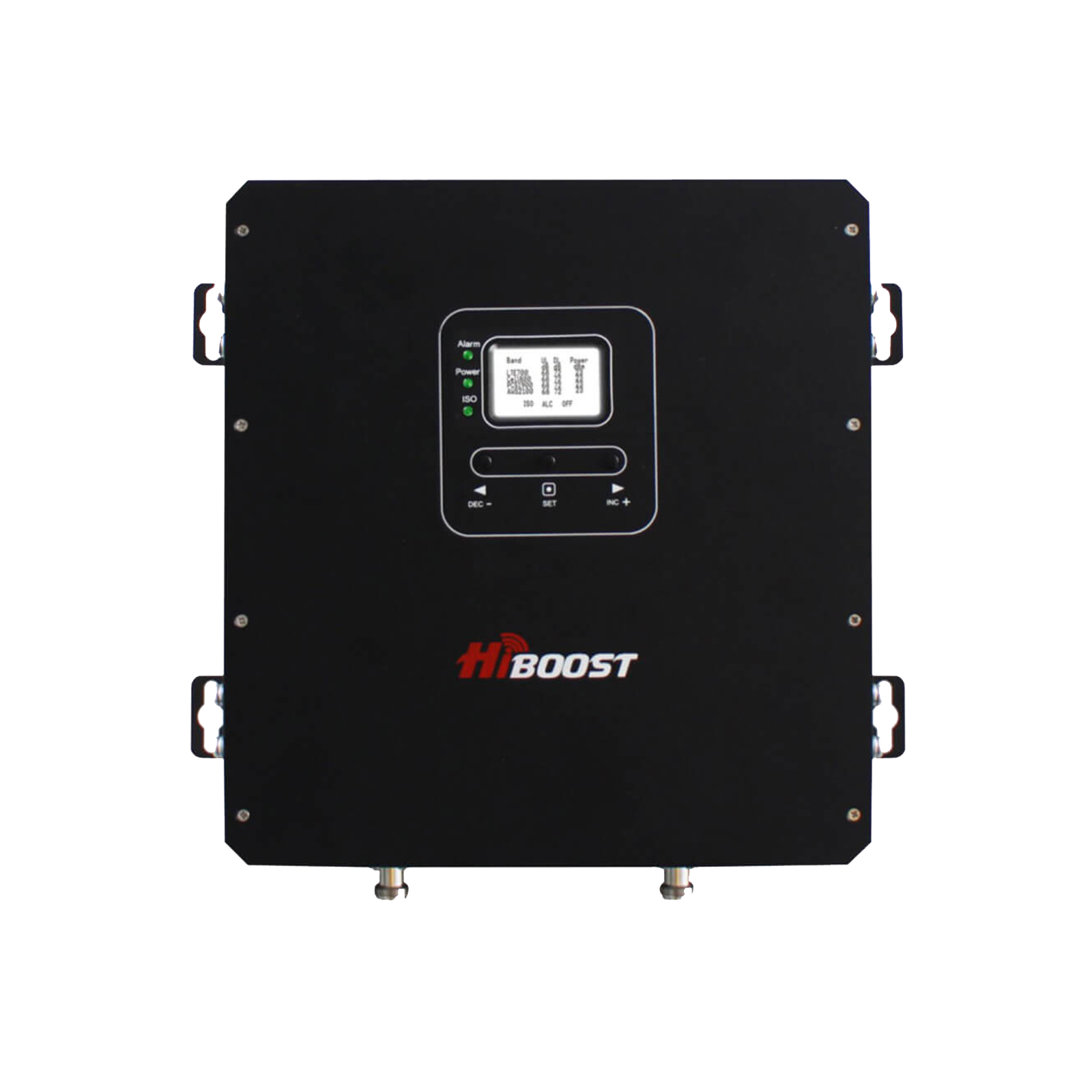
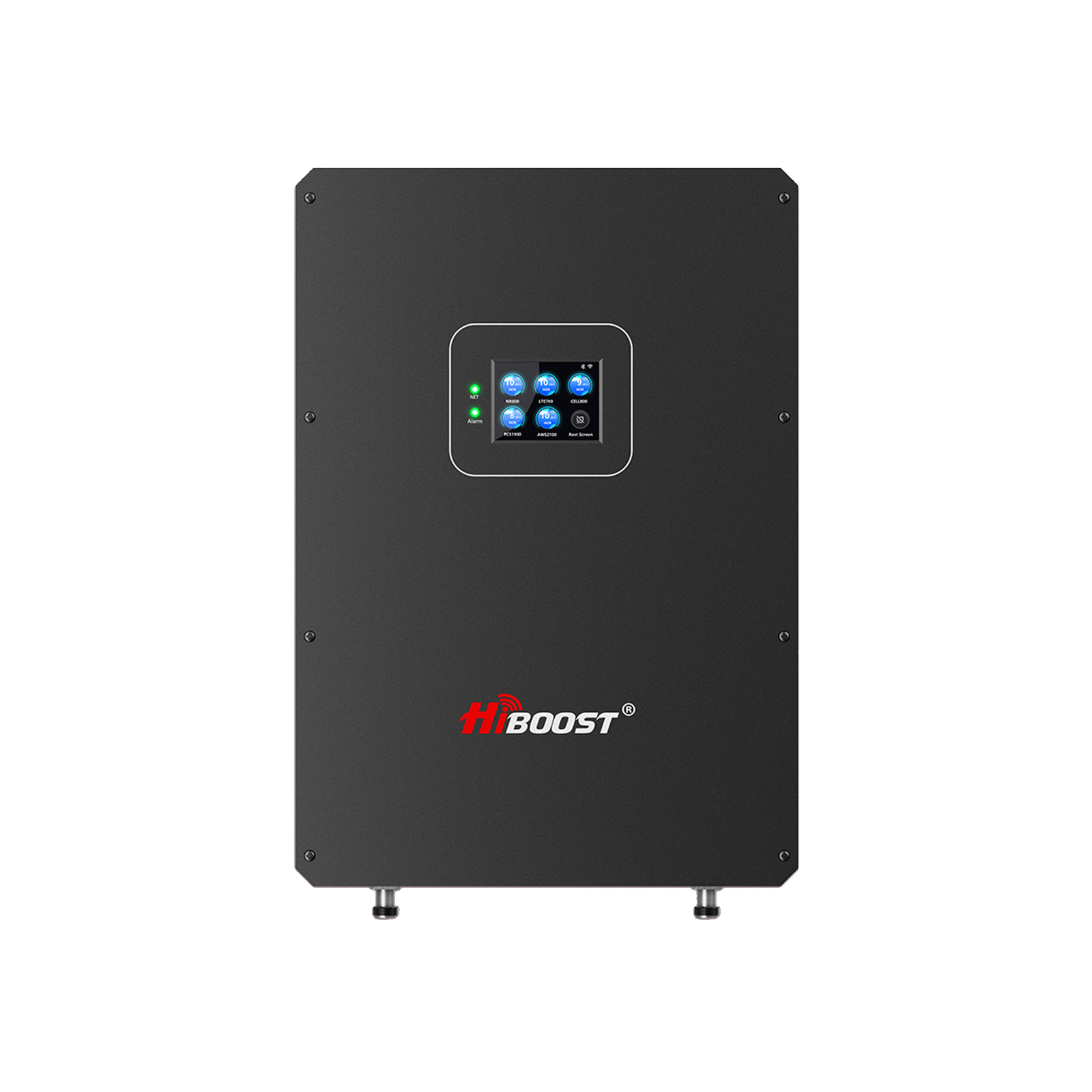
- Medium homes (~4,000–10,000 sq ft): HiBoost 10K Smart Link. Covers about 4,000–10,000 sq ft. This higher-power unit can blanket multiple rooms or a whole mid-sized house. It has 5-band support and an LCD for status.
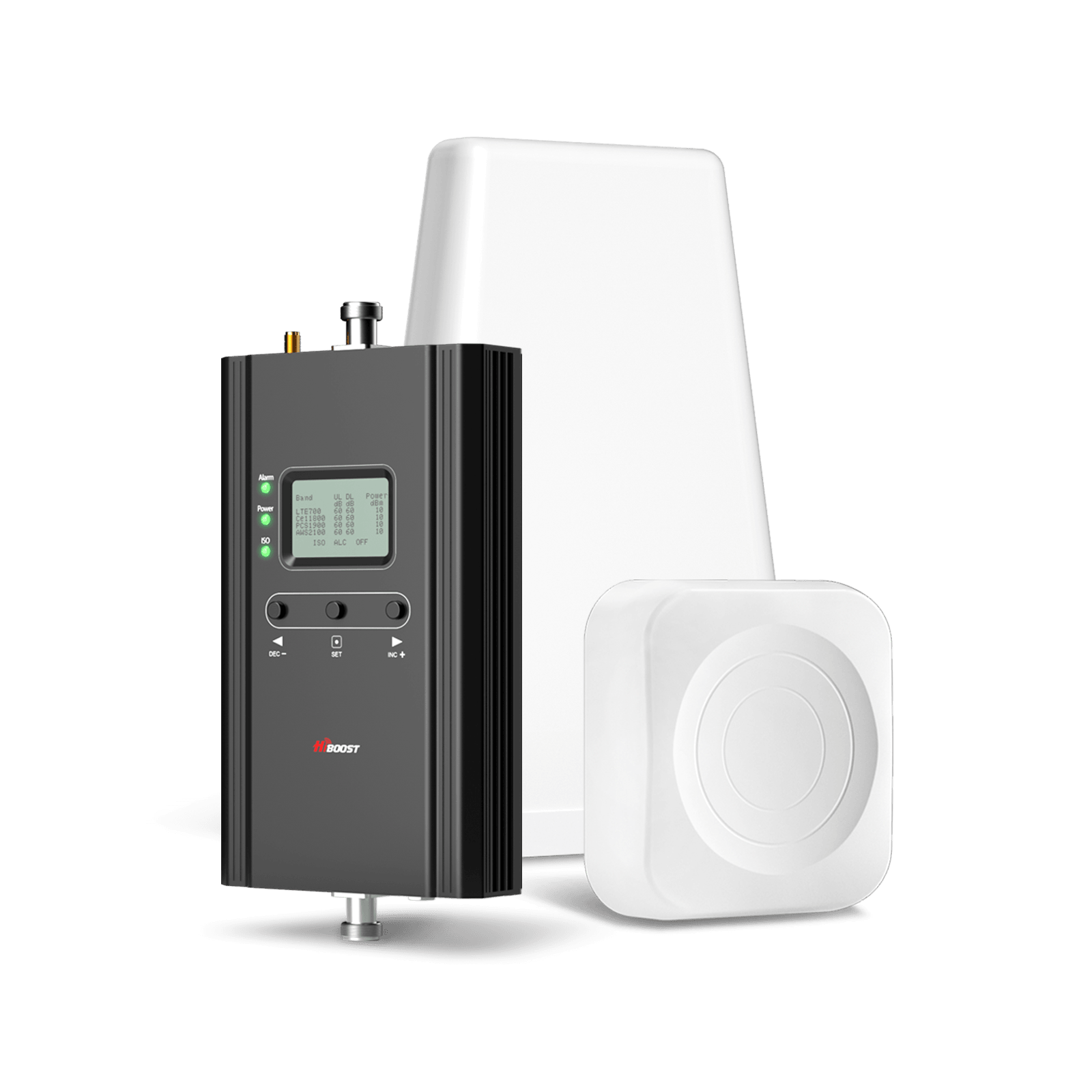
HiBoost 4K Smart Link Cell Signal Booster
Covers 1,000 - 4,000 sq. ft.
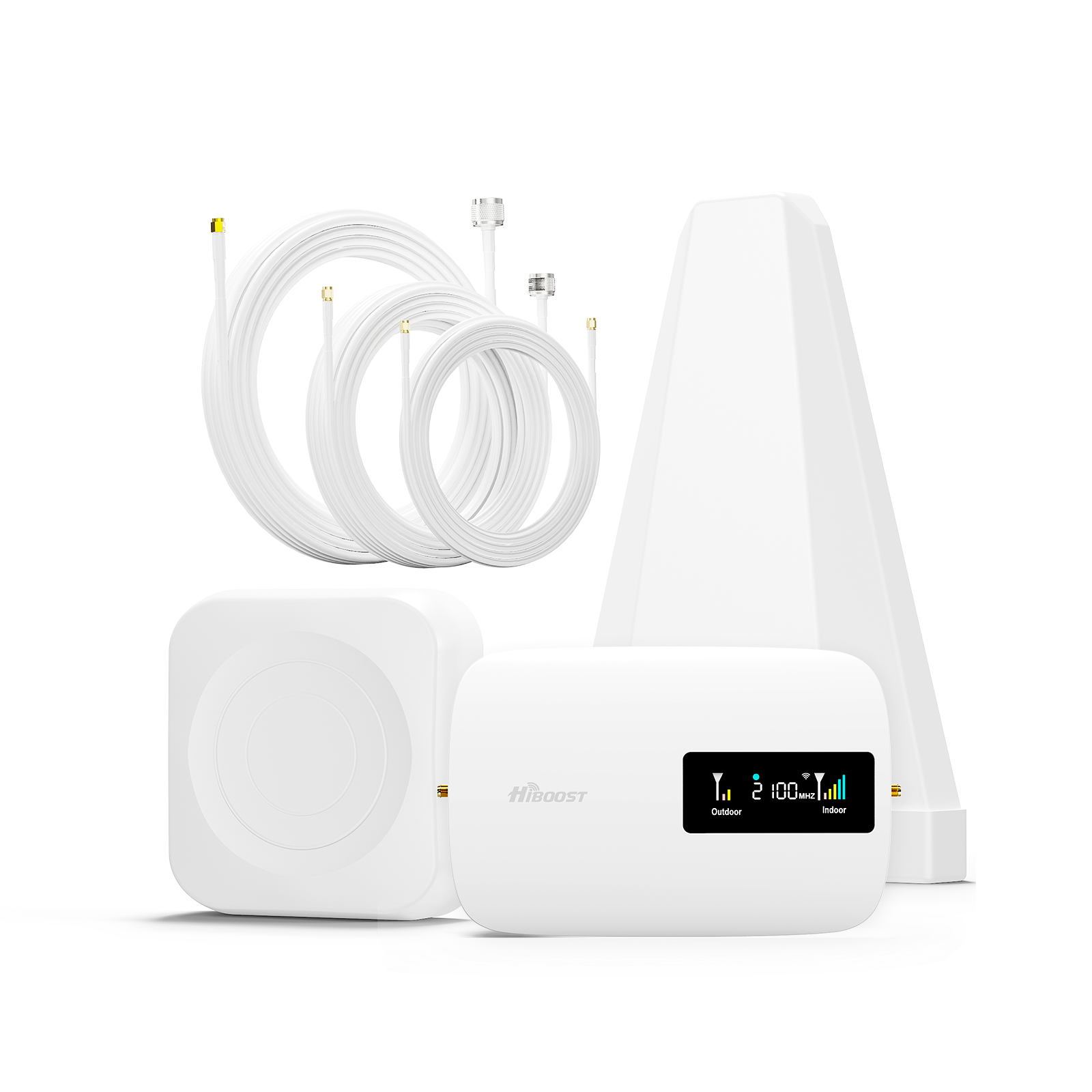
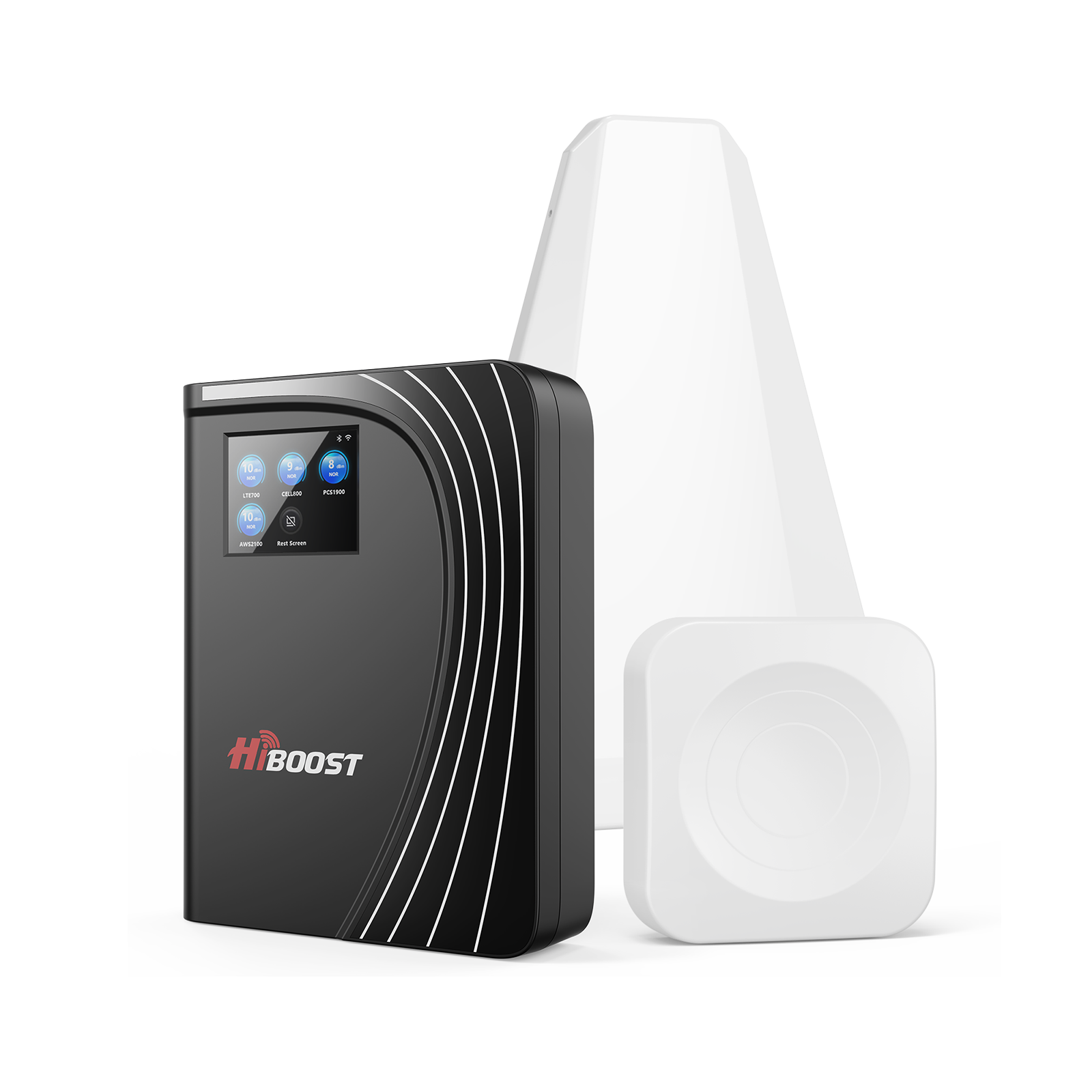
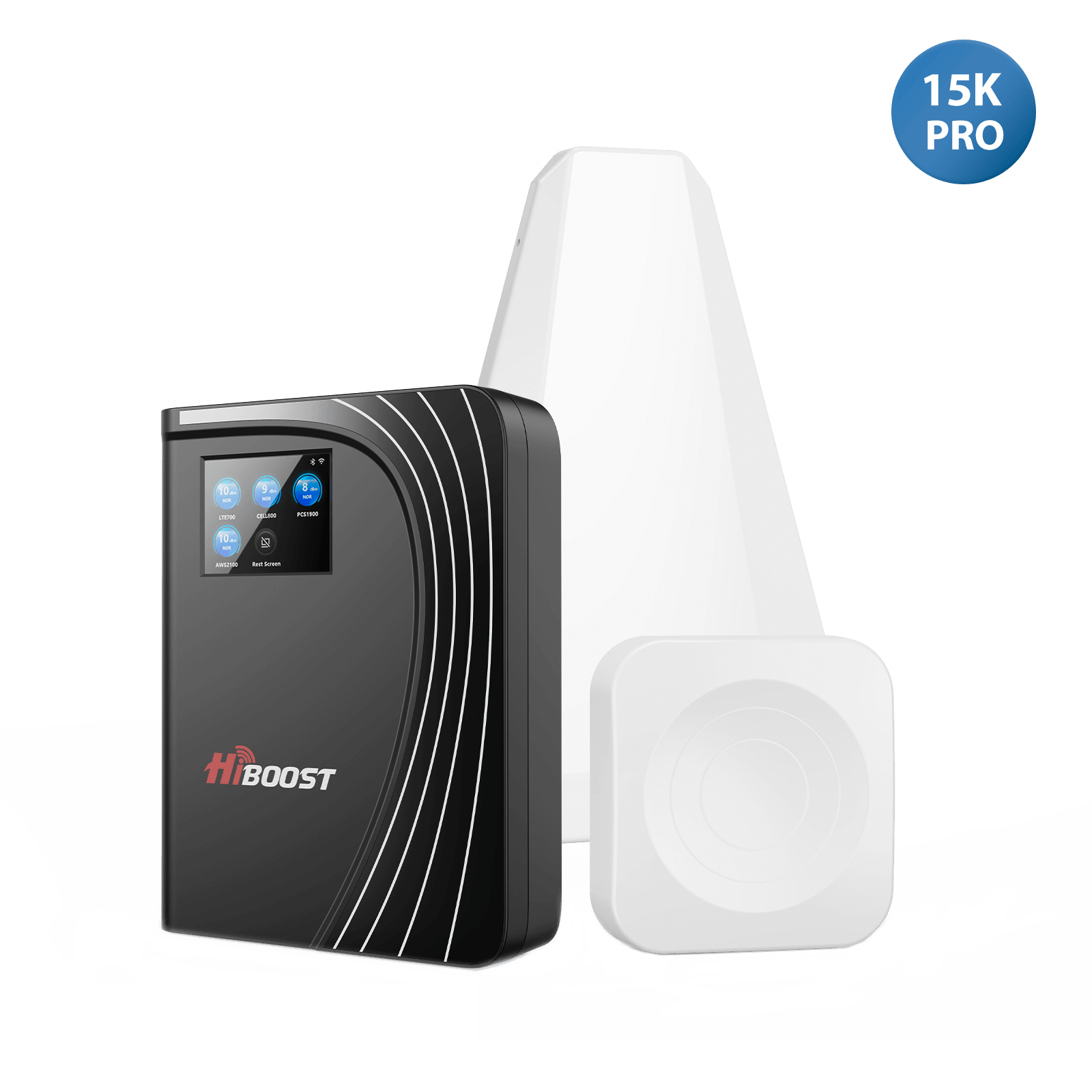
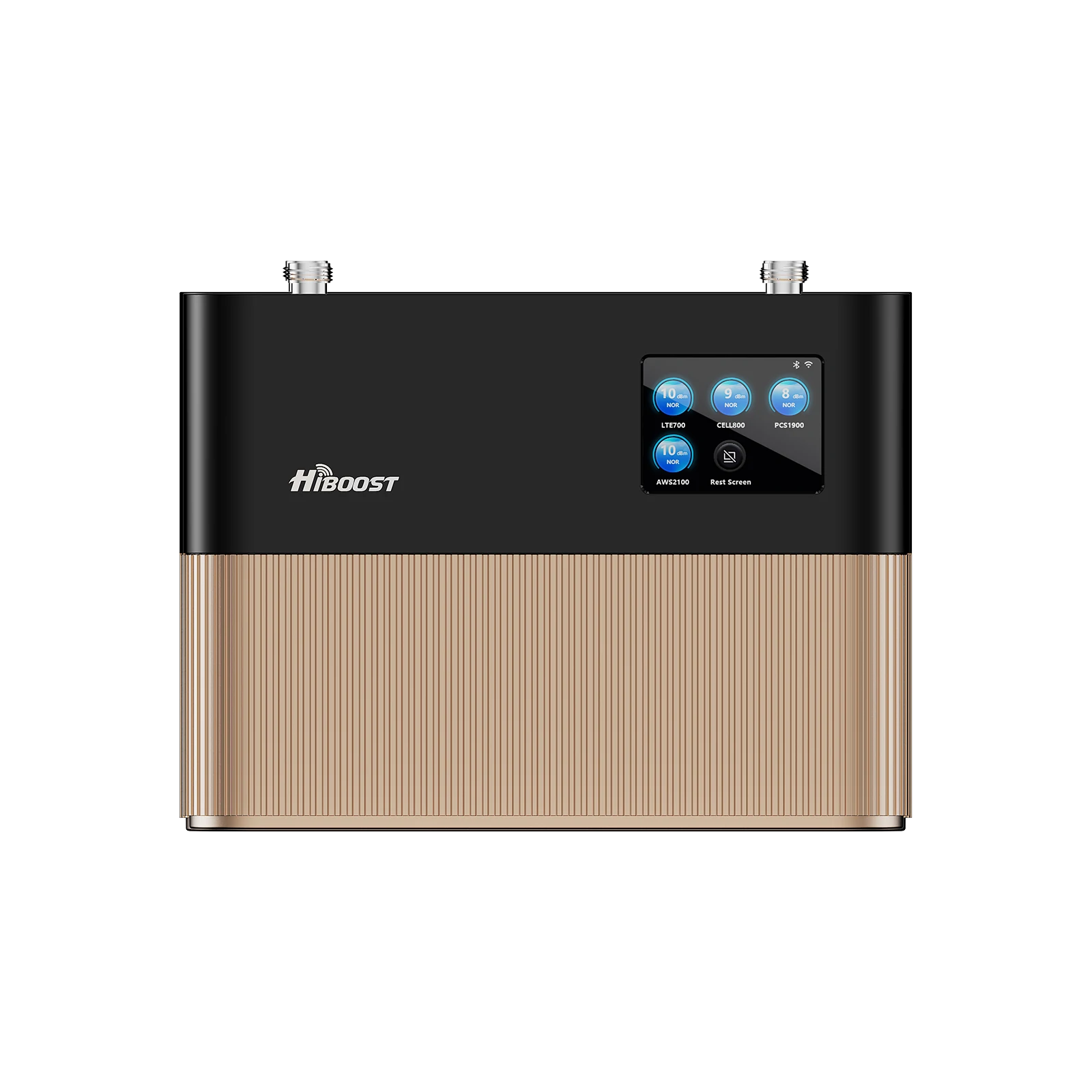
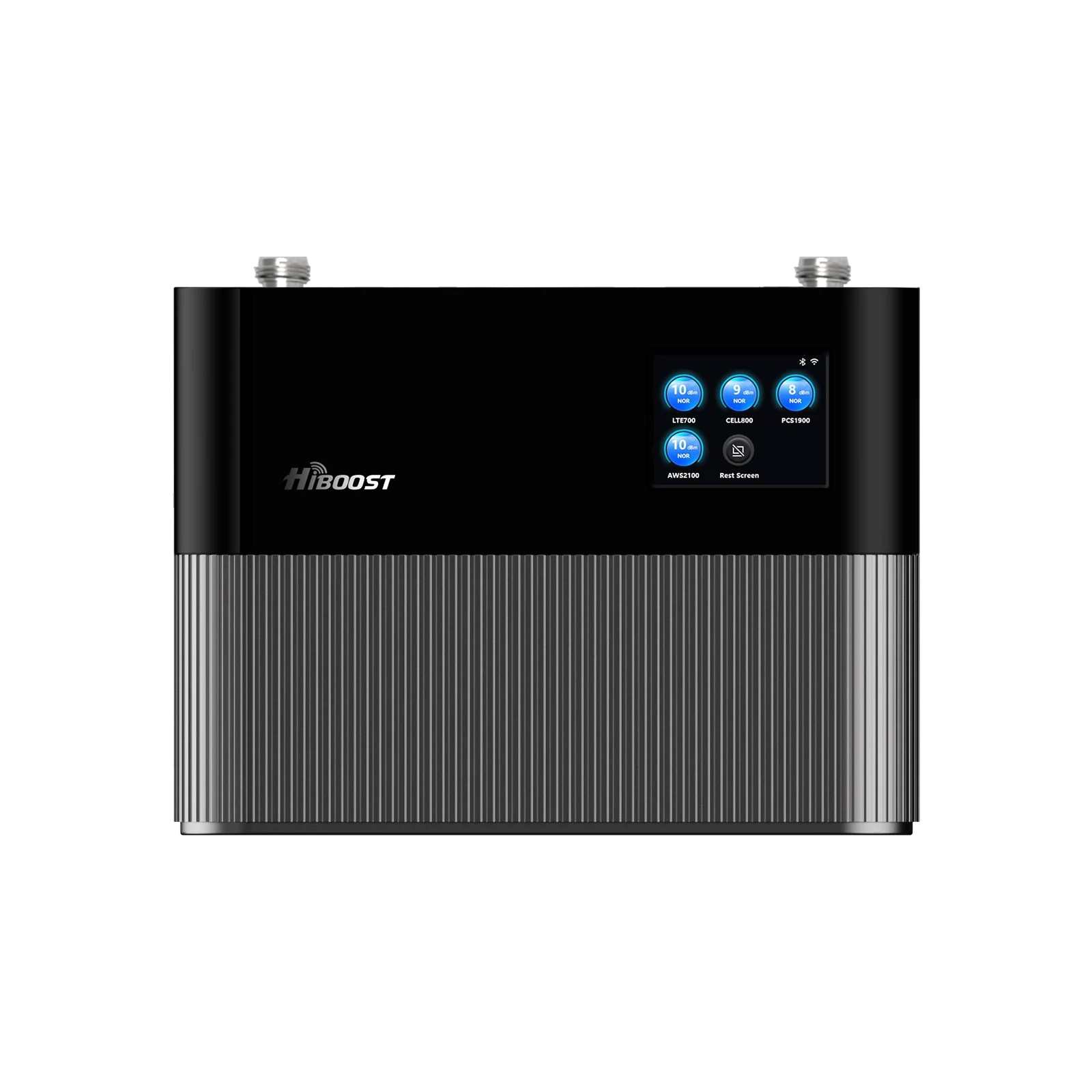
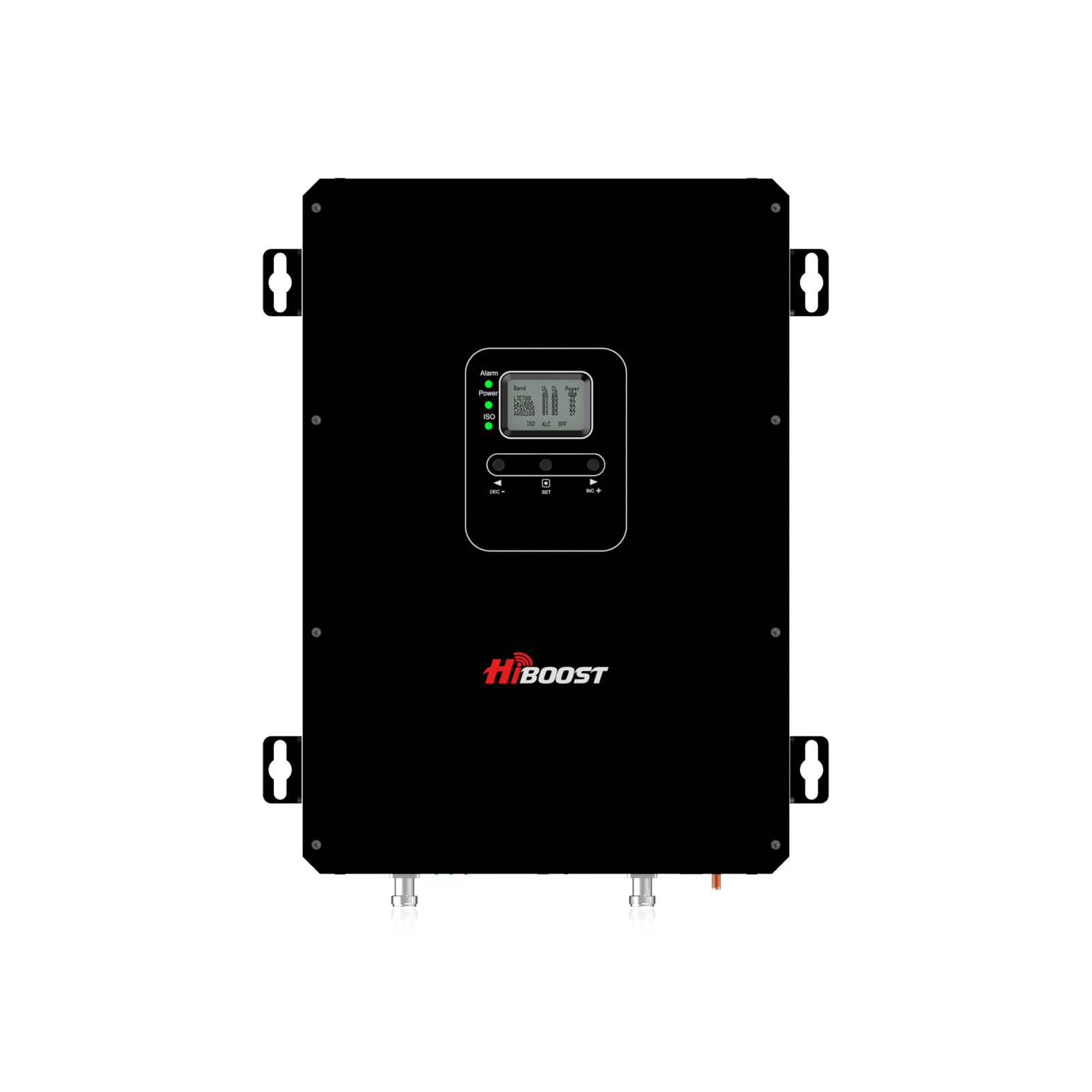
- Large homes/rural (~7,000–15,000 sq ft): HiBoost 15K Smart Link Deluxe. Covers roughly 7,000–15,000 sq ft. This is a top-of-the-line home booster with multiple indoor antennas to spread signal. It’s ideal for very large houses or rural properties where you want every room covered.
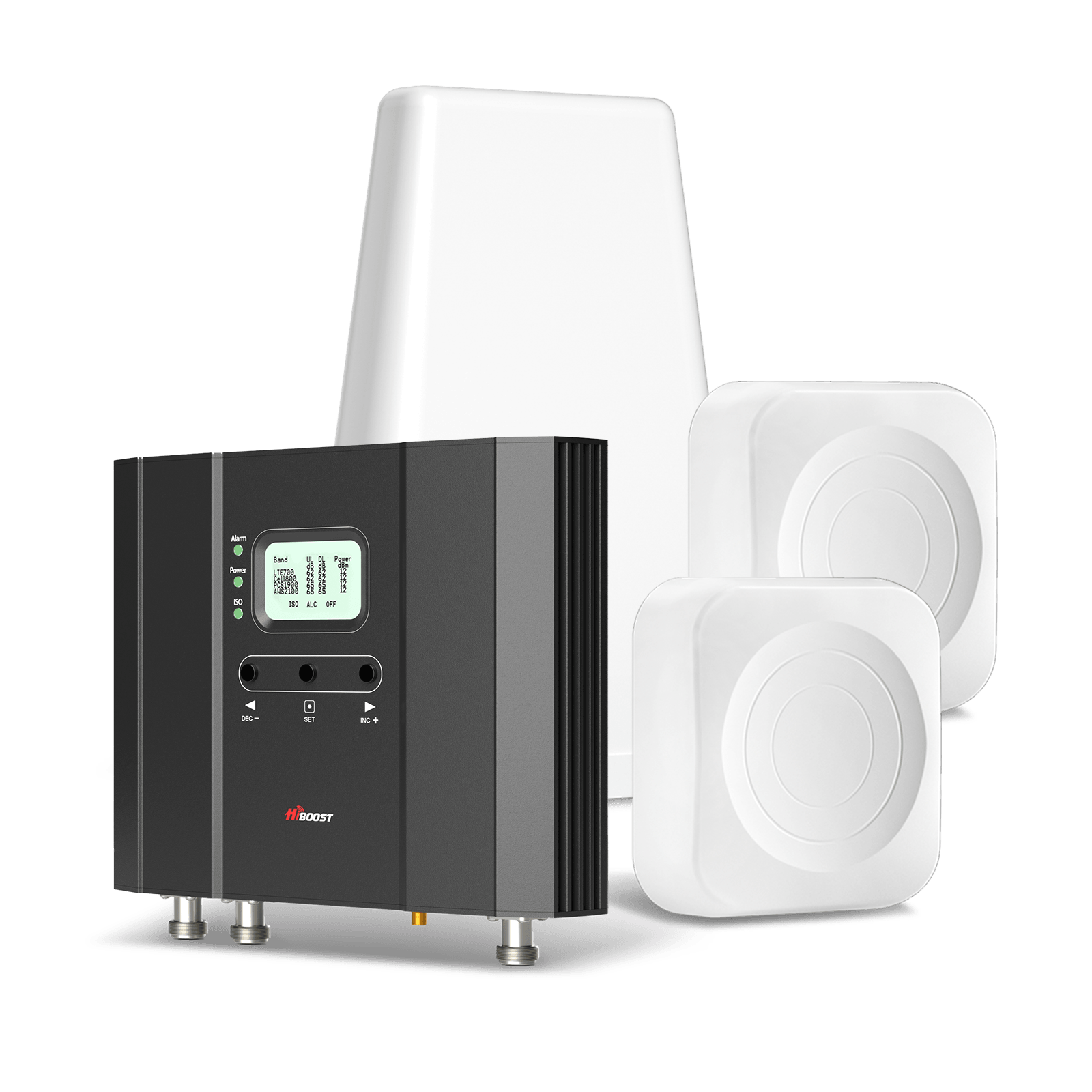
HiBoost 15K Smart Link Deluxe Cell Booster
Covers 7,000-15,000 sq. ft.
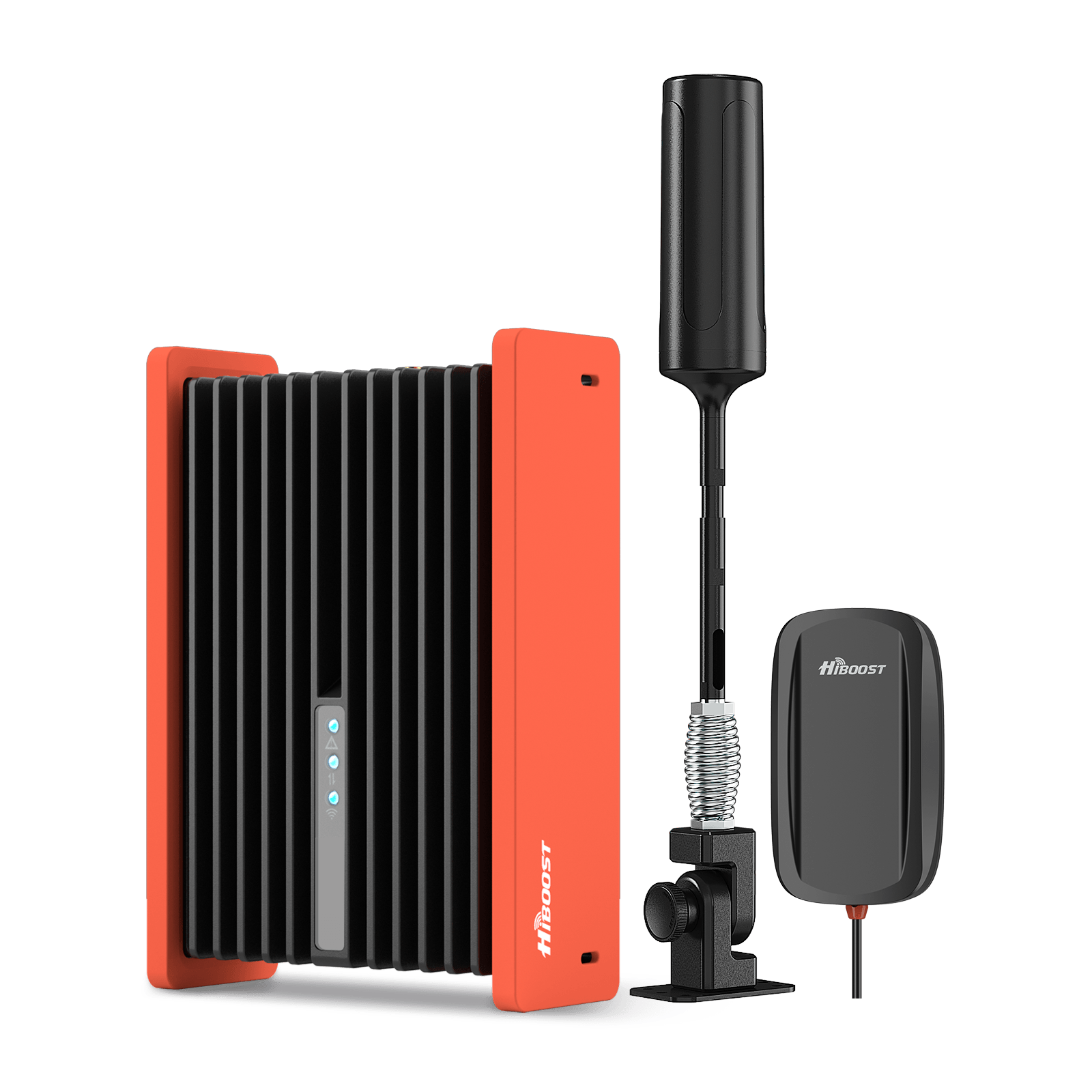
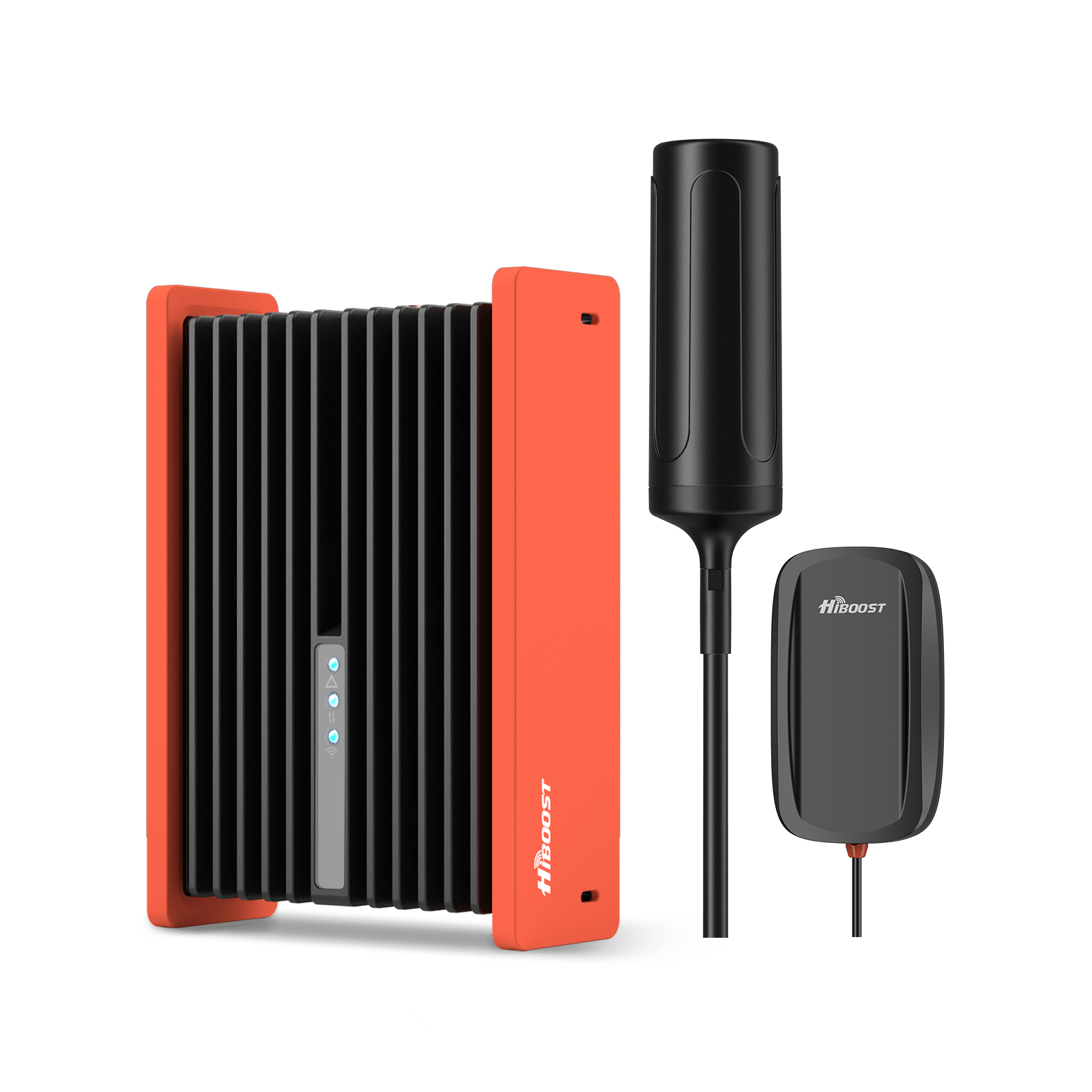
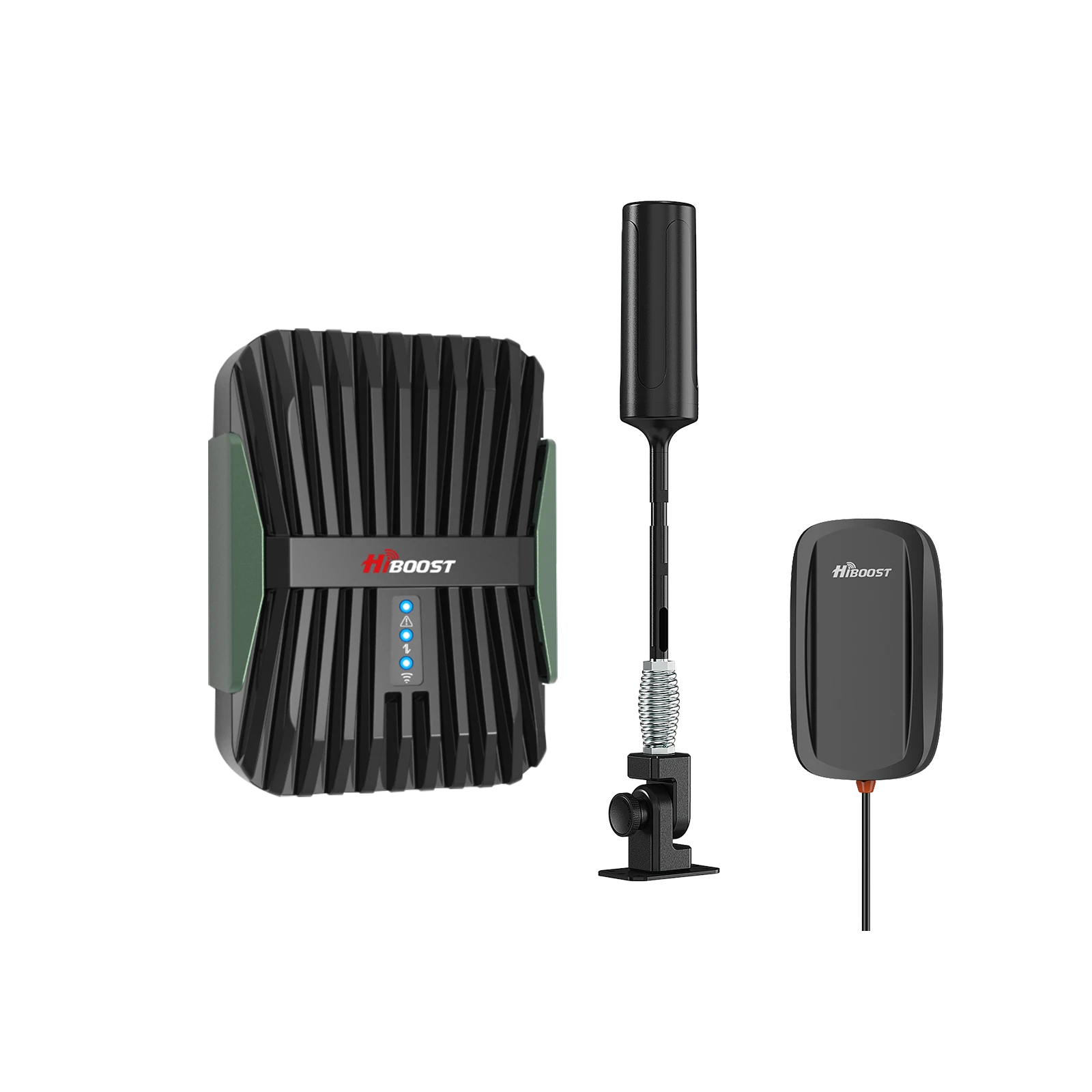
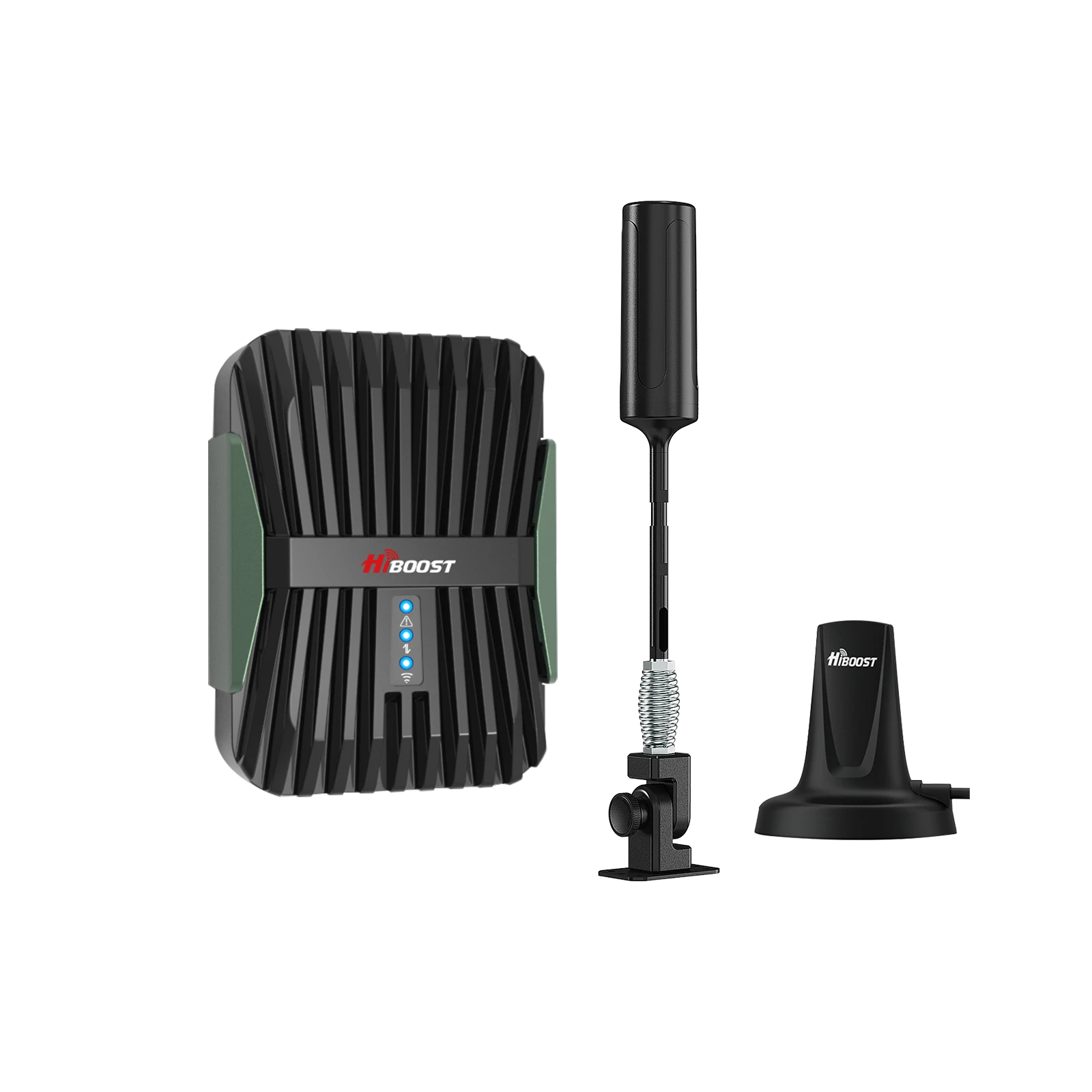
- RVs & campers: HiBoost Travel 3.0 RV. A 50 dB mobile booster kit designed for RVs, motorhomes, and camper vans. It includes an outdoor antenna (often mounted to the RV exterior) and an indoor antenna. It boosts signals for calls and data while driving or parked.
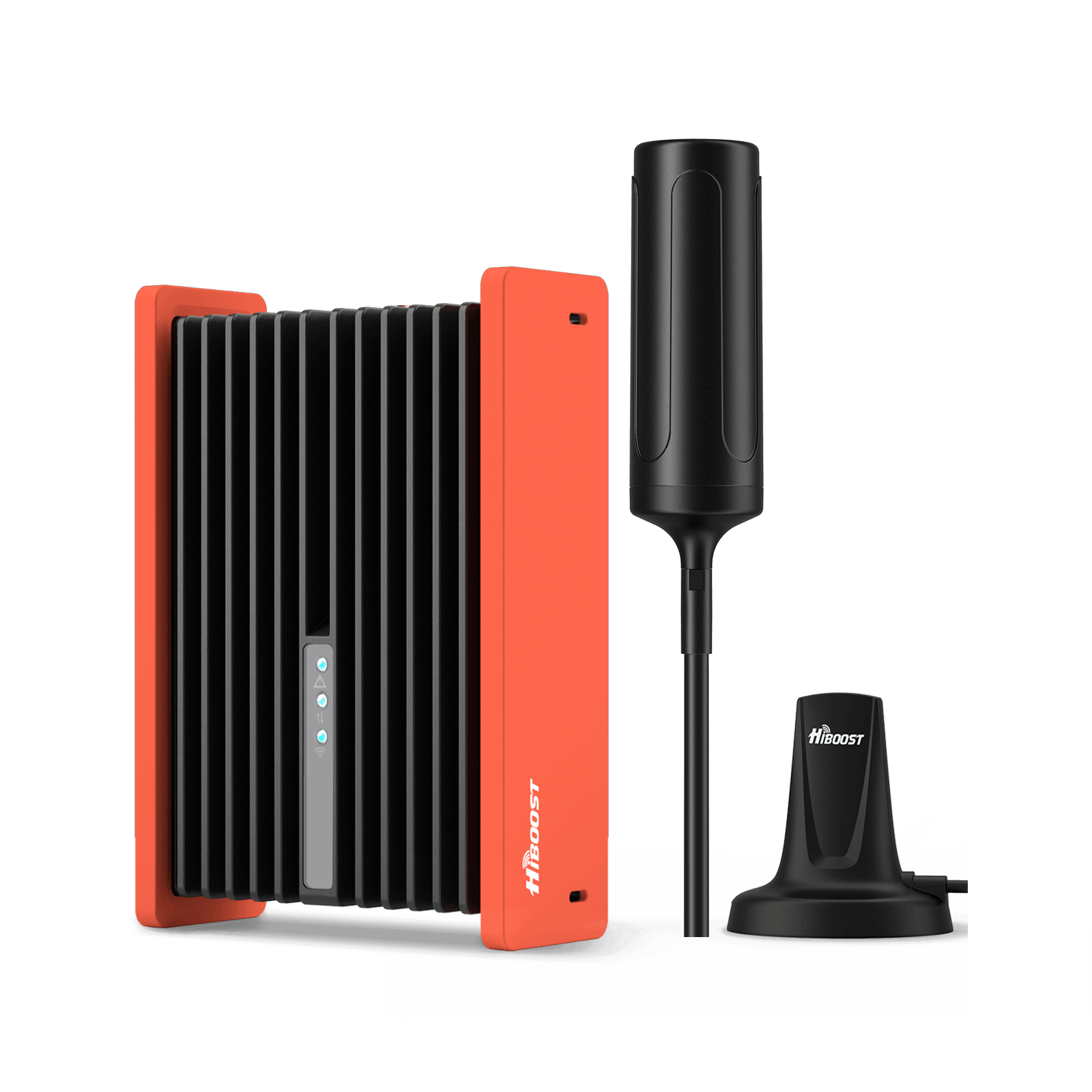
HiBoost Travel 3.0 RV Cellular Signal Booster
For RVs, campers, motorhomes, travel trailers, vans, and mobile homes
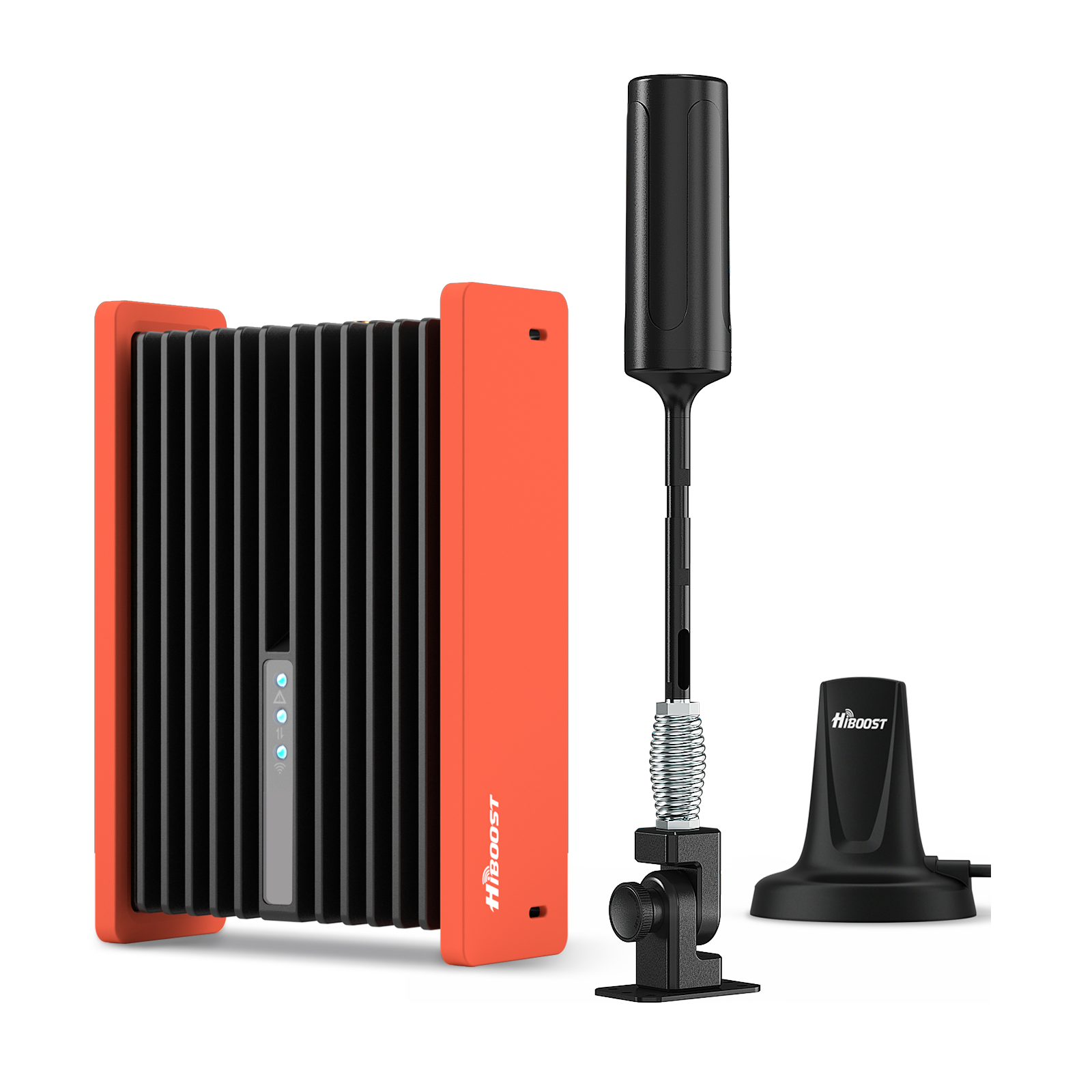
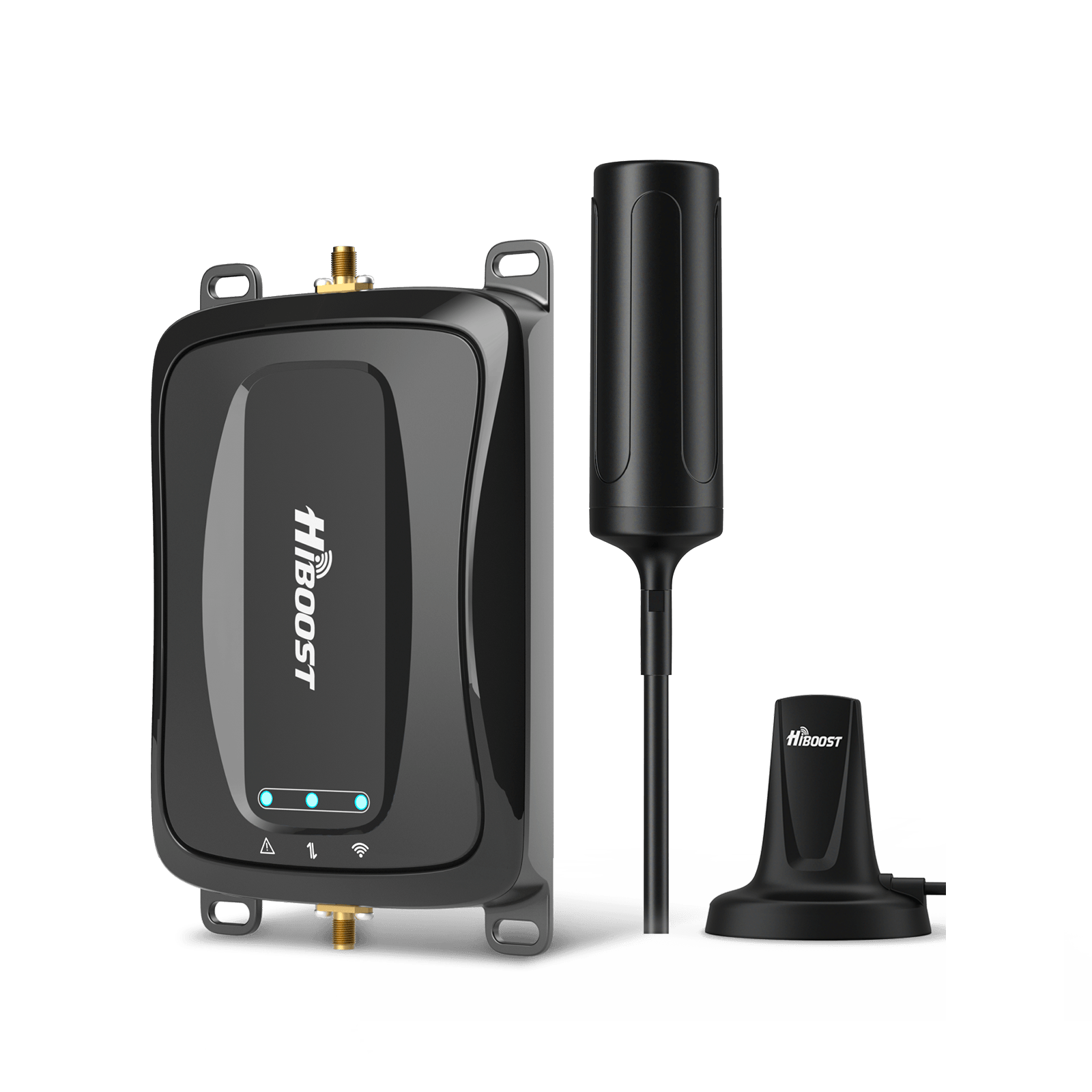
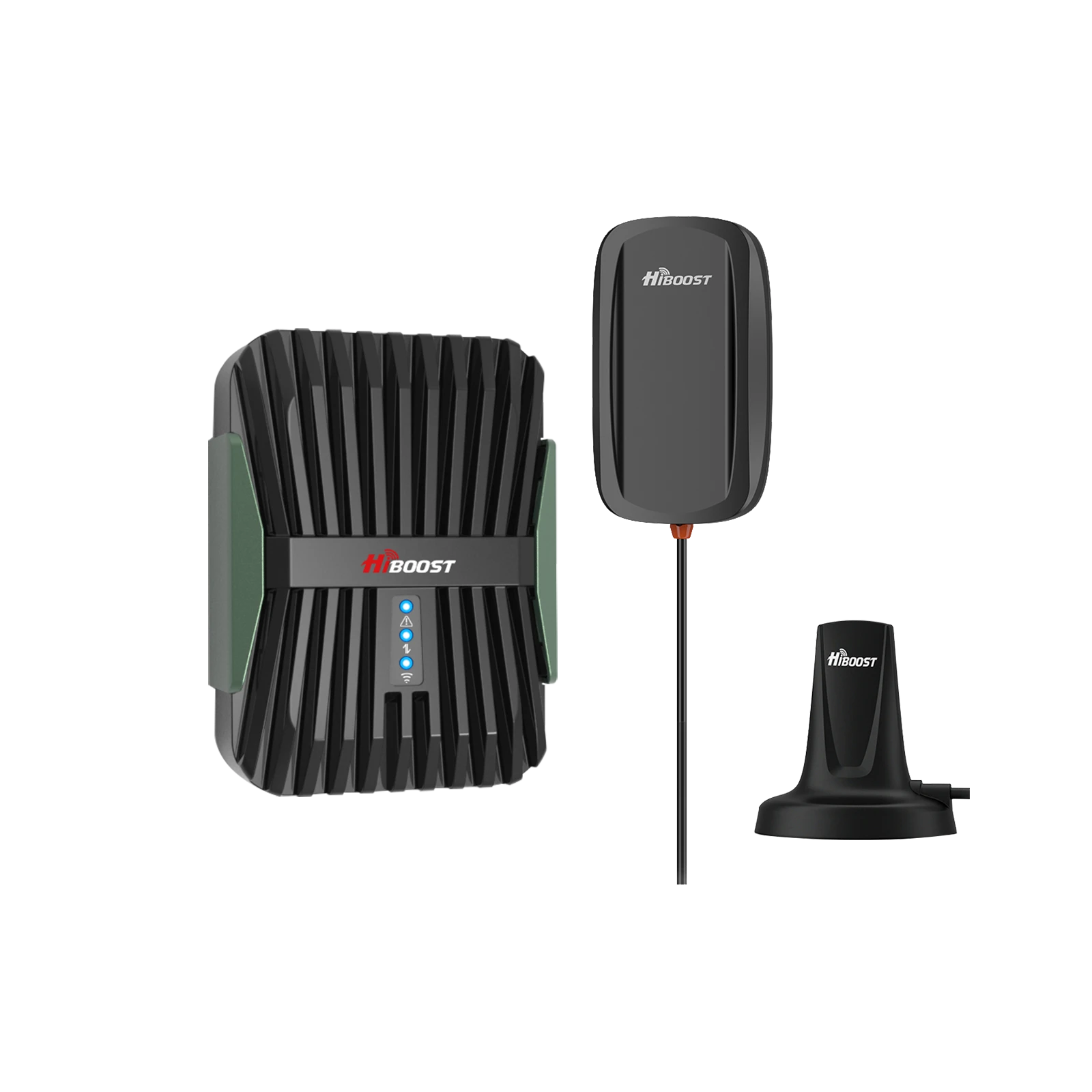
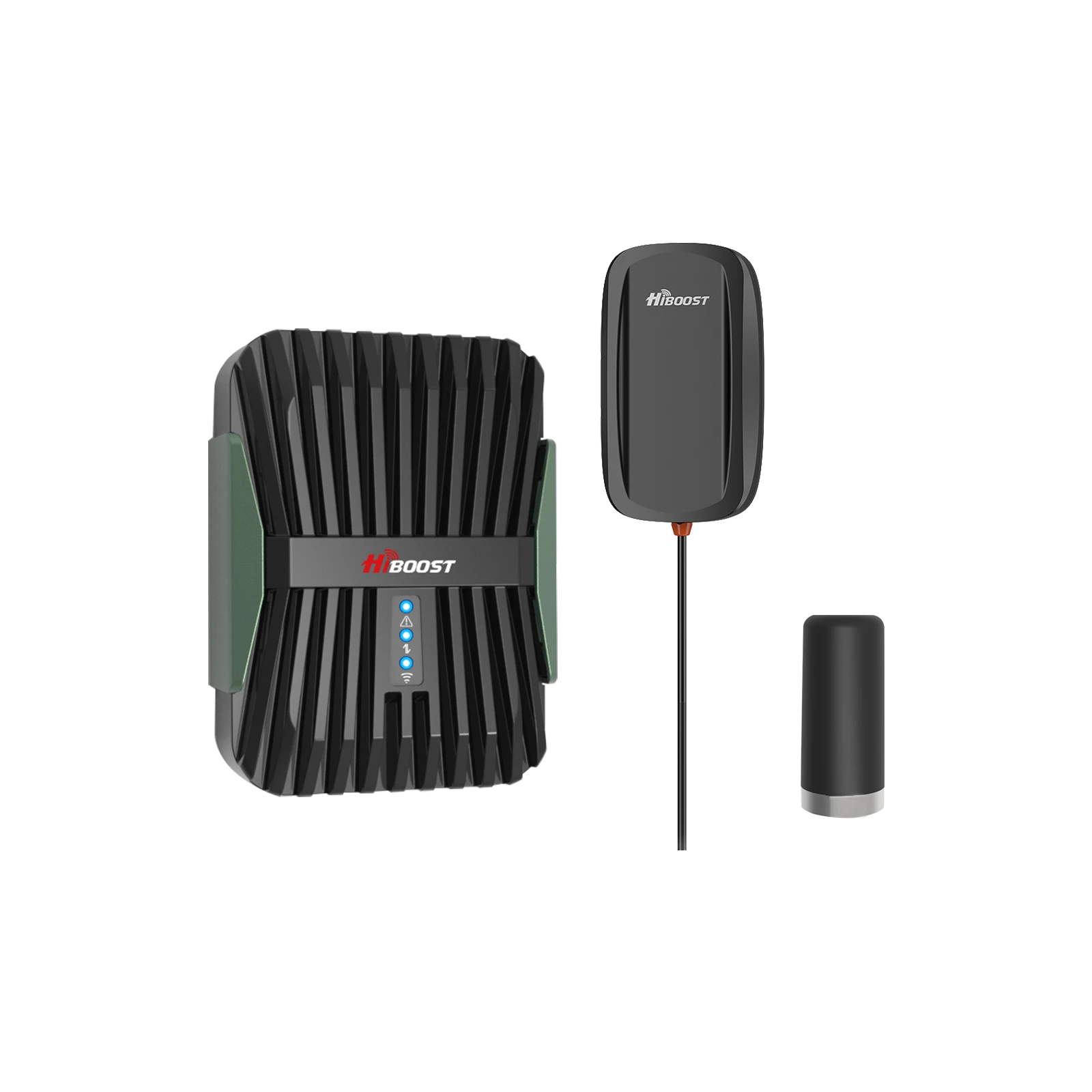
- Cars & trucks: HiBoost Travel 3.0 Car/Truck. A 50 dB booster kit for standard passenger vehicles. It plugs into your 12V outlet and uses a magnetic rooftop antenna, turning a 1–2 bar signal into 3–4 bars in the cabin. For larger trucks, HiBoost has a “Truck” variant with an extended-range antenna. These are perfect for commuters or truckers who often pass through spotty areas.
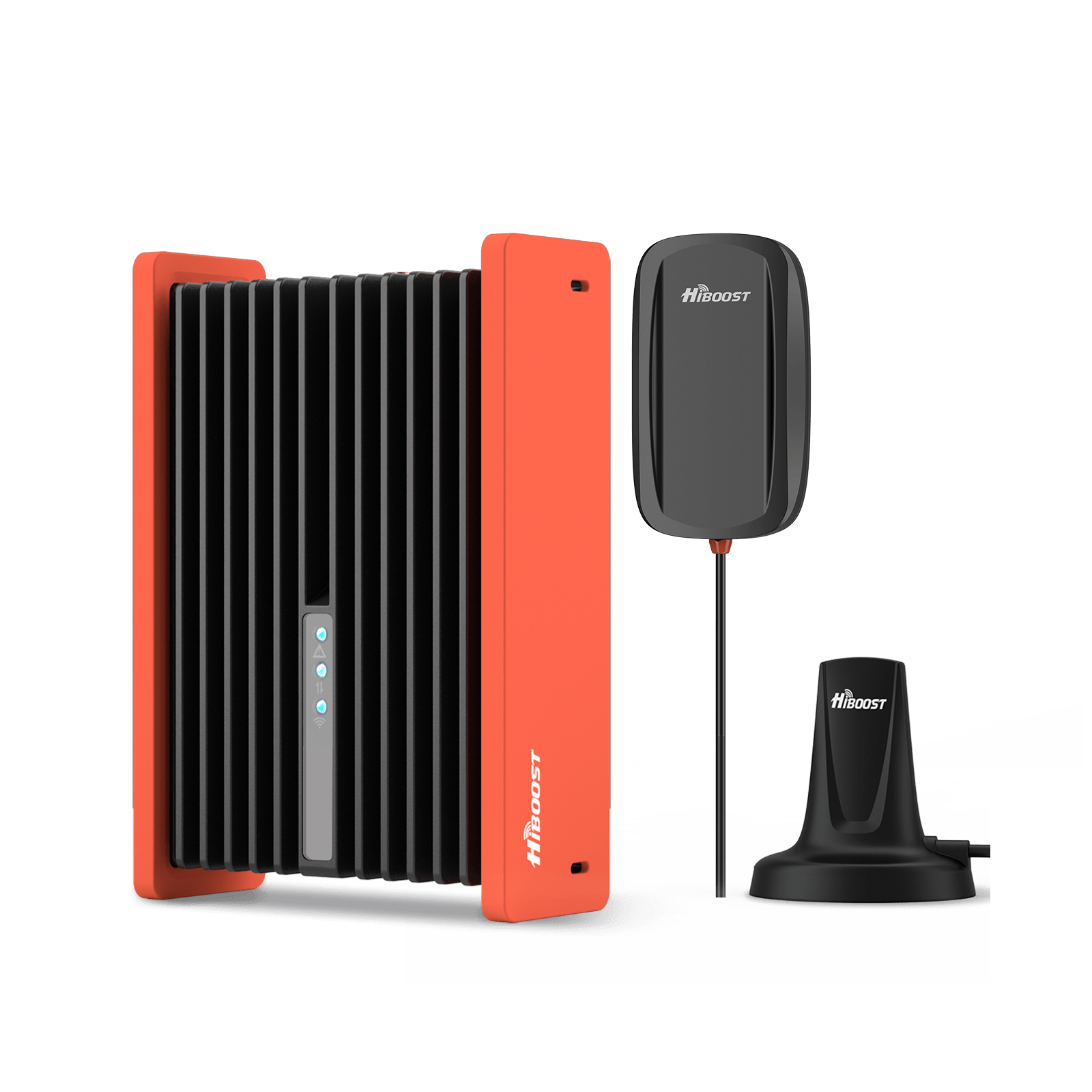
HiBoost Travel 3.0 Car Cell Phone Booster
For passenger cars, vans, mini trucks, pickups and SUVs
8. Advanced Solutions (When Boosters Aren’t Enough)
If you truly have no T-Mobile signal outside your home, a booster won’t help because it can’t create a new signal. At that point consider:
(1) External MIMO antennas on a 5G router: as noted, a 4×4 directional antenna can multiply throughput and link quality.
(2) Multi-carrier redundancy: some users add a second carrier’s connection for failover.
(3) Satellite backup: T-Mobile is actively working on this. In late 2024 the FCC approved SpaceX’s Starlink satellites to work with T-Mobile’s network.
Together they aim to cover the 500,000+ square miles that T-Mobile says are “unreachable by towers”. At the moment only basic texting is enabled, but voice and data over satellite aren’t expected until 2025 or later. In other words, full-scale satellite phone coverage is coming mid-decade, but for now it remains a future fix rather than a ready solution.
9. Troubleshooting Checklist
- Check your signal level in dBm. If it’s very weak (<–100 dBm), you need a stronger signal.
- Compare indoors vs outdoors. If the signal is much better outside, it’s a penetration issue. If it’s poor outside too, it’s a coverage issue.
- Test at peak vs off-peak times. If performance crashes during evening rush but the signal level is the same, congestion is likely the problem.
- Turn on Wi‑Fi Calling (in Settings) as a quick fix for indoor voice/text.
- Toggle Airplane Mode or reset network settings on your phone. This refreshes the connection to the network.
- Try LTE-only mode. Low-band LTE may hold a connection better indoors.
- If you get any outdoor signal, consider a certified booster. If you have zero signal outdoors, a booster won’t work, look to antennas or satellite alternatives.
10. Frequently Asked Questions (FAQ)
Q1: Does T-Mobile support signal boosters?
Yes. T-Mobile allows consumer boosters and provides a registration process for them. All carriers (including T-Mobile) require that booster installs be registered so they don’t interfere with networks.
Q2: Why is 5G weaker indoors than LTE?
Because 5G uses higher frequencies than most LTE. T-Mobile’s low-band 5G (600 MHz) penetrates walls well, but its mid-band (2.5 GHz) and mmWave layers do not. As T-Mobile explains, low-band signals “pass through more obstacles,” while higher-frequency layers are “easier to block”. So an LTE or 600 MHz 5G signal can reach deep indoors where a 2.5 GHz 5G signal may not.
Q3: Do boosters work for 5G?
Partially. Modern boosters primarily amplify LTE and low-band 5G. They “cannot fully amplify the mid-band or millimeter-wave 5G signals” used by U.S. carriers. However, they will improve your phone’s LTE and lower-frequency 5G reception, which in turn makes data and calls more reliable.
Q4: Can T-Mobile dead zones be fixed permanently?
Often yes, depending on the cause. If it’s a building-related issue, enabling Wi-Fi Calling or installing a booster can essentially “fix” the dead zone for calls and data in that building. If it’s terrain or tower distance, you can mitigate but not fully eliminate it everywhere. In remote areas you may need external antennas, multiple carriers, or eventually satellite service. Plan for reliable voice/data rather than expecting full-speed 5G everywhere.
Q5: Are boosters legal and FCC-approved?
Yes but only if they are FCC-certified and properly registered. All boosters sold in the U.S. must be FCC-approved and adjusted so they don’t disrupt networks. As long as you buy a reputable FCC-certified model and register it with T-Mobile, it is legal and safe to use.
11. Your Path to Reliable T-Mobile Coverage
In the end, most T-Mobile dead zones come down to one of three things: too much distance/terrain, too much building blockage, or too many users on the cell. Once you diagnose which is affecting you, the fix is straightforward. First use free or low-cost solutions. If you still have service outside but not inside, a certified signal booster with a well-placed outdoor antenna can often restore coverage throughout your home.
If you’re truly out of tower range, consider external 5G antennas or multi-network solutions. Keep expectations realistic: the goal is reliable calls and usable data, not maximum possible speed in every corner. With the right approach, you can significantly shrink or even eliminate your dead zones on T-Mobile in 2026.
Recommended Reading
Why Is My T-Mobile Signal So Weak? 10 Common Causes & Fixes
AT&T vs T-Mobile vs Verizon Signal: Who Has the Best Coverage in 2026?
How to Improve Indoor Cell Signal Without Switching Carriers
Do Cell Phone Signal Boosters Really Work? Full Breakdown (2026)
Best Cell Phone Signal Boosters for T-Mobile in 2026
How To Boost Cell Phone Signal in a metal Building
How Buildings Block Cell Signals (and What You Can Do About It)
Car/Suv,RV,Truck,Vehicle


Our Home Signal Booster


Popular Articles

Leave a comment
All comments are moderated before being published.
This site is protected by hCaptcha and the hCaptcha Privacy Policy and Terms of Service apply.