
AT&T is facing signal issues and even after updating the network, most of the users in 2026 have these problems of dropping calls and slow data due to the weak signals. These problems create a great disturbance in daily life, as the calls from work get missed and continuous unplayable streams that keep buffering only.
Strongly affecting real-world problems like calls from the family members keep missing during the emergency situations, unstable setups of working from home in which Zoom lags and emails fail and cannot be sent in time. And the internet is very slow for online classes and video meetings.
American Telephone and Telegraph (AT&T) is providing its services to 100 million mobile subscribers nationwide. But the data of year 2024 by the Federal Communication Commission (FCC), shows that the current coverage gaps in rural farmlands, urban dead zones between the towers and even some downtown buildings with thick walls block these radio waves.
1. Understanding AT&T Signal Problems at the Frequency Level
AT&A signals fail differently across frequency bands due to physics. The low-band penetrates the best but slowest, mid-band balances speed/coverage, and high-band is the fastest but shortest range. Low-band LTE/5G (Bands 12, 14, n5 - 600-850 MHz) excels in rural penetration up to miles but caps speeds at LTE-like 20-50 Mbps due to narrow bandwidth.
Mid-band LTE/5G (bands 2, 30, 66, n77 -1700-3700 MHz, including C-band 3.45-3.7 GHz) drives urban 100-500 Mbps but weakens indoors by 20-30 dB through walls.
High-band mmWave (limited AT&T: n258/n260/n261 at 24-39 GHz) hits 1+ Gbps in stadiums but drops to zero beyond 500 feet or glass.
1.1 Common Symptoms

Creating the issues like, calls are automatically cut during the conversation, text messages take a long time of minutes or even hours and for the basic applications like email and maps the data speed becomes slower by going below 1 Mbps and the weak signals of AT&T are shown on your mobile screen as a single bar only or saying “No Service.”
The endless streaming applications that only keep buffering and the important conversations with pausing video calls are some of the issues that the users often notice as worst results indoors as compared to outdoors.
As the network traffic increases in the evening, these symptoms also get high by converting the normal connection in the morning to a disappointing evening in cars, offices, and homes.
1.2 Why Signals Can Be Weak
The radio waves disappear and do not reach your phone, AT&T signals become weak because of the distance from the nearest mobile tower, specifically in the rural areas that are miles away from the infrastructure.
Brick exteriors, metallic roofs, concrete walls, and low-E energy-efficient windows are the building materials that reflect or absorb the mobile frequencies by decreasing the indoor strength by 20-3 dBm even if it is good outdoors.
Specific issues related to the mobile phones like unupgraded software, heavy covers, damaged antennas, gather these issues by stopping the optimal tower handoffs.
Also the network problem starts when hundreds of the devices overload a one and only tower during the rush hours, holidays or events and the lands like dense forests, hills and valleys naturally block the ways.
1.3 How AT&T Coverage Compares
| Coverage Metric | AT&T | Verizon | T-Mobile |
| 4G LTE Land Coverage | 58% | 56% | 43% |
| 5G Land Coverage | 29% | 9% | 36% |
| Rural Performance | Good 4G | Strong Rural | Variable 5G |
| Median Download Speed | 150 Mbps | 140 Mbs | 238 Mbps |
2025 OOkla tests show that with growing mid-band 5G, AT&T balances the wide 4G range, and better performance of T-Mobile in some urban areas but tracking Verizon in the locations that are unreachable.
Want to know what will work for you the best? Click the button below and explore.
2. How to Diagnose AT&T Signal Issues
2.1 Simple Tests

The diagnoses begin with the basic checking of disconnected phone, location or network problems. For 30 seconds, switching “Airplane Mode” on and then turn it off, for a tower refresh forcefully, also dial the test codes like 3001#12344# for iPhone users and ##4636## for Android users, to access field test mode revealing precise RSRP (dBm), SINR (dB) instead of inaccurate bars. Signal bars vary by device/OS; pros use these matrics: RSRP> -80 dBm strong, -110 dBm marginal; SINR > 10 dB good data; RSRQ > -10 dB low interference.
| Metric |
Excellent |
Good |
Fair |
Poor | Booster Viable? |
| RSRP (dBm) |
> -80 |
-80 to -90 | -90 to -100 | < -100 | Yes if > -110 |
| SINR (dB) | > 20 | 13-20 | 0-13 | < 0 | Needs high-gain antenna if low |
| RSRQ (dB) | > -10 | -10 to -15 | -15 to -20 |
< -20 |
Improves with less interference |
2.2 A Real-World Field Test
A Youtuber (Tech Life Channel) conducted a real-world test for AT&T’s 5G network at a busy shopping center on the east side of town,
To eliminate the hardware glitches, switch your SIM in another AT&T device. By using the applications like Ookla, run the speed tests in different areas at different times and note the download and upload speed. Update carrier settings automatically when prompted, as these tune your phone to the local towers.
All on 5G+ with Cand, amid heavy traffic; RSRP was moderate but not ideal in the final spot due to site density half a mile apart. High latency persisted across tests, attributed to network issues beyond tester control. Here are the speed test results he got:
| Test No. | Location | Download (Mbps) | Upload (Mbps) | Latency Notes | Key Observations |
| 1 | Null zone, shopping center | 525 | 54-55 | High ping | Solid speeds despite null; busy area |
| 2 | In-sector alignment | ~525 or worse | Improved | Horrendous | Minimal downlink gain; usage impact suspected |
| 3 | Different sector, neighborhood | ~200-500 | Not specified | Still high | Lower speeds; indicates overload |
Results showed consistent but suboptimal performance; good uplinks variably, but downlinks capped below expectations for Cand/DoD setup.
2.3 Identify Dead Zones
By using the applications like Network Cell Info, test the problems of dBm and pings and map issues by walking, go from one room to another, upstairs, by the windows, logging bars, RSRP/SINR/RSRQ values, and outside.
Mark the areas like back of bedrooms and basements where the calls fail continuously, and compare the indoor vs outdoor readings, as if the inside readings drops to -110 dBm and the outside readings hit -90 dBm, 80% of the time the issue is that the building is blocking the signals.
Note the times of the day for congestion patterns and cross-check AT&T’s coverage map against your tests for accuracy.
2.4 Quick Fixes for AT&T Signal Problems
Restart Devices and Update Software

Power off your device for 30 seconds and then turn it on, as restarting clears temporary faults and reconnects to the strongest tower in seconds.
Also check for the iOS or Android updates with carrier settings in the phone menu, because these include AT&T fixes specifically for 2025 band support. Clean the ports for strong connections and remove thick or metallic covers that block antennas.
3. Why WiFi Calling Solves Symptoms - But Not the Core Problem
WiFi calling routes voice/text over internet, fixing drops in zero-bar zones without cellular signal, but fails for data/streaming (no mobile data boost) and during internet outages/power loss.
It makes weak cellular signals but doesn’t amplify native AT&T bands for full mobile broadband core issue persists outdoor/internet-free.
3.1 Enable VoLTE and WiFi Calling
Without dropping to weak 3G, VoLTE switches calls to 4G/5G data networks for clearer HD audio. Enable in Settings > Cellular > Voice & Data. WiFi Calling routes voice or text over home internet when cell signal dips, fixing 70% of indoor drops quickly, turn it on via Settings > Phone > WiFi Calling. These features work seamlessly together for hybrid reliability.
3.2 Move to Better Location
Try to move from inside concrete rooms, metal sheds, elevators to outdoors like windows and upper floors for the direct tower line-of-sight. While being inside cars, park them near open areas or slide down the windows to avoid metal barriers. If 5G is working unstable in your area then switch to LTE-only mode.
4. Advance Solutions for AT&T Signal Improvement
4.1 Install a High-Gain Outdoor Antenna
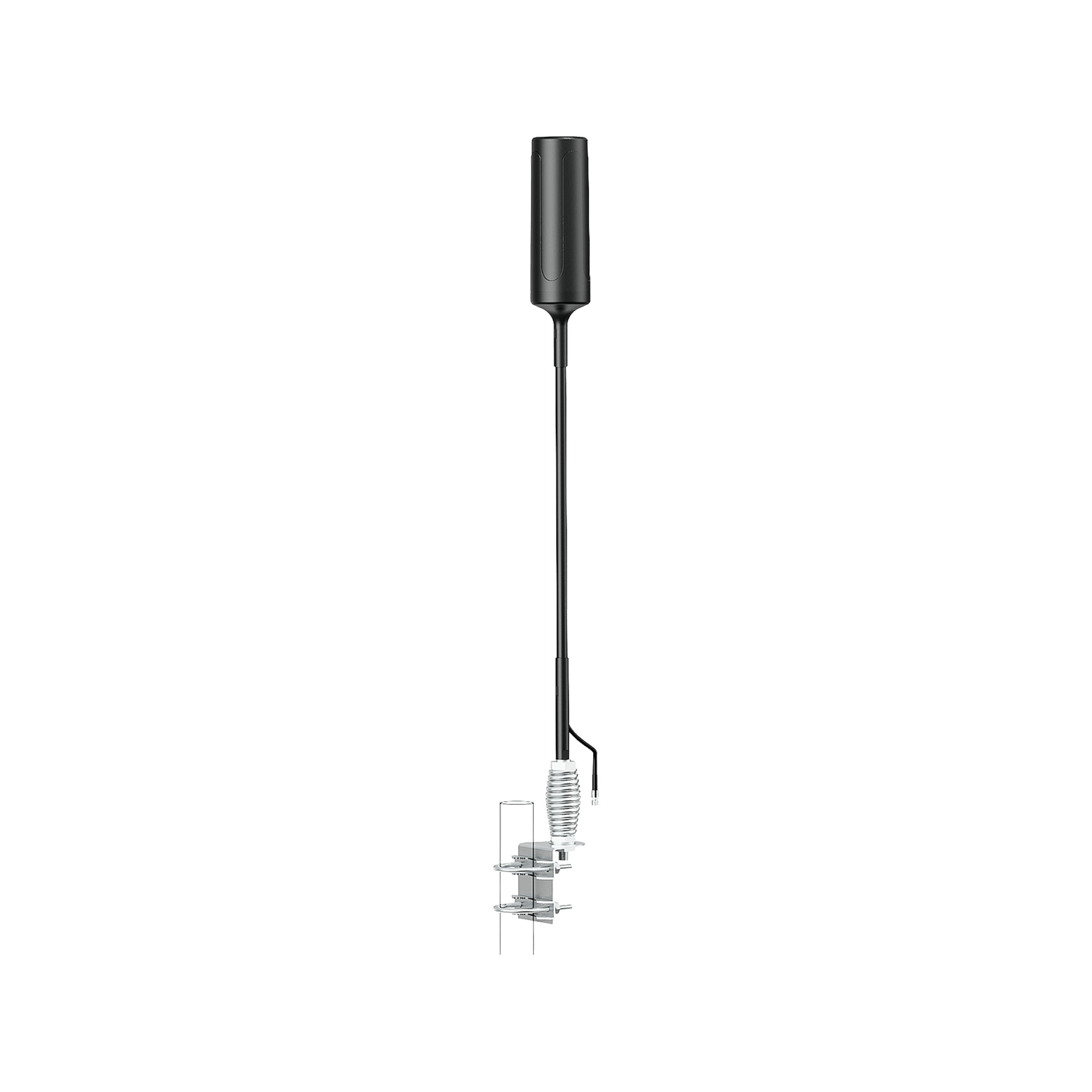
Parabolic grids or LPDA (Log-periodic Dipole Array) are the high gain directional antennas that capture AT&T signals from 5 to 15 miles by focusing 10 to 28 dBi gain on one tower direction across 600 to 6500 MHz bands.
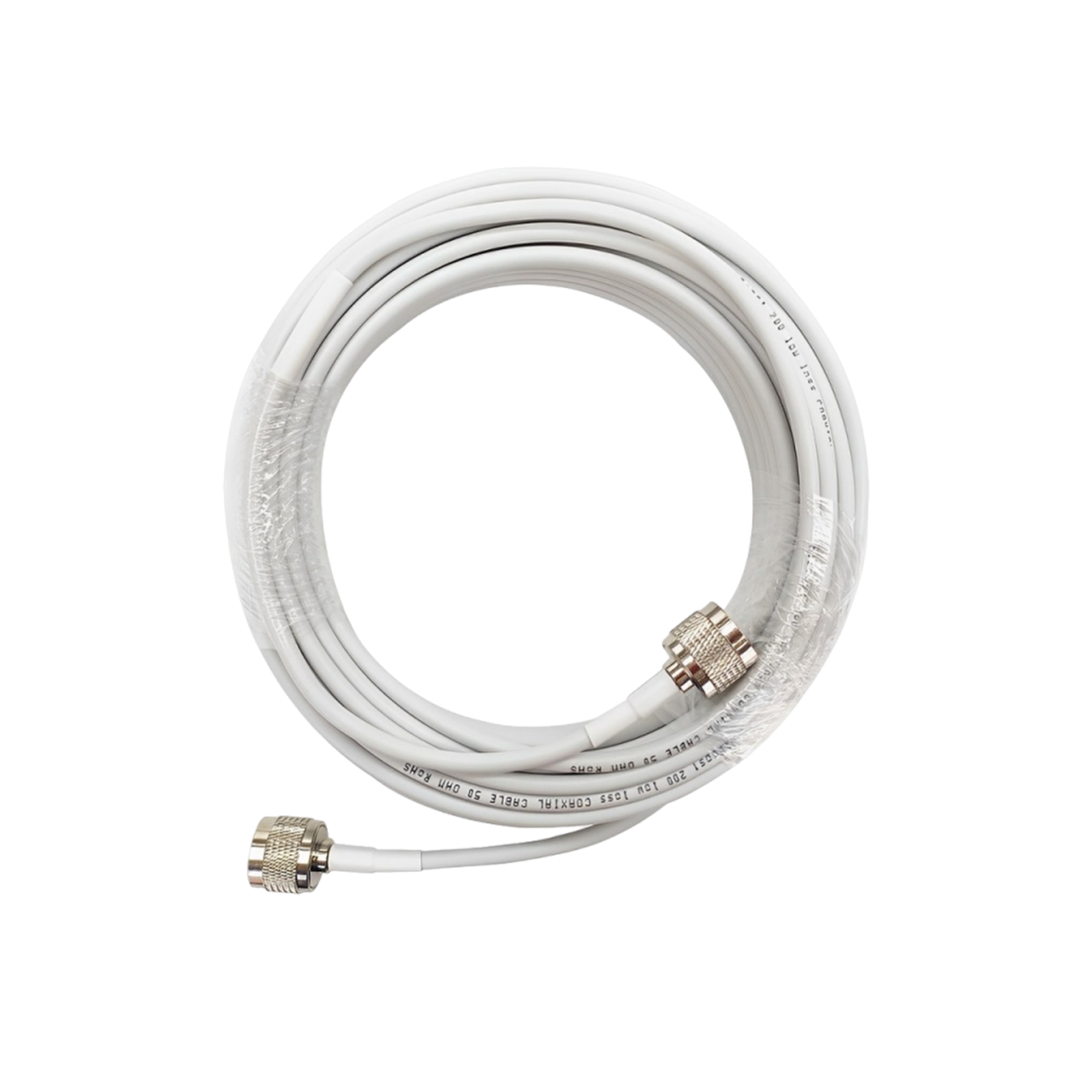
For maximum line of strength, place the antenna where there are no trees and at the height of 20 to 50 feet on roofs or masts by using the applications to focus precisely for strong signals. Connecting with the boosters or hotspots for -110 dBm to -90 dBm usable signal, run the low-loss LMR-400 coax cable under 50 feet indoors to minimize 3-5 dB per 100 feet loss.
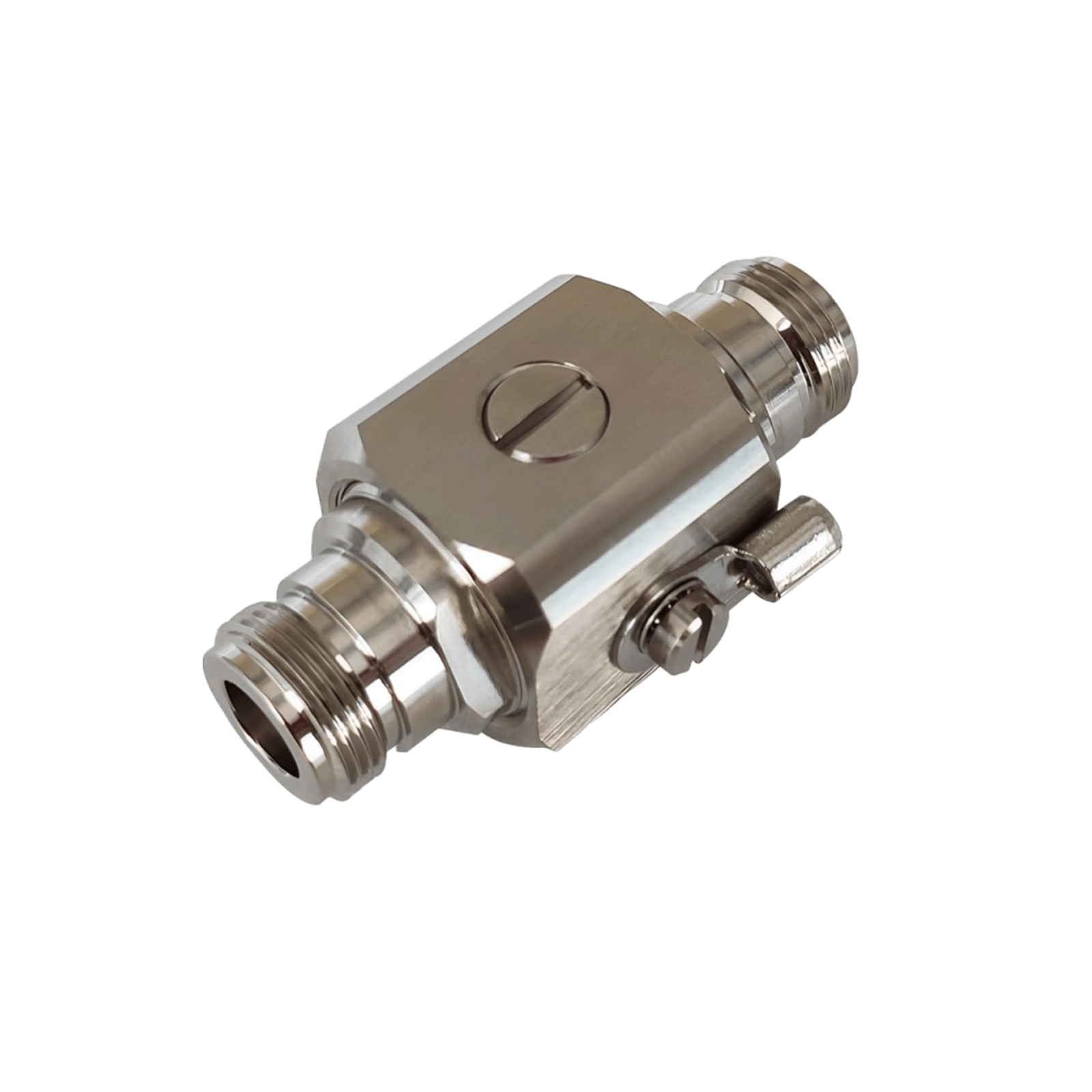
Weatherproof N-Female connectors handle 50 W input with VSWR <2.0 to prevent the reflections, offset focus slowly if overpowering is causing the overload. Pulling faint LTE or 5G before amplification, is best for rural farms or high rises.
4.2 Use a Carrier-Approved Cell Signal Booster
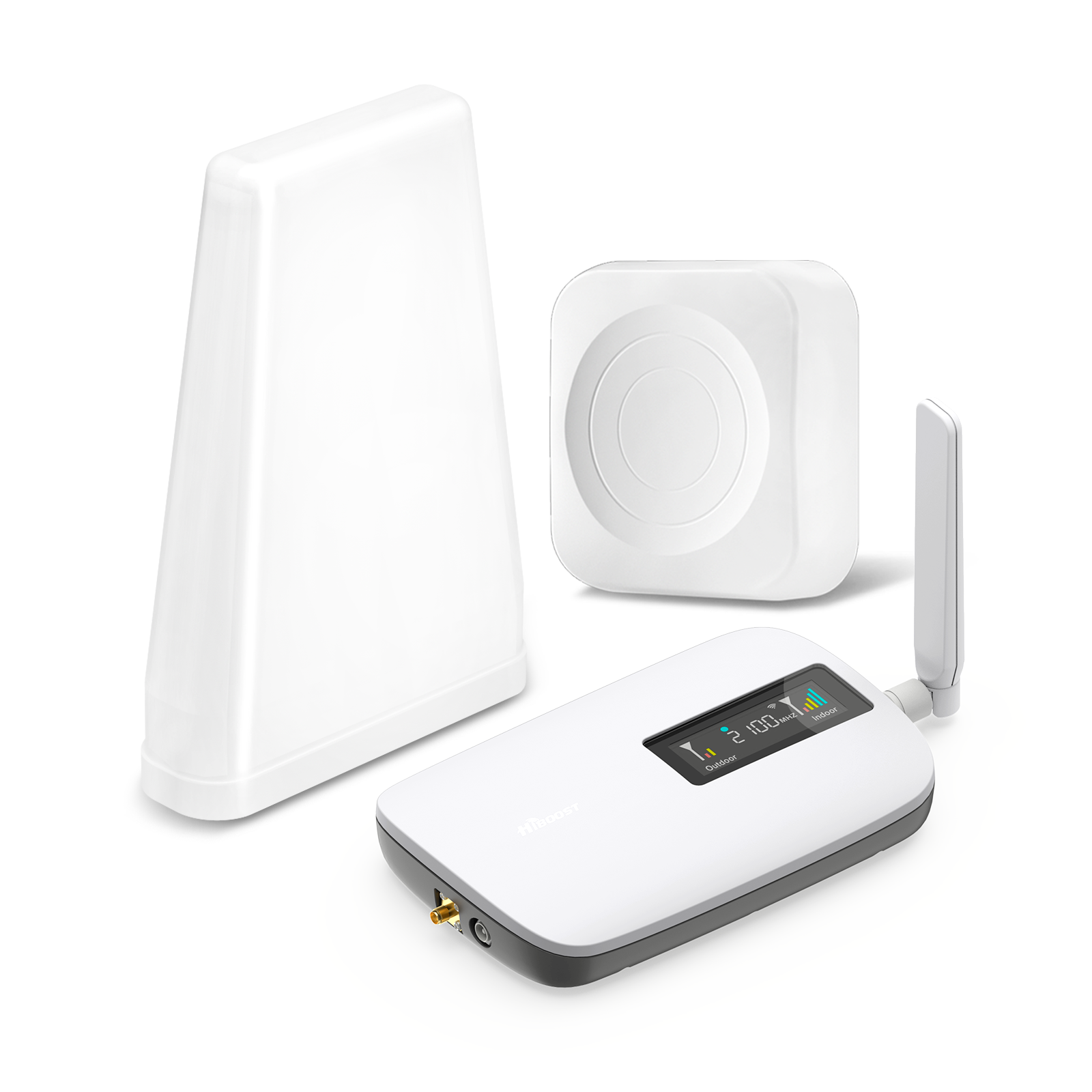
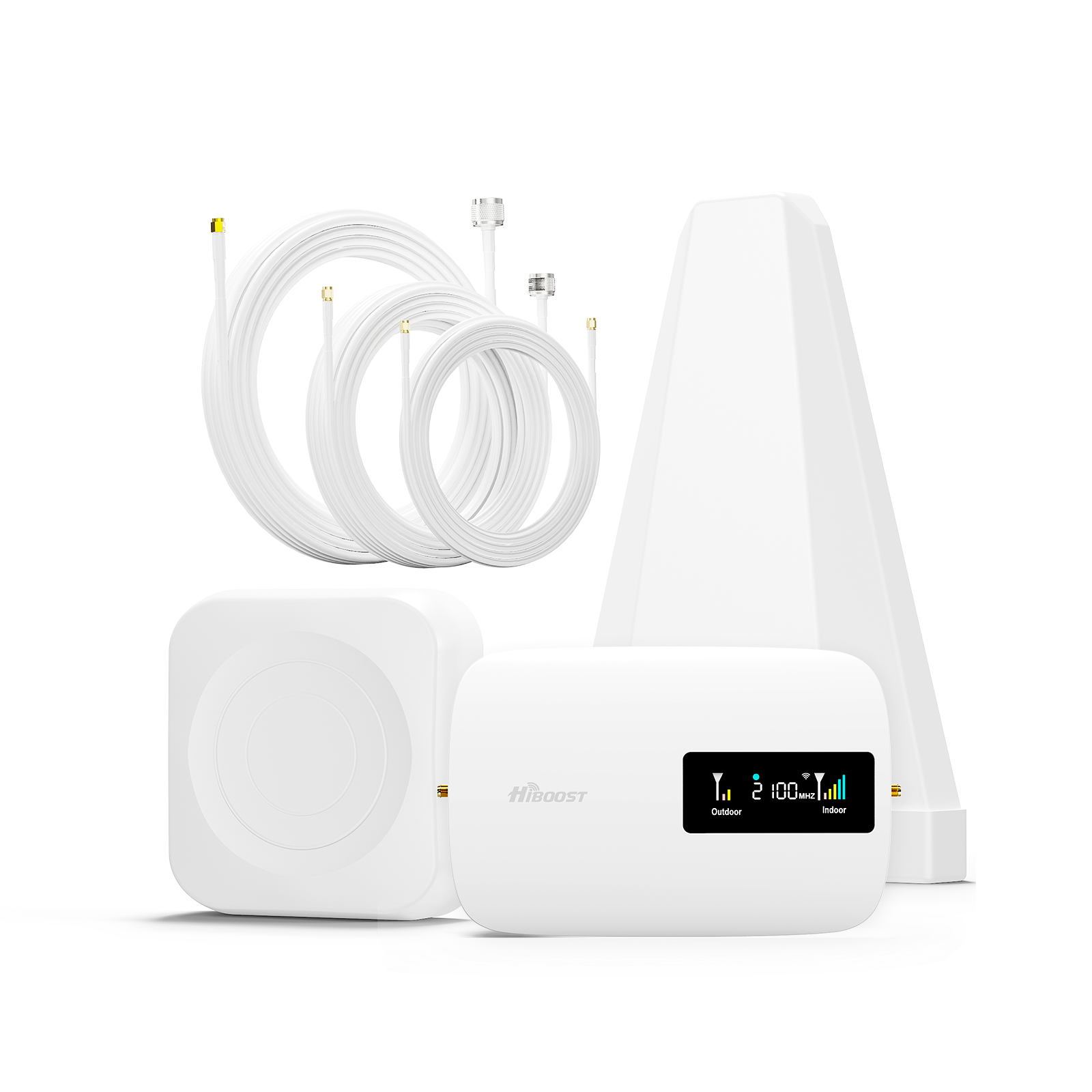
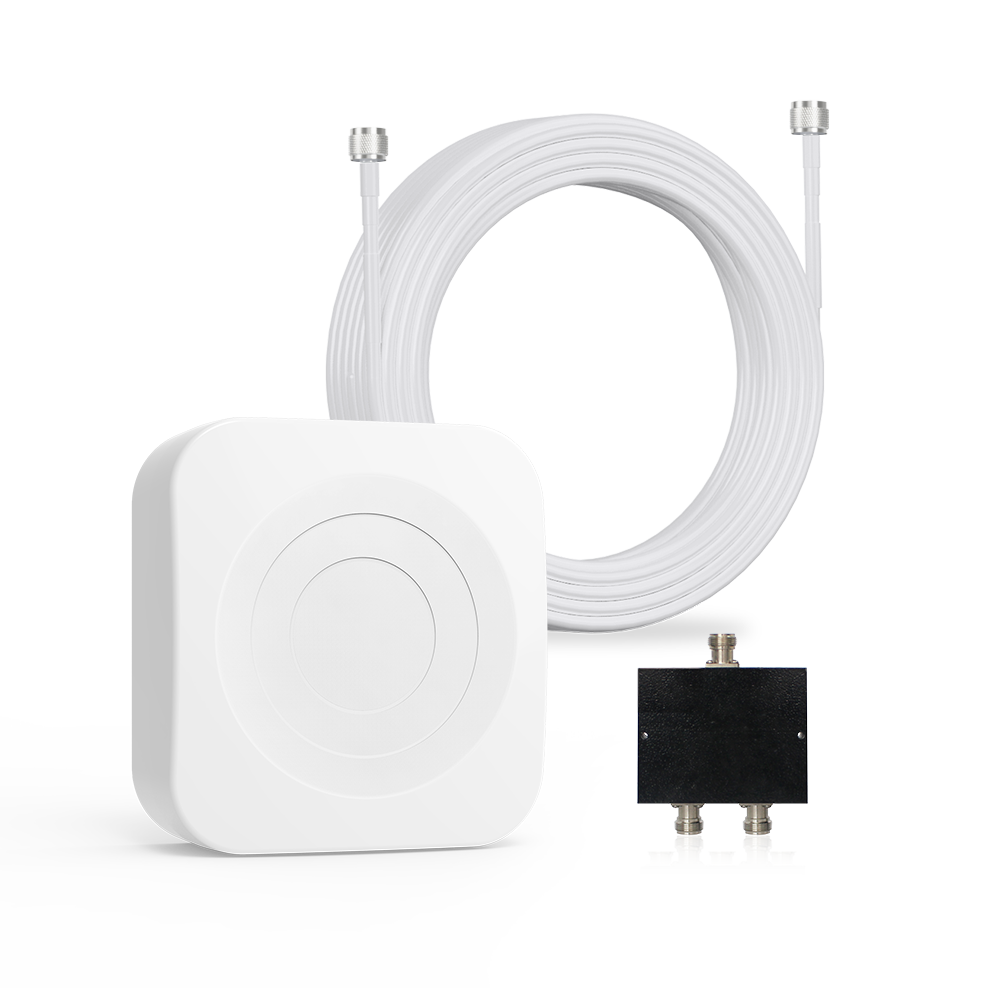
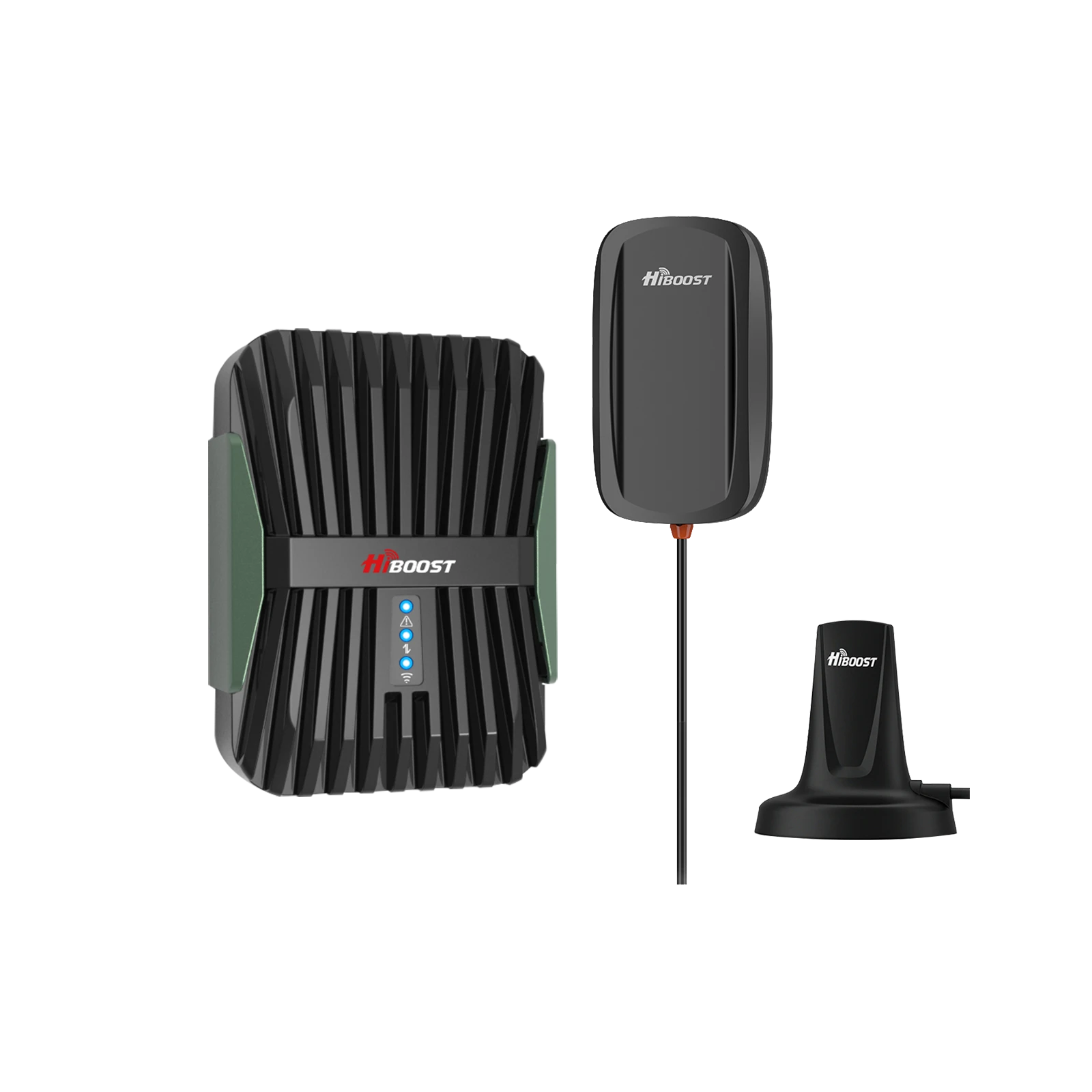
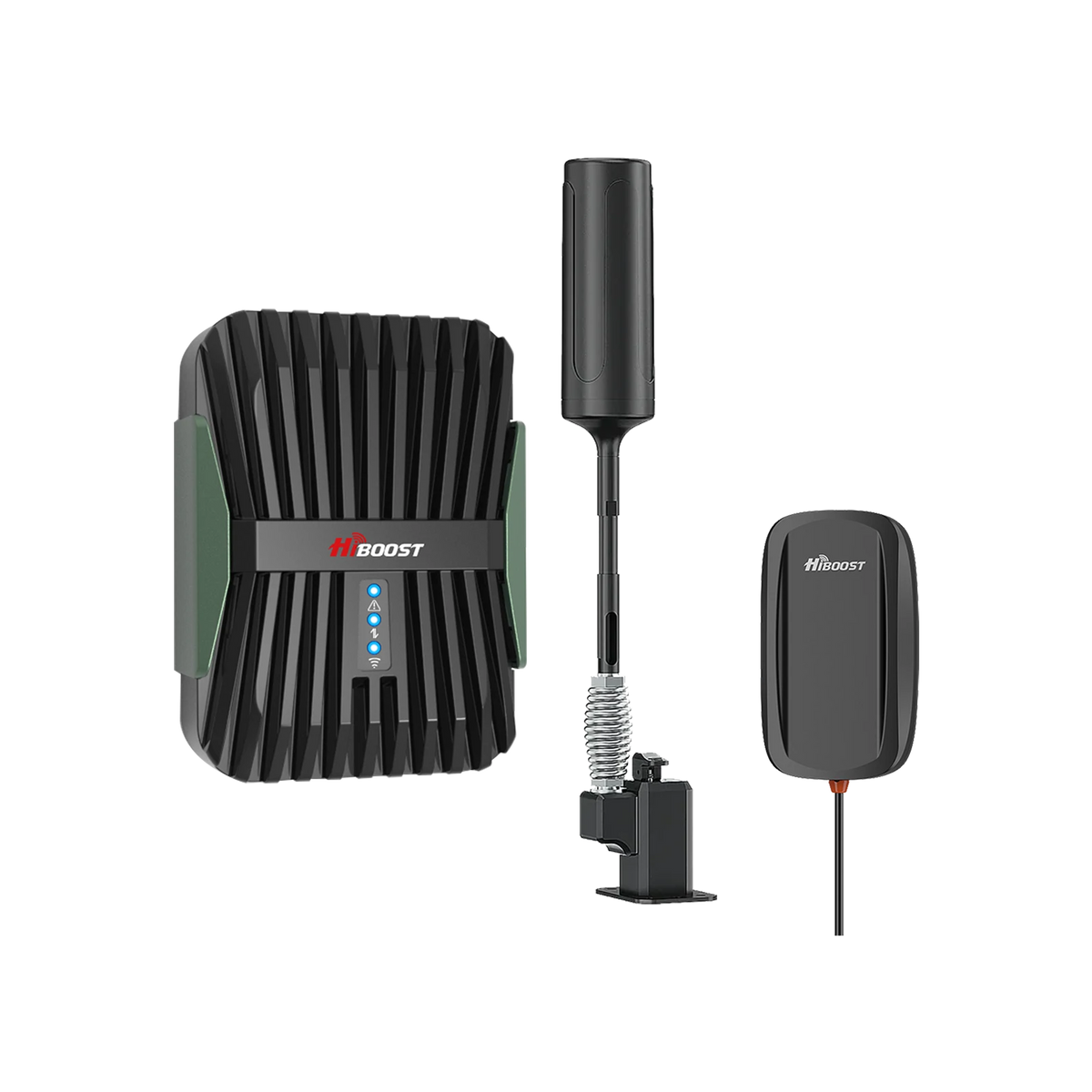
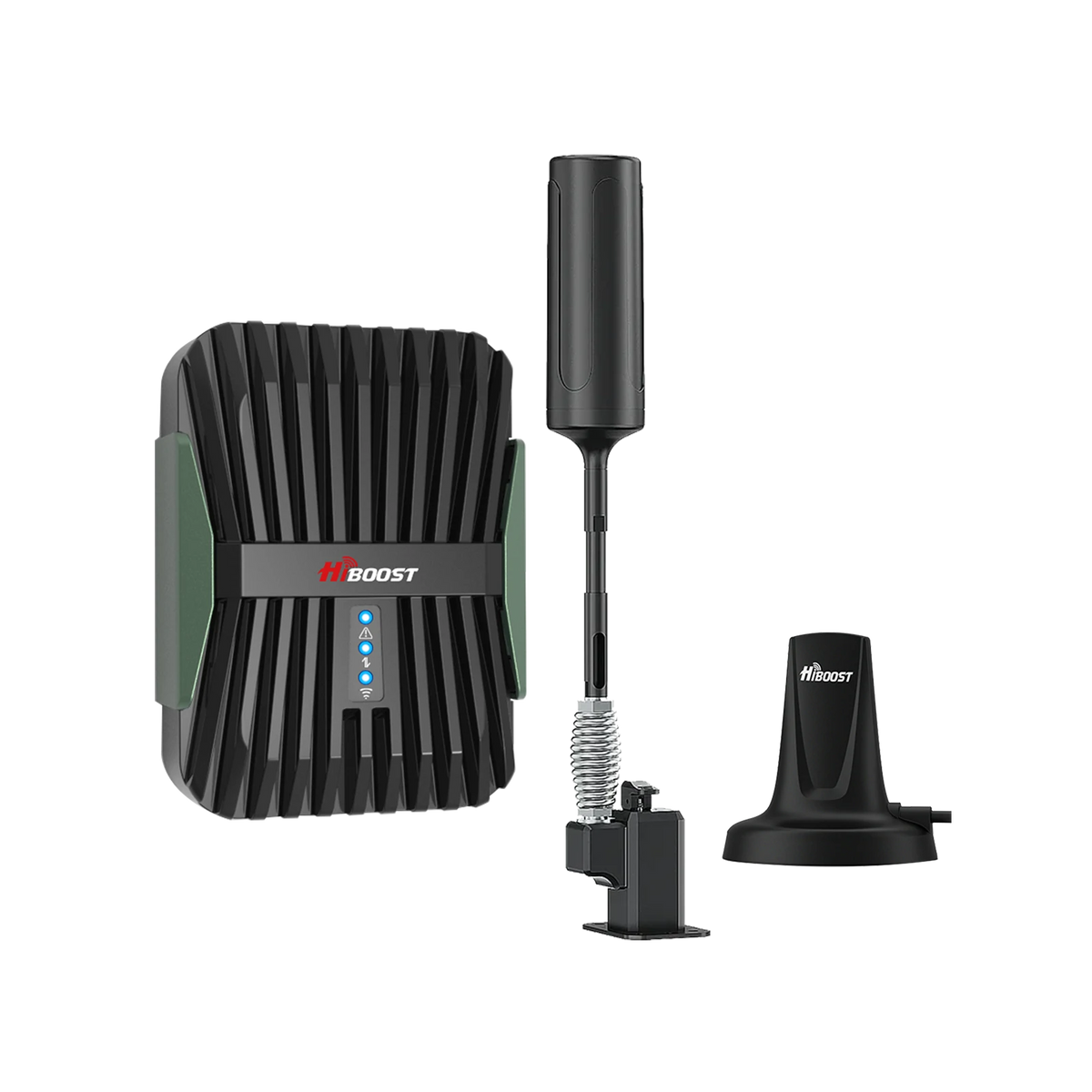
With auto gain control, preventing interference via donor > indoor antenna separation, FCC certified boosters amplify AT&T 4G/5G up to 72 dB downlink gain legally. For 5000 to 15000 square feet coverage that support unlimited devices on calls, texts and data, the system includes 10-13 dBi outdoor directional, central amplifier and indoor dome or panel.
Register on AT&T website for consent and real-world 10,000% speed gains from 0.85 to 89 Mbps, that are compatible with AT&T Bands 2/5/12/14/17/30/66 LTE and n5/n77 5G. You can do it yourself as the installation takes 1 to 2 hours, centrally near power with 24-inch separation and application guided alignment maximizes dBm.
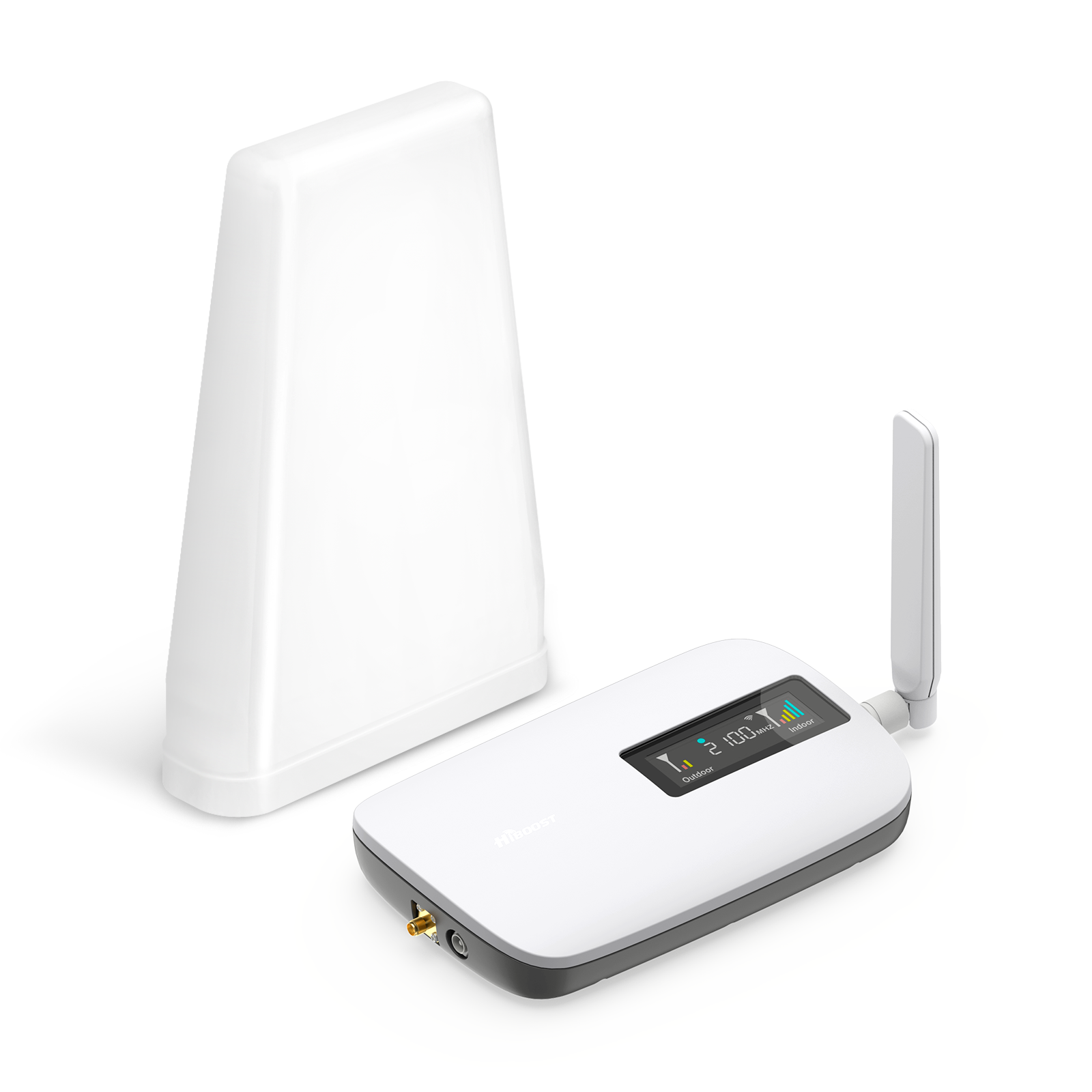
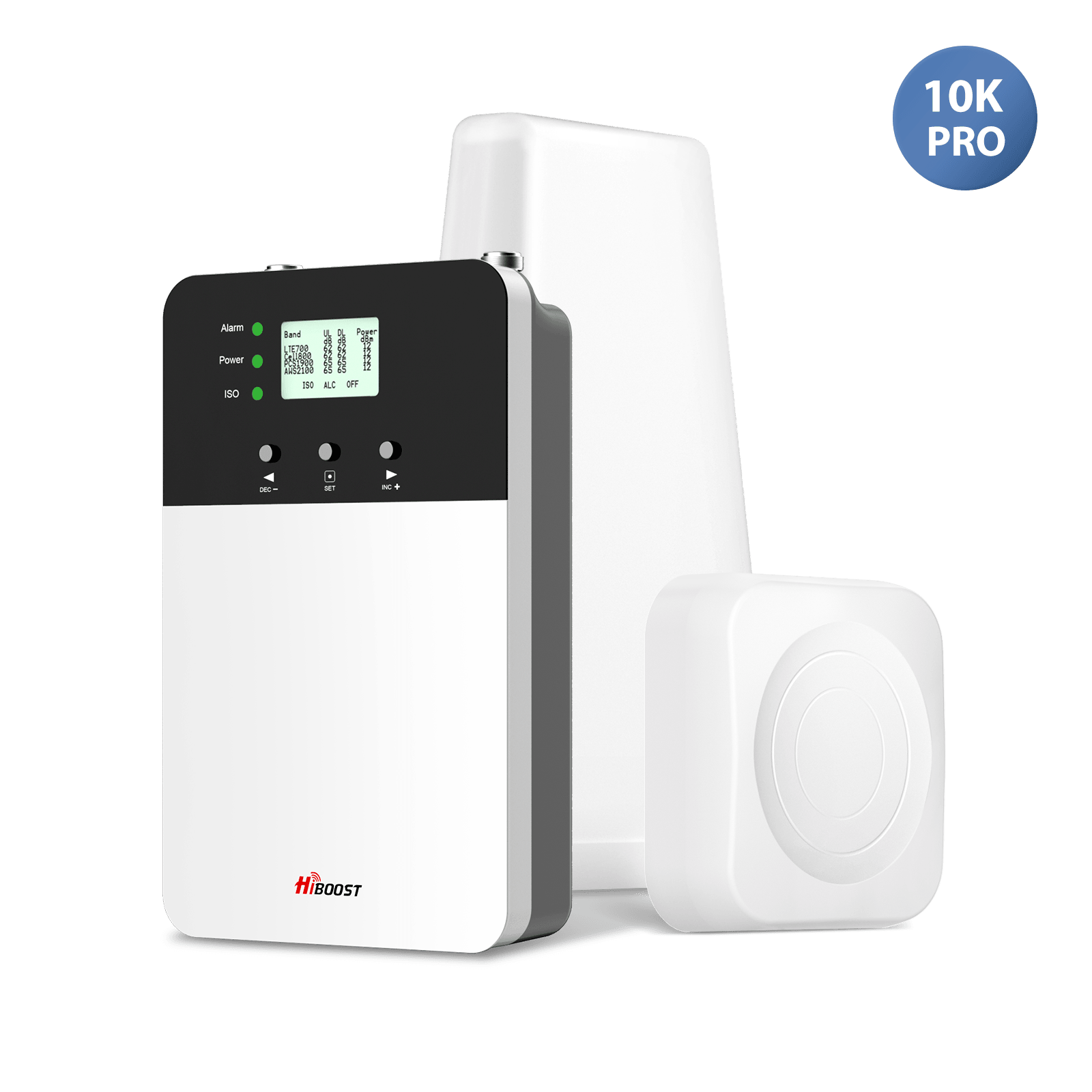
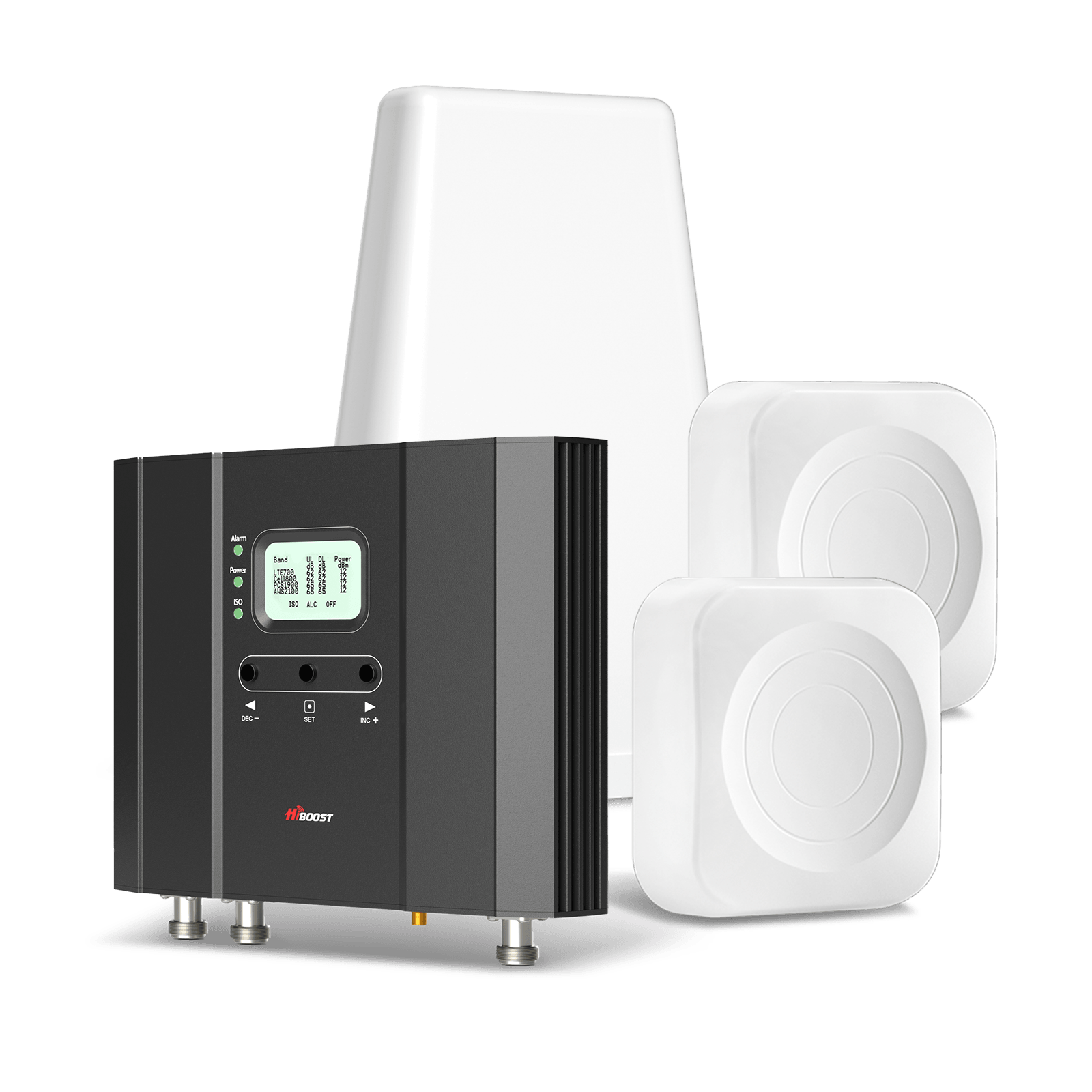
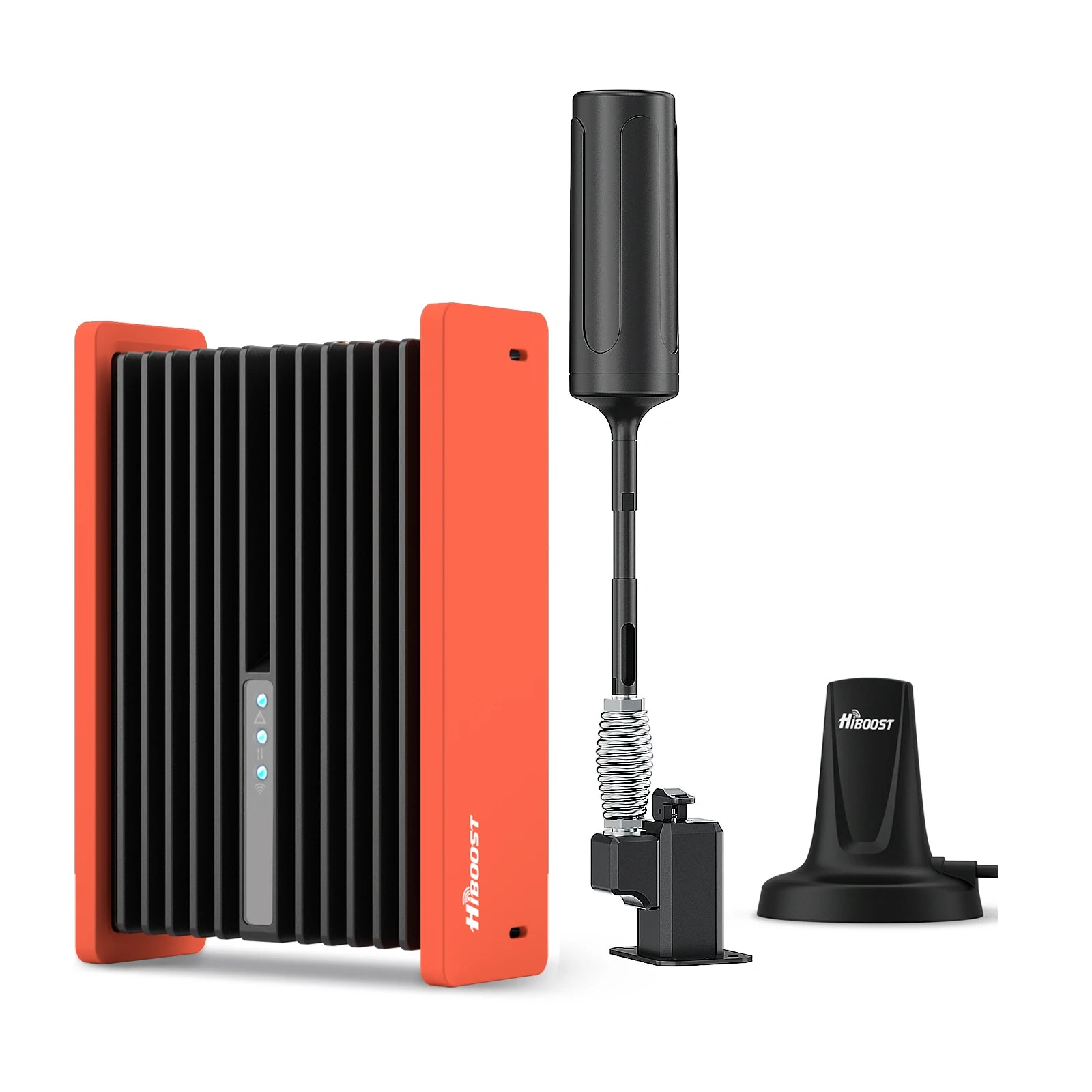
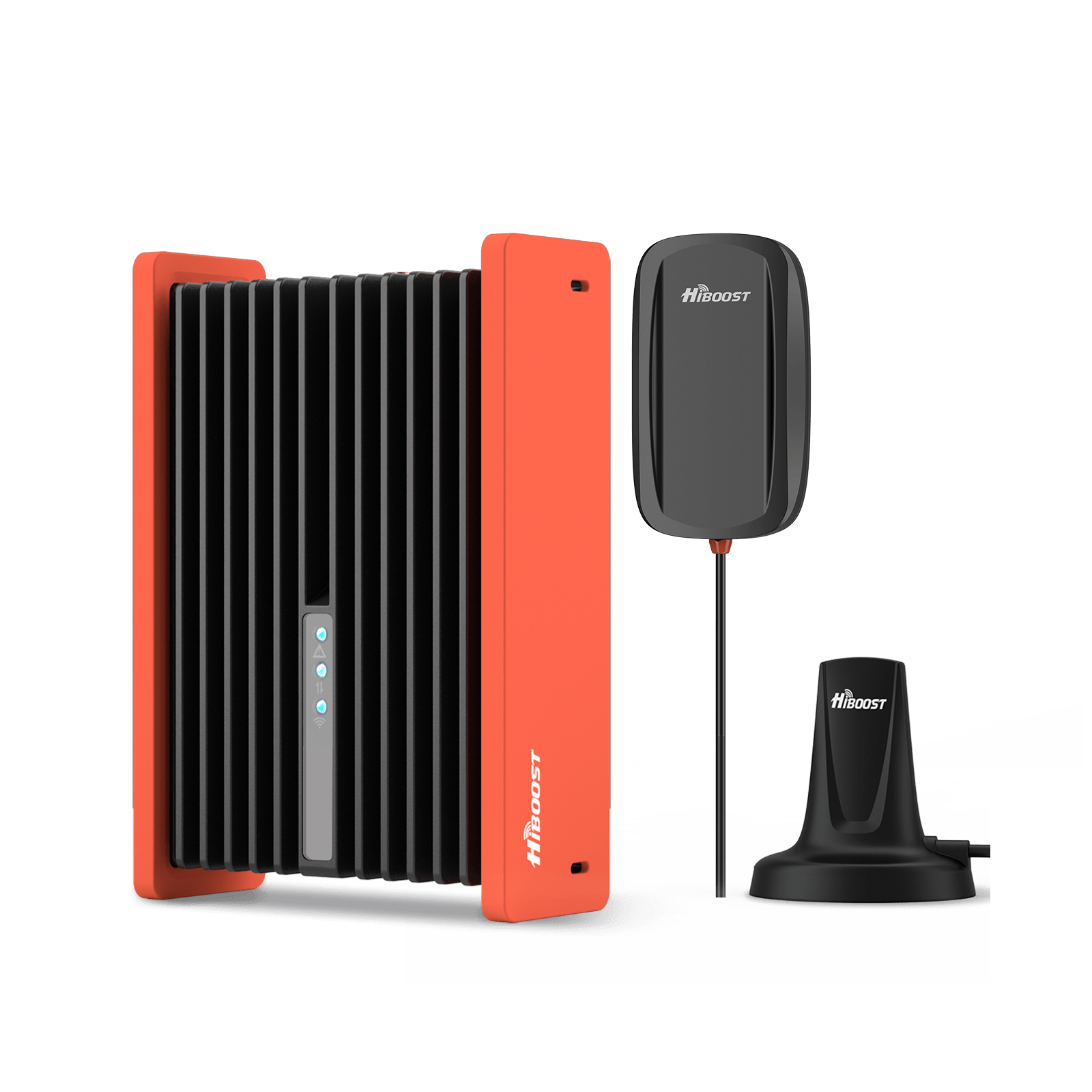
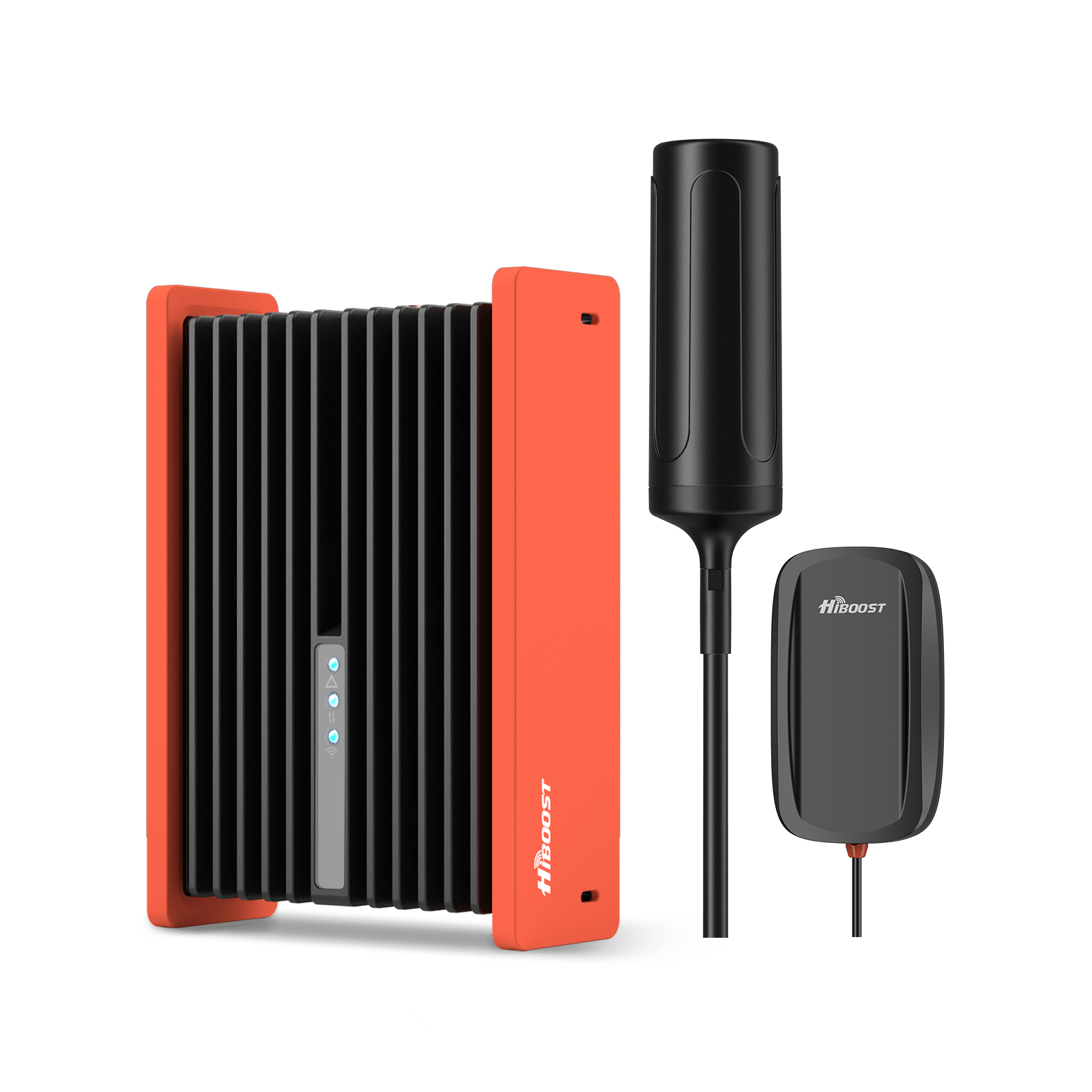
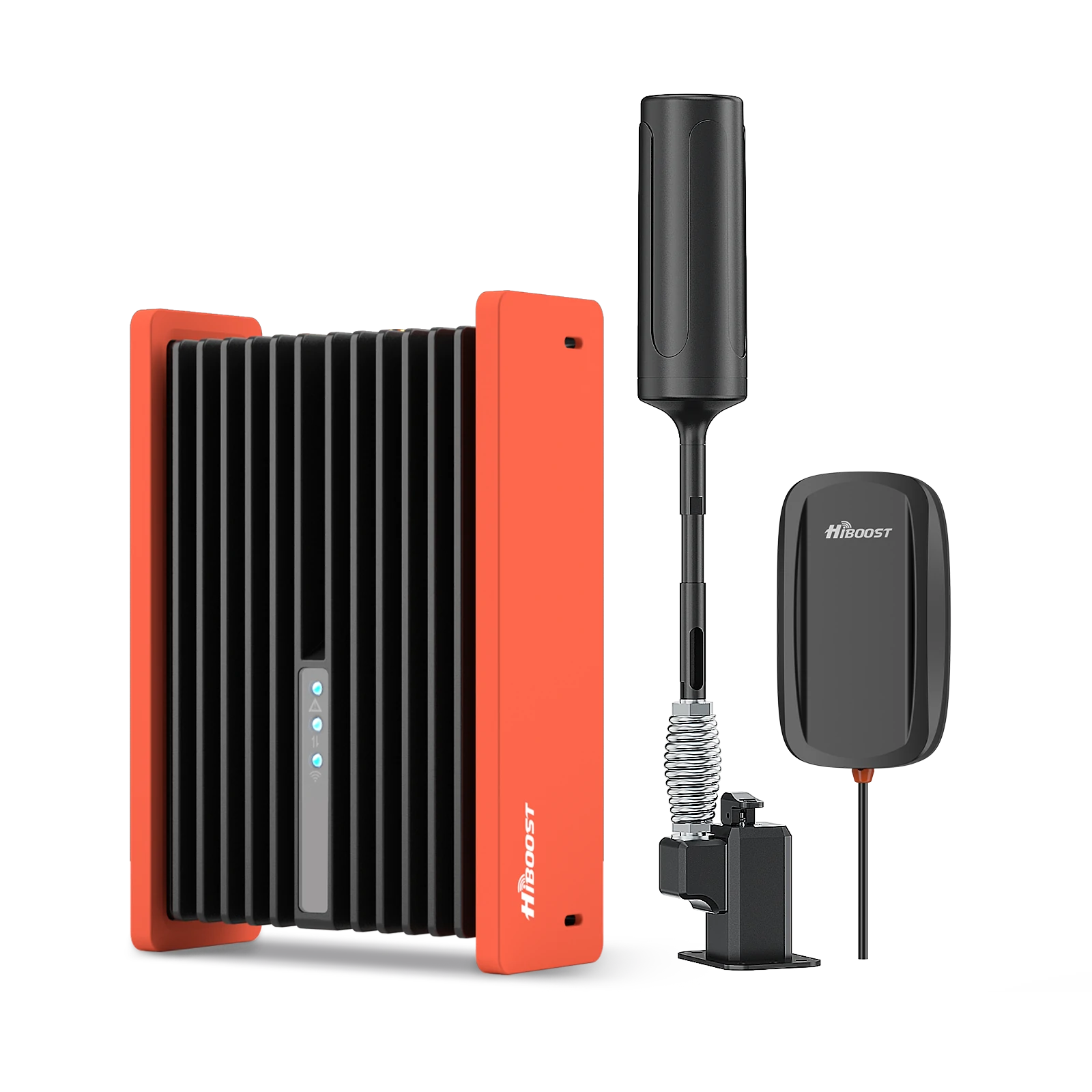
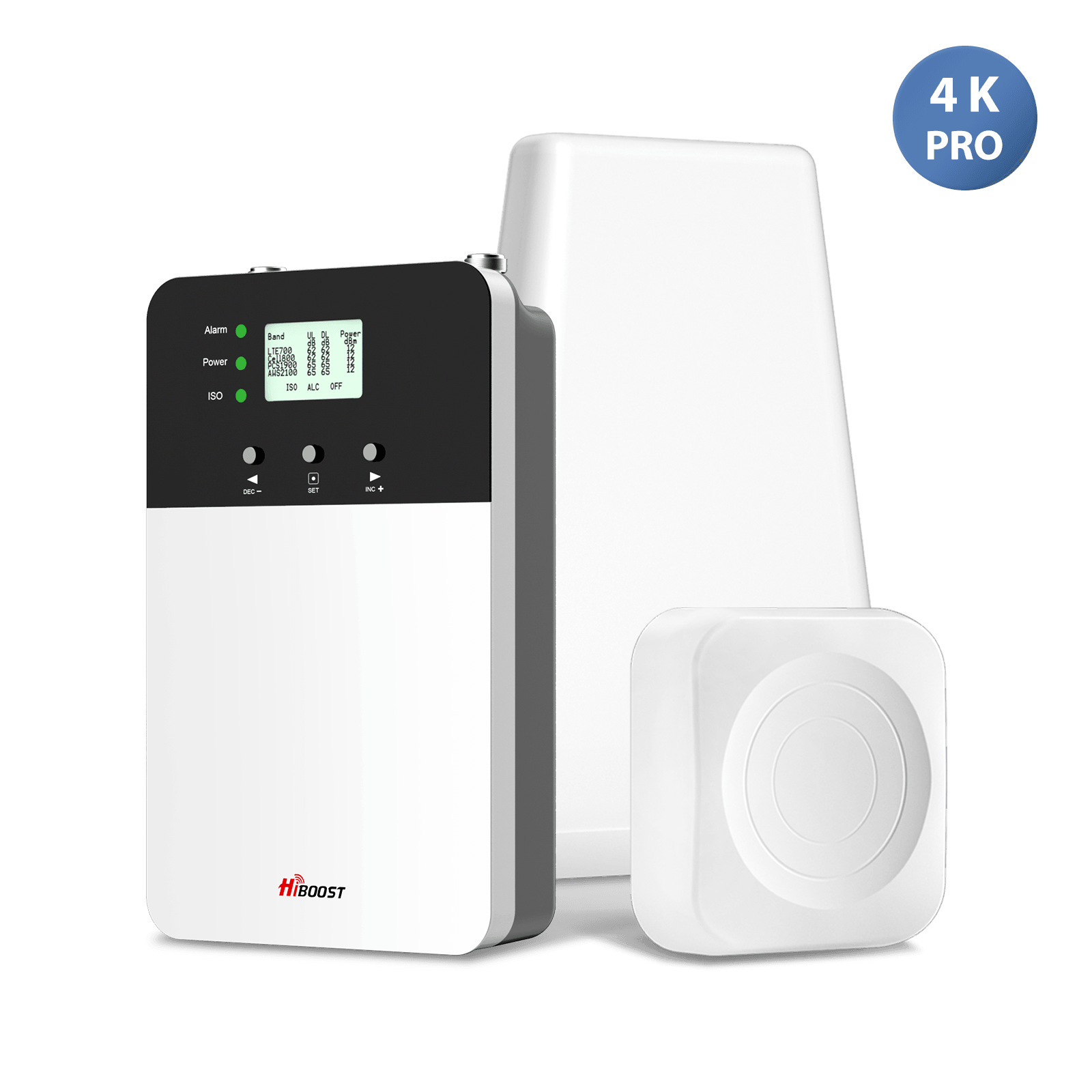
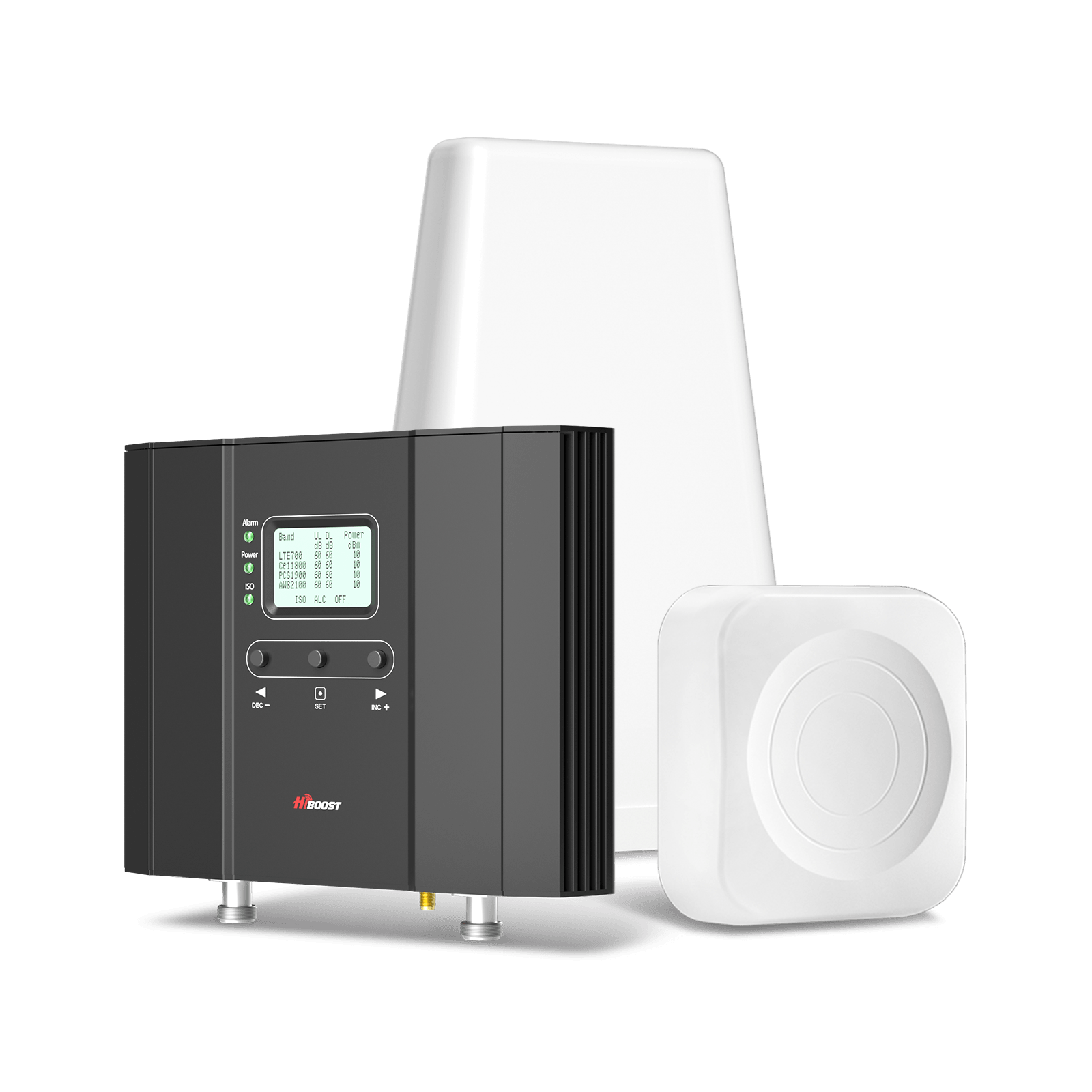
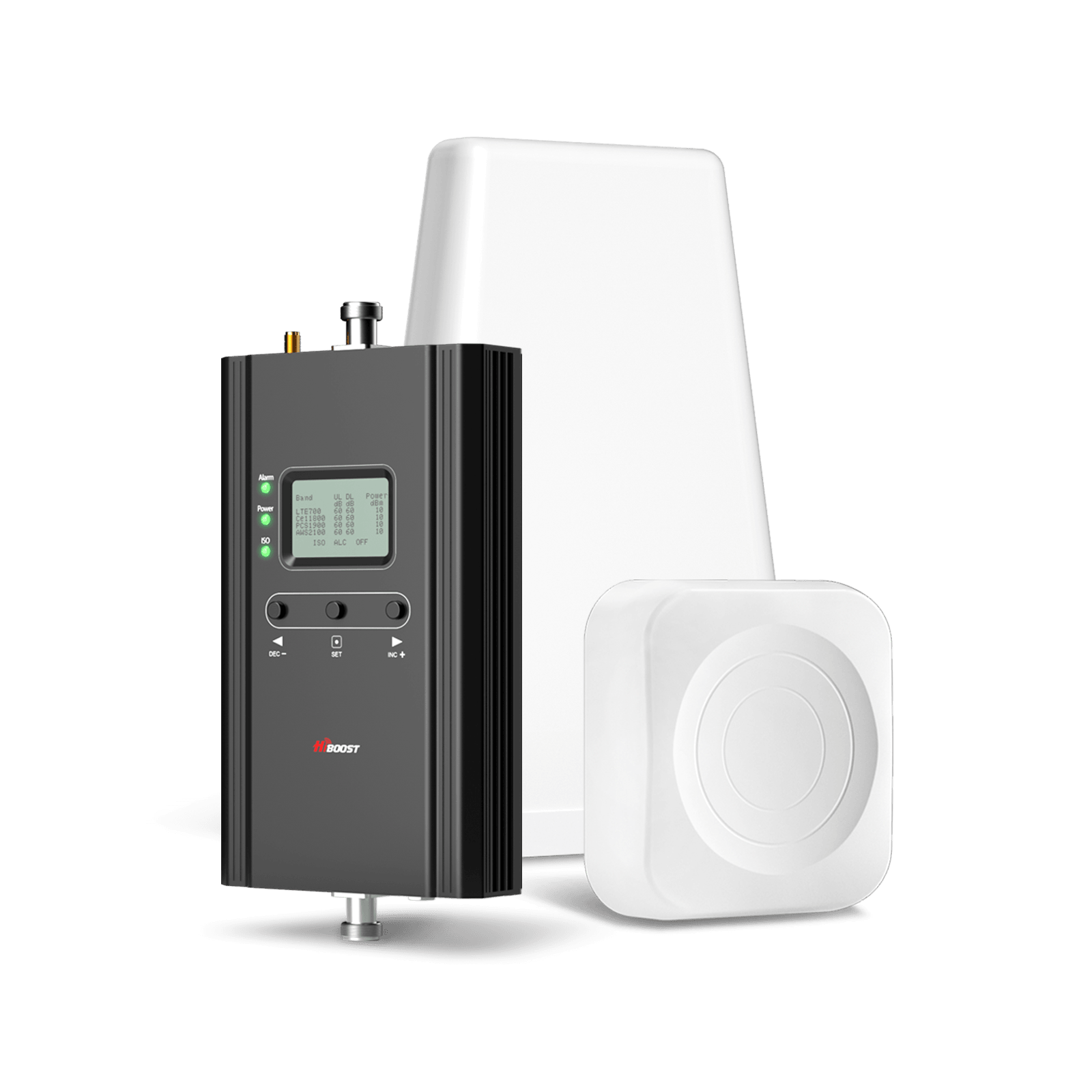
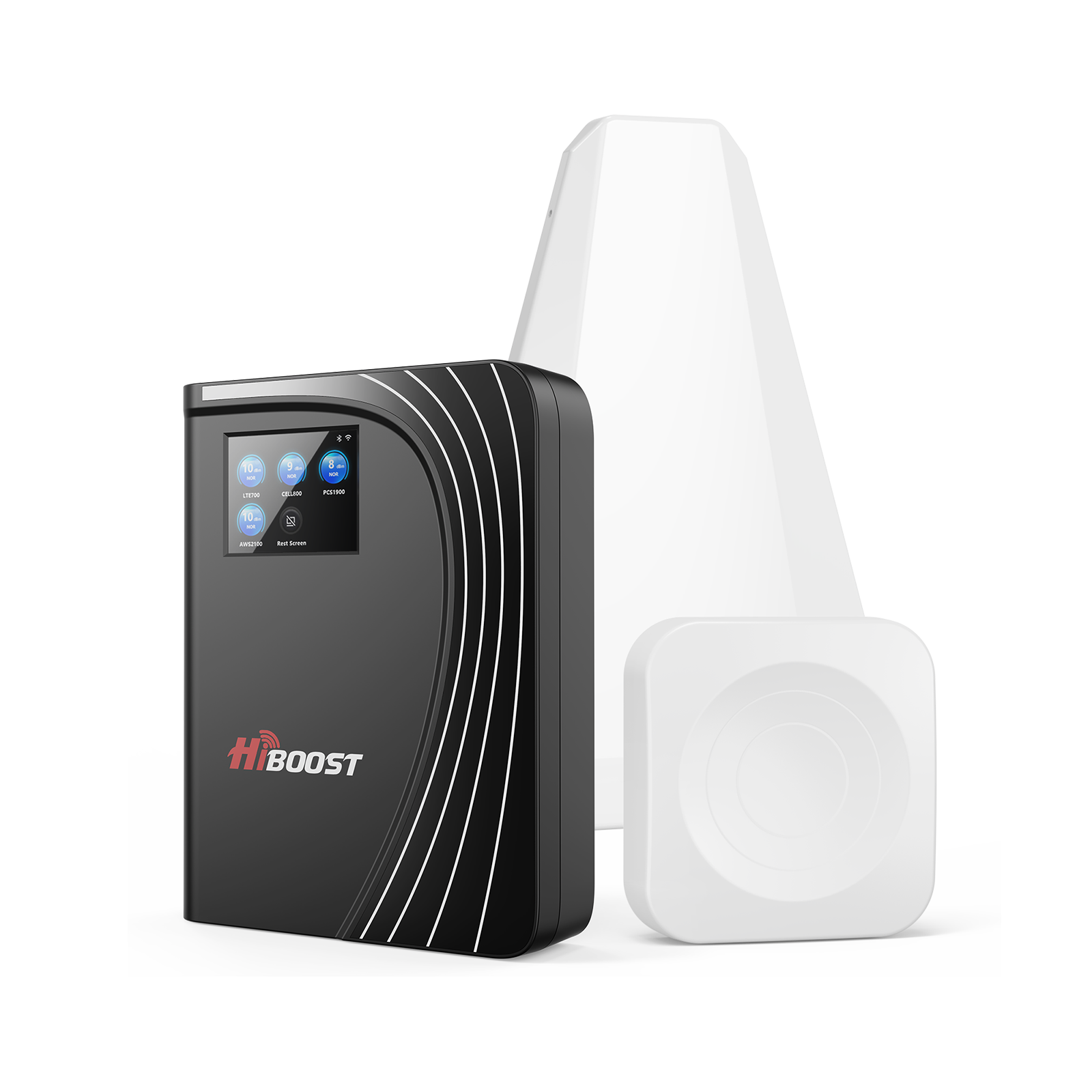
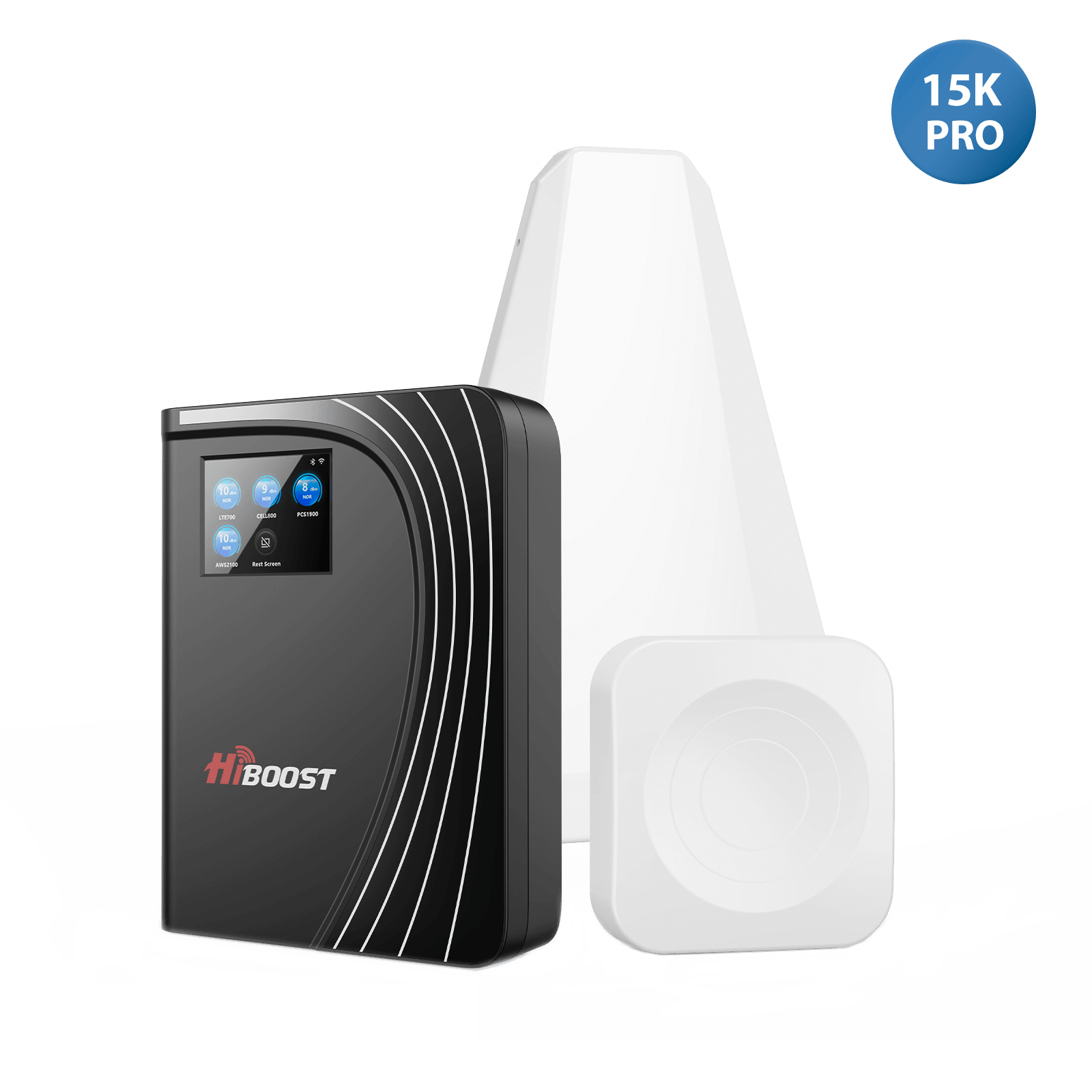
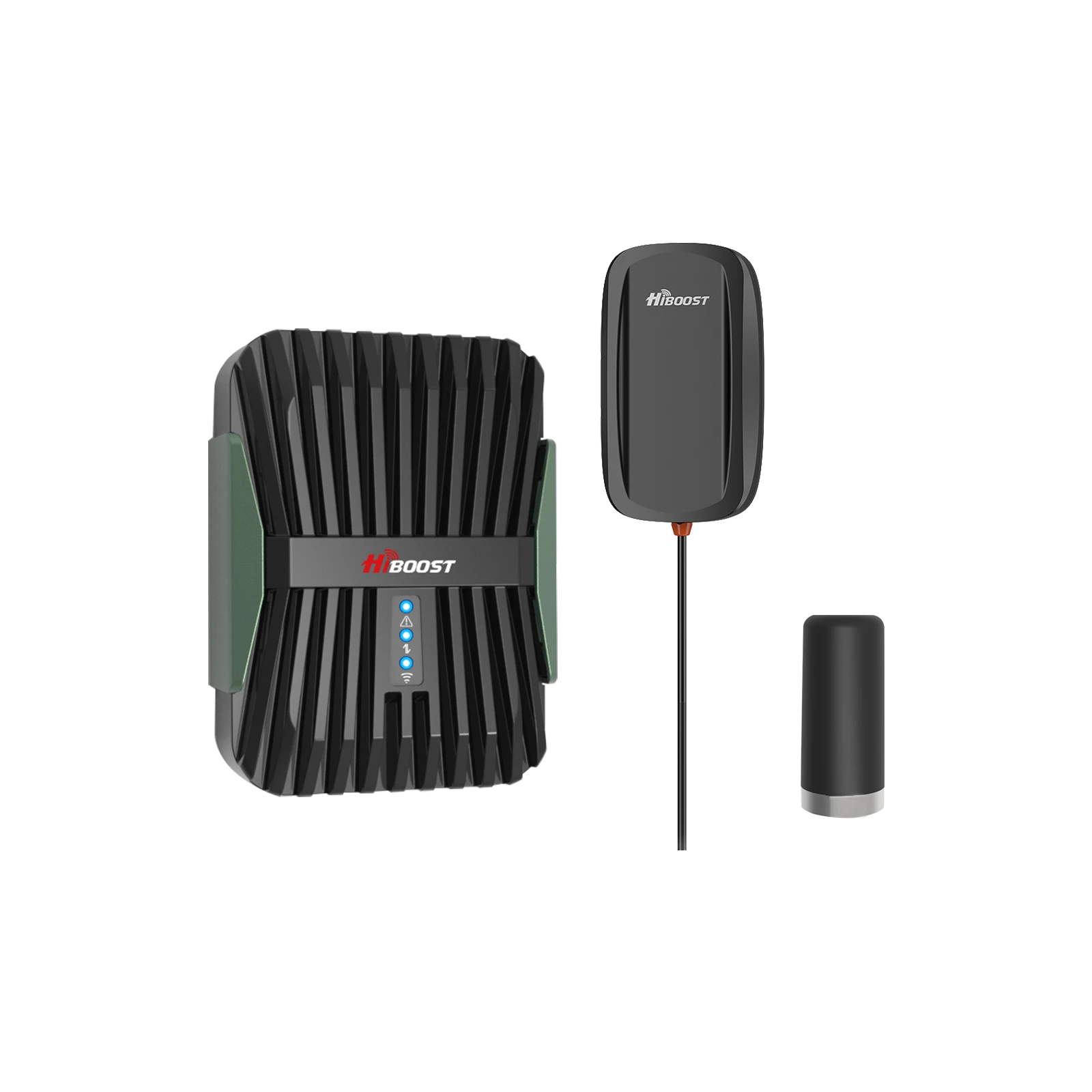
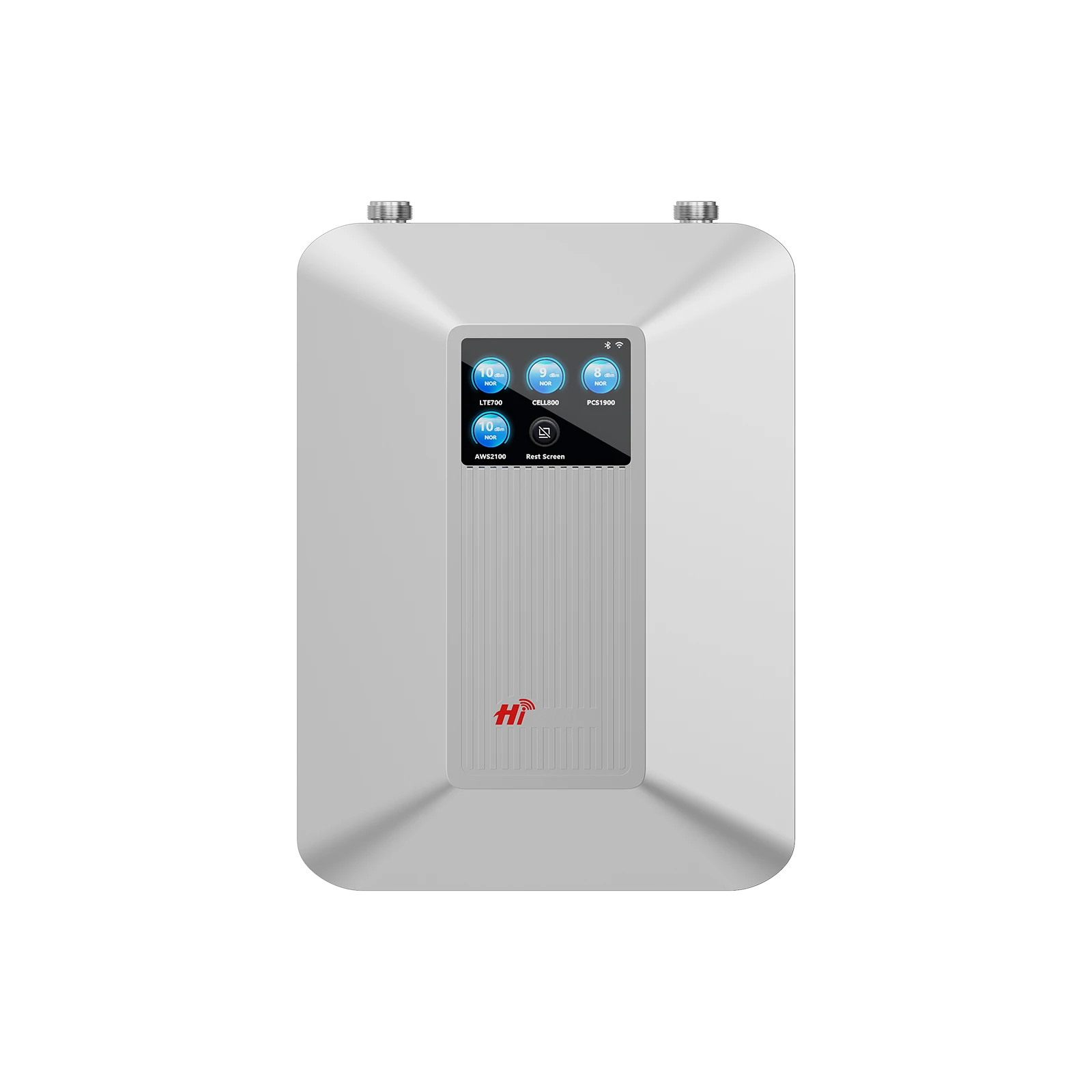
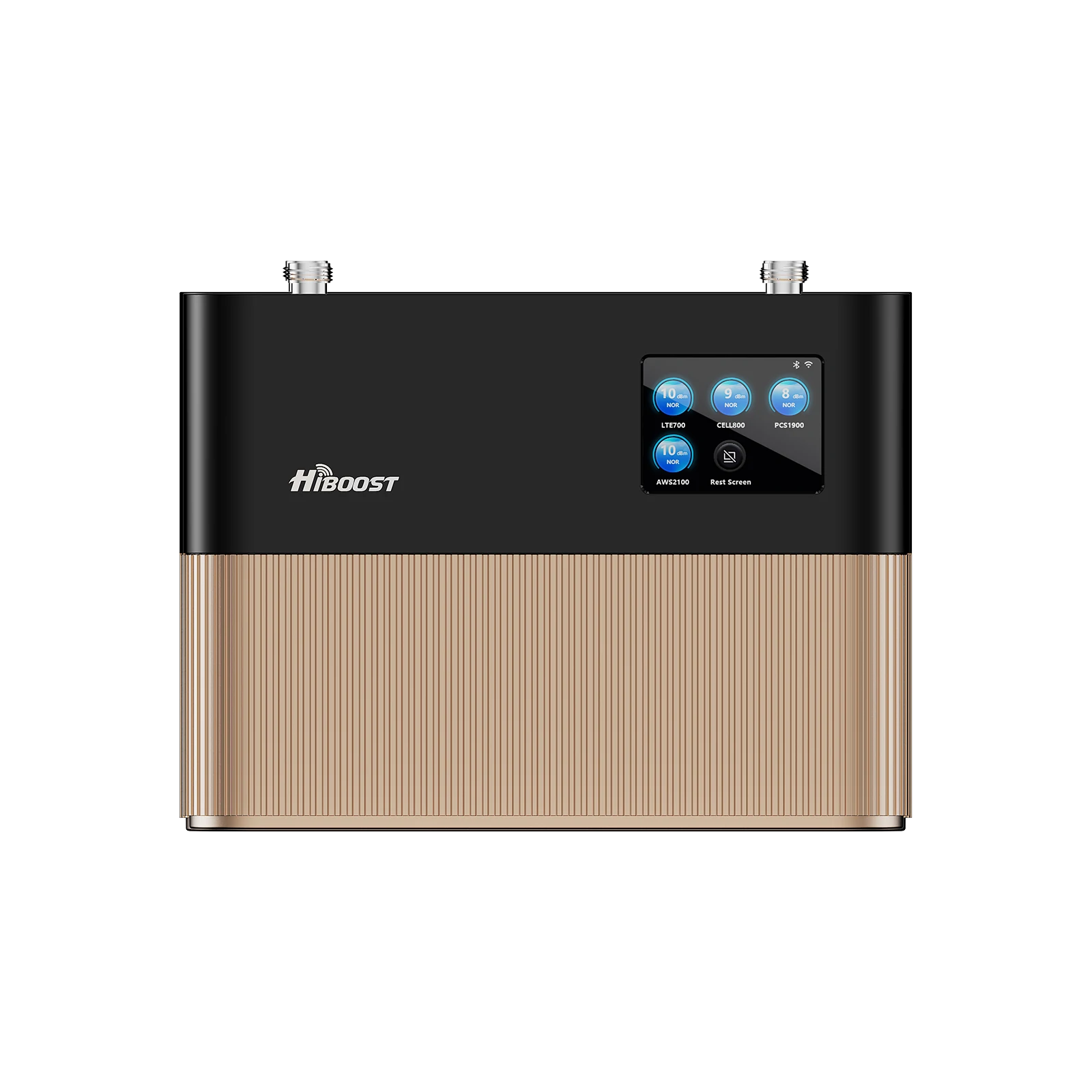
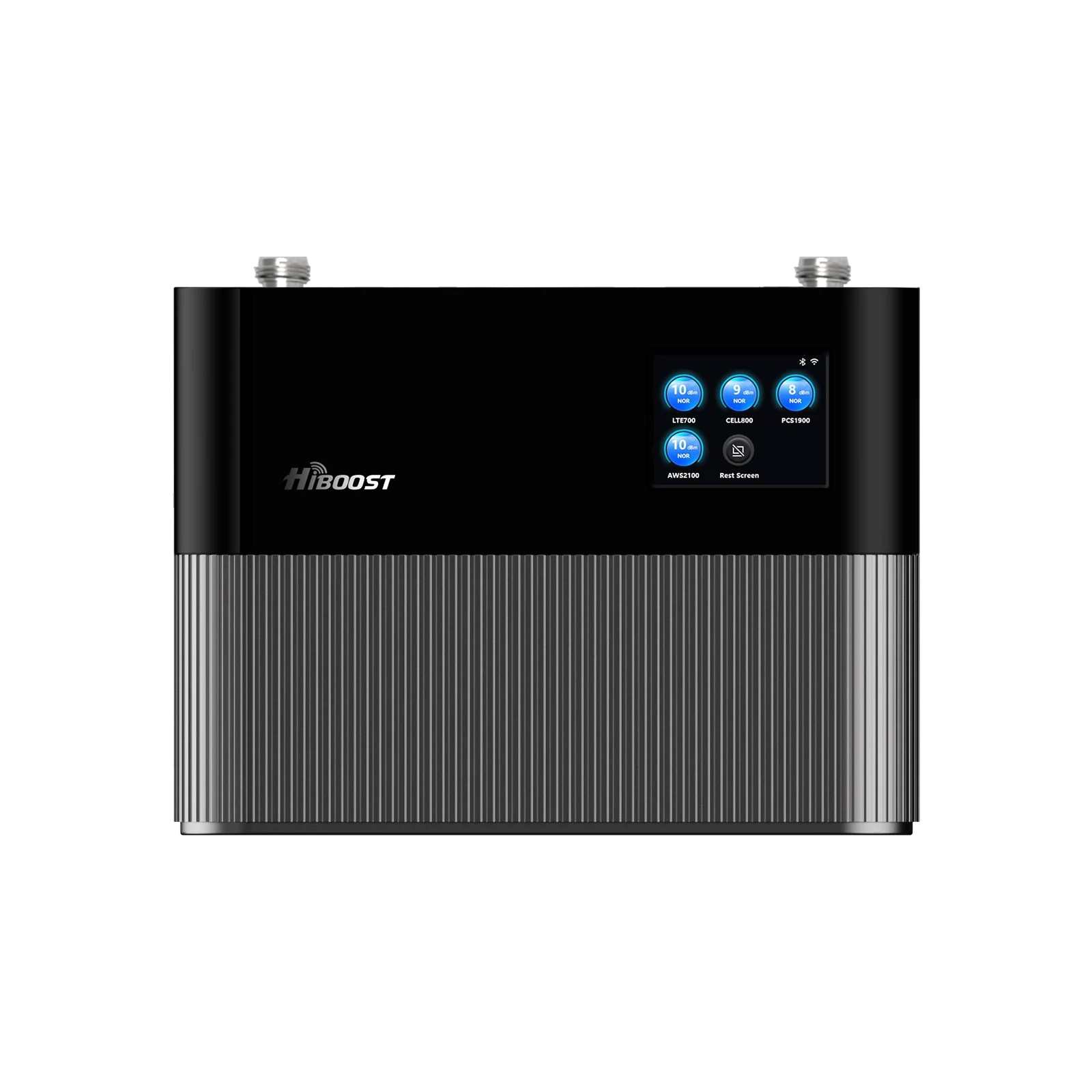
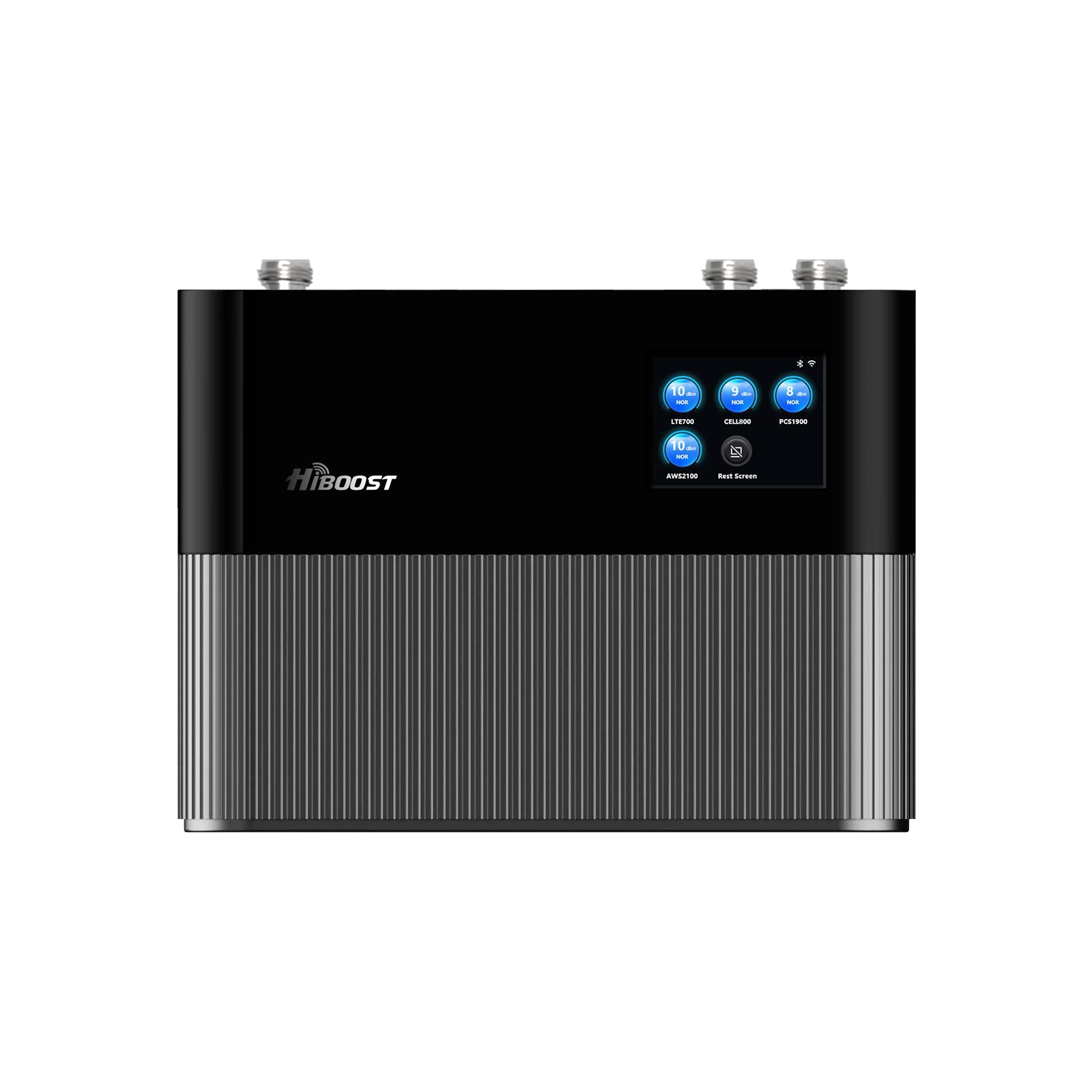
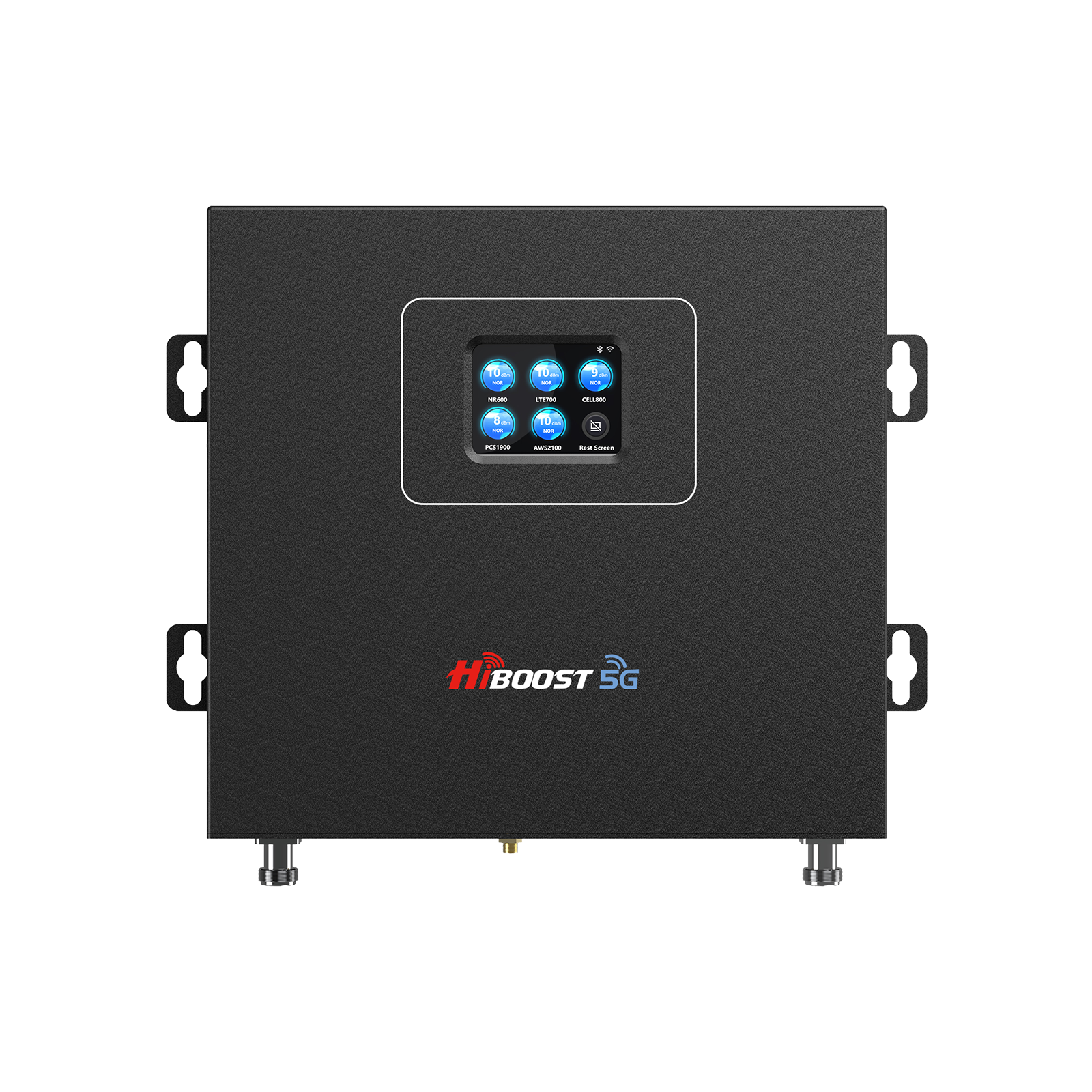
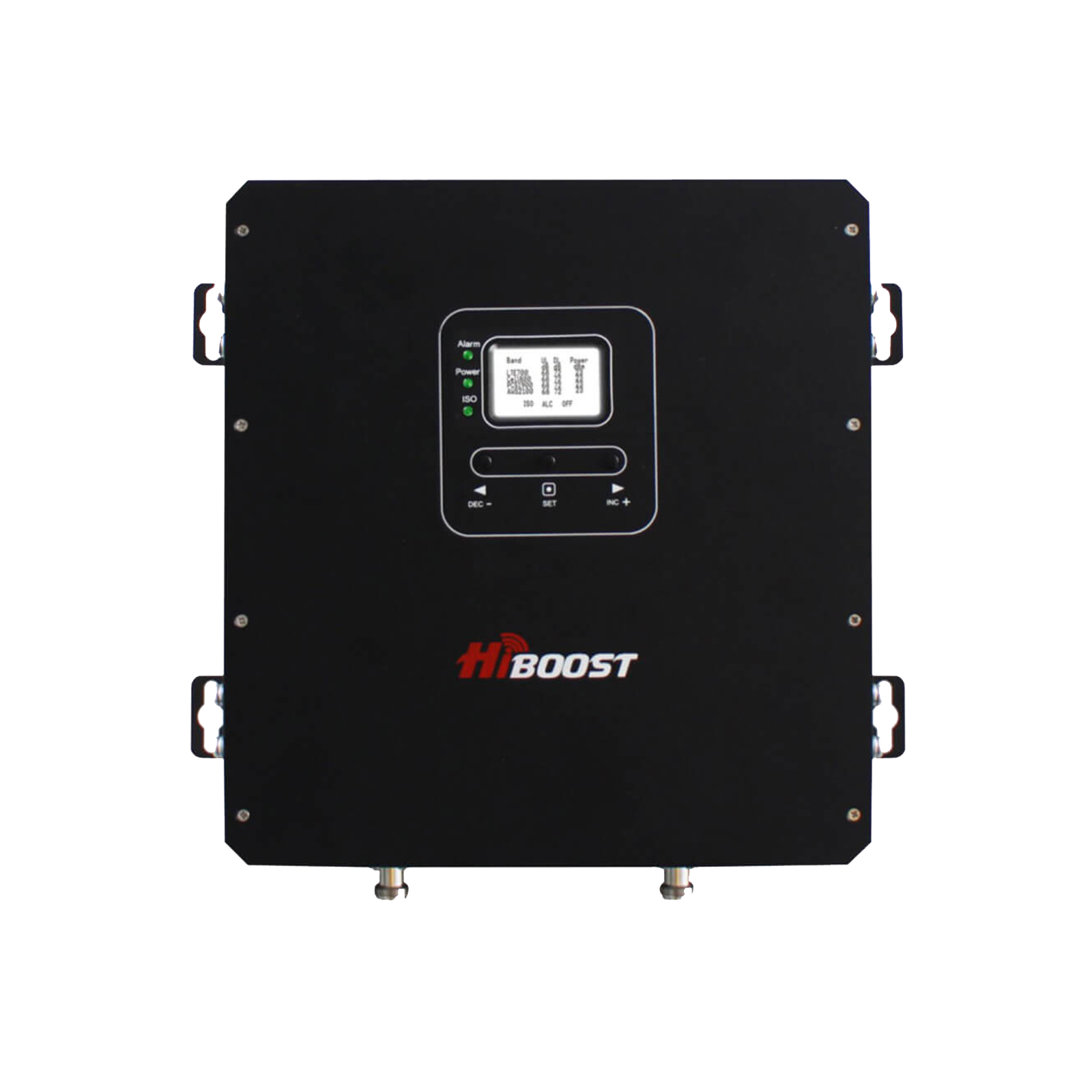
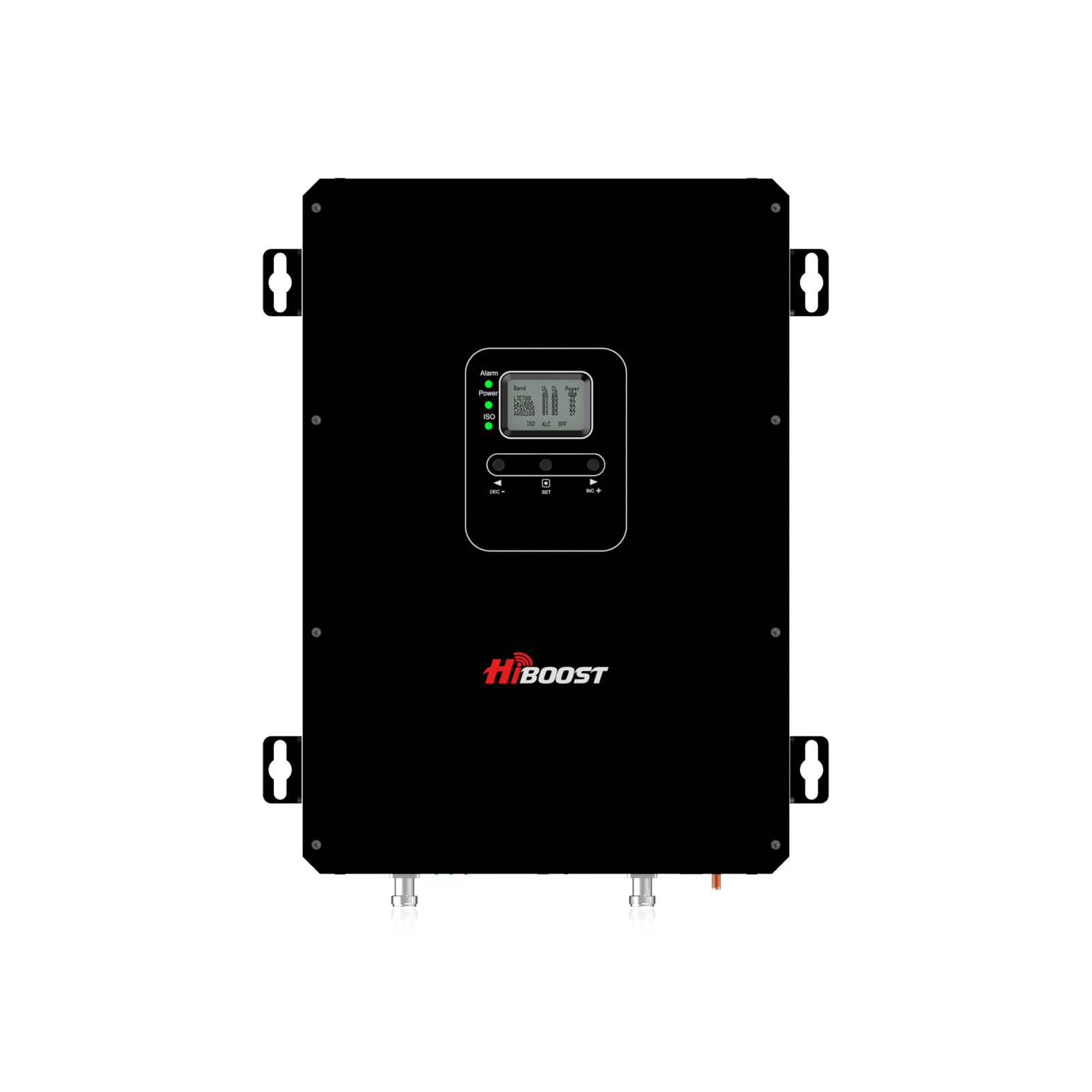
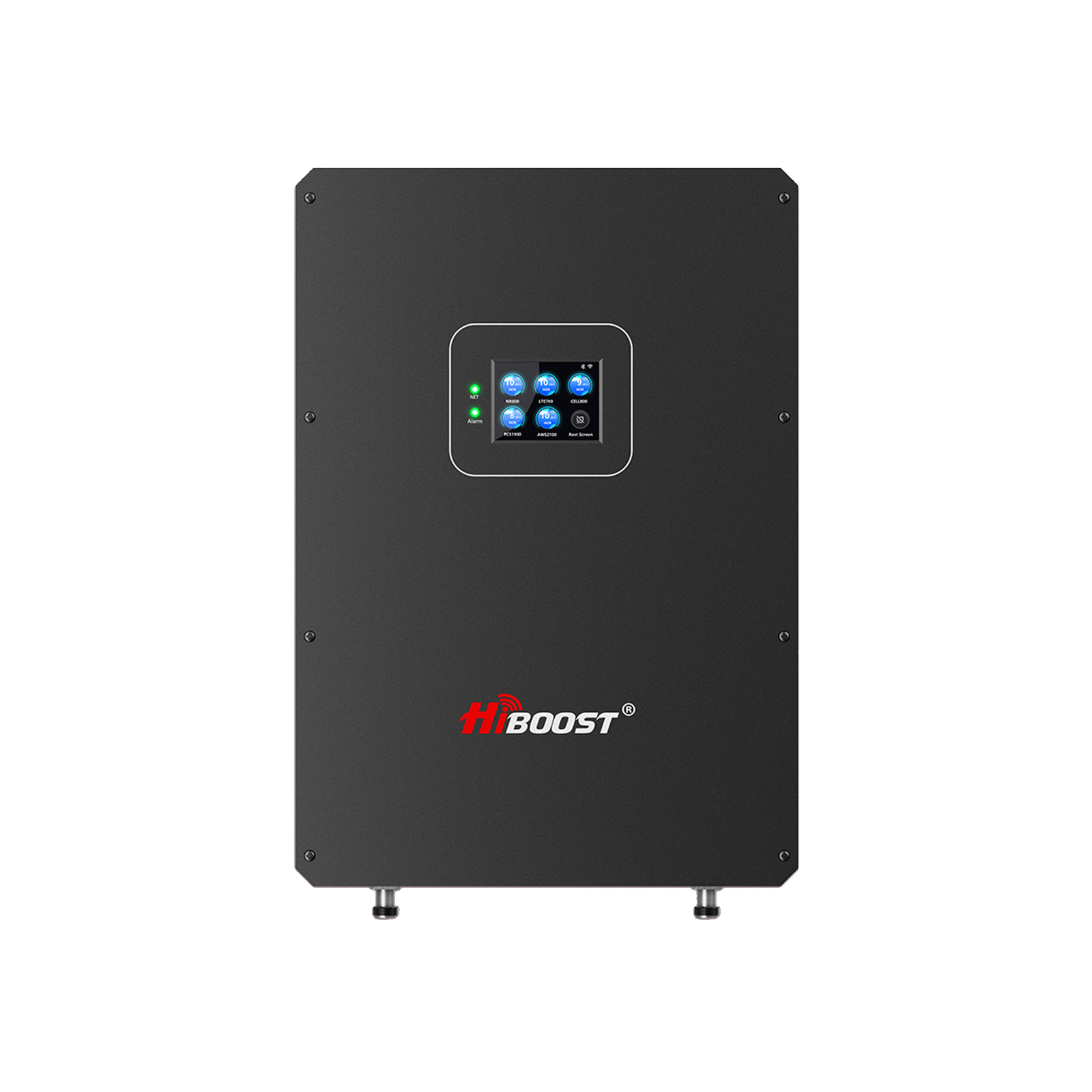
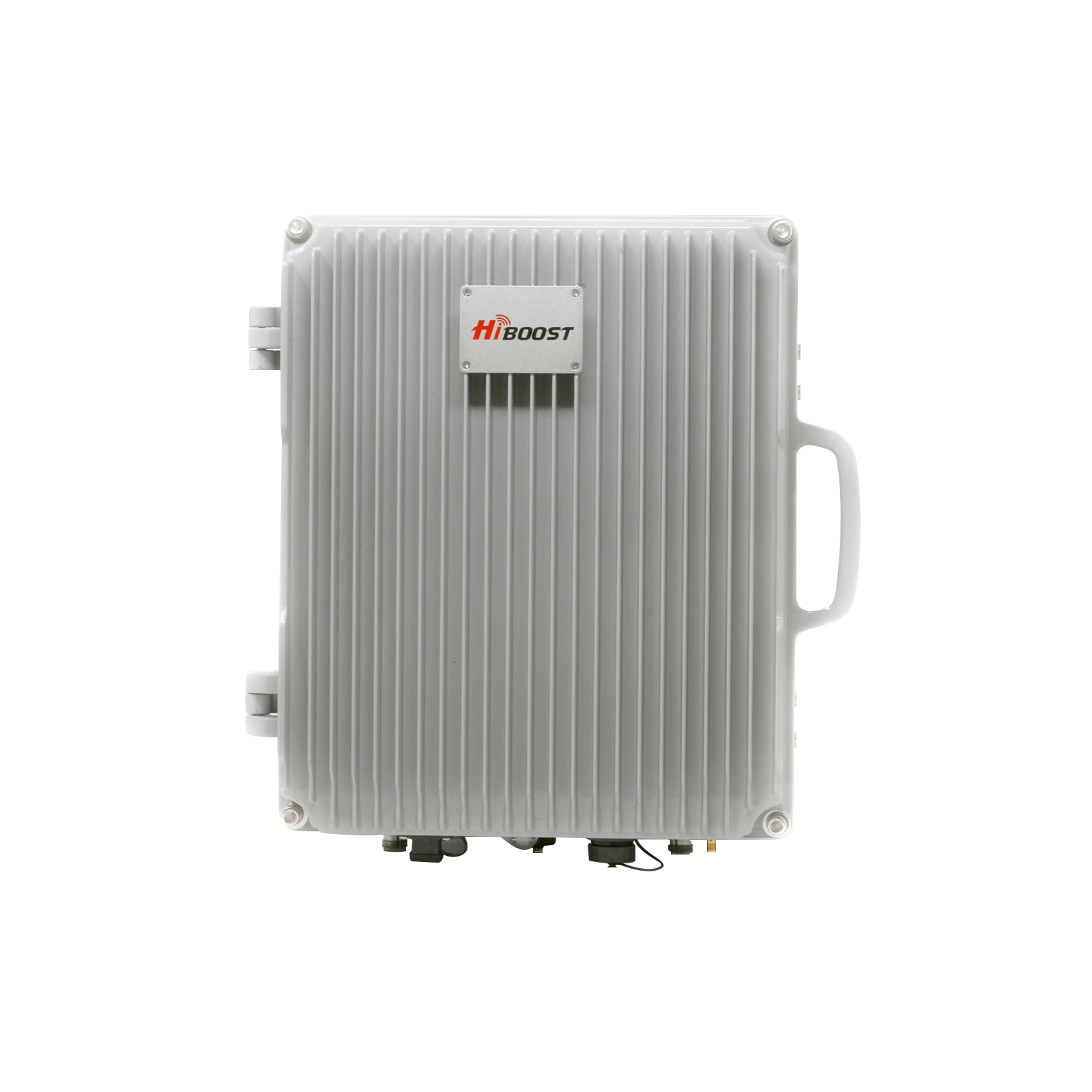
HiBoost Home 4K boosts 4,000 sq feet concrete apartments from weak basements and 10K covers 10,000 sq ft brick or metal roof homes ($ 0.30/sq ft), 15K Pro handles 12,000 sq ft rural multi-floors with app monitoring and 65-72 dB gain. 2025 reviews praise crystal AT&T calls, fast streaming, easy setup for dead zones.
Boost AT&T permanently-shop HiBoost Home 4K/10K/15K now for FCC-approved power up to 15,000 sq ft!
5. AT&T Cell Phone Signal Booster
If you’re experiencing persistent AT&T signal problems at home, in rural areas, or inside vehicles, a cell phone signal booster is often the fastest and most reliable solution. Unlike temporary fixes such as toggling airplane mode or switching network settings, an AT&T-compatible signal booster actively captures weak outdoor signals, amplifies them, and rebroadcasts a stronger, more stable signal indoors or inside your car.
Modern AT&T signal boosters are FCC-certified and designed to support 4G LTE and 5G networks, making them ideal for improving call quality, boosting mobile data speeds, and eliminating dropped connections. Whether you’re dealing with weak indoor coverage, metal structures, or long distances from the nearest cell tower, choosing the right booster for your specific environment (home, RV, vehicle, or rural property) can dramatically improve your day-to-day connectivity.
For users who need a fast, proven fix for AT&T signal issues, investing in a dedicated AT&T cell phone signal booster is often more effective than switching carriers or upgrading phones—especially in areas where coverage is limited by location rather than device.
6. AT&T Signal Fix Strategy by Environment [Evidence-Based Matrix)
| Environment | Signal Issue | Best Quick Fix | Booster Strategy | Expected Gain |
| Downtown Apartment | High interference, concrete walls drop mid-band n77 20-30 dB | WiFi Calling+LET mode | Compact balcony directional (10 dBi) + dome indoor, 4K model 4K sq ft | 3-4 bars, 50-200 Mbps |
| Suburban Basement | 2-story attenuation backyard weak low-band 12 | VoLTE + window relocate | Roof LPDA (13 dBi) + panel, 10K model up to 10K sq ft | Double LTE speeds |
| Rural Farmhouse | 5-15 mi tower distance, -110 dBm outdoor | Test rival SIM | 30-50 ft mast parabolic (5 dBi) + 72dB amp, 15K Pro 15K sq ft | 10x speeds, full 5G |
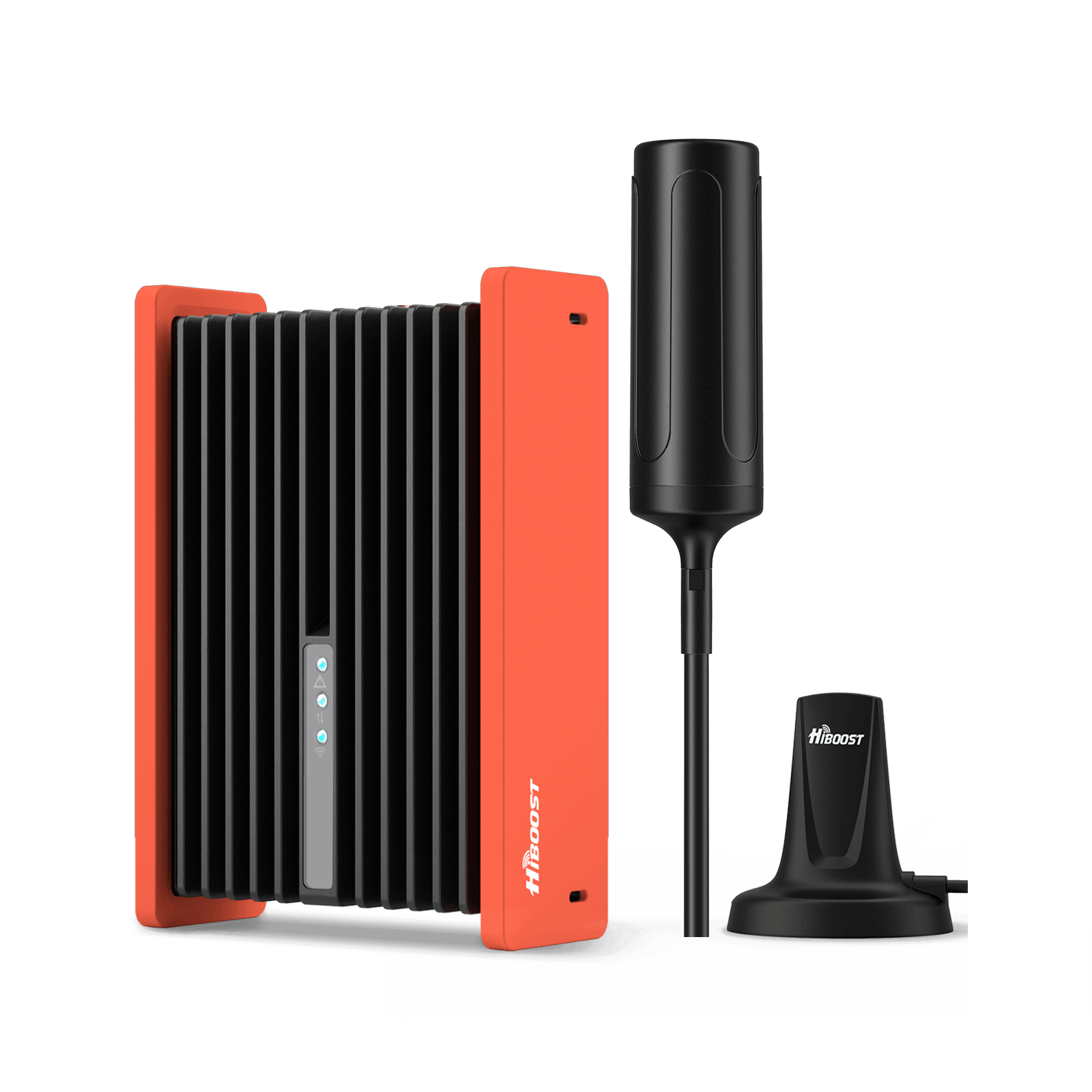
| Metal RV | Faraday cage blocks all bands | Park open area | Magnetic/mount external + Portable booster | -105 to -85 dBm |
6.1 Use Mobile Hotspot or Secondary SIM Cards
Dual-SIM phones assign AT&T for VoLTE calls/texts, eSIM from Verizon/T-Mobile for data in coverage gaps, toggle seamlessly without switching carriers. 5G hotspots like AT&T All-Fi Hub (CGW450) with +5.2 dBi external antennas tether 10+ devices as WiFi backup in cars or weak spots.
Test rivals via prepaid SIMs first, unlimited plans bridge gaps but watch data caps. Pair with boosters for hybrids where AT&T excels indoors but lags outdoors.
6.2 Check for Carrier Outages or Network Congestion
Use the Downdetector for live AT&T outage reports from users, cross-check AT&T app/status page and FCC maps for verified tower gaps. Run speed tests at midnight and compare them to 6 PM to spot the congestion goes down below 10 Mbps, log dBm photos as evidence.
Report the constant problems via *3282#, chat, or use the app for priority tower upgrades that usually fix in weeks.
6.3 Booster Installation Steps Table
| Step | Key Actions |
| 1. Signal Hunt | Test dBm outdoors high up, aim at the strongest tower direction. |
| 2. Outdoor Mount | Secure Antenna 30+ feet above ground on roof/mast. |
| 3. Cable Run | Short coax through walls, no sharp bends. |
| 4. Amplifier Setup | Central indoor spot near outlet, connect firmly |
| 5. Indoor Antenna | Ceiling-mount in coverage center, avoid oscillation. |
| 6. Test & Tweak | Speed tests, adjust for even bars everywhere. |
7. Optimizing AT&T Signal for Specific Locations
7.1 Urban Apartments
Neighbour interference and thick concrete walls weaken urban AT&T indoors by 20-30 dBm, so first enable Wifi Calling for quick fixes for voice issues, then add balcony-mounted compact antennas feeding FCC boosters for 2-3 bedroom coverage up to 4000 square feet without drilling.
Low profile dome indoor antennas placed centrally avoid oscillation while boosting Bands 2/5/12 for calls and n77 5G data, test it via apps to confirm 3 to 4 bars everywhere.
7.2 Suburban Homes
The houses in suburban areas drop the signals of AT&T, in the basements, backyards and garages due to two story layouts, roof mounted 10-13 dBi directional antennas high above the roofline, paired with dome indoor units for even boosted coverage across the floors and outbuildings up to 10,000 square feet.
Use LMR-400 cable runs under 75 feet to minimize the loss, central amplifier placement near stairs, real world tests show LTE speeds doubling post install in brick or stone homes.
7.3 Rural Areas
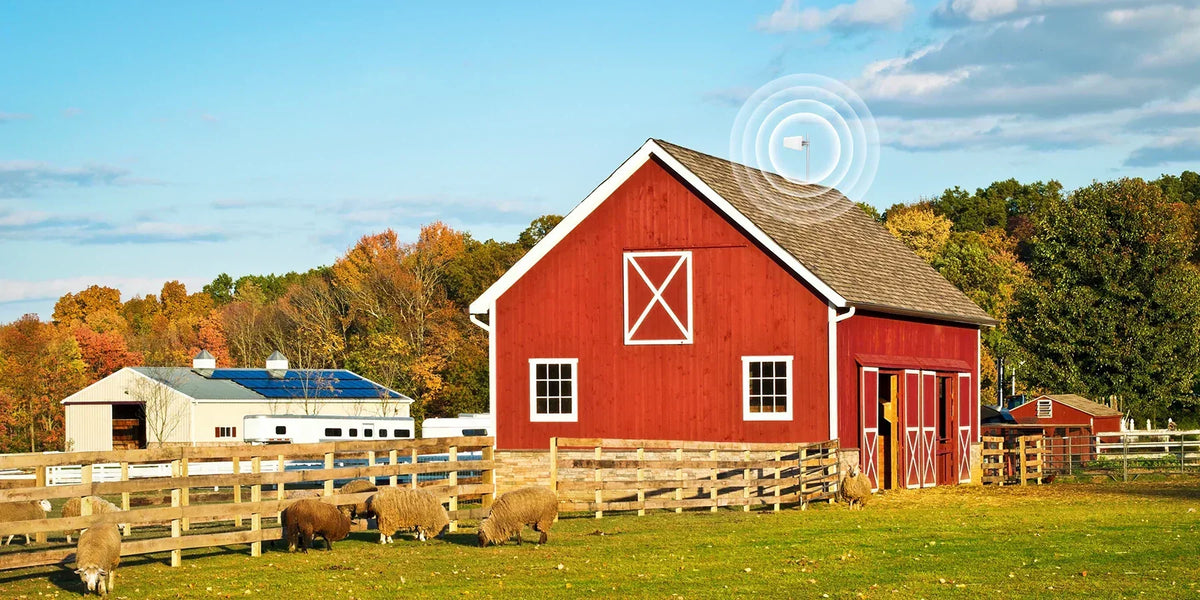
Rural locations face 5 to 15 mile tower distances, causing -110 dBm outdoor LTE deploy, 30 to 50 feet tall masts with 20-28 dBi high gain parabolic antennas focused accurately, feeding powerful 72 dB boosters that convert marginal signals into full indoor 5G-ready service, covering the area of 15000 sq ft farms.
Offset rural areas blocks with a little elevation tilt, users report 10 times higher speed gains and zero drops after the setup.
8. Tools and Apps for Monitoring and Improving Signal
Applications like Signal Check and Network Cell Info display real time AT&T dBm, providing cell or bands (for example, Band 12/66), and SINR for accurate diagnostic before or after boosters, revealing the hidden weak spots.
Speedtest by Ookla logs download trends in days to locate congestion, while FCC Broadband Maps and RootMetrics compare AT&T vs Verizon/T-Mobile by exact ZIP code for pre-purchase validity.
9. Future of AT&T Signal and 5G - Will AT&T Coverage Improve Enough to Make Booster Obsolete
No, AT&T’s 2025 to 2027 C-band (3.5 GHz) and 3.45 GHz mid-band rollouts target 90% of the United State’s population with 5G coverage, delivering 200-500 Mbps city speeds alongside low-band (600-MHz) rural reach up to 10 miles.
Indoor boosters remain important for the buildings, with satellite partnerships like AST SpaceMobile bridging the final farm or high-rise gaps by 2027 for the direct phone coverage.
10. FAQ’s
Why is AT&T weaker than Verizon in my area?
The land, local tower placement, and spectrum holdings cause the differences. Verizon often leads in rural 4G coverage with denser low-band towers, while AT&T works efficiently on highways and suburbs with mid-band 5G. By the help of FCC maps, RootMetrics, and applications like Coverage, test your exact location to compare real-world bars and speeds; no signal carriers succeed everywhere.
Will 5G boosters work if my outdoor LTE signal is weak?
Yes, FCC-approved boosters amplify shared LTE/5G frequencies (like Bands 2/5/12/n77) as long as some outdoor signal exists (-110 dBm or better), but in extremely weak cases, high-gain directional antennas are needed first to pull usable donor signal. Pair with apps for aiming, results based on tower distance.
Can a booster improve data speed for streaming?
Stronger signals from boosters cuts latency, raises SINR, and boosts throughput for smooth Netflix, YouTube, or Zoom streaming. Users notice 5 to 50 times high speed gains if weak bars were the congestion, no permission is necessary for homes that are under limited power.
How to combine WiFi calling, booster, and mobile hotspot effectively?
Enable the WiFi calling for voice or text over home internet in zero-bar zones, use the boosters for amplified AT&T mobile data everywhere indoors, and also add a rival-carrier hotspot (for example, Verizon eSIM) as backup for the peak congestion, prioritize via phone setting for seamless hybrid coverage.
11. Conclusion
AT&T signals suffer from weak bars to slow data that are fixable with diagnostics, tweaks, and boosters tailored to your home or rural setup. Hiboost boosters offer the practical, long term solution for reliable AT&T coverage, Shop Home 4K/10K/15K now for walls, roofs, or distance challenges and stay connected all the time.
Recommended Reading
Why Is My Phone Signal So Weak Indoors?
What Affects Cell Signal Strength?
How to Fix Weak Cell Signal at Home
Struggling With AT&T Signal? Proven Ways to Improve Reception
AT&T vs Verizon vs T-Mobile Signal: Who Has the Best Coverage
Car/Suv,RV,Truck,Vehicle


Our Home Signal Booster


Popular Articles


Leave a comment
All comments are moderated before being published.
This site is protected by hCaptcha and the hCaptcha Privacy Policy and Terms of Service apply.