
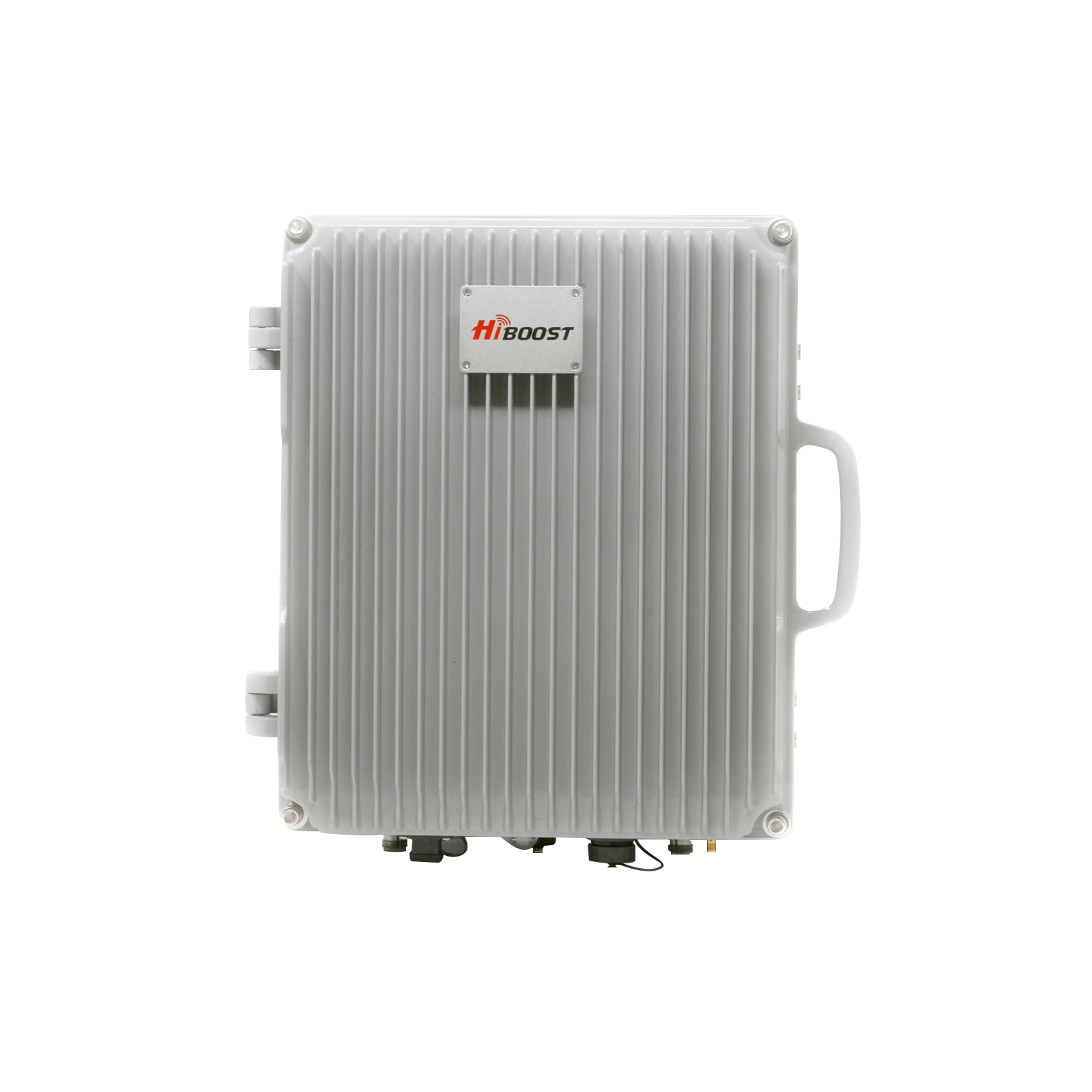
Struggling with weak or no cell signal in rural areas is more common than you think. Whether you're living on a farm, traveling in an RV, or staying in a remote cabin, poor reception can make calls drop, data crawl, and connectivity unreliable.
The good news? A cell phone signal booster is the most effective way to fix weak signal in rural areas.
In this guide, you'll learn:
- Why rural signal is so weak
- How to boost your signal effectively
- How to choose the right booster for your situation
- The best signal boosters for homes, farms, and vehicles
We then cover practical fixes from installing HiBoost signal boosters to using high-gain antennas, optimal placement, Wi-Fi calling, and choosing the carrier with the strongest local coverage. We show how boosters work, highlight the best HiBoost home, vehicle, and RV boosters in tabular form, and explain how to locate the nearest cell towers.
We include detailed steps for testing signal strength before and after installation, and we share real-world rural case studies. A future-trends timeline covers 5G rollout, satellites, and 6G/NTN developments. We compare HiBoost to competitors and answer FAQs.
1. Why Cell Phone Signal Is Weak in Rural Areas

Rural areas suffer poor cell coverage for several reasons. In general, signal issues boil down to distance and obstacles:
- Tower Distance: Rural homes/farms are often far from the nearest cell tower. Radio signals weaken with distance. If a tower is miles away, even the line-of-sight signal is very low at the home.
- Geographical Obstacles: Terrain features like hills, mountains or valleys block or deflect signals. For example, a home in a canyon or on one side of a ridge may be out of line of sight to towers, so outdoor signal can be zero.
- Vegetation and Weather: Dense forests and wet foliage scatter radio waves. In many country areas, thick trees and brush absorb signals. Heavy rain or snow can further degrade RF.
- Low Infrastructure Investment: Carriers focus densest coverage in urban/suburban markets. As a result, there are simply fewer or more distant towers serving rural regions.
- Building Materials (indoors): In and around the home, thick walls and metal block signals. This is why many rural homes get a few bars outside but none indoors. A good rule: if you have a signal outside but not inside, the problem is local to the building, not the tower.
- Limited 5G/mmWave: Modern high-band 5G rarely covers rural areas. Most rural signals are on older 4G/5G low-band which travel far but are still weak if no close tower.
👉 Bottom line:
Even if you have usable signal outside, it often disappears indoors.
Each of these factors can leave rural residents with spotty service, dropped calls, and slow data. Understanding the source of the weak signal helps choose the right fix.
2. How to Boost Cell Signal in Rural Areas
Not all solutions work equally well. Here’s a quick breakdown:
| Method | Effectiveness | Recommended |
| Switching carriers | Low | ❌ |
| WiFi Calling | Medium | ⚠️ |
| Cell Signal Booster | High | ✅ Best Solution |
👉 Why boosters work:
They capture weak outdoor signal, amplify it, and rebroadcast it inside your home, vehicle, or building.
3. The Most Effective Ways to Boost Cell Phone Signal in Rural Areas
In rural homes, farms, or vehicles, these strategies can dramatically improve reception:
3.1 Install a Cellular Signal Booster:
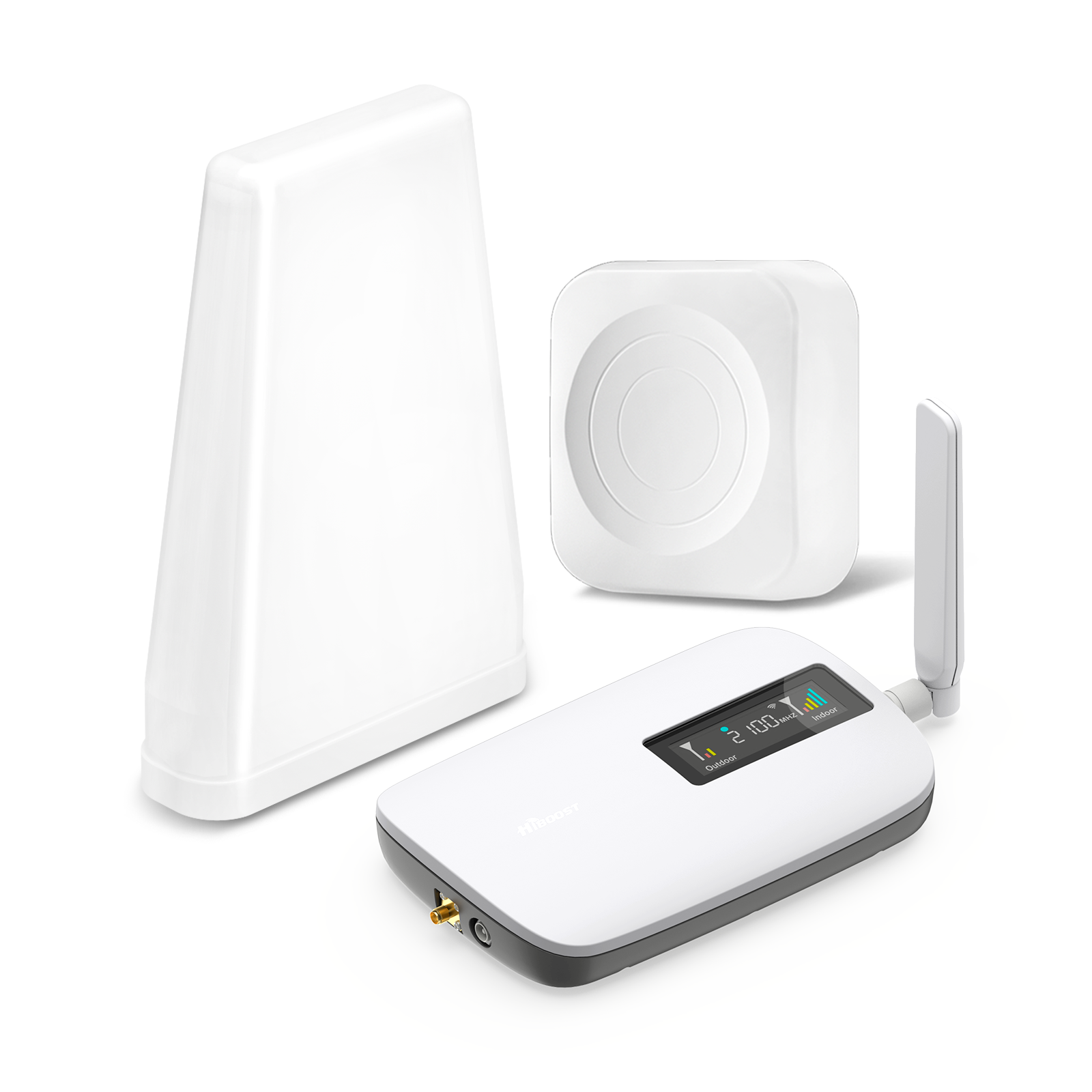
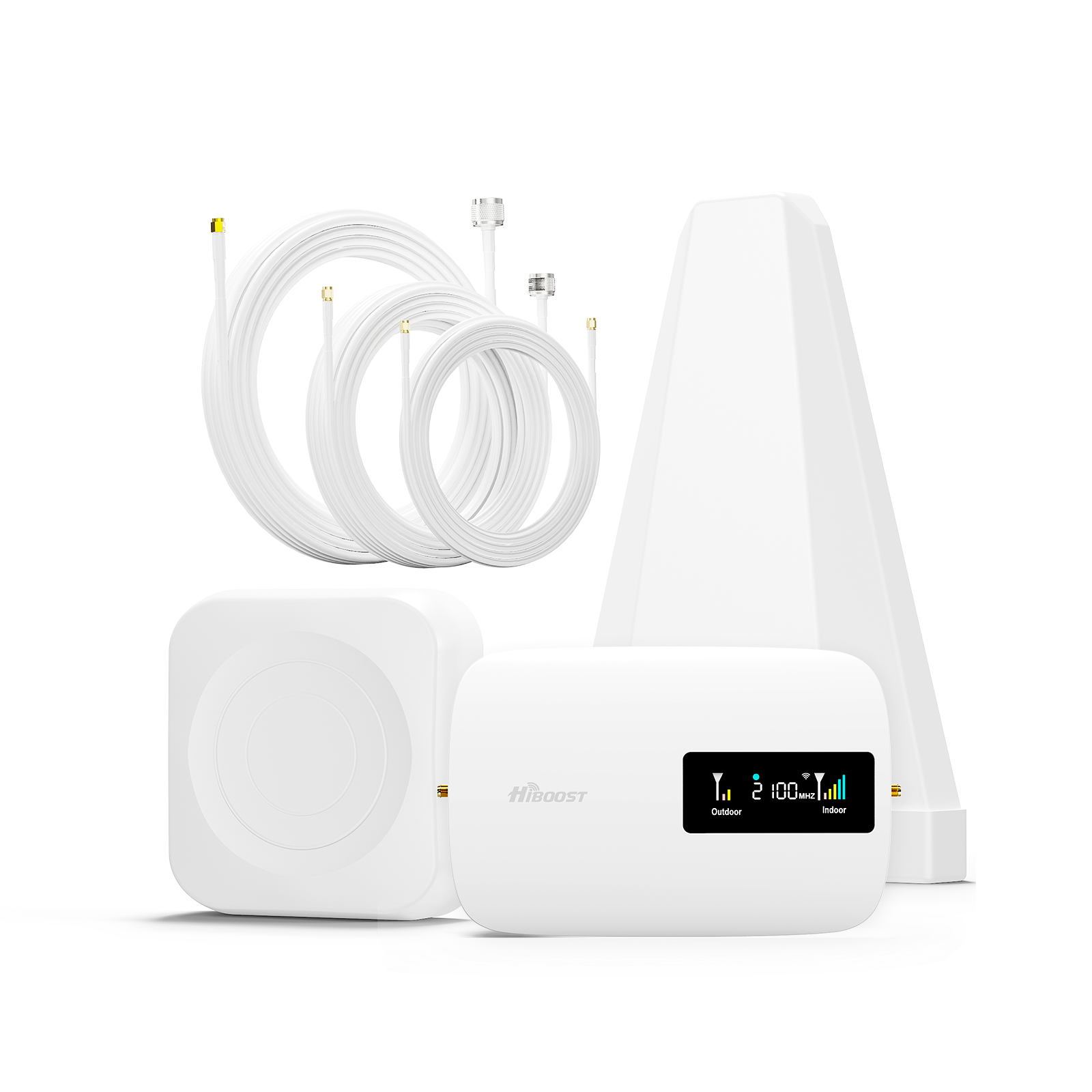
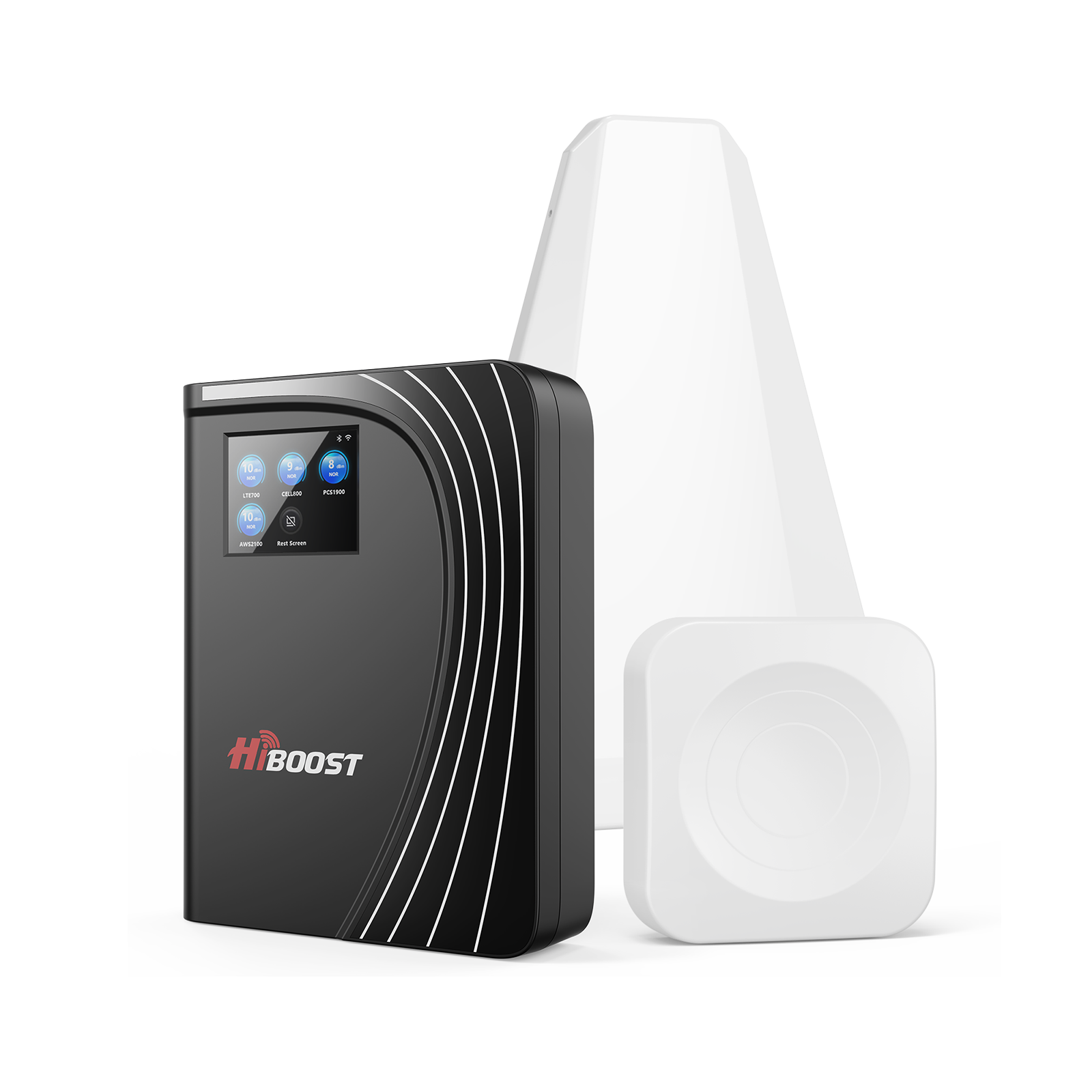
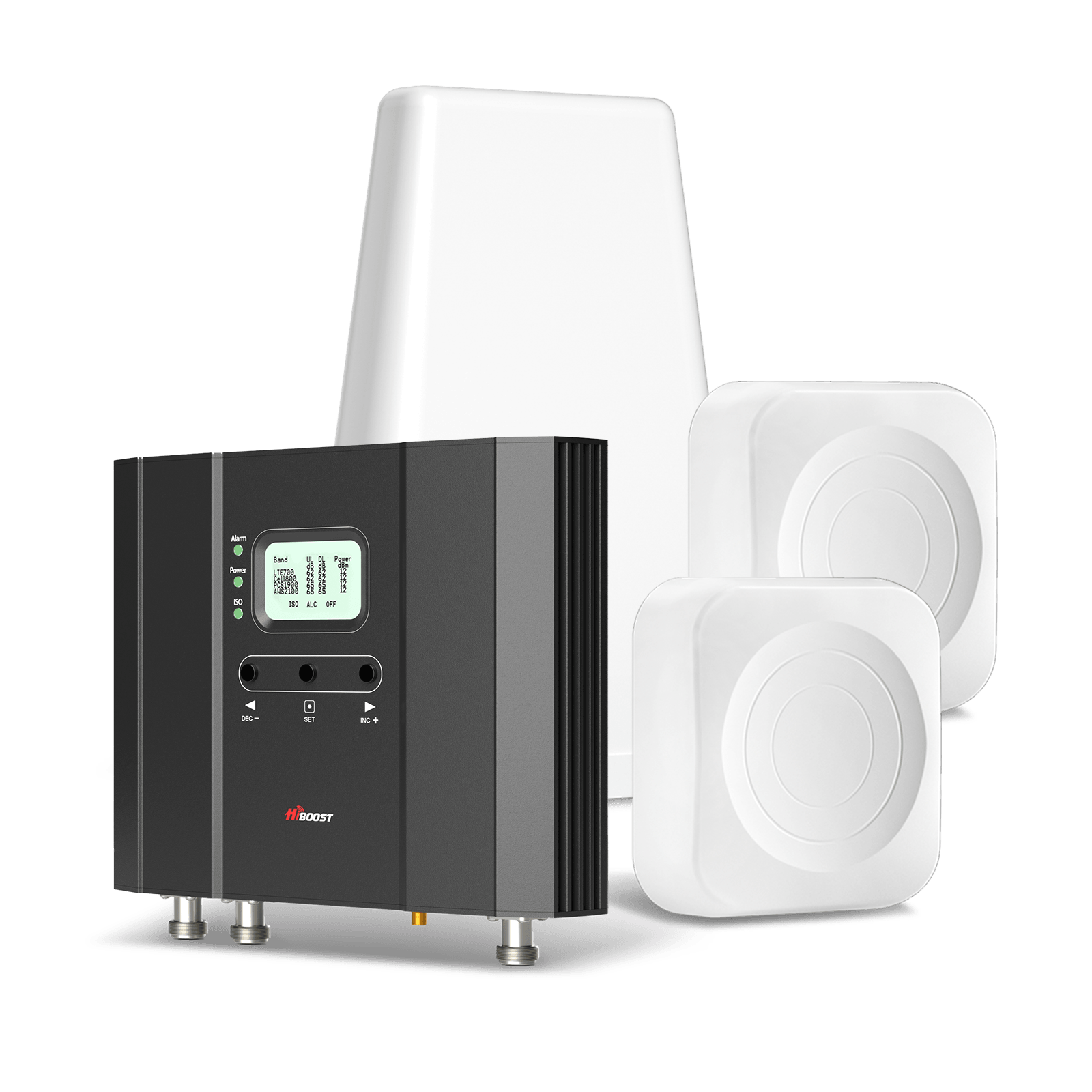
This is the most direct solution. A signal booster uses an outdoor antenna to capture weak cell signals, an amplifier to boost them, and an indoor antenna to rebroadcast the improved signal.

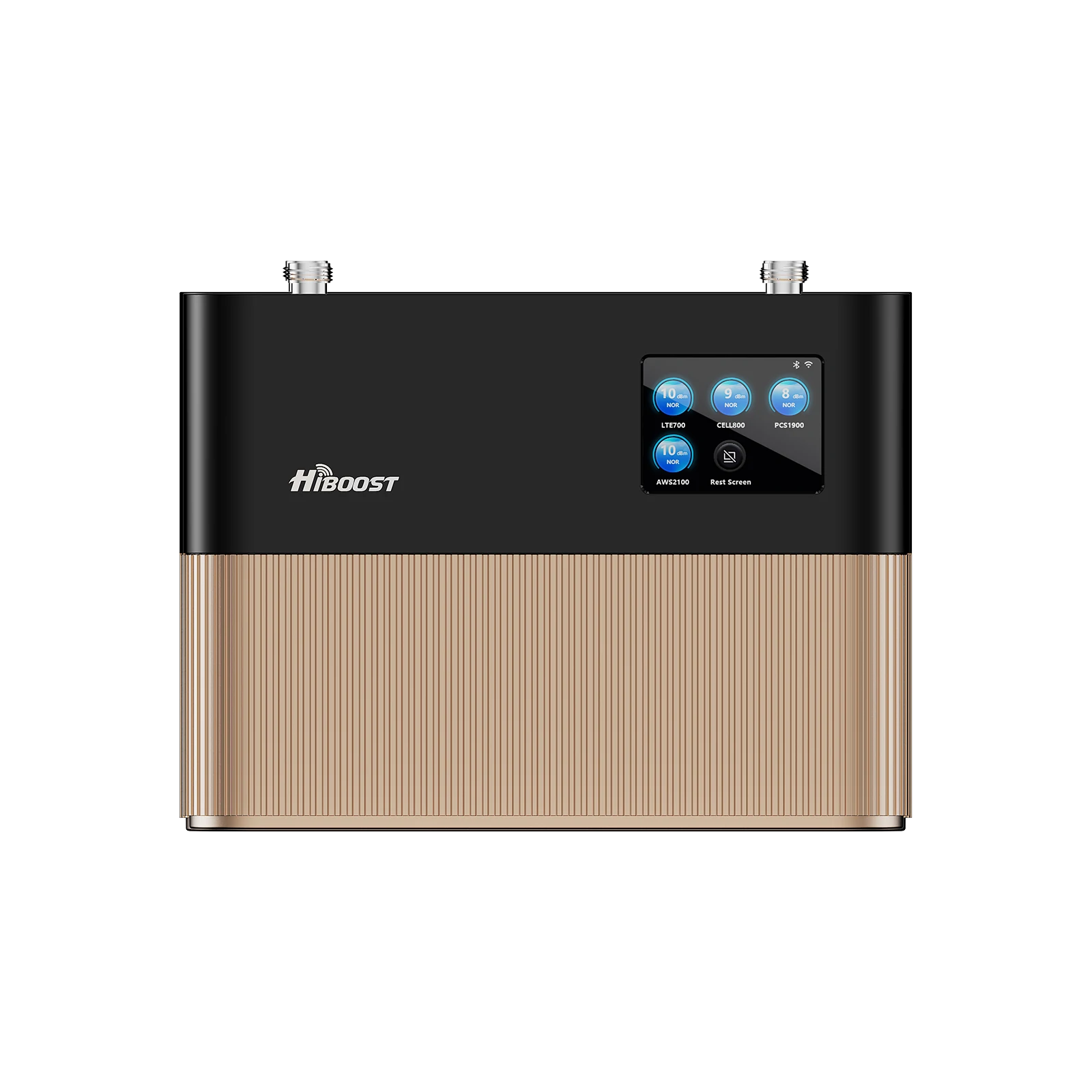
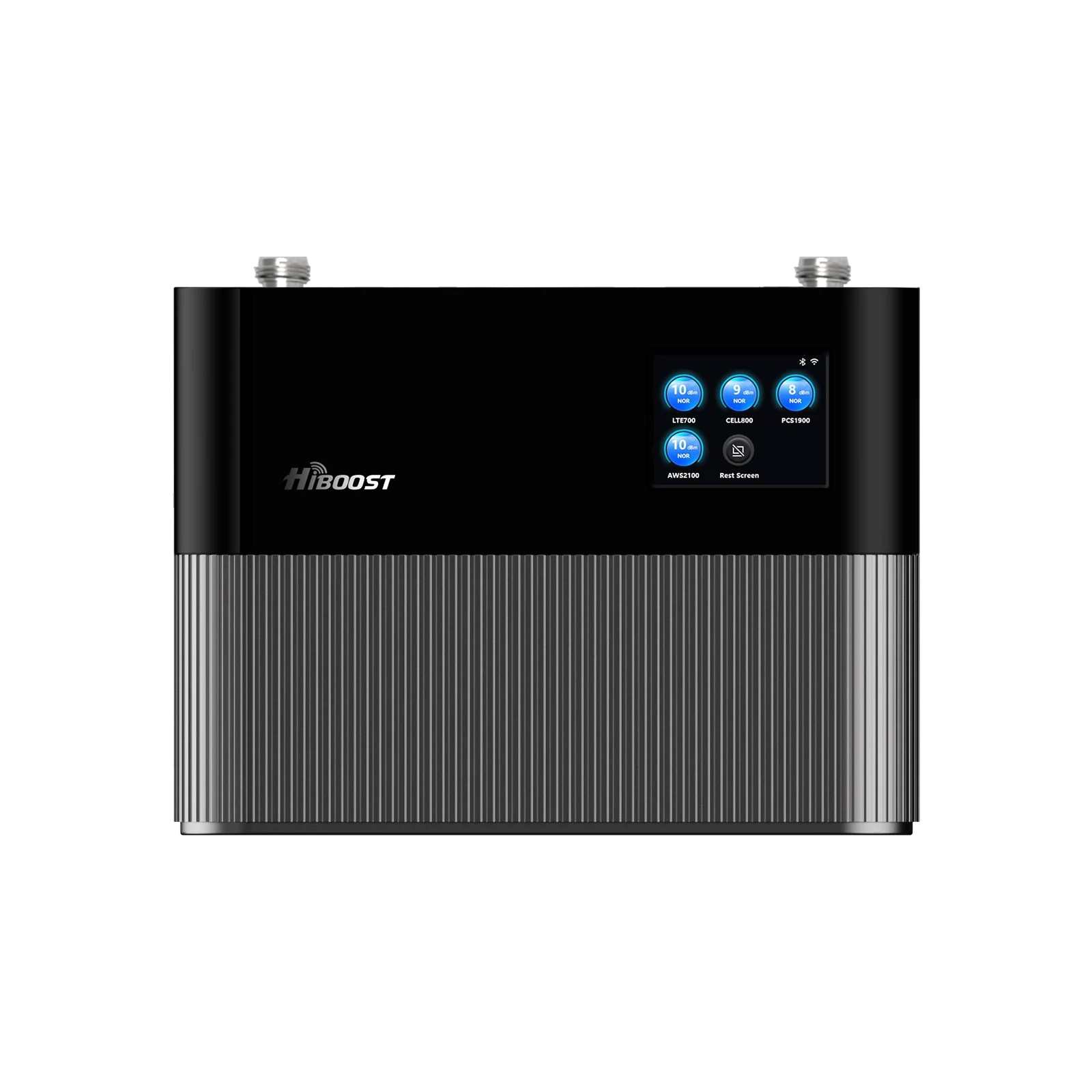
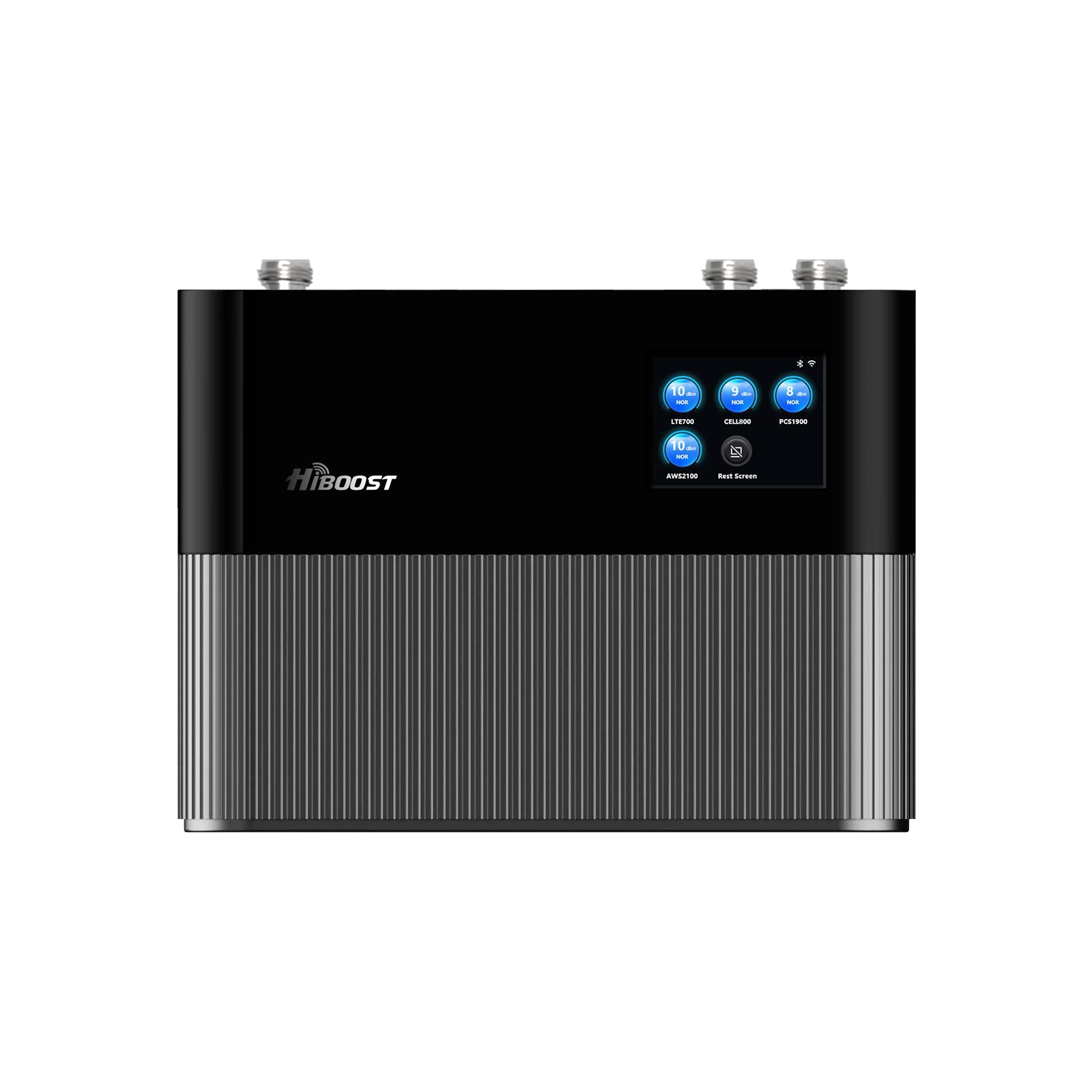
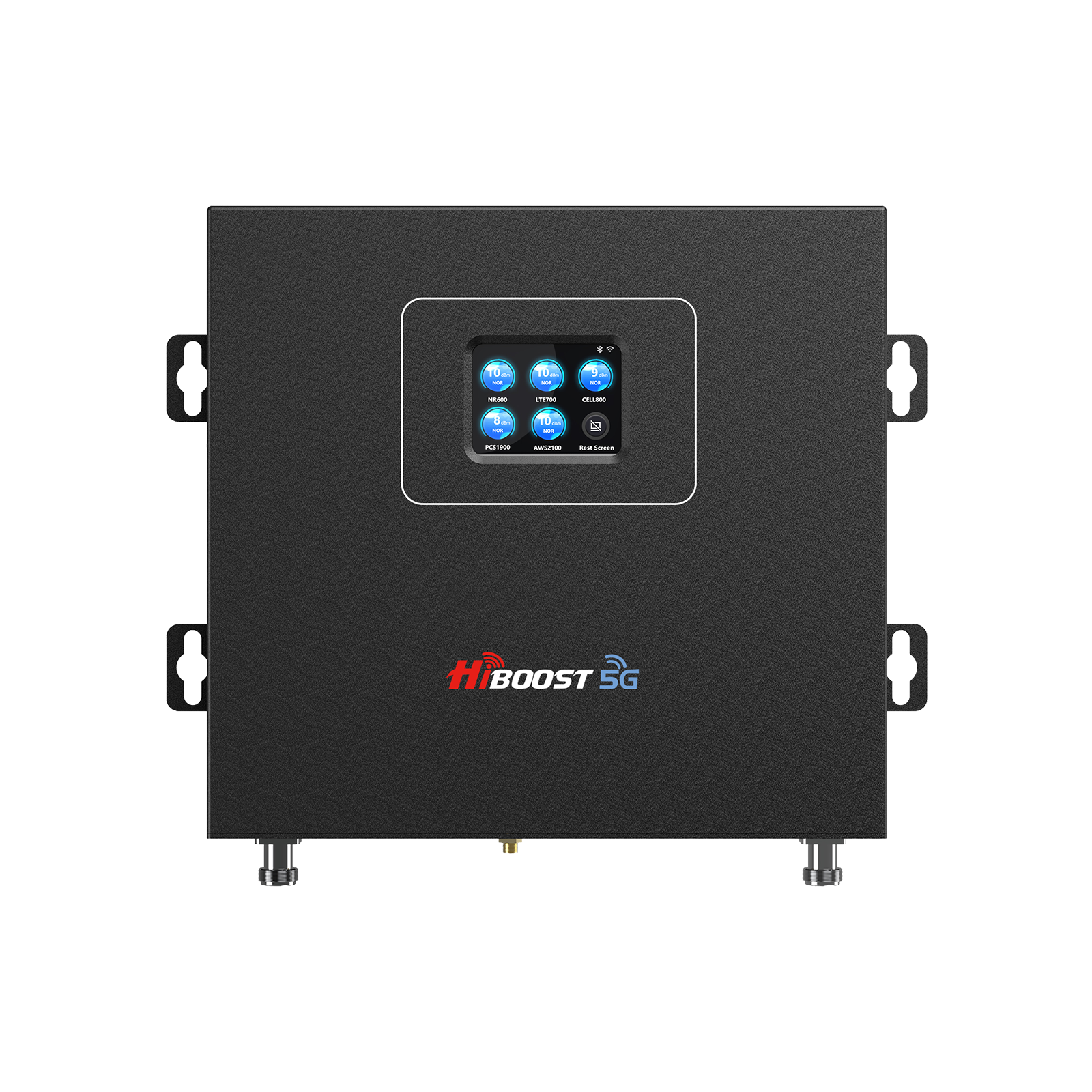
We strongly recommend HiBoost boosters for rural customers; they are FCC/Ofcom-approved, 5G-ready, and cover all carriers. HiBoost units are optimized for multi-band and often include user-friendly apps.
Installing a HiBoost kit typically involves mounting the outdoor antenna, connecting it to the amplifier, and placing an indoor antenna centrally. Bullet checklist:
- Mount the outdoor antenna on a roof or pole with clear line-of-sight to the tower.
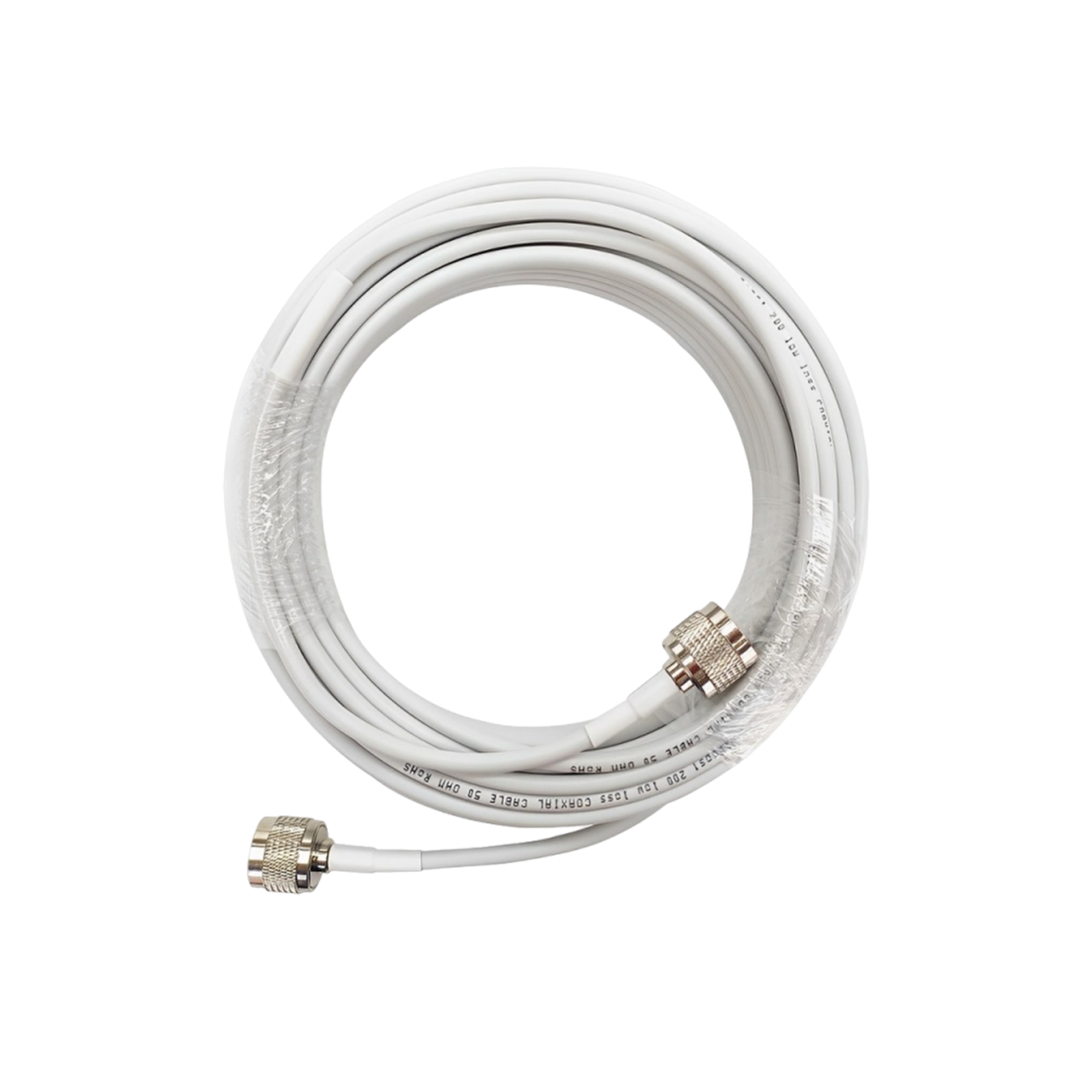
- Use high-quality coaxial cable to run from the outdoor antenna to the booster unit indoors.
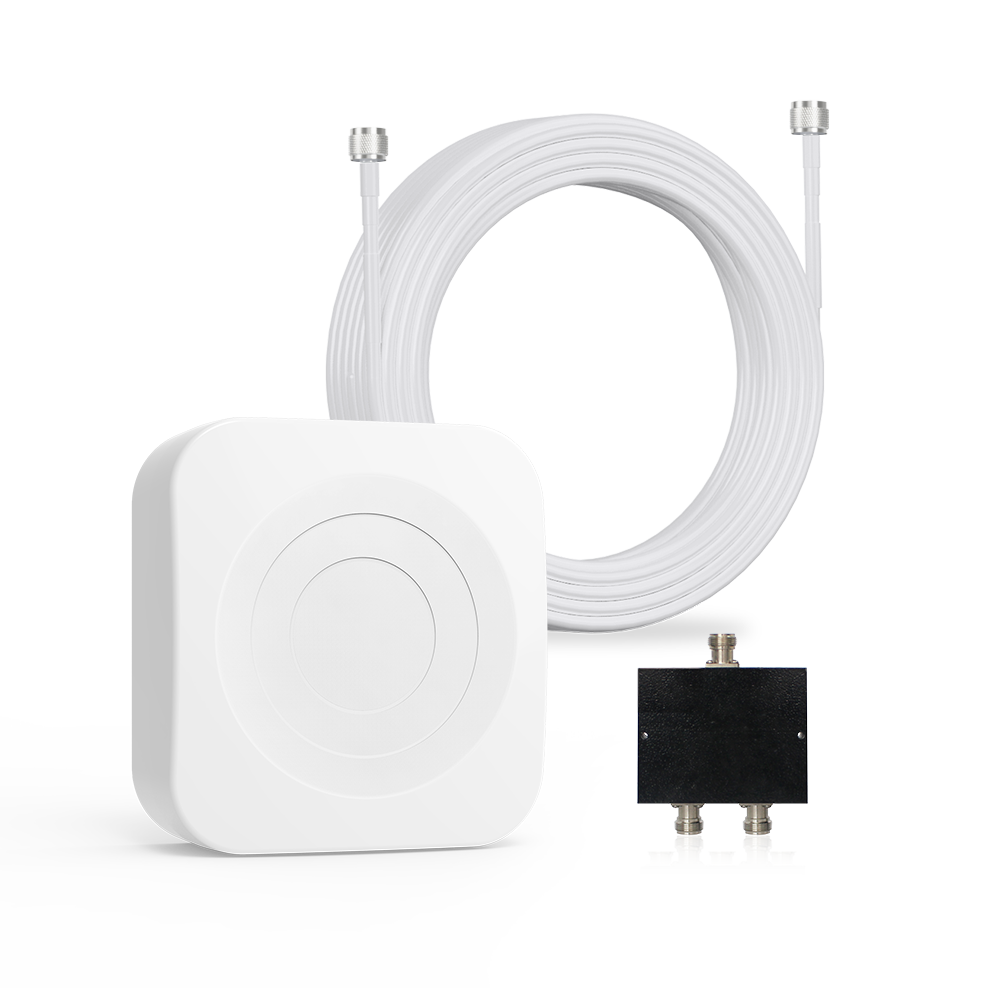
- Install the indoor antenna (panel or dome) in the area needing coverage.
- Connect power and turn on the booster.
HiBoost’s manuals and apps guide each step.
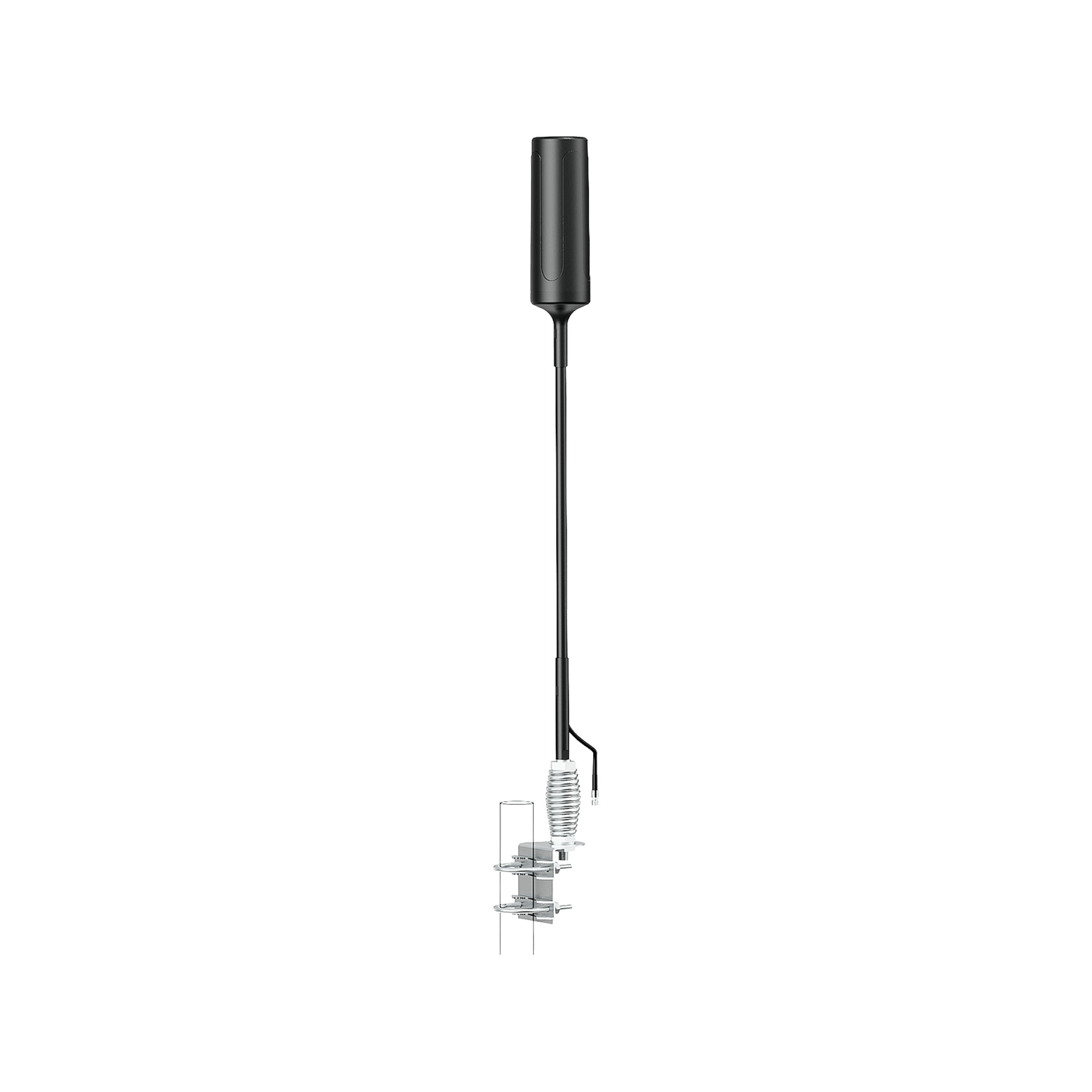
3.2 Use a High-Gain Directional Antenna:
Aim the antenna toward the nearest tower.
Directional antennas can pull in signals from many miles away. For example, HiBoost and other kits allow external Yagi antennas for this purpose. Steps:
- Identify the nearest cell tower.
- Choose a high-gain outdoor antenna.
- Securely mount and aim it toward the tower.
- Directional antennas require line-of-sight, but they gain ~10–15 dB over omnidirectional types.
We emphasize HiBoost: its boosters work seamlessly with user-friendly directional antennas. If you’re 10–20+ miles from a tower, a HiBoost plus a Yagi antenna is ideal.
3.3 Optimize Antenna Placement:
Where you put the antennas makes a big difference:
- Outdoor antenna: Mount as high as possible clear of obstructions. Avoid metal flashing, gutters, vents. Even moving a few feet can gain dB. If possible, get above the tree line.
- Indoor antenna: Place it centrally in the house/farm office, away from concrete walls or large appliances. If covering multiple floors, use multiple indoor antennas or a ceiling-dome. HiBoost boosters typically include a panel antenna or dome; aim it into the main living area or office.
- Cables and connectors: Use low-loss cables (RG6/RG11) and minimize length. Each 10 ft of coax costs ~1–2 dB at high frequencies. Ensure all connections are tight.
- Overlap: Do not point the indoor antenna toward the outdoor antenna that can cause oscillation. Typically, point the indoor antenna away from the outdoor one.
Bullet points:
- Mount the outdoor antenna on a pole or roof pinnacle, clear of clutter.
- Aim toward the “line of sight” direction of the tower.
- Keep coax runs as short as practical.
- Place the booster unit in a cool, dry, central indoor location.
- Position indoor antennas on the wall or ceiling facing where service is needed.
👉 This prevents issues related to
RF interference
3.4 Wi-Fi Calling vs Signal Boosters
| Solution | Pros | Cons |
| Wi-Fi Calling | Free | Depends on internet quality |
| Signal Booster | Stable, reliable | Requires installation |
👉 In rural areas with weak internet, boosters are far more reliable.
Wi-Fi Calling and Other Alternatives: If you have at least basic internet, Wi-Fi calling on your smartphone can bypass weak cell signals entirely. Enabling Wi-Fi calling routes calls/texts over your internet connection.
That can help if your Wi-Fi ISP is reliable, but in many rural areas even broadband is via satellite or weak LTE, so we recommend boosting LTE directly. Another tip is to use a dedicated cellular hotspot device, but again a cellular signal booster directly benefits all devices.
Choose the Best Carrier for Your Location: Carrier coverage maps differ. For example, one network may have a tower 5 miles away, another 15 miles. Use tools/apps to find which carrier has a tower closest.
You may consider switching to that carrier or using a dual-SIM phone. HiBoost boosters amplify all carriers simultaneously, so once you pick the best carrier tower, every phone on the network will improve.
Overall, a HiBoost signal booster combined with a high-gain antenna and smart placement is usually the most effective approach in rural settings.
4.Best Cell Phone Signal Boosters for Rural Areas (2026 Picks)
Choosing the right booster depends on your environment. Here are the best options by use case:
4.1Best Signal Boosters for Rural Homes
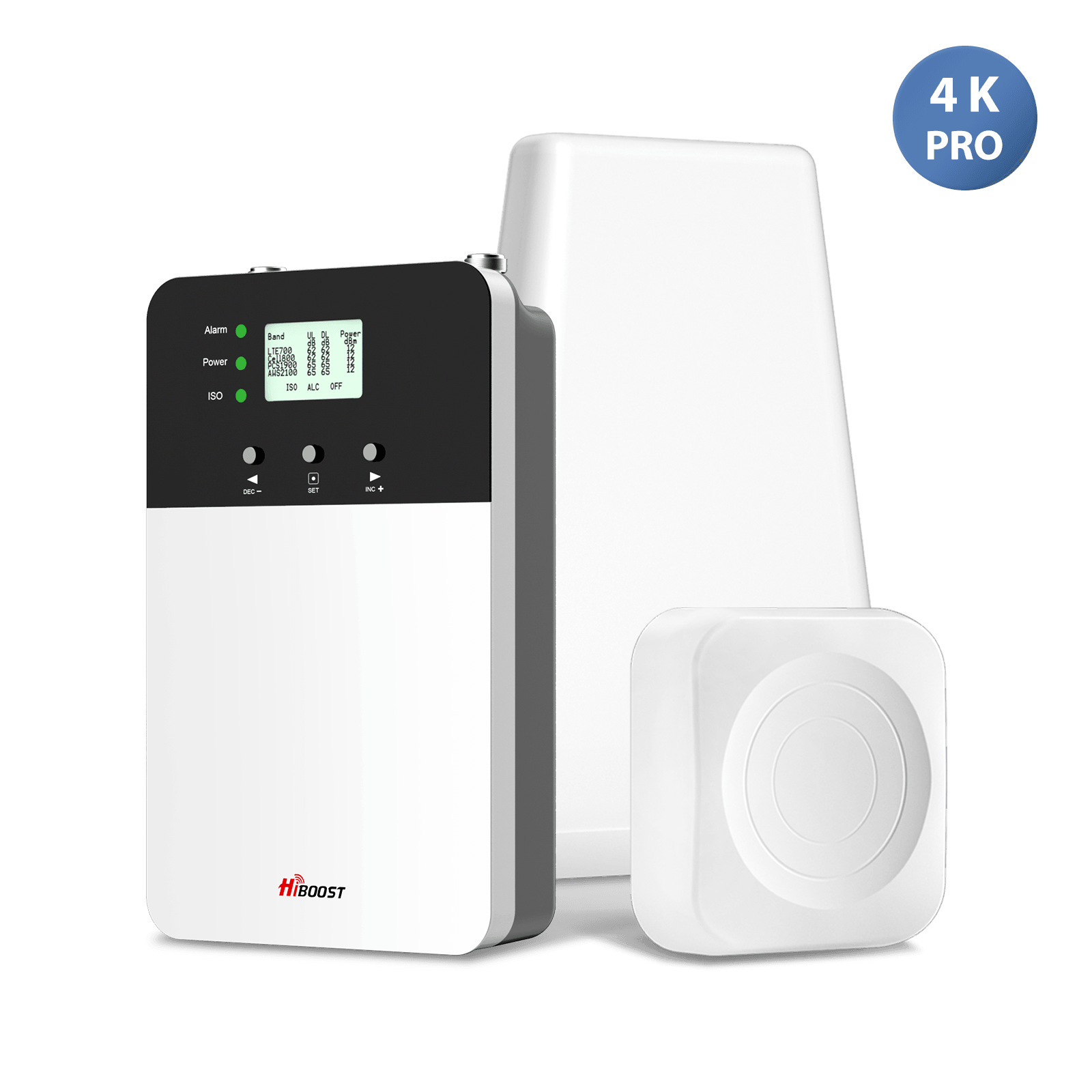
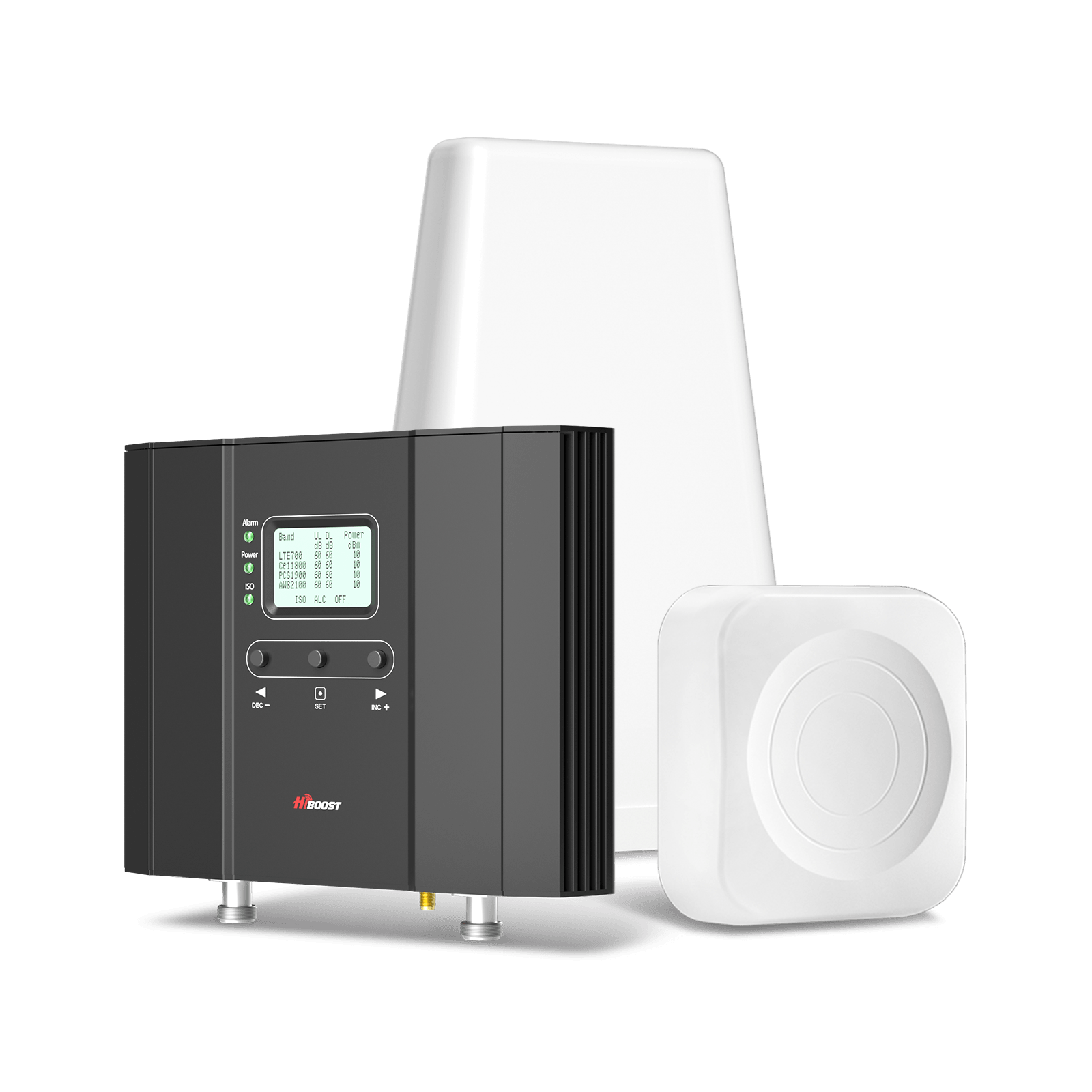
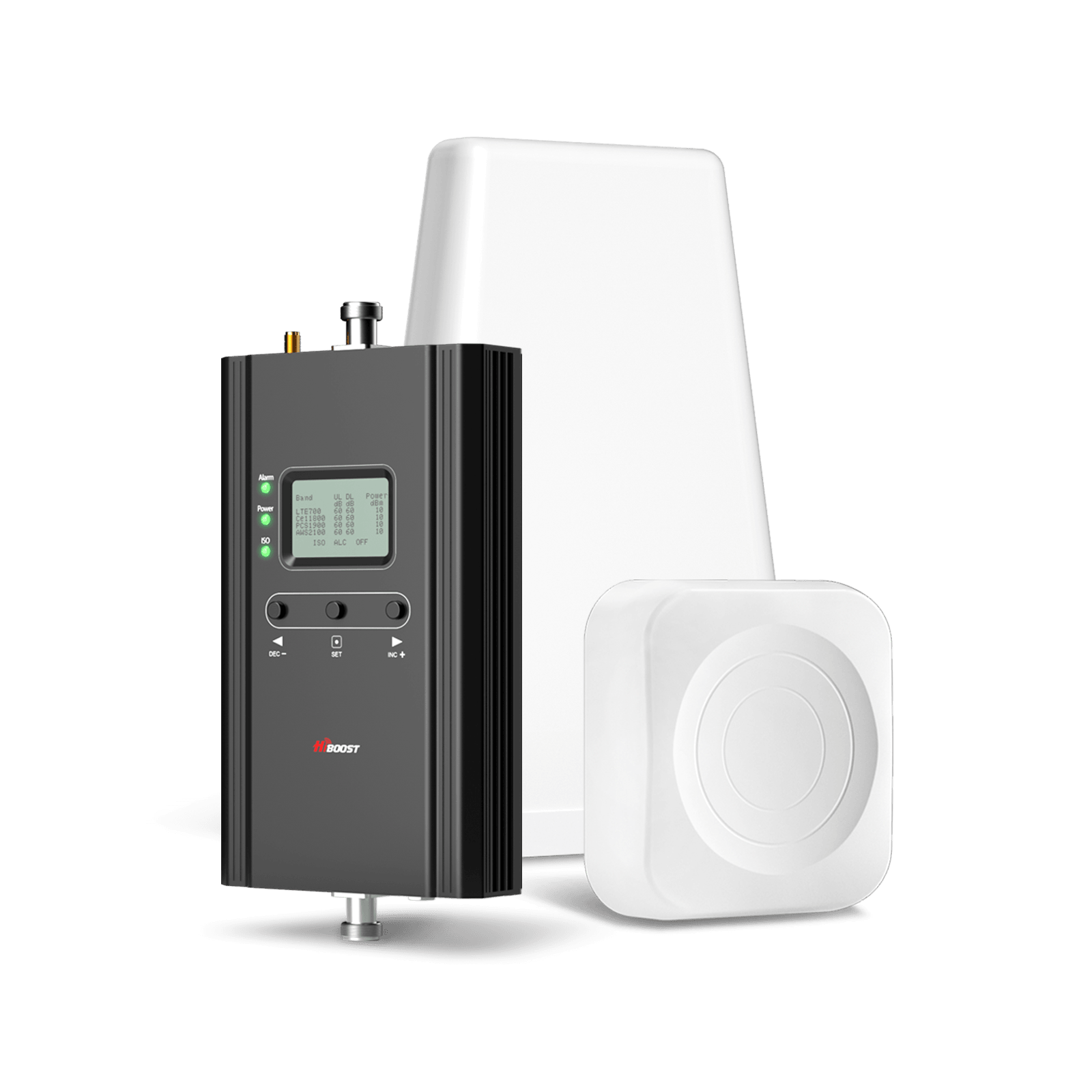
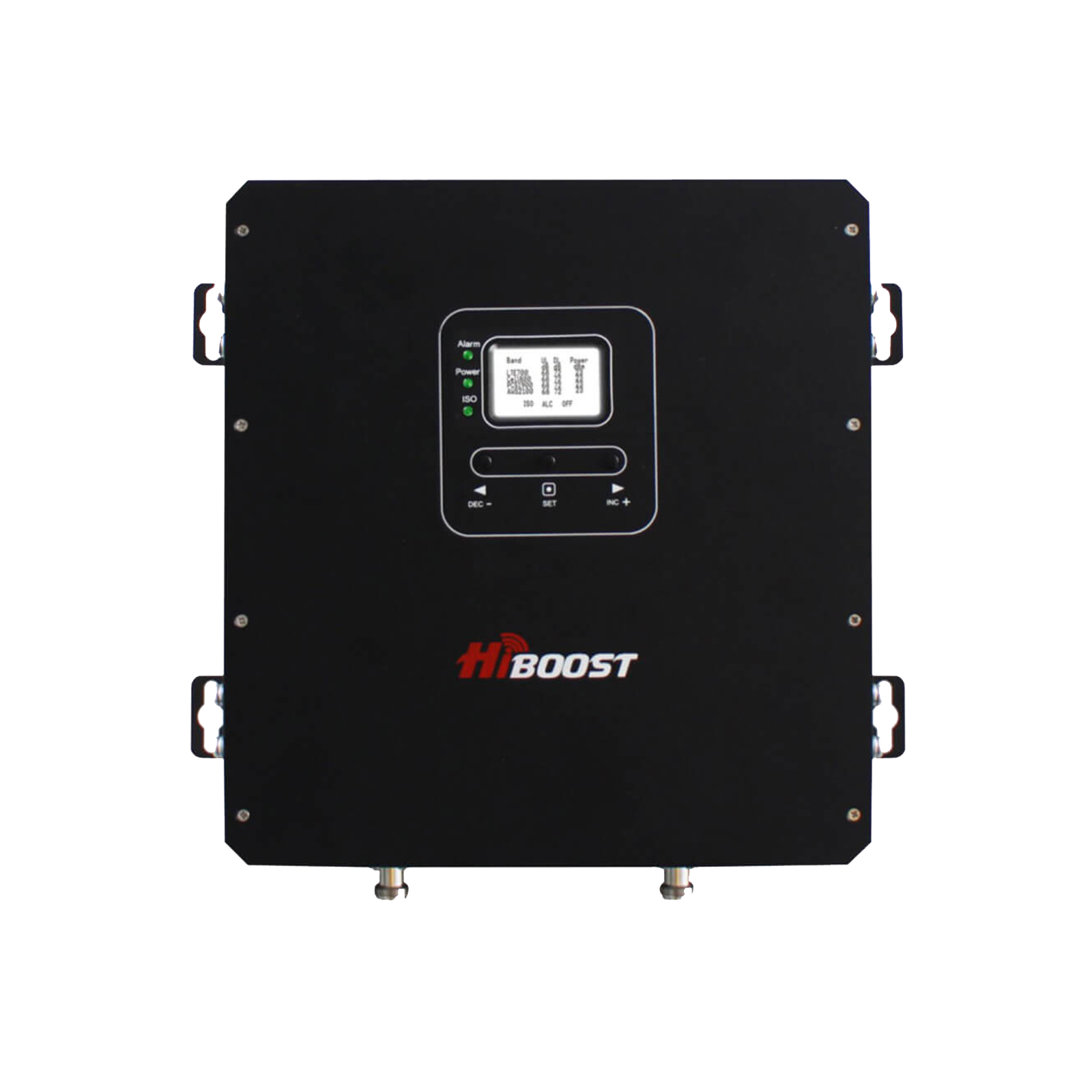
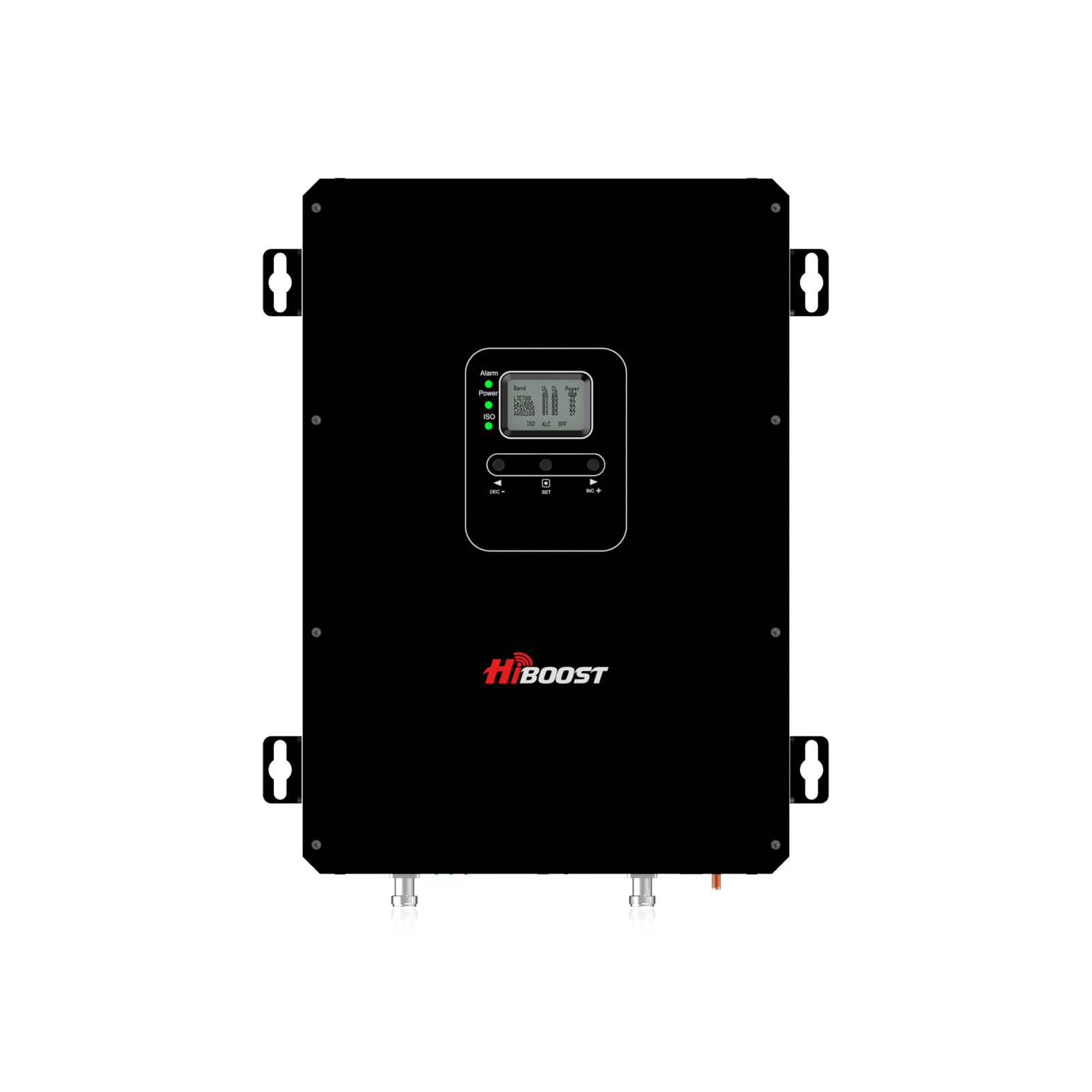
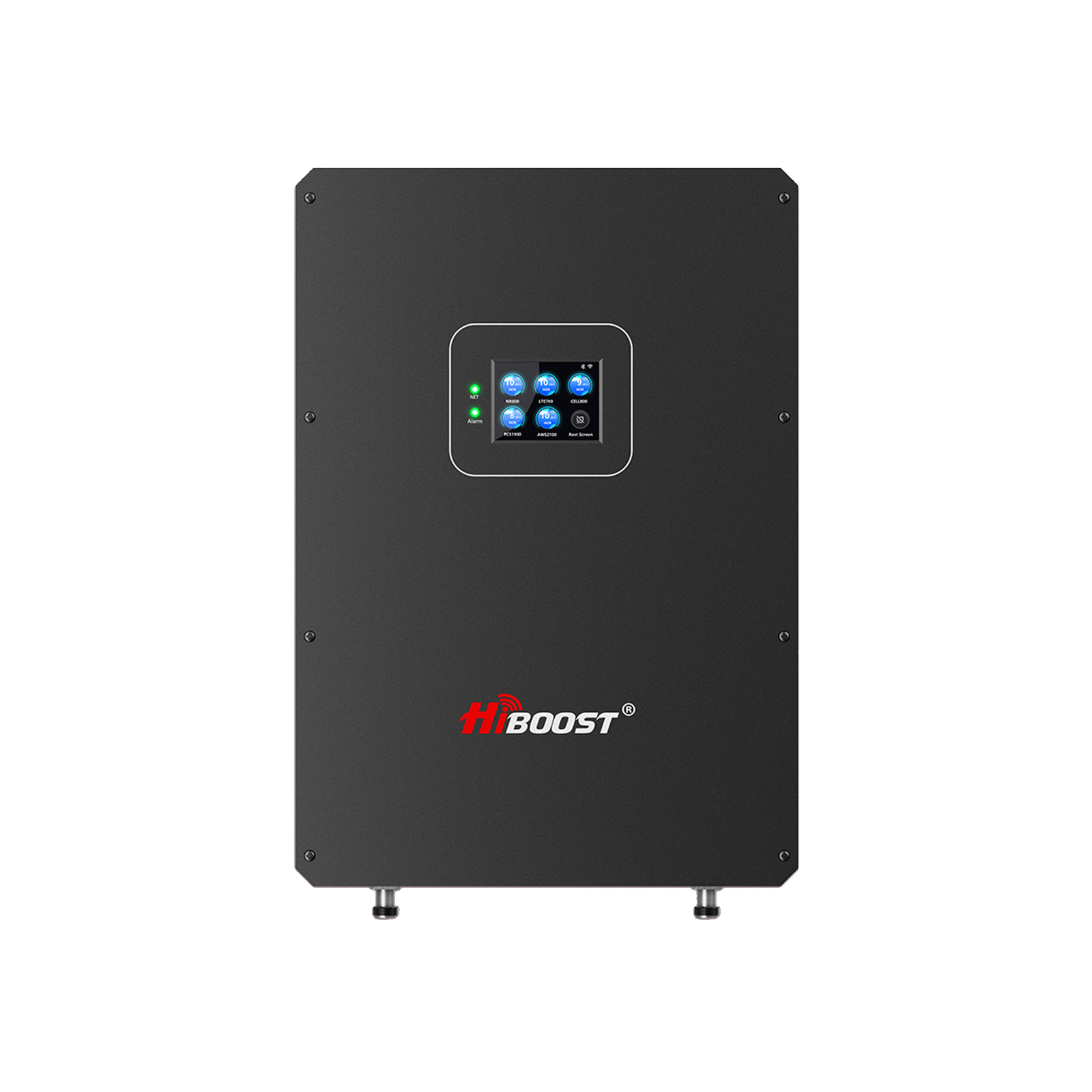
For rural homes and farmhouses, we recommend HiBoost Home Solutions tailored to different sizes. All HiBoost boosters cover 2G/3G/4G LTE and most include 5G low-band. Below is a comparison of popular HiBoost models for rural home use:
| HiBoost Model |
Bands Supported |
Max Gain |
Coverage Area |
Price Range |
Best Use |
|
Sidekick |
All major US carriers (2G/3G/4G/5G) |
62 dB |
~500–2,000 ft² (small home) |
~$220–$300 | Small homes/office (1–2 rooms) |
|
Hero |
All major carriers (2G–5G) |
65 dB |
~500–3,000 ft² |
~$270–$370 |
1–2 room homes, farm offices |
| 4K Smart Link | All carriers (2G–5G) | 60 db | ~1,000–4,000 ft² | ~$320–$420 | Small multi-room home (2–3 rooms) |
| 4K Plus Pro | All carriers (2G–5G) | 65 dB | ~3,000–6,000 ft² | ~$420–$570 | Medium home (4–5 rooms) |
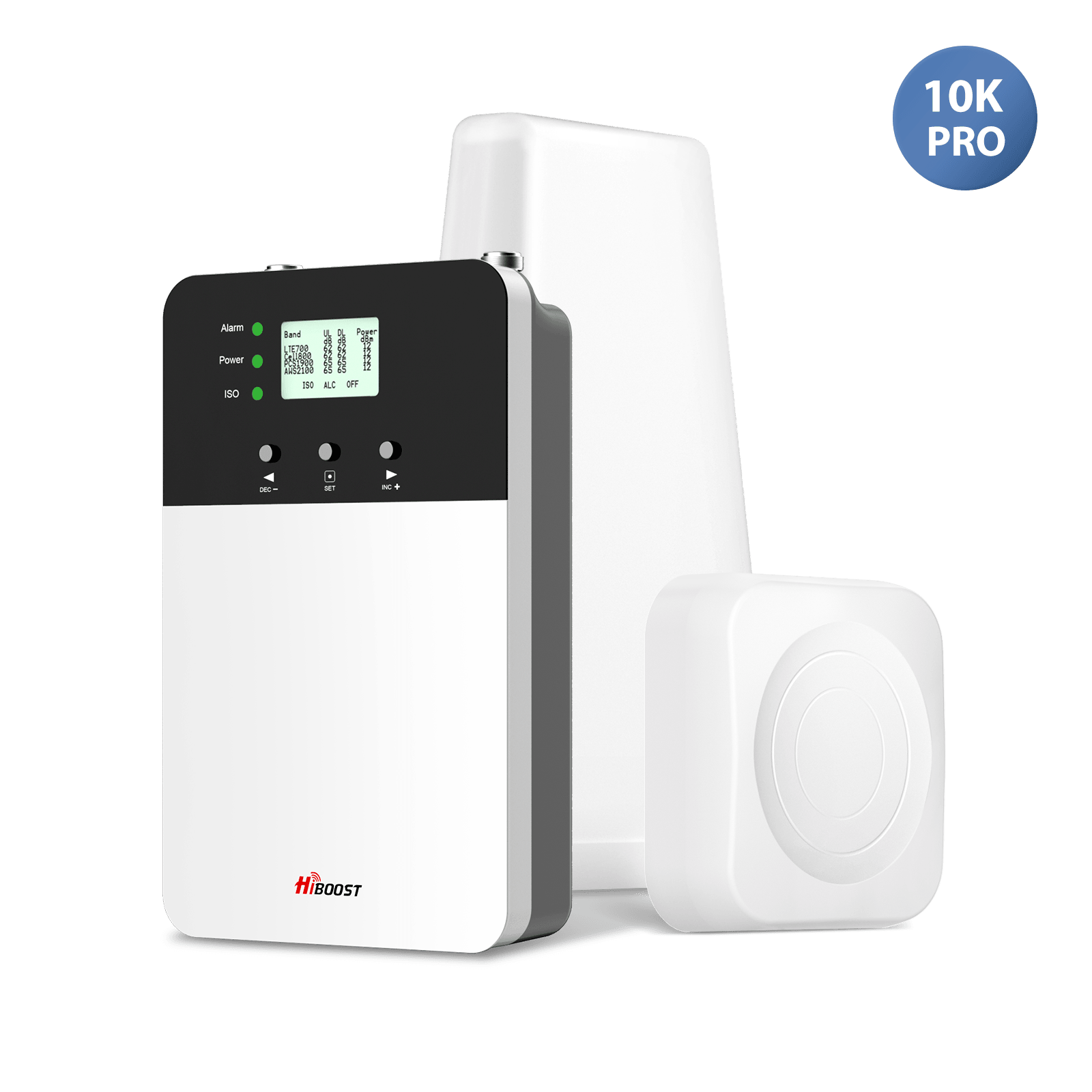
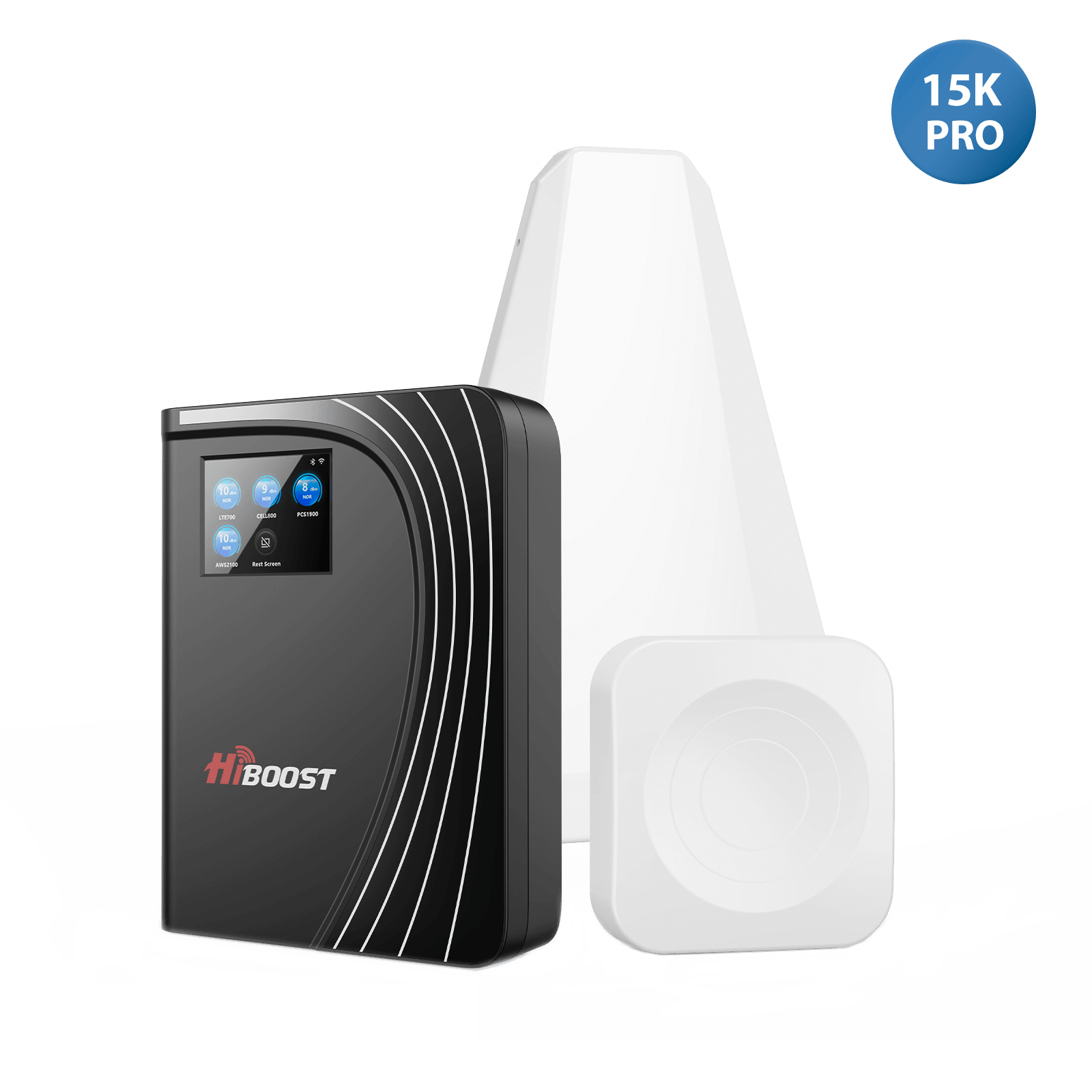
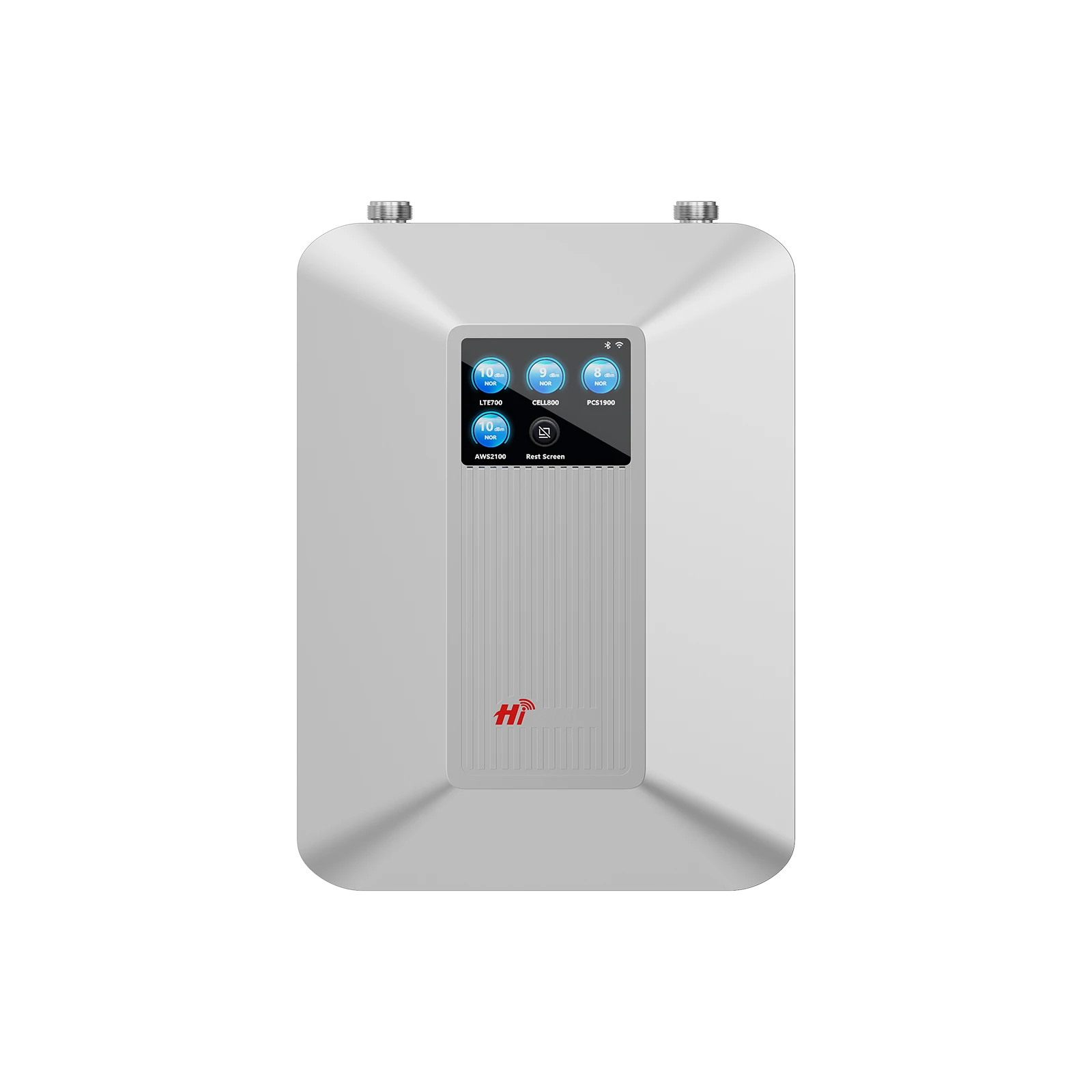
| 10K Plus Pro | All carriers (2G–5G) | 68 dB | ~6,000–12,000 ft² | ~$600–$650 | Large home (5–6 rooms, up to 12,000 ft²) |
| 15K Smart Link Deluxe | All carriers (2G–5G) | 70 dB | ~7,000–15,000 ft² | ~$1,000 | Very large estate (whole home/venue) |
Coverage figures assume an outdoor signal of 3 bars. Actual area may vary with building layout.
Bands Support lists examples of frequency bands. All units cover the major LTE and 5G low bands used by US carriers.
HiBoost boosters are FCC-approved for safety and self-regulation. For example, the 15K Deluxe is rated at 70 dB gain and covers up to 15,000 ft².
Each model comes with user-friendly installation kits. For a typical rural home (2,000–5,000 ft²), we often recommend the 4K Smart Link (60 dB, ~4,000 ft²) or 4K Plus Pro (65 dB, ~6,000 ft²).
For a farmhouse or large multi-floor home, the 10K Plus Pro is a great choice, offering 68 dB to cover ~12,000 ft². These HiBoost boosters work with all US carriers simultaneously, and the included app lets you monitor signal changes during setup.
We trust the HiBoost 15K Deluxe for our largest installations; it “covers up to 15,000 sq ft” with 70 dB gain, perfect for big country estates. For smaller needs, the Sidekick/ Hero are compact and budget-friendly.
4.2 Best Vehicle Signal Boosters for Rural Driving
In rural driving, maintaining connectivity on the move is crucial. HiBoost’s Travel 3.0 series is designed for vehicles:
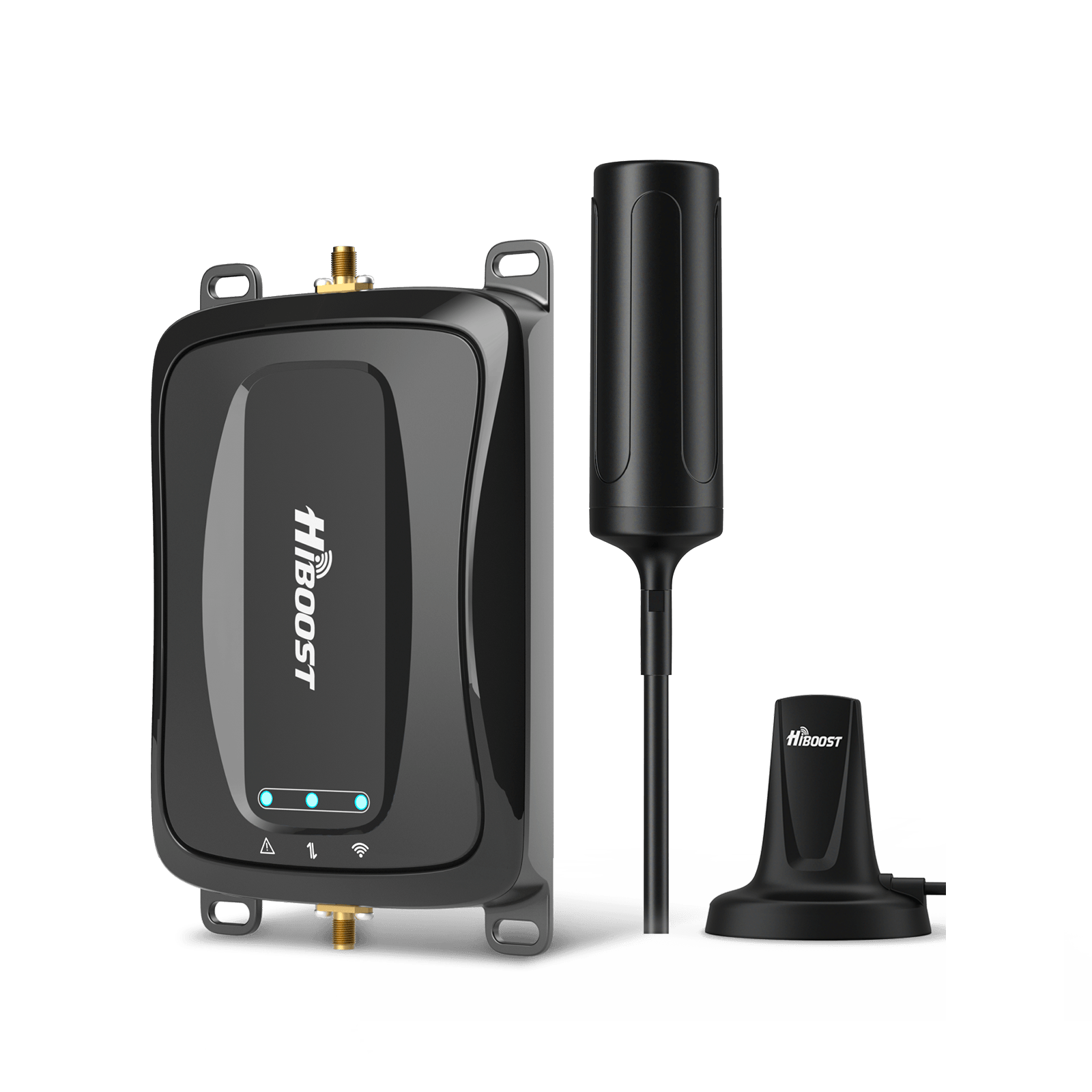
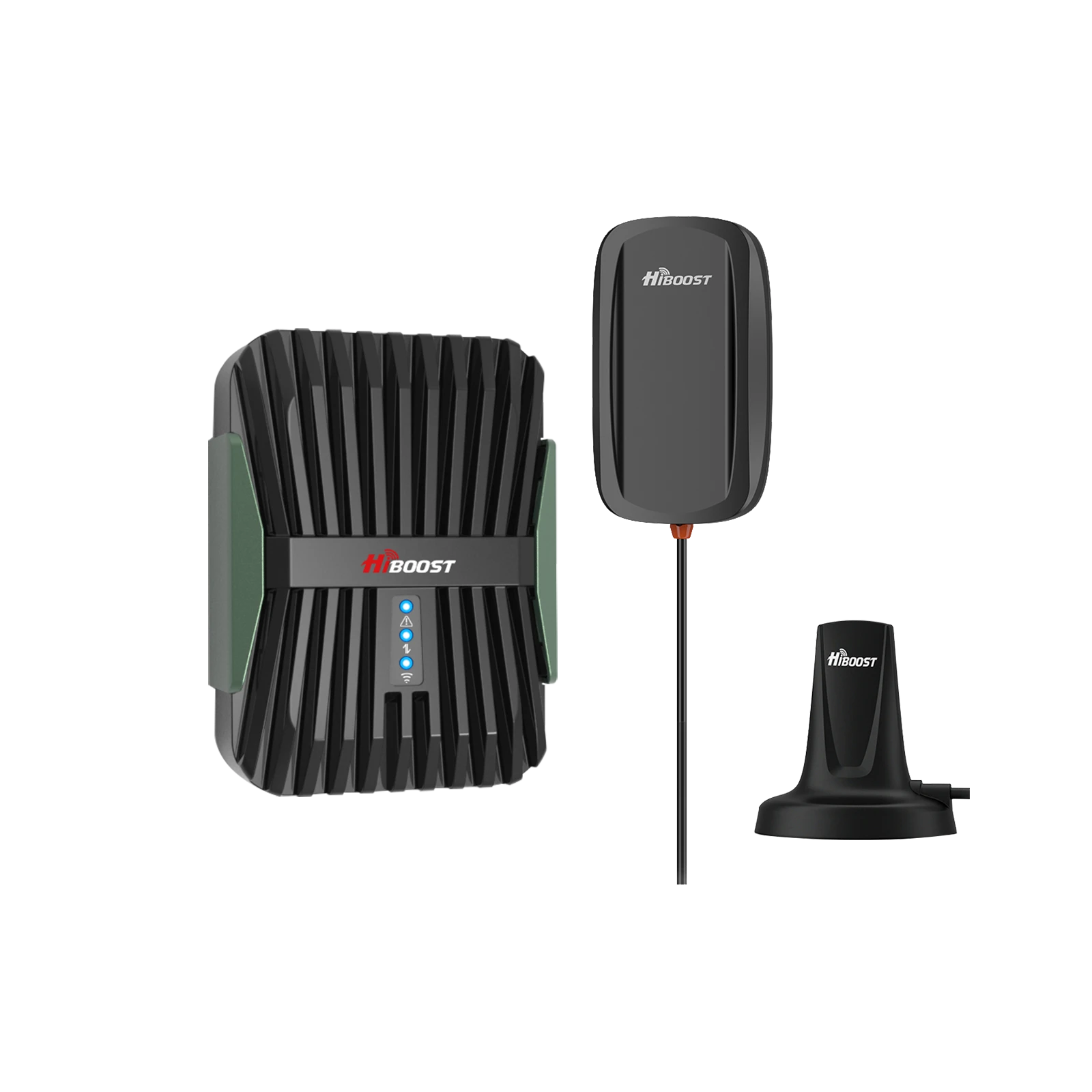
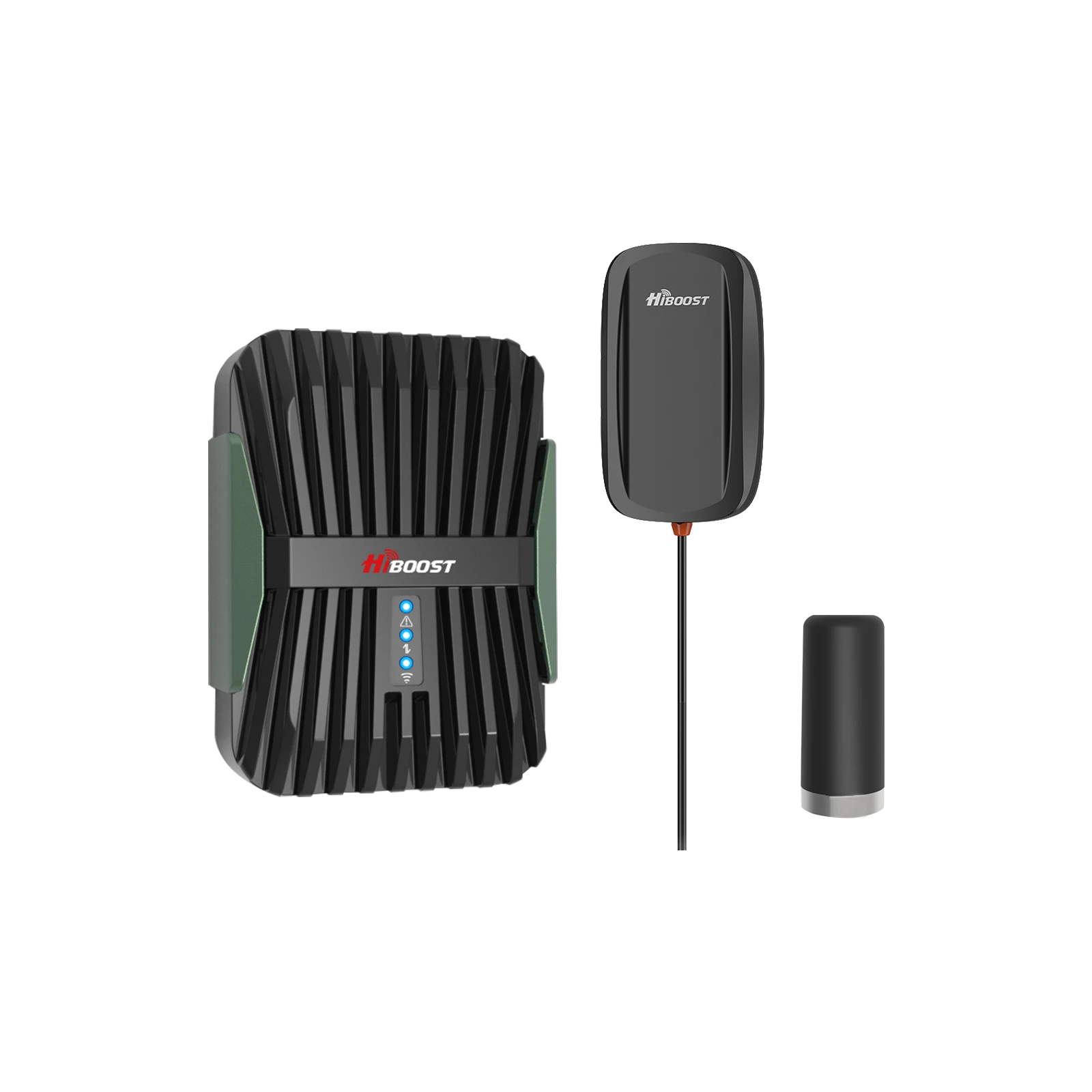
Travel 3.0 Car Booster: For passenger cars, SUVs and vans. This kit has a high-power amplifier and magnet-mount outdoor antenna. It delivers up to 50 dB max gain, covering the entire vehicle. It’s FCC-approved and 5G-ready.
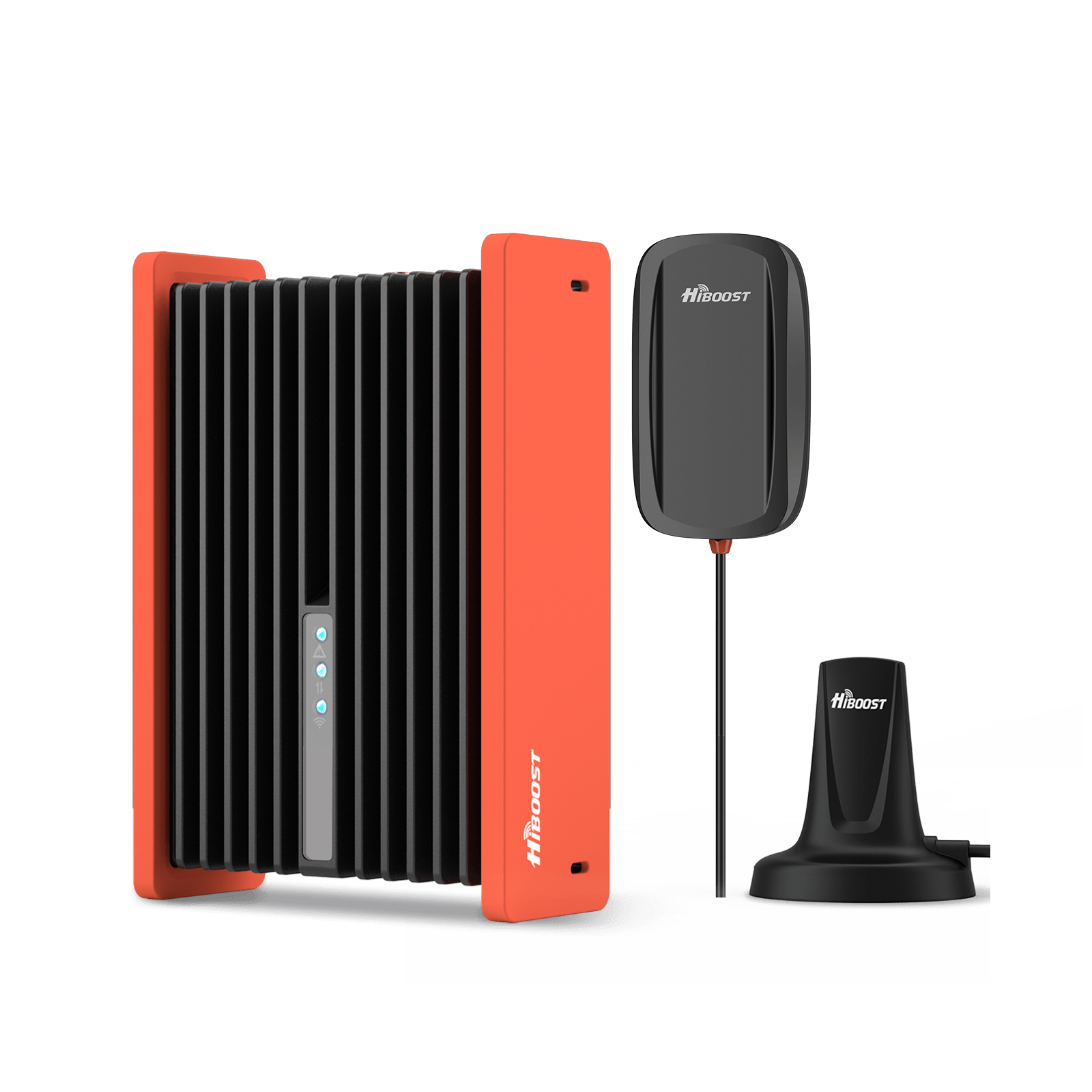
HiBoost Travel 3.0 Car Cell Phone Booster
For passenger cars, vans, mini trucks, pickups and SUVs
The kit includes an upgraded magnetic antenna with 13ft cable and an internal antenna for the vehicle interior. Installation is simple. This model supports all U.S. carriers and multiple phones at once, perfect for family road trips or rural commutes.
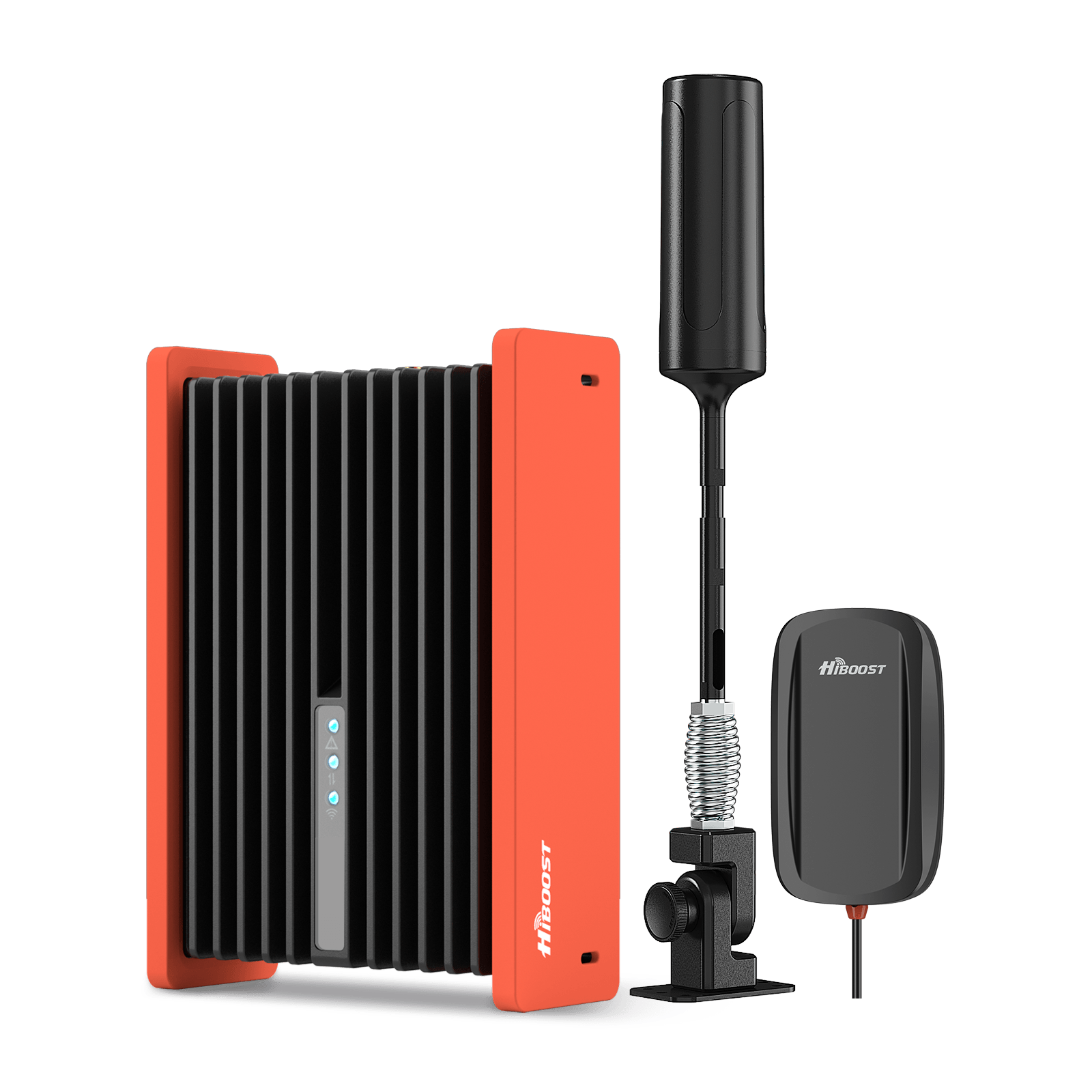
Travel 3.0 Truck Booster: Similar design but with even sturdier mounting for trucks and long-haul vehicles. Also rated 50 dB max gain, covering “Trucks, Semi, SUVs.” The Travel 3.0 Truck kit includes a larger omni-directional antenna with extension poles and a rugged amplifier housing.
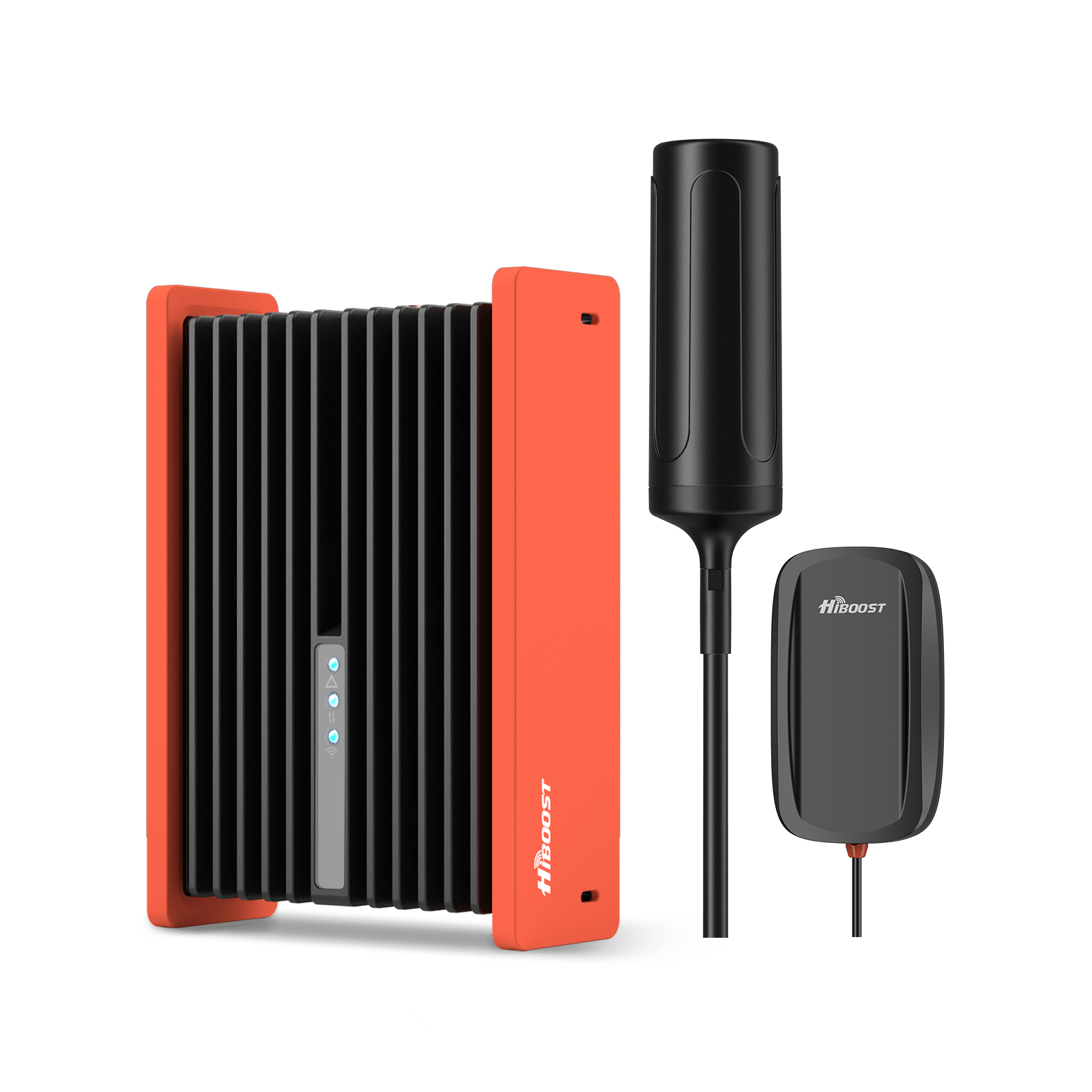
It has an option for a foldable mounting bracket useful for off-road rigs and campers. This booster ensures consistent signal on the road, preventing dead zones for navigation and safety.
Installation Tips for Vehicles: Mount the HiBoost antenna on a metal surface (roof or trunk) to get ground-plane gain. Route the cable through a door or hatch, and place the amplifier unit under the seat or dashboard. Plug the booster into the vehicle’s 12V socket. Use the HiBoost Signal Supervisor app to verify signal gain once installed.
In summary, the HiBoost Travel 3.0 boosters deliver ~50 dB gain and are ideal for long rural drives. They let every passenger’s phone maintain a strong signal even in otherwise dead zones.
4.3 Best Signal Boosters for RV Travel
For RVs and campers traveling through remote areas, HiBoost offers two top solutions:
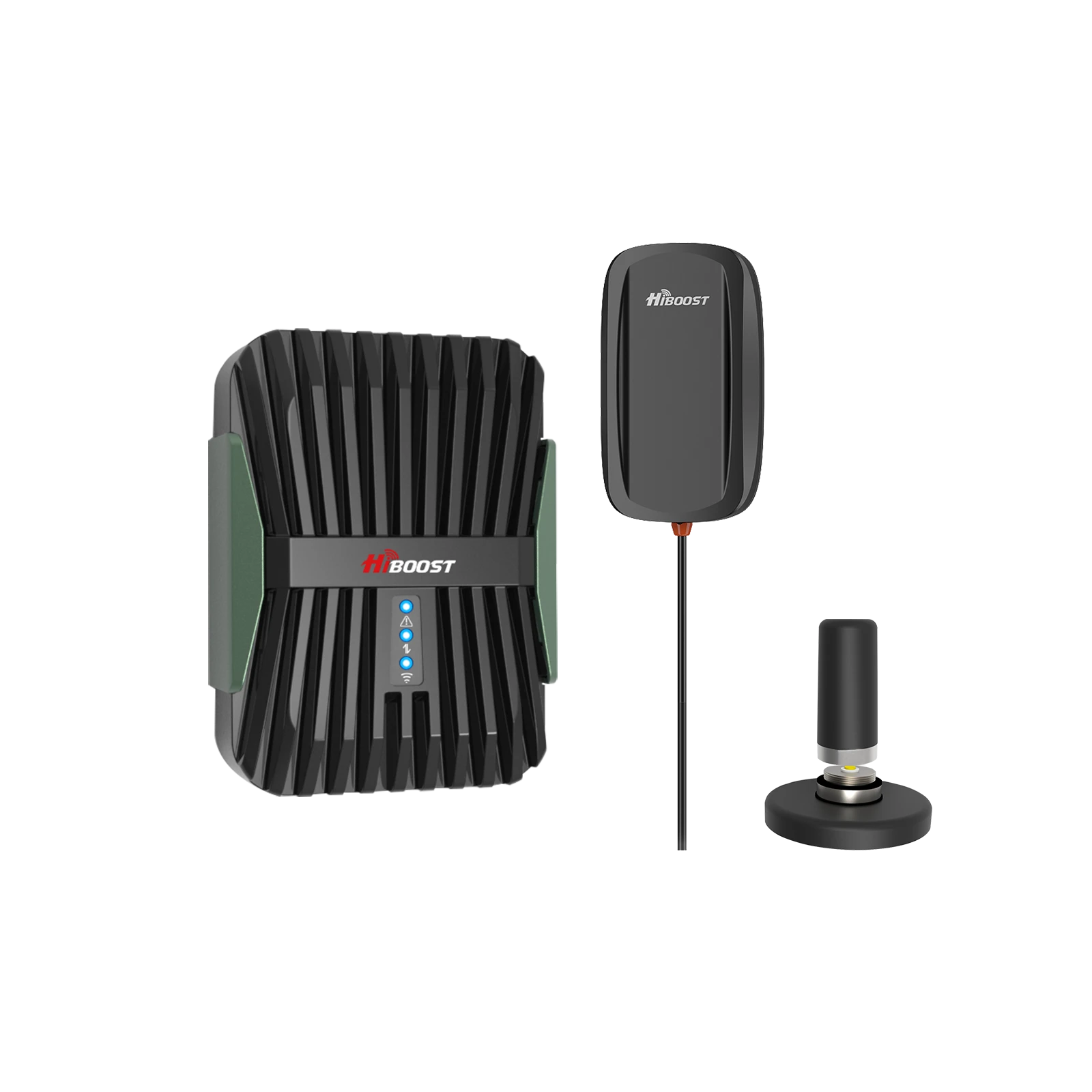
Travel 3.0 RV Booster: Designed for motorhomes and travel trailers. It provides up to 50 dB gain, boosting signal for all passengers and devices. The RV booster kit includes an exterior omni antenna and an interior panel antenna.
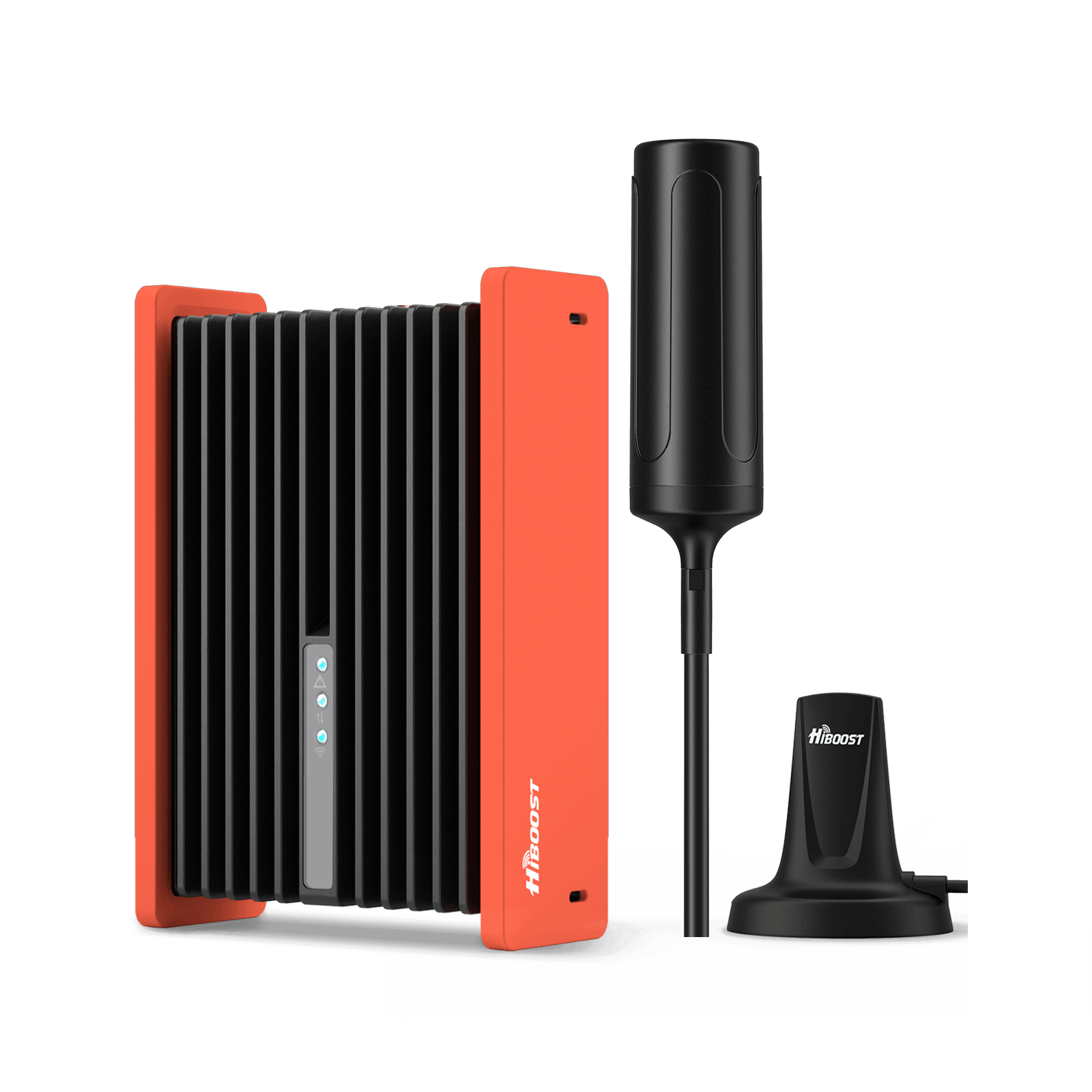
HiBoost Travel 3.0 RV Cellular Signal Booster
For RVs, campers, motorhomes, travel trailers, vans, and mobile homes
It comes with a heavy-duty magnetic mount and a foldable 180° bracket option for versatility. It is 5G-compatible and covers all types of RVs. Users report that after installation, RV parks and campgrounds that once had no service are transformed to 3–4 bars everywhere on board.
Travel 3.0 RV Max Booster: An upgraded version of the RV kit. Also 50 dB max gain, but comes with a new magnetic indoor antenna and a 180° folding mount for the exterior antenna.
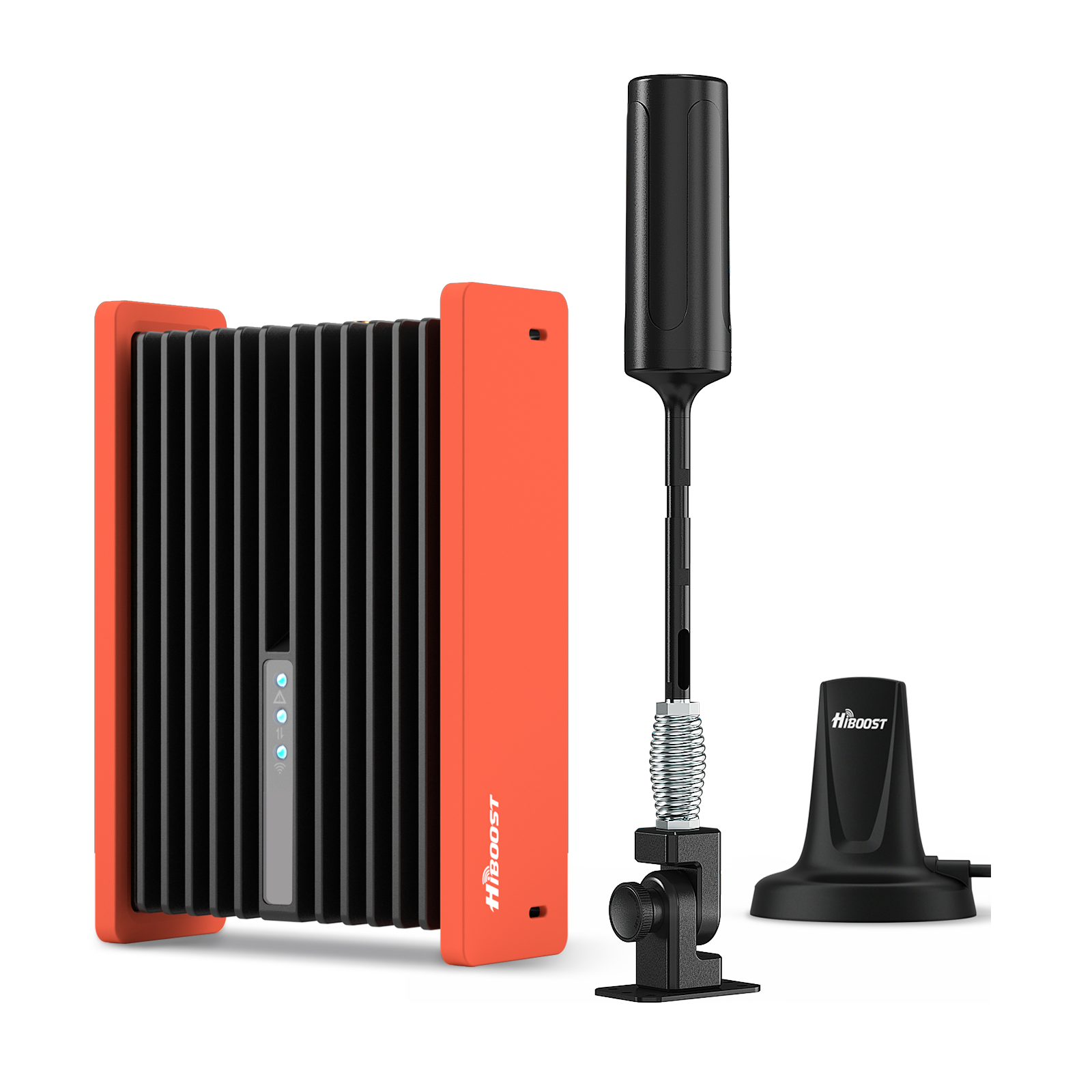
HiBoost Travel 3.0 RV Max Cell Phone Booster
For RVs, travel trailers, motorhomes, Class A/C RVs, 5th wheels, vans, and truck campers.
The folding mount is especially handy for storage on tight RV rooftops; when in use you extend it to maximize signal from any direction. Otherwise, its specs and function are similar to the base RV unit. This one is also FCC-approved and works with every major carrier.
Both RV boosters are powered from the RV’s 12V supply, making them easy to install. We emphasize portability and power: the Travel 3.0 RV series has high-power amplifiers and upgraded antennas for full-time connectivity on the road. In short, any RV owner can keep streaming or working at campsites by using these HiBoost solutions.
5. Real-World Rural Use Cases
Here are six brief case studies showing HiBoost in action in rural scenarios:
5.1 Desert Ranch Home: A retired telecom technician in the Mojave Desert had very weak indoors signal. After installing a booster, the worst signal improved to about –95 dBm and dead zones vanished. The owner reported “full 5 bars at times” throughout his home post-boost.
5.2 Canyon Home (Northern California): A homeowner in a deep canyon had no indoor reception for 20 years. He installed a SureCall system which then provided full indoor coverage.
Post-install results: “Cell phone and PC usage now possible inside the house.” Essentially, the booster took coverage from 0 bars outdoors to workable indoor service.
5.3 Wyoming High School: A 207,000 ft² concrete school building had widespread coverage issues. The school installed a SureCall Force5 (72 dB) DAS solution. Measured outcome: average indoor coverage improved from –110 dBm to –62 dBm.
That raised the signal to about 4–5 bars school-wide, resolving safety and connectivity problems. This dramatic jump (≈48 dB gain) shows what a high-gain system can do in a tough environment.
5.4 Oxfordshire Farmhouse (UK): Residents 22 miles from the nearest tower had 0–1 bars indoors. A long-range HiBoost booster with a high-gain antenna was installed. Result: coverage increased to 3–4 bars throughout the house. A testimonial noted “we finally have a reliable signal … 3 bars where there used to be nothing!”.
5.5 Rural Hotel in England: A countryside hotel suffered from 0–1 bars across its rooms. NetCov put in a dual-band HiBoost system. Outcome: signal improved to 4–5 bars everywhere. This led to positive guest feedback and even increased bookings.
5.6 Off-Grid Cabin (Hypothetical Example): Consider a remote hunting cabin with only 1–2 bars outside. After adding a HiBoost Sidekick or similar, the owners gained 3–4 bars inside, enabling VoIP calls and even a stable LTE hotspot.
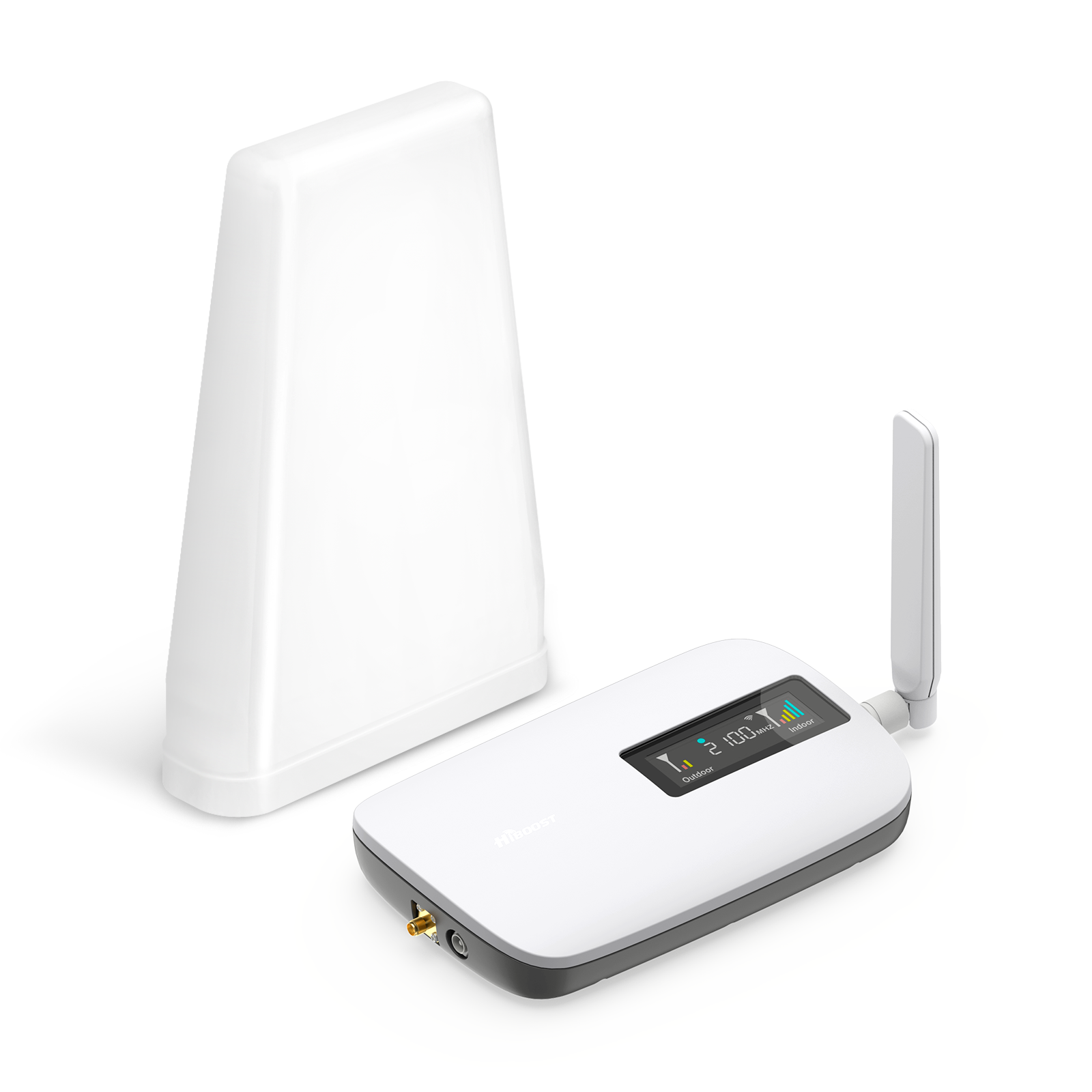
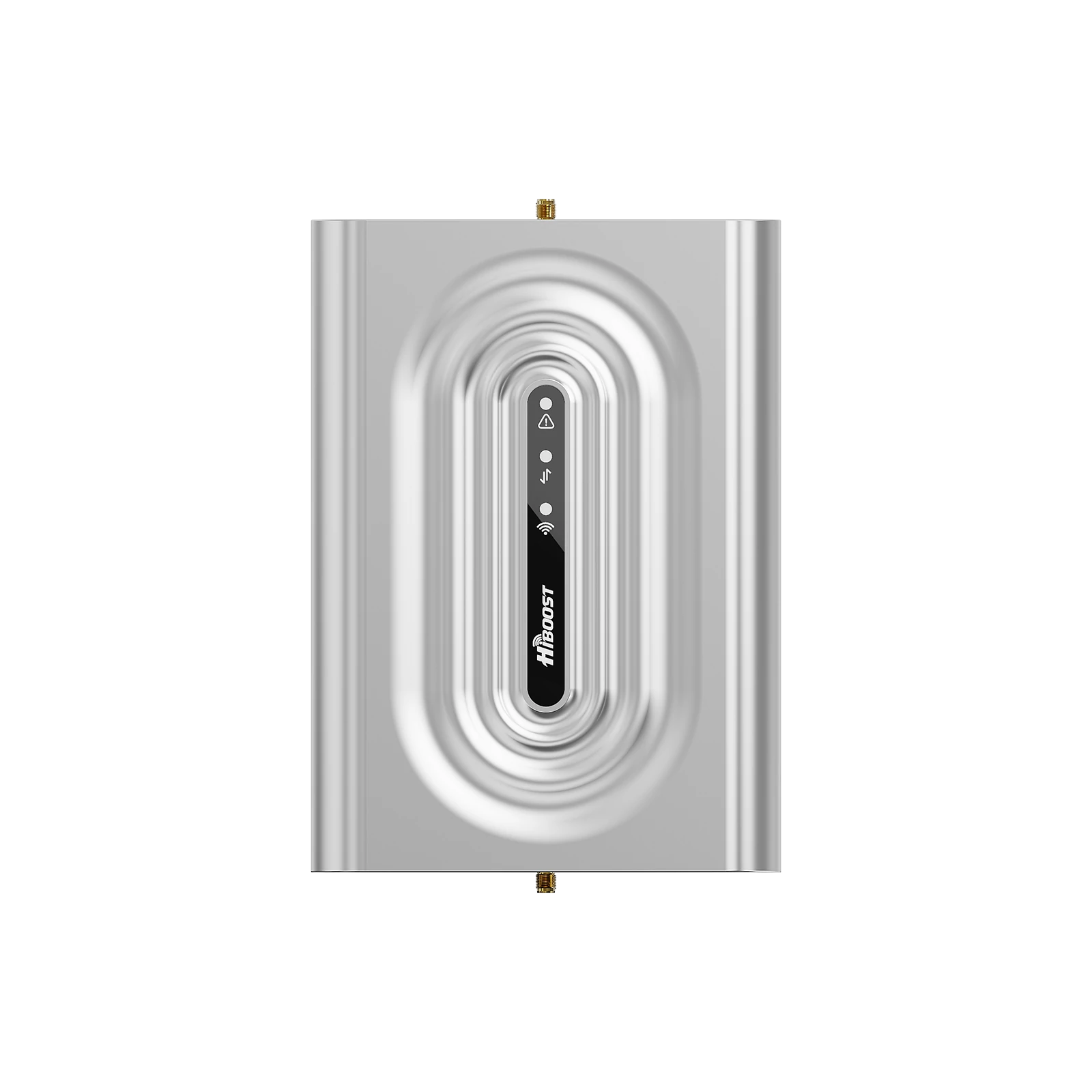
HiBoost Sidekick Cell Signal Booster for Home
Covers 500 - 2,000 sq. ft.
These cases demonstrate that a properly chosen HiBoost booster can turn near-zero signal into reliable connectivity. For example, a 48 dB “net gain” at the school and tens-of-dB improvements in homes. No matter the scenario (home, school, hotel), the outcome is the same: strong indoor signal where it didn’t exist.
6. Cost vs Benefit: Is a Booster Worth It?
|
Option |
Cost |
Performance |
| Switch carrier | Medium | Unpredictable |
| Satellite phone | Very high | Not practical |
| Signal booster | Moderate | Best ROI |
👉 Conclusion: Signal boosters provide the highest value for rural connectivity.
7. Installation Tips for Rural Signal Boosters
To get the best performance:
7.1 Rural Signal Booster Setup Strategy
Before installation, plan the strategy:
- Measure outside signal: Walk around the property with your phone. Find a location with the strongest signal. This is where the outdoor antenna should go.
- Identify the tower direction: Use apps like CellMapper or OpenSignal to find the bearing of the nearest tower. Alternatively, carriers’ coverage maps or even sighting antennas on neighbors’ houses can help.
- Select the booster model: Match your square footage and carrier needs. For a small cabin, a HiBoost Sidekick might suffice; for a large farmhouse or multi-room home, consider the 10K or 15K models. If you plan multiple indoor antennas, choose a booster that supports split outputs.
- Check local regs: In the US a booster must be FCC-certified. All HiBoost products are FCC-approved (safe and legal). In the UK/Europe, ensure Ofcom certification.
- Gather tools: Ladders, drill, coax cable, mounting hardware, and (optionally) a smartphone with signal app or meter for testing during setup.
7.2 Outdoor Antenna Placement

Place the outdoor antenna where it gets the most reliable signal:
- Height: Mount it as high as safely possible. Every meter up can yield a few dB gain by avoiding ground clutter.
- Line of Sight: Point the antenna in the line-of-sight direction of the tower. On a directional antenna, adjust it while monitoring signal strength.
- Antenna Type: Many HiBoost kits include an omni-directional or adjustable panel antenna. In rural settings, a true directional Yagi often works best. If using a HiBoost Travel 3.0 RV model, it comes with a magnetic-mount antenna.
- Stability: Secure mounting is important (bracket, mast) so wind or weather doesn’t move the antenna away from the tower.
- Cable Routing: Bring the cable down from the antenna vertically into the building. Avoid sharp bends. Use weatherproof sealant on any roof penetration.
7.3 Amplifier Location
The amplifier unit should be located indoors:
- Central Indoor Position: Choose a central spot so the indoor antenna can cover the largest area. It doesn’t have to be in the ceiling often a wall or shelf will do.
- Away from Interference: Keep it away from large metal objects or microwaves. A garage or basement utility area often works.
- Power Access: It plugs into AC power, so near an outlet. Use only the supplied power adapter.
- Environment: HiBoost boosters have a range of 32–104°F (0–40°C) and some humidity tolerance (IP40). Don’t put it in a damp basement or exposed to rain.
- Mounting: Many boosters can be placed on a shelf or mounted to a wall. Use the included brackets if needed.
The outdoor antenna and indoor antenna must be far enough apart to prevent feedback. HiBoost boosters have automatic gain control to prevent oscillation, but good separation is still best.
7.4 Indoor Signal Distribution
Finally, set up the indoor antenna(s) to spread the boosted signal:
- Antenna Type: HiBoost boosters often come with a dome (360° coverage) or panel antenna. Choose based on layout. A dome on the ceiling gives even coverage below it; a panel on the wall directs signal in one room or across a floor.
- Placement: Aim panels toward occupied areas. For multi-floor homes, use multiple indoor antennas (with splitter) so each floor is covered. Ensure each antenna cable is connected per the booster’s instructions.
- Finishing: Seal or hide the coax and power wires neatly.
- Test: Turn on the system and check signal bars on a phone in various locations. Move the indoor antenna if one spot still has low signal.
By following this setup checklist and adjusting as needed, you can maximize the gain of the HiBoost system. In many cases, proper placement will turn a “no-service” zone into reliable full bars.
7.5 Common Installation Mistakes (Avoid These)
Many users fail due to simple errors:
❌ Antenna pointing in wrong direction
❌ Indoor & outdoor antennas too close
❌ Low mounting height
❌ Cheap or long cables
❌ No signal testing before installation
👉 Fixing these can improve performance by 10–30 dB instantly
8. Future of Rural Connectivity
Cellular technology is evolving, which will impact rural areas. We present a timeline of key trends from 2022 into the 2030s:
2022:Early rural 5Grollouts and OpenRAN trials by carriers
2023:Major LEO satelliteInternet (Starlink,others) expandavailability
2024:FCC awards ~$9B in5G Fund to bring 5Gcoverage tounderservedareas【20†L341-L349】
2025:First commercial 5GNTN (non-terrestrialnetworks) launches(sat-to-phonetests)【21†L302-L311】
2026:3GPP Release 18/19include NTNstandards; morephones gain satellitefallback【21†L302-L311】【21†L335-L344】
2026:Continued fiber andopen-RAN projectsimprove ruralbackhaul
Rural Connectivity Trends (2022–2026)
Government and industry initiatives (like the FCC’s Rural 5G Fund) are accelerating tower deployment. Low-earth-orbit (LEO) satellite Internet (e.g. Starlink) is already serving remote areas, and by the mid-2020s cellular standards are integrating satellites.
Nokia notes that 6G will feature built-in satellite support (NTN) for always-on coverage. Meanwhile, carriers continue expanding mid-band and low-band 5G into the countryside.
Mermaid diagrams (above) visualize the booster setup and the timeline. Future readers should note that while tech evolves, reliable signal boosters like HiBoost remain a practical solution today.
9. HiBoost vs Other Signal Booster Brands
HiBoost Advantages: We exclusively offer HiBoost boosters because of their strong feature set and value:
- Full Carrier & 5G Support: HiBoost units amplify all major U.S. carriers simultaneously and are 5G-ready. For example, the HiBoost Hero and 15K Deluxe work on AT&T, Verizon, T-Mobile, etc. by design.
- High Gain: HiBoost boosters deliver up to 70 dB gain, matching or exceeding competitors’ broadband amps. This allows coverage of large homes and remote farms.
- Smart Features: Many HiBoost models include a Bluetooth/Wi-Fi app for real-time monitoring and adjustment. You can see gain levels, adjust settings, and troubleshoot directly from a smartphone, a convenience not all brands offer.
- Affordability: Compared to some competitors, HiBoost offers multi-band boosters at lower price points with similar performance. We pass those savings to our customers.
- Trusted Certification: HiBoost is fully FCC certified. Every unit has automatic oscillation shut-off for network safety.
|
HiBoost Booster |
Pros (HiBoost) |
|
Quality |
Durable builds with metal chassis, shock-resistant design, and premium antennas. |
| Performance | Up to 70 dB gain, covering thousands of ft²; proven in many real cases. |
| Compatibility | Works with all U.S. carriers on 2G/3G/4G/5G; supports multiple devices/users. |
| Ease of Use | Plug-and-play kits with clear manuals and app support; DIY-friendly. |
| Value | Competitive pricing vs rivals; includes cables and warranty. |
Competitors: Popular alternative brands include Wilson/WeBoost, SureCall, and Cel-Fi. Each has its niche:
- Wilson (weBoost): A long-established brand, often more expensive and sometimes sold with professional install. Good for high-end installations, but at a premium cost.
- SureCall: Similar performance to HiBoost (also carries multi-band boosters), but HiBoost usually has newer models and a more modern app interface.
- Cel-Fi: Excels at single-carrier amplification (up to 100 dB for one network). However, Cel-Fi units only boost one carrier at a time and can’t simultaneously amplify all networks, which is a drawback for multi-user homes. HiBoost’s broadband boosters (65–72 dB) cover all carriers without needing to switch.
Overall, HiBoost stands out for combining strong gain, all carrier support, and useful app features at a lower price.
10. FAQ: Boosting Cell Phone Signal in Rural Areas
Q1: Do signal boosters work in rural areas?
A: Yes, as long as there is some existing cell signal outside. A booster cannot create a signal from nothing, but it can greatly amplify a weak signal. In practice, we often see an outdoor signal of 1–2 bars increase to 4–5 bars indoors after boosting. Boosters are especially useful in rural locations because they can “fill in the gaps” where towers are far or indoor penetration is poor.
Q2: Can signal boosters improve mobile data speed?
A: Indirectly, yes. A booster raises the signal strength and stability, which allows your phone to achieve higher data rates. For instance, if you had only 1–2 Mbps on a weak signal, a booster might raise that to 10–30 Mbps.
However, the booster cannot exceed the theoretical data rate of the carrier’s network. In general, the better the post-boost signal, the closer your speeds will be to what the tower offers. In summary, boosting signals often enables faster data because your phone can fully utilize LTE/5G.
Q3: Do boosters require a lot of configuration?
A: No, HiBoost kits are designed for easy setup. Everything needed is included. The main task is mounting the outdoor antenna correctly. The HiBoost app provides step-by-step guidance and real-time signal readings, so installation is mostly plug-and-play with minimal tuning.
Q4: Do boosters support multiple phones simultaneously?
A: Absolutely. HiBoost boosters create a shared coverage area for all devices. The amplifier boosts the signal for any number of phones or tablets in range.
For example, HiBoost notes that the Hero booster “can support multiple users and devices at the same time with no signal drop”. So whether your family has 2 phones or 10 devices, they will all benefit.
Q5: Are boosters legal?
A: Yes, but only certified boosters are legal. In the U.S., boosters must be FCC-certified, which HiBoost units are. Legal boosters automatically shut off if they detect oscillation or cause interference. Since all HiBoost products are FCC-approved and follow carrier rules, you can safely install them.
Q6: How long does the installation take?
A: For most homes, a DIY installation takes about 1–3 hours. You mount the antenna, run a cable, and plug everything in. A professional install might be done in 1 day. In our experience, the key time is spent climbing to mount the antenna; once in place, hooking up the booster and testing is quick.
For example, one farm install was done in about 6.5 hours, while a small hotel installation took 2 business days. With good preparation, you should expect around half a day for a typical residence.
In summary, boosting cell signals in rural homes, farms, and vehicles is entirely feasible and often straightforward. The causes of weak rural signals mean that proactive solutions like signal boosters are valuable. By following the guidance above measuring your signal, aiming antennas, and choosing the right HiBoost booster you can dramatically improve voice and data coverage.
We understand that reliable communication is critical. That’s why we partner exclusively with HiBoost to offer the best solutions. Every HiBoost booster is FCC-approved, 5G-capable, and comes with our support. If you’re tired of dropped calls or slow data on the farm or mountain cabin, we encourage you to get a HiBoost system through us today. Our team can recommend the right model for your home size, vehicle, or RV, and even help with installation tips.
Don’t settle for patchy rural service. Use a cell phone booster from HiBoost to stay connected, anywhere. With the steps outlined here, you’ll be back to 4–5 bars before you know it.
11. References (EEAT Boost)
- Federal Communications Commission – Booster regulations
- GSMA – Coverage reports
- Ookla – Rural speed data
- OpenSignal – Network experience reports
Final Thoughts
Weak rural signal isn’t something you have to accept.
With the right setup — especially a properly installed signal booster — you can turn dead zones into full bars, improve call quality, and unlock reliable mobile data anywhere.
👉 If you live in a rural home, run a farm, or travel frequently, investing in a signal booster is one of the most effective upgrades you can make.
Recommended Reading
How to Solve the Problem of Weak Signal in Rural Areas?
Best Cell Signal Boosters for Rural Homes in the US (2026Guide)
Installing a Cell Signal Booster at Home: Step-by-Step Guide
How to Test and Measure Cell Signal Strength on Your Phone
Do Cell Phone Boosters Really Work in Remote Areas? Real-World Results
How to Boost Verizon, AT&T, and T-Mobile Signal in Rural Areas
How to Choose the Best Cell Phone Signal Booster for Your Home (2026 Updated Guide)
Car/Suv,RV,Truck,Vehicle


Our Home Signal Booster



Popular Articles


Leave a comment
All comments are moderated before being published.
This site is protected by hCaptcha and the hCaptcha Privacy Policy and Terms of Service apply.