
Today’s 5G revolution promised ultra-fast speeds, but many users find that “full bars” don’t always mean blazing data rates. In fact, you might step outside to see four or five bars, then drop indoors to one bar or none at all.
Why? The answer lies in physics and network realities. Modern materials like energy-efficient glass or metal roofs can attenuate cellular signals by 30–50 dB, effectively turning a strong outdoor signal into a dead zone inside. 5G itself also has quirks: carriers often deploy 5G in higher-frequency bands that don’t penetrate walls well, or in low-band modes that trade speed for range.
The mission of this guide is to give you a definitive roadmap to troubleshoot these issues. We’ll explain why your coverage fails, compare the big carriers, and show how HiBoost solutions can restore solid reception. By understanding the science and using the right hardware, you can boost your connectivity yourself without waiting on a carrier. Let’s dive in.
Imagine walking into your home and seeing your phone’s bars plummet. It feels like being cheated by “slow 5G,” but it’s usually not the carrier’s fault. Full bars only indicate the strength of the radio link to the nearest tower, not the network throughput. Network congestion or switching between LTE and 5G bands can slow your connection even with full bars.
Moreover, many 5G signal boosters amplify 4G LTE and low-band 5G signals, but cannot amplify new mid-band or mmWave 5G yet. In short, unlimited data plans may still throttle your speed under heavy use, but more often the culprit is the physical environment around your device.

Our approach is user-empowerment: you won’t need to call your carrier and wait on hold for fixes. Instead, we show how to diagnose problems and use HiBoost equipment to become your own signal technician. This article will cover:
- The Connectivity Crisis in 2026: Why we see fast 5G rollout but still face indoors dead zones.
- Deep Dive – Why Signals Fail: How metal roofs, glass, distance, and congestion kill performance.
- Carrier Troubleshooting: AT&T vs. Verizon vs. T-Mobile differences and fixes, plus practical tips for each network.
- Hardware Solutions: How FCC-certified boosters and antennas bridge gaps, plus the HiBoost Signal Supervisor App for optimal setup.
- Case Studies: Real success stories: a metal-roofed farmhouse and an RV nomad fixed by HiBoost boosters.
- Expert Insight: Why “signal hygiene” matters more than blaming carriers, and why unlimited doesn’t fix physics.
- Future Trends: How upcoming 6G, satellite-to-cell services, and AI-driven tech promise to shrink dead zones.
Along the way, we’ll point to in-depth resources. By the end of this guide, you’ll have a clear strategy to diagnose your weak signal and deploy the right HiBoost solution so your 5G icon truly lives up to its promise. Let’s get started.
1. The Connectivity Crisis in 2026
Carriers have built massive 5G networks, but frustrating gaps remain. AT&T, Verizon, and T-Mobile all advertise “nationwide 5G,” yet users everywhere report dropped calls and sluggish data. In 2026, these problems often come down to two big issues:
- Physical Barriers: Modern building materials block radio waves. Thick walls of concrete, brick, or even energy-efficient metal roofs can absorb and reflect signals like a Faraday cage. Studies show metal roofs can introduce 30–50 dB of loss, enough to turn an outdoor 3–4 bar signal into near zero indoors.
Even big glass windows can attenuate high-frequency 5G signals. The result: you might roam near a strong tower with full signal outside, but inside, those “bars” collapse because the material around you is blocking the waves.
- Signal Propagation Limits: 5G operates on a range of frequencies. Low-band 5G travels far and penetrates well, but it only offers modest speed gains. Mid-band 5G delivers much faster speeds, but its shorter wavelengths struggle to get through walls and trees. mmWave 5G (above 24 GHz) is extremely fast in city hotspots but almost useless indoors or at distance.
For example, AT&T and T-Mobile’s “Extended Range 5G” uses 600 MHz for coverage , whereas Verizon’s “Ultra Wideband” is high-frequency and only covers dense urban areas. This means even if you see a 5G icon, you might be on low-band or crowded cell sites, resulting in speeds like old 4G.
Combined with these physical issues, network congestion plays a role. When thousands of neighbors share one tower, individual speeds can plummet even if bars are high. In one HiBoost case, users saw “dial-up” 30-second delays on 5G simply because everyone in the building was streaming video.
Why “Full Bars” Can Be Misleading:
Remember that phone signal bars show the link quality to the closest cell site, not the actual internet speed. You can have full bars on a low-band 5G or LTE connection and still get slow data if the backhaul or site is congested.
Carriers even admit they may throttle speeds after heavy usage, so an “unlimited” plan doesn’t guarantee constant gigabit speeds. In short, environmental factors usually matter more.
Our Roadmap:
In the sections below, we’ll pinpoint these issues: from “why 5G is so slow” to how to use boosters to overcome them. We’ll compare carrier strengths and show how even the best network can have blind spots. No matter which carrier you have, HiBoost offers a solution to capture and amplify the usable signal into your home, office, or vehicle.
2. Why Your Signal Fails (The Science of Interference)
To effectively fix weak signals, you must understand the culprits. Let’s break down the science behind signal loss:
- Physical Obstructions: Every wall, roof, tree, or hill between you and the tower weakens the signal. Metal and concrete are especially bad. HiBoost’s research notes that metal roofs can knock 30–50 dB off the signal, acting like a partial Faraday cage.
Glass and wood attenuate less but still matter. Even foliage and weather add loss at high frequencies. For example, a home under a continuous metal panel roof might see 3–4 bars outside but only 0–1 bar indoors enough to drop calls entirely.
- Distance & Topography: The farther you are from a tower, the weaker the signal. One Verizon study shows their towers cover 99.5% of U.S. where people live, but if your home sits even a few miles from the nearest tower, rural or hilly terrain can turn “good” into “barely there”.
Hills, valleys, and dense forests create “shadow zones” where the tower’s reach can’t penetrate. In cities, tall buildings and basements act similarly. You might get great reception on the street but lose it in a concrete bunker upstairs or surrounded by skyscrapers.
- Network Congestion & Frequency: As noted, high-band 5G can’t reach as far or penetrate as well as LTE. T-Mobile’s 5G, for instance, has two layers: a low-band “Extended Range” that goes through walls, and a faster mid-band that often can’t.
In practice, two spots can both show “5G” but one might be on the robust low-band layer and the other on a weak mid-band signal, leading to wildly different performance. Also, when many users jam onto one tower, everyone’s speeds drop. Even if you’re on 4G or 5G, peak-hour crowding can throttle your throughput.
- Device and Settings Issues: It’s worth checking your phone too. Outdated software or radios can struggle to lock onto newer 5G bands. Always enable VoLTE and Wi-Fi calling if available, as they use stronger 4G links when voice is needed. But remember, these are workarounds – the real fix is boosting the signal itself.
In summary, bars vs bits: Signals in 2026 must navigate a minefield of interference. High bars simply mean your phone can “hear” the tower, but not how fast or reliable the connection is. Our next sections will show how to diagnose which factors are at play in your situation, and how HiBoost hardware can overcome them.
3. Carrier-Specific Troubleshooting Hub
Even though it feels like a universal problem, the cause can vary by carrier and so do the fixes. We’ll compare the major U.S. carriers and then give focused tips.
Coverage Snapshot: AT&T vs Verizon vs T-Mobile (2026)
- Verizon: Historically the “Gold Standard” for coverage, Verizon still leads in raw footprint. Its 4G LTE network covers about 70% of U.S. land area, reaching 99.5% of the population. Verizon’s 5G covers around 21% of area. In practice, Verizon’s signal is strong across cities, highways, and many rural stretches. If your Verizon signal is spotty, it’s often due to distance, terrain, or local obstructions not nationwide gaps.
- AT&T: Very close to Verizon in reach. AT&T covers ~68% of U.S. land and claims 99.6% probability of at least some service. Its 5G now blankets about 41% of the area, serving 315+ million people. AT&T’s strength is “balance”: good urban coverage plus much of the South, Midwest, and Northeast. Its mid-band 5G rollout lags a bit behind T-Mobile, but its pervasive low-band LTE means dropouts are relatively rare. In short, AT&T usually has at least some signal wherever you go but if you’re on the fringes of its range, you might see more fading.
- T-Mobile: T-Mobile’s footprint is slightly smaller but it leads in 5G depth. After merging with Sprint, T-Mobile now offers the nation’s largest 5G network by population. It dominates mid-band 5G. In cities, T-Mobile often has the fastest average 5G speeds due to abundant mid-band spectrum. But in very remote areas or thick urban cores, it may still have gaps where Verizon or AT&T manage a bit more.
Each carrier has blind spots. The key insight is that no carrier works perfectly everywhere. If you experience problems, don’t immediately switch – first try boosting or optimizing.
For example, a rural homeowner might prefer Verizon’s reach, but if their house is sheltered by hills, a HiBoost outdoor Yagi antenna pointed at the distant tower + booster can fix it. Meanwhile, a city dweller on T-Mobile might just need a booster to capture the low-band 600 MHz signal indoors.
Verizon: Solutions for Home & Office
Even the most reliable network can get weak indoors. If you have Verizon issues, try these steps:
- Check for Outdoor Signal: First, go outside near a window or roof and note your dBm. If you see only one bar or negative 100+ dBm on Verizon, it could simply be tower distance.
- Use Wi-Fi Calling: Verizon supports Wi-Fi Calling on most devices. This routes calls over your internet. It’s a quick fix for voice and text, but it won’t improve mobile data.
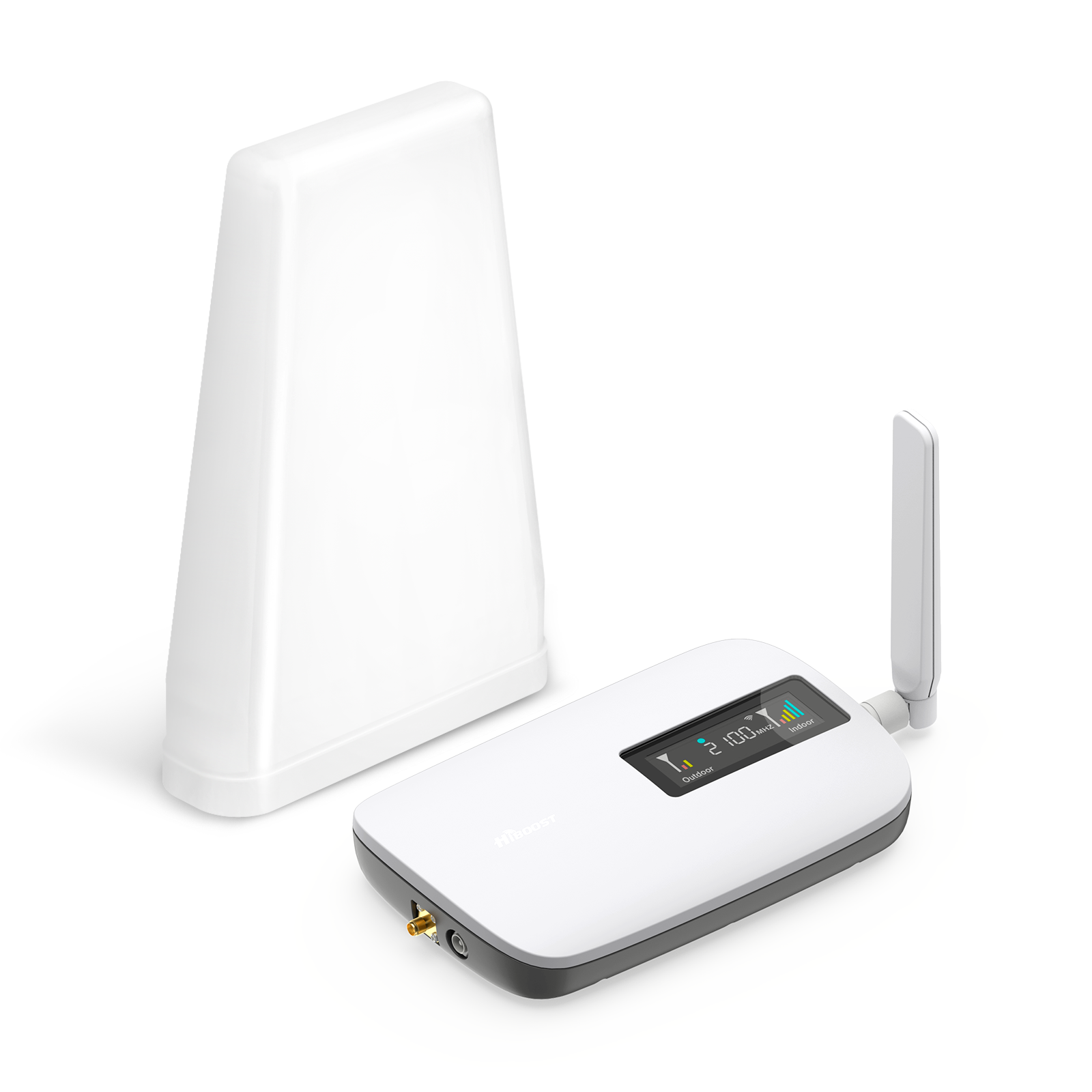
- Install a HiBoost Booster: HiBoost’s Verizon-compatible boosters capture the weak outdoor Verizon signal and amplify it. For example, the HiBoost Sidekick or Home Max can transform one bar into full bars indoors. HiBoost boosters work for any carrier, including Verizon, so your family’s entire devices will benefit. One user reported going from constant 1-bar Verizon service to 5 bars after installing a booster.
- Antenna Orientation: If you install a booster, aim the outdoor antenna at the nearest Verizon tower. Verizon’s indoor boosters often come with directional antennas that should be mounted high on your roof or mast. Use apps or online tower maps to find the direction, and then lock the antenna down.
- Carrier Support: As a last resort, contact Verizon to report dead spots or ask about nearby towers. They may provide information or a network extender. Pairing that info with a HiBoost antenna ensures maximum gain.
AT&T: Quick Fixes & Boosters
AT&T users enjoy wide coverage, but common issues include indoor dropouts or slow data in fringe areas. Here’s what works:
- Enable VoLTE & Wi-Fi Calling: On iPhones go to Settings > Phone > Wi-Fi Calling; on Android enable HD Voice and Wi-Fi Calling. VoLTE ensures calls use the 4G/5G network, and Wi-Fi Calling covers you if the cell signal dips. These features alone resolve many indoor voice issues instantly.
- Move Your Phone: Even moving a few feet can help. Try standing near a window facing the direction of the closest AT&T tower. Higher floors or outside corners are usually better. If 5G at home is unstable, consider forcing LTE-only mode on your phone; AT&T’s low-band LTE on 700/600 MHz often penetrates better than higher 5G frequencies.
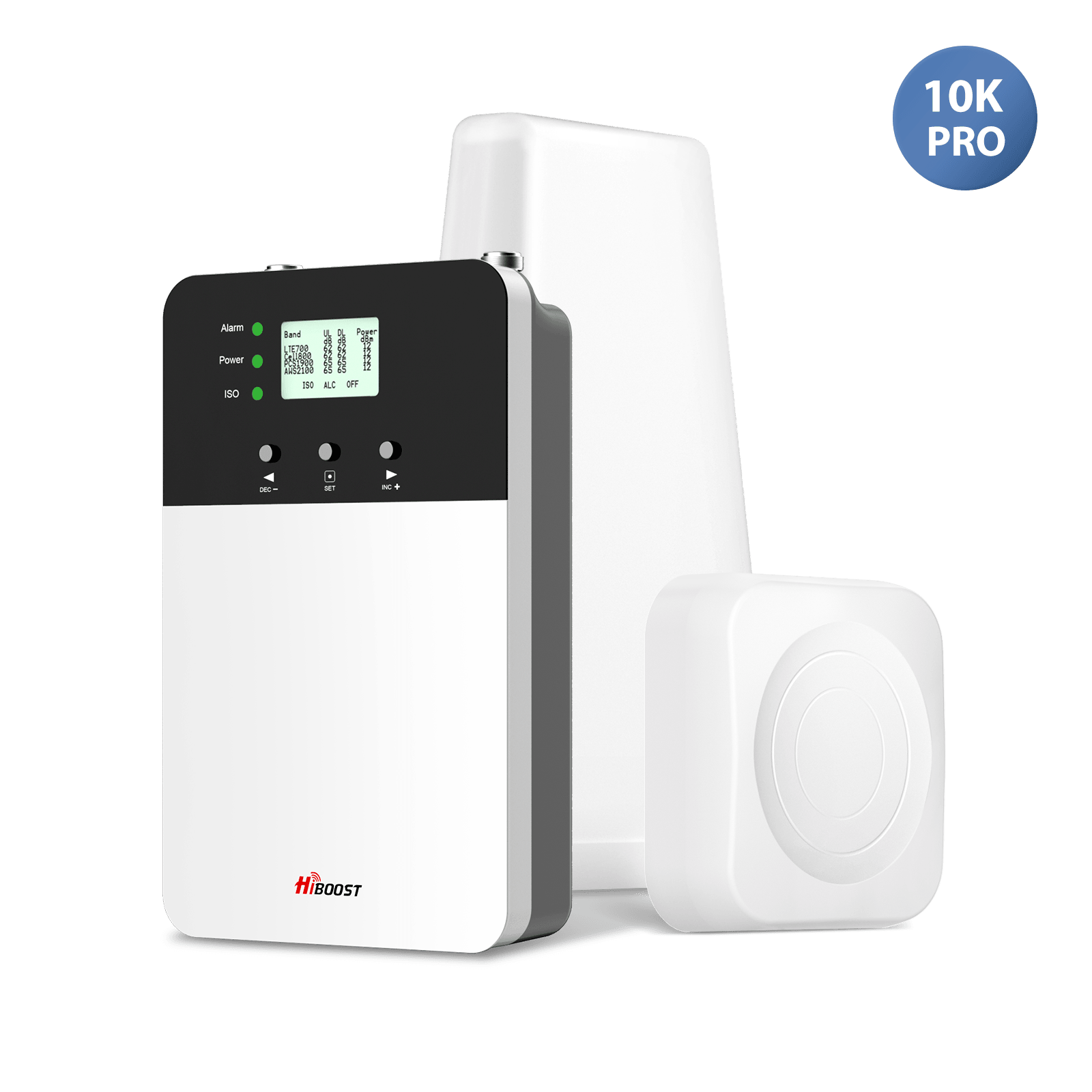
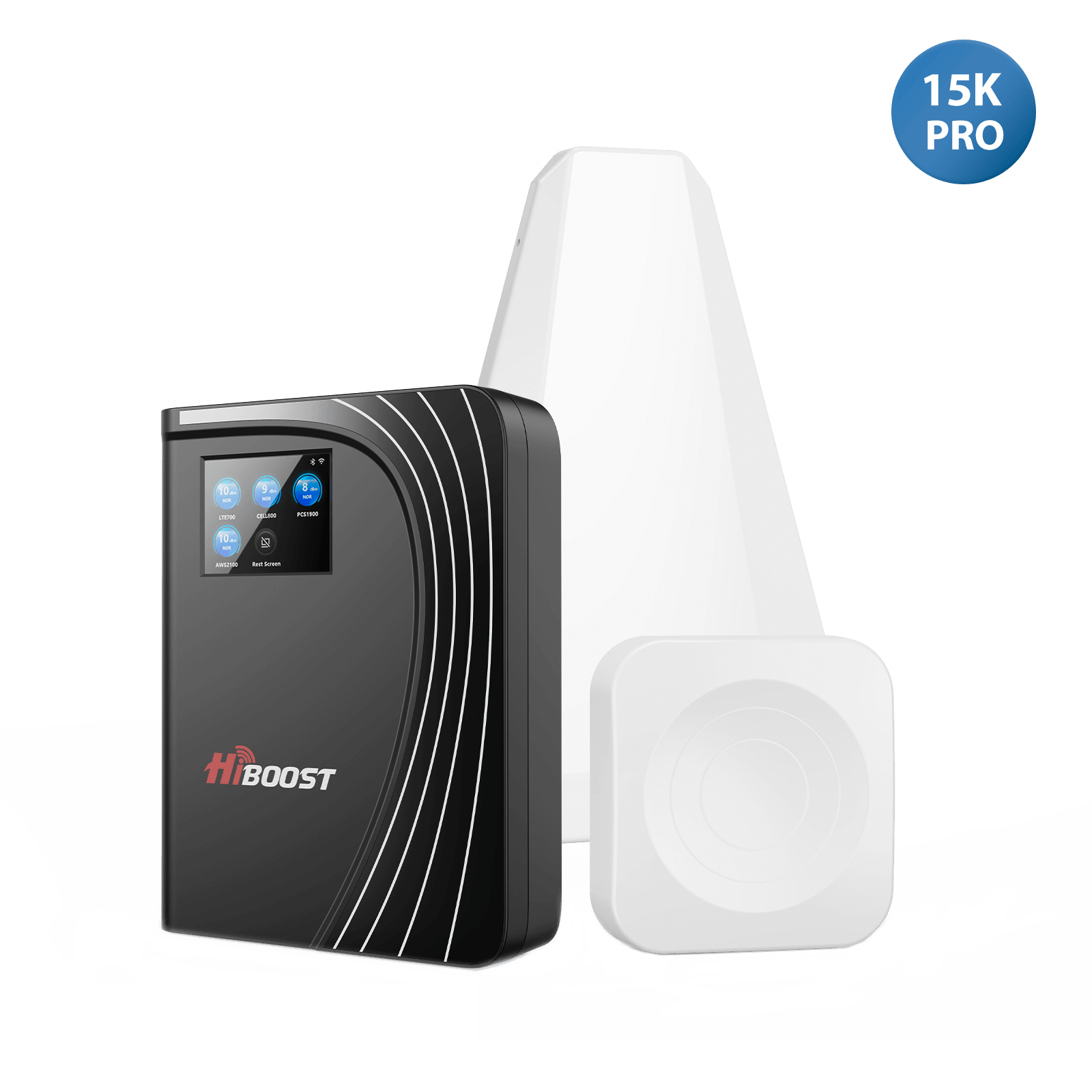
- Outdoor Antenna & Booster: For a long-term fix, install an outdoor antenna aimed at the tower, and connect it to a HiBoost AT&T booster. HiBoost’s AT&T boosters can cover 4,000–15,000 sq ft and support AT&T LTE bands 2/5/12/14/17/30/66 and 5G n5/n77. One rancher with -110 dBm AT&T signal used a HiBoost 15K Pro and saw 10× faster speeds.
- Check for Outages: Sometimes the issue is congestion or maintenance. Use Downdetector or carrier apps to check if AT&T is having problems. If the network’s fine, the booster will still help by amplifying whatever signal is there.

T-Mobile: Tackling Dead Zones
T-Mobile’s blazing 5G can leave some gaps indoors or in rural areas. For T-Mobile:
- Identify the Dead Zone: First determine if you have any outdoor T-Mobile signal. If you literally get zero service outside, a booster can’t create a signal. But if you get at least one bar or –110 dBm outdoors, a HiBoost booster can amplify that.
- Test Low-band vs Mid-band: T-Mobile’s low-band 600 MHz “Extended Range 5G” is widespread and penetrates buildings, whereas its mid-band (2.5 GHz) does not. If your phone stays on mid-band and you lose signal inside, try forcing LTE-only mode. In many cases you’ll actually see better speeds using stable low-band than flaky mid-band inside.
- Enable Wi-Fi Calling: Like other carriers, T-Mobile’s Wi-Fi Calling is robust. Enable it to solve voice/text issues when cellular is weak.
- Use a Booster: If you have even a little LTE/600MHz 5G outside, a HiBoost booster will capture and distribute it indoors. Importantly, while boosters can’t create new signals, they will strengthen LTE and 600 MHz 5G to usable levels.
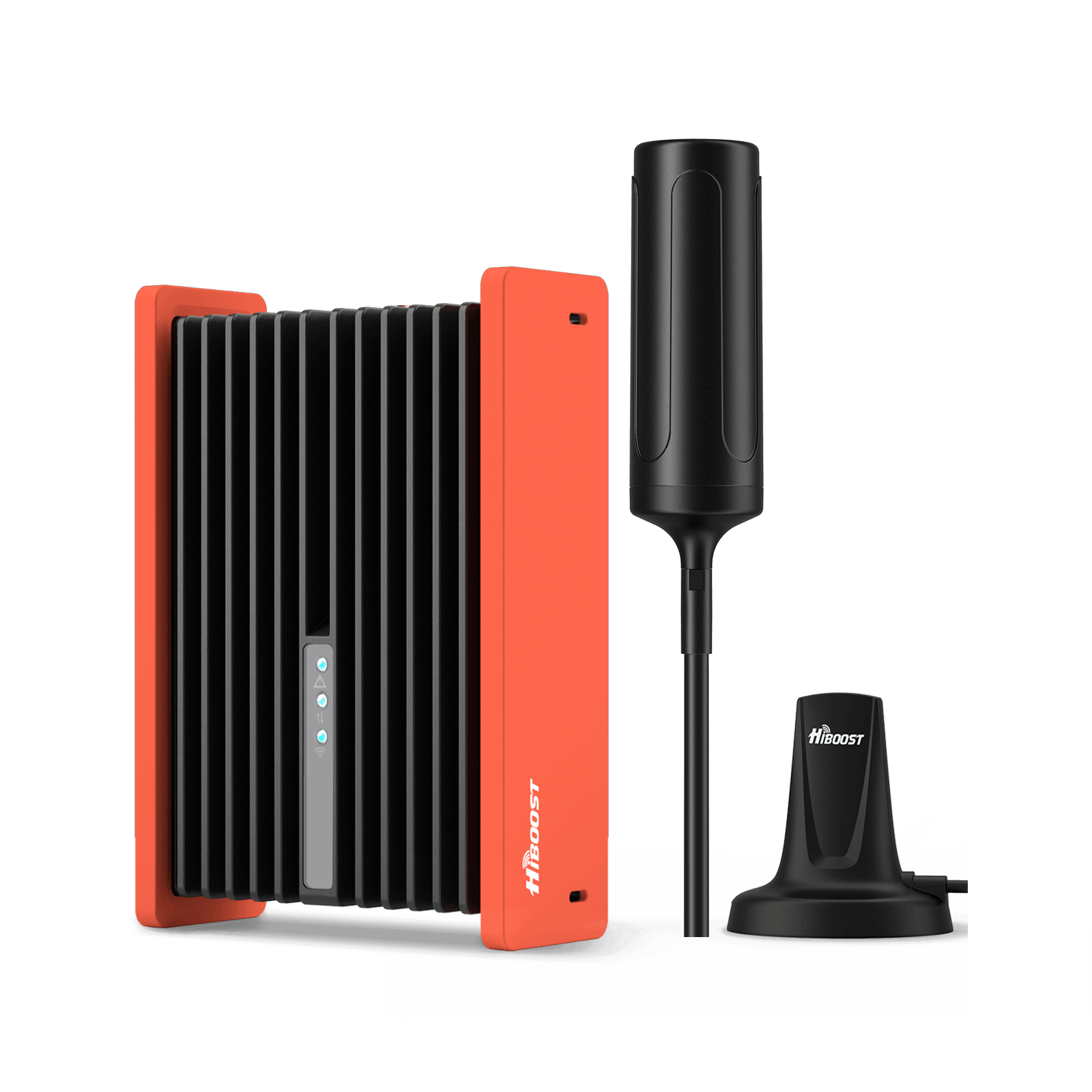
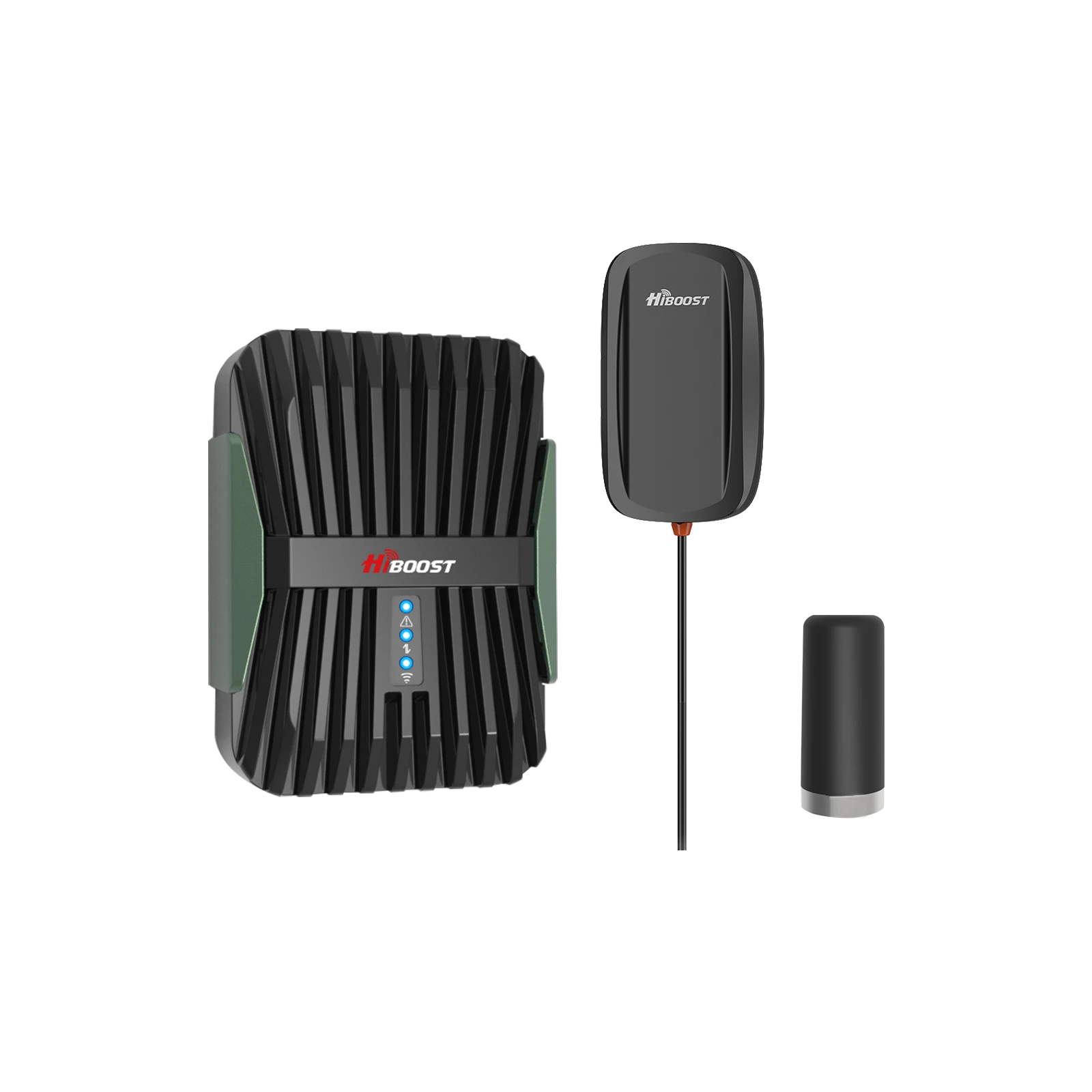
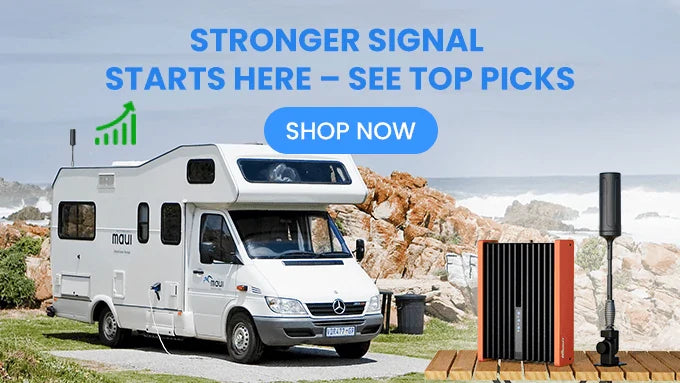
In practice this means your devices will see full LTE or 5G600 MHz bars inside, stabilizing calls and data. HiBoost’s Travel series and Home series are fully T-Mobile compatible. For example, an RV owner using the HiBoost Travel 3.0 RV booster could maintain T-Mobile signal on the move across the Midwest.
- Antenna Location: As with Verizon/AT&T, place the outdoor antenna where T-Mobile’s signal is strongest – often on the vehicle roof or a high rooftop location. The HiBoost Signal Supervisor app can help here, by showing you real-time signal levels as you adjust the antenna.
Different carriers offer varying levels of coverage depending on your location, network infrastructure, and device compatibility. If you're struggling with weak indoor reception, choosing the right AT&T signal booster or Verizon signal booster can help improve call quality and mobile data performance.
We regularly update guides for each carrier (\. But the general approach is the same: optimize settings (VoLTE, Wi-Fi Calling), reposition your phone, and then use a HiBoost booster and antenna to overcome barriers.
4. Hardware & Technical Solutions
Now to the solutions side: how to choose and use hardware that bridges the gap between you and the cell tower.
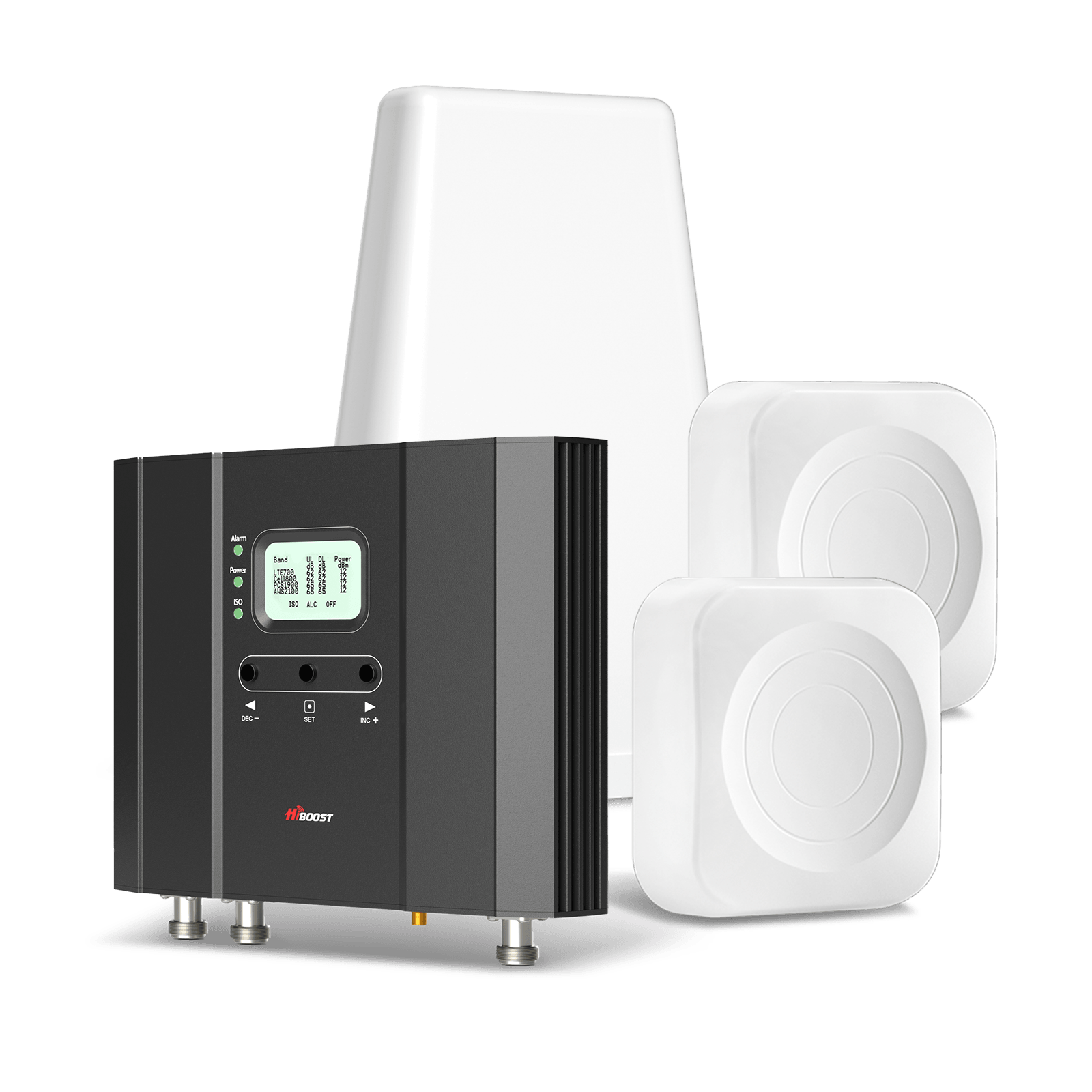
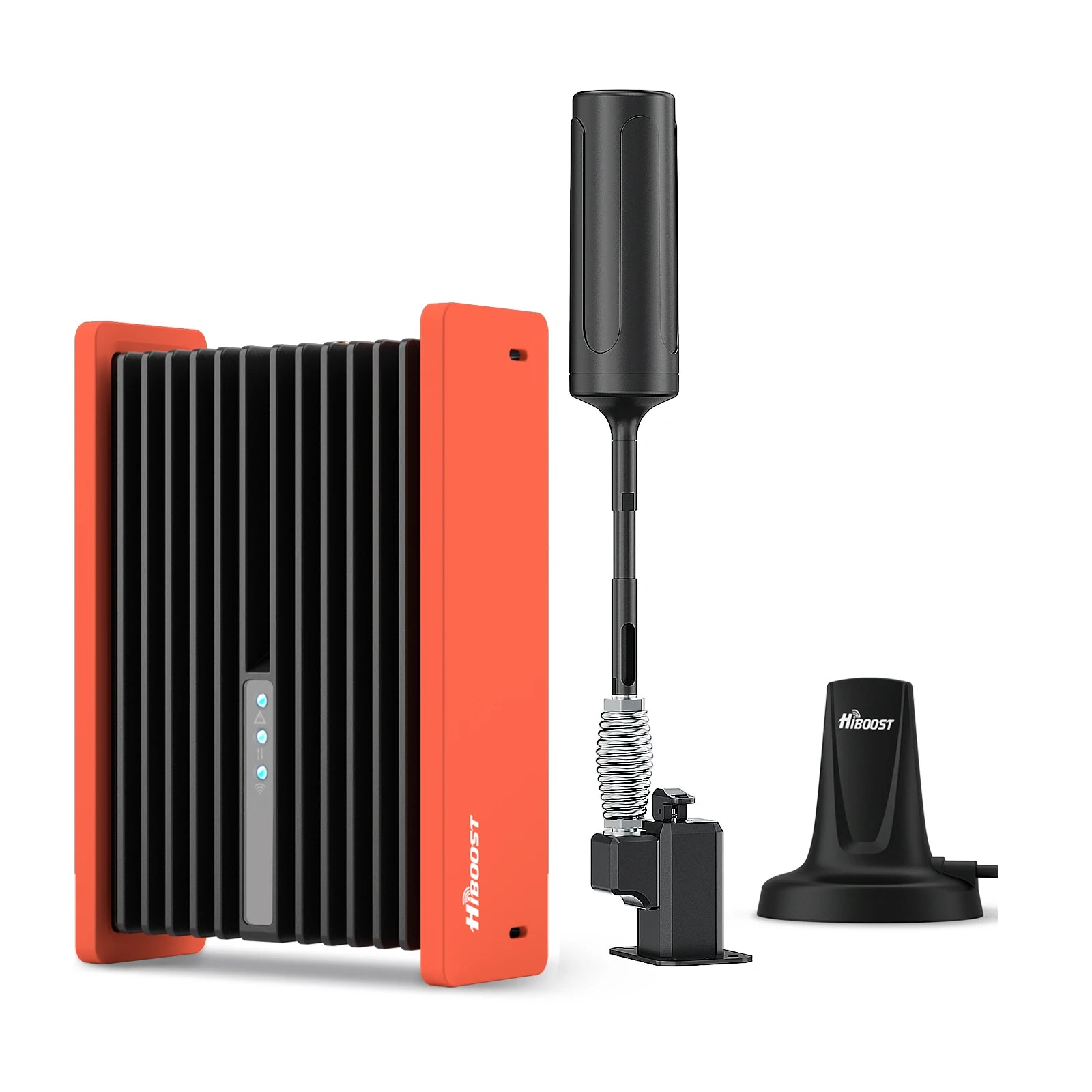
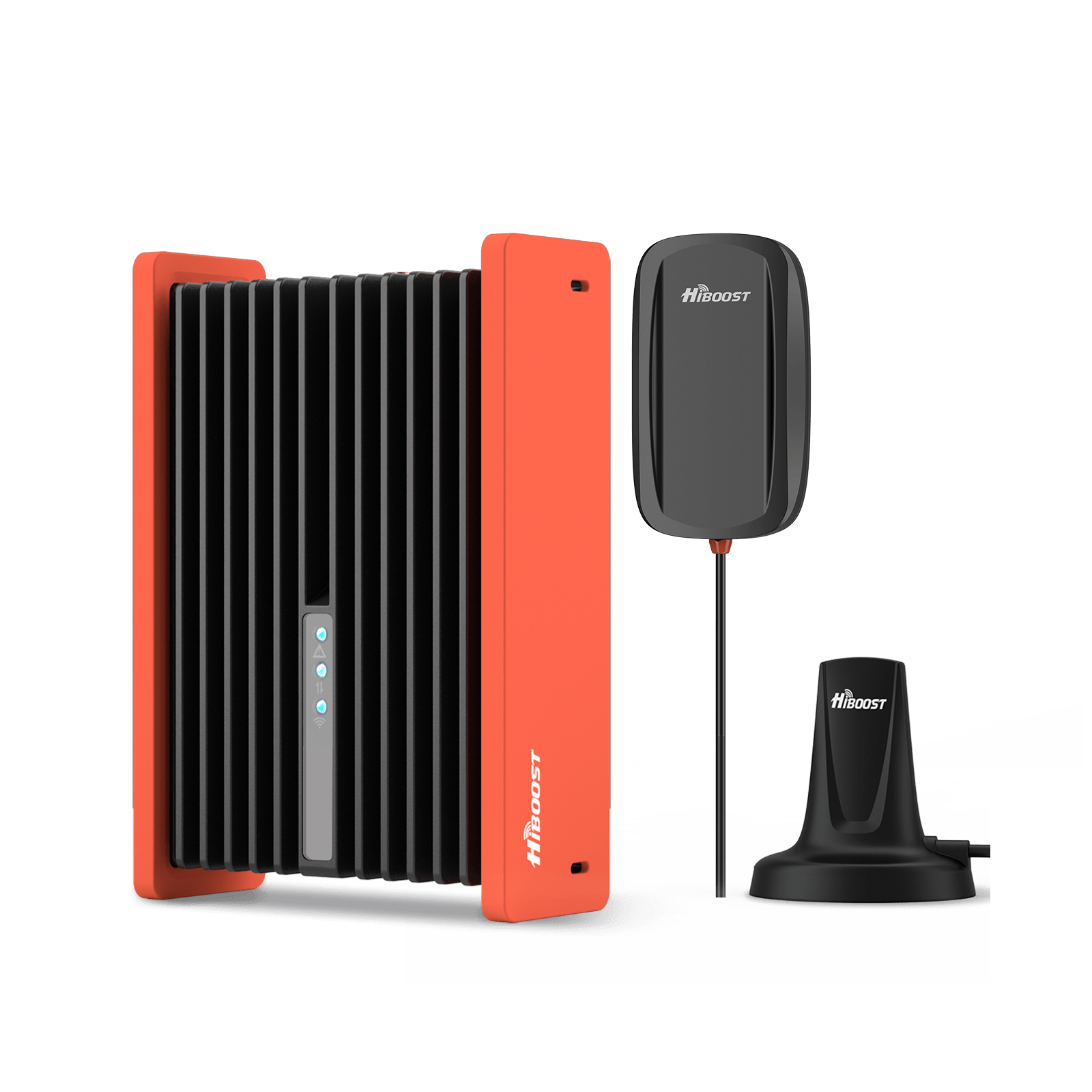
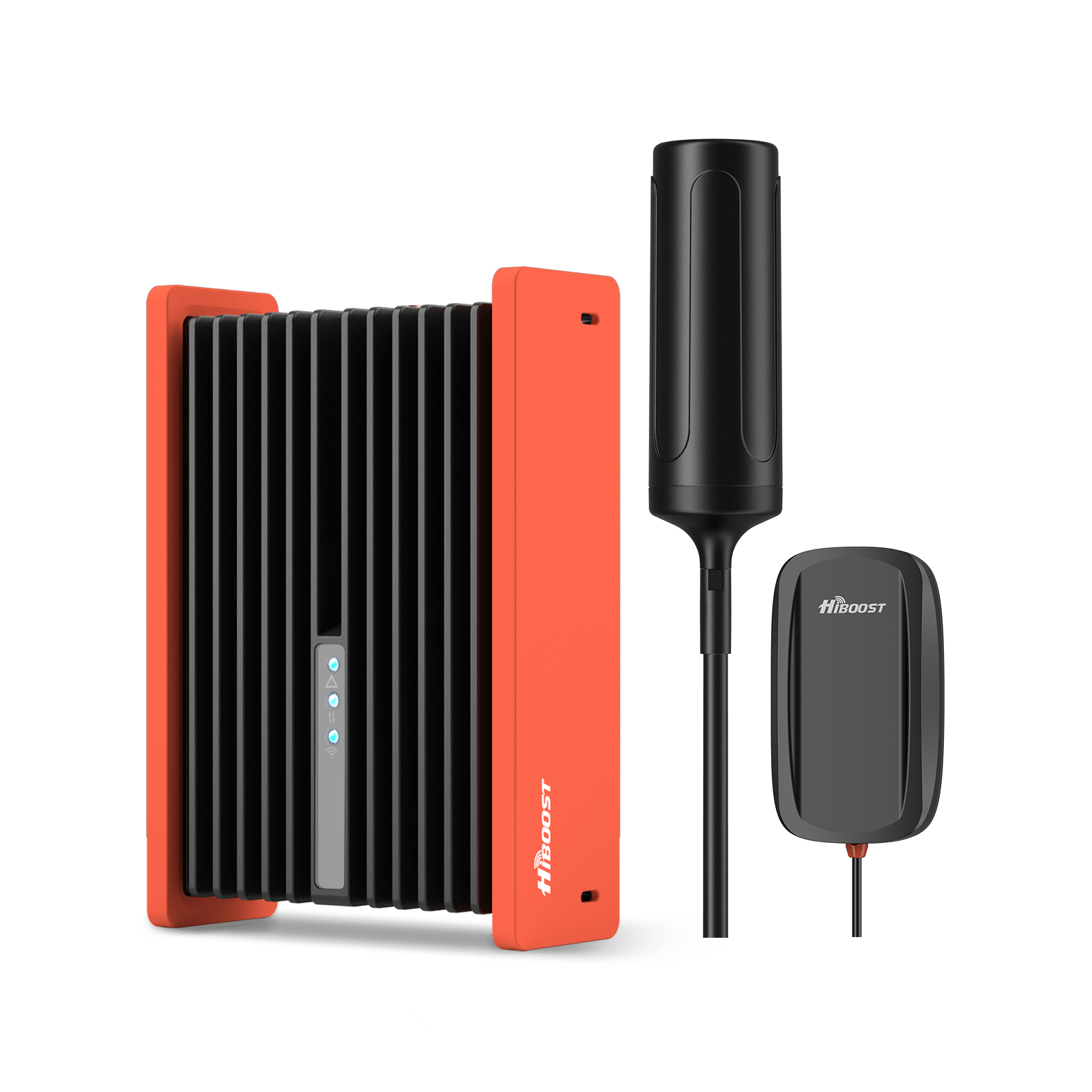
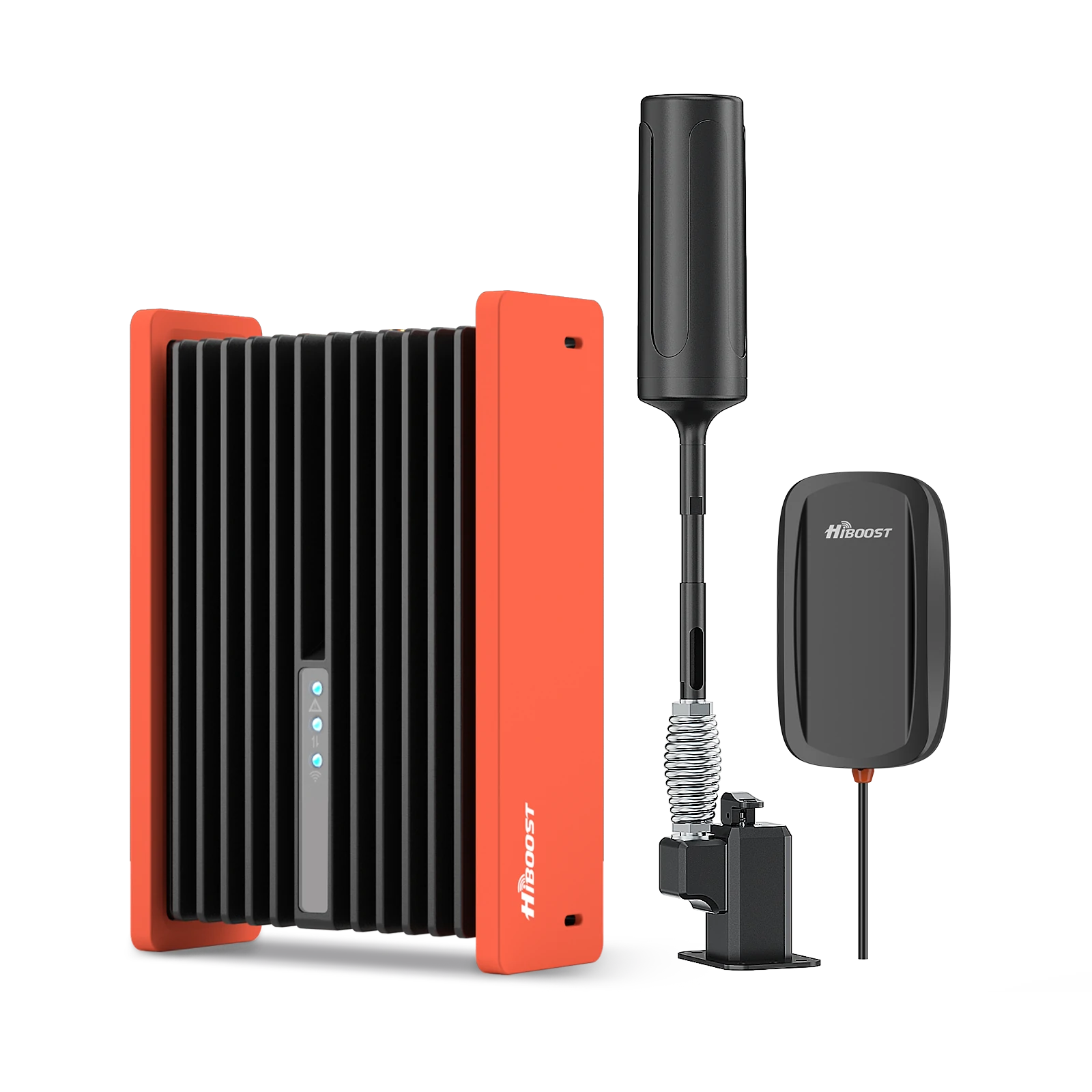
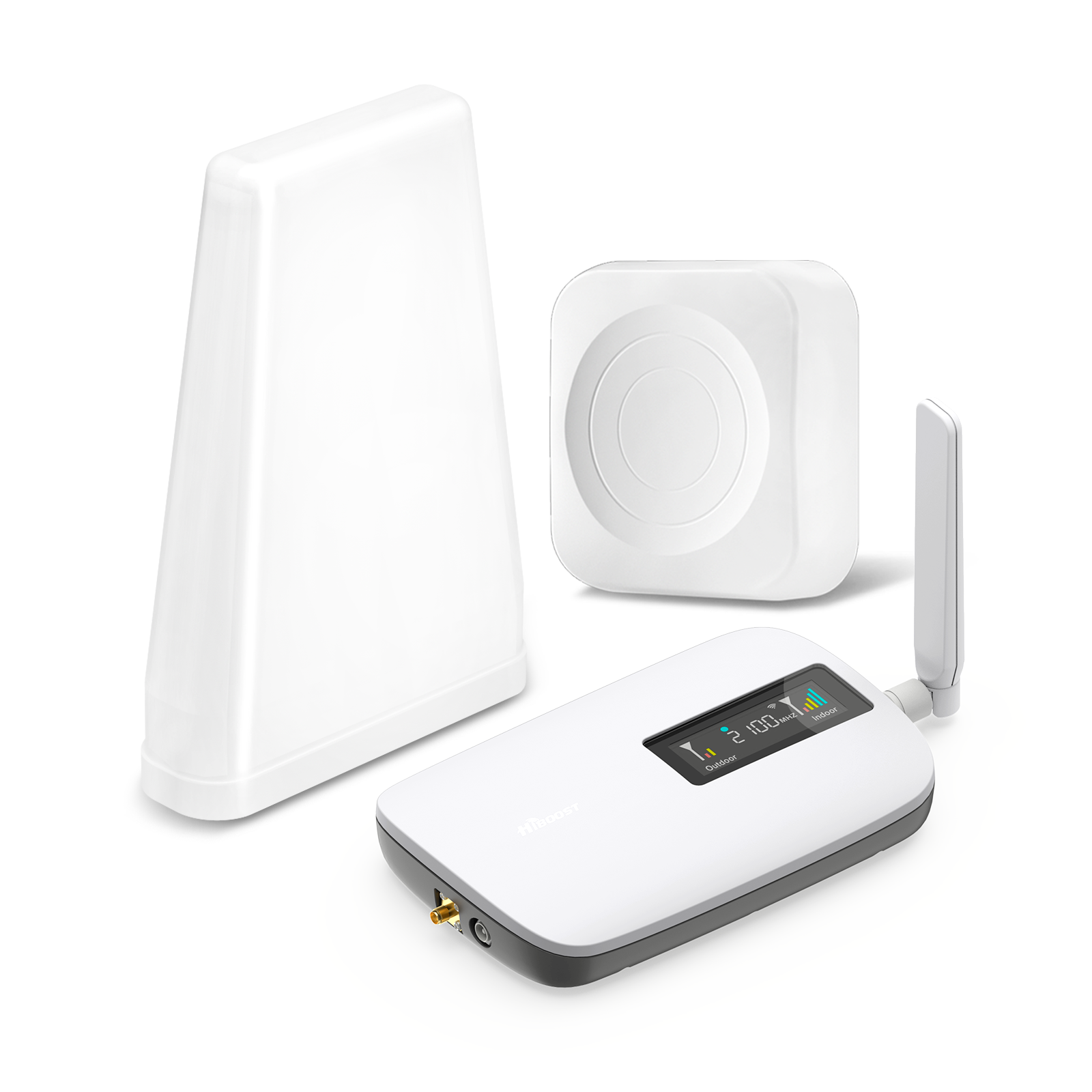
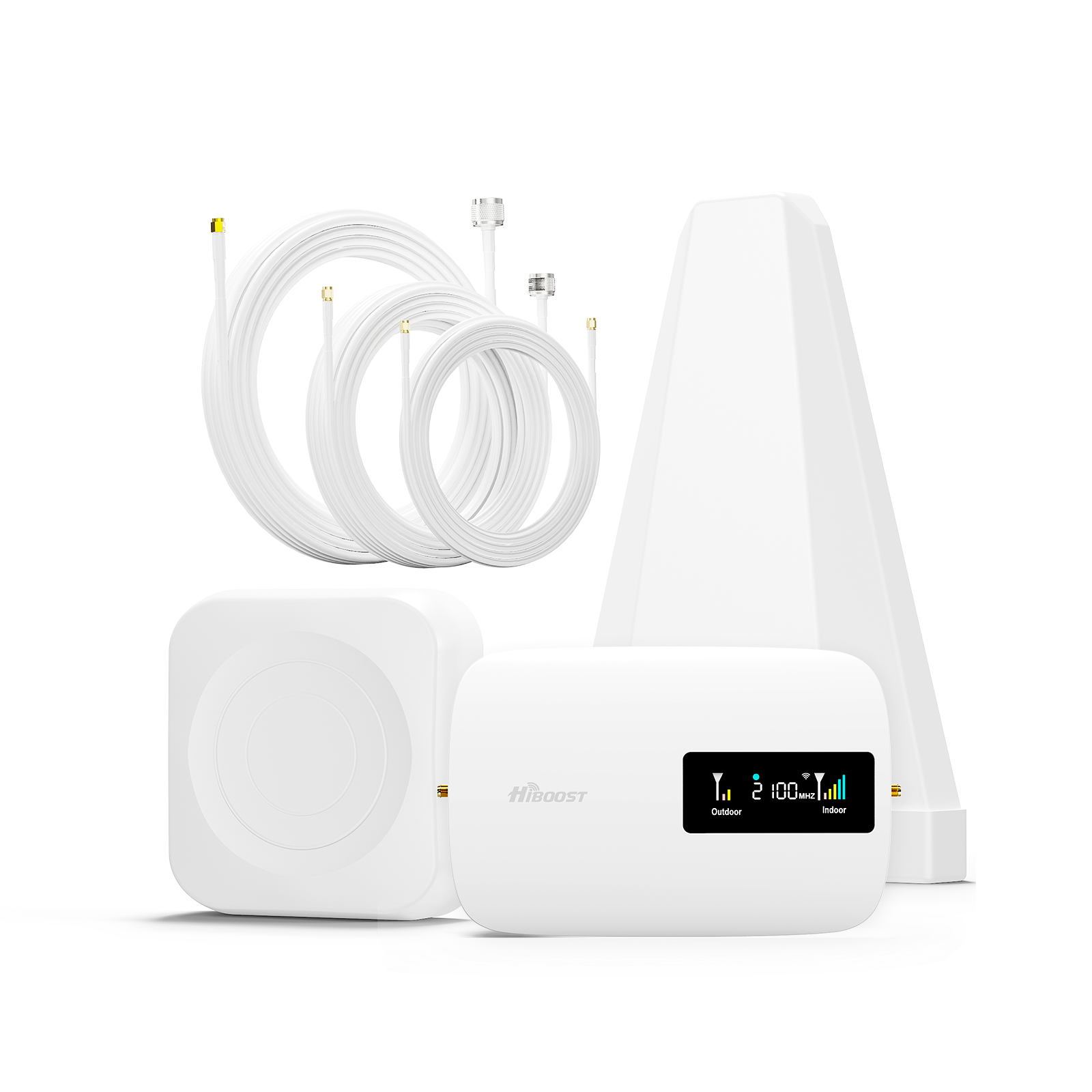
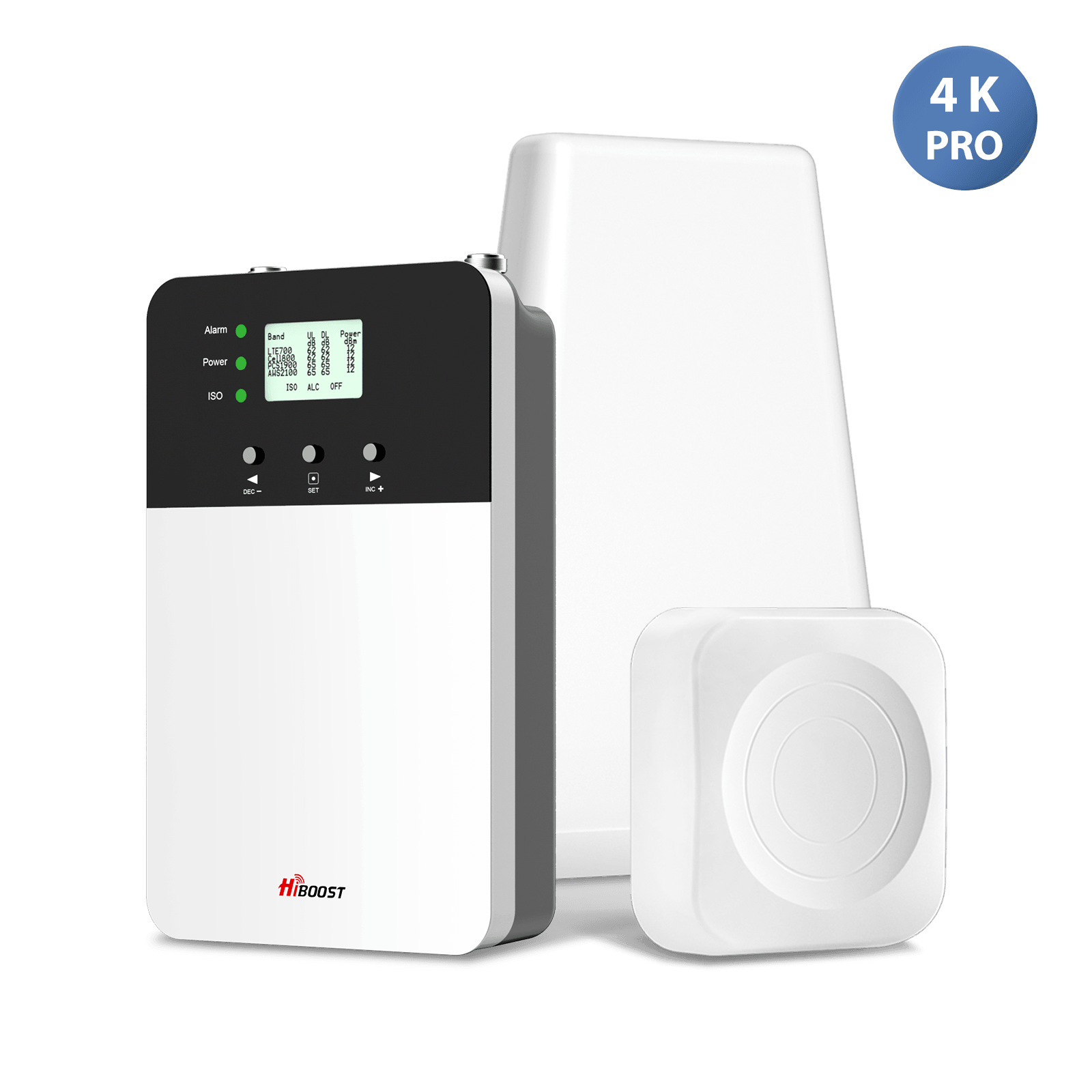
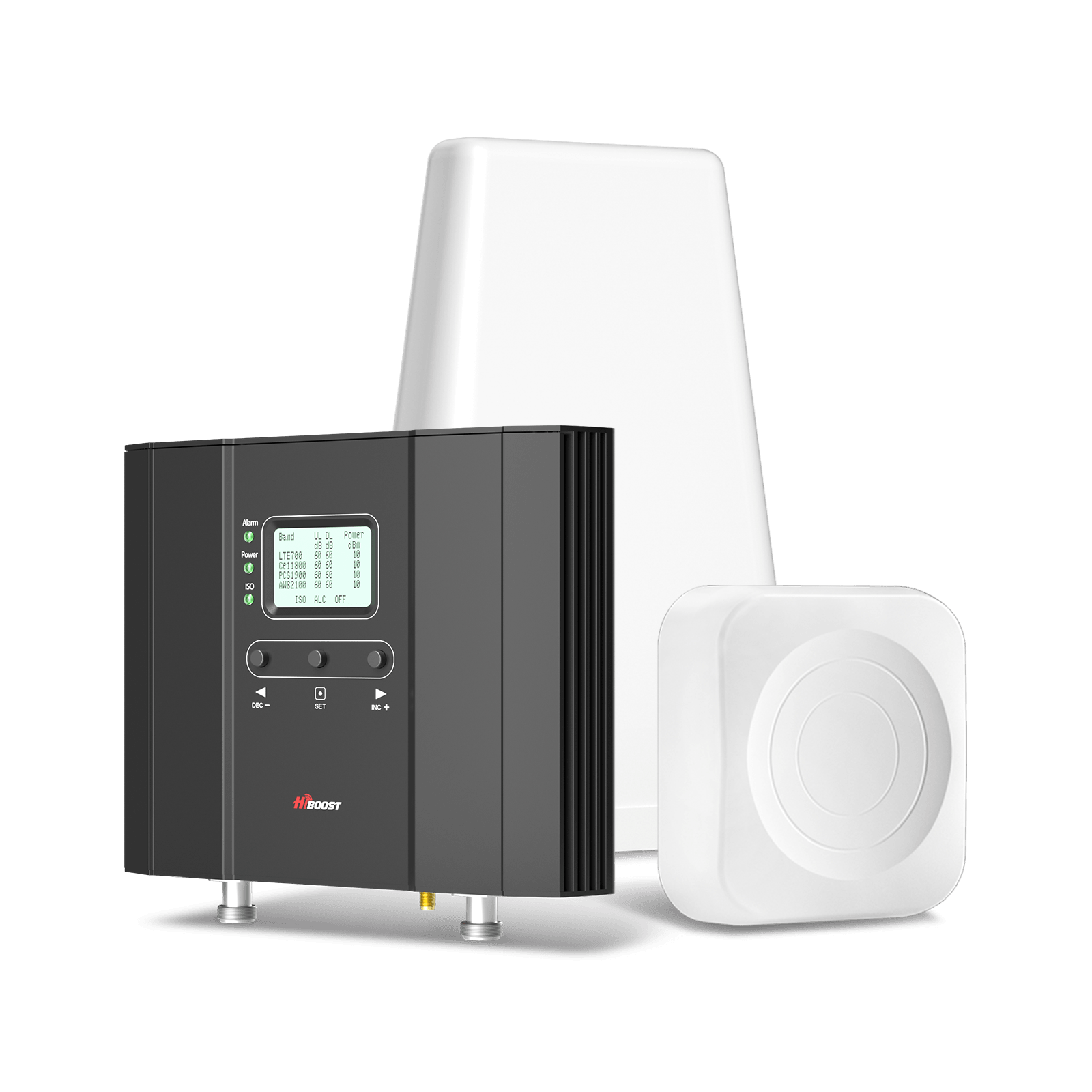
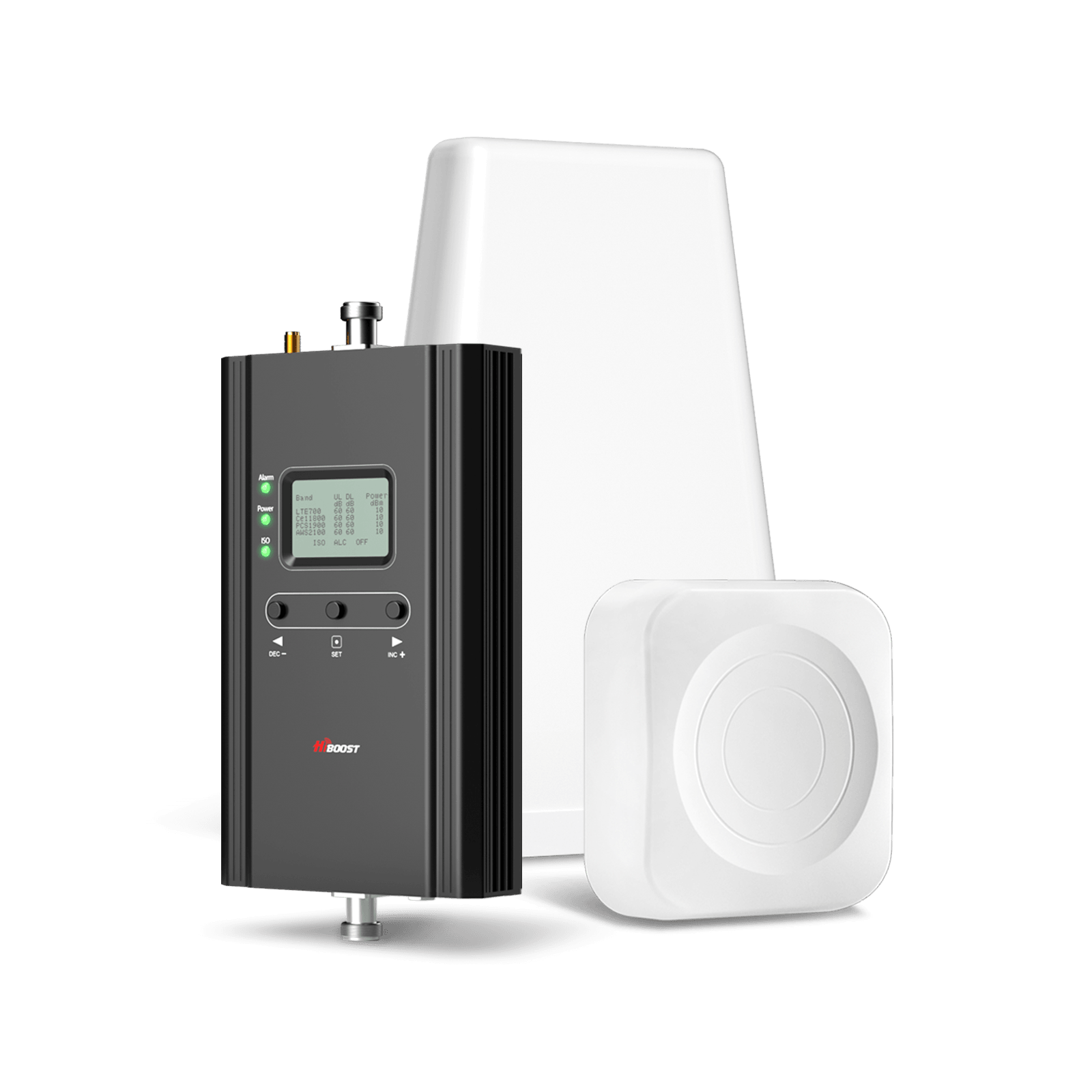
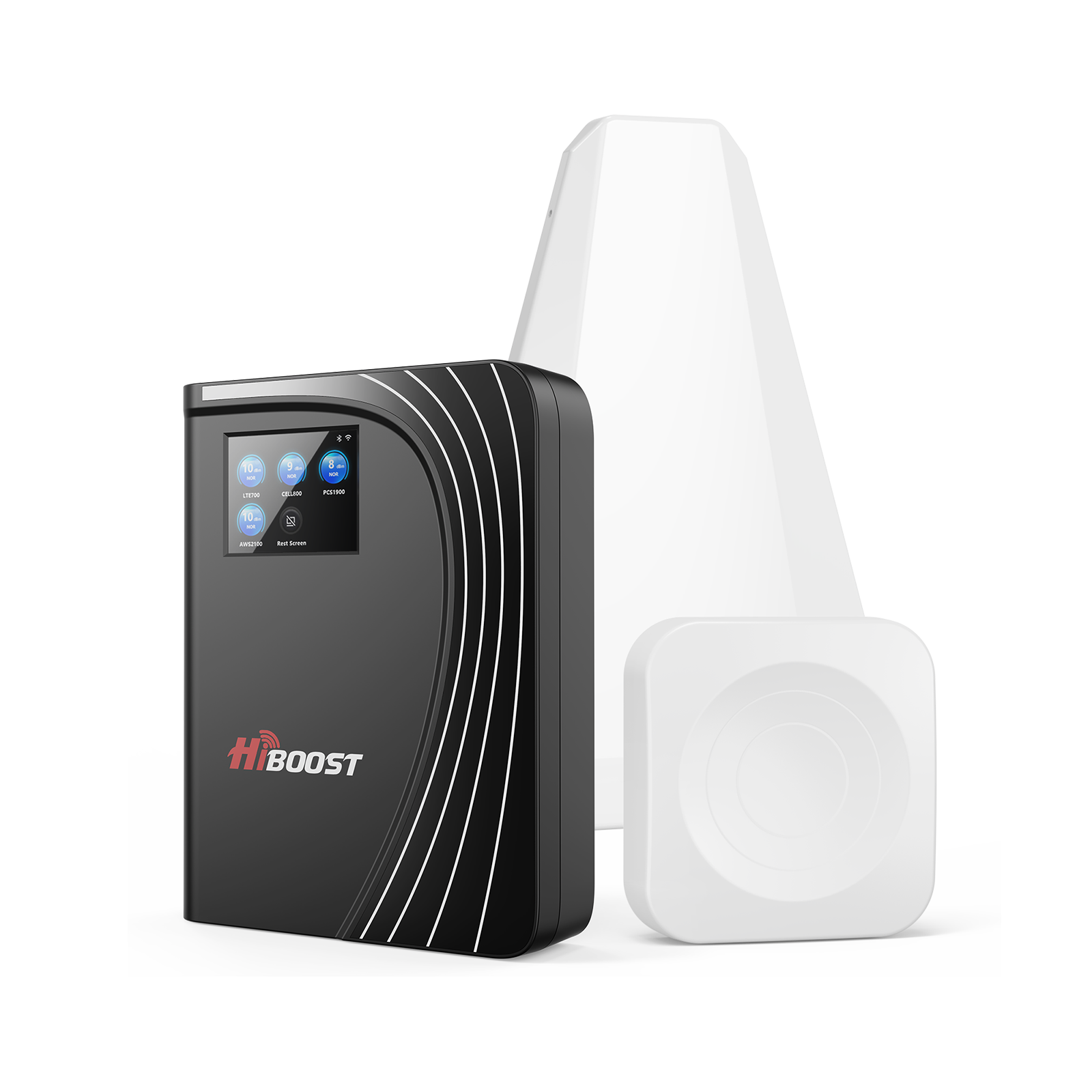
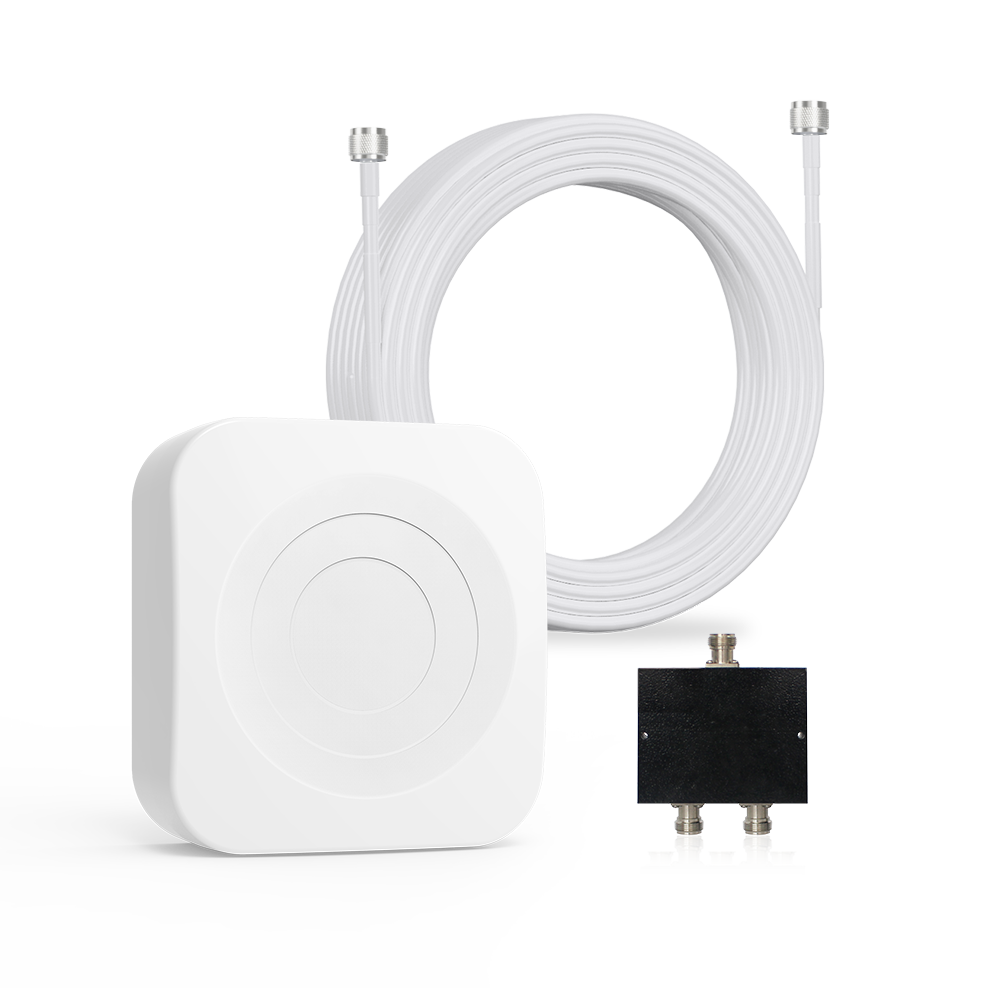
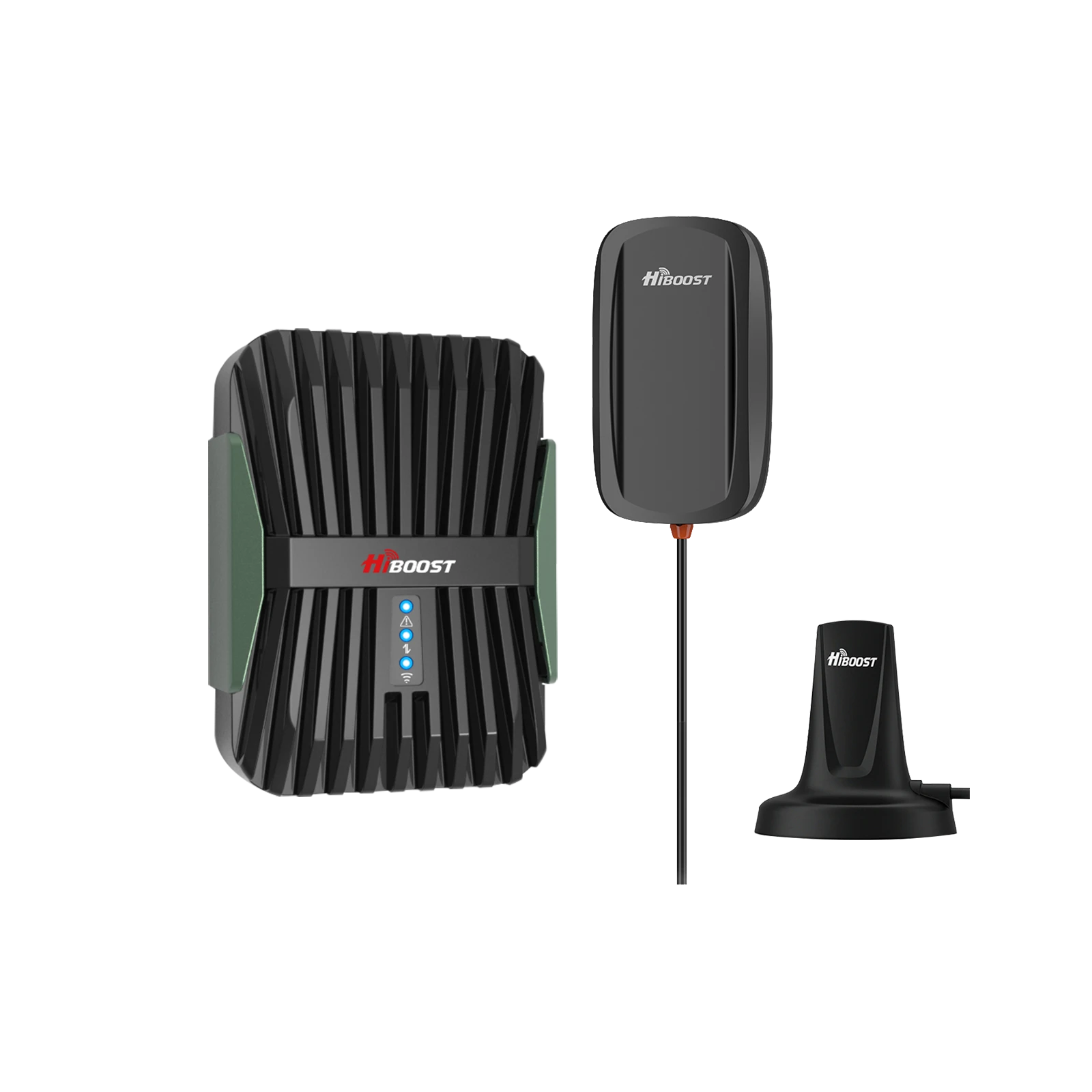
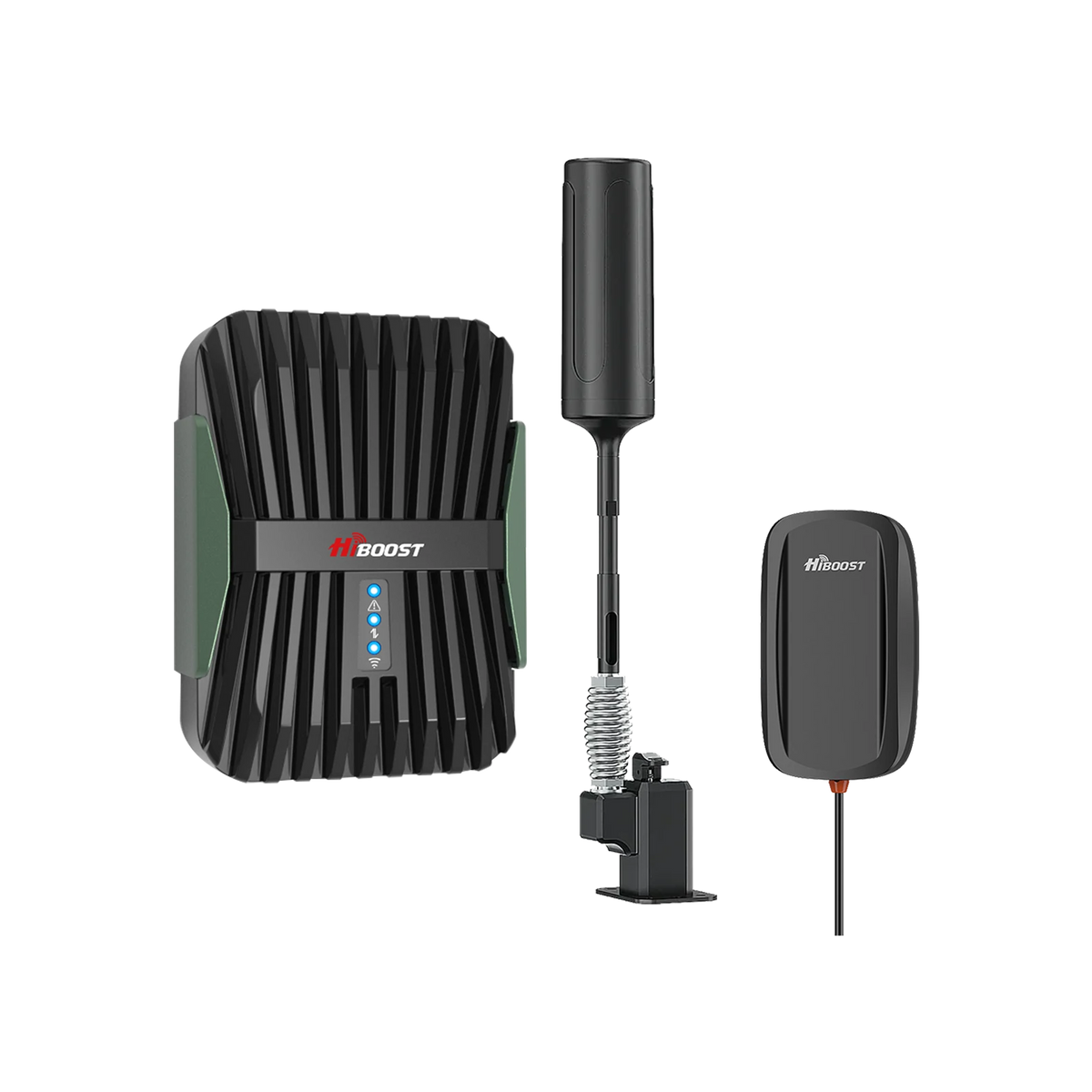
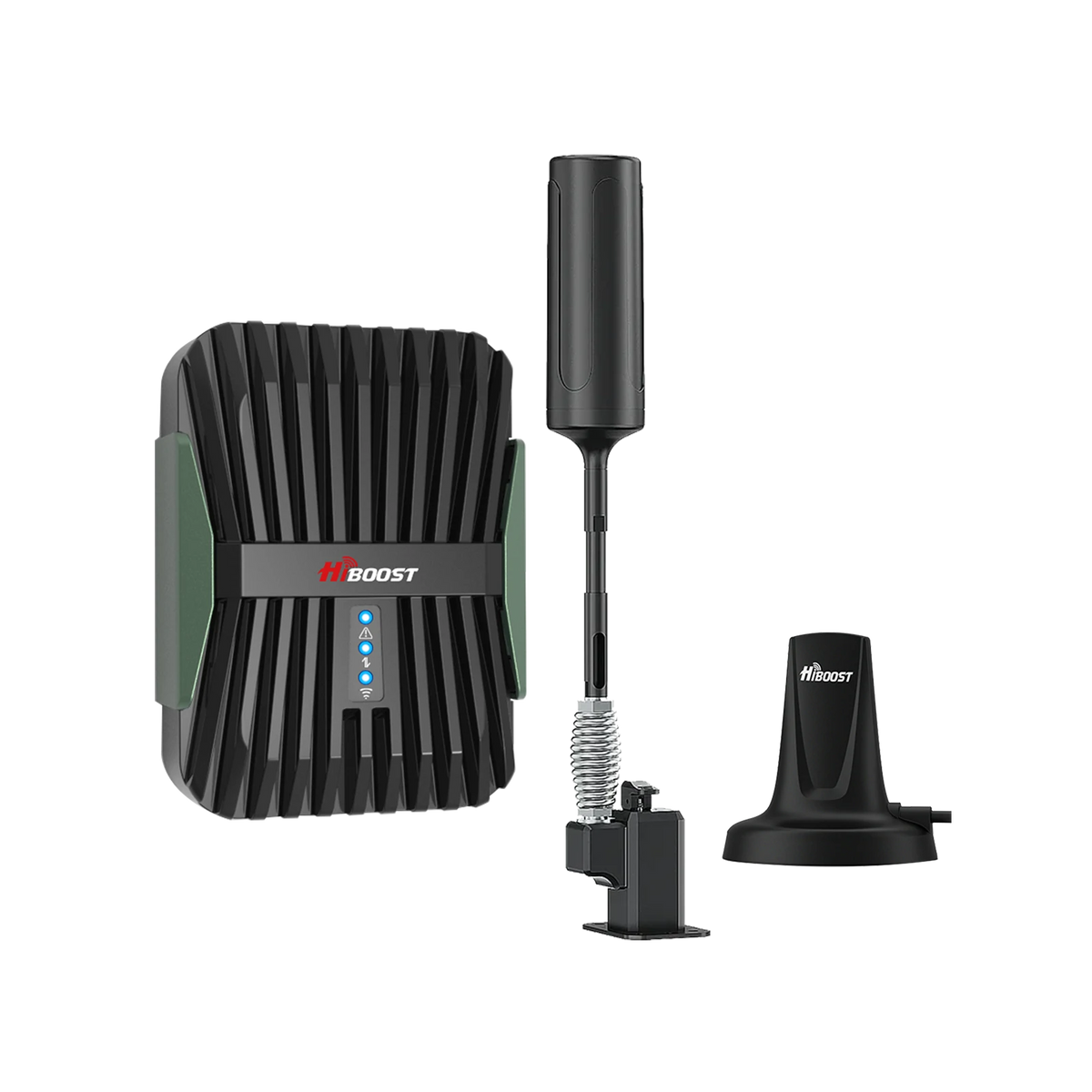
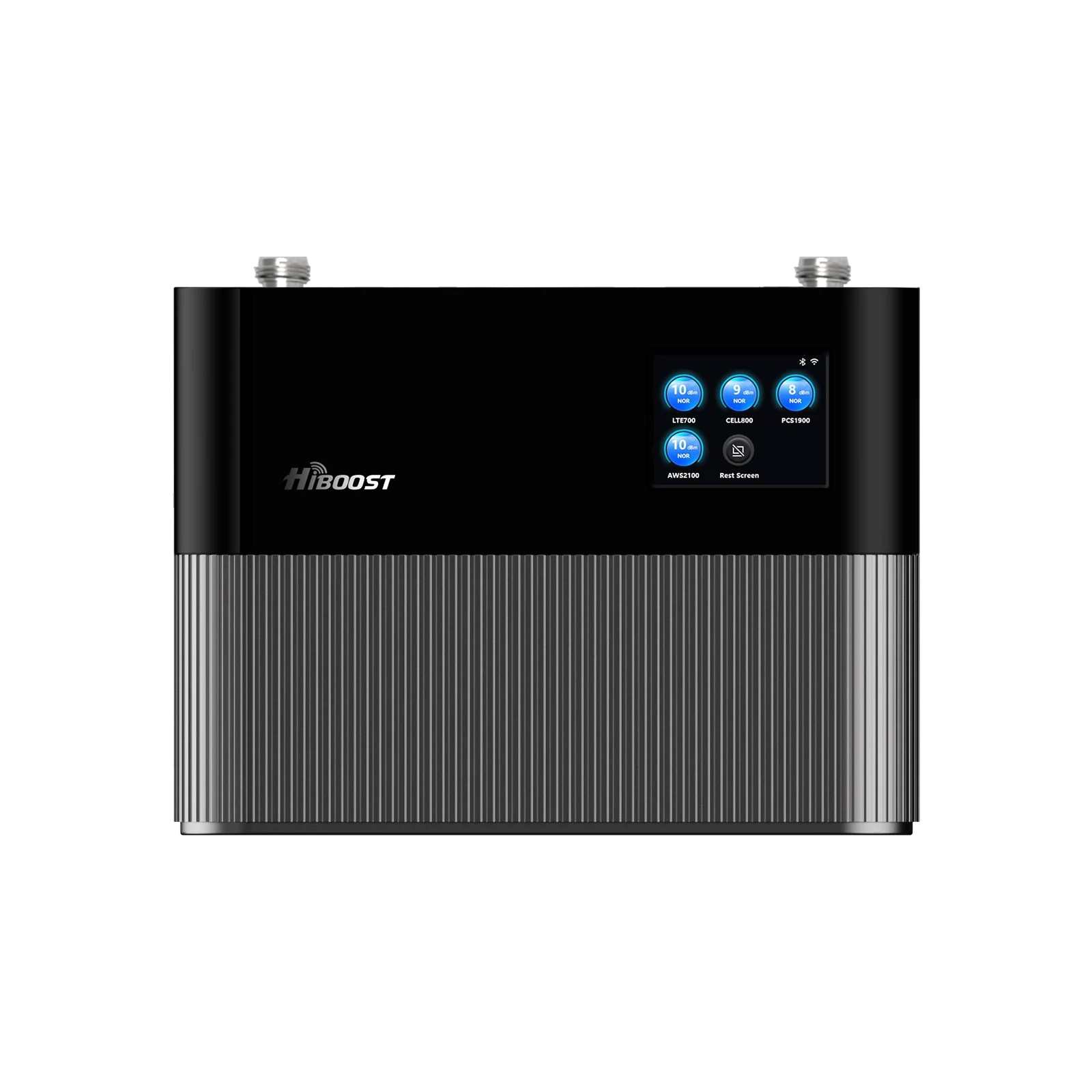
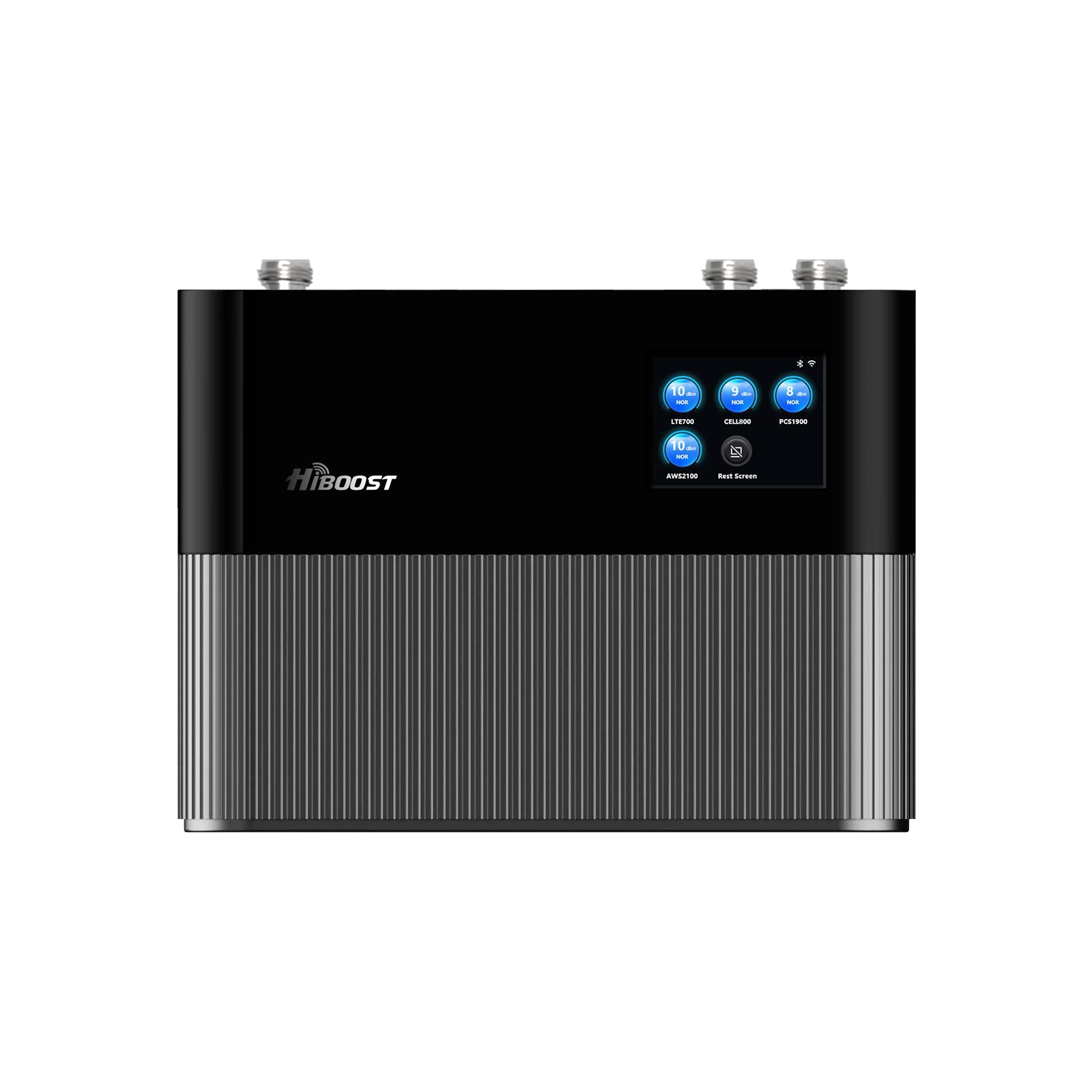
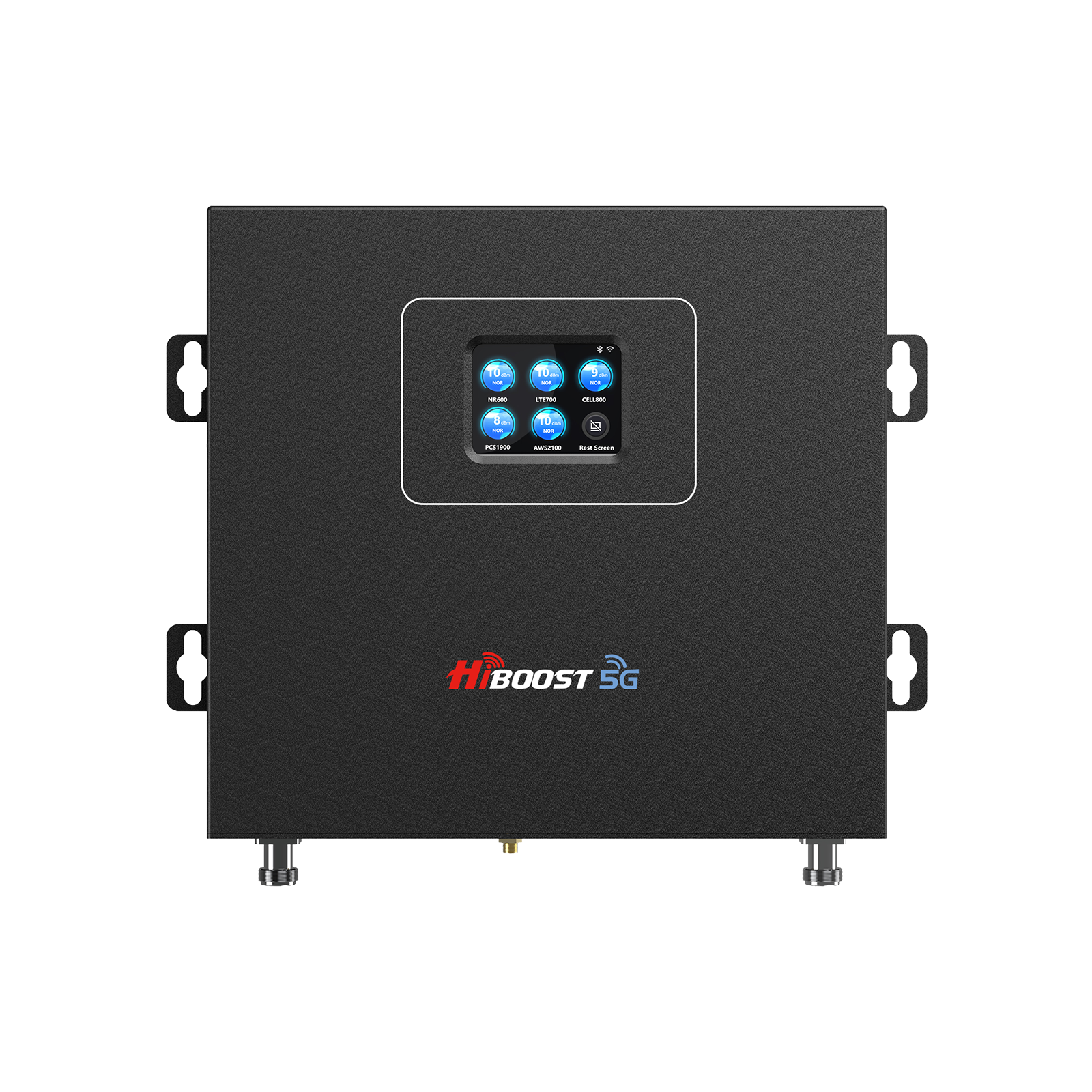
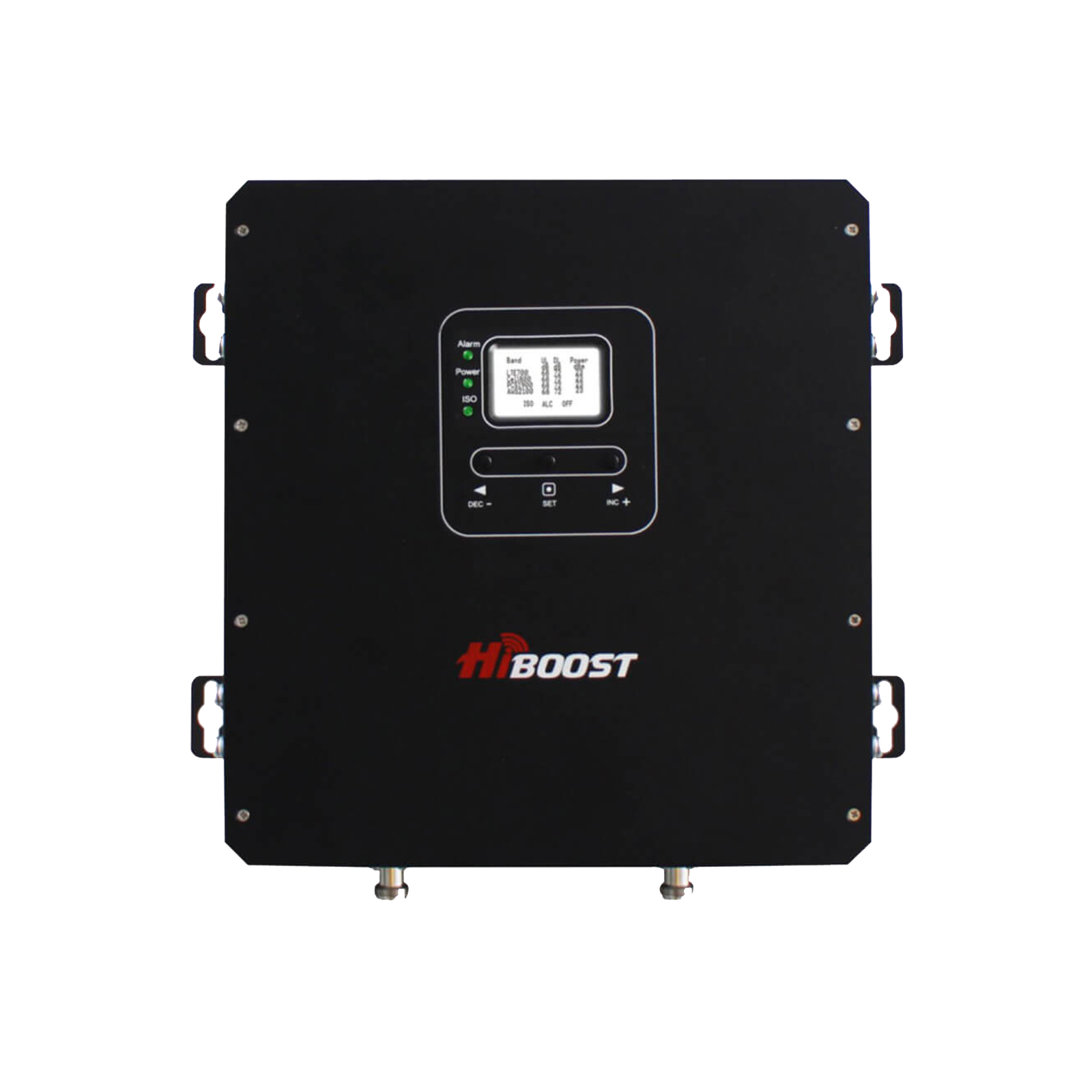
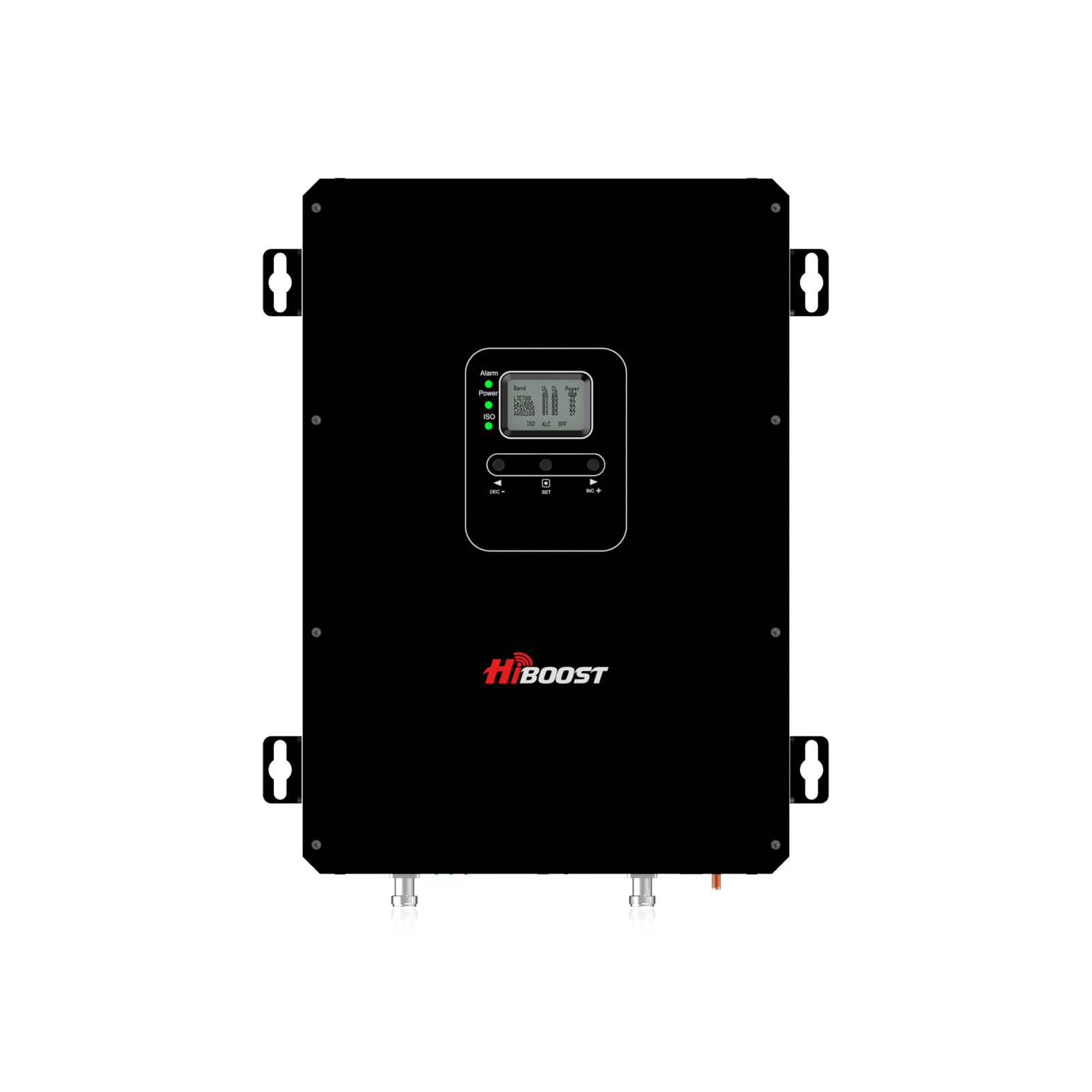
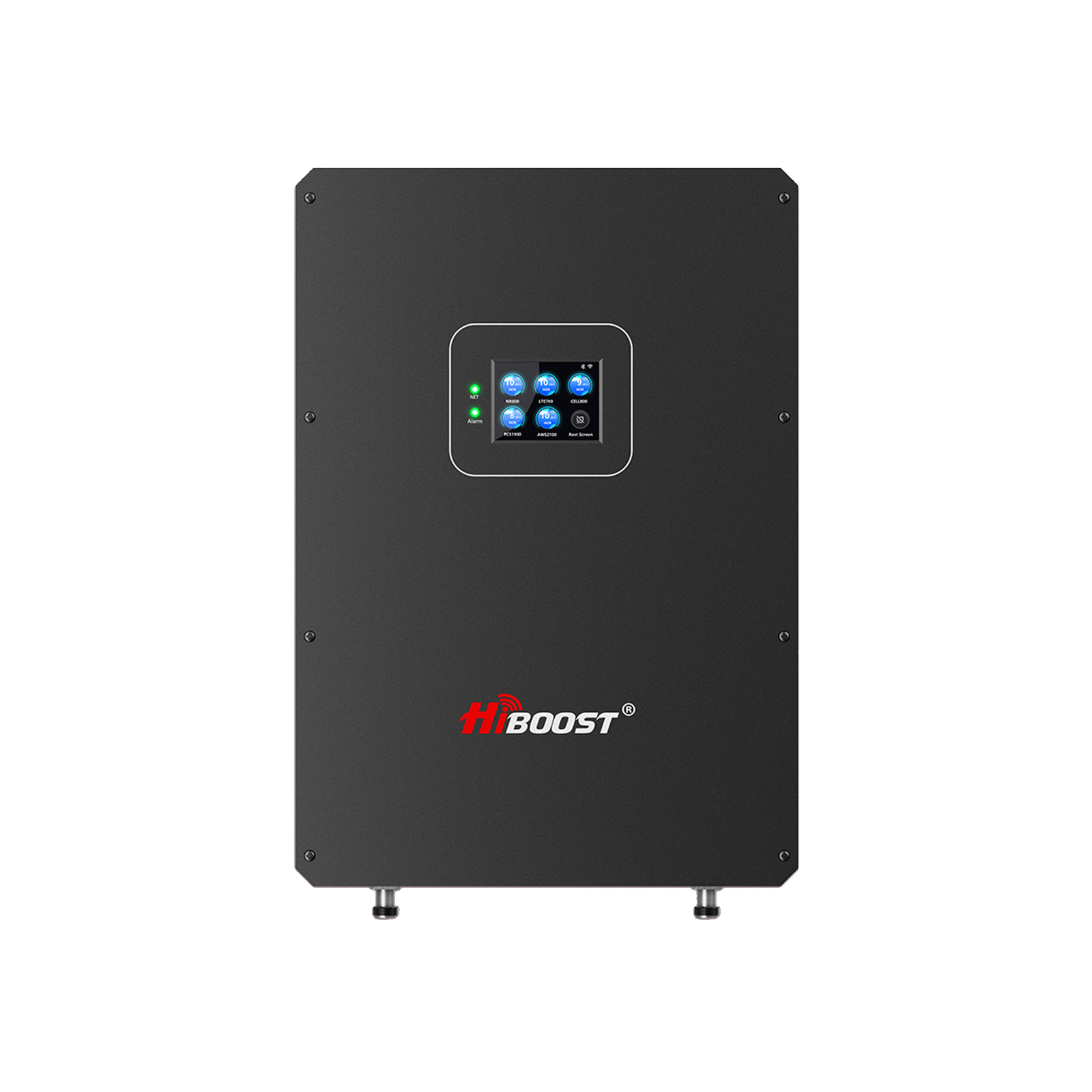
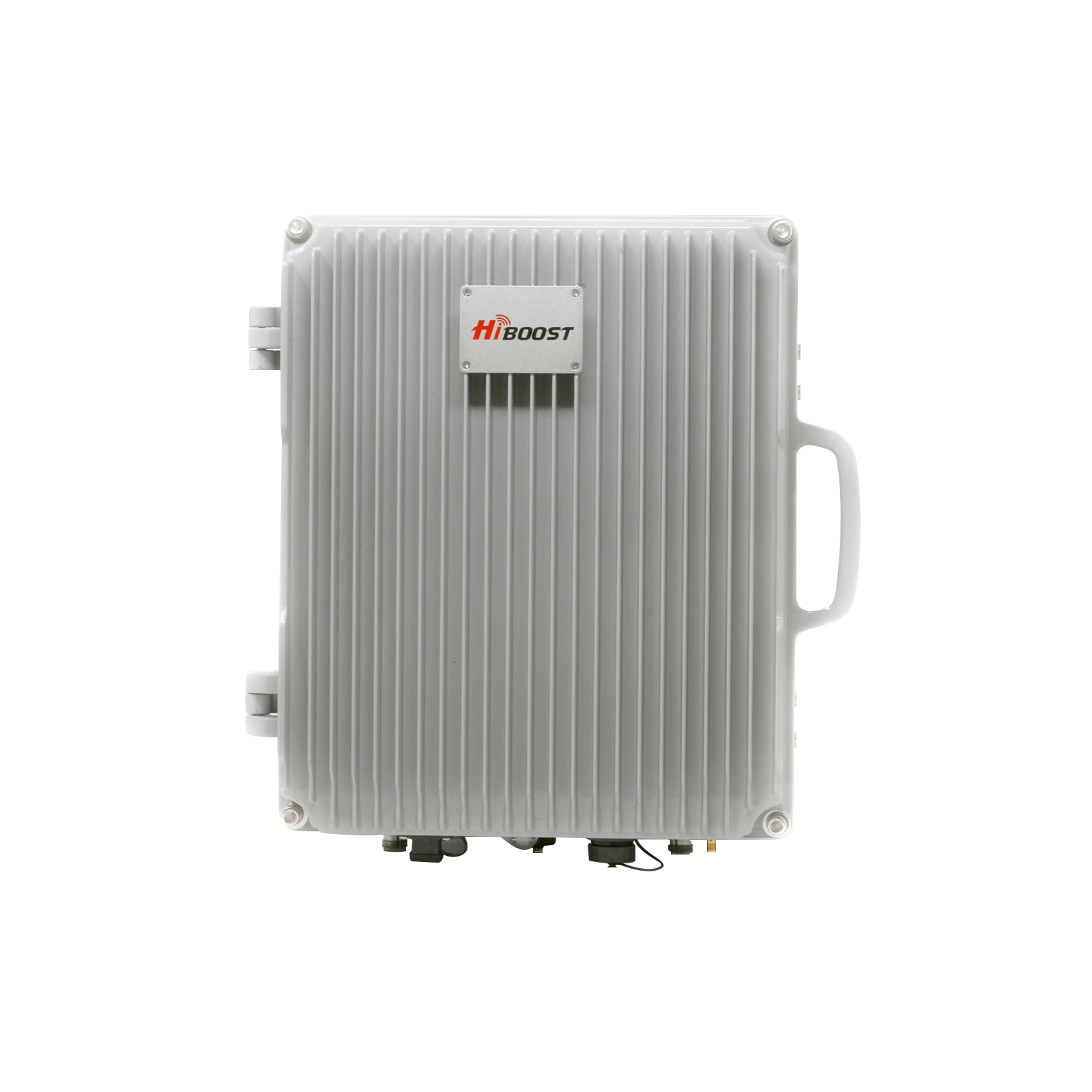
- Signal Boosters 101: A signal booster has three parts: an outdoor antenna, an amplifier, and one or more indoor antennas. The outdoor antenna picks up whatever weak signal exists outside, the amplifier boosts it, and the indoor antenna broadcasts it inside. HiBoost’s boosters are FCC-certified and support multiple devices on all major U.S. carriers.
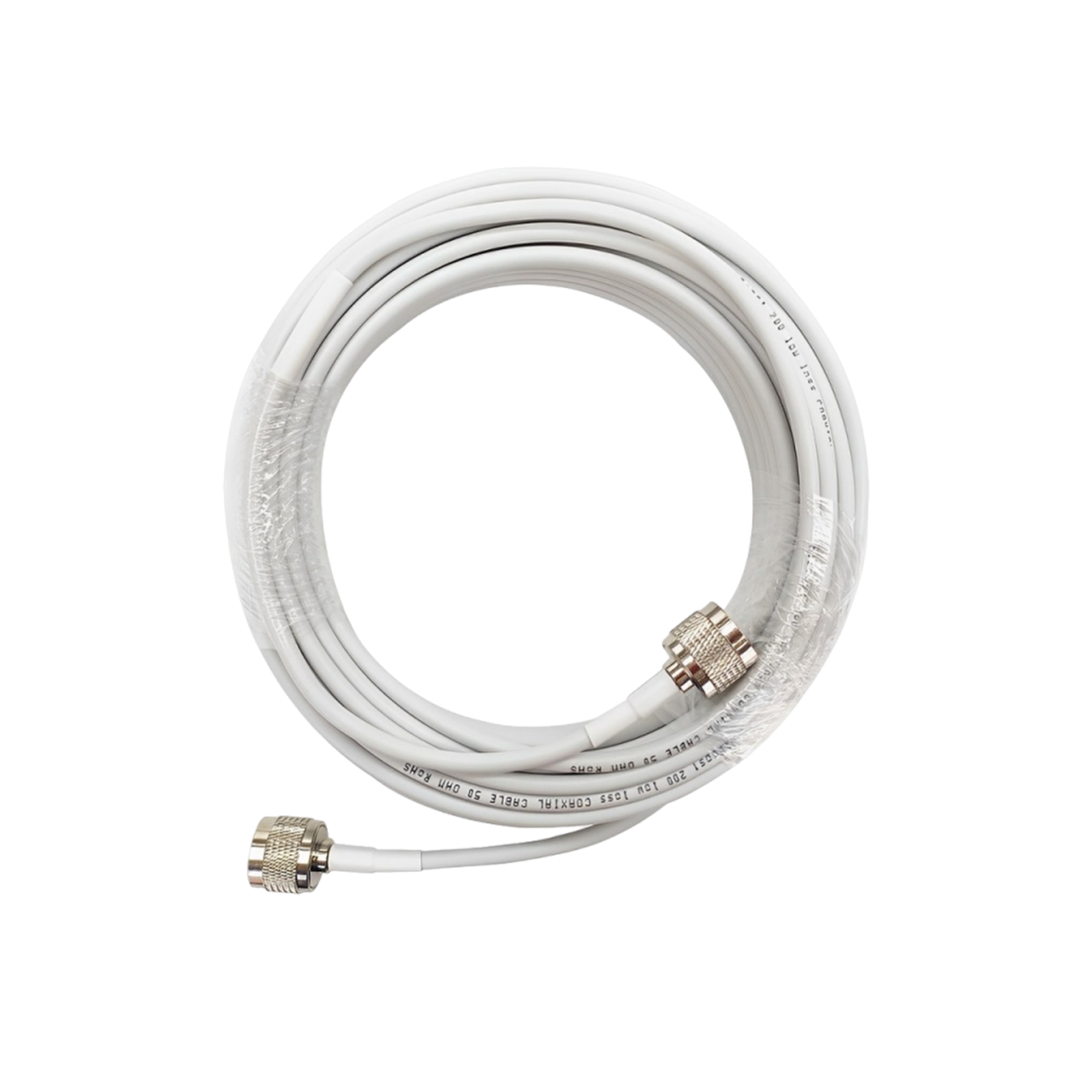
Modern boosters automatically prevent feedback and interference, and many feature digital controls or apps. Installing a booster is mostly DIY: you mount the outdoor antenna high, run coax cable to the amp inside, and place an indoor panel or dome where coverage is needed. Once set up, areas that had 0–1 bars often jump to 3–5 bars of strong signal.
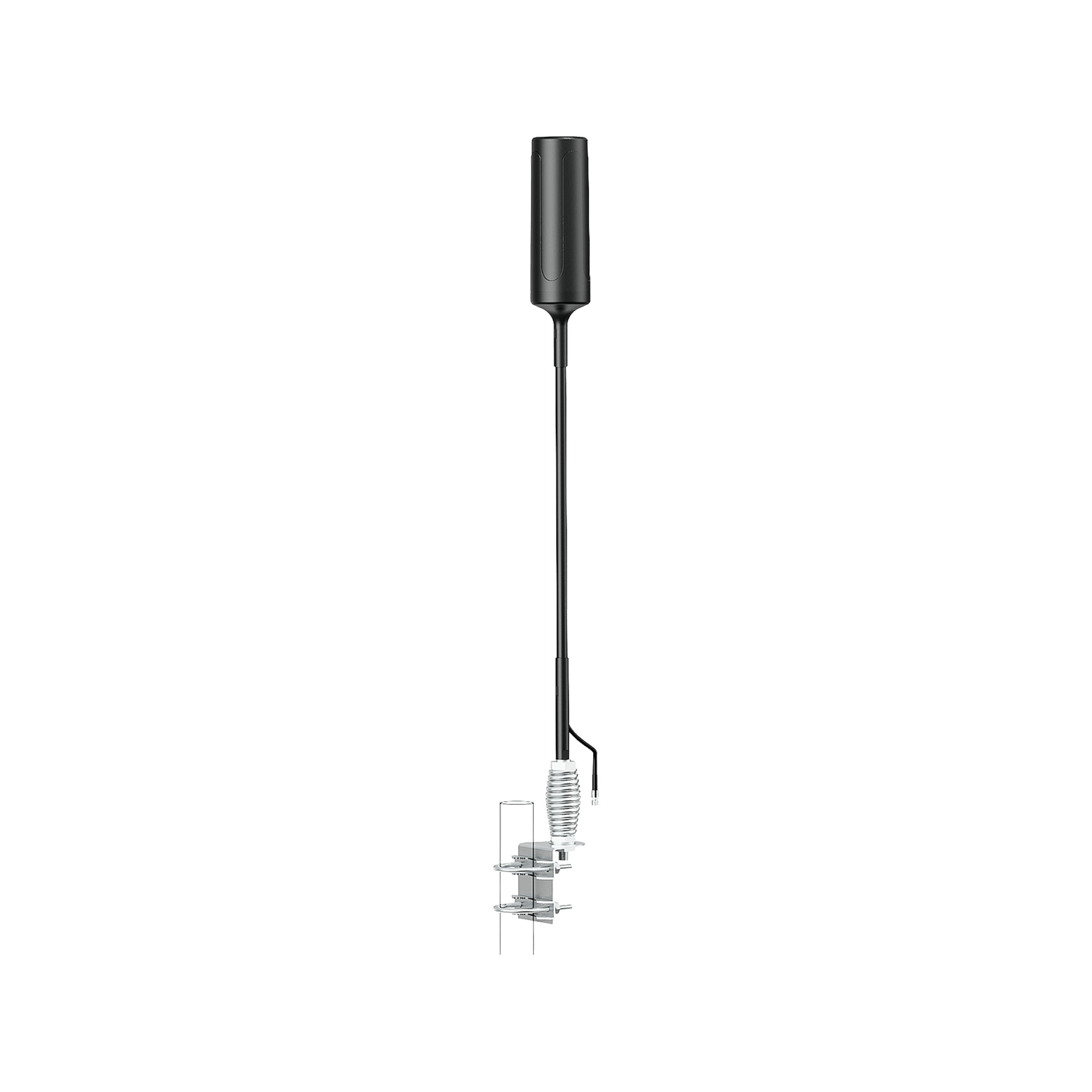
- Antenna Selection – Yagi vs. Omni: The type of outdoor antenna affects reach. A directional Yagi/L-PDA antenna focuses on one direction, yielding higher gain. Use it when you know the tower’s direction you could even reach a tower 10–20 miles away. An omnidirectional antenna picks up a signal 360° around.
It has lower peak gain but is easier to install and works well when towers are all around. For example, RV boosters often use an omni antenna since the RV orientation changes. HiBoost offers antenna options: some boosters come with Yagi, others with omni, and additional kits if you need.
- FCC Rules & 5G: Importantly, all HiBoost boosters are FCC-compliant. They amplify 4G LTE and low-band 5G signals, but by FCC rules they cannot boost new mid-band 5G or mmWave.
So a HiBoost booster will make your LTE or 5G600 MHz signal much stronger, but if you rely solely on mid-band 5G outside, it won’t help. In practice though, this covers most needs: carriers themselves fall back to LTE/low-5G when indoors, so boosting those bands is exactly what stabilizes connectivity.
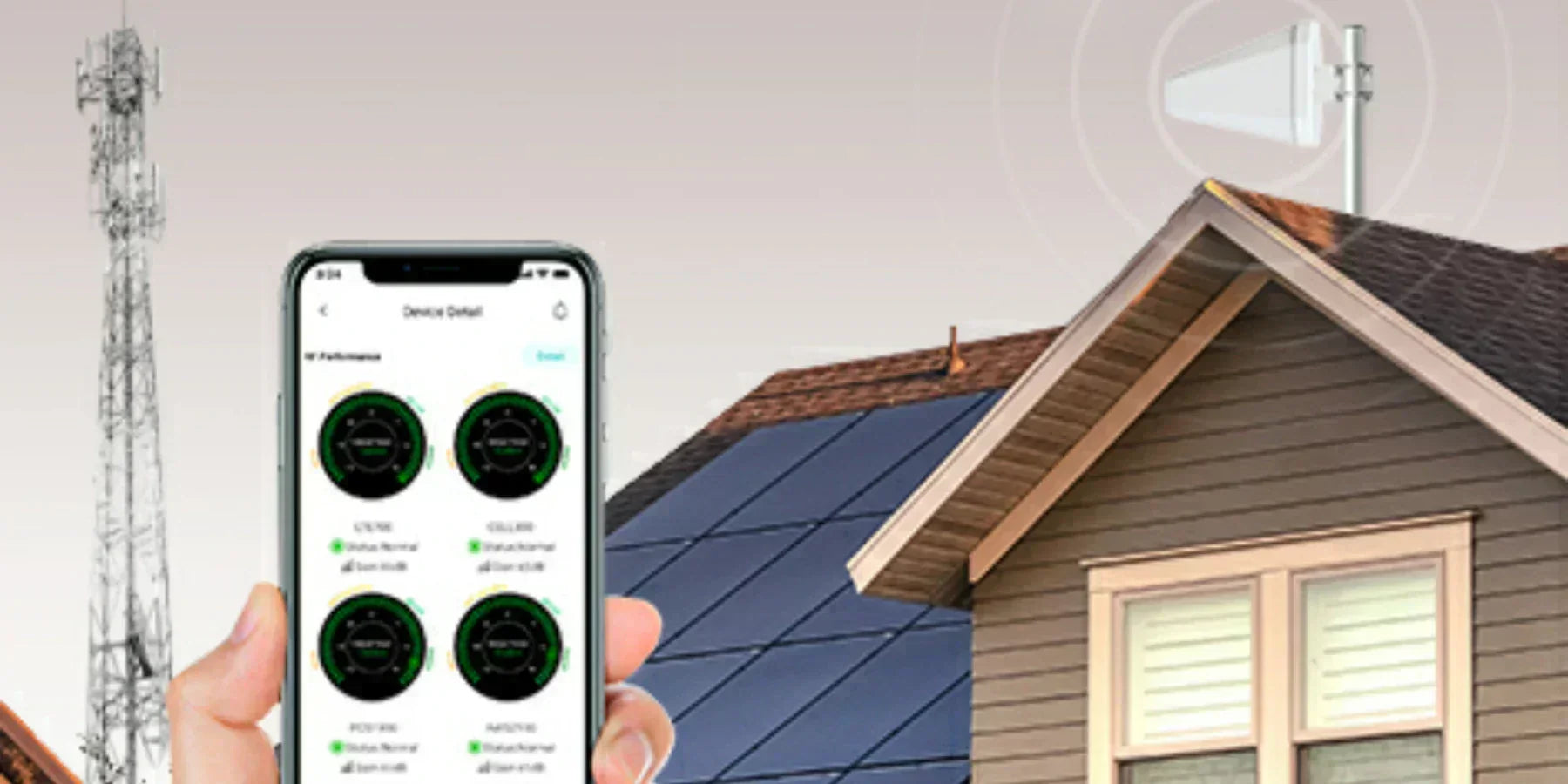
- 5G Optimization: To maximize results, you might need to find the best tower. The HiBoost Signal Supervisor App pairs with your booster via Bluetooth or Wi-Fi and provides a convenient signal meter and setup interface. You can use it to register the device, update firmware, and crucially see real-time dBm readings.
While adjusting your outdoor antenna, the app can help you aim precisely: as you turn the antenna, watch the signal strength update on your phone and lock in the peak. This makes finding and aligning to the nearest 5G tower straightforward. The app also logs and monitors performance over time, so you can verify the booster is working optimally.
- Tech Tools: In addition, third-party apps and sites can show nearby tower locations. Combining that info with the Signal Supervisor app gives you tower-specific optimization. For instance, if Google Maps shows an AT&T or Verizon tower 3 miles to the north of your house, mount the Yagi facing that way. Then monitor on the app to fine-tune elevation until you see maximum gain.
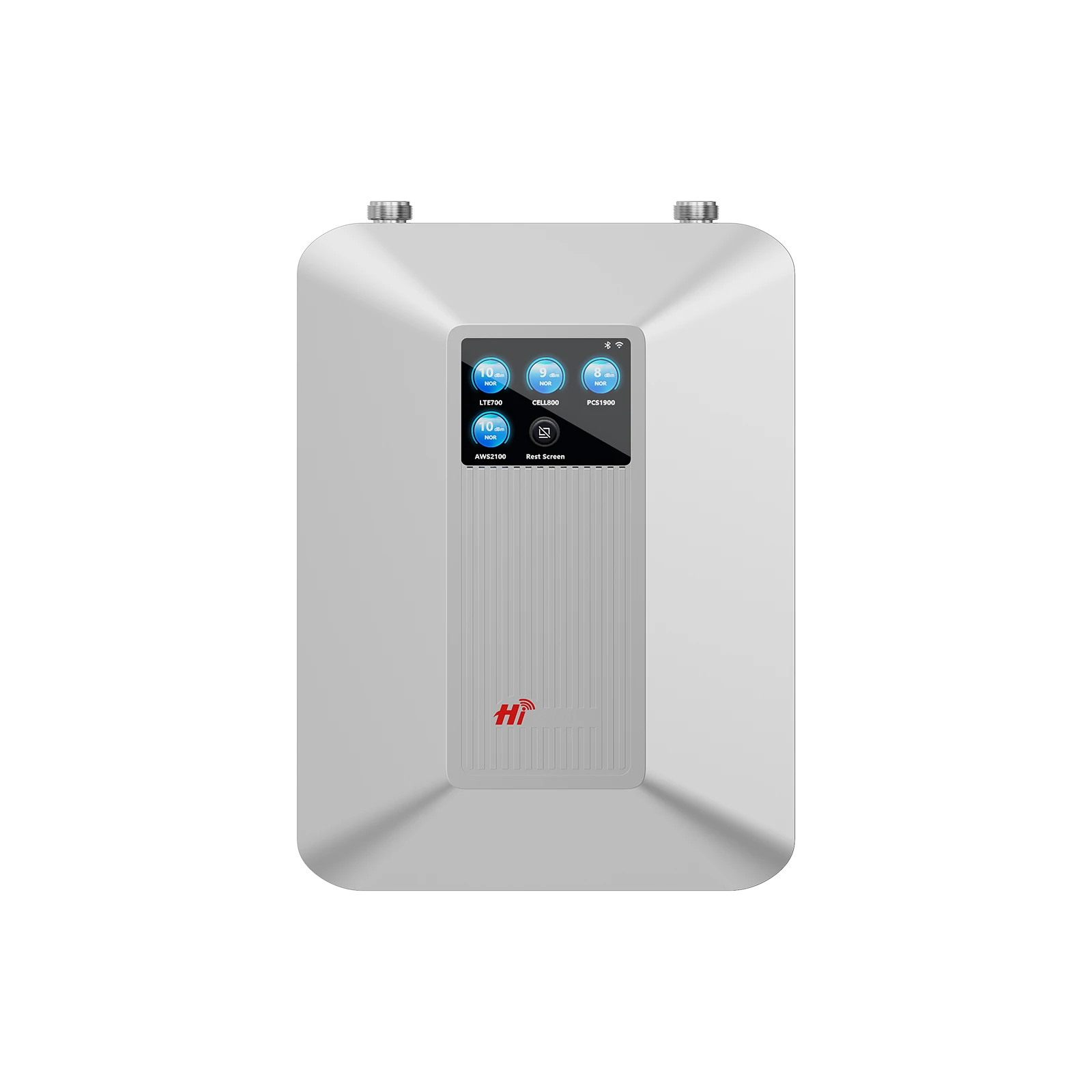
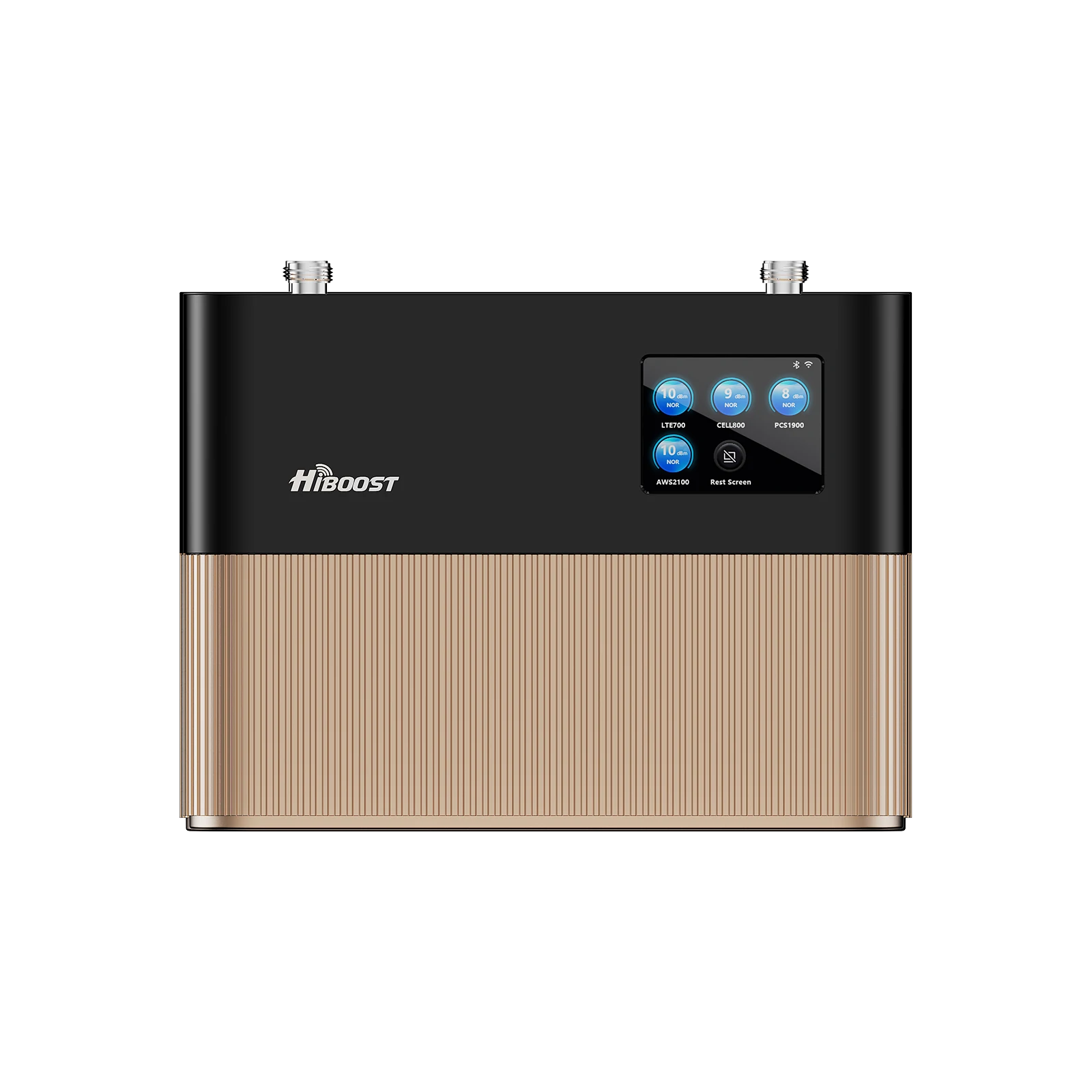
By picking the right booster model and matching it with an appropriate antenna, you essentially create your own mini cell site. The HiBoost product line covers everything: from a compact Sidekick Home Booster for 500–2,000 sq ft, to industrial multi antenna systems. No matter where you live or travel, there’s a HiBoost solution to amplify the signal you do have. And remember: one system works for all carriers; you don’t need separate devices for each network.
5. Customer Case Studies
Case A: The Modern Farmhouse
A Midwest homeowner with a brand-new metal roof installation
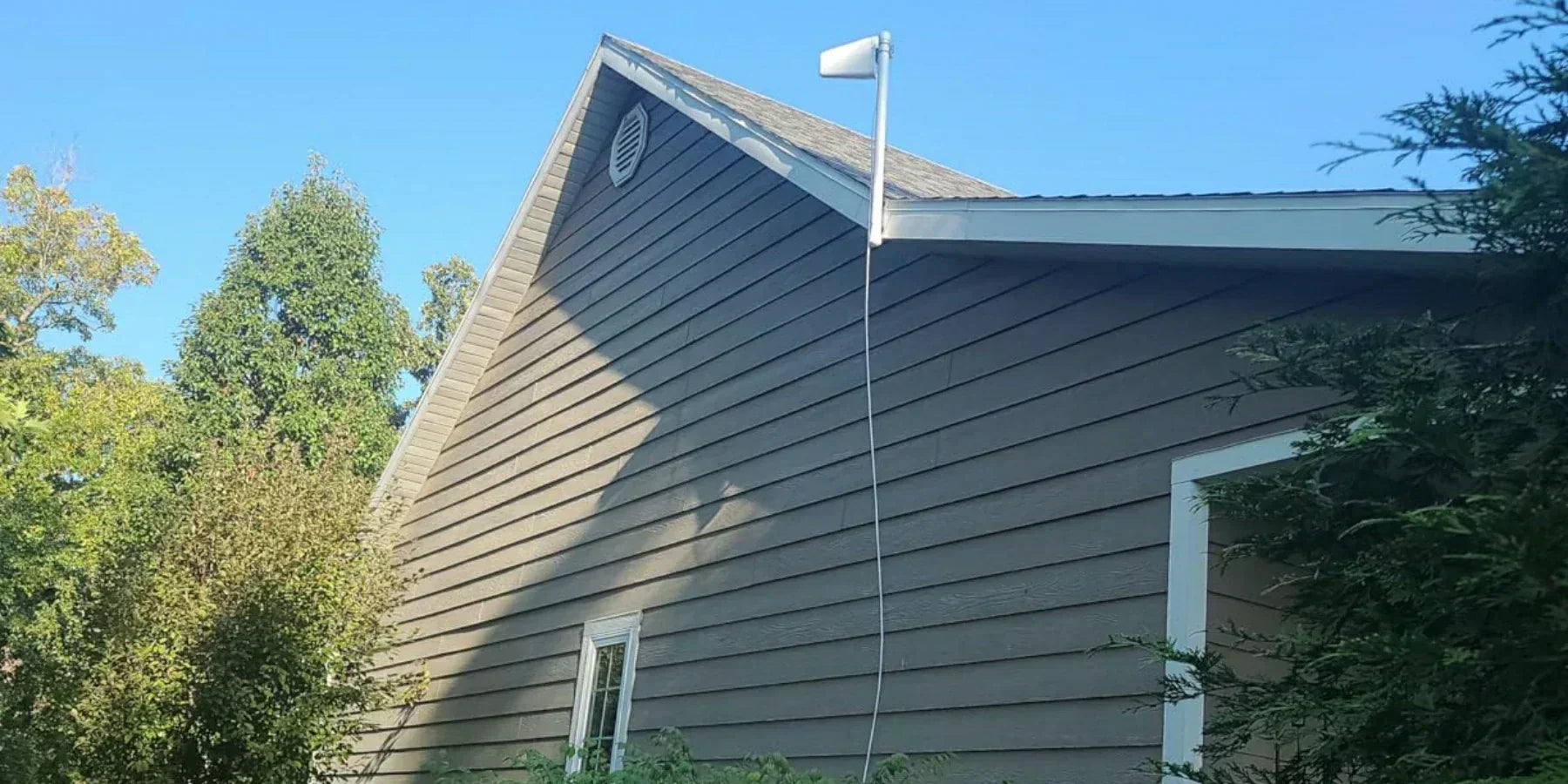
on found that her Verizon coverage went from marginal to almost non-existent indoors. Outside by the garage she saw 2–3 bars, but inside the house she dropped to 0–1 bars. This was a classic metal-Faraday effect. The solution was a HiBoost Home Series booster with a high-gain Yagi antenna. The installer mounted a Yagi on the roof aimed at the nearest Verizon tower.

Indoors, they placed the HiBoost main unit and a dome antenna upstairs. The result: signal inside jumped from 1 bar to 4–5 bars. Video streaming and data now work seamlessly, and calls never drop. The homeowner noted this change from her own Verizon engineers: “It was like night and day before we had dead zones in our living room, now everything works.” The system covers the entire 2,500 sq ft house and can serve the whole family.
In short, the HiBoost booster overcame 30–50 dB of loss from the metal roof by capturing the weak outdoor signal and rebroadcasting it inside.
Case B: The Digital Nomad (T-Mobile on the Move)
A freelance designer frequently travels in an RV through rural routes and national parks. Often on T-Mobile 5G, he had great service in towns but lost data connectivity for hours on back roads, even if he saw one bar on his phone. He needed a mobile solution that worked with T-Mobile and Verizon (as backup).
The answer was the HiBoost Travel 3.0 RV Booster with its omni roof antenna. Installed on the RV’s roof, the booster locks onto the best available outdoor signal and amplifies it inside. On his trip from Chattanooga, TN to Austin, TX, the user reported that areas which were dead before now showed at least 2–3 bars, allowing maps and streaming to function.
Importantly, the HiBoost Travel 3.0 works for all networks simultaneously. Even at 65 dB gain, the truck booster dynamically improved both T-Mobile and Verizon signals. This system gave him a traveling office with reliable connectivity, so he no longer dreaded remote jobsites. One user review on the HiBoost site says, “We went from 1 bar to 5 bars of 5G. Now I can make calls and watch videos without any problem.” That’s the power of the right hardware.
These examples show how diverse situations a rural farmhouse and a nomadic RV can both be solved by HiBoost gear. The key is diagnosing the scenario and choosing the matching solution.
6. Expert Insight: The Carrier-Agnostic Strategy
A central philosophy emerges: don’t blame the carrier, fix the environment. In the American market, consumers prize autonomy; they'd rather solve a problem with a device than wait on hold. That’s where HiBoost positions itself as a “self-sovereign” solution. Instead of calling Verizon or AT&T to complain, customers use HiBoost to take matters into their own hands.
As a HiBoost networking expert notes, improving your signal often means improving your “signal hygiene.” Think of it like Wi-Fi: if your router is far away or behind a closet, you move it for better coverage. Cellular is similar. One consumer mentioned that after adding an external antenna and booster, their previously unpredictable 5G suddenly became stable not because the carrier changed anything, but because the environment was fixed.
It’s also worth dispelling myths: many users assume a fast 5G plan should always outperform 4G LTE. In reality, if your device is on a congested tower or a high-frequency band, you may see slower 5G speeds than 4G. Some plans even throttle heavy users after a data threshold.
But once you address physical limitations, the promise of “unlimited 5G” is more likely to come true. In other words, don’t confuse unlimited data with unlimited speed. In most cases, if you have at least some outside signal, a HiBoost booster will maximize your real-world speeds by capturing and amplifying that signal where you live or work.
Above all, honesty is crucial. We tell customers that if you’re truly in an area with no outdoor signal, no booster can conjure magic, your options are limited to satellite or carrier extenders. But for those with even modest coverage, a HiBoost setup can be transformative.
The user feedback bears this out: “We went from constant 1 bar to 5 bars of 5G. I can now make and receive calls as well as watch videos using my phone’s data”. That level of improvement demonstrates why a carrier-agnostic, DIY solution is often the fastest path to better connectivity.
7. Future Trends: Connectivity in 2027 and Beyond
The battle against dead zones doesn’t end here. Emerging technologies promise to further change the game:
- Satellite-to-Cell Integration: In 2026 the major carriers announced a joint venture to use satellite networks to fill rural coverage gaps. This “direct-to-device” satellite service will let standard smartphones connect in remote areas without special hardware.
When that becomes available, a booster equipped with a satellite antenna could virtually eliminate true dead zones. HiBoost is monitoring these developments, as future boosters might combine terrestrial and satellite reception to give users seamless service.
- 6G and New Frequencies: Research into 6G is already underway. Early 6G versions involve terahertz bands for multi-gigabit links. Such frequencies will offer massive capacity but even less penetration than today’s 5G. The consensus is that in a 6G world, signal amplification will be more important than ever.
Future boosters will likely use advanced materials and AI algorithms to dynamically switch frequencies and adjust gain. For now, we know 6G will be AI-native, distributing intelligence throughout the network. This means in the future, HiBoost boosters might automatically sense interference or select the optimal band in real time.
- AI-Driven Signal Management: Even today, AI and machine learning are starting to optimize networks. Within a few years, we expect home/vehicle boosters to incorporate AI features for example, learning the best tower directions for each time of day, or auto-adjusting amplifications based on usage patterns.
The idea of a “smart booster” could mean it actively scans all nearby frequencies and picks the one that improves your latency or throughput. HiBoost is exploring these trends to keep up with cutting-edge signal tech.
In summary, the future looks bright: carriers expanding reach via satellite, 6G pushing new limits, and AI coming into play. Through all of it, the principle remains: make the most of what signal you have. HiBoost intends to evolve with the technology so that by 2027, whether you’re on the ground or orbiting above, we help ensure you stay connected.
FAQ
Q1: Will a HiBoost signal booster work with my specific carrier?
A: Yes. All HiBoost boosters are multi-carrier. Whether you’re on AT&T, Verizon, T-Mobile, or any smaller provider, the booster will amplify whatever LTE/5G signal your phone sees outside. You don’t need separate boosters for each carrier, and multiple users/phones can share one system simultaneously.
Q2: Can I install these boosters myself, or do I need a technician?
A: Most HiBoost units are designed for DIY installation. The process typically involves mounting an outdoor antenna, running a coax cable, and placing the indoor antenna. It usually takes 1–2 hours and is guided by the included manual or app. In practice, many users set up boosters themselves and see instant improvement. For those not comfortable on roofs, professional installation is an option, but it’s not required.
Q3: How do I know if my signal is weak because of tower distance or my house materials?
A: A simple test helps: go outside to a window or rooftop and check your phone’s bars or raw signal. If you get 3–4 bars outside but it drops to 0–1 inside, your building materials are the main barrier. If it’s weak even outside, distance or terrain is the issue. Using the HiBoost Signal Supervisor or phone diagnostics to compare outdoor vs indoor signal will pinpoint the cause.
Q4: Is it worth investing in a 5G booster in 2026?
A: Absolutely, if you have mediocre reception. HiBoost boosters are future-ready in the sense that they already support low-band 5G. They are FCC-approved for 5G/LTE frequencies. As networks evolve, the spectrum that boosters handle remains relevant. If you rely on your phone, a booster is a one-time investment that can dramatically improve your everyday connectivity.
Recommended Reading
How to Fix Weak Cell Signal at Home: 11 Simple Tips
Best Cell Phone Signal Boosters in 2026
Installing a Home or Office 5G Signal Booster
How to Solve the Problem of Weak Signal in Rural Areas?
How to Improve Cell Signal in Basements, Garages, and Metal Buildings
How To Boost Cell Phone Signal in a metal Building
How to Increase 5G Signal Strength in Remote and Rural Areas
Car/Suv,RV,Truck,Vehicle


Our Home Signal Booster


Popular Articles

Leave a comment
All comments are moderated before being published.
This site is protected by hCaptcha and the hCaptcha Privacy Policy and Terms of Service apply.