
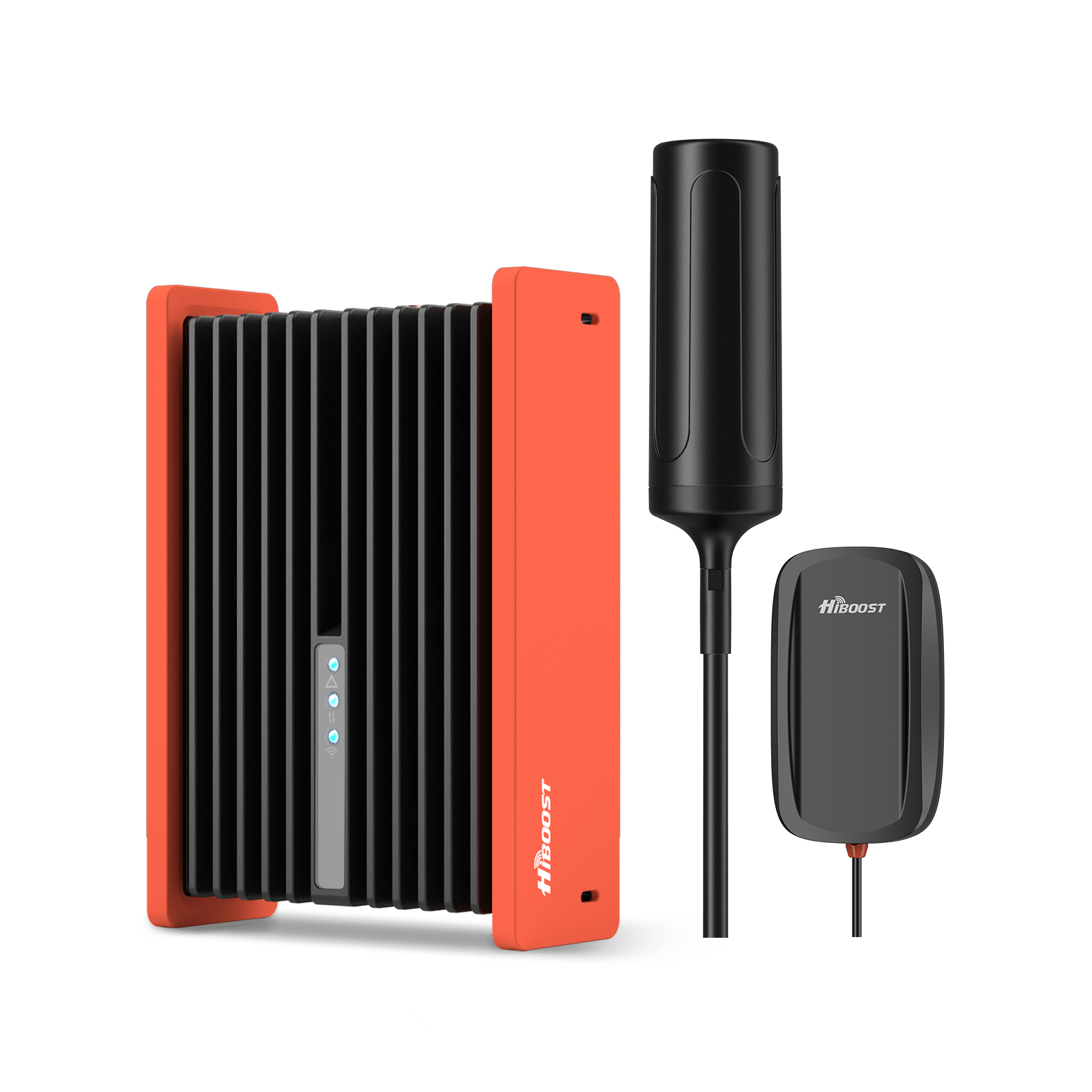
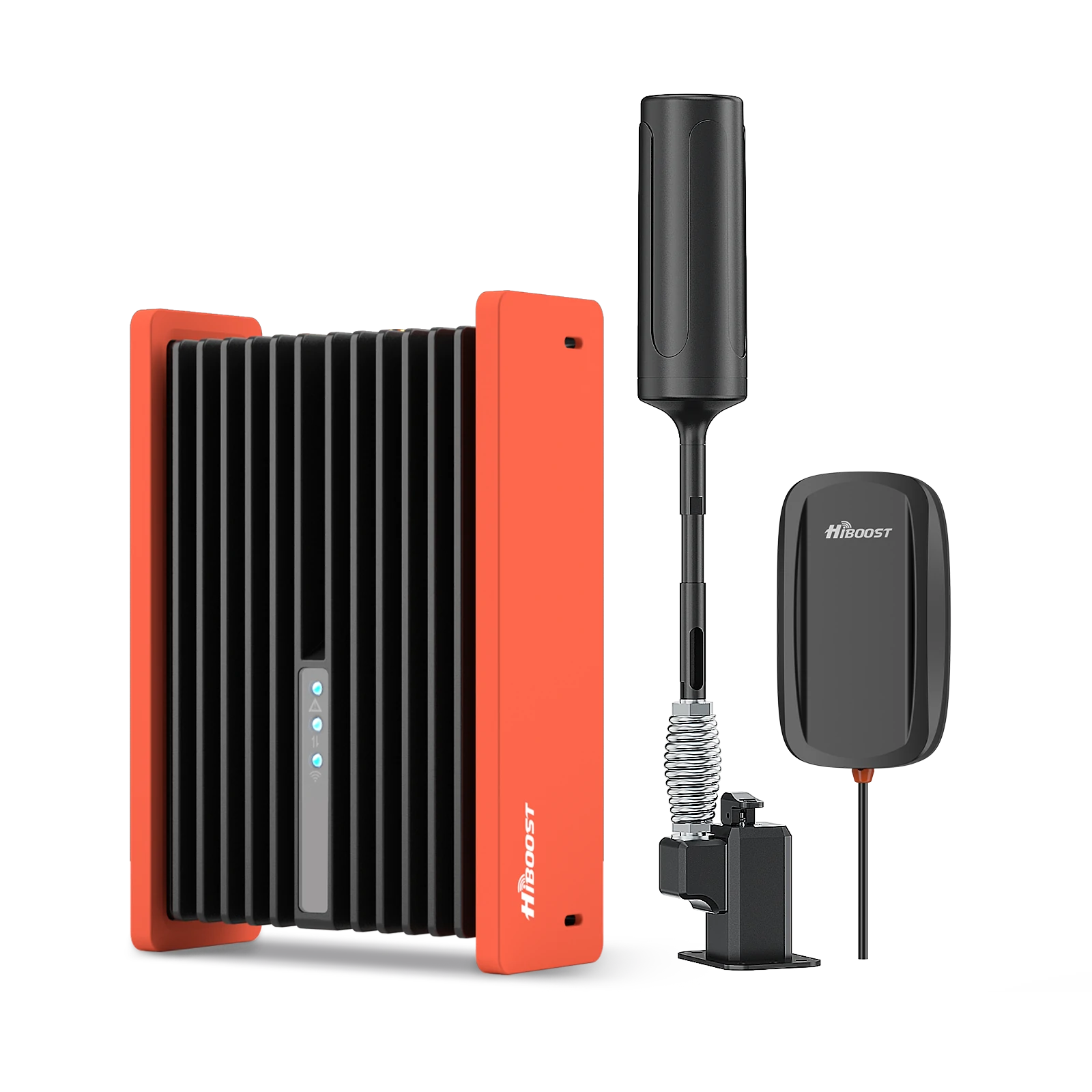
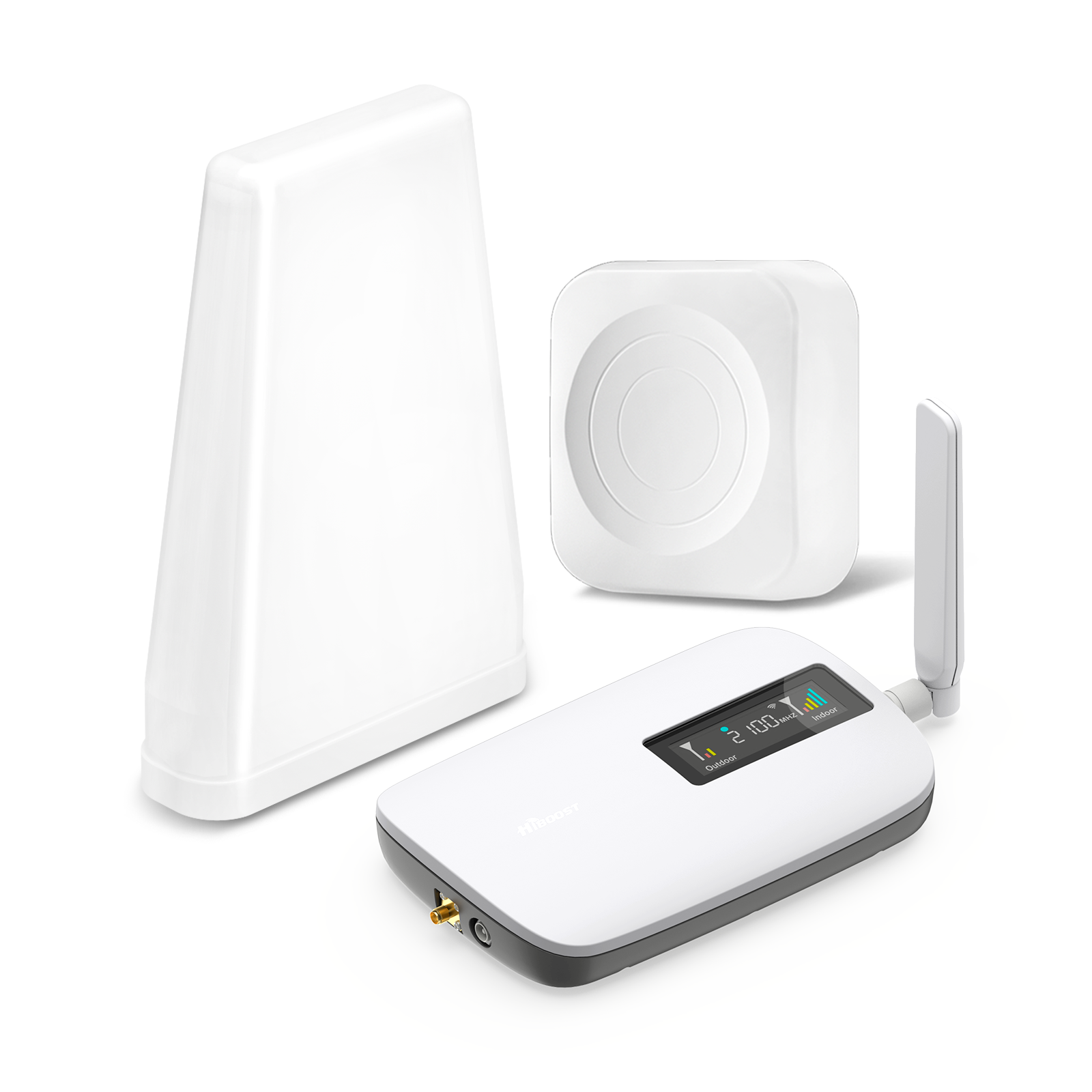
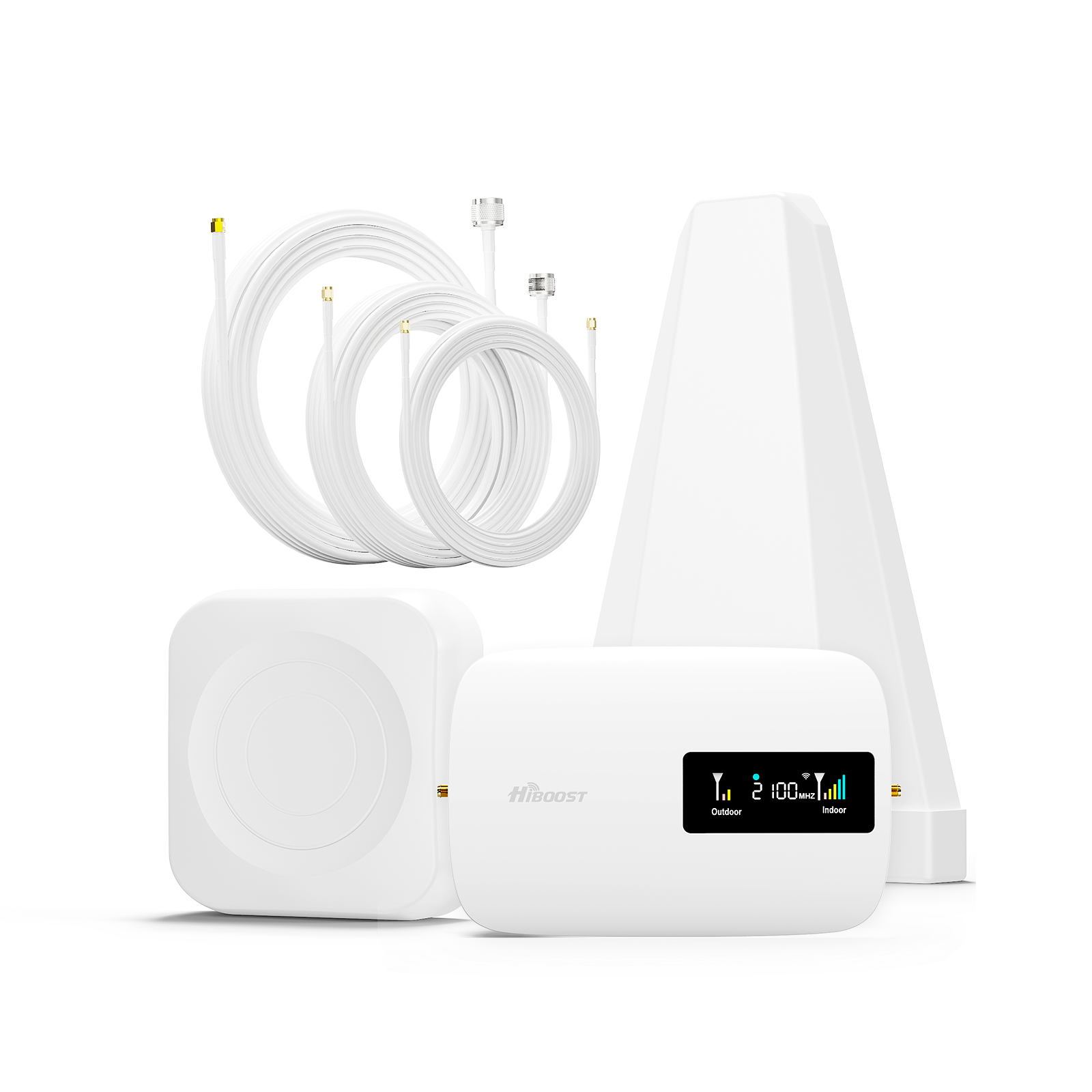
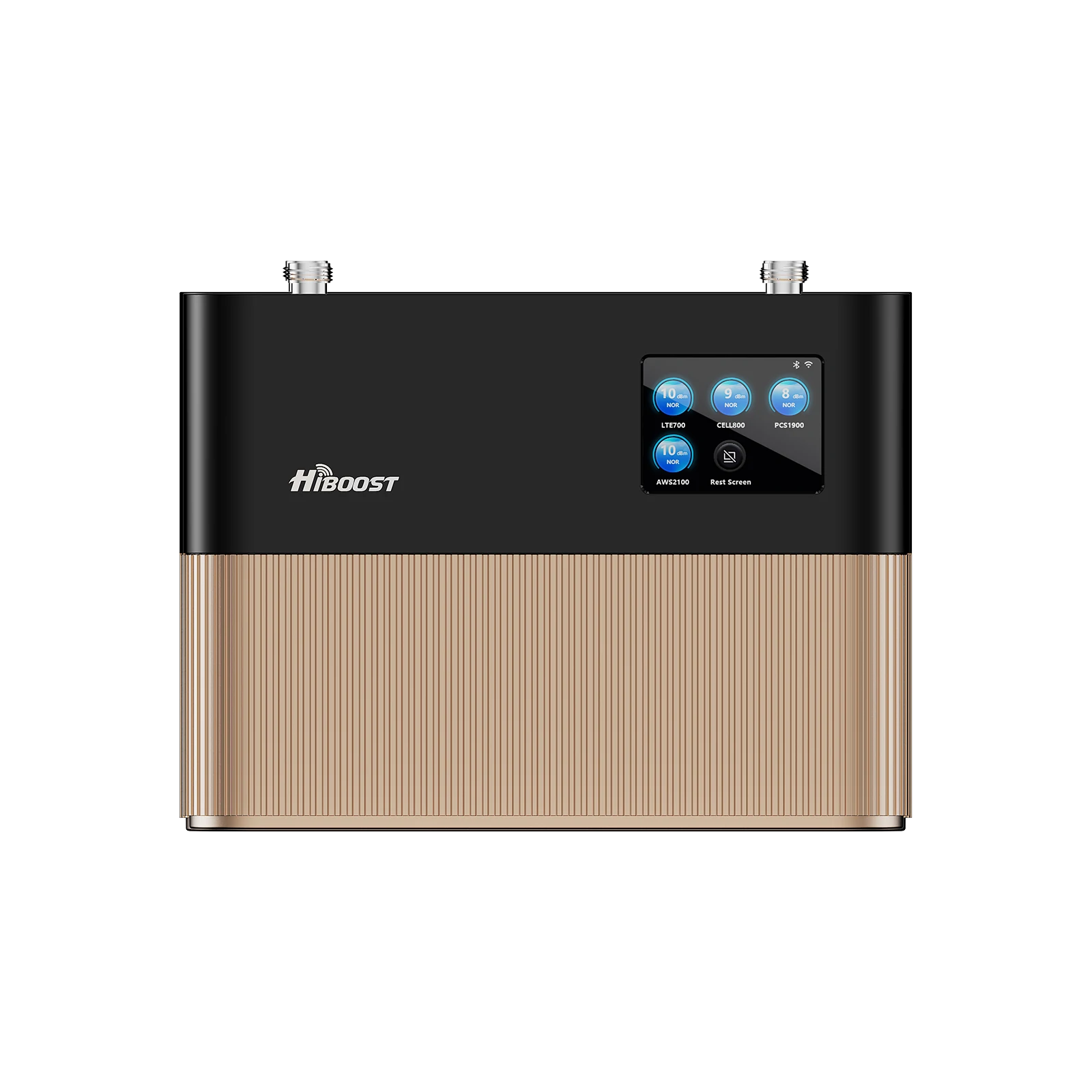
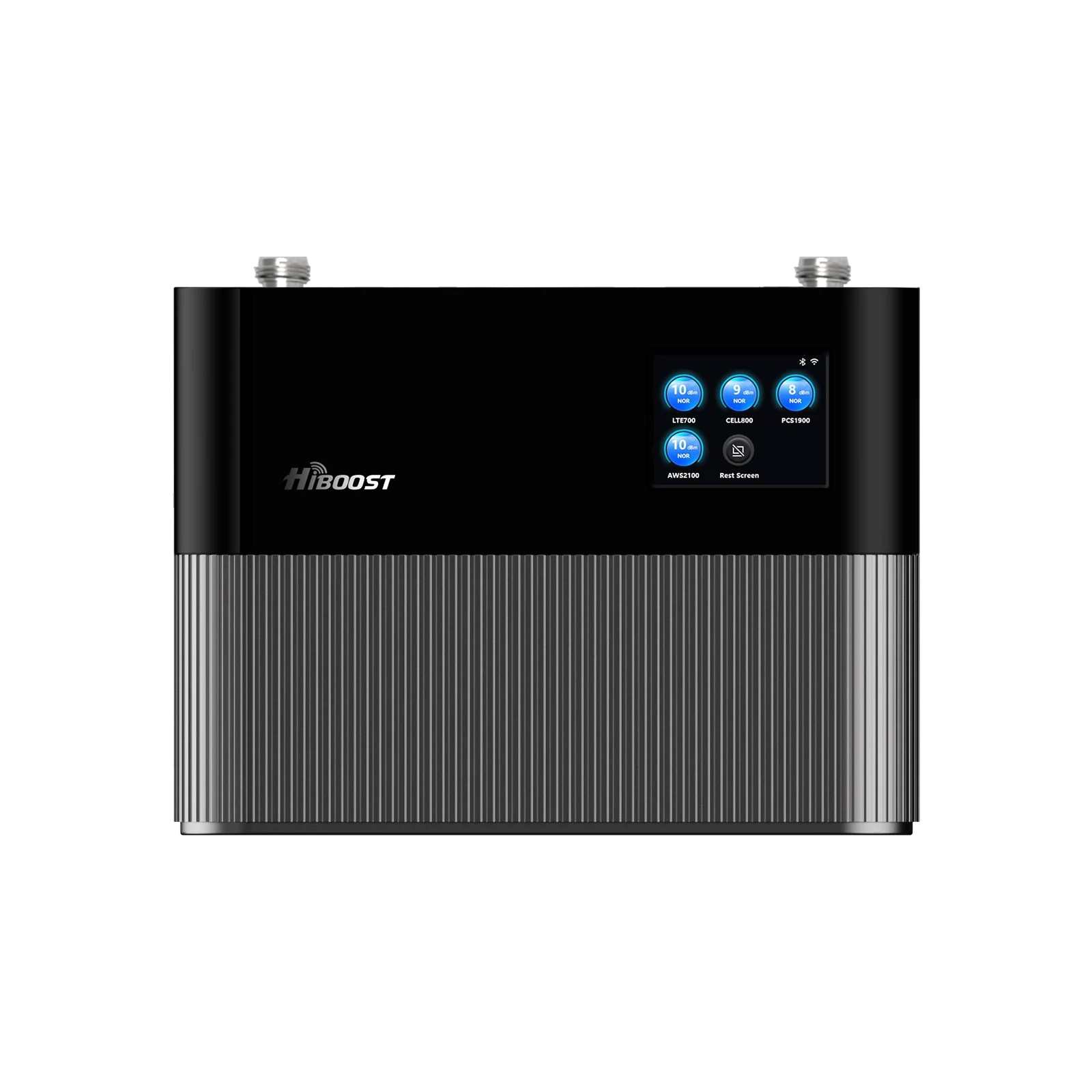
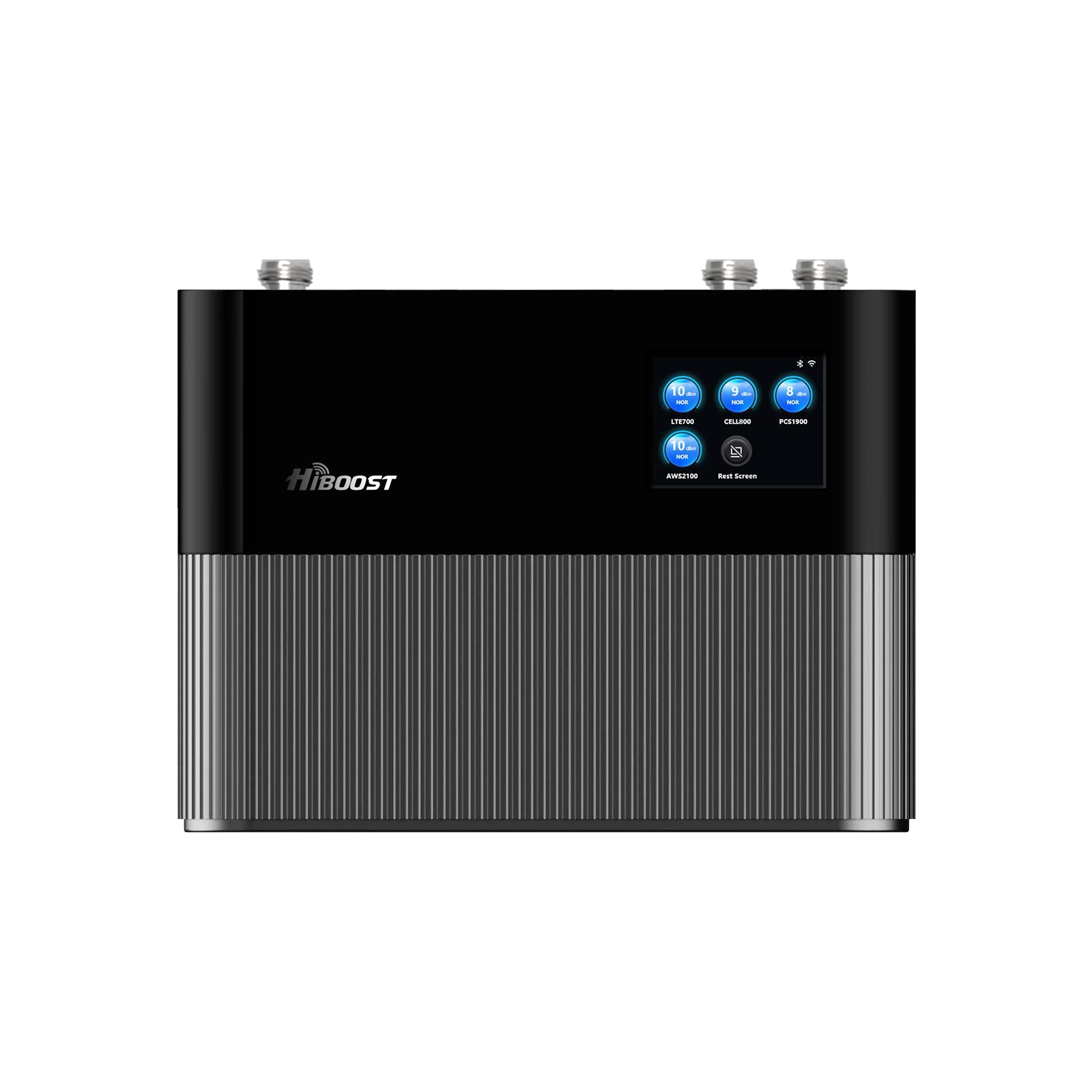
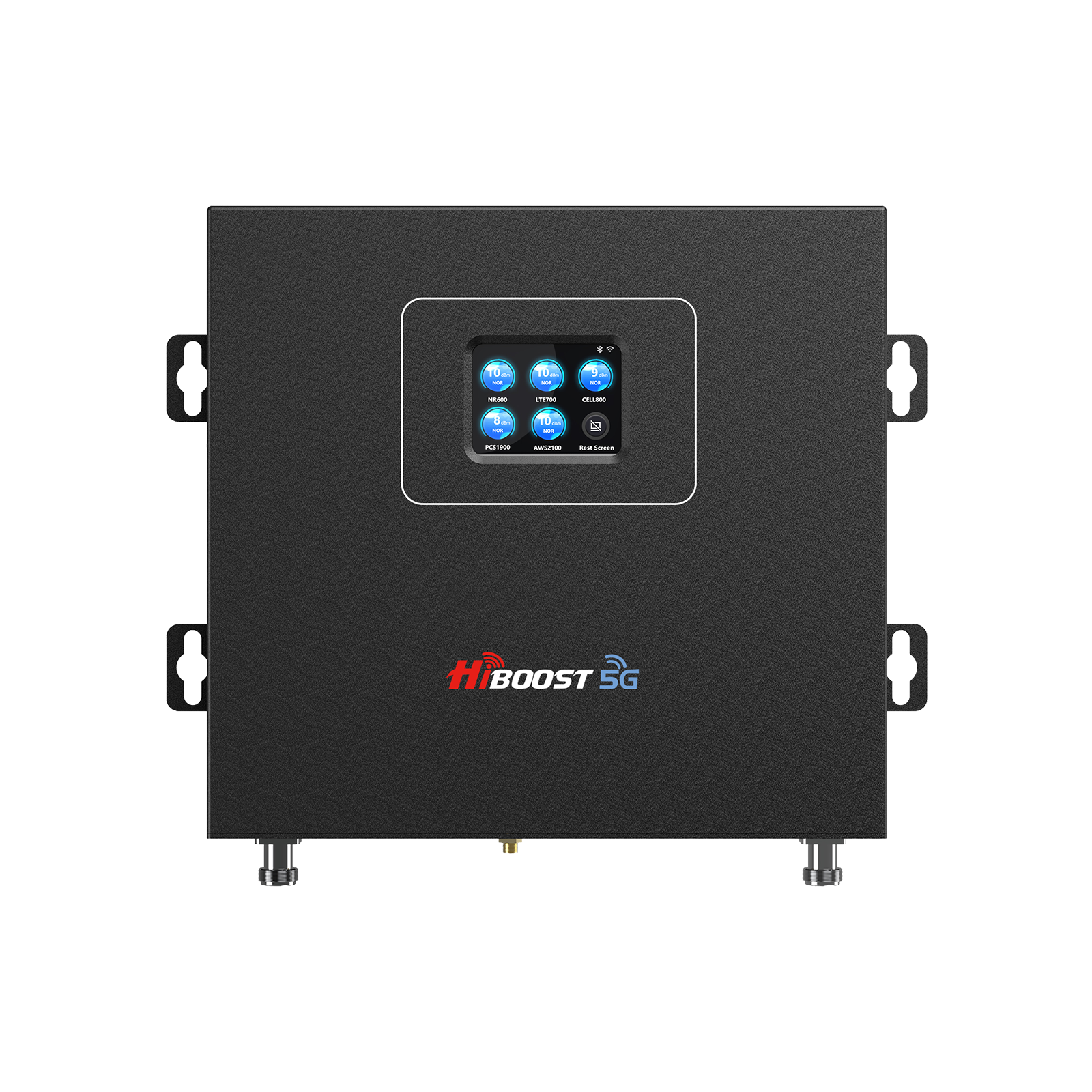
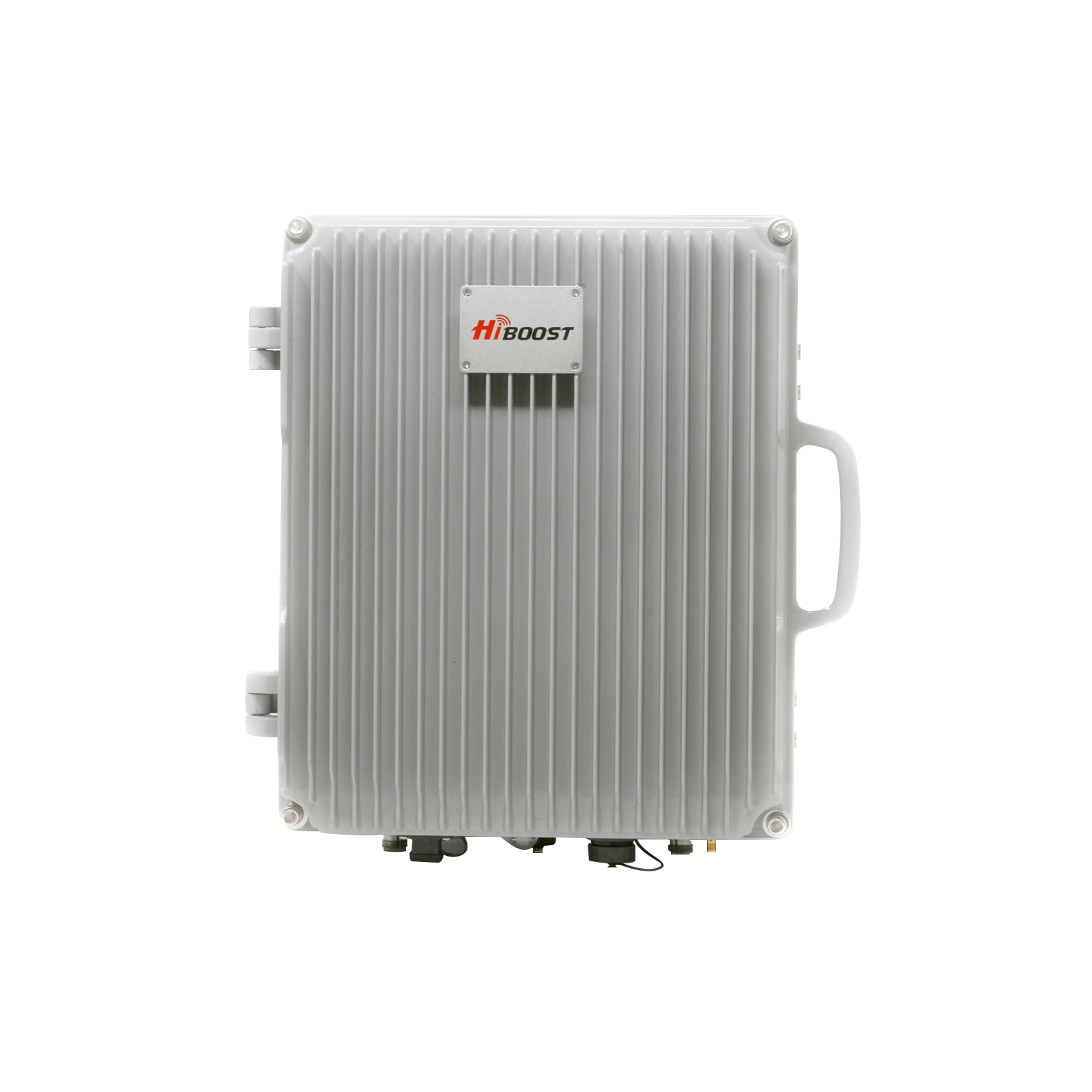
Weak cell signals at home usually come from four things: you are far from the tower, your walls and roof are blocking the signal, your local tower is busy, or your phone is struggling in an already weak spot. Free fixes can help for the moment, such as moving near a window, going upstairs, turning on Wi Fi calling, and reducing local interference.
But if you want stronger 4G LTE and supported 5G coverage across the house, the best long term answer is a properly installed HiBoost booster that captures usable signal outdoors and rebroadcasts it inside. For more related guides, visit the HiBoost News Center, How to Test Cell Phone Signal Strength The Right Way, and How to Install a Cell Phone Signal Booster at Home.
Why Your Home Signal Is Weak

Distance from towers:
Cell signal fades as it travels. The FCC notes that lower band spectrum is prized because it can travel longer distances and penetrate buildings better, which tells you exactly why homes farther from towers tend to struggle more once the signal has to cross walls, roofs, and windows.
HiBoost’s current guidance makes the same point plainly: long travel distance is one of the main reasons indoor reception falls apart.
Building materials:
Your house can be the problem. Brick, concrete, metal, plaster, low E glass, and metal roofing all weaken or block radio signals, and HiBoost’s indoor signal guides call these materials out as frequent causes of dead zones. The FCC’s own marketplace report reinforces the same principle by explaining that building penetration is a meaningful difference between spectrum bands.
Network congestion:
Sometimes you have bars, but performance is still poor. That usually means the tower is busy. HiBoost’s latest booster guide notes that mobile networks are shared and performance can change by time of day, even when the signal itself looks acceptable. That is why service may feel worse in the evening, during events, or in dense neighborhoods.
Device limitations:
Weak areas also expose phone side issues. HiBoost notes that blocked antennas and certain handling or placement habits can worsen dropped calls and poor reception, especially when the signal is already marginal. In simple terms, a phone that is buried in a thick case, pressed against metal, or used in a basement corner has less chance of holding a weak connection.
Tip:
Do not rely on bars alone. Use the Opensignal app to compare rooms, map coverage, and see where your connection is actually strongest. HiBoost’s own testing guides also recommend measuring in dBm, because raw signal readings are more accurate than bars when you are deciding whether you need a booster.
Free Solutions
Reposition your phone:
Move near a window. Try a higher floor. Step away from the basement. HiBoost’s troubleshooting content consistently recommends these quick moves because they reduce the number of walls and obstructions between your phone and the serving tower.
Enable Wi Fi calling:
This is one of the easiest free fixes if your internet is stable. Apple, Google, and AT&T all explain that Wi Fi calling lets supported devices place calls over Wi Fi when cellular coverage is weak or unavailable. It is especially useful for calls and texts in one or two stubborn rooms.
Reduce interference:
Move away from large electronics, microwaves, cordless phone bases, metal fixtures, and other reflective obstacles when you are on a call. HiBoost’s recent troubleshooting content specifically recommends avoiding nearby electronics and internal interference sources in weak signal environments.
Pros: Fast, free, and worth trying first.
Cons: limited and temporary. Repositioning only helps where you stand, and Wi Fi calling depends on your broadband connection.
AT&T’s terms are explicit that if the Wi Fi connection drops, the call drops too. In practice, free fixes can reduce frustration, but they usually do not eliminate dead zones throughout the whole house.
Paid Solutions: HiBoost Cell Signal Boosters

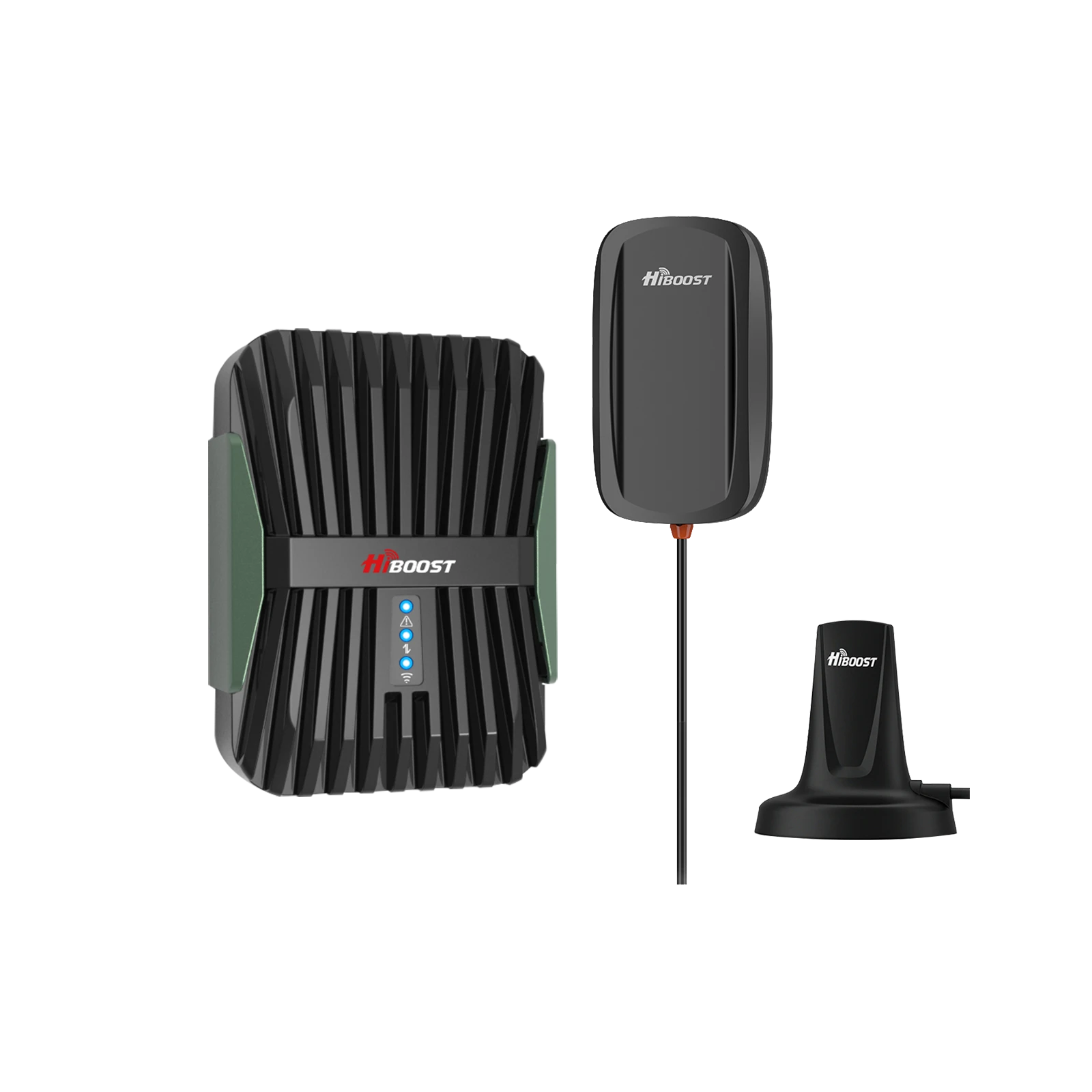
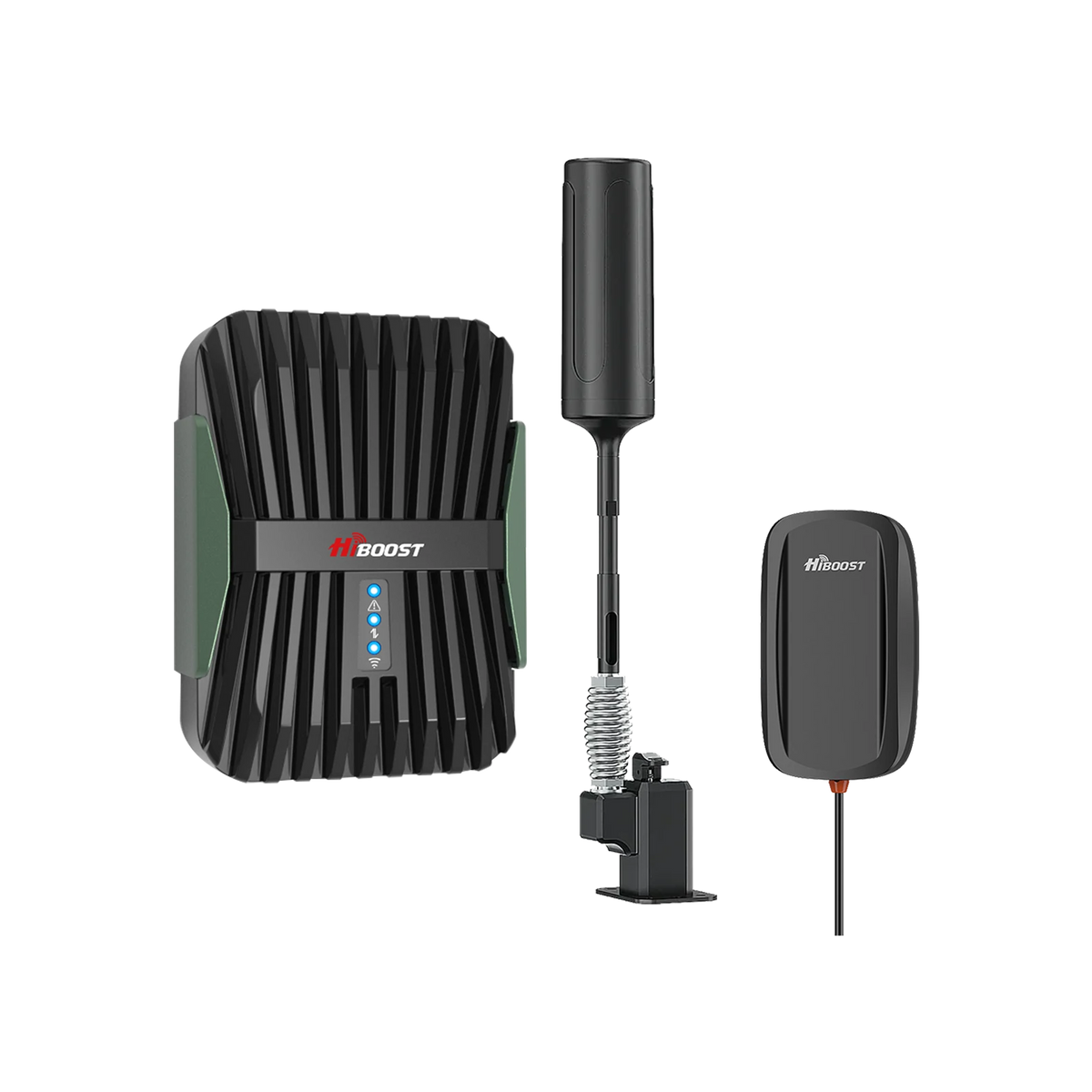
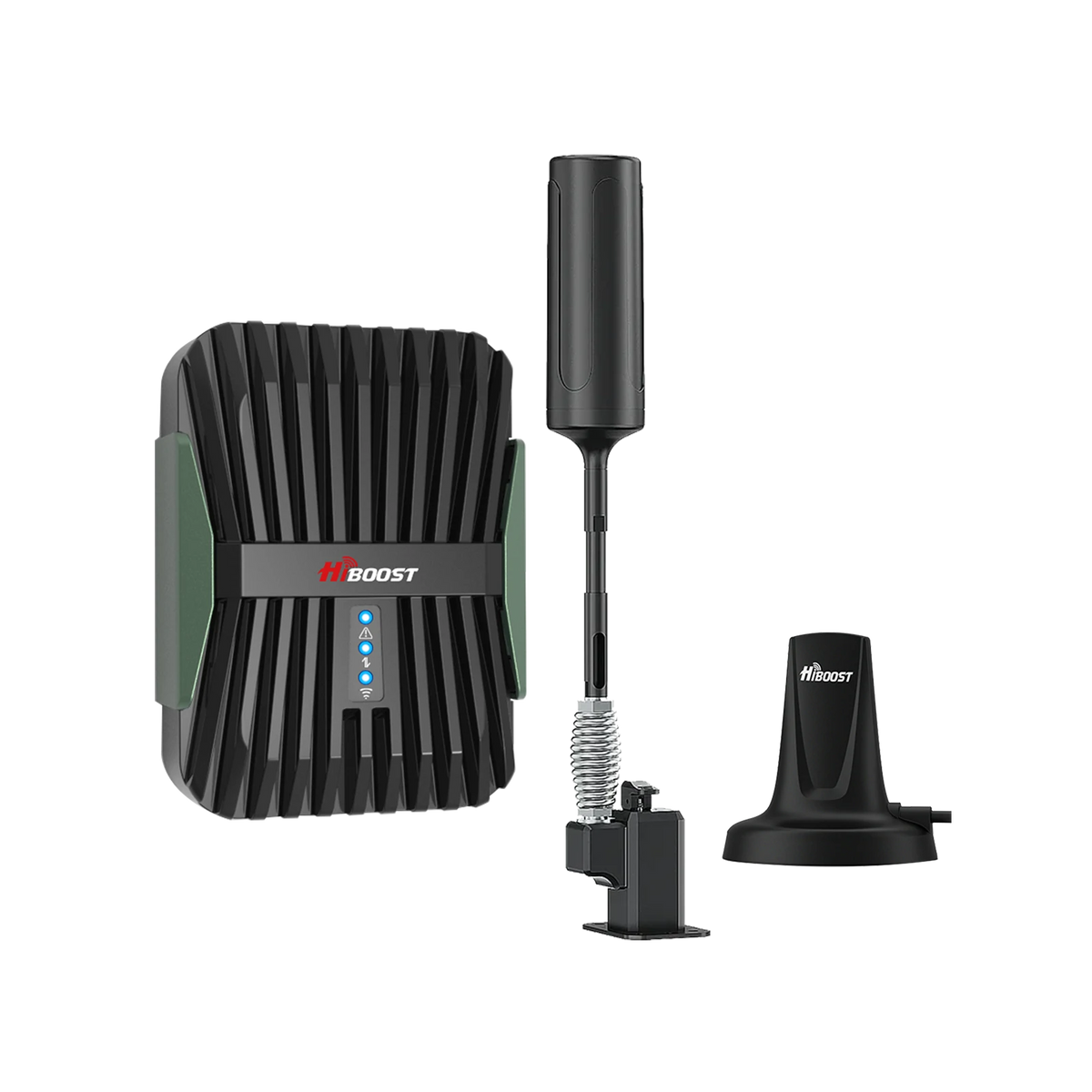
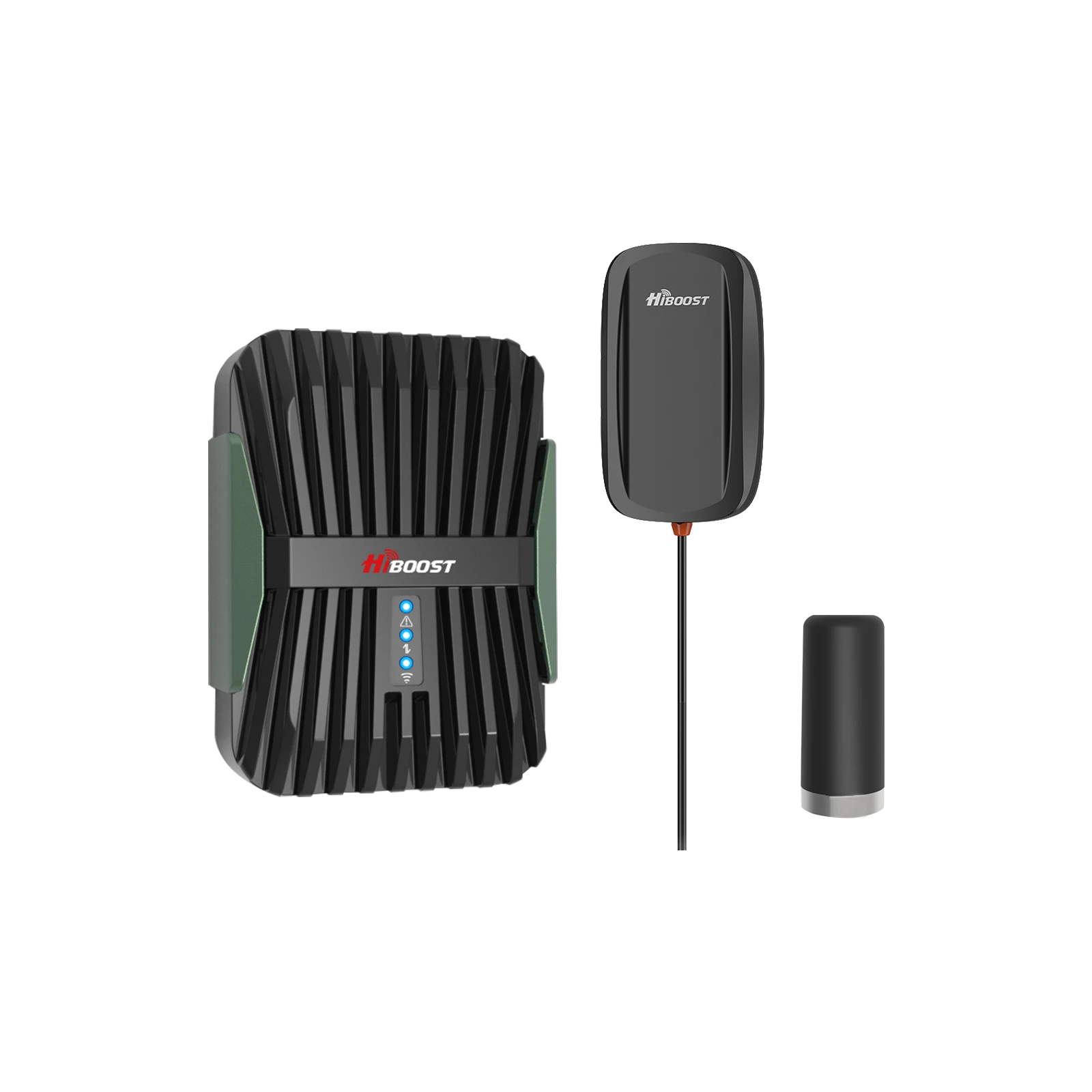
A real whole home fix needs to strengthen the cellular link itself. HiBoost’s current guidance explains that a booster captures usable outdoor signal, amplifies it, and rebroadcasts it indoors through an indoor antenna.
It does not create a signal from nothing, so proper outdoor testing and antenna placement matter. But when you have at least a weak outdoor signal, a HiBoost system can turn a frustrating house into a reliable one for calls, texts, and mobile data.
The comparison below uses current live HiBoost models that fit the small, medium, large, and extra large home categories discussed in this article. Coverage and feature references come from current official HiBoost product pages.
| Home size | Best HiBoost pick |
Official coverage |
Best fit | Brief product description |
| Small home or apartment | HiBoost Sidekick |
500 to 2,000 sq ft |
One room, apartment, cottage, or a focused dead zone |
Compact 62 dB booster for all U.S. carriers, multiple users, FCC approved, simple home setup |
|
Medium home |
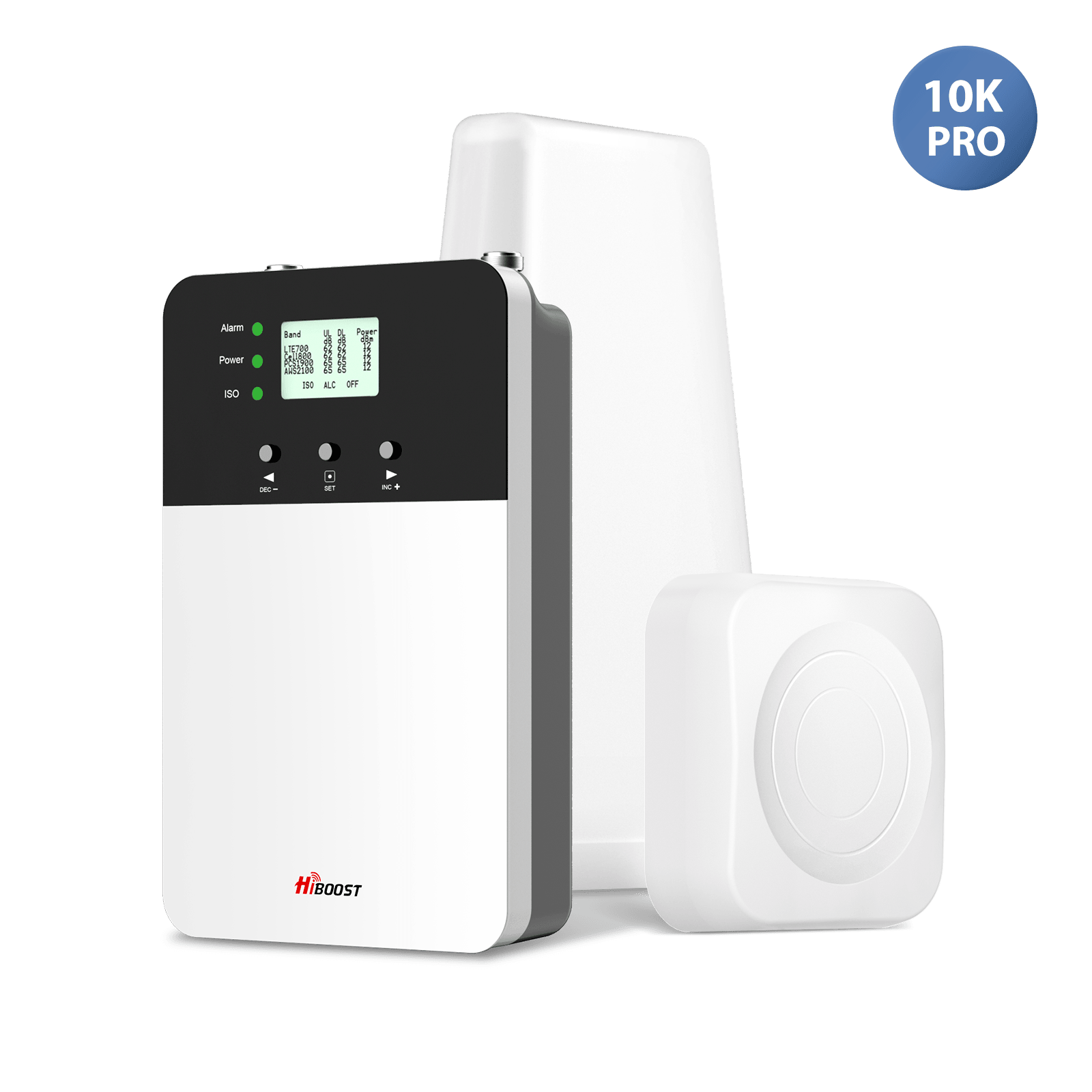
HiBoost 10K Smart Link | 4,000 to 10,000 sq ft | Multi room homes and 3 to 4 room coverage | 65 dB gain, app monitoring, all U.S. carriers, multiple users and devices |
| Large home | HiBoost 15K Smart Link Deluxe | 7,000 to 15,000 sq ft | Bigger properties or homes with weak outdoor signal | 70 dB gain, two indoor antennas, all U.S. carriers, supports dozens of users and devices |
| Extra large or multi story home | HiBoost CommLink 20K | Up to 20,000 sq ft | Very large layouts, difficult builds, or broad in building coverage | 72 dB system gain, 20K class coverage, works across major U.S. and Canadian carriers |
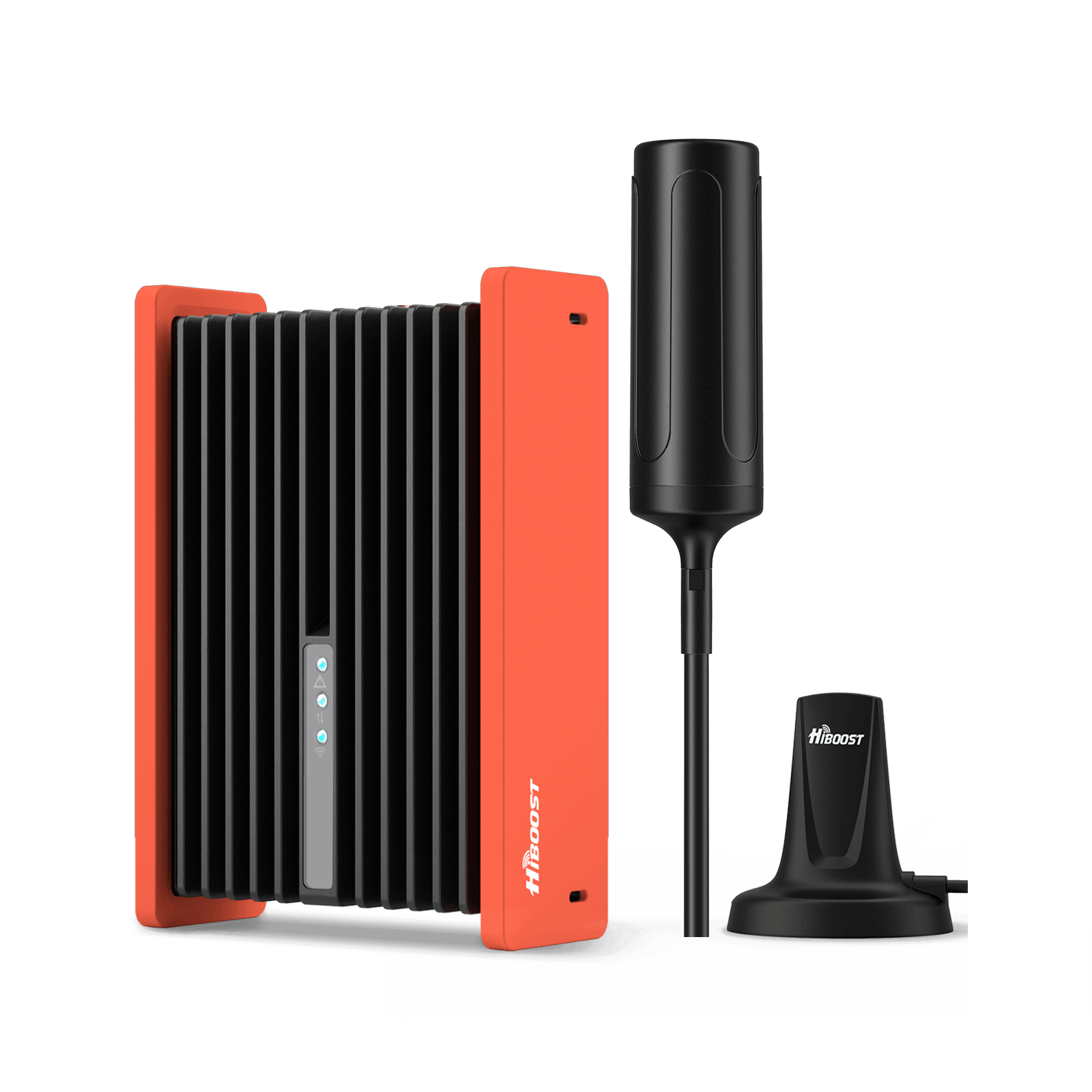
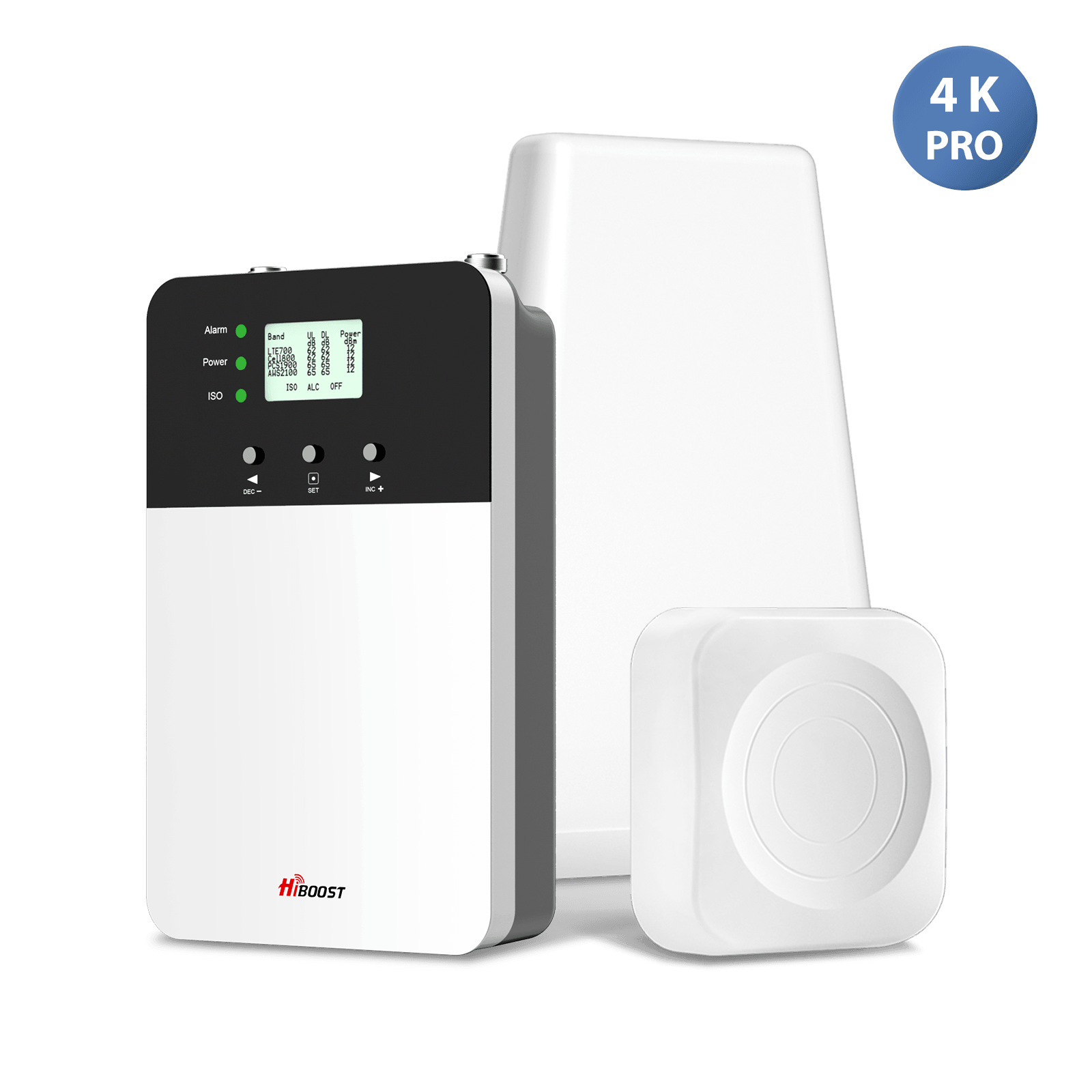
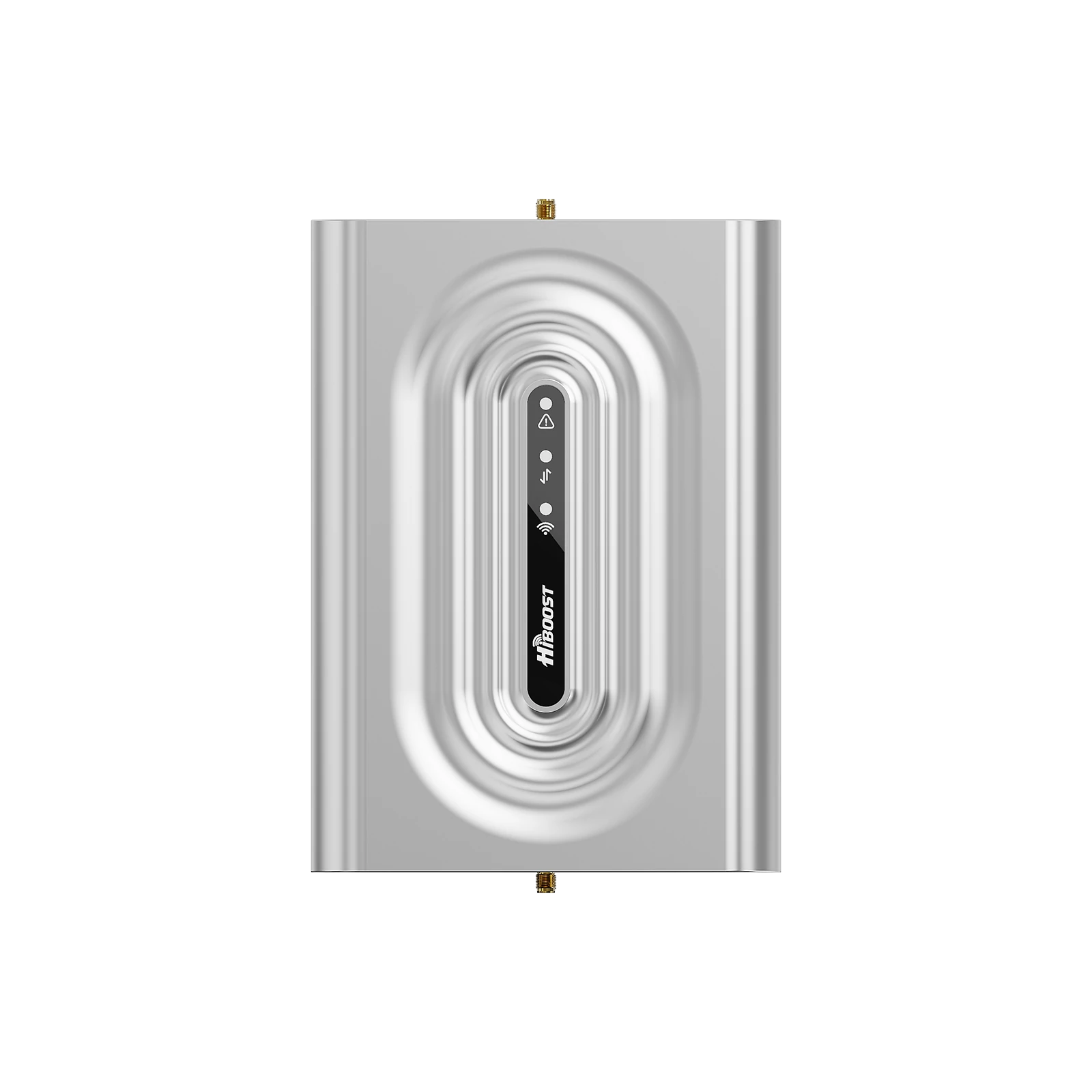
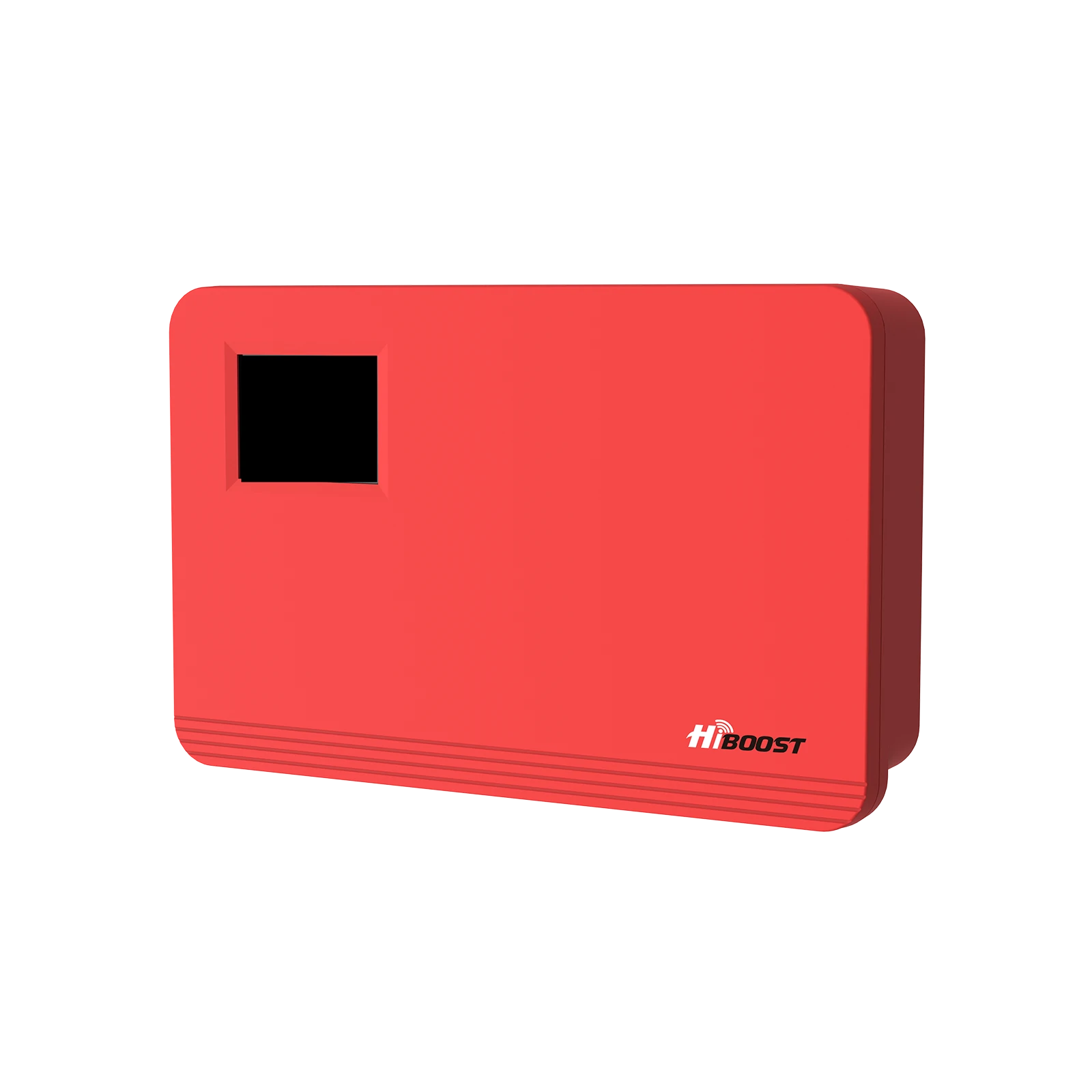
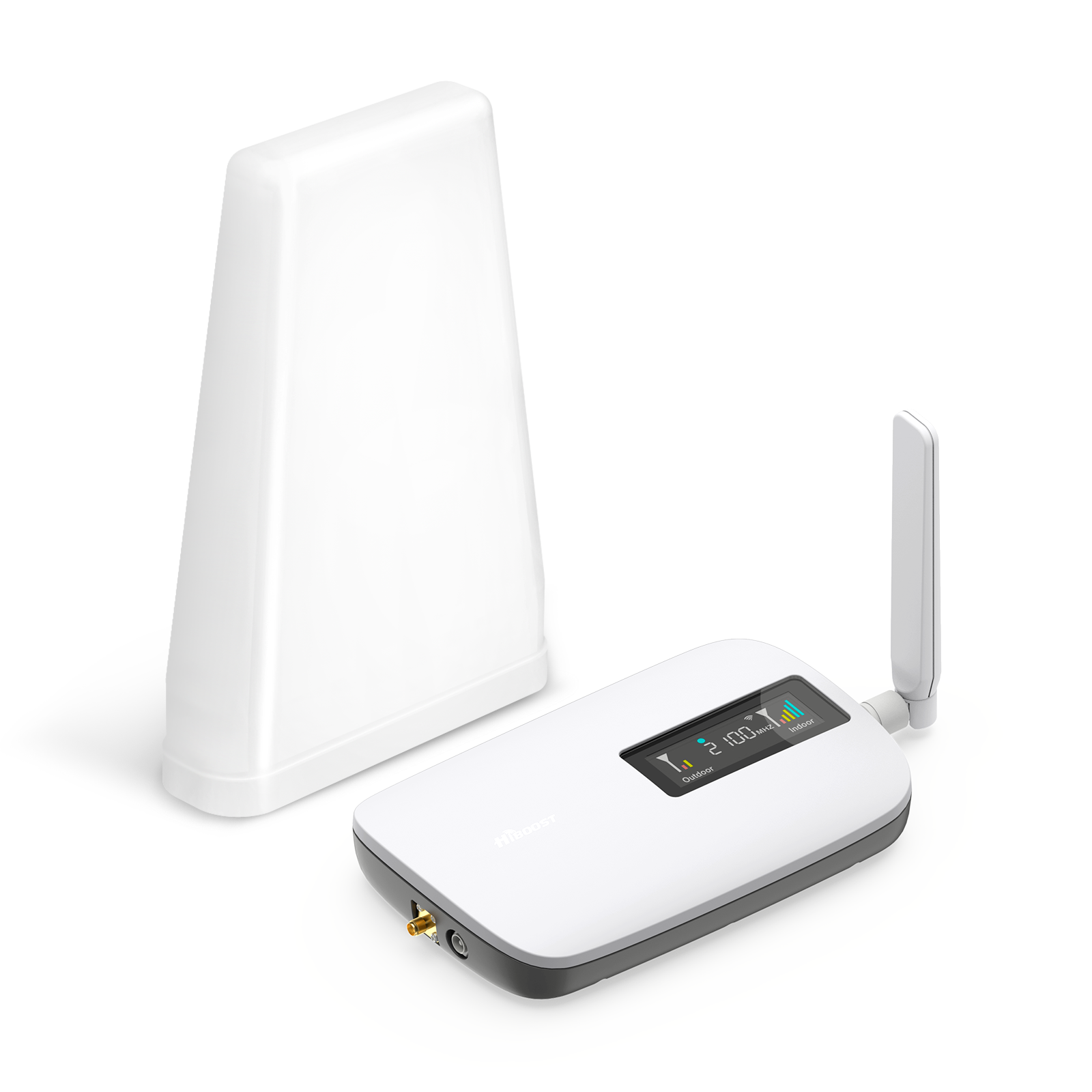
HiBoost Sidekick is the best entry point when the problem is localized. It covers up to 2,000 square feet, works with all U.S. carriers, supports multiple users and devices, and is FCC approved. That makes it ideal for apartments, rental homes, a home office, or a small house where you mainly want one stronger coverage zone.
Features:
- Coverage: 500 to 2,000 sq ft on the live page
- Small space fit: single room, studio, apartment, dorm, home office
- Gain: 62 dB
- Bands: 12/17, 13, 5, 25/2, 4
- Carrier support: Verizon, AT&T, T-Mobile, Sprint, U.S. Cellular
- Multi device support: multiple phones, tablets, and hotspots
- App tools: Signal Supervisor with video help, remote and real time monitoring
- Indoor antenna and compliance: one whip antenna, FCC certified, 3 year warranty
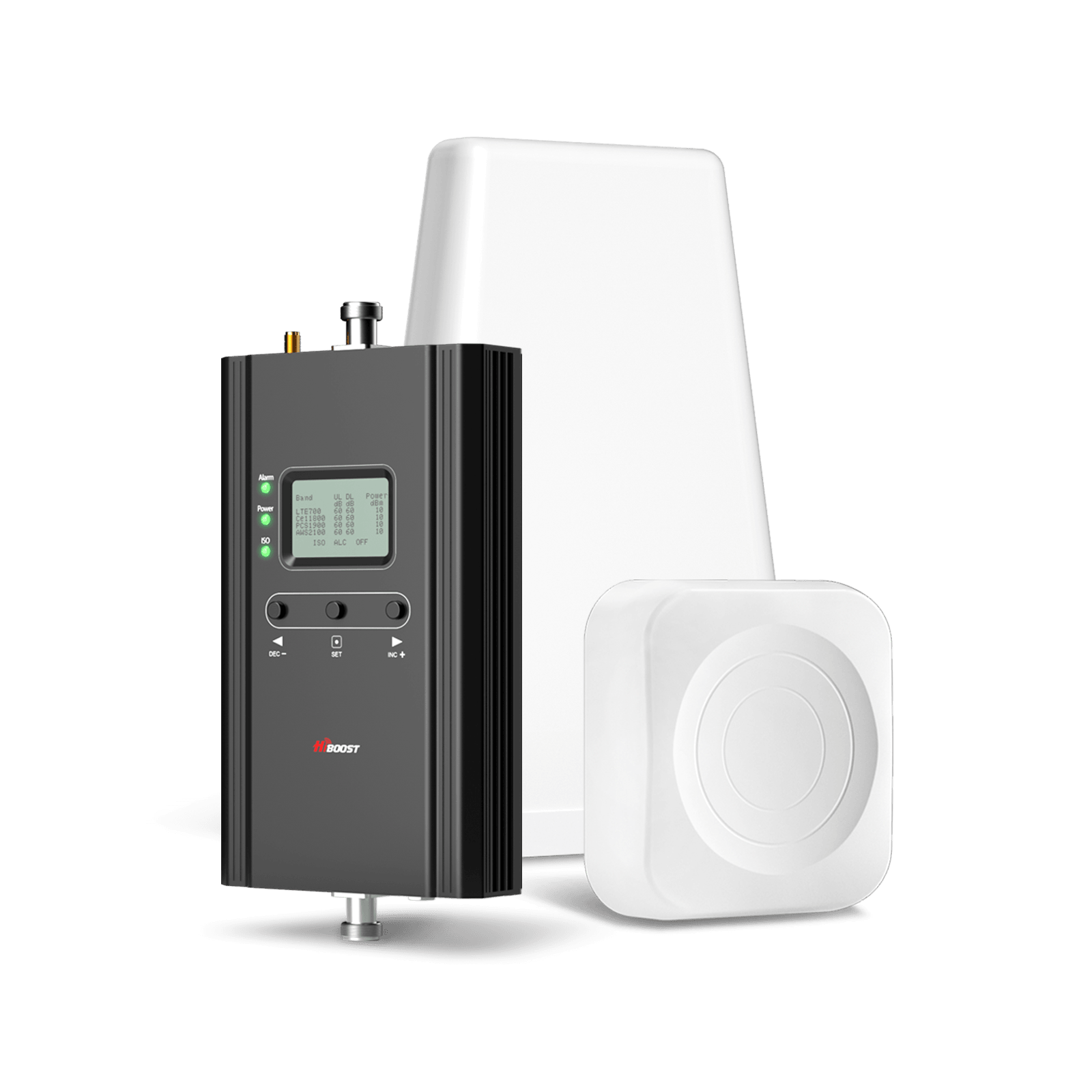
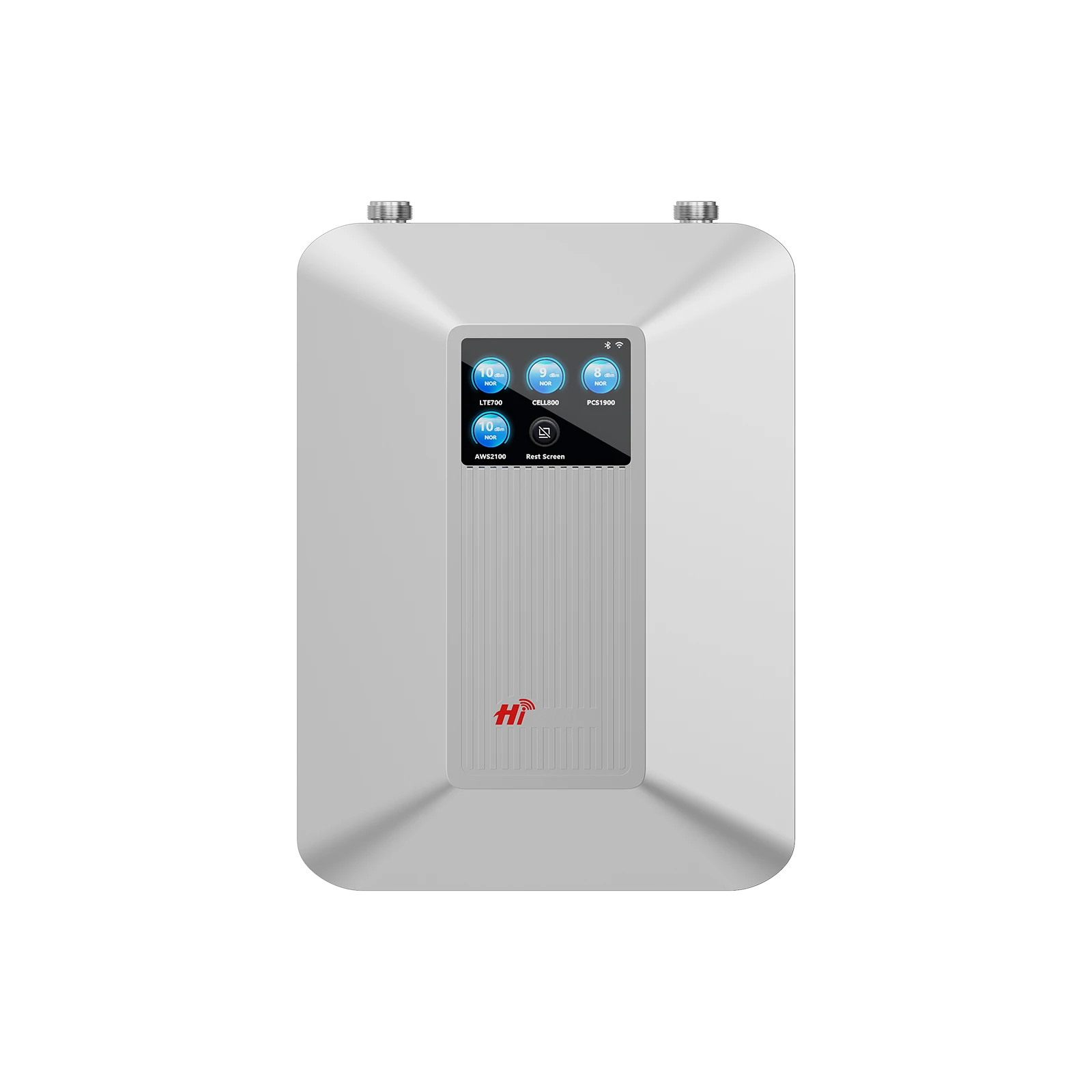
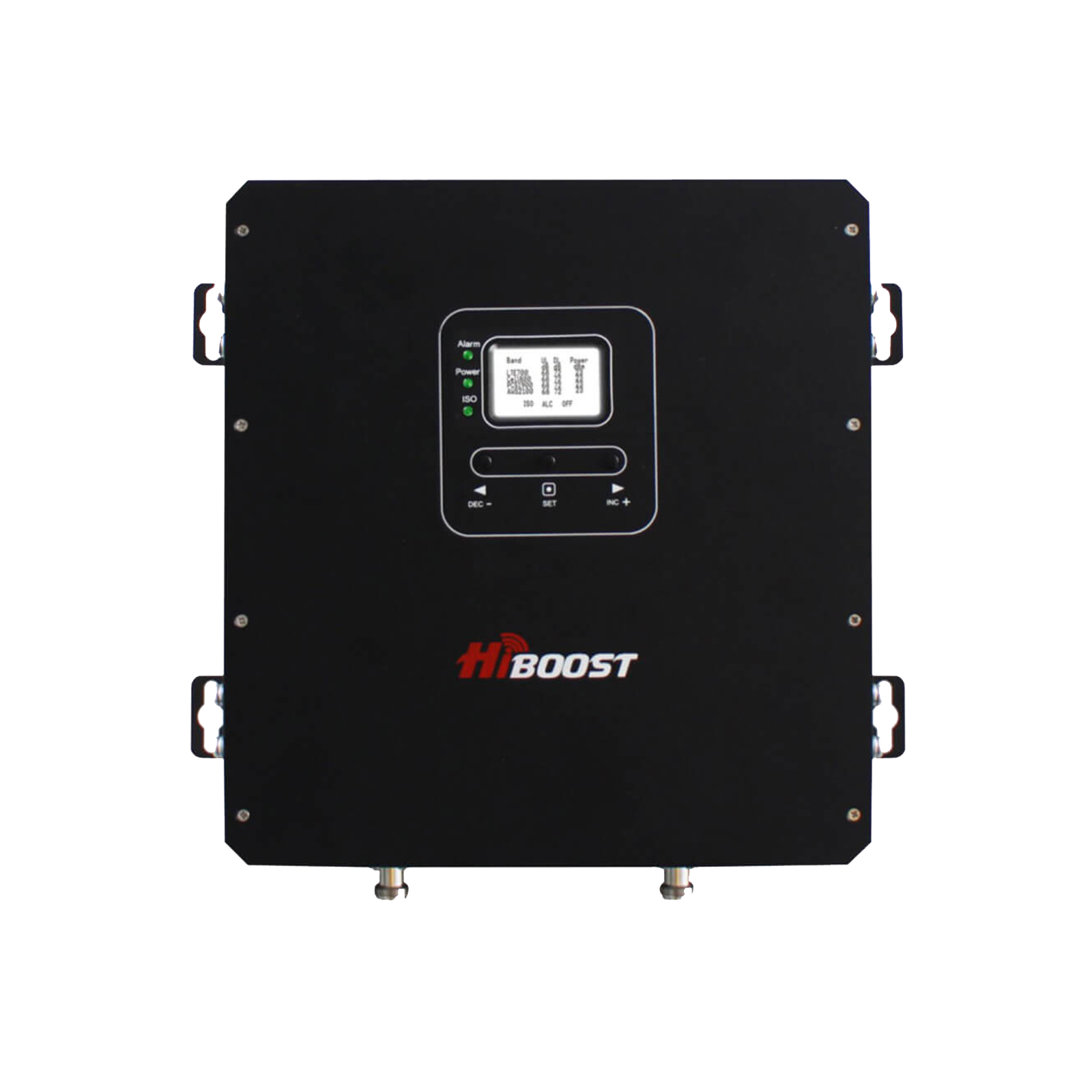
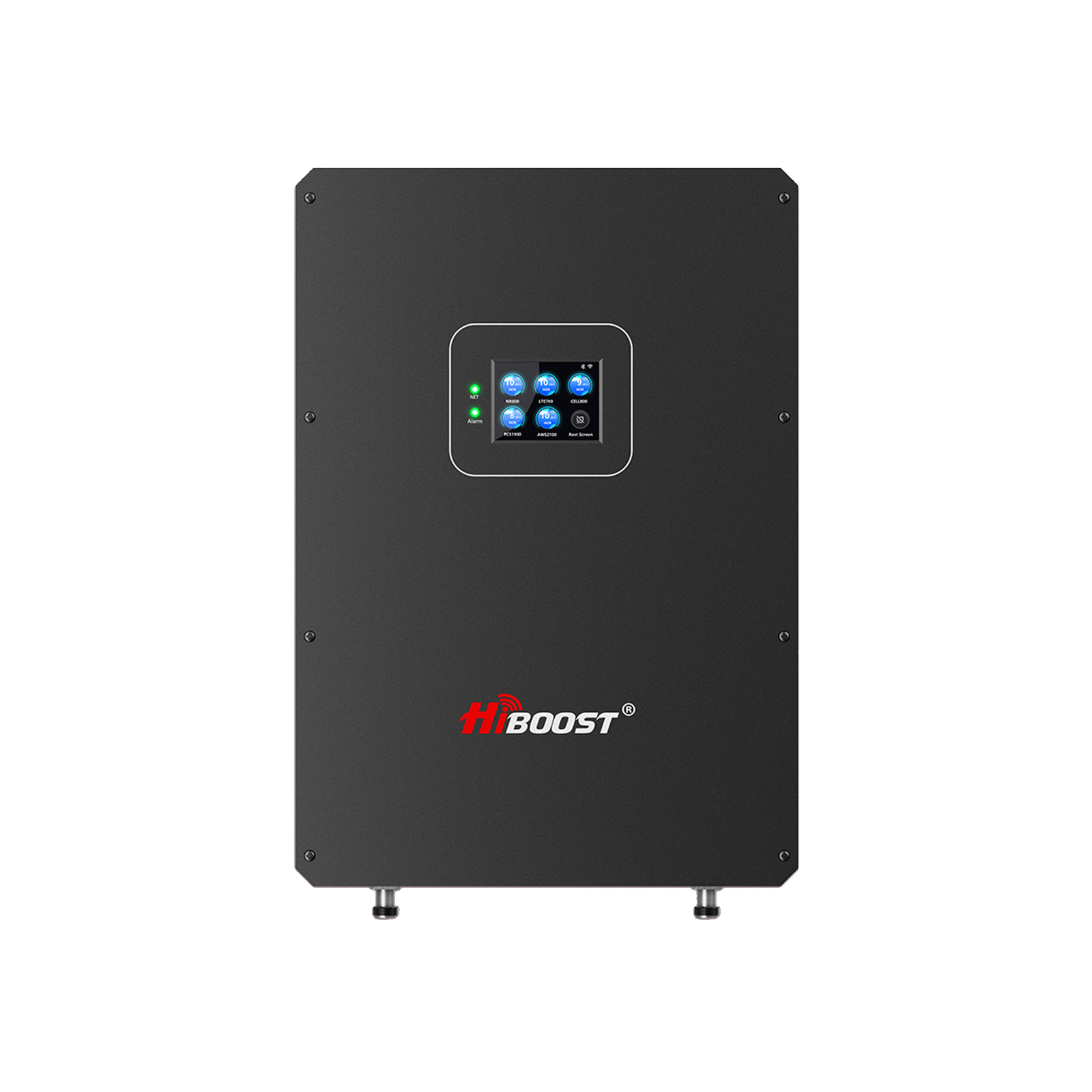
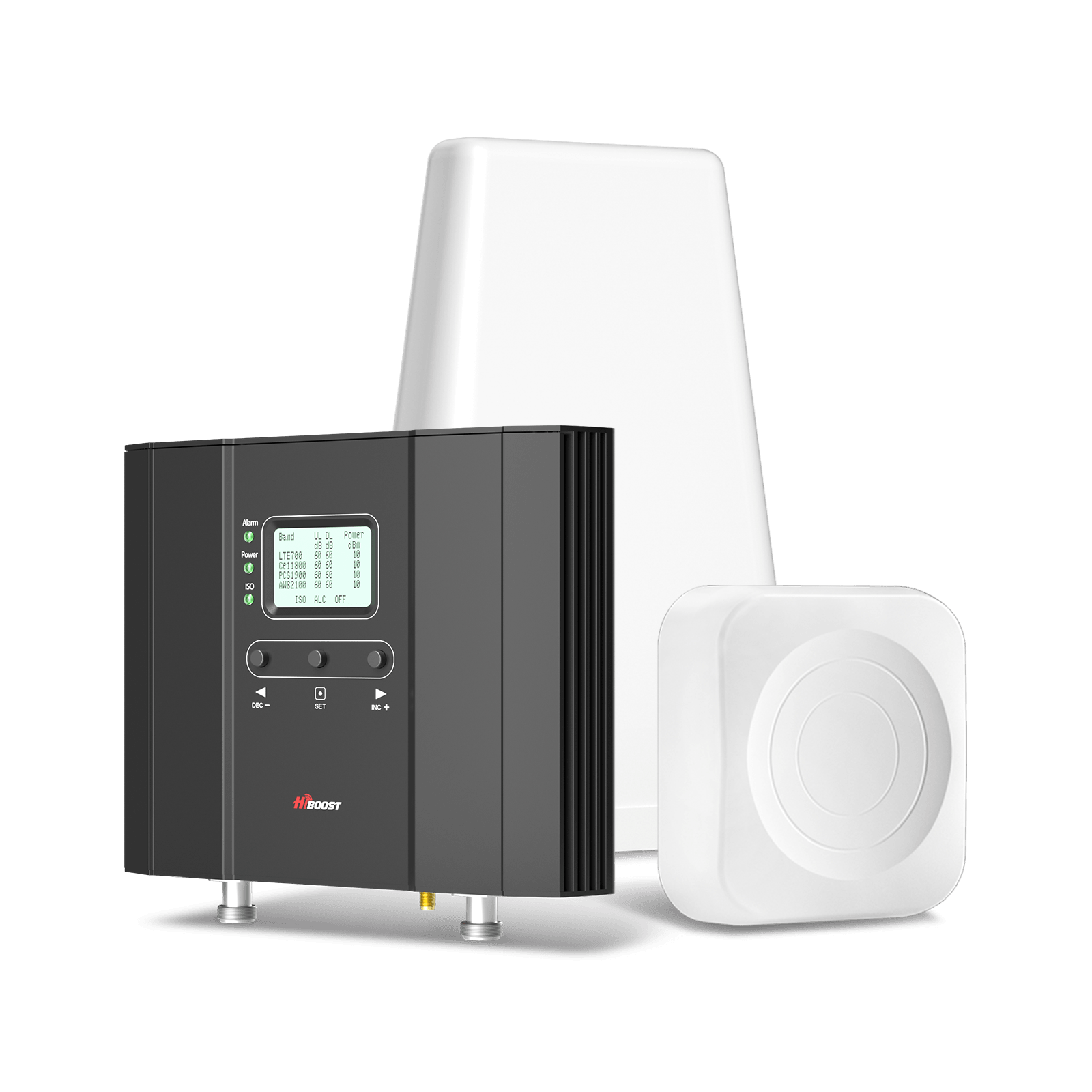
HiBoost 10K Smart Link is the practical middle ground for most families. It covers 4,000 to 10,000 square feet, works with all U.S. carriers, is 5G compatible on supported bands, and supports multiple users and devices simultaneously. If you want to fix several rooms without stepping into commercial grade hardware, this is the sweet spot.
Features:
- Coverage: 4,000 to 10,000 sq ft
- Best fit: medium homes, 3 to 4 room layouts
- Gain: 65 dB
- Bands: 12, 13, 5, 25/2, 4
- Carrier support: major U.S. and Canadian carriers
- Multi device support: multiple users and devices with no published performance loss
- App tools: Signal Supervisor app plus LCD monitoring
- Indoor antenna and compliance: one indoor panel antenna, FCC approved, 3 year warranty
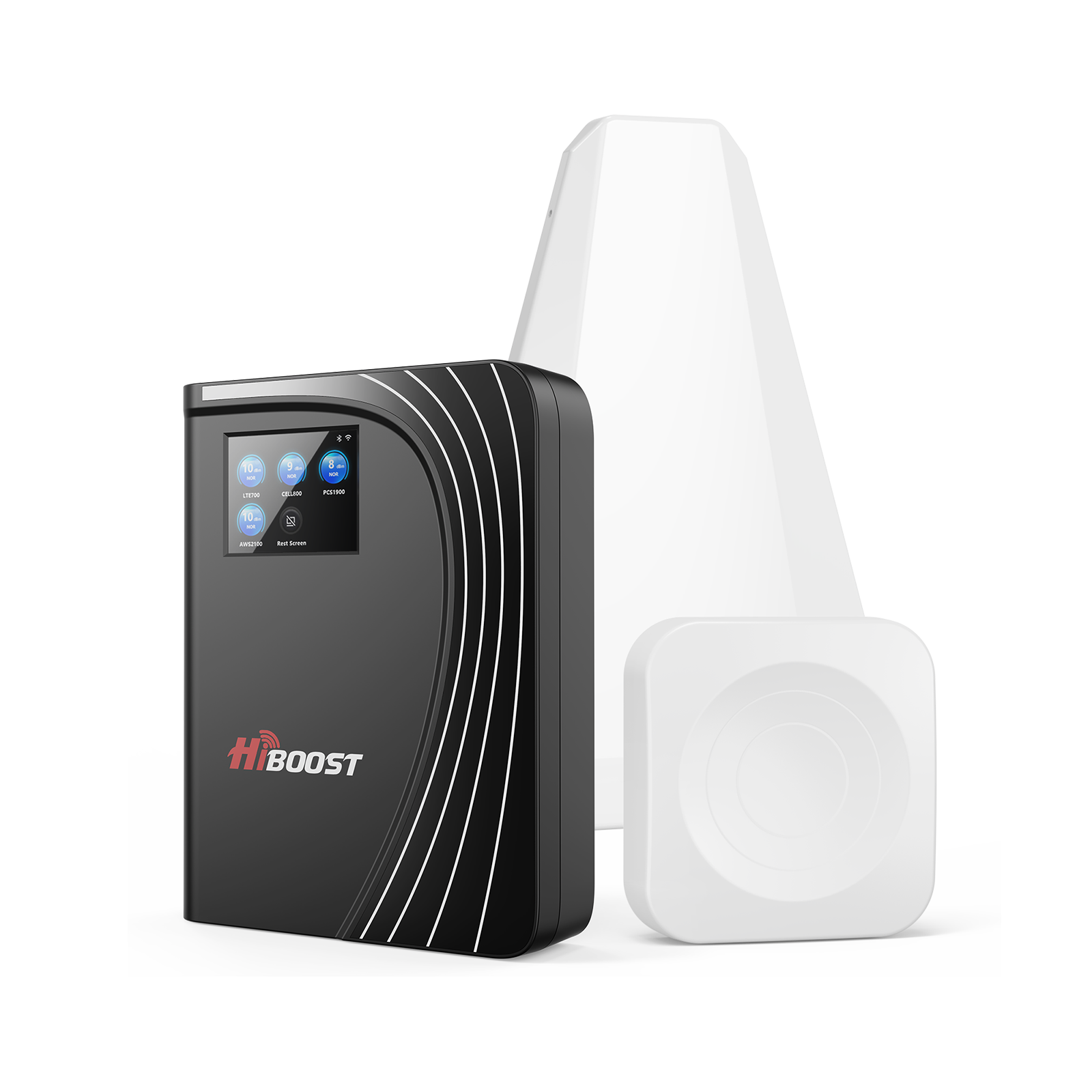
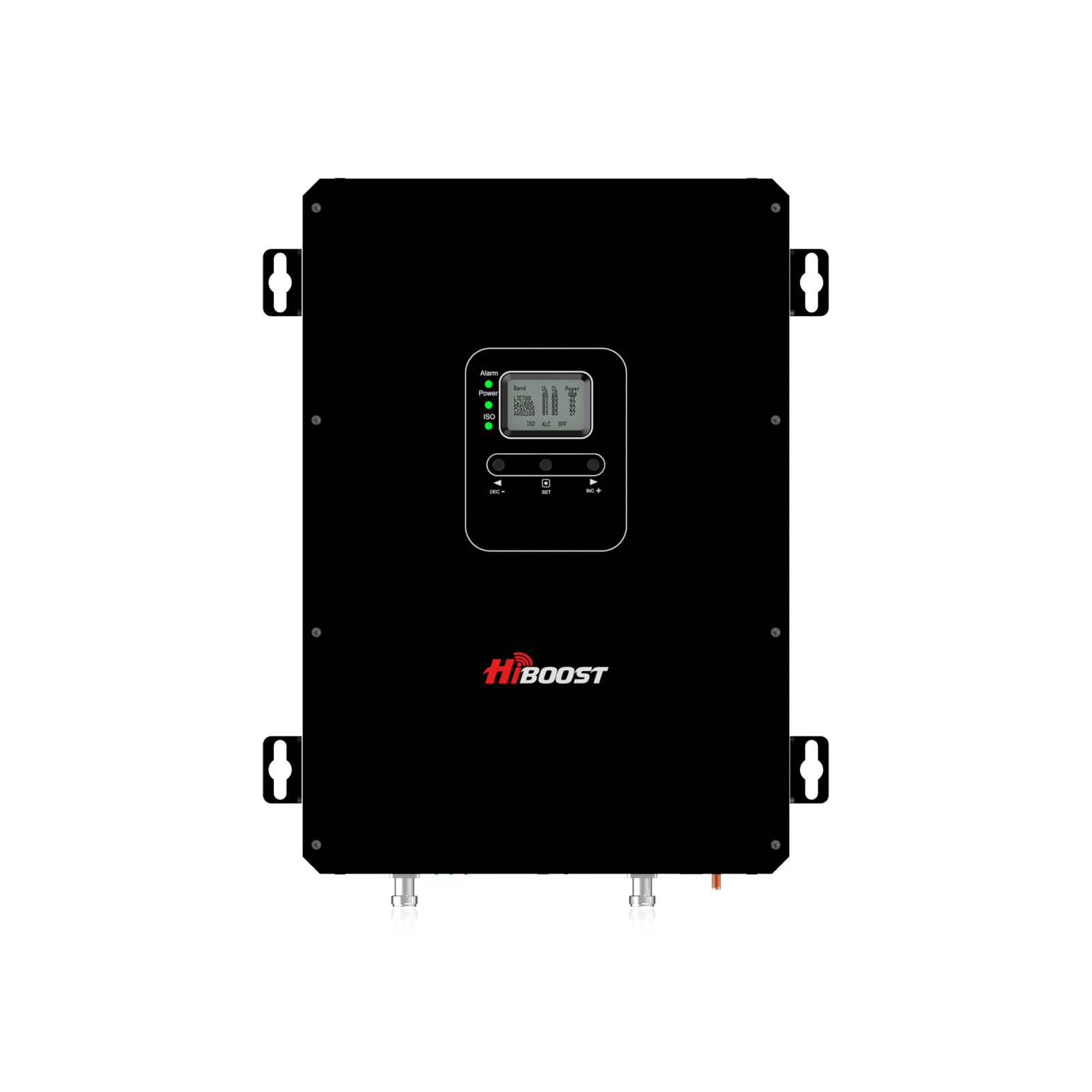
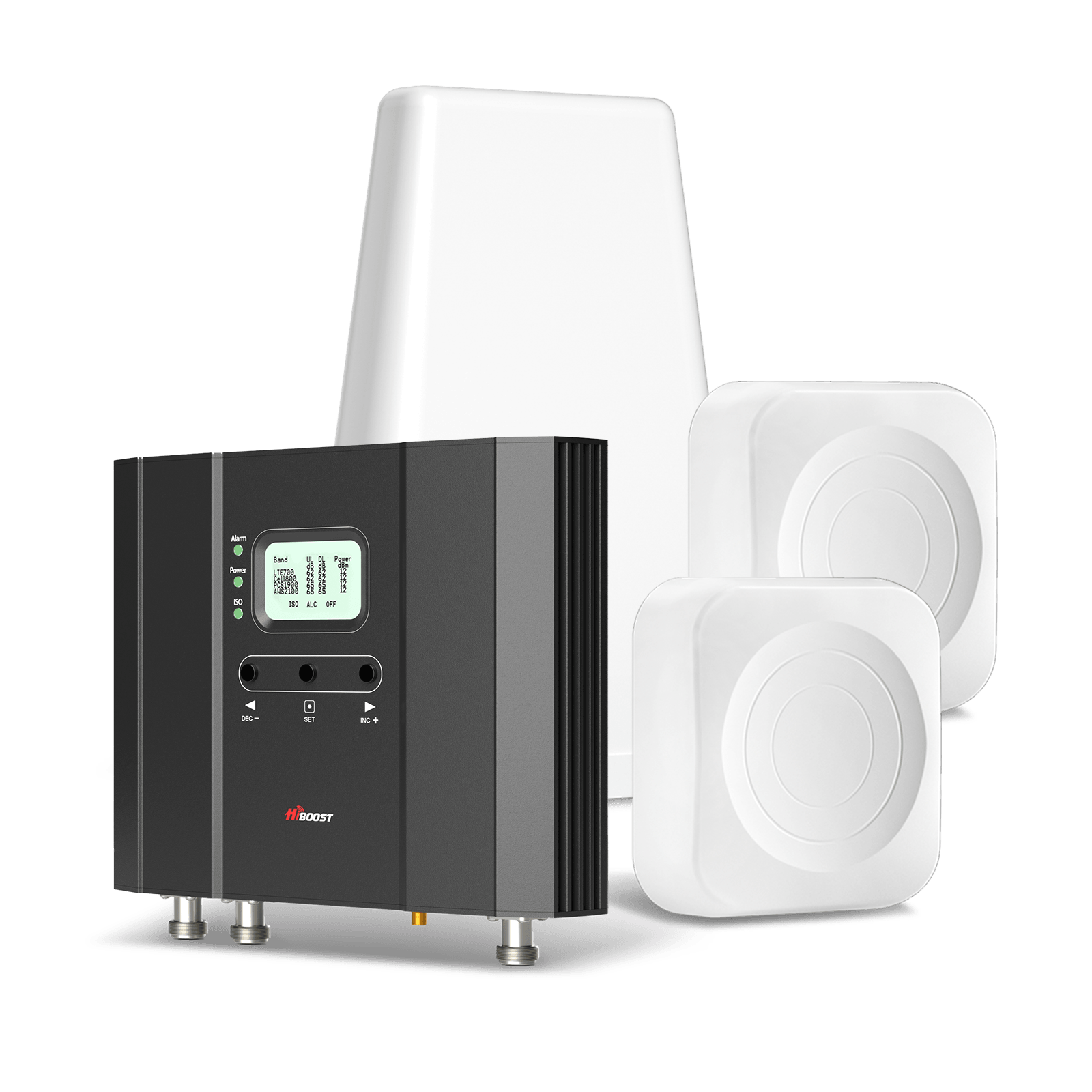
HiBoost 15K Smart Link Deluxe is the stronger whole home option when the layout is large or the outside signal is weak. HiBoost says it is designed for weak outdoor signal scenarios, covers up to 15,000 square feet with two inside antennas, works with all U.S. carriers, and can support dozens of users and devices at once. It is also positioned by HiBoost as suitable for large homes, difficult environments, and even metal structures.
Features:
- Coverage: 7,000 to 15,000 sq ft
- Best fit: large homes, basements, metal structures, two floor coverage
- Gain: 70 dB
- Bands: 12, 13, 5, 25/2, 4
- Carrier support: major U.S. and Canadian carriers across 2G, 3G, 4G LTE, and 5G DSS
- Multi device support: dozens of users and devices simultaneously
- App tools: Signal Supervisor app plus LCD assist, remote monitoring
- Indoor antennas and compliance: two panel antennas, FCC approved, 3 year warranty
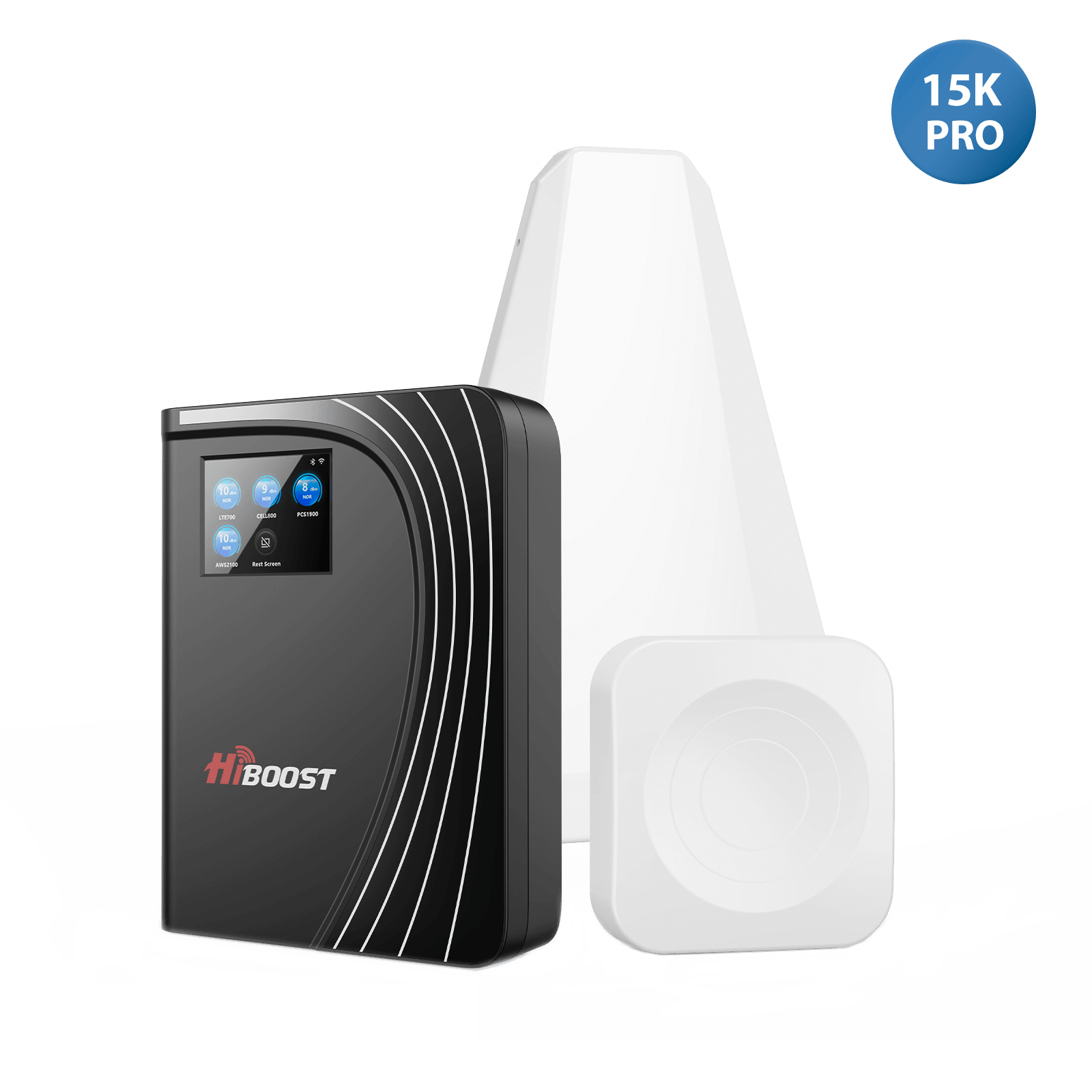
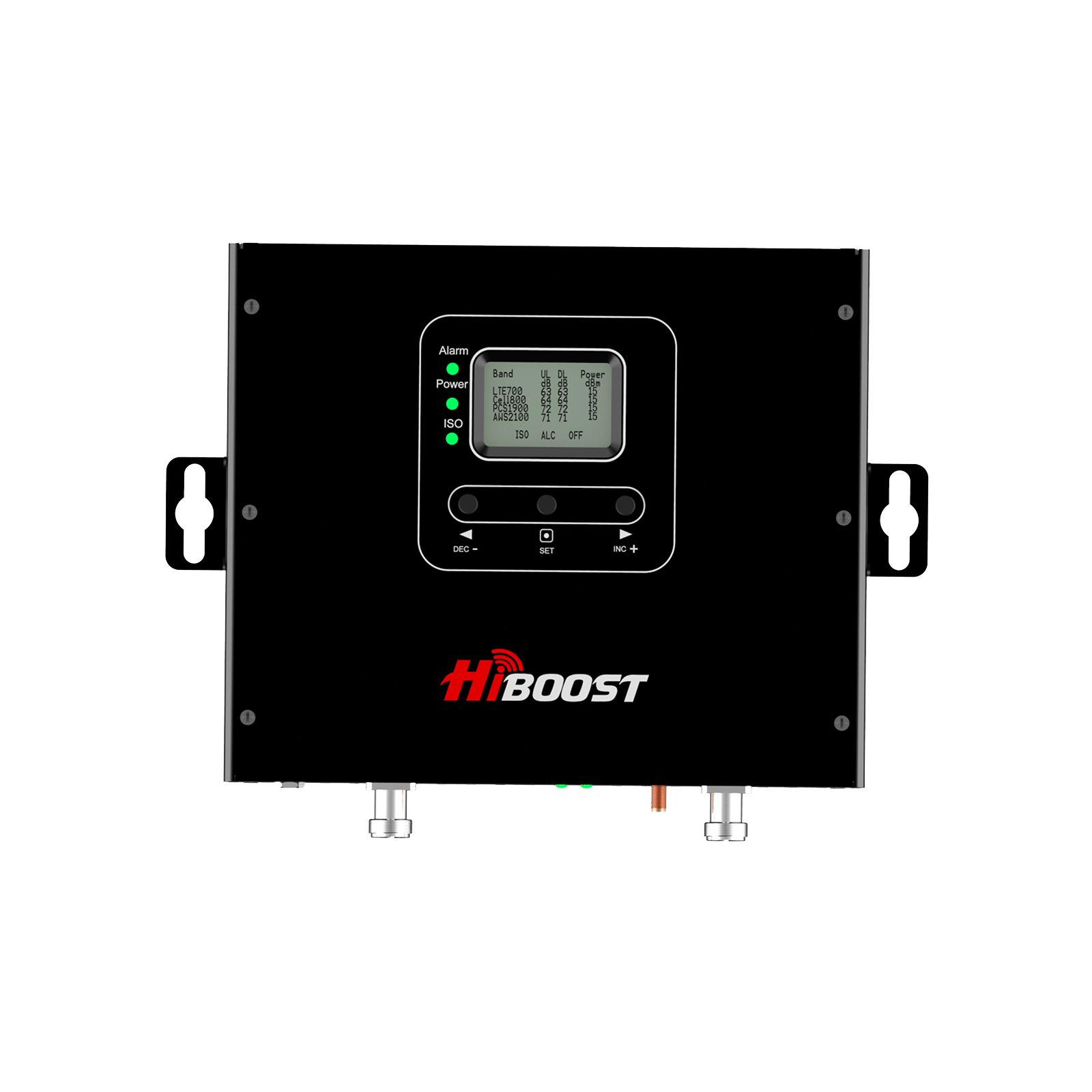
HiBoost CommLink 20K is the 20K class answer for especially large or multi story properties that need broader in building distribution. The official page states up to 20,000 square feet of coverage, up to 72 dB system gain, and compatibility with major U.S. and Canadian carriers. If your house is unusually large, spread across levels, or has difficult construction, this is the HiBoost tier to look at.
Features:
- Coverage: up to 20,000 sq ft
- Best fit: oversized residences, complex multi story layouts, light commercial residential properties
- Gain: 72 dB
- Bands: 12/17, 13, 5, 25/2, 4
- Supported standards: 5G DSS, LTE, HSPA+, EVDO, WCDMA, GSM
- Carrier support: major U.S. and Canadian carriers
- App tools and indoor antenna count: unspecified on the current live product page
- Compliance and warranty: FCC / ISED listed, 3 year warranty by HiBoost policy
Why does HiBoost work?

HiBoost models are built for all major carriers, so AT&T, Verizon, T Mobile, and other supported users in the same house can benefit from one system. They also support multiple devices at the same time, which matters for families, guests, tablets, hotspots, and work phones.
On top of that, HiBoost adds app based monitoring and setup help through the Signal Supervisor app, which makes DIY installation easier and day to day monitoring more practical.
Carrier Femtocells / Small Cells
Carrier small cells can work, but they are a different category. AT&T says its Cell Booster is a mini cell tower that uses your broadband connection, offers coverage up to 3,000 sq ft, and supports up to 8 simultaneous users.
Verizon says its LTE Network Extender works like a miniature cell tower connected to broadband, is designed for Verizon devices on Verizon service, and depends on internet and GPS to operate correctly.
That means they can be useful in small areas, but they are carrier limited and less flexible than a HiBoost whole home booster that supports multiple carriers with one system.
Case study note on signal improvement
- -50 dBm to -70 dBm: Perfect signal (5 Bars)
- -80 dBm to -90 dBm: Good, reliable signal (3-4 Bars)
- -100 dBm to -110 dBm: Weak, prone to dropped calls (1-2 Bars)
- -110 dBm or worse: Dead zone (No Signal)
HiBoost’s current live guidance repeatedly treats anything worse than about minus 110 dBm as essentially unusable, while its signal strength guide describes minus 50 to minus 70 dBm as an ideal target range. In a recent HiBoost rural guide, the company says an outside signal around minus 108 dBm can be improved to around minus 70 dBm or better indoors with the right booster setup.
Recommended Strategy for Whole-Home Coverage
The best results come from a sequence, not guesswork. Measure first. Choose the right class of booster second. Install carefully. Tune last. HiBoost’s own selection and install guides say outdoor donor signal is the strongest predictor of indoor performance, and that boosters need at least a weak usable outdoor signal to work well.
Measure signal strength:
Use dBm, not bars. HiBoost’s signal testing guide calls dBm the gold standard, and Opensignal adds useful speed, availability, and coverage checks. If your outdoor signal is below roughly minus 110 dBm, HiBoost warns that a booster may not perform well.
Select the right HiBoost model:
Choose Sidekick for a small apartment, studio, or single problem room. Choose 10K Smart Link for a medium home or multi room layout. Choose 15K Smart Link Deluxe for a large home, basement problem, metal structure, or more demanding multi floor layout. Choose CommLink 20K when the property is unusually large or complex and you want professional grade headroom.
Install properly:
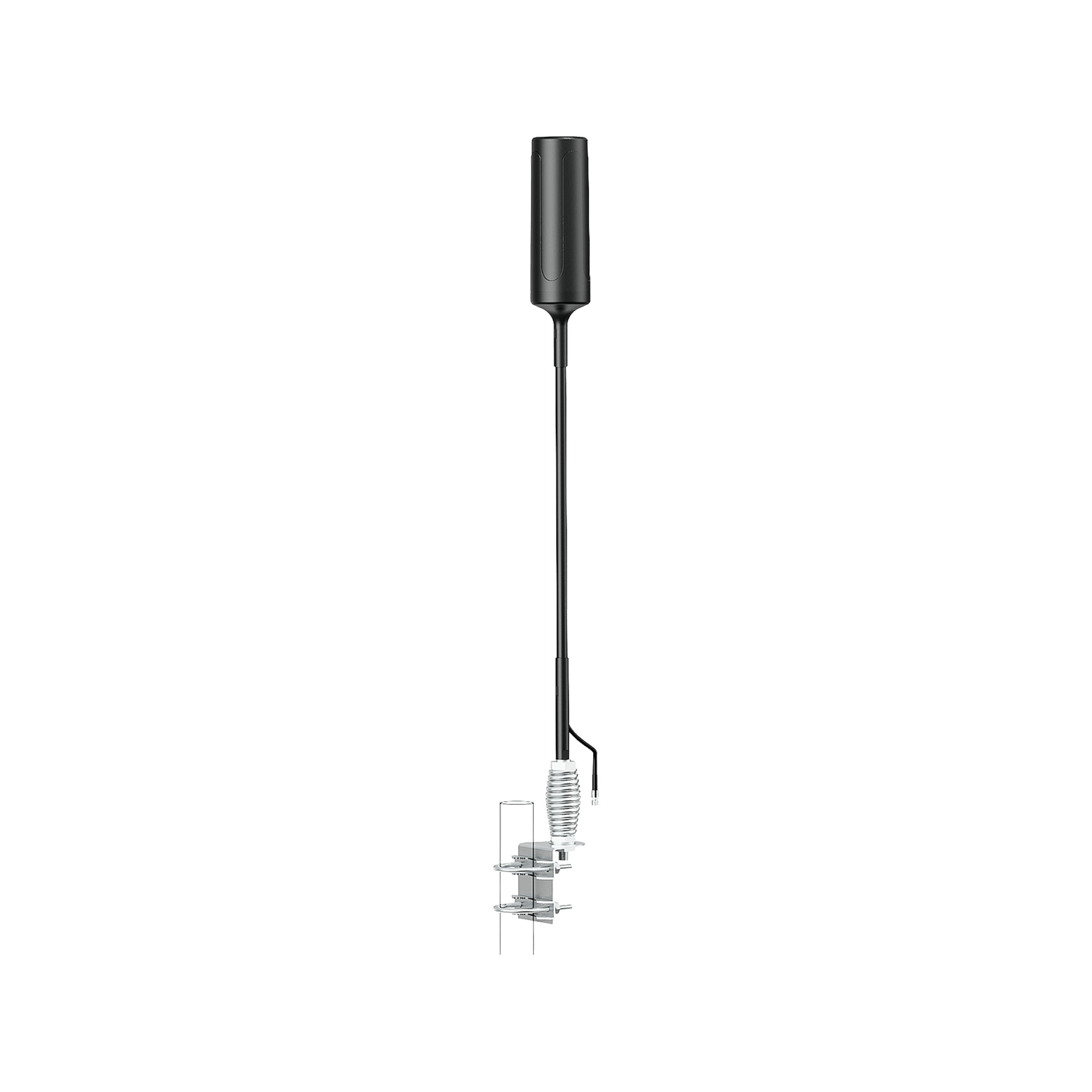
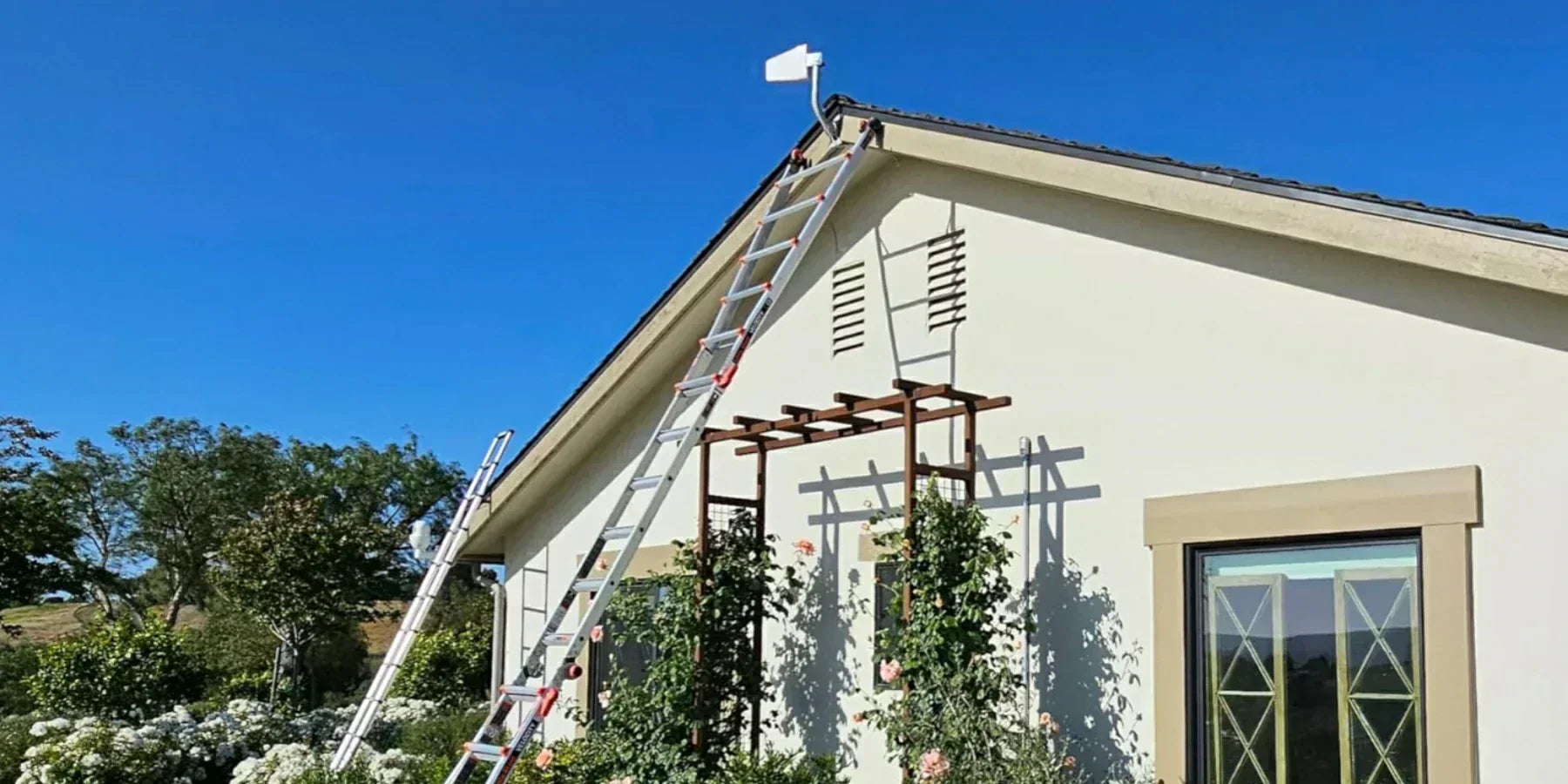
HiBoost’s install guide says to mount the outdoor antenna where the signal is best, as high as possible, and point it toward the nearest tower. It also recommends at least 20 feet of vertical separation or 50 feet of horizontal separation between outdoor and indoor antennas to avoid oscillation.
Place the indoor antenna wisely:
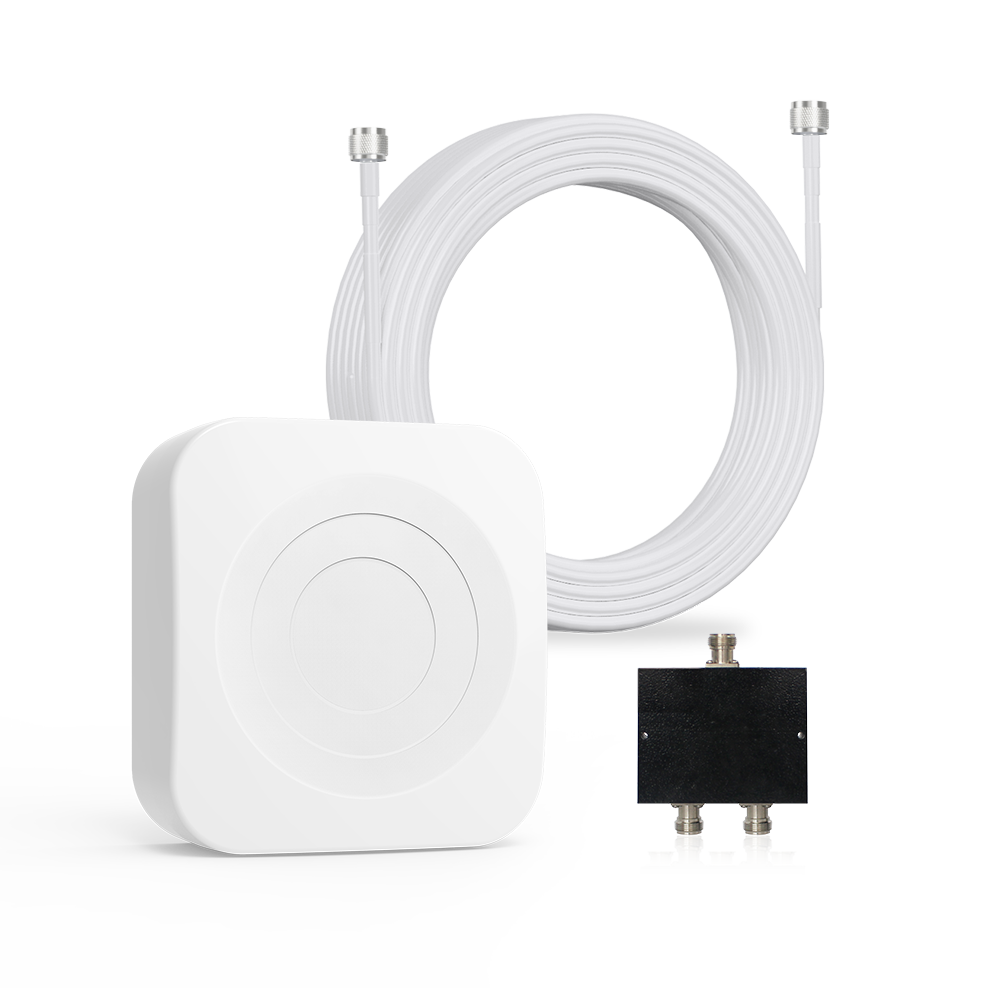
Keep the indoor antenna central to the coverage area you care about most. For 10K Smart Link, HiBoost includes one indoor panel antenna and says you can split coverage to multiple rooms or floors with optional splitters and extra antennas. For 15K Smart Link Deluxe, HiBoost already includes two indoor antennas and positions it for tougher, larger environments.
Test and adjust:
After installation, walk the house and check dBm in every pain point. Use the Signal Supervisor app or the LCD on supported models to re aim the donor antenna and confirm gain and alerts. This is where good installs become great installs.
Expert insight:
The real difference between an average result and a full whole home result is antenna placement. A correctly aimed outdoor antenna, sufficient separation, and the right number of indoor antennas are what let HiBoost systems push through brick, concrete, basements, and complex layouts.
FAQ: Strong Home Signal
Q1: Can Wi Fi calling replace a booster?
It can replace a booster for some people, but not for most whole house use cases. Wi Fi calling is excellent for calls and texts when your broadband is strong and your device and carrier support the feature.
But it does not improve native cellular data throughout the house, and if your Wi Fi connection fails, the call can fail too. A HiBoost system is better when you want your phone to work normally on cellular, in more rooms, for more devices, without depending on Wi Fi for every call.
Q2: Which is better, HiBoost or WeBoost?
On current published home product pricing, HiBoost offers stronger value. HiBoost 10K Smart Link is listed at $569.99 with up to 10,000 square feet of coverage, while weBoost Home MultiRoom is also listed at $569.99 but up to 5,000 square feet.
HiBoost 15K Smart Link Deluxe is listed at $999.99 with up to 15,000 square feet, while weBoost Home Complete is listed at $999.99 with up to 7,500 square feet. Real world results always depend on outside signal and house layout, but on official published specs and list prices, HiBoost currently gives homeowners more coverage for the money in these comparable tiers.
Q3: How do I choose the right HiBoost model?
Choose based on three things: your outdoor signal, the square footage you need to cover, and how difficult your house is to penetrate. If the problem is one room, Sidekick is enough. If the house is medium sized, go 10K Smart Link.
If the property is large or the outside signal is already weak, step up to 15K Smart Link Deluxe. For unusually large or multi story layouts, move into the 20K class. And always remember HiBoost’s core rule: boosters amplify existing outdoor signals, so testing first matters.
Why Choose HiBoost Boosters
Carrier agnostic coverage:
HiBoost home boosters are built to support the major U.S. carriers, which is exactly what mixed carrier households need. One system can serve the family, instead of forcing everyone onto the same network.
Multi device support:
Sidekick supports multiple users and devices, 10K Smart Link supports multiple users and devices simultaneously, and 15K Smart Link Deluxe supports dozens of devices at once. That is important for modern homes filled with phones, hotspots, tablets, and work gear.
Cost effective whole home value. Compared with current weBoost list pricing, HiBoost delivers broader published coverage at equivalent price points in the mid and upper home categories. For households that want stronger value from one purchase, that matters.
Multi floor and whole home flexibility. HiBoost’s larger home kits include multi antenna options, and the brand also sells expansion accessories for harder layouts. That makes HiBoost a strong fit for bigger houses, two story homes, garages, and problem rooms.
Easy DIY setup. HiBoost pairs its hardware with app based monitoring, antenna calibration help, installation guidance, and technical support. That lowers the barrier for homeowners who want a real fix without turning the project into a full custom telecom job.
Shop HiBoost Home Boosters: Shop HiBoost Home Boosters.
Free tricks are worth trying first. Move closer to a window. Turn on Wi Fi calling. Reduce nearby interference. Those steps can help today. But if you want a strong signal throughout the house, not just in one lucky corner, a properly chosen and properly installed HiBoost booster is the solution that actually changes the home environment.
And for very large or multi story properties, look at the 20K class. If your goal is clear calls, dependable texts, and stronger indoor mobile data across the whole house, HiBoost is the product line built to do that.
Free fixes are worth trying first. Move to a better spot. Turn on Wi-Fi Calling. Measure with Opensignal. But when the real problem is weak outdoor signal, thick walls, metal roofing, or a multi room layout, the strongest answer is not a temporary workaround. It is a properly sized HiBoost booster installed the right way. That is how you turn scattered bars into dependable whole home coverage.
Recommended Reading
Best Cell Phone Boosters for Large Homes
Tips to Reduce Dead Zones in Your Home
Top Affordable Home Signal Boosters Under $300
How to Troubleshoot Weak Cell Signals Indoors
How to Choose the Right Cell Signal Booster for Your House Size
Car/Suv,RV,Truck,Vehicle


Our Home Signal Booster


Popular Articles


Leave a comment
All comments are moderated before being published.
This site is protected by hCaptcha and the hCaptcha Privacy Policy and Terms of Service apply.