
A poor cell phone signal is not merely an inconvenience anymore; it literally affects how you talk, work, and stay in touch.
You could be experiencing dropped calls, slow messaging, or painfully slow mobile data, but the frustration often leads many to resort to quick fixes that may seem promising but are rarely long-term.

The reality is that most of the suggested solutions are only short-term. Switching airplane mode on and off, or simply moving to a different location in your house, might temporarily boost your signal, but neither resolves the root cause of the problem.
Here is the failure of most guides: they focus on superficial strategies rather than practical performance.
This guide is different: we examine 12 effective solutions to fix weak cell phone signals that were tested, and we report the objective signal strength (dBm) improvements.
All the methods are analyzed for consistency, effectiveness, and long-term value, so you can clearly see what works, what does not, and why.
Signal Fix Methods Compared (Real dBm Impact)
When considering solutions to enhance cell phone signal strength, it is worth noting that not all solutions are alike. A 5 dBm gain could marginally fix a call, yet it will not make your connectivity life-changing.
Conversely, a 30-40 dBm increase in power can completely transform your phone's performance indoors.
Simple tricks like repositioning your phone or switching network settings can often yield small improvements in real-world testing.
Such improvements can be quite sporadic, as they depend heavily on your precise location in a building and the environmental conditions at any given time.
Comparison of All Methods to Improve Cell Signals
| Solution Method | Signal Gain (dBm Impact) |
Reliability & Stability |
Cost Level | Long-Term Effectiveness |
| Move near the Window / Higher Floor | +5 to +15 dBm | Low - varies by position | Free |
Very Low - location dependent |
| Switch 4G / 5G | +3 to +10 dBm |
Medium - depends on the network |
Free |
Low - inconsistent indoors |
|
Restart / Network Reset |
+1 to +5 dBm |
Very Low - temporary only |
Free | Very Low - short-lived |
| Reduce Interference |
+2 to +8 dBm |
Low - environment dependent |
Free |
Low - limited impact |
|
WiFi Caling |
0 dBm (no signal improvement) | Medium - depends on WiFi |
Free |
Medium - situational solution |
| Change Carrier | +5 to +20 dBm |
Medium - location dependent |
Medium |
Medium - carried by coverage |
|
Upgrade Phone |
+5 to +15 (only if | Medium - | High | Medium - varies |
| the area has 5G) |
hardware dependent |
by coverage | ||
|
Femtocell (Microcell) |
+20 to +30 dBm |
Medium - internet dependent |
Medium |
Medium - fails without broadband |
|
Outdoor antenna |
+15to +25 dBm |
High - captures a strong signal | Medium | High - need additional system |
| Cell Phone Signal Booster | +25 to +40 dBm |
Very High - consistent indoor coverage |
Medium to High |
Very High - long-term solution |
Key Insight
This analogy makes it clear that the most widespread fixes only yield fringe benefits and are inconsistent. They can assist in certain instances or areas, yet they do not fundamentally enhance your indoor cell phone signal.
By comparison, other solutions, such as a cell phone signal booster, are unique in that they directly increase the signal entering your space, yielding greater dBm gains and a more consistent, long-term, reliable signal.
12 Ways to Fix a Weak Cell Phone Signal
1. Identify the Root Cause - Most Important Step
It is imperative to determine the cause of the poor cell phone signal before attempting to repair it. Most individuals think their phone or carrier is the issue, yet signal problems are most often due to physical and environmental factors.
Distance from Cell Tower
The distance to the nearest cell tower is one of the most frequent causes. The farther the distance, the more the signal weakens naturally. But, although you may be in a fairly close proximity to a tower, your own building can also cause a considerable loss in signal strength.
Building Material
Concrete, steel, and energy-efficient glass are especially effective at blocking radio frequencies, resulting in poor indoor reception despite a good signal outside.
Electronic Device Interference
The other significant cause is interference. Electronics, structural design, and even adjacent buildings may interfere with signal routes, leading to irregularity and instability.
In terms of testing, indoor environments may reduce signal strength by 20 to 50 dBm. Such a loss is sufficient to turn what was otherwise a useful outdoor signal into an unreliable indoor experience.
Knowing this underlying cause is a game-changer. You do not have to pursue quick solutions; you can concentrate on those that will solve the problem directly.
2. Test Your Signal Strength in dBm
Signal bars are used by most users to gauge their connection, yet they are highly misleading. To get a clear idea of your mobile signal strength, you must measure it in dBm, which gives a numeric figure indicating how strong or weak your signal is.
Field Test Mode (In-built Method)
Field Test Mode is a hidden diagnostic feature of both iPhone and Android devices. On iPhones, it can be accessed by dialing *3001#12345#* and tapping the call button.
When you get in, you will have technical signal information, such as your real-time dBm reading. Android devices vary by manufacturer, and most can be accessed via settings or by dialing similar codes.
In testing, do not check dBm only once; move around your house and observe fluctuations in dBm across different locations. You will find that there is a big variance between rooms, close to windows, and towards the center of the building. This helps you to locate signal hotspots and dead zones.
To use as a standard:
- Approximately -60 to -75 dBm equates to a good signal.
- Weakly around -85 to -95 dBm.
- A signal level below -100 dBm indicates a weak, fading connection.
Test With Applications (Real-Life Practice)
Signal measurement apps can offer more detailed insights than Field Test Mode because of a more user-friendly, visual experience. There are apps such as Network Cell Info Lite (Android) and OpenSignal (iOS/Android) that let you check cellular signal strength, tower distance, and network type in real time.
These apps come in handy, particularly in practical testing, since they allow you to:
- Monitor variation in track signals with motion.
- Determine the direction of the closest cell tower.
- Compare outdoor and indoor signal levels.
As an example, you may be able to measure -105 dBm in your living room, and then go outside and find it better at -80 dBm. Such a 25 dBm difference clearly indicates that the signal is being blocked by your building, so the problem is more of a structural issue than a network issue.
This is an important measure since you can be able to monitor real improvements. For example, if a change boosts your signal to -95 dBm, which is better than -105 dBm, you might see a slight improvement, but your connection is still weak.
Nonetheless, -75 dBm improvement is a radical usability enhancement. Without dBm, there is no way to evaluate whether a solution is working.
3. Switch Between 4G/5G
With the advent of 5G networks, there has been a perception of faster, superior connectivity; however, in real-world scenarios, 5G is not necessarily the most suitable solution, particularly indoors.
5G signals at higher frequencies have difficulty passing through walls and obstacles, making their performance indoors worse than that of 4G LTE. In most real-world applications, a 5G-to-LTE transition results in a more reliable and predictable connection, especially indoors.
This is not to say that 5G is bad in general, but rather that its usefulness depends on your surroundings. LTE can be more reliable indoors, where signal penetration is less than ideal.
4. Move Near a Window or Higher Location
The physical positioning is surprisingly a significant aspect of cell phone reception. Being closer to a window or on a higher floor can also go a long way toward improving signal strength by reducing the number of barriers between your phone and the nearest tower.
This basic modification can provide a 5-15 dBm improvement in testing. It may not sound dramatic, but it can be sufficient to stabilize calls or increase data speeds under borderline conditions.
There is, however, a limitation of this approach. The enhancement is very localized, that is, it functions only at definite locations. You can discover that your signal is strong next to a window, but then it goes dead only a few feet away.
This makes it unrealistic as a long-term solution, particularly when you require uninterrupted signal coverage across your entire area.
5. Enable Wi-Fi Calling
Another option is WiFi calling, which can be used as an alternative to cellular communication when the cellular signal is weak. Your phone uses your internet connection to make calls, rather than the local tower.
This can come in very handy when your mobile signal is low inside the house, yet there is a strong WiFi network. There is improved call clarity and fewer connectivity problems.
How to turn on WiFi Calling on your Smartphone.
On iPhone:
- Open Settings
- Tap Phone
- Select Wi-Fi Calling
- Turn on Wi-Fi Calling on this iPhone.
- Ensure you confirm your emergency address if asked.
On Android:
- Open Settings
- Tap Connections/Network & Internet.
- Select Wi-Fi Calling
- Turn the feature ON
It may be necessary to turn it on in the Mobile Network settings of some devices.
It is worth noting, however, that WiFi calling does not enhance your cellular signal in any way. It just goes around it.
This implies that when your internet connectivity is poor, your call quality will be as well. Consequently, WiFi calling can be regarded as an additional feature rather than a real solution.
6. Reboot or Reset Networks
Rebooting your phone or reconfiguring your network settings can also provide a temporary fix for cell phone signal problems, as it resets your phone and prompts it to reconnect to the closest tower. It can make your device switch to a stronger signal source, resulting in temporary improvements.
- Slide the notification bar down and scroll to the left (open the mobile menu bar).
- Switch airplane mode on, switch airplane off after 3-4 seconds.
Although this may be effective in resolving minor glitches or ad hoc network failures, it does not address the root cause of a weak signal. The enhancement tends to be short-lived, since things change and you end up with the same issue.
7. Reduce Interference
Another cause of poor cell phone signal strength is environmental interference. Metal surfaces, thick walls, and electronic devices can interfere with signal transmission and reduce overall performance.
You can see some improvements, even if they are small, by reducing these barriers or adjusting your phone's position.
Avoid Metal Barriers
- Large metallic structures, such as filing cabinets, metal doors, and metal roofing, can block or reflect cellular signals, so they may not reach your phone.
- Metal-framed buildings and reinforced concrete tend to produce signal shadows; these are spots that have little or no coverage.
- The tiniest objects, such as metal blinds or window coverings (Low-E glass) have the ability to weaken the signal coming in, particularly when you are inside.
Limit Electronic Interference
- Routers, microwaves, televisions, and Bluetooth devices emit frequencies that can interfere with your mobile signal.
- Leaving your phone too close to other active electronic devices may result in signal instability and fluctuations.
- Placing your phone several feet away from high-interference devices can help in having a steadier connection.
Be Aware of Dense Building Materials
- Concrete, brick, stone, and insulation are materials known to absorb and weaken cellular signals traveling through walls.
- Energy-efficient buildings in the modern world tend to employ materials that reflect external heat and radiation, but as a result, cellular signals are also blocked.
- The further up a building (without windows or external walls), the worse the signal degradation.
8. Switch to a New Carrier
The performance of the carriers varies greatly by location. In certain locations, a single provider can have good coverage, whereas the other cannot keep a steady connection.
Switching carriers may sometimes improve your cell phone signal, though it may not be as consistent. When the root cause is structural (i.e., a signal is blocked by your building), then switching carriers can only lead to little improvement.
Why Most Fixes Fail (Critical Turning Point)
Having tried all the general strategies, a general tendency is noticed. The majority of solutions aim to optimize your phone's connection to an existing signal, but they do not enhance the signal strength entering your building.
This is the fundamental issue.
When the signal indoors is weak, it likely was already weak before it reached your device. Changing the settings or repositioning your phone will not help compensate for this
loss.This is why most fixes do not work; they do not cure the cause but the symptoms. You must correct the source of the problem: the signal itself, to obtain a true and permanent change.
9-12 Advanced Solutions that Work.
9. Upgrade Your Phone
Current smartphones are built with much better hardware, allowing them to be used in areas with poor cell phone signal. This does not add signal to your surroundings, but it can improve your device's coupling to them.
- More recent devices support more frequency bands, enabling them to connect to a broader range of carrier signals, including those with better indoor penetration.
- Complex antenna design (such as MIMO technology) helps phones capture and maintain weaker signals more efficiently.
- Enhanced chipsets and modems offer faster signal processing and handoffs between towers, reducing dropped calls.
- Newer phones have software optimizations that help stabilize mobile data speeds even with fluctuating signal strength.
- But when your indoor signal is so weak (i.e., less than -105 dBm) that even the best phone can barely pick it up, just use what you have.
10. Use a Microcell (Femtocell)
A microcell or femtocell is a mini cell tower in your home that communicates with your carrier via your internet connection.
- It generates a localized cell signal, enabling your phone to be connected as though it were close to a tower.
- Specifically handy in households where the cellular signal is weak but broadband internet is well developed.
- Can greatly enhance call quality and indoor signal strength over a small area (usually a few rooms)
- It typically takes setup, including registering with your carrier and having a consistent internet connection.
Limitations to consider:
- Speed and stability of the internet are absolutely vital to performance- when your WiFi goes dead, so does your signal.
- The area covered is small and might not cover bigger houses and multi-story structures.
- Usually, it serves only one carrier, so it will not be useful when multiple users use other networks.
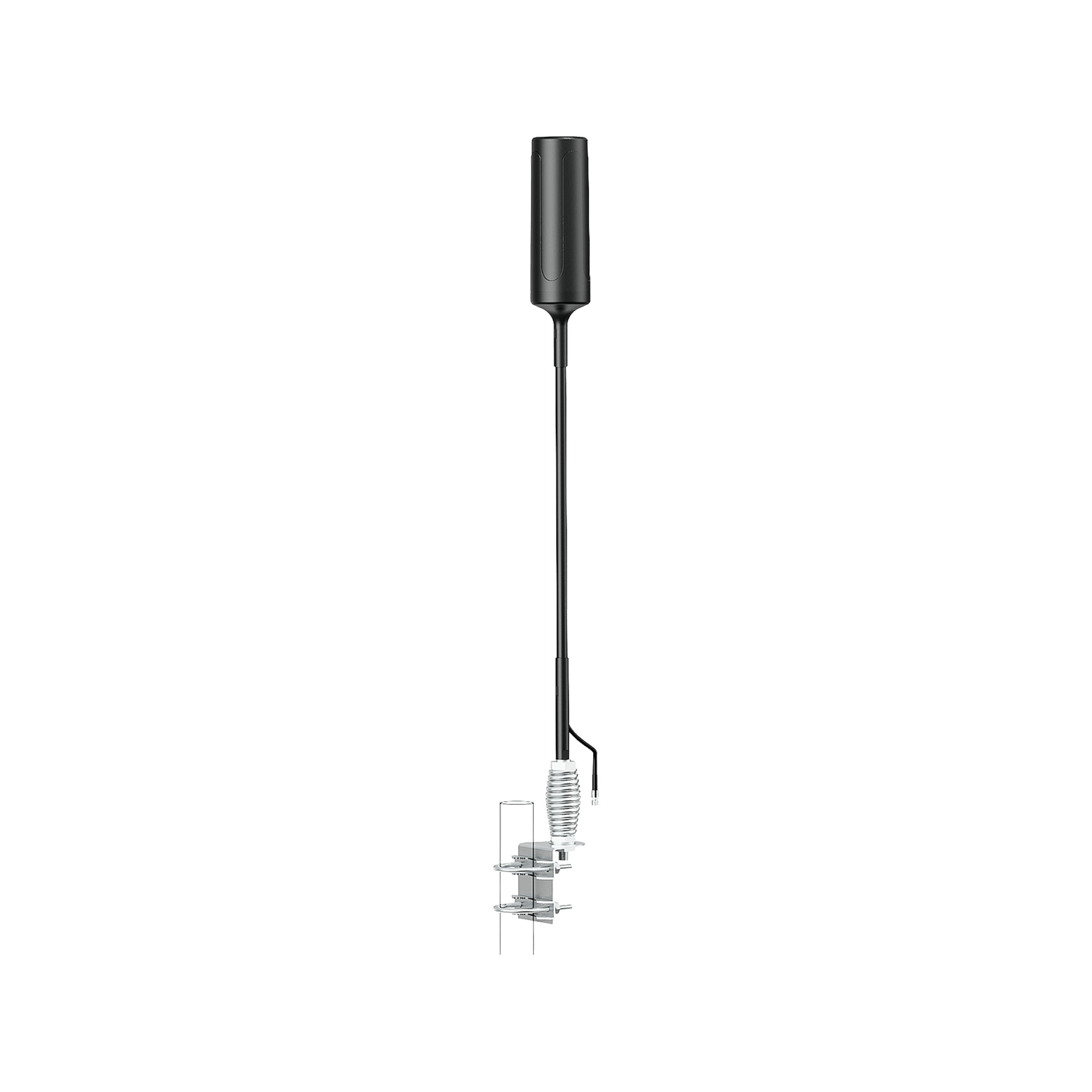
11. Fit an Outdoor Antenna
An outdoor antenna is designed to receive a stronger signal when you are outside your structure, where fewer obstructions can hinder reception.
- Placed on a roof or wall, facing outward, to reach a cleaner, more powerful signal.
- Particularly useful when in rural or remote locations where towers are distant and the signal is weak on the ground.
- Is capable of greatly increasing the quality of the incoming signal prior to its entry into your home.
- Directional antennas may be pointed toward the closest tower to gain the best signal pickup.
Key limitations:
- An antenna alone will not enhance indoor coverage; it simply picks up the signal, not amplifying or sharing it.
- Needs to be properly placed and aligned to work optimally.
- Frequently requires use with a cell phone signal booster to provide complete indoor signal coverage.
12. Cell Phone Signal Booster (Most Effective)
Unlike temporary solutions that attempt to make the most of a poor connection, a cell phone signal booster addresses the issue itself by increasing the actual signal strength on your premises.
This renders it essentially distinct from approaches such as switching networks or rebooting your phone, which only offer temporary changes.
How Signal Boosters Work

A booster system is the enhancement of your cell phone signal by a very simple but highly successful three-step process:
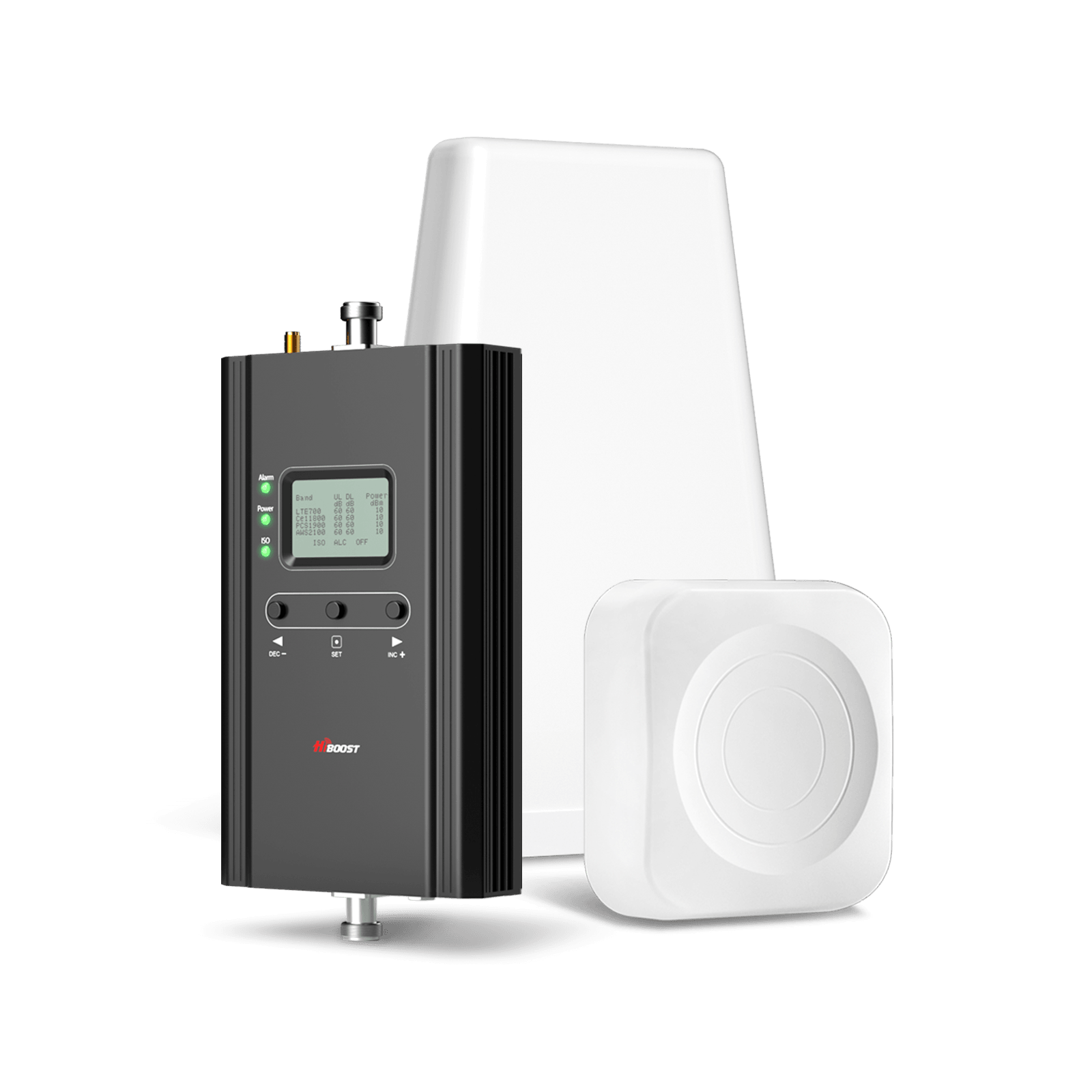
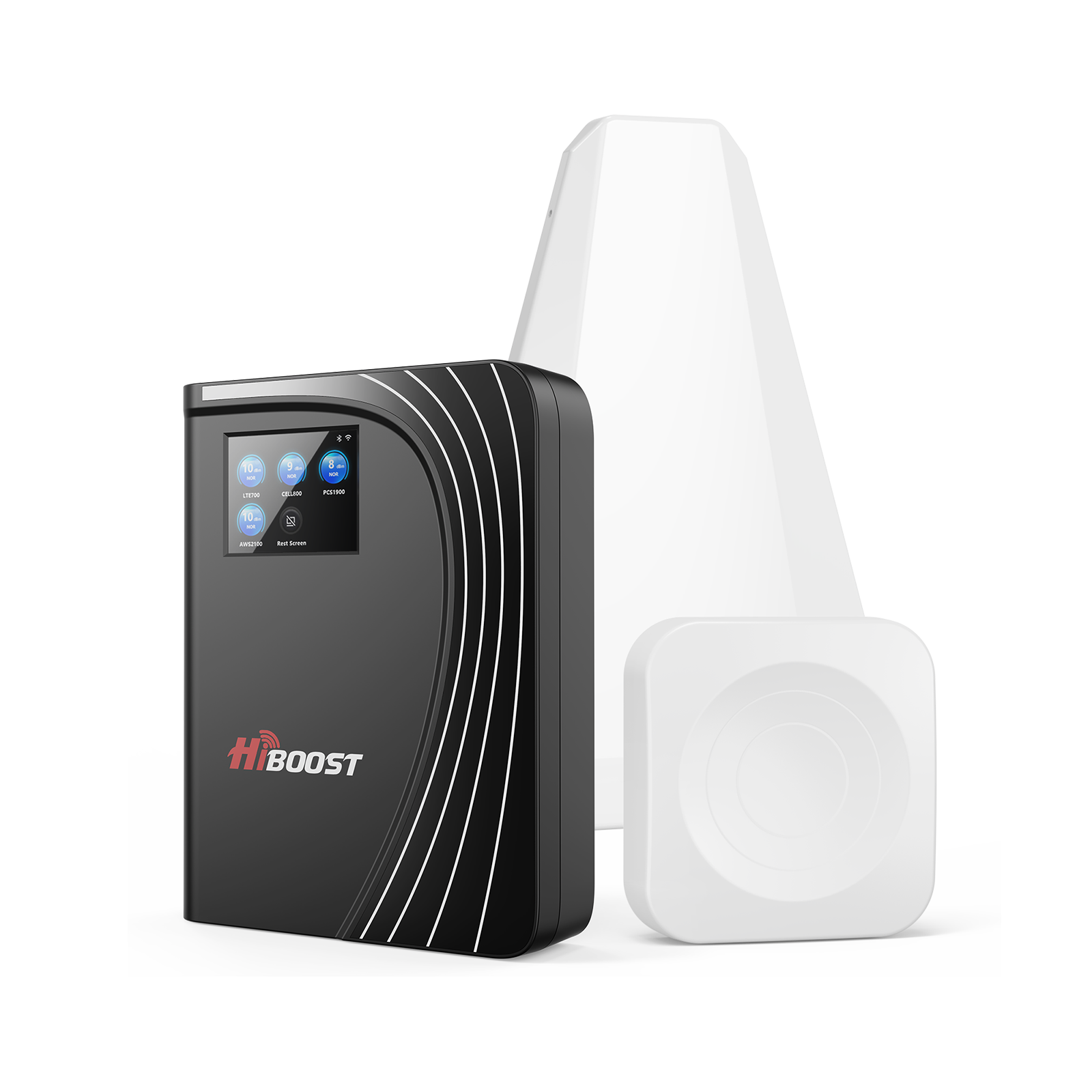
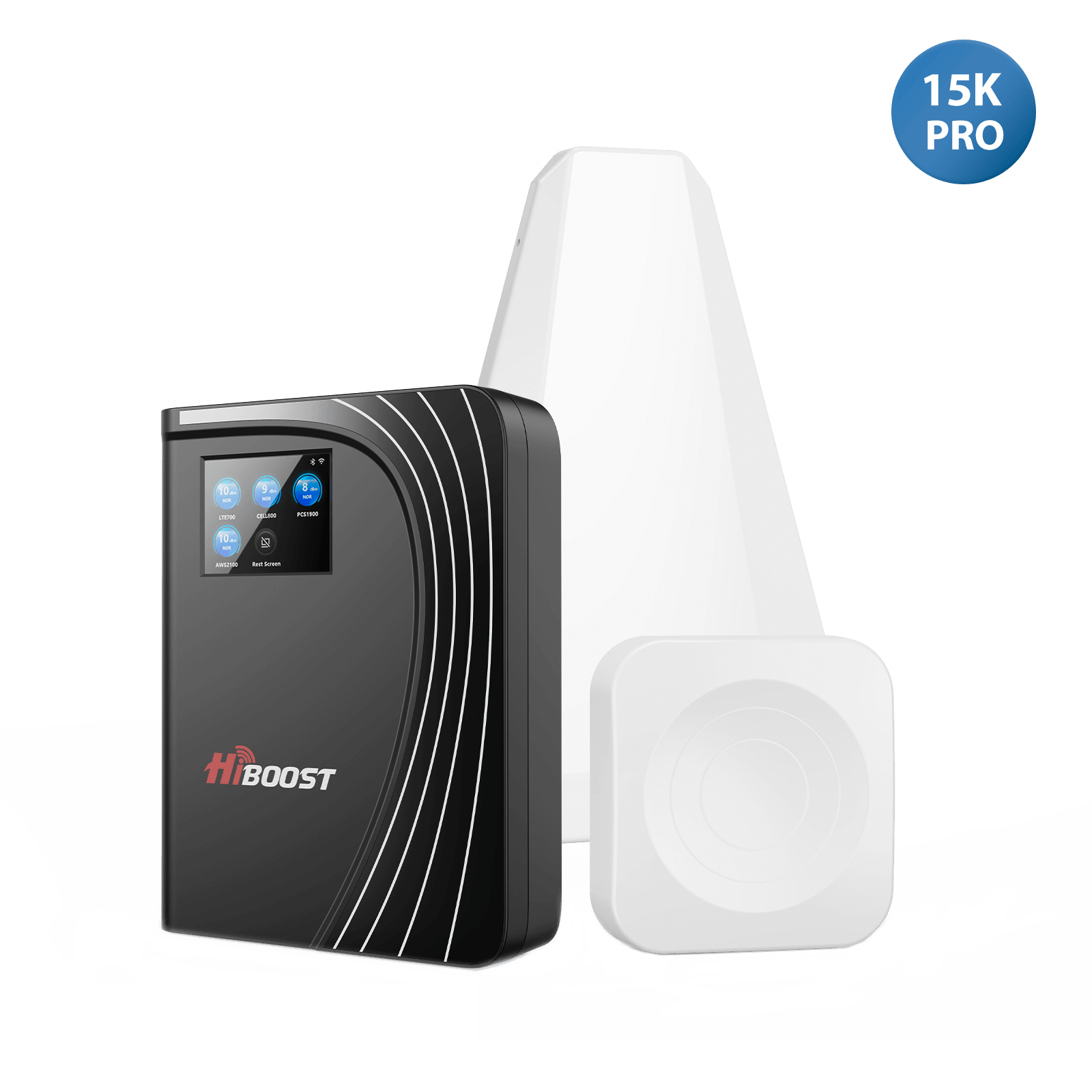
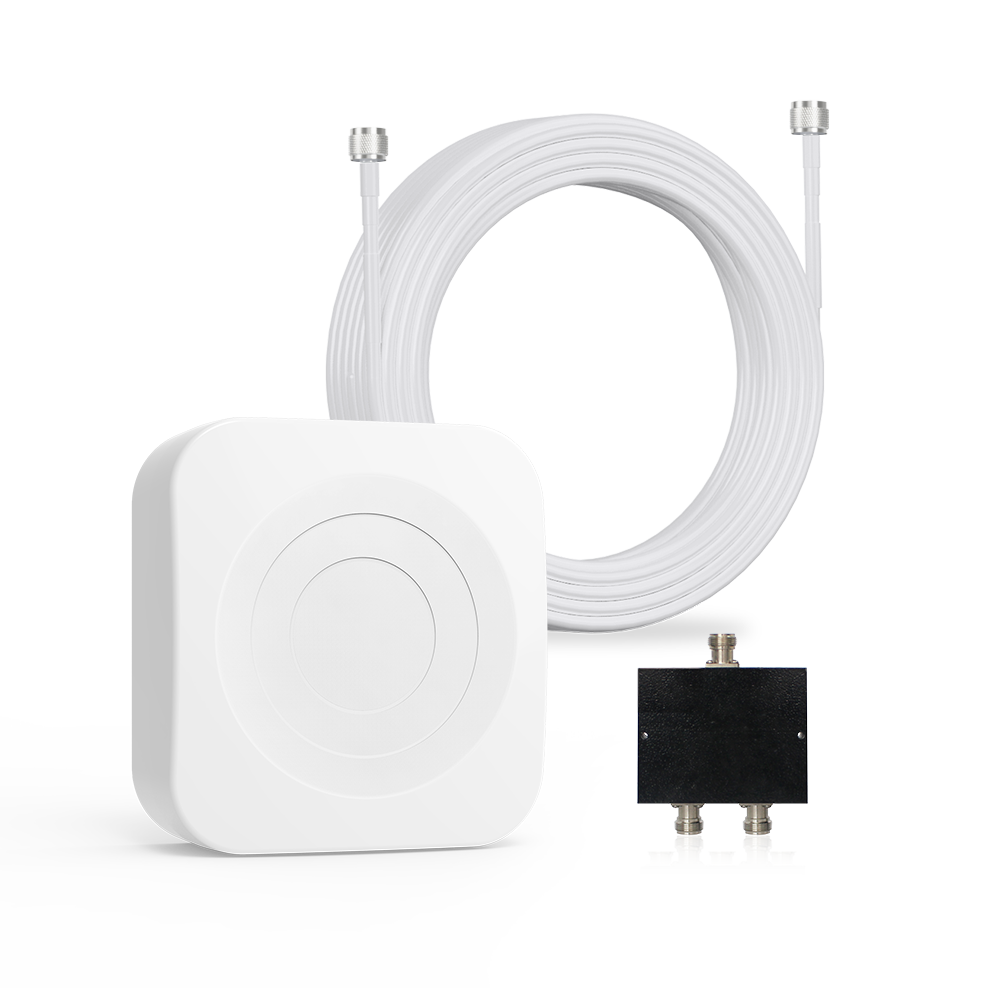
- Capture: An outdoor antenna is placed where the signal is strongest (usually on the roof or an exterior wall) to access a cleaner, less obstructed signal.
- Amplify: This signal is amplified by an amplifier, boosting it by 20-40 dBm under certain conditions.
- Distribute: The amplified signal is then retransmitted internally, eliminating isolated weak spots and providing consistent coverage across rooms.
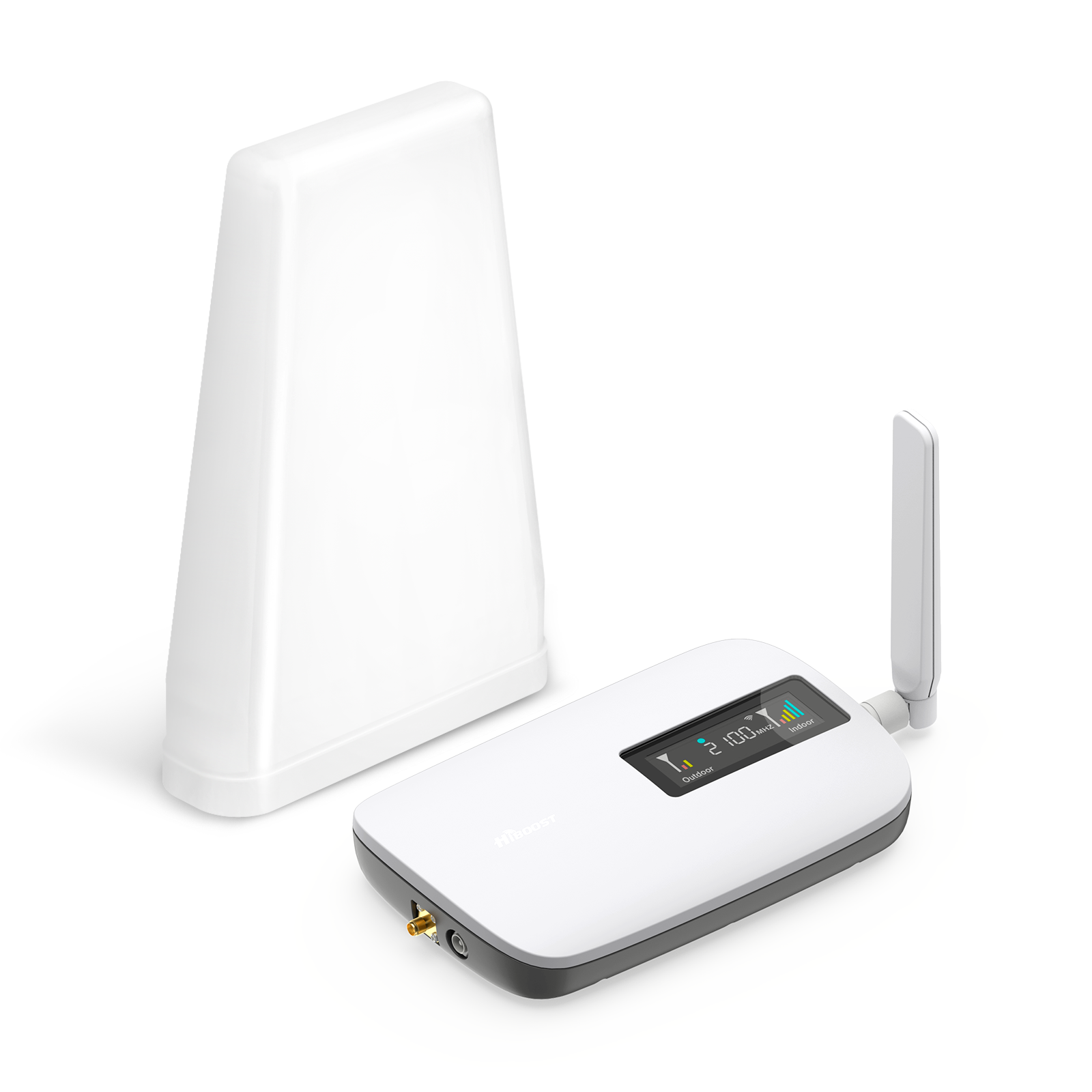
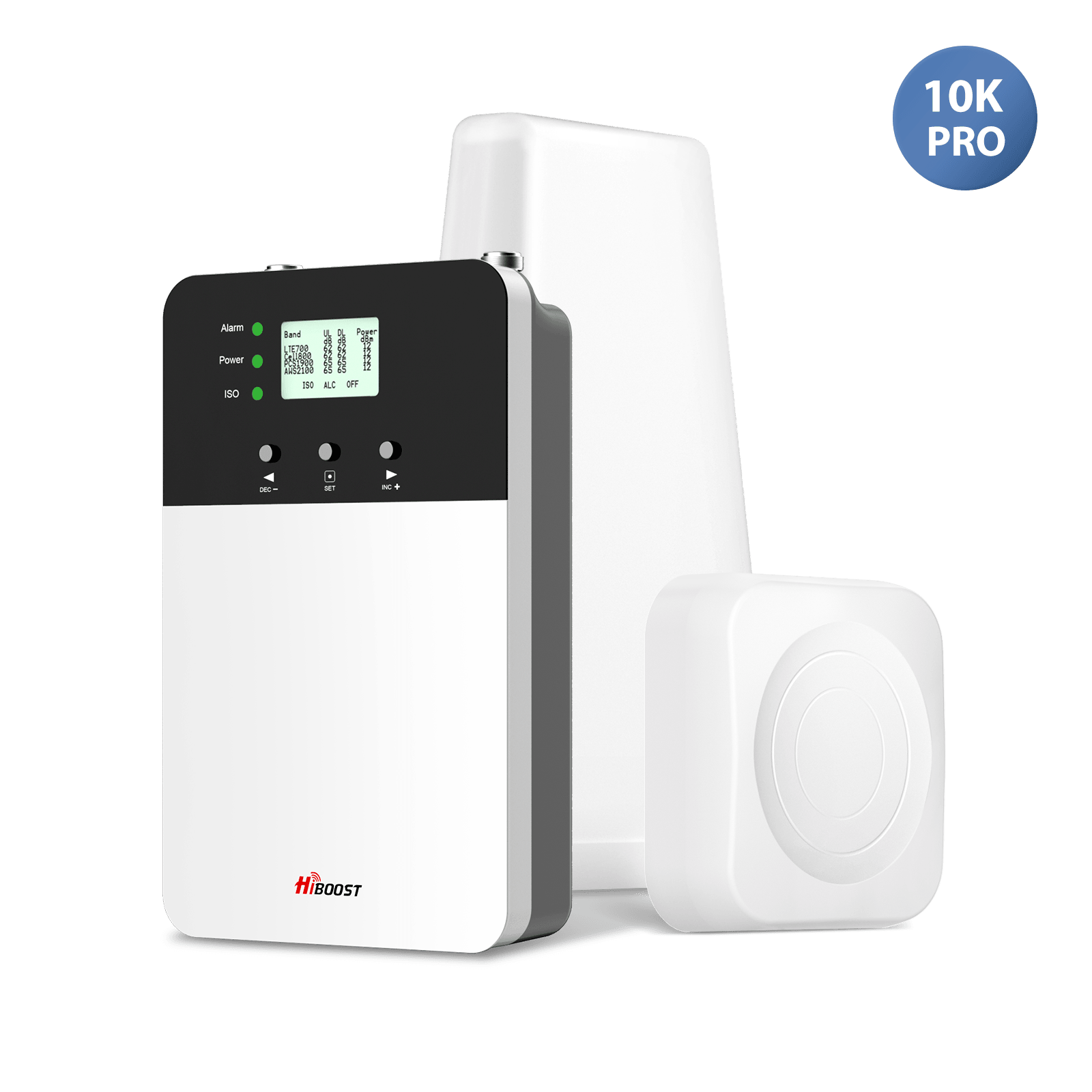
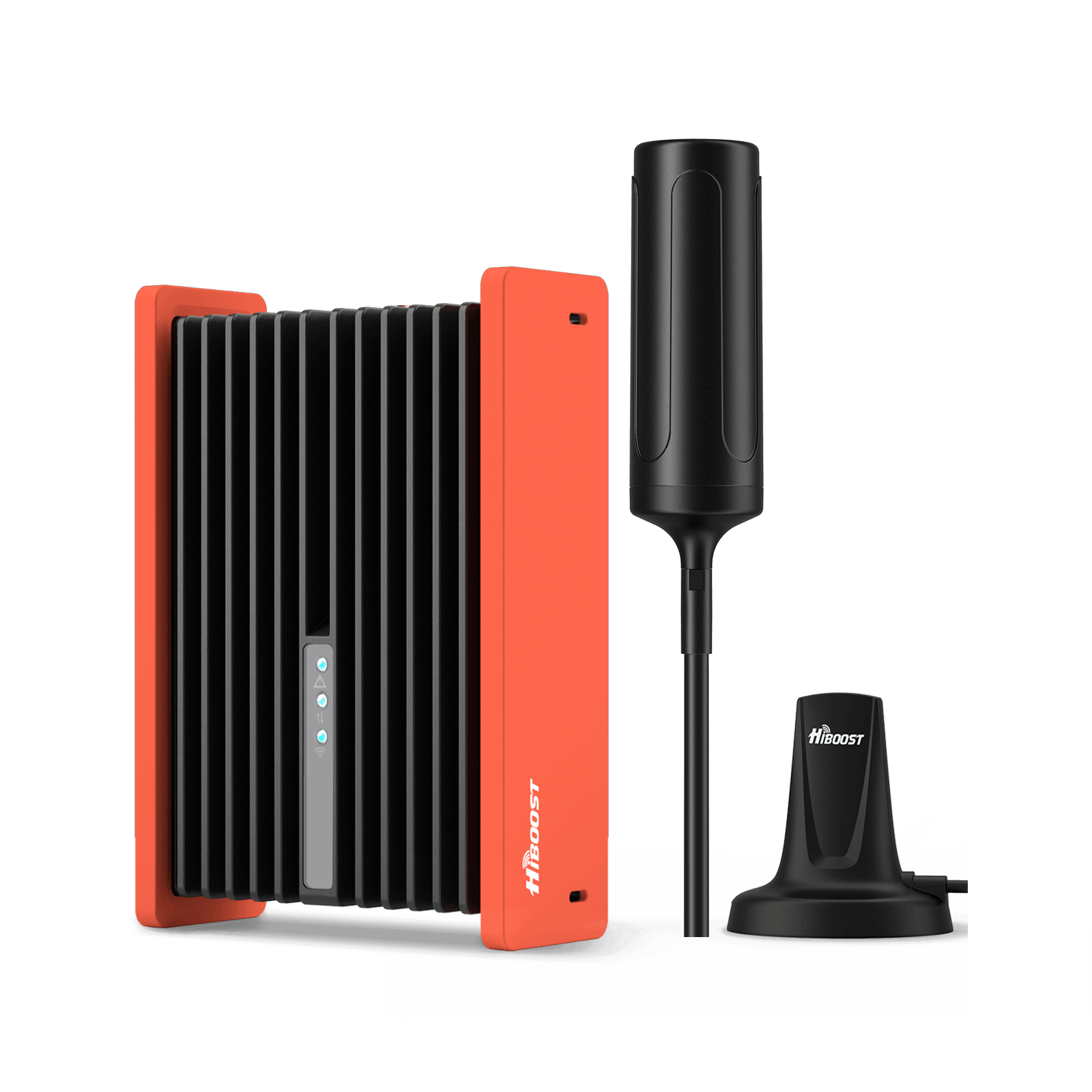
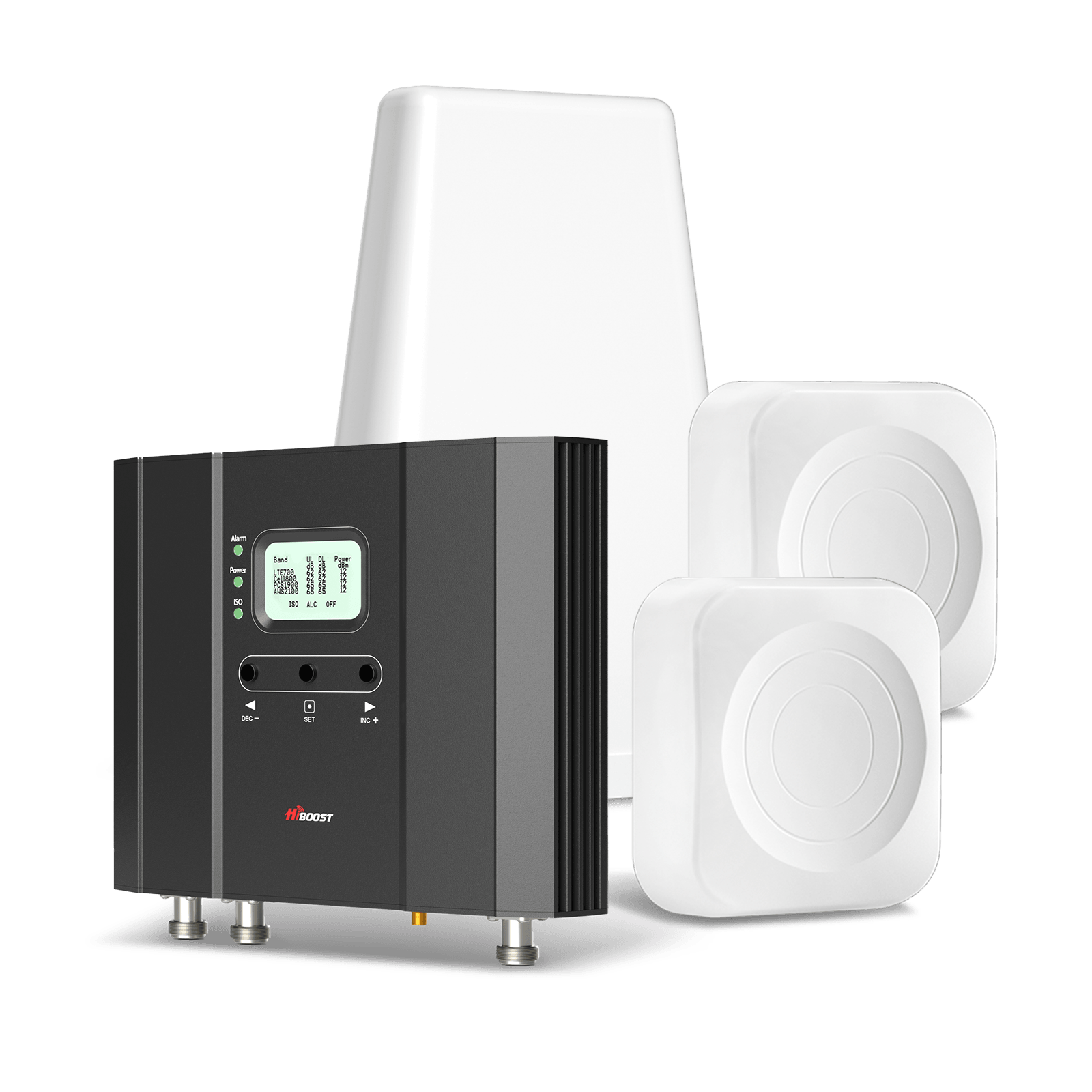
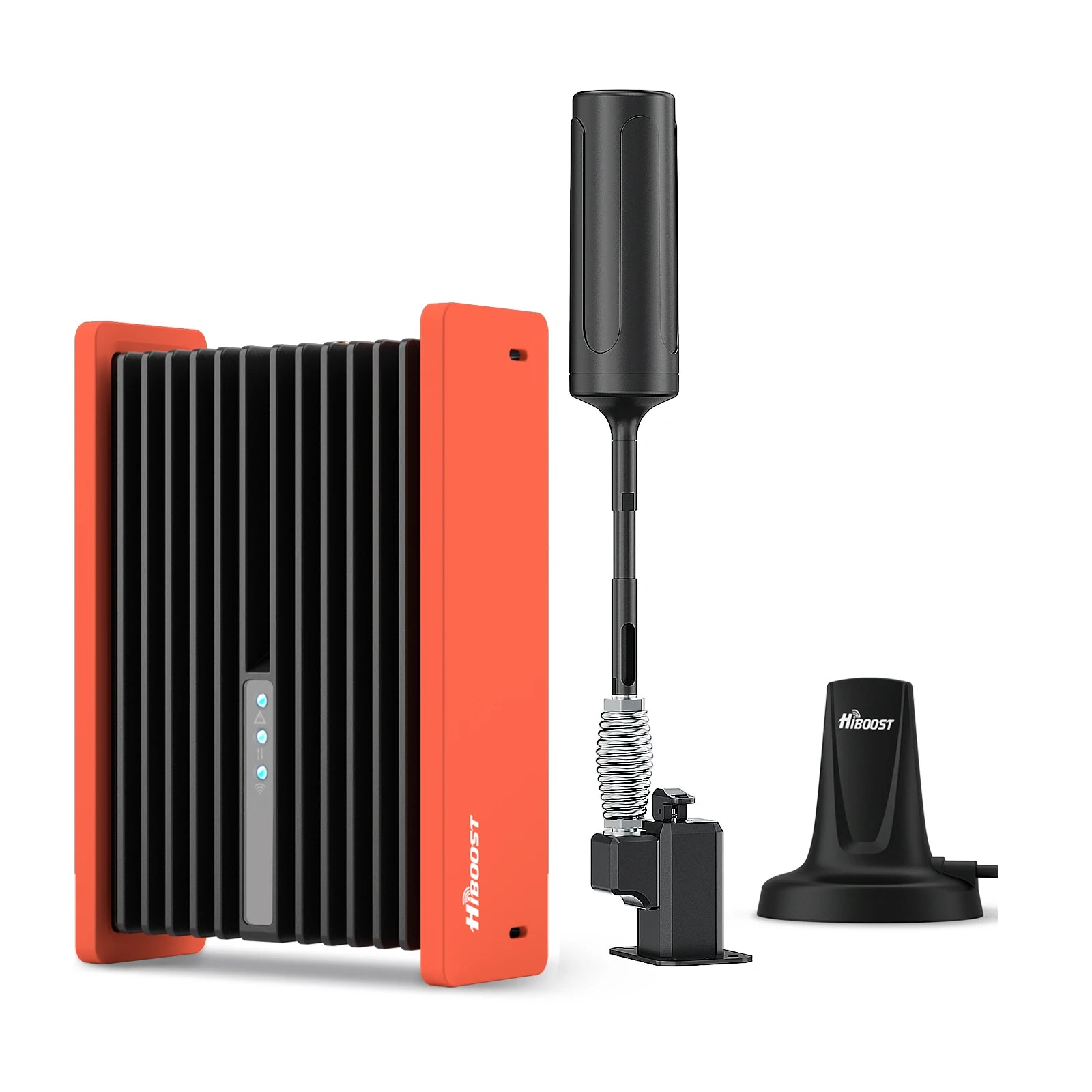
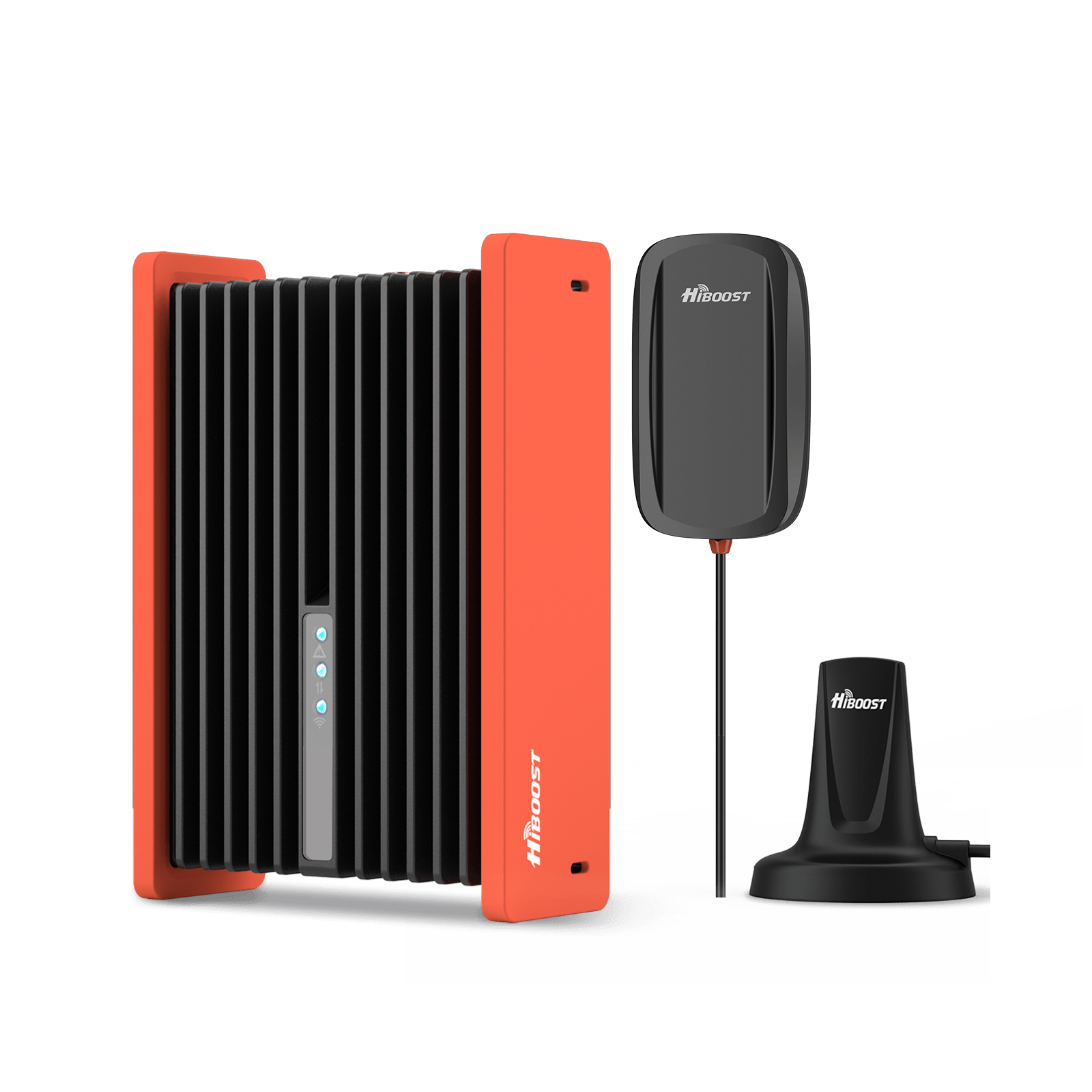
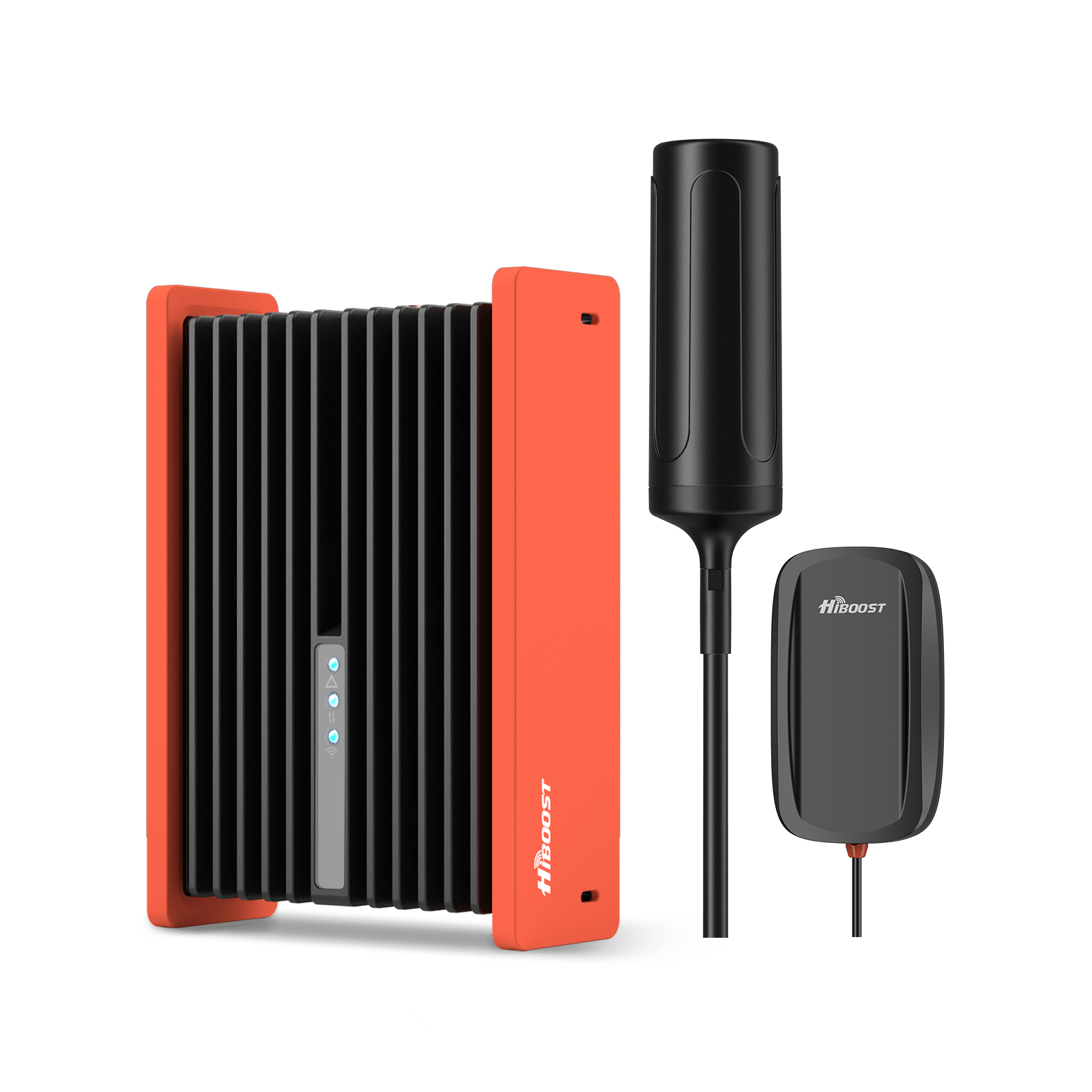
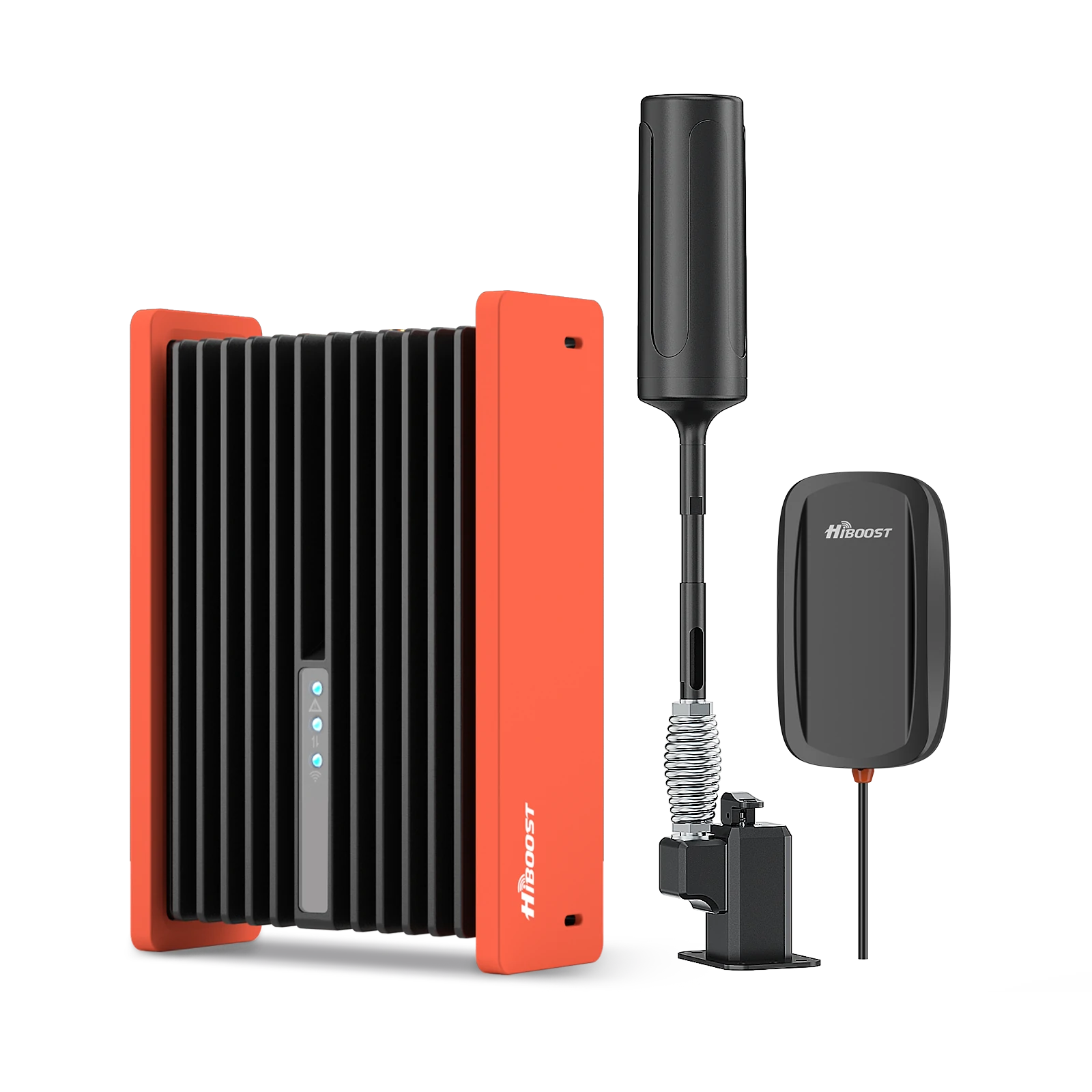
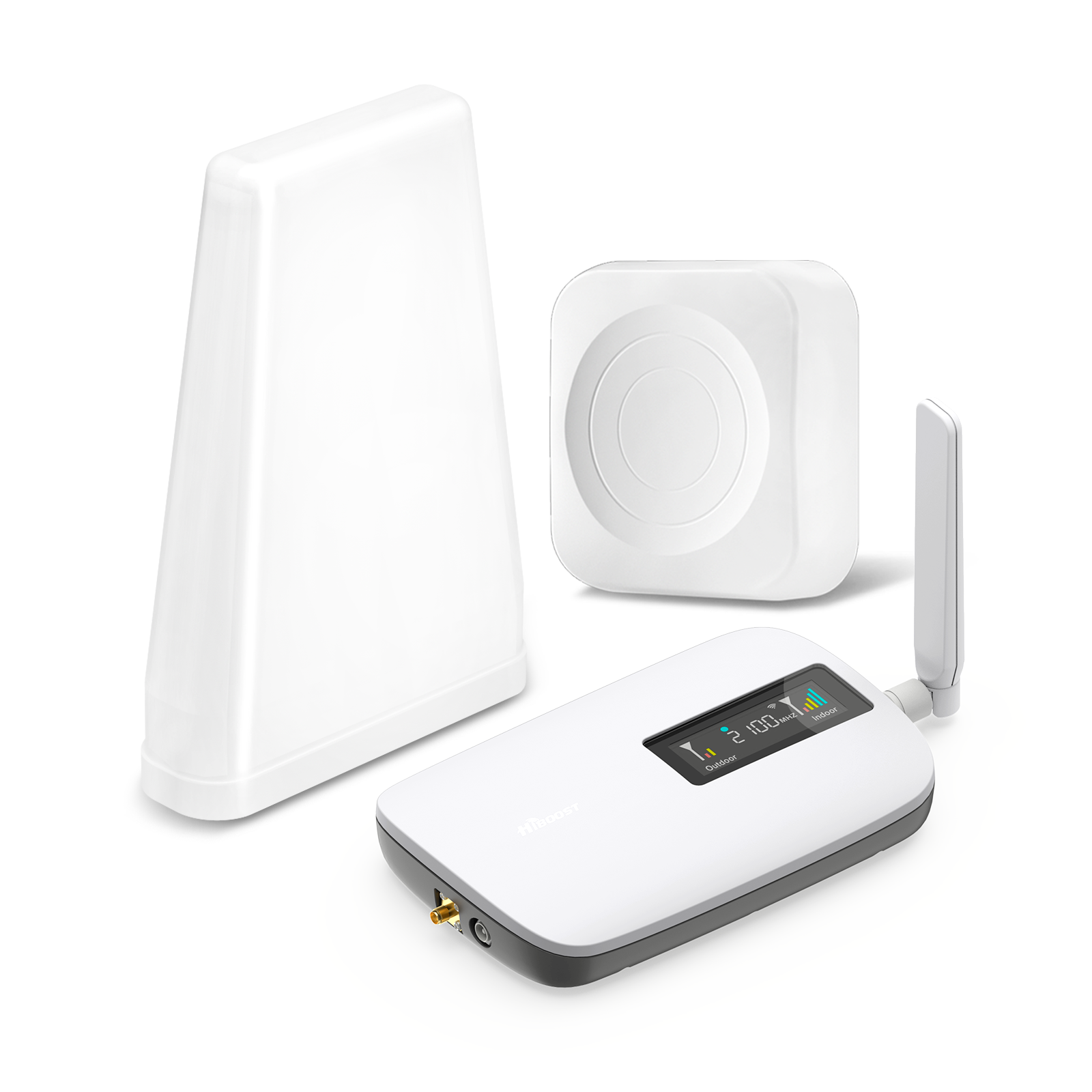
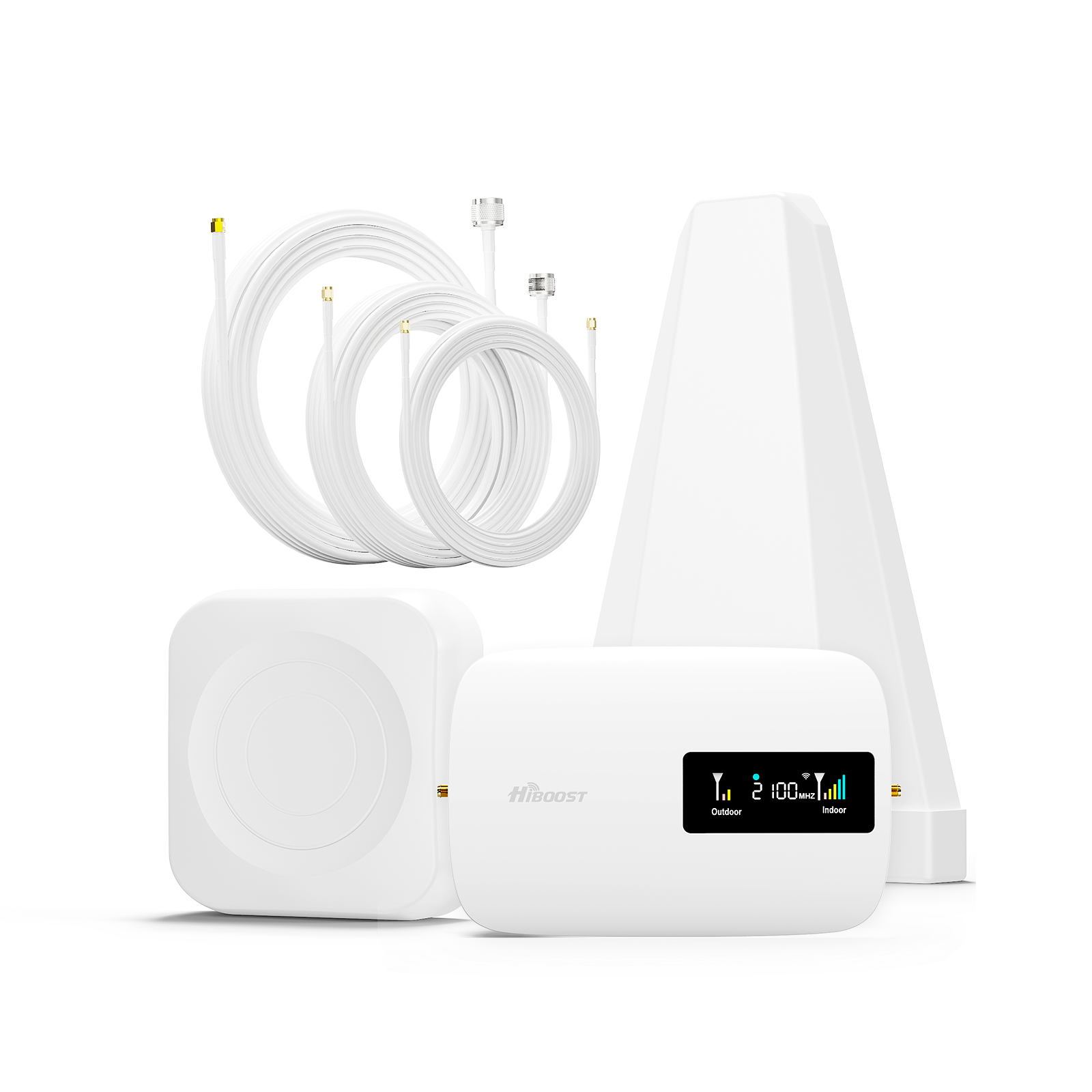
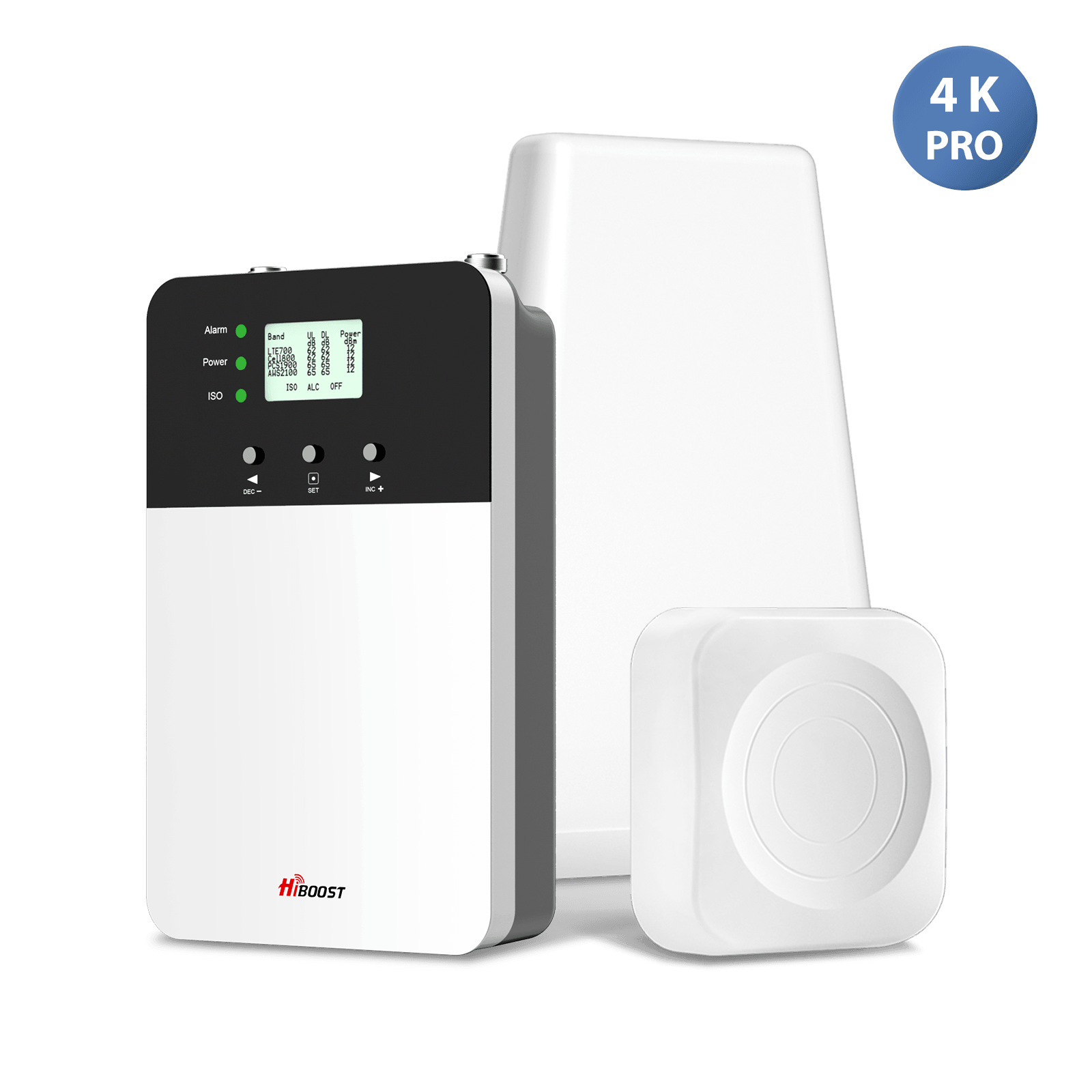
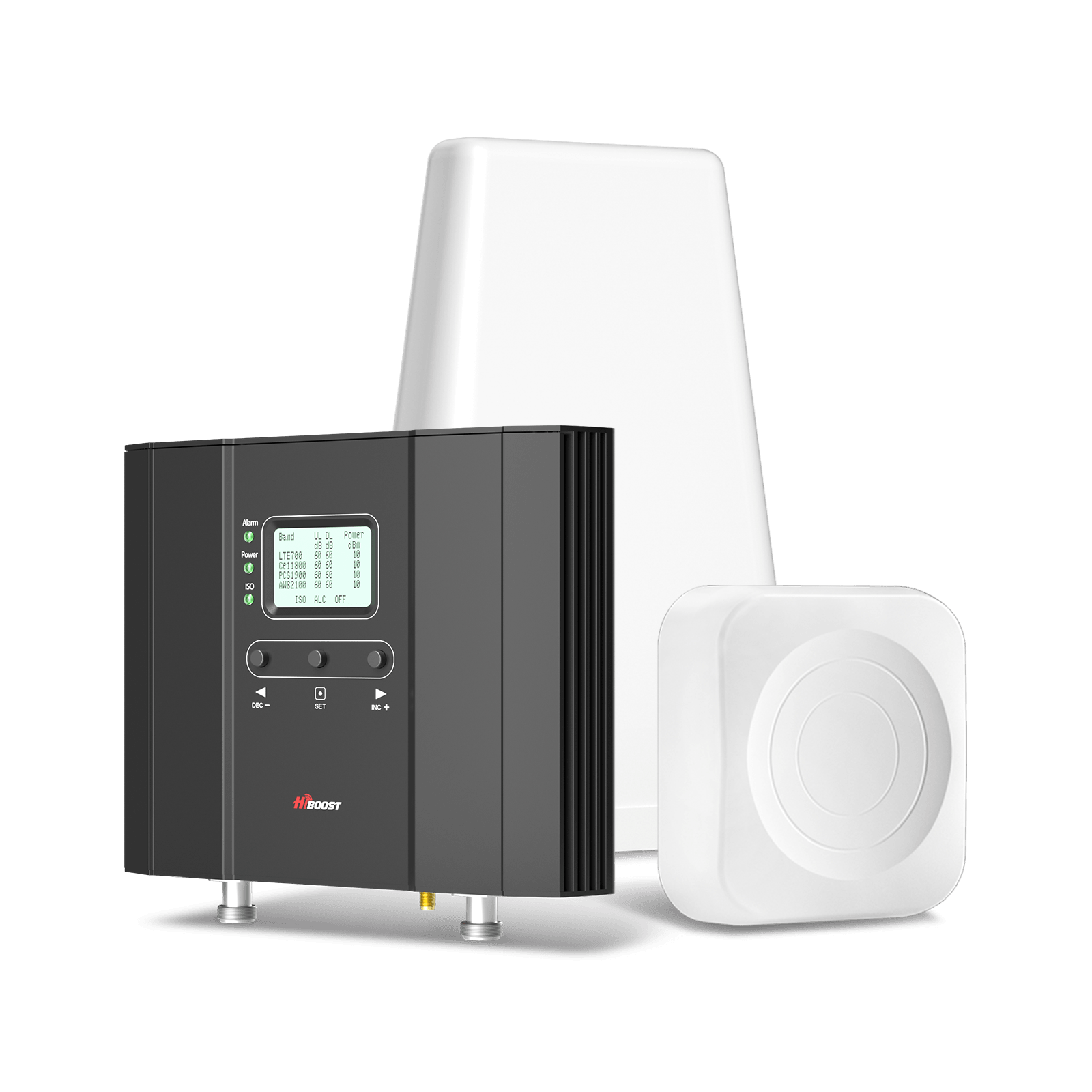
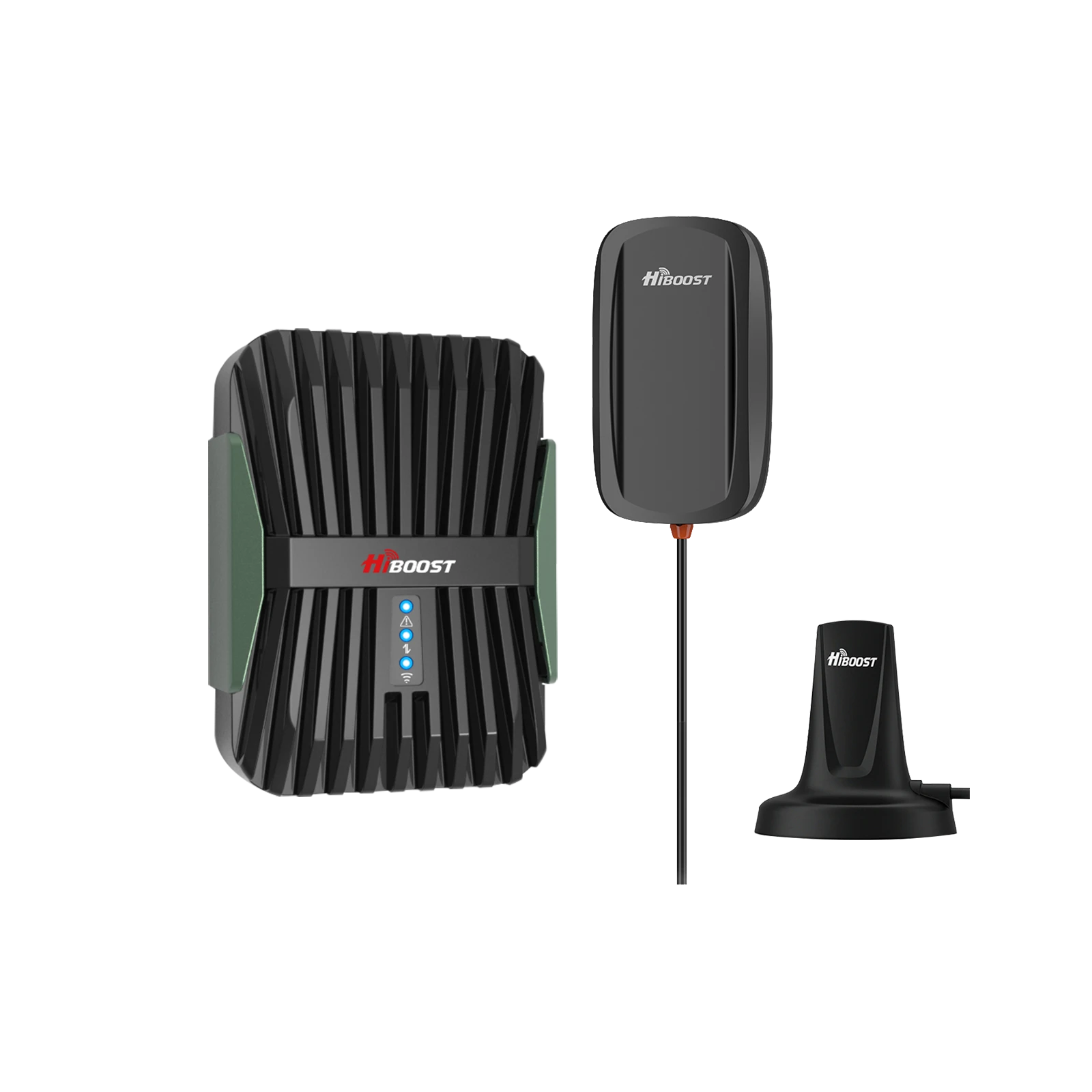
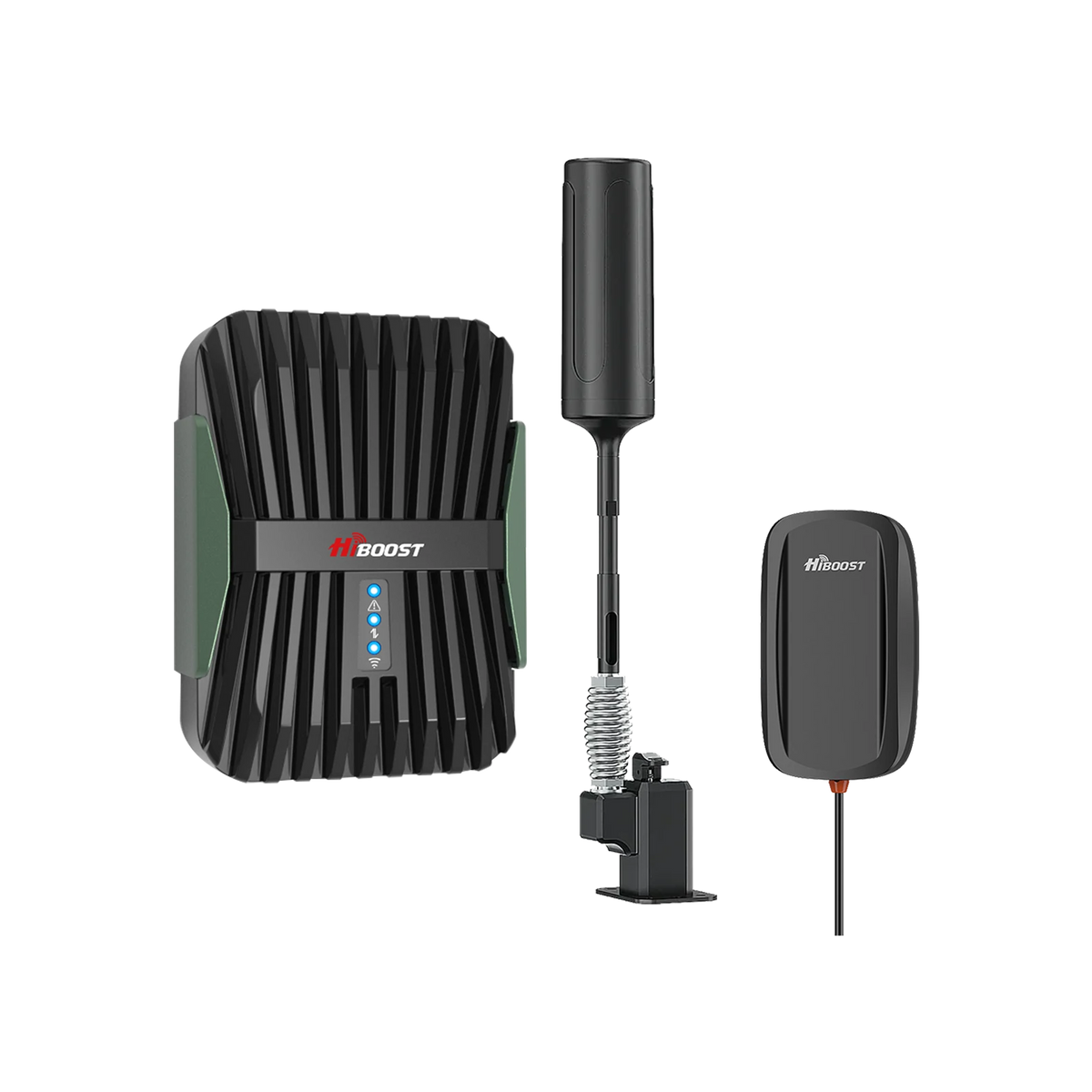
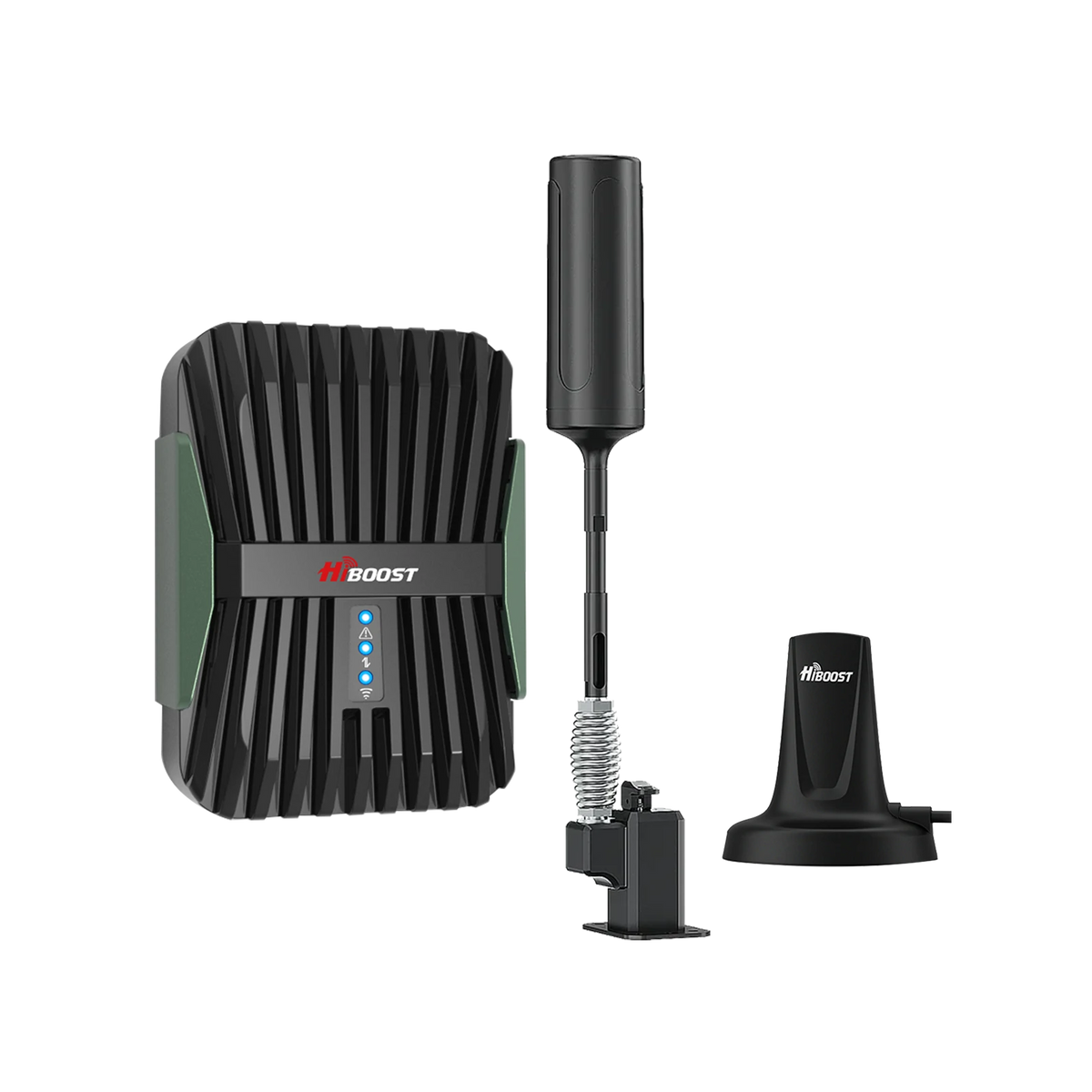
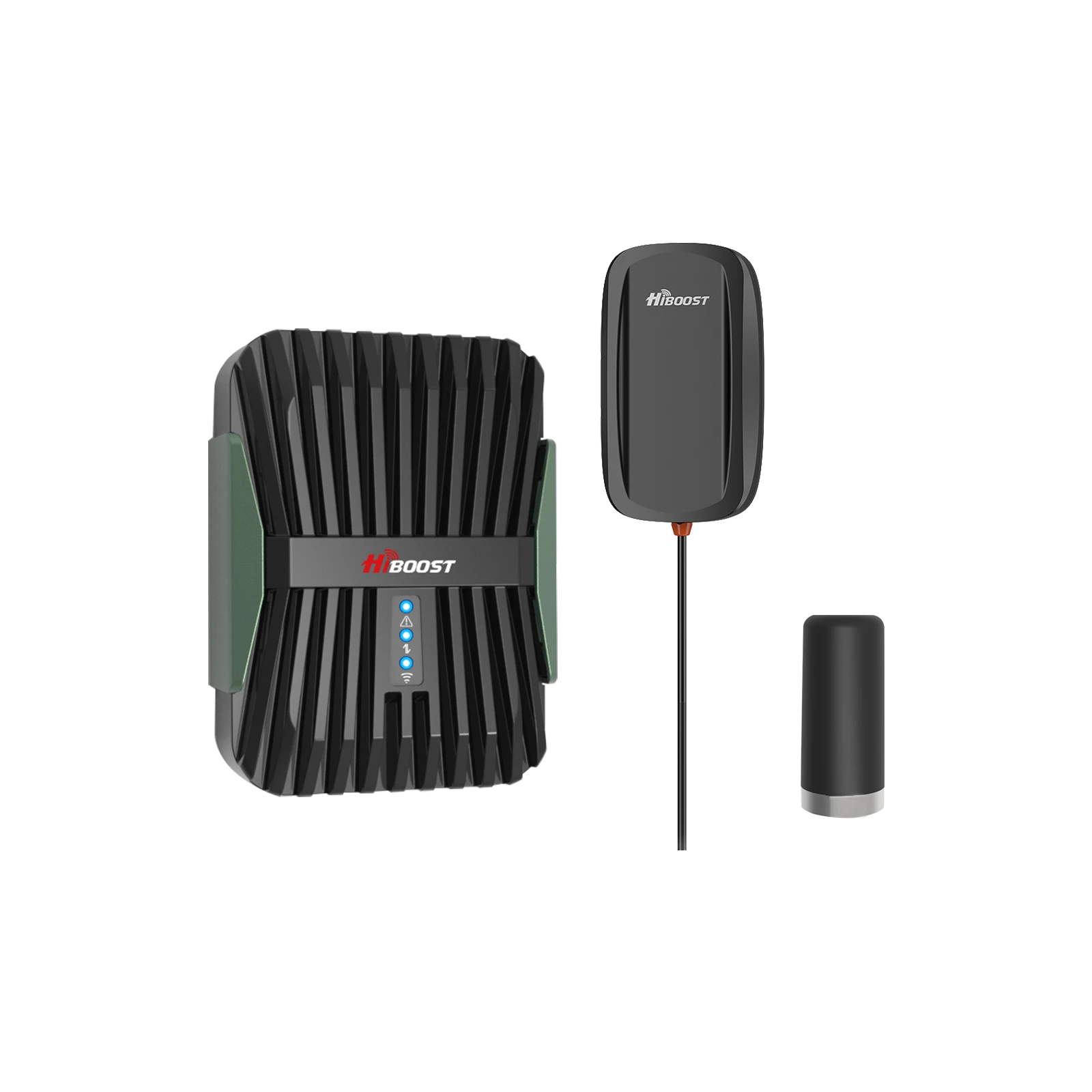
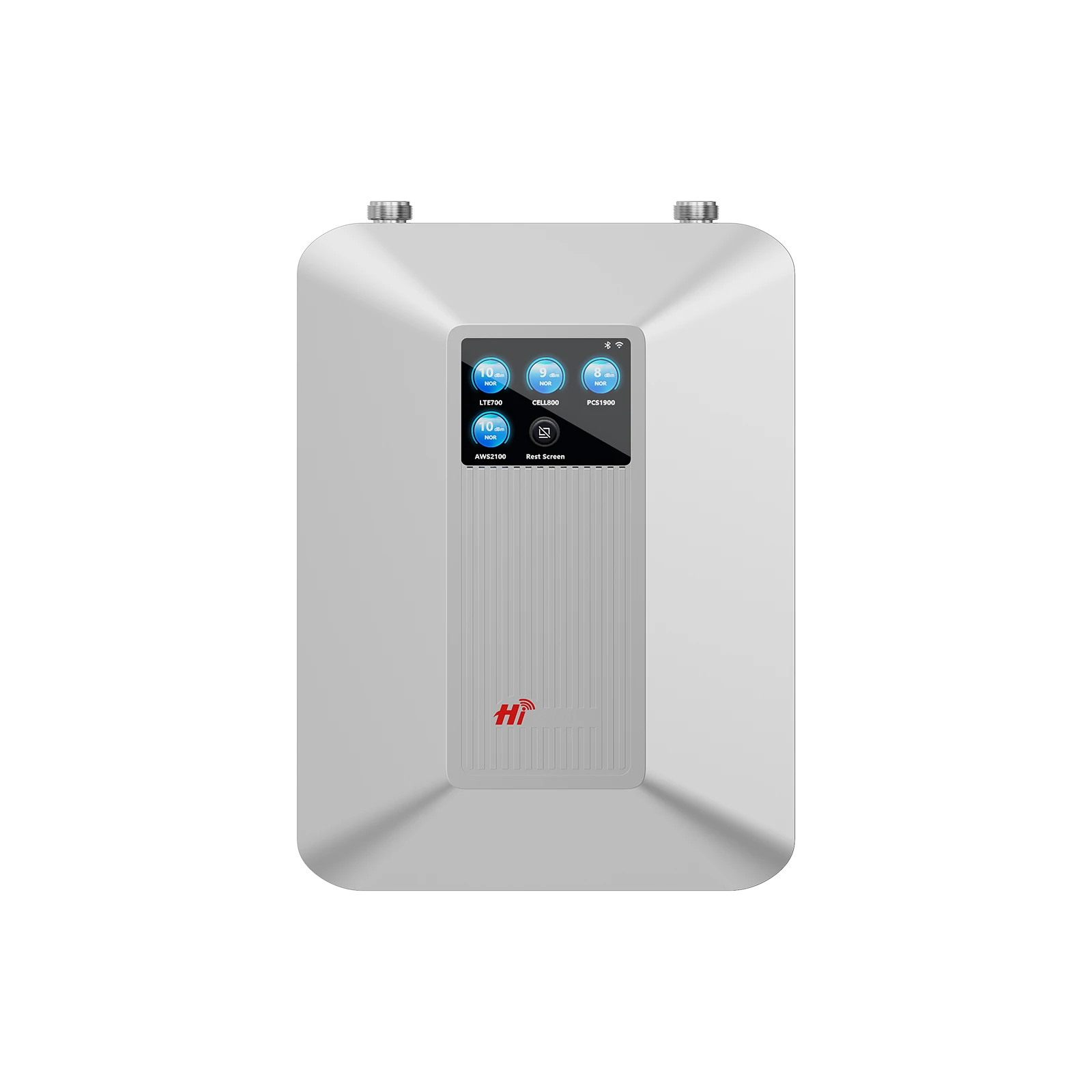
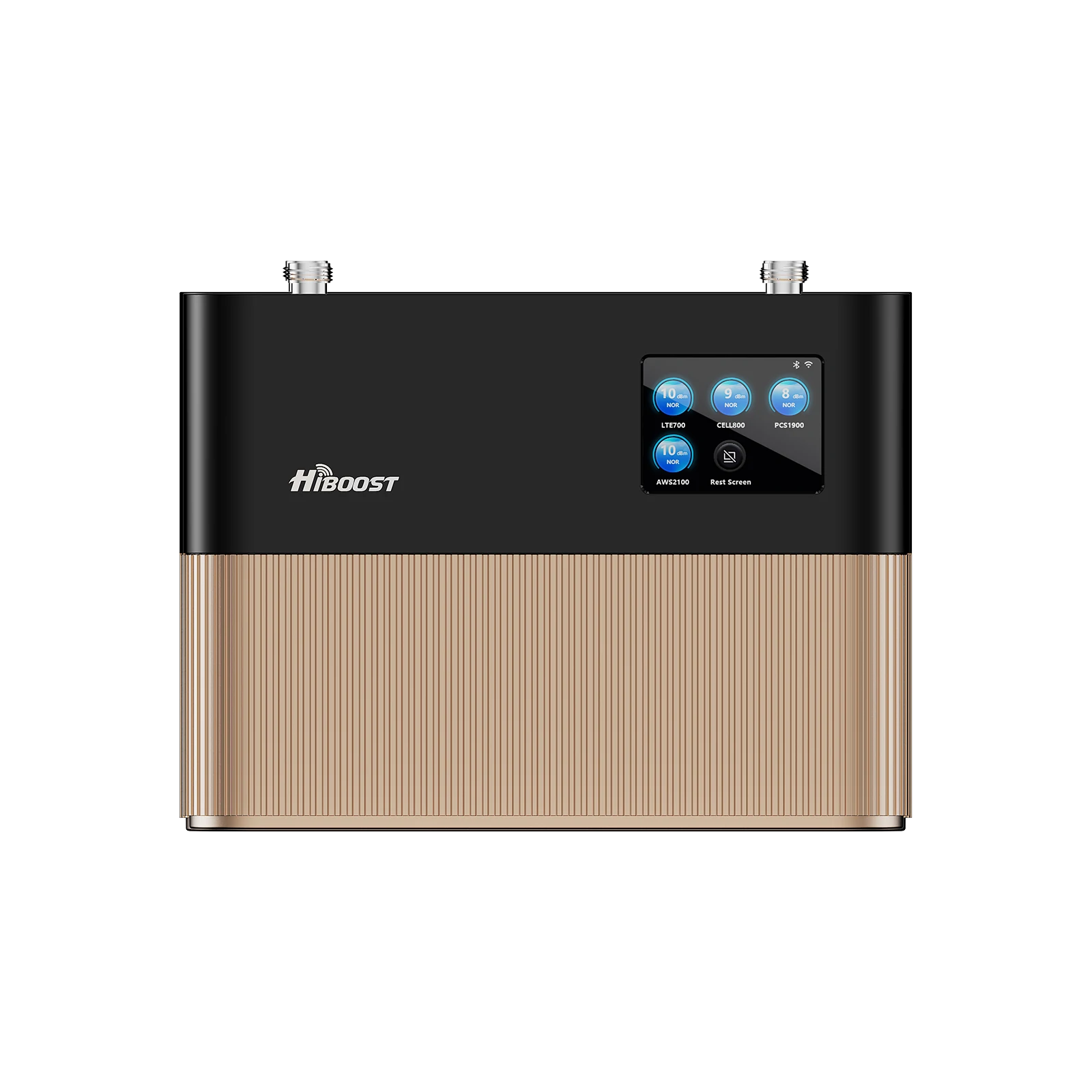
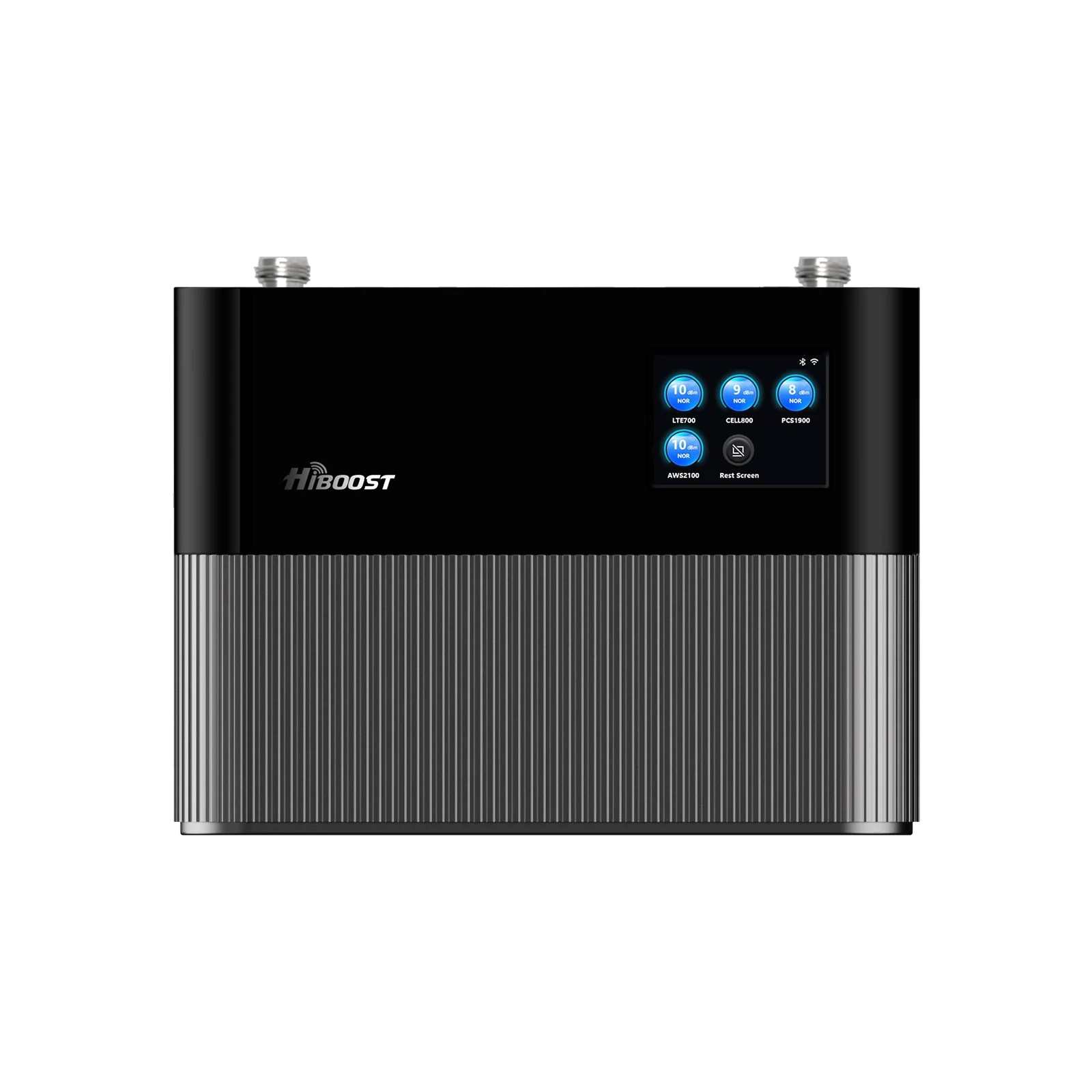
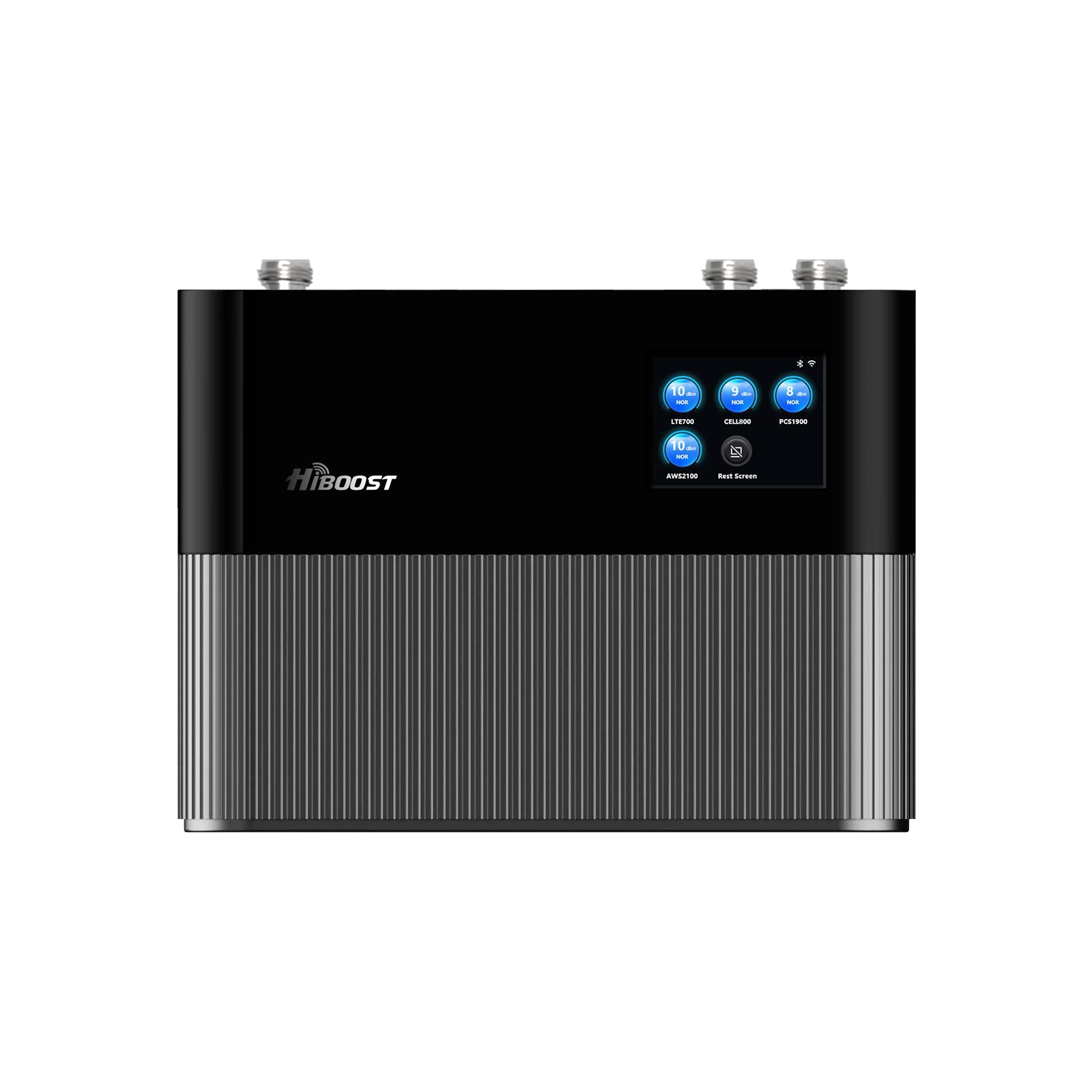
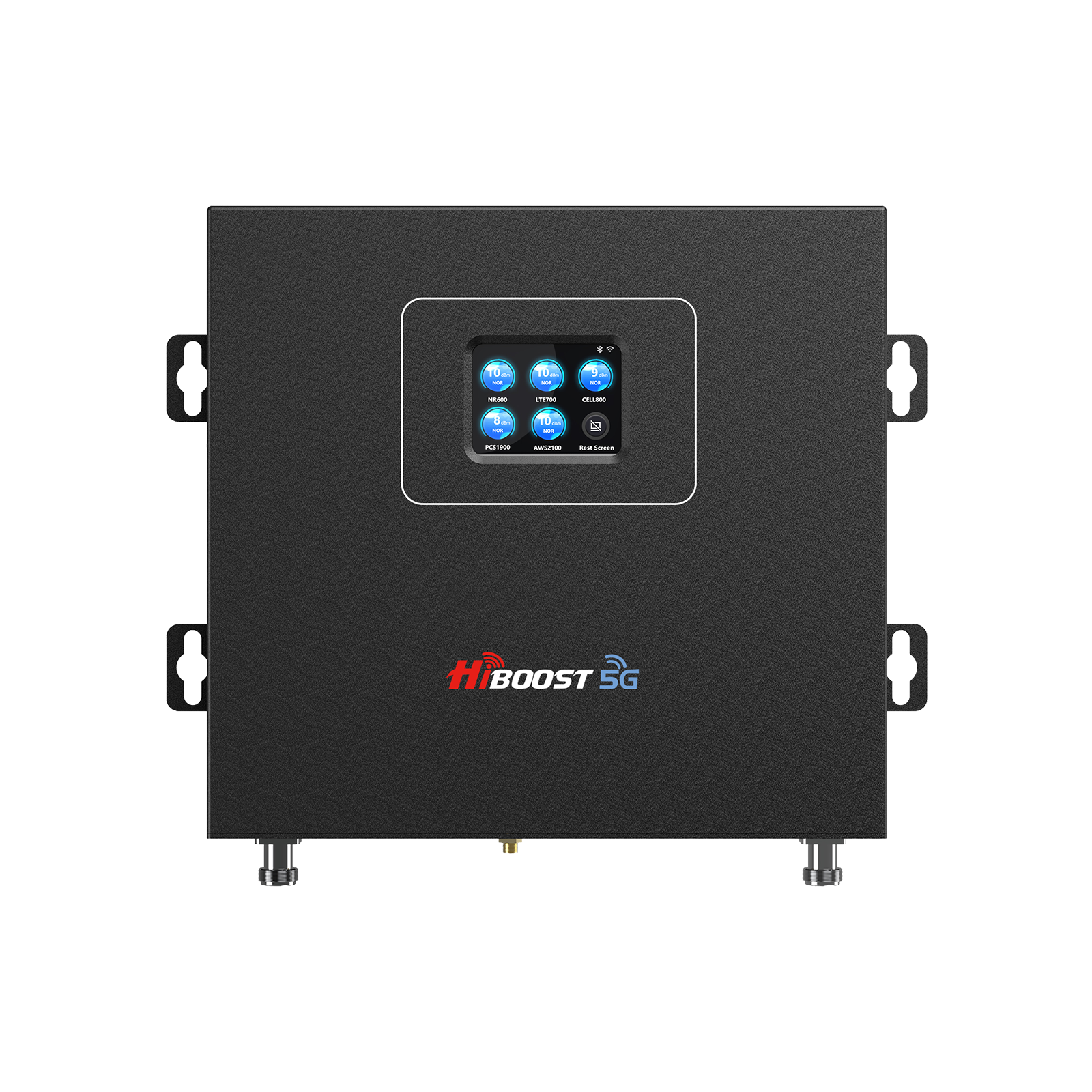
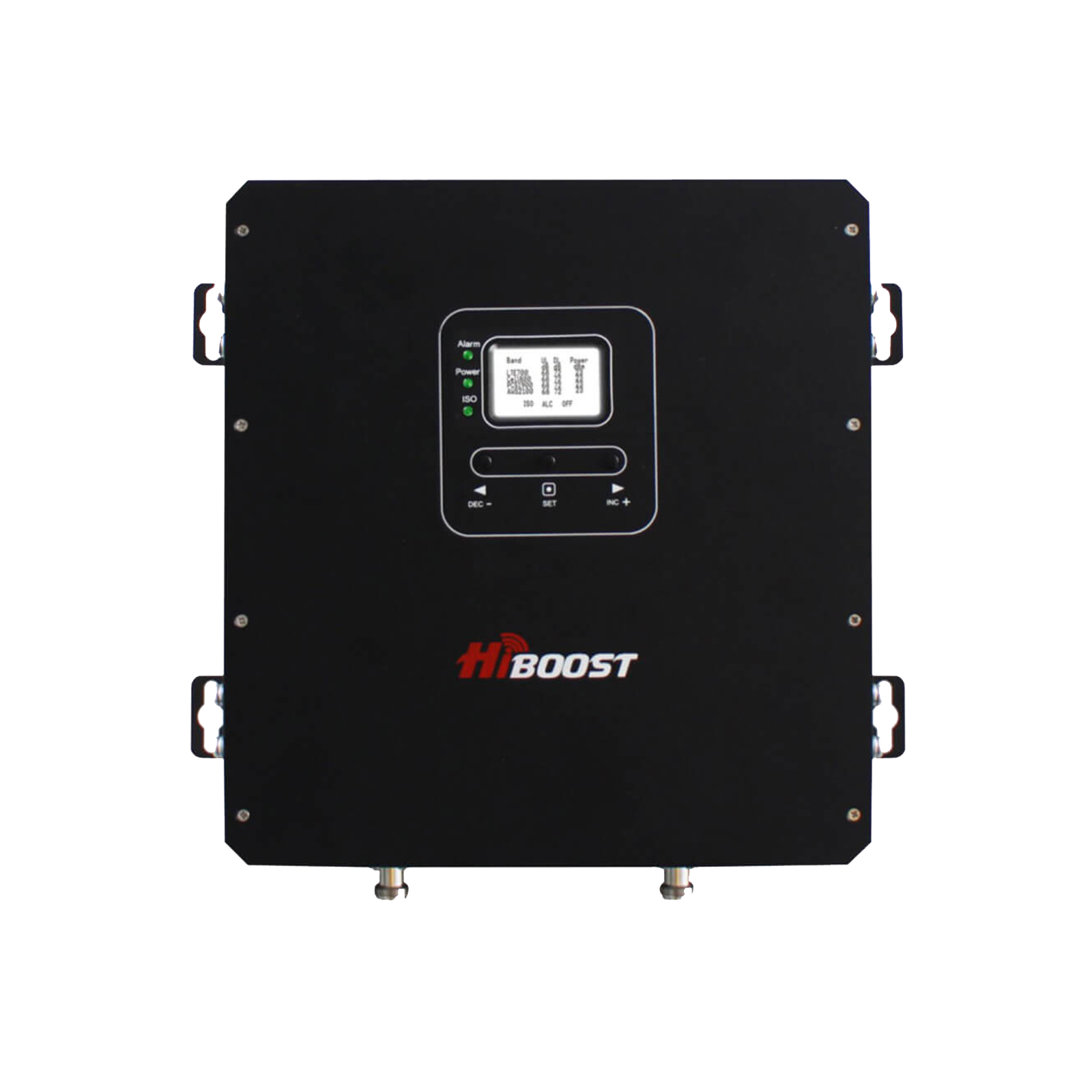
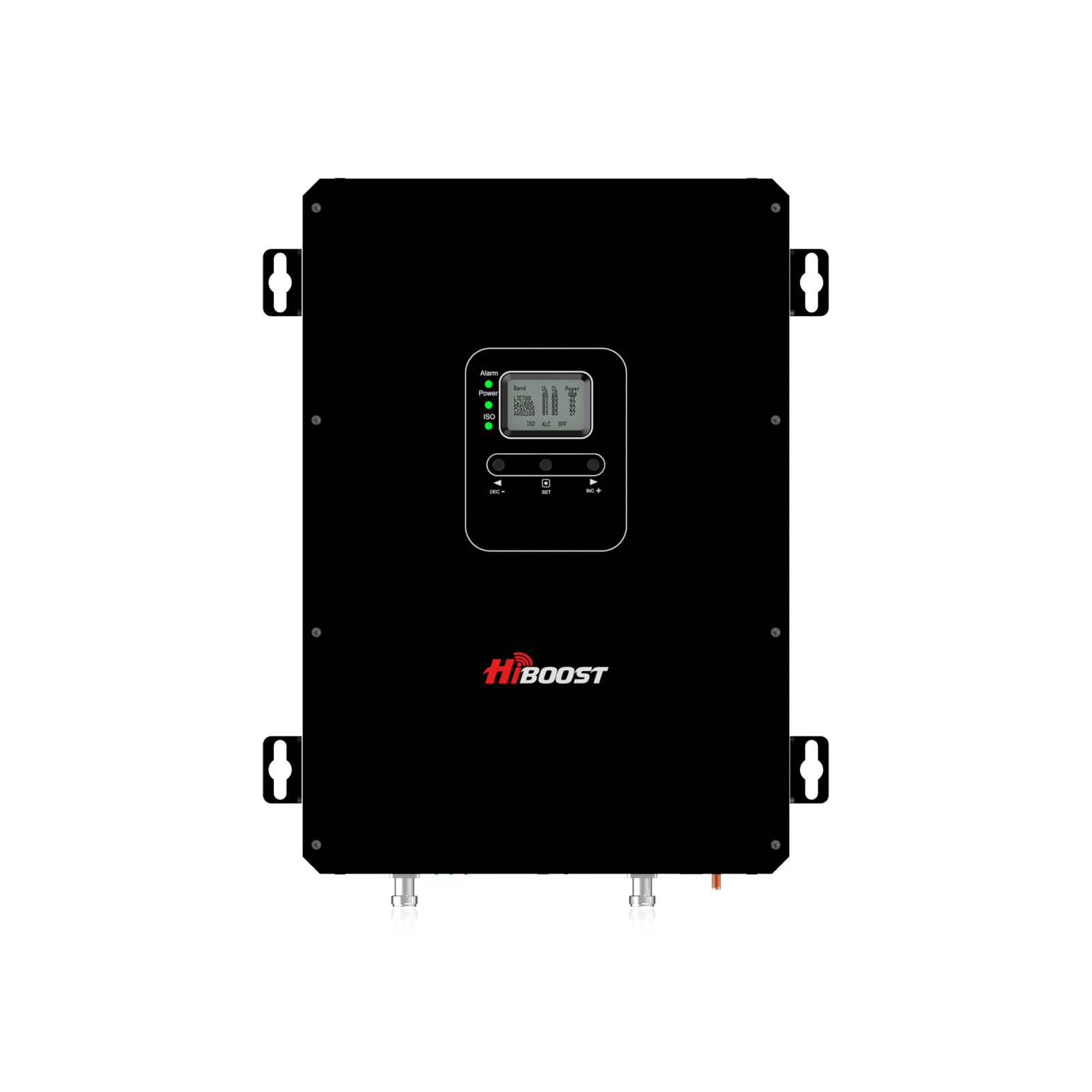
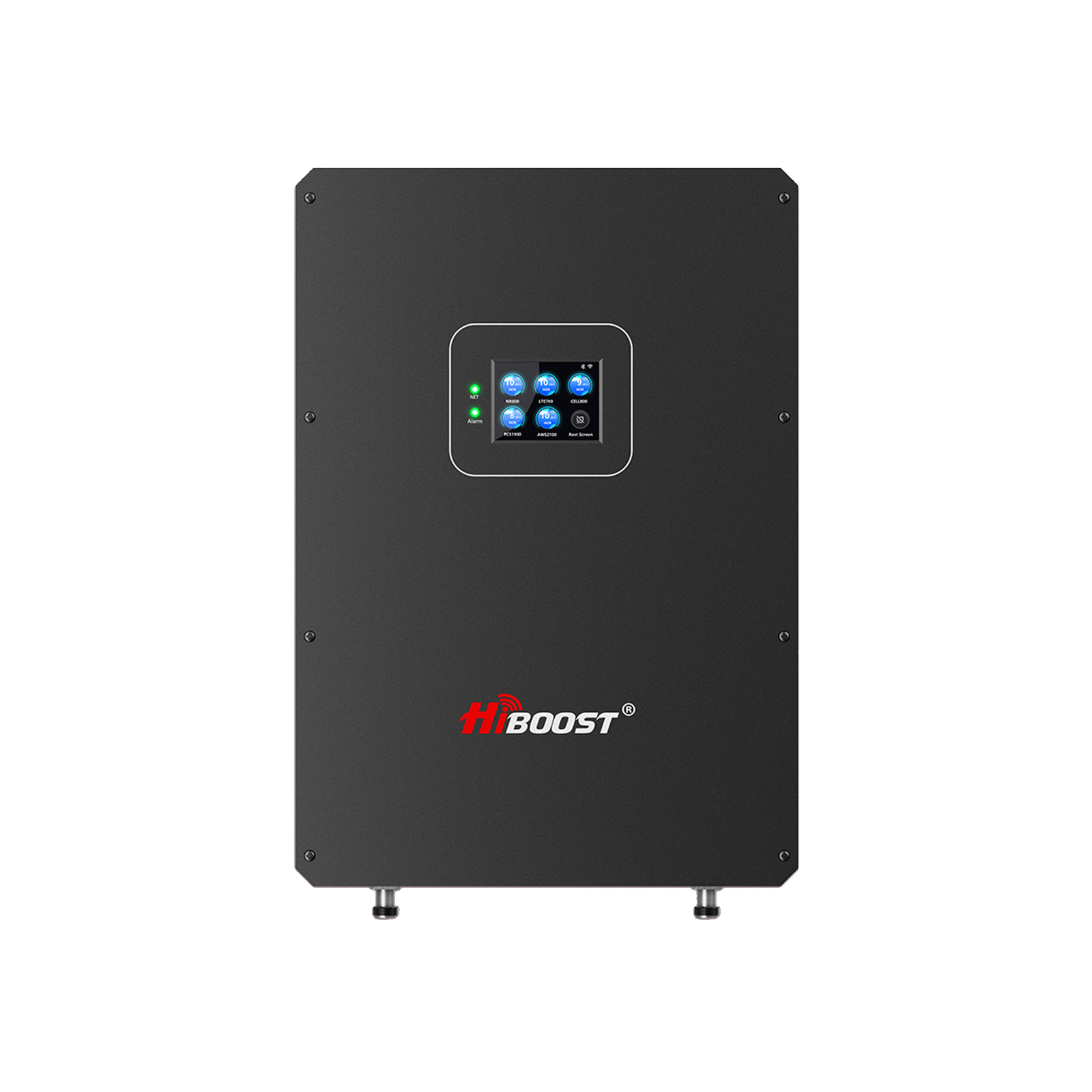
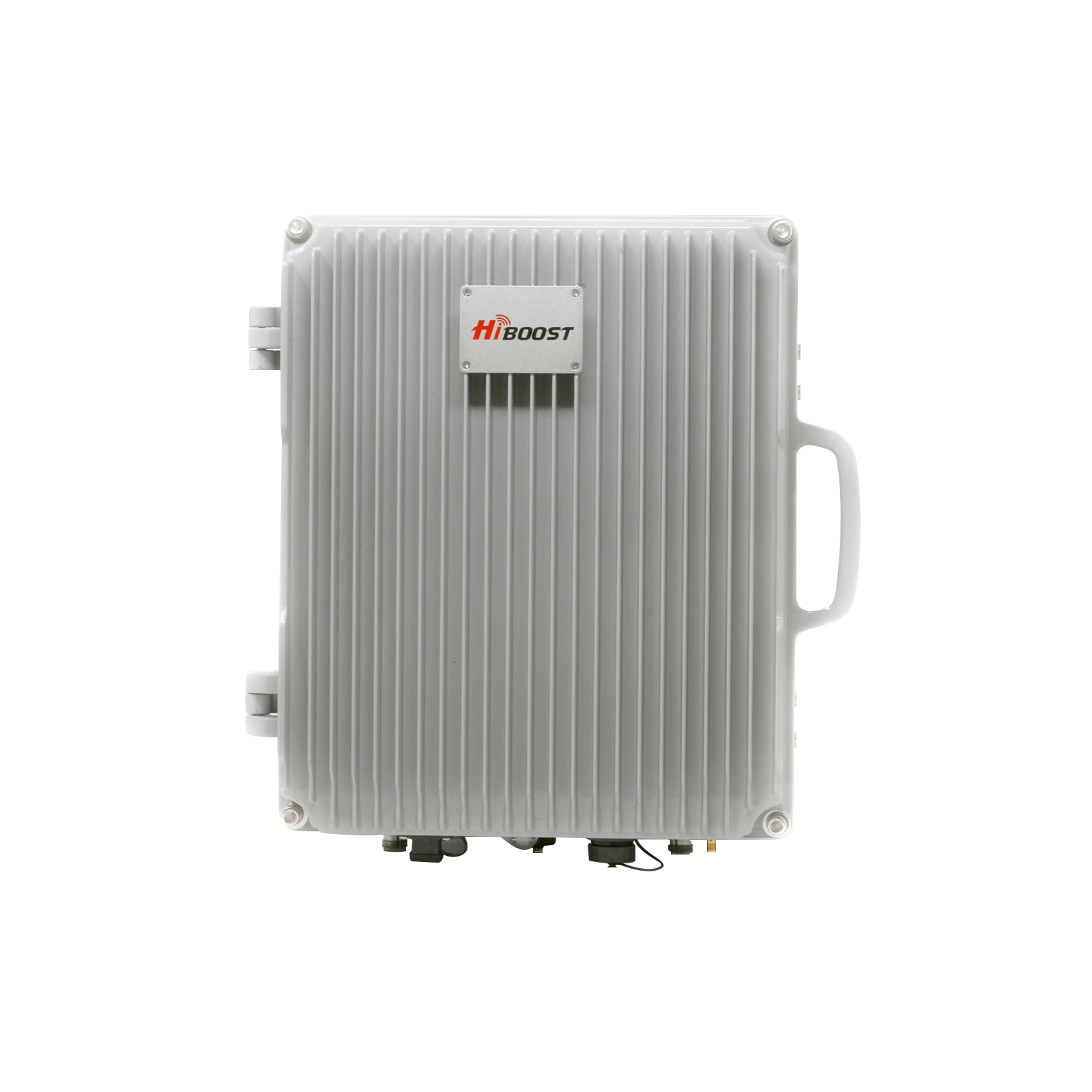
This solution not only fixes your phone but also improves the signal quality in your home. This is where solutions such as HiBoost would be a natural fit in real-world use, taking a weak outdoor signal and transforming it into a strong, reliable, and consistent indoor signal, so you are not tied to specific spots like windows or forced to deal with dead zones across your area.
Real-Time Results and Experience by Charles
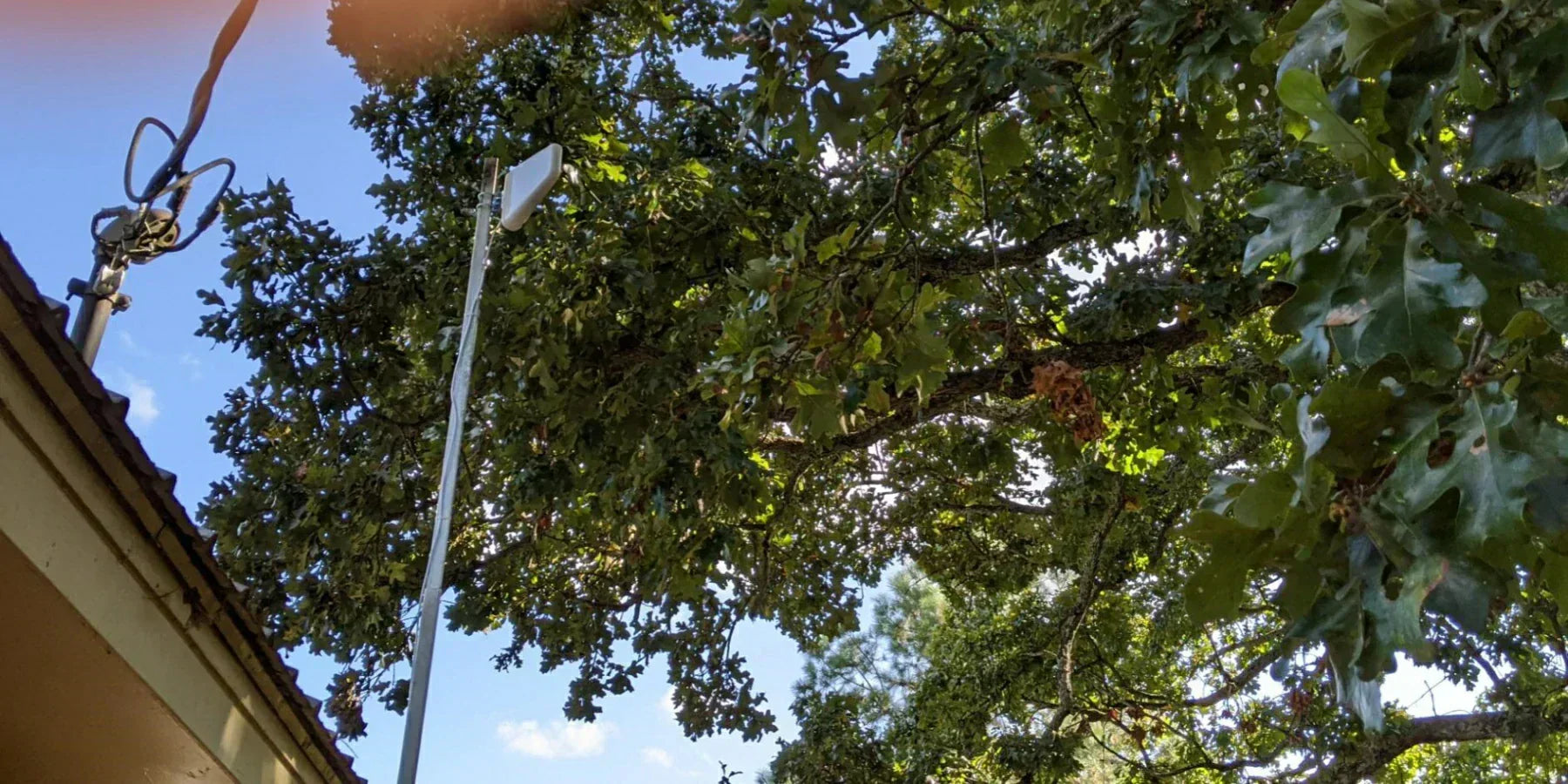
We live in a forested countryside, and over time, we began to notice that our cell phone connection was getting weaker and weaker. As the number of houses constructed increased and many trees blocked the view of the towers, the network simply could not cope.
Although both large carriers are in the vicinity, within our 3-floor, 4,500-sq-ft house, we had to contend with dropped calls and poor service.
We chose to install a HiBoost (with a capacity of approximately 6,000 sq ft), and the difference was enormous, to be honest.

Our outdoor signal, just before installation, ranged from -110 to -115 dBm near the antenna, and inside the house, it was even worse in certain areas. Once all was installed, we began to see the indoor signal levels improve to approximately -70 to -75 dBm in the main living areas.
It is approximately a 35-45 dB difference, and you can sense that difference in daily usage.
The calls no longer dropped, the voice became clearer, and our cellular data finally worked properly, even in those rooms where we had almost no signal earlier.
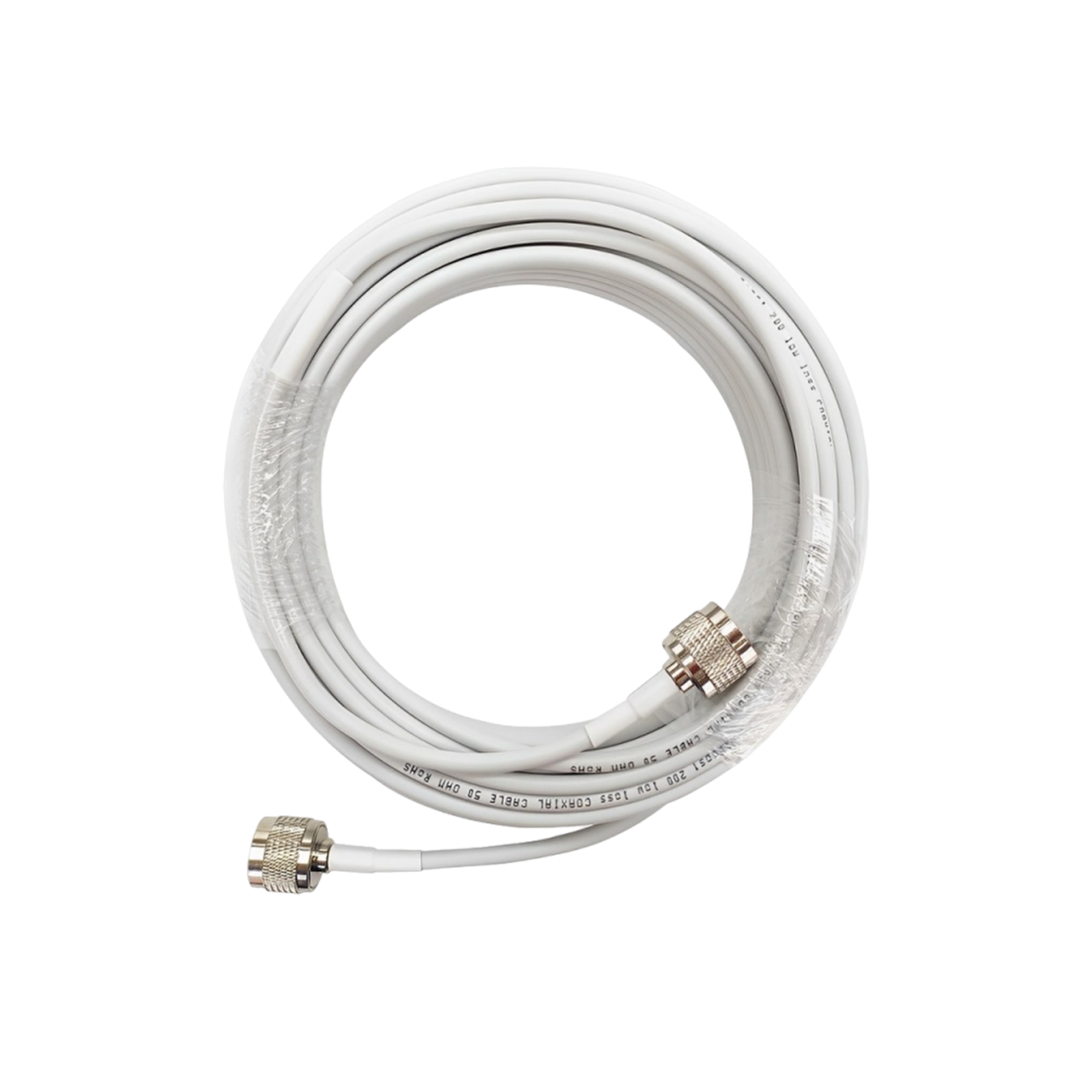
The actual installation went without problems. It took us approximately 50 ft of cable to place the antenna in the optimal location, and after connecting all the cables, the system worked right away.
It is not perfectly evenly covered on all three floors due to the walls and design, though the areas where you need the signal most are currently well covered with a good, consistent signal.
All in all, it totally transformed our experience, and we would highly recommend a setup like this if you have a poor cell phone signal, particularly in a rural location.
How to Choose the Right Solution
The ability to select the appropriate solution depends on knowledge of your particular environment. When your outdoor signal is good, but your indoor signal is weak, a signal booster is the best option, as the problem is structural.
- When the outdoor signal is good (-60 to -80 dBm) but your signal is weak inside, the problem is likely due to the building's structure, and a cell phone signal booster is the best solution.
- In case of a weak signal (less than -100 dBm), both indoors and outdoors, you will need an outdoor antenna + booster system to pick up and amplify the signal.
- Adjust the solution to your space; small rooms should be provided with compact arrangements, whereas bigger homes or offices should be equipped with full-coverage systems.
- Keep in mind building materials such as concrete, metal, and thick walls, which can greatly hinder and weaken the signal inside.
- WiFi calling can serve as a backup option, especially when you have a strong WiFi, but to be certain, a booster is a better choice.
- A cell phone signal booster is the best long-term solution to a weak cell phone signal, rather than a temporary workaround.
No matter how large your space or surroundings are, HiBoost offers solutions for all situations, from small homes and apartments to large business systems, to ensure you have a stable signal.
Their systems are FCC-certified and designed to provide safe, compliant, and high-performance signal enhancement.
FAQ
Q1: What is the Fastest Way to Fix a Weak Cell Phone Signal?
The best temporary fix is to reposition your phone or use Wi-Fi calling, although the best long-term fix is to install a cell phone signal booster.
Q2: Why Is My Signal Strong Outside And Weak Inside?
This occurs because structures obstruct cellular signals, causing them to weaken before reaching your phone.
Q3: Are Cell Phone Signal Boosters Effective?
Yes, it can boost signal strength by 20-40 dBm, significantly improving both call and data quality.
Q4: When Should I Consider A Solution Like Hiboost?
If your indoor signal is poor and your outdoor signal is better, and you require a strong, reliable signal across your area of interest, a HiBoost signal booster is an effective solution.
Conclusion
A poor cell phone signal cannot be addressed by simply changing the phone's position or implementing short-term solutions. Most methods provide minor solutions, but they do not address the main problem: the lack of signal entering your building.
The best thing is to concentrate on solutions that will essentially change your signal environment. A cell phone signal booster is the most reliable, scaled and long-term solution among all the options.
Recommended Reading
How Cell Phone Signal Boosters Work
Improving Mobile Reception in Rural Areas
How to Measure Cell Phone Signal Strength Accurately
How to Choose the Best Cell Phone Signal Booster for Your Home
Portable Signal Boosters for Travel and RVs
Car/Suv,RV,Truck,Vehicle


Our Home Signal Booster



Popular Articles

Leave a comment
All comments are moderated before being published.
This site is protected by hCaptcha and the hCaptcha Privacy Policy and Terms of Service apply.