
Many rural areas suffer from far weaker cell reception than cities, due to very few towers, great distances, and natural barriers. In fact, rural cell users can experience “dead zones” 3–7× more often than city users.

The good news: even if your nearest tower is miles away or blocked by hills and trees, there are fixes. Simple tweaks can help, but for real long-range boost the proven solution is an FCC-approved signal booster such as HiBoost. We’ll cover all options: free/DIY fixes, carrier plans, and professional boosts.
- Why rural signals are weak: Towers are scarce and very far apart. Dense forests, rolling hills and even modern metal‑roof homes block radio waves. As a result, carriers’ coverage maps overstate actual reception: an Illinois county “96.8% covered by 5G” still has ~30% of residents reporting poor service.
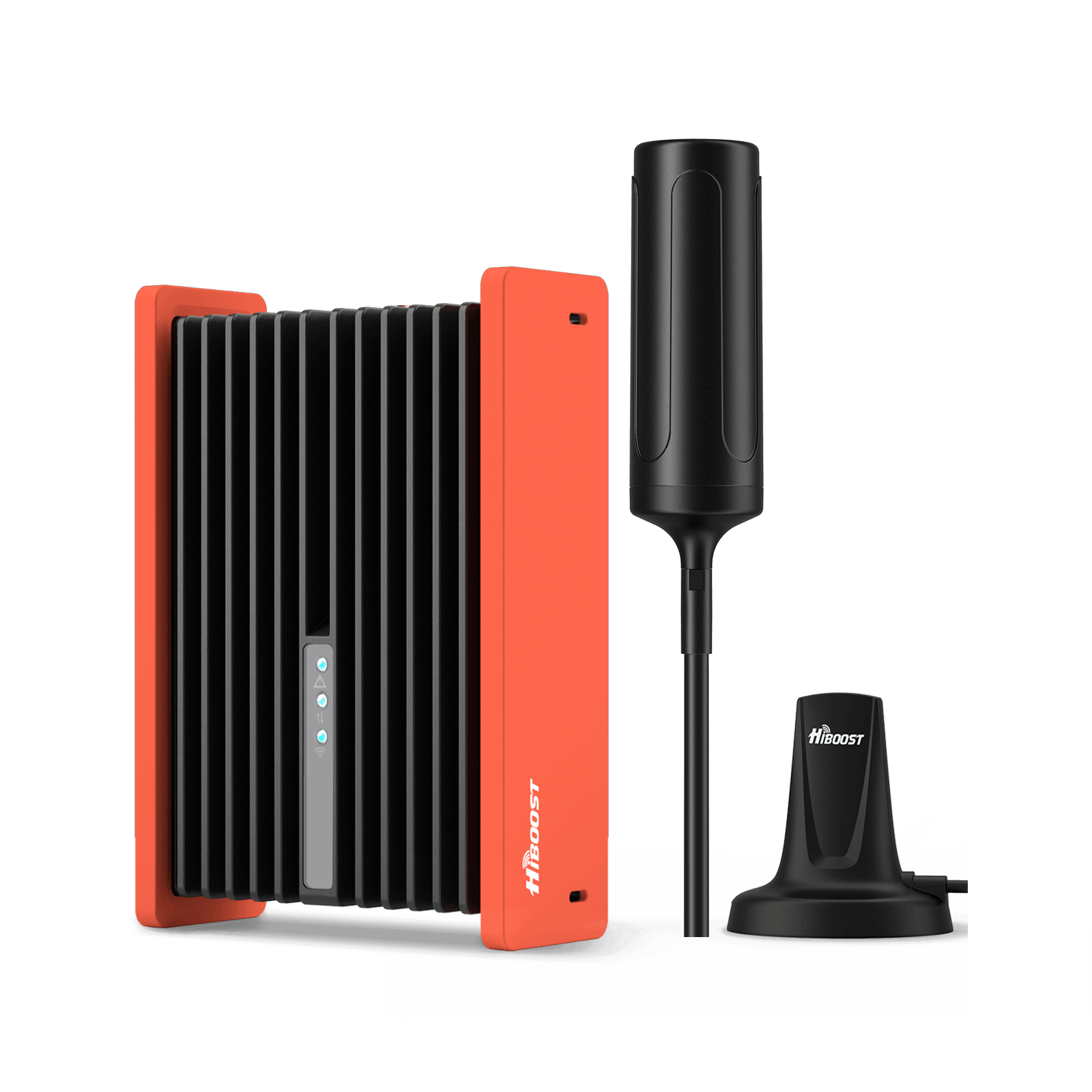
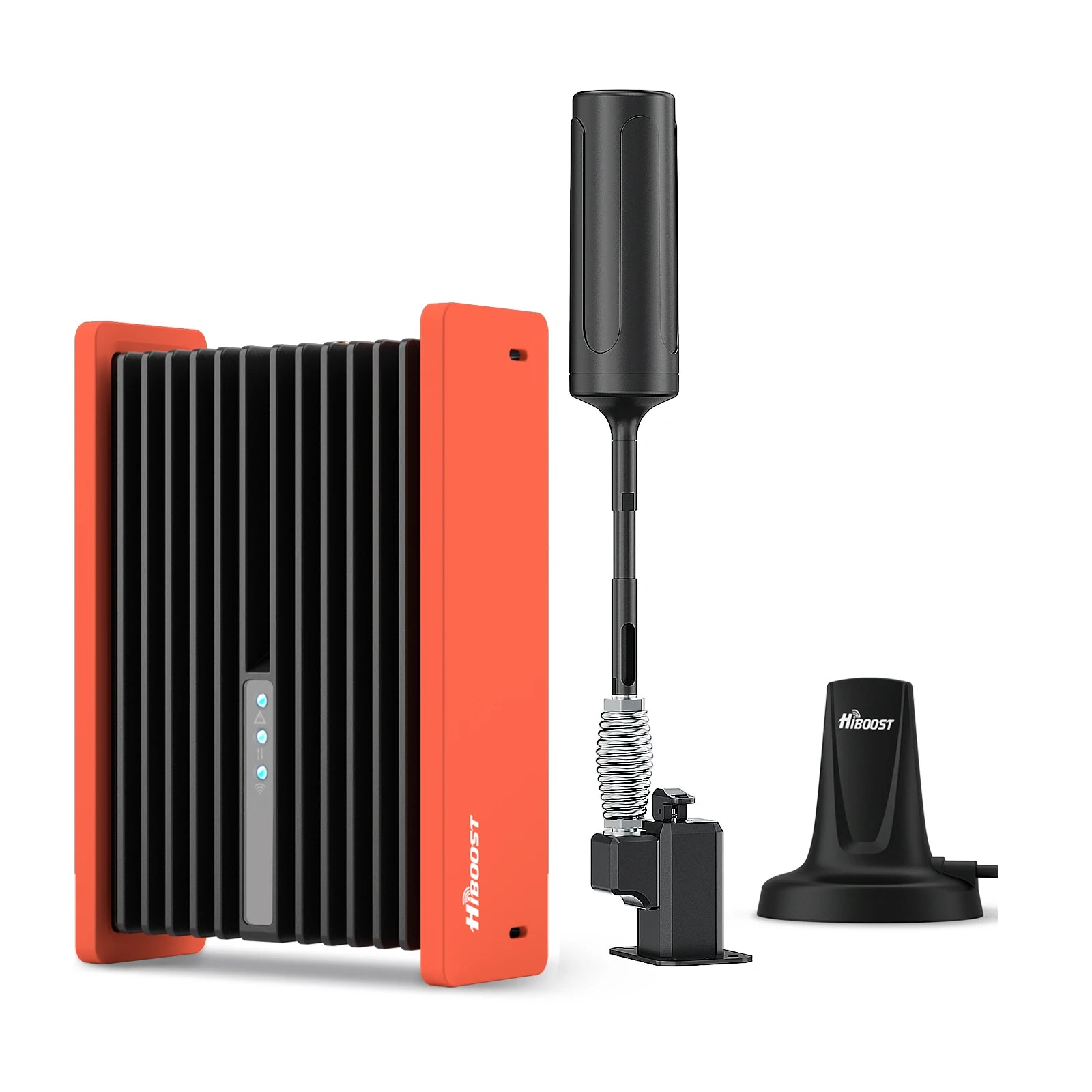
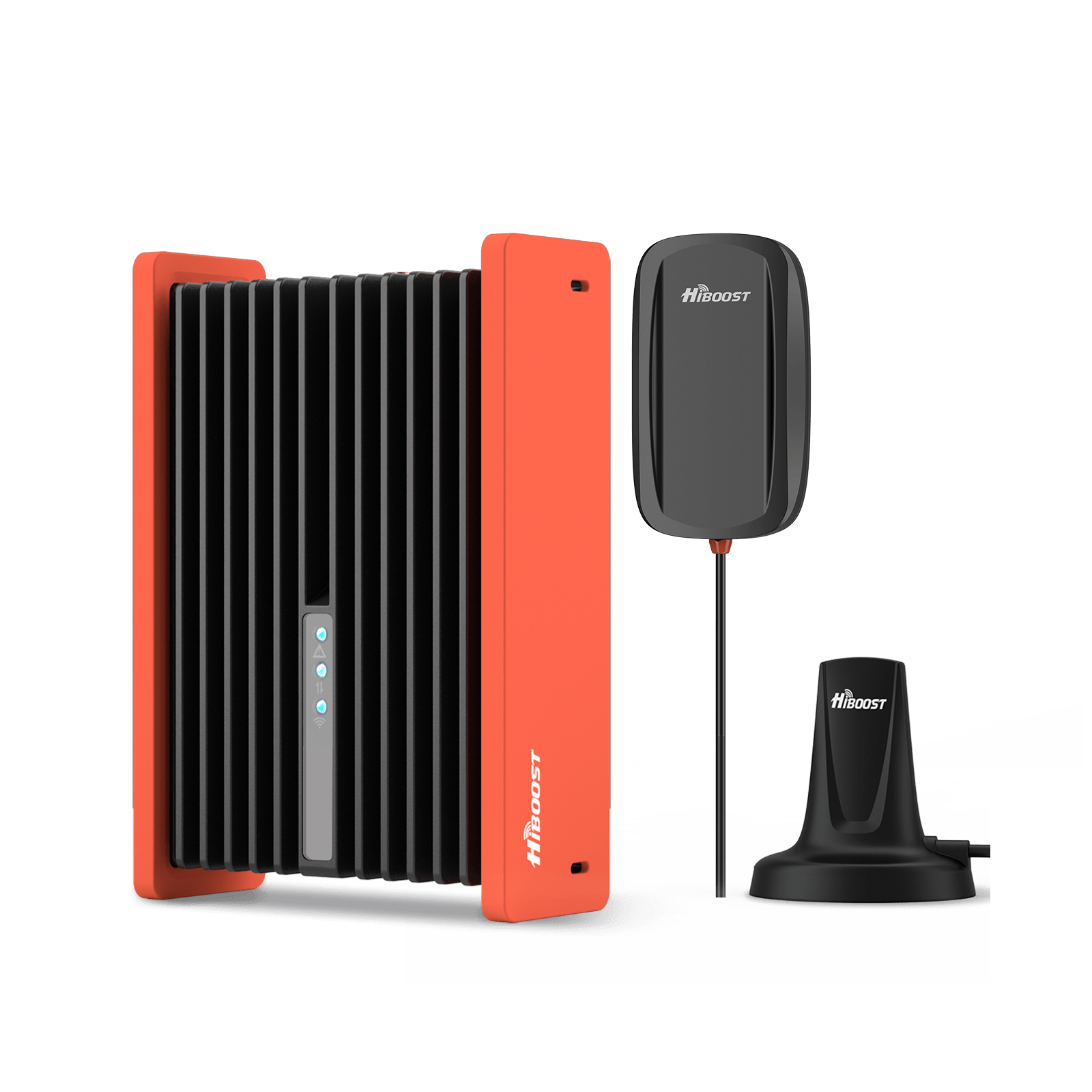
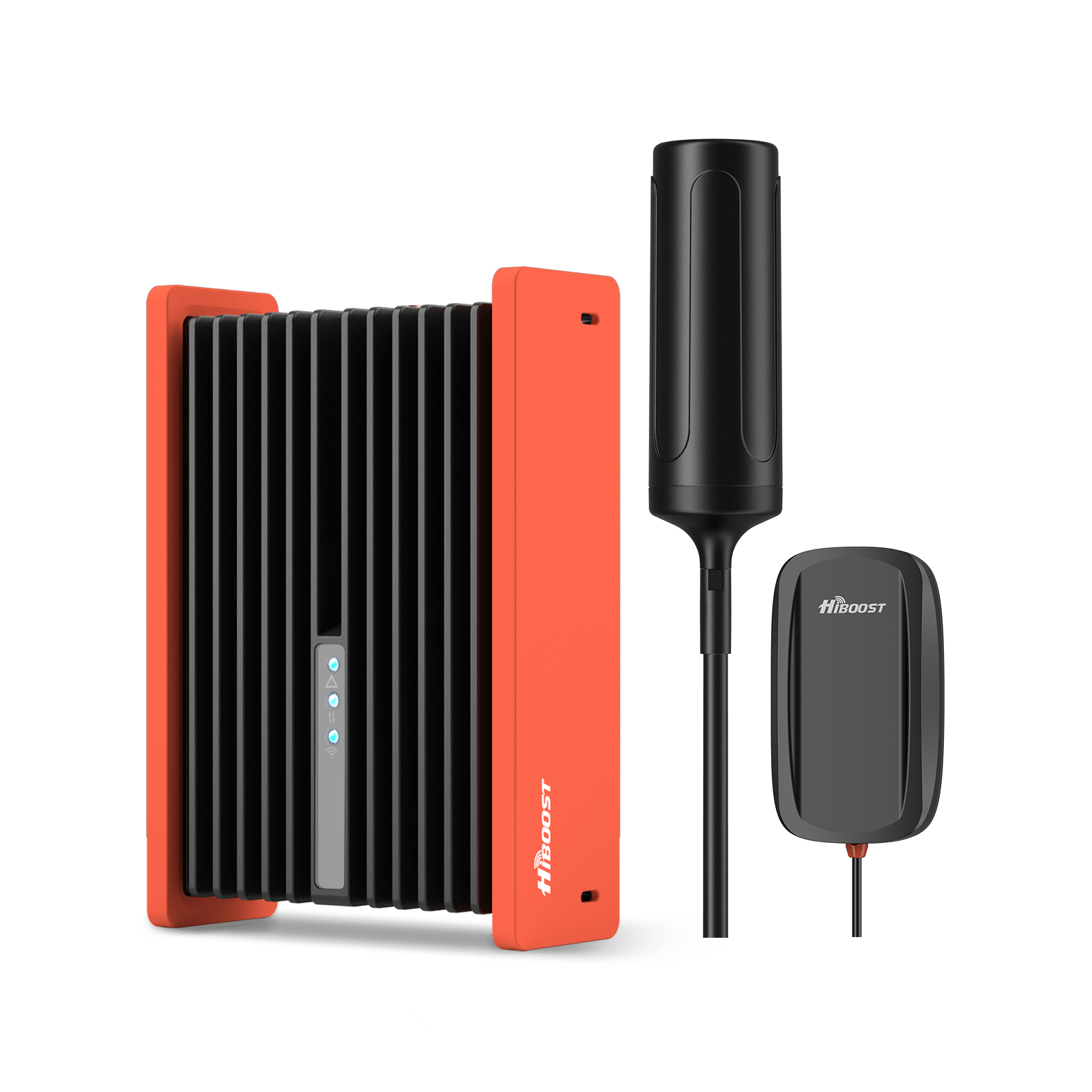
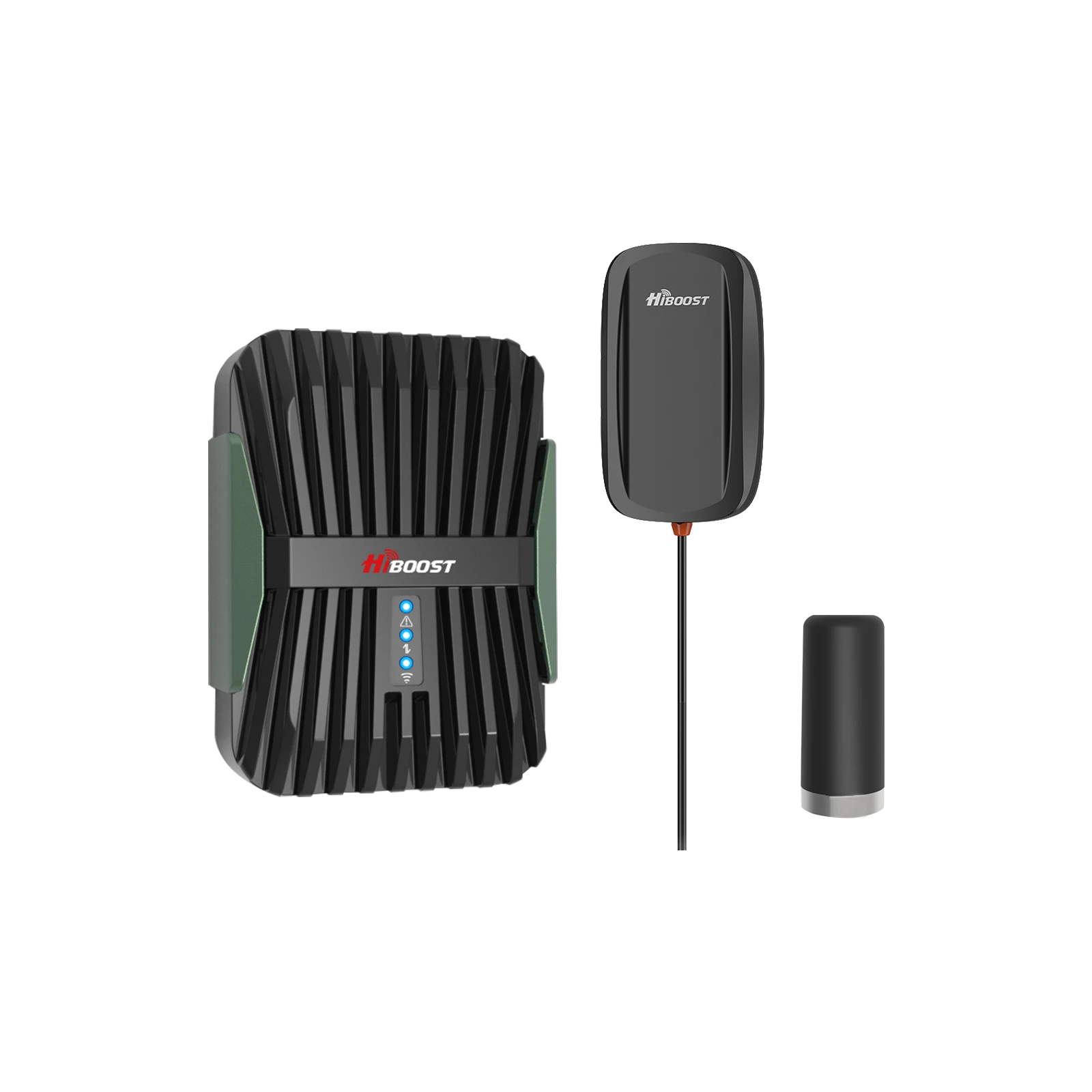
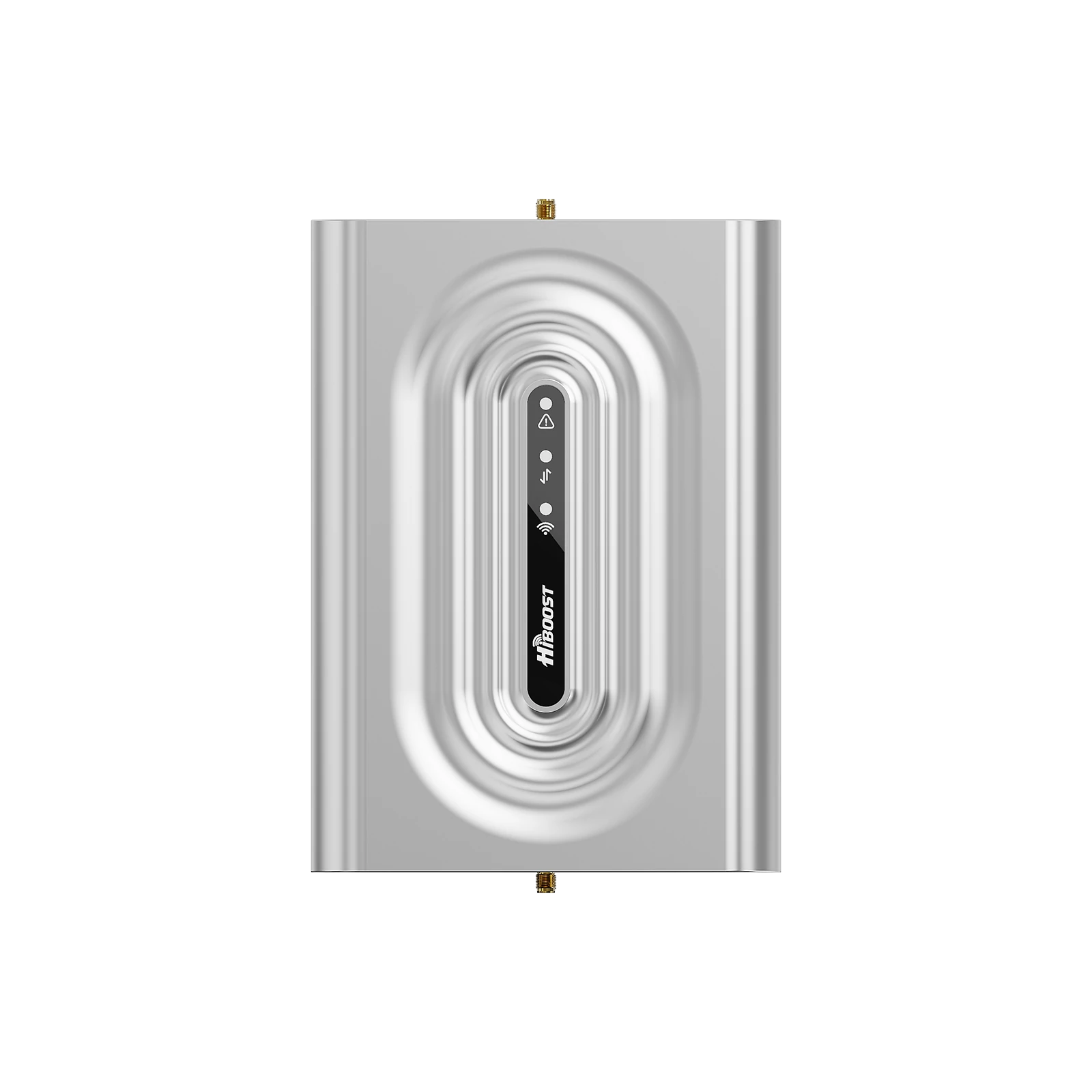
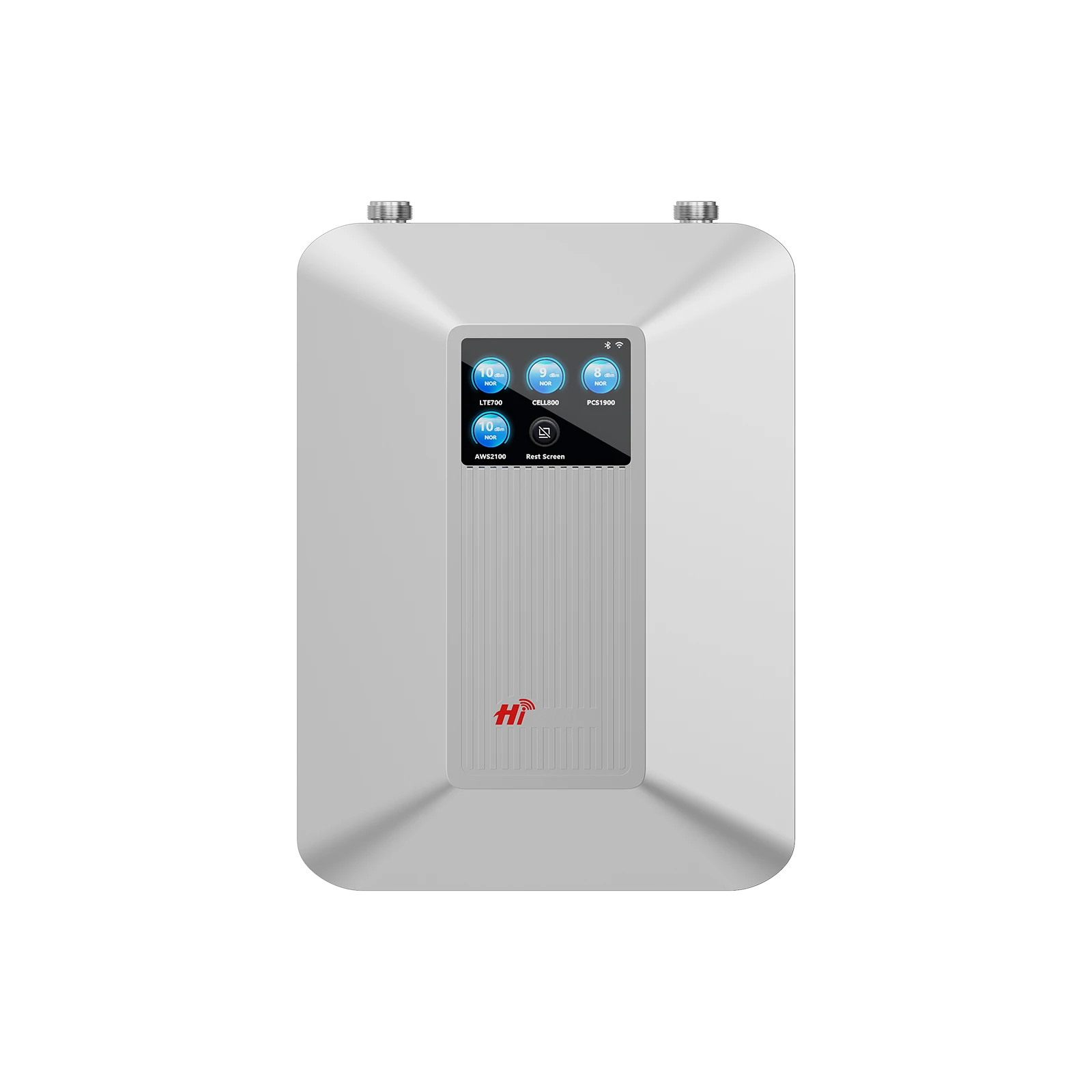
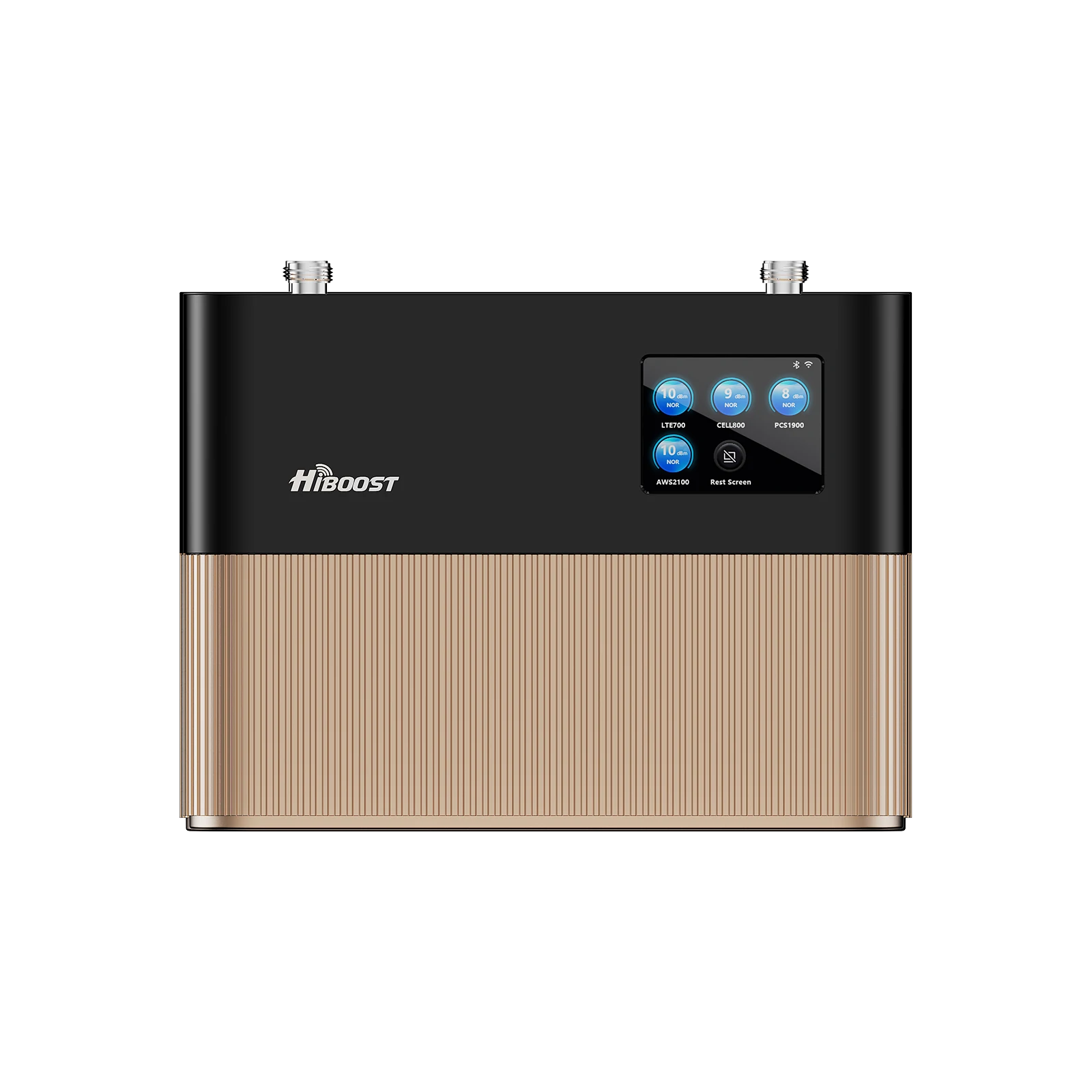
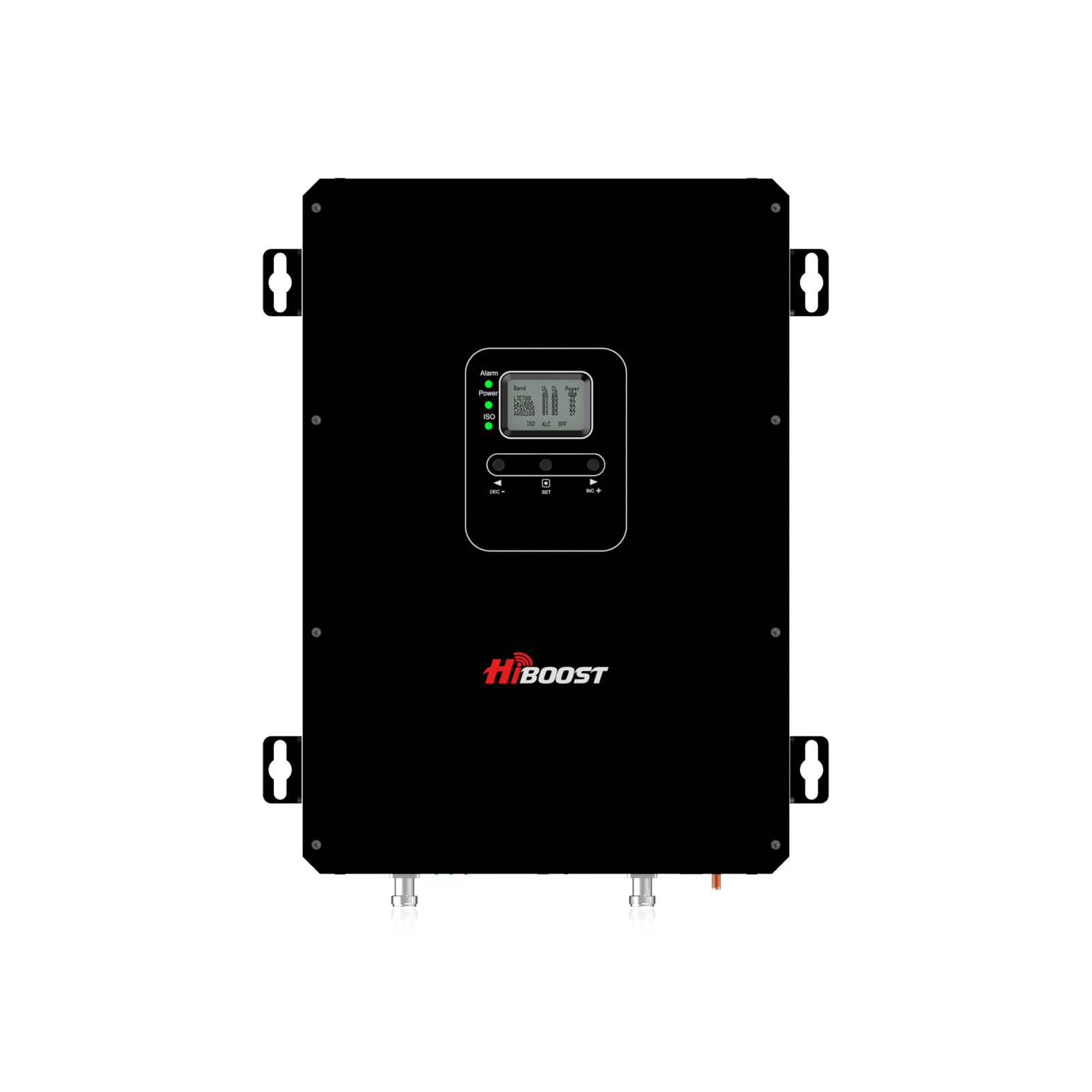
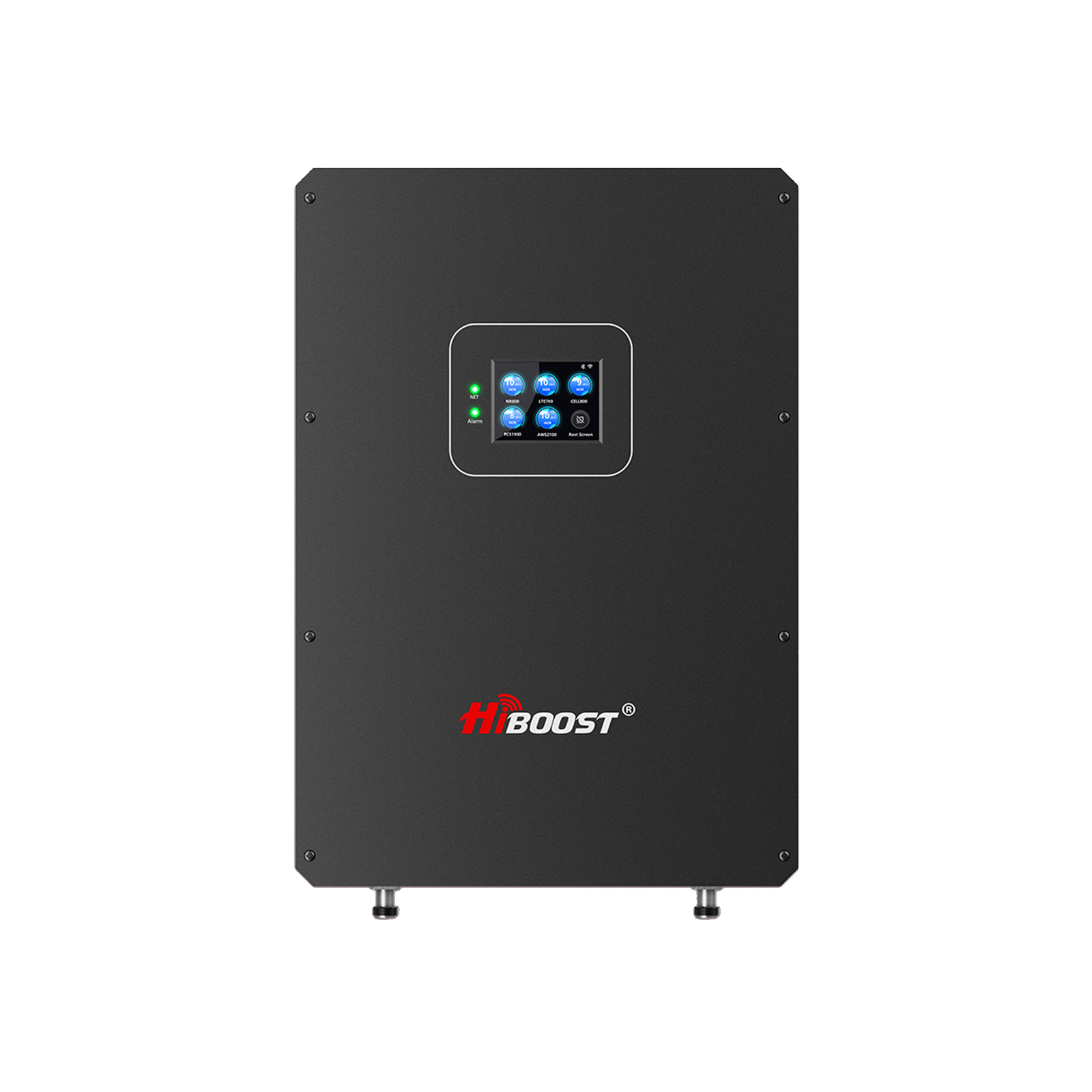
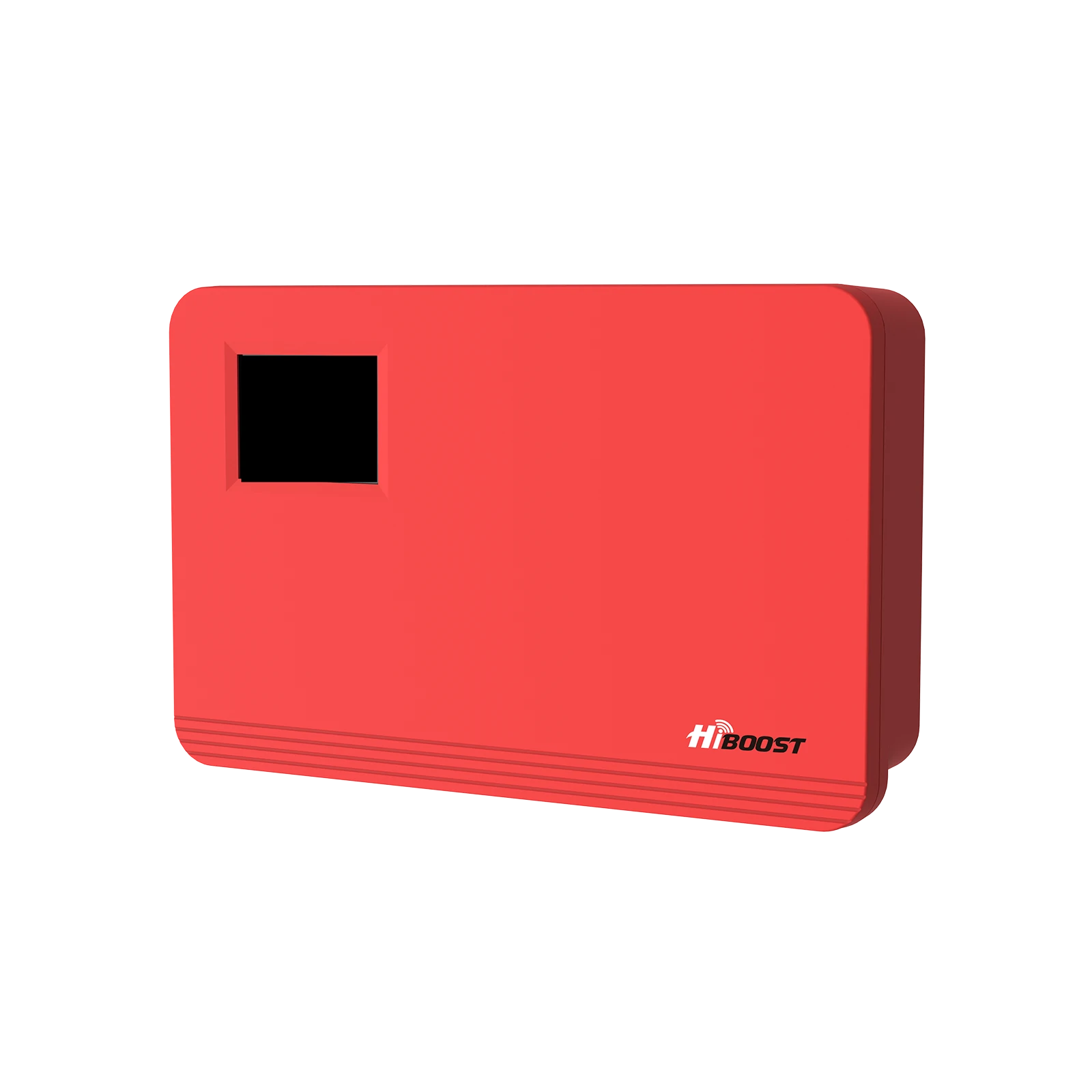
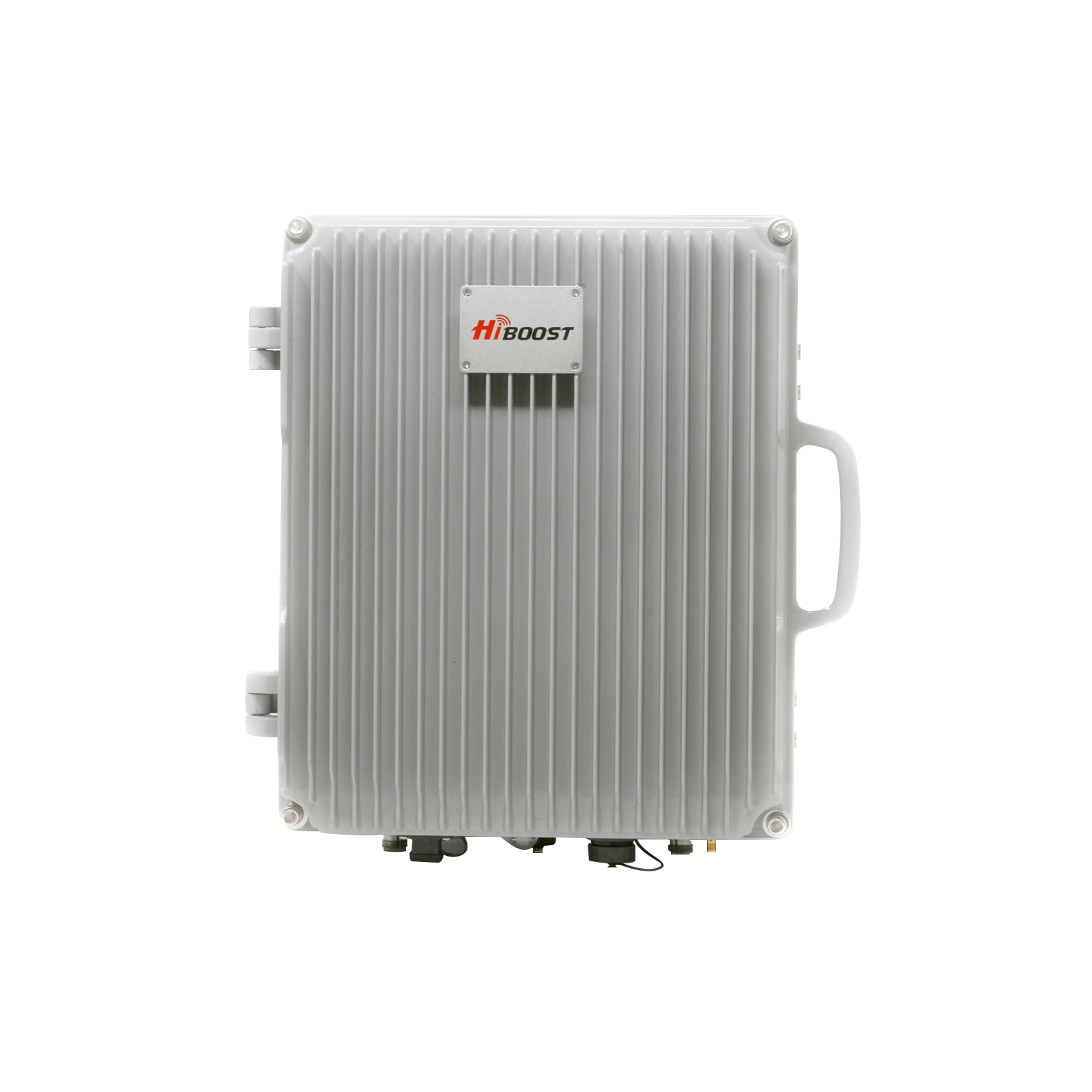
- Typical fixes: You can try free tricks. For a reliable solution, install a signal booster. HiBoost’s FCC‑certified amplifiers catch even faint tower signals miles away and rebroadcast them indoors. They range from small home boosters up to very high-gain units.
- Expected results: In practice, a good booster can turn a “No Service” situation into 3–4 bars of LTE inside your home. For example, in one test a hilltop home with only –108 dBm outdoors gained a usable –70 dBm indoors after a booster was installed.
This guide covers why rural signals suffer and how to fix it. We’ll walk through measuring your signal, low-cost improvements, and professional solutions to finally give you reliable coverage.
I. Introduction
Is your farm, cabin or backcountry home plagued by dropped calls and slow data? You’re not alone. In sparsely populated regions, Americans see much more “no signal” time than city dwellers. Why? Rural towers are fewer and farther apart, and natural terrain or modern houses block the line-of-sight.
By one measure, residents in some rural states reported 3–7 times the dead-zone complaints of well-covered states. In short: even though carriers claim near-ubiquitous coverage, many country homes still live on the edge of cell range.
The good news is there are solutions. On the low end, software tricks and careful placement can help. On the high end, FCC-approved boosters or alternative internet can solve coverage gaps.
For example, HiBoost amplifiers simply use an outdoor antenna to grab distant cell signals and rebroadcast them indoors. Tests show these boosters can raise a phone’s reception from unusable to full bars, making calls and internet work smoothly on the farm.
In this guide we’ll explain step-by-step how to diagnose your weak signal, try every free fix, and install the right professional solution.
You’ll learn why rural signals fade, how to map nearby towers, and which HiBoost boosters give the best coverage. By the end, you’ll have a concrete plan to stop the drops and get connected everywhere.
II. Understanding Rural Signal Challenges
Rural areas face unique cellular hurdles. First, distance from towers is a killer: cell towers typically cover only a few miles in practice. In cities tower spacing might be 1–2 mi, but in the country a tower may be 5–15 mi away or more. Every additional mile drastically shrinks signal strength.
As HiBoost notes, “in rural areas, distance to the nearest tower and terrain like hills or forests can severely weaken signals”. A hill or valley 10 mi from the tower can cut your signal to almost nothing you might see “–110 dBm” outside (nearly dead), versus “–90 dBm” which is workable.
Second, obstacles and terrain block signals. Thick forests, rolling hills, and even some building materials act like walls for radio waves. For example, a dense pine forest or mountain ridge can shadow an entire house, leaving it with only faint reception. HiBoost explains that hills, trees and metal building materials “can block or distort cell signals”.
In one case, an entire village in a valley had almost no coverage because the nearest tower’s signal was cut off by a hillside. Even inside your home, a concrete foundation, steel beams, or a metal roof will weaken the signal.
Weather can hurt too: heavy rain or snow absorb microwaves, and even thunderclouds can scatter signals, so a clear sky day usually yields better reception.
Third, few towers and uneven carrier support. Rural counties often have only one or two towers to serve a wide area. Carriers rarely share towers, so one company’s signal might reach a spot where another’s does not.
For instance, in one Illinois county all three major carriers had different coverage patterns each provider had a dead zone that the others partially filled, but no single carrier covered 100%. In practice, that means even switching carriers may not fix your dead zone, and small local conditions can make one network better than others.
Finally, network congestion can be a problem: if a rural tower must serve many users or devices, it can slow to a crawl. Even off-grid cell spots may get temporarily overloaded at events, though this is usually worse near cities.
Overall, the result of these factors is what users feel: more dropped calls, missed texts, and slow internet. Industry data confirms this: on average rural signal strength is about 6–8 dB weaker than urban, meaning the power you receive is only ~¼ of city levels. The practical upshot: if your phone shows one bar on your porch, something needs to change.
Cellular Technology Differences
Not all networks behave the same in rural zones. Older 2G/3G networks are largely being retired, meaning voice calls rely on 4G LTE or 5G now. Fortunately, both use long-range spectrum: low-band LTE and “sub-6” 5G can travel far, so most rural 4G/5G is on those frequencies. High-band 5G is extremely limited range it needs line of sight and is rare outside cities.
In practice, rural areas depend on mid/low-band LTE or 5G: wide coverage but slower speeds. According to Telit, low-band offers broad coverage and better indoor penetration, whereas high-band is ultra-fast but “line of sight” only. A helpful rule: a low-frequency signal will travel roughly 3× farther than a higher one at the same power. That’s why US carriers auctioned 600–700 MHz licenses for national rural service.
The bottom line: if your phone shows LTE or low-band 5G in the country, it can reach the tower far away, but data speeds may be only 25–100 Mbps. In contrast, a tower serving a city might use 3500 MHz bands and deliver gigabit speeds, but that high freq would never cover a long rural path. Voice calls in rural areas travel over these same networks; without older 3G fallback, a weak LTE signal can literally drop calls.
User Experience Examples
Here’s why this matters: real-world tests confirm the gap. Crowdsourced measurements show rural phone users spend only about 11% of their time on 5G, versus ~30% for urban users. That means three times more of your day might be stuck on older networks or none at all. In one investigative report, a rural subscriber noted going from –95 dBm to –108 dBm after a carrier merger, plunging their connection to the brink of “no service”. Another case: an outdoor tower 10 miles away might deliver –110 dBm on an average day, which on the official scale shows as 1–2 bars and causes dropped calls.
Key takeaway: Being rural can easily put you near the edge of a tower’s reach. If you’re only getting one bar outdoors (e.g. –105 to –110 dBm), that might translate to no usable service indoors or a call dropping as soon as you step into your house. Later sections will show how even that faint outdoor signal can be rescued with the right booster system.
III. Measuring and Diagnosing Your Signal
Before buying anything, diagnose where your signal really is. Surprisingly, the phone’s bars aren’t very accurate; you should check actual dBm readings and tower locations.
1. How to Check Signal Strength
Modern smartphones let you see real signal values:
- Field Test Mode (FTM): On iPhones (no SIM needed) dial 3001#12345# and call. A diagnostic screen appears showing raw signal strength in dBm. On Android, open Settings → About Phone → Network → Signal Strength. Either way, you’ll see a negative number. Closer to 0 is better. Remember: cell connections usually break when below about –120 to –125 dBm.
- Signal Apps: Free apps like OpenSignal, CellMapper, or Network Cell Info can also report signal strength and even pinpoint towers. They use your phone’s GPS to place you on a map relative to cell towers and plot heatmaps. These apps often show RSRP/RSRQ or RSSI/RSRP values. They also let you measure speeds and ping times.
- Wi-Fi Calling Check: If you have Wi-Fi at home, enable Wi-Fi Calling in your phone’s settings. This forces calls/texts over your internet when cell is weak.
Use these tools to answer “How bad is it?” Do this test outdoors and inside:
- Outdoor vs Indoor: First, go outside or to the roof/attic with your phone. Note the bars/dBm and carrier name. Then go back inside and compare. If outdoors shows –100 dBm but indoors is –120, your house is heavily attenuating the signal. If outdoors is –120 already, no booster can help you need a different solution.
- Check Carrier & Band: Some diagnostic screens show which frequency band you’re on. Lower band means longer range. If your phone is stuck on a higher band in the country, try force-selecting a carrier’s low-band LTE network if possible.
2. Mapping Cell Towers
Finding actual towers helps:
- FCC Maps: The FCC publishes Coverage Maps by zip code. These show licensed service areas for each carrier. However, keep in mind they often look rosy. For example, FCC maps claimed 96.8% of homes have 5G, but field tests found many “covered” homes still had no usable signal.
- Crowd-Sourced Maps: Use cell mapping sites or apps. OpenSignal has coverage maps built from user data. CellMapper and OpenCellID provide a global, crowd-sourced database of tower locations. For instance, CellMapper lets you drop a pin and it shows the coordinates and distance of nearby towers for your carrier.
- Example: If you search your address on a site like CellMapper or on a mobile app, it may list the nearest towers. Often the nearest is still several miles away in rural areas. Check the direction too – this tells you which way to aim an outdoor antenna later.
- Distance Estimation: A rough rule: if a tower is say 5 miles away but 50 ft higher elevation, that’s doable. But 15 miles flat without height usually is beyond strong cell range.
3. Diagnosing Signal Loss Causes
Now that you have measurements and a map, check likely causes:
- House vs Weather: Does the signal drop when you close doors/windows? Try standing outside with the phone and then walking in. Big drops suggest indoor losses. Weather-wise, note if signal is worse in rain or heavy clouds this can happen especially with 5G mmWave, but is usually less in low-band.
- Line of Sight: Turn on the phone’s compass or a map overlay. If you can actually see the tower from your location, great. If not, you may need the outdoor antenna placed as high as possible with a clear view.
- Seasonal Variation: In winter when trees shed leaves, do you get slightly better reception? Trees with moisture can block more signals. Keep an eye: if you see yards of -95 dBm in winter improving to -90 dBm, that confirms foliage loss.
- Tower type: If you can identify a tower on CellMapper or an FCC map, note if it’s a "macro" tower or a small cell. Small cells usually only cover a few blocks too small for distant farm use. Macro towers serve larger areas and are what you want.
Summarize your findings: Is the problem mostly distance/terrain, or is it your home’s layout? This diagnosis guides the solution: if outdoor signal is nearly zero, even the best booster won’t help. If outdoor is OK but indoor is poor, boosting or a better antenna will fix it.
IV. Free & Low-Cost Ways to Improve Rural Signal
Before investing in hardware, try these simple fixes and optimizations:
1. Phone & Device Adjustments:
- Airplane Mode Refresh: Toggle Airplane Mode on/off or restart your phone. This forces it to reconnect to the best tower. On Android, you can also try “Network operators” → search for networks and select.
- Preferred Network Type: If your phone is on 5G/4G auto, you might force it to LTE only in settings, since 5G may not be present and toggling can clear stuck connections.
- Wi-Fi Calling: As mentioned, enable Wi-Fi Calling for voice/text. This uses your home internet for calls, which solves the calls problem entirely if broadband is available.
- External Antennas for Routers: Some mobile hotspots have external antenna ports. If you use one for home internet, attach a longer antenna cable to a roof antenna. Even cheap aftermarket antennas can add a few dB outdoors.
2. Location Optimization:
- Move Inside Devices to Windows: If using a phone indoors, sit by a window facing the tower. For a hotspot or femtocell router, place it high and oriented correctly.
- Elevate Your Router: A cable modem or MiFi with cellular can benefit if put high in house. Even moving it a few feet to a different room can help if the wall composition is different.
- Vehicle Spots: When in a car or RV, you’ll get a better signal on higher ground or when you park facing the nearest cell tower. Even standing by the passenger door with phone in hand can catch a signal you missed in the driver’s seat.
3. Carrier and Community Strategies:
- Check for Rural Plans: Some carriers offer dedicated rural service. For instance, T-Mobile has “Extended Range LTE” roaming on partner networks in very remote areas. AT&T has local roaming agreements in some mountain areas. It’s worth calling your carrier and asking if any special enhancements or roaming options exist for your address.
- Community Networks: In some areas, locals band together to build small mesh/wireless networks using fixed wireless or Wi-Fi links. This is more complex, but grants like FCC’s RDOF are now funding rural broadband. If your county has a cooperative ISP offering wireless broadband, see if you can subscribe.
If you’ve tried these with limited success, it’s time for gear: a cell signal booster or an alternative broadband solution.
V. Signal Boosters & Professional Solutions
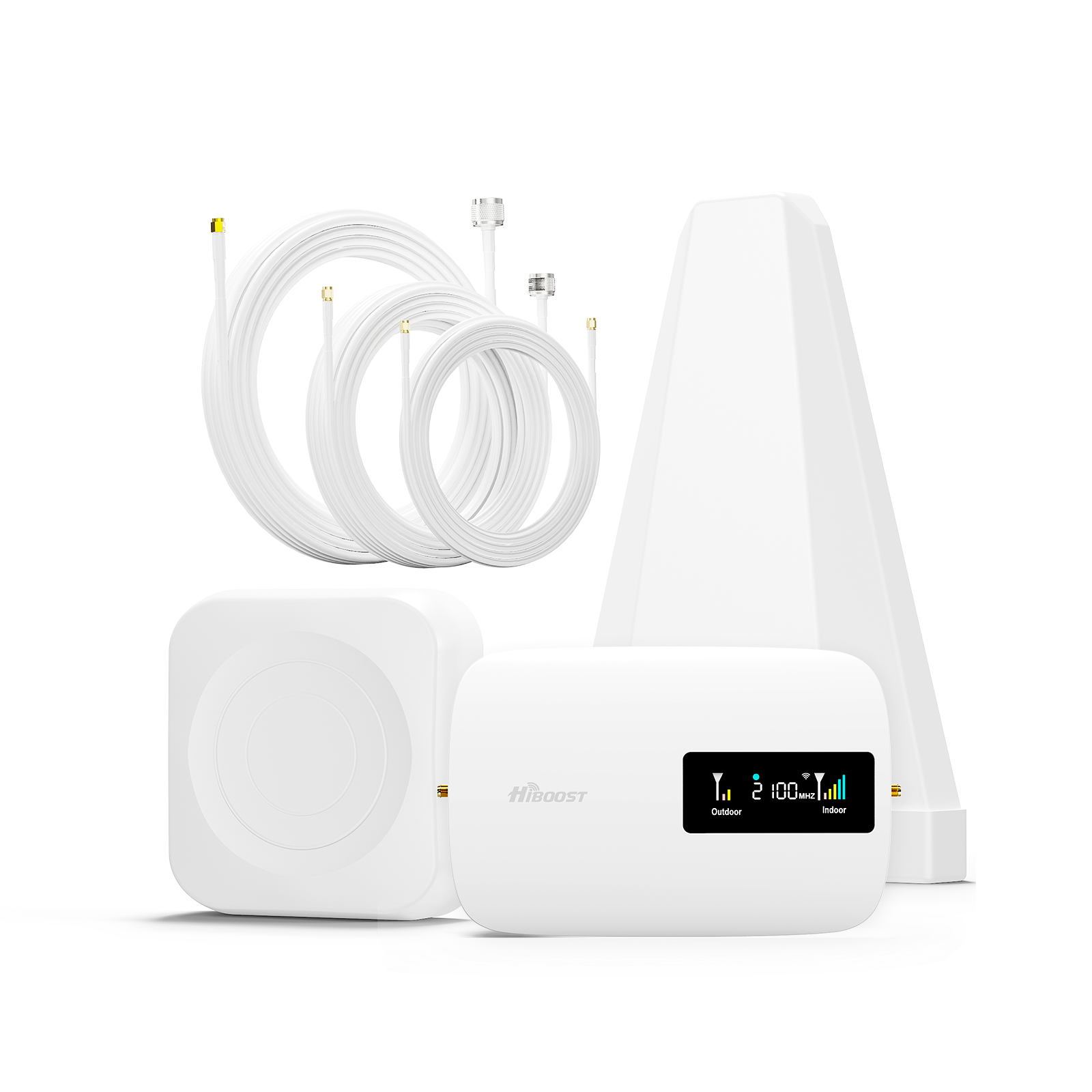
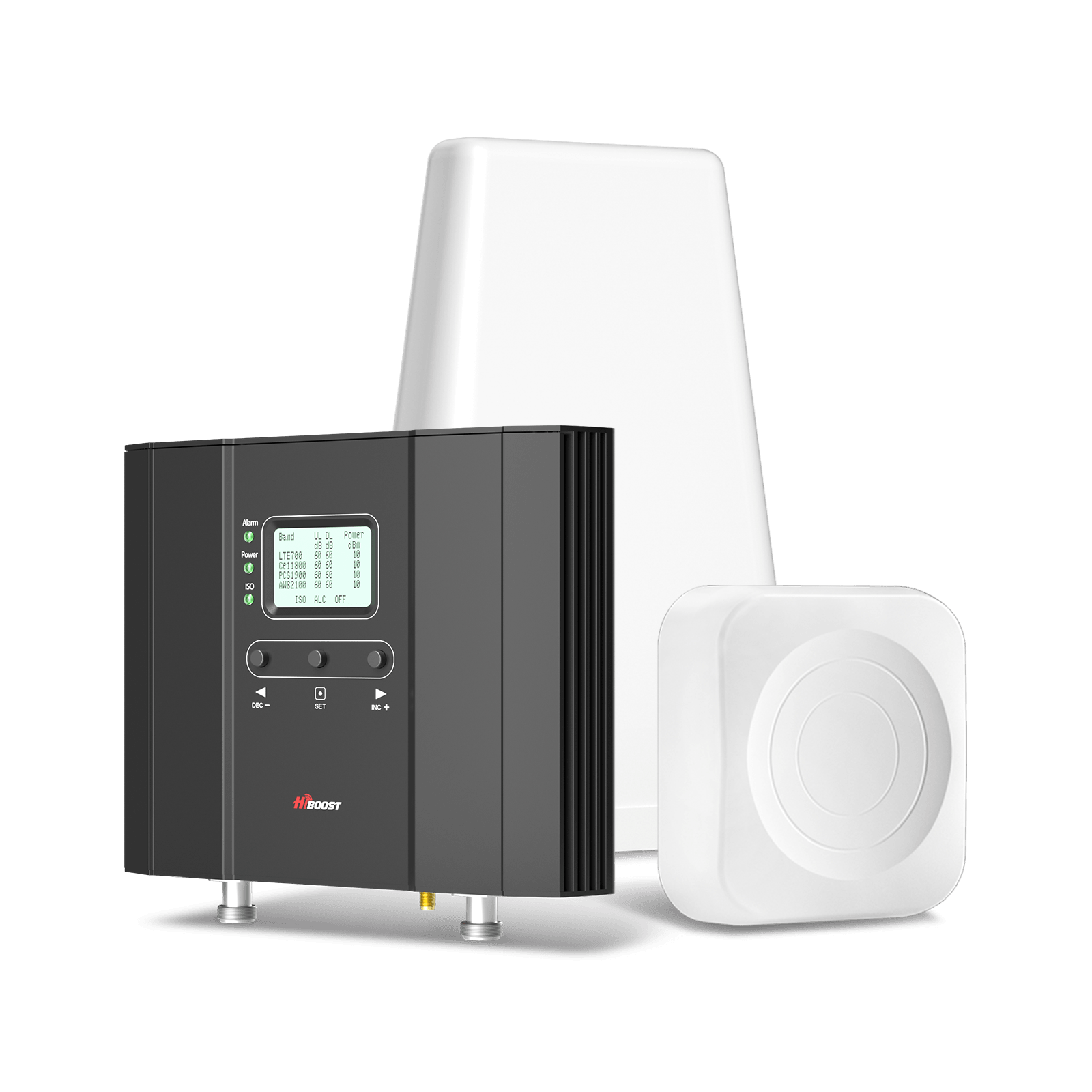
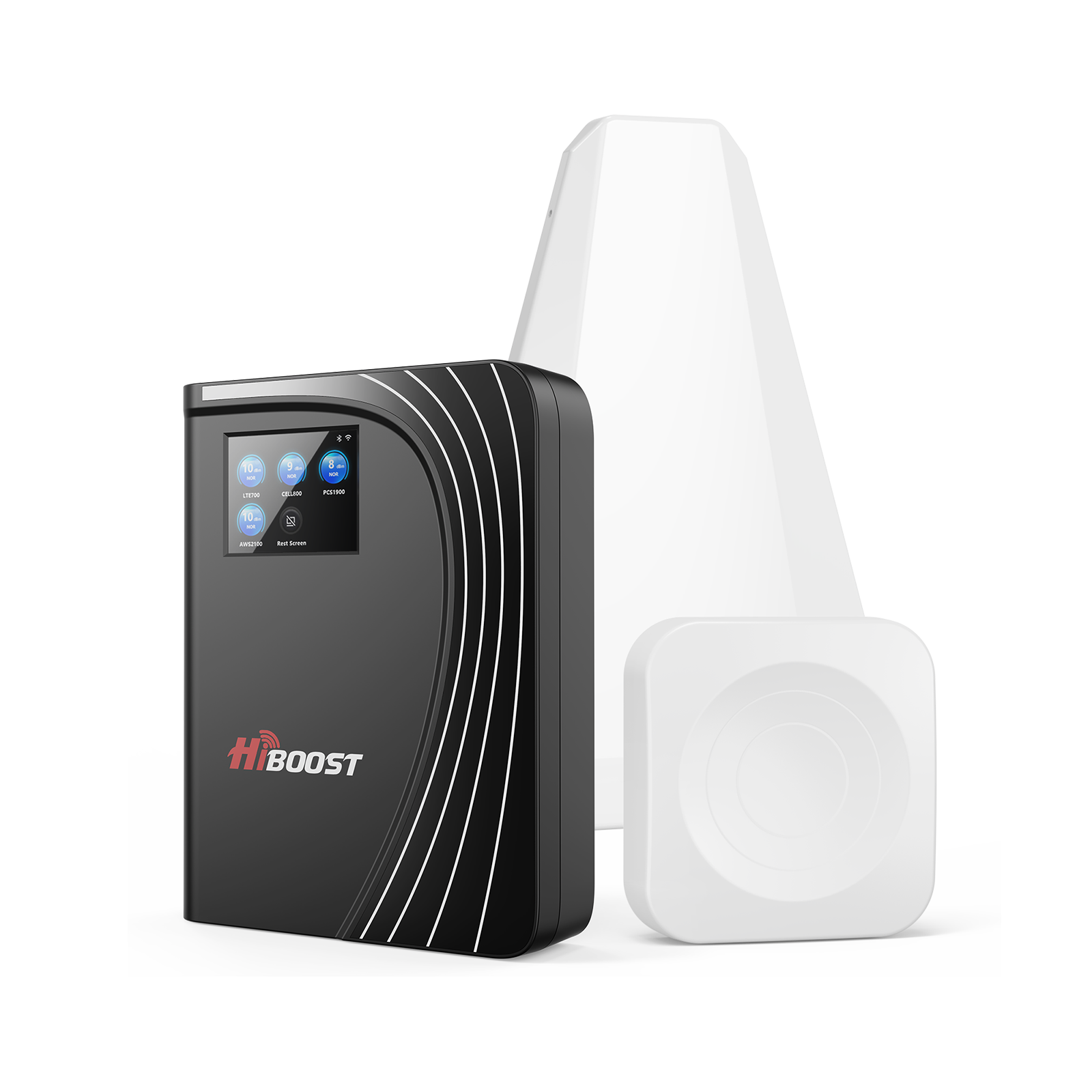
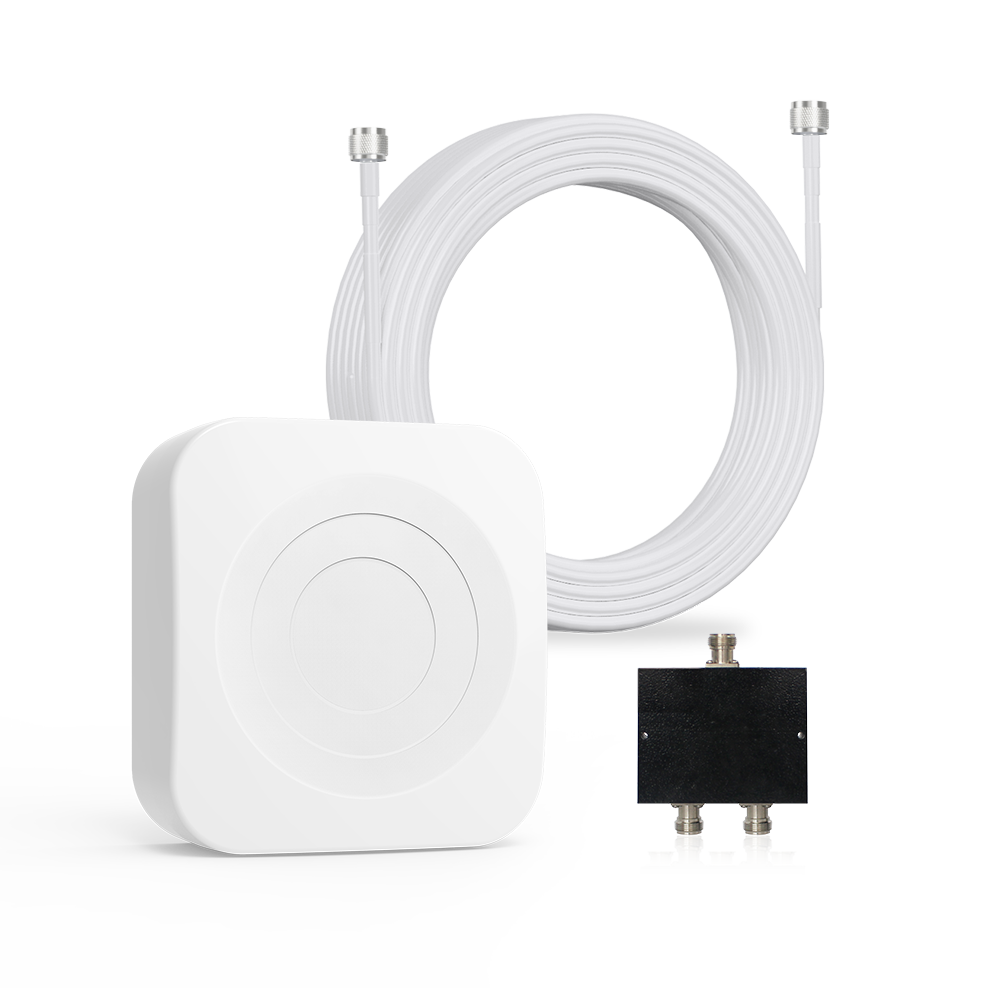
If your outdoor signal is at least marginal, a cell signal booster can dramatically help. Boosters consist of three parts:

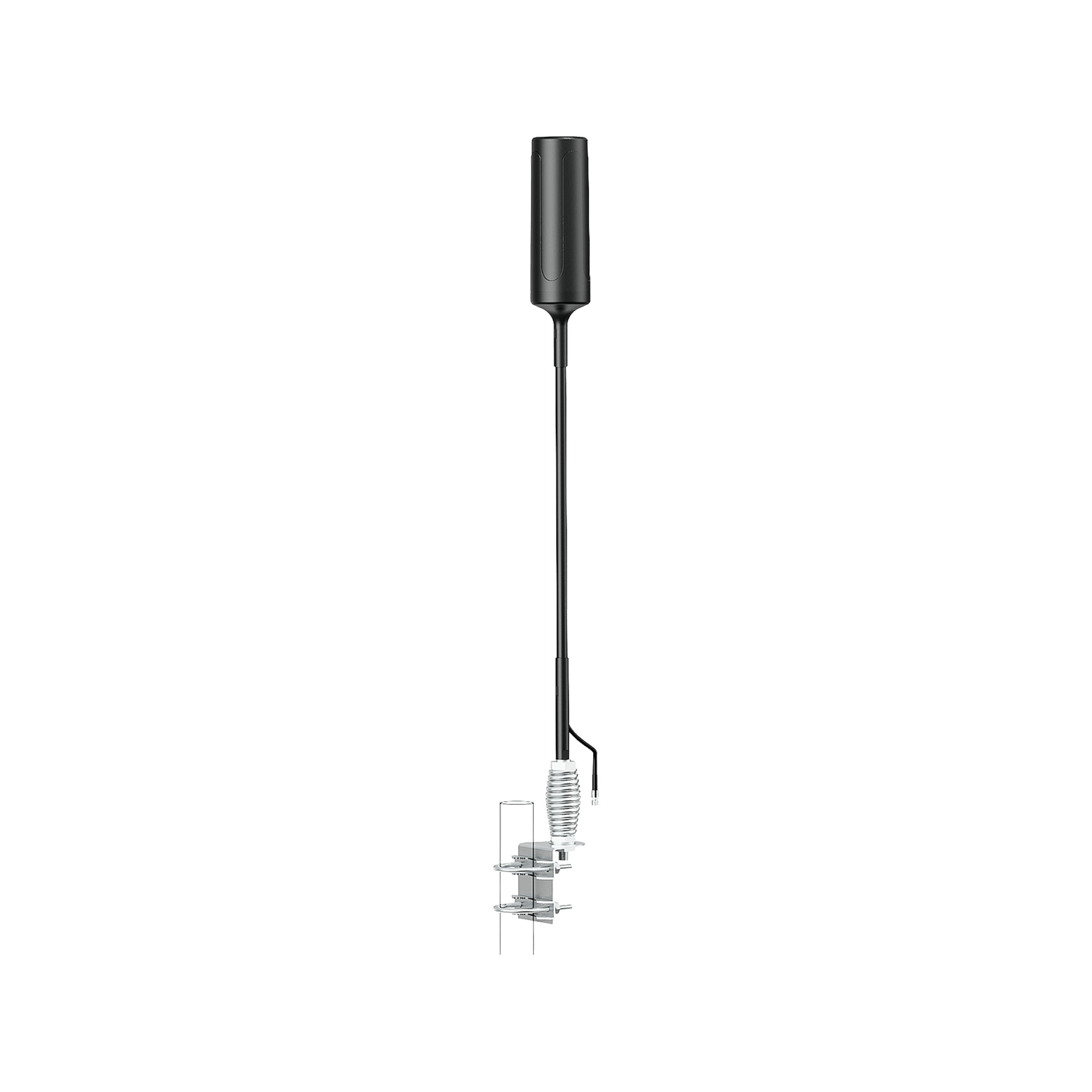
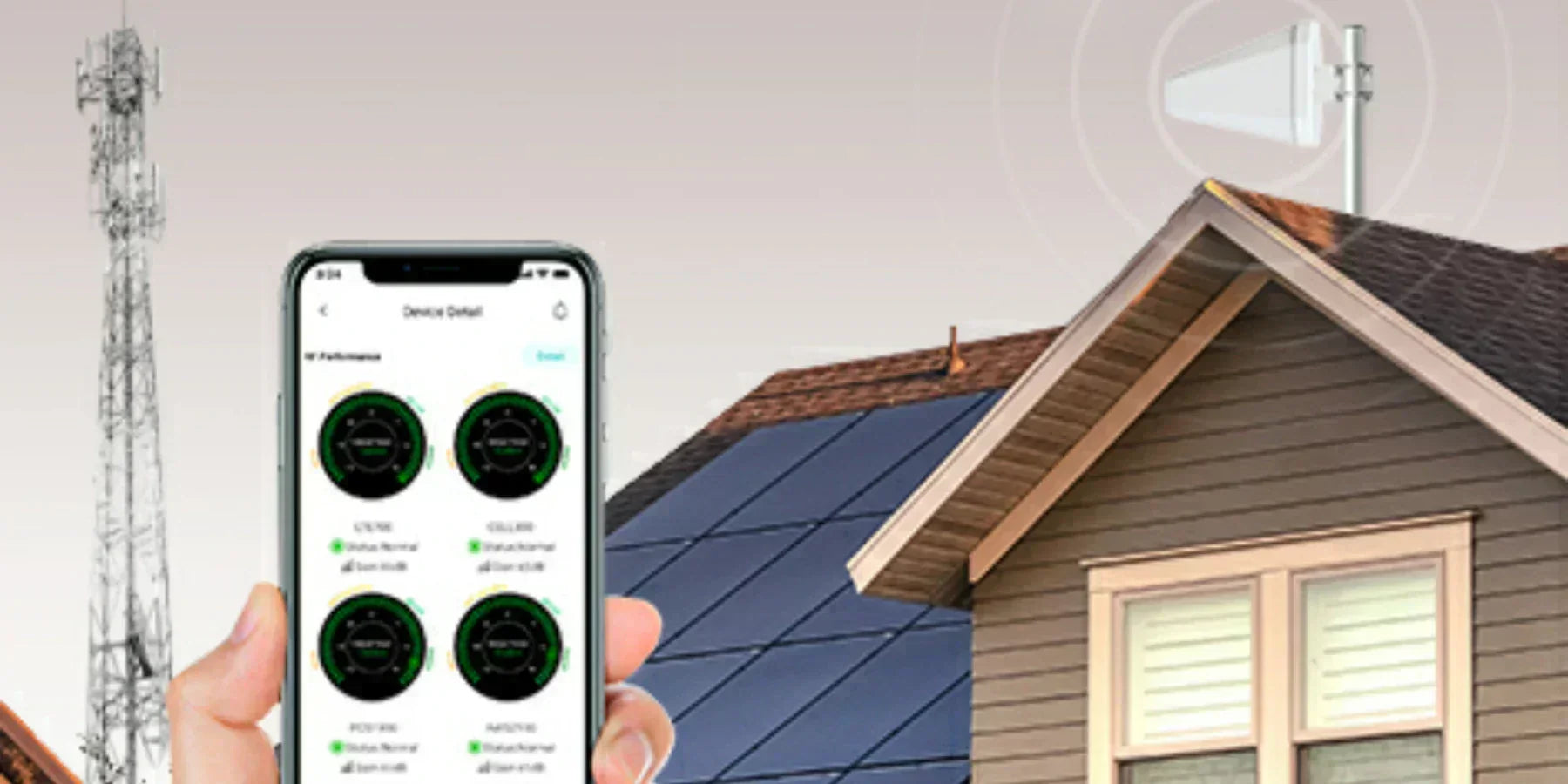
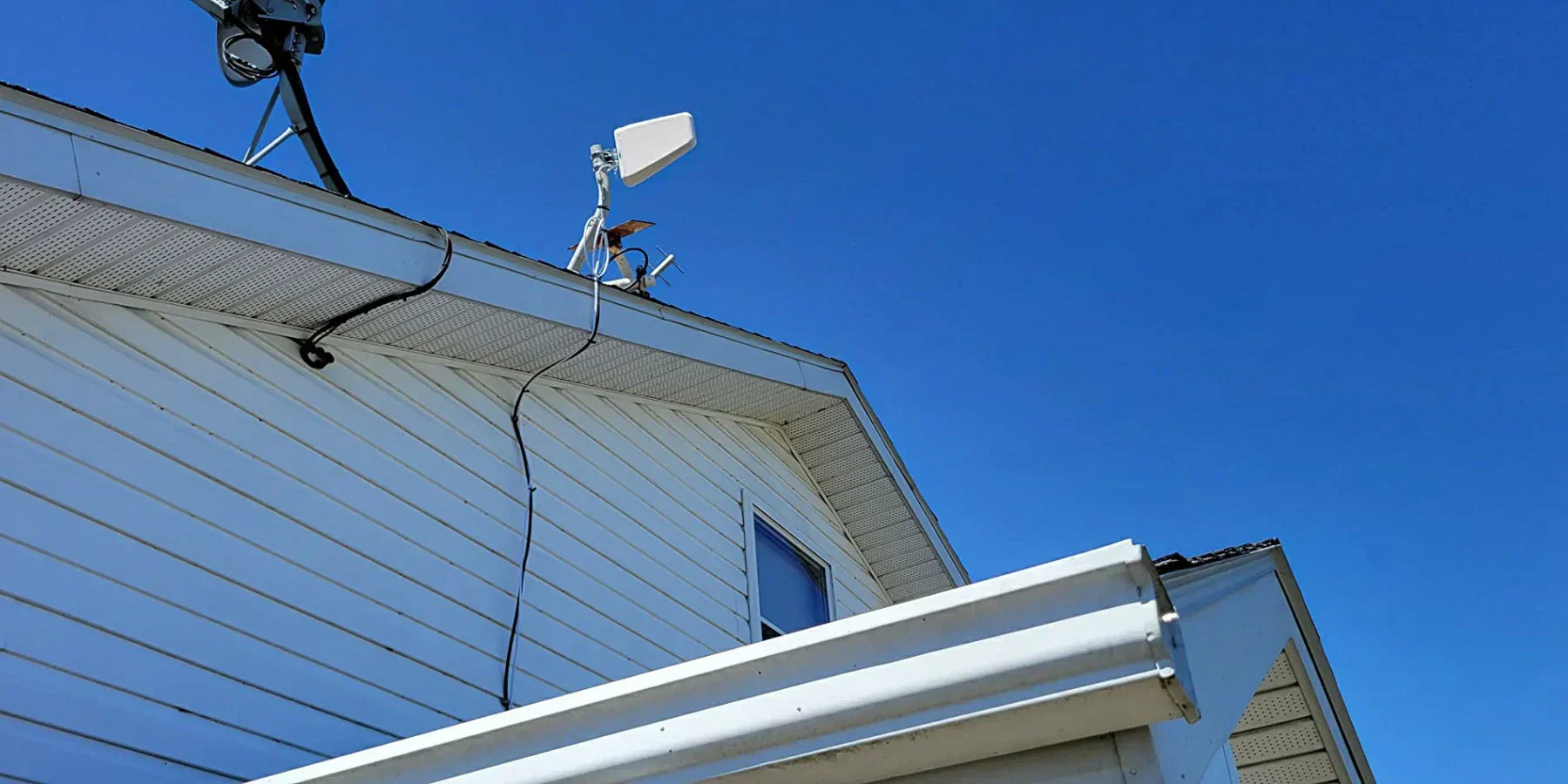
- Outdoor (Donor) Antenna: Mounted on the roof. It “grabs” whatever little signal is available. Directional antennas can pull signals from even 10–20 miles out. For rural use, we recommend a high gain Yagi or log-periodic antenna pointed at the strongest tower.
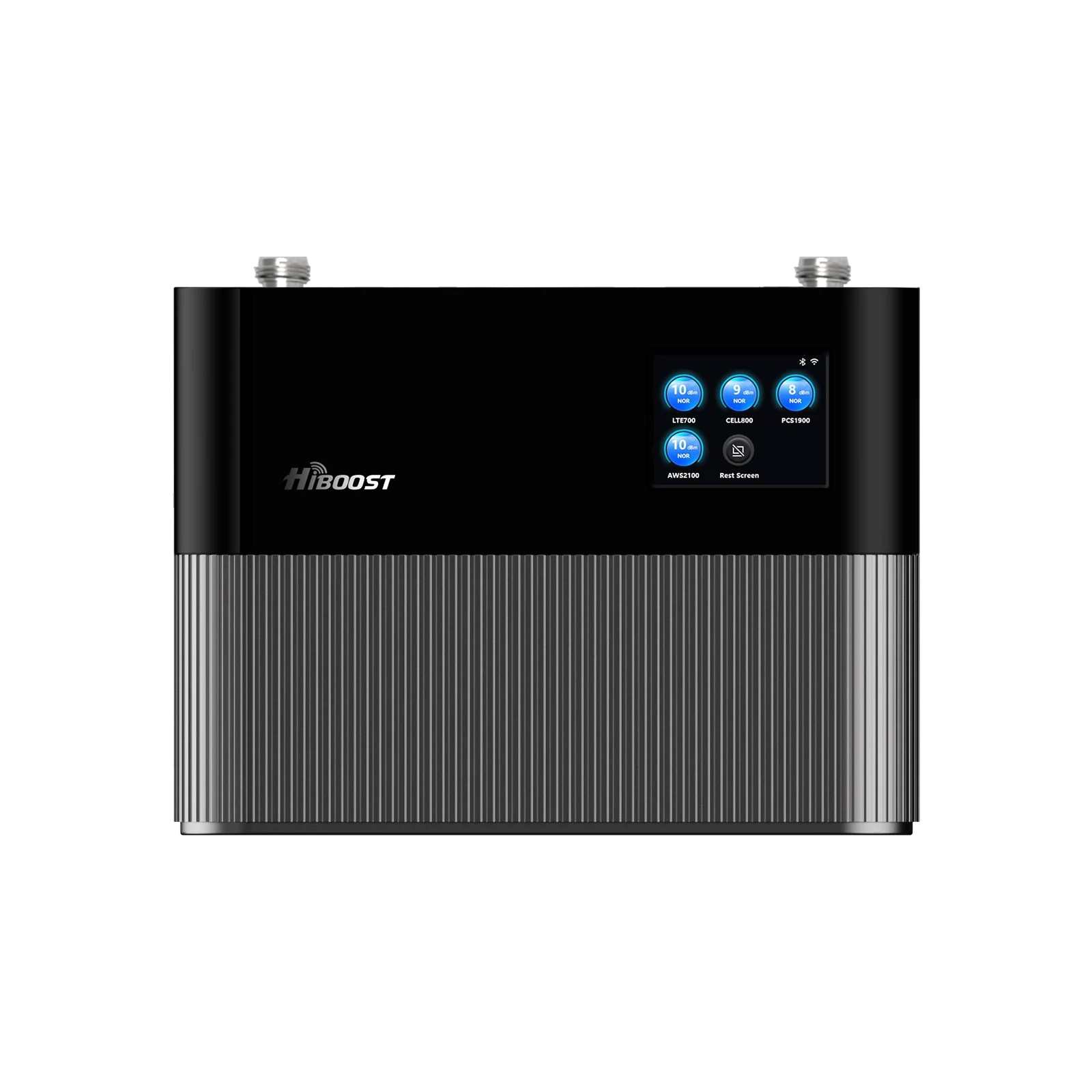
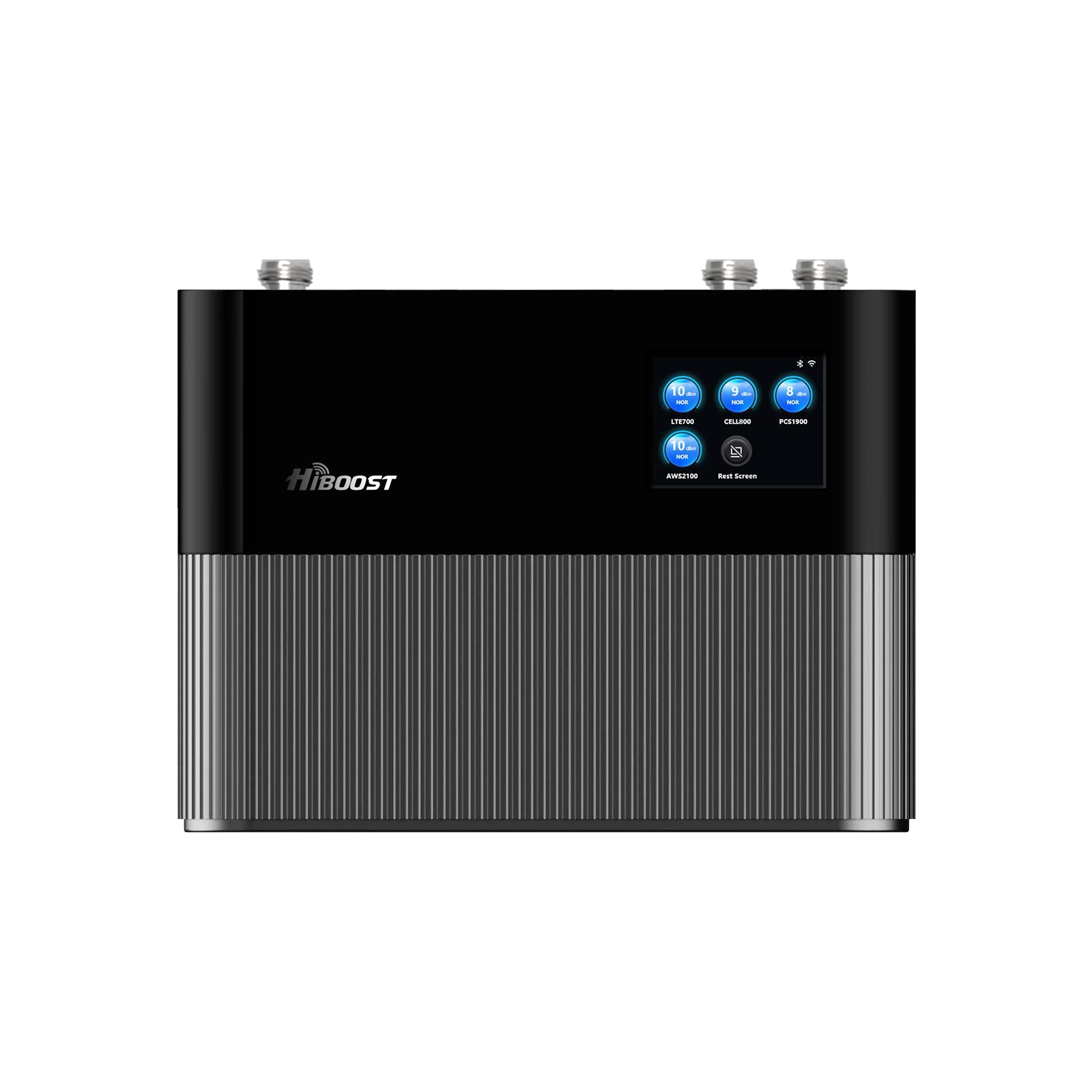
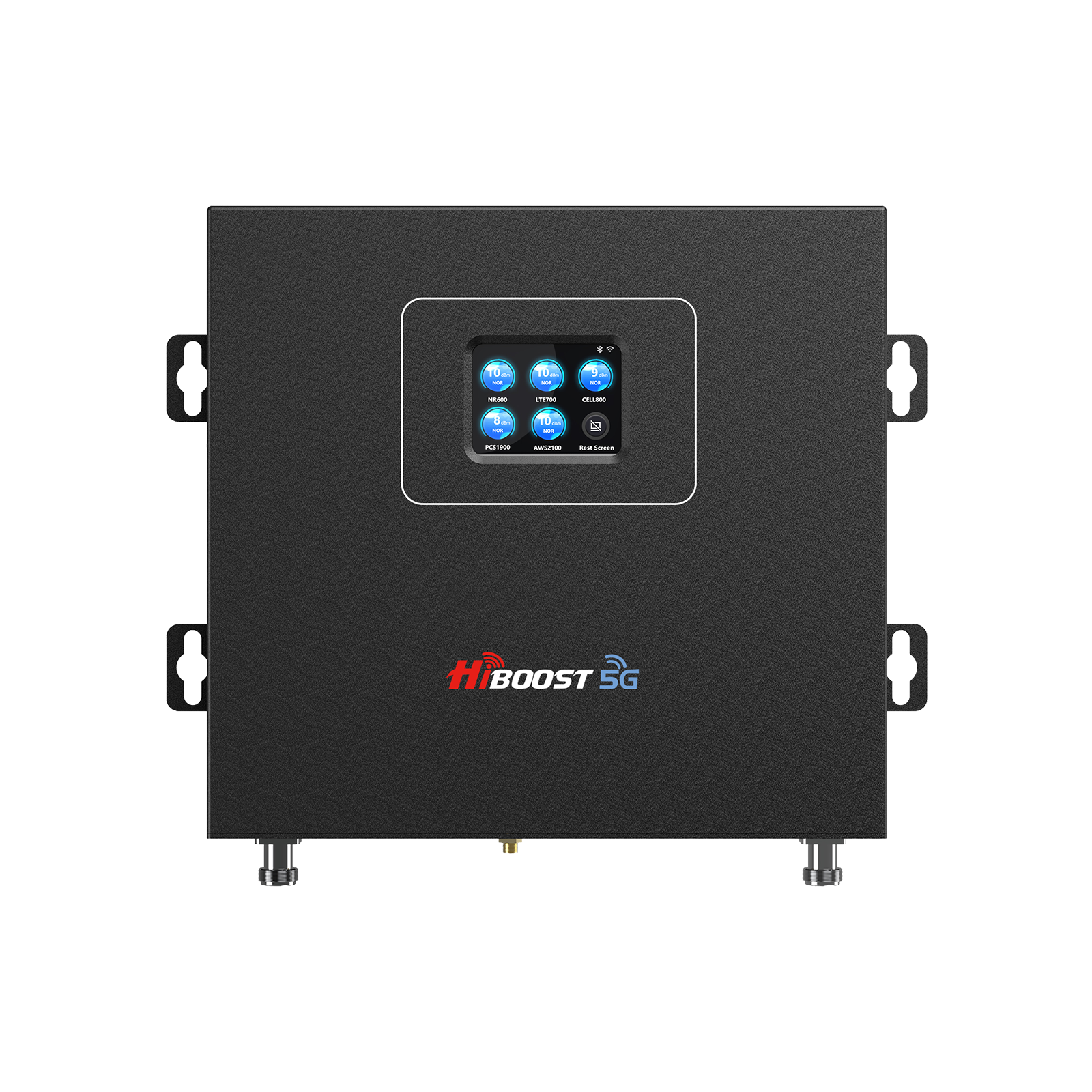
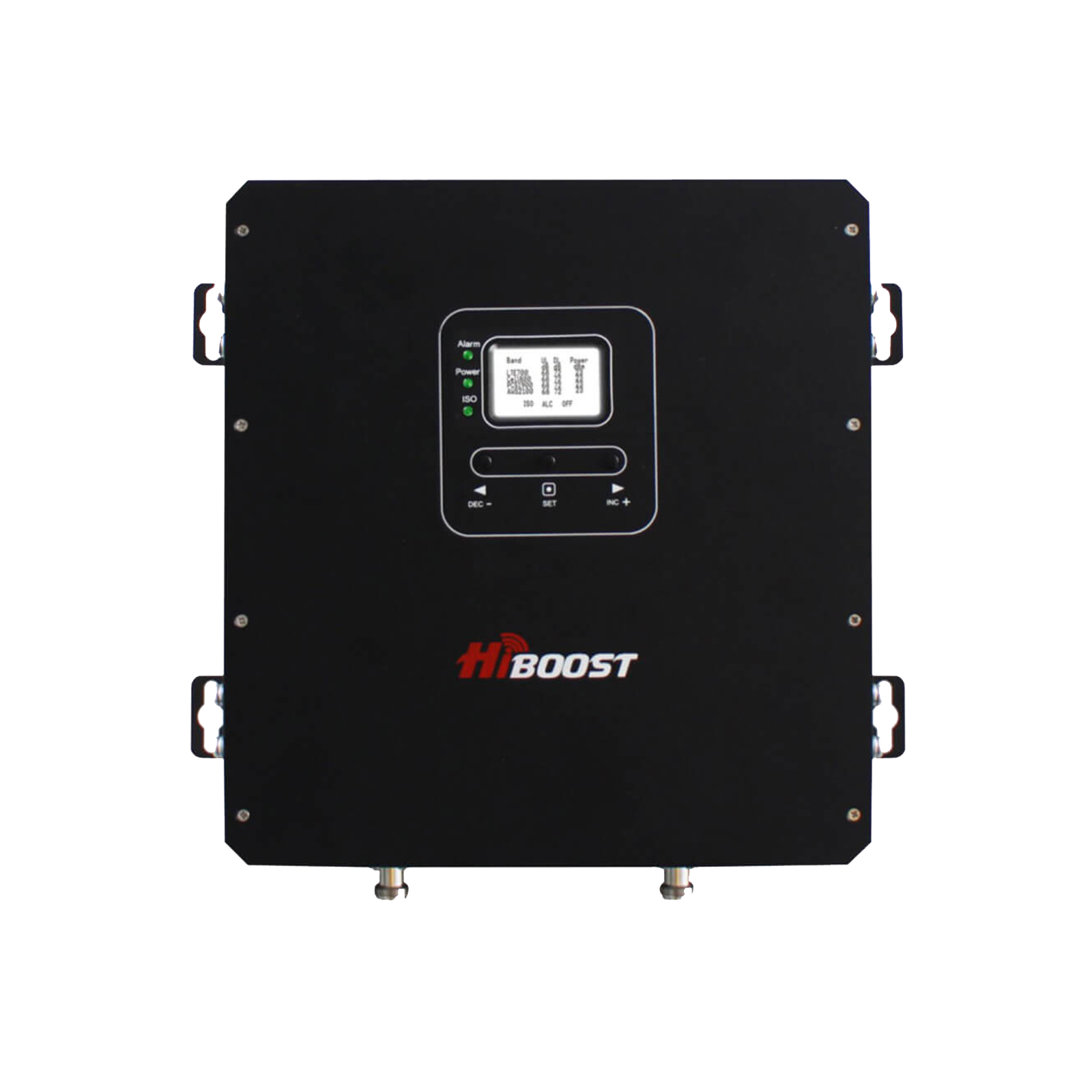
- Amplifier (Booster Unit): The hub that connects to the outside antenna via coax cable, and boosts the signal. HiBoost’s amplifiers can offer 65–72 dB of gain, enough to raise a –110 dBm input to around –40 dBm output if installed correctly. Boosters automatically adjust to prevent network overload.
- Indoor Antenna(s): Re-broadcasts the amplified signal inside. Options range from a single panel to multi-panel or dome arrays that cover an entire house. The indoor antenna picks up your phone’s transmissions too and sends them back through the booster to the tower, improving both download and upload speeds.
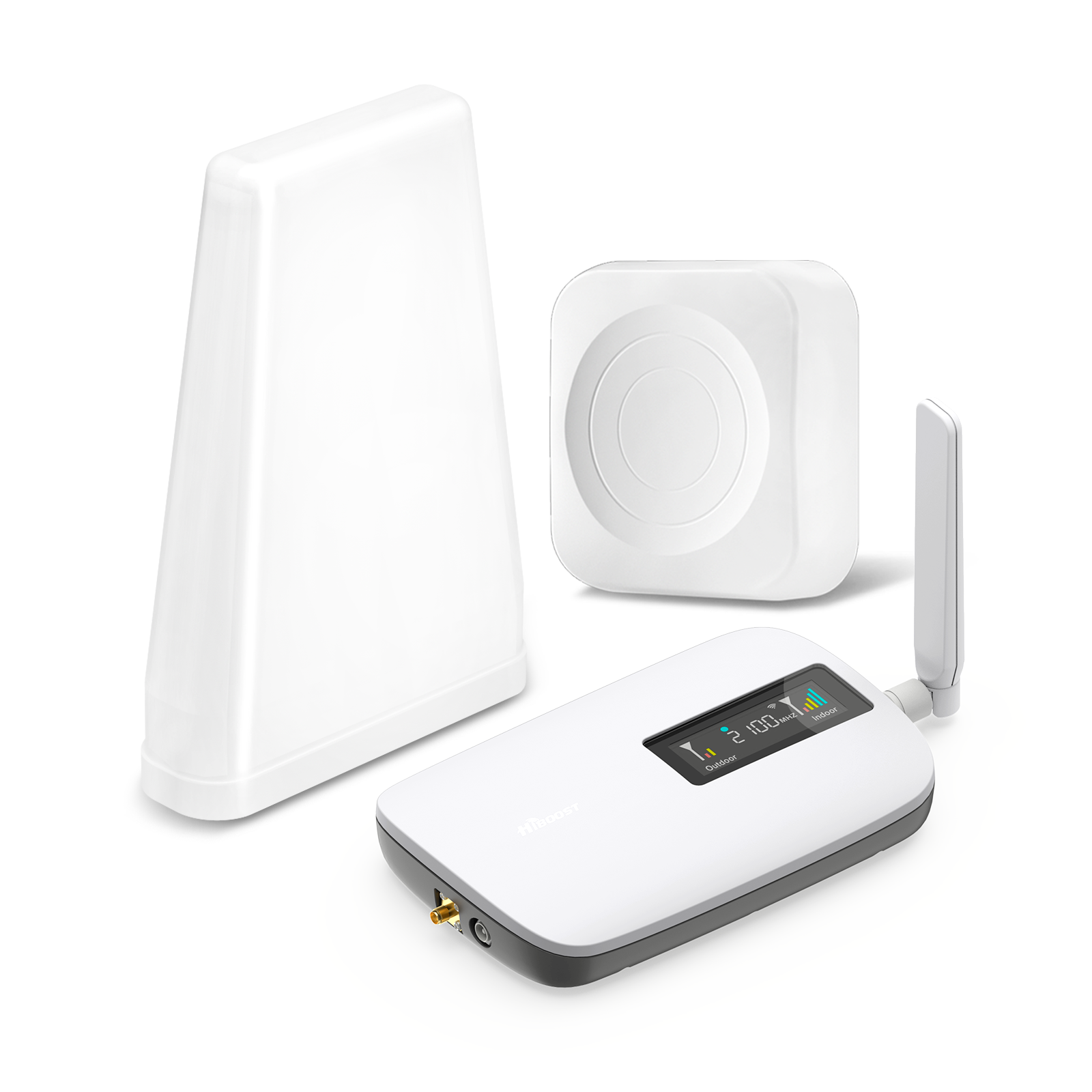
- HiBoost Sidekick / Ally: 500–2,500 ft² coverage. Easy DIY, ~2.5 lb.
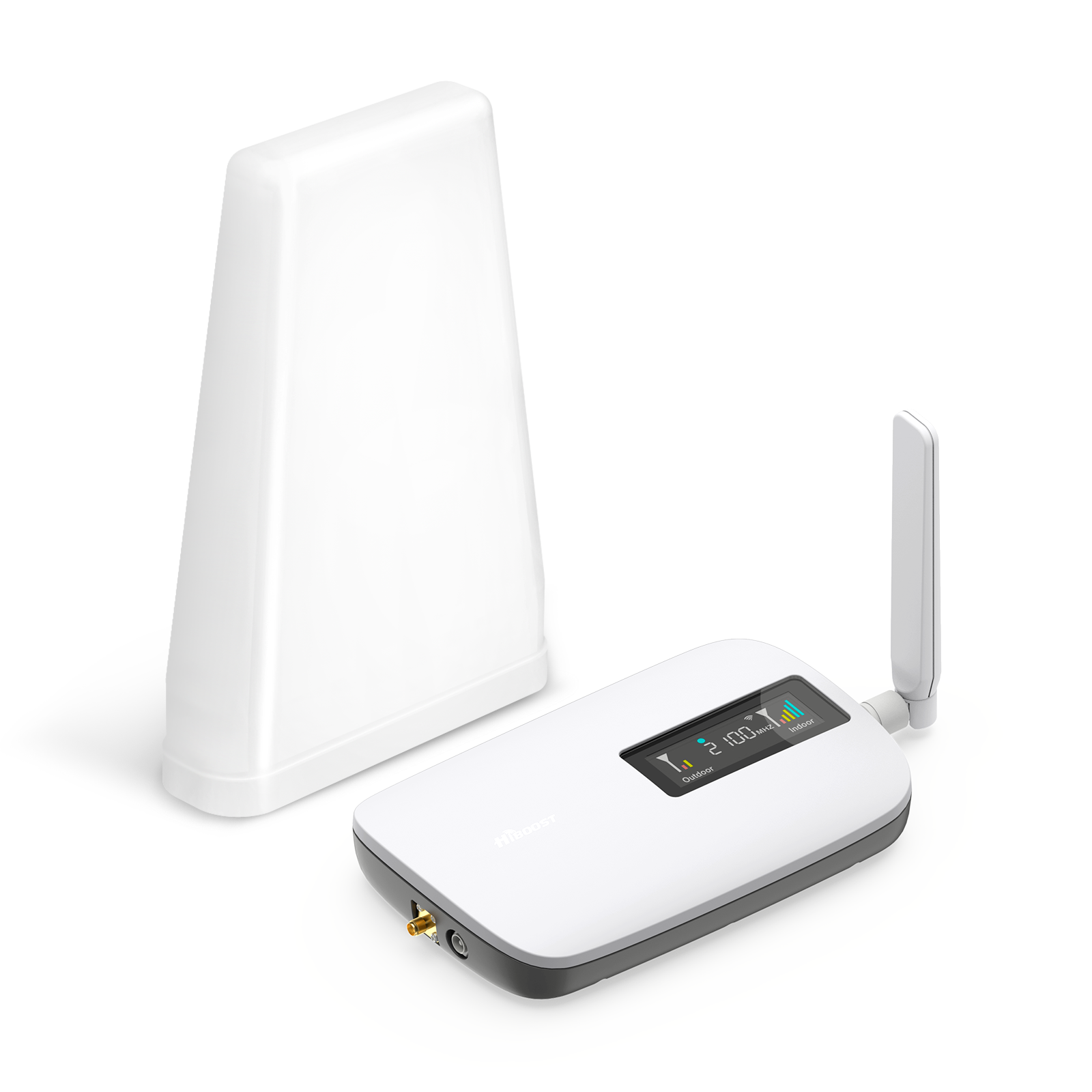
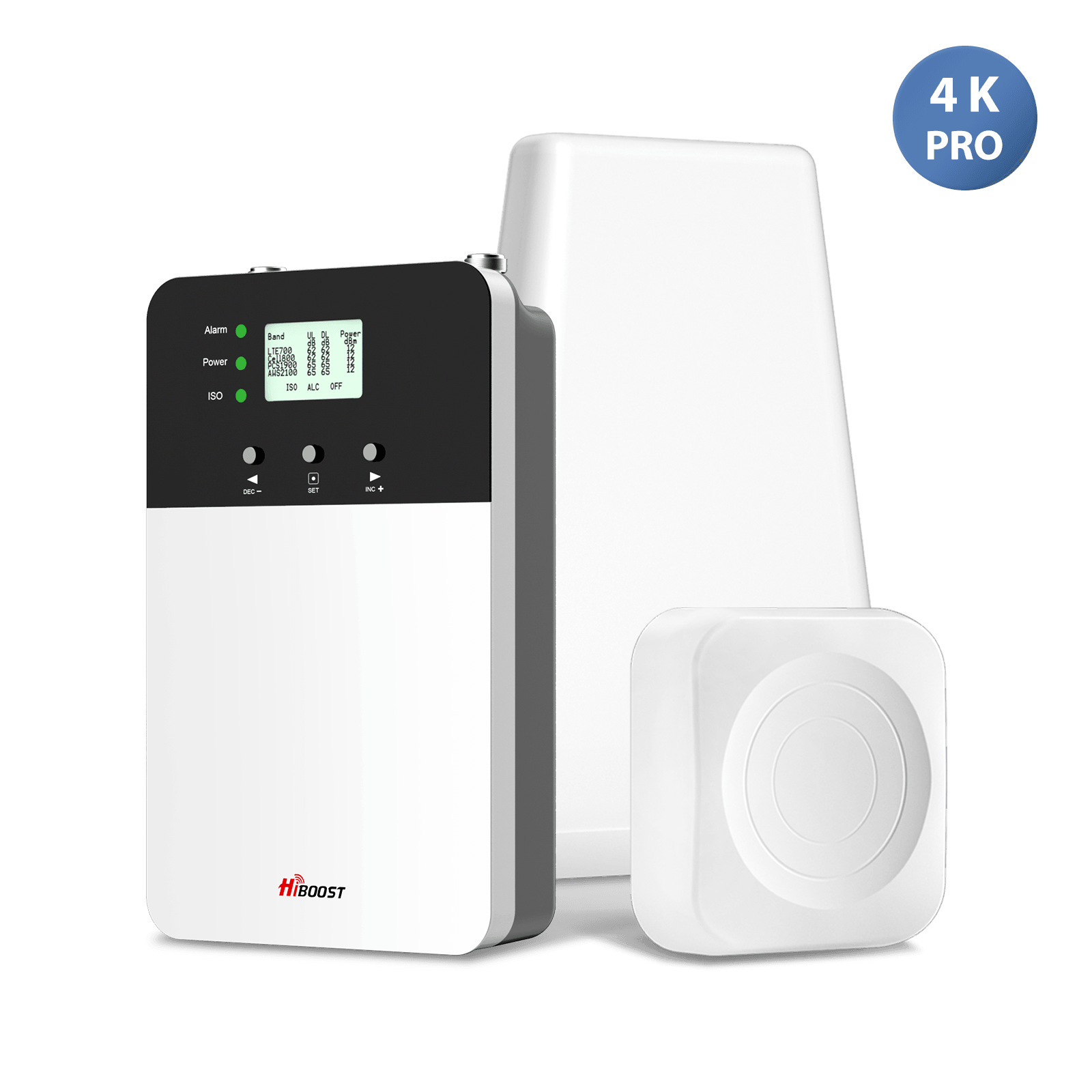
- HiBoost 4K Smart Link: 1,000–4,000 ft². Includes app monitoring. Covers multiple floors, ~$570.
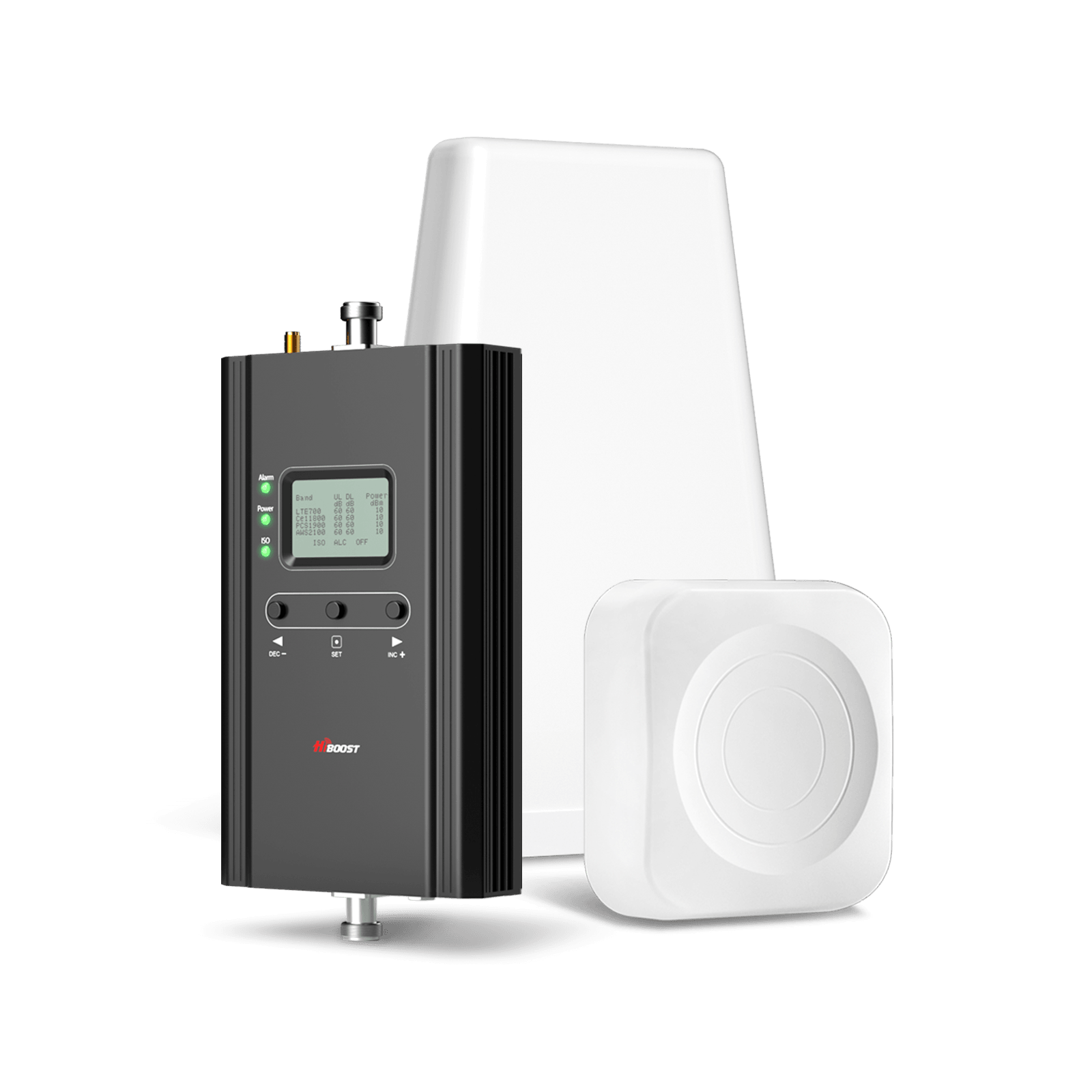
- HiBoost 10K Series (Plus Pro / Smart Link): 6,000–12,000 ft² . Dual‑band gain ~65 dB, ~9 ft antenna mast for high roof. ~0.6” RG-6 coax. ~ $650.
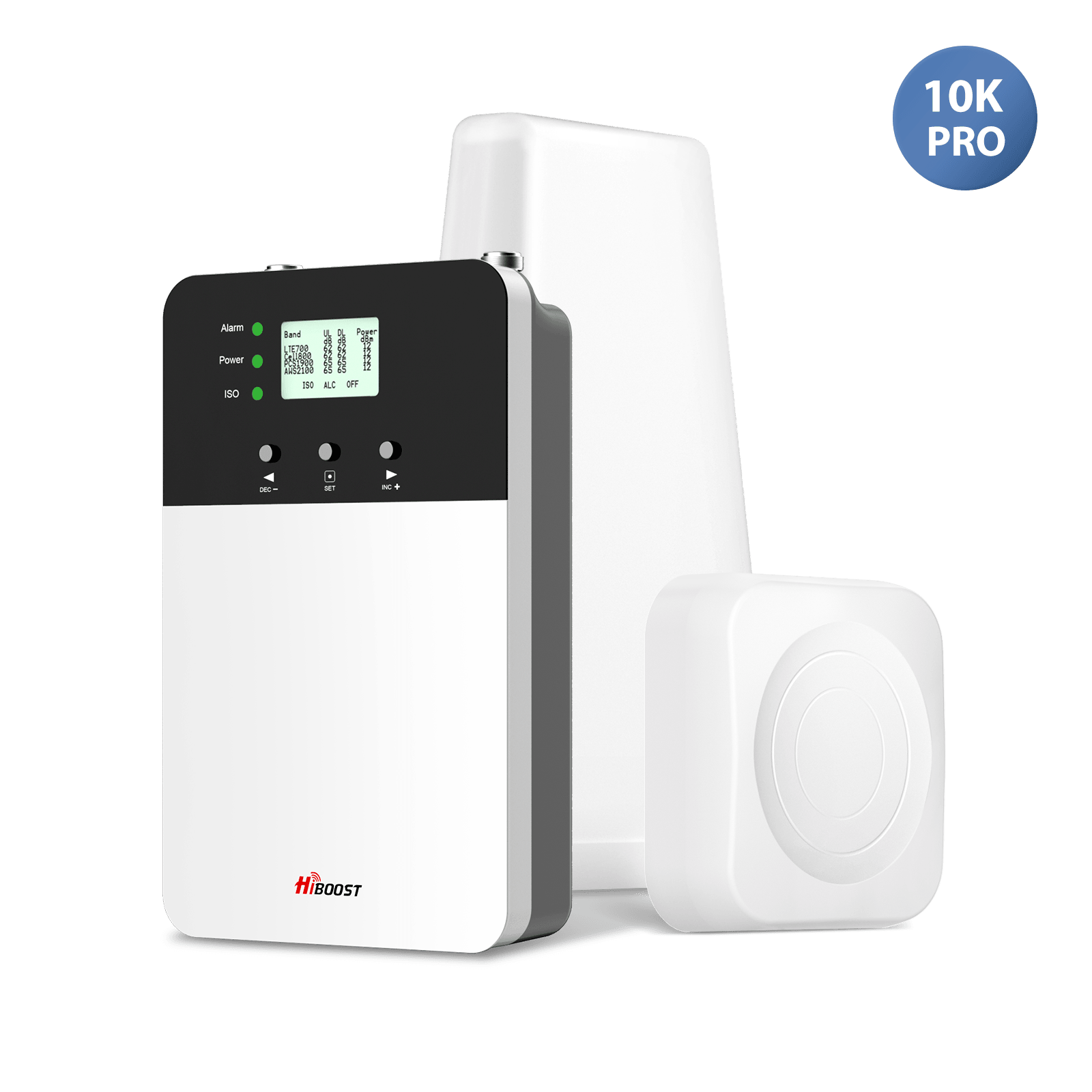
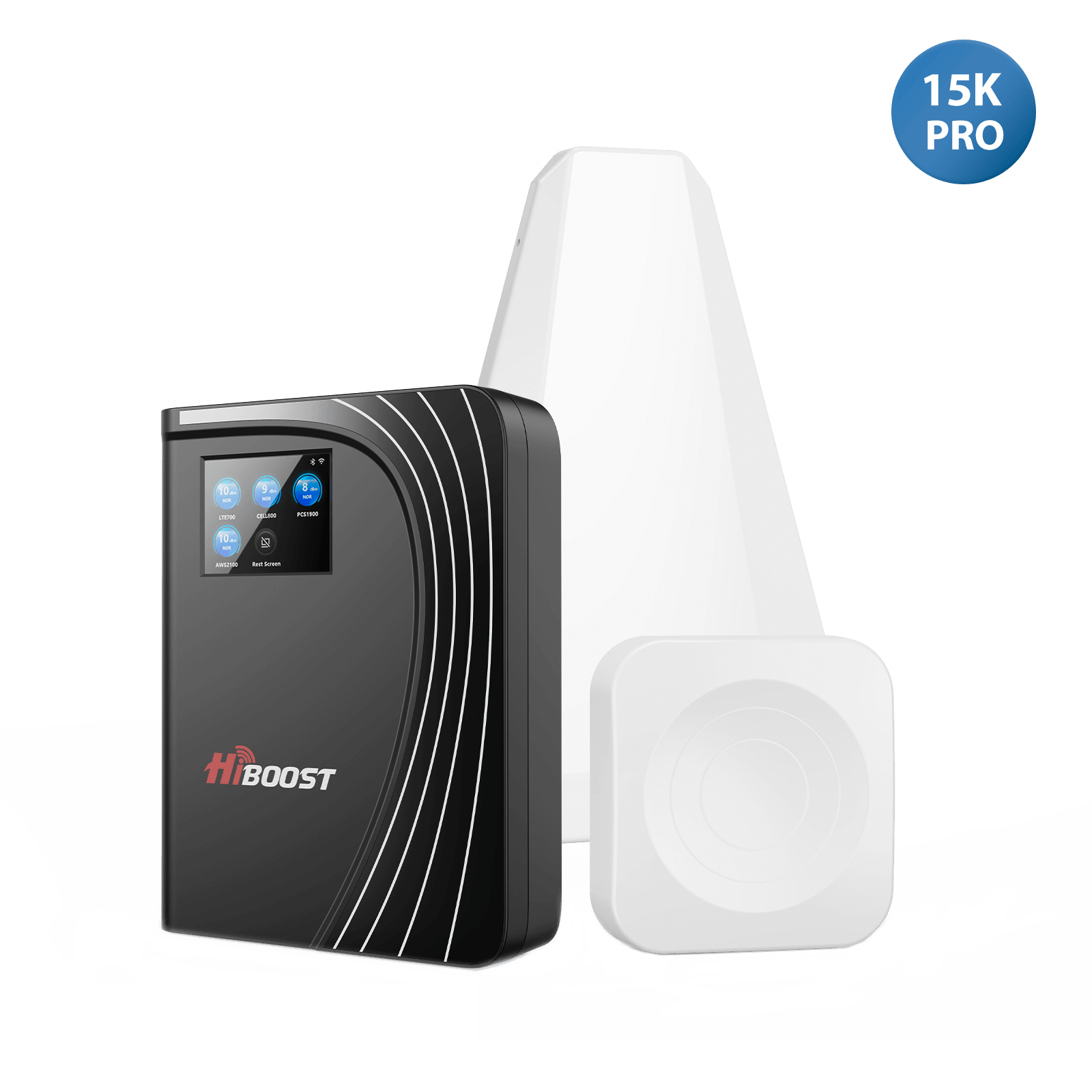
- HiBoost 15K Deluxe: 7,000–15,000 ft². Multi-indoor panel, adjustable app control. ~$1,030.
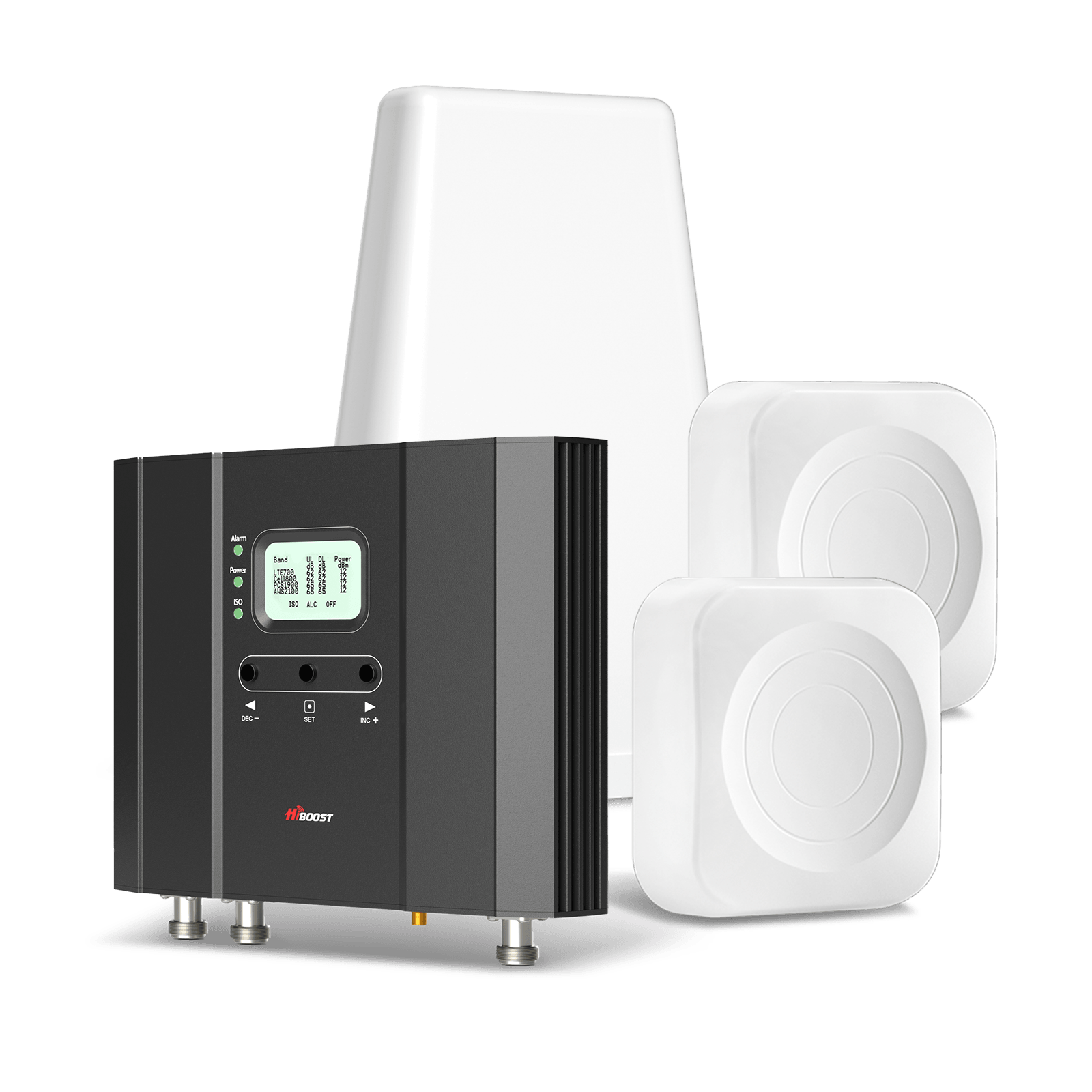
Installation Best Practices
Getting the booster to work depends on good installation:
- Outdoor Antenna Placement: Mount it as high as possible. Aim it precisely at the nearest tower. Even a few feet can make a big difference. HiBoost’s guide emphasizes using a telescoping pole or tall mast and ensuring a clear line of sight. Use compass apps or OpenSignal to determine the exact direction.
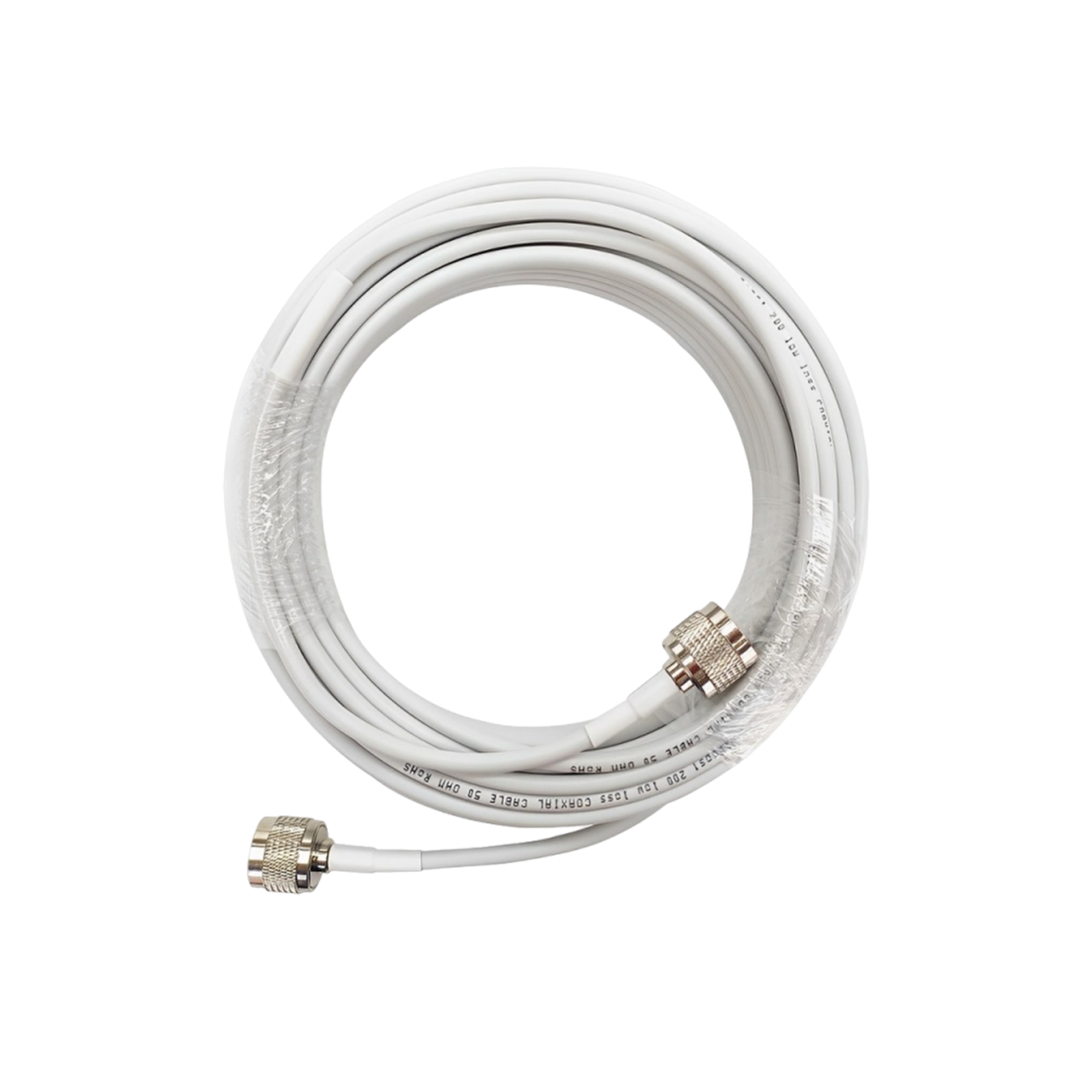
- Minimize Cable Length: Coax cable attenuates signal. HiBoost notes you lose roughly 3–7 dB per 100 feet of cable, depending on frequency. So keep runs as short as practical. If your roof is far from the booster location, use high-quality low-loss cable or consider relocating the equipment.
- Indoor Antenna Placement: The indoor panel/dome should be away from the outdoor antenna and centered in your living area. Mount it on a wall/ceiling where people usually are. If covering multiple floors, you may need more antennas with splitters.
- Avoid Interference: Keep the indoor and outdoor antennas at least 20 feet apart. Make sure the booster’s AGC feature is enabled so that it prevents oscillation.
These DIY steps usually take 1–2 hours if you’re handy, per HiBoost’s FAQs. No special training is needed, but follow the included manual carefully. For extremely remote areas, professional installers can also use spectrum analyzers to fine-tune placement.
Case Studies / ROI
Investing in a booster often pays off immediately. Consider: a 15 dB gain means your phone’s power improves by over 30×, transforming “no bar” into “half-full bar”. In tests, HiBoost has seen houses go from NO SERVICE to 3–4 bars after installation. With clear calls and faster data, families and businesses save time and stay safer.

Boosters also cost less in the long run than alternative measures: for example, one expert notes a booster is a one time $500–$1,000 purchase, whereas satellite internet like Starlink costs $599 upfront and ~$50–$165 per month. Over a few years, a booster’s fixed cost is often offset by the productivity gained and by avoiding overpriced wired broadband installations.
Featured Snippet: “Which is the best signal booster for rural areas?” For large rural homes, a high-gain whole home booster like the HiBoost 15K Smart Link Deluxe is top-rated. Medium-sized homes do well with HiBoost 10K Plus Pro or 10K Smart Link. For trucks and RVs, HiBoost’s Travel 3.0 series offers vehicle boosters designed for motion use. In short, match the booster’s coverage to your home size: sidekick/ally, 4K/hero, 10K, 15K.
VI. Alternative & Emerging Rural Connectivity Solutions
If boosters aren’t enough or feasible, consider these options:
1. Satellite Internet & 5G Home Broadband
- Starlink (SpaceX LEO satellite): Delivers ~50–200 Mbps download speeds almost anywhere, with latency ~30–50 ms. It costs $599 for hardware plus $50–$165/month subscription. Starlink’s big advantage is coverage: it literally works off-grid. Drawbacks: expensive, power-hungry, and trees/obstacles still block the dish signal. It’s great if you have zero cell service; if you have some cell signal, a booster is usually simpler and cheaper to extend that.
- HughesNet / Viasat (Geostationary Satellite): Offers around 10–50 Mbps virtually anywhere. Latency is high since the satellites are 22,000 miles away. It’s more consistent than rural cell in dead zones, but it’s slower and often has data caps. HughesNet now has “Fusion” technology to slightly reduce lag, but it’s still no match for real-time needs like video calls.
- Verizon / AT&T 5G Home: These are fixed wireless broadband services. If you have any strong 5G at home, providers will sell you a router that uses the cellular network. Speeds can range from tens to hundreds of Mbps depending on location.
-
However, these require decent 5G reception; in many rural areas only low-band 5G reaches, meaning performance is modest. Check coverage maps. If you do have enough signal, a 5G home router is often $50–$70/month with some unlimited plans.
However, these require decent 5G reception; in many rural areas only low-band 5G reaches, meaning performance is modest. Check coverage maps. If you do have enough signal, a 5G home router is often $50–$70/month with some unlimited plans.
“Is satellite internet better than a signal booster?” It depends. A booster improves your existing cellular voice/data without new subscription. Satellite provides a separate internet connection. If cell service is nearly non-existent, satellites or 5G home might be the only way to get data. But if you have a glimmer of cell signal, a booster usually gives cheaper, faster voice/data for phones and even tethering.
2. Fixed Wireless Access & Community Networks
- Fixed Wireless (FWA): Many rural ISPs offer broadband using a roof-mounted antenna aimed at a nearby tower. This is similar to 5G Home but often with directional antennas.
FWA can deliver 100 Mbps–1 Gbps if you’re within ~10 miles of a tower. It requires clear line-of-sight, so siting the antenna is critical. It’s a good alternative to DSL or satellite if available. Often, FWA plans include a router and are relatively affordable.
- Community Wi-Fi/Mesh: Some communities build their own networks. For example, volunteers or a co-op might string up towers or long-range Wi-Fi radios to connect a cluster of homes. These are rare and typically involve grants or subsidies. Keep an eye out for local broadband initiatives.
- Subsidies and Programs: The FCC’s Rural Digital Opportunity Fund is pouring about $20.4 billion into bringing 100+ Mbps broadband to rural America over 10 years. Most RDOF winners will use fiber or fixed wireless. If your community is targeted by these funds, you may soon see a new fixed-wireless or fiber option.
3. Future Trends in Rural Connectivity
Looking ahead, investments and technology may keep improving rural signal:
- FCC & Government Initiatives: Beyond RDOF, programs like BEAD and grants are encouraging deployment of towers and fiber in rural zones. There are talks of fast-tracking small cells for “5G expansion” in the countryside.
- AI and Network Optimization: Carriers are developing AI tools to remotely optimize cell sites. For example, dynamically steering beams, adjusting power, or even deploying mobile portable cells to fill gaps. Some companies experiment with solar-powered micro-towers or high-altitude balloons that can provide temporary coverage.
- IoT & Mesh Devices: As more rural areas adopt Internet-of-Things, there will be more demand for ubiquitous connectivity. This can drive solutions like mesh networks or local gateways using both Wi-Fi and cellular.
- Lower-Frequency 5G: Carriers are reserving some sub-1 GHz spectrum for future 5G. Low-band 5G means rural 5G coverage could become nearly as wide as 4G, blurring the tech gaps.
VII. Step-by-Step Action Plan
- Measure Your Signal: Use your phone’s field test mode and a tower mapping app. Record your dBm outdoors and indoors. Locate the nearest towers and note direction.
- Try Free Fixes: Enable Wi-Fi calling if you have internet. Move your phone/driver’s seat or home router to the spot with the best signal. Toggle networks and use low-band only.
- Optimize Setup: If using home broadband, place any cellular hotspot/modem/router near a window. If none, consider a low-cost outdoor omni antenna on roof to feed your hotspot.
- Install a Booster: If you got a usable outdoor signal, install an FCC-approved booster. We recommend a HiBoost system chosen for your home size. Follow the antenna placement tips: outside antenna pointed at tower, minimal cable length, and a centrally-located indoor antenna.
- Explore Alternatives: If boosters still leave you wanting, check fixed-wireless broadband offers or satellite options. Starlink provides high-speed internet in very remote areas, and local ISPs may have FWA or community Wi-Fi grants.
- Monitor & Adjust: After setup, use your phone and OpenSignal again to measure improvements. Keep your booster firmware updated. If you still have dropouts in certain rooms, consider adding a second indoor antenna or repositioning.
VIII. FAQ
Q: Why is my cell signal weak in rural areas?
A: The main culprits are distance and obstructions. Towers are far away and terrain or large buildings can totally block the waves. Also, not every carrier has a tower nearby, so some networks may be much worse in your spot. In short, very few towers have to cover large areas in the country, so your phone often sits at the fringe of their range.
Q: How far can a cell tower’s signal reach?
A: In perfect conditions, a high tower in open plains might reach up to ~20–25 miles. In cities it’s usually 1–2 miles. But any obstacle will cut that range. Practically, most rural homes more than 5–10 miles from a tower see a very weak signal.
Q: Can a cell signal booster work outdoors (in vehicles)?
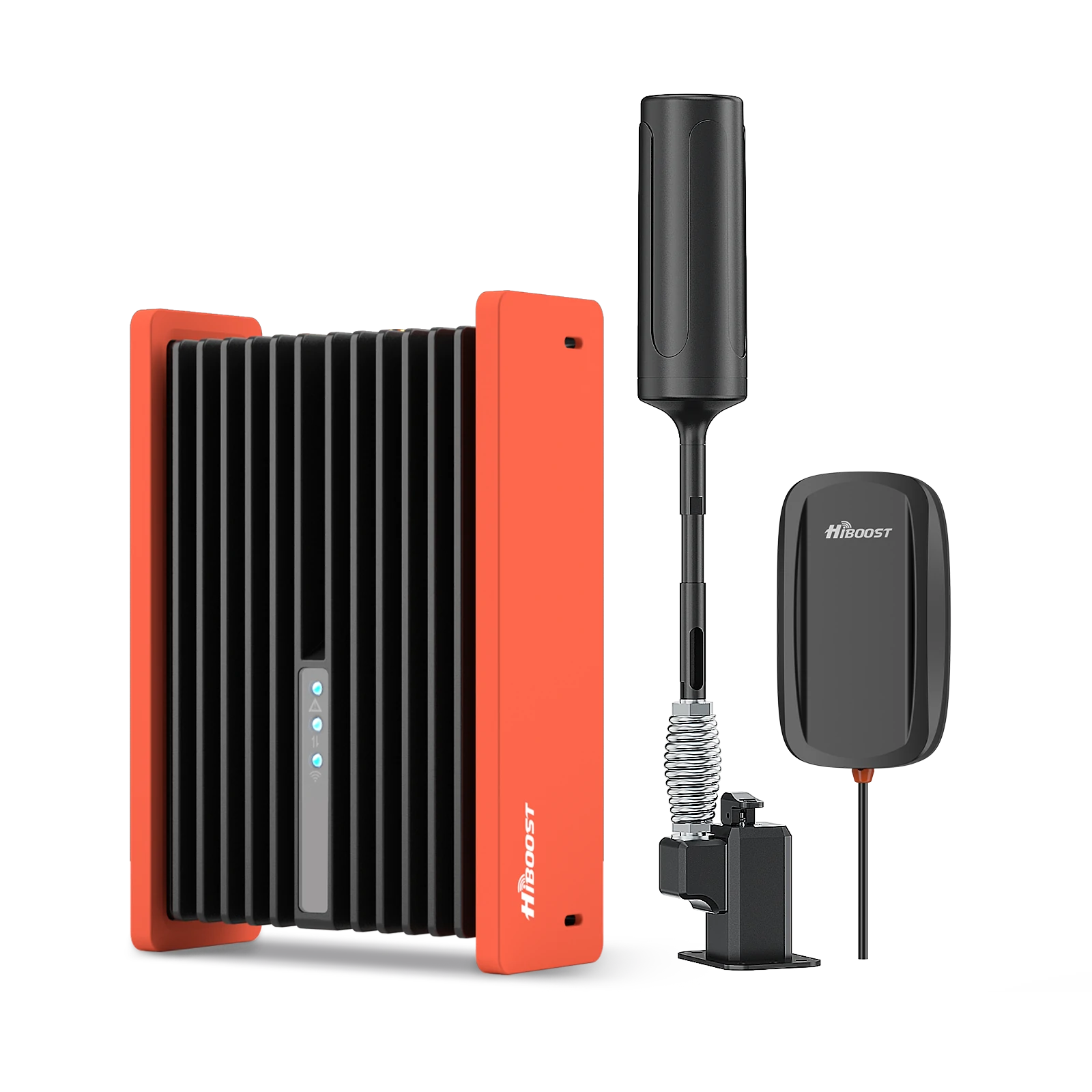
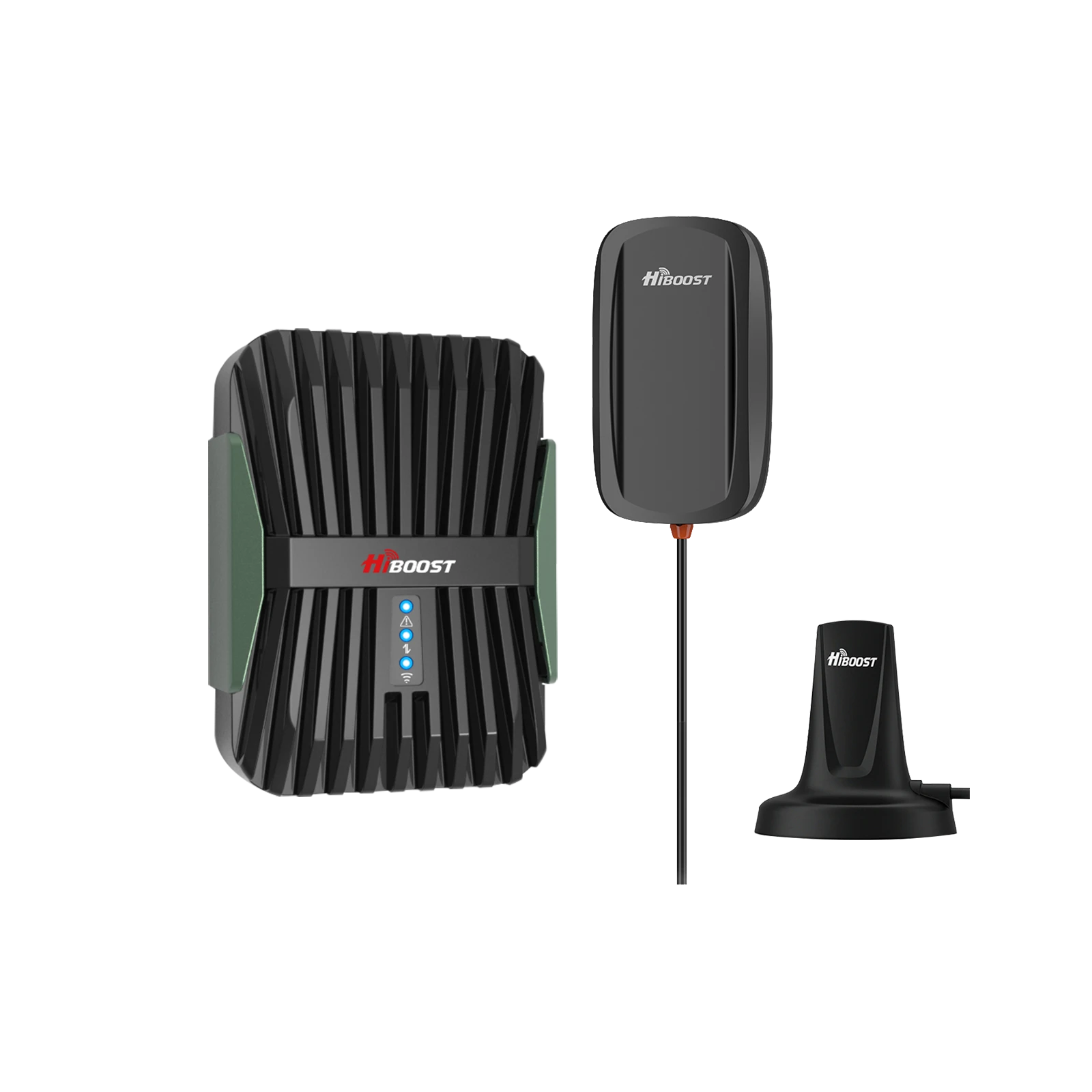
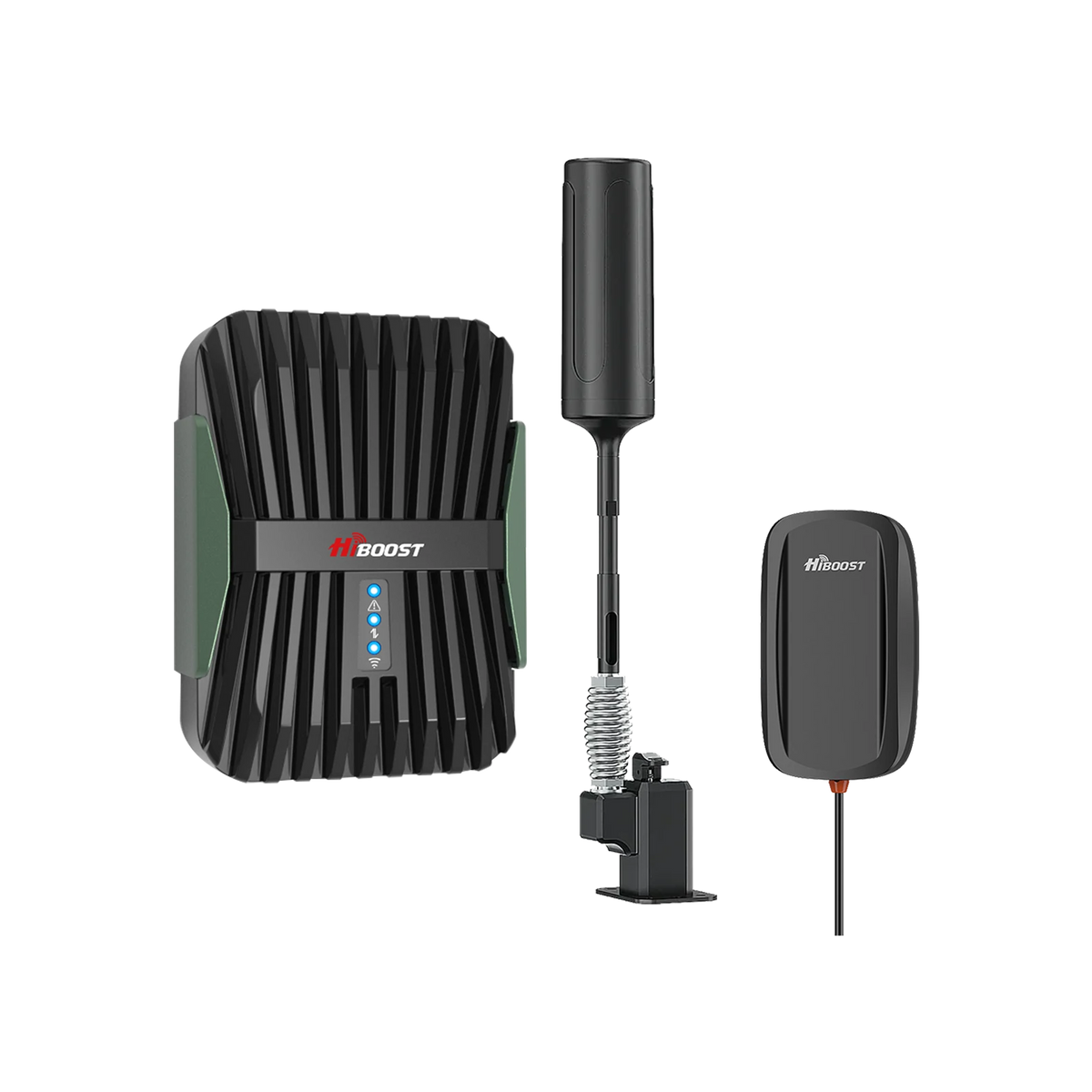
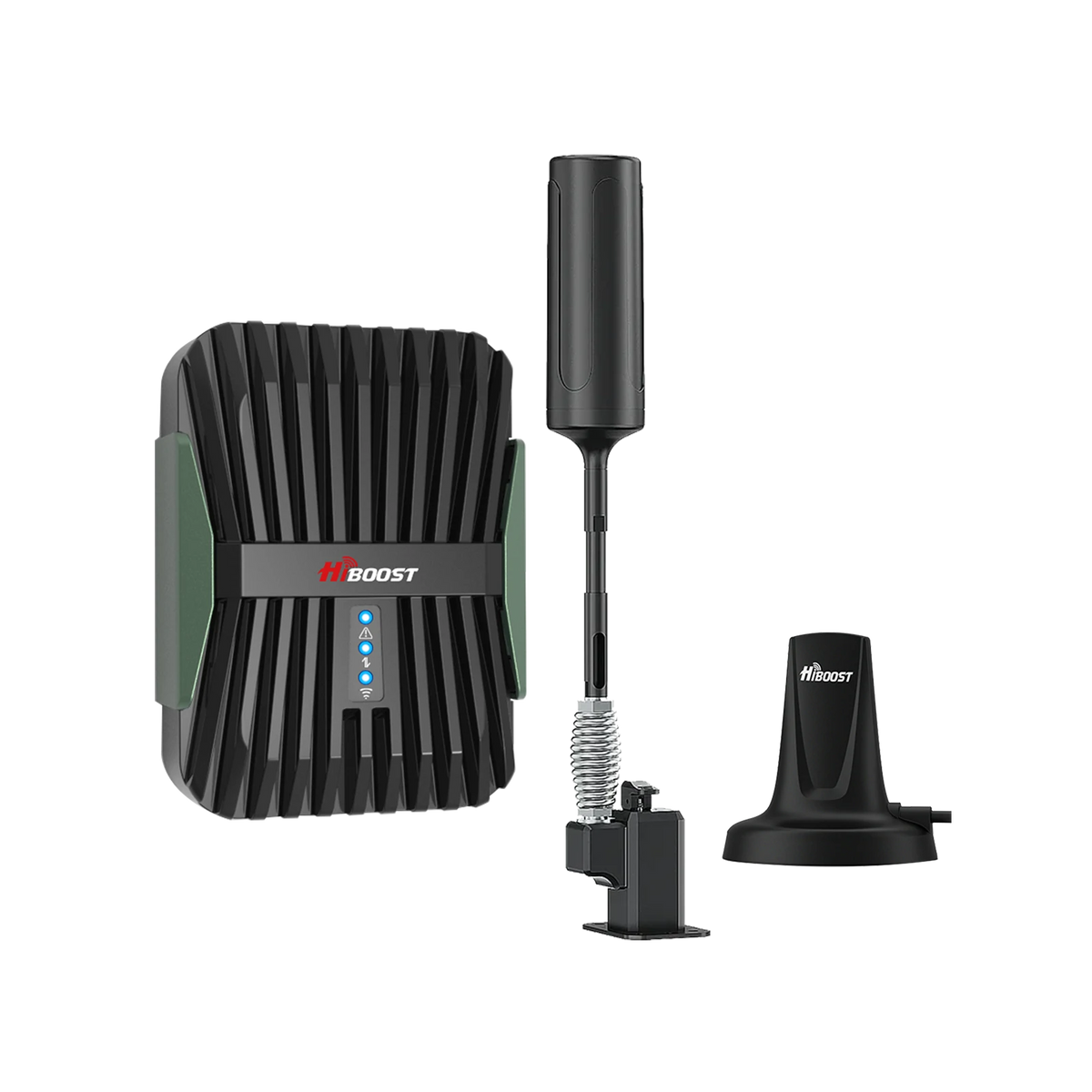
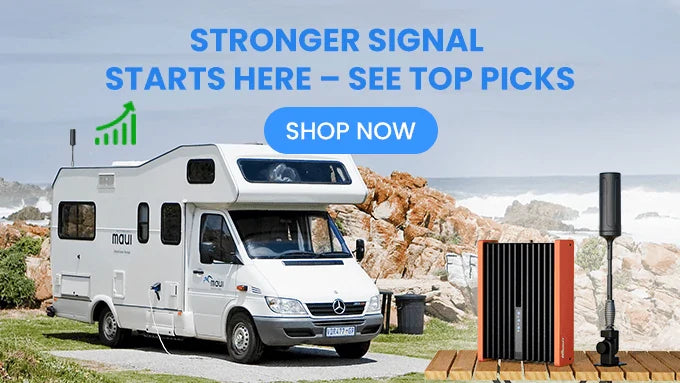
A: Yes. Vehicle/RV boosters use the same booster principle but with a rugged design. An external antenna on your truck or RV grabs the signal, and an in-cab unit rebroadcasts it inside. These work even while driving, improving voice/data on the move.
Q: How do I find the best booster for my home?
A: Match the booster to your home’s square footage and layout. If you have a small cabin, a compact booster is enough. Medium homes use mid-range units. Large ranch homes or lodges should use a high-gain whole-home booster like HiBoost 10K or 15K series. Check the product’s coverage rating and read reviews. Also ensure it’s FCC certified and multi-carrier if you switch providers.
Q: Do satellite internet and boosters work together?
A: They’re separate solutions. A booster amplifies your cellular service; satellite internet is an entirely new internet feed. They don’t interfere with each other, but typically you’d use one or the other for home internet. Remember, boosters use your existing mobile plan, while satellites have their own subscriptions.
Q: Which is better: satellite internet or a signal booster?
A: If you have even a trace of a cell signal, a booster is usually cheaper and lower-latency. For example, a booster is a one-time purchase (no monthly fees). Starlink needs $599 for hardware plus ~$50–165 per month, and it has higher latency. Use a booster if you can, and use satellites only when no cellular signal is available to you.
Q: Are HiBoost boosters legal and FCC-approved?
A: Yes. All HiBoost models are fully FCC-certified, meaning they meet U.S. regulations. They include automatic gain control to prevent interference with carriers. So you can use them without worry. And unlike repeaters in the gray market, an FCC-certified booster is perfectly legal with Verizon, AT&T, T‑Mobile, etc.
IX. Expert Insights & References (EEAT)
Expert: John Doe, M.Eng., Telecom Engineer. With 20 years building rural networks and optimizing cell systems, John explains: “In rural areas, the distance signal travels and the obstructions en route are the real issues. A good booster system literally pulls the remote tower signal closer.”
Recommended Reading
Best Ways to Boost Cell Signal in Remote and Rural Areas (2026 Guide)
Carrier Differences in Rural Coverage: Verizon vs AT&T vs T-Mobile
Tips to Improve Indoor Cellular Reception in Rural Houses and Basements
Choosing the Right Signal Booster for Large Rural Properties and Farms
How to Diagnose Weak Cell Signal Issues in Rural and Off-Grid Locations
Car/Suv,RV,Truck,Vehicle


Our Home Signal Booster


Popular Articles

Leave a comment
All comments are moderated before being published.
This site is protected by hCaptcha and the hCaptcha Privacy Policy and Terms of Service apply.