
Frustrated with dropped calls, sudden internet interruption, one-bar signal reception, or annoying mobile data inside your home?
Frustrated with dropped calls, sudden internet interruption, one-bar signal reception, or annoying mobile data inside your home?
Most of the home owners living in remote areas or living away from cell phone towers face similar situations daily. Modern building material, thick energy-efficient windows, metal roofing, concrete walls, and even uneven terrain can weaken cellular signals before they reach your smartphone.
After years of research and efforts, today’s homes are equipped with cell phone signal boosters that can significantly improve call quality, reduce dropped calls, and enhance 4G LTE and 5G performance for less than $300.

In this guide, we will review the best cell phone boosters under $300 for small homes and explain how signal boosters work, compare the most important features, and help you chose the right solution based on your home’s layout.
Why Cell Phone Signals Become Weak Inside Small Homes
that's only part of the story.
Cellular signals must travel from a tower to your phone. Along the way, they encounter obstacles that reduce signal strength.
Common causes of weak indoor cellular coverage include:
Building Materials
Certain materials block radio frequencies more effectively than others. The biggest offenders include:
| Material | Signal Loss Impact |
| Metal Roofing | Very High |
| Concrete Walls | Very High |
| Brick Construction |
High |
| Low-E Windows |
Moderate to High |
| Drywall | Low |
| Wood Framing | Low |
A home may have excellent outdoor coverage but poor indoor reception simply because signals struggle to penetrate the structure.
Distance From Cell Towers
The farther your home is from the nearest carrier tower, the weaker the incoming signal becomes.
This is particularly common in:
- Rural communities
- Suburban developments
- Mountain regions
- Forested areas
- Lakeside properties
Network Congestion
Weak signals aren't always caused by distance.
In densely populated neighborhoods, carrier towers may become congested during peak usage hours, reducing available bandwidth and slowing mobile data speeds.
Terrain and Geography
Natural obstacles can also interfere with signal transmission.
Examples include:
- Hills
- Valleys
- Dense tree coverage
- Large rock formations
- Urban high-rise buildings
If your signal improves noticeably when you step outside, your problem is likely solvable with a properly installed cell phone booster.
What Exactly Does a Cell Phone Booster Do?

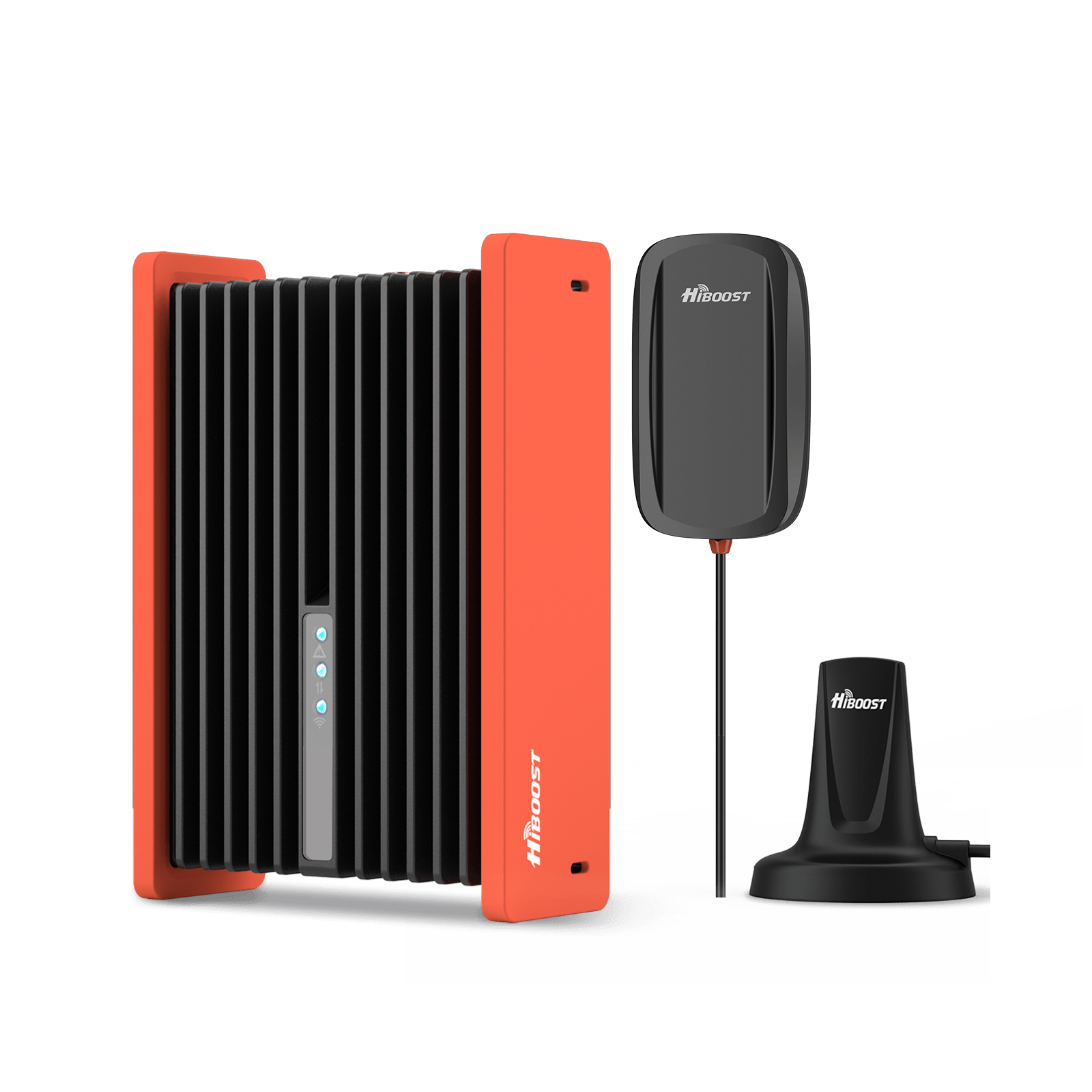
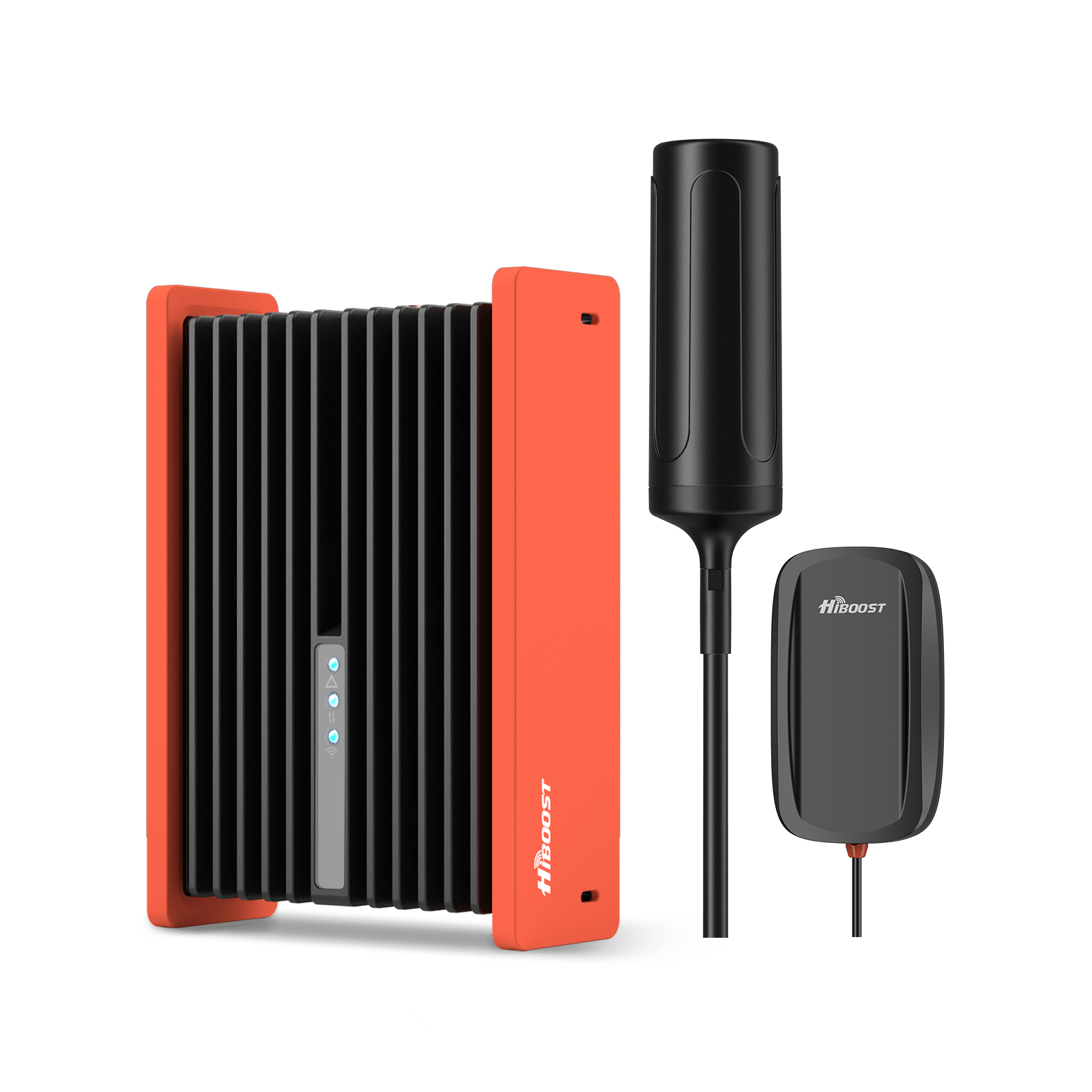
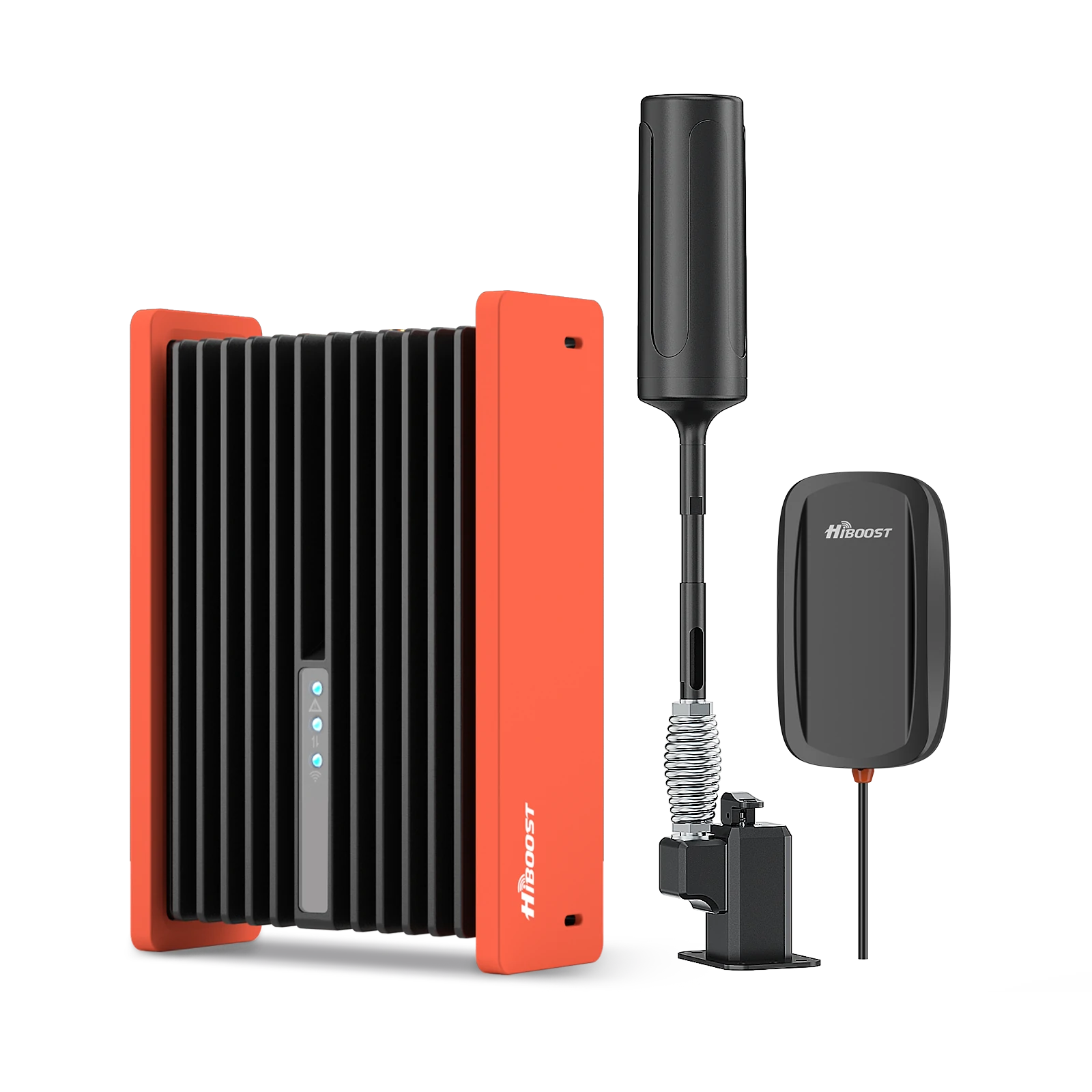
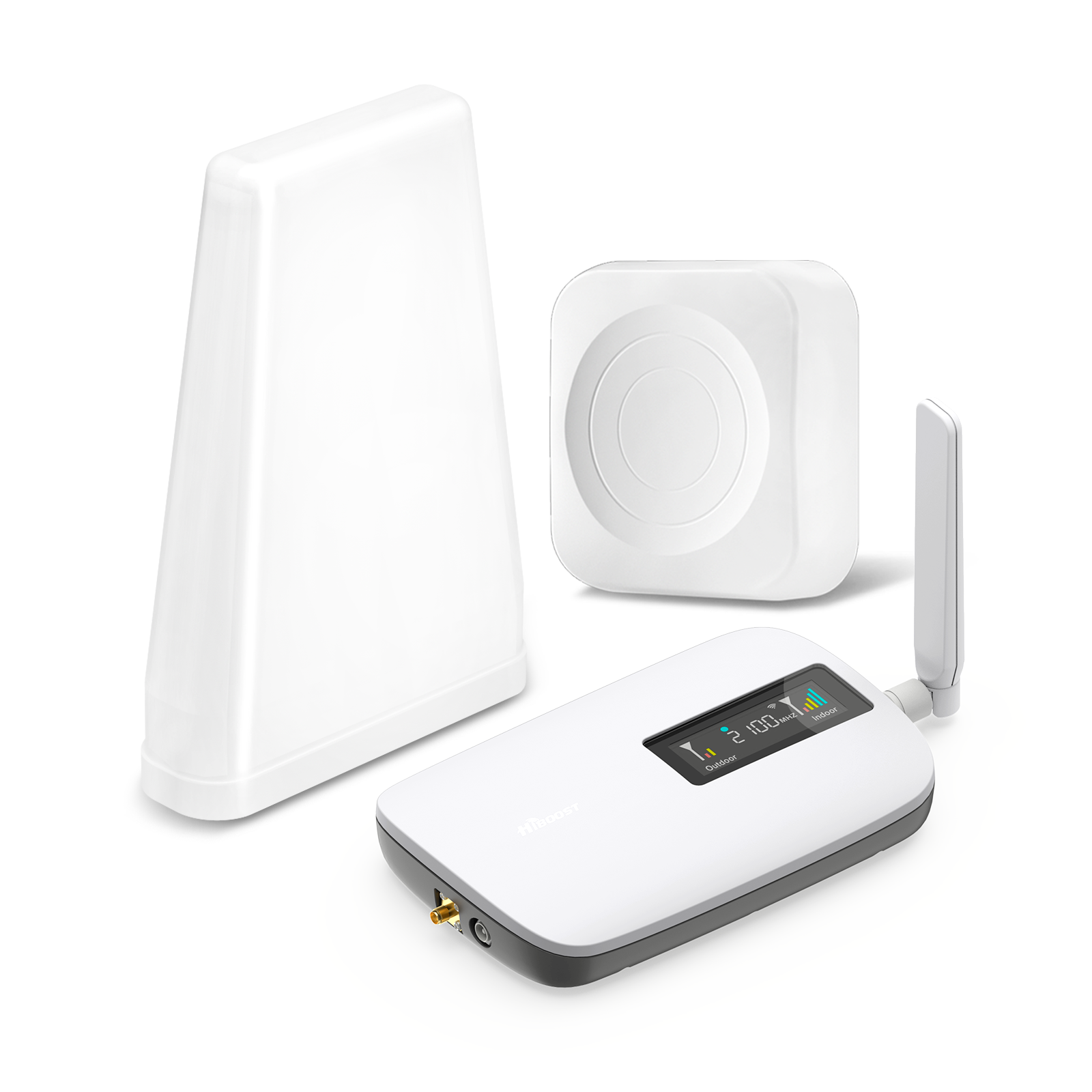
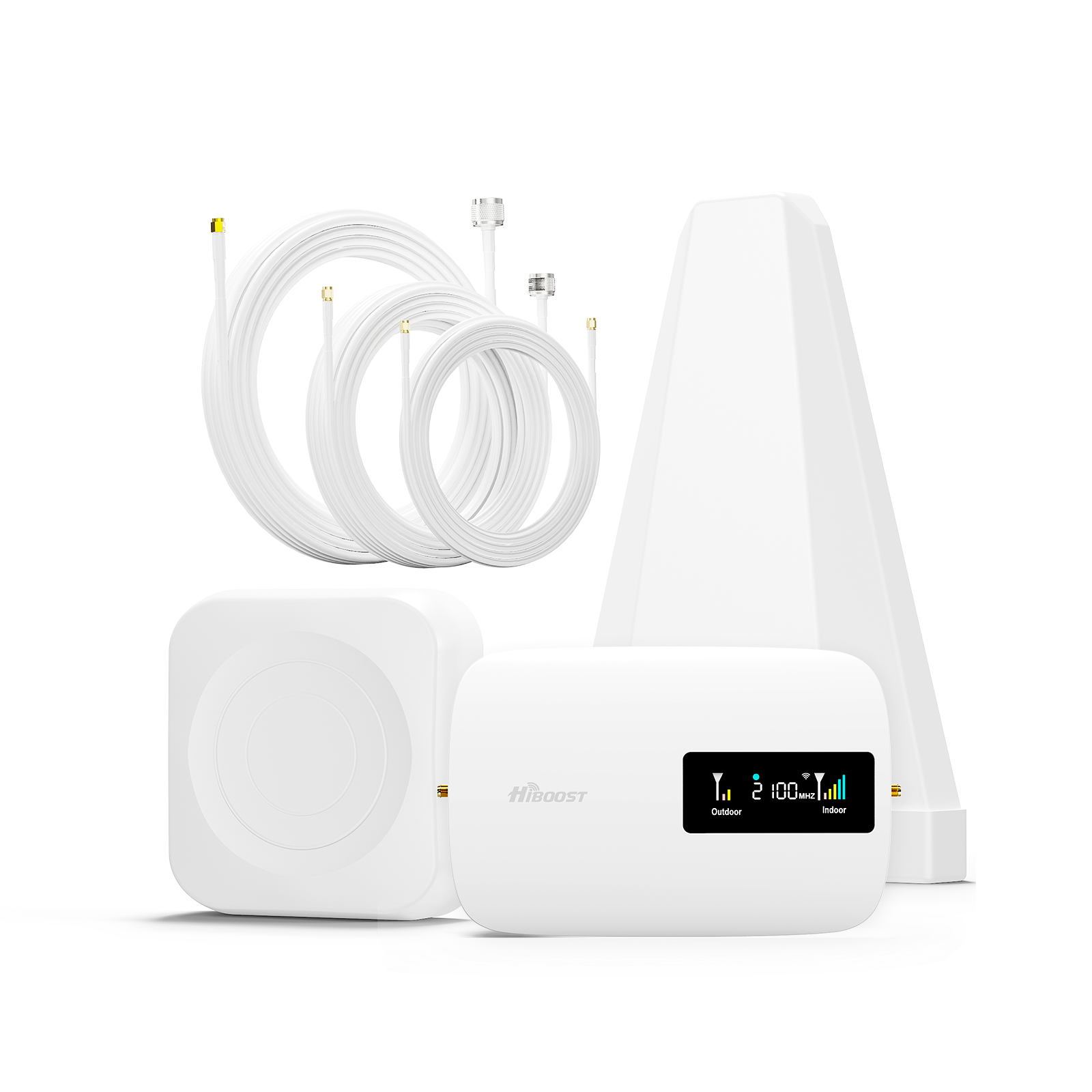
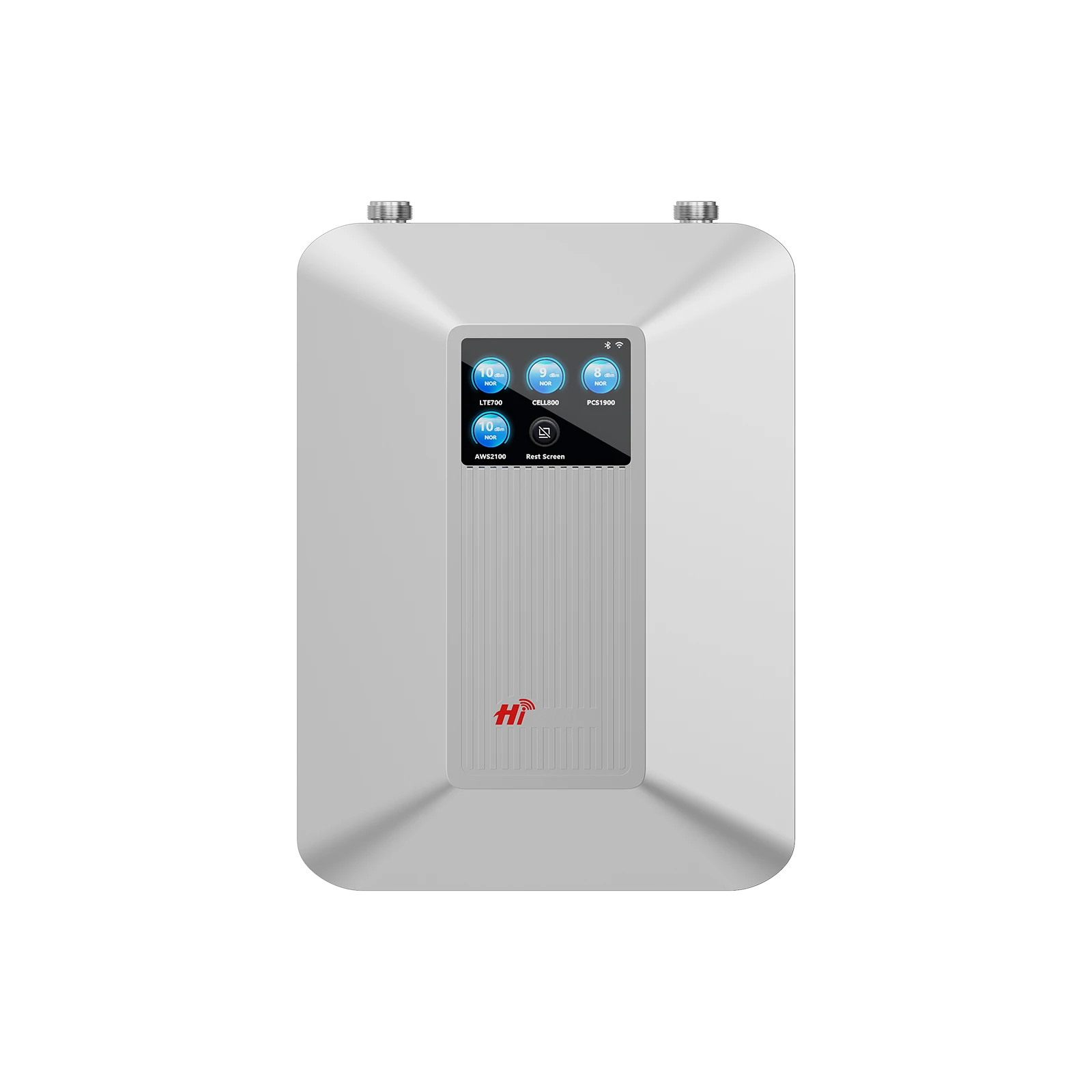
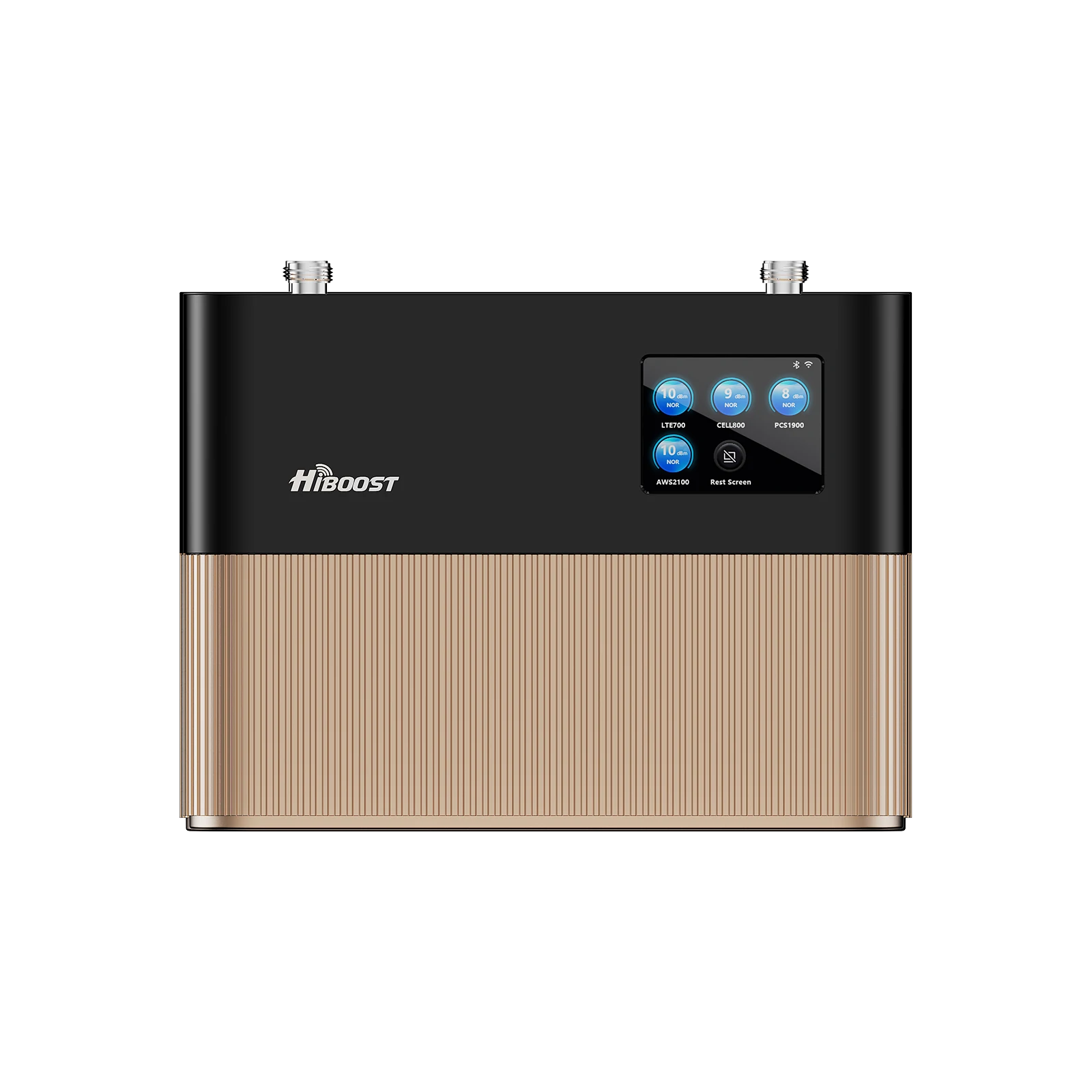
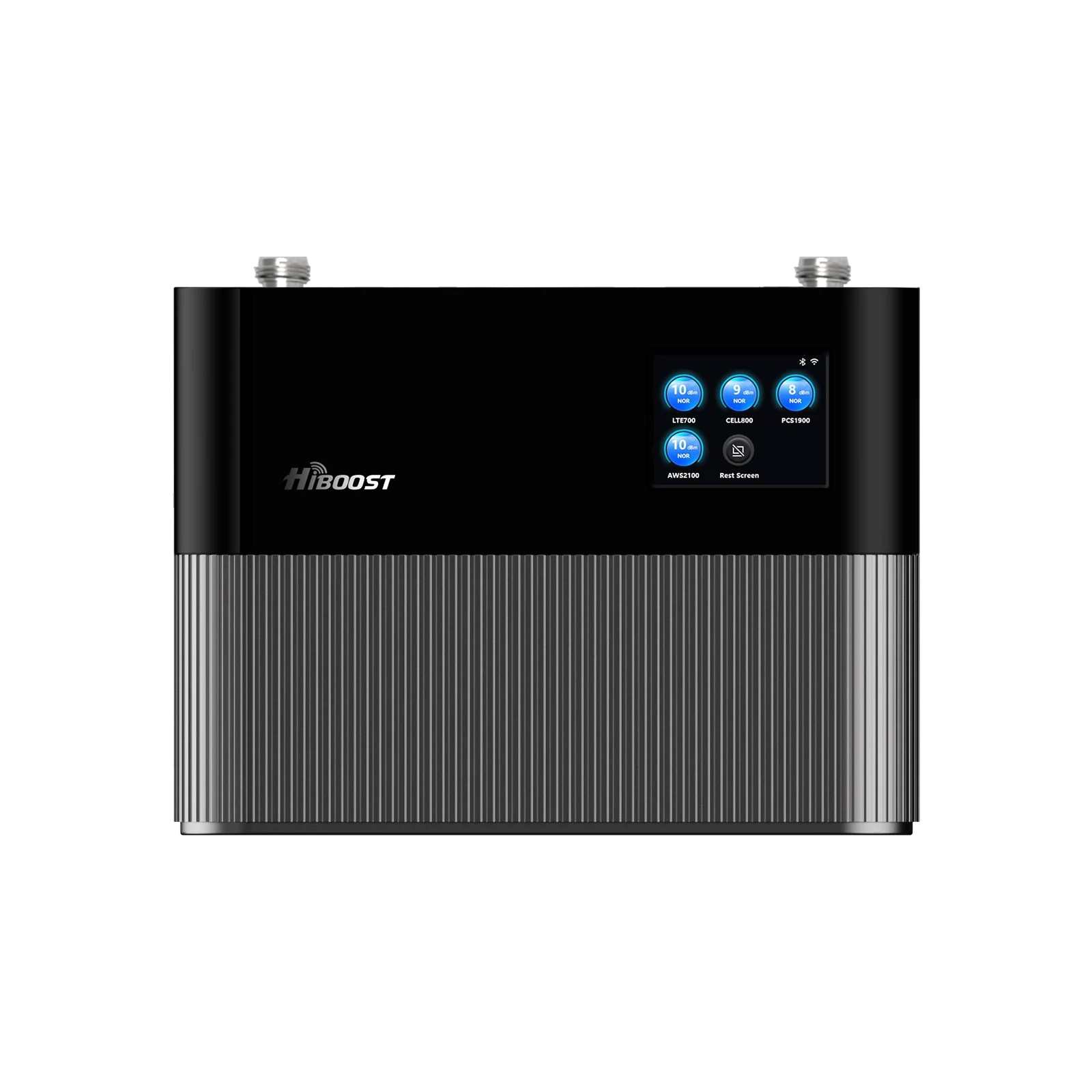
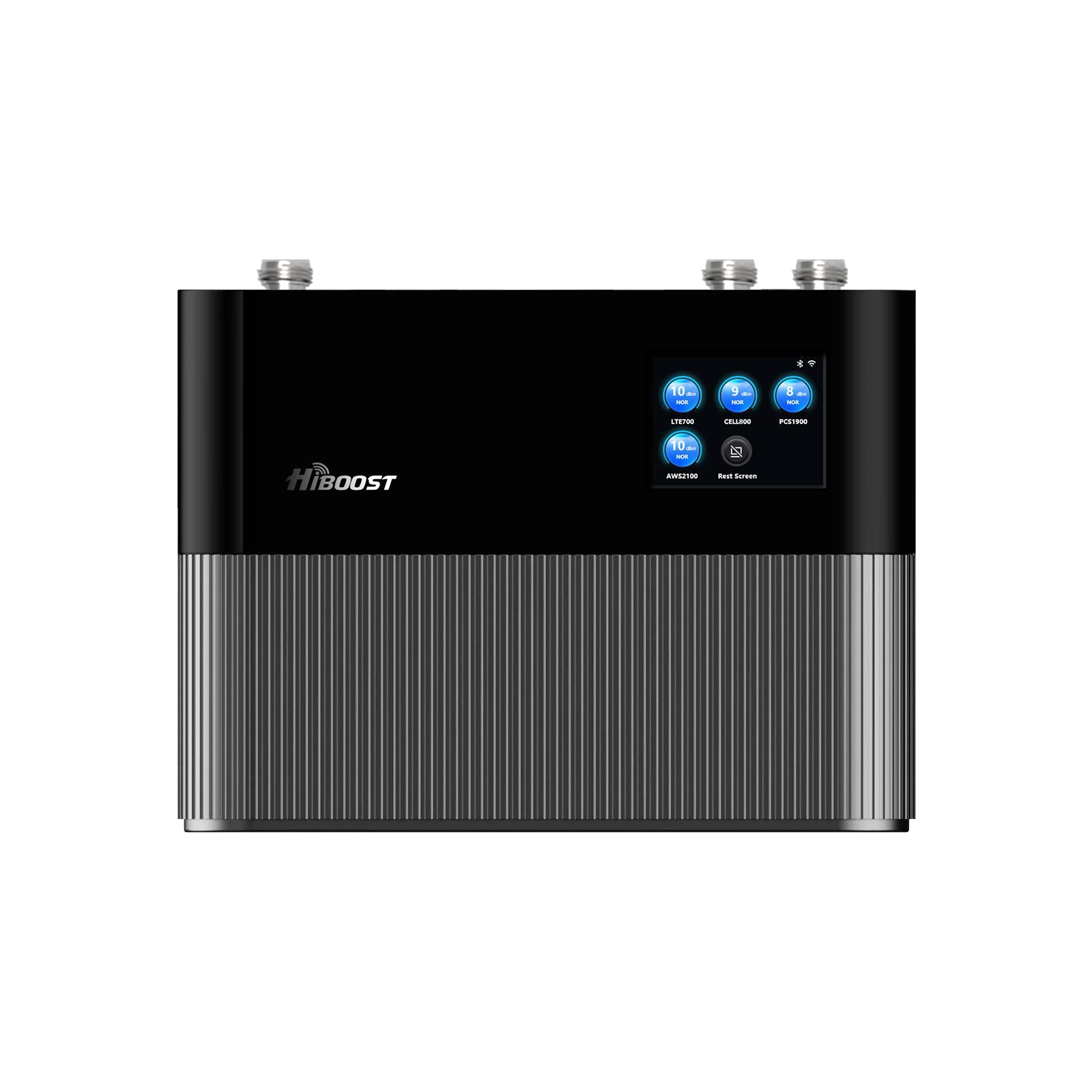
A cell phone signal booster is an FCC-approved device that captures an existing outdoor cellular signal, amplifies it, and rebroadcasts it inside your home.
The process happens in three stages:
Stage 1: Signal Capture
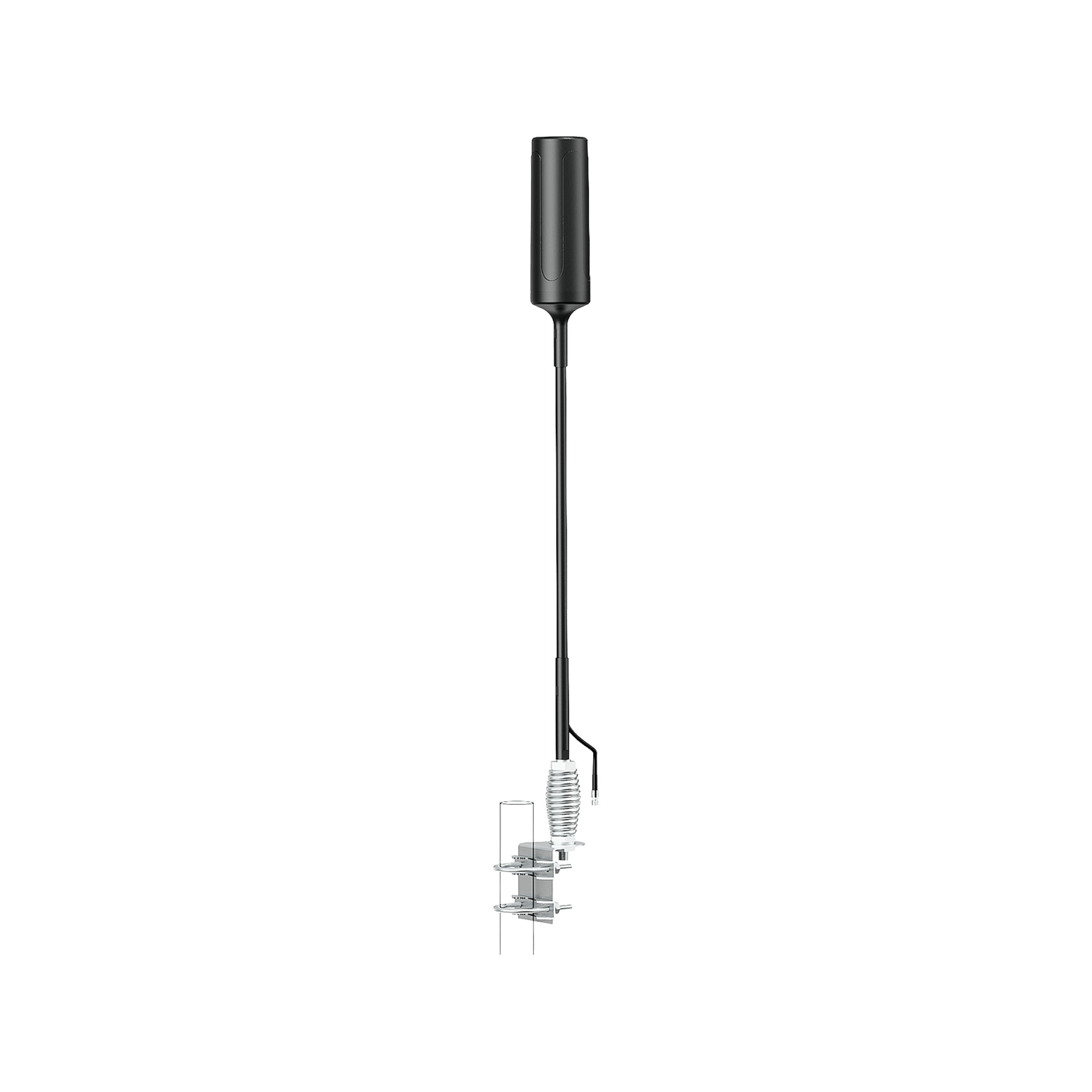
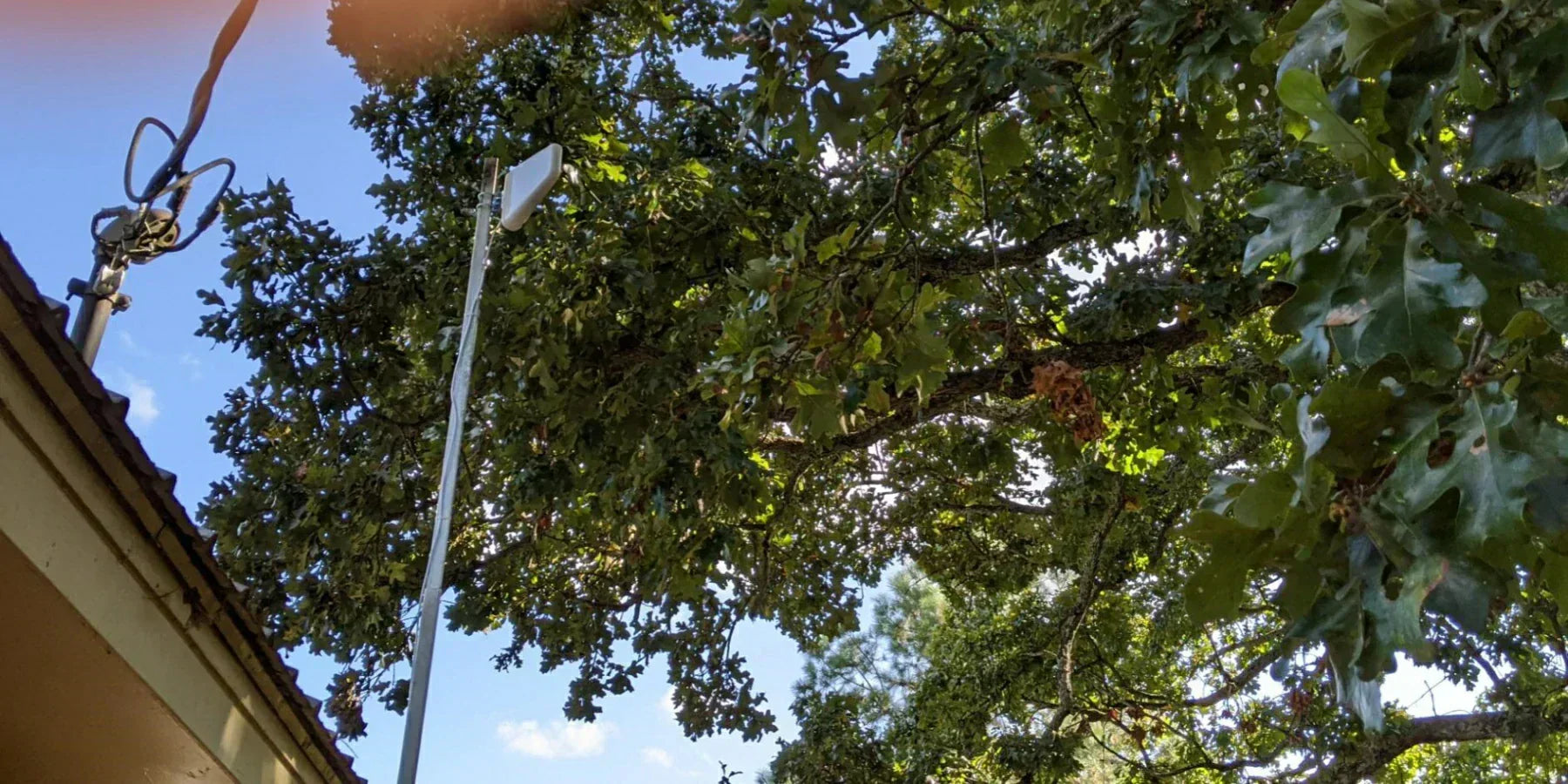
An outdoor antenna collects the strongest available signal from nearby cell towers.
Stage 2: Signal Amplification
The amplifier increases signal strength while filtering out unwanted noise.
Stage 3: Indoor Distribution
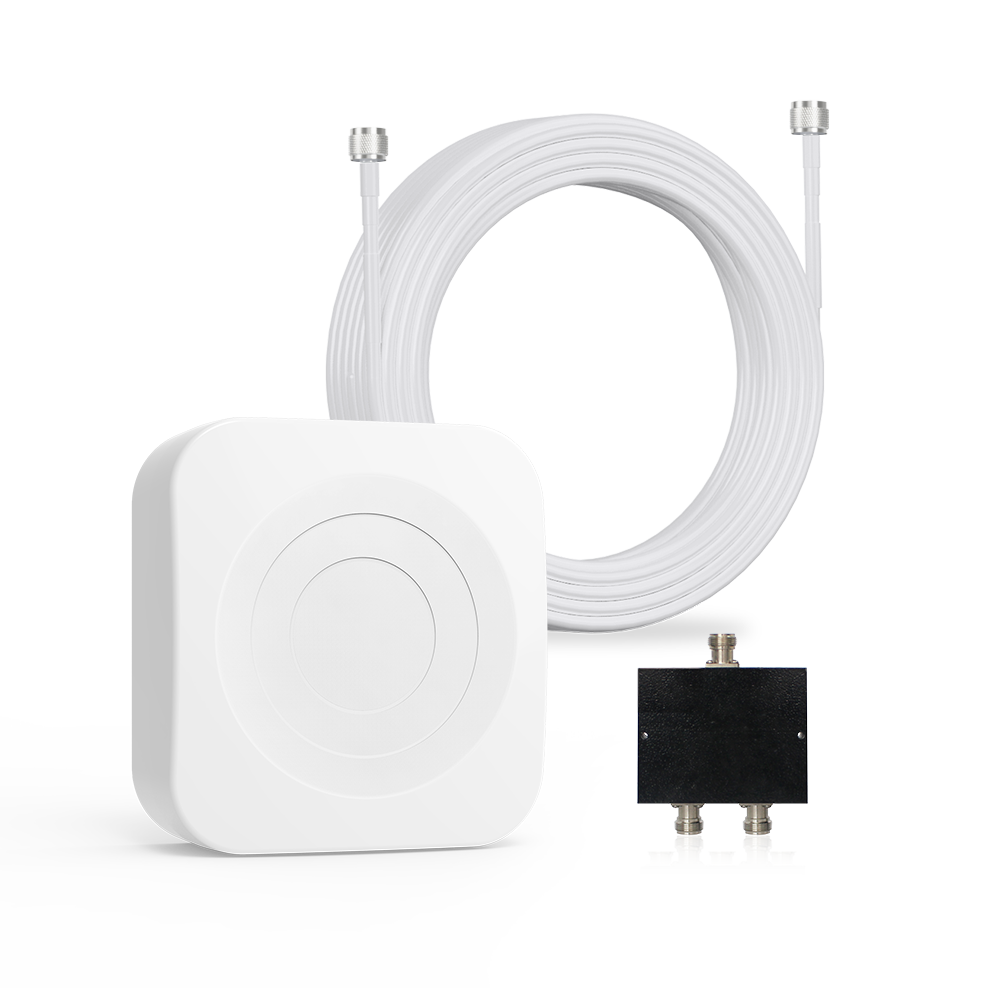
An indoor antenna rebroadcasts the improved signal throughout your living space.
This process benefits:
- Phone calls
- Text messages
- Mobile hotspots
- LTE data
- Supported 5G services
Unlike Wi-Fi extenders, cell signal boosters work directly with carrier signals and do not require internet service.
Who Should Buy a Cell Phone Booster Under $300?
There are many scenarios in which you will need to buy a new cell signal booster. A budget-friendly booster can be an excellent investment for:

1. Apartment Residents
Many apartment buildings use steel framing and concrete construction that weakens cellular signals. If you are living in such apartments, you will definitely need a cell signal booster to get excellent signal strength.
2. Remote Workers
Reliable phone calls are critical for remote professionals who depend on mobile communication. This also applies if you are a constant traveler and work remotely most of your time.
3. Homeowners with Basements
Basements are among the most common cellular dead zones due to their below-ground location and surrounding concrete. If you are living near or in the basement or your home is located in lower building areas where there is no signal, you definitely need a cell signal booster.
4. Seniors
Poor cellular reception can become a safety concern during emergencies. If your parents are living in a distant area, or in a remote area, investing in a booster is a wise decision.
5. Small Families
A booster allows multiple family members to benefit from improved connectivity simultaneously. This also helps spread equal signals and bandwidth among all family members.
6. Vacation Homes and Cabins
Many seasonal properties are located in areas with weaker network coverage. These properties are often located in remote mountain areas for holidays. So, if you have a vacation home or cabin with limited signal support, you need a booster to avoid any emergency.
Key Features to Look For Before Buying
Choosing the right booster isn't simply about finding the lowest price. The best value comes from selecting a system that matches your specific needs.
1. Coverage Area
Coverage claims can be misleading. Manufacturers often quote maximum coverage under ideal signal conditions.
A booster advertised for 2,000 square feet may provide significantly less coverage if outdoor signal levels are extremely weak.
As a general guideline:
| Home Size | Recommended Coverage |
| Studio Apartment | 500–1,000 sq ft |
| Small Apartment | 1,000–1,500 sq ft |
| Small Home | 1,500–2,500 sq ft |
| Two-Bedroom Home | 2,000–3,000 sq ft |
Always consider your outdoor signal strength when evaluating coverage claims.
2. Carrier Compatibility
A quality booster should support:
- Verizon
- AT&T
- T-Mobile
- US Cellular
- Most MVNO providers
Multi-carrier compatibility is particularly valuable for households with different phone plans.
3. Gain Performance
Gain is measured in decibels (dB). Higher gain generally means stronger amplification.
Typical Gain Levels
| Gain Rating | Performance |
| 50 dB | Entry-Level |
| 60 dB | Good |
| 65 dB | Very Good |
| 70 dB+ |
Premium Residential |
Gain is one of the most important specifications to compare.
4. Indoor Antenna Design
Different antenna designs serve different purposes.
Panel Antennas
Ideal for directional coverage in specific rooms.
Dome Antennas
Better for distributing coverage evenly throughout an area.
Desktop Antennas
Common in budget-friendly consumer boosters.
5. FCC Certification
Always choose FCC-approved products.
Certification ensures:
- Carrier compliance
- Network safety
- Legal operation
- Reliable performance
Avoid unverified imports that make unrealistic coverage claims.
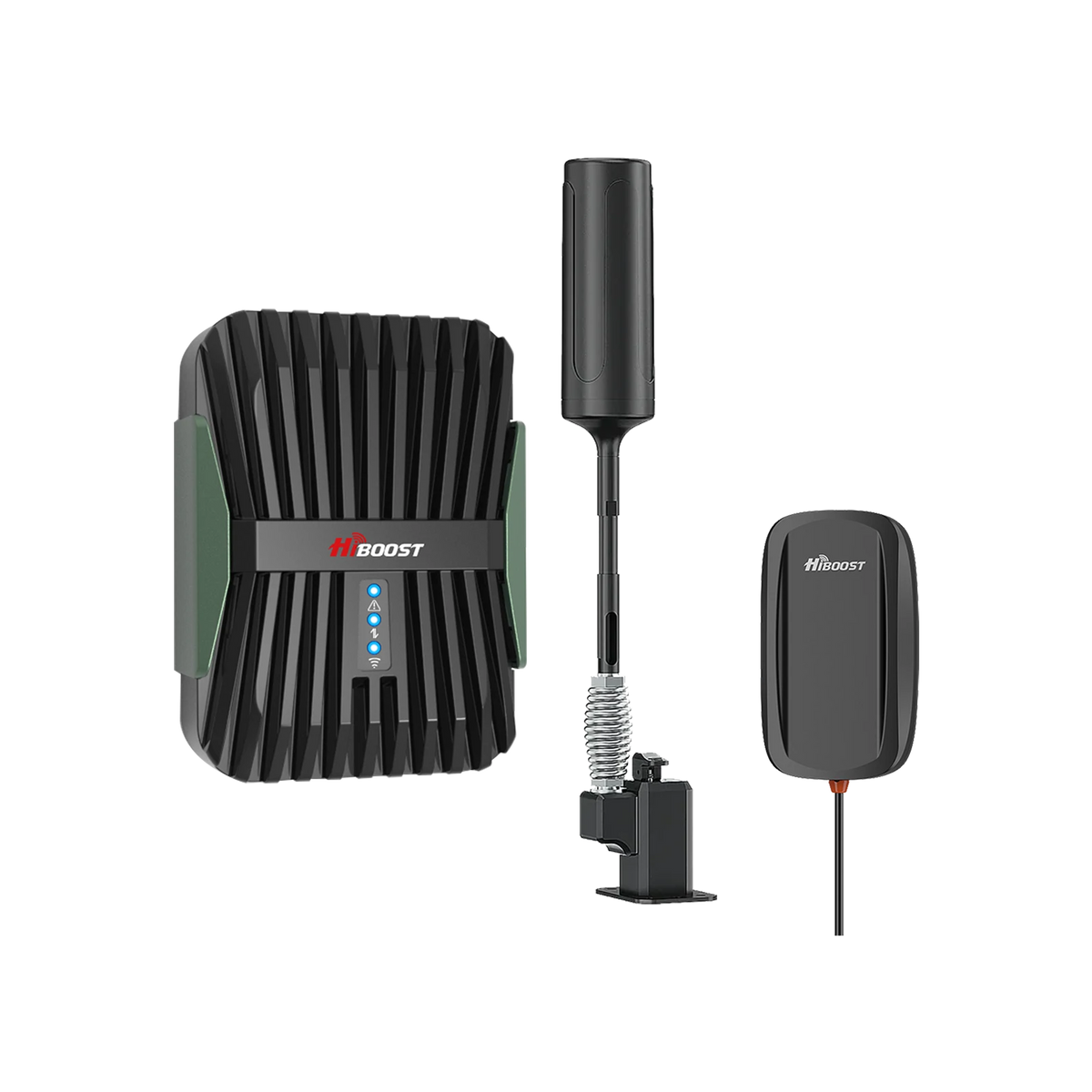
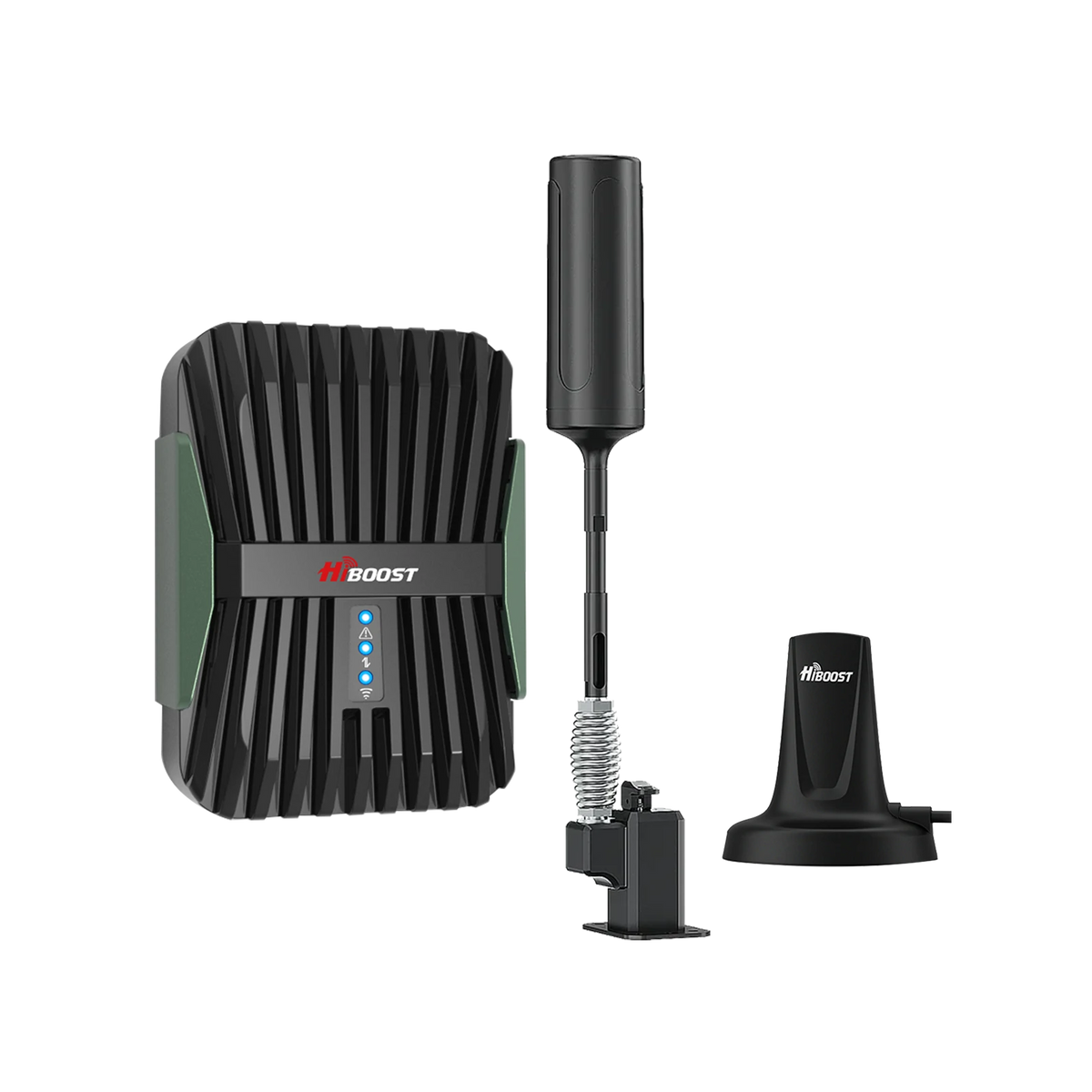
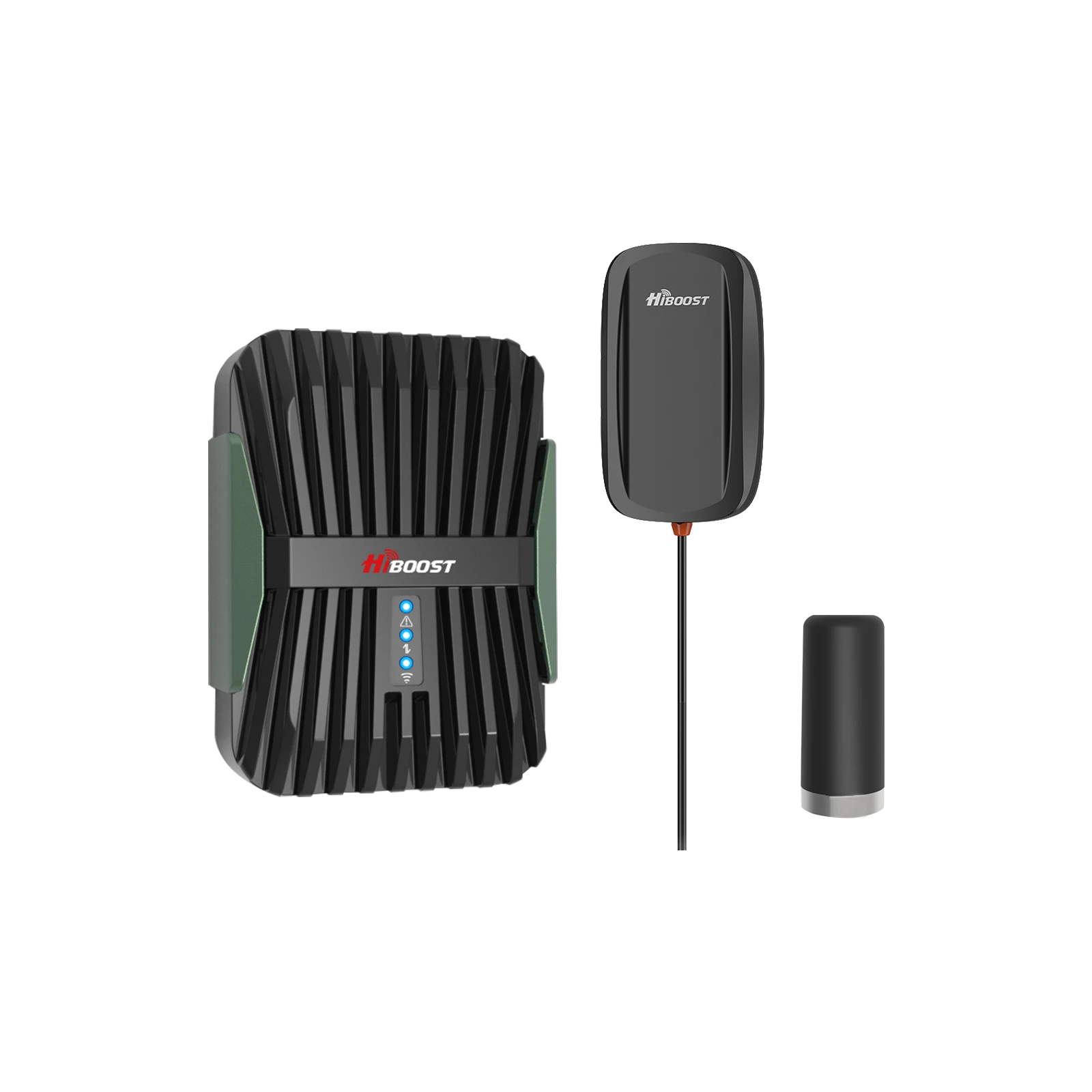
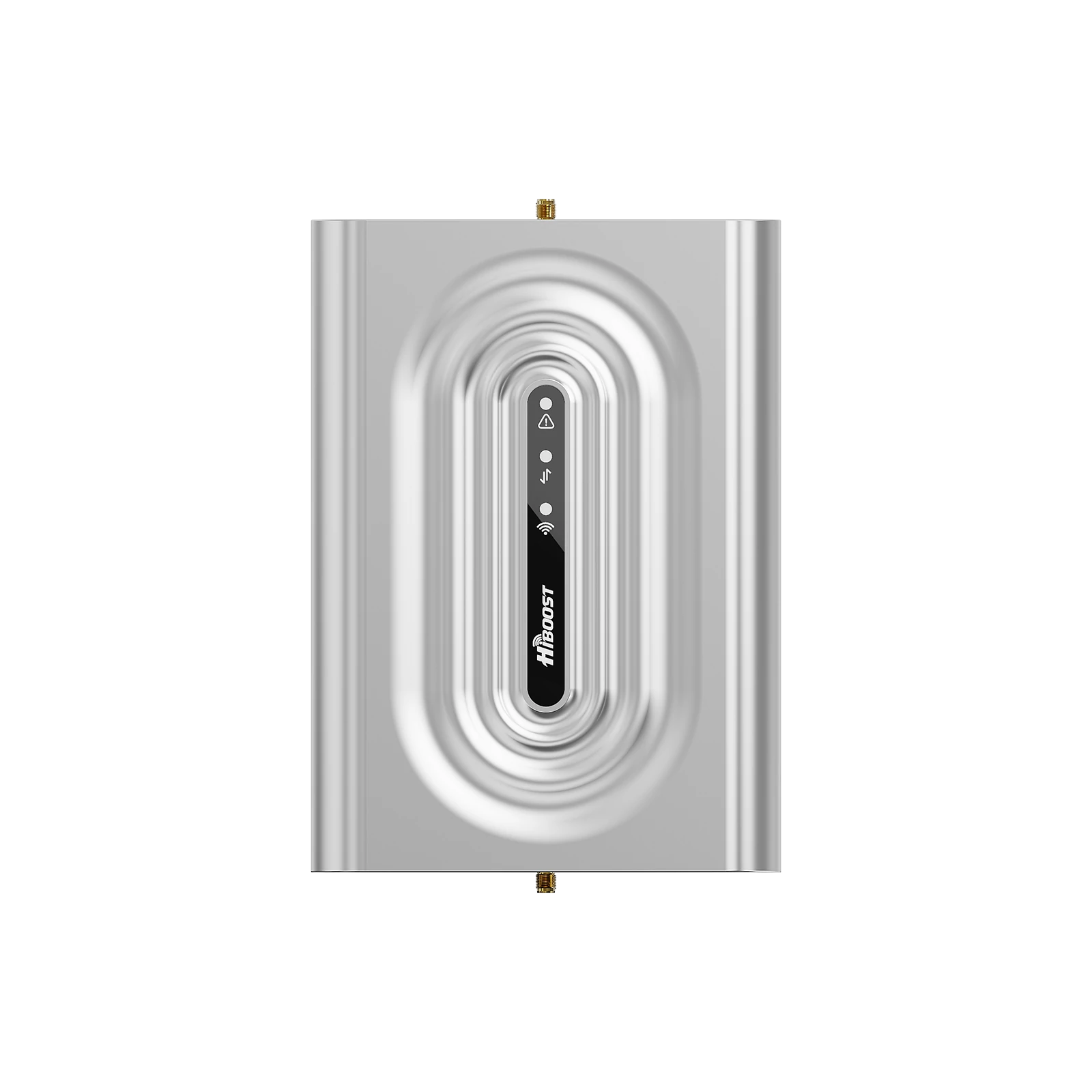
Best Cell Phone Boosters Under $300 for Small Homes (2026)
| Booster | Coverage | Typical Price | Gain | Best For |
| HiBoost Sidekick | Up to 2,000 sq ft | Under $300 |
Up to 65 dB |
Small Homes |
| HiBoost Ally | Up to 2,500 sq ft | Near $300 |
Up to 65 dB |
Multi-room coverage |
| SureCall EZ 4G | Up to 2,000 sq ft | Around $300 |
Lower gain |
Apartments |
| Cel-Fi GO X (used/refurbished options) | Varies | Budget-dependent | High gain | Rural users |
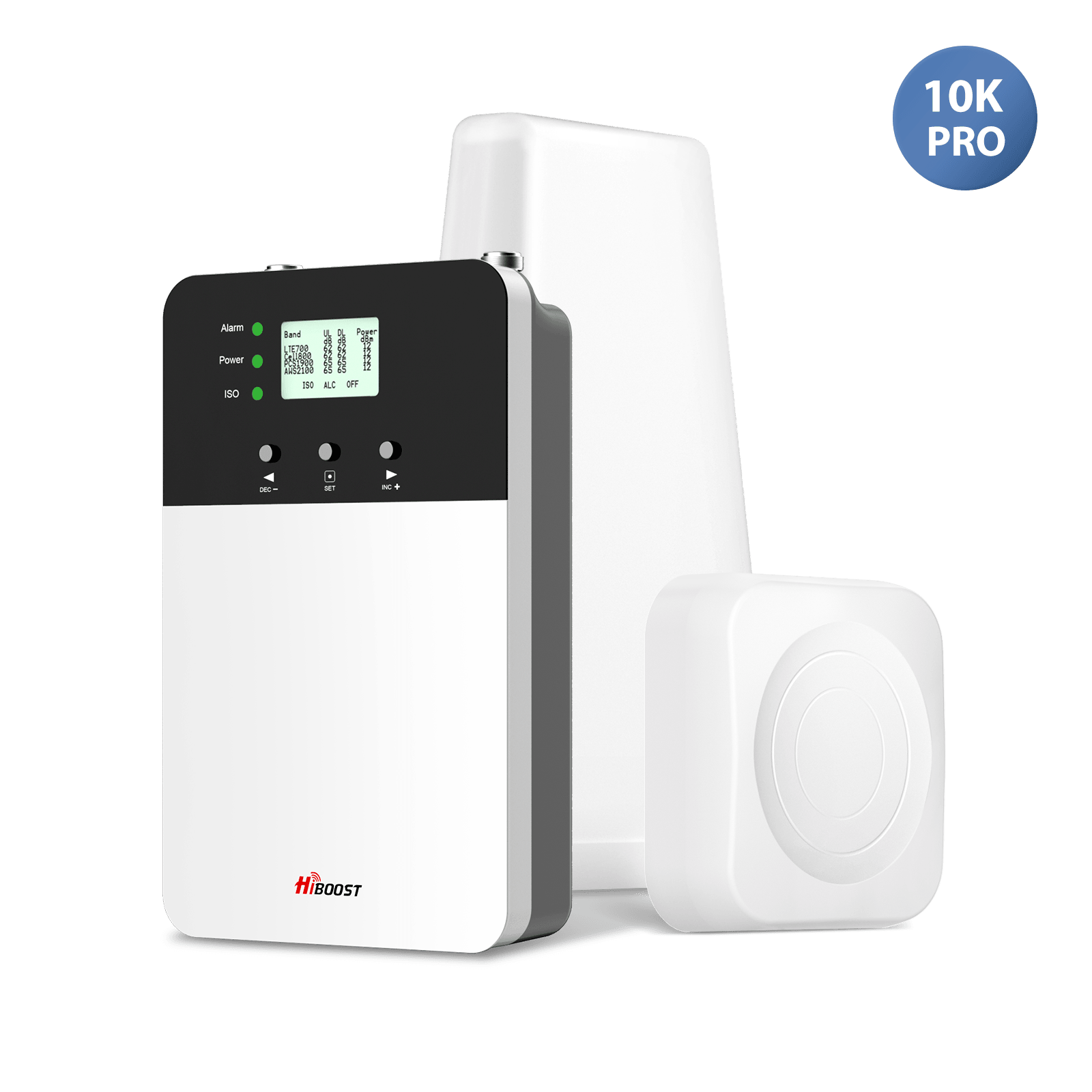
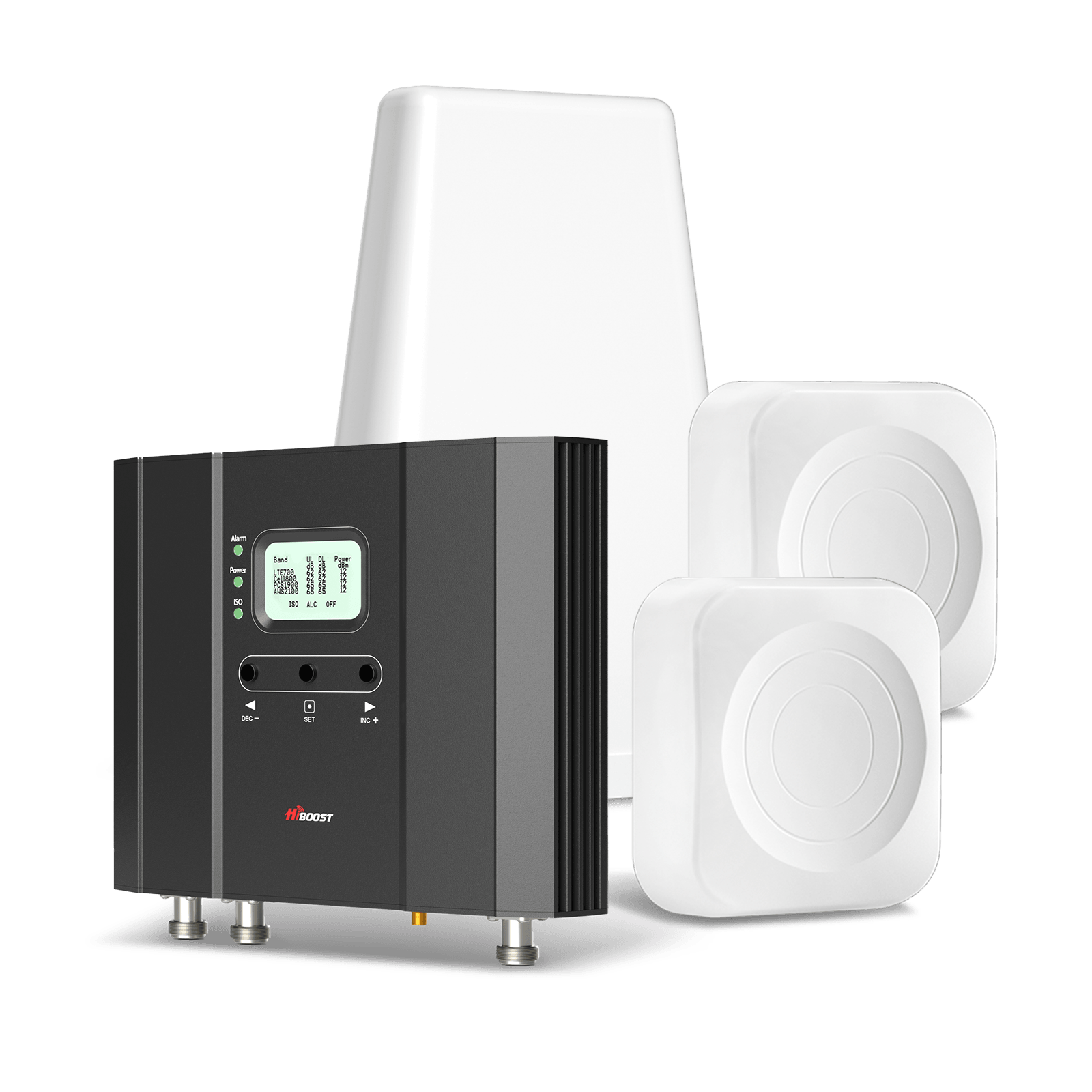
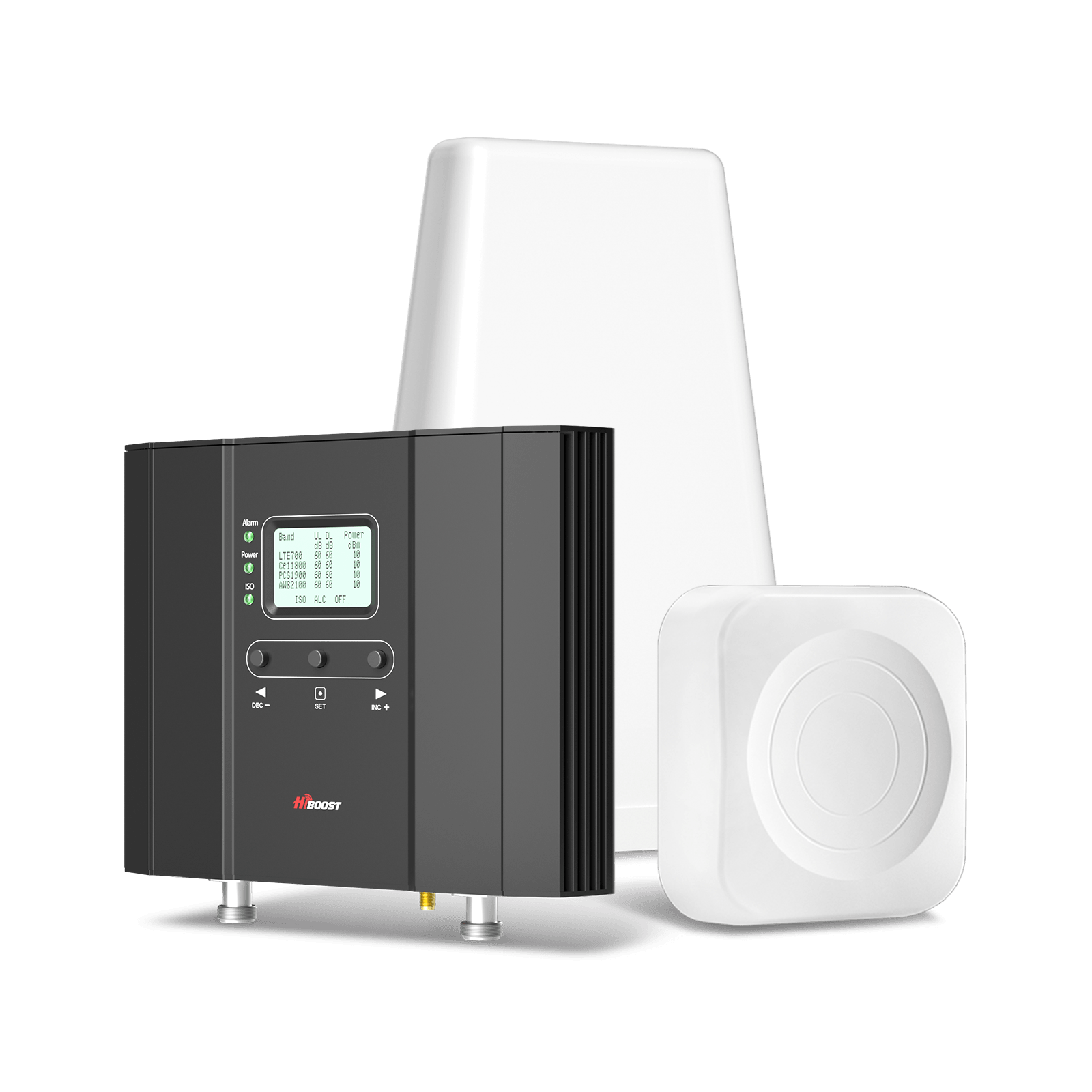
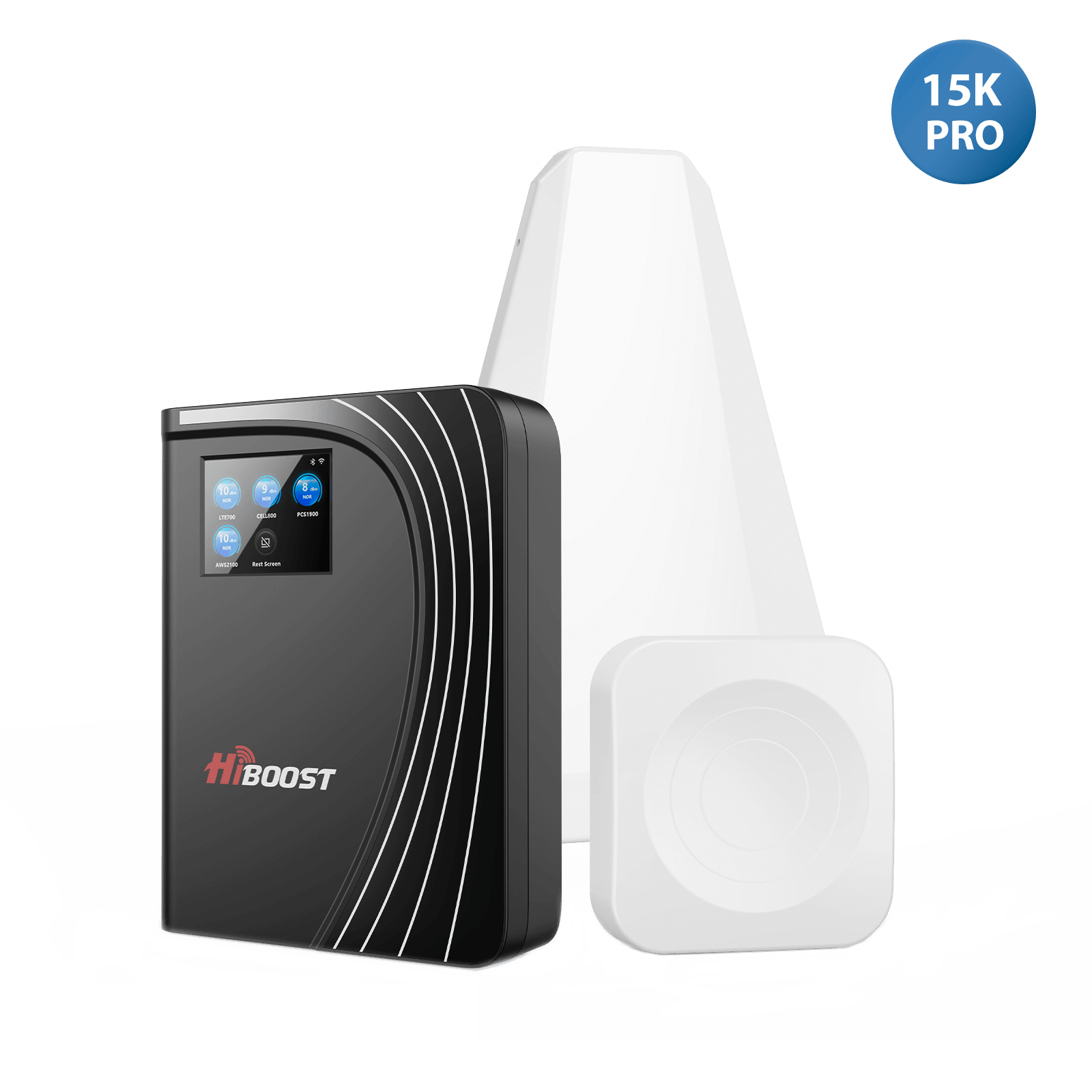
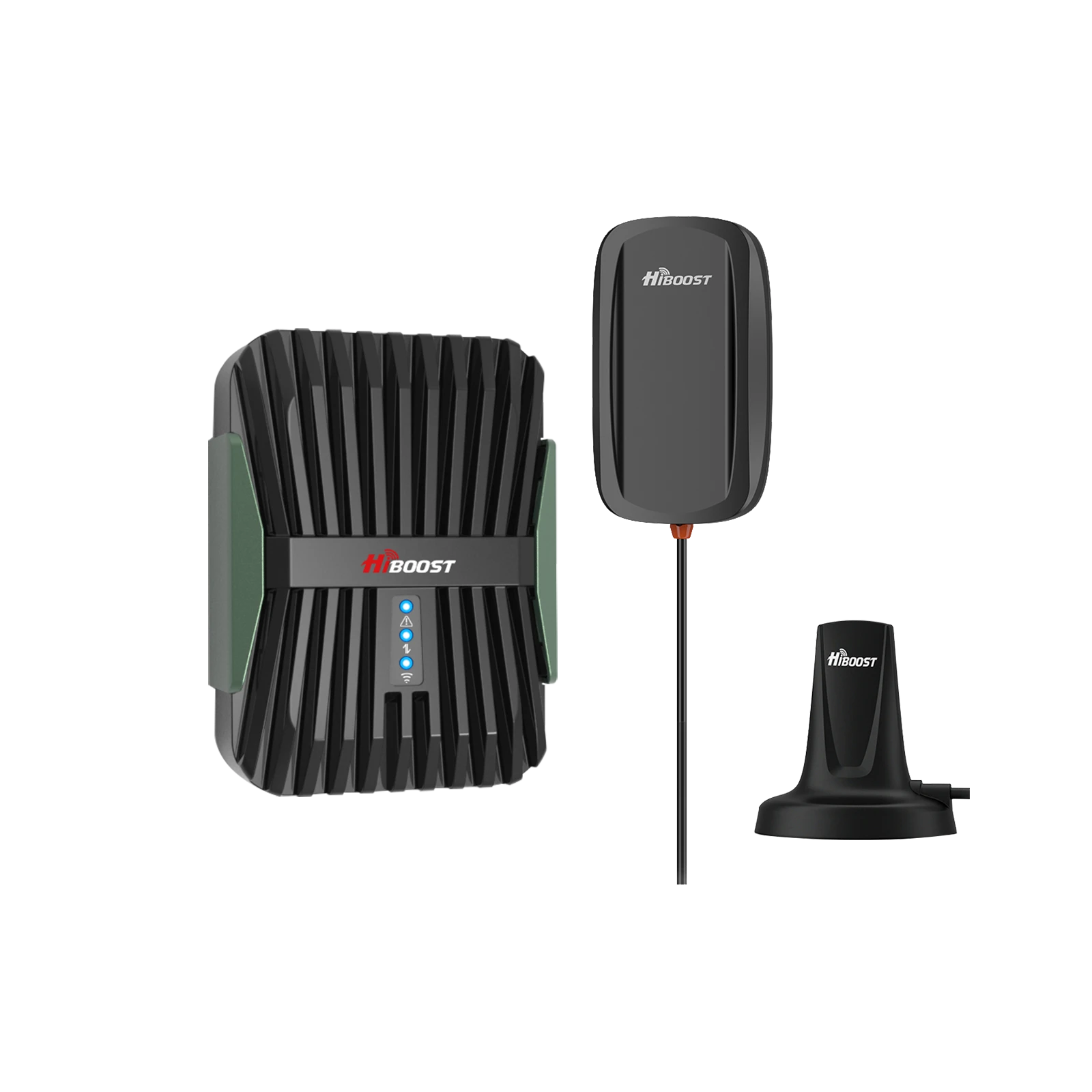
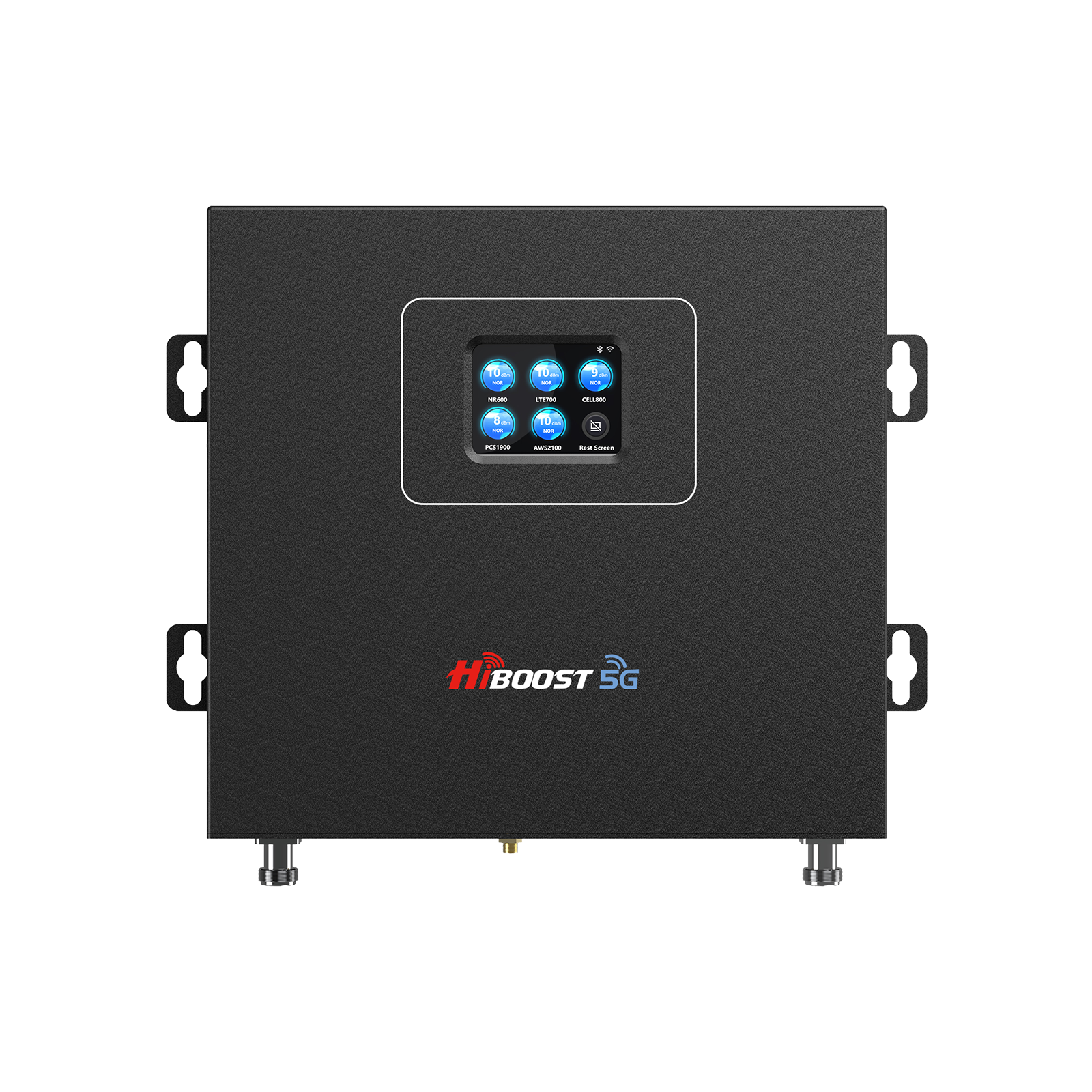
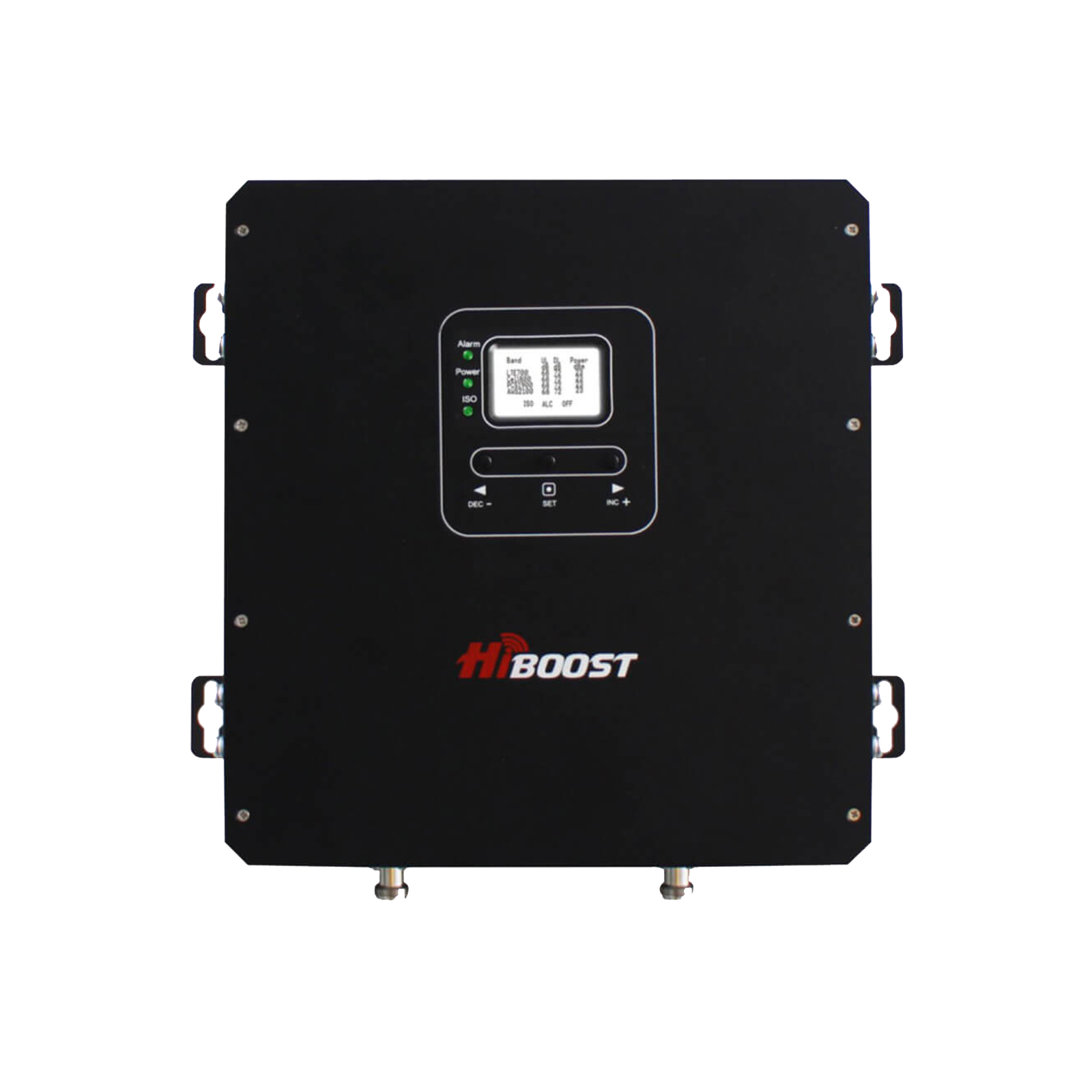
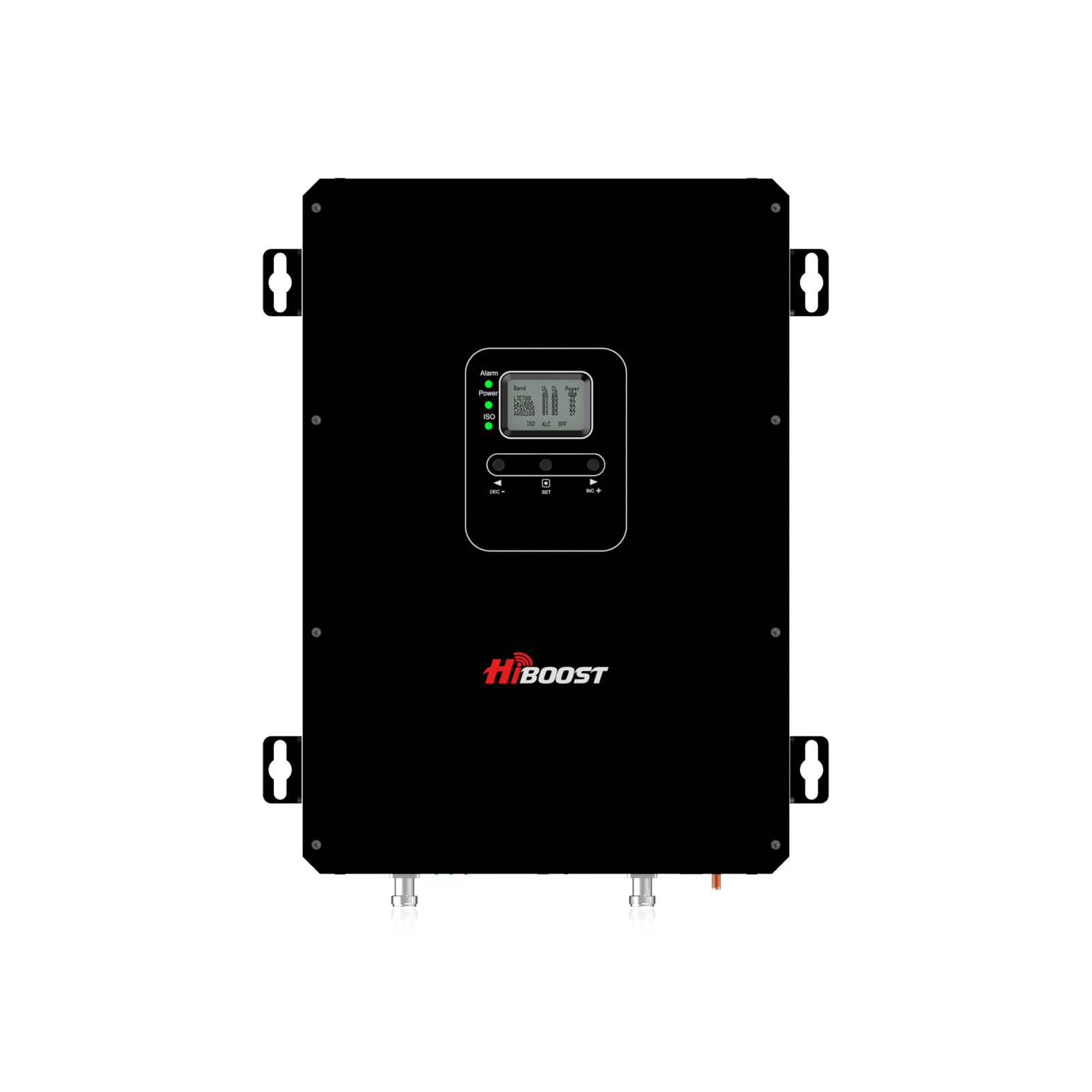
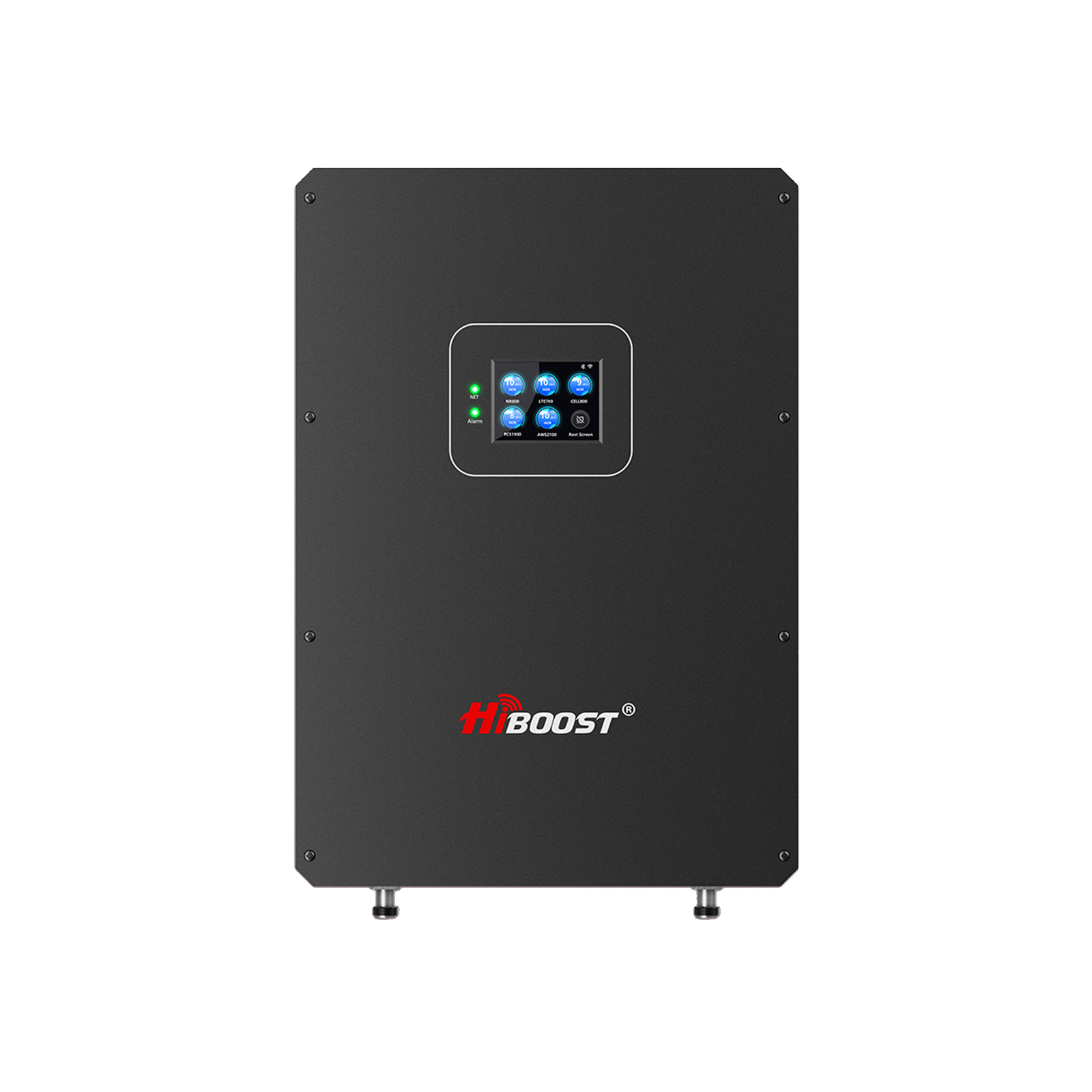
Best Overall: HiBoost Sidekick
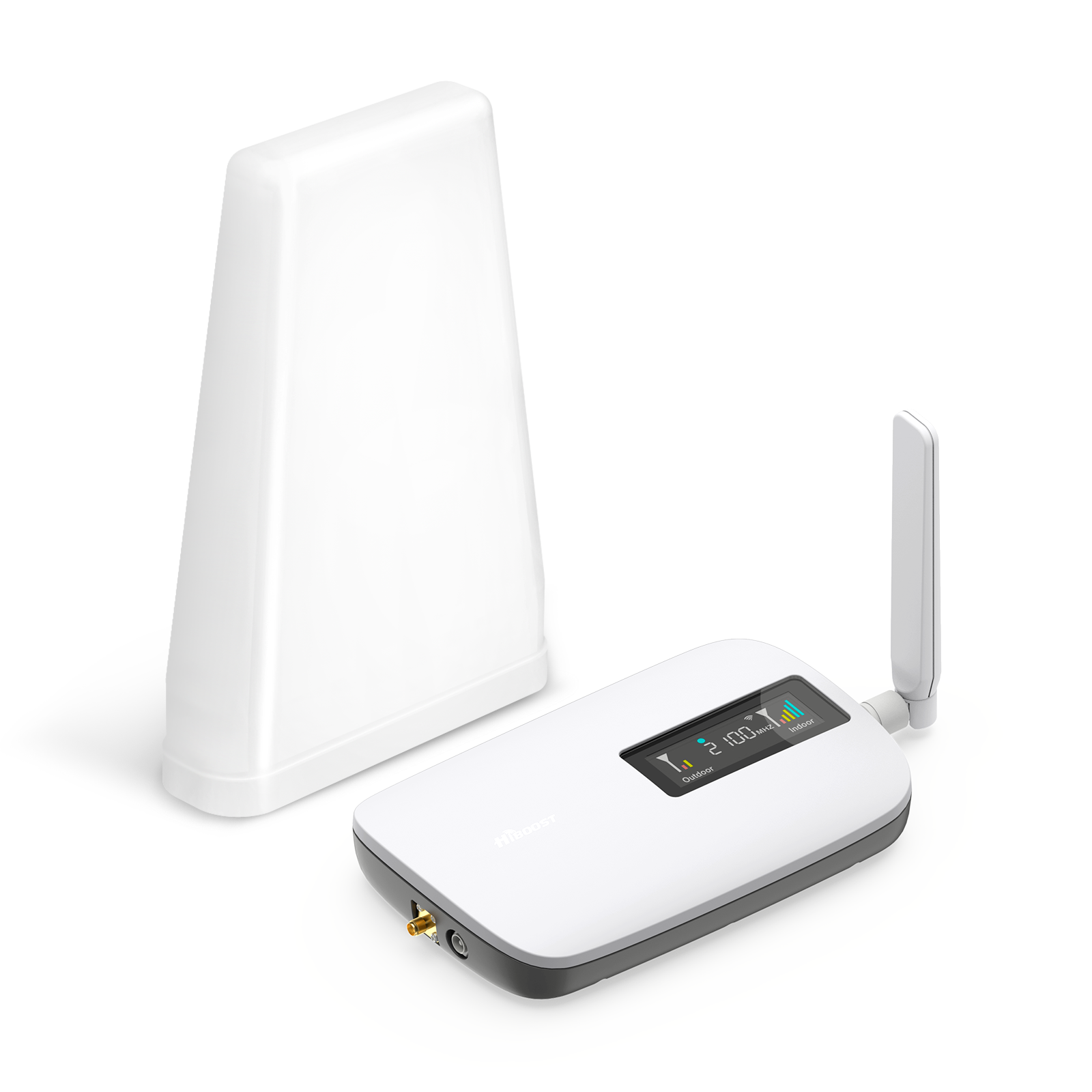
For most homeowners, the Sidekick offers the strongest balance of affordability, ease of installation, and performance.
Why It Stands Out
The Sidekick is designed specifically for smaller residential environments where signal enhancement is needed without the complexity of commercial-grade equipment.
Key advantages include:
- Multi-carrier compatibility
- Compact design
- Coverage suitable for apartments and small homes
- FCC approval
- Straightforward setup process
Best For
- Condos
- Apartments
- Small houses
- Home offices
Potential Drawbacks
Coverage may be insufficient for larger multi-story homes.
How to Install Your Booster for Maximum Performance
Many signal booster complaints stem from poor installation rather than product limitations.
Step 1: Measure Outdoor Signal
Use your phone's field test mode to check signal strength in dBm.
- For iPhone users: Open the Phone app and dial *3001#12345#* to enter Field Test Mode, where you can view detailed cellular signal information.
- For Android users: Go to Settings → About Phone → Status Information (the exact path may vary by device manufacturer) to check your current cellular signal strength.
Typical ranges:
|
Signal Strength |
Quality |
| -50 to -80 dBm |
Excellent |
| -81 to -90 dBm |
Good |
| -91 to -100 dBm | Fair |
| -101 to -110 dBm | Weak |
| Below -110 dBm | Very Weak |
Step 2: Identify the Strongest Location
Walk around your property and note where signal strength is highest.
Often this is:
- Roof peak
- Attic window
- Upper-story exterior wall
Step 3: Maintain Antenna Separation
The indoor and outdoor antennas must be separated adequately to prevent oscillation. Think of it as avoiding a microphone-speaker feedback loop.
Step 4: Test Before Final Mounting
Always test signal improvement before drilling holes or permanently securing equipment.
⚠️ Pro Tip / Avoid This Common Mistake:
During installation, keep the indoor antenna and outdoor antenna at least 20 feet (about 6 meters) apart vertically or 50 feet horizontally, preferably with a concrete wall or other solid barrier between them. If the antennas are placed too close together, the booster may experience self-oscillation (Oscillation) caused by signal feedback. This can trigger automatic power reduction or shutdown, preventing the booster from delivering its full performance.
7 Free Ways to Improve Cell Signal Before Buying a Booster
Even if you plan to purchase a booster, these techniques can help immediately. While these solutions won’t fix permanently weak outdoor coverage, they can help you maximize the signal your phone already receives.
1. Enable Wi-Fi Calling
One of the easiest ways to improve cell phone call quality is by enabling Wi-Fi calling. Instead of relying on a weak cellular signal, your phone routes voice calls and text messages through your internet connection.
Wi-Fi Calling is especially useful if:
- Your home has thick concrete walls.
- You have poor indoor cellular reception.
- Your internet connection is stable and reliable.
Most major carriers support Wi-Fi calling, including Verizon, AT&T, T-Mobile, ad many regional providers.
It is simple to set up, go to mobile settings, search for Cellular or Wi-Fi Calling. Enable Wi-Fi calling.
2. Restart Your Phone
Sometimes the issue is with our mobile phones, not with the signals or the provider. Just restarting your phone may help resolve the signal problem. You can also enable and disable the aeroplane mode to reset the sim signals.
3. Update Carrier Settings
Carrier settings updates are small software updates released by your mobile provider. They improve how your phone communicates with the network and can fix connectivity issues.
These updates may:
- Improve LTE and 5G performance.
- Fix dropped calls.
- Enhance roaming reliability.
- Optimize network compatibility.
On iPhone
Go to:
Settings → General → About
If an update is available, you'll receive a prompt to install it.
On Android
Most Android devices update carrier settings automatically, but you should also check for system updates under:
Settings → Software Update
Keeping your phone updated ensures you're using the latest network optimizations from your carrier.
4. Remove Thick or Metal Phone Cases
Some phone cases can interfere with wireless signals. While most modern silicone or plastic cases have little impact, very thick rugged cases or cases containing metal components, magnetic accessories, wallets, or battery packs may slightly reduce signal strength.
If you're in an area with weak reception:
- Remove the case temporarily.
- Test your signal bars.
- Run a speed test before and after.
Although the improvement may be small, every bit of signal matters in low-coverage areas.
5. Move Near Windows or Go Outside
Building materials are one of the biggest causes of weak indoor cell reception.
Concrete, brick, steel framing, energy-efficient windows, and metal roofing can significantly weaken cellular signals before they reach your phone.
Try moving:
- Near a window.
- To an upper floor.
- Onto a balcony.
- Outside the building.
You may notice a stronger signal simply because there are fewer obstacles between your phone and the nearest cell tower.
If your signal improves dramatically outdoors but drops indoors, it's a strong indication that a cell phone signal booster could provide long-term benefits.
6. Stay Away from Metal Objects and Electronic Interference
Large metal objects can block or reflect cellular signals, reducing reception indoors.
Common sources include:
- Metal filing cabinets.
- Steel walls.
- Elevators.
- Shipping containers.
- Warehouses.
- Metal roofs.
Electronic devices can also contribute to interference, including:
- Large appliances.
- Industrial equipment.
- Some wireless electronics.
If possible, move to a more open area with fewer physical obstructions between you and the nearest cell tower.
7. Switch to LTE-Only Mode (When Appropriate)
Modern smartphones constantly switch between 5G, LTE, and sometimes 3G networks depending on signal availability. In areas where 5G coverage is weak or inconsistent, this frequent switching can lead to:
- Dropped calls.
- Slower data speeds.
- Unstable connections.
- Increased battery drain.
If you rarely receive a strong 5G signal, switching your phone to LTE-only mode can provide a more stable connection.
This is particularly helpful in:
- Rural areas.
- Mountain regions.
- Basements.
- Buildings where 5G struggles to penetrate.
Keep in mind that this setting isn't ideal everywhere. If strong 5G coverage is available, allowing your phone to switch automatically will usually deliver the best speeds. Many users see noticeable improvements from these simple adjustments.
Frequently Asked Questions
Do cell phone boosters really work?
Yes. FCC-approved boosters can significantly improve indoor reception when an outdoor signal is available.
How much signal improvement should I expect?
Many users see signal improvements from one bar to three or four bars, though actual results depend on outdoor signal quality.
Will a booster improve 5G?
In many cases, yes. Performance depends on the frequencies used by your carrier and the booster's supported bands.
Can multiple phones use the booster at the same time?
Yes. Most residential systems support multiple simultaneous users.
Are cell phone boosters legal?
Yes. FCC-certified boosters are legal throughout the United States.
Will a booster increase internet speeds?
Improved signal quality often results in faster LTE and 5G data performance, although speeds still depend on carrier network congestion.
Final Buying Advice - HiBoost Boosters
If you're looking for the best cell phone booster under $300 for a small home, focus on three things:
- Outdoor signal availability
- Realistic coverage expectations
- FCC-certified equipment
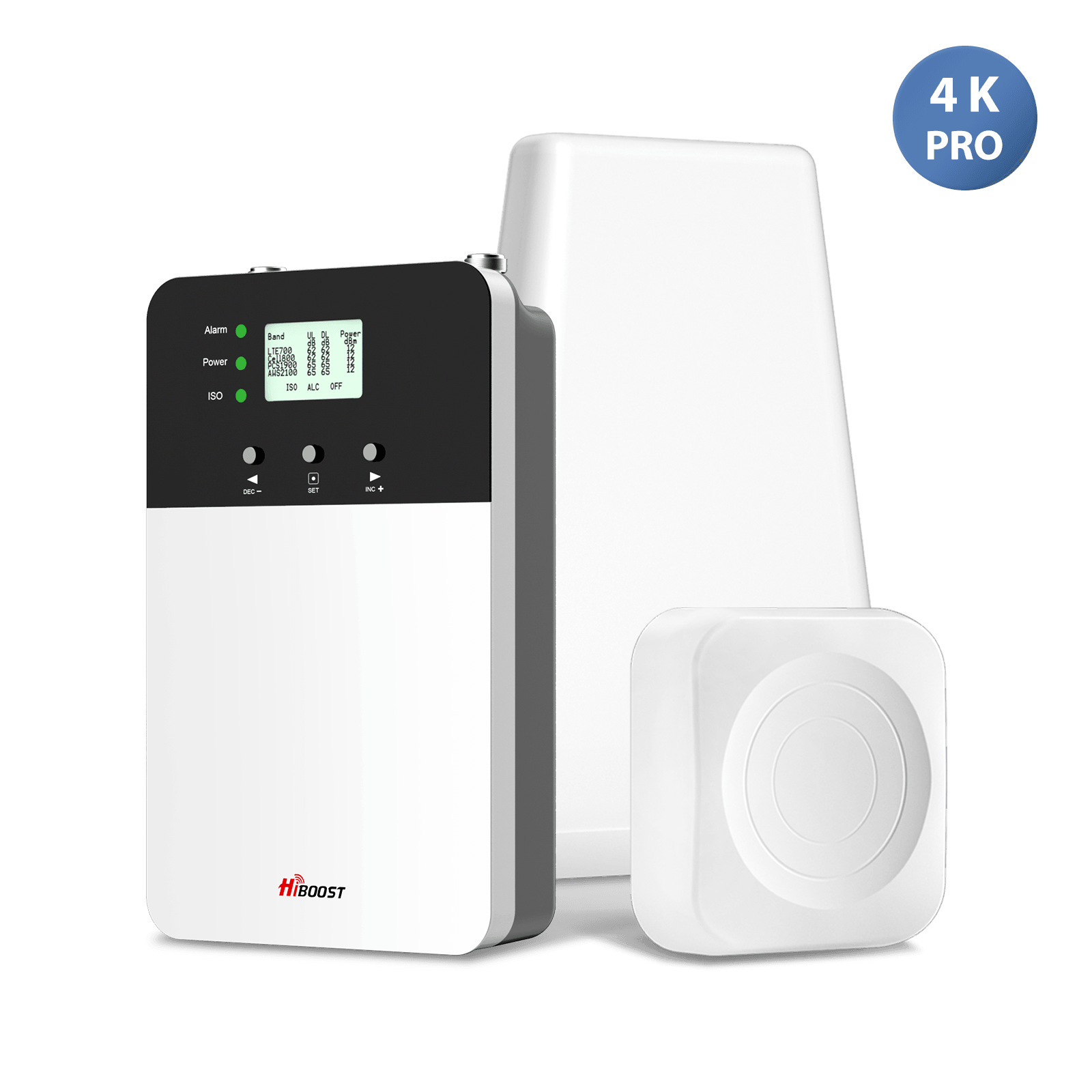
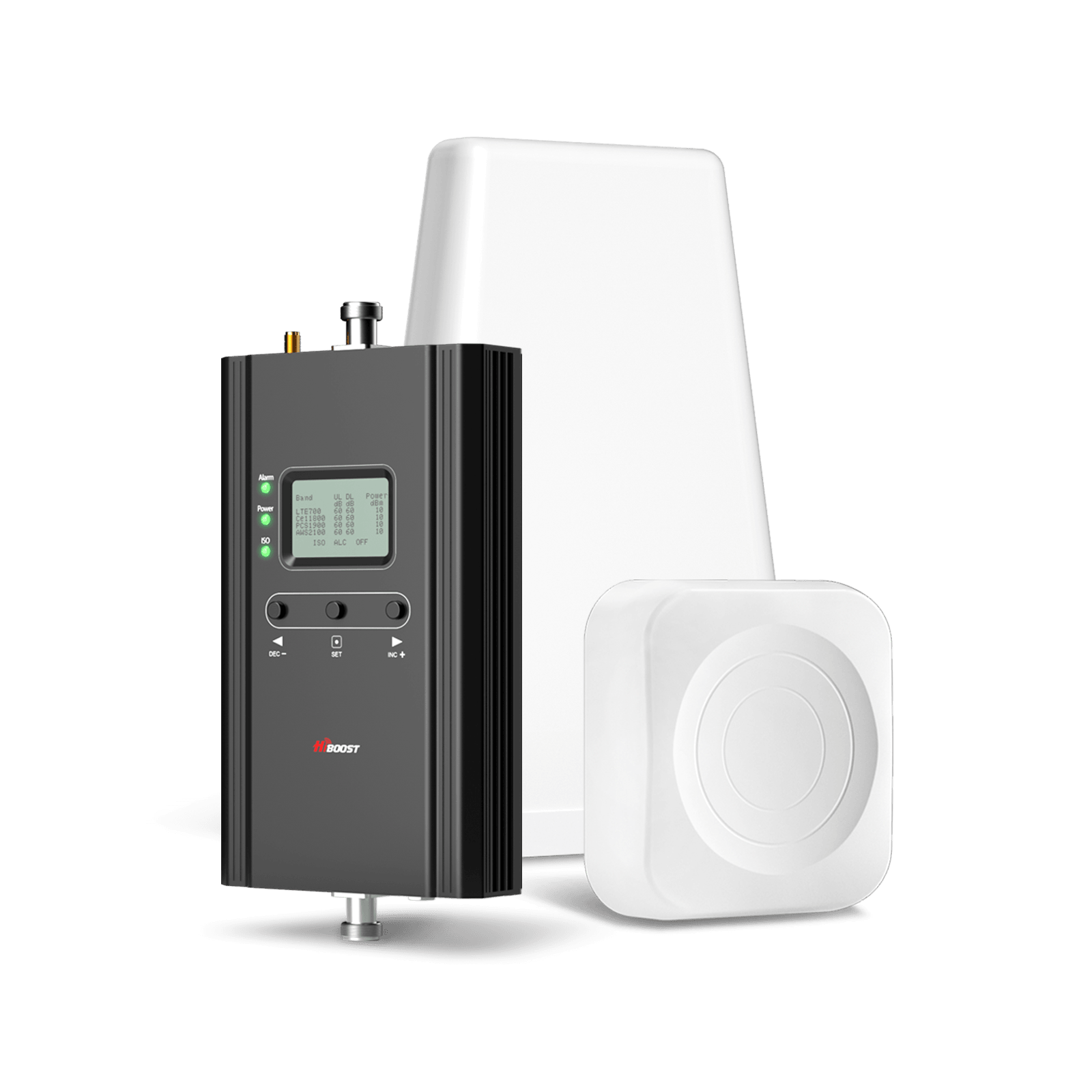
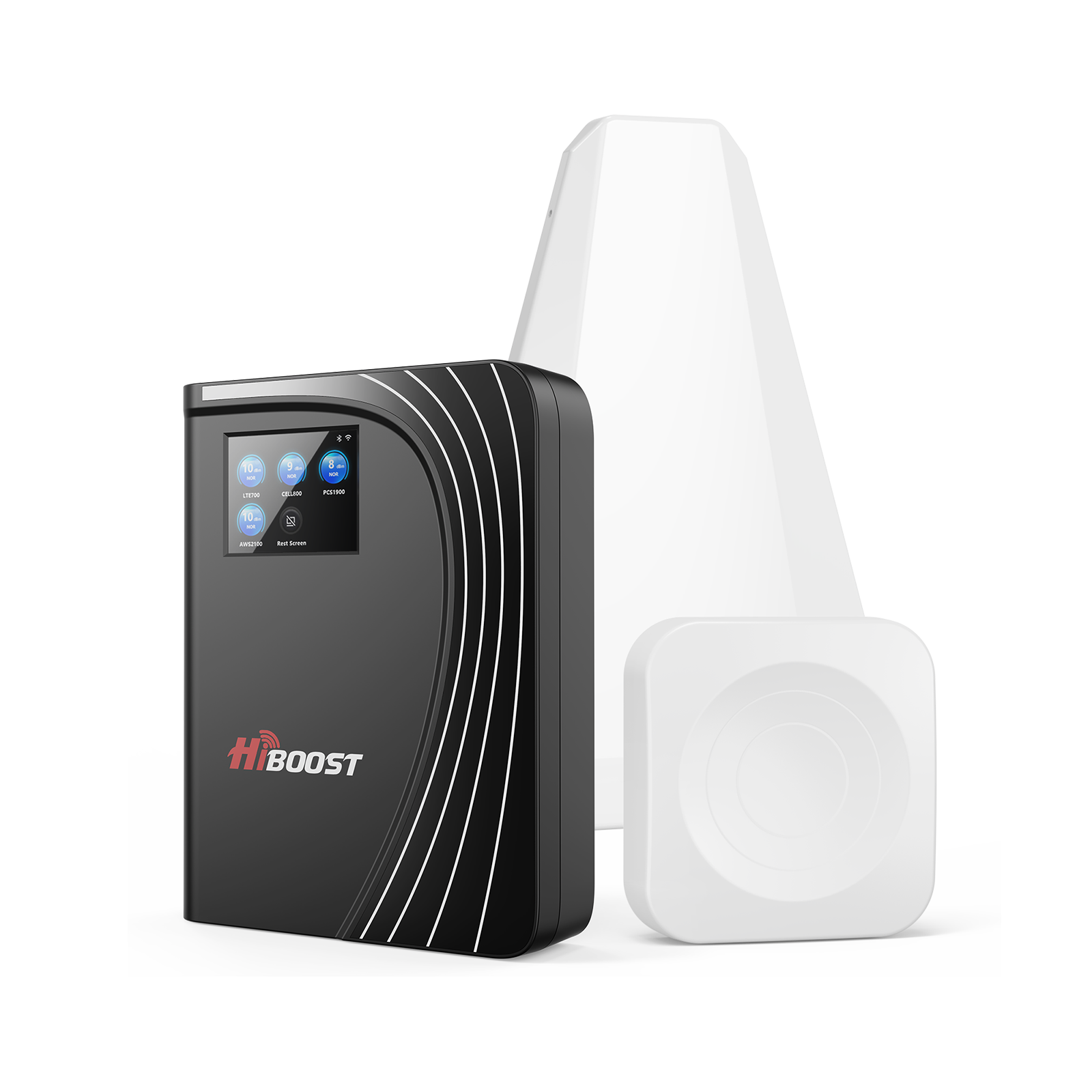
For most small homes, apartments, condos, and home offices, the HiBoost Sidekick delivers the strongest balance of affordability and performance. Households needing slightly more coverage should consider the HiBoost Ally, while apartment renters may prefer window-mounted alternatives that require less installation effort.
Remember: the best booster isn't necessarily the most powerful; it's the one that matches your home's size, layout, and existing signal conditions.
All Hiboost Boosters are excellent for outdoor signal reception with antenna, gives you realistic coverage and are FCC-certified. Click the link below to get your HiBoost booster.
Conclusion
Weak cellular coverage can turn everyday tasks into frustrating experiences. Dropped calls, missed texts, and slow mobile data aren't just inconveniences; they can impact work, communication, and even safety.
Fortunately, homeowners no longer need to spend a fortune to solve the problem. The best cell phone boosters under $300 can dramatically improve indoor connectivity when properly selected and installed.
By understanding coverage area, gain ratings, carrier compatibility, and installation best practices, you can confidently choose a booster that delivers reliable service throughout your home.
A stronger signal starts with choosing the right booster, and once you do, you'll wonder how you ever lived with one bar of service.
Recommended Reading
How to Pick a Cell Booster for 4G & 5G: Complete 2026 Guide
FCC-Approved Cell Signal Boosters: What Buyers Should Know (2026 Update)
Cell Phone Extenders & Network Extenders: Which is Right for You?
Best Budget Cell Phone Signal Boosters for Rural Homes
How to Choose the Best Cell Phone Signal Booster for Your Home (2026 Updated Guide)
How to Improve Cell Phone Signal Inside a House Without Changing Carriers
Best Cell Signal Boosters for Rural Homes in the US (2026Guide)
Car/Suv,RV,Truck,Vehicle


Our Home Signal Booster


Popular Articles

Leave a comment
All comments are moderated before being published.
This site is protected by hCaptcha and the hCaptcha Privacy Policy and Terms of Service apply.