
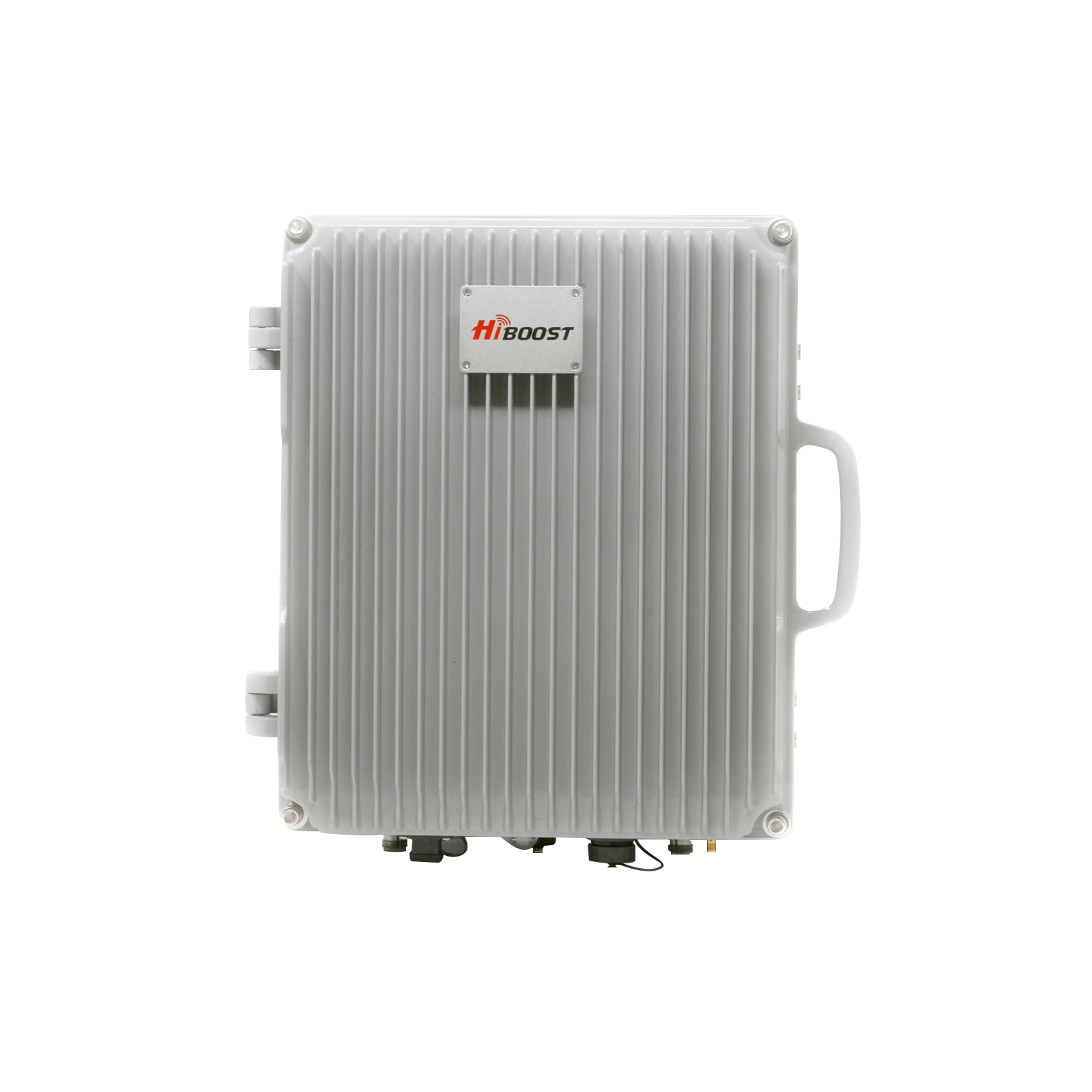
As mobile networks evolve, travelers and remote workers need reliable connectivity. 4G LTE provided a step-change in speed, but 5G networks are ushering in multi-gigabit speeds and near-zero latency.
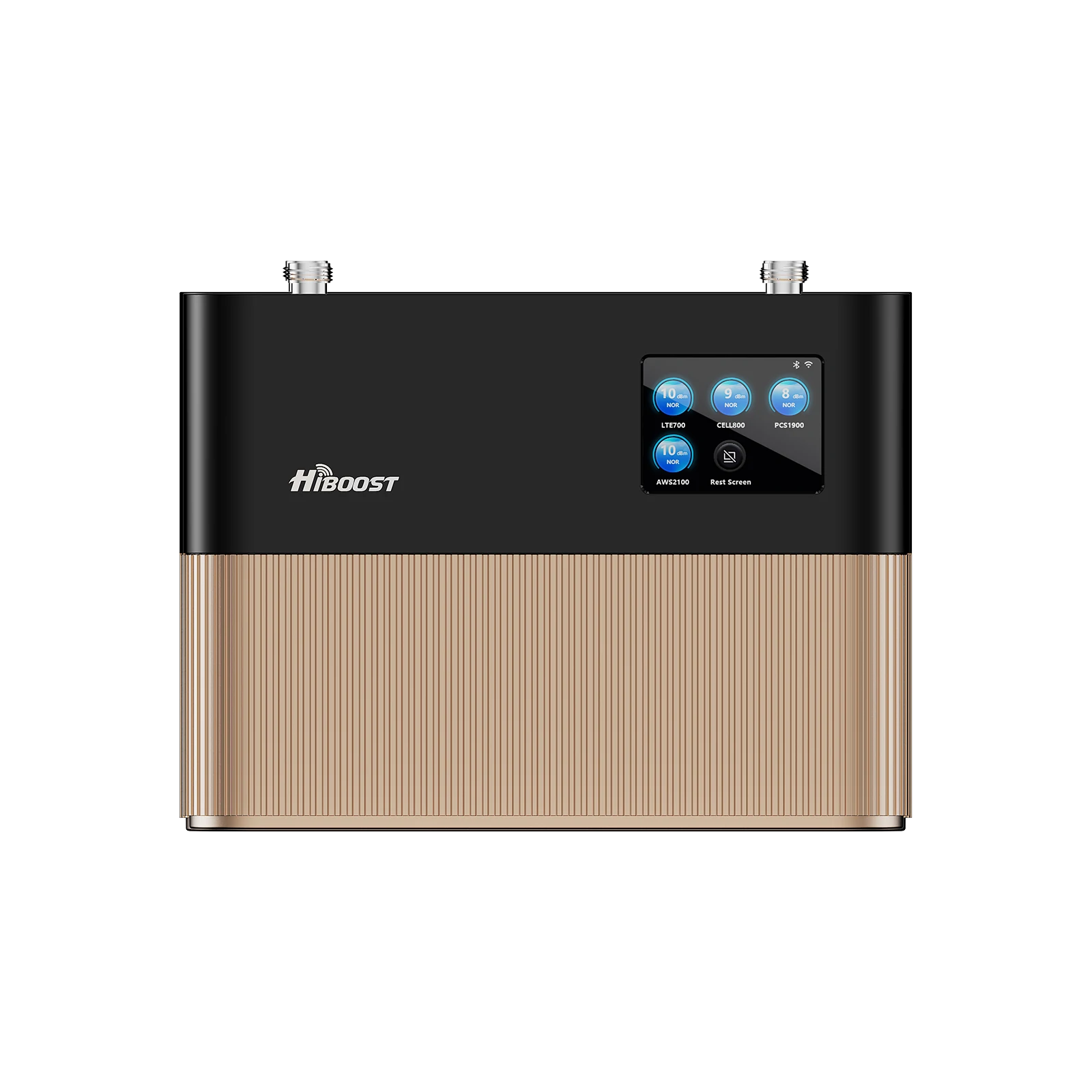
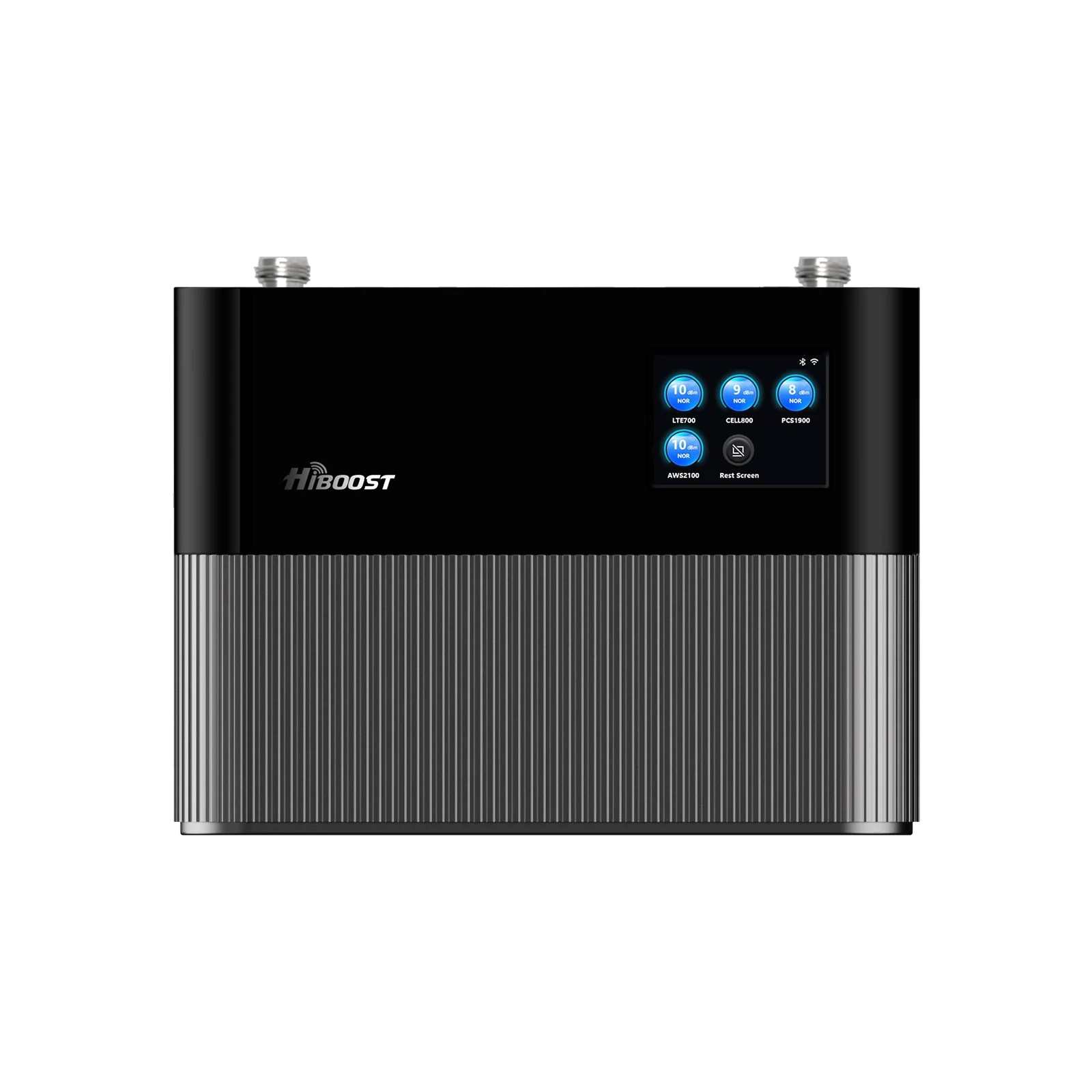
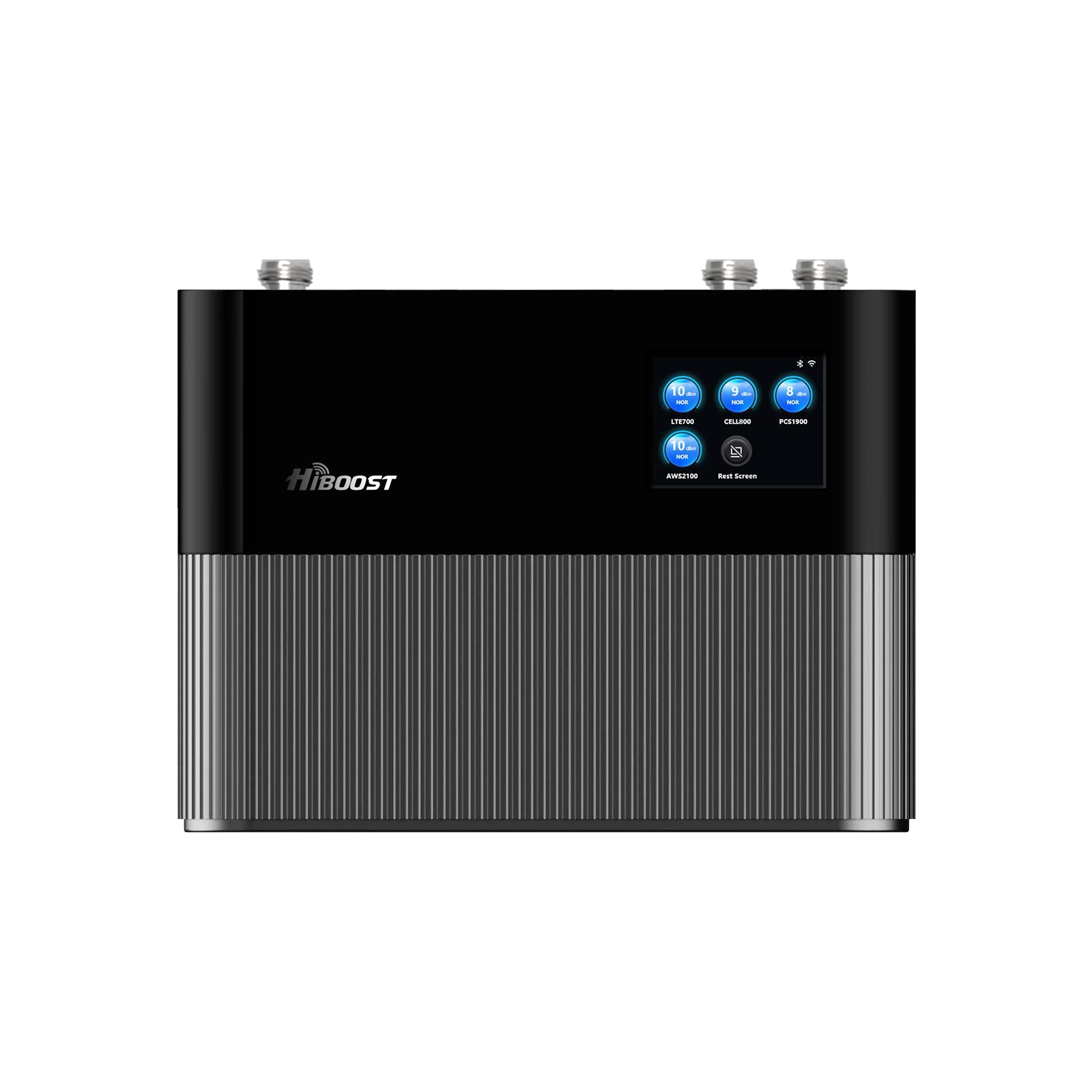
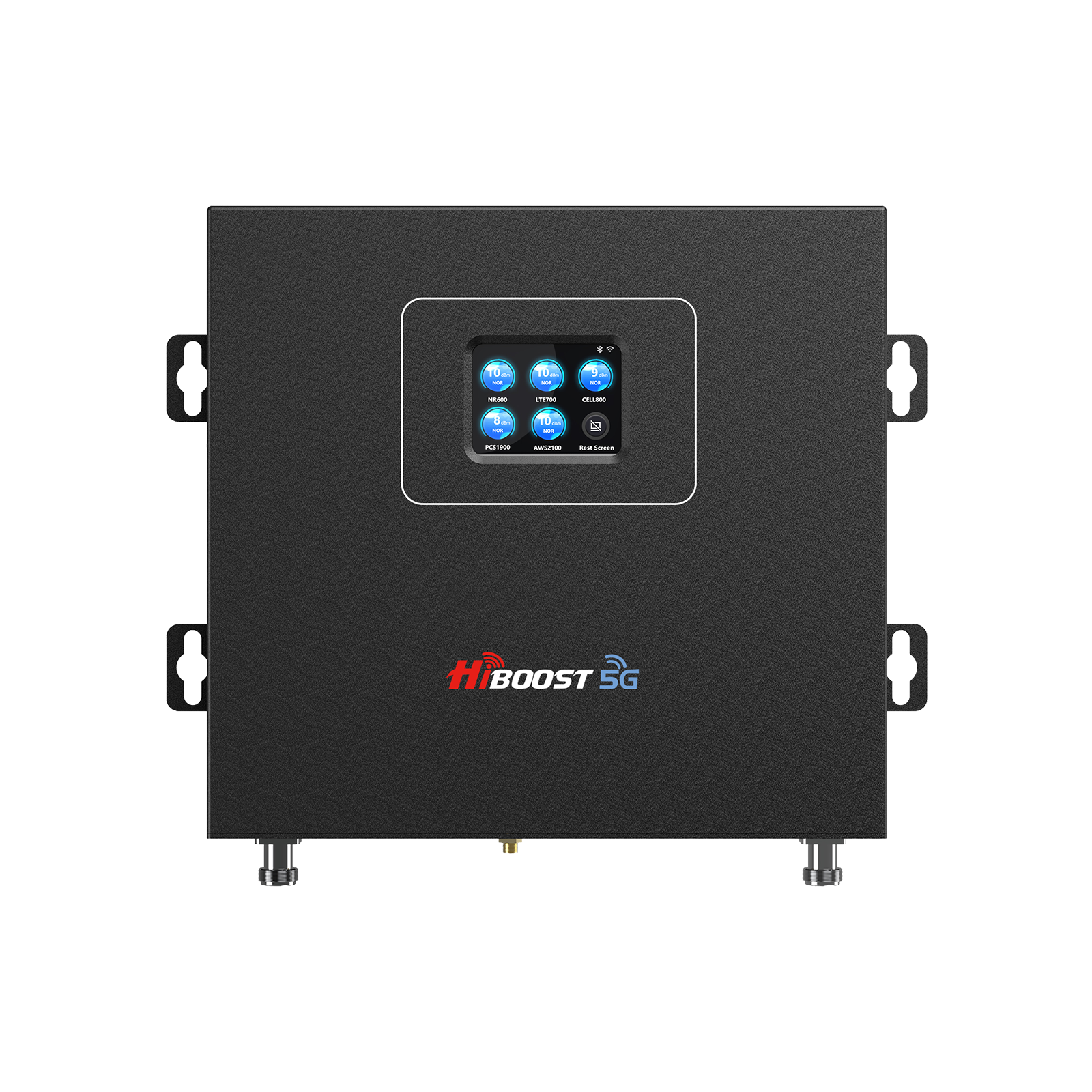
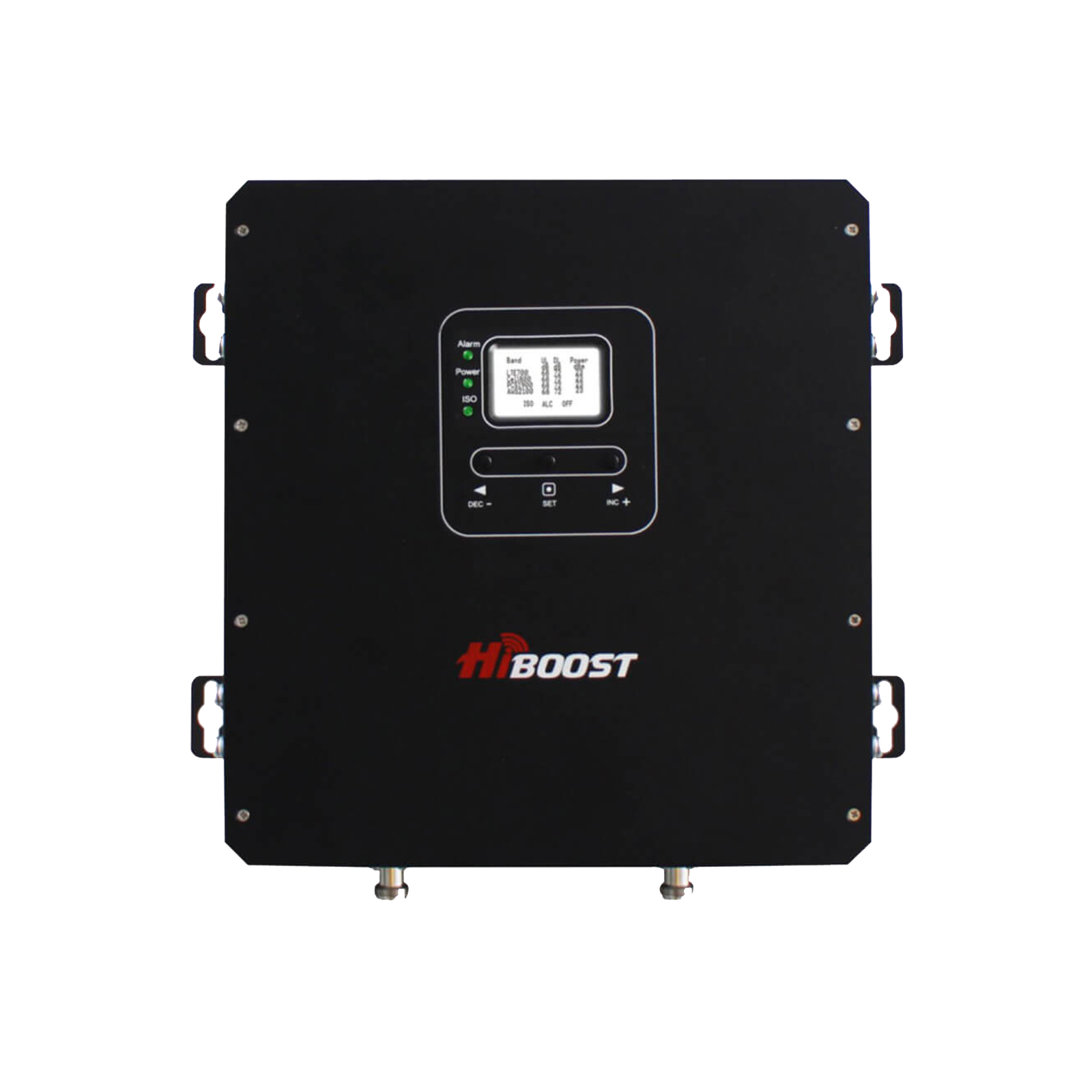
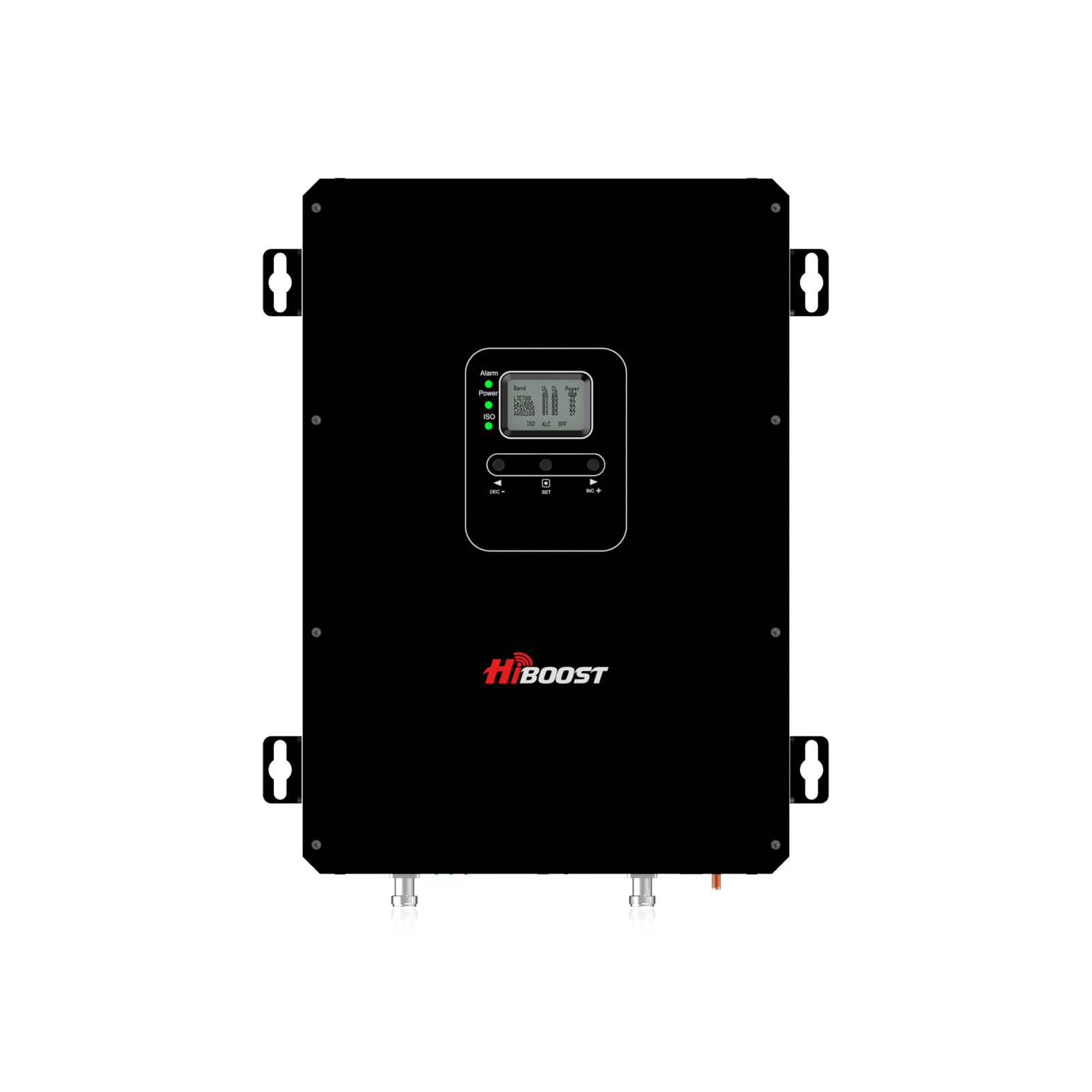
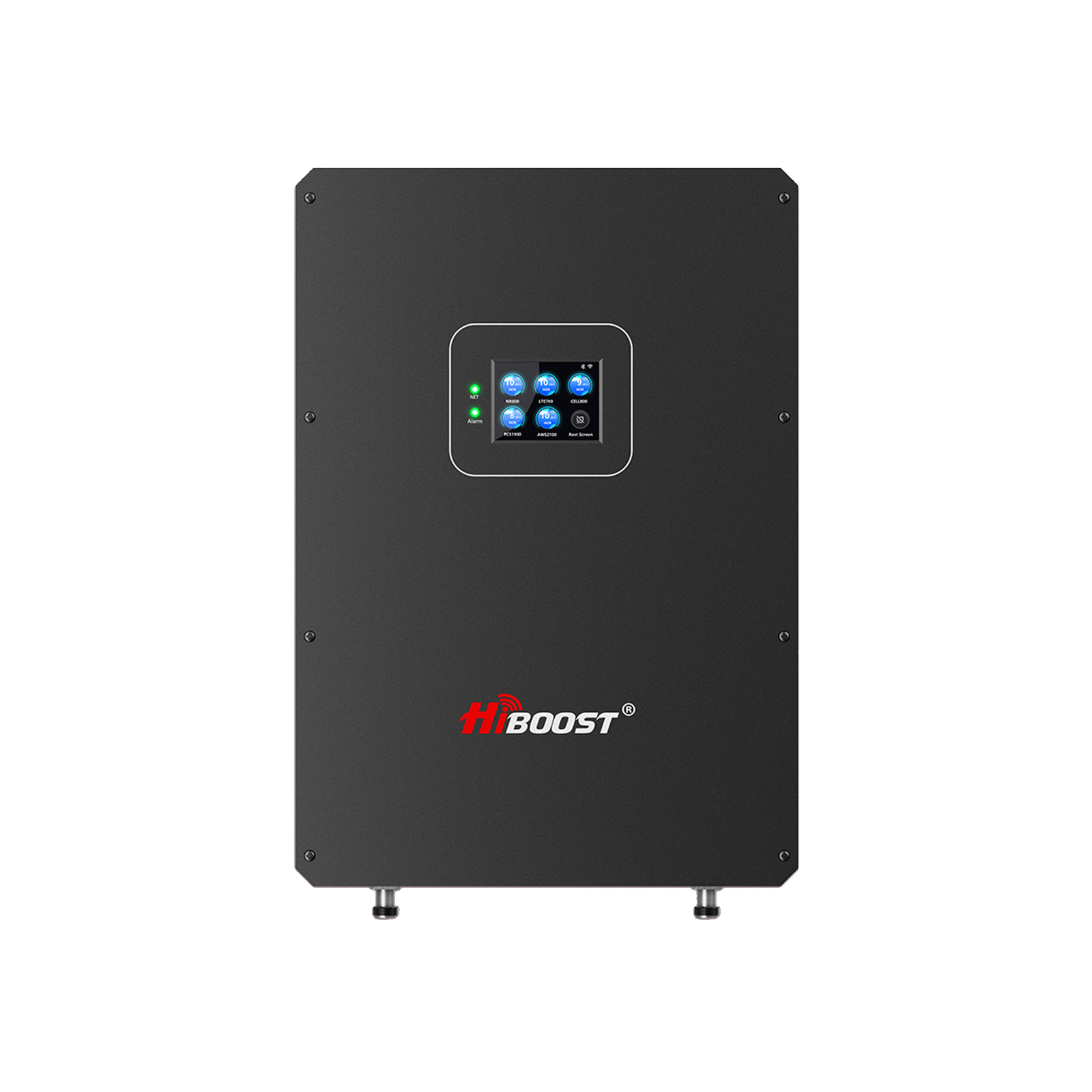
Still, real-world 5G coverage can be spotty, especially in remote areas. This is where HiBoost solutions shine. Our boosters and antennas help RVers, truckers, and home workers capture weak signals and amplify them indoors or inside the vehicle.

Whether you’re winding down the Pacific Coast Highway or working from a rural home office, the right hardware can turn frustrating dead zones into strong 5G coverage. And now, in celebration of Independence Day, we’re offering up to 20% off sitewide the perfect time to upgrade your mobile signal setup!
Quick Takeaway
- 5G vs 4G: 5G delivers peak speeds up to 20 Gbps and latencies as low as 1 ms. It can support over a million devices per km² – ideal for high-density scenarios.
- Obstacles Matter: Terrain and materials matter more than you think. Forests, hills, and especially metal roofs or insulated truck walls can block or attenuate cell signals. Even weather can slightly degrade signals by absorbing radio waves.
- Smart Tools: Use apps like OpenSignal or Network Cell Info to view your signal in dBm and map nearby towers. This data helps pinpoint weak zones and aim antennas.
- HiBoost Advantage: Our HiBoost boosters are FCC-certified and work with all major carriers. Properly installed rooftop antennas and boosters can dramatically increase throughput and coverage.
- Pro Tips: A booster isn’t magic antenna placement is key. Mount outdoor antennas as high and unobstructed as possible, aimed toward the nearest tower. Keep interior antennas clear of metal and away from the exterior antenna to avoid feedback.
I. Understanding Mobile Signal: 5G, LTE, and Beyond

1. Mobile Network Evolution
Wireless networks have leapt from 3G to 4G LTE to today’s 5G. 4G LTE brought broadband speeds and latencies around 30–70 ms, enabling our first smooth HD video calls and streaming. But 5G is a quantum leap: it can deliver ultra-high peak speeds and ultra-low latencies. This means huge files can download in seconds, and lag is virtually gone. In fact, tests show 5G today often outpaces 4G by 10–100× in real-world throughput.
5G accomplishes this partly by using a wide range of frequencies. Sub-6 GHz 5G uses familiar spectrum to cover wide areas and penetrate walls; speeds are moderate but coverage is broad. mmWave 5G uses very high frequencies to hit blistering speeds but mmWave signals have very short range and are easily blocked by obstacles.
In practice, carriers often deploy mid-band 5G as a compromise: faster than LTE but still reasonable coverage.
In short, 5G can transform the user experience: it’s designed not just for faster phones, but to handle massive device loads. Still, all those benefits depend on having a clear signal path to a tower. Long distances, mountains, or buildings can reduce any signal. To maximize 5G’s promise, boosting and optimizing that signal is crucial especially on the road or in rural areas.
2. Signal Quality Metrics
How do we measure signal strength and quality? Mobile technicians use metrics like RSSI, RSRP, and SINR:
- RSSI (Received Signal Strength Indicator): Measures the total received power at your device. It’s a raw power meter; higher RSSI is better, but it doesn’t distinguish useful signals from interference.
- RSRP (Reference Signal Received Power): Specifically measures the power of the carrier’s reference signal in LTE/5G. Think of RSRP as the “pure” signal strength from the tower. RSRP values typically range from about –140 dBm to –44 dBm. The closer to 0, the stronger the received cell signal.
- SINR (Signal-to-Interference-plus-Noise Ratio): Compares the wanted signal to all background noise and interference. A higher SINR means a cleaner connection. For example, 30 dB SINR is very good, while 0 dB means the signal is barely above noise.
In practice, if your RSRP is very low or your SINR is low, you’ll see drops or no data. Boosters help raise RSRP and improve SINR by increasing the signal power inside your space.
3. Factors Affecting Signal
Even powerful 5G is subject to physics. Key factors:
Terrain & Distance:
Mountains, hills, and even the curvature of the earth can block or weaken signals. The farther you are from a tower, the weaker the signal.
For example, radio waves travel in straight lines; on a curved earth, the horizon drops roughly 8 inches per mile, so signals can “drop” over long distances. Remote highways often run through valleys or dense forests that can create dead spots.
Obstacles:
Materials like concrete, metal, and thick wood can attenuate signals. Metal roofs or insulated walls can act like a Faraday cage, reflecting and absorbing RF waves. In one test, a metal roof dropped an outdoor signal of –73 dBm to –95 dBm inside, slashing 4G/5G performance. Likewise, dense vegetation or large buildings scatter and absorb energy, causing “shadow zones”. Simply put, a phone in an aluminum-sided RV camper may see far less signal than one in the open air.
Weather:
Water in the air, rain, snow, fog, or high humidity can absorb or scatter radio waves to some degree. Heavy rainstorms, for example, tend to cause the most noticeable drop in cellular coverage. Clouds and precipitation contain water droplets that refract and absorb high-frequency signals, leading to a “propagation delay effect”.
Interference:
Other electronic devices or improperly installed equipment can introduce noise. Also, if your booster’s inside antenna is placed too close to the outside antenna, it can feed back and desensitize the system.
Understanding these factors can help in diagnosis: if your dead zone corresponds to a hill or building, the boost needed is different than a spotty signal during rain. Always consider both environment and equipment placement.
4. Emerging Technologies
The communications landscape is always evolving. A few trends on the horizon:
AI/ML Network Optimization:
Carriers and device manufacturers are exploring artificial intelligence to optimize connectivity. In future smart devices might switch seamlessly between cellular, Wi-Fi, and satellite links based on real-time signal conditions. We may see AI-driven routing algorithms that anticipate congestion or reroute traffic to the best available band or antenna array.
Satellite Integration:
High-altitude and low-Earth-orbit satellites are becoming integral to the connectivity mix. For truly remote work, adding a satellite terminal can back up cellular. Some next-gen boosters may even integrate with satellite modems automatically.
Vehicle-to-Everything (V2X):
Future vehicles will communicate with infrastructure and each other using 5G C-V2X. This means trucks and RVs will rely on robust mobile links not just for entertainment, but safety and autonomous features. Boosted networks will be a key enabler for this connected transportation.
Mesh & Hybrid Boosters:
We expect consumer signal boosters to evolve into mesh systems, using multiple antennas and nodes to blanket an area. Imagine an RV roof antenna that wirelessly links to in-cabin repeaters. Hybrid solutions might combine cellular boosters with Wi-Fi extenders for comprehensive coverage in home offices or campsites.
Public Policy & Investment:
Governments are investing billions to expand 5G to underserved areas. These efforts will gradually densify towers in rural zones, making boosters even more effective as base signals strengthen.
While these advances roll out, HiBoost continues innovating with each wave, ensuring our boosters are ready for tomorrow’s networks.
II. Measuring and Diagnosing Signal Problems
1. Tools for Signal Measurement
Don’t rely solely on the “bars” on your phone. Use field tests and apps to get real measurements in dBm and other metrics. For example, hiBoost’s guide recommends: “Instead of relying on ‘bars,’ use your phone’s field test mode or apps to see signals in dBm. For example, around –50 dBm is excellent, –90 dBm is moderate, and –110 dBm is very weak”.
Useful apps and tools include:
- OpenSignal: A popular app that shows real-time signal strength, upload/download speed tests, and even a tower “compass” pointing to the nearest cell site. Its coverage maps can reveal where your carrier’s towers are, helping aim antennas.
- Network Cell Info Lite (Android): Displays detailed LTE/5G parameters and visualizes serving and neighboring cell towers. Handy for diagnosing which bands you’re on.
- Network Cell Info Lite (Android): Displays detailed LTE/5G parameters and visualizes serving and neighboring cell towers. Handy for diagnosing which bands you’re on.
- Carrier Apps: Some carriers provide coverage maps or tower locators.
- HiBoost App: HiBoost offers a companion app for our Smart Link boosters that can monitor signal gain and automatically optimize settings.
For advanced users, professional RF spectrum analyzers or “network sniffers” exist, but for most RVers or road warriors, smartphone apps are sufficient. The key is to record your signal at different spots. This can highlight dead zones or intermittent trouble spots where drops occur.
2. Locating Nearest Cell Towers
Knowing where the nearest towers are helps. Options:
- FCC Tower Locator: The FCC provides a public database of registered antenna structures. You can search by address to see towers near you.
- Carrier Tower Maps: Many carriers have interactive coverage maps. While not pinpointing exact tower locations, they indicate where towers are densely placed.
- Signal Apps: As mentioned, apps like OpenSignal or CellMapper actively show the direction and distance to the strongest cell tower from your location. Simply walk around with these apps to triangulate tower positions.
- NetMonster (Android): This app shows the exact cell ID and physical channel your phone is camped on, along with coordinates if crowdsourced.
- OnStar or Built-In Systems: Some vehicles have integrated diagnostics that might show connected tower info.
Once you identify tower locations, ensure your outdoor antenna has line-of-sight toward that tower. In an RV, this might mean mounting the antenna on the roof closest to the highway’s direction; in a truck, pointing it forward on the cab.
3. Diagnosing Common Problems
Typical issues include:
- Dead Zones: If there’s no signal at all in an area, you’re in a dead zone. This often happens in valleys or far from towers. A booster cannot create a signal from nothing; it needs at least a minimal outside signal. If you’re in a dead zone, a booster alone won’t work unless there’s some distant signal to amplify. In such cases, try moving to a higher point, or wait for the nearest area with weak coverage to use your booster.
- Intermittent Drops: Frequent call drops or data disconnects usually signal fluctuating coverage or interference. This could be due to network congestion or physical interference. Keeping a log of when and where it happens can reveal patterns. Sometimes simply adjusting your antenna aim can stabilize the link.
- Slow Speeds: If the connection is always slow, it often means you’re on a weak band or your booster isn’t receiving enough multi-channel bandwidth. Check your device: is it stuck on 3G or low-frequency LTE? A modern device in 5G mode should lock onto better bands if available. Otherwise, boosting strategies are needed.
A quick test: check your RSRP on LTE/5G. If it’s below –110 dBm, speeds will tank. If your SINR is very low or fluctuating, even a decent RSRP might not help until you improve clarity.
4. DIY Testing on the Road
Don’t just rely on guessing test as you go:
- Map Your Route: Before a trip, note where towers are and identify likely coverage gaps. Plan to drive in more open lanes or higher terrain when possible.
- Signal Mapping: As you drive, use an app like OpenSignal on your phone to log signal strength along the way. Many apps can export this data or draw a map. Later, review where dips occurred. You may discover, for instance, that a particular section of highway consistently hits –115 dBm and needs alternate routing or caution.
- Walk-Around Tests: If parked and hitting a dead spot, get out and walk or climb if safe. Even a 10-ft change in elevation can sometimes pull in a signal.
- Record Keeping: Note weather and time. Sometimes you’ll find that a spot is fine at midday but fails in evening possibly due to temperature inversions or carrier load.
A bit of planning and data collection goes a long way. When you have concrete measurements, installing a booster becomes easier (for example, aiming the antenna). Many booster installs fail simply because the antenna isn’t pointed right. With a signal map, you can place antennas intentionally for the best coverage.
III. Signal Boosting Solutions
1. Types of Boosters
Broadly, boosters fall into two categories: mobile boosters and fixed boosters. We’ll emphasize HiBoost’s product lines:
Vehicle (Mobile) Boosters:
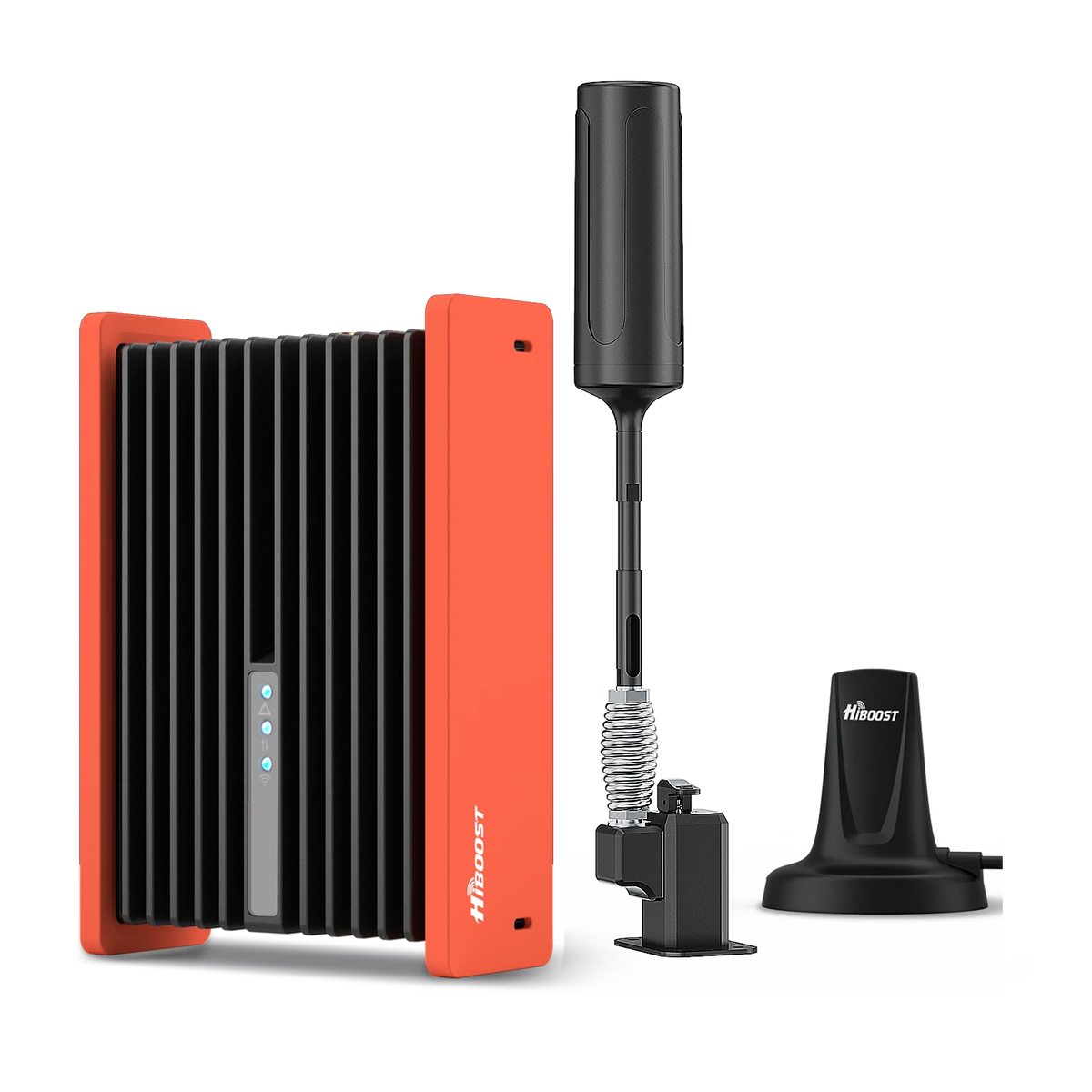
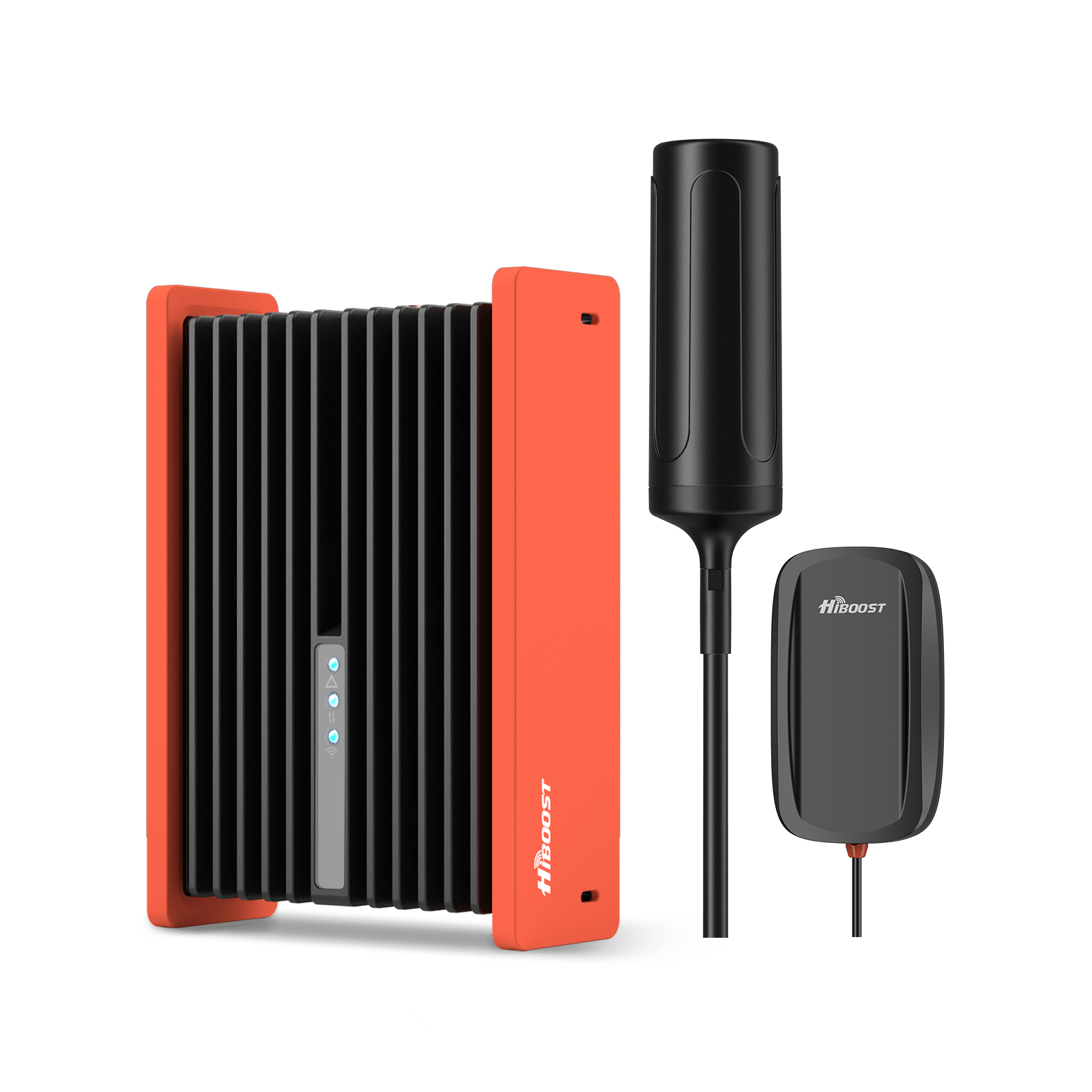
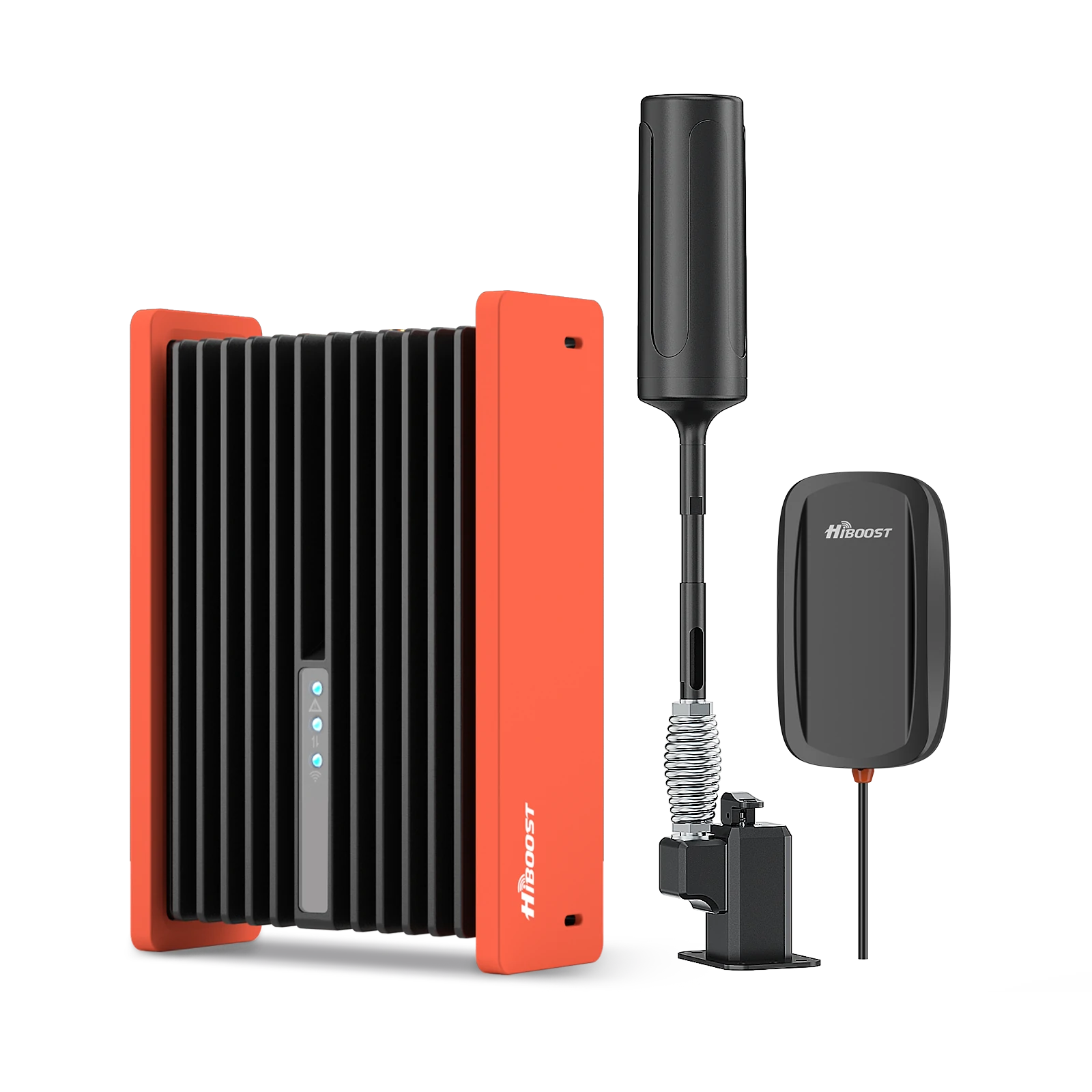
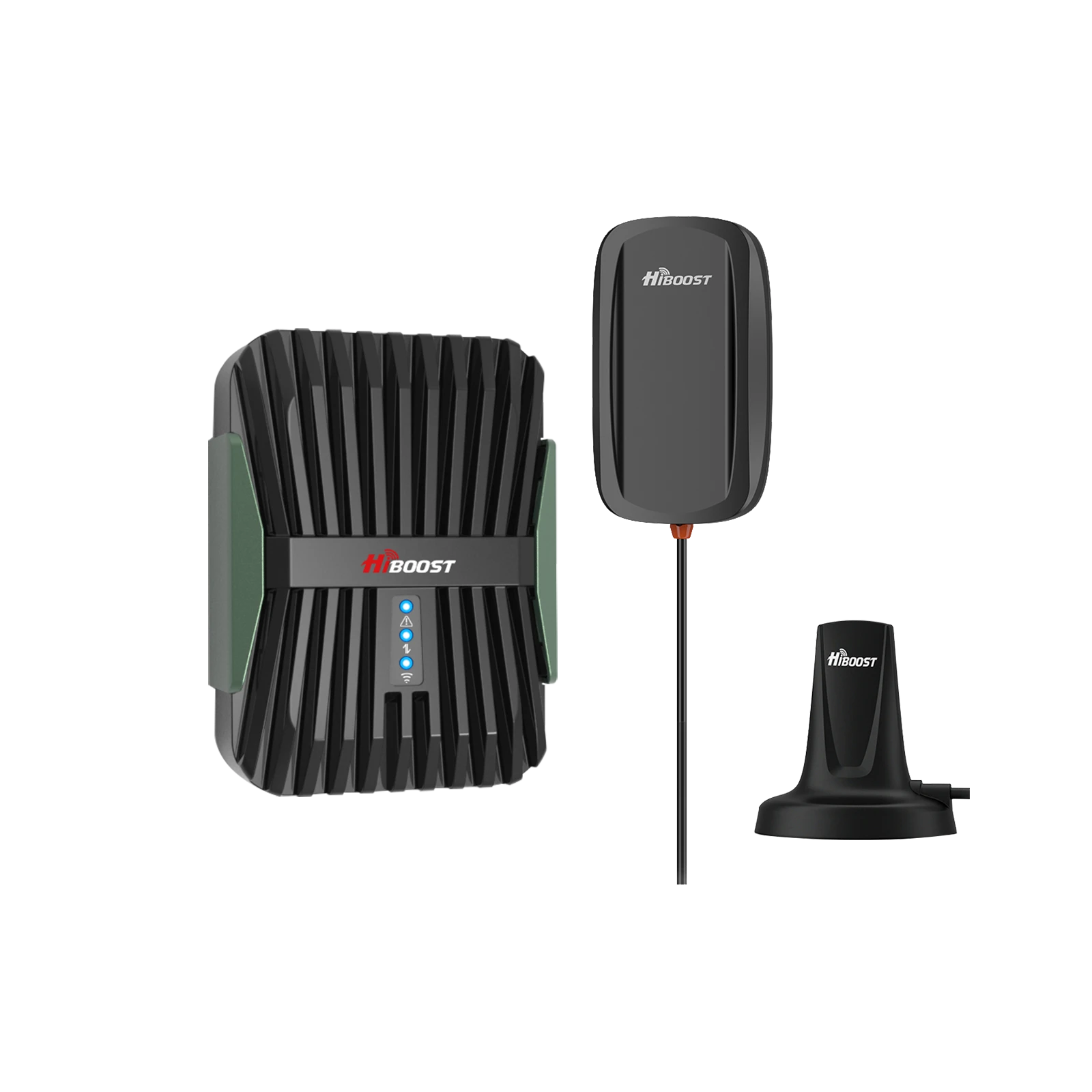
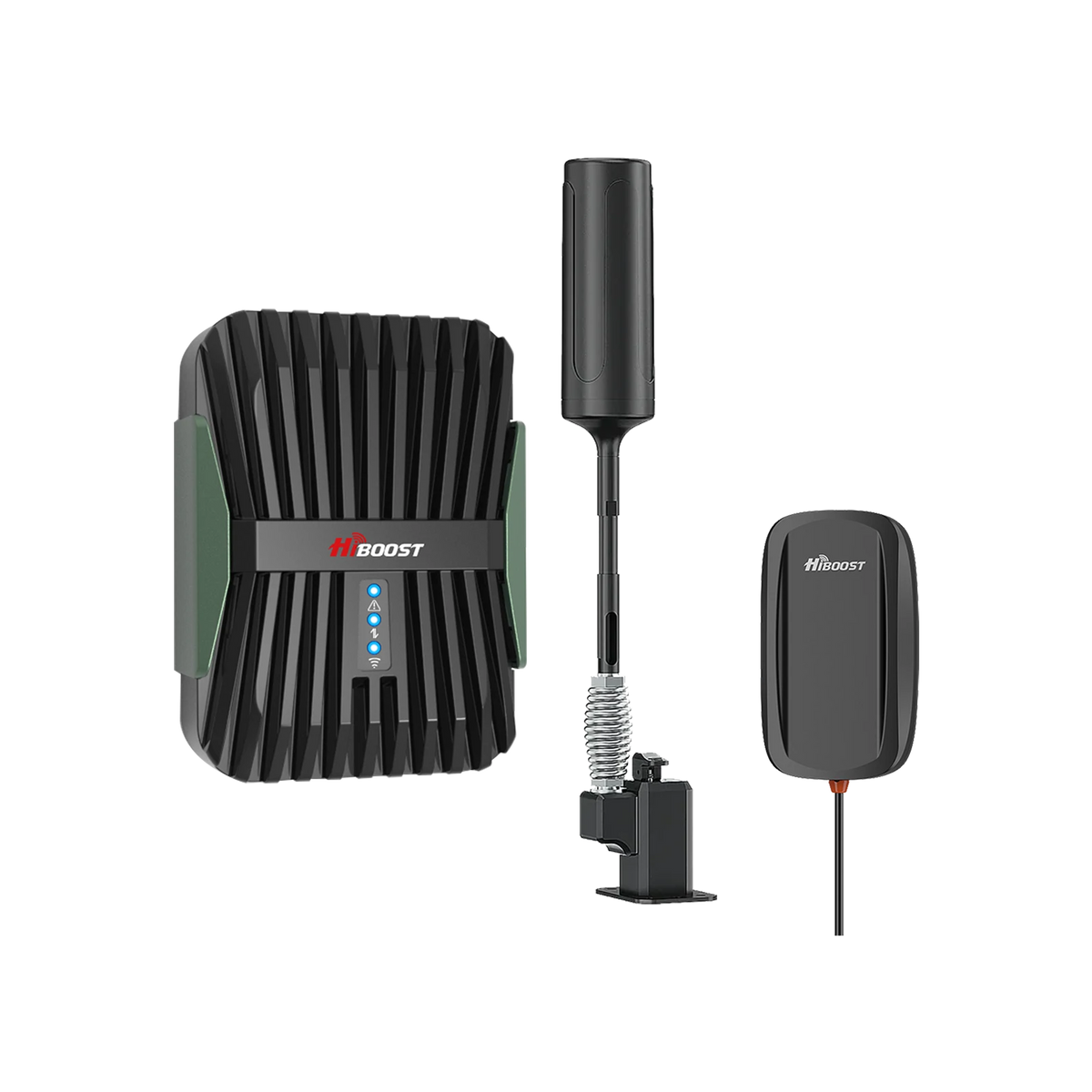
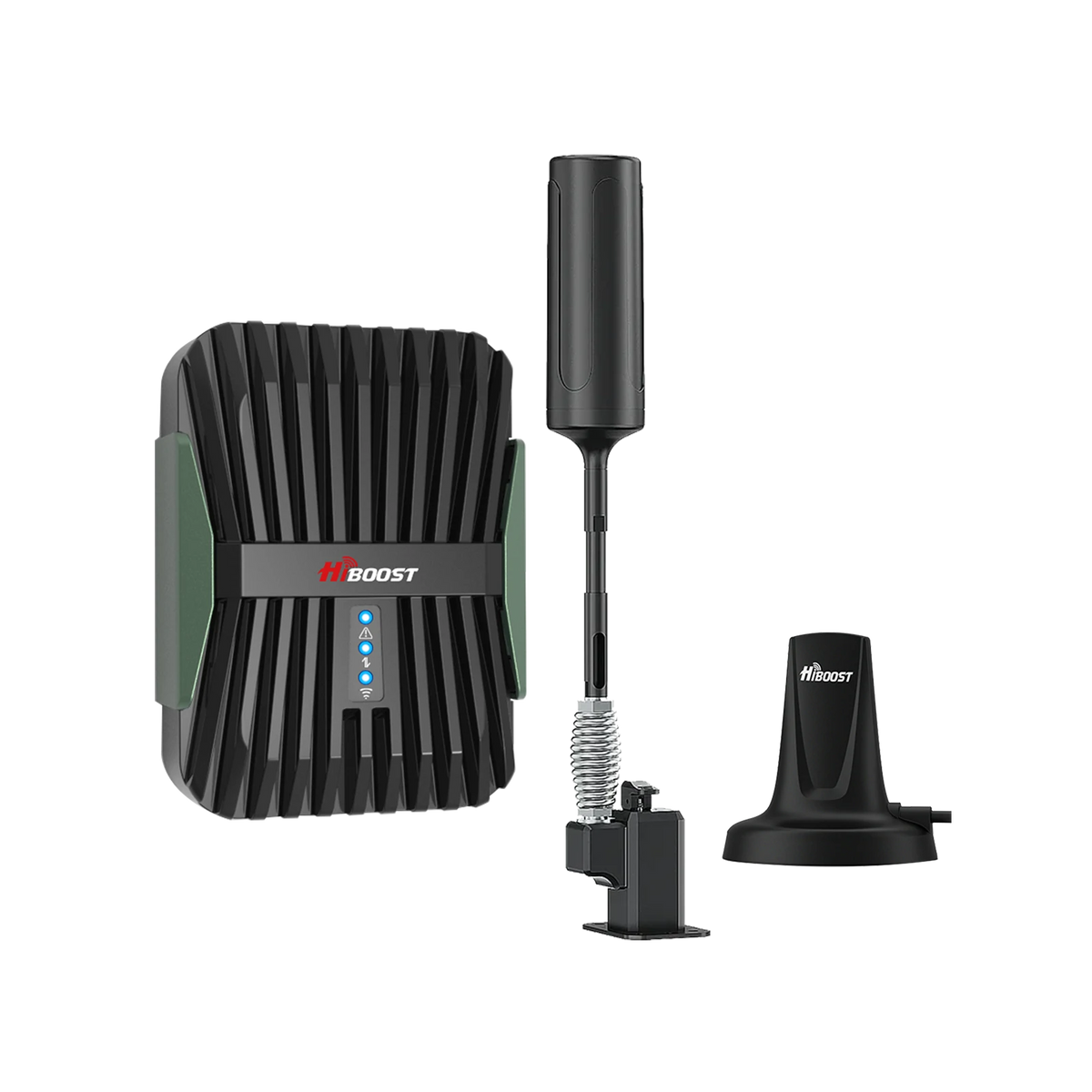
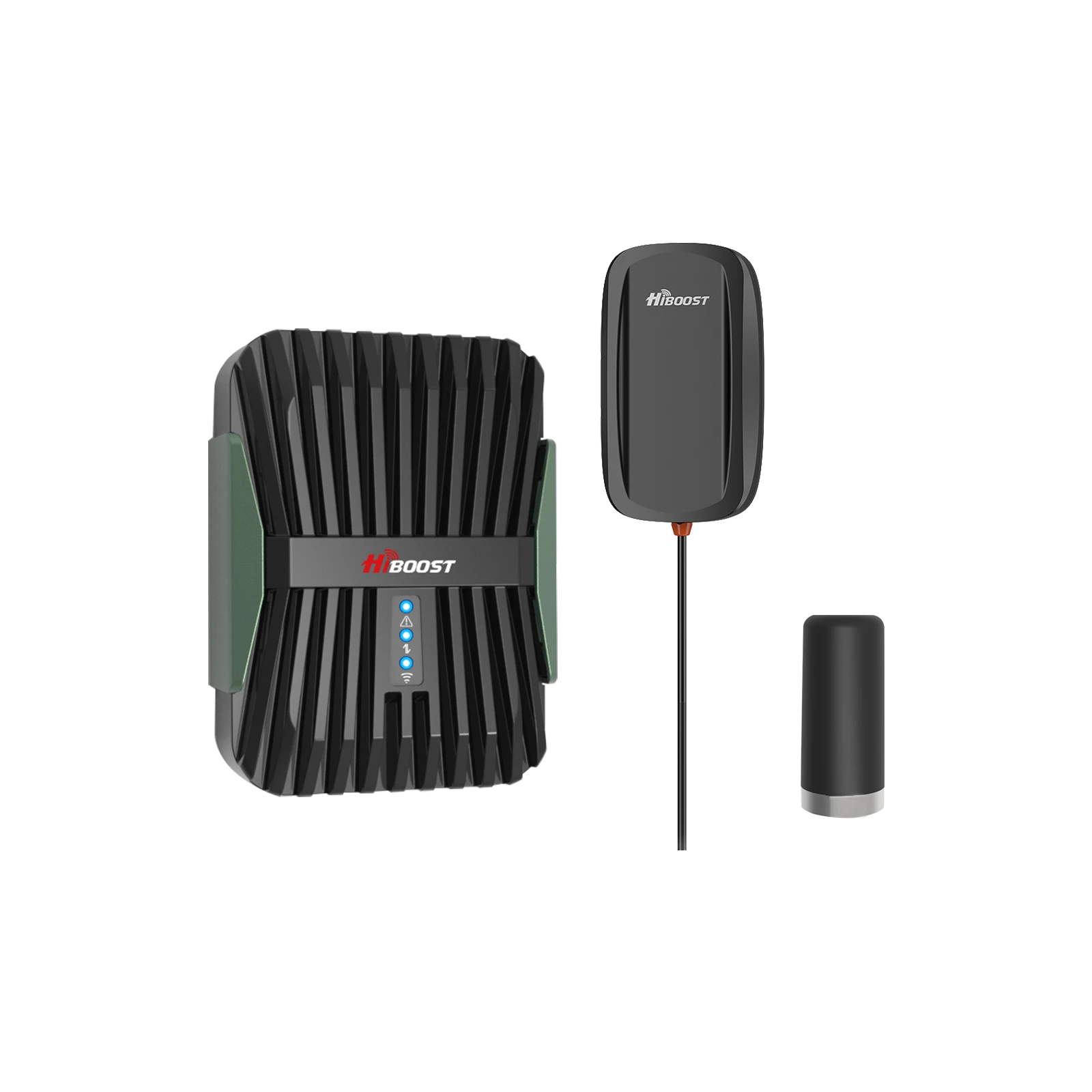
Designed for cars, trucks, RVs and boats. These are typically all-in-one kits that include an outdoor antenna, an amplifier, and an indoor antenna. HiBoost’s Travel 3.0 series covers all these: the Travel 3.0 Car, Truck, and RV models are tuned for each vehicle type. They offer up to 50 dB gain, amplifying weak signals for multiple users inside the vehicle. These kits are FCC-approved and work across all U.S. carriers and bands.
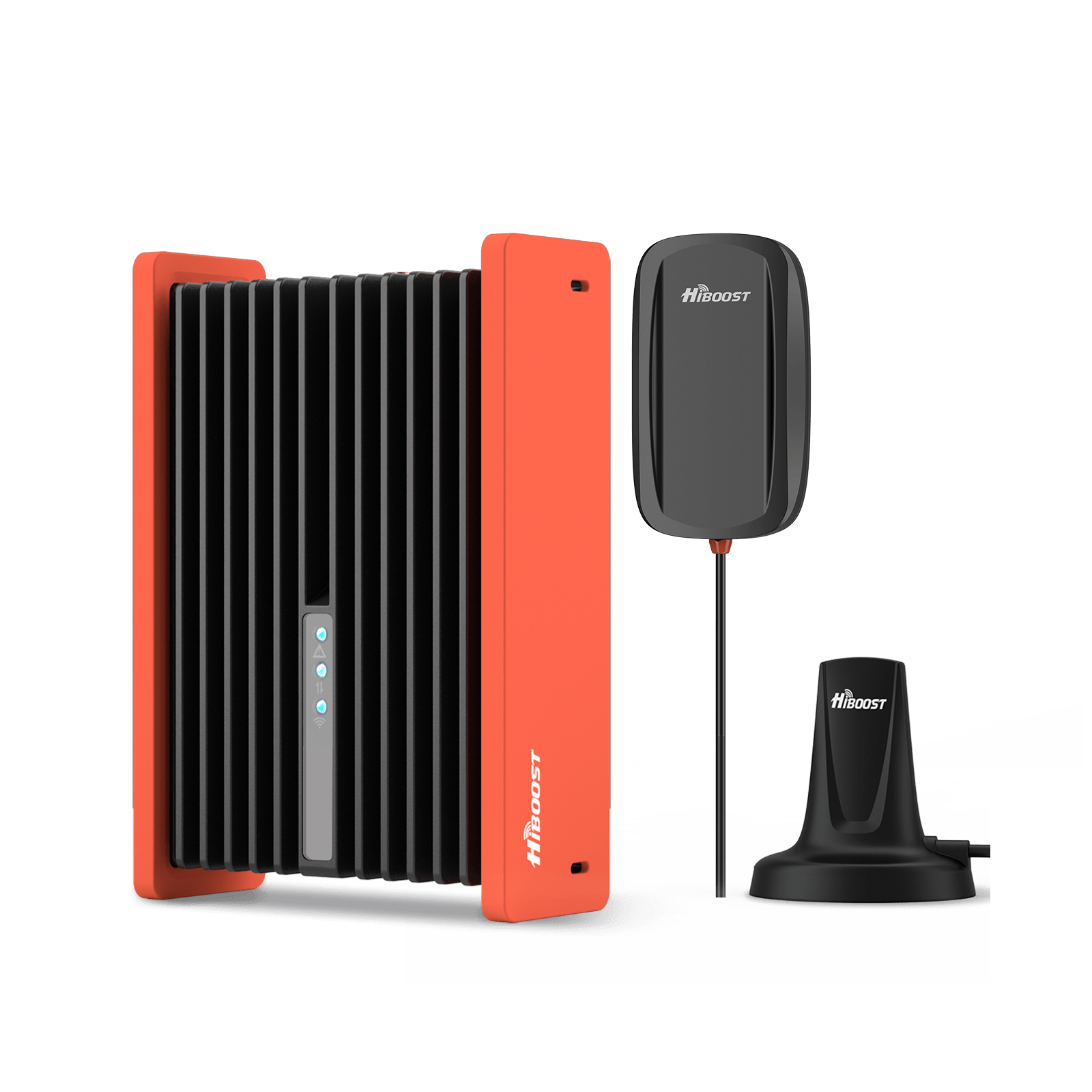
HiBoost Travel 3.0 Car Cell Phone Booster
For passenger cars, vans, mini trucks, pickups and SUVs
Home/Office Boosters:
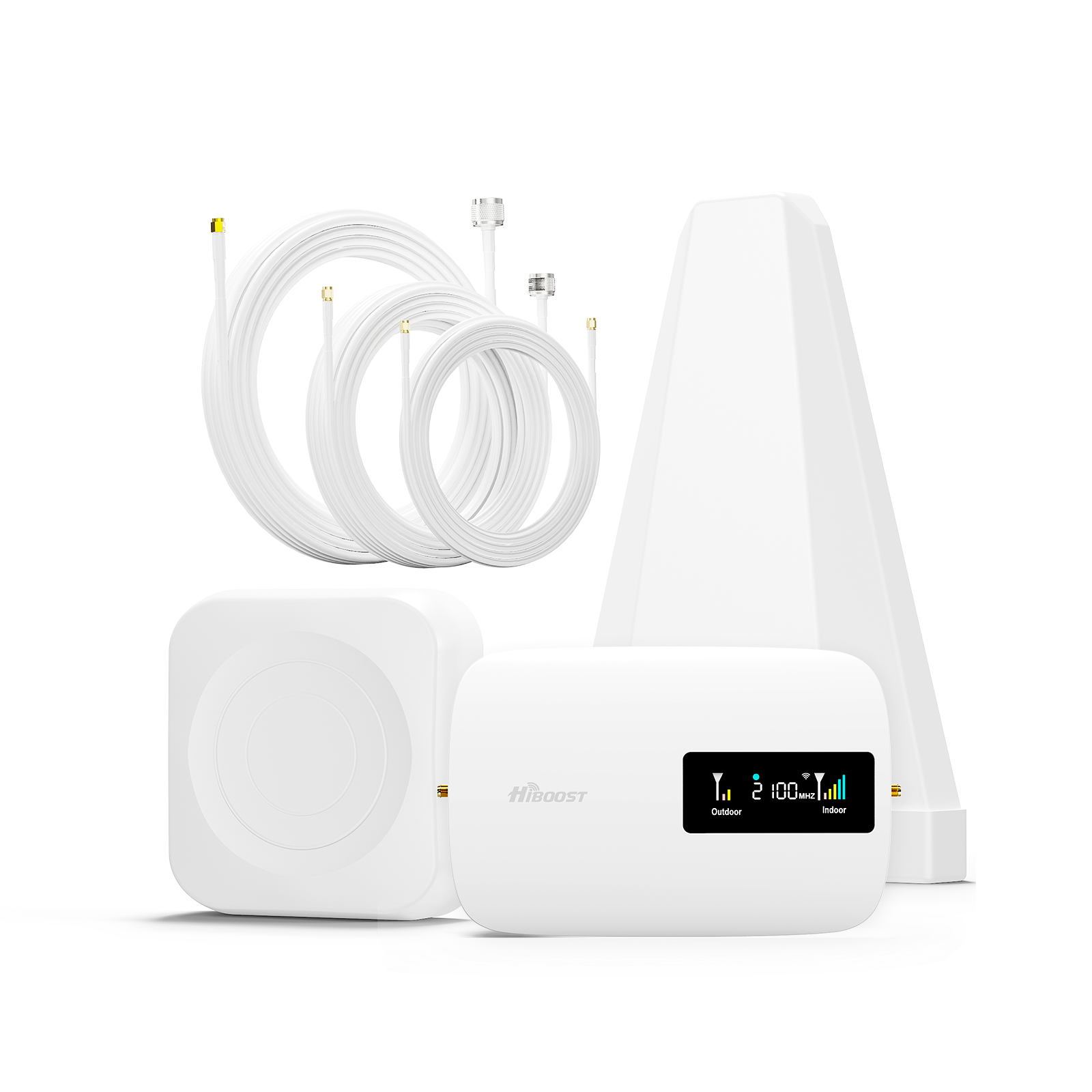
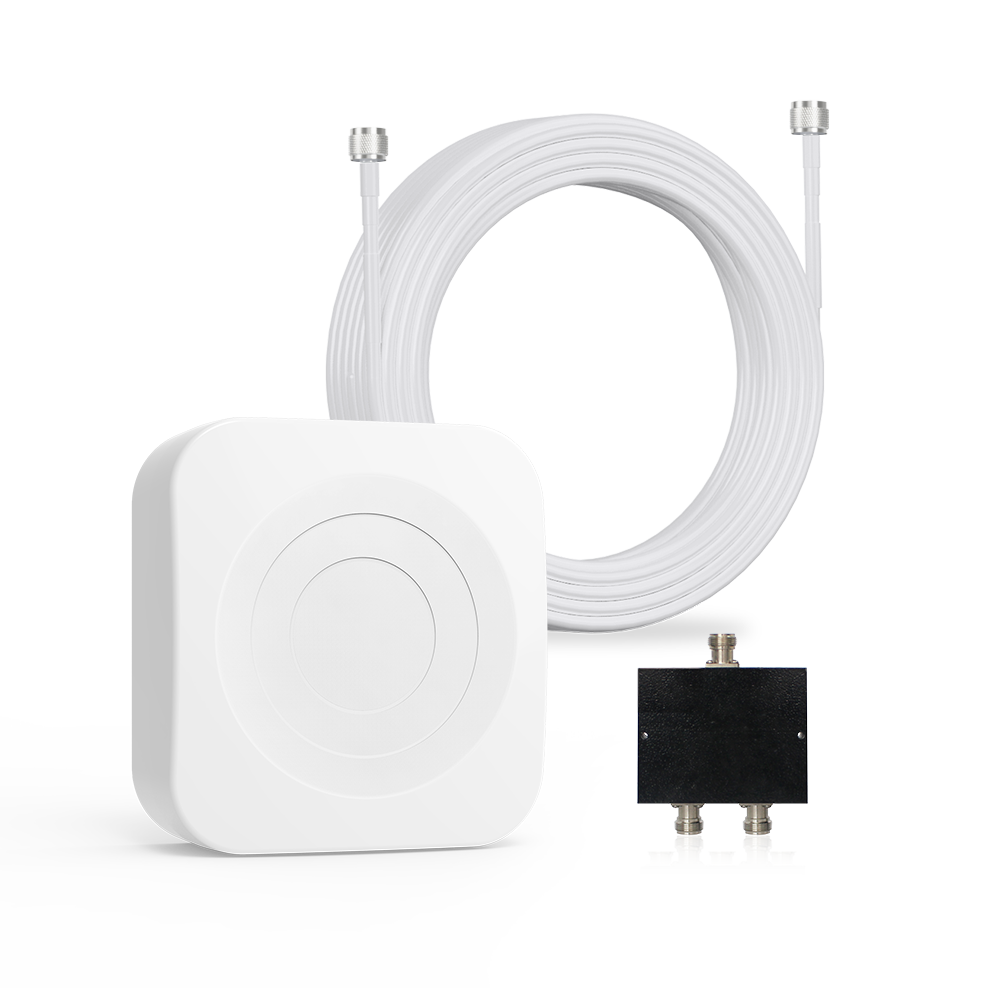
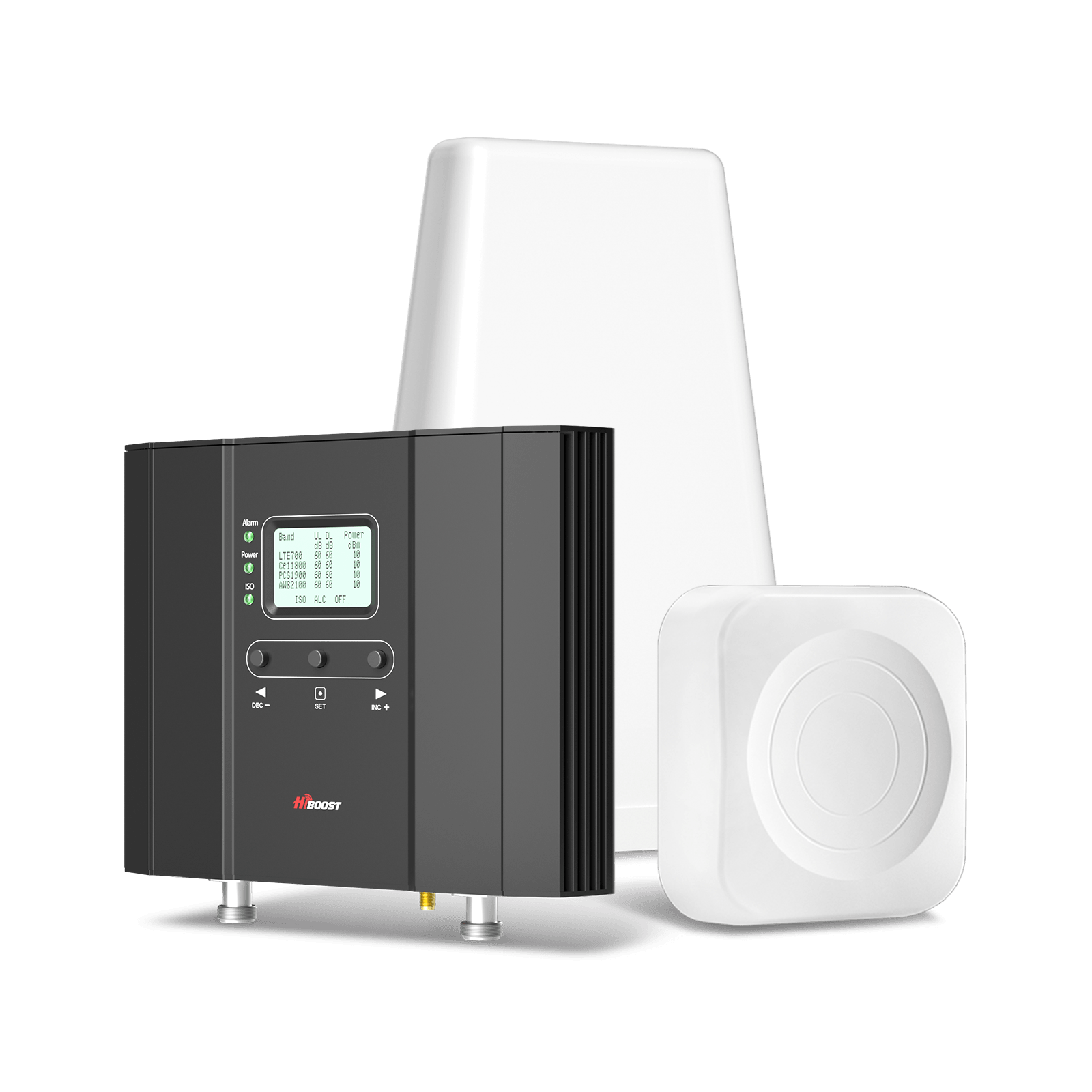
Intended for buildings or stationary use. These systems have larger antennas and higher gain to cover thousands of square feet. They use a separate outside antenna and one or more indoor antennas.
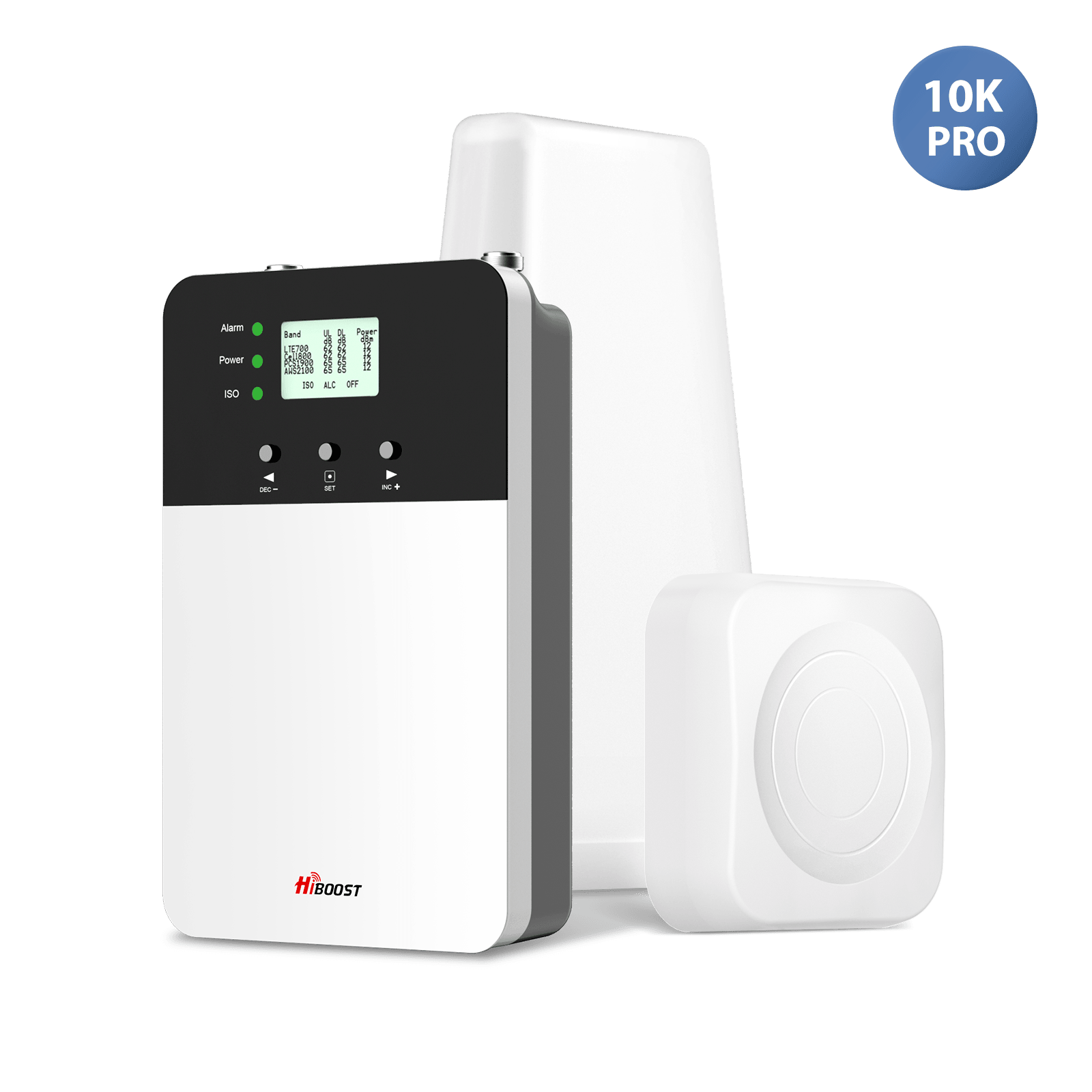
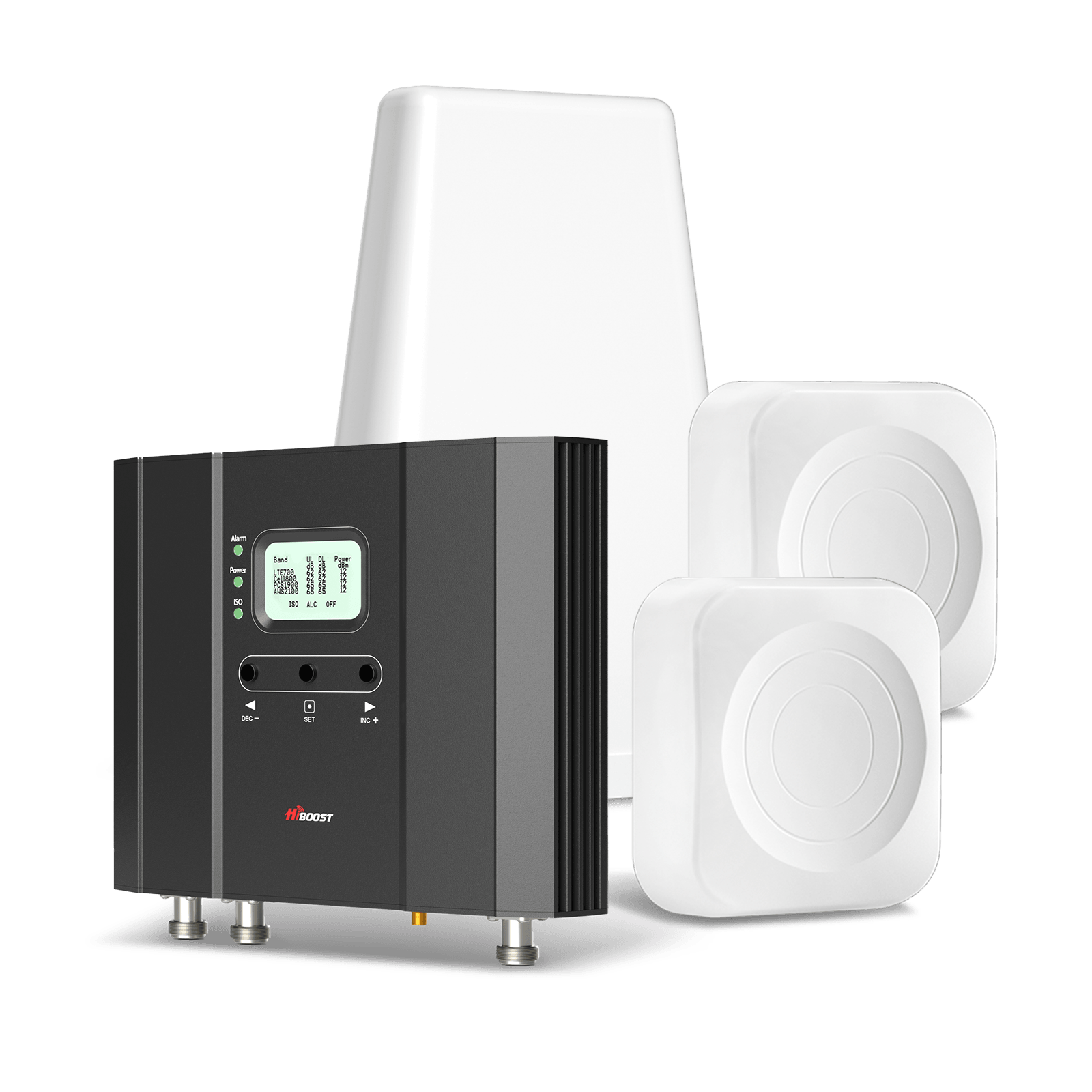
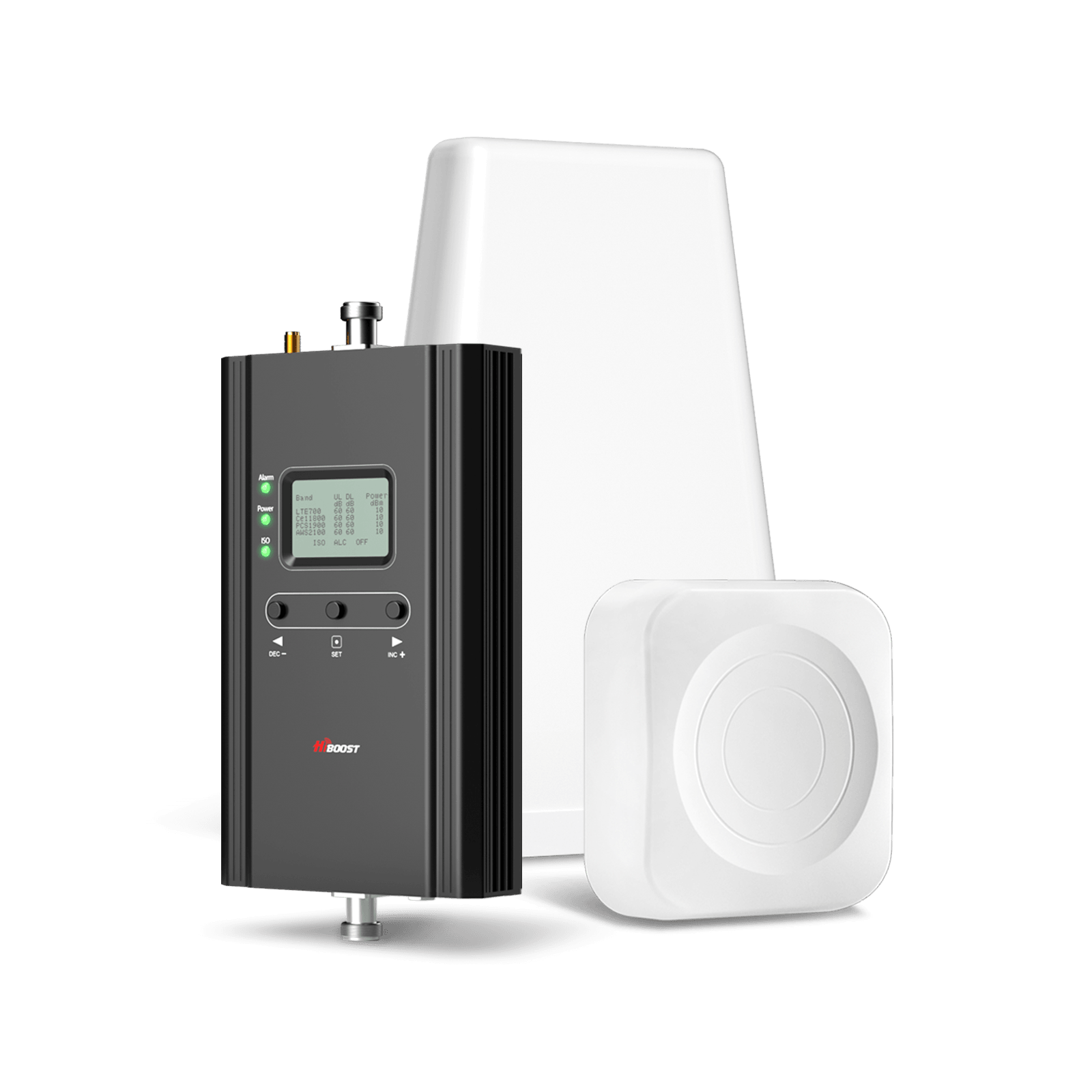
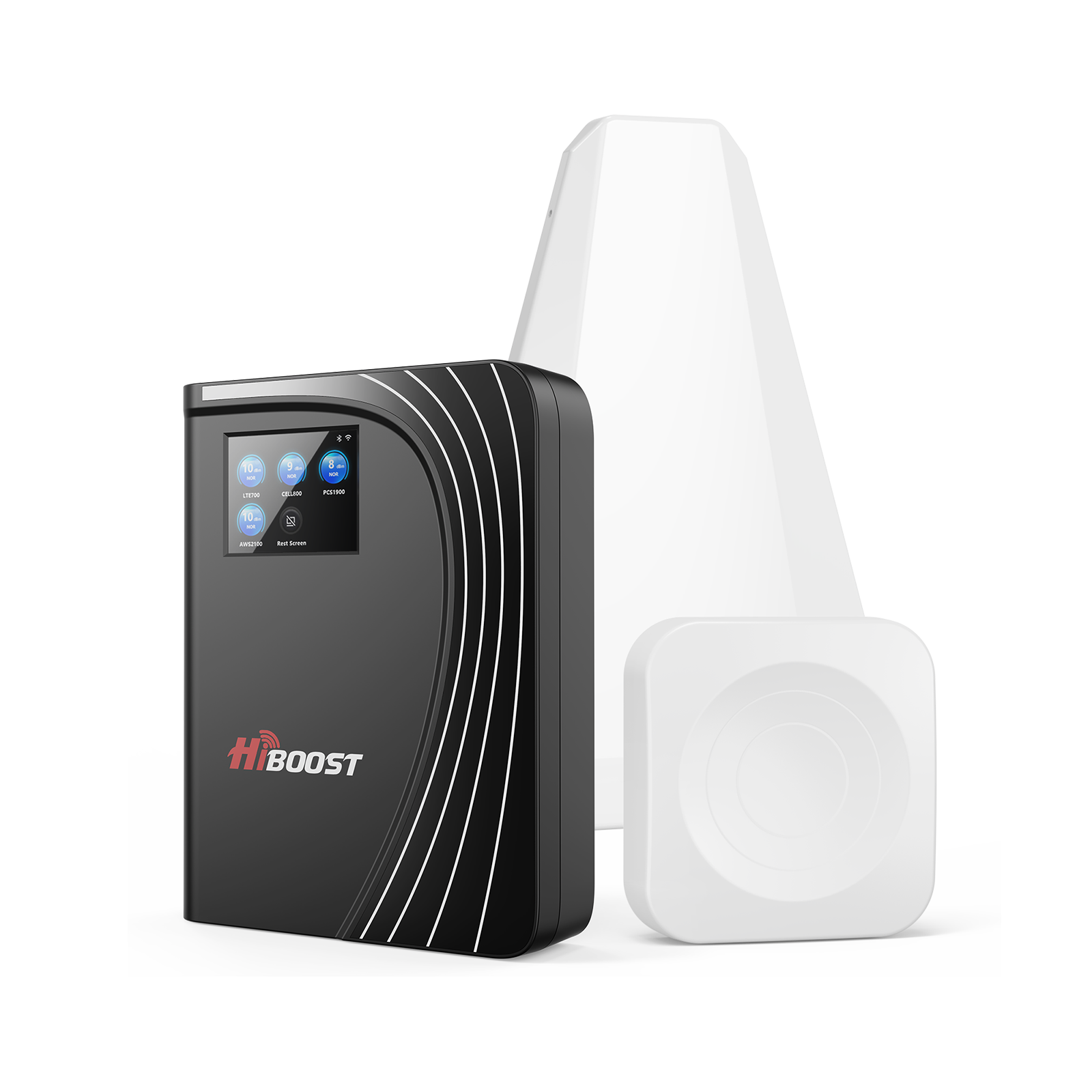
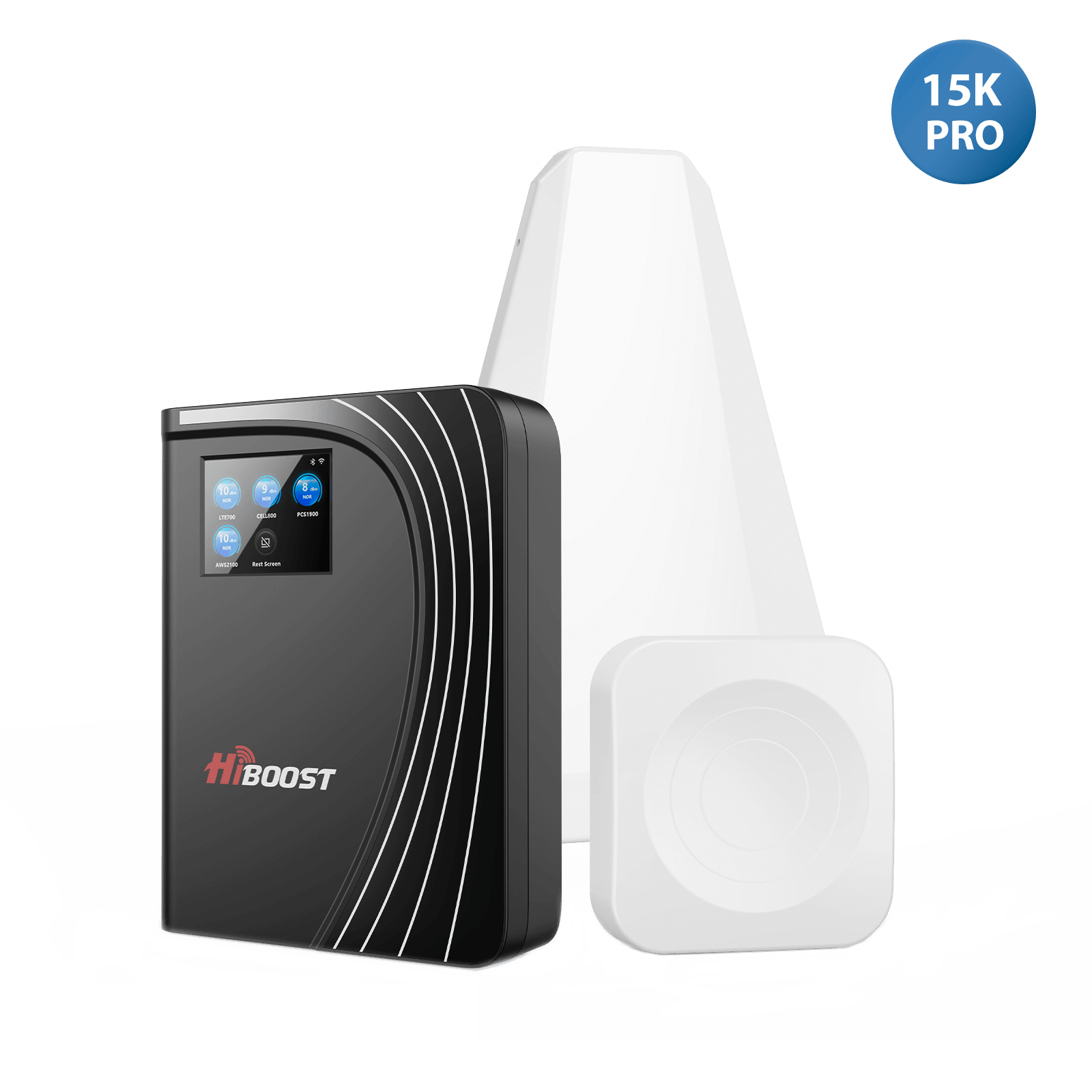
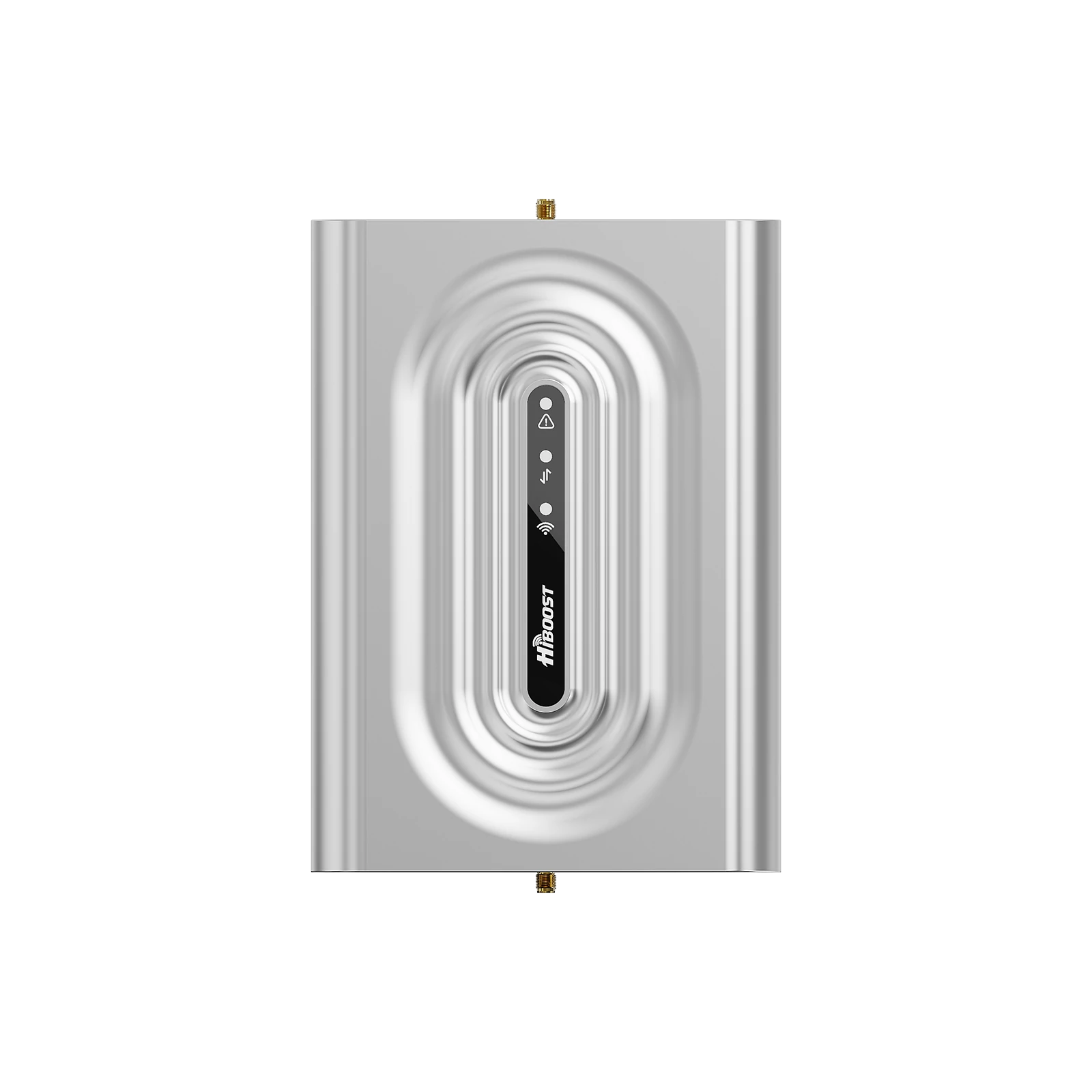
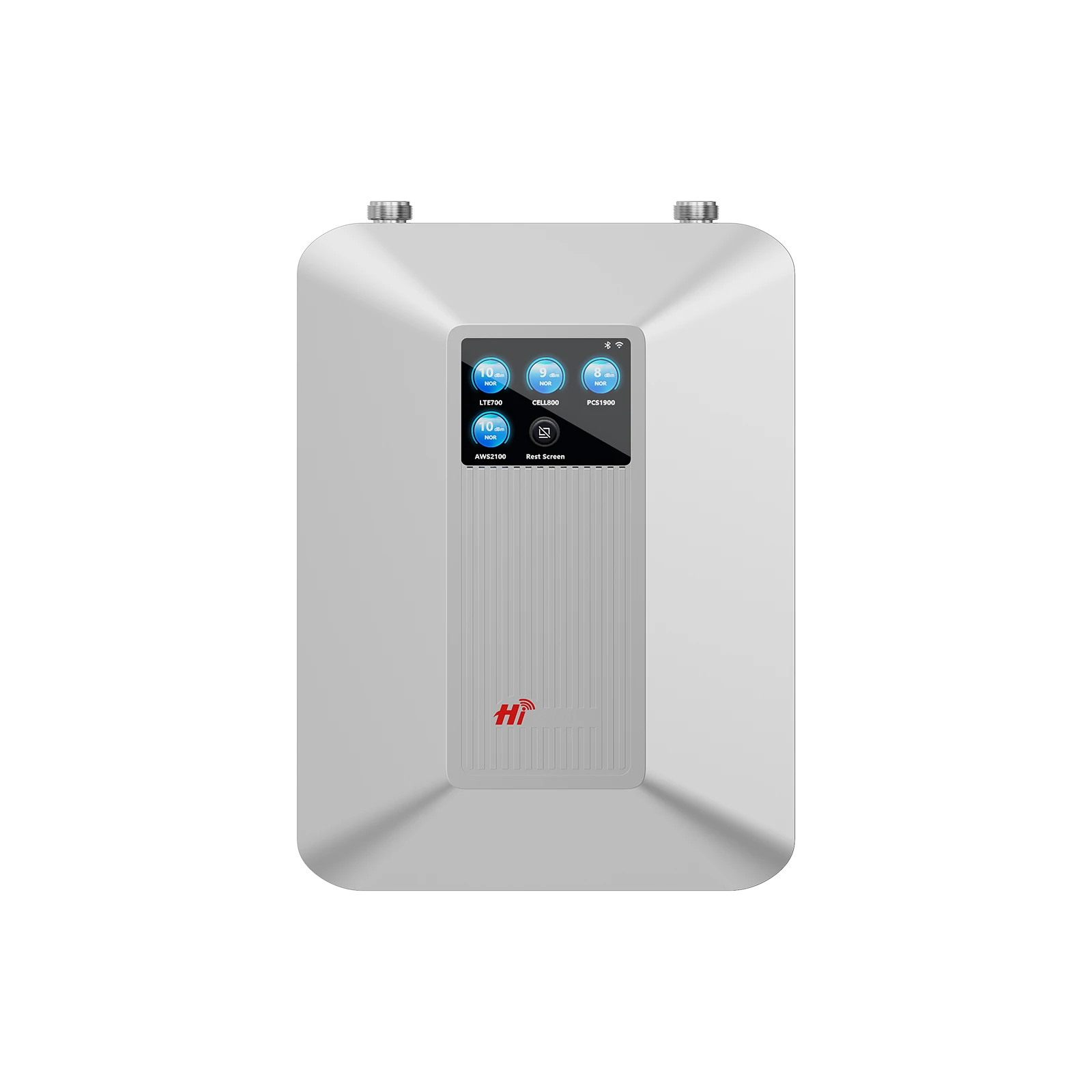
For example, the HiBoost 10K Smart Link covers up to 10,000 sq.ft, suitable for large homes or small offices. The top-tier 15K Smart Link Deluxe can blanket an entire large house or office. These also work with all carriers and include an app for monitoring.
Carrier-Specific vs Universal:
Some boosters on the market target one carrier’s frequencies, which can sometimes yield slightly higher gain on that network. However, universal boosters like all HiBoost models amplify all common bands.
The universal approach is more flexible: you buy one booster and it works for any user. This is especially handy for households or vehicles with multiple lines. All HiBoost boosters are carrier-agnostic and FCC-certified for every major U.S. network.
HiBoost’s vehicle boosters can amplify 4G LTE and 5G sub-6GHz bands. The newer Travel 3.0 models are explicitly 5G compatible, meaning they won’t filter out 5G NR signals. So you’re ready for today’s networks and tomorrow’s enhancements.
2. Installation Tips
Installation determines success. Key tips:
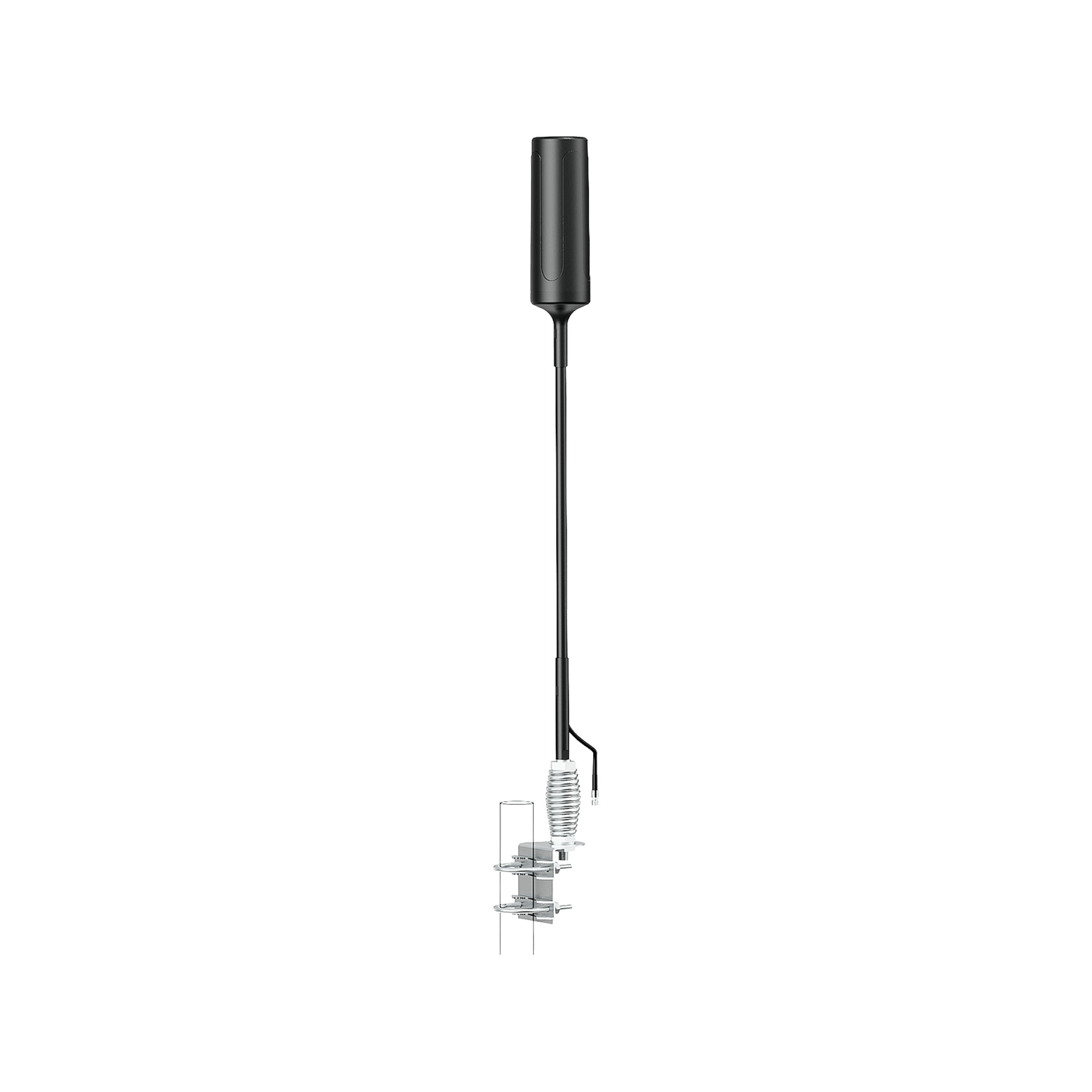
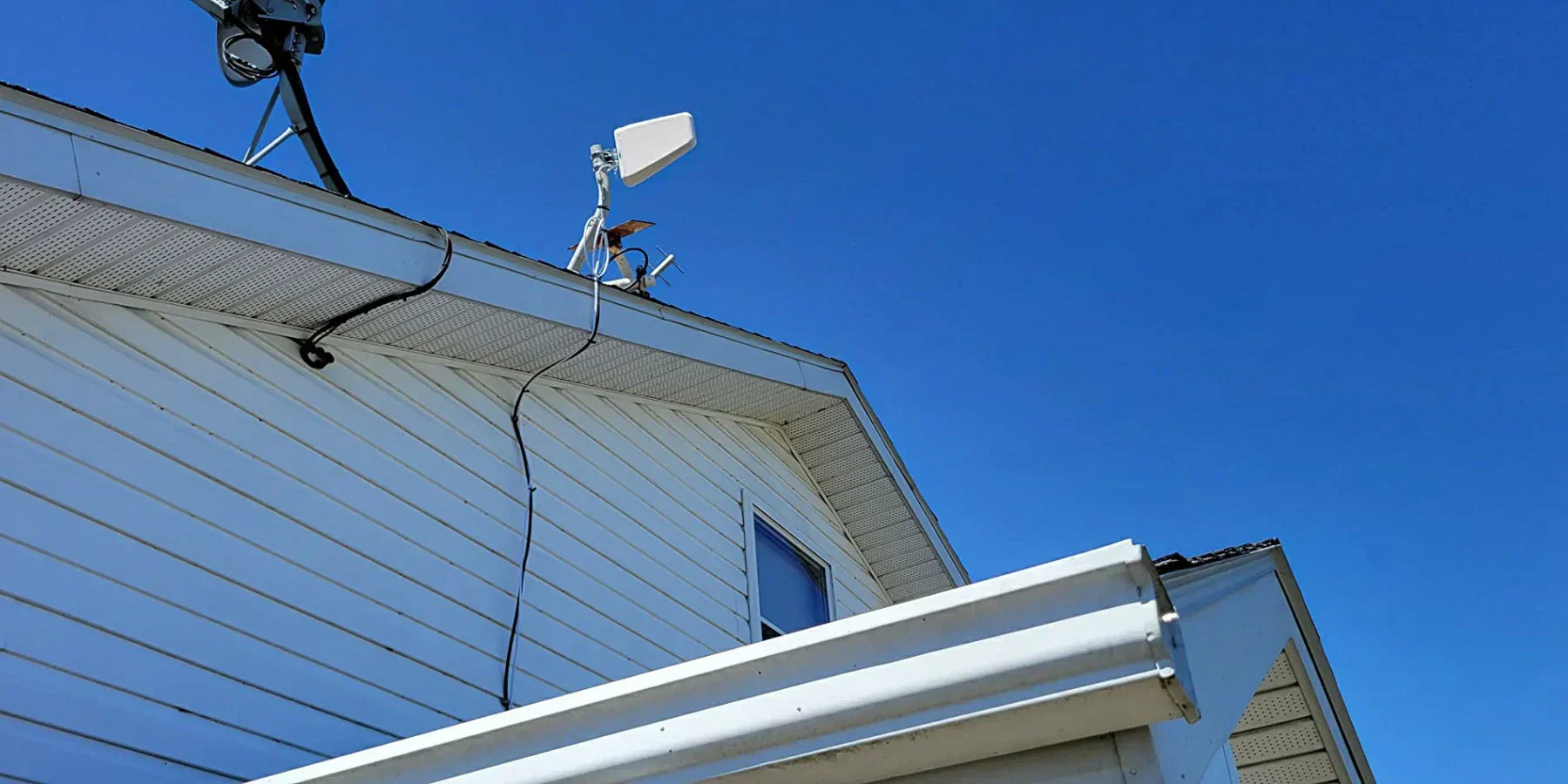
- Antenna Placement (Vehicle): Mount the external antenna on the vehicle’s roof or as high up as possible. This gives the clearest line-of-sight to towers. Use a magnet-mount or glue-down antenna for cars; for RVs and trucks, a permanent mount may be best. Always aim the antenna toward the nearest/strongest cell tower. If you have a compass app, you can roughly align it.
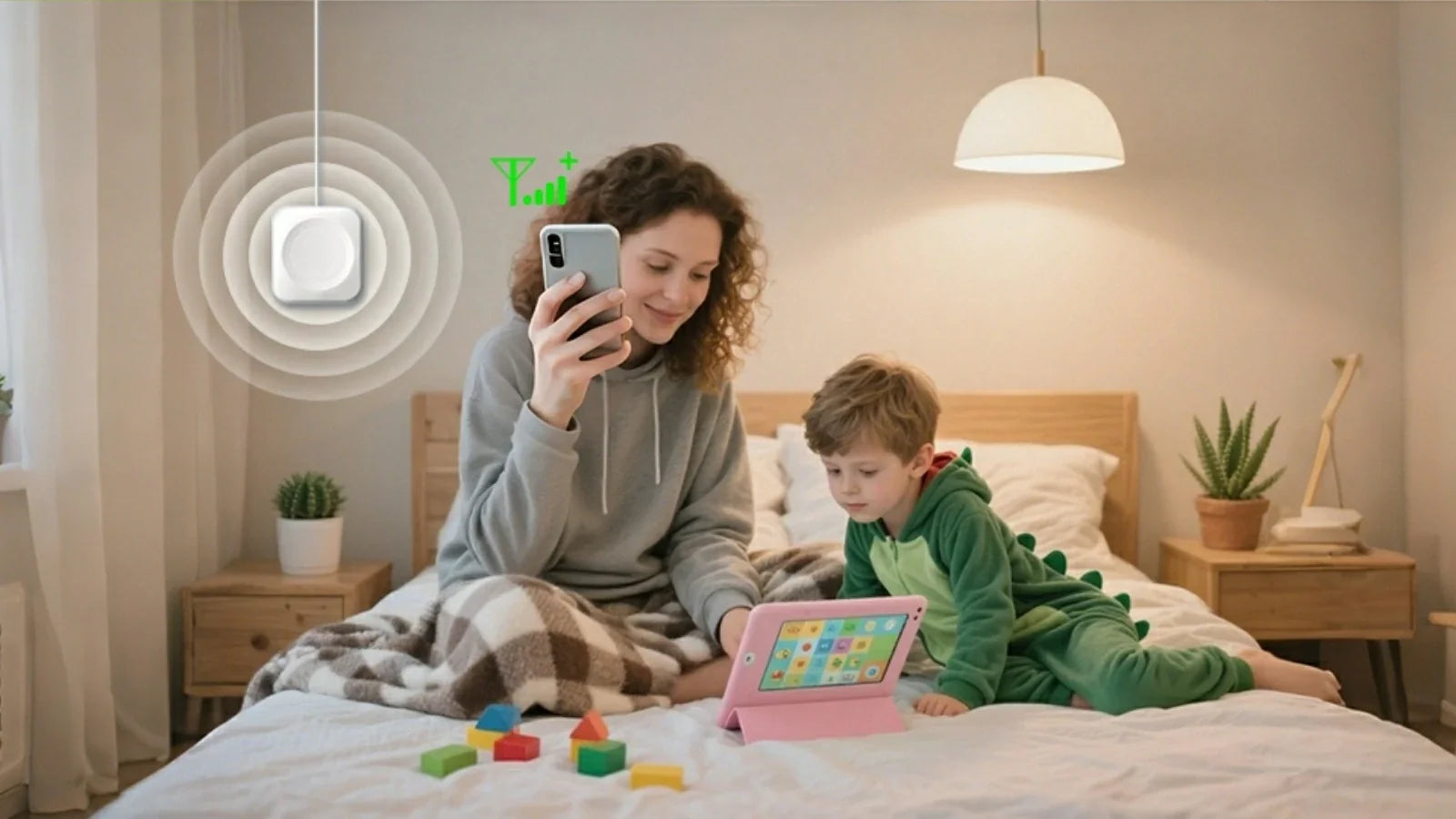
- Interior Antenna Position: Place the indoor antenna centrally where you need coverage, but at least 10–15 ft away from the outdoor antenna. This prevents feedback. In an RV, a ceiling dome antenna often goes above the driver seat; in a truck, an antenna by the center console or overhead is ideal. As, “put the outdoor antenna as high as possible, keep the indoor antenna far from the outdoor one and follow the manual’s guidelines”.
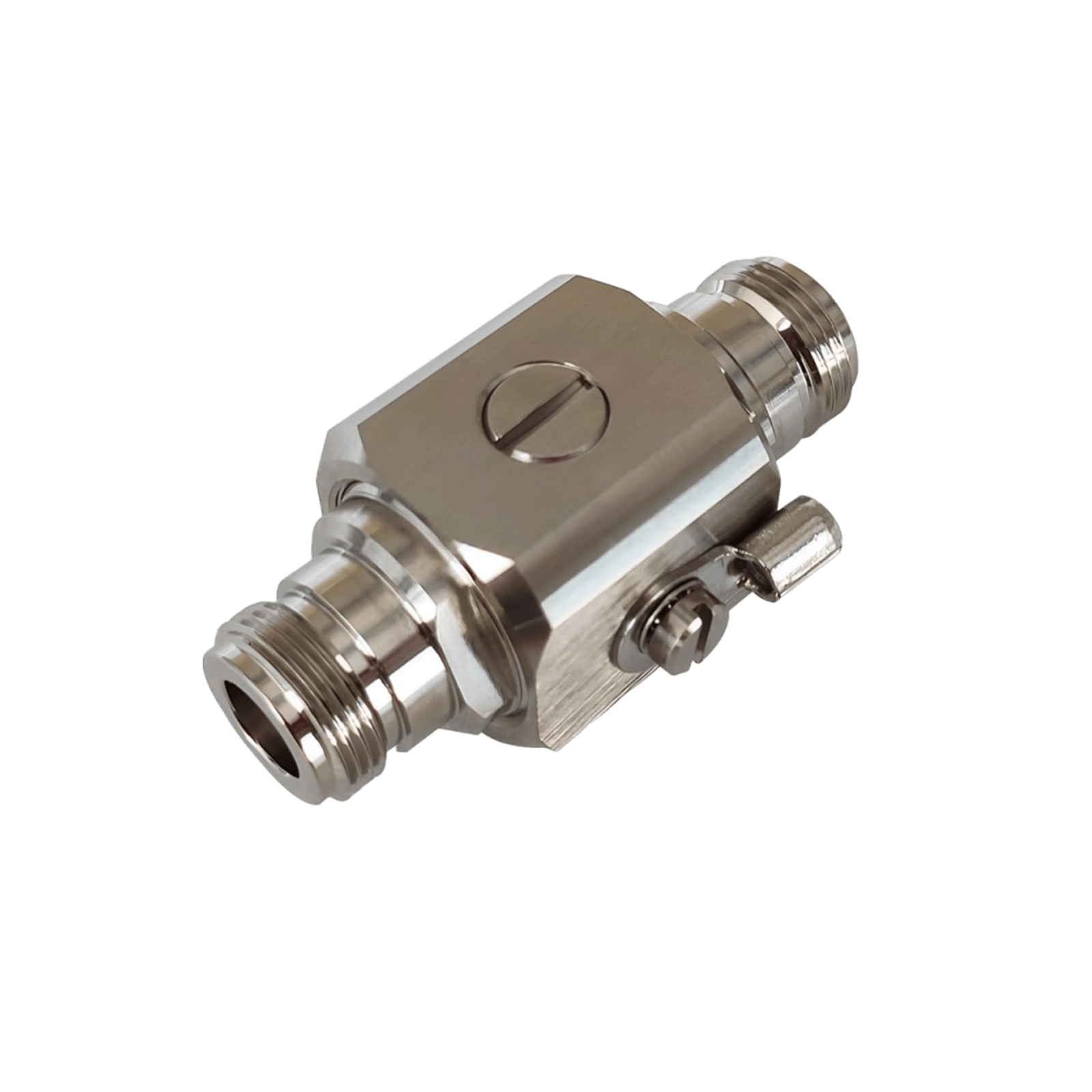
- Grounding (Home): For home boosters, be sure to ground the outdoor antenna and coax cable according to local codes to protect against lightning.
- High vs Low Bands: Some boosters allow separate cables or switchable inputs for different frequencies. If you’re between a 5G/mmWave area and rural LTE, you may experiment with dual antennas: one tuned for high-band and one for low-band.
- Use HiBoost App / Indicators: Many HiBoost boosters have built-in LEDs or app diagnostics. After power-up, check the LED: green means good, red/orange may signal overload or oscillation. If the gain is too high, the unit may need adjusting. Use the app to see if all bands are active.
- Consider Vehicle Variance: In large RVs or semi-cab-over trucks, a single antenna sometimes struggles to cover the whole interior. In such cases, adding a second interior antenna can help spread signal to a rear living area or sleeper. HiBoost offers expansion kits for this purpose.
3. High-End vs Affordable Solutions
| Solution Type | Avg. Cost (USD) | Pros | Cons |
|
HiBoost 15K Smart Link (Premium) |
~$1,100 | Covers up to 15,000 sq.ft, very high gain (70 dB), multi-band & multi-user (whole home) | High upfront cost |
| HiBoost 10K Smart Link (Mid) |
~$540 |
Covers 4,000–10,000 sq.ft, 65 dB gain, includes app monitoring | Moderate cost |
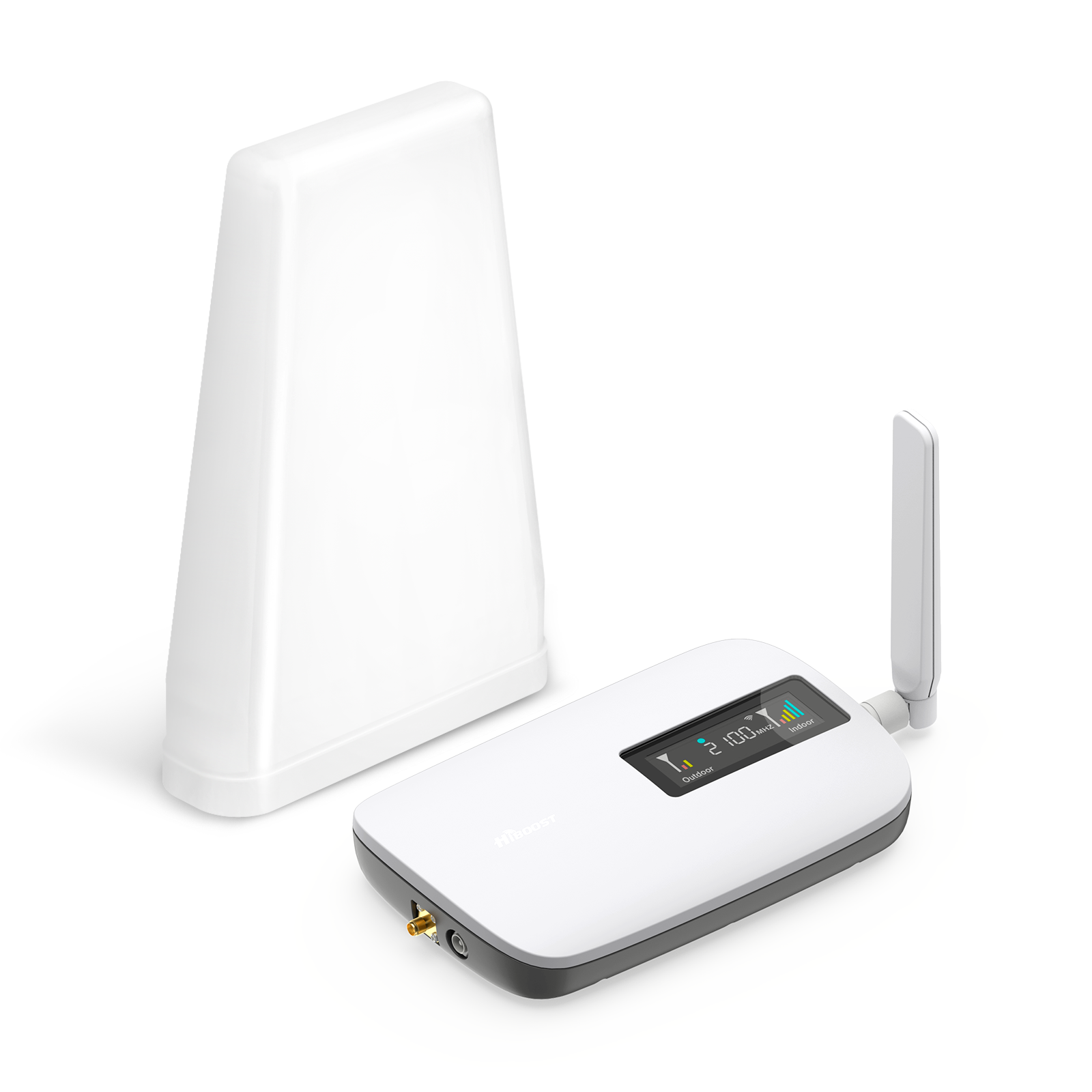
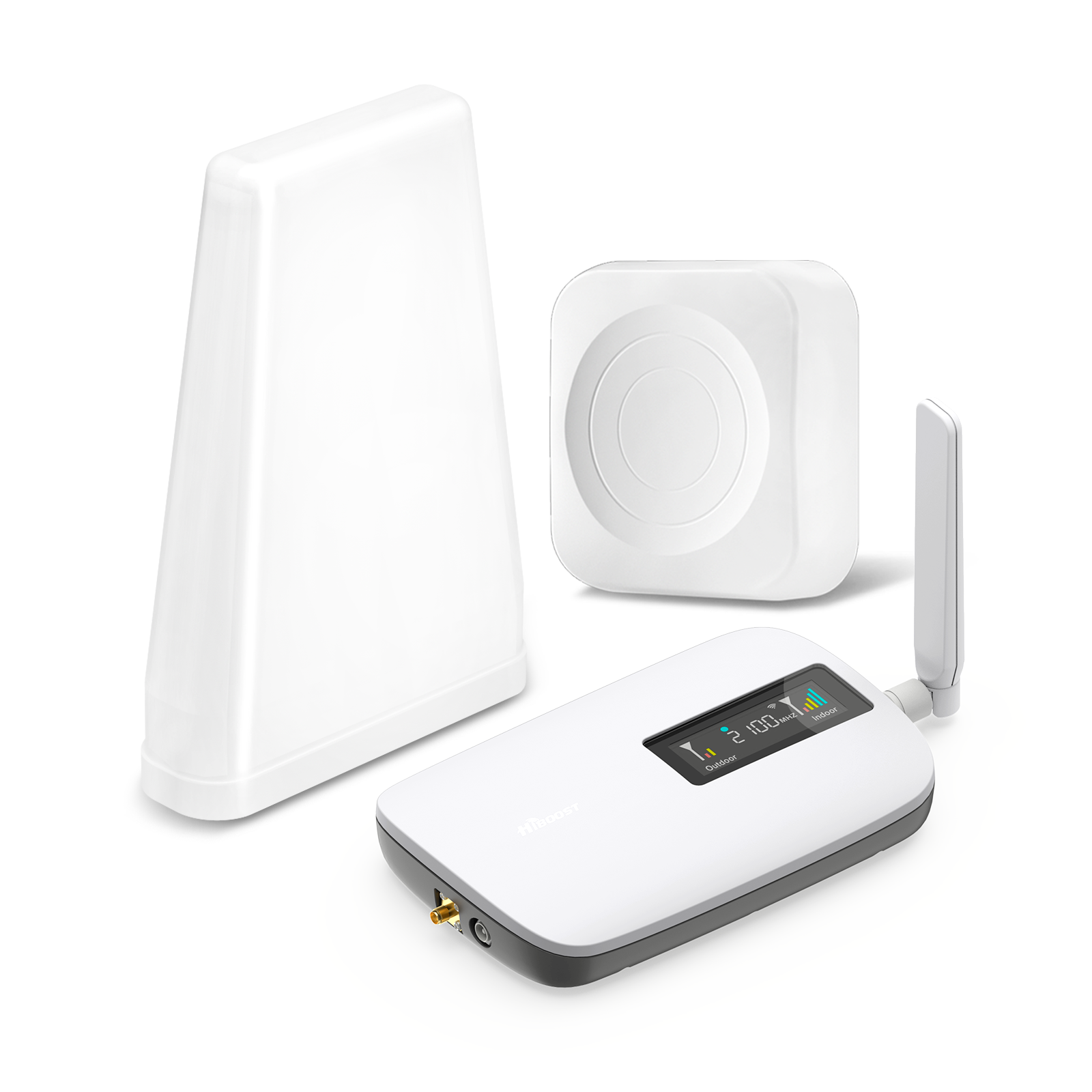
| HiBoost Sidekick (Entry) | ~$260 | Small footprint, plug-and-play, covers ~500–2,000 sq.ft (one room), very budget-friendly | Limited coverage, lower gain (50 dB) |
| HiBoost Travel 3.0 (Vehicle) |
~$480 |
All-in-one mobile kit with roof antenna, 50 dB gain (50–69 dB depending on model), 5G compatible | Focused on vehicle use only, not for home |
This table highlights the range of HiBoost options.
Pros: Higher-end boosters deliver superior coverage and throughput.
Cons: They cost more. Entry-level boosters like the Sidekick or vehicle kits are cheaper and easier to install but cover less area.
Choosing the right booster means matching square footage, number of users, and budget. All HiBoost boosters are FCC-compliant and carrier-agnostic, ensuring you get safety and compatibility.
IV. Device & Network Optimization
Even after installing a booster, you can optimize your devices for best performance:
- Enable 5G on Your Phone/Router: Ensure your phone or tablet’s network settings allow 5G and carrier aggregation. Many phones default to “5G Auto” if the network is present. This lets the device latch onto multiple carriers’ bands at once for higher throughput.
- Use a Dedicated Hotspot/Router: Rather than relying on each device’s radio, use a mobile hotspot or router. For example, a 5G smartphone tethered to others can still be bottlenecked by that phone’s single-antenna. A dedicated 5G mobile router can distribute signals to multiple devices simultaneously with better performance.
- Multi-Device Sharing: If traveling with several people, consider installing a vehicle router inside the RV that connects to the booster. This way, all devices share a robust connection via Wi-Fi.
- Firmware & Updates: Keep your phone/router and booster firmware up to date. Carriers occasionally re-farm frequencies or update protocols; device updates can improve compatibility. HiBoost periodically releases firmware updates for Smart Link boosters to ensure continued 5G support.
- Fallback Options: Enable Wi-Fi Calling on your devices. If voice calls drop, your phone can use your home Wi-Fi as a backup. This won’t speed up data but ensures calls go through in extreme dead spots.
- Power Management: In very weak signal areas, some phones increase transmit power, draining battery. With a strong booster signal, devices lower their power usage (since reaching the tower is easier), which can improve battery life on the road.
By combining a booster with these settings, you ensure every possible performance boost is realized. The result: smoother video calls, faster downloads, and reliable IoT connectivity for jobs or leisure.
V. Real-World Case Studies
1. RV Owner – Pacific Coast Highway
Challenge: A family traveled along the remote stretches of California’s Pacific Coast Highway in their RV, capturing travel videos while working remotely on the road. Many scenic campgrounds and coastal pull-offs had unreliable cellular coverage, with phones often showing only 1–2 bars of 5G or LTE. Video uploads were painfully slow, and dropped connections made online meetings frustrating and unpredictable.
Solution: They installed a HiBoost Travel 3.0 RV Cell Phone Booster in their RV, using the exterior antenna mounted on the roof to capture weak signals from nearby cell towers and rebroadcast stronger coverage inside the vehicle. The booster was paired with their mobile hotspot and RV Wi-Fi setup, providing more stable connectivity for laptops, smartphones, and streaming devices while traveling between destinations.

Result: The RV’s connectivity improved significantly throughout their journey. Weak signal areas became more usable, allowing the family to stay connected in many locations where their phones previously struggled. They experienced faster data speeds, fewer dropped calls, and more reliable video uploads while traveling along the coast. Remote work sessions became smoother, and the family could share travel content, stream entertainment, and stay connected with friends and family from the road.
2. Long-Haul Truck Driver – Midwest Routes
Challenge: A regional truck driver hauling produce across Kansas and Nebraska needed constant connectivity for navigation, load tracking, and occasional video calls. Tower density was low, and cross-country trucking typically suffered from spotty service.
Solution: The driver chose the HiBoost Travel 3.0 ExplorerX Truck Booster along with a HiBoost MobileLink Commuter router. The roof antenna was placed above the sleeper cabin. Inside, they connected a 5G cellular router to the booster’s interior port, broadcasting a private Wi-Fi network in the cab. The booster was set to universal mode.

Result: Dead spots became rare. The truck maintained LTE/5G coverage even in most rural zones. Data speeds improved to an average of 50–70 Mbps, enough for video calls and data syncing. Logistic apps ran smoothly, and the driver reported virtually no missed calls. Compared to before (many areas with 0 bars), this was a 90% reduction in connectivity blackouts on his routes.
3. Remote Worker – Rural Home Office
Challenge: A writer living in a remote Colorado mountain valley had only spotty 4G at home. Internet service was limited and expensive. For her home office, reliable broadband was crucial.
Solution: She mounted an HiBoost 15K Smart Link Deluxe booster on her roof, with a powerful outdoor panel antenna pointed at the nearest cell tower. Inside, two antennas were connected. She also subscribed to Starlink satellite internet as a backup.

Result: The LTE/5G speed inside shot up to over 250 Mbps down on good days. Video conferencing and large file transfers happened without a hitch. Even during storms, the booster picked up enough signal so that VoIP calls never dropped. Compared to 10 Mbps pre-boost, her working bandwidth increased over 25×. She finally retired her old broadband plan.
These stories show how HiBoost solutions transform real-life connectivity challenges. With the right hardware and placement, even the most isolated routes and locations can enjoy high-speed 5G/LTE.
VI. Future Trends
- Rural 5G Expansion: Regulators and carriers are aggressively funding 5G in rural areas. The FCC’s 5G Fund is accelerating tower build-out in underserved communities. Over the next few years, expect improved base signals even in regions currently offline. This means future boosters will start with a stronger “first mile” signal to amplify.
- Automatic Band Switching: We anticipate boosters and routers that automatically juggle between cellular, Wi-Fi, and satellite links using AI. For example, your in-vehicle system might learn that on this highway segment, Verizon’s mmWave works best, whereas on the next stretch, AT&T’s low-band is stronger, switching without user input.
- V2X and C-V2X Applications: As vehicles gain autonomous features, they’ll need constant low-latency links. Highways may see corridors specifically outfitted for 5G-V2X communication. Our boosters will adapt to support these vehicular networks, ensuring safety-critical data flows smoothly.
- Mesh Boosting: The concept of a “mesh booster” is emerging: multiple antennas working together. For example, a vehicle might use both the front and rear antennas as a phased array, improving signal gain. For homes, we may see ‘booster satellites’ standalone nodes that wirelessly extend a main booster’s coverage.
- Hybrid Connectivity Devices: Companies are already testing devices that blend cellular and LEO satellite links in a single user equipment. Think of an upcoming laptop or router with both 5G modem and Starlink-style chip. HiBoost monitors these tech shifts so our amplifiers remain compatible.
In short, tomorrow’s connectivity landscape will be a seamless mesh of terrestrial and space networks, aided by smart AI. HiBoost is investing in R&D to integrate these advances, ensuring our customers stay at the cutting edge of signal technology.
VII. Frequently Asked Questions (People Also Ask)
Q1: How can I get a strong 5G signal in an RV or truck?
Mount a quality exterior antenna as high as possible and use a vehicle booster like the HiBoost Travel 3.0 series. Aim the antenna toward the nearest tower, and use the HiBoost app or signal mapping to fine-tune the direction. A properly installed booster can turn a 1-bar signal into full bars across your vehicle.
Q2: What is the best cell signal booster for remote work?
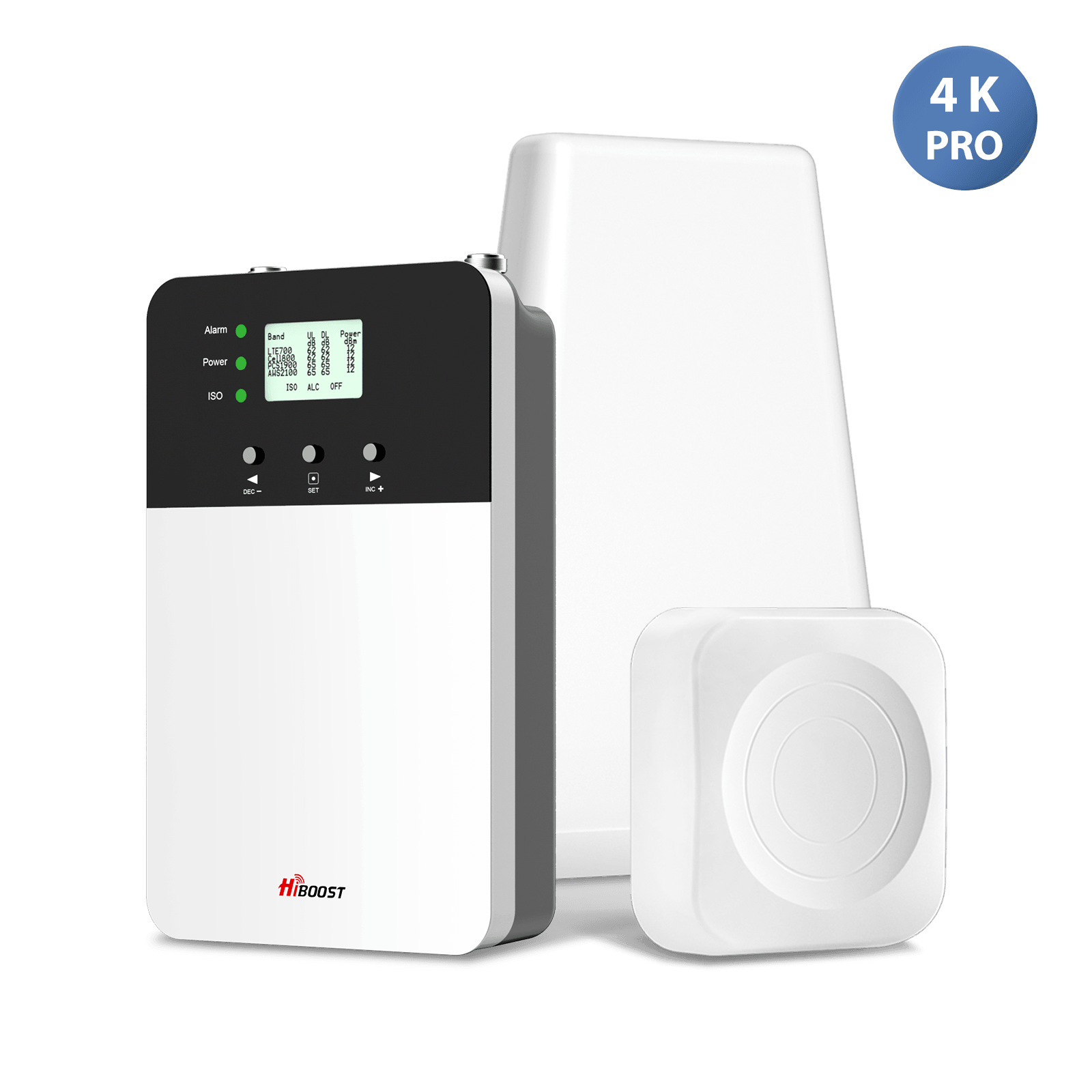
For home or cabin use, HiBoost’s high-gain home boosters are excellent. They cover up to 10,000–15,000 sq.ft and support multiple users. Smaller needs can be met with the Sidekick or 4K Smart Link. In all cases, pairing the booster with a strong exterior antenna and optionally a backup like satellite internet yields the best reliability.
Q3: Can I use a 5G booster for multiple devices?
Yes. A booster is not limited to one device it amplifies the entire cellular signal in its range. Any number of devices can connect as long as they are within the coverage of the booster’s indoor antenna. Boosters are especially useful for households or vehicles with many phones/tablets: one booster helps all simultaneously.
Q4: How do I locate the nearest cell tower on the road?
Use apps like OpenSignal or Network Cell Info, which can show tower direction and distance. You can also check your carrier’s coverage map by entering your location. Another trick is to note your phone’s “cell ID” and cross-reference it on sites like CellMapper.net. Driving slowly with these tools will help pinpoint tower sites.
Q5: Will satellite internet replace 5G in rural areas?
Satellite is a great supplement but not a full replacement. 5G offers lower latency and will become ubiquitous in towns and along main roads. Satellite provides coverage anywhere overhead, but at higher latency. We see both technologies coexisting: 5G boosters for daily use, with satellite as a backup or in truly off-grid spots.
Q6: How do terrain and weather affect mobile signal?
As discussed earlier, terrain and obstacles can block signals or reduce them by 10s of dB. Weather-related moisture also slightly attenuates RF waves. Planning and using a booster mitigate many of these effects.
VIII. Actionable Quick Wins
Checklist: Boosting Mobile Signal
- Install a HiBoost Booster: For vehicles, consider the HiBoost Travel 3.0 series or MobileLink units. For home/office, pick a HiBoost Smart Link booster sized for your space. All offer FCC-certified amplification across major carriers.
- Position Antennas Correctly: Mount the exterior antenna on the roof or highest point. Aim it toward the nearest cell tower. Keep it free of obstructions.
- Place Interior Antennas Wisely: Put indoor antennas centrally where people use devices. Keep them at least 10–15 ft away from the exterior antenna to avoid feedback loops.
- Use a Mobile Hotspot/Router: If you have multiple devices, connect them to a 5G mobile router that’s linked to the booster. This shares the amplified signal effectively without overloading a single phone.
- Monitor Signal Strength: Regularly check your boosted signal with OpenSignal or CellMapper. Aim for RSRP > –90 dBm for decent speeds. If it falls below –100 dBm, consider adjusting antenna aim or height.
- FCC Compliance: Ensure any booster you use is FCC-certified. All HiBoost boosters on our site meet these regulations, so installation is hassle-free and legal.
DIY Tips:
On a road trip, if you encounter a weak zone, step outside or find a hill. Even moving 5–10 feet can sometimes pull in signal if you were just on the edge.
In an RV with metal walls, opening a window or door slightly when using the phone can improve reception by giving the signal a non-metal path.
Carry a small tripod or mount if camping: set up your exterior antenna on it outside the RV for the best height and angle if roof mounting isn’t ideal.
Maintenance & Updates:
- Firmware: Occasionally check for HiBoost firmware updates via our app or website. Updates can improve performance or add 5G band support.
- Seasonal Re-aiming: If you travel routes in different seasons, note that foliage can change. You might need to tweak antenna angle in summer vs winter if dense leaves emerged.
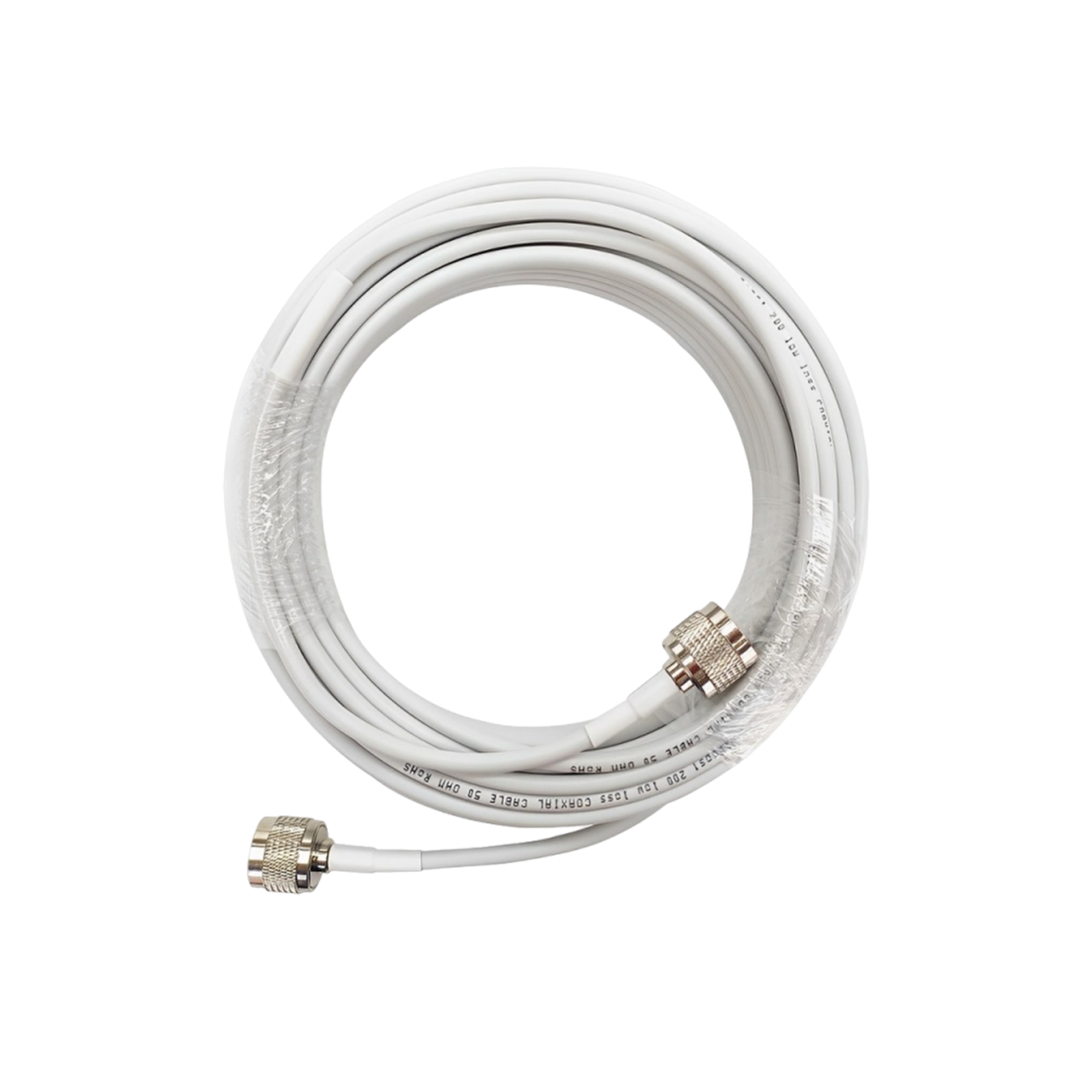
- Cable Check: Inspect coax cables for wear or water ingress. A damaged cable can drastically reduce gain. Replace or reseal as needed.
These quick actions can dramatically improve your cell signal. Even small tweaks often yield big gains. Remember, a good signal map and diagnosis is the first step; then let the HiBoost booster do the rest.
Recommended Reading
How to Get Reliable 5G Internet in an RV: Complete 2026 Connectivity Guide
How to Pick a Cell Booster for 4G & 5G: Complete 2026 Guide
How to Improve Cell Signal in Your RV (2026 Guide): Best Boosters Compared
Cell Phone Signal Booster Ultimate Guide (2026 Update)
Why Your Phone Shows 5G But Internet Is Still Slow: Common Causes Explained
Cell Signal Booster Installation Guide: Antenna Placement, Separation Distance, and Common Mistakes
Car/Suv,RV,Truck,Vehicle


Our Home Signal Booster


Popular Articles

Leave a comment
All comments are moderated before being published.
This site is protected by hCaptcha and the hCaptcha Privacy Policy and Terms of Service apply.