
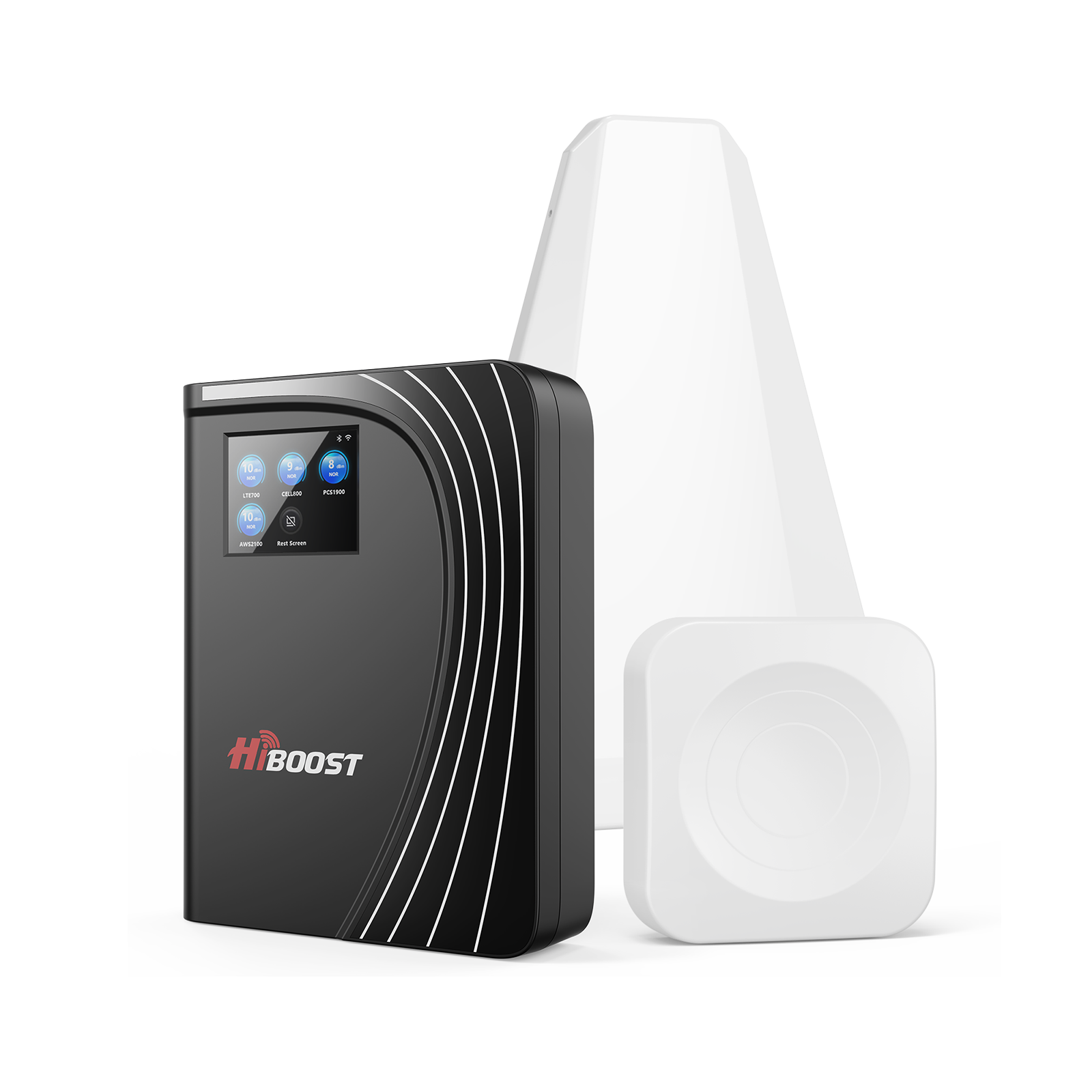
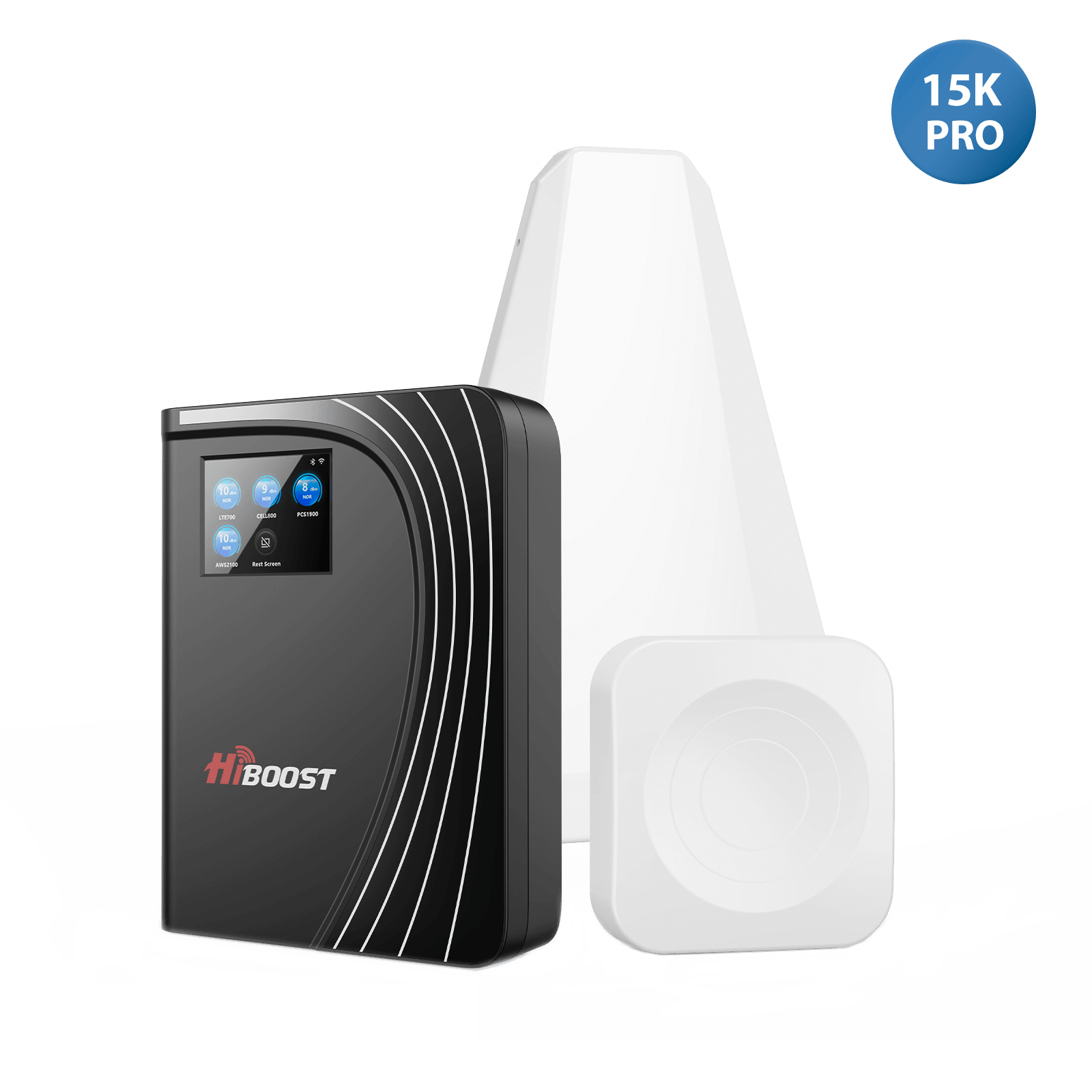
Ever come in through your basement and lose a phone call, or up the stairs and notice your Internet connection is slow? Or perhaps you walked up the stairs only to notice your internet connection lagging to a complete halt? One of the biggest hassles for homeowners, telecommuters, and small businesses is poor indoor connectivity.

Unfortunately, many are not certain if a Wi-Fi extender or a cell indicator booster will be the solution to their problem. Both have as a goal increased connectivity, but the methods are quite different. The wrong solution can cost you money when you do not solve the problem you have.
We'll discuss important distinctions between the Wi-Fi extender and cell signal booster, how each technology functions, and the pros and cons of each, and ultimately, which one is best suited to your needs.
At the end you'll have a clear idea of how to enhance connectivity in your home or office and how to eliminate frustrating dead spots.
What is a Wi-Fi extender?
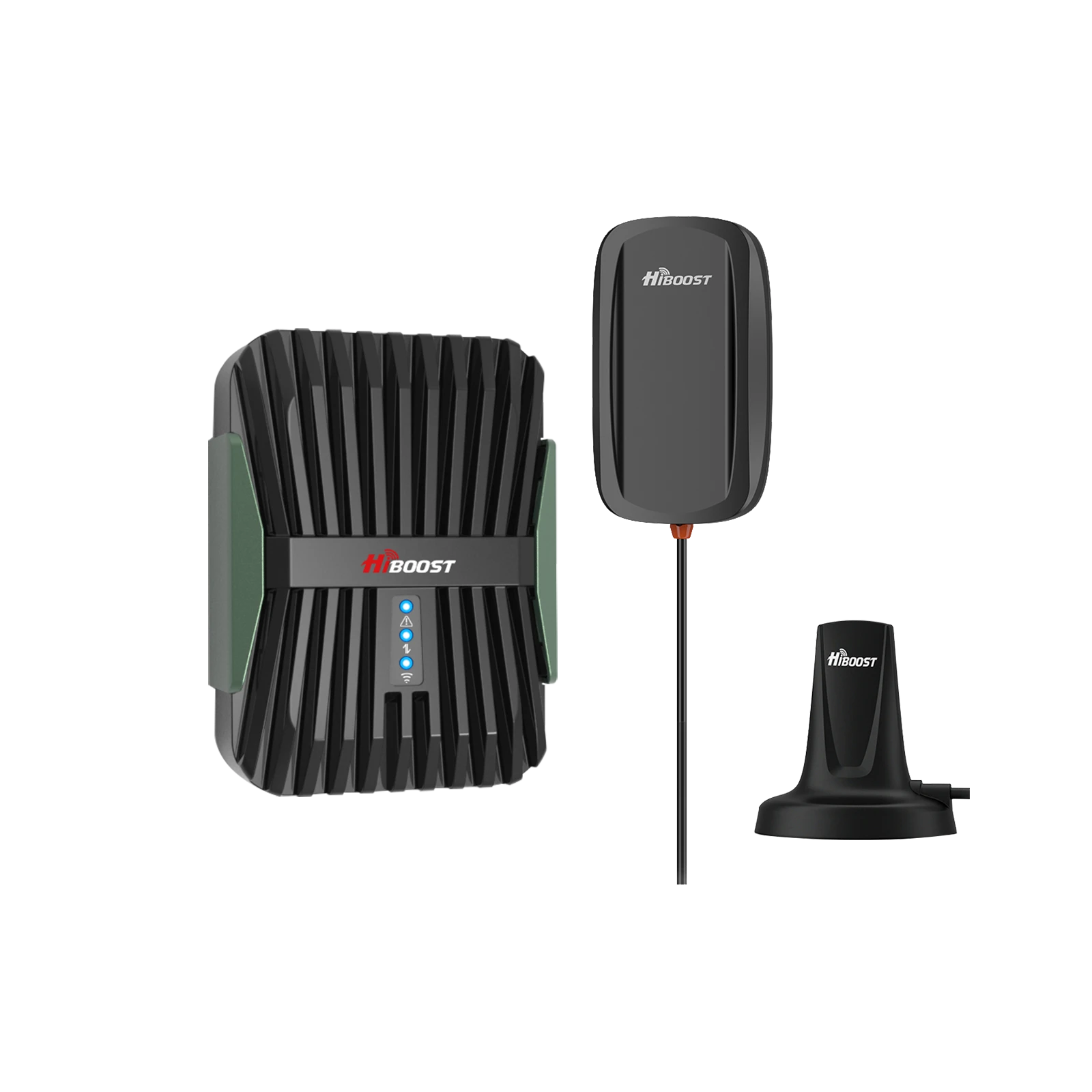
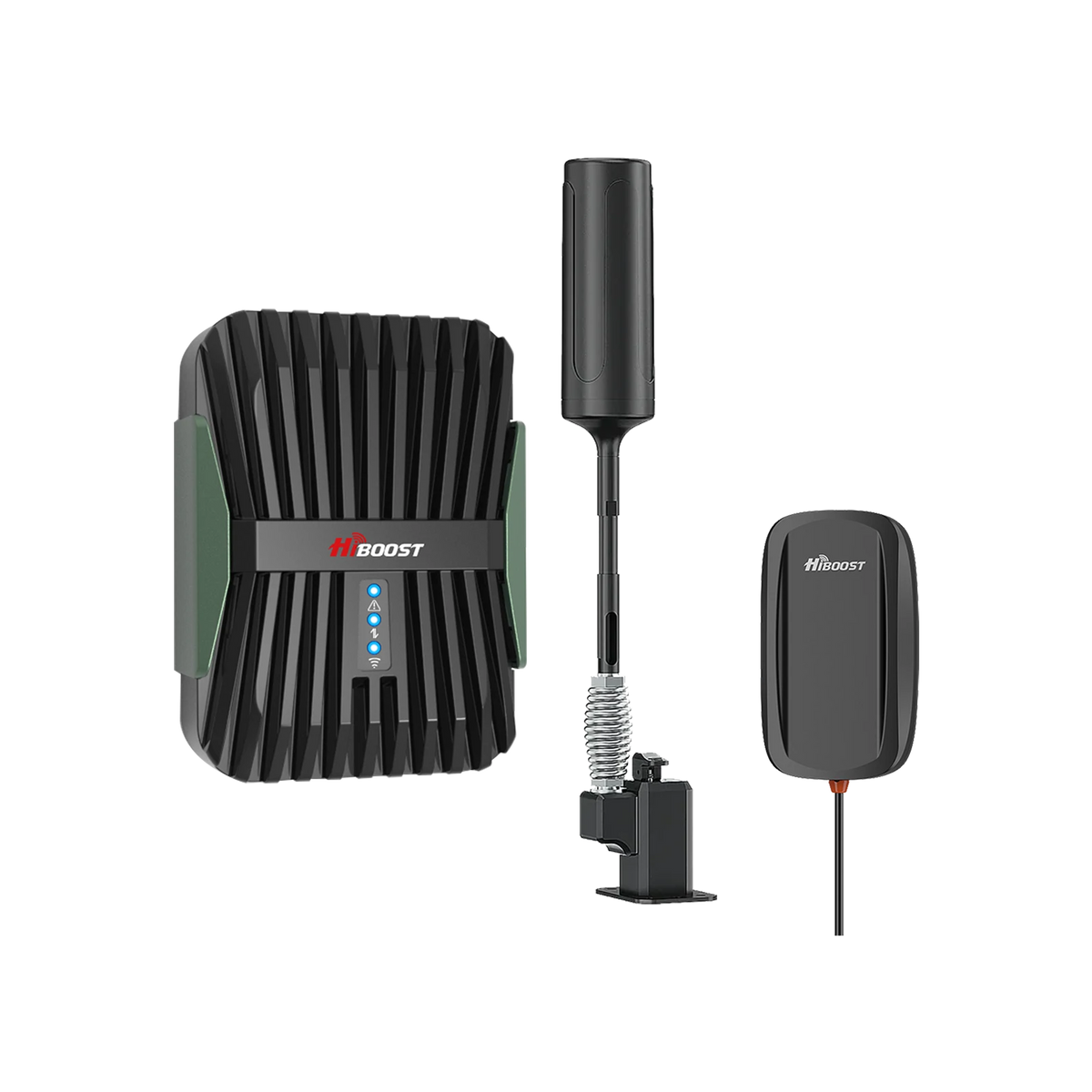
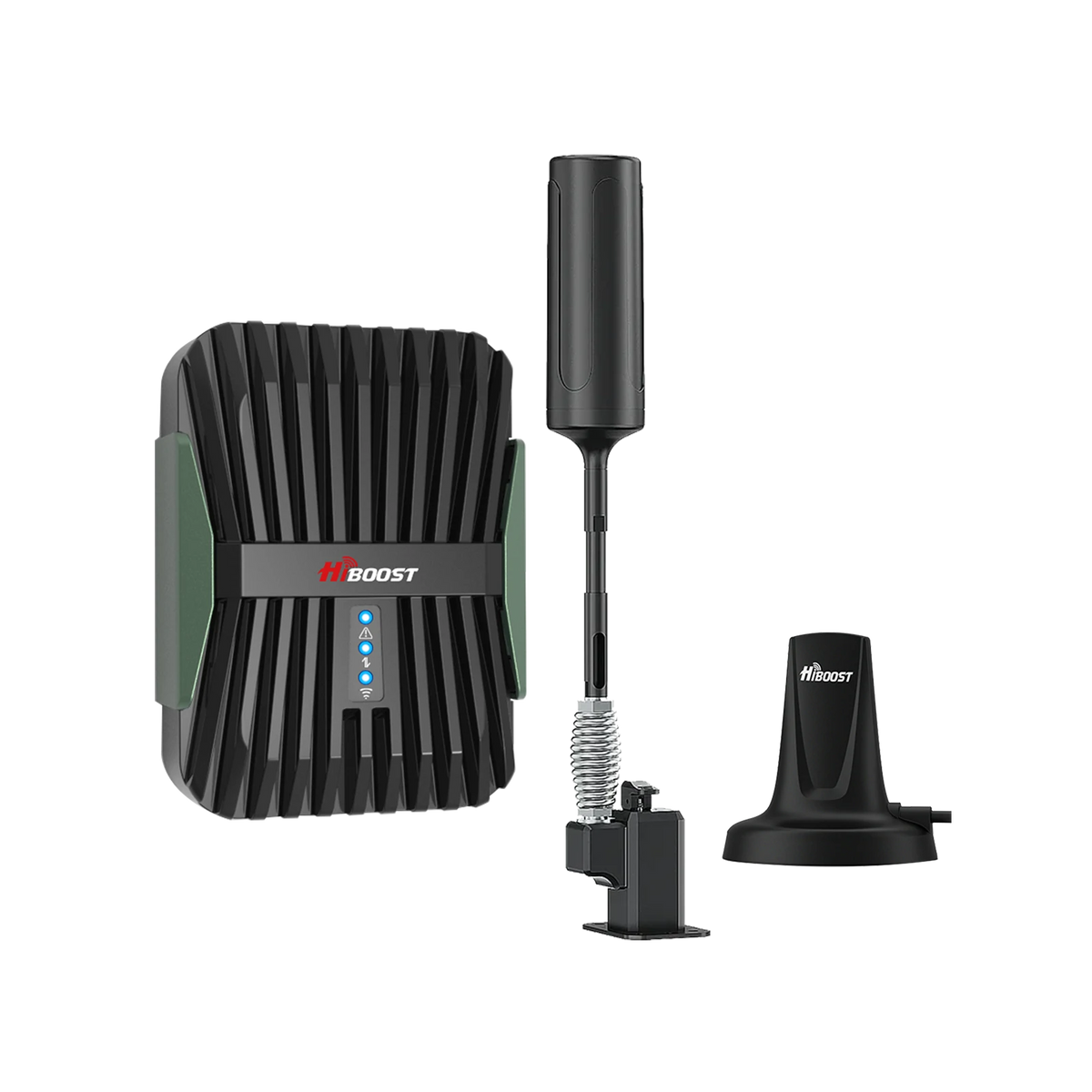
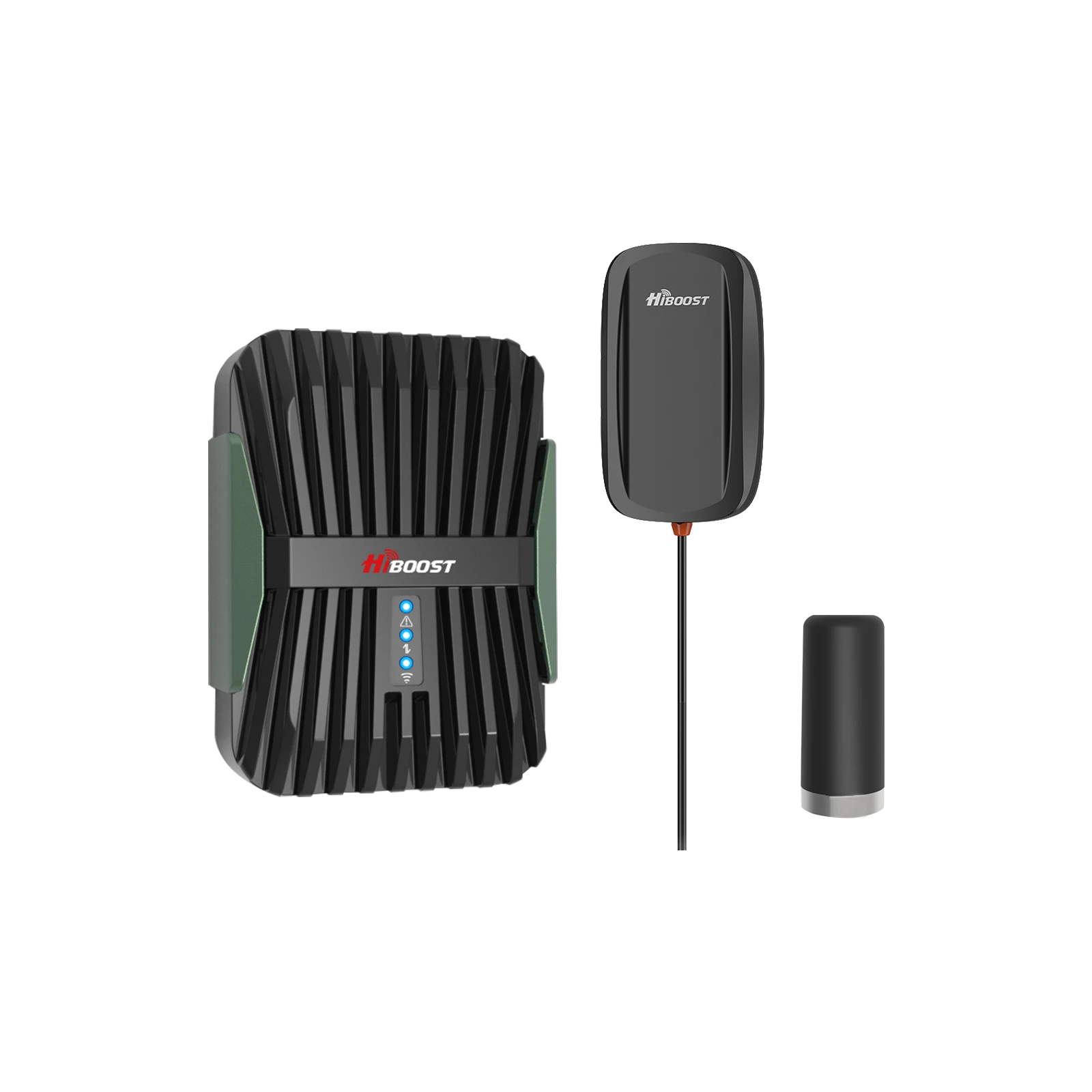
A WiFi extender (also known as a WiFi repeater) is a networking device that extends the reach of your home or office WiFi network. It captures your router’s existing signal and rebroadcasts it to eliminate internet dead zones. A cell signal booster uses an outdoor antenna to capture weak signals, amplifies them, and rebroadcasts them indoors to fix dropped phone calls and slow mobile data.
To help you understand the core differences at a glance, here is a quick comparison:
| Feature | Wi-Fi Extender | Cell Signal Booster |
|
Purpose |
Extends Wi-Fi Coverage | Amplifies cellular signals |
| Signal Type | Internet from your router |
Cellular network signal from tower |
| Improves Phone Calls |
No |
Yes |
|
Improves Wi-Fi Coverage |
Yes | No |
| Improved Mobile Data |
Only through Wi-Fi connection |
Yes (4G LTE/5G) |
| Requires Internet Router |
Yes |
No |
| Installation Difficulty | Easy (Plug-and-play) | Moderate (Requires mounting) |
| Typical Cost | Lower | Higher |
| Best For | Wi-Fi dead zones | Weak cellular reception |
| Requires Outdoor Signal | No | Yes |
How does Wi-Fi Extender Work?
The extender is usually installed 50% of the way between your router and the poor coverage location. When they are linked together, they intercept the wireless signal from the router and rebroadcasts it, thereby providing an extra physical area of internet coverage for your phone, laptops, and smart TVs.
Phones • Laptops • TVs
It captures the internet signals (through wire or WiFi) and then transmits these signals to your phones, TVs and laptop devices.
This type of configuration may be useful in a home or office that is quite large, and in which the router's signal doesn't reach all rooms.
Best Use Cases
Wi-Fi extenders are frequently the perfect solution for:
- Multiple storey houses with extended and spacious interiors.Sizable houses with several levels.
- Apartments that have trouble with internet coverage.
- Home offices that are far away from the router
- Streaming devices that are buffering.
- The rooms are separated by thick inner walls.
Limitations of WiFi Extenders
Useful, but not perfect, Wi-Fi extenders are available. The device might have to process and re-transmit data, which can limit bandwidth. Users can often find themselves with lower speeds by as much as 50% in many situations.
Other limitations include:
- Loss of performance due to concrete, brick or metal walls.
- If there are other wireless networks in close proximity, they may cause interference.Other nearby Wi-Fi connections can cause interference.
- Limited extension distance: extension distance is shorter than the lock length.
- The reliance on a high signal from the router.Need for a strong signal from the router.
- A Wi-Fi extender won't improve your cellular reception, it will only extend Wi-Fi.
The Modern Alternative: Wi-Fi Extender vs. Mesh Wi-Fi
If the speed limitations of a traditional extender are a concern, there is a better way. Traditional extenders often create a secondary network like “MyNetwork_EXT,” forcing users to manually switch Wi-Fi networks on their phones as they walk around the house.
Mesh Wi-Fi systems like Amazon eero or Google Nest offer a modern alternative. Instead of just repeating a signal, multiple Mesh nodes work together seamlessly under a single network name.
This allows for seamless roaming throughout your property without the massive speed degradation associated with older extenders.
What Is a Cell Signal Booster?

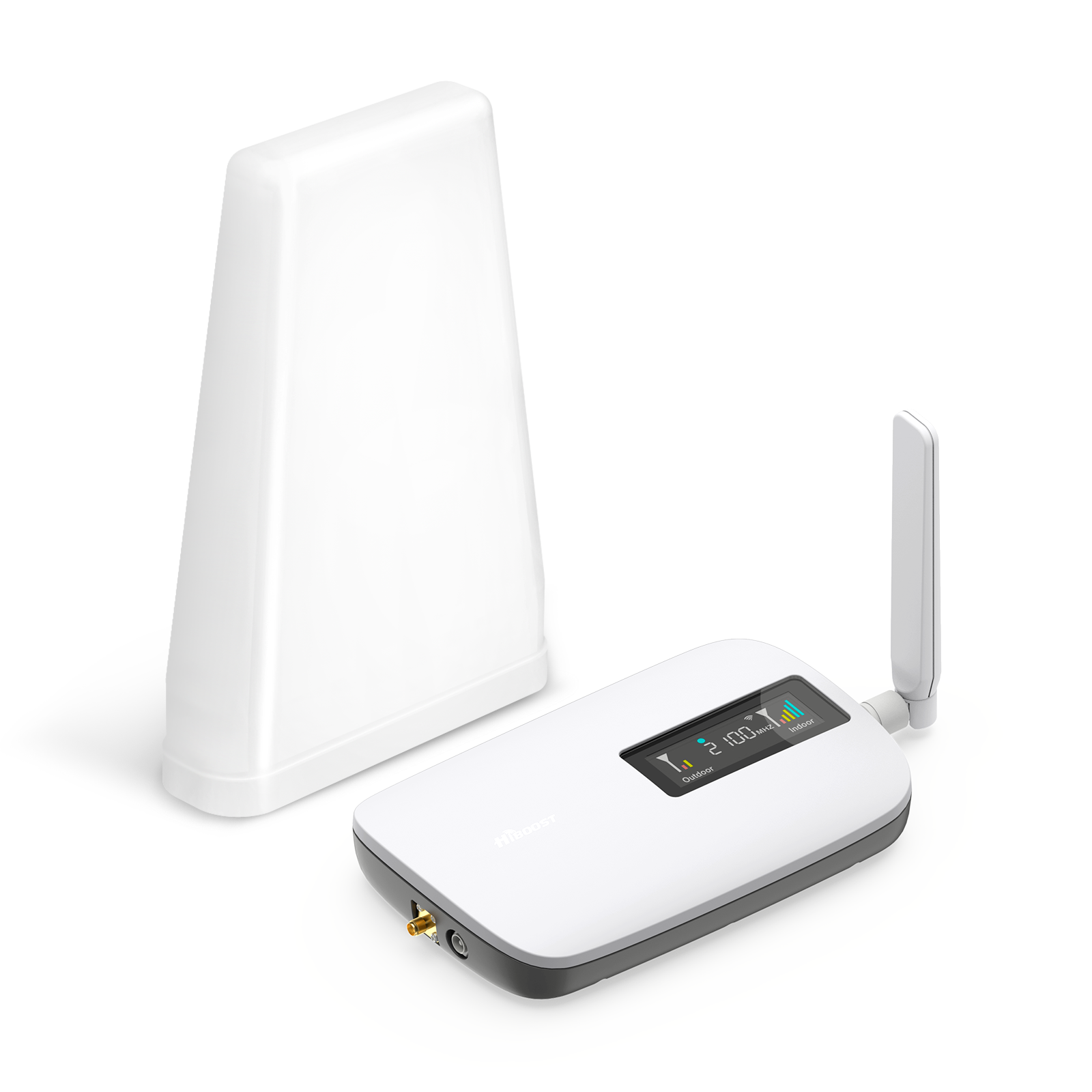
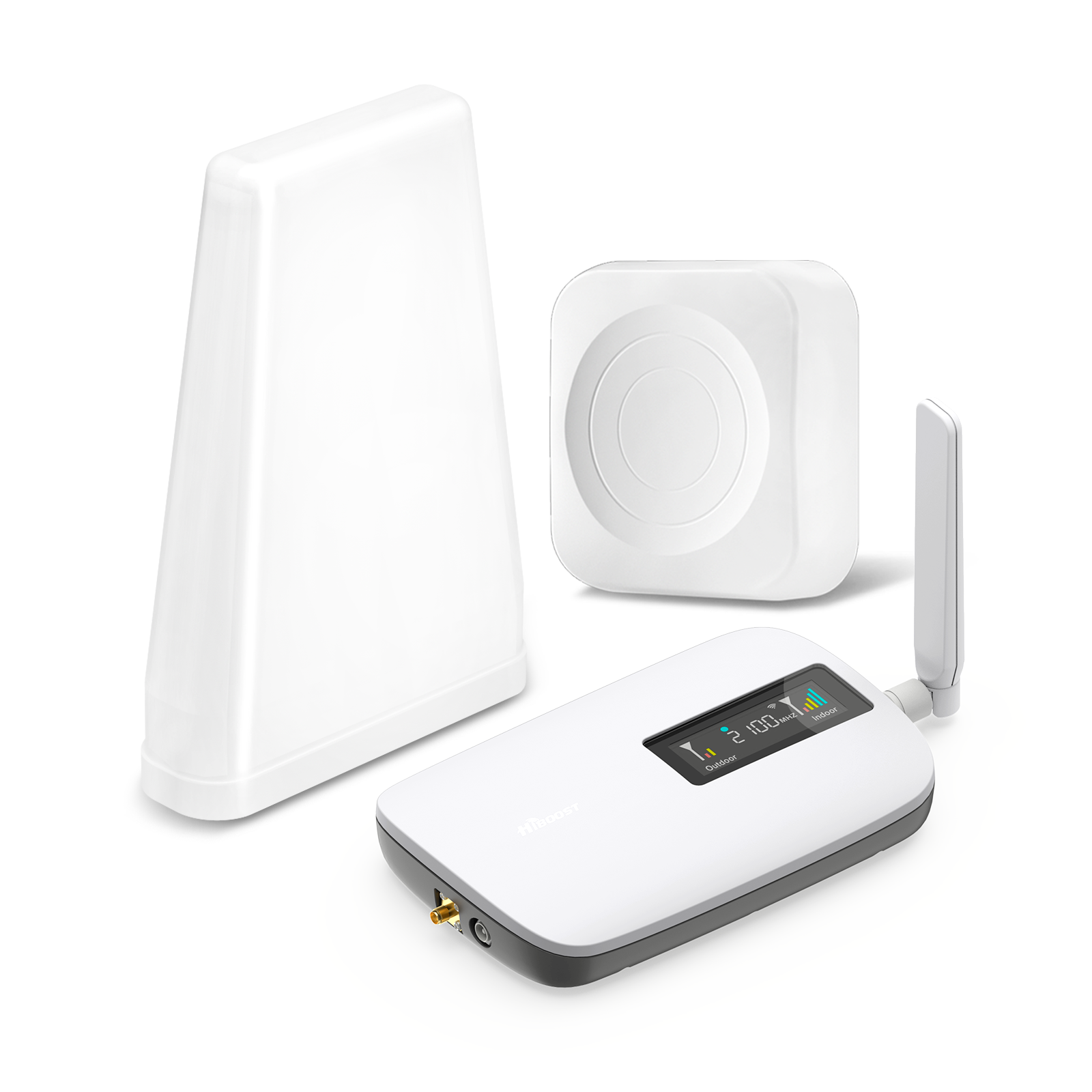
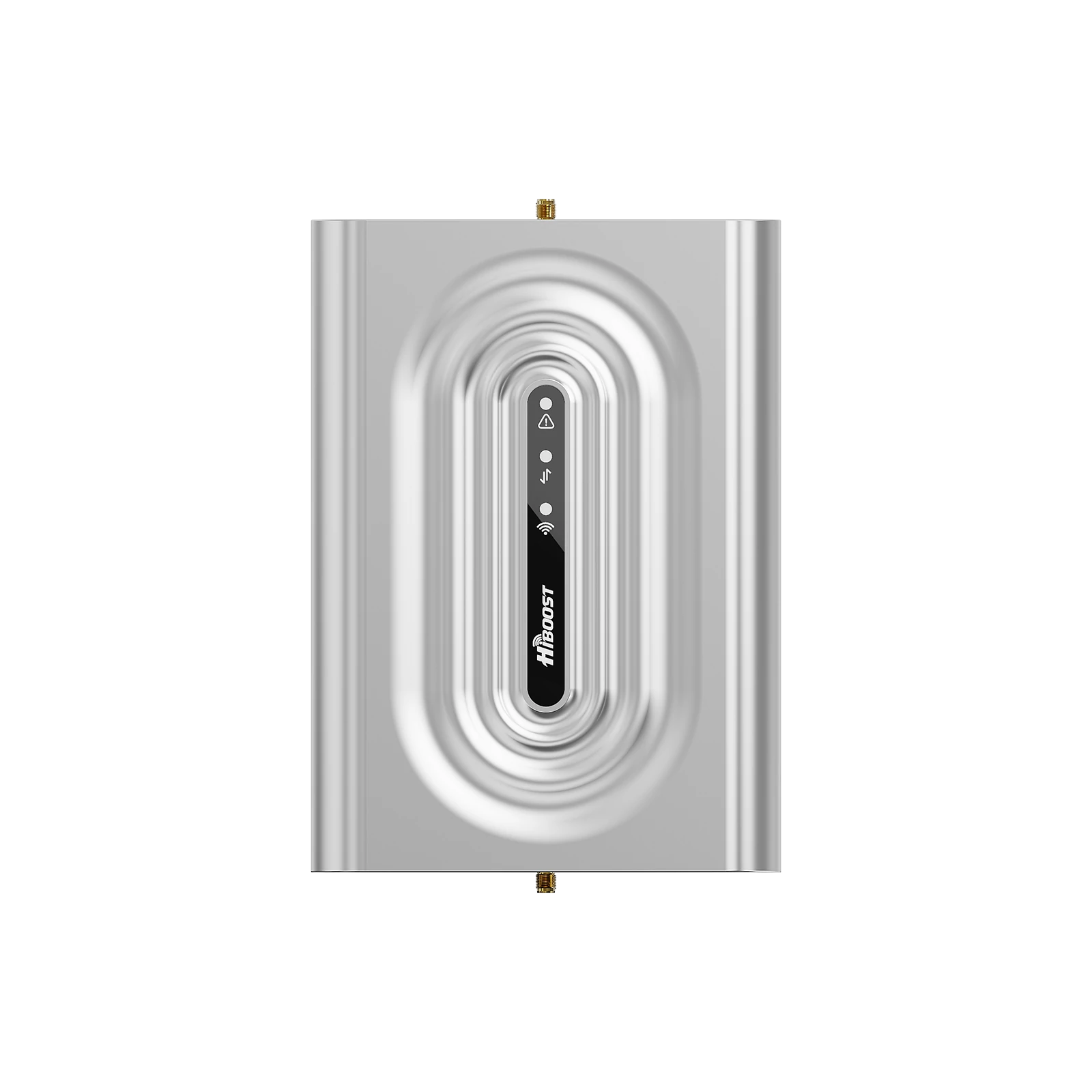
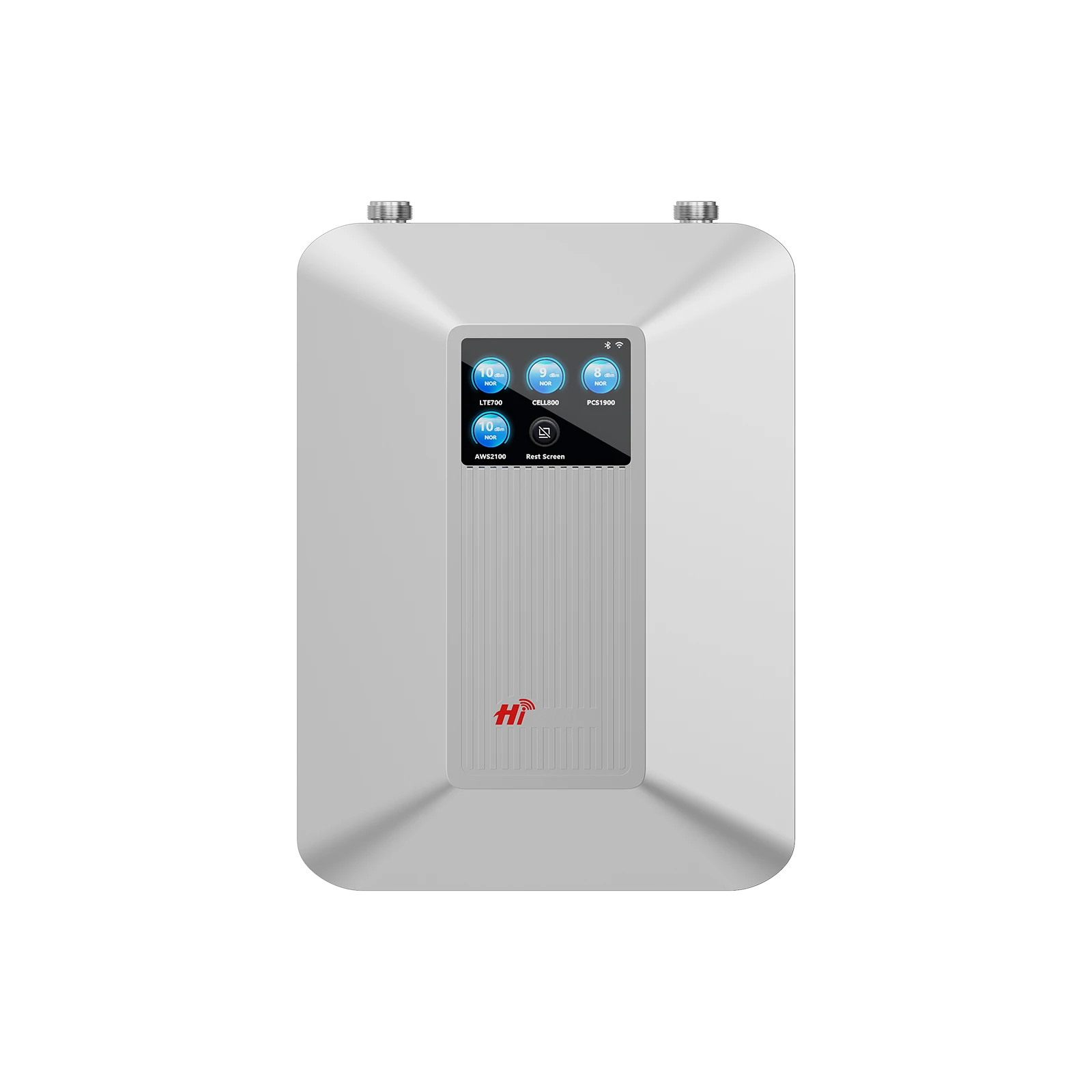
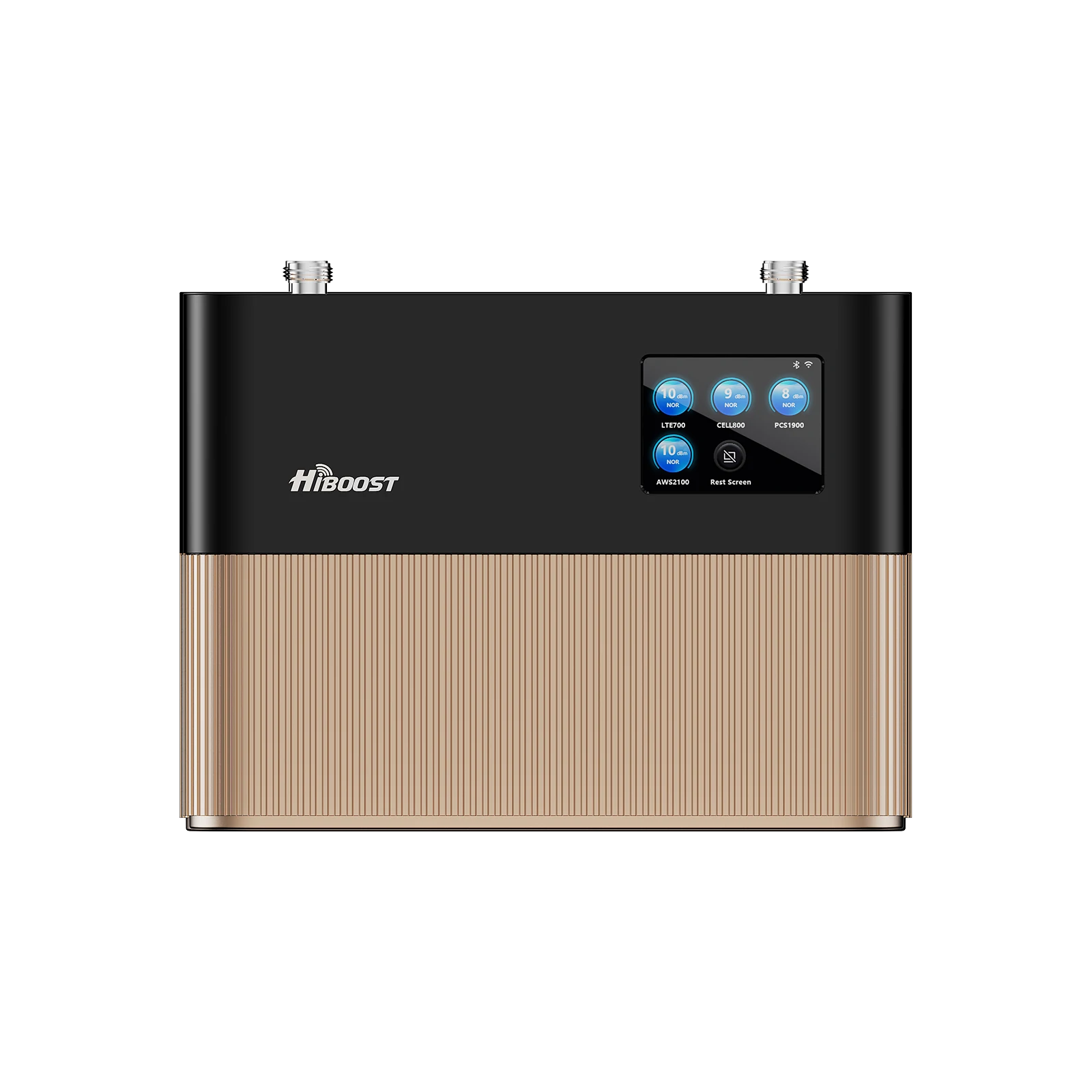
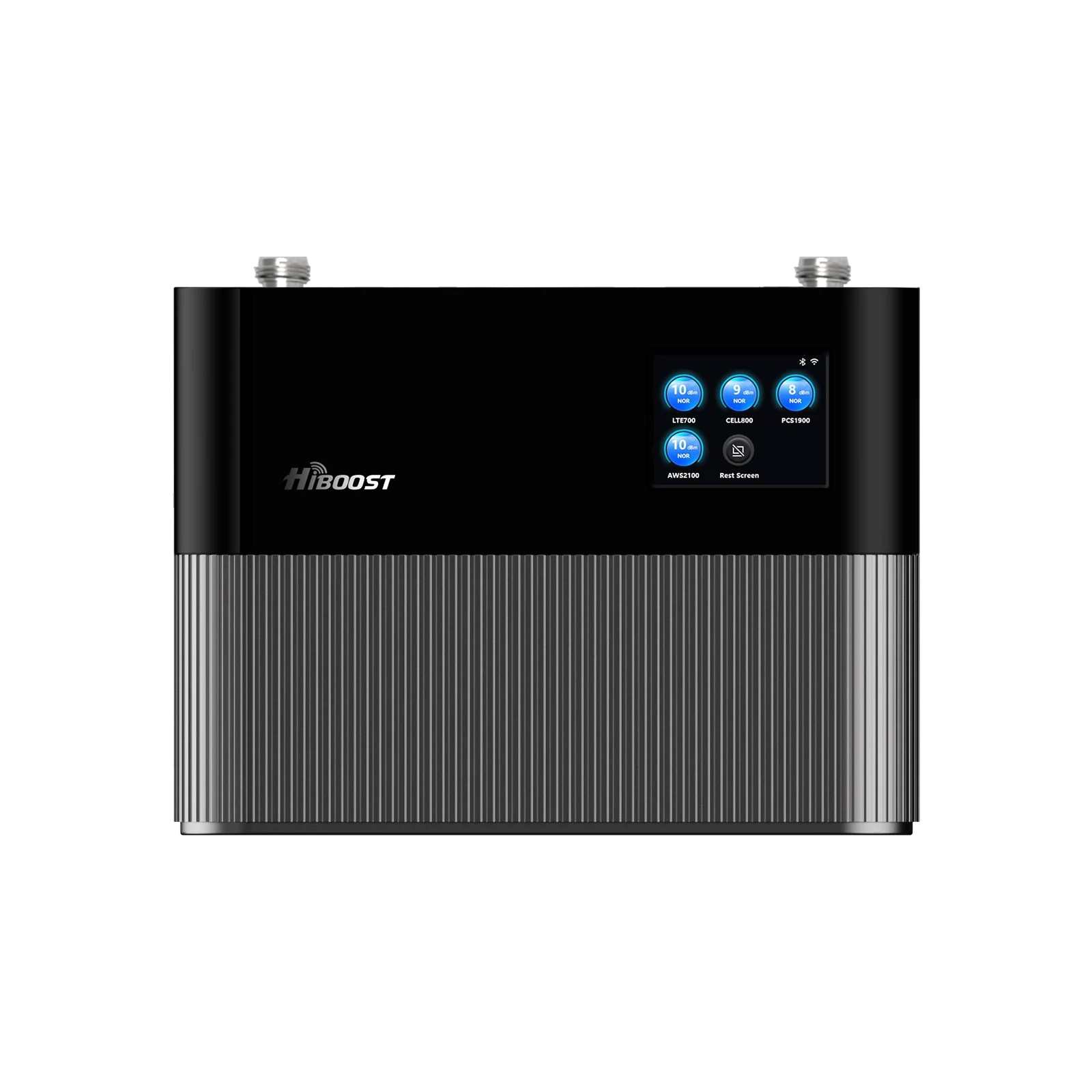
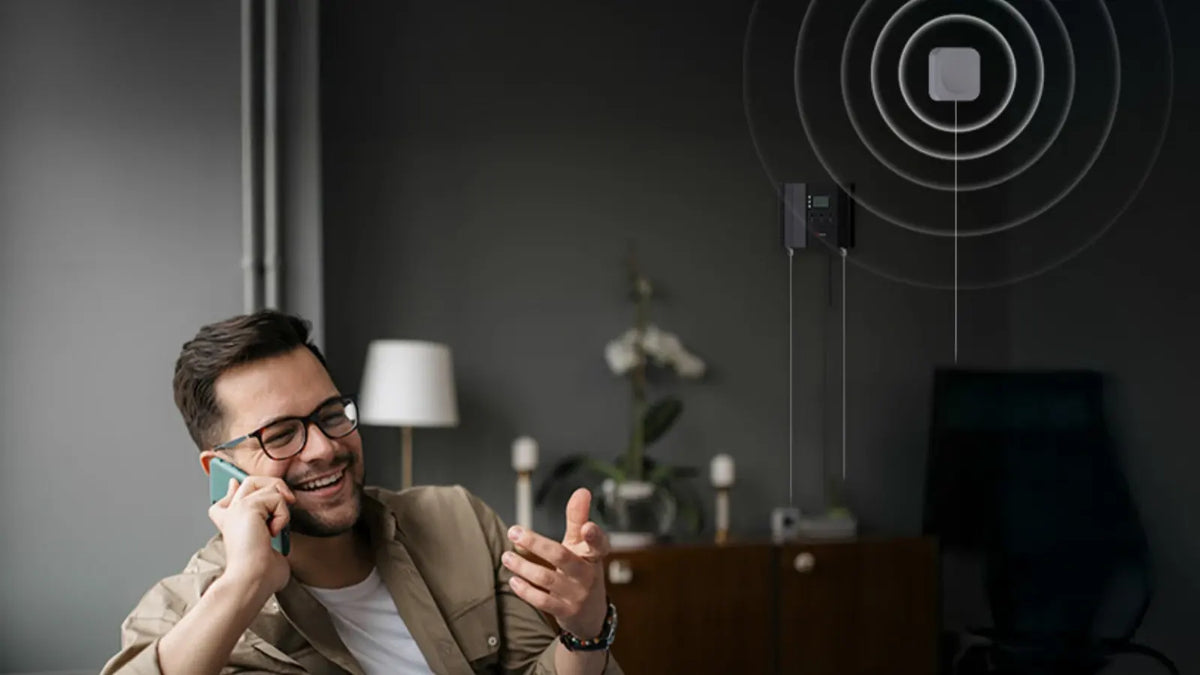
A cell signal booster is a device that can boost cell signals indoors so that they are stronger from outside and can be relayed to the inside of a building. Unlike a Wi-Fi extender, it will improve cellular voice, text messaging and mobile data services.
Related Reading: How Do Cell Phone Signal Boosters Work?
Cell signal boosters can help cellular networks like 4G LTE and, as compatible boosters and carrier frequencies allow, many 5G networks.
How does a Cell Signal Booster Work?

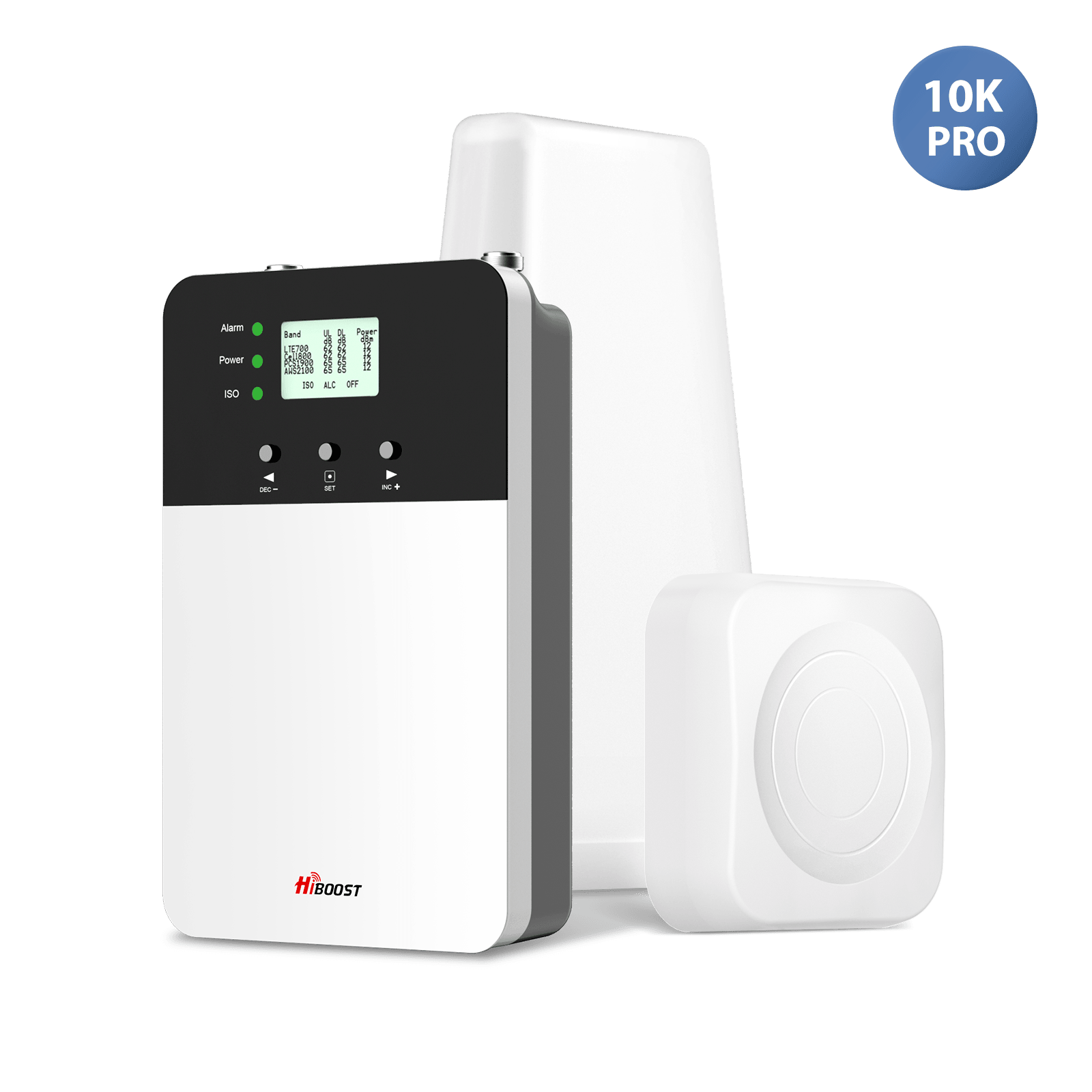
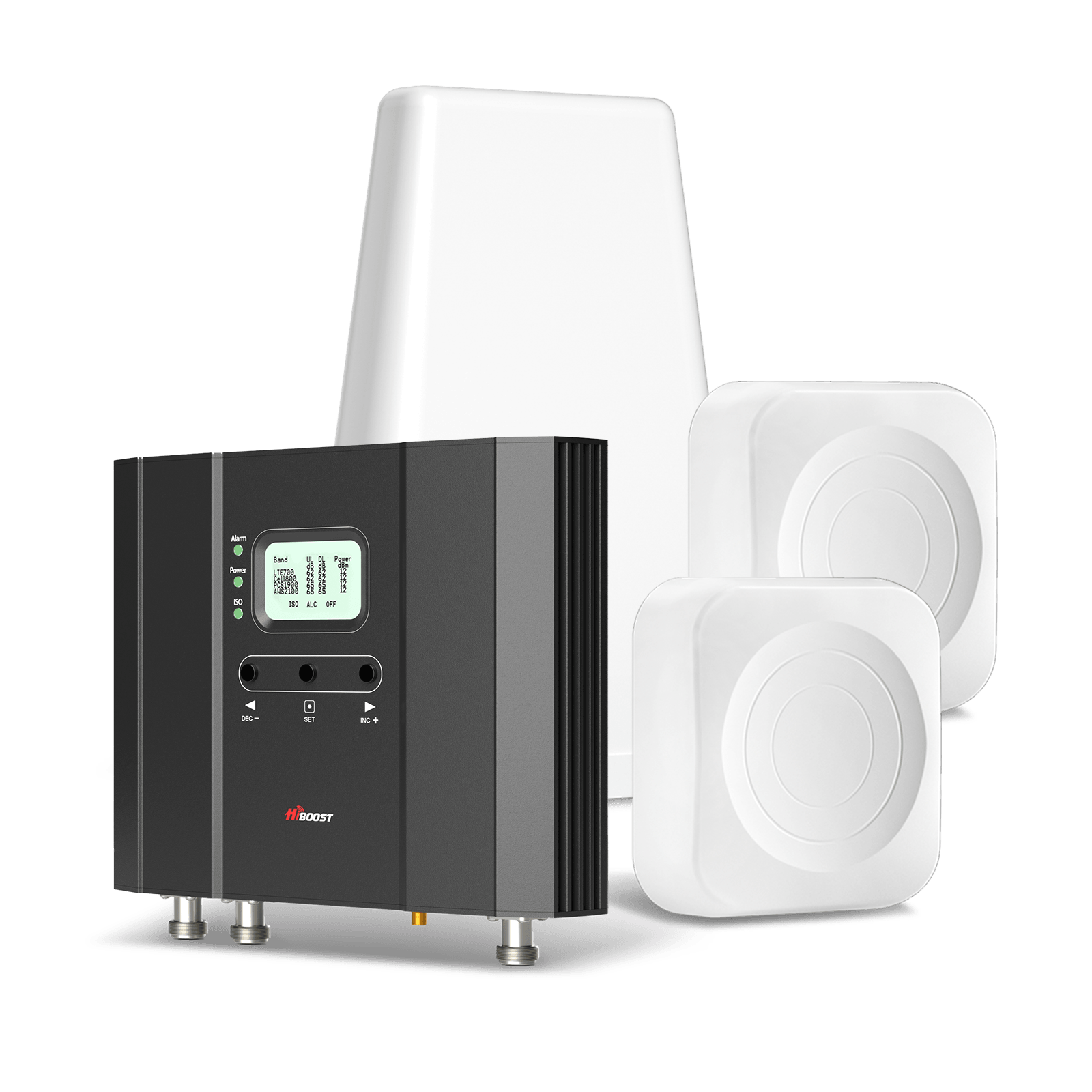
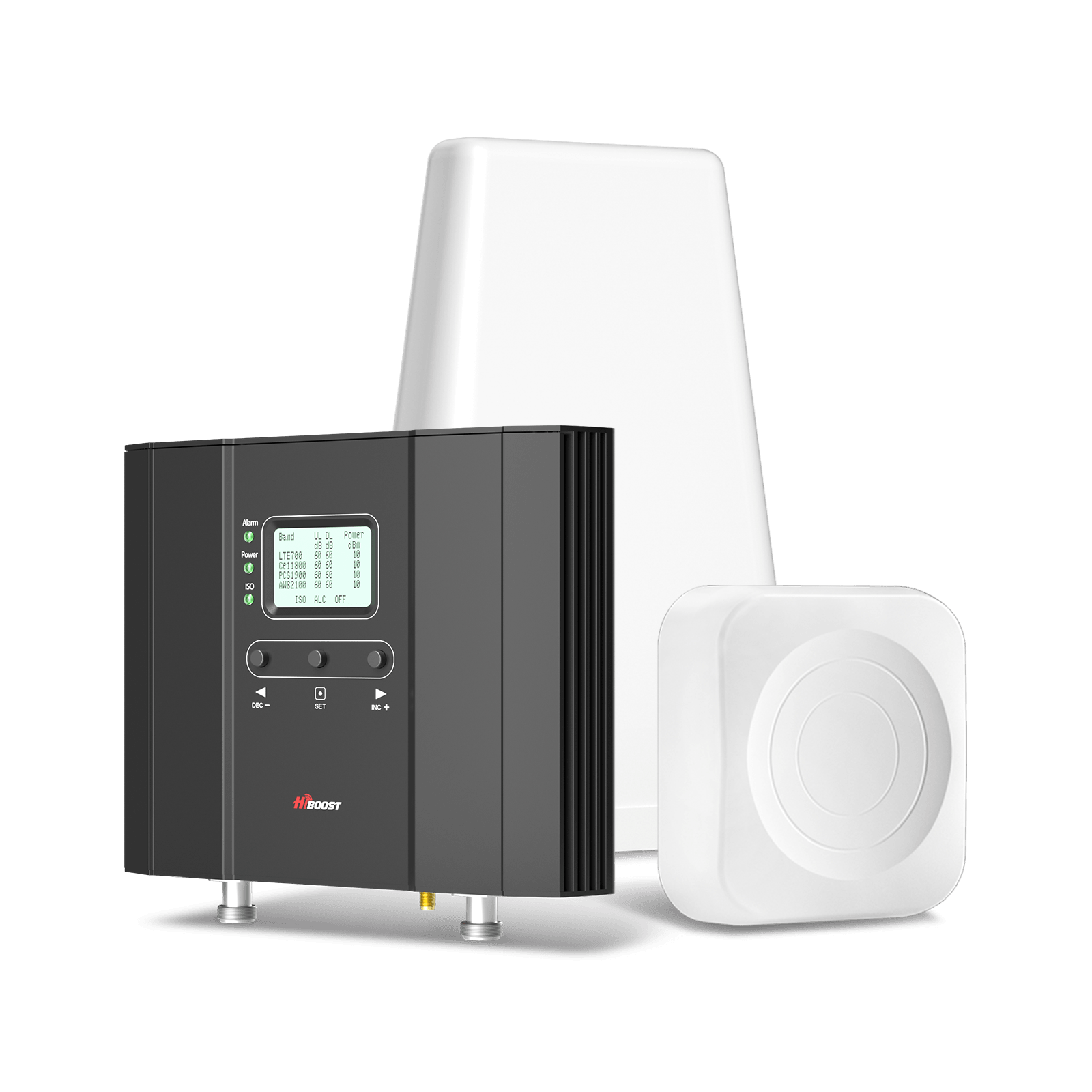
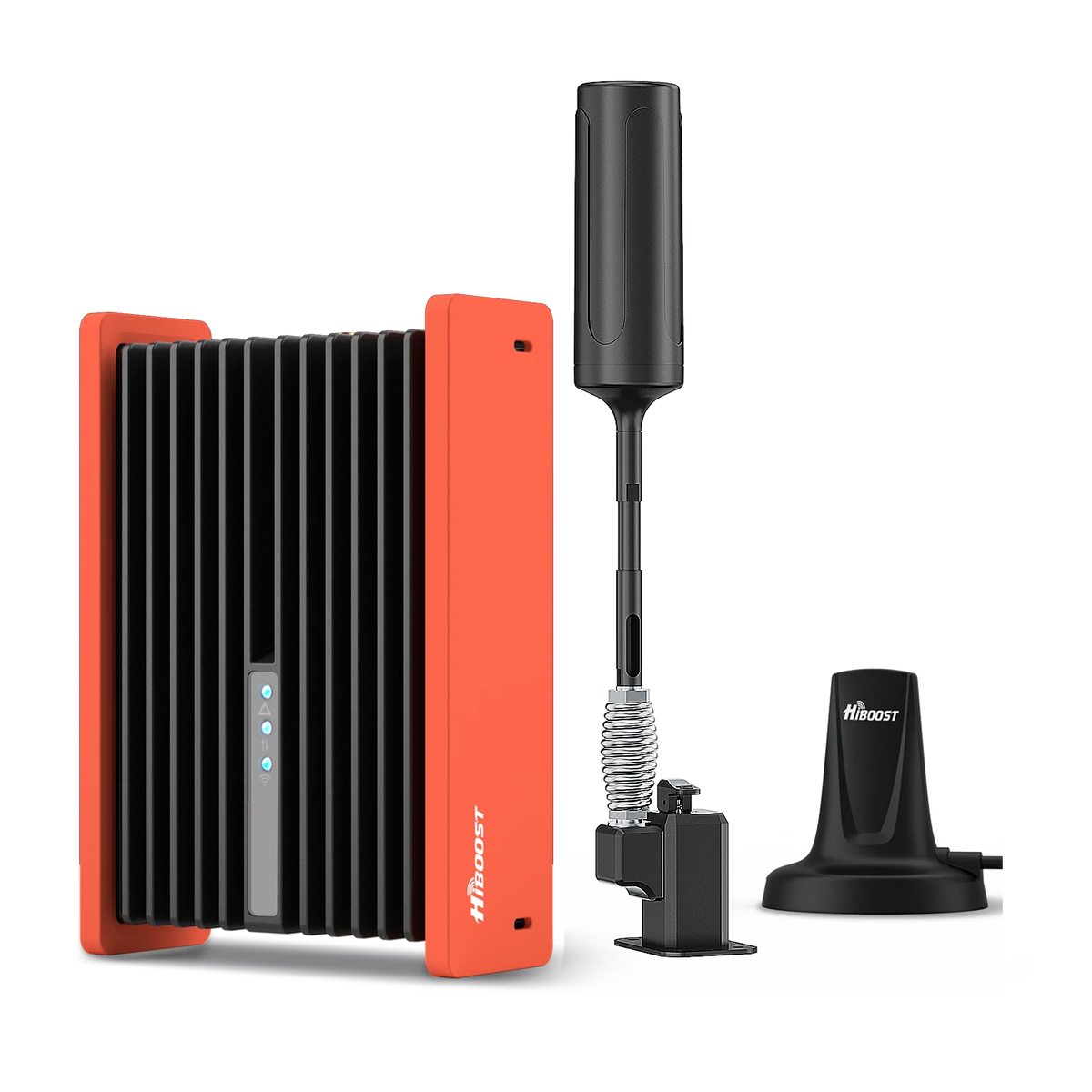
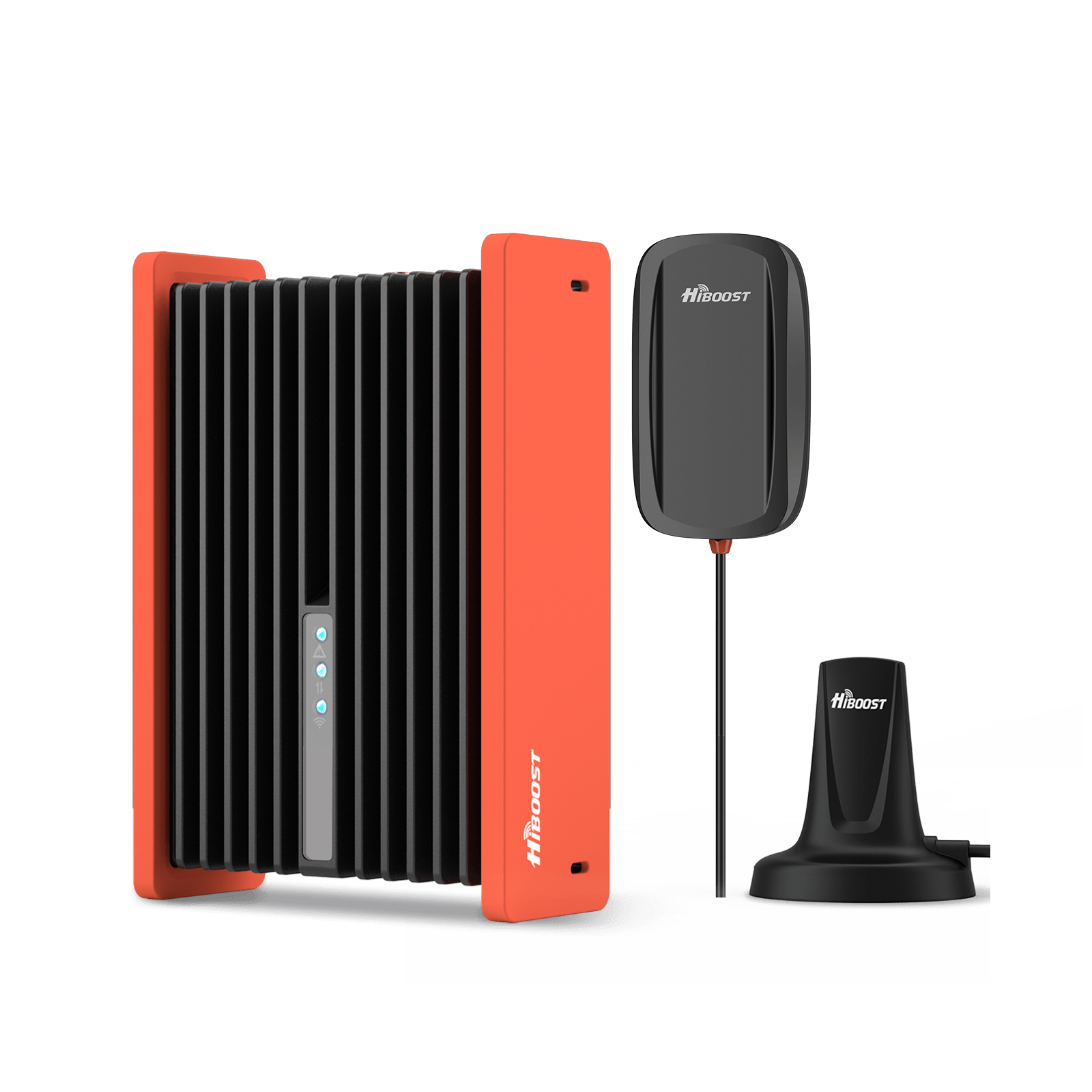
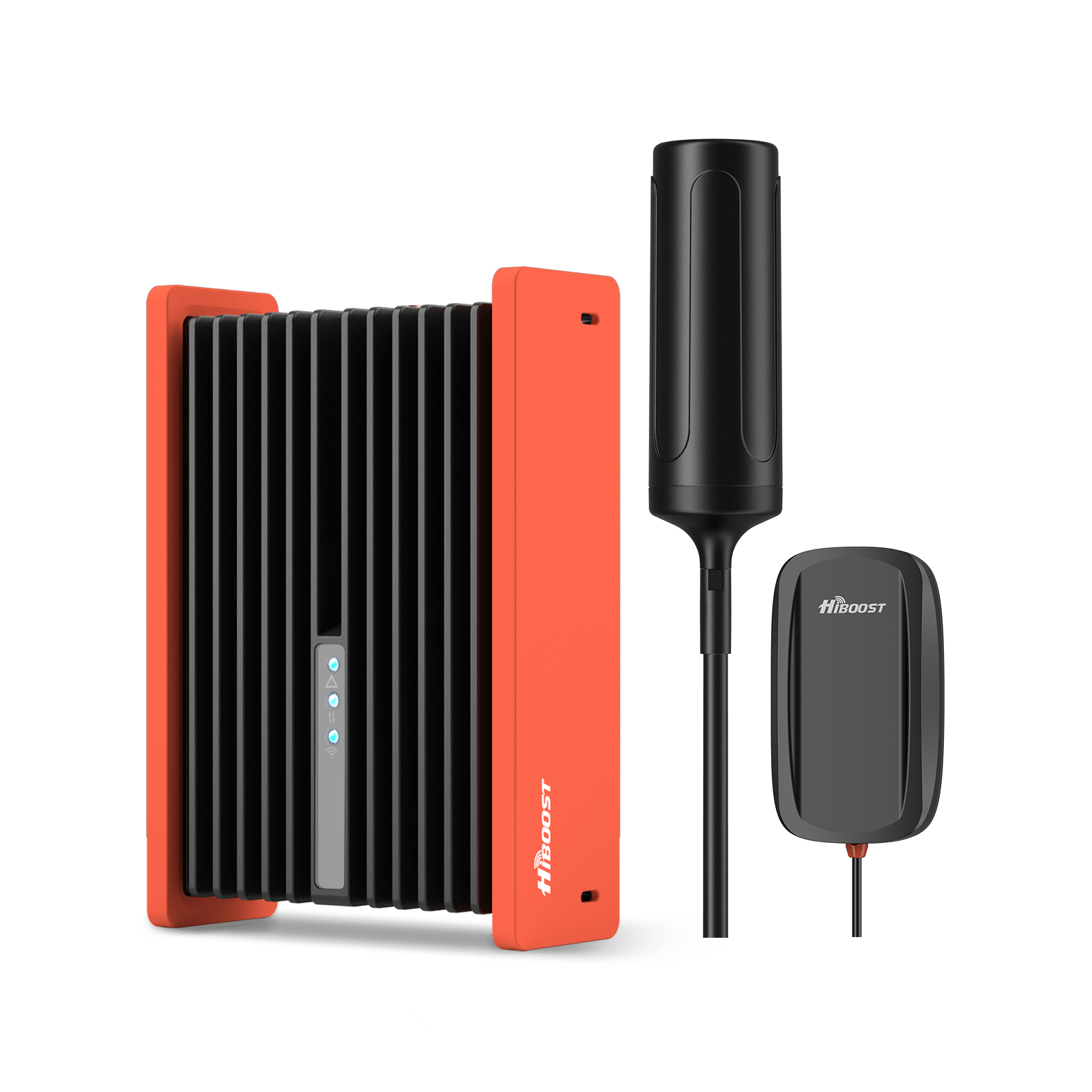
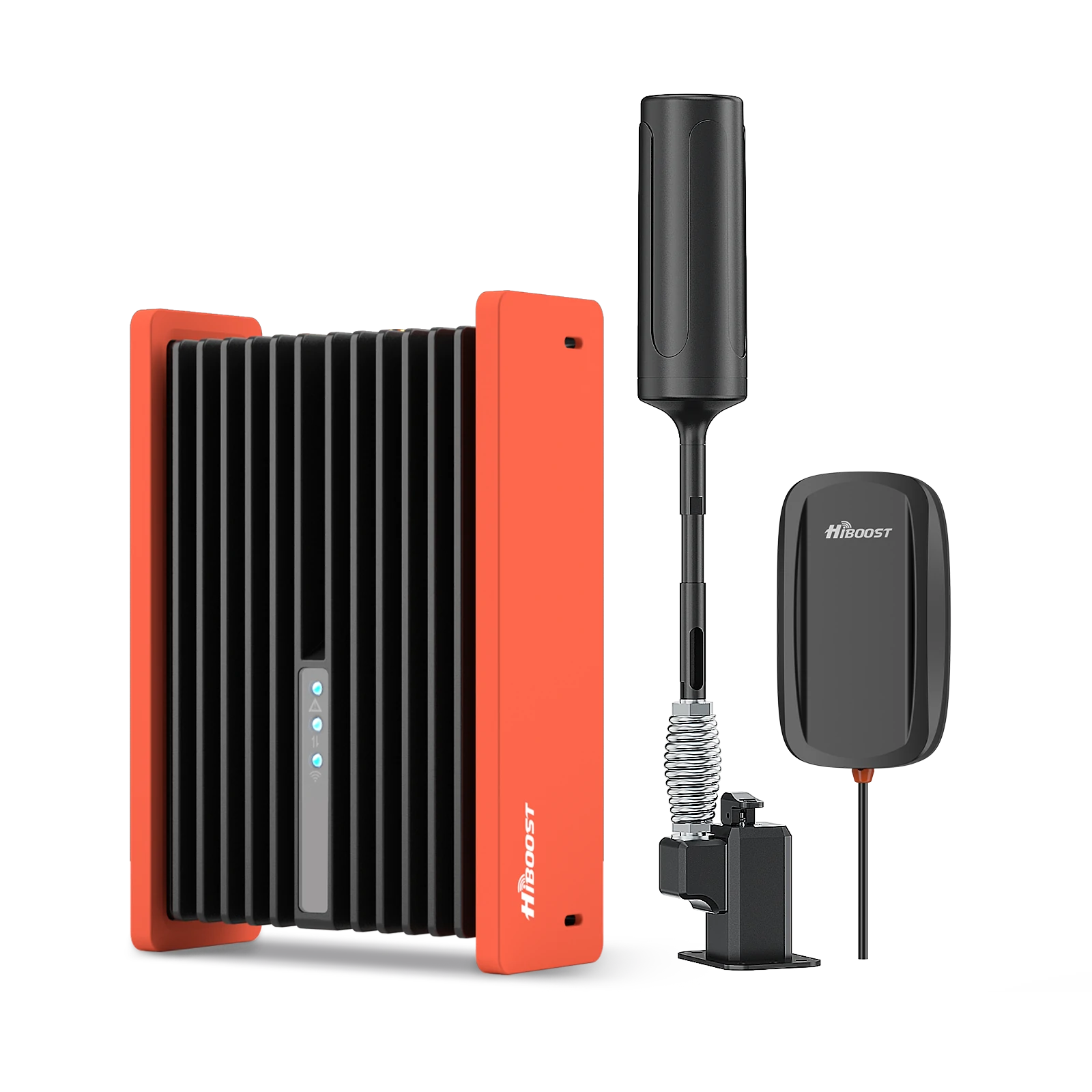
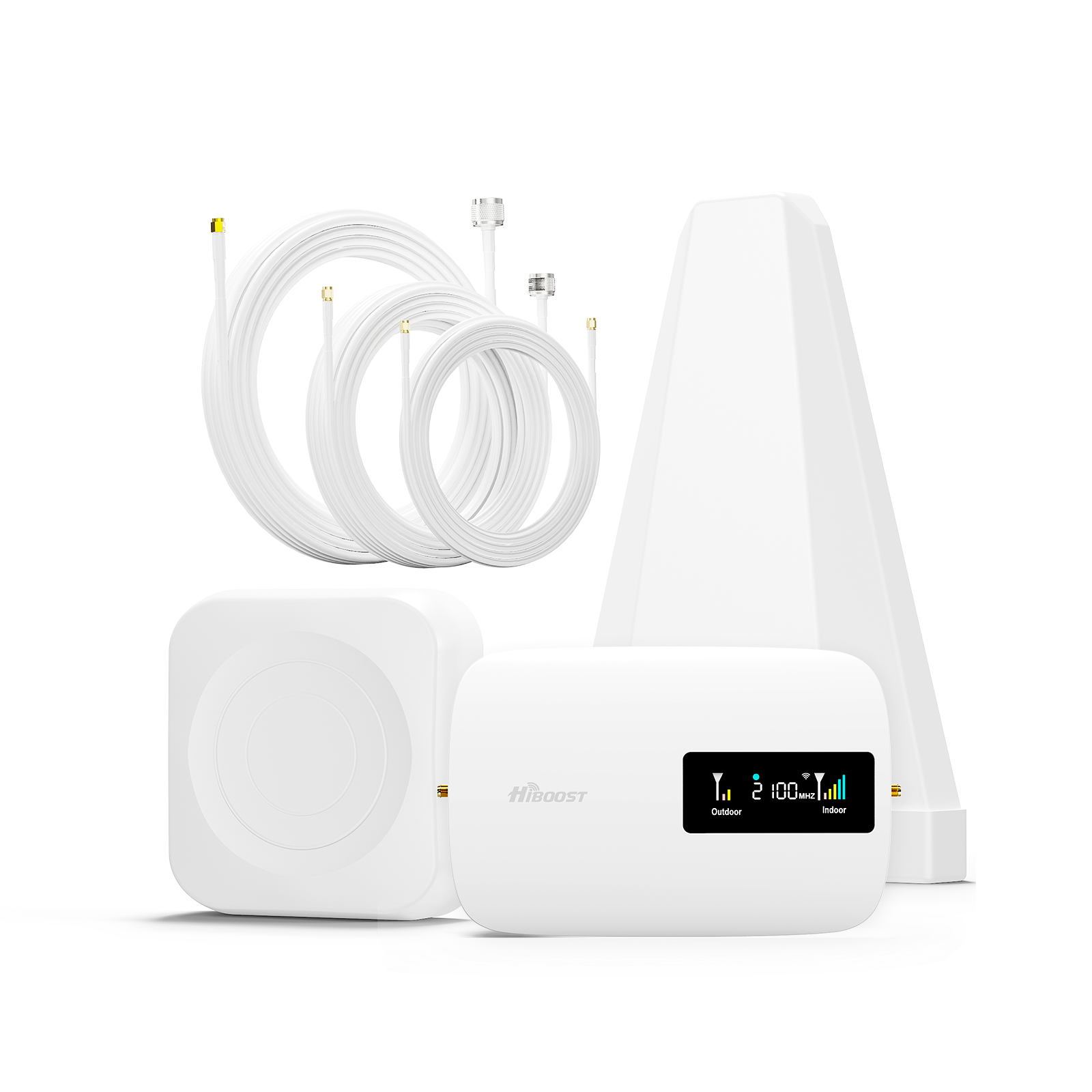
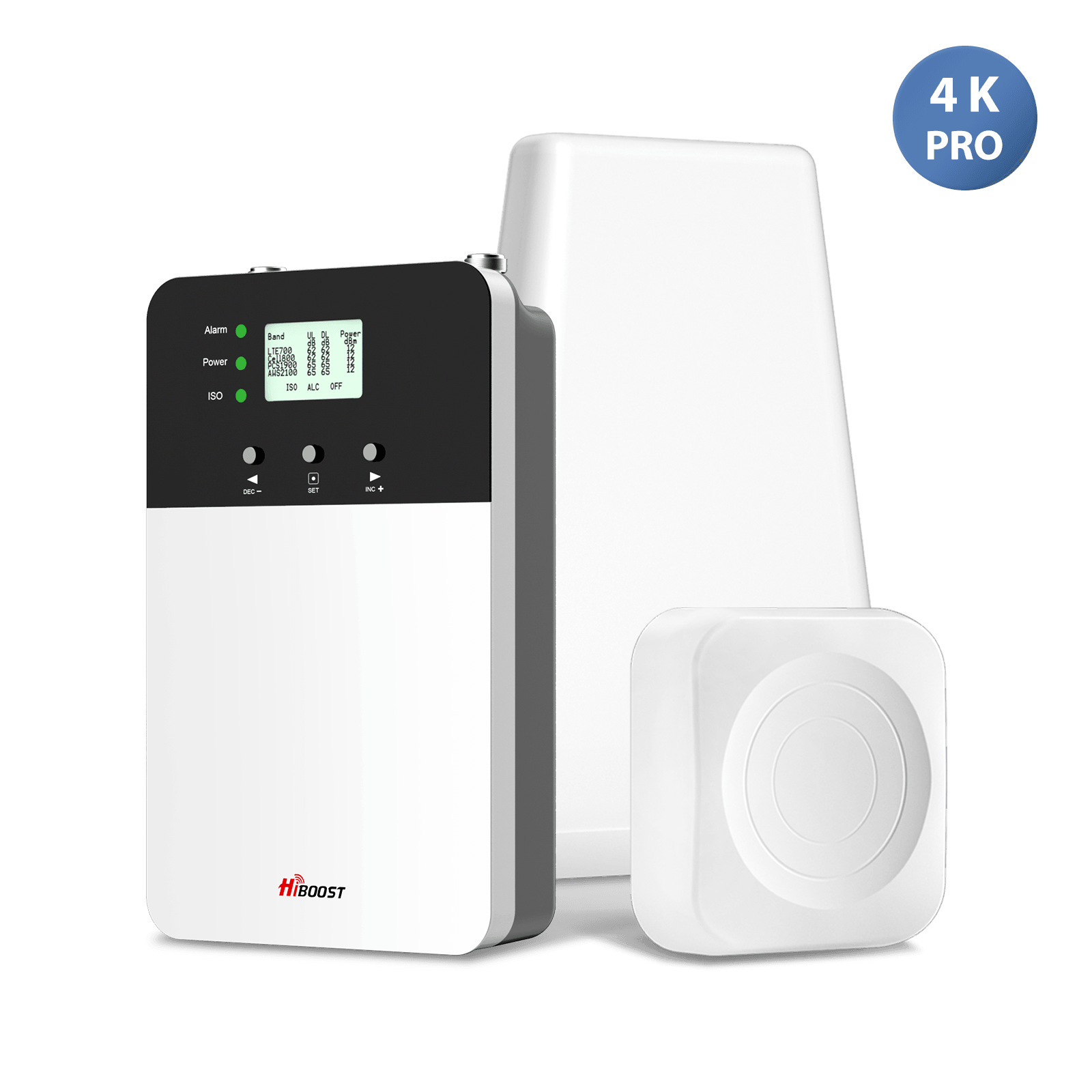
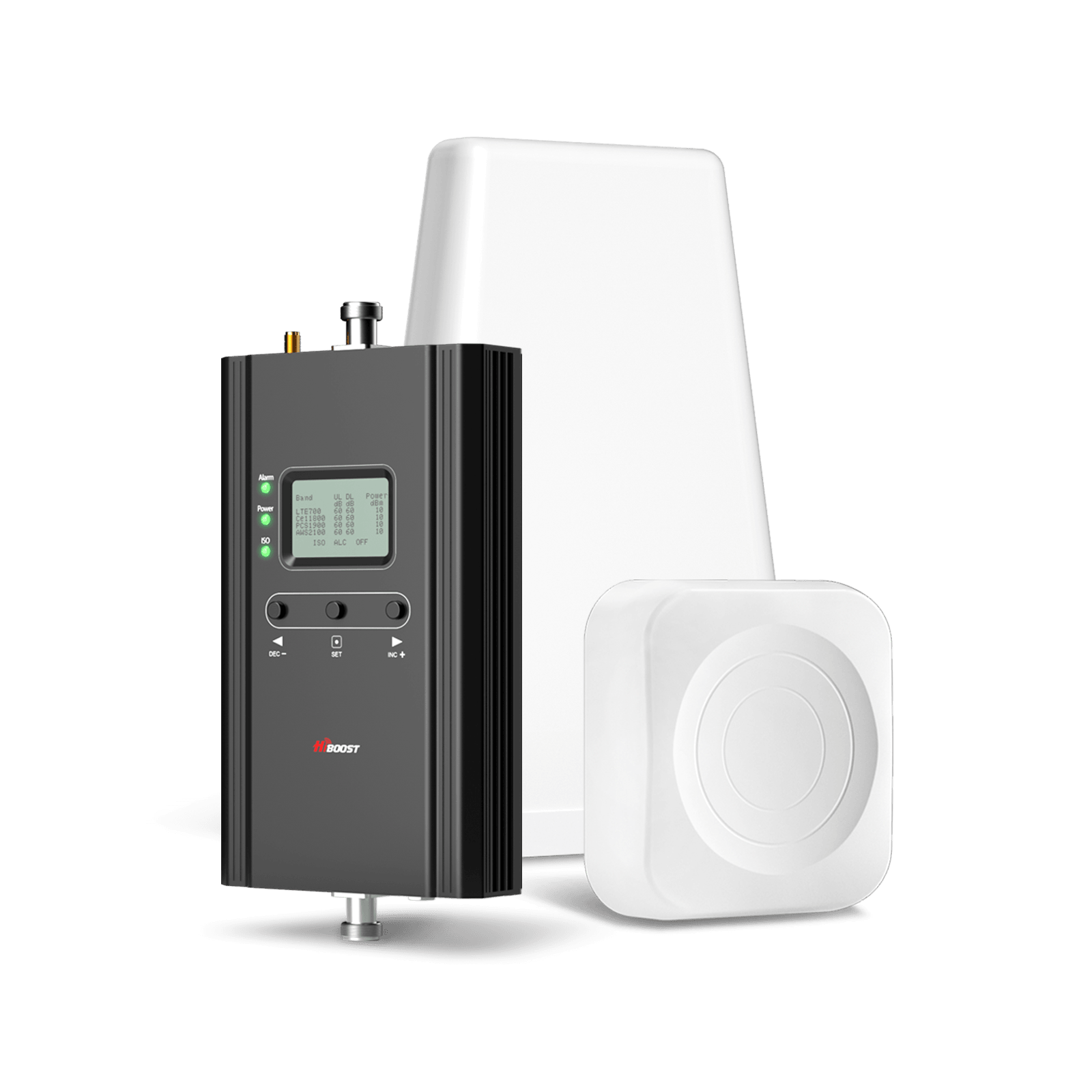
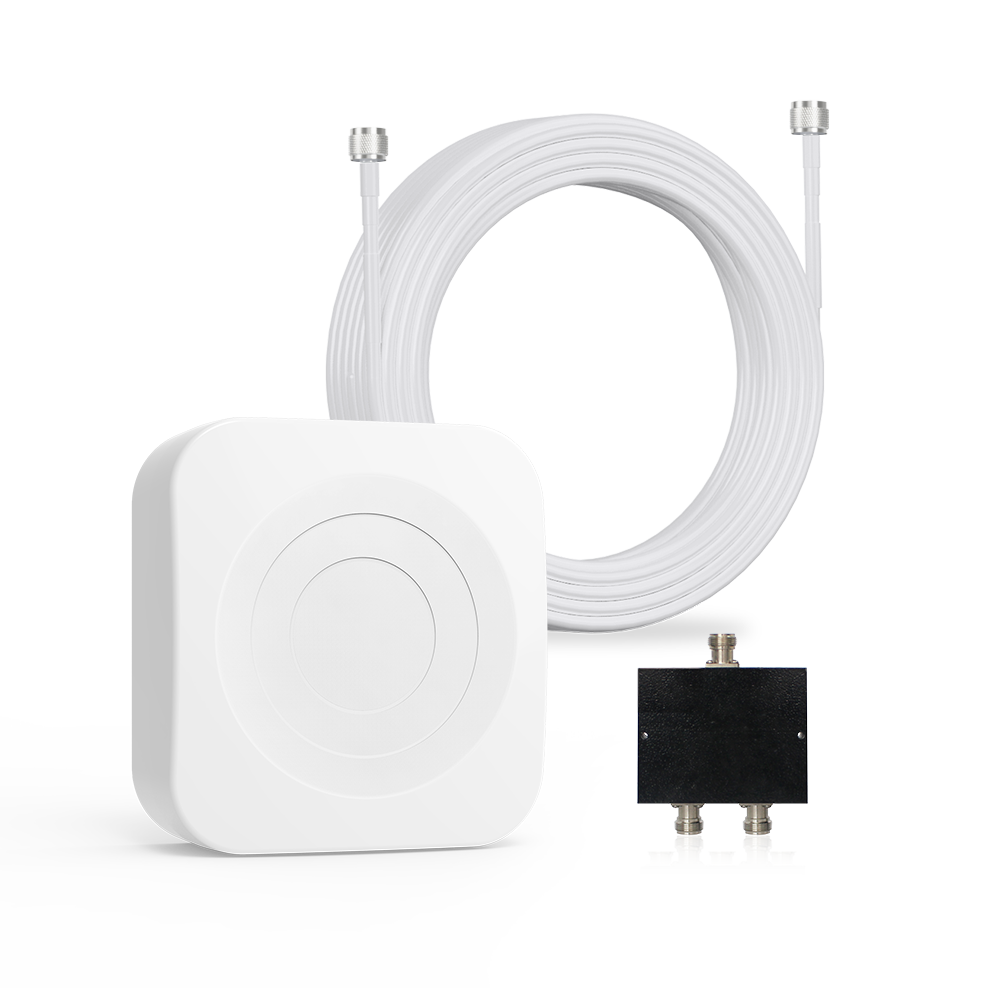
There are three components of a typical booster system:
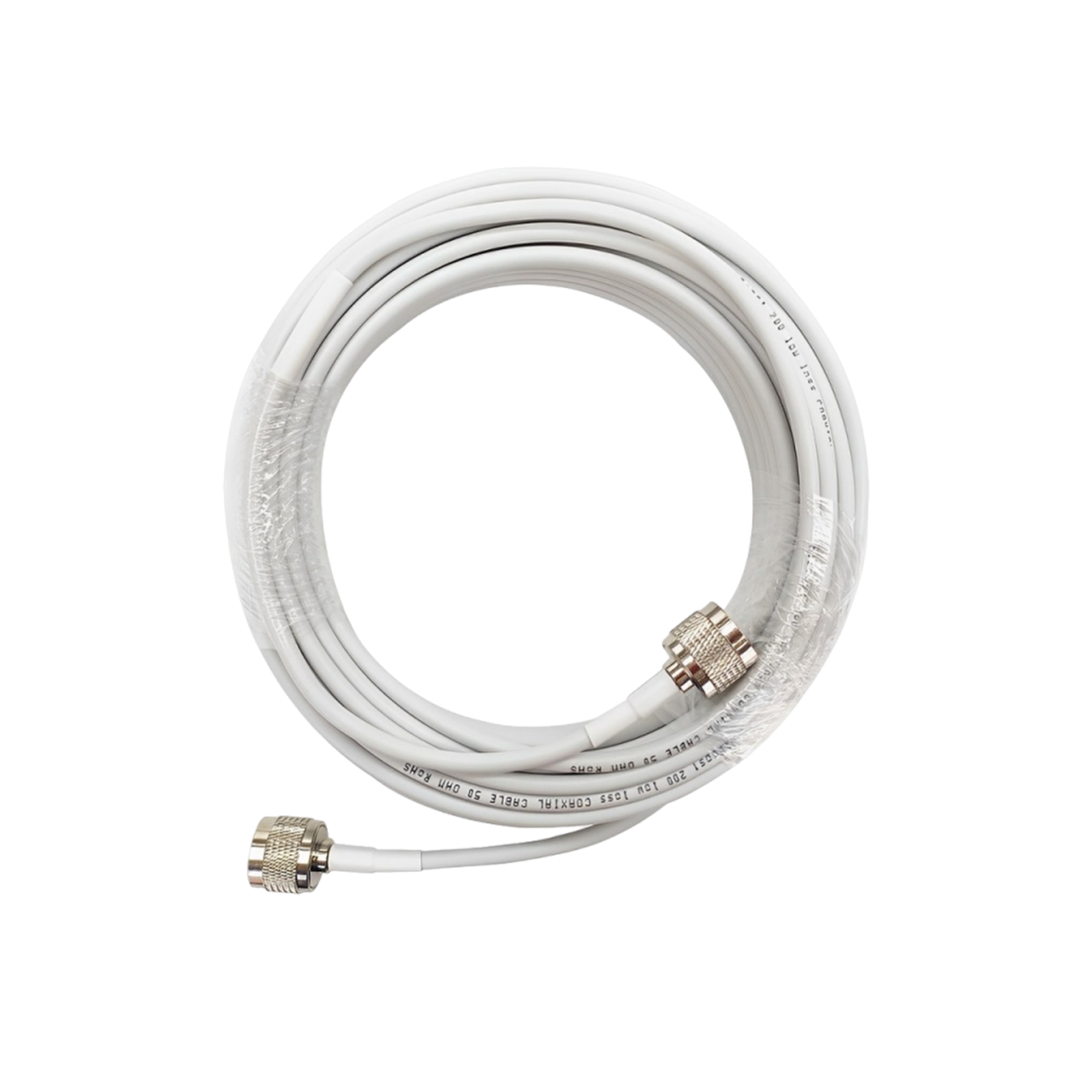
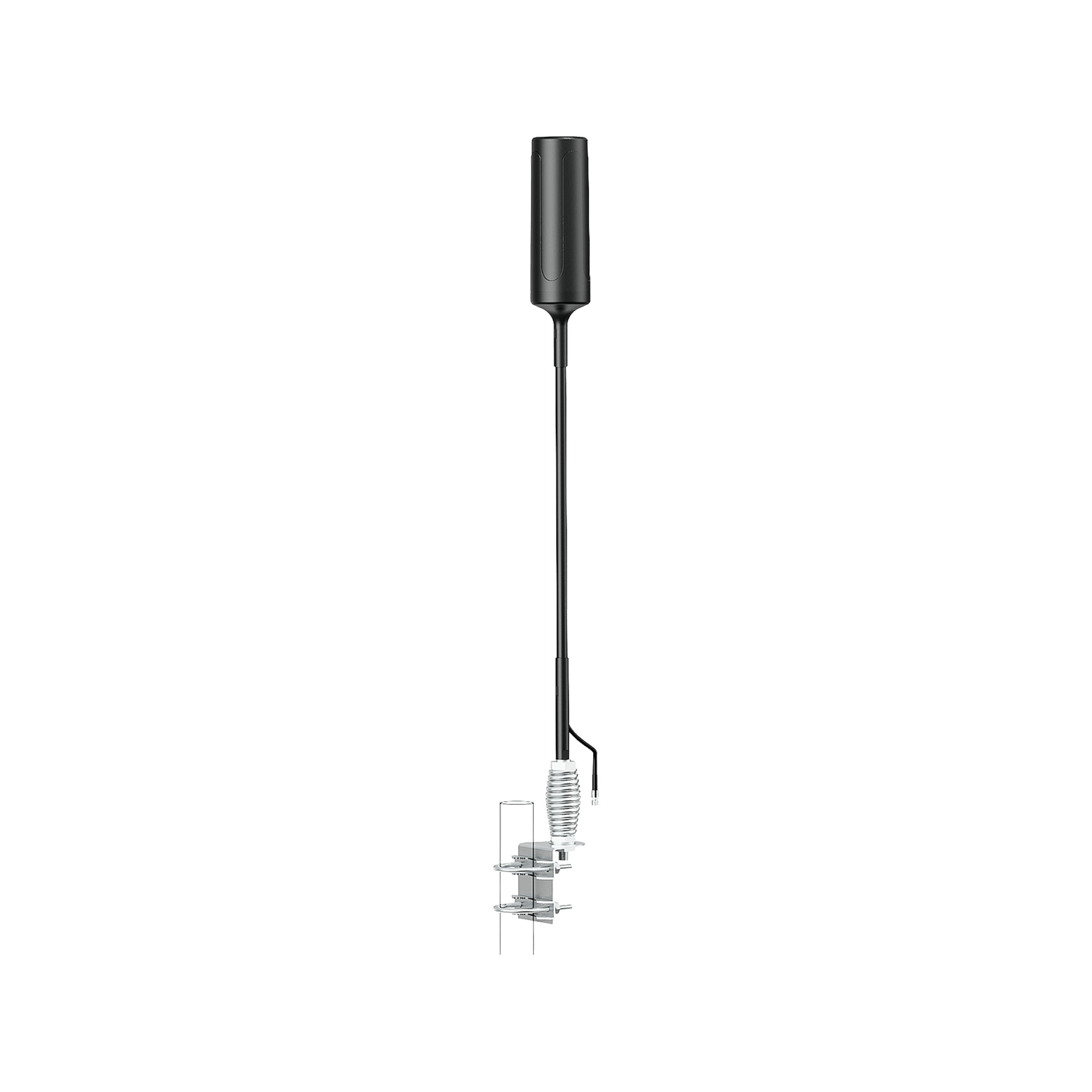
- An outdoor antenna which collects available cellular signals.
- An amplifying device to boost a signal.
- A broadcast antenna located indoors that transmits the better signal to the interior of the building.
A Cell signal booster captures the weak signals from the distant cell signal towers through their outdoor antenna. Then the antenna sends that signal to the amplifier. The amplifier simply enhances the weak frequency of the signals and throws the signals back to the radius. All devices in that radius now can use the amplified signals and stay connected.
The Oscillation/Feedback Loop Warning
When installing a booster, the biggest potential pitfall is poor Antenna Isolation. If your indoor and outdoor antennas are placed too close together, they will cause electronic feedback known as oscillation.
This is exactly the same concept as putting a live microphone directly next to a speaker, resulting in a loud, screeching loop. To protect the wider cellular network from this interference, the booster will automatically shutdown or severely reduce its power output. Proper physical separation between the two antennas is mandatory.
Best Use Cases

Cell signal boosters are great for:
- Homes in rural areas with low carrier coverage.
- Basements that are not well suited for reception
- Metal-roof buildings
- Concrete office structures
- Cabins and vacation homes
- Locations where many calls are lost or delayed.
Example of Signal Improvement
| Connectivity Issue | Before Booster | After Booster |
| Signal Strength |
1 Bar |
3-4 Bars |
|
Call Quality |
Frequent dropped calls | Stable calls, crystal-clear calls |
|
Data Speeds |
Slow mobile data |
Faster LTE/5G performance |
| Texting | Missed or delayed texts |
Reliable instant messaging |
Limitations of Cell Signal Boosters
Cell Signal Boosters don't work everywhere. Although cell signal boosters are effective, they do have requirements:
- They require some outdoor cellular signal to amplify.
- In terms of setup, it can be more complex than setting up a Wi-Fi extender.
- More than one antenna may be needed in larger buildings.
- Strength and quality of the outdoor signal influences performance.
But if installed properly, a good booster should make a huge difference in cell coverage for many people at once inside a building.
How To Test Your Signal Before Buying
Do not just look at the visual signal bars on your phone, as those are not regulated and vary wildly between manufacturers. To accurately diagnose your problem before purchasing equipment, you need to look at the actual industry metrics for signal strength, measured in decibel-milliwatts (dBm).
You can find your dBm reading in your smartphone’s field test mode or network settings. Use this reference scale for cell signals:
- -50 dBm to -70 dBm: Excellent, full-bar signals.
- -90 dBm to -100 dBm: Weak signal, catching edge speeds, potential packet loss.
- -100 dBm to -120 dBm: Critical dead zone.
Note: If your outdoor signal is consistently worse than -155 dBm, a cell booster will fail to work.
When considering a connectivity solution, follow these extra testing steps:
- Perform internet speed tests in various rooms to find Wi-Fi drop-offs.
- Check out your carrier’s coverage maps online.
- Walk around your yard to find the exact spot with the strongest outdoor cell reception.
- Determine definitively if your issue is related to a lack of Wi-Fi (internet) or a lack of cell coverage (towers).
What Is The Best Option For You?
The decision to use a Wi-Fi extender versus a cell signal booster will be completely dependent on the issue you are addressing.
Choose a Wi-Fi Extender or Mesh Wi-FiIf:
Internet is good close to the modem/router and poor in some rooms. Cellular signals are fine, but Netflix is buffering upstairs, your home office internet is crawling, or your smart home devices constantly lose their internet connection.
For example:
- Slow streaming upstairs
- Slow Internet in the home office.
- Bedding in bedrooms is generally not recommended.
- Smart devices that have lost Internet access.
In such cases, the most cost-effective way to solve the problem is probably to expand the range of your wireless network.
Choose a Cell Signal Booster If:
You have a strong signal outside your house or office, but thick walls, concrete, or metal roofs block standard calls, text messages, and 5G/4G data indoors.

- Dropped phone calls
- Poor voice quality
- Slow cellular data
- Missing text messages
This is a problem of the reception range, which is weak inside a building while it is good on the outside. These issues are not Wi-Fi related, but rather cellular signal issues.
Take the time prior to making any purchase to measure your exact dBm signal strength and determine the true source of your difficulty.
Knowing whether your problem stems from your router or your mobile carrier will ensure you purchase the correct solution, saving your money and providing a reliable connection all throughout your home or office.
Consider Your Location
Cells are less likely to penetrate roofs with metal or thick concrete, or house basements in rural areas. For these scenarios, it can make a significant difference to have a signal booster.
In some instances, a combination of the two technologies can prove advantageous to large homes, with one to enhance the Wi-Fi and the other to boost the cellular signals.
Consider Your Budget
In general, Wi-Fi extenders are cheaper and simpler to install. A cell signal booster is an investment that will enhance several things in relation to the communication process, such as voice calls, texting, and accessing mobile internet.
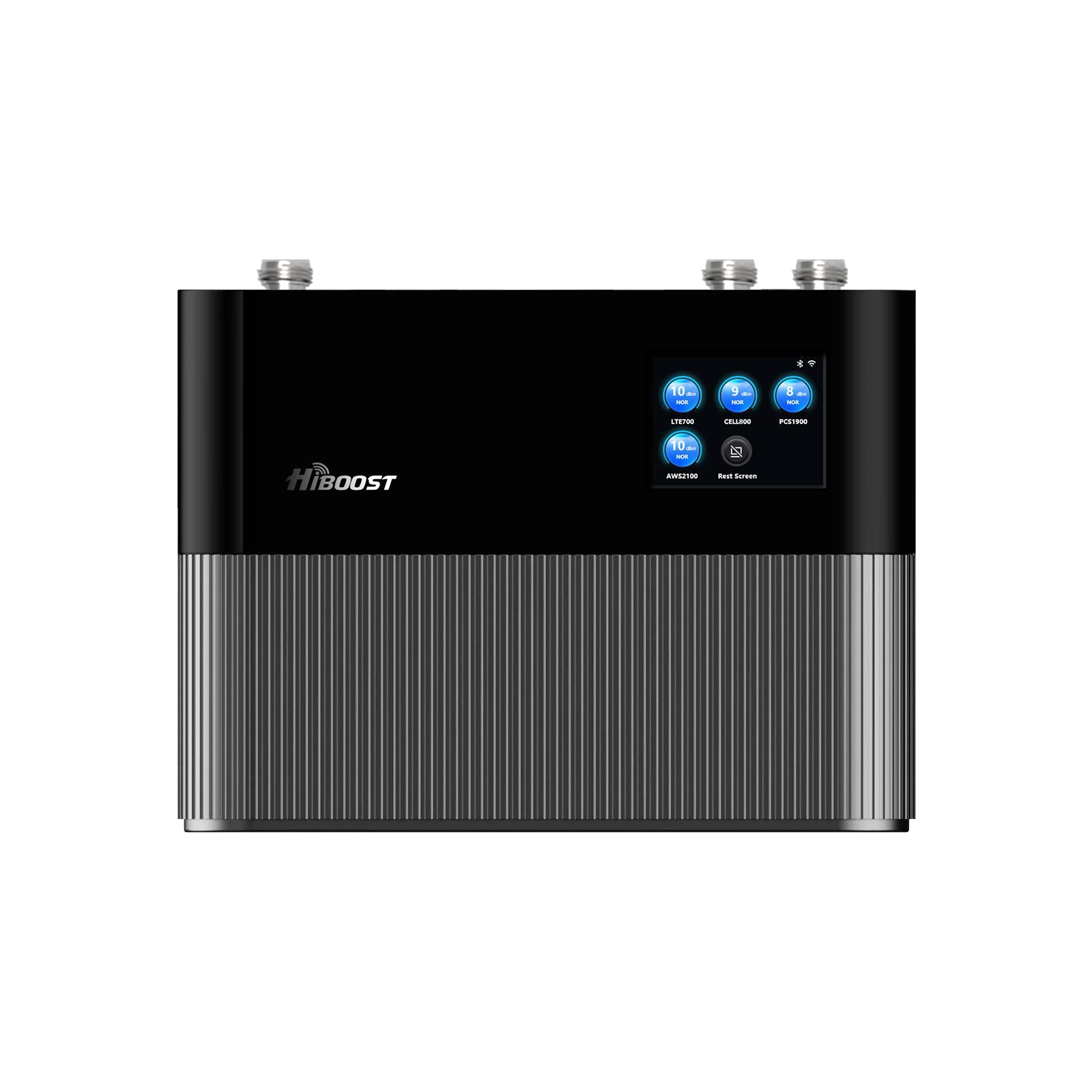
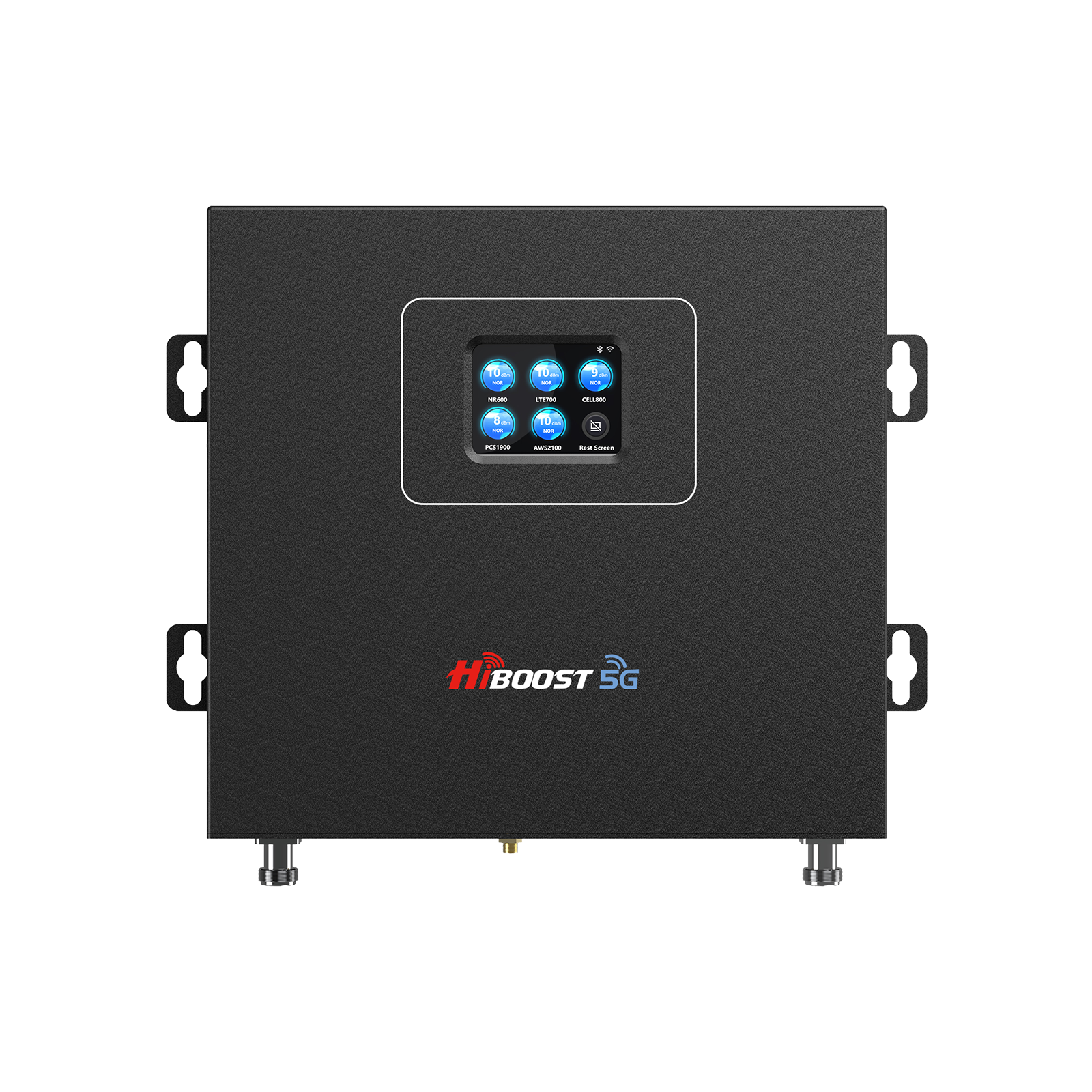
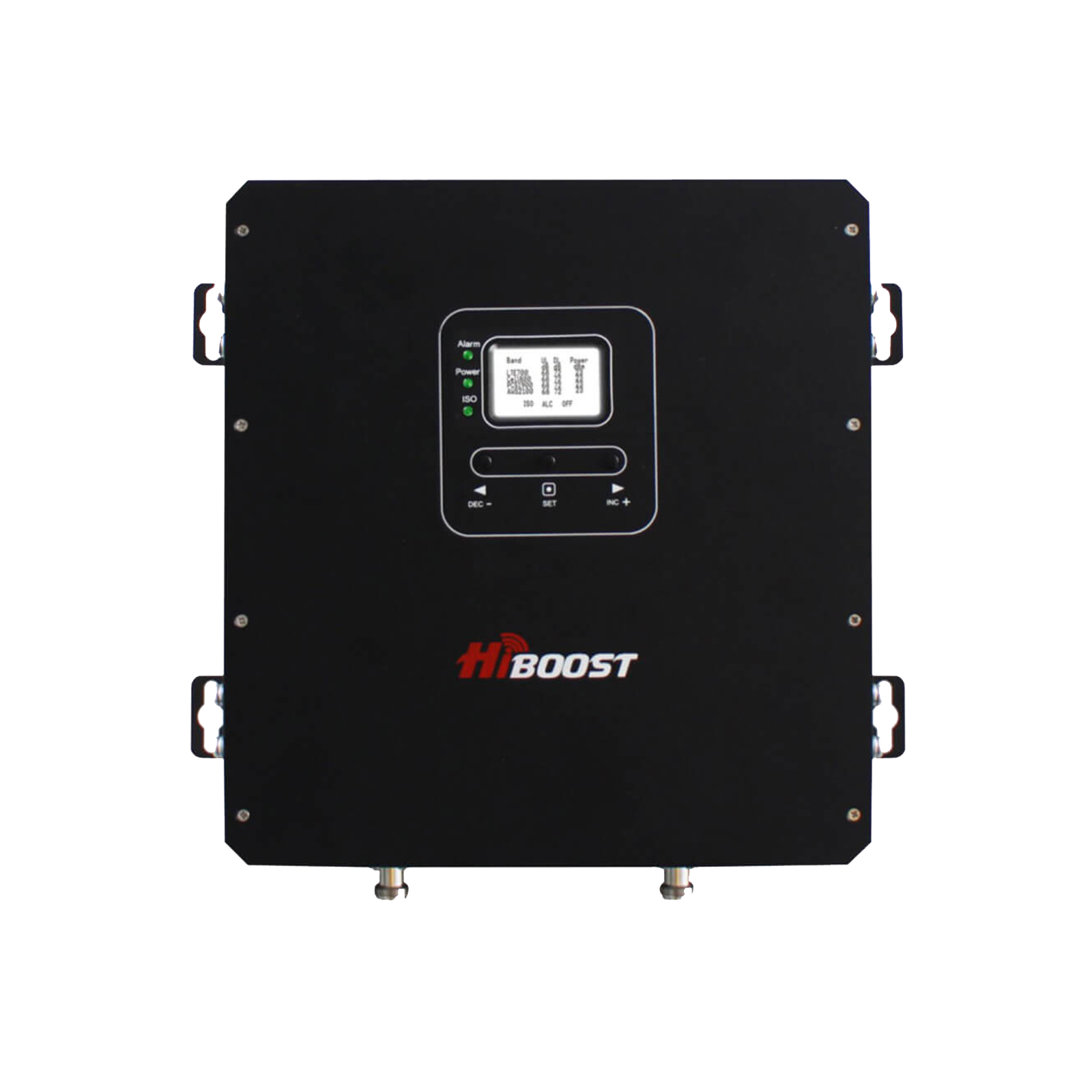
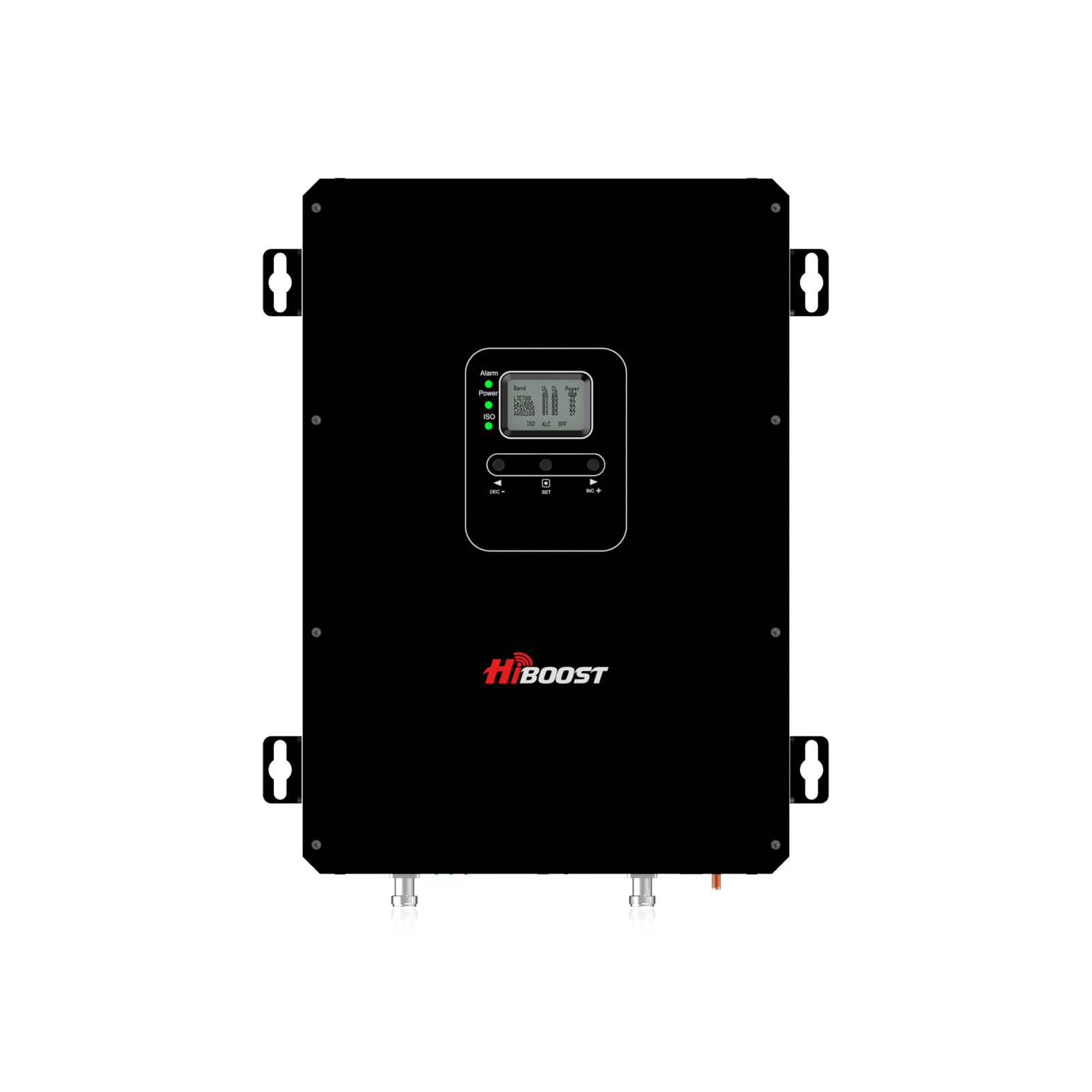
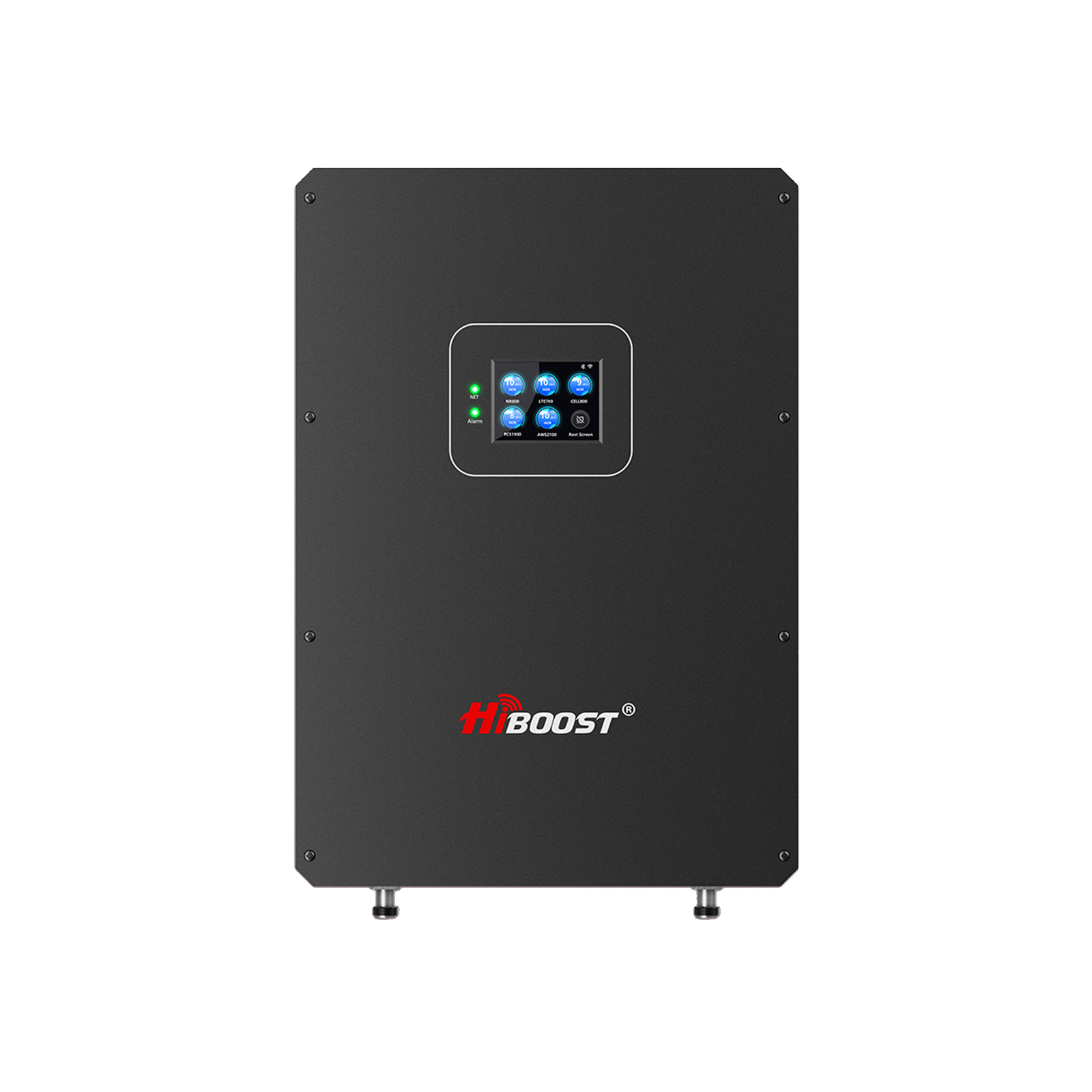
But, the main part is which one do you need. Which one will help you get the signals and internet you need. There are a few better and budget-friendly options of cell signal boosters like we have at HiBoost Boosters.
What is the issue you are having?
There could be a wrong choice of yours leading to no signals of problems. If your Wi-Fi seems slow even if you are having full Wi-Fi signal bars on your device in other rooms of your home, here you will need a Wi-Fi coverage system (Wi-Fi extender).
If you are having equal signals and internet speed but your mobile cell signals are dropping and you are experiencing delayed text messages, delayed or missed calls then this problem is with cell phone signals. You will need a high quality certified booster like HiBoost for your home or office.
The Free Alternative You Might Already Own: Wi-Fi Calling
Before you spend money on hardware, you should check your device settings. If you have a strong indoor Wi-Fi connection, but terrible cellular bars, you don’t necessarily need a costly cell booster.
You can simply turn on Wi-Fi Calling in your iPhone and Android network settings. This build-in feature intelligently routes your standard text messages and voice calls directly over your internet instead of relying on outdoor cell towers.
It provides a crystal-clear connection, it operates automatically once activated, and best of all, it is completely free.
Which Is Better?
Both devices are not one-size-fits-all. In case you suffer from weak Wi-Fi, a Wi-Fi extender will come in handy. It will also work if you have a huge house with a reliable internet connection.
A cell signal booster will be a better option if your issue is the poor cell signal. The ideal device is the one that will solve the real problem of connectivity. Signal boosters often work best if you are living in a rural area, mountains, or traveling to remote locations.
It always depends on your purpose and the problem you are facing. As discussed above, if you are having issues with your cell phone signals like low signal bars, then using a booster is the best decision.
But, if you have an internet connection, and then you are having problems like slow internet or much loading in other rooms of the same house, then you need a Wi-Fi extender.
Quick Summary
It's all about the source of the signal. A wi-fi extender is capable of connecting to your internet router and extending internet connectivity all over your house.
A cell signal booster works with cell phone towers and enhances mobile data, text messaging and voice communication from cell carriers.
When it comes to installation, Wi-Fi extenders are normally plug-and-play. Cell boosters need to be strategically positioned with regards to outdoor and indoor antennas but can provide a much greater enhancement in communications.
There is also a huge range in performance. Wi-Fi extenders can extend the range and lower bandwidth. A quality cell signal booster takes the existing cellular signal and can greatly enhance call quality and the reliability of data transmission without using Wi-fi.
FAQs & Common Misconceptions
May I use a Wi-Fi Extender and Cell Signal Booster at the same time?
Yes. Indeed, many homeowners utilize both devices. A Wi-Fi extender will make the Internet signal stronger and more widespread in the house; a cell signal booster will make cell voice & data signals stronger and more spread out. They have different uses and can be combined to good effect.
Will a Cell Signal Booster Improve Wi-Fi?
No. A cell signal booster will only strengthen cell signals from towers in the immediate surroundings. It won't work with your router or boost the wireless signal.
Do All Carriers Support Signal Boosters?
The FCC has approved most of the signal boosters and they work with the largest wireless carriers, such as Verizon, AT&T, T-Mobile and others. It is, however, important to check for compatibility before buying.
What is the best way to test out a signal before purchase?
When considering any connectivity solution, the following are the key factors to consider before investing:
- Perform internet speed tests in various rooms.
- Look at dBm phone signal strength instead of just signal bars.
- Check out maps of carrying capacity.
- Find out how well the cell reception is in your home yard.
- Tell if your problem is related to WiFi or cell coverage.
By following these easy tips, you can choose the right solution and save yourself from the waste of money.
Conclusion
The difference between a Wi-Fi extender vs cell signal booster is quite straightforward: WiFi extenders extend wireless internet signal, and cell signal boosters boost cell signal for calls, texts, and mobile data.
A Wi-Fi extender can be a great solution if you're having problems with dead zones in your home. A cell signal booster is generally the better choice when you are experiencing dropped calls, a poor signal or weak cell coverage indoors.
Take time prior to taking any purchase to see the signal strength that you have and determine the source of the difficulty so far as the present signal is concerned. Knowing if your problem is wi-fi or mobile will help you to purchase the correct solution and have a reliable connection all through your home or office.
In areas where cell signal is weak, a high-speed signal booster could be a great way to improve your coverage and find stronger, more reliable signals.
Continue Reading
Learn About Cell Signal
Improve Signal at Home
Buying Guides
Car/Suv,RV,Truck,Vehicle


Our Home Signal Booster


Popular Articles

Leave a comment
All comments are moderated before being published.
This site is protected by hCaptcha and the hCaptcha Privacy Policy and Terms of Service apply.