
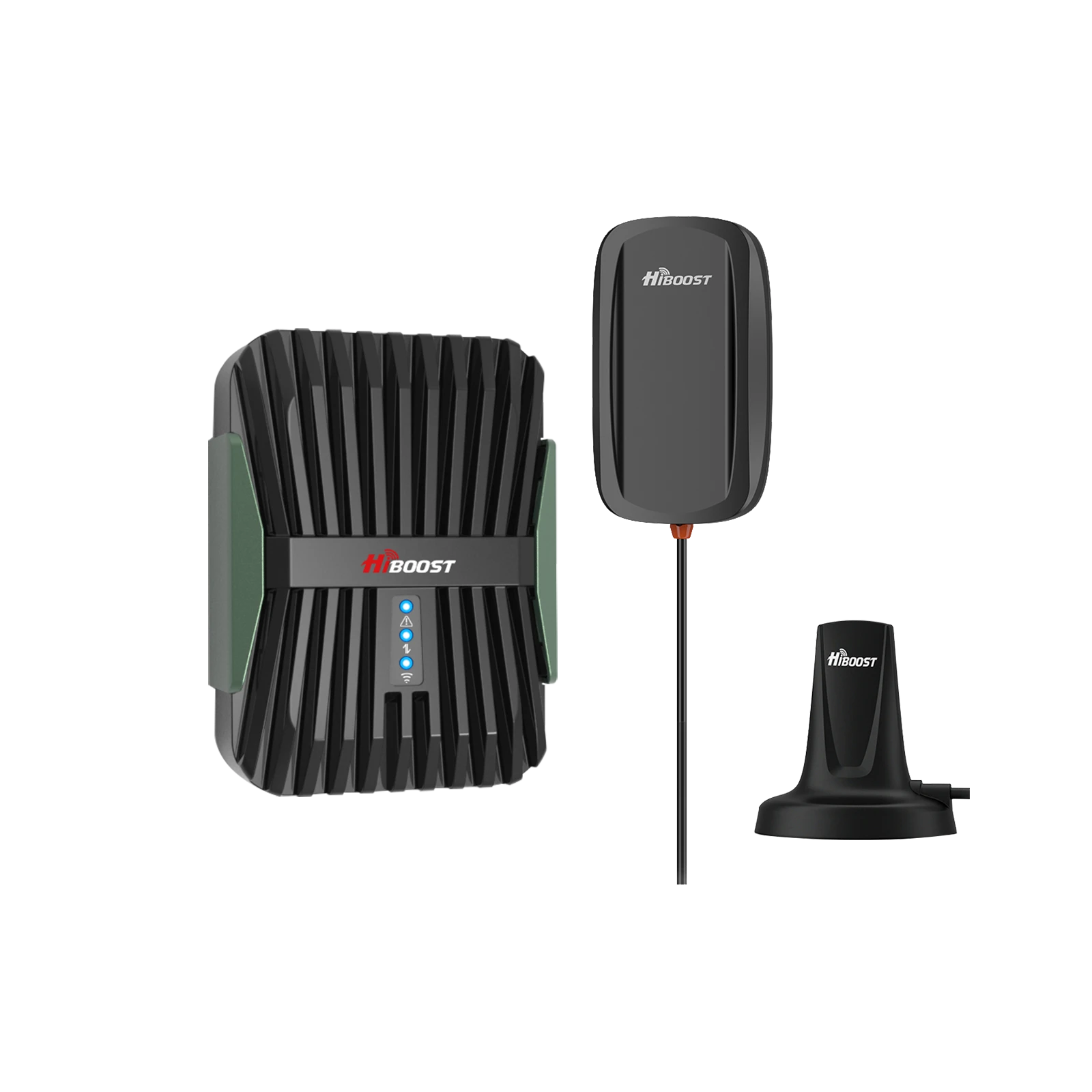
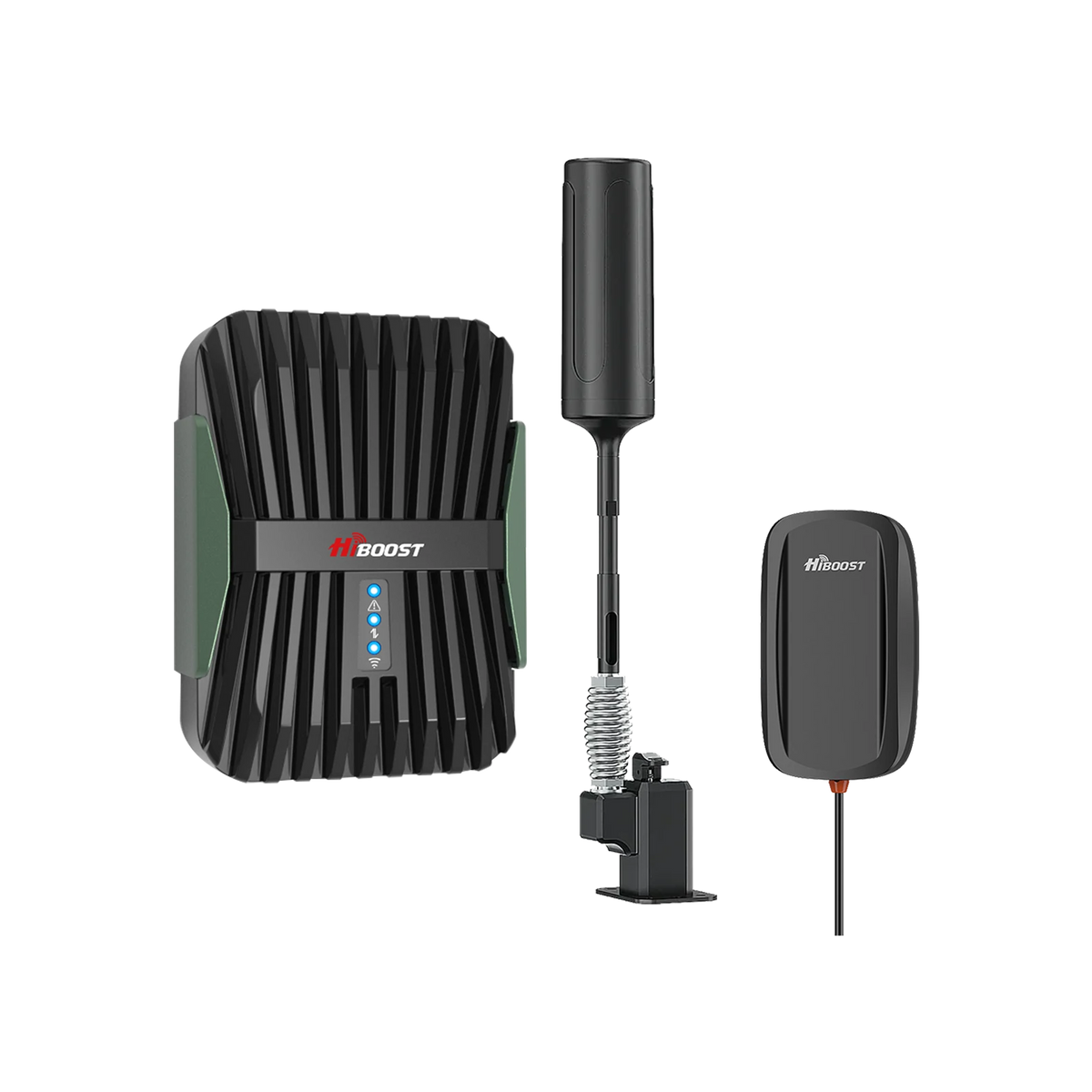
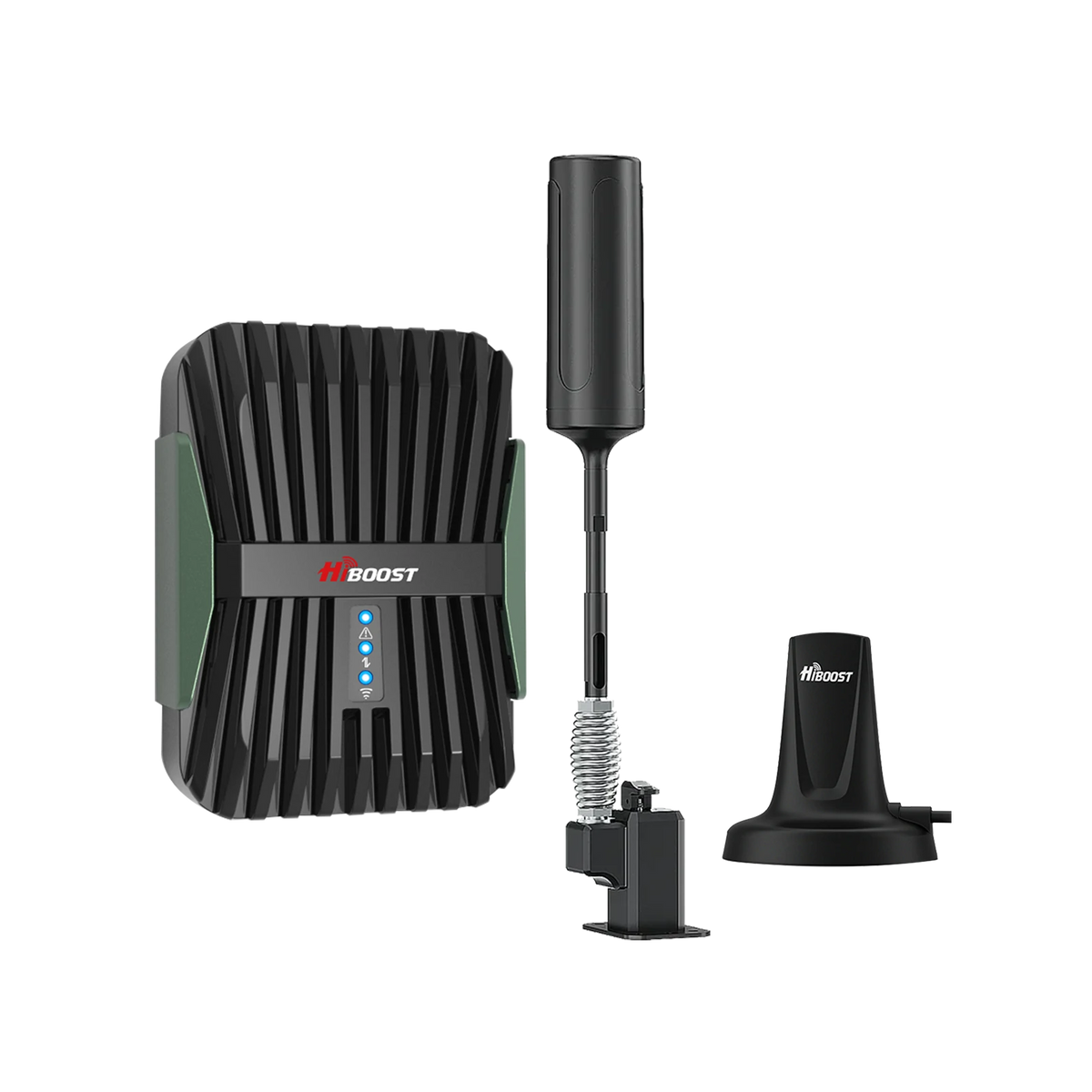
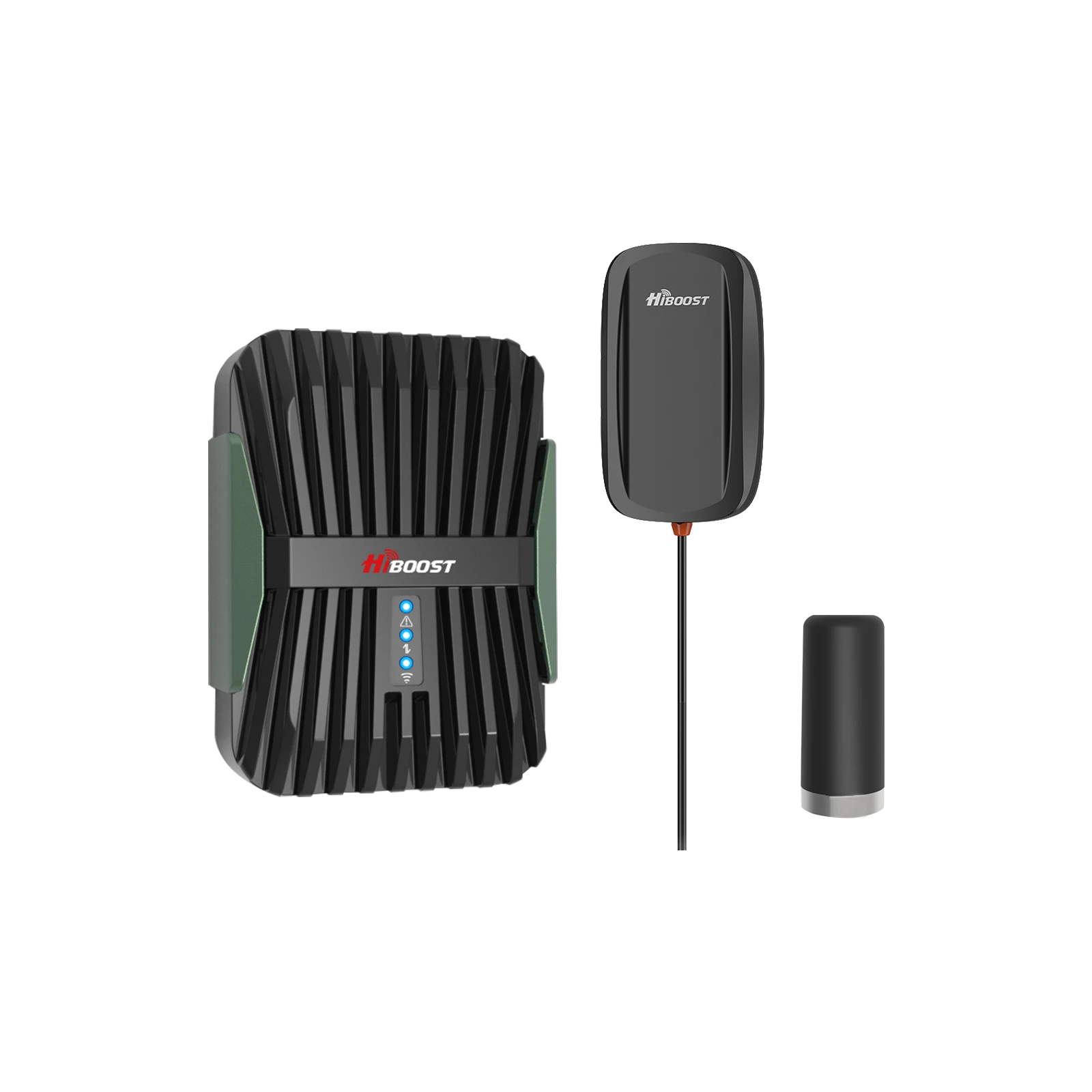
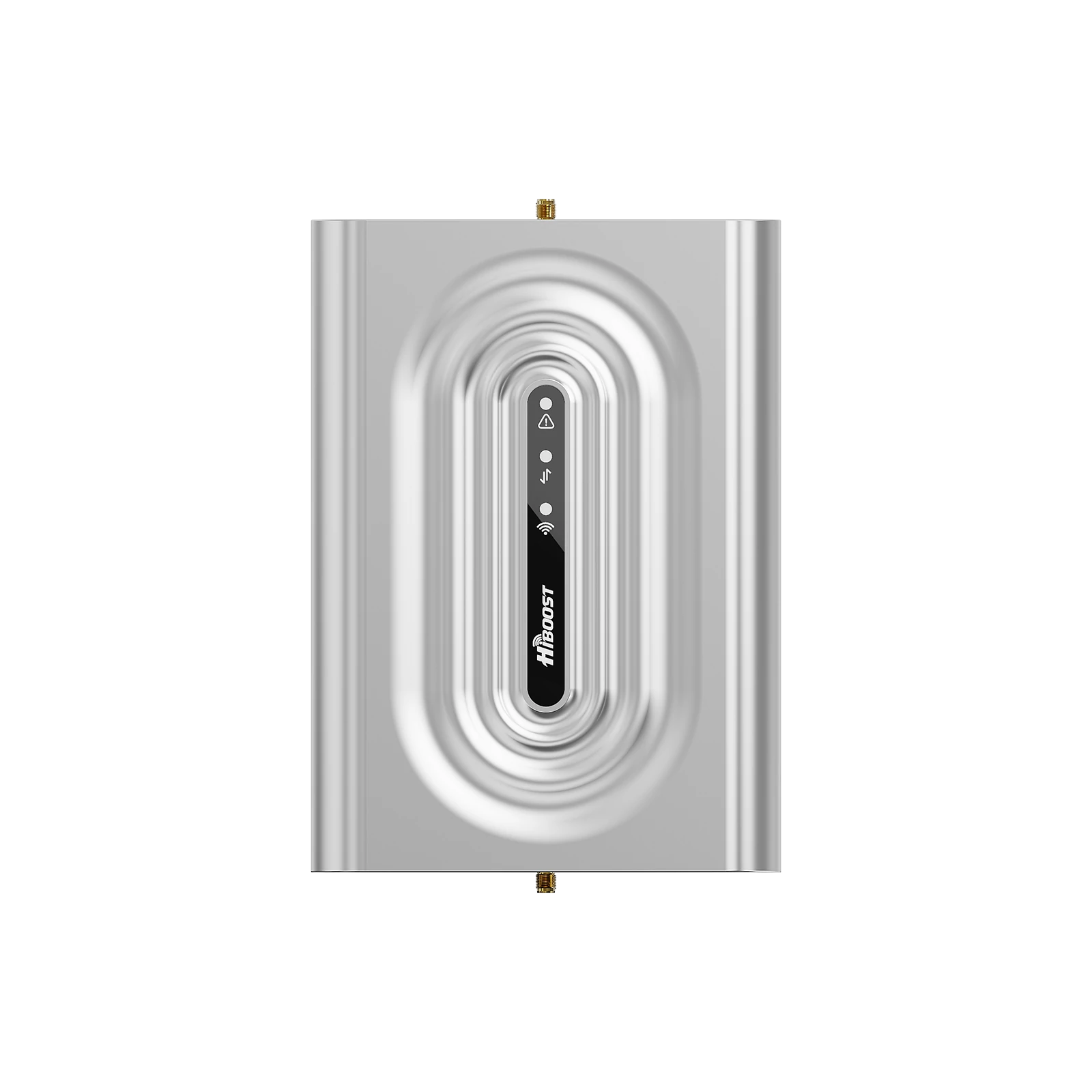
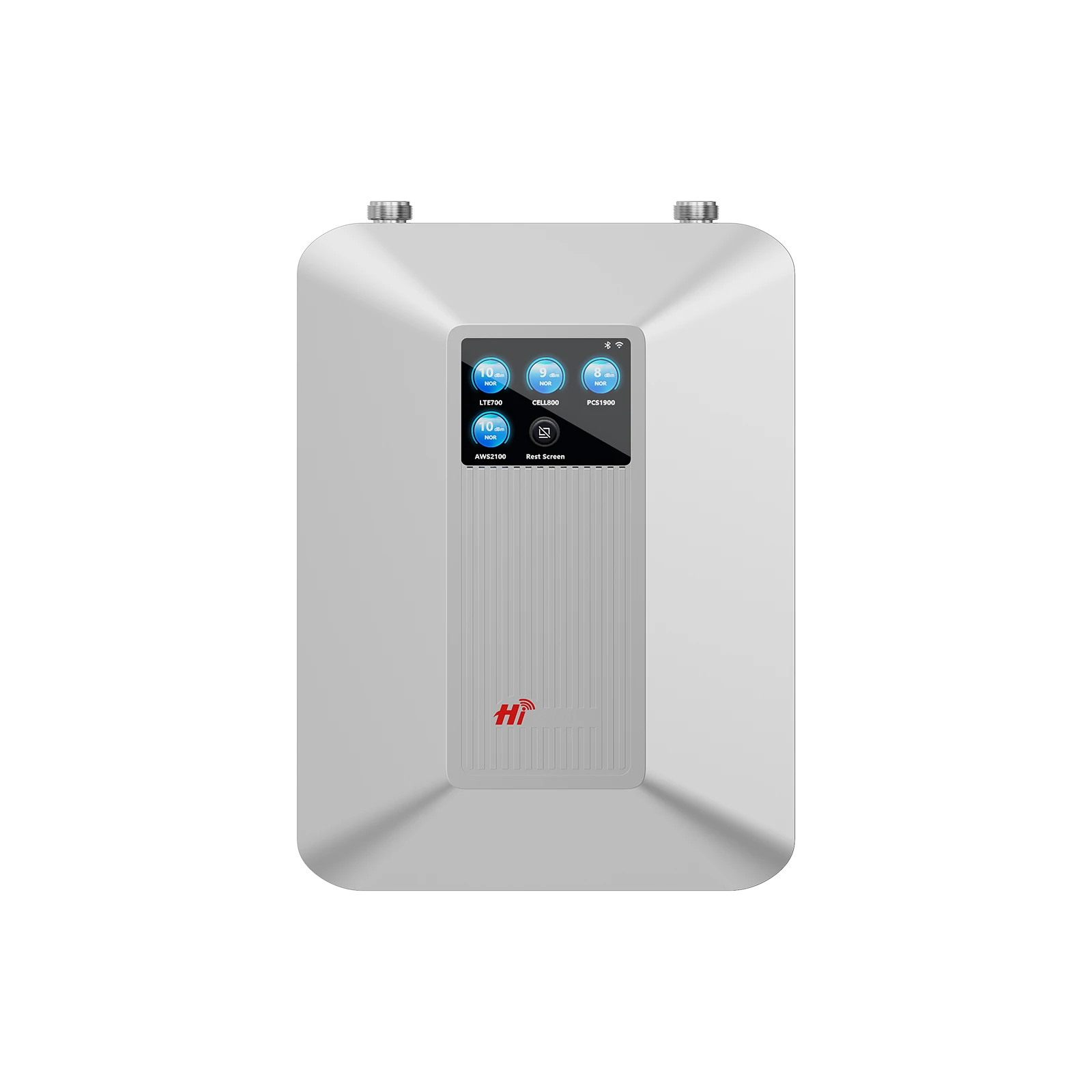
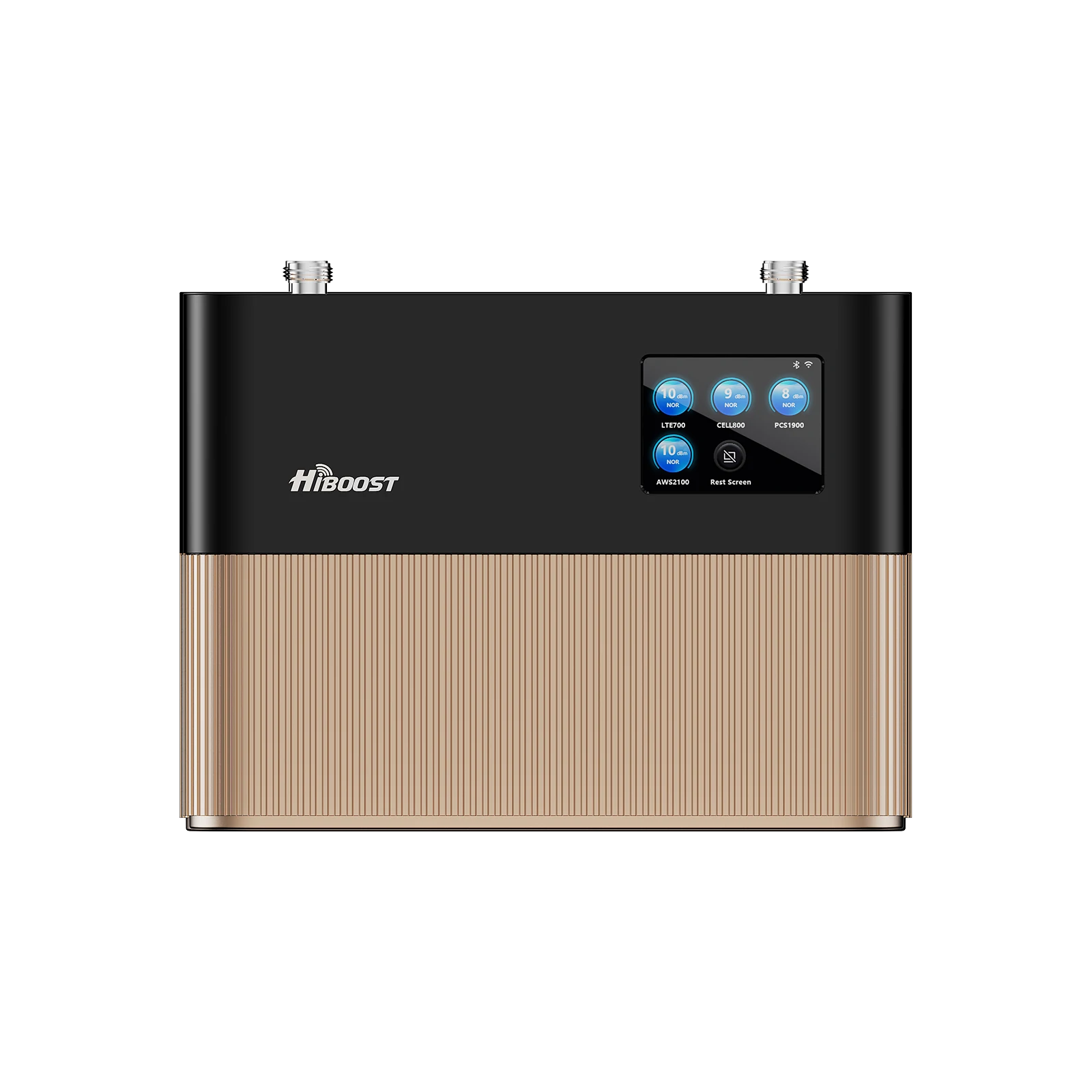
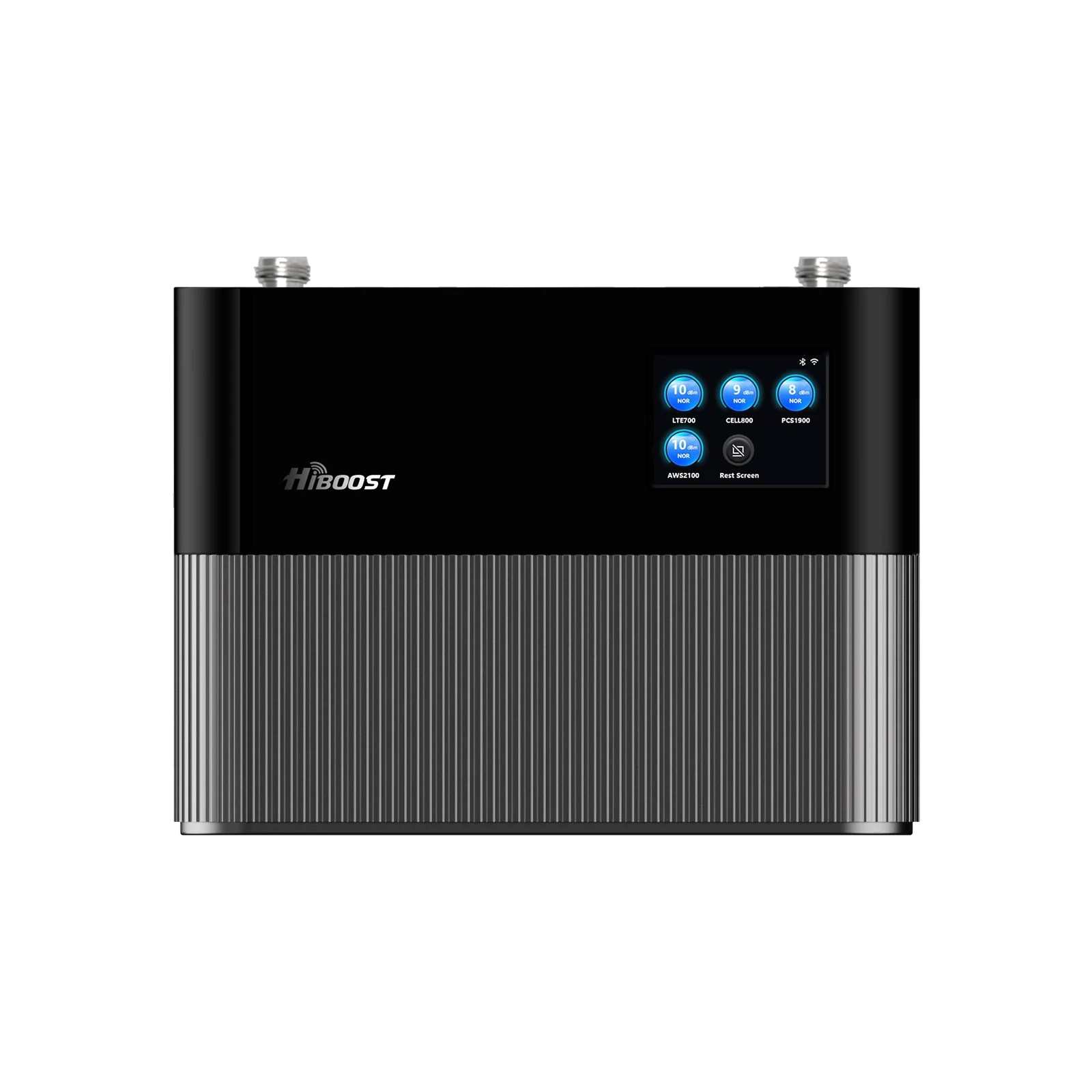
Dropped calls in the kitchen. One bar in the bedroom. Messages that are sent only when you stand by a window. If that sounds like your apartment, you’re not imagining things indoor cellular reception is often worse than outdoor reception because the signal has to fight its way through dense building materials, nearby high-rises, and crowded networks.
This 2026 guide focuses on the most practical, apartment-friendly fixes while keeping the solution centered on HiBoost products. You’ll learn:
- What actually causes weak indoor signals in apartments.
- How to measure your signal correctly
- Which HiBoost booster works best for studios, 1–2 bedrooms, and larger apartments and what features matter most.
1. Why Your Phone Signal is Weak Inside Your Apartment

Apartments combine three tough realities: (1) your building weakens the signal, (2) the nearest tower signal may be blocked or reflected by dense urban structures, and (3) many people share limited network resources at the same time.
1.1 Building Materials Block Signals
Cellular signals are radio waves. When they pass through walls and windows, they lose power due to absorption, reflection, and scattering. Studies measuring common building structures show that building elements can introduce meaningful attenuation enough to turn an “okay” outdoor signal into an indoor dead zone.
Newer apartment buildings can be even more challenging because energy efficient windows and modern façades can significantly increase penetration loss especially at higher frequencies.
1.2 Distance and Obstruction from Cell Towers
Even if you live in a city, your phone may not have a clean line-of-sight path to the serving cell. Urban apartment living adds “obstruction layers”: neighboring buildings, elevator cores, stairwells, and the building’s own reinforced structural elements.
The result is weaker reference signal power at your device, reflected in LTE/5G metrics like RSRP.
1.3 Network Congestion
In apartments, many devices are competing for the same nearby network capacity, especially evenings and weekends. Congestion happens when demand exceeds available capacity, which increases delays and lowers effective throughput.
Practically: You might see “good bars” but still get slow data, failed uploads, or choppy voice because quality metrics degrade under load and interference.
1.4 Electronic Interference
Inside buildings, performance isn’t only about “how strong” the signal is, it's also about how clean it is. Cellular receivers can suffer when the noise floor rises or when there’s significant interference in the environment.
Also important: poorly installed amplification systems can create feedback if antennas aren’t isolated, one reason modern consumer boosters are required to detect oscillation and automatically reduce gain or shut down. That’s why installing technique matters.
2. How to Test Your Apartment’s Phone Signal
Before you buy anything, test your signal correctly. “Bars” are not standardized; the most reliable approach is using numeric signal metrics.
2.1 Create a simple “apartment signal map”
Walk your apartment and record values in these spots:
- Balcony / patio
- Living room
- Bedroom
- Kitchen
- Hallway / bathroom
Take measurements twice: once during a “busy time” (evening) and once at a quieter time (late morning). Congestion can change performance even if raw signal power looks similar.
2.2 iPhone
Apple devices have a built-in Field Test Mode commonly accessed by dialing *3001#12345#* and checking LTE/5G parameters such as RSRP.
2.3 Android
Android devices may show signals in a testing/diagnostics menu or via system status screens, depending on the manufacturer. The key is to capture LTE/5G signal metrics consistently in the same locations.
2.4 Understanding dBm
For LTE, RSRP is typically the best “strength” metric for coverage because it focuses on reference signal power rather than total received power.
A useful rule: the more negative the value, the weaker the signal. LTE RSRP values for usable coverage often fall roughly between about -75 dBm and -120 dBm, depending on conditions.
If your best outdoor spot is weak, your indoor results will usually be worse because the building is adding additional loss on top of an already weak baseline.
3. Best Ways to Improve Weak Cell Signal in Apartments
This section keeps the focus on what most reliably fixes apartment dead zones and where HiBoost products fit.
3.1 Cell Phone Signal Boosters

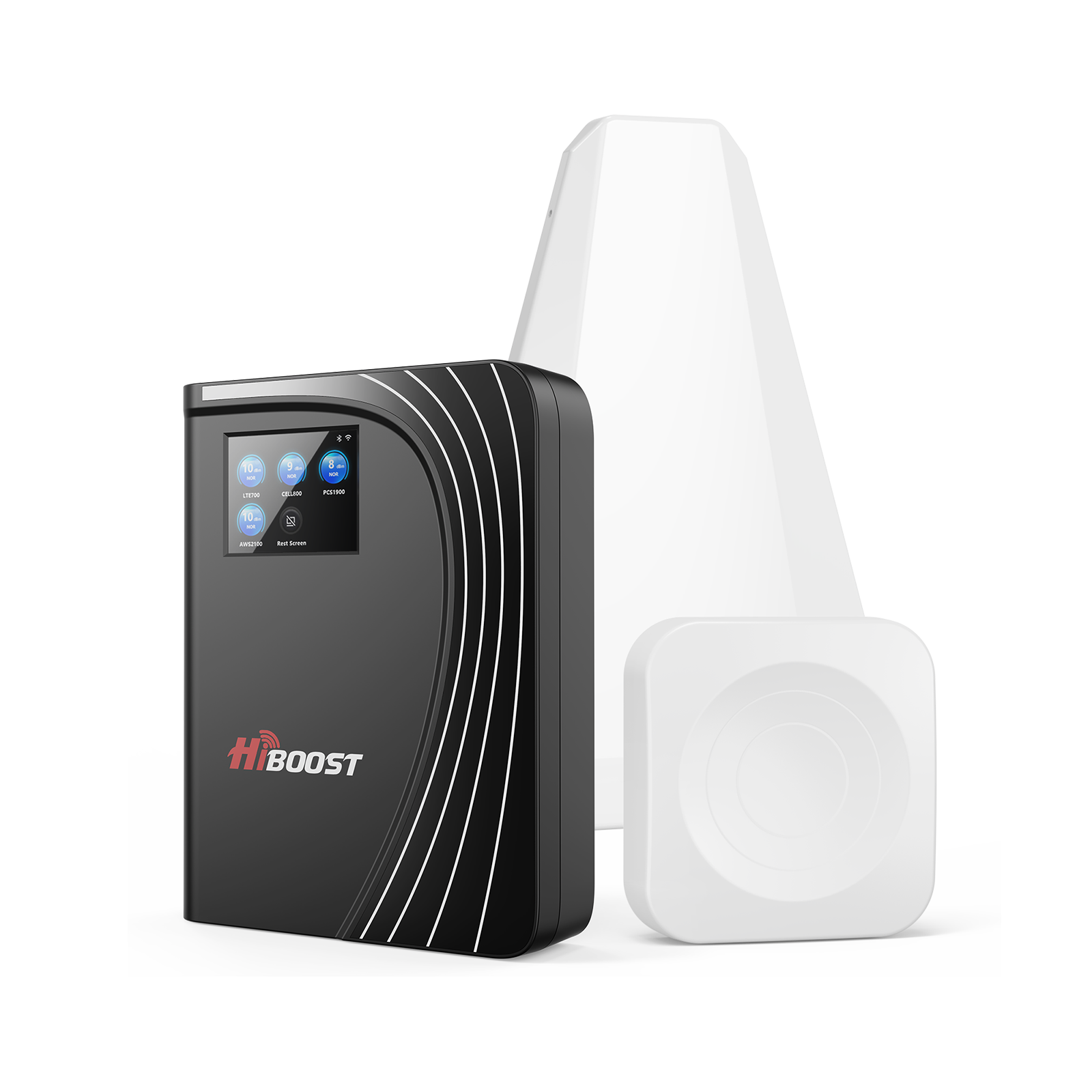
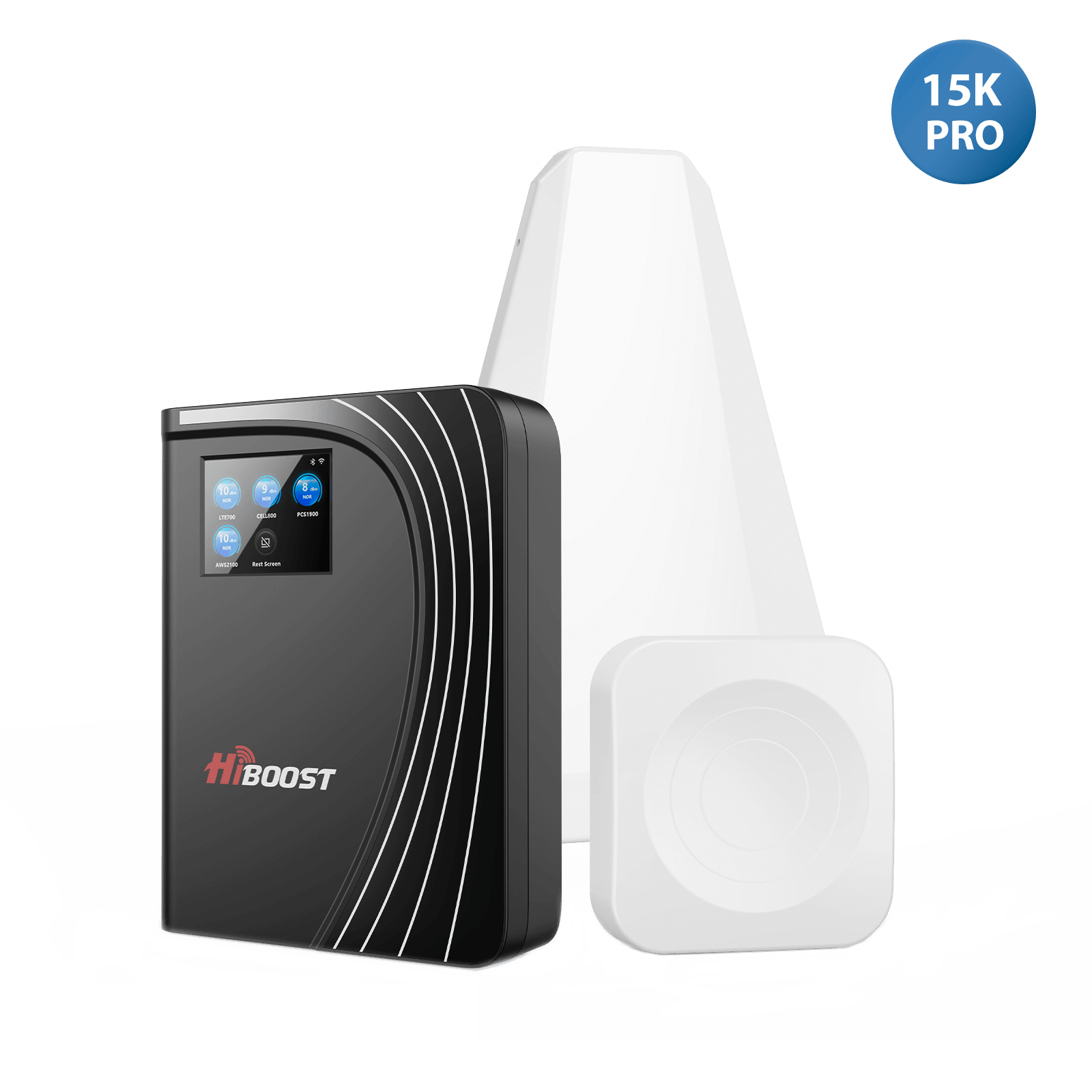
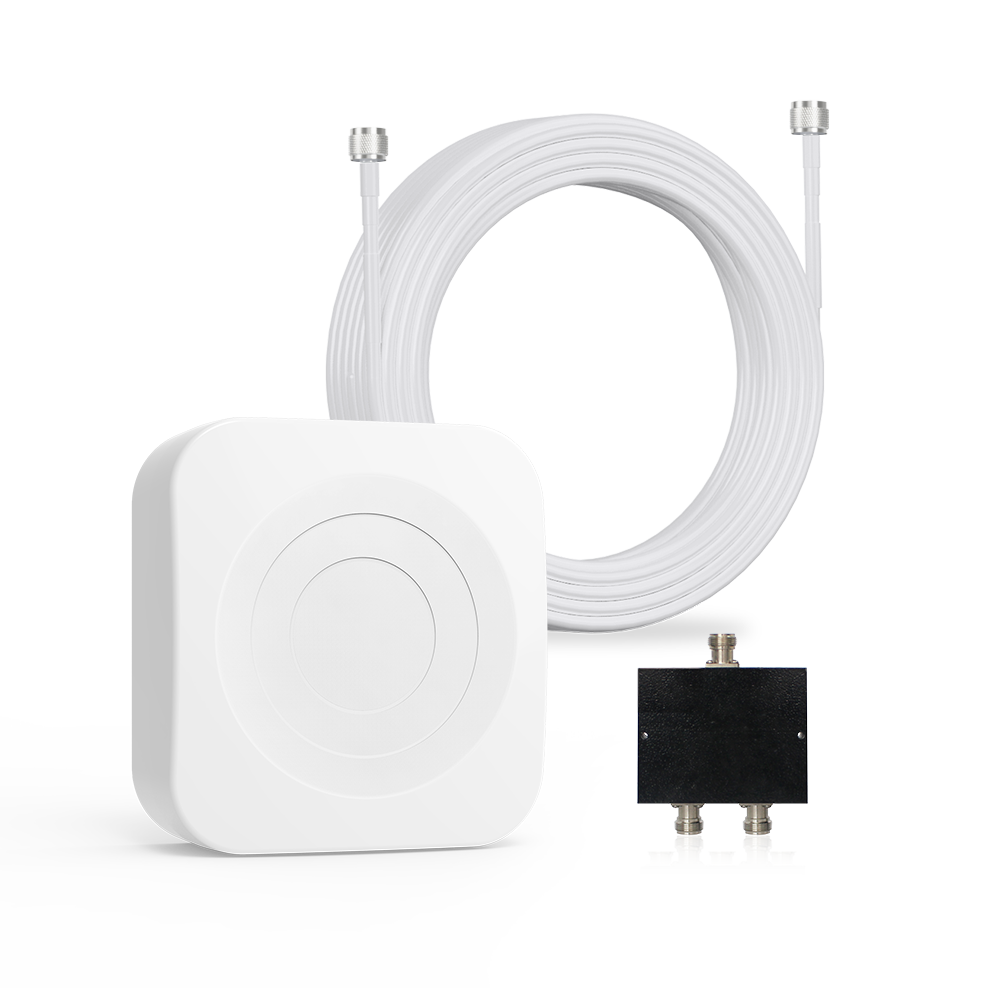
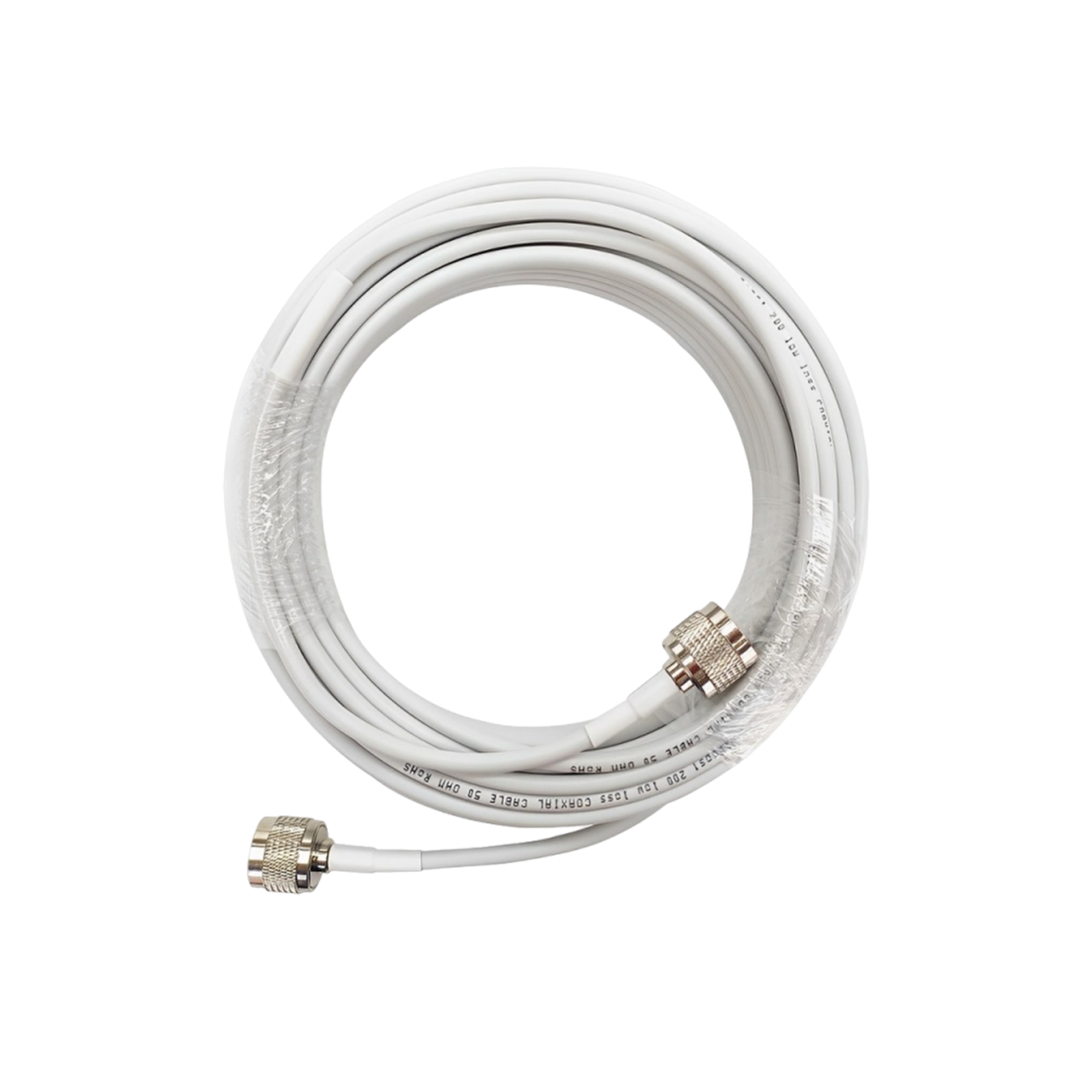
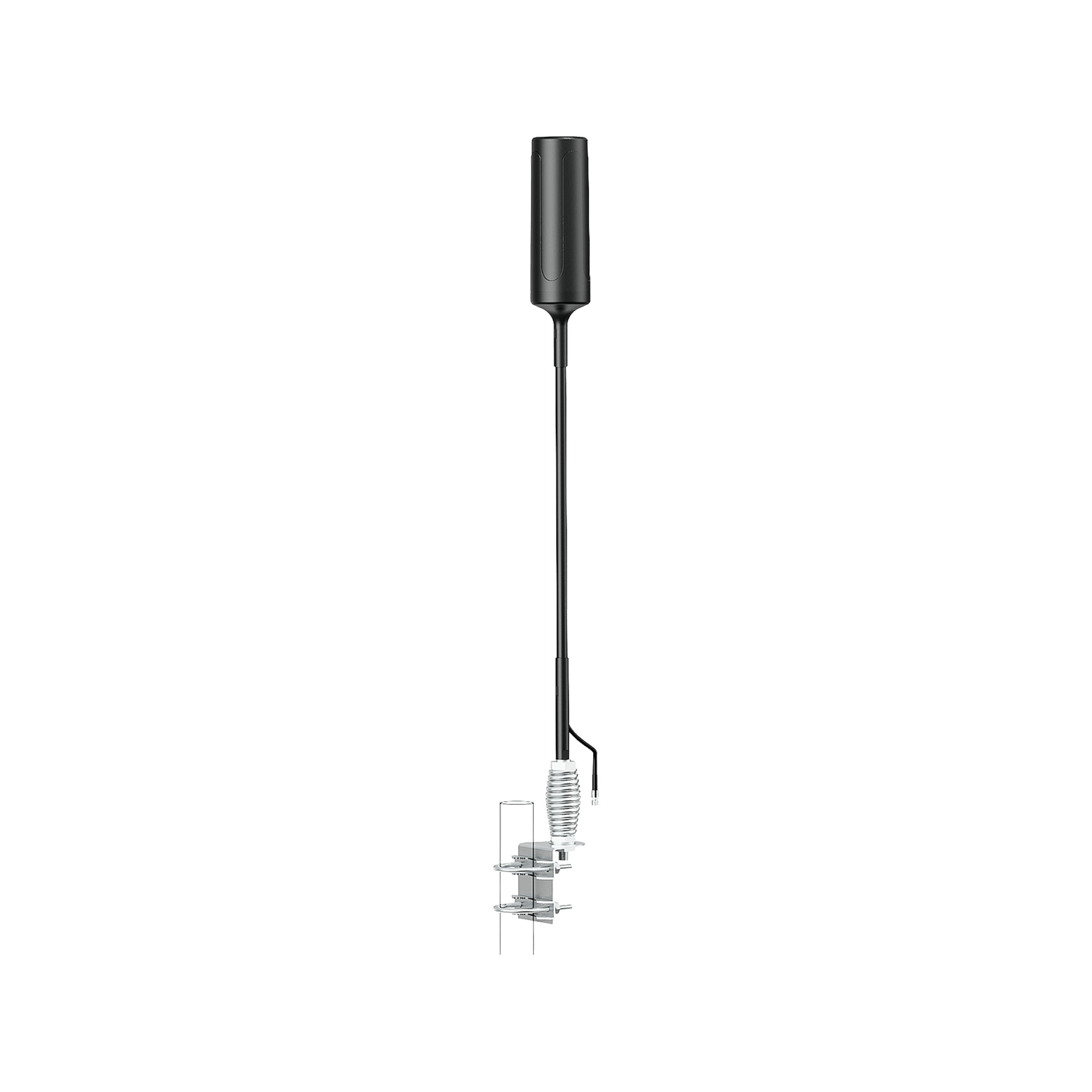
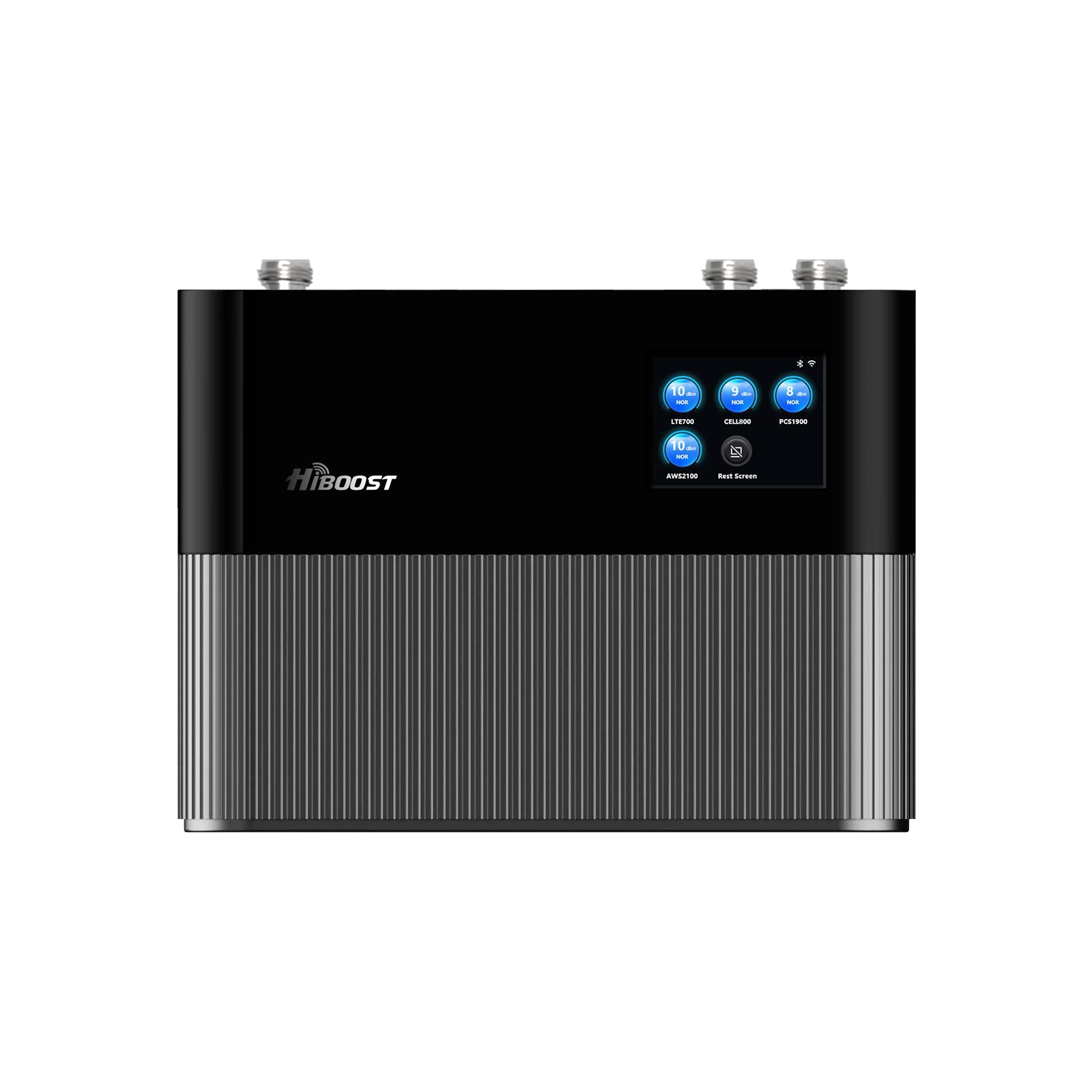
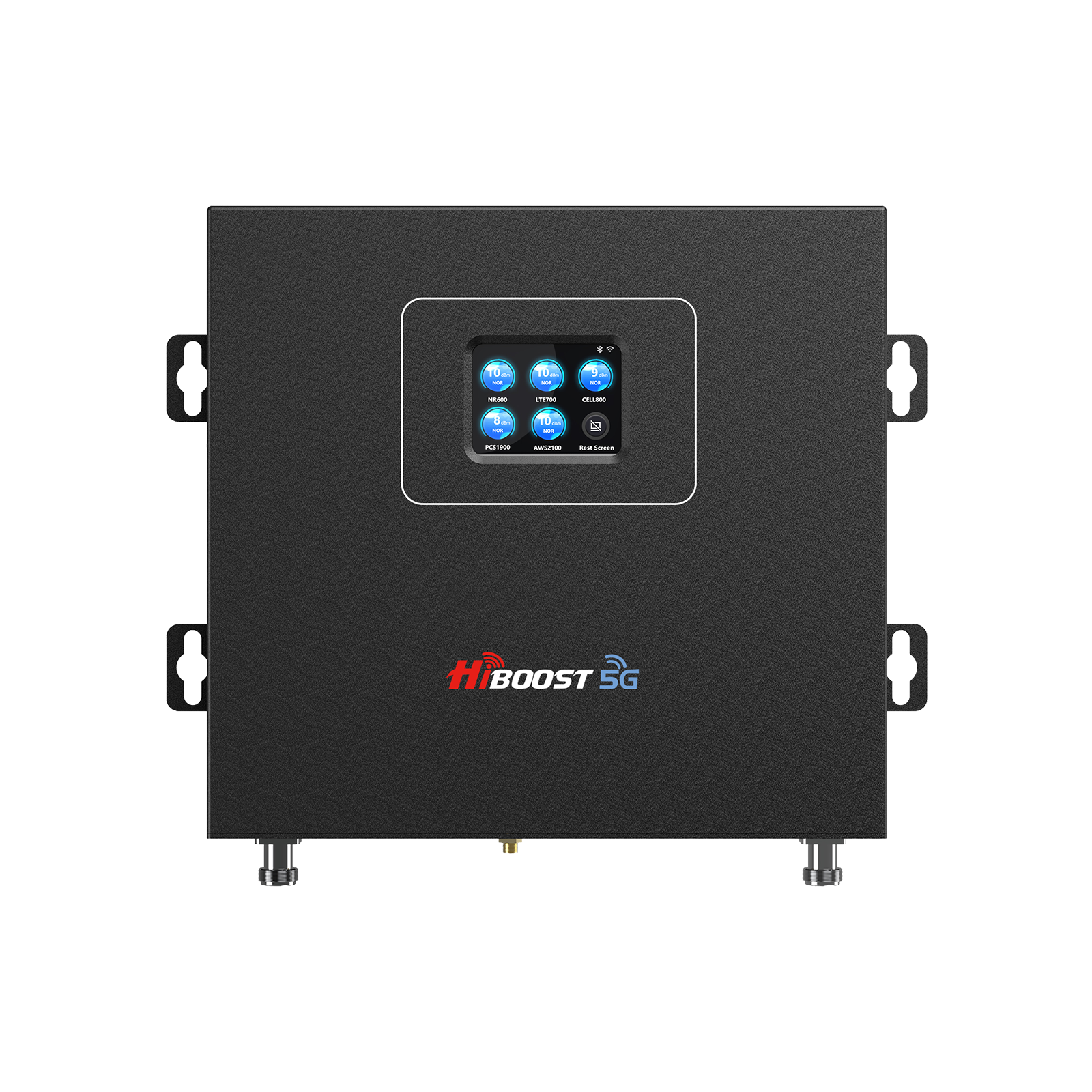
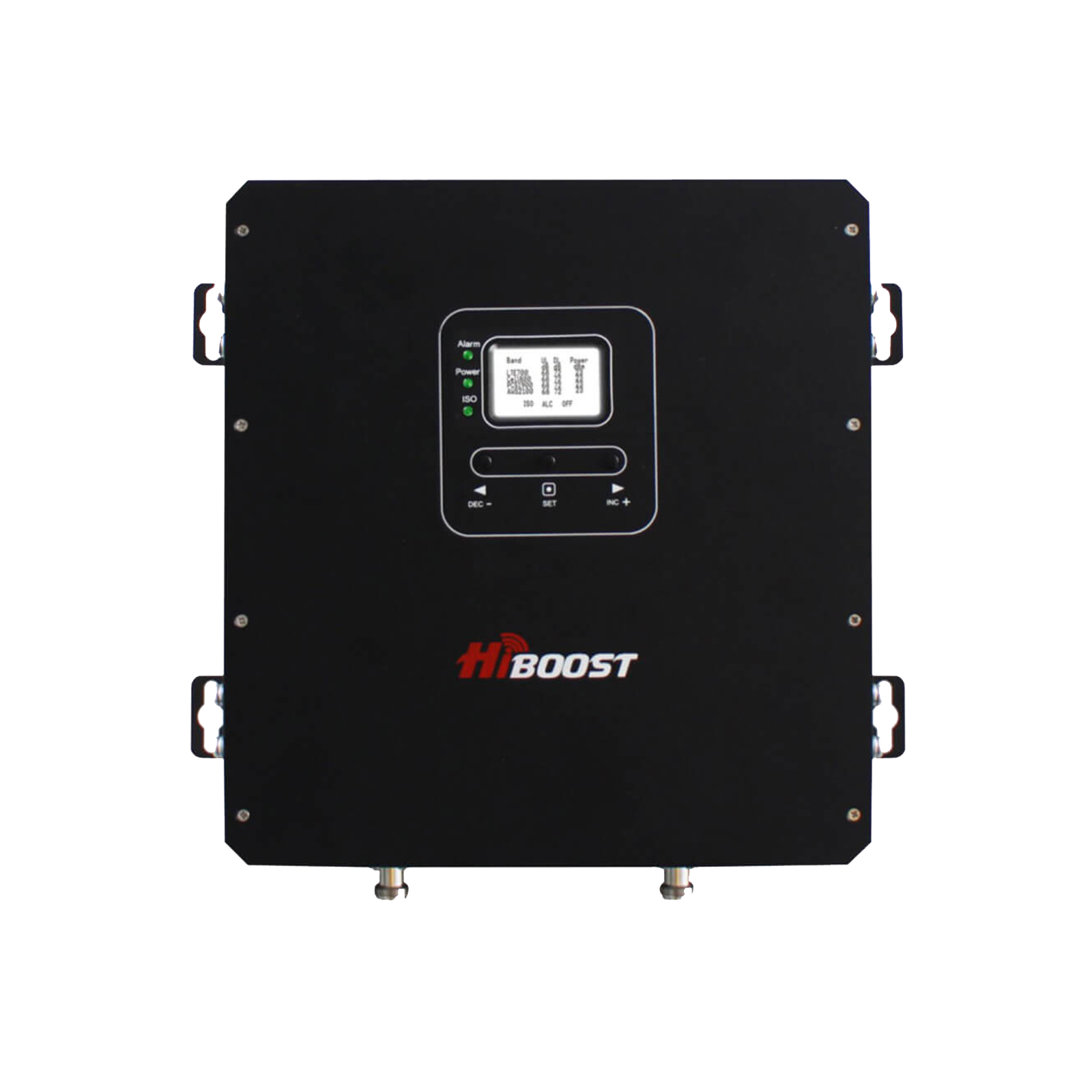
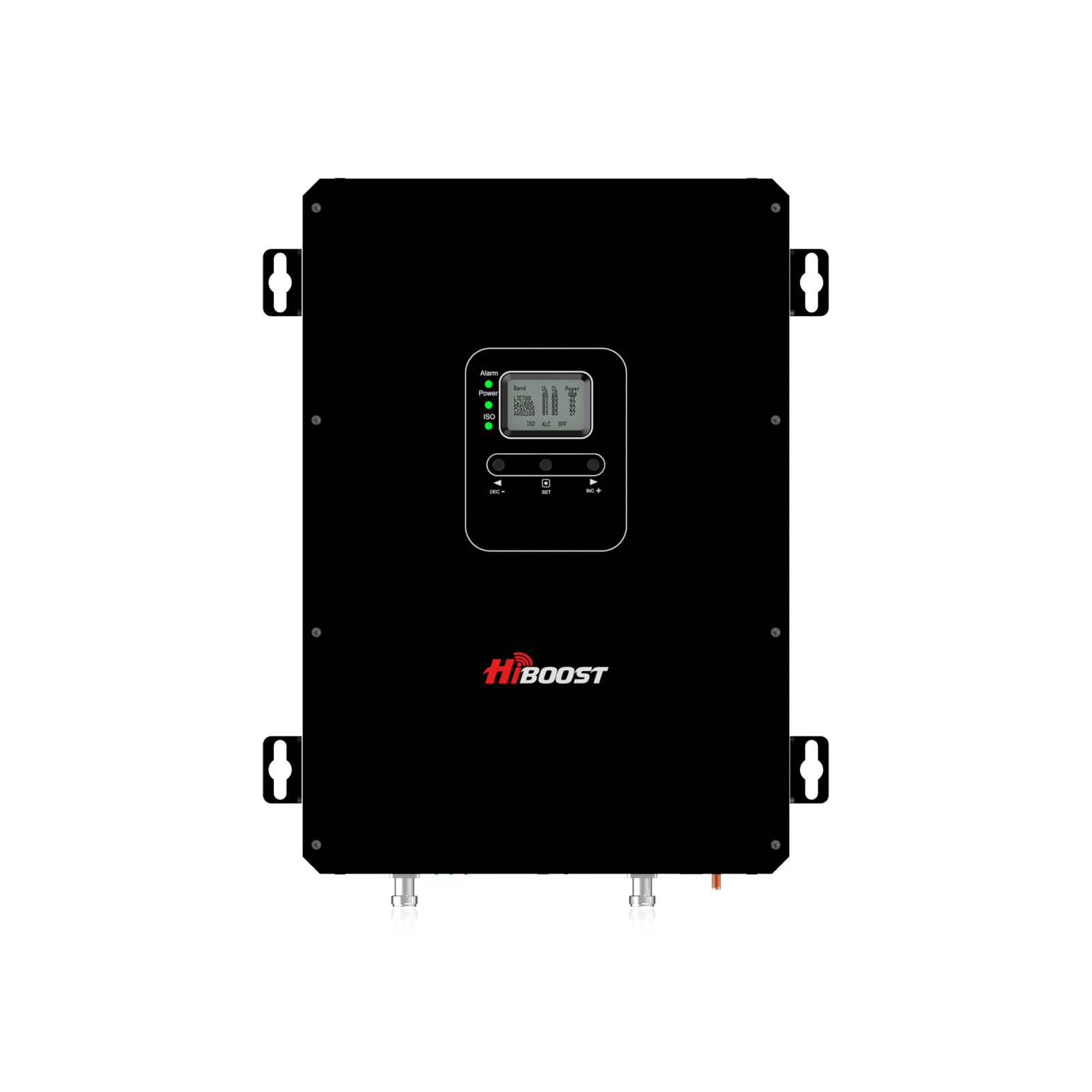
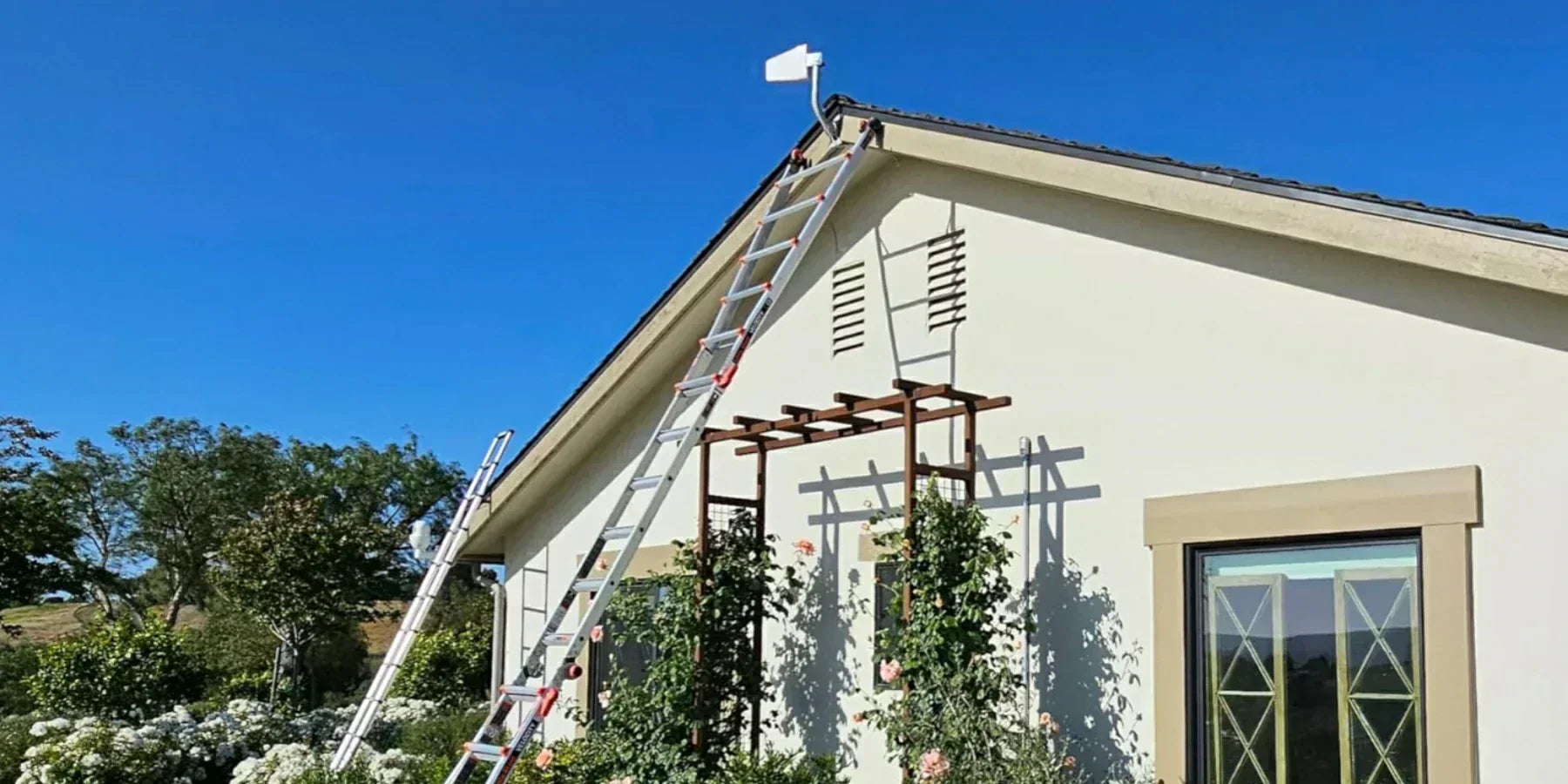
A cellular signal booster improves indoor reception by capturing an existing outdoor signal, amplifying it, and rebroadcasting it indoors using three core parts: an outdoor “donor” antenna, an amplifier, and an indoor antenna.
The key point: Boosters don’t create signals from nothing, they amplify usable signals. Stronger outdoor signal generally produces better indoor results.
Apartment-friendly HiBoost picks
Below are apartment-relevant HiBoost options, with the features that matter most for indoor coverage, renter constraints, and 4G/5G compatibility.
HiBoost Sidekick
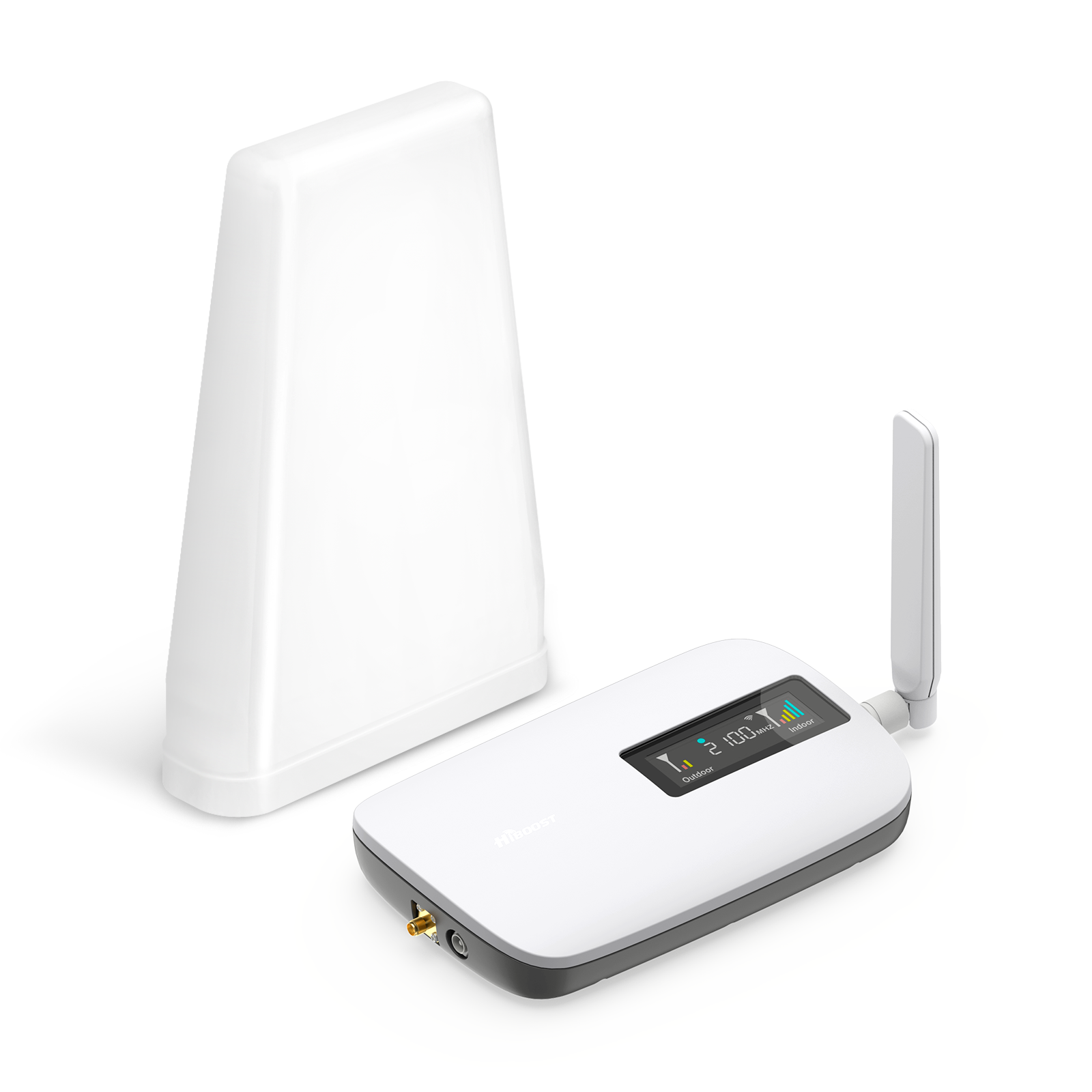
Designed for smaller spaces and explicitly positioned for single-apartment coverage, with kit contents that support non-permanent setups.
Key features:
- Coverage: 500–2,000 sq ft.
- Max gain: 62 dB.
- Works with all major U.S. carriers + 5G compatibility
- Monitoring: LCD + app monitoring for guided setup and optimization.
- Renter advantage: Includes a through window cable and FAQ language stating it can be used in rentals without permanent mounting.
HiBoost Ally
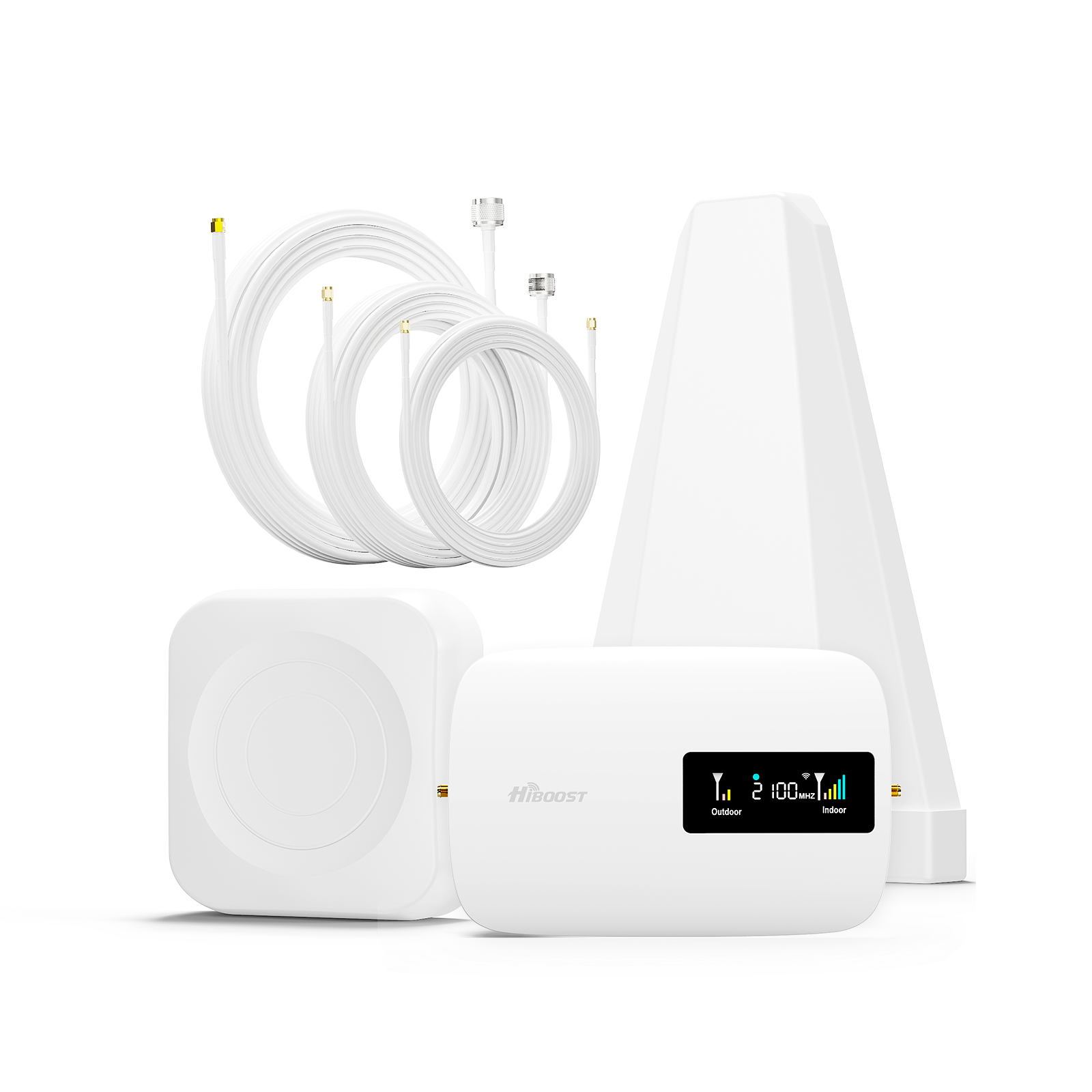
A compact kit aimed at small/medium homes and apartments, with app-based monitoring.
Key features:
- Coverage: Up to 2,500 sq ft.
- Max gain: Up to 62 dB.
- Works with all U.S. carriers, multi-user support, 5G compatible.
- Built with a high-gain outdoor antenna concept + indoor antenna coverage approach.
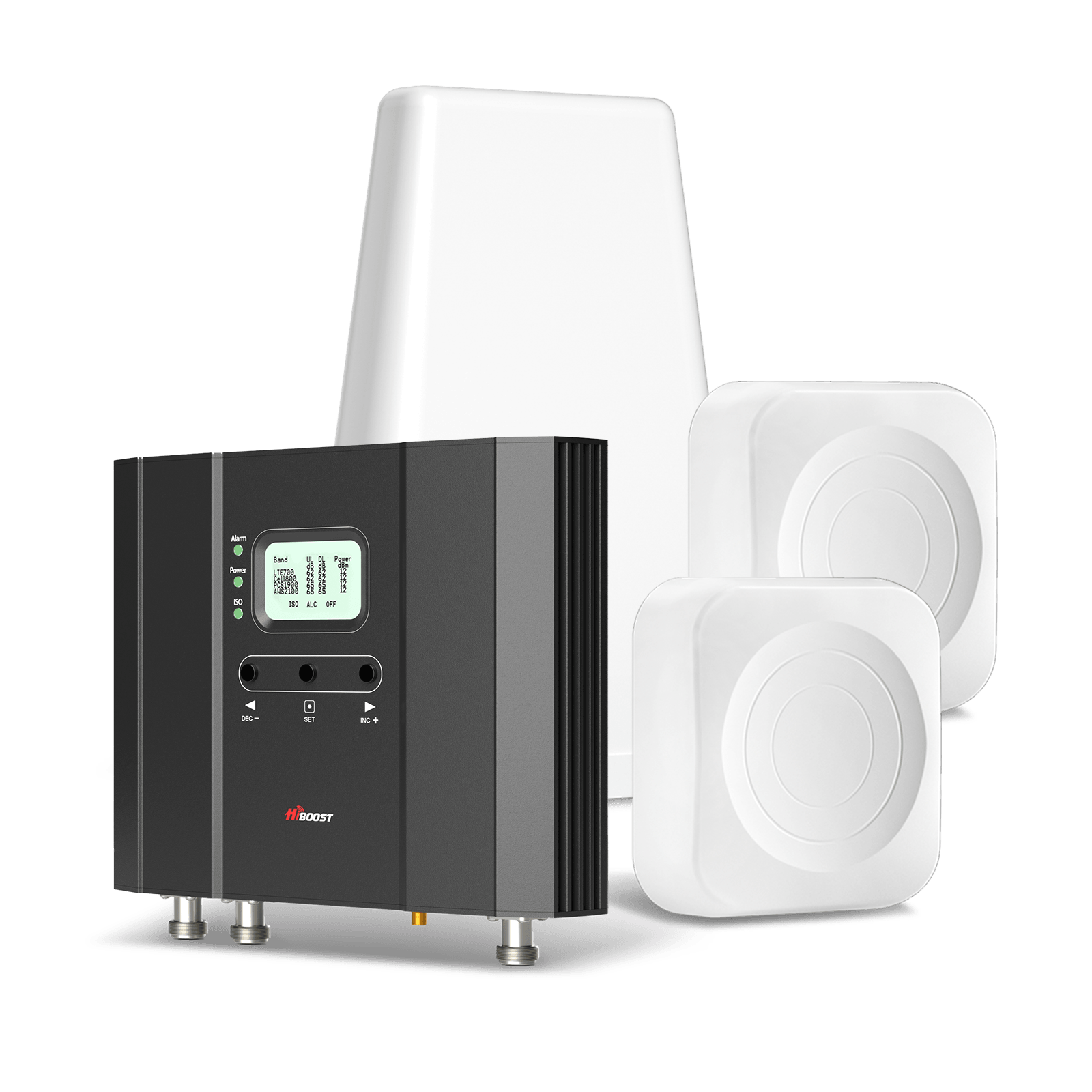
HiBoost Hero
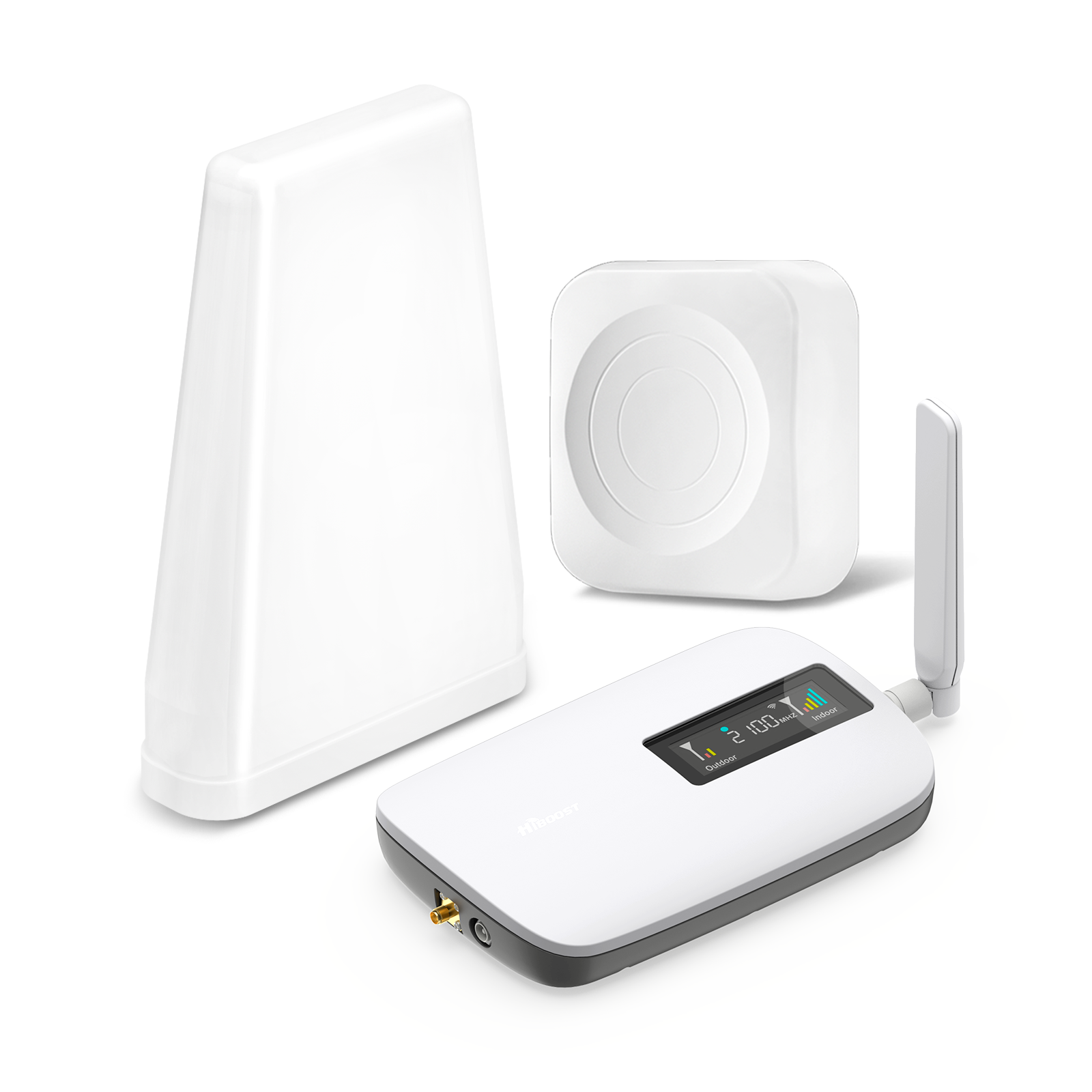
A stronger-gain option includes two indoor antennas, which is useful when one antenna can’t reach through multiple rooms or thick walls.
Key features:
- Coverage: Up to 3,000 sq ft.
- Max gain: 65 dB.
- Two indoor antennas for spreading signals beyond a single point.
- Multi-carrier + 5G compatible + FCC approved.
HiBoost 4K Smart Link
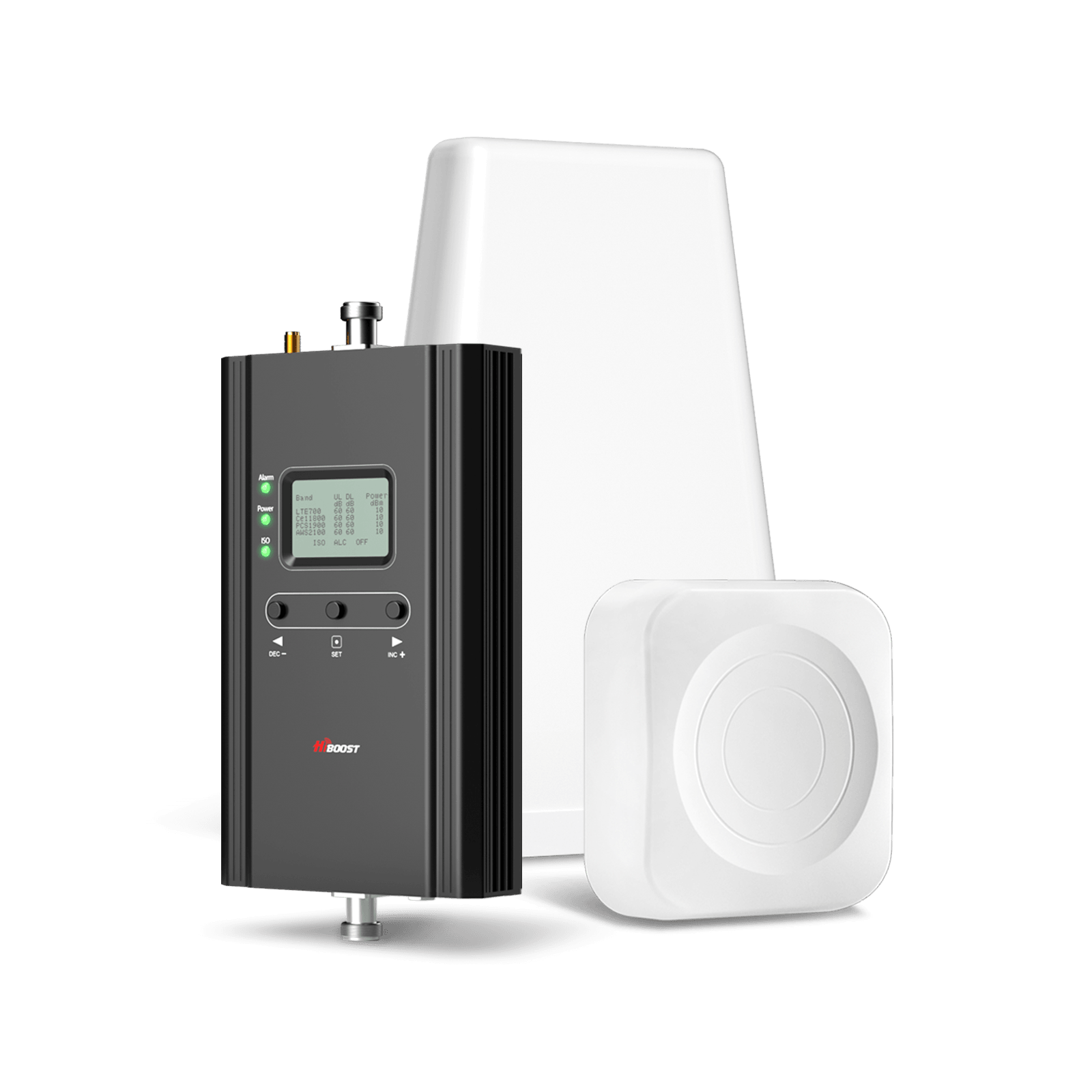
This model emphasizes smart connectivity for monitoring and optimization through the Signal Supervisor app.
Key features:
- Coverage: 1,000–4,000 sq ft.
- Max gain: 60 dB.
- App + LCD support for installation guidance and real-time monitoring/troubleshooting.
- 5G limitations clearly stated: supports low-band 5G like Band 5/12/13 use cases, but not mid-band or mmWave.
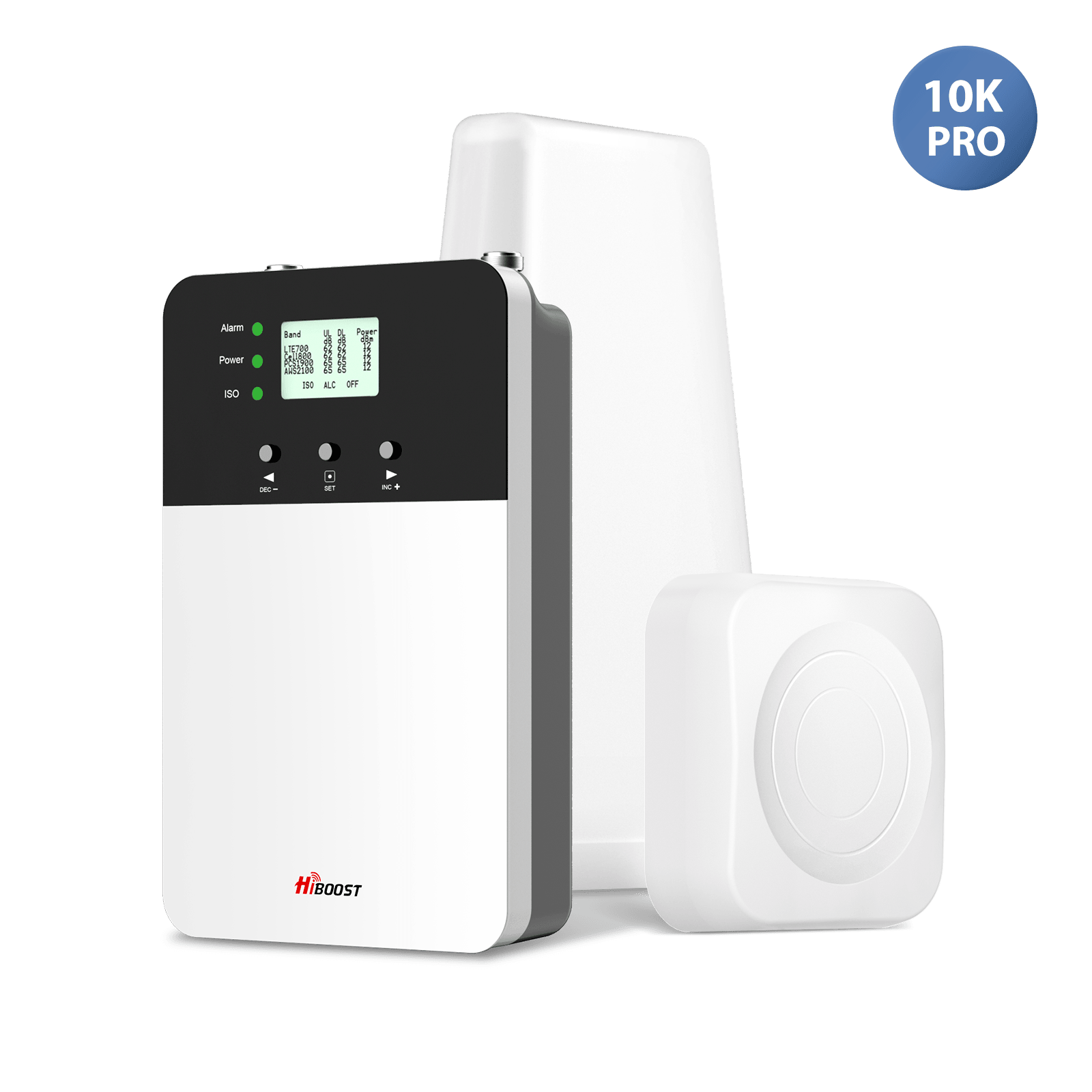
HiBoost 4K Plus pro
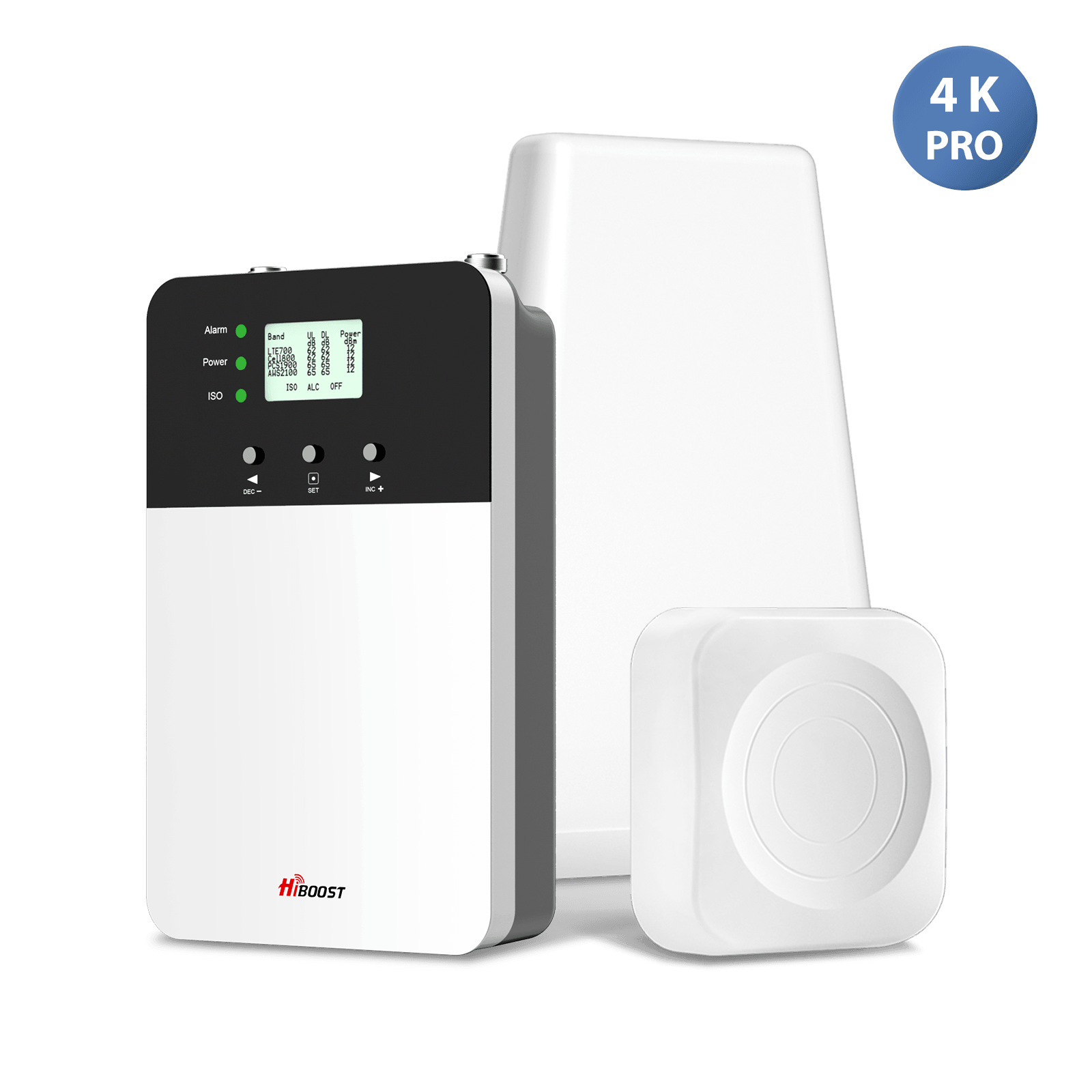
Another strong option in the apartment/condo to small home range.
Key features:
- Coverage:3,000–6,000 sq ft.
- Max gain: 65 dB.
- Designed to amplify 3G/4G LTE and “5G”.
The “right booster” decision shortcut
Use your measured best outdoor RSRP plus your apartment size:
- Studio / 1BR / single trouble room: Start with HiBoost Sidekick.
- 1–2BR / small-to-medium layouts: HiBoost Ally if you want up to ~2,500 sq ft coverage and app monitoring.
- Thick walls / concrete / signal dies as you move one room away: HiBoost Hero
- Multi-room + you want guided aiming/optimization: HiBoost 4K Smart Link
If you want an even faster match: HiBoost offers a “Find Your Perfect Signal Booster” quiz flow on its site.
3.2 Wi‑Fi Calling and Carrier Alternatives
Wi‑Fi Calling routes calls over a Wi‑Fi network when cellular signal is low. On the iPhone, Apple’s support guidance is explicitly to use Wi‑Fi Calling when cellular signal is low and to enable it via Cellular settings.
Carrier requirements often include registering an address for emergency services for example, Verizon notes that Wi‑Fi Calling requires collecting a registered location.
How this fits with HiBoost:
- Wi‑Fi Calling is a good supplement, especially for calls in a dead zone.
- But it depends on your internet stability and router placement so if you want stronger cellular performance for both voice and data throughout the apartment, HiBoost boosters address the cellular layer directly.
3.3 Femtocells / Mini‑Towers
A femtocell is a small, low-power base station designed to improve indoor coverage, typically connecting back to the carrier over your broadband connection.
Where HiBoost still wins for most apartments:
- Femtocells are often carrier-provided / carrier-specific, while HiBoost consumer boosters are designed to work across major carriers.
- Femtocells still rely on your internet connection; a HiBoost booster improves the direct cellular link in your apartment.
3.4 Antenna Placement and Interference Management
In apartments, the difference between it barely helped and it fixed everything often comes down to placement.
Core placement principles:
- Put the donor/outdoor antenna where your phone gets the best signal.
- Keep the outdoor and indoor antennas well separated to avoid feedback oscillation. HiBoost installation guidance provides a concrete separation rule of thumb.
- Modern consumer boosters must detect oscillation and automatically mitigate it, which makes correct isolation both a performance and compliance issue.
Apartment-specific best practices:
- If you can’t drill, prioritize kits that support non-permanent installs.
- Use app-based monitoring to fine-tune aiming and confirm improvements without guessing.
4. Customer Case Studies: Real-Life Solutions
These case studies are written in an “apartment reality” style: high-rises, strict rental rules, and hard-to-reach outdoor mounting spots. Where applicable, they’re grounded in HiBoost’s own product documentation/review content that describes renter setups and apartment installs.
Case 1: High‑Rise Apartment in Downtown

Symptoms:
- Calls drop in interior rooms; signal improves near a window.
- Data works sporadically, suggesting both penetration loss and congestion.
HiBoost approach:
- Choose a renter-friendly kit like HiBoost Sidekick for single-apartment coverage, using the best window/balcony location as the donor antenna spot.
- Use the monitoring tools to optimize antenna direction and confirm that RSRP improves at the interior “problem spot.”
Why it works:
- You’re effectively “moving the capture point” to the best available signal location and then distributing it indoors bypassing heavy indoor attenuation.
Case 2: Older Concrete Building

Symptoms:
- Signal drops sharply when you step away from windows; interior rooms may show “No Service.”
- Classic concrete + interior-wall loss pattern.
HiBoost approach:
- Step up to HiBoost Hero and leverage the included two indoor antennas to push coverage deeper into the apartment where one antenna might not penetrate.
- Follow isolation guidance carefully to avoid oscillation.
Why it works:
- Concrete and dense structures reduce signal power; higher gain plus better indoor antenna placement helps reclaim usable RSRP in the rooms where you actually live and work.
Case 3: Small Urban Studio

Symptoms:
- You have an “okay” signal near your window, but Wi‑Fi Calling still isn’t consistently reliable due to Wi‑Fi variability.
- You need a simple, non-permanent fix.
HiBoost approach:
- Use HiBoost Sidekick or HiBoost Ally and place the donor antenna at the best window location; keep the indoor antenna close to your desk/bed area.
- If you’re renting, Sidekick’s inclusion of a through-window cable and renter-friendly positioning reduces setup friction.
Why it works:
- In a studio, targeted amplification often creates a “strong zone” for the entire living space without requiring permanent mounting.
5. Expert Tips to Maximize Indoor Reception
These tips are designed to help you get the most out of a HiBoost booster in a real apartment..
Tip: Optimize with RSRP, not bars
RSRP is generally a better LTE signal power metric than RSSI for practical comparison because RSSI varies with bandwidth and activity, while RSRP targets reference signal strength.
Tip: Hunt for the “best outdoor spot” first
Even moving 3–6 feet can change results dramatically near windows due to reflections and window coatings. Your goal is to find the best RSRP point *before* you mount any antenna.
Tip: Respect antenna isolation (performance depends on it)
Consumer boosters are required to detect and mitigate oscillation (gain reduction/shutdown). If you ignore separation, you can accidentally force the system to “protect itself” and lose the coverage you expected.
Tip: Use smart monitoring when you can
HiBoost models that support app monitoring and guided installation help you validate gains in real time so you can aim, re-check RSRP, and lock in performance.
6. Future‑Proof Advice
Apartment signal challenges aren’t going away especially as networks evolve.
- 5G mmWave: Higher frequency mmWave has high indoor penetration loss through common building materials, making indoor coverage harder.
- Practical implication: prioritize boosters that support the cellular “coverage bands” you actually receive. HiBoost’s own Smart Link product descriptions clearly state low-band support and explicitly call out that mmWave/mid-band aren’t supported on that model.
- Smart home integration: Many apartment users combine stable cellular coverage with strong in-home Wi‑Fi (including mesh). A HiBoost booster strengthens cellular service, while Wi‑Fi Calling (when enabled) can act as a fallback path for calls.
- Regulatory compliance: Choose FCC-certified consumer boosters and follow registration requirements. The FCC provides consumer guidance and registration expectations, and federal rules include anti-oscillation and self-monitoring behaviors for consumer boosters.
Step-by-Step Installation Checklist, FAQs, and Next Steps
7. Step‑by‑Step Installation Checklist
This checklist follows the same logic HiBoost installation guidance emphasizes: best-signal donor location, correct indoor antenna placement, and adequate isolation to prevent oscillation.
Step-by-step:
- Step 1: Test outdoor/best-window signal using RSRP (dBm) and pick the best spot.
- Step 2: Choose a HiBoost model based on your apartment size and wall density: Sidekick, Ally, Hero, 4K Smart Link.
- Step 3: Mount/place the donor antenna at the best signal spot; if renting, prioritize non-invasive options.
- Step 4: Place the indoor antenna where you need the signal most, ideally central to the target area.
- Step 5: Ensure isolation between antennas use vertical/horizontal separation guidance to reduce risk of oscillation.
- Step 6: Power on and verify improvement by re-checking RSRP in problem rooms and confirming call/data stability.
- Step 7: Fine-tune with monitoring tools to optimize antenna direction and confirm the best achievable performance.
8. FAQs
Q1: Why is indoor signal weaker than outdoors?
Buildings introduce additional path loss through walls/windows and complex reflections; modern materials like low‑e glass can significantly increase attenuation, particularly at higher frequencies.
Q2: Can boosters work in concrete apartments?
They can, as long as you have a usable signal at the donor antenna location. Concrete increases loss, so choosing an appropriate gain/coverage model and using good indoor antenna placement matters.
Q3: Will switching carriers help?
Sometimes coverage and congestion vary by carrier and location. But if your main problem is building penetration loss, a booster directly addresses that indoor-loss mechanism.
Q4: Is Wi‑Fi calling enough?
Wi‑Fi Calling helps when cellular is low, but it depends on Wi‑Fi quality and may require a registered address for emergency calling. Many apartment users run it as a supplement, not a full replacement for strong indoor cellular.
Q5: How much improvement can a HiBoost booster give?
Real-world improvement varies based on outdoor signal strength, building materials, and installation quality. HiBoost product pages and customer reviews commonly describe moving from unreliable indoor service to stable connectivity when the donor antenna is placed correctly, and app/LCD monitoring helps optimize results.
A weak cell signal in your apartment doesn’t have to be something you put up with. By understanding the causes and choosing the right solution, you can dramatically improve your indoor reception and stay connected without frustration.
While alternatives like Wi-Fi calling and carrier changes can help, nothing matches the consistent performance of a dedicated signal booster. HiBoost offers powerful, easy-to-install solutions designed for apartments of all sizes, ensuring stronger calls, faster data, and reliable coverage. Take action today, choose the right HiBoost system, and turn weak signals into seamless connectivity throughout your entire living space.
Recommended Reading
How to Improve Cell Signal in a High-Rise Apartment
Why Is My Phone Signal So Bad Indoors? (Causes & Fixes)
Cell Phone Signal Booster Ultimate Guide (2026 Update)
How to Boost 4G & 5G Signal Inside Your Home
How to Test Your Indoor Cell Signal Strength (dBm Guide)
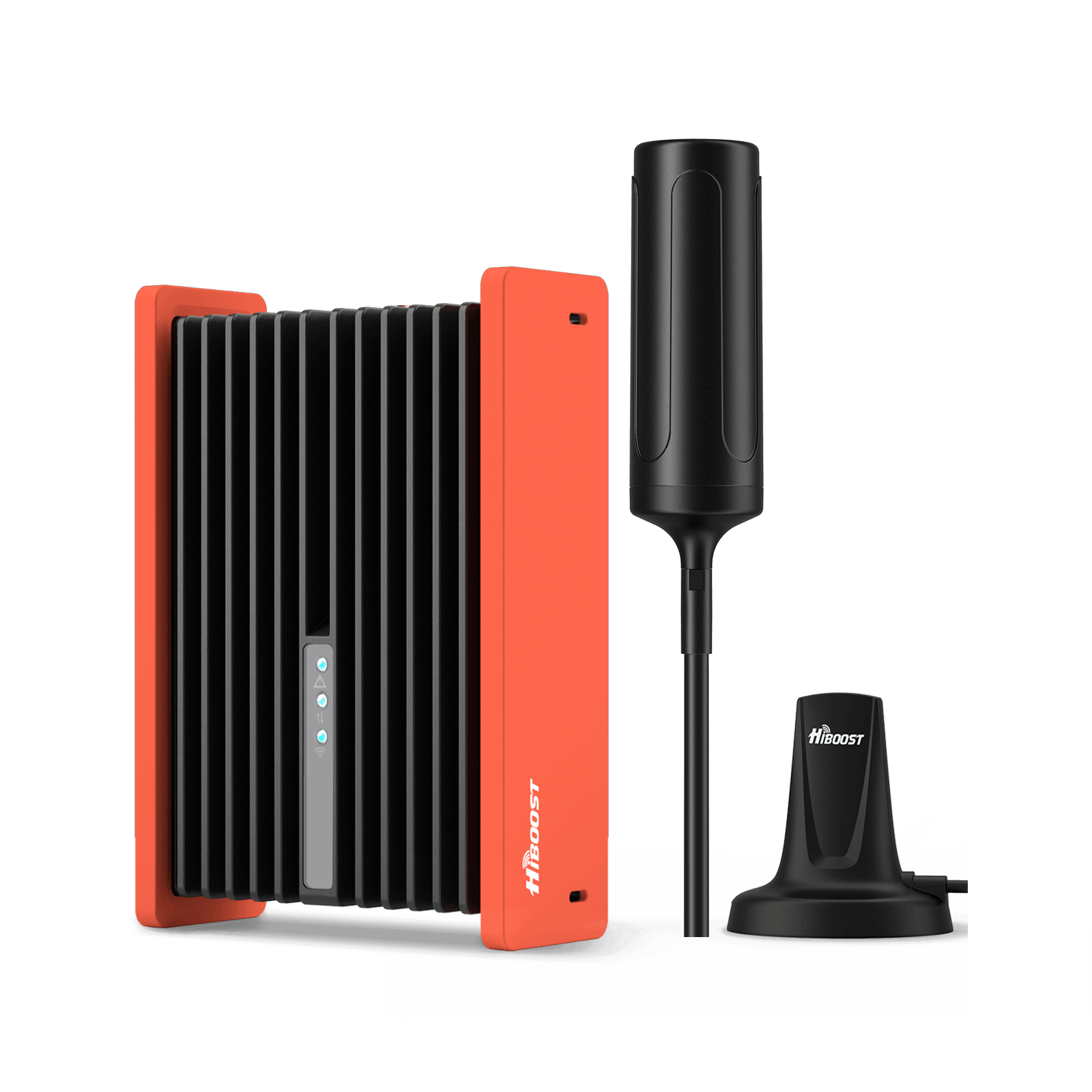
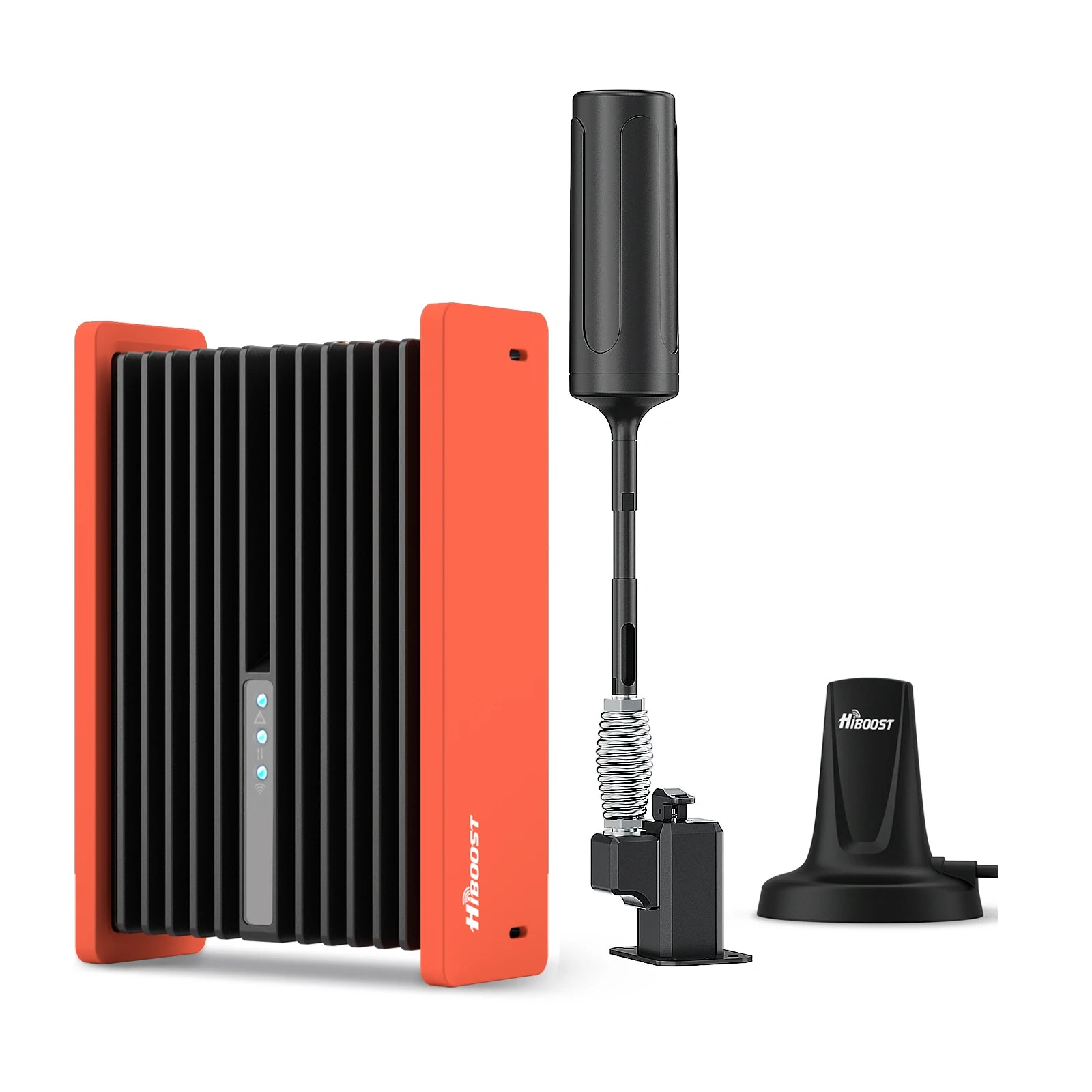
Car/Suv,RV,Truck,Vehicle


Our Home Signal Booster



Popular Articles


Leave a comment
All comments are moderated before being published.
This site is protected by hCaptcha and the hCaptcha Privacy Policy and Terms of Service apply.