
Ever wondered why your phone might show full bars or a 5G icon, yet web pages load slowly or calls drop? Those simple bars are just a rough estimate of signal strength; they don’t capture factors like network congestion, interference, or the frequency band you’re on. In practice, even “4G” or “5G” can perform poorly indoors or far from a tower.

Modern buildings can act like Faraday cages, reflecting or absorbing signals. Also, higher-frequency 5G offers blazing speeds but barely penetrates walls. The good news is that weak reception is usually fixable if you diagnose the cause in the right order:
-
Identify the problem. Is the issue that outdoor coverage is poor, or is the signal strong outside but weak indoors?
- Diagnose the signal. Check actual signal metrics and test in different spots or with another phone.
-
Try free fixes. Simple steps like moving closer to a window, toggling airplane mode, or using Wi‑Fi Calling can help.
- Understand limitations. If the outdoor signal is weak or uses high-frequency 5G, boosters can only do so much.
-
Choose the right solution. If you have a usable outdoor signal but poor indoor signal, a cellular booster may be ideal.
- Install correctly. Place the outdoor antenna high and aimed toward the nearest tower, separate it from indoor antennas, and use quality coaxial cable.
- Test the results. Measure before/after in the same locations to verify improvements.
Improving your cell reception is a step-by-step process. In this guide, we’ll dive deep into each stage of the journey from why signals go dead, to troubleshooting on your own, to how signal boosters work and which HiBoost system might fit your needs.
How can I improve my cell phone signal?
First, verify the problem. Step outside or go near a window and test data/calls. If you get a decent signal outdoors but not indoors, consider enhancements. If your connection is flaky everywhere, it might be carrier or coverage related.

Try these quick tips:
-
Reboot or toggle airplane mode. This forces the phone to reconnect to the network.
- Move locations. A few feet, or just by a window, can make a big difference indoors.
- Close background apps. Excess apps can eat bandwidth.
- Wi-Fi Calling. If you have reliable home internet, enabling Wi-Fi Calling lets your phone route calls/texts over Wi-Fi instead of cellular.
-
Test different phones/carriers. If possible, check the signal with another carrier’s SIM card. Weak coverage might be carrier-specific.
-
Check signal readings. Use your phone’s field-test mode or an app to see RSRP, RSSI, SINR values. In general, higher RSRP/SINR is better.
If after all that your signal is still poor indoors but fine outside, a properly installed cell phone signal booster is often the best solution. A booster system takes an existing outdoor signal, amplifies it, and rebroadcasts it indoors. It can vastly improve voice clarity and data speeds in weak-signal environments as long as there is some usable signal outside to amplify.
In one real-world test, a HiBoost RV booster turned a normally 2-bar indoor connection into 4 bars and yielded a 75% faster download and 1500% faster upload speed. The key is to diagnose first, then boost.
Why Is My Cell Signal Weak?
Before buying a booster, it’s important to understand why your cell phone signal is weak and what factors affect reception.
Poor signal can stem from many causes. Often it’s physical distance or obstructions between you and the tower. Every time a radio signal travels, it gets weaker. Rural homes surrounded by trees or hills, or buildings made of dense materials, can see almost no signal from a far-off tower.
Distance and terrain.
Signals degrade over distance and are blocked by hills or mountains. If you’re miles from the nearest base station, your phone’s signal will be very low by the time it gets to you. Sparse rural tower coverage means weaker reception.
Building materials and location.
Modern homes often use concrete, brick, metal framing, and Low-E coated glass all of which block or reflect radio waves. For example, concrete walls can turn your house into a partial Faraday cage.
Energy-efficient low-E windows have a metal oxide coating that reflects signals. Even metal roofs or aluminum siding can cause huge signal loss. The result: your phone may have full bars just outside, but as soon as you step inside the building it drops to one or two bars.
Frequency bands.
Cell carriers use a mix of low-band, mid-band, and high-band 5G frequencies. Lower frequencies travel farther and penetrate walls better. Mid-band balances speed and coverage.
High-band 5G offers multi-gigabit speeds in short range, but it is extremely limited by obstacles. In practical terms, you might see a “5G” icon on your screen outdoors but lose signal inside on mmWave bands because those high frequencies can’t pass through windows or walls. If your carrier relies heavily on mmWave or mid-band 5G in your area, indoor reception can actually be worse than with older LTE.
Network congestion.
Sometimes the network itself is congested. In crowded areas or peak hours, even good signal bars can result in slow speeds because too many users share the same tower spectrum. A low SINR means the channel is “noisy” and speeds suffer. In effect, even a 80 dBm RSRP might feel slow if SINR is poor. High data demand often overwhelms cell sites.
Device and configuration.
Rarely, phone hardware or settings can limit signal. An older phone may not support the newest LTE/5G bands, or a thick phone case could slightly attenuate signal. However, these factors are usually minor compared to the others above.
In summary, weak signals often boil down to obstacles and distance. Understanding which factor applies helps choose the fix. For example, if thick walls or a metal roof are the culprit, a booster is likely needed. If you’re just far from the tower, sometimes simply choosing a different carrier is an option.
How to Improve Cell Signal Without Buying Anything
Before investing in hardware, try these free or low-cost solutions:
- Move to a better spot. Even in the same building, signals can vary greatly. Go to the highest floor, a room with fewer obstructions, or stand by a window. Often the strongest indoor signal is right next to the nearest wall or window facing the cell tower. As the Ubiquiti guide notes, place your phone “near a window or outdoors” for best reception.
- Restart or reset your phone. Simple but effective. Rebooting or toggling airplane mode forces the phone to drop all connections and reconnect, which can grab a stronger neighboring tower or band.
- Try different network modes/bands. Some phones let you lock to 4G LTE only. If your 5G is flakey, you can try switching to 3G as a fallback. Conversely, if you’ve been on 3G, switching to 4G may help.
- Close background apps and updates. Data-heavy apps running in the background can hog bandwidth. Close unused apps and pause large downloads.
- Use Wi-Fi calling. If you have stable Wi-Fi at home or office, enable Wi-Fi Calling in your phone settings. Then voice calls and texts go over the internet rather than the weak cell network. This isn’t boosting the cell signal per se, but it bypasses poor cellular coverage using your broadband.
- Check carrier coverage maps. Sometimes the problem is simply that your location has weak coverage for your carrier. Look up official coverage maps or independent tools. If only one carrier is weak, you might try another carrier that has better service in your area.
- Software updates. Ensure your phone’s OS and carrier settings are up to date. Occasionally carriers push updates that improve connectivity. Update your device firmware as recommended.
-
Temporary fixes (signal apps). On Android, apps like Network Cell Info or OpenSignal can show real-time RSRP/SINR and help you find the best orientation or spot. On iPhone, you may need Field Test Mode to see dBm values. These tools can guide you during troubleshooting and, later, verify any improvements.
These steps often help restore service when problems are minor or transient. For instance, if you simply need to make one important call, stepping outside or closer to a window may be enough. If none of these measures works, then it’s time to consider a hardware solution such as a cell signal booster.
How to Improve Cell Signal Inside Buildings
Indoor reception problems have their own solutions:
Relocate wireless devices.
If you have other wireless gear, make sure your phone isn’t stuck near interfering electronics. Also, keep large metal objects or appliances away from windows or walls where you use your phone.
Use a femtocell or hotspot (carrier solution).
Some carriers offer femtocell devices or low-power cell hotspots for home use. These connect to your internet and provide a mini tower indoors. This is essentially the opposite approach of a booster. The downside is it only serves phones from that carrier and relies on your broadband.
Mesh Wi-Fi with calling.
If voice/text is the main issue, pairing mesh Wi-Fi with Wi-Fi Calling can blanket your home with coverage. Apps like FaceTime or WhatsApp with Wi-Fi calling can substitute cellular in a pinch.
Cellular repeater (booster).

If your problem is simply that outside signal is decent but drops inside, then a cell signal booster is usually the best fix. A booster’s outdoor antenna captures the existing outdoor signal, even if it’s weak, then an amplifier and one or more indoor antennas rebroadcast that signal inside the building. In effect, the booster extends the range of the cell tower to reach every room.
For example, if your phone gets 3–4 bars on the porch but only 1 bar by your desk, installing a booster can make it 3–4 bars everywhere inside. Real users report dramatic differences.
One hobbyist installed a HiBoost Travel 3.0 in his RV and went from 2 bars indoors to 4 bars after booster installation. Another noted that with proper placement (keeping the indoor antenna separate from the outdoor one), his HiBoost system gave him “4 full bars here where I’d normally have 2”.
Keep in mind: A booster only works if there is some usable signal outside. If your house is in a dead zone with zero bars everywhere, a booster can’t create a new signal. But if there’s at least a bar or two outdoors, a good booster system can magnify it indoors.
High-performance boosters have enough gain (up to 68–70 dB) to turn even marginal outdoor signal into reliable indoor coverage. As a booster reviewer notes: “you can’t boost a signal that doesn’t exist” but if you can get any signal outside, a booster can often fix indoor dead zones.
Antenna tweaks.
Sometimes simply adding a directional outdoor antenna can help if your device supports it. This is more common for fixed broadband cellular modems. But for phones, an external antenna usually means using a booster or a special connector.
In short, for building-related issues, properly-installed signal boosters are the most effective solution. They create a strong indoor network by relaying the existing outdoor network signal. In the next section, we’ll explain exactly how boosters work and what to look for.
How Cell Phone Boosters Improve Reception
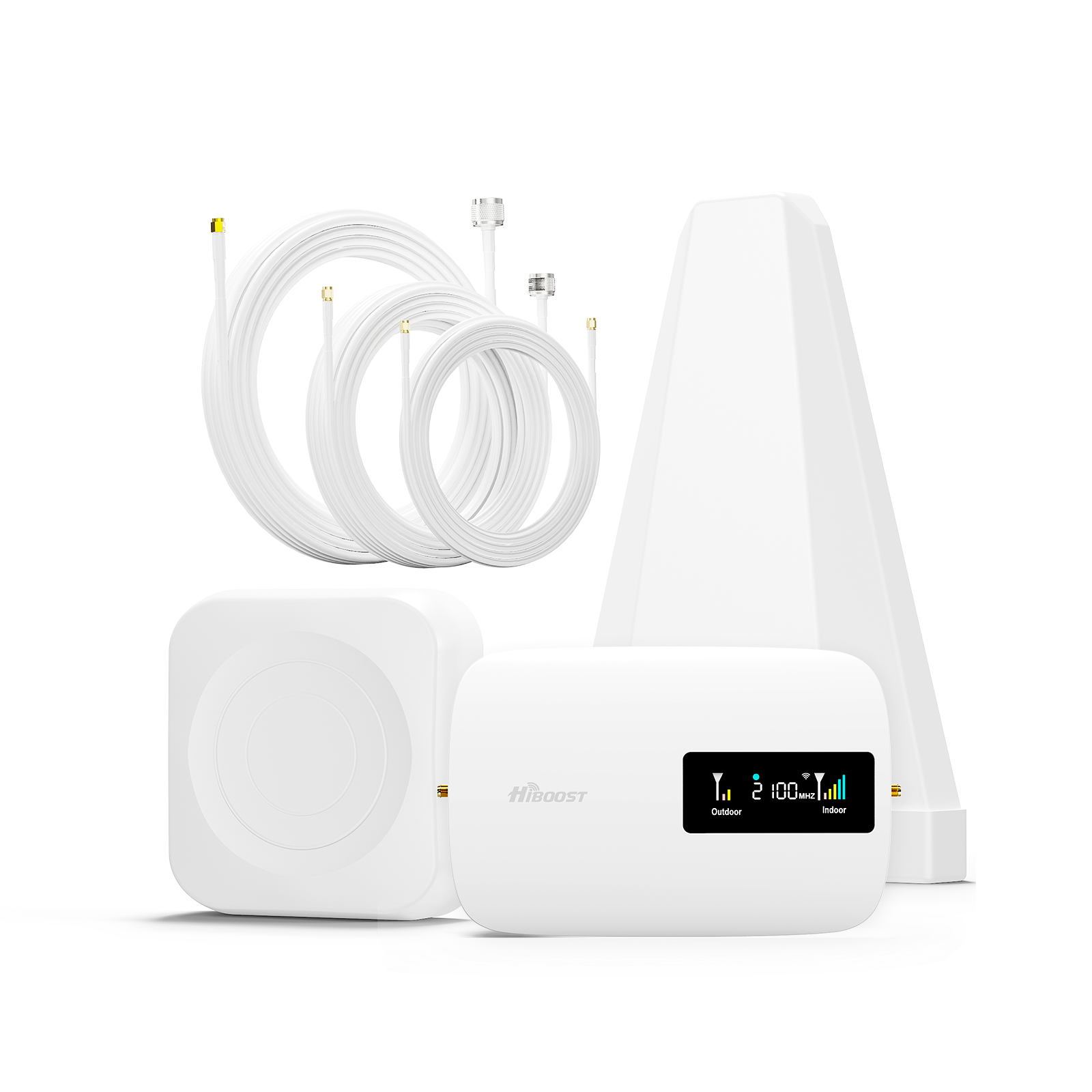
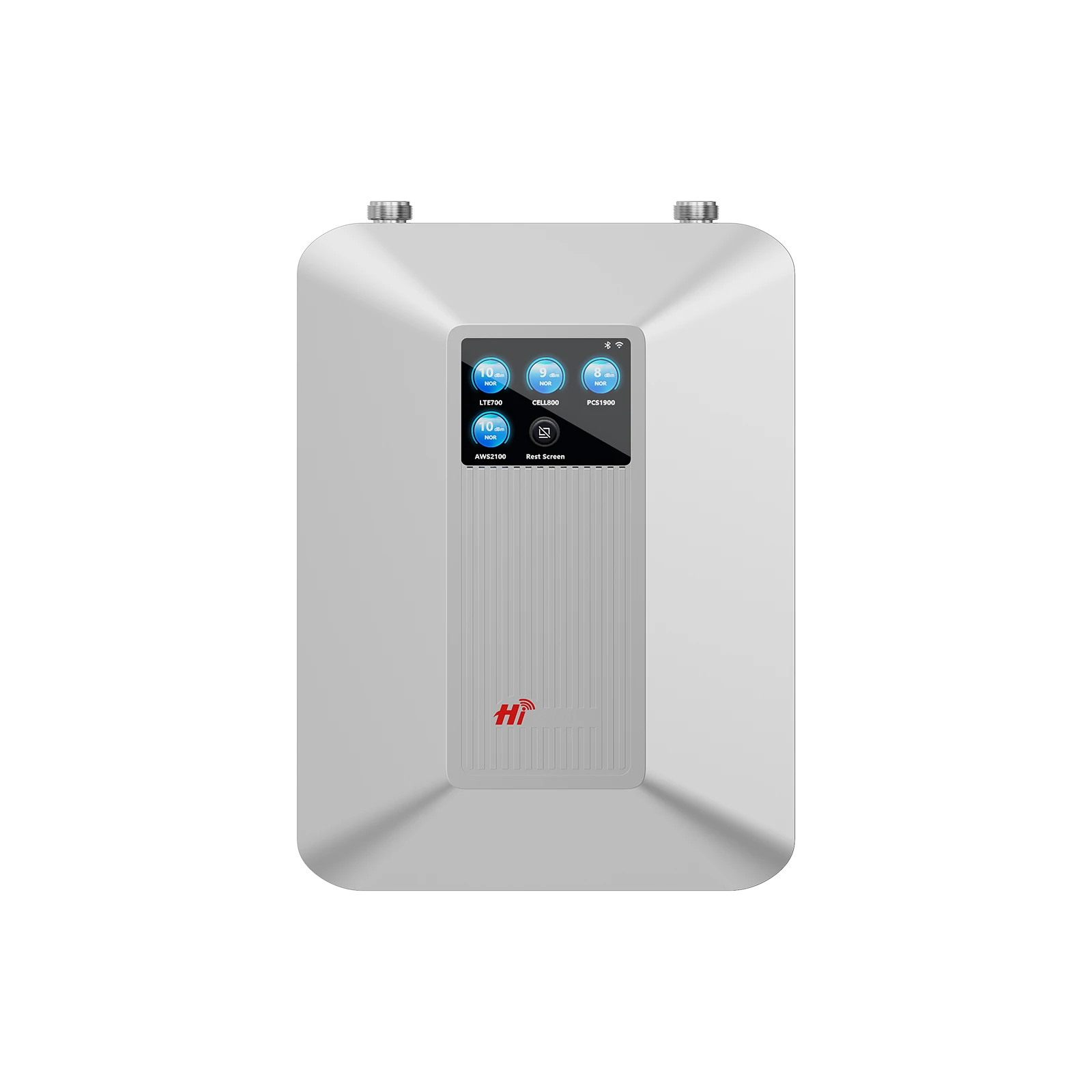
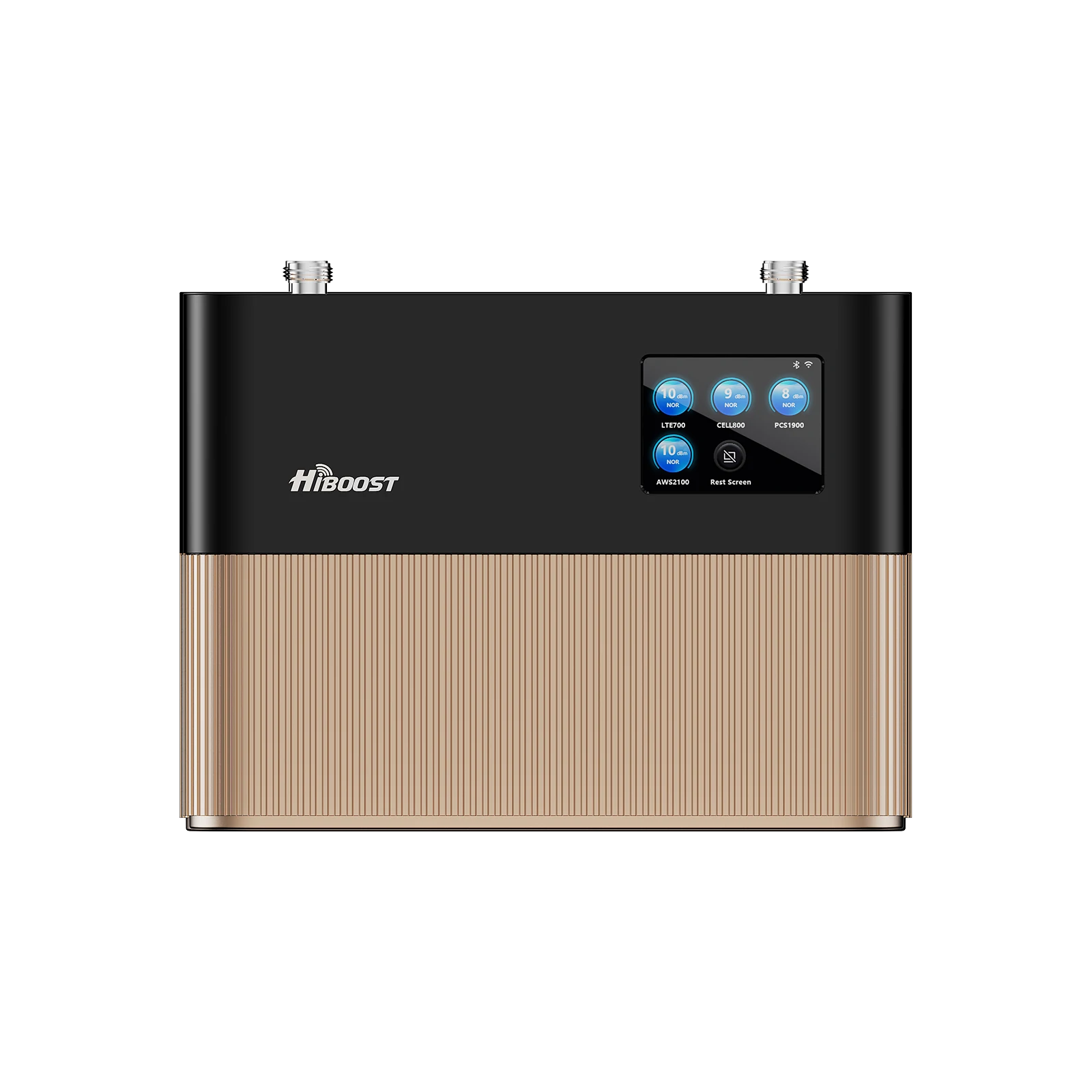
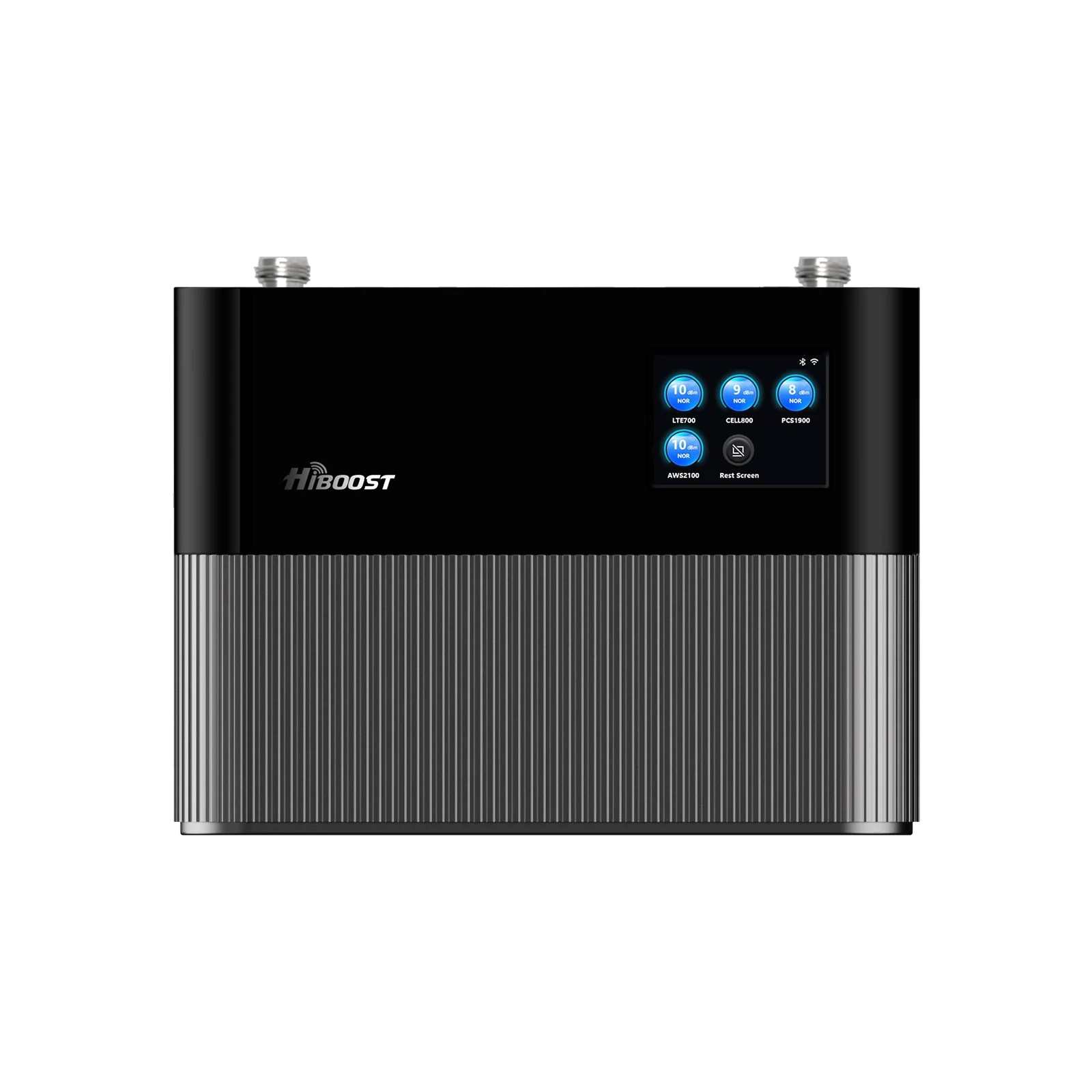
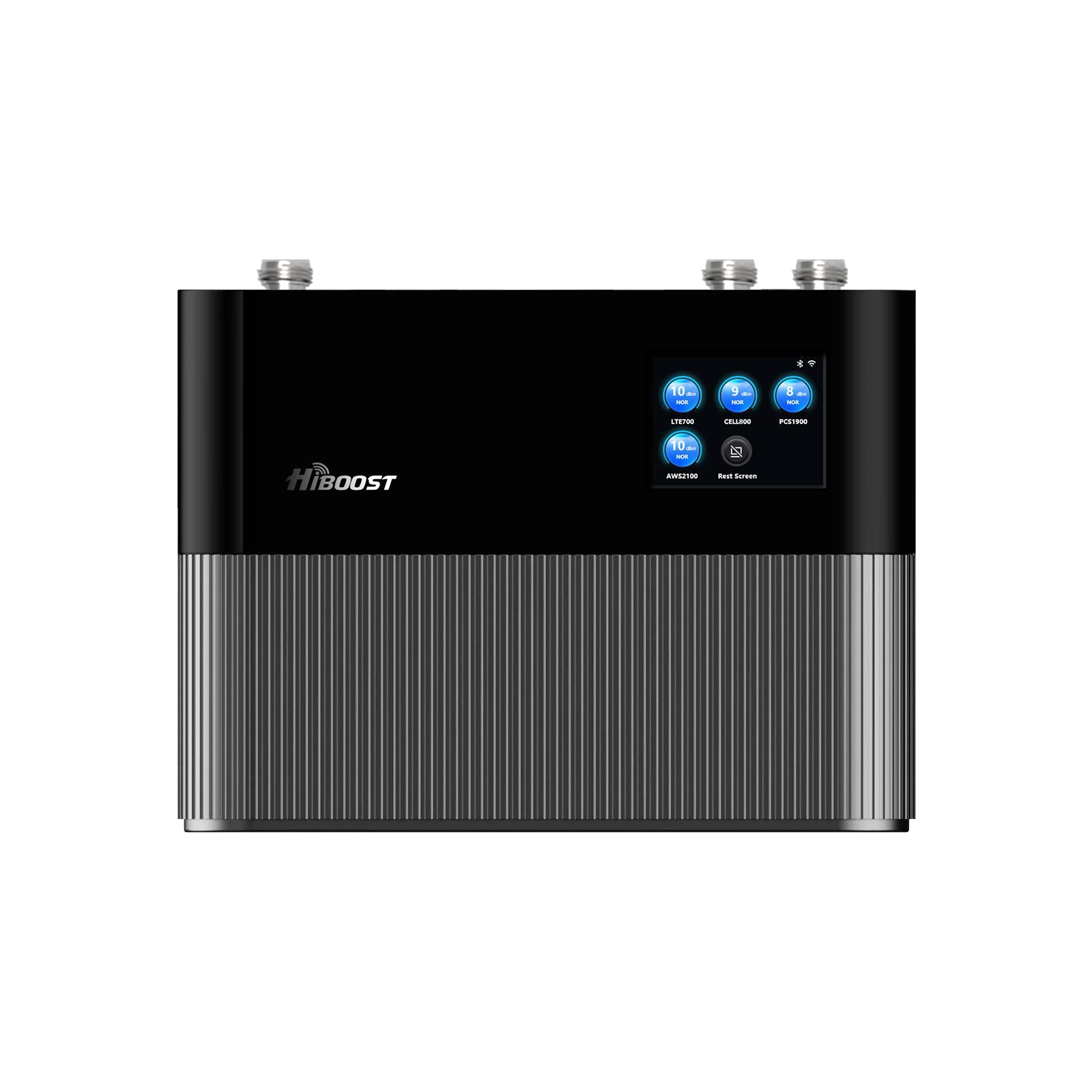
A cell phone signal booster is essentially a two-way amplifier for cellular signals. It does not generate new signals; it strengthens what’s already there. The system has three main parts:

-
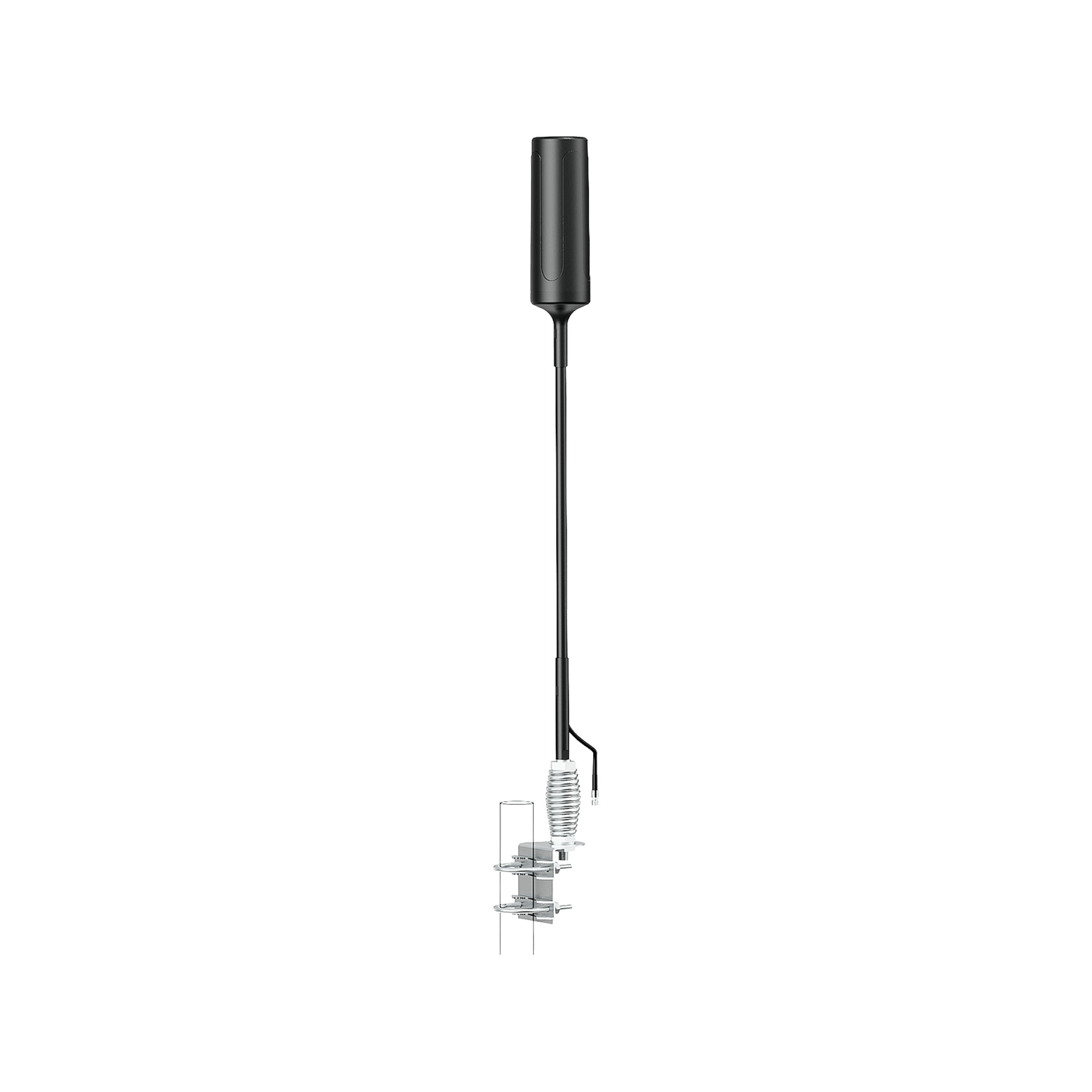
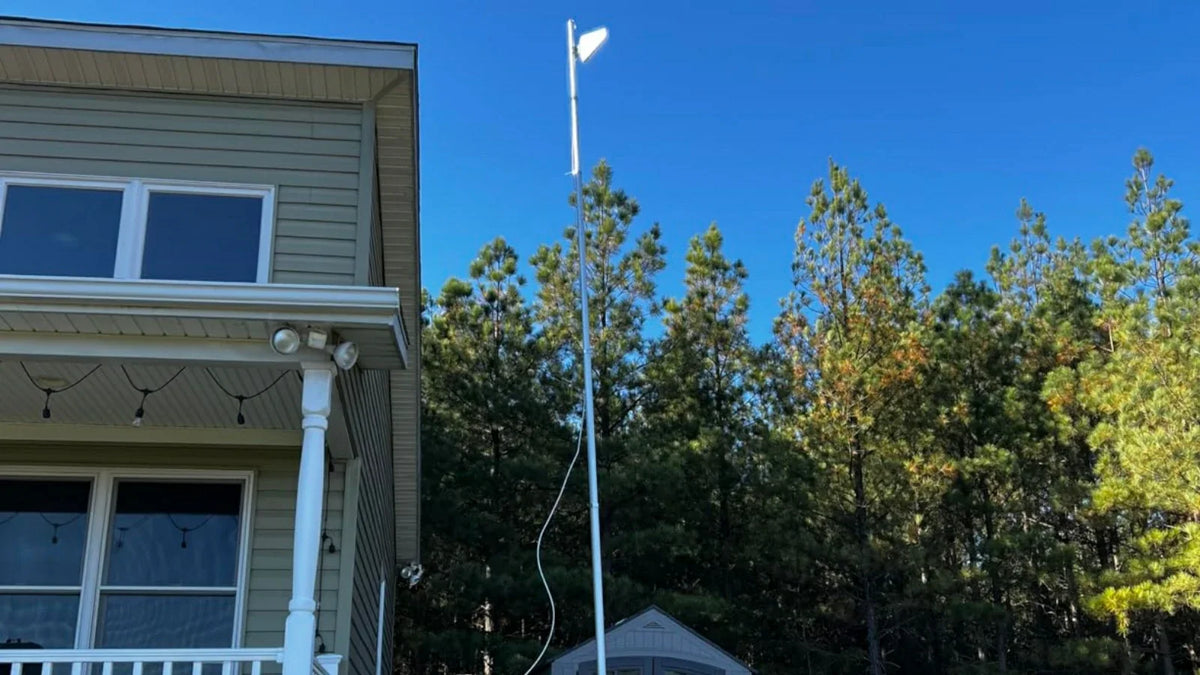
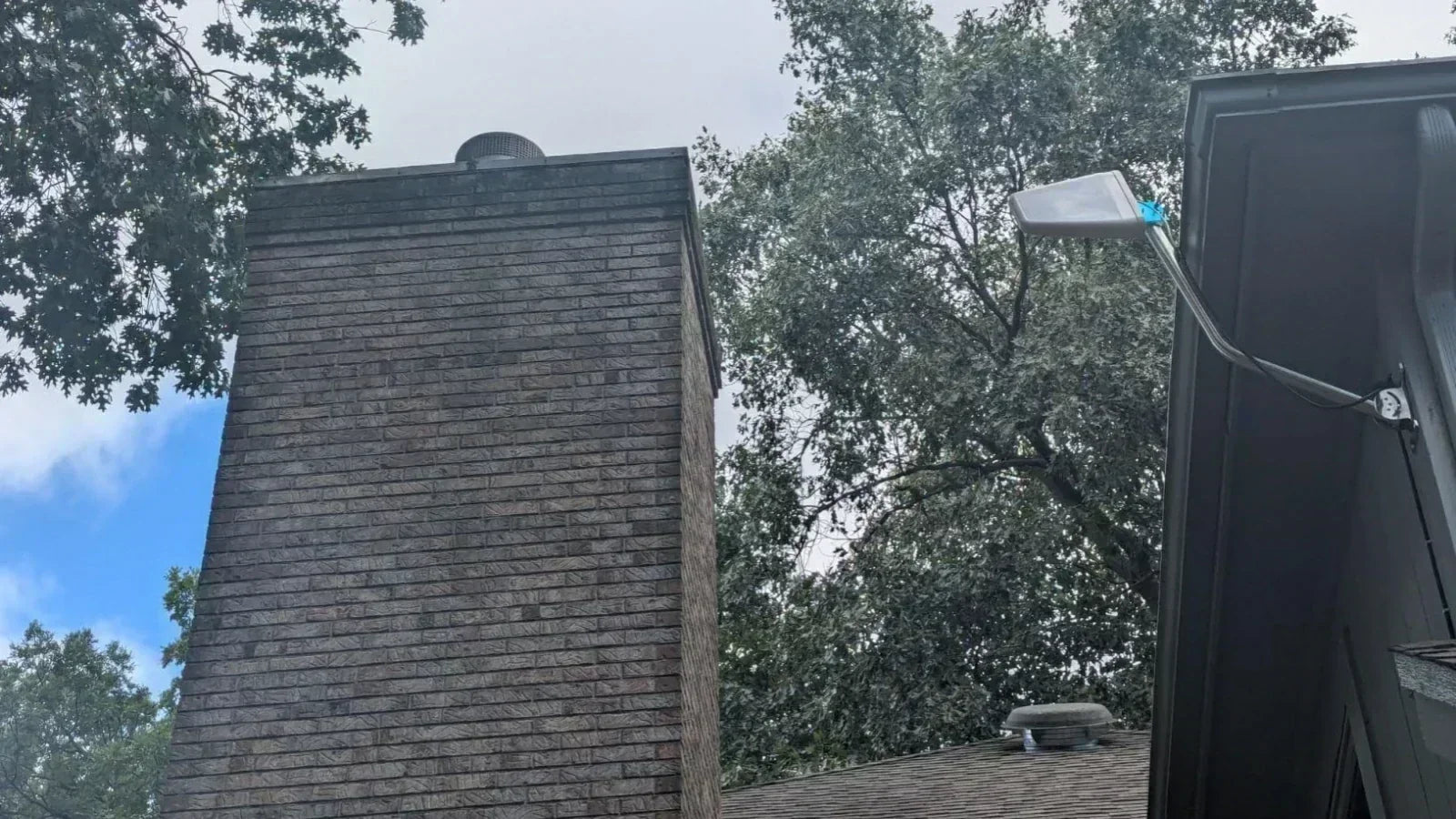
Outdoor (donor) antenna. Mounted outside, this antenna picks up the signal from the nearest cell tower. It can be directional or omnidirectional. Using a directional antenna can “zoom in” on a distant tower, making that signal stronger and reducing interference from other directions.
-
Amplifier (booster unit). This is the core device, often called a Bi-Directional Amplifier. It connects by coaxial cable to the outdoor antenna and to one or more indoor antennas. The amplifier boosts the uplink and downlink signals. It handles all the signal processing, gain control, and usually has an LCD or app interface for monitoring.
-
Indoor antenna(s). The amplified signal is re-radiated indoors via one or more panel or dome antennas. These provide coverage inside rooms, offices, basements, etc. You can use multiple indoor antennas to cover large or multi-floor homes, connecting them with splitter cables.
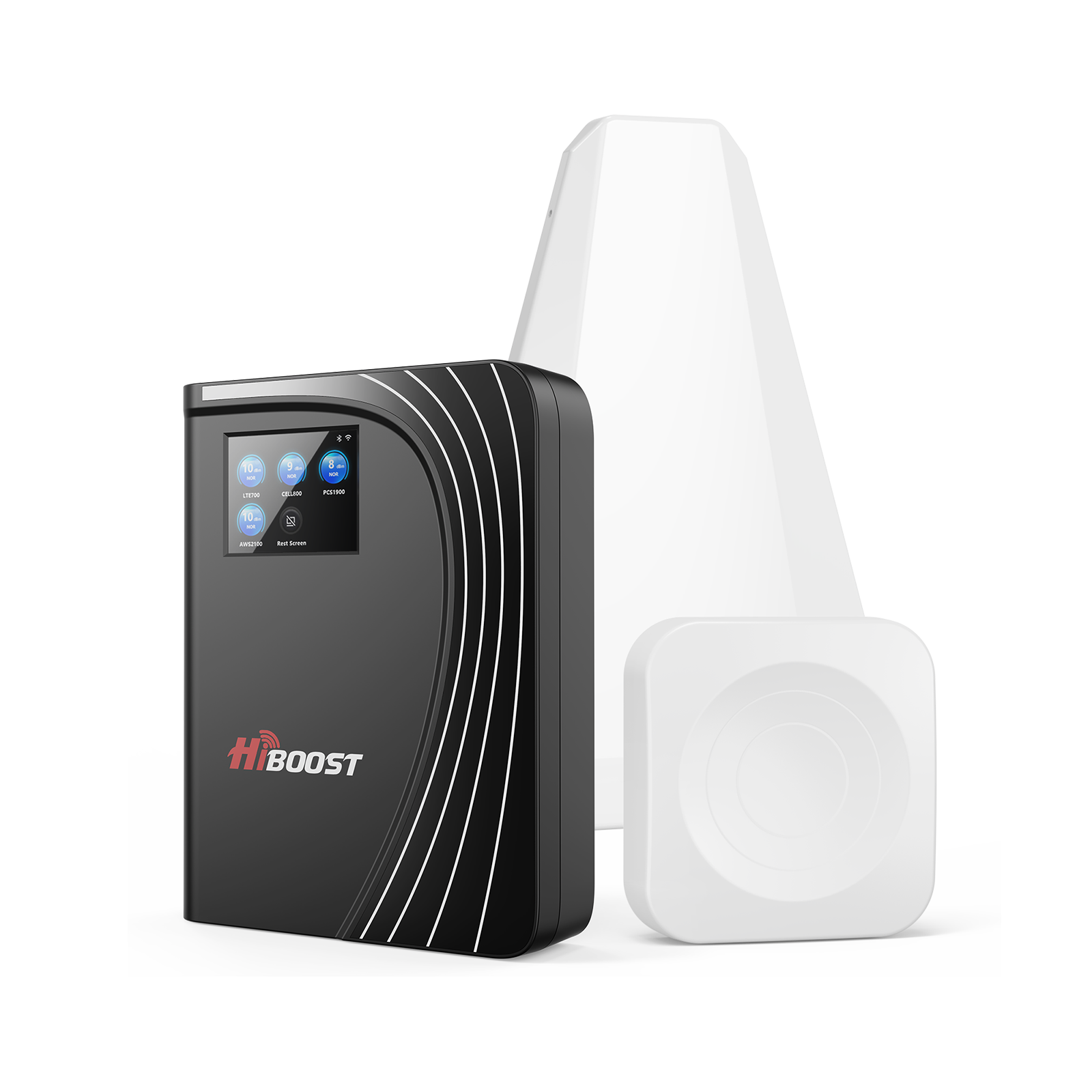
Importantly, boosters like HiBoost’s are FCC-approved and include safeguards to avoid oscillation between the outdoor and indoor antennas. They adjust their gain dynamically to ensure stable amplification. For instance, the HiBoost 10K Smart Link features an automatic gain control chip and a handy LCD screen to help fine-tune antenna placement.
In practice, once a booster is powered on, you should see signal bars climb on your device if all is set correctly. The user experience is immediate: voice calls become clearer, fewer dropped calls, and data speeds often improve.
Of course, the final performance still depends on the quality of the original signal. If the outdoor RSRP is, say, –90 dBm, a high-gain booster can typically provide a strong –60 dBm inside. If the outdoor RSRP is already very strong, even a modest booster can fill your home with bars.
A booster extends the reach of cell towers into areas they can’t normally cover. It’s especially useful in basements, concrete buildings, metal structures, or rural homes. No magic is involved, just amplification of an existing carrier signal.
How to Improve 5G Signal

5G has introduced new bands and capabilities, and boosters handle it a bit differently:
Sub-6 GHz 5G:
HiBoost boosters that support 5G-compatible LTE bands will also boost sub-6 GHz 5G on those frequencies. In other words, if your phone shows “5G” and it’s on a band like n5 or n71, a booster can amplify that just like it would 4G.
mmWave 5G:
The ultra-fast 24–50+ GHz bands are not effectively helped by consumer boosters. The FCC has not approved boosters to amplify these very high bands. In practice, this means any “5G+” or “5G UW” signals on mmWave cannot be boosted. If you rely on Verizon’s 5G UW or AT&T’s 5G+, no indoor booster can extend that mmWave signal indoors.
Carrier differences:
For example, T-Mobile’s mid-band 2.5 GHz and Verizon’s 5G UWB (39 GHz) are generally not boostable with current boosters. Boosters are best used for low-band and lower mid-band frequencies.
In practice, if 5G speed is your goal: use a booster to get a stable sub-6 GHz connection indoors, and rely on outdoors or a direct antenna feed for mmWave. Many rural areas only have low-band 5G, in which case a booster helps just as it did in the 4G era. Always check which bands your devices use and confirm your booster supports those frequency ranges.
Best Solutions Based on Your Situation
No one booster fits every scenario. The right solution depends on your building size, number of users, where you travel, and how weak the signal is outside. Below are some common situations and HiBoost boosters well-suited to each:
Small home, apartment, studio or single room.
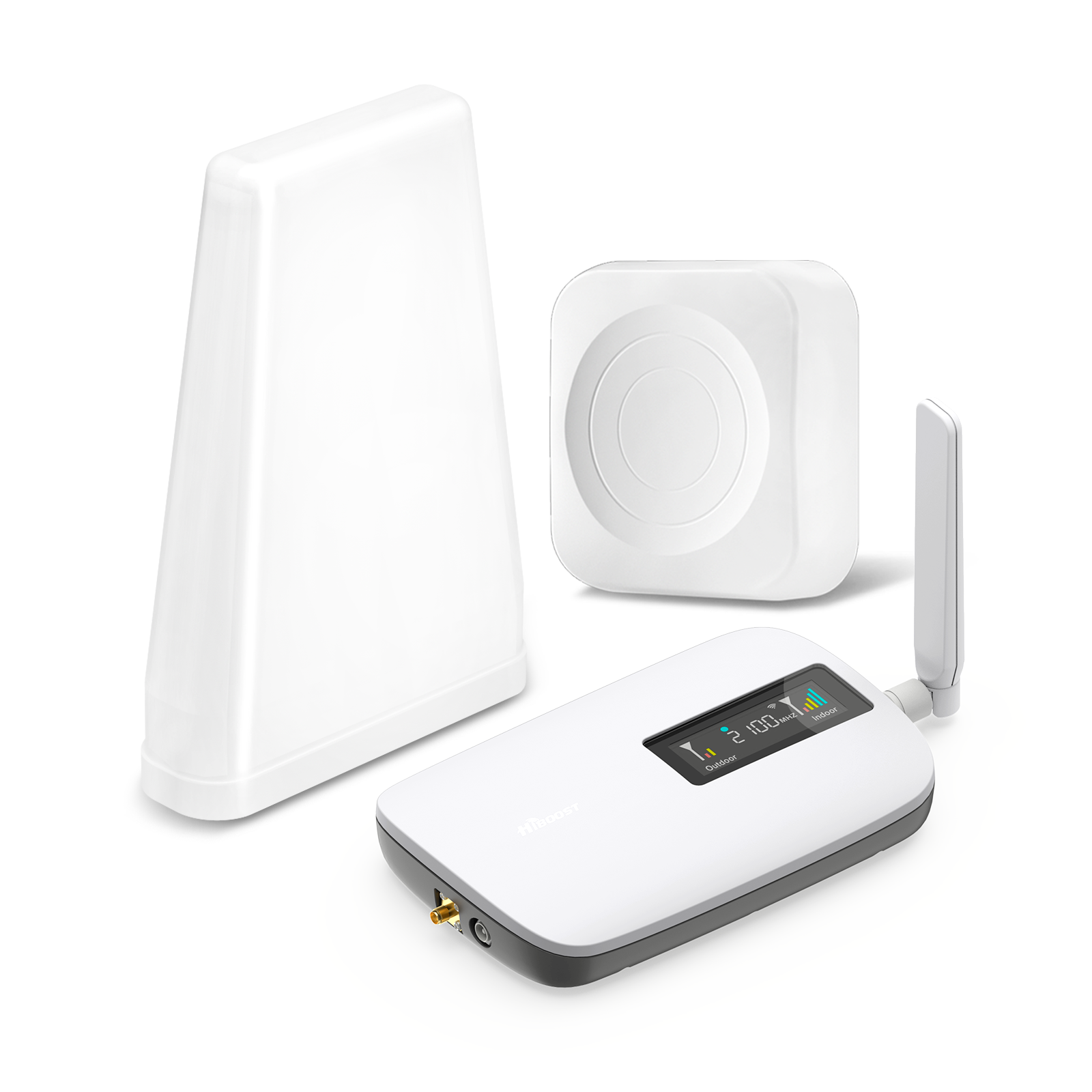
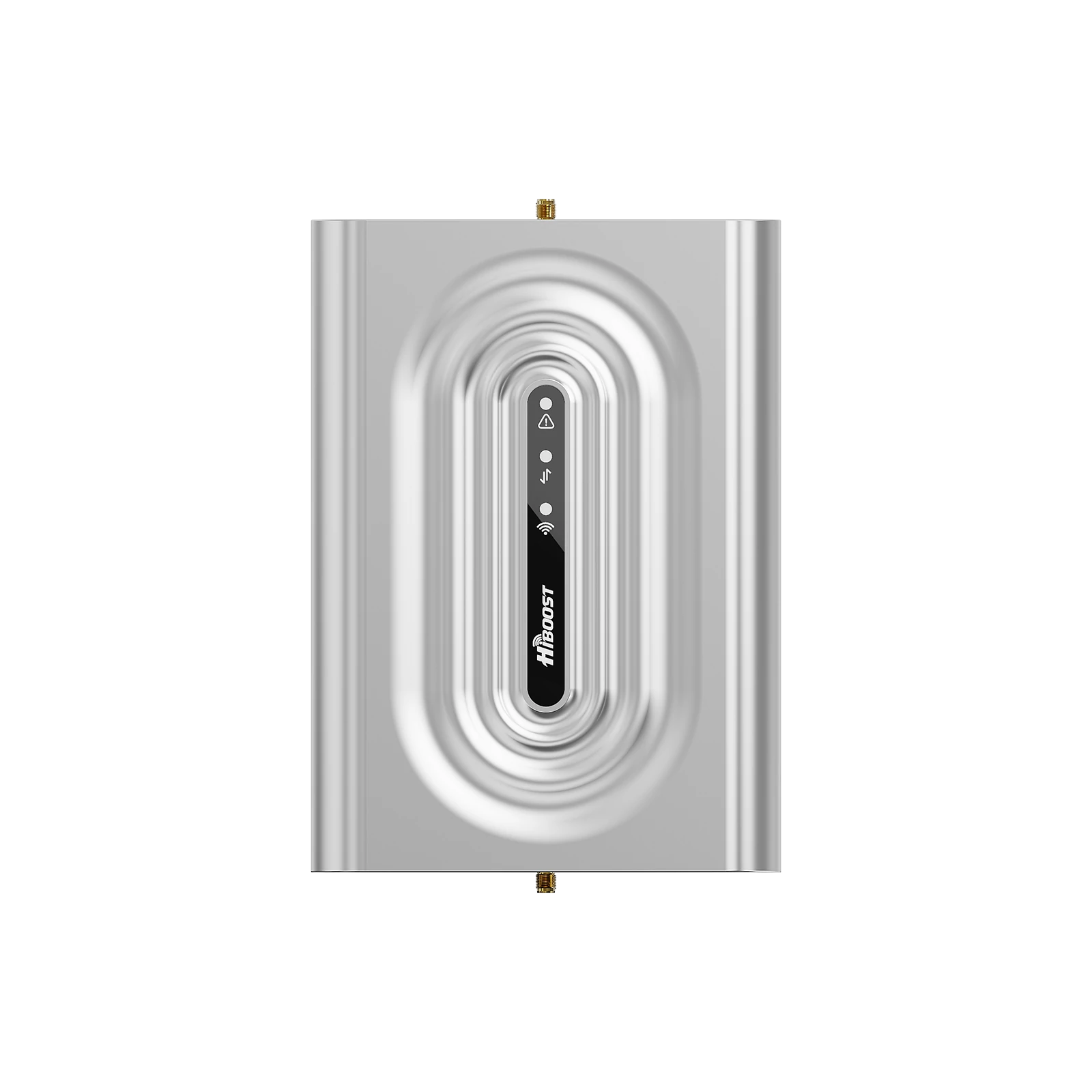
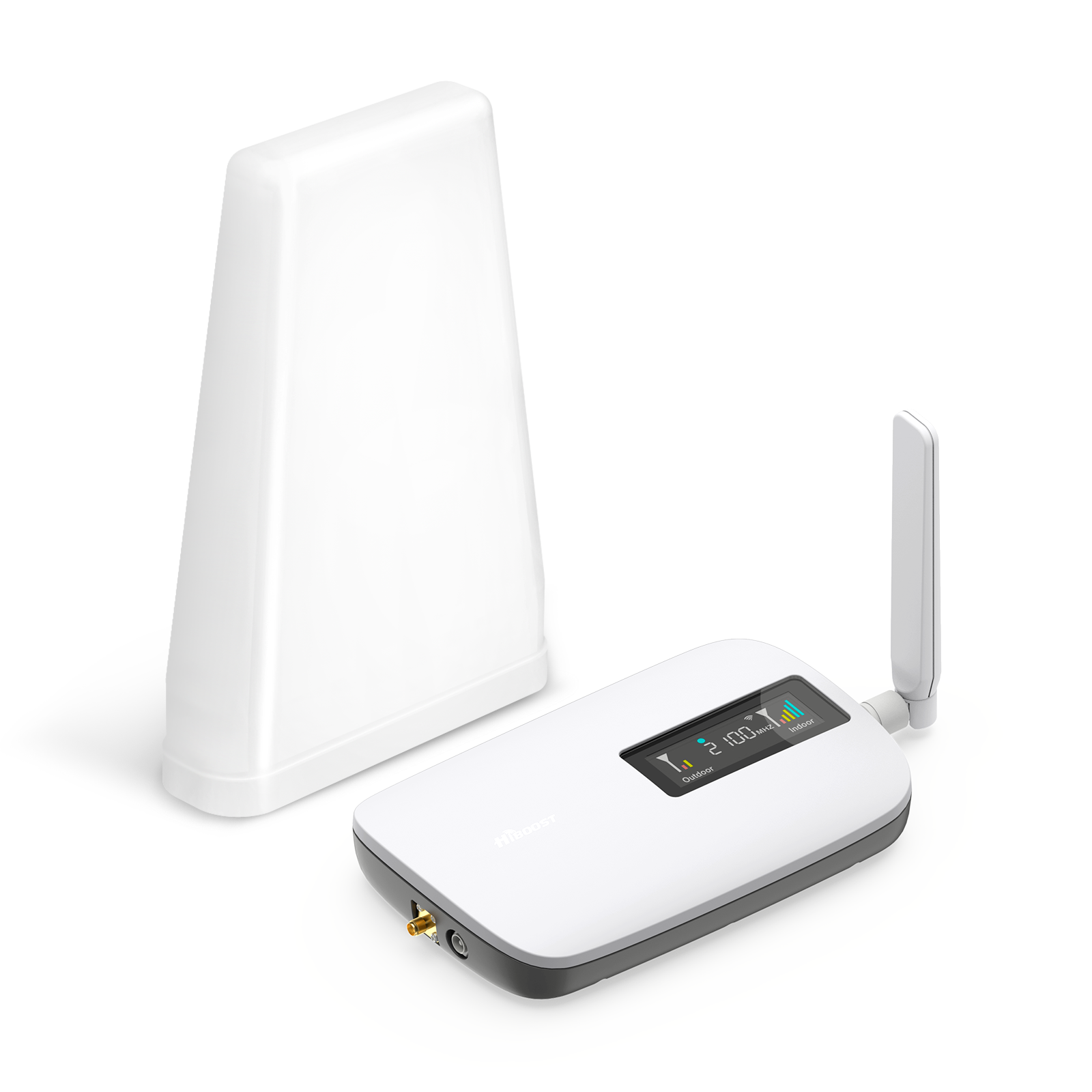
HiBoost Sidekick Cell Signal Booster for Home. This compact booster is designed for small spaces. It provides up to 62 dB gain and covers 2G/3G/4G/5G on major bands. The Sidekick includes an external omni antenna and one indoor panel antenna. It’s ideal for studio apartments, single rooms, or tiny houses. With its built-in LCD and app monitoring, you can watch the real-time gain.
Medium home or multi-room office (approx. 3,000–10,000 sq.ft.).
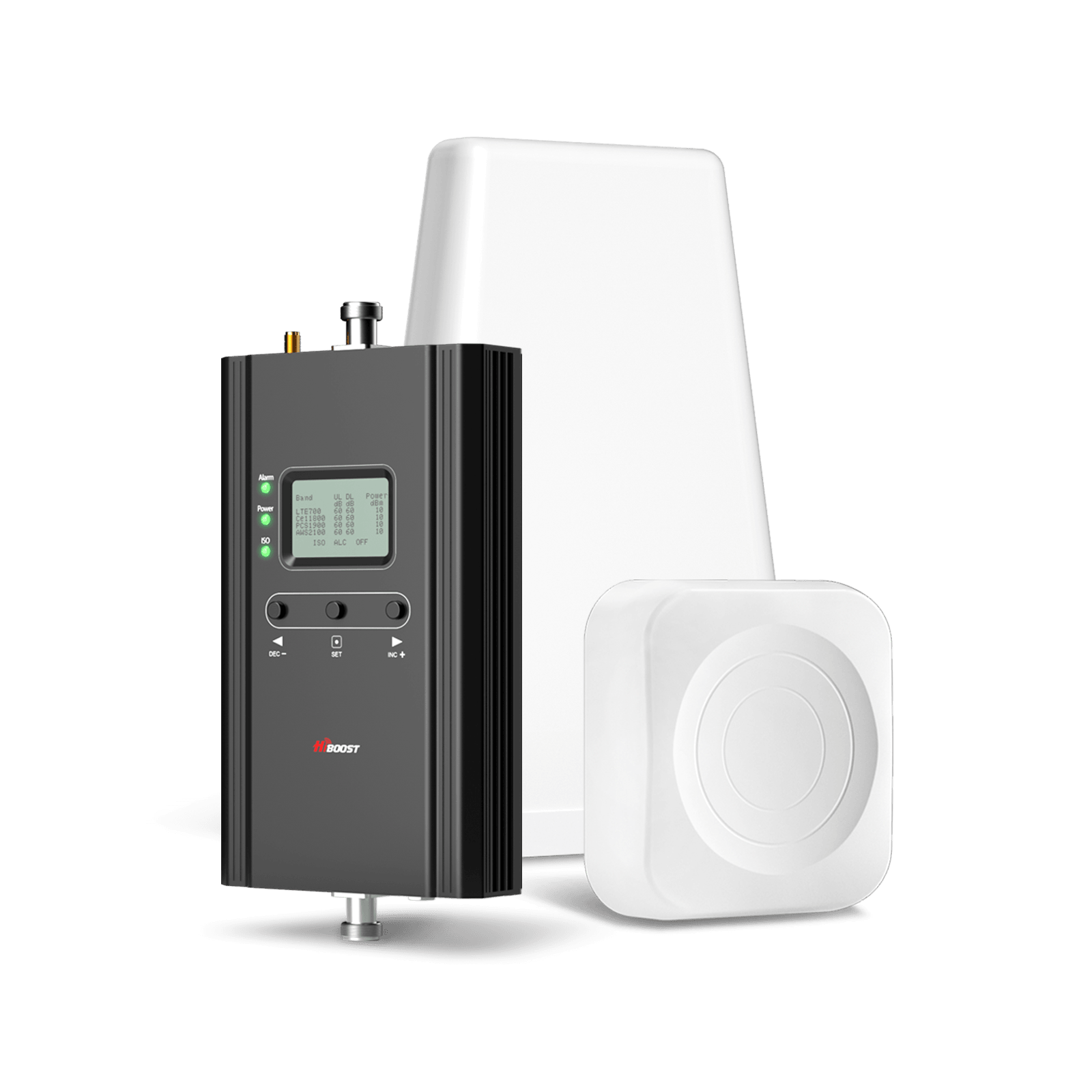
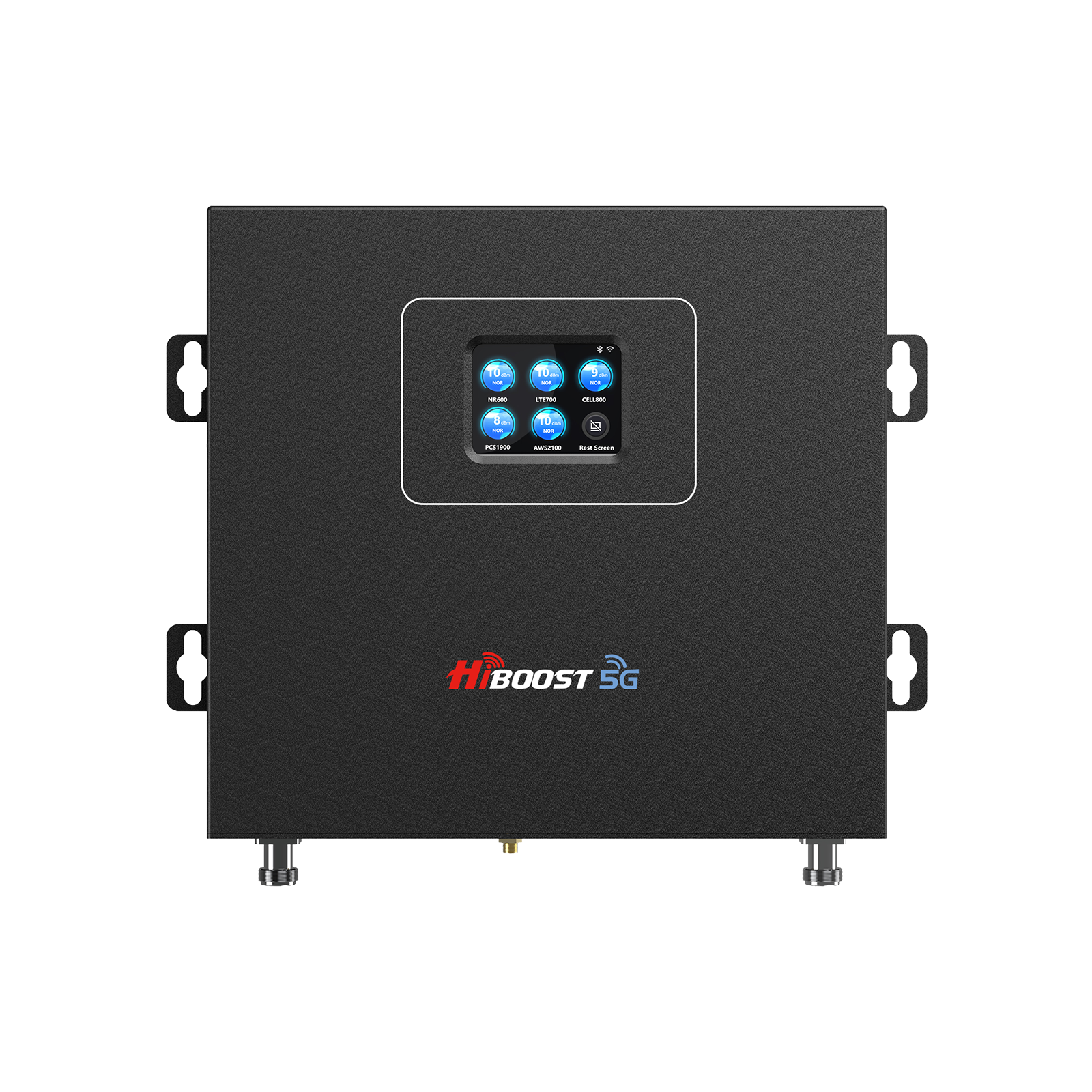
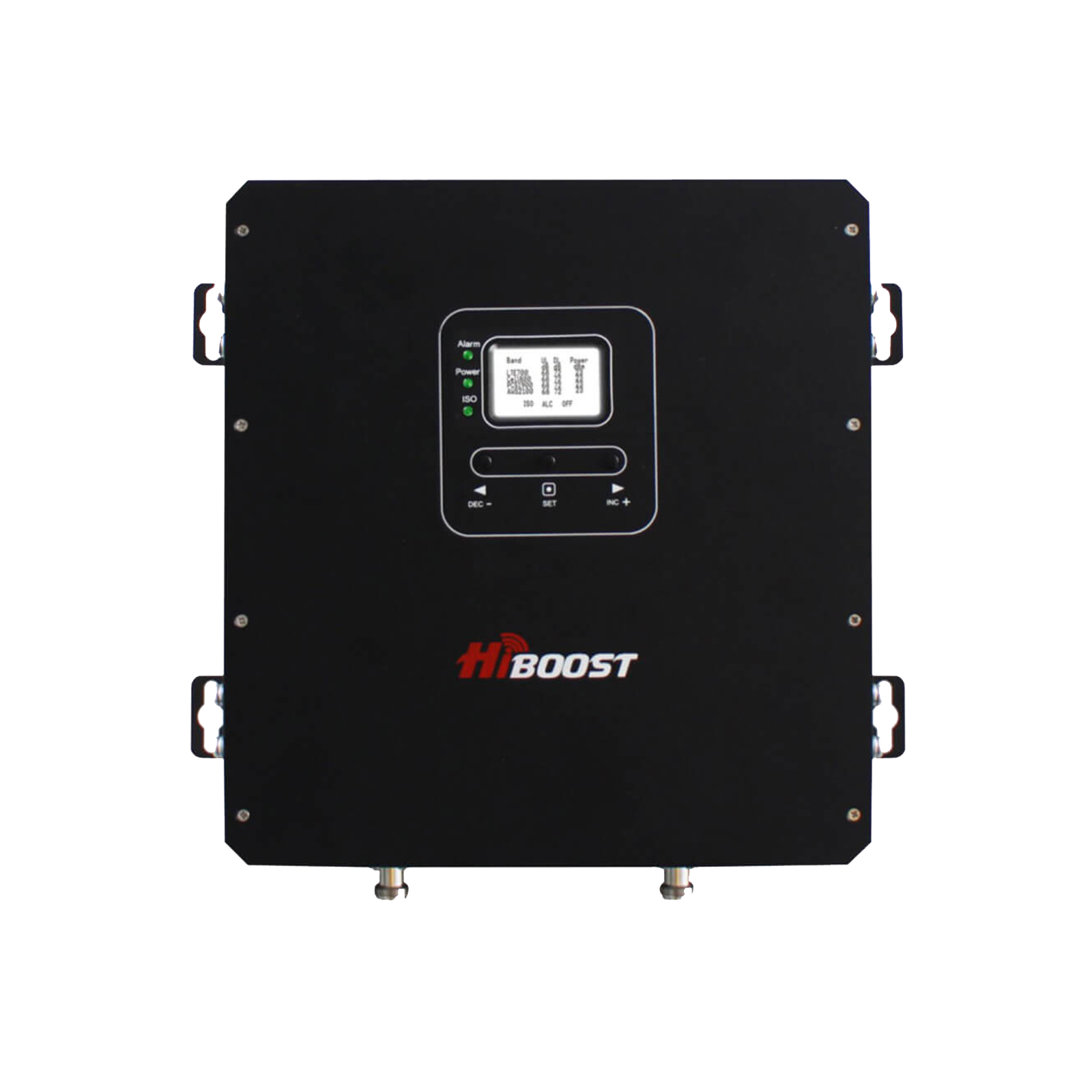
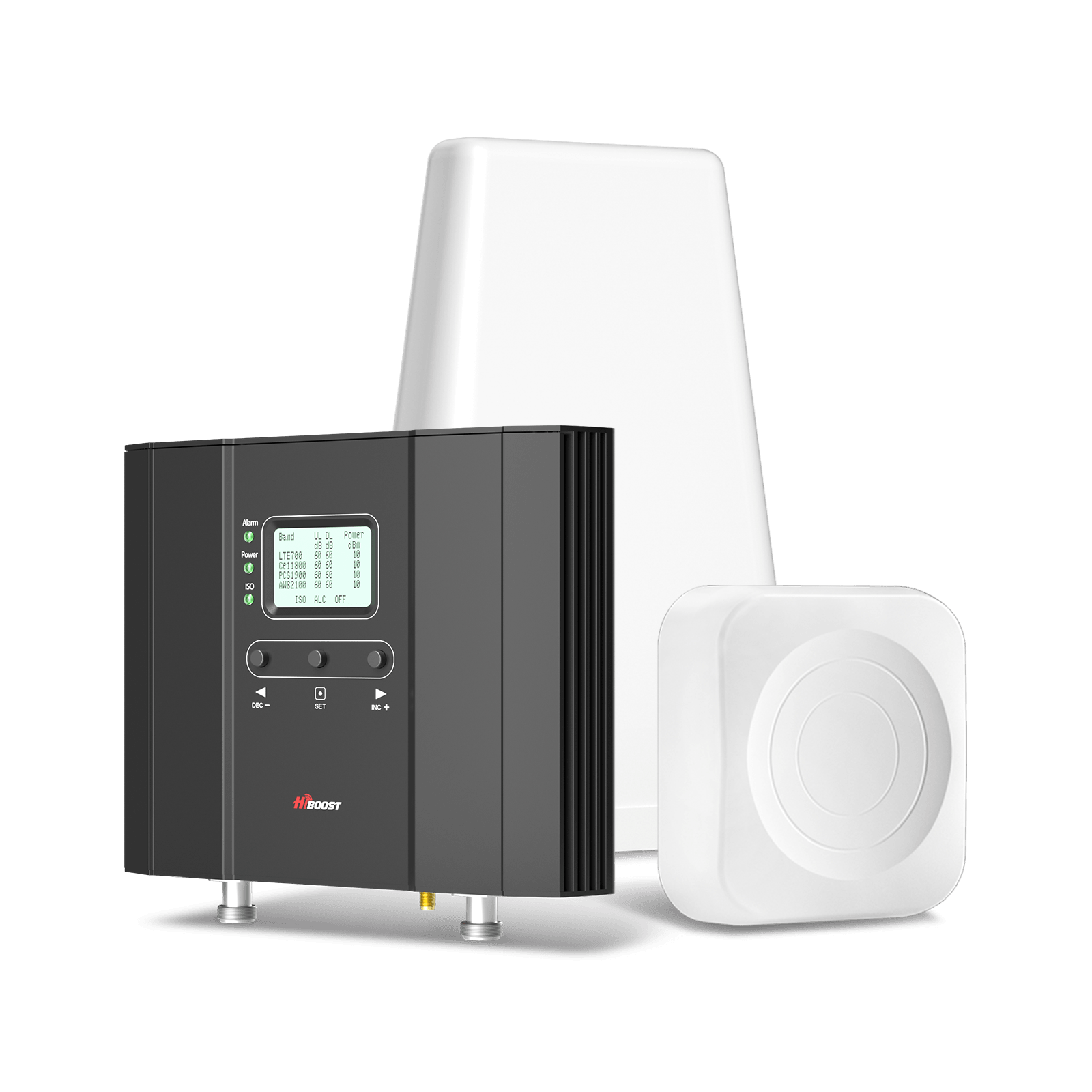
Recommended: HiBoost 10K Smart Link Cellular Booster. This booster offers up to 65 dB of gain and typical coverage of up to 10,000 sq.ft.. It comes with one outdoor antenna and two indoor antennas for good whole-house coverage. The 10K Smart Link has an advanced all-metal design and supports real-time gain monitoring via its front LCD or the HiBoost app. It’s built for multi-room homes and small offices (3–4 rooms). In tests, it provides “better talk, text & stream guaranteed”.
Large home, business, or ranch (up to ~12,000 sq.ft.).
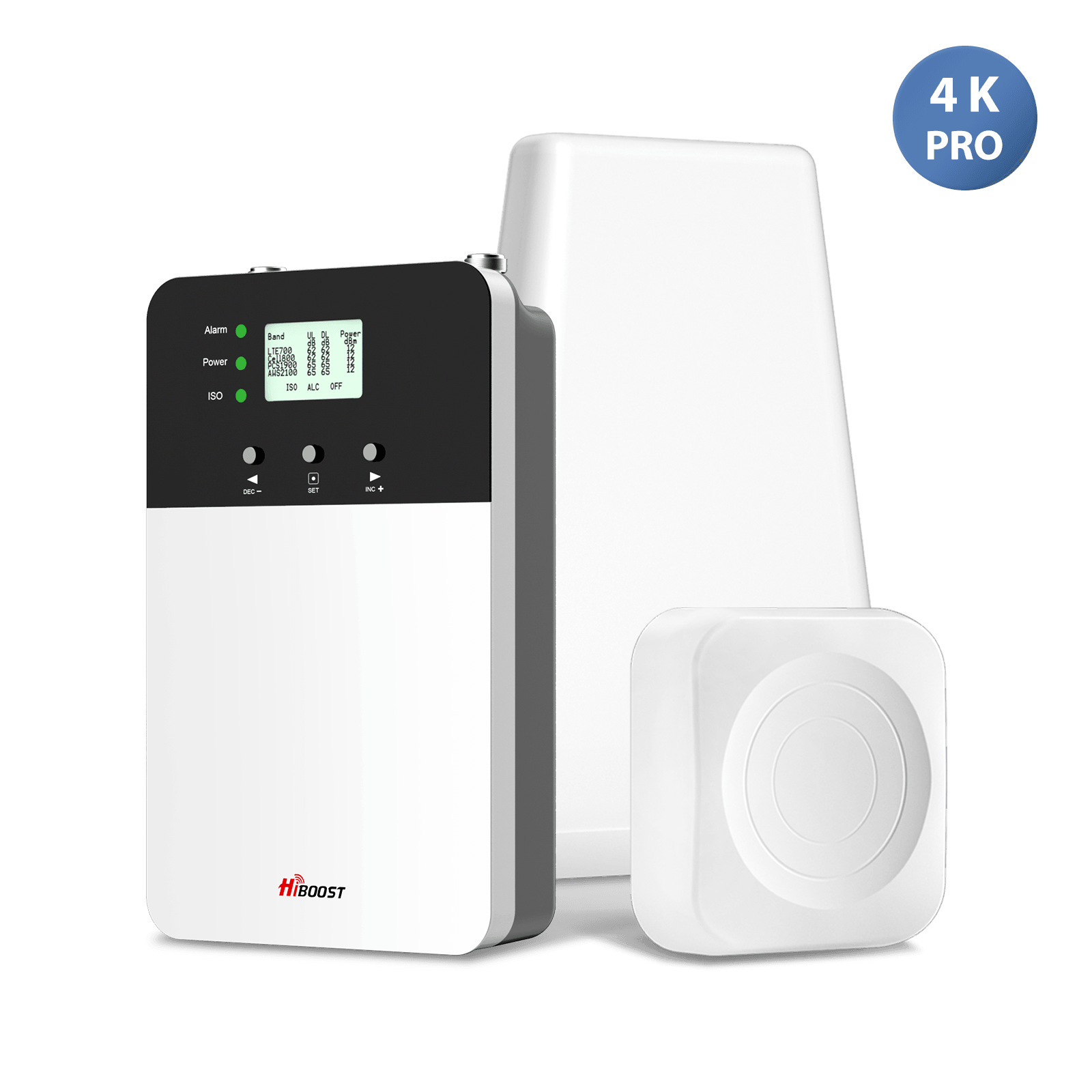
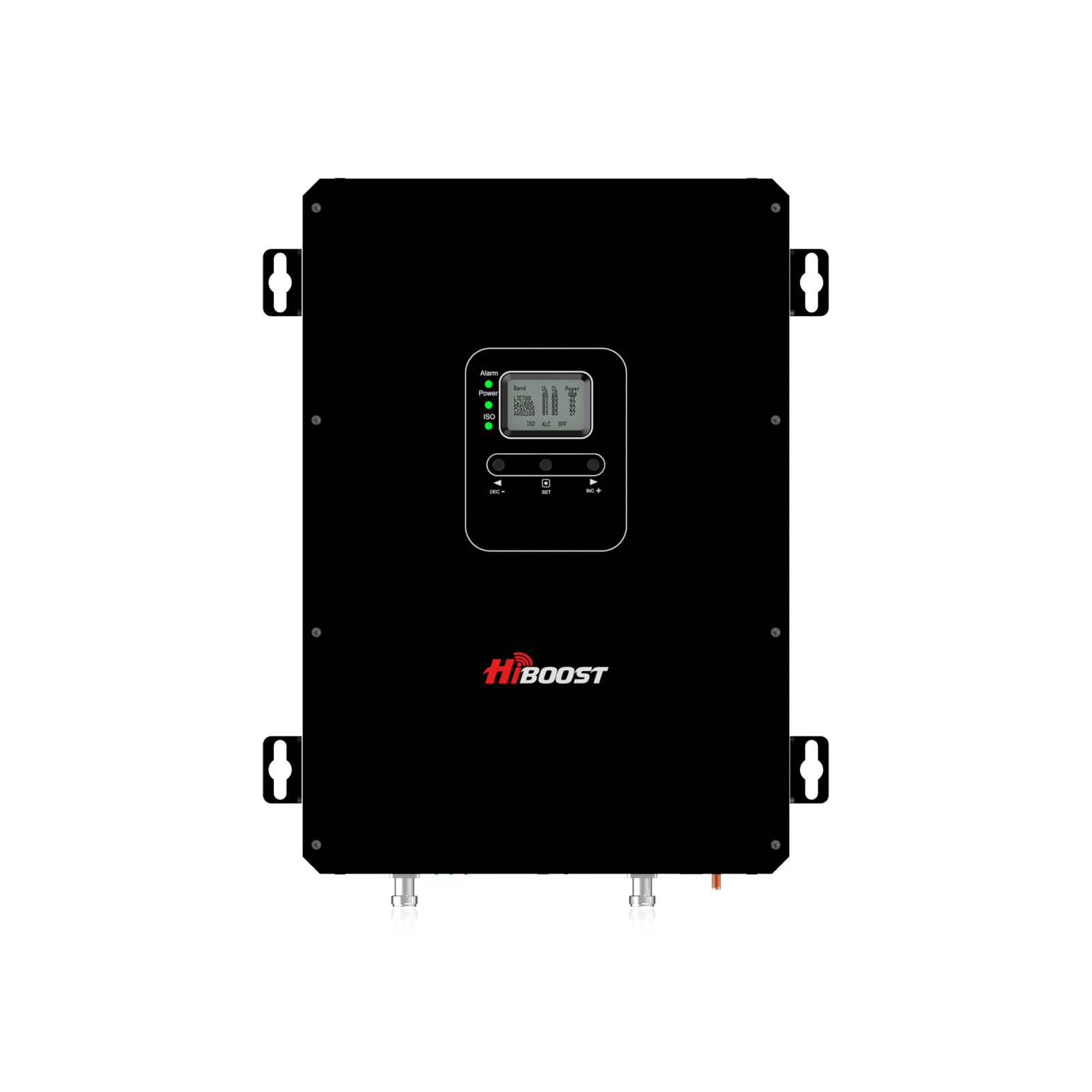
HiBoost 10K Plus Pro Phone Signal Booster. With a higher gain (up to 68 dB) and two indoor antennas included, this booster can cover 6,000–12,000 sq.ft.. It’s meant for large multi-story homes or offices. The built-in and extra panel indoor antennas ensure even coverage.
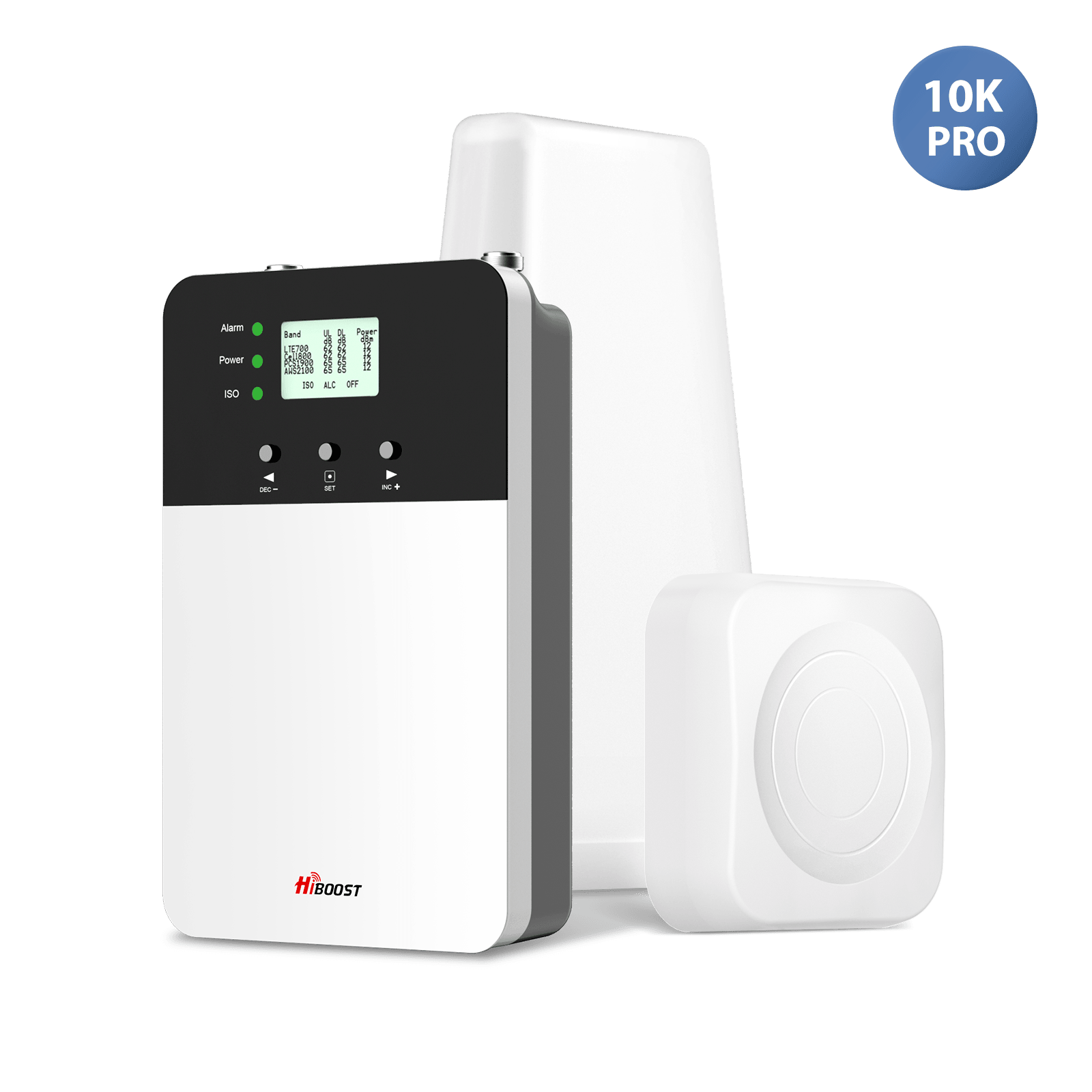
Real users have installed the 10K Plus Pro in big houses and report strong signals throughout. It supports all US carriers and is 5G-compatible on the bands it amplifies. Typical enhanced coverage is around 8,000 sq.ft. under a good outdoor signal.
Very large buildings, warehouses, or estates (up to 15,000 sq.ft. or more).
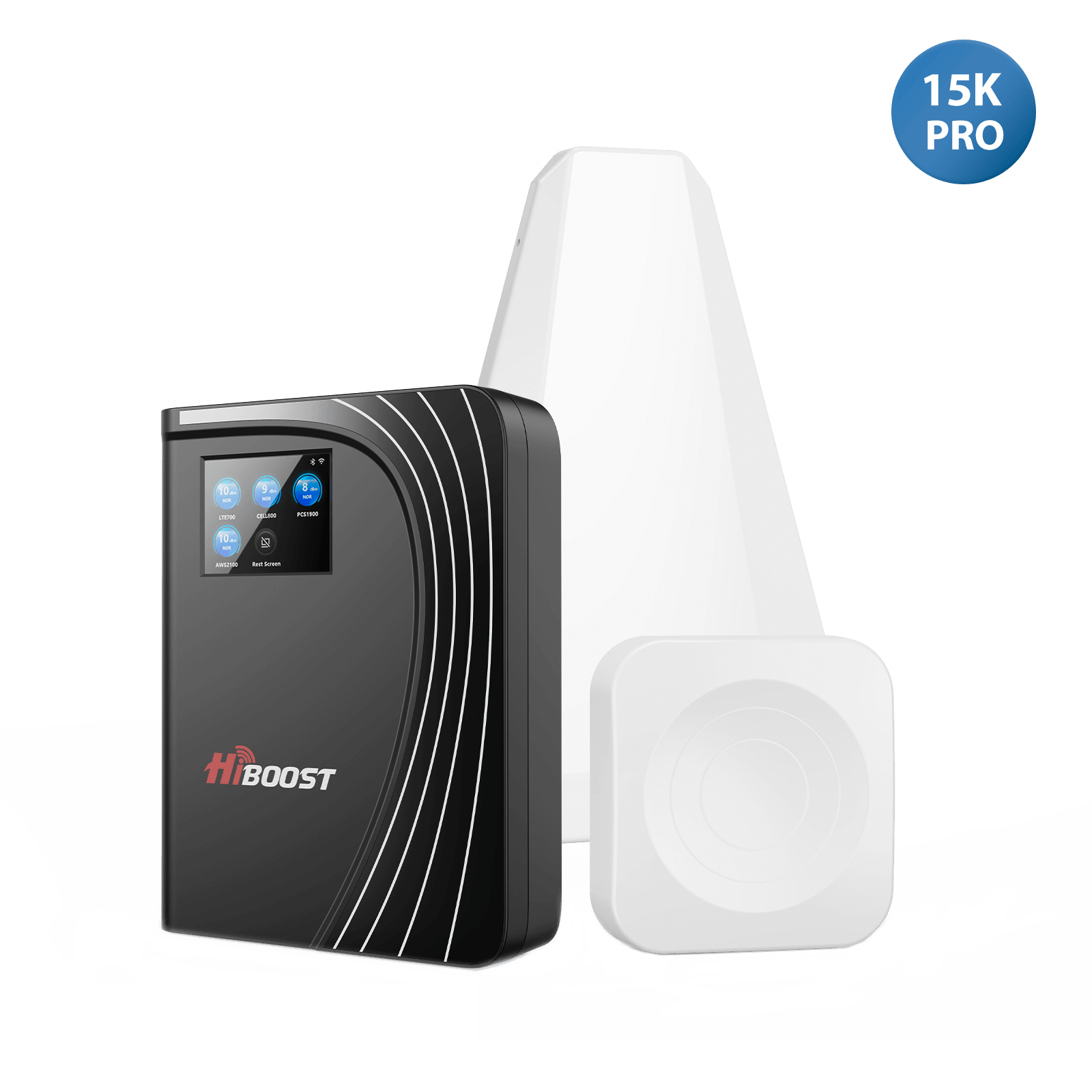
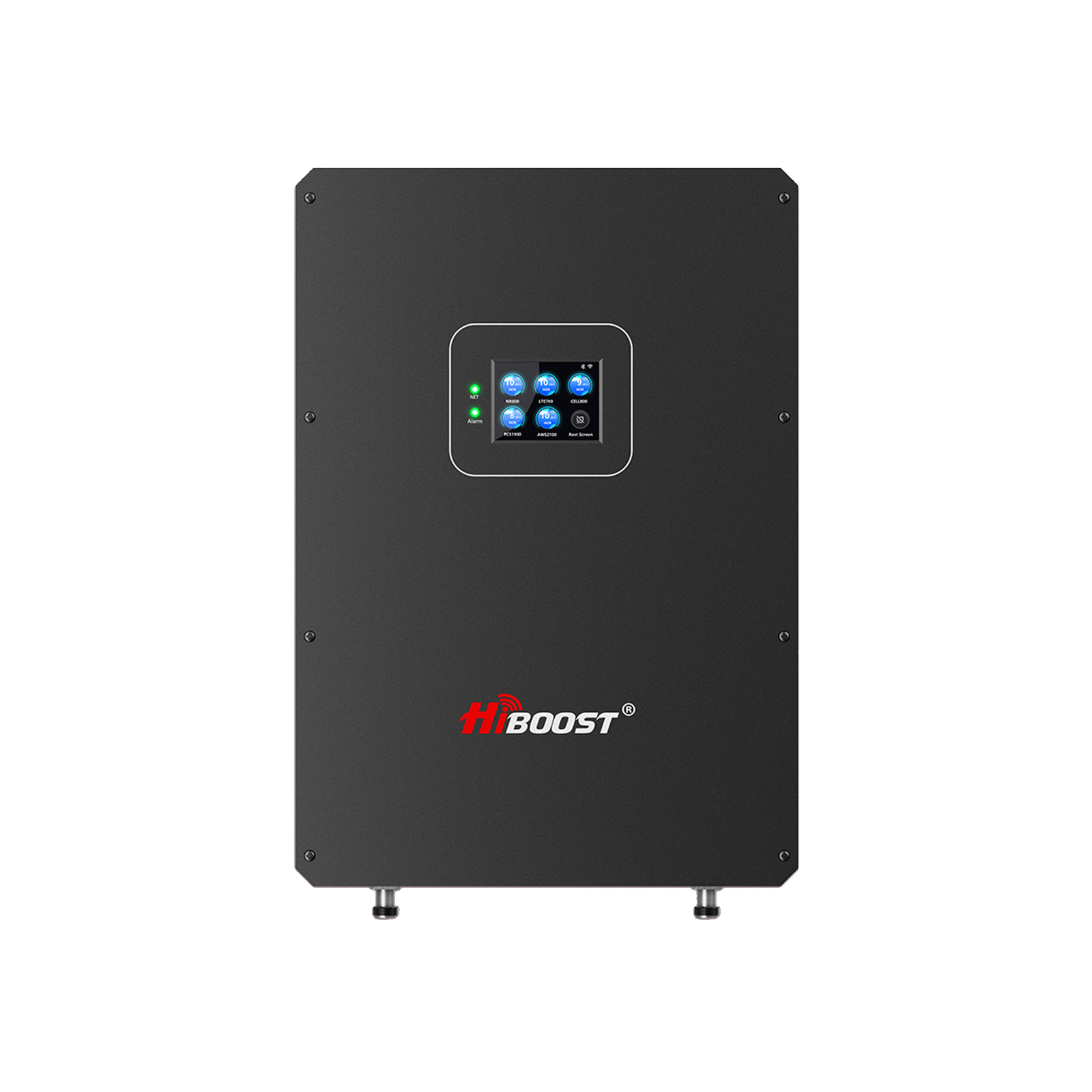
HiBoost 15K Smart Link Deluxe Cell Booster. This is HiBoost’s most powerful consumer booster. It offers up to 70 dB gain and can cover 7,000–15,000 sq.ft. with two indoor antennas. It’s ideal for huge homes, small commercial sites, or barns and warehouses.
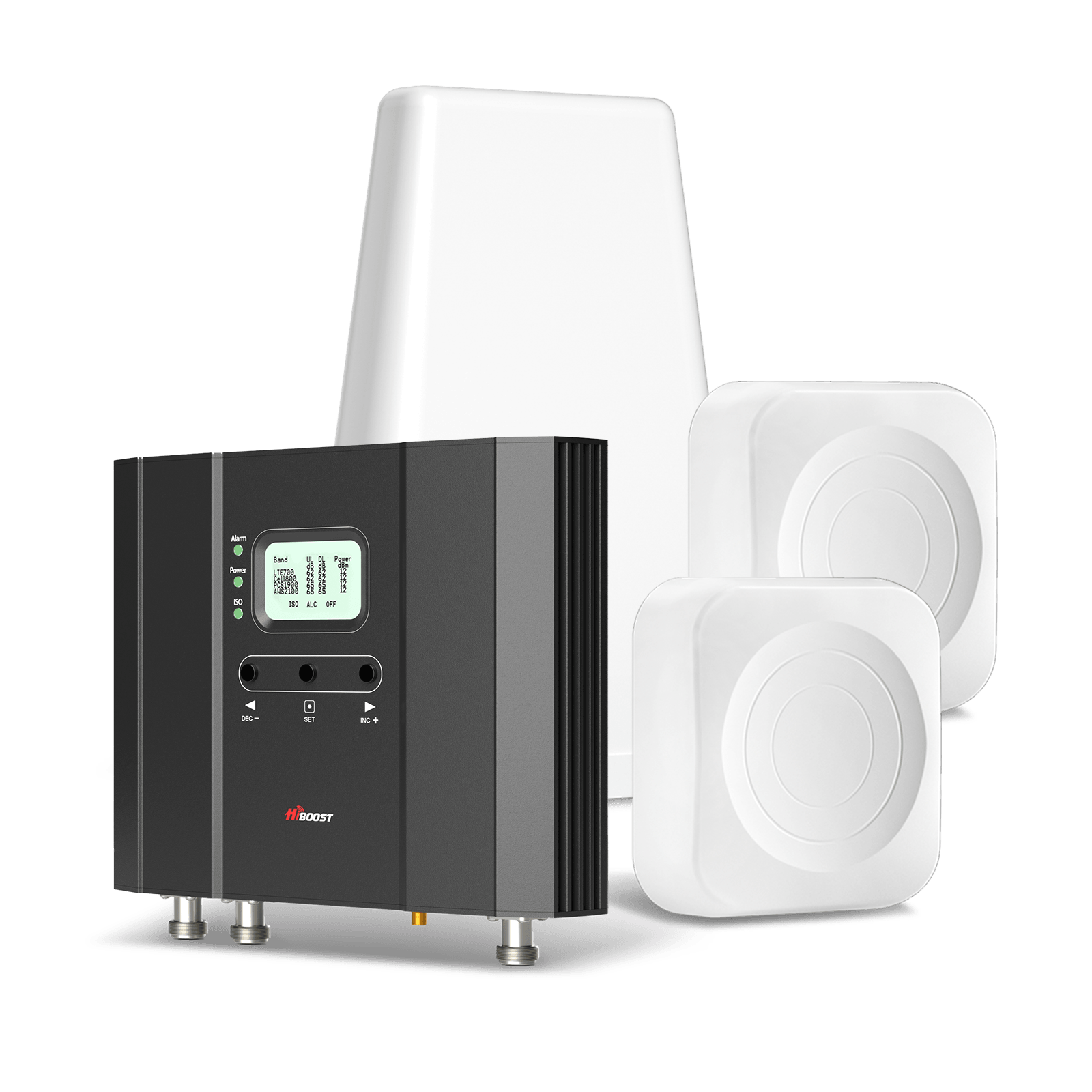
It features carrier-grade components and is designed “to help maximize your 3G, 4G LTE and 5G signal” even when the outdoor signal is weak. If you still have dead zones in a large property after trying smaller boosters, the 15K Smart Link Deluxe is the top choice. It supports all US cellular standards and is FCC-approved.
RVs, campers, boats, travel trailers.
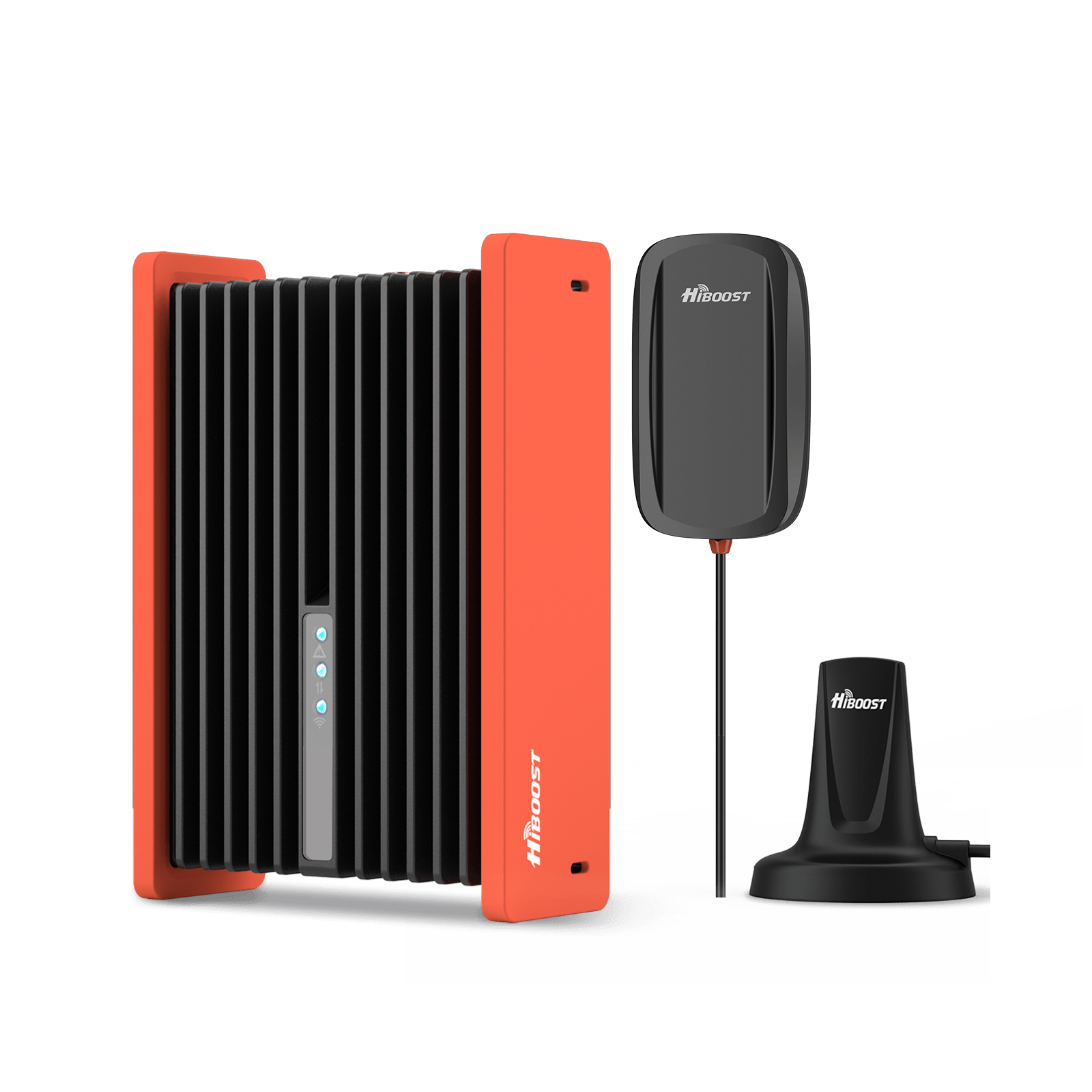
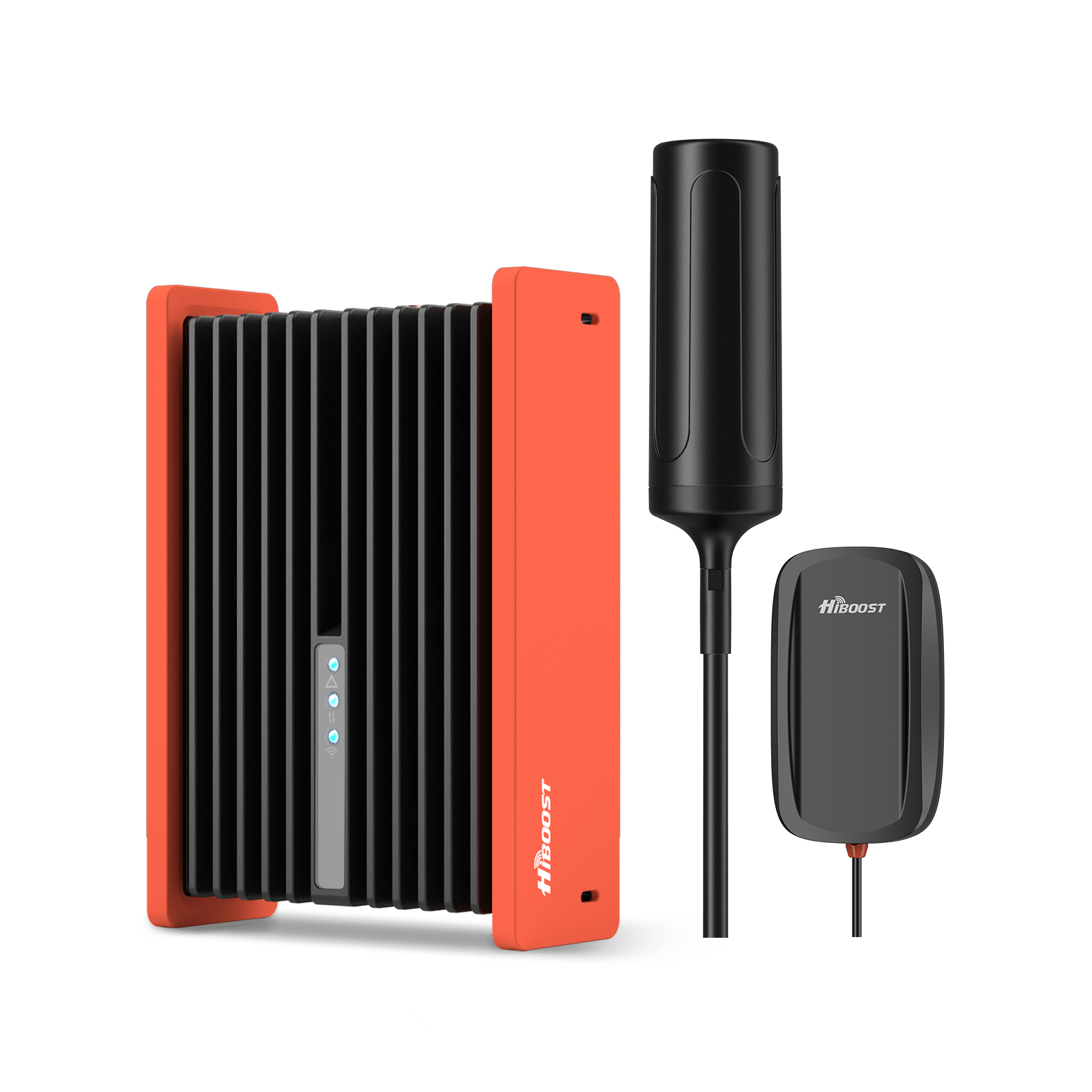
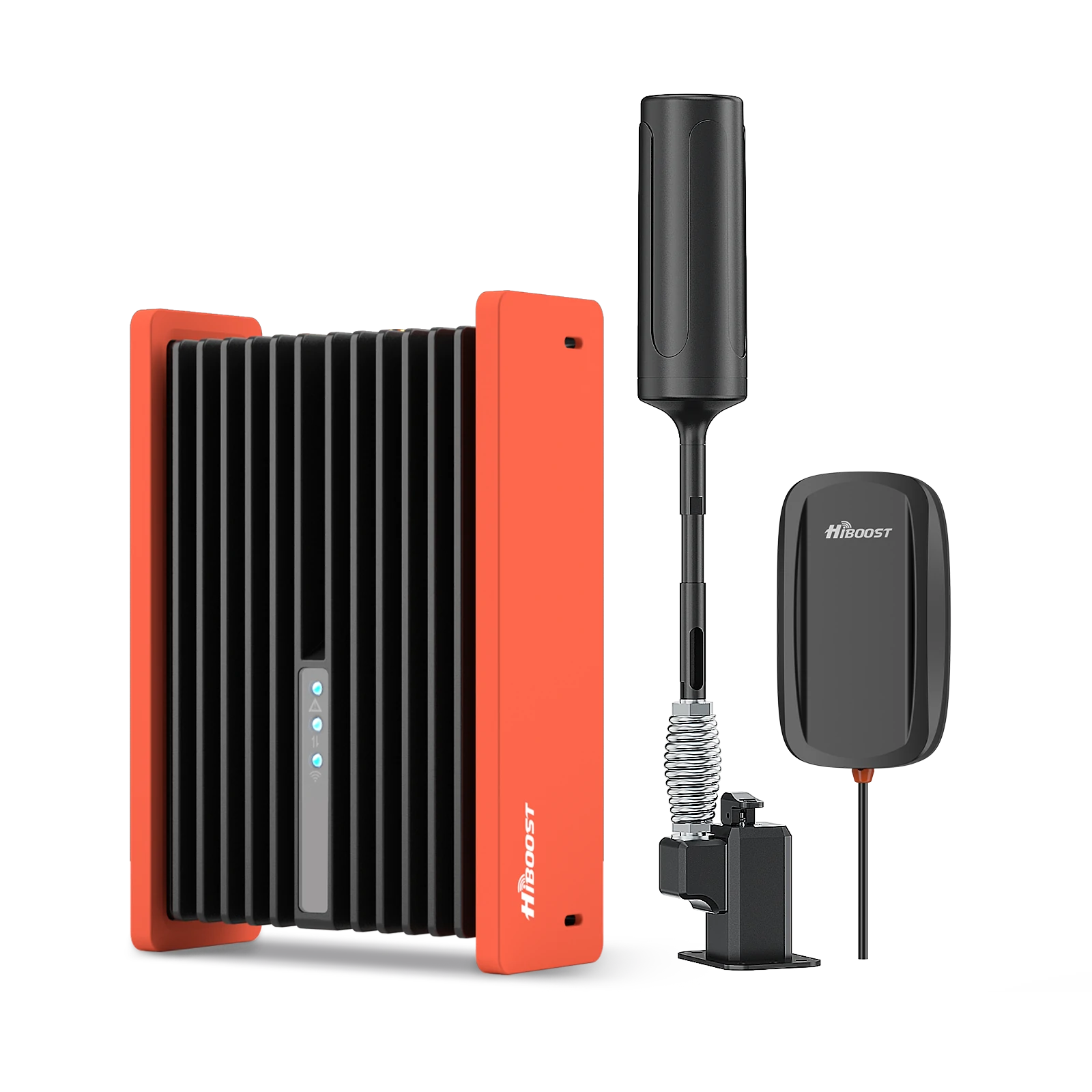
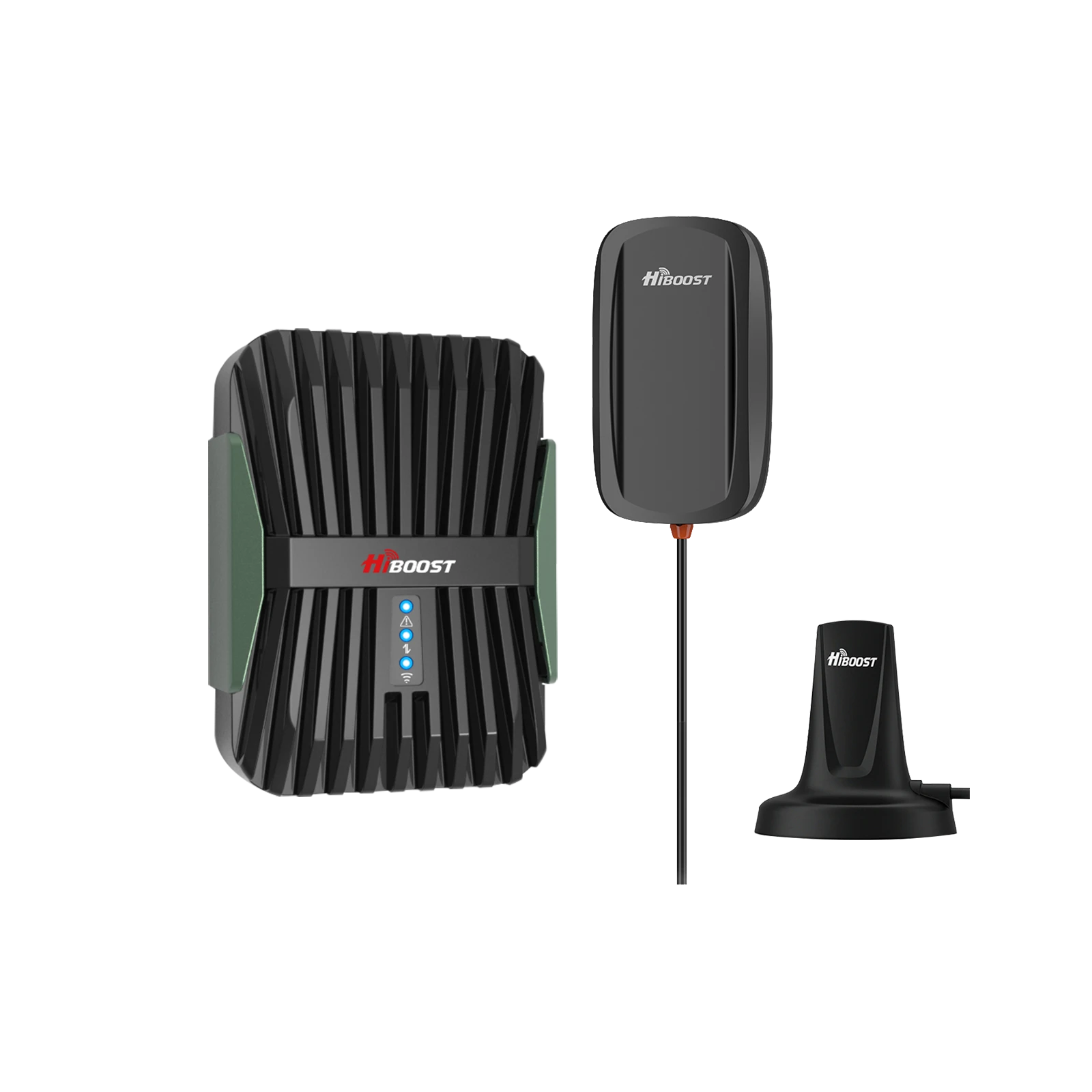
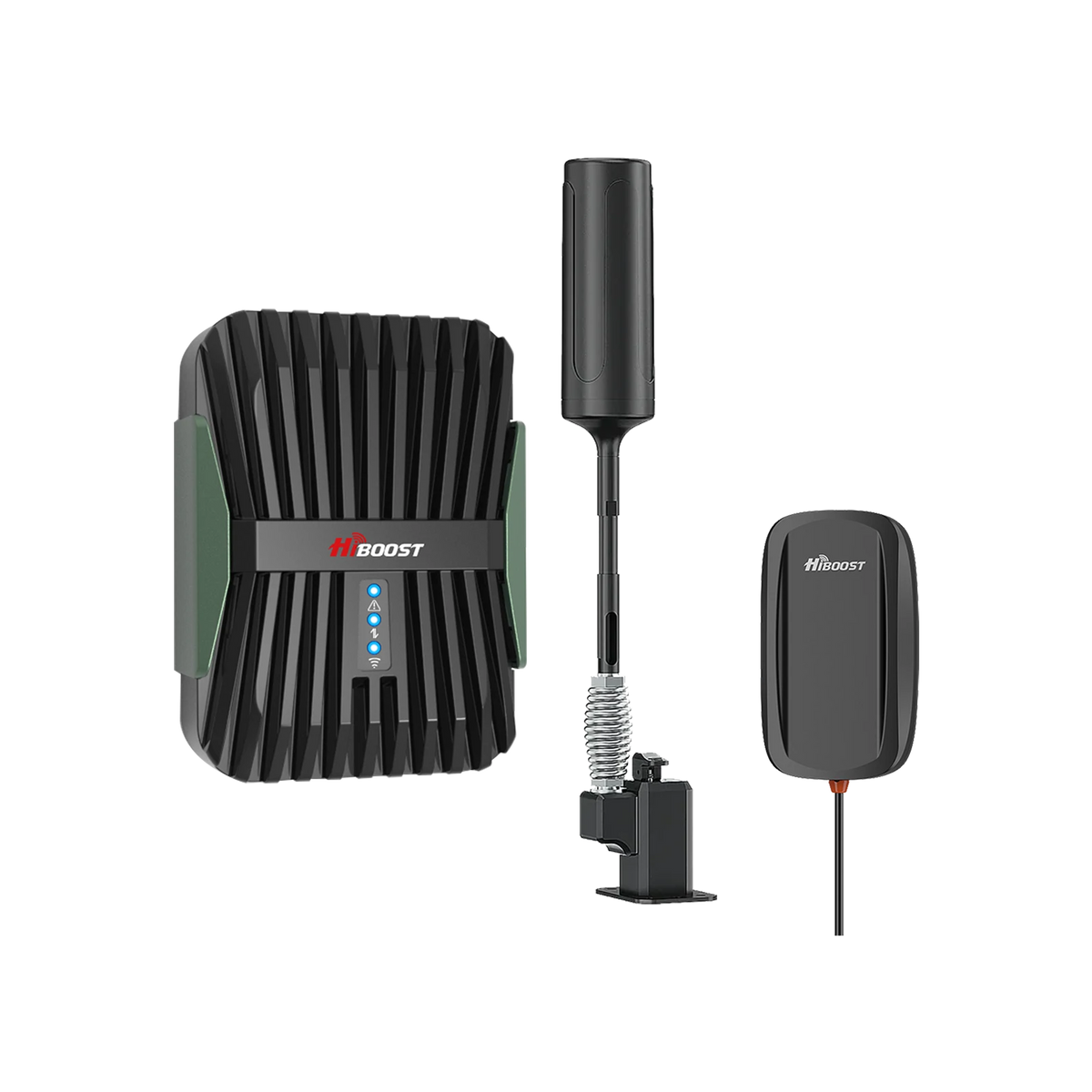
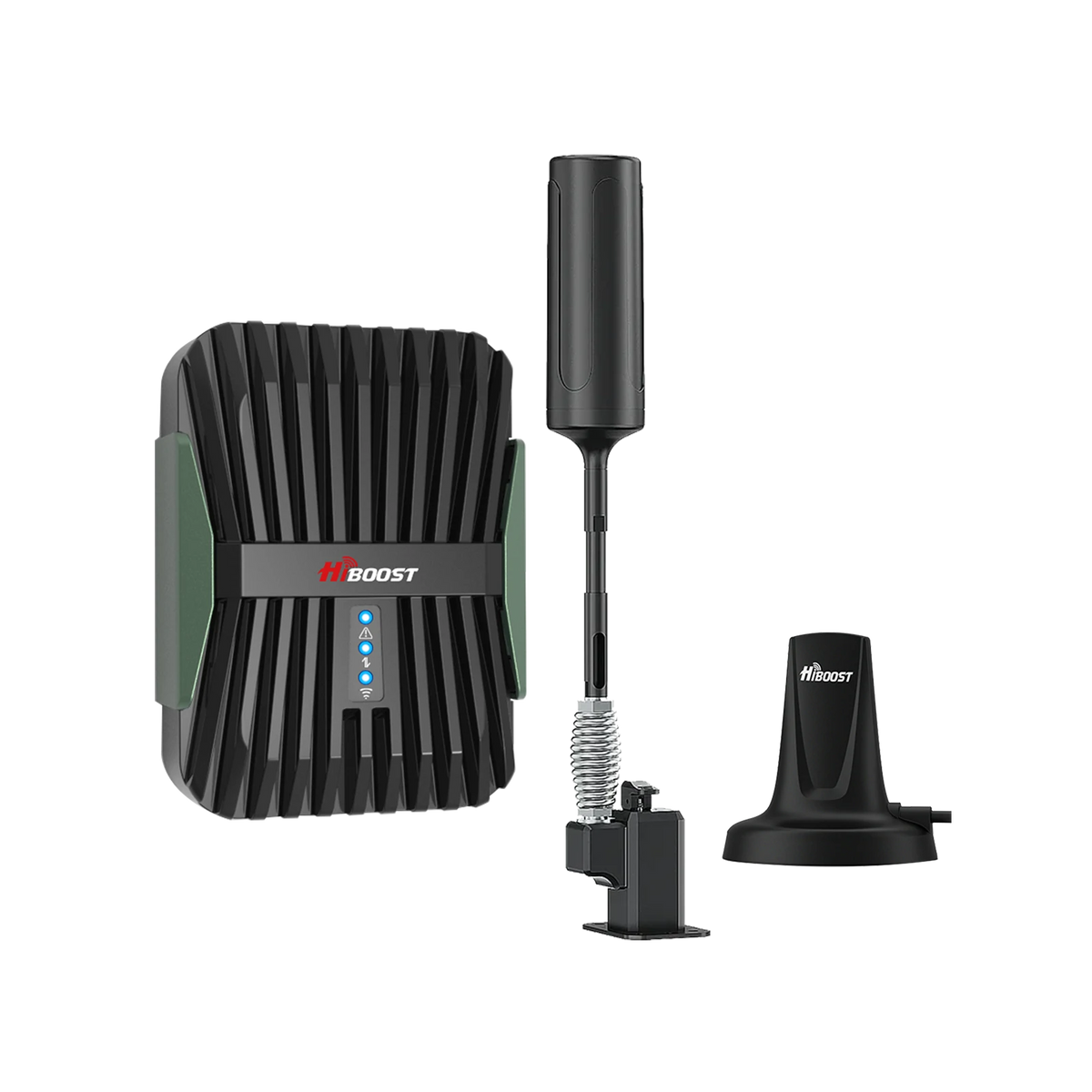
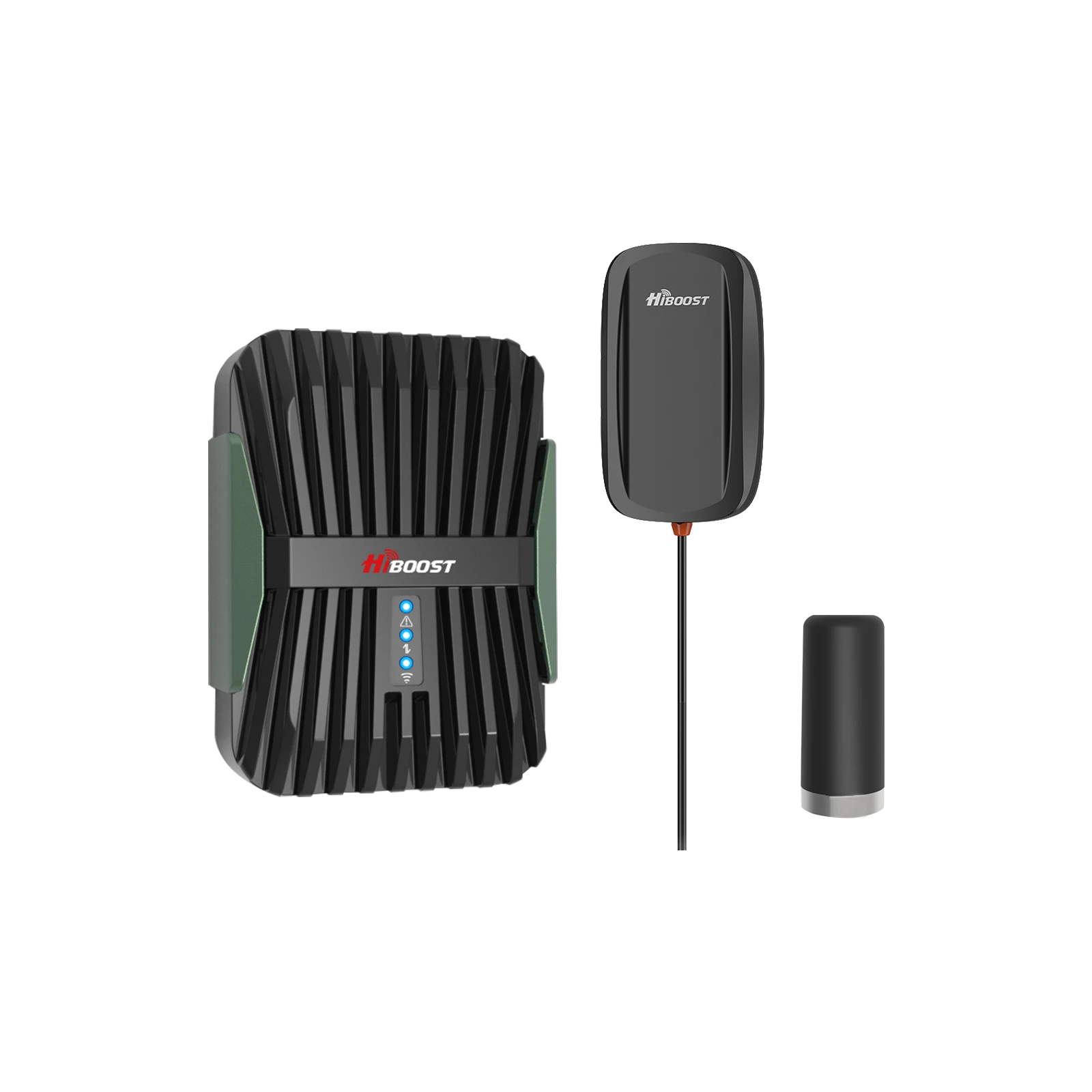
HiBoost Travel 3.0 RV Cellular Signal Booster. This mobile booster is built for vehicles and RVs. It comes with a magnetic outdoor antenna and is optimized for 12 V DC power.
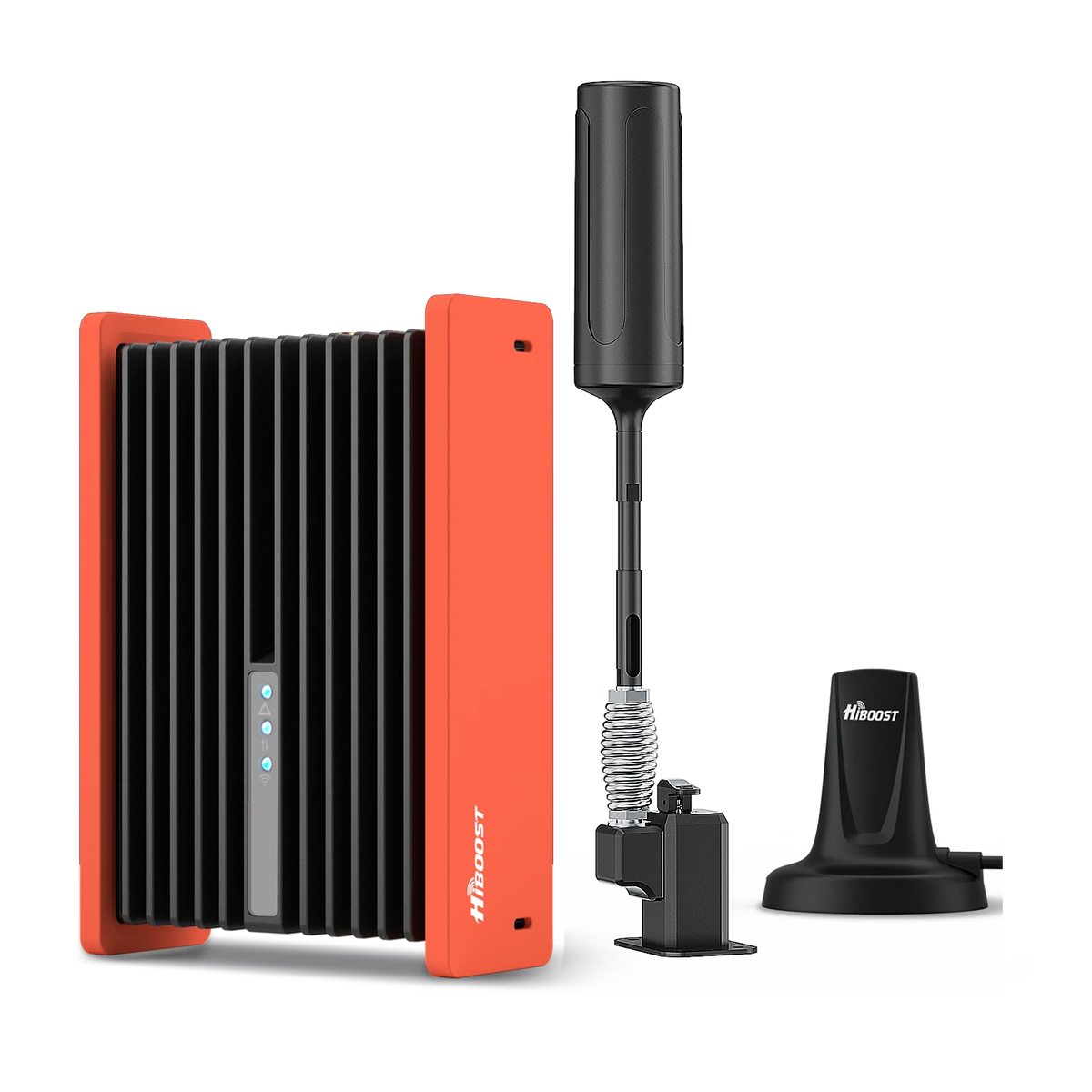
HiBoost Cell Phone Signal Booster for RV
For RVs, travel trailers, motorhomes, Class A/C RVs, 5th wheels, vans, and truck campers.
The Travel 3.0 offers up to 50 dB gain and is tuned for motorhomes, campers, and boats. With it, multiple devices can get a stronger signal while on the road. Users praise its rugged design and quick installation. If you frequently lose signal inside your RV or truck, the Travel 3.0 will provide clearer calls and faster data on your journey.
For each of these boosters, installation matters. Place the outdoor antenna in the direction of the nearest tower, run the cable into the building, and then position the indoor antenna to cover your living or working areas.
Keep the outdoor and indoor antennas separated by at least several feet to prevent feedback. The HiBoost units provide setup guidance, and apps can confirm that gain is maximized.
In summary, choose based on coverage area and use-case. Small space → Sidekick. Medium home/office → 10K Smart Link. Large home/warehouse → 10K Plus Pro or 15K Deluxe. Mobile/RV → Travel 3.0. In all cases, HiBoost products are designed to integrate seamlessly with your carrier and bolster the exact signal you have.
Frequently Asked Questions
Q: Can a cell phone booster really improve weak signal?
A: Yes, when there’s at least some usable outdoor signal, a booster can significantly improve indoor reception. The booster’s external antenna grabs the signal from the tower, the amplifier boosts it, and indoor antennas rebroadcast it throughout your home or office. Users routinely go from 1–2 bars indoors to full bars after a proper booster install.
Q: Will a booster improve my data speeds?
A: Yes, indirectly. Boosters improve the quality of your signal, which often translates to faster, more reliable data. If your phone was stalled at 1 Mbps download due to a –105 dBm signal, and a booster brings that up to –80 dBm, you may see dozens of Mbps.
In one test, a boosted signal gave 75% faster download and 15× faster upload. However, a booster can’t exceed the theoretical limits of your network. It mainly ensures you’re operating with a good signal, avoiding the slow-rate “edge” connection you had before.
Q: Will the booster work with 5G?
A: Boosters work on specific frequency bands, not directly on “5G” as a concept. If your booster supports the cellular frequency that your 5G service is using, then it will amplify that 5G. For example, if you have low-band 5G on n71 or n41 and your HiBoost unit supports those bands, it will boost those signals.
If your phone is connected to an unboostable band, the booster won’t help. In short: boosters can help with 5G so long as the booster’s FCC-approved bands match the 5G bands in use.
Q: Can I use a booster in a metal building or basement?
A: Absolutely. In fact, metal buildings and basements are classic examples of where boosters shine. Since metal and concrete severely block signals, inside you would normally have almost no service. By mounting a HiBoost’s outdoor antenna outside the metal structure and running cable inside to an antenna, you “bend” the signal path around the obstruction.
People regularly use boosters in warehouses, factories, or underground offices with excellent results. The key is proper antenna placement: aim the outdoor antenna at the tower, and place indoor antennas to cover living areas.
Q: How do I pick the right booster for my carrier?
A: All HiBoost boosters are carrier-agnostic; they work with Verizon, AT&T, T-Mobile, Sprint, etc. The amplifiers boost whatever carriers’ signal your phone is using. You just need to match the booster to your coverage needs and check that it supports the major bands in your area.
The product specs list the supported bands. If you use multiple carriers in the house, get a multi-band booster like any of the HiBoost home units. For single-carrier use, there are special boosters but the standard HiBoosts cover all carriers on standard bands.
Q: Is special permission or registration needed?
A: In the U.S., consumer boosters must be FCC-certified and registered with your carrier. HiBoost boosters are FCC-approved. This means they comply with gain limits and technical standards, so they won’t interfere with the network. You should register the booster ID with your wireless providers. This is a one-time process required by FCC rules. HiBoost provides the ID needed.
Q: Can I install it myself?
A: Yes, HiBoost kits are designed for self-installation. The components are labeled. In general: mount the outdoor antenna outside facing the tower, run coax cable in, connect to the booster, attach indoor antenna, and plug in power. As the instructions say, keep the antennas separated and perpendicular if possible.
It often takes only 20–30 minutes. Use a signal meter or the HiBoost app to optimize placement and move the outdoor antenna slightly for maximum gain. The included manuals and online support make it straightforward.
If at any point you feel uncomfortable, professional installers can do it, but most customers manage on their own thanks to the intuitive design. Remember to test after installation: measure signal inside before/after to confirm you’ve hit the “sweet spot”.
In 2026, fixing a weak cell phone signal is about smart troubleshooting, not guesswork. Start by diagnosing whether the issue is distance, obstructions, or device settings. Measure your real signal and test free solutions. If the core problem is that outdoor coverage is decent but indoor reception is poor, then a HiBoost cell phone signal booster is one of the most effective tools you can use.
HiBoost offers a range of boosters for every need: the Sidekick for small spaces, the 10K Smart Link for medium homes, the 10K Plus Pro for large multi-room homes, and the 15K Smart Link Deluxe for very large properties. For mobile users, the Travel 3.0 RV Booster keeps you connected on the road. Each unit is 5G-capable on supported bands, works with all U.S. carriers, and is FCC-certified for safe operation.
Diagnose first, then choose the right solution, install it correctly, and verify with tests. With the right approach and the right HiBoost product for your situation you can turn weak bars into strong ones and say goodbye to dropped calls and slow data.
Most new 5G networks operate in bands from about 600 MHz up to 6 GHz. These include low-band and mid-band 5G deployments. These signals behave much like 4G LTE low frequencies travel far and penetrate buildings better.
Related Articles
How Does a Cell Phone Booster Work?
Best Cell Phone Signal Booster for Home in 2026
How to Measure Cell Signal Strength
Best Signal Booster for Rural Areas
Car/Suv,RV,Truck,Vehicle


Our Home Signal Booster


Popular Articles

Leave a comment
All comments are moderated before being published.
This site is protected by hCaptcha and the hCaptcha Privacy Policy and Terms of Service apply.