
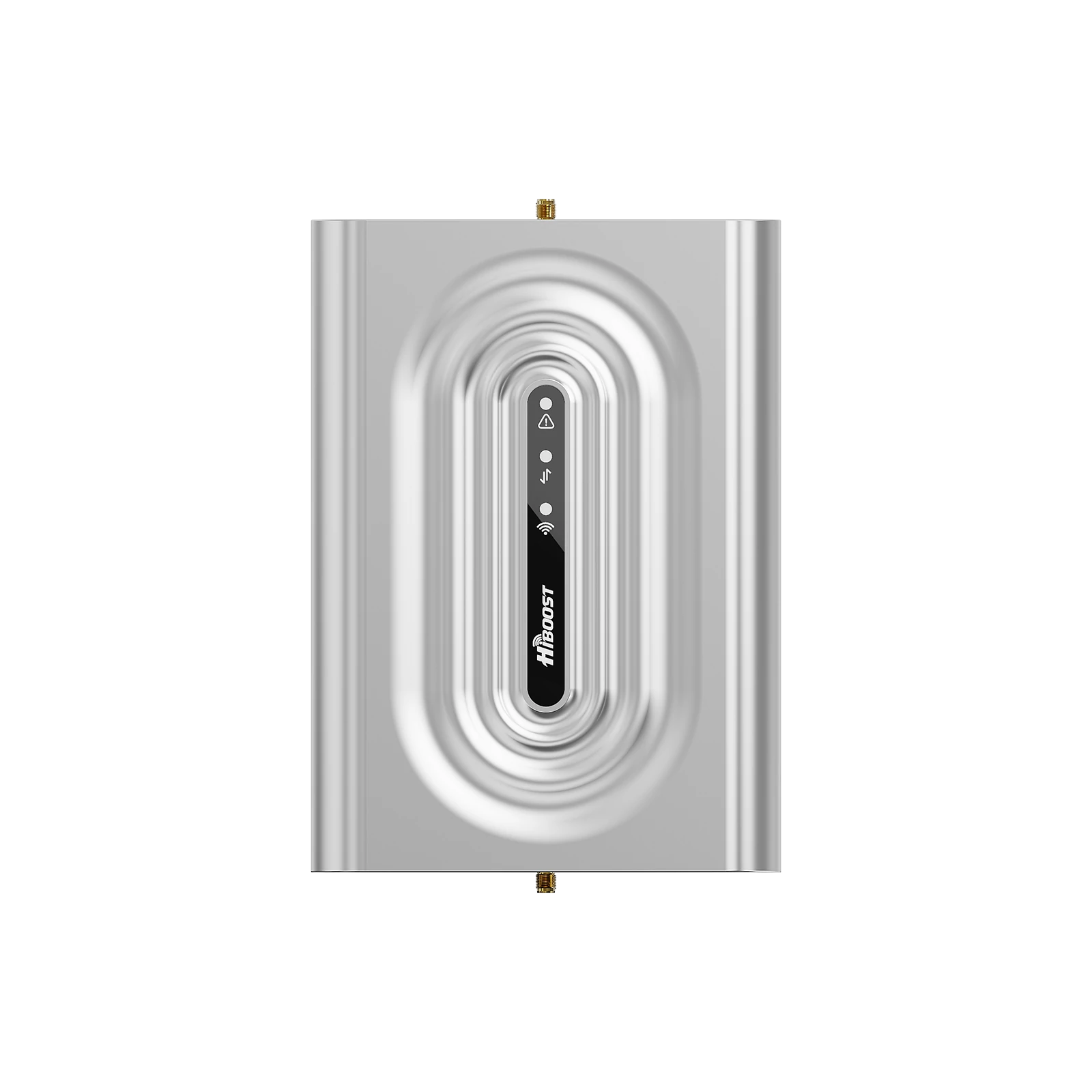
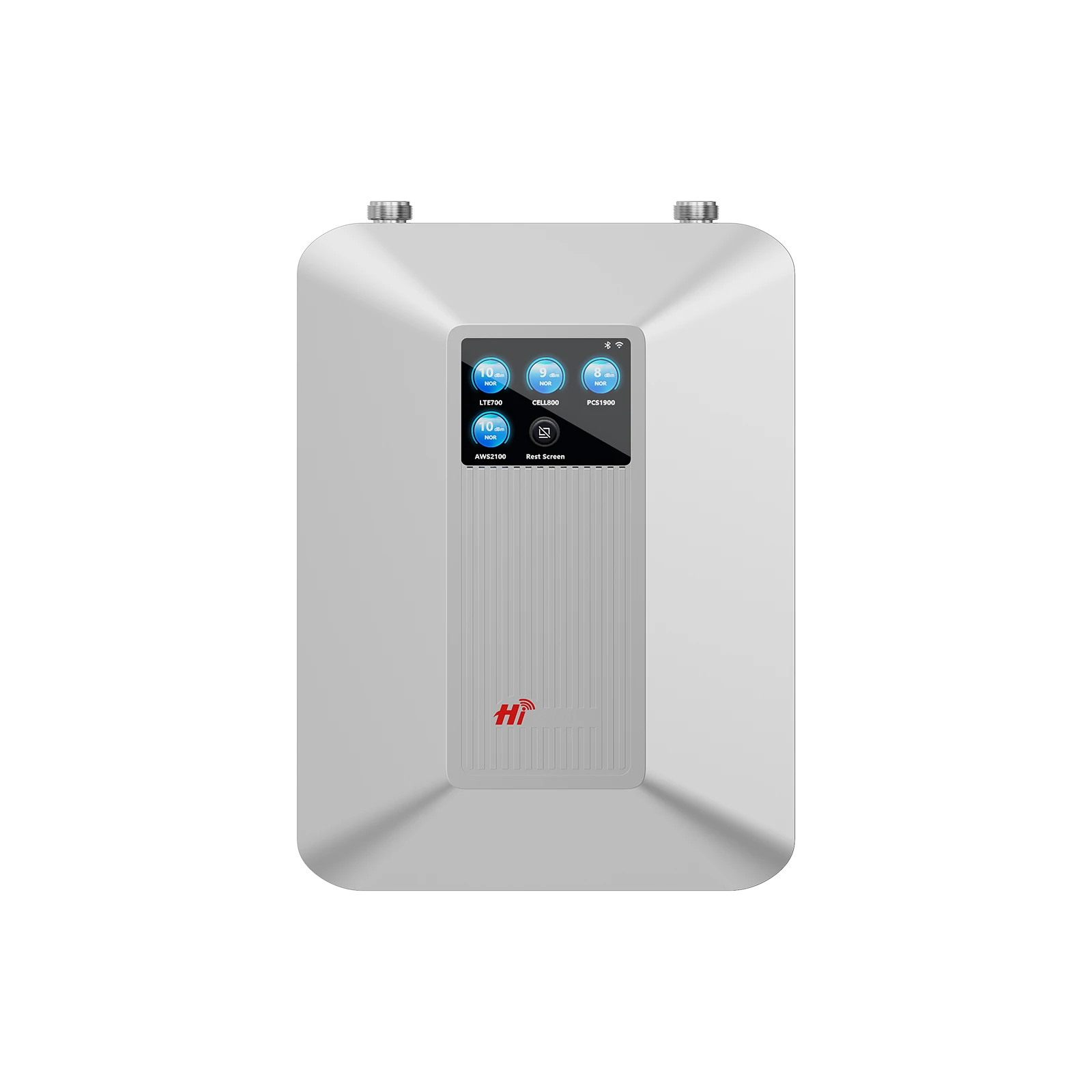
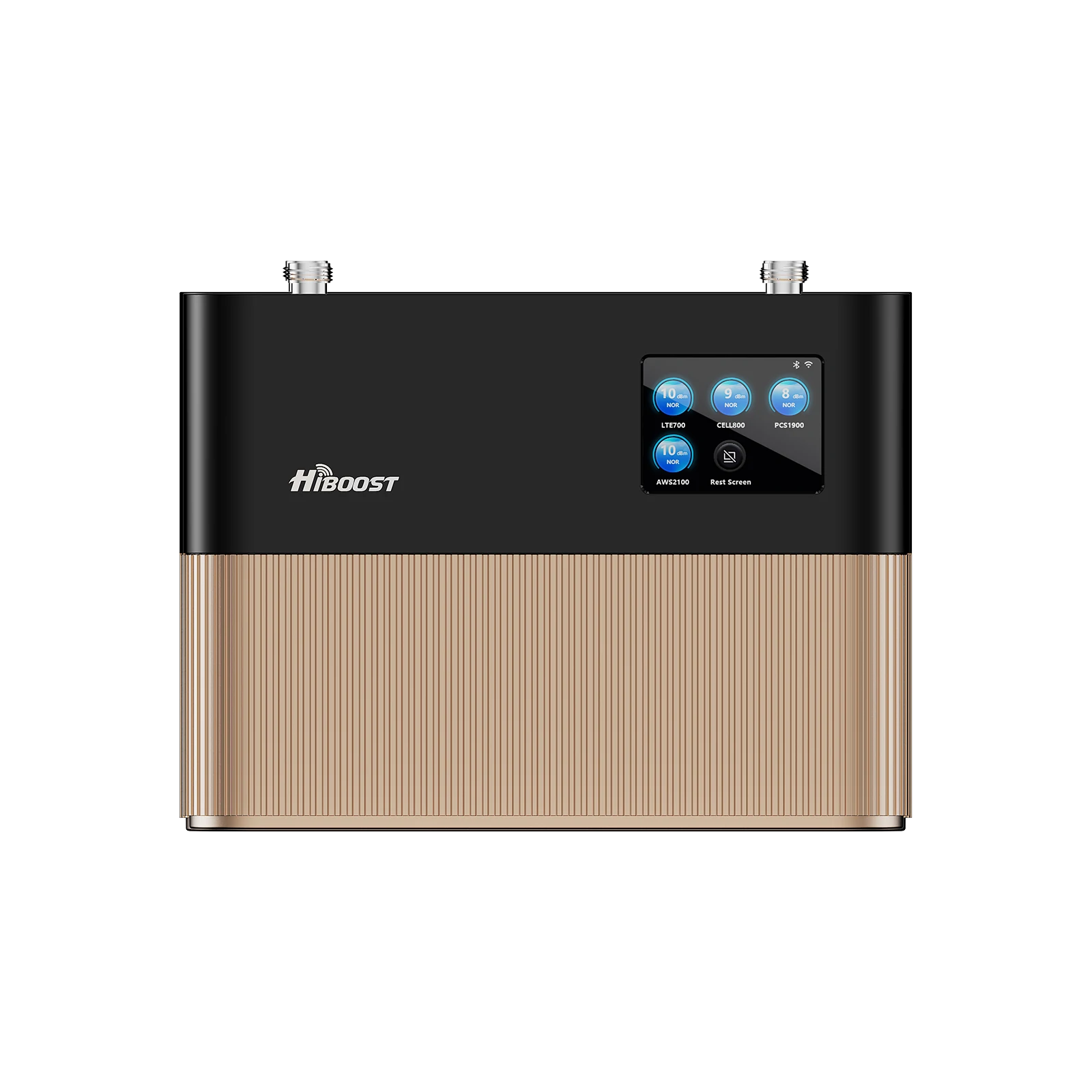
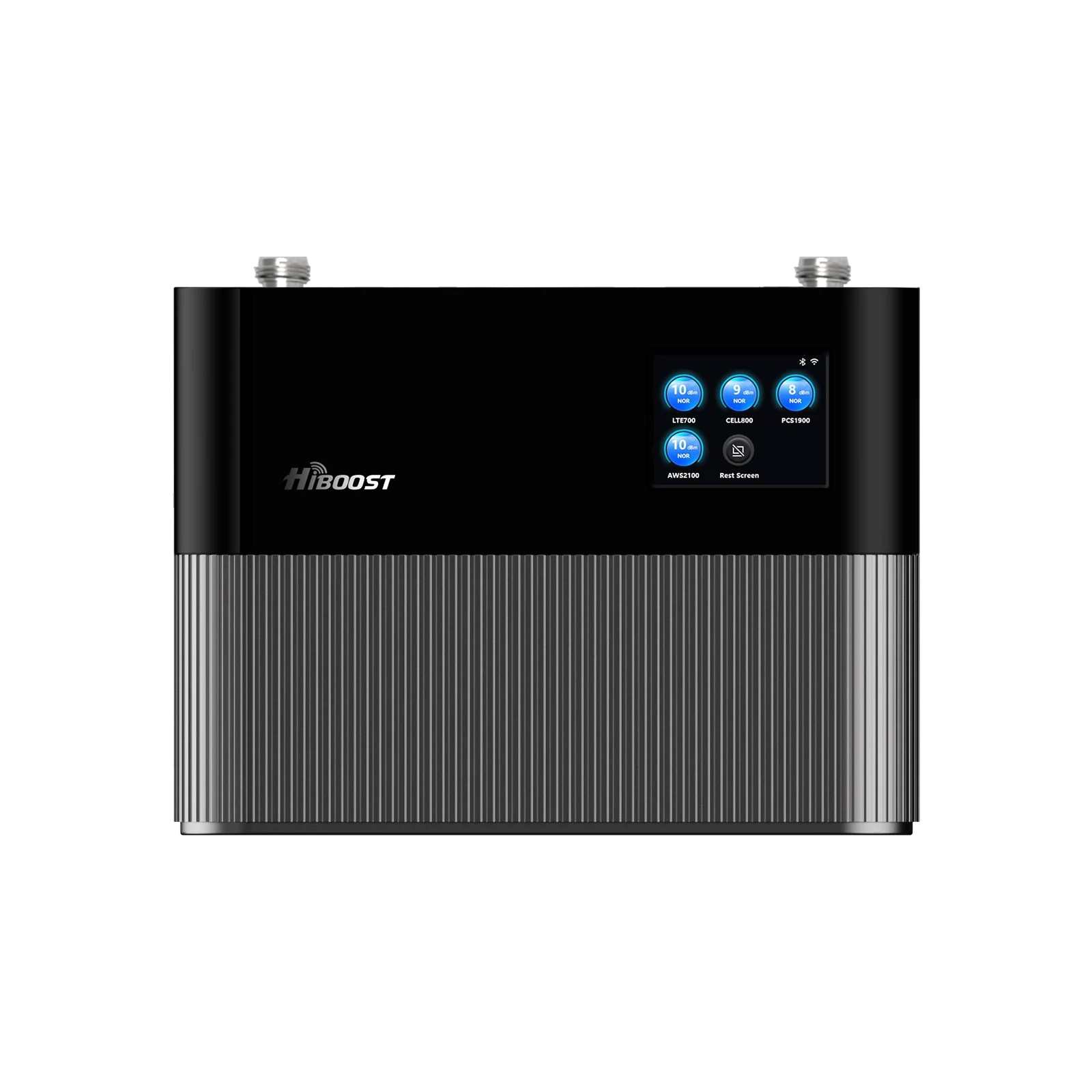
Imagine this: your phone shows “5G” but web pages crawl. Calls drop the moment you step into the kitchen. Your home’s upstairs has one bar while the living room shows four. Drive ten miles out of town and your signal vanishes entirely.
Sound familiar? Weak 5G isn’t always your carrier’s fault and the wrong booster won’t fix it. This guide explains what causes poor 5G reception, when boosters help, and how to pick the right HiBoost solution for your home, vehicle, or business.
1. Why Is Your 5G Signal So Weak?

Distance, obstacles, and spectrum limits. The farther you are from a cell tower, the weaker the signal. Thick walls, metal roofs, trees or hills can block radio waves. Even bad weather and network congestion play a role. In short, no signal booster can fix zero coverage you need at least a weak outdoor signal to work with.
Longer explanation: Several factors can tank your 5G inside the house:
-
Tower Distance: If you’re miles from the nearest tower, you’ll have a weak signal indoors. Signals fade rapidly with distance.
-
Building Materials: Modern homes use concrete, brick, metal, or coated glass that block or attenuate signals. These materials can create a “Faraday cage” effect, giving full bars near a window and none in the basement.
- Obstacles: Trees, hills, or even your neighbor’s house can physically block signals. Even foliage and weather can scatter 5G radio waves and create dead zones.
- Network Congestion: In busy areas or at peak times, many users share the same cell tower. This limits your bandwidth, slowing internet and dropping calls.
- Frequency Used: Lower-frequency 5G bands travel far but carry less data; higher-frequency bands are fast but have very short range and weak building penetration.
Before buying a booster, try these first: move nearer a window or higher floor; disable LTE/5G in phone and enable Wi-Fi calling; or use a network extenders if small area coverage is needed. If that fails and you still have at least 1–2 bars outside, a booster can help.
2. What Is a 5G Signal Booster?
If you're new to signal boosters, start with our complete cell phone signal booster guide to understand how boosters work, how to measure signal strength, and what to consider before buying.
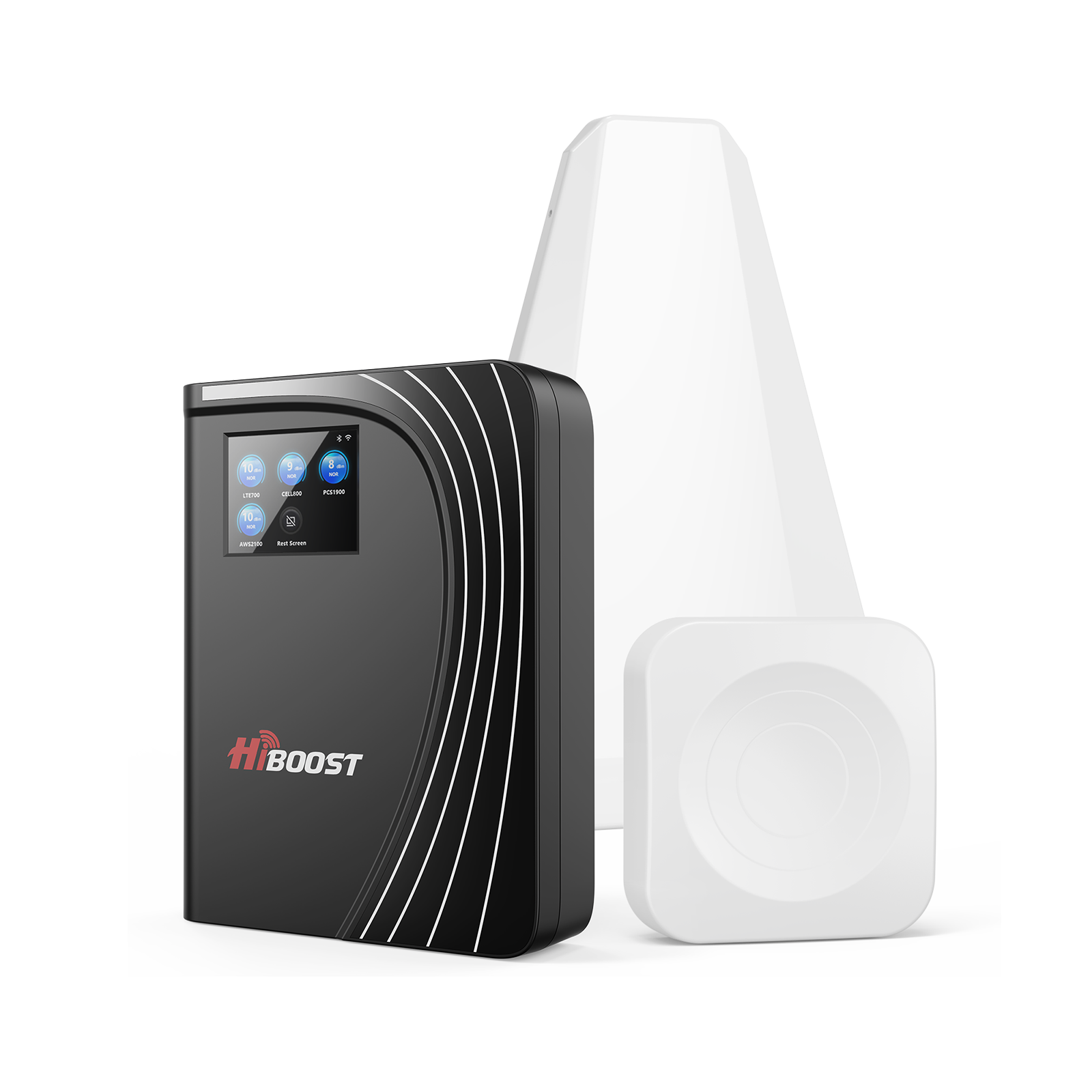
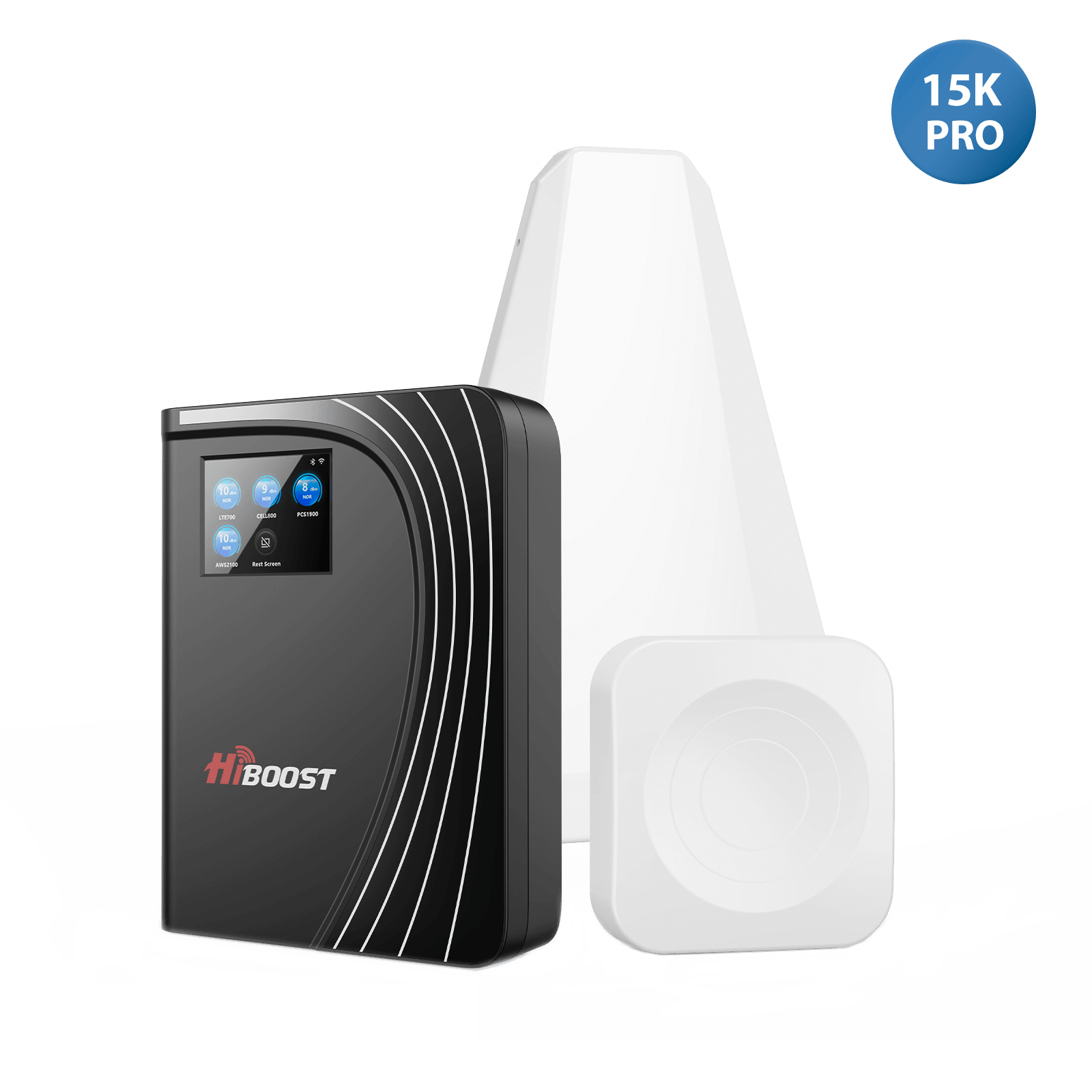
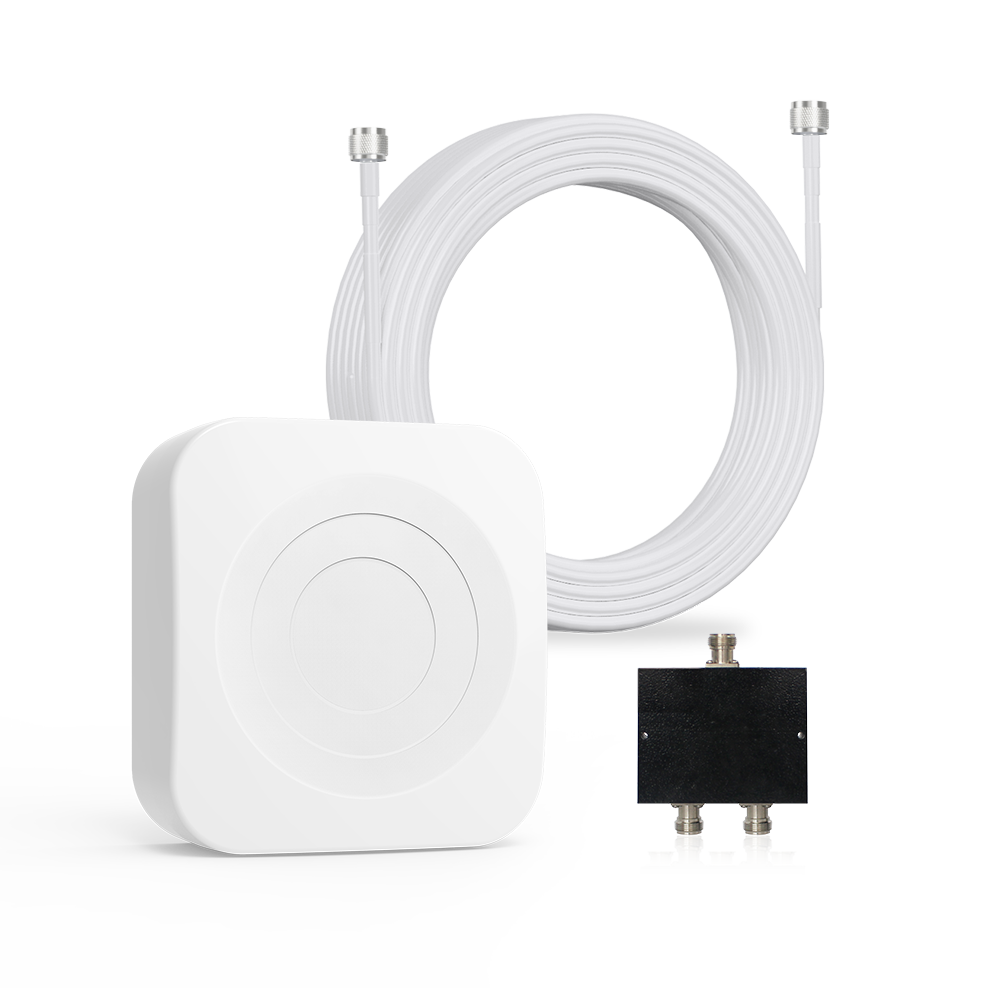
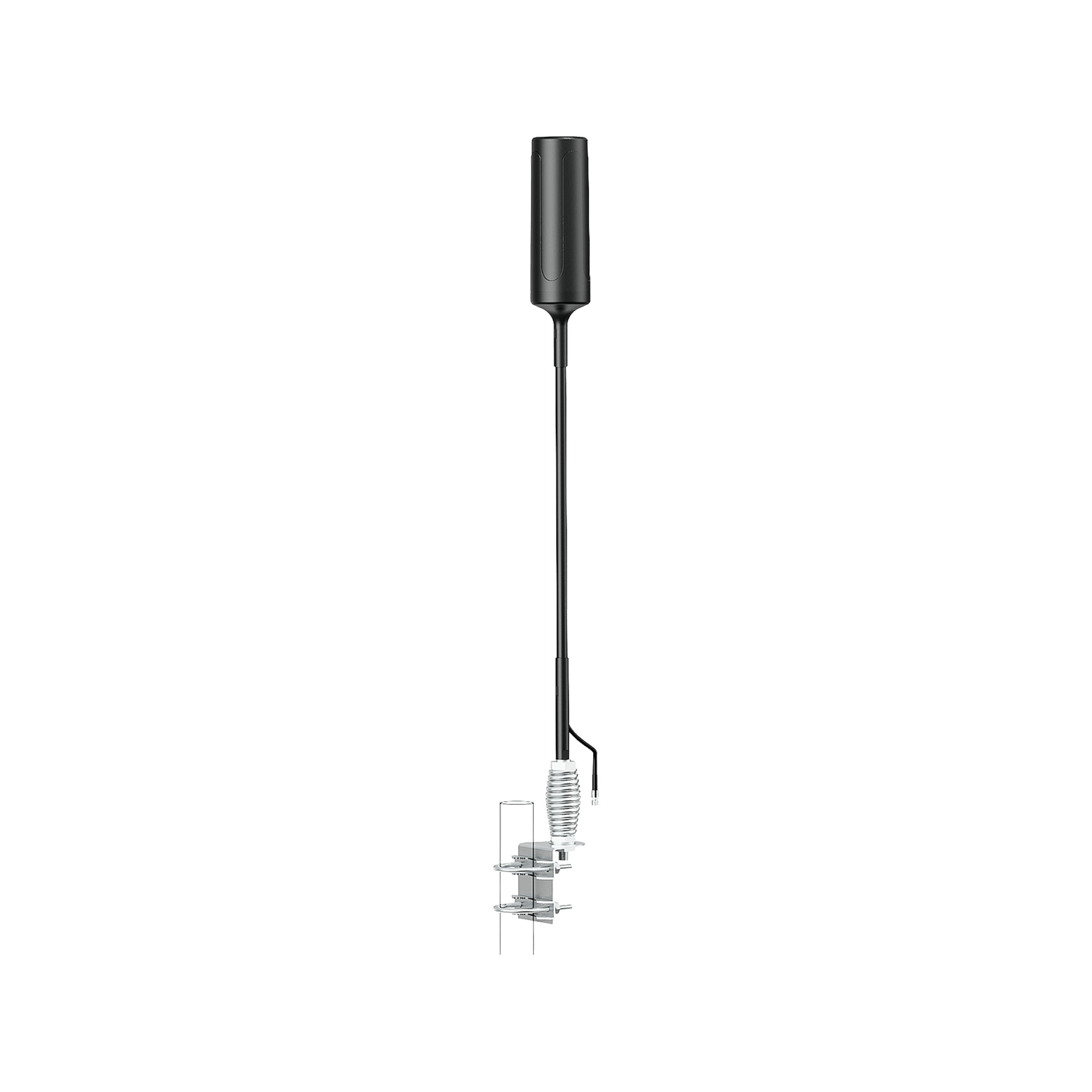
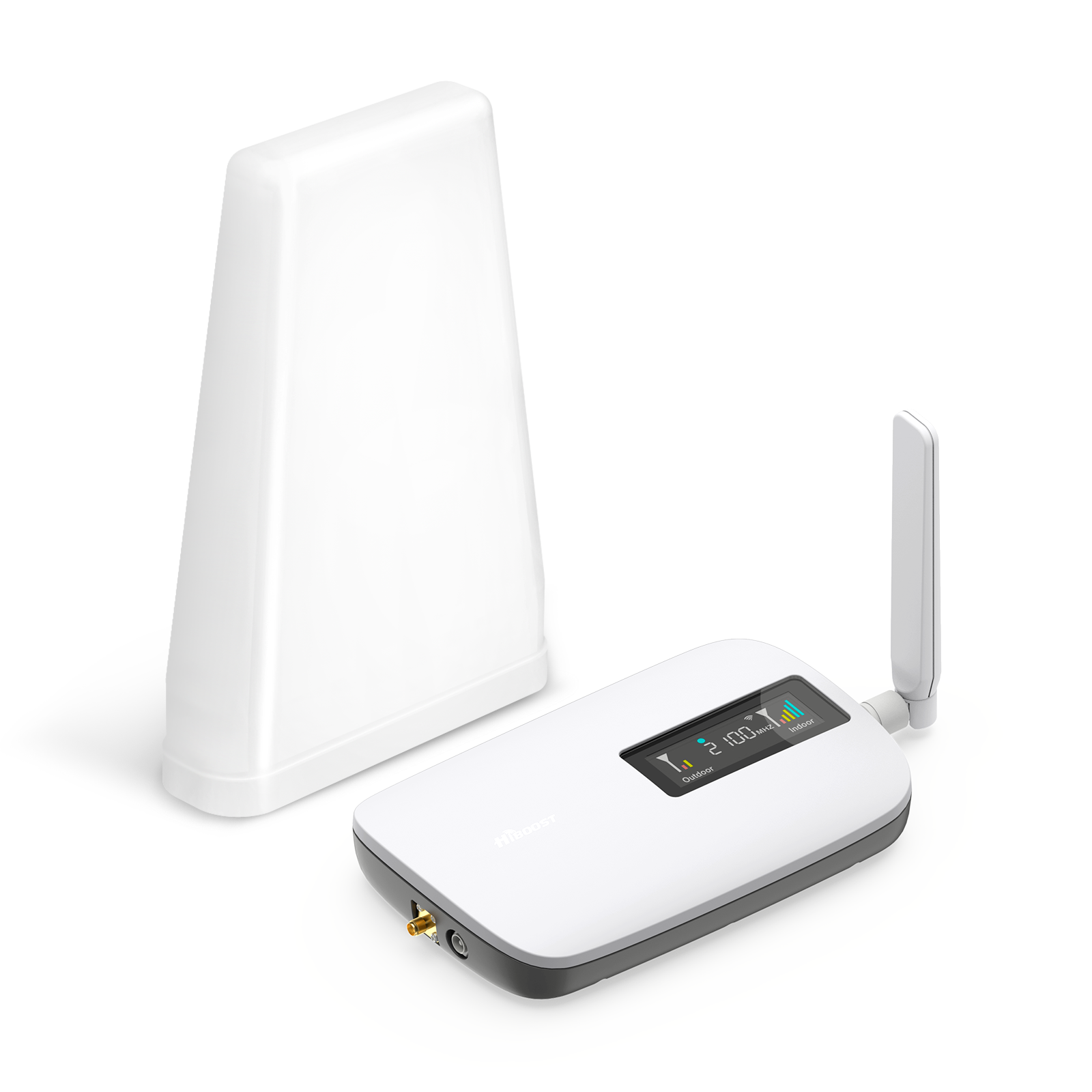
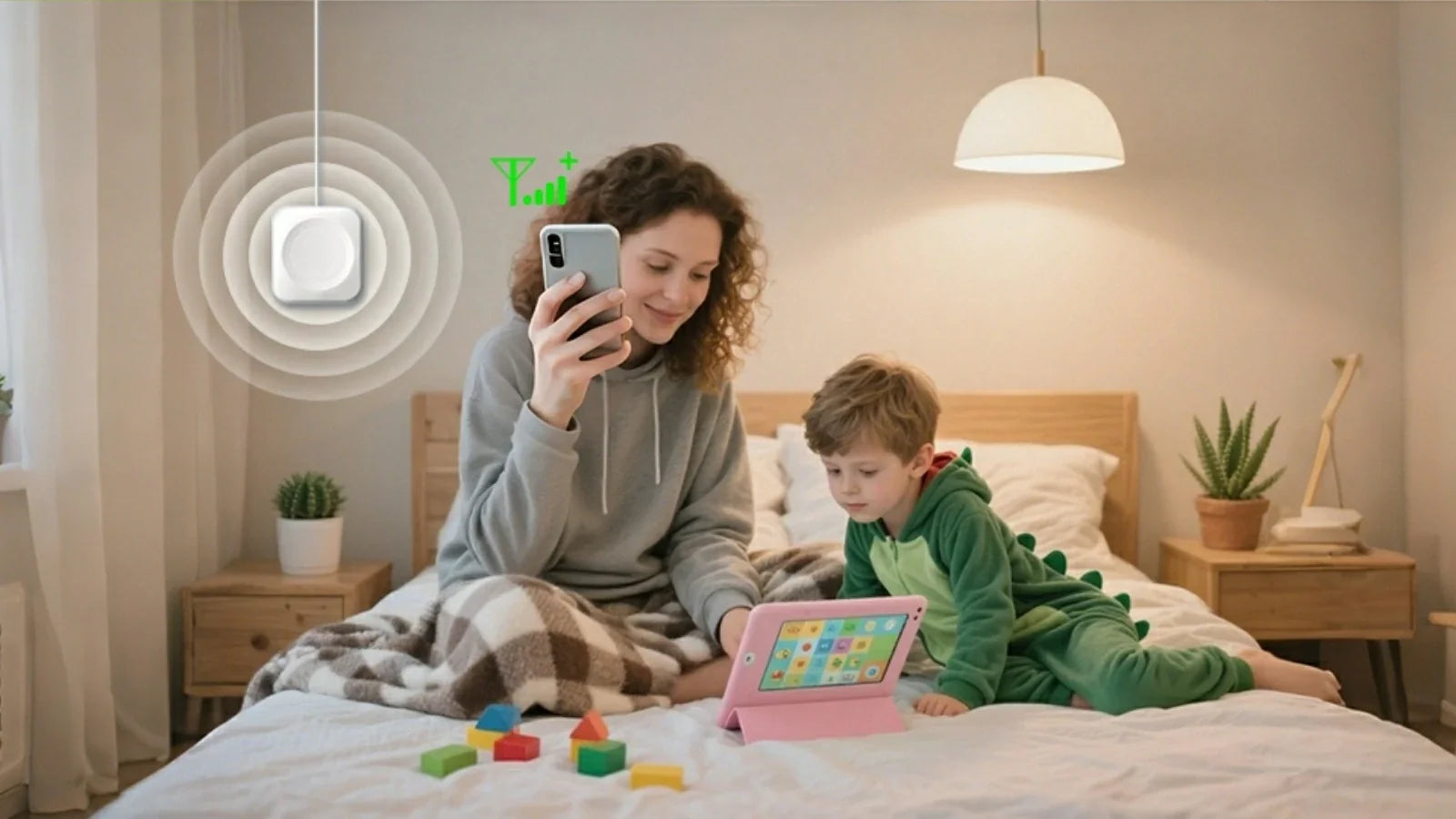
A cell phone signal booster is basically an amplifier system with two antennas and an amplifier box. The outdoor antenna captures whatever signal exists from the cell tower.

That weak signal goes to the amplifier, which boosts it. Then the indoor antenna re-broadcasts the stronger signal inside your building or vehicle. Think of it as a signal relay: Phone ↔ Booster ↔ Cell Tower.
Important point: Boosters don’t create a new signal they only amplify what’s already there. If there’s no outside signal, the booster can’t invent one.
Under the hood, boosters cover typical cellular bands and are bi-directional (they also help your phone’s uplink to the tower). Done right, boosters give your devices more bars, faster data, and fewer dead spots.
3. Do 5G Signal Boosters Really Work?

Yes, if there’s some outdoor signal to amplify. A booster will definitely improve coverage and speed in areas where you have at least 1–2 bars outside. But in a true dead zone, no booster can help.
- ✓ Works best when: You have a sliver of existing signal outdoors. For example, even a single bar outside can be boosted into 3–4 bars indoors.
-
✗ Not effective when: There is zero signal outside. Boosters “won’t work in areas with absolutely no available cell signal”.
-
Improvements you’ll see: With a working booster, expect stronger bars on your phone, faster data throughput, and far fewer dropped calls.
As Wilson Amplifiers notes, a properly installed booster “ensures fewer dropped calls, clearer voice quality… and faster data”.
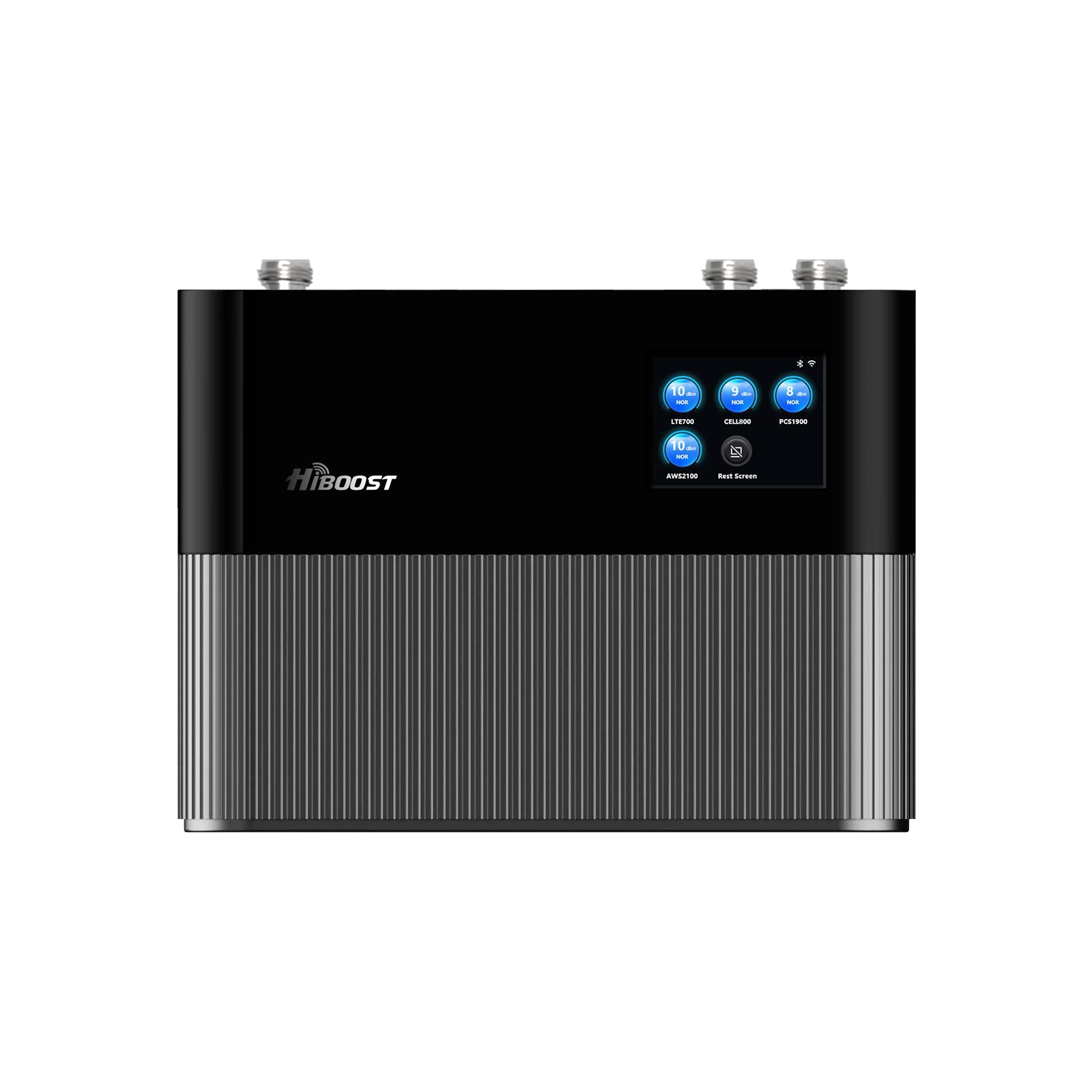
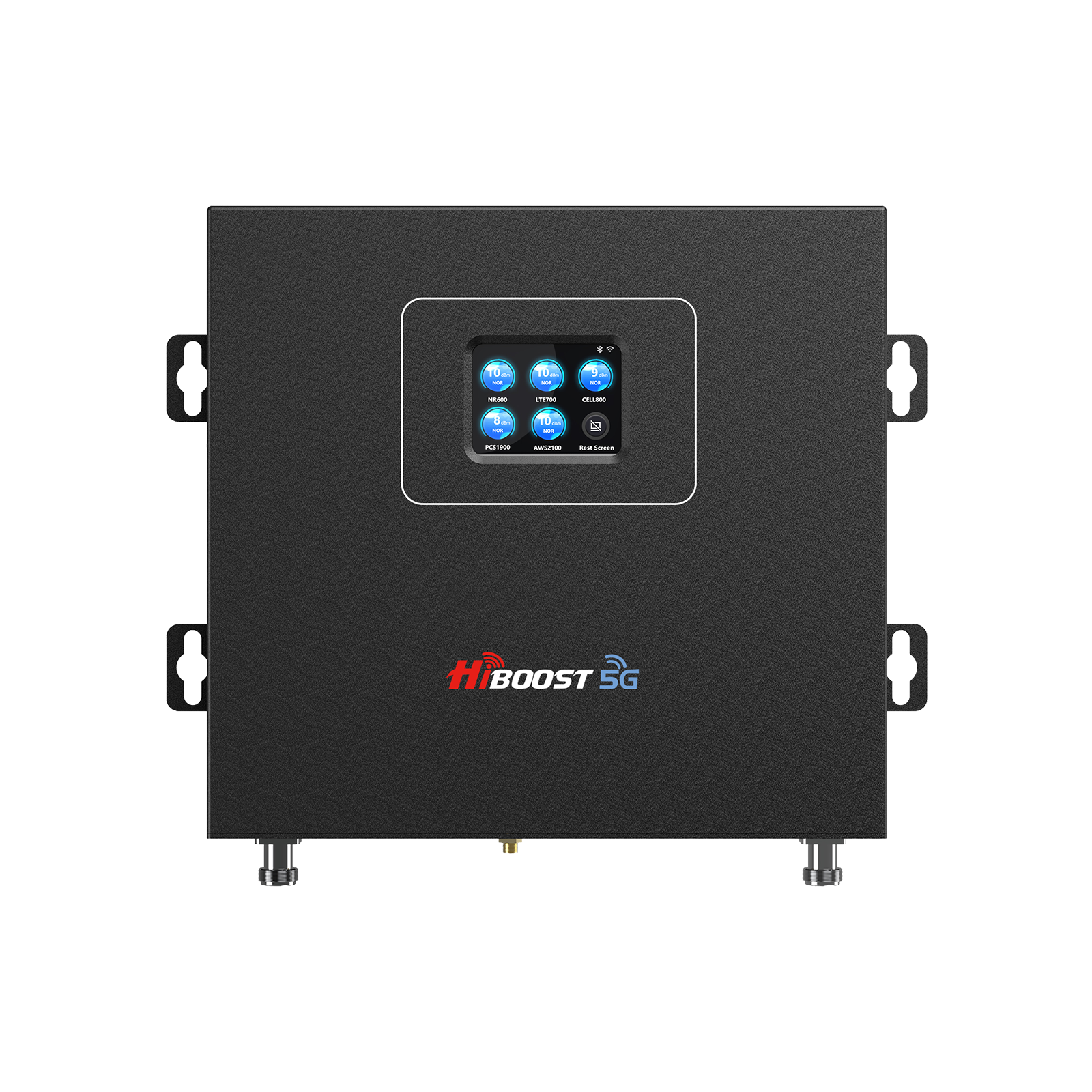
In practice, high-gain boosters like the HiBoost Sidekick, Hero or Ally can convert a barely-there edge signal into full coverage in your home or vehicle, provided there’s at least a weak signal outside.
4. Which Types of 5G Can Be Boosted?
5G comes in three “flavors” and boosters mainly target the sub-6 GHz bands:
- Low-band 5G (Sub-1 GHz, e.g. 600/700/850 MHz): Has the widest coverage and best building penetration. Boosters readily amplify these low frequencies. For example, T-Mobile’s 600 MHz (n71) or Verizon’s 850 MHz are examples.
- Mid-band 5G (1–6 GHz, e.g. 2.5 GHz, C-Band around 3.7–3.98 GHz): Offers a balance of speed and range. Boosters can often handle mid-band too. Mid-band 5G provides good speeds with moderate indoor range.
- High-band 5G (mmWave, ~24–39 GHz): Delivers ultra-fast speeds but very short range. These signals are easily blocked by walls, weather, even foliage.
In practice, boosters do not amplify mmWave because it rarely reaches the outdoor antenna. As Verizon explains, mmWave’s “blazing fast speeds… has a limited range and does not penetrate buildings or other solid objects”.
In summary, boosters focus on sub-6 GHz 5G. They cannot magically extend mmWave coverage; instead, you get the most benefit boosting the low- and mid-band signals that carry 5G and LTE indoors.
5. Carrier Guides (T-Mobile, Verizon, AT&T)
T-Mobile:
T-Mobile has two 5G networks Extended Range 5G on 600 MHz and Ultra Capacity 5G on 2.5 GHz and some mmWave. Extended gives broad coverage nationwide, while mid-band/UltraCap (2.5 GHz) offers higher speed with shorter reach.
A booster will help in areas where T-Mobile’s n71 or n41 signal is present. In practice, boosters can improve indoor reception of T-Mobile’s low- and mid-band 5G but have no effect on the rare mmWave signals. Common dead zones on T-Mobile include basements or insulated rooms.
Verizon:
Verizon calls its nationwide 5G “5G Nationwide” and its fast 5G “Ultra Wideband”. The low-band covers most of the U.S., while UWB is only in select urban areas. Boosters work well with Verizon’s low- and mid-band signals to fill indoor gaps.
Verizon notes that high-band mmWave has “limited range and does not penetrate buildings”, so boosters targeting sub-6 GHz are more useful. If you have a Verizon dead zone, boosting the available Nationwide/C-band signal will stabilize coverage.
AT&T:
AT&T’s 5G rollout uses low-band for broad coverage and mid-band “5G+” for speed. AT&T also deploys mmWave in dense city spots. A signal booster will capture and amplify AT&T’s low- and mid-band 5G.
This means better indoors coverage in suburbs or small towns using 850 MHz or 3.45 GHz. High-band mmWave is too spotty to boost. In short, boosters are a great complement to AT&T’s 5G wherever you have some outdoors signal.
Each carrier’s local signal can vary, so check your coverage map. In general, boosters help indoor performance for T-Mobile, Verizon, and AT&T on the broad coverage bands, but cannot extend a carrier’s network beyond its natural reach.
6. Best Solutions by Location
Home (Single Room):
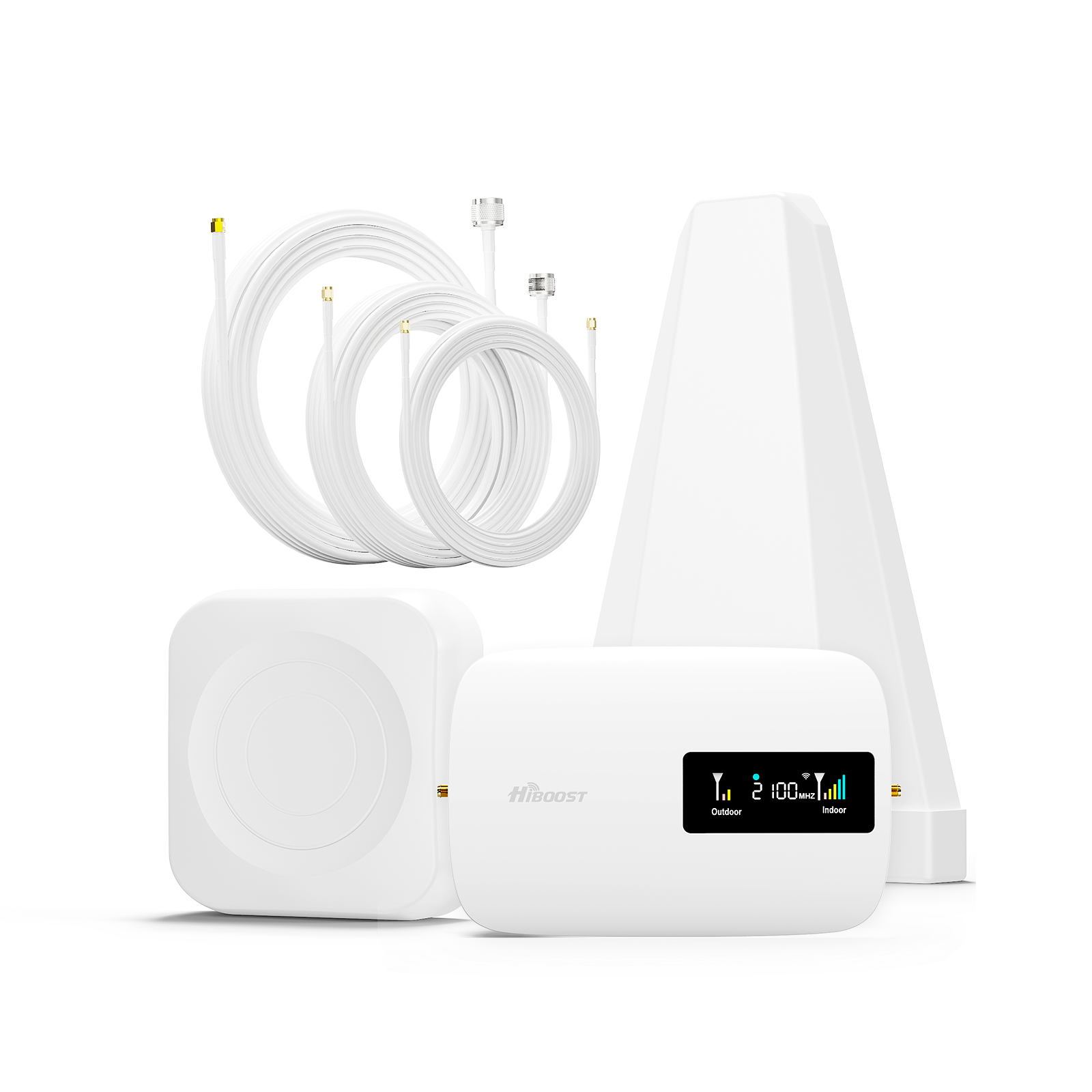
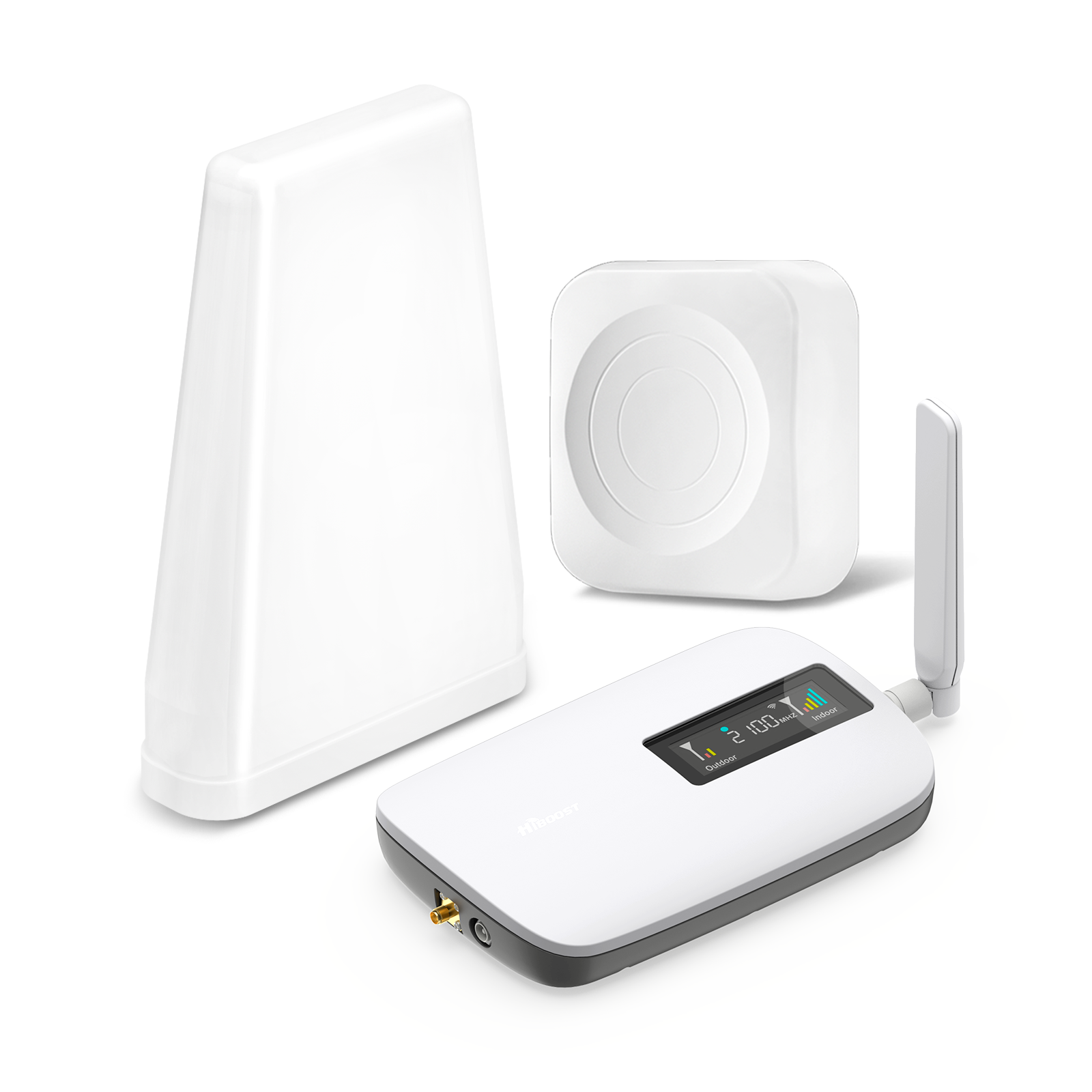
If you have one trouble room or a small apartment, a compact booster like the HiBoost Sidekick or Ally is ideal. Place the outdoor antenna where signal is best, and the indoor antenna in the needy room.
Home (Multi-room/Large):
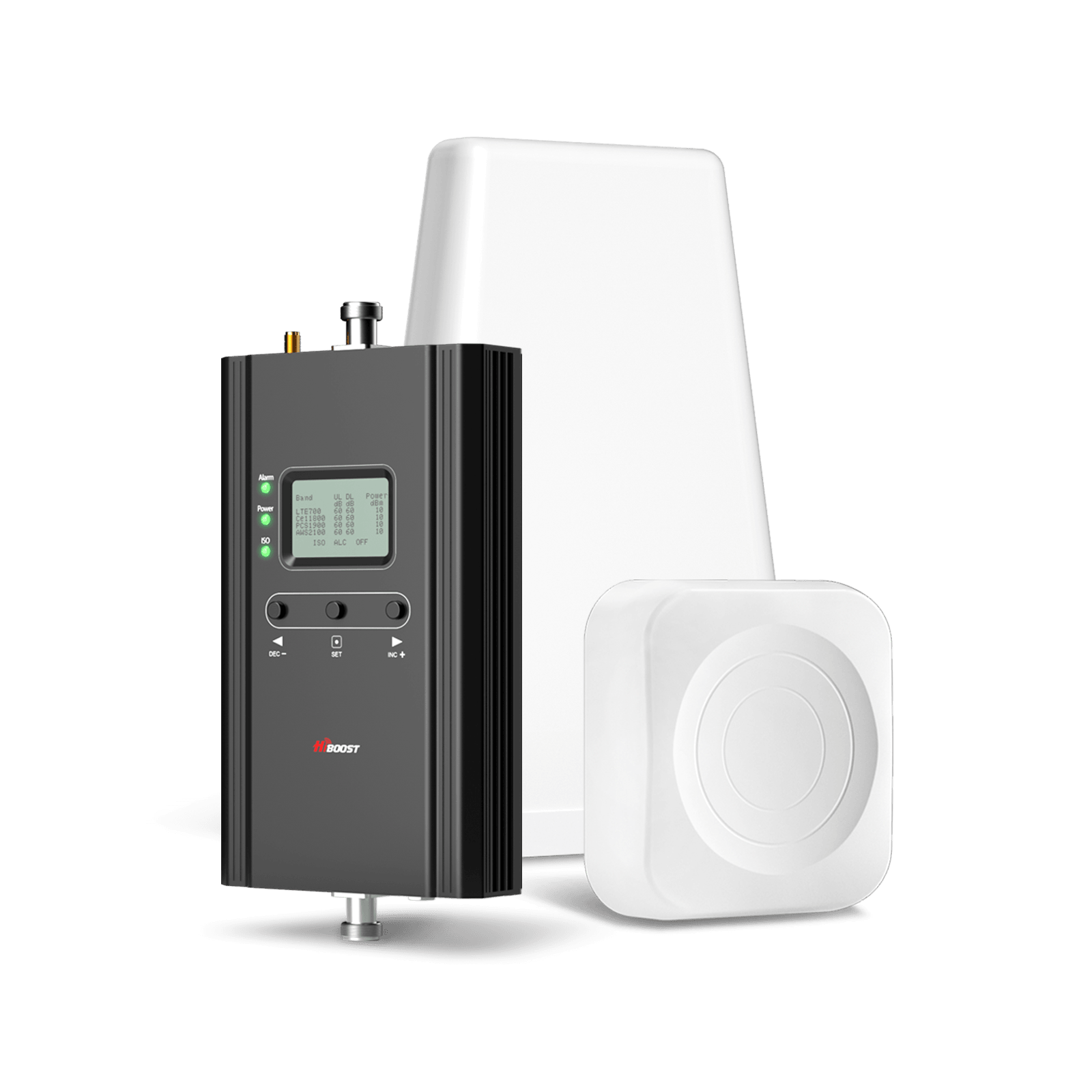
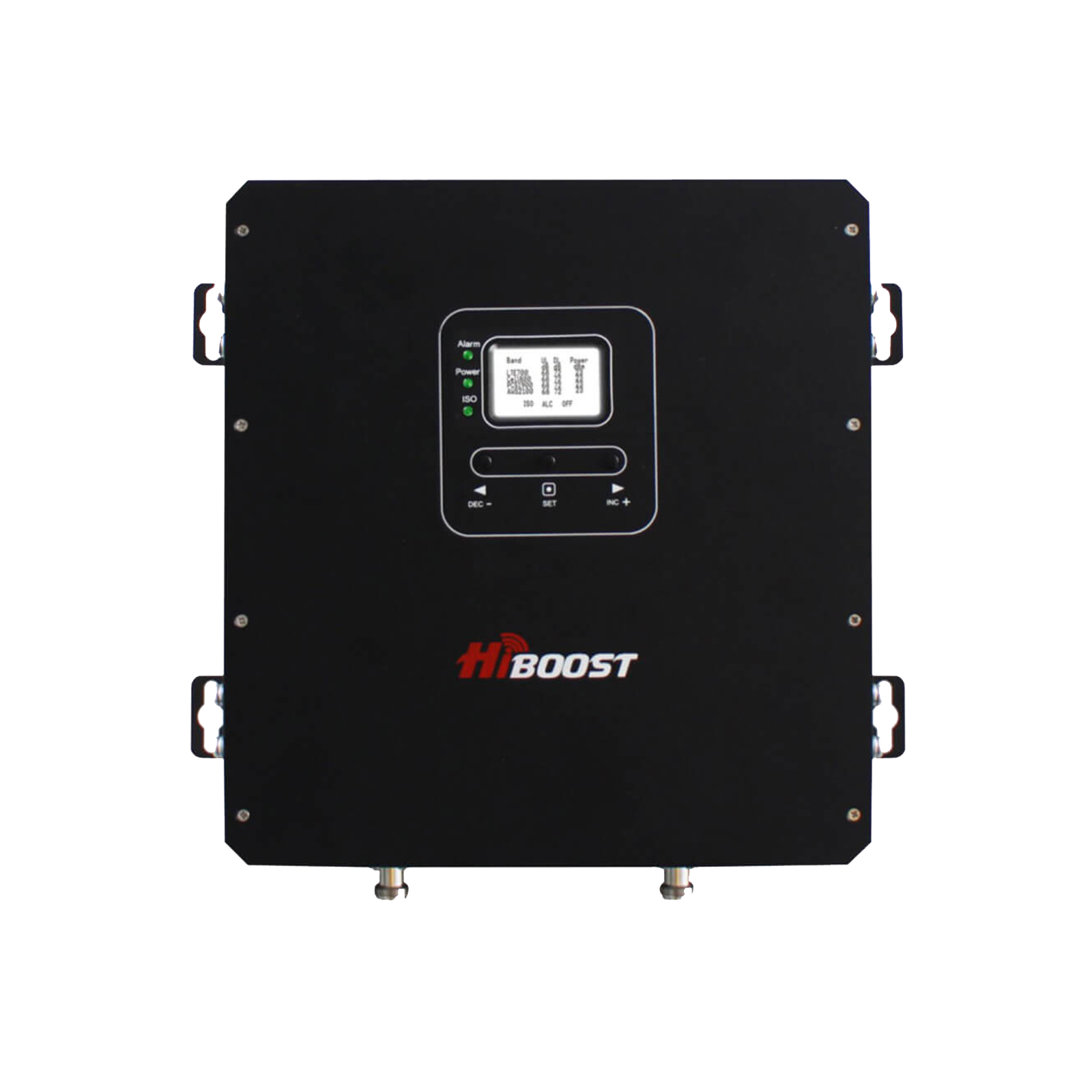
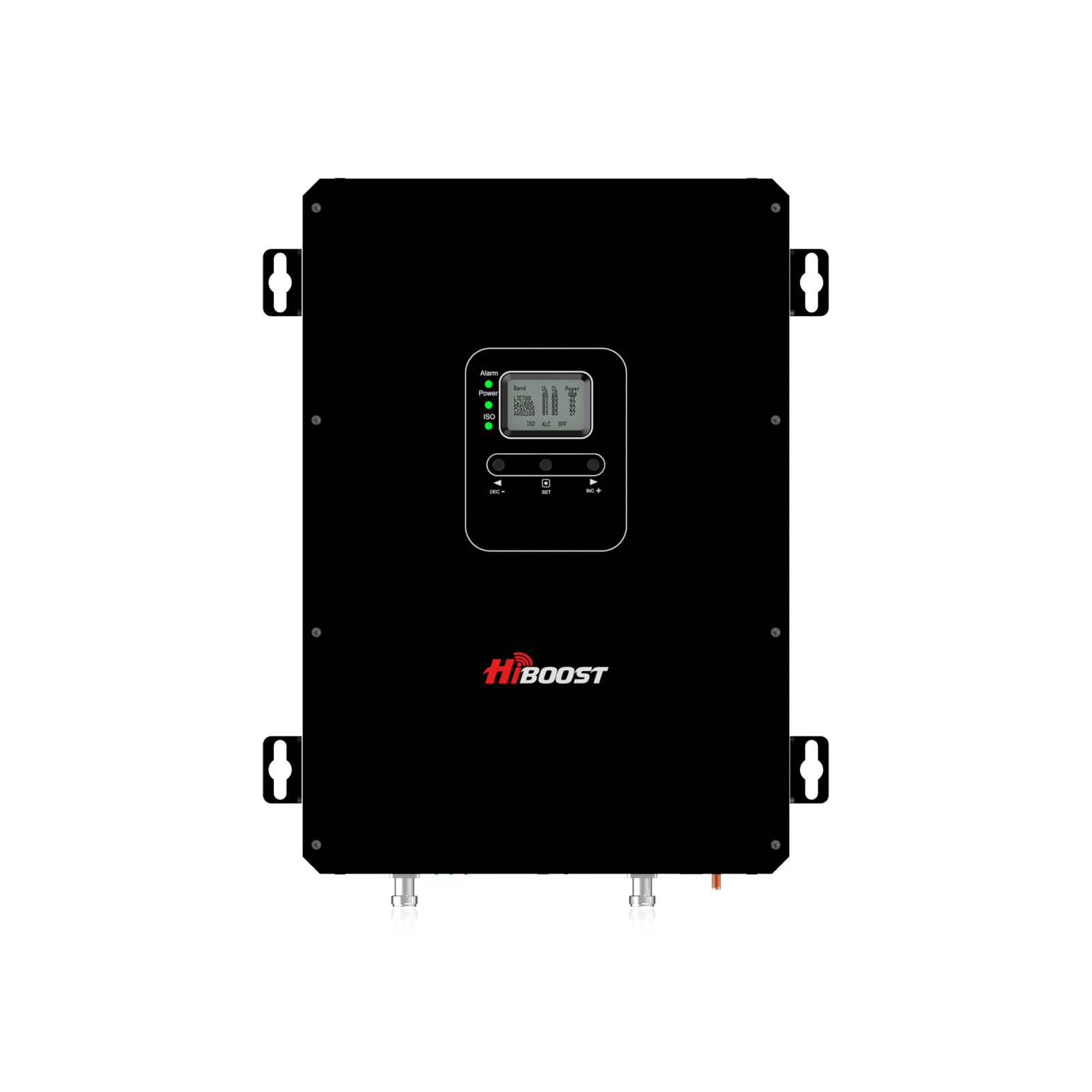
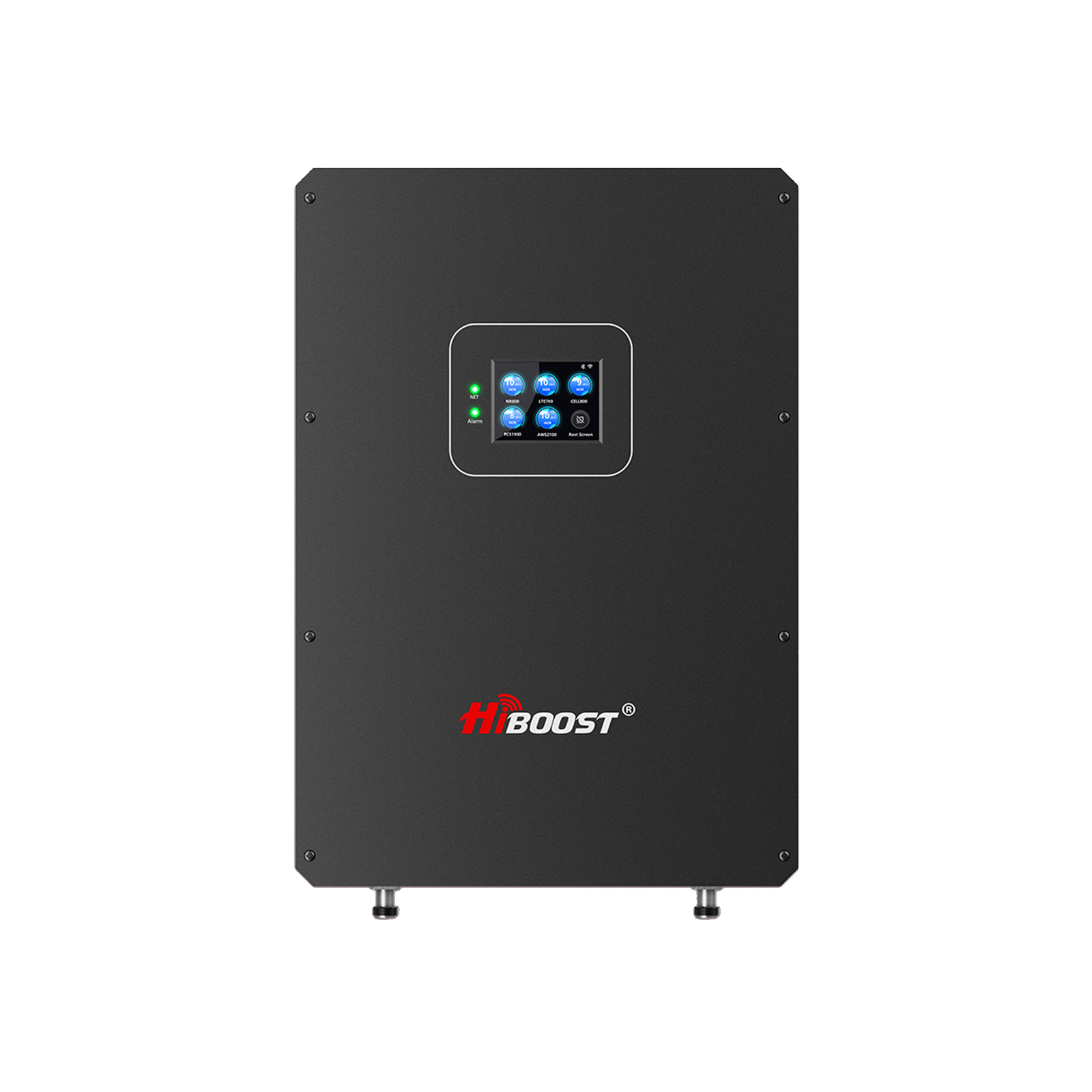
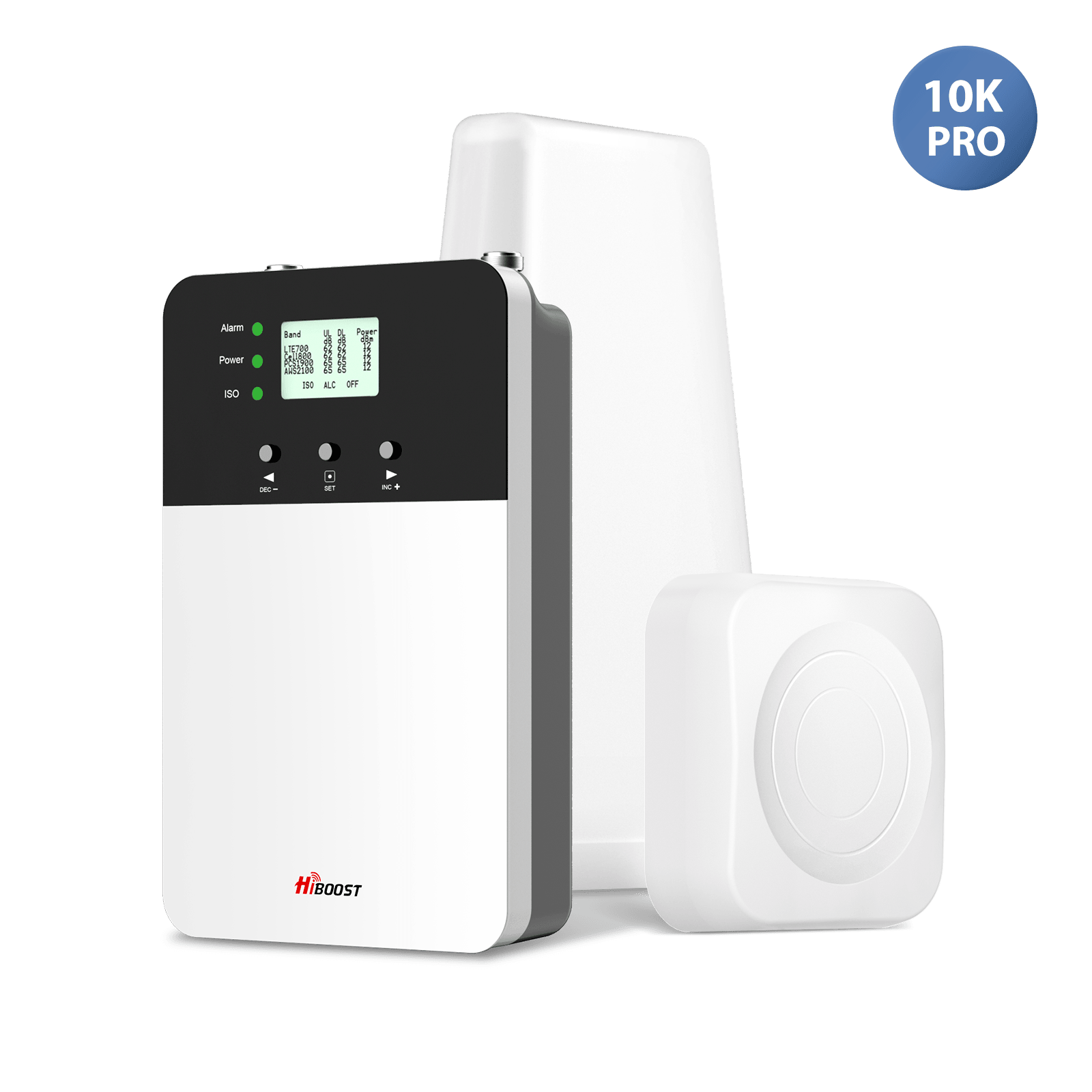
For whole-house coverage in a large home, consider higher-power units. The HiBoost Hero covers up to 3,000 sq ft, while the HiBoost 10K Plus Pro handles 6,000–12,000 sq ft. These come with multiple indoor antennas for large or multi-floor layouts.
Basement or Concrete Walls:
Basements and concrete-block homes block signals severely. A high-gain directional outdoor antenna aimed at the nearest tower, plus a sturdy booster like the 10K Plus Pro or 15K Smart Link Deluxe, can overcome this. HiBoost boosters are rated to perform in difficult environments.
Apartment / Condo:
Use a small booster with the outdoor antenna near a window facing the cell tower. Concrete and metal in apartments cause losses, so point-and-shoot placement is key.
High-rise / HOA:
Tall buildings can fall under stringent antenna rules. In many cases, you’ll rely on any window-mounted solution. A discreet through-window antenna or mini booster is often the best you can do legally.
Office or Business:
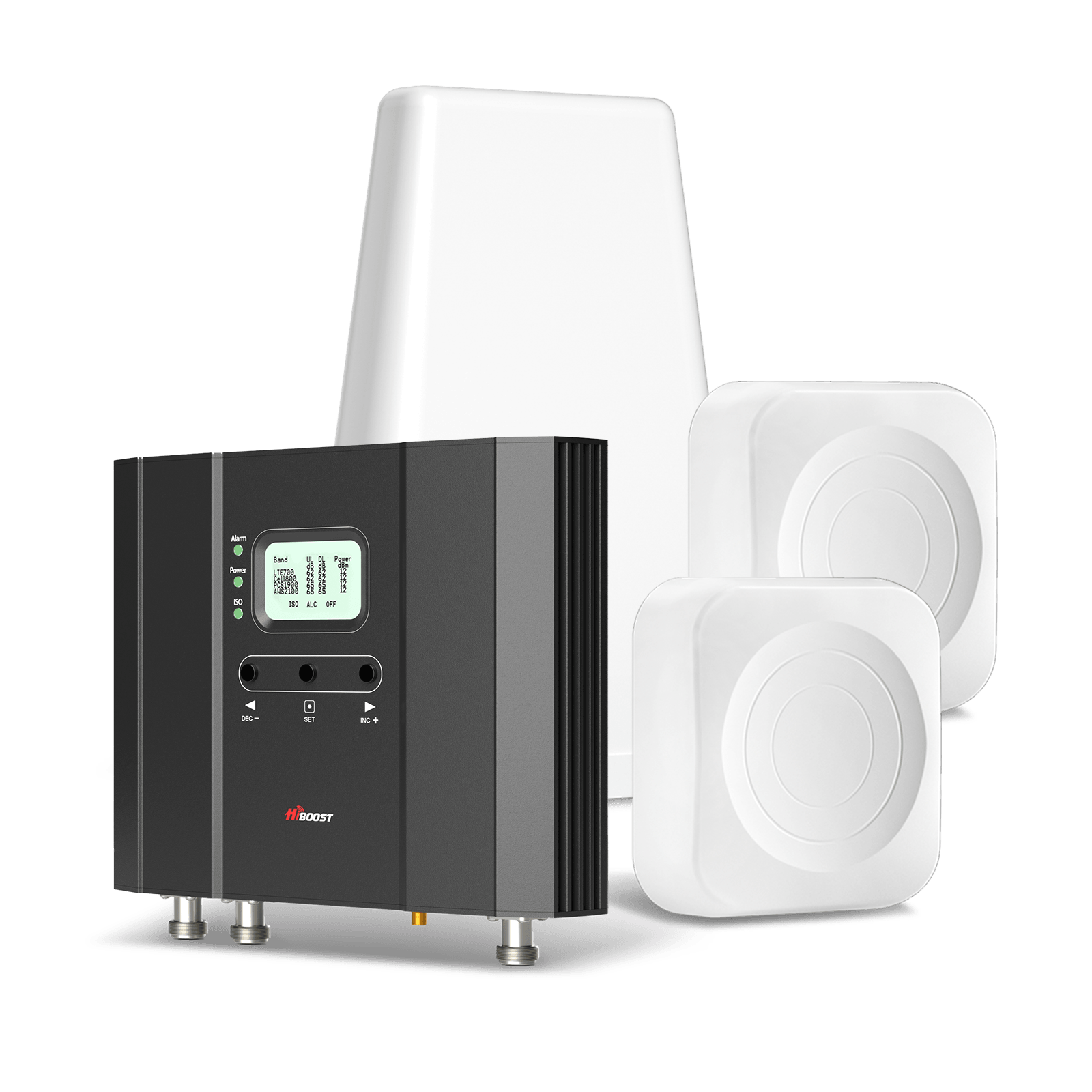
Offices with many users need enterprise-grade boosters like the HiBoost 10K Smart Link or 15K Smart Link Deluxe. These support multiple indoor antennas and can handle heavy traffic. Metal-frame buildings especially benefit from boosters with high output power and multiple antenna zones.
Warehouse / Large Commercial:
For very large metal warehouses or manufacturing facilities, one may need an industrial system. But for most small businesses, a commercial model like 10K Smart Link with ceiling domes can blanket the space.
Cabin / Rural Home:
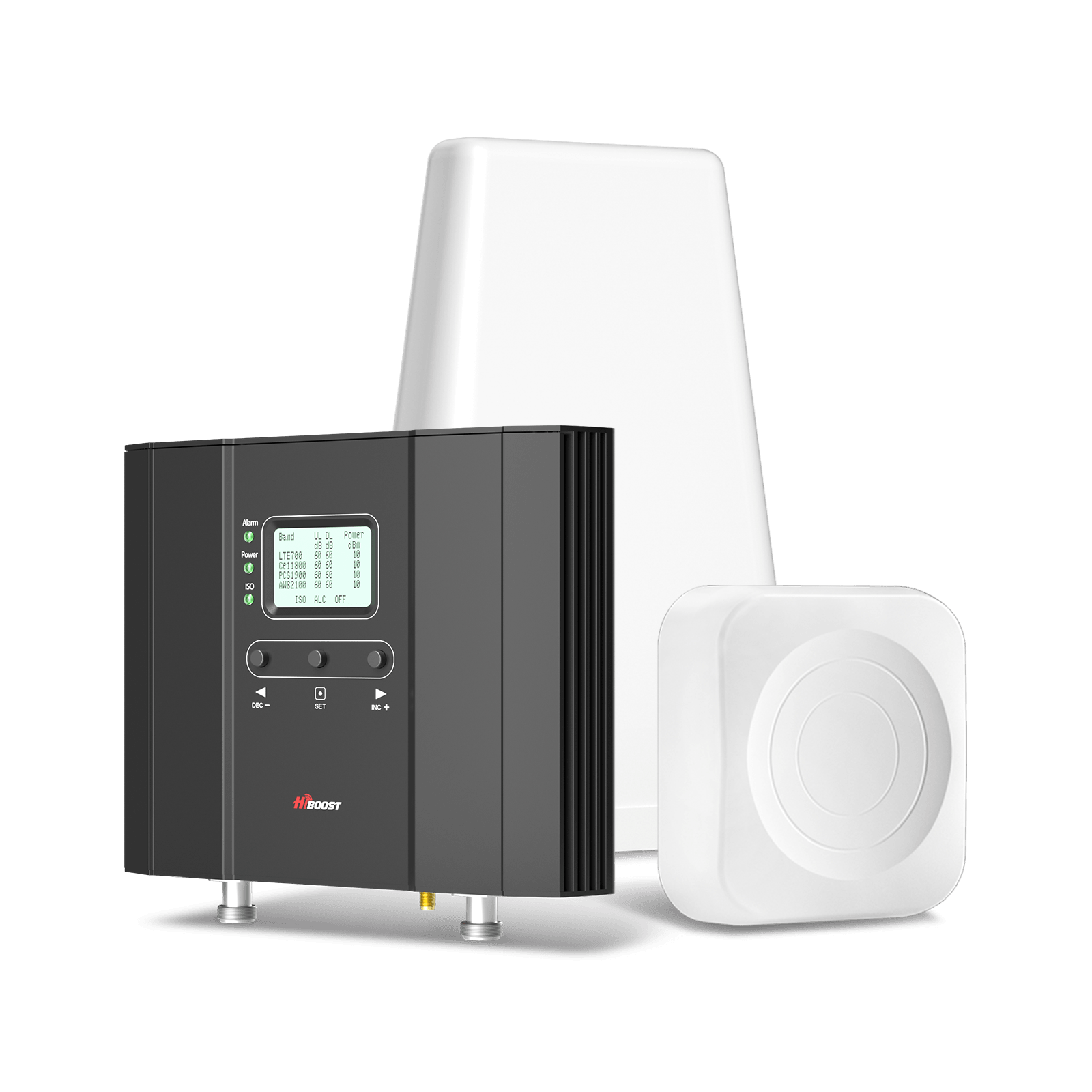
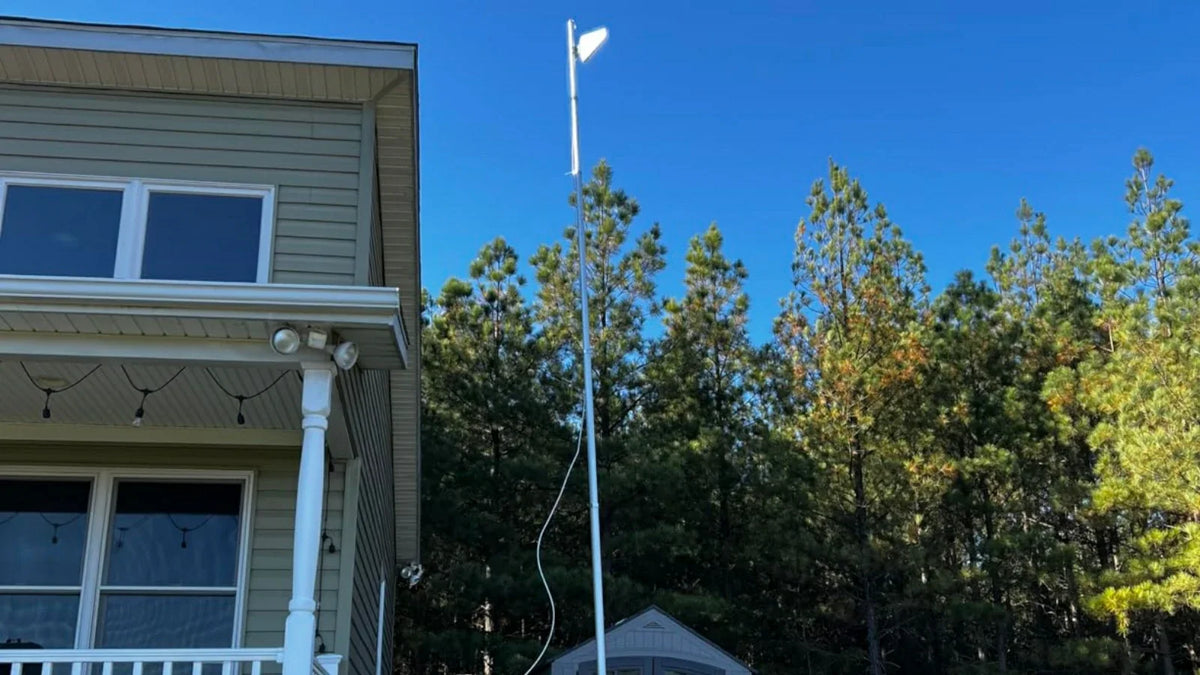
Remote cabins often have weak outdoor signal. Use a high-gain directional antenna and a booster like the 10K Plus Pro. This maximizes pulling in that weak cell signal from afar. In extreme cases, placing the antenna on a mast is recommended.
Large Property / Farm:
You might need a stand-alone tower antenna. HiBoost’s outdoor Yagi can reach distant towers when pointed carefully. Pair it with a home booster to distribute the improved signal across outbuildings and main house.
7. On the Road
Car / Daily Commute:
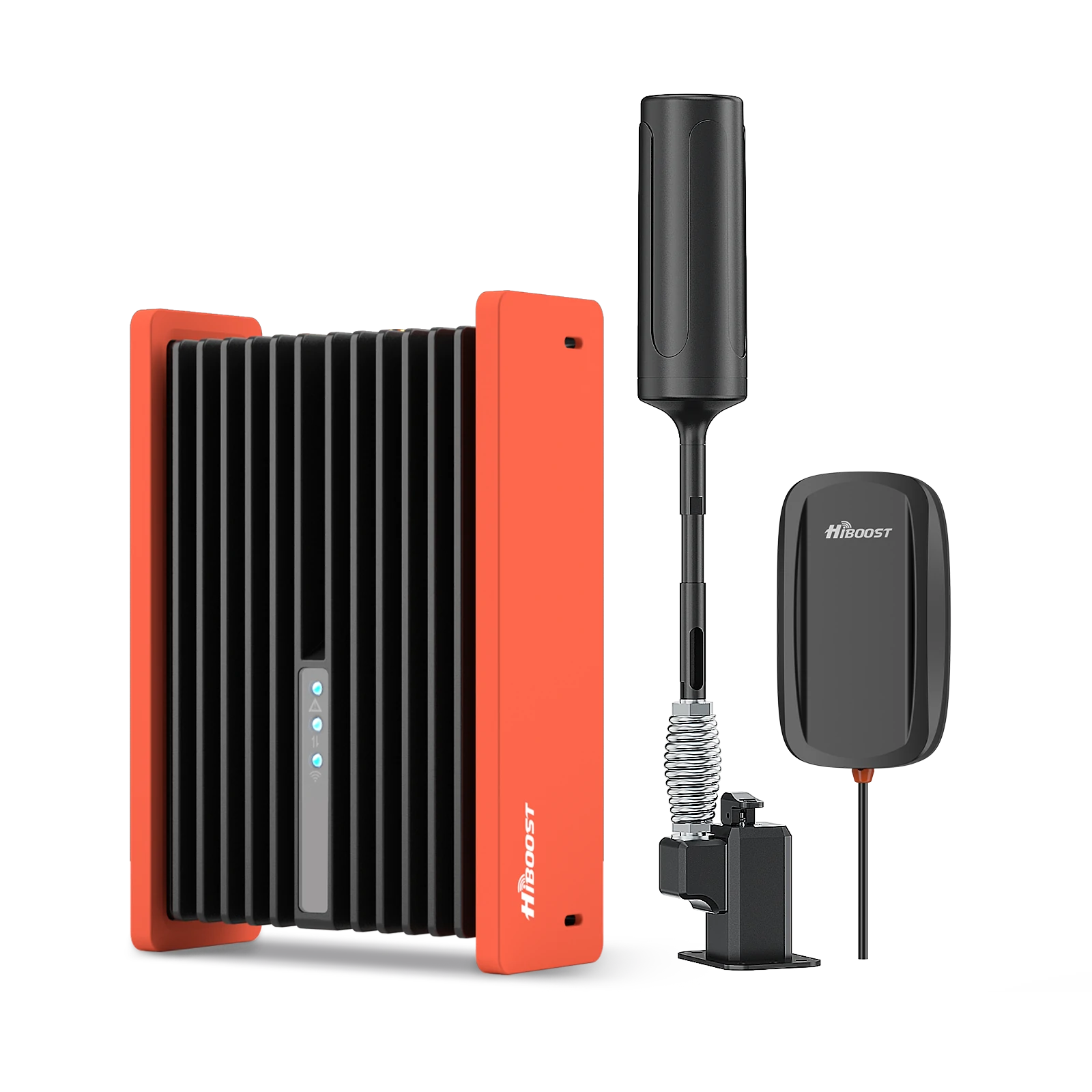
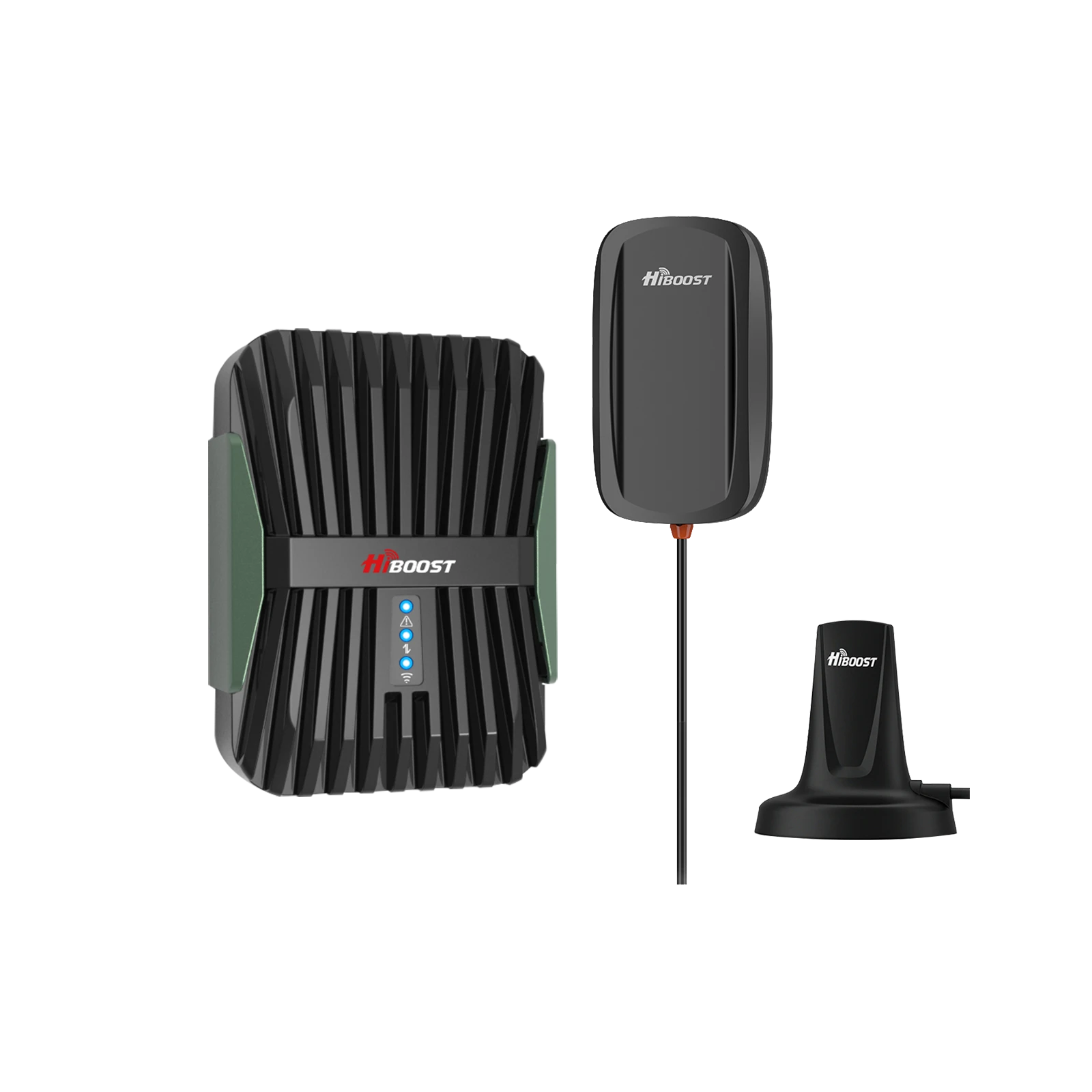
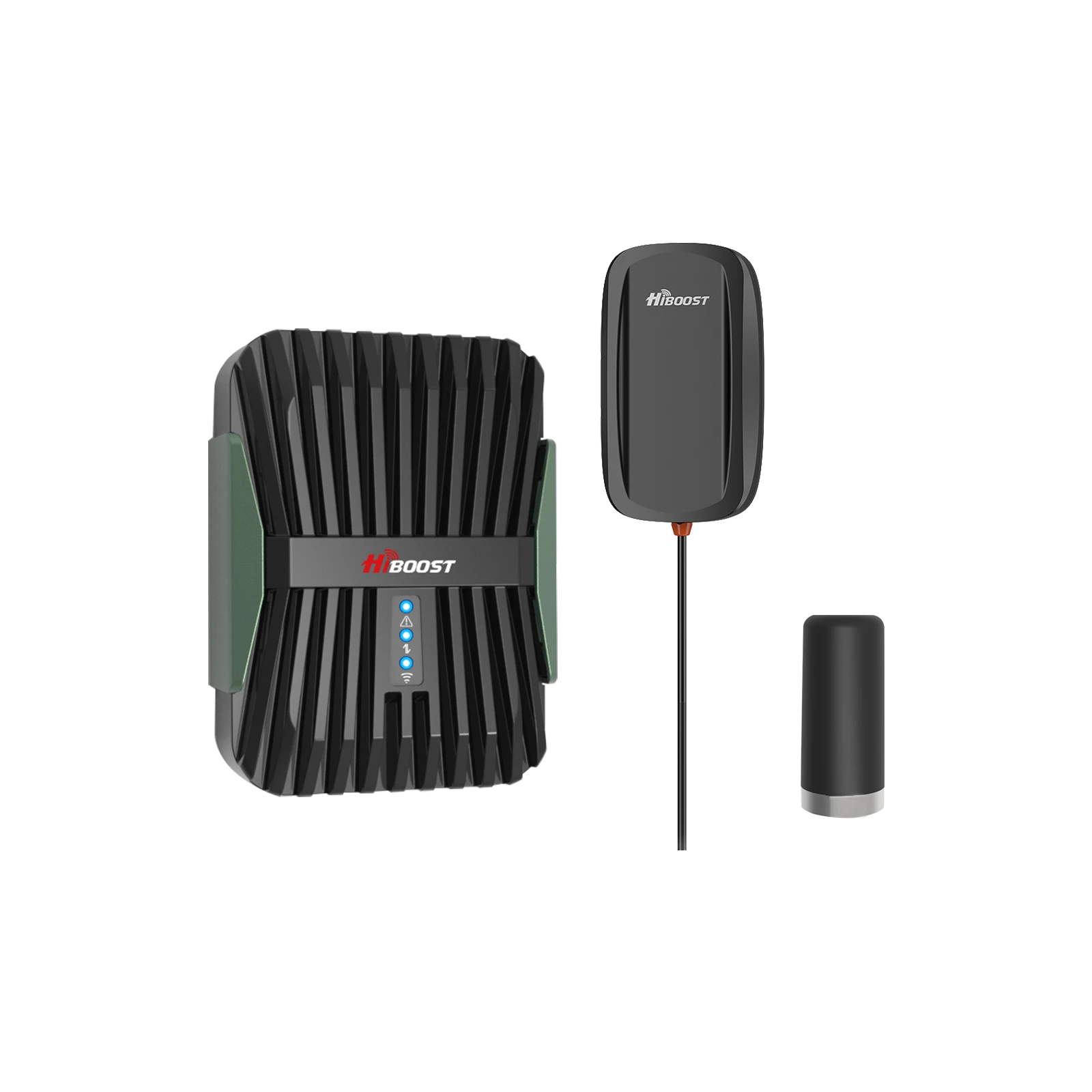
For cars and SUVs, the HiBoost Travel 3.0 Car Booster is made for passenger vehicles. Its low-profile roof antenna and amplifier improve signal during your commute, automatically adapting between towers at highway speeds.
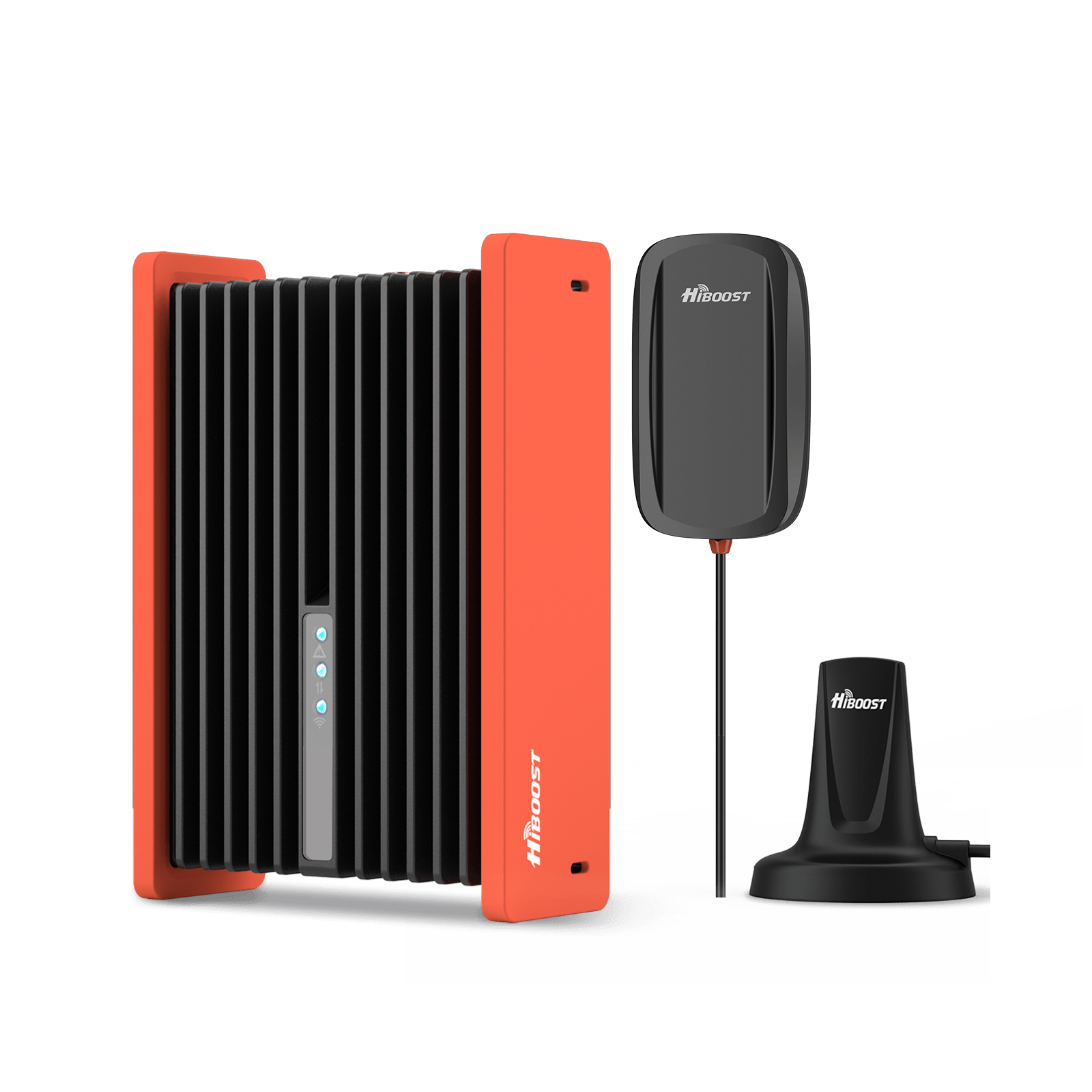
HiBoost Travel 3.0 Car Cell Phone Booster
For passenger cars, vans, mini trucks, pickups and SUVs
Truck / Long Haul:
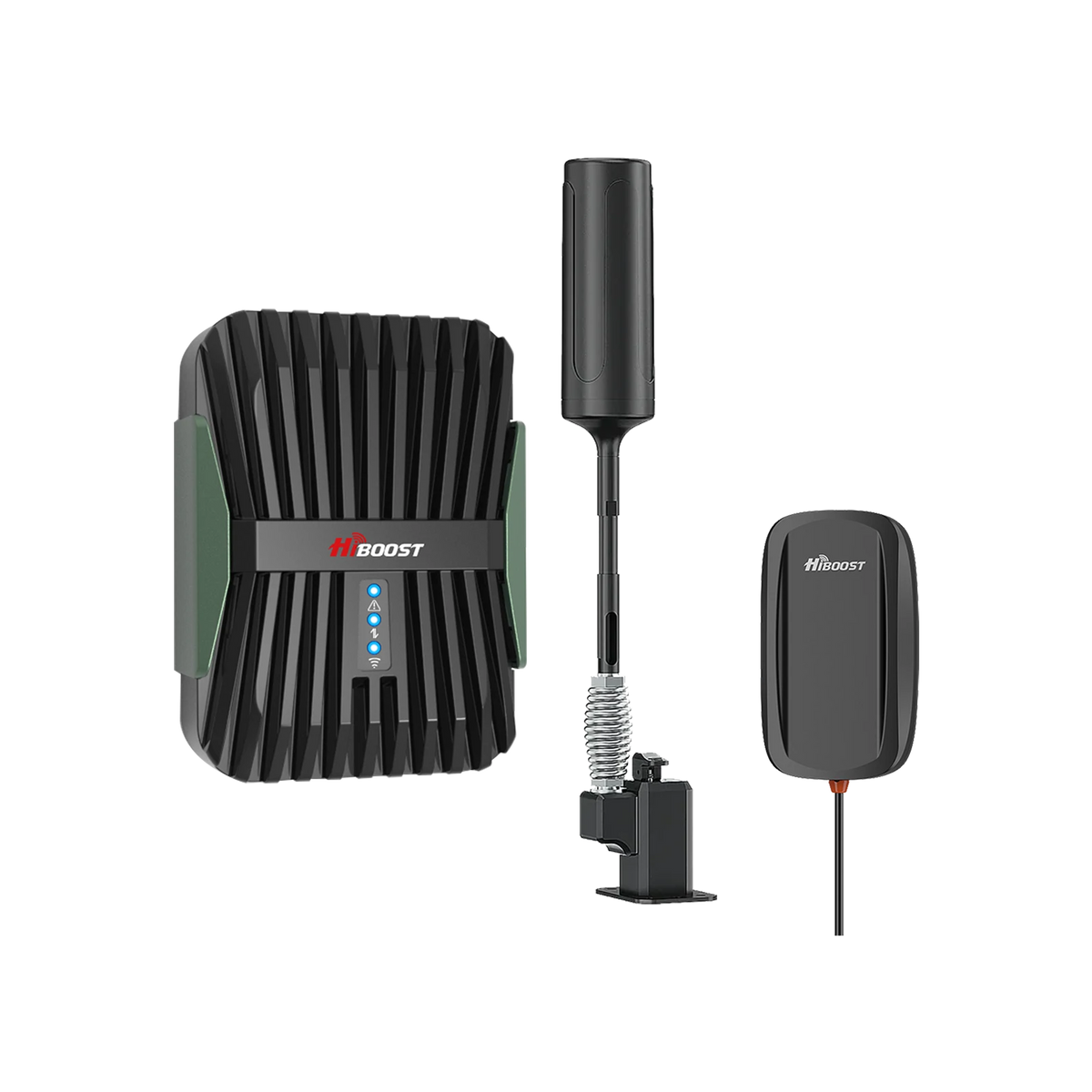
Truckers and overlanders should use the HiBoost Travel 3.0 Truck Booster or the rugged ExplorerX. These feature higher-gain antennas suited to semis and heavy machinery. They can pull in distant signals on highways and avoid dropouts in valleys.
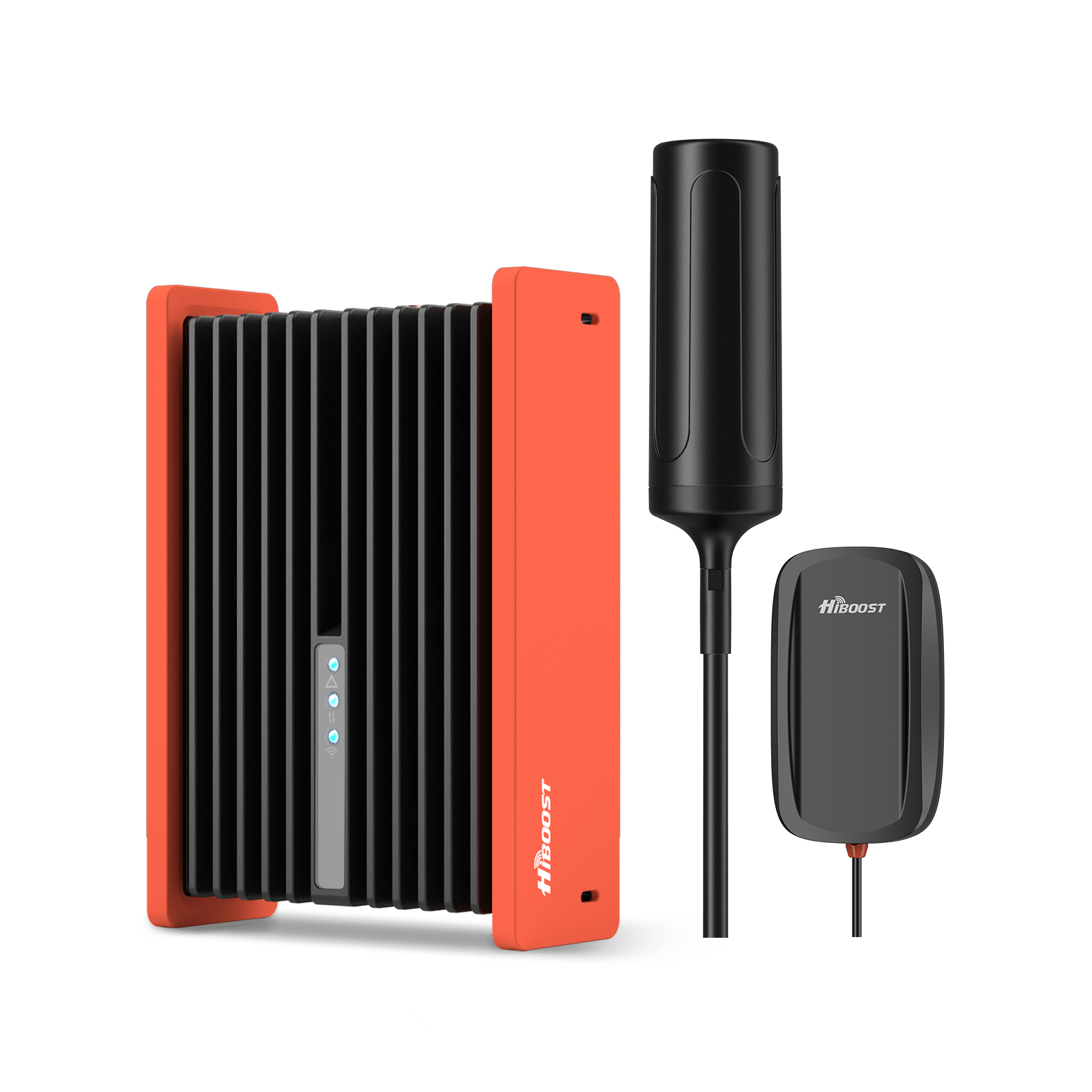
RV / Motorhome:
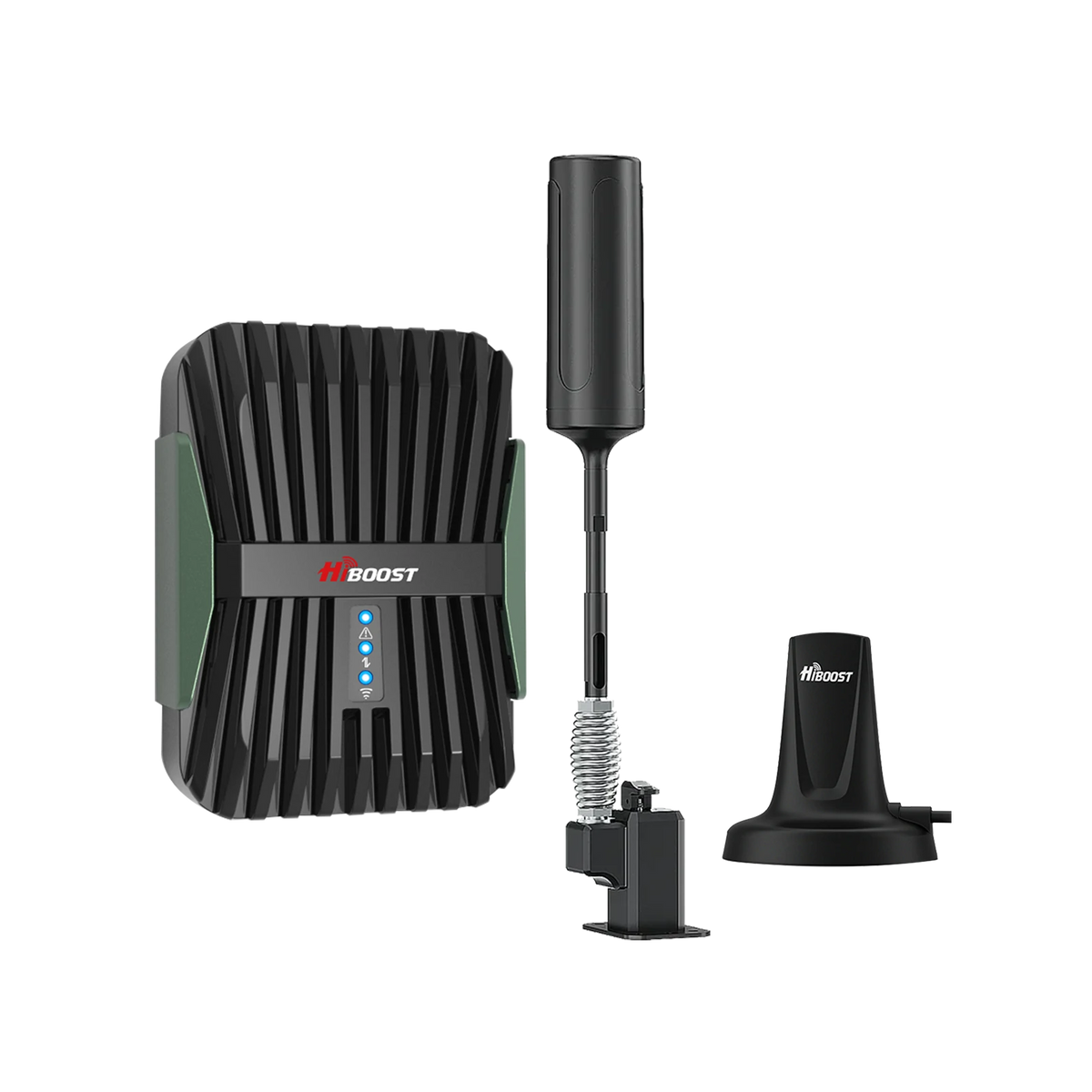
The HiBoost Travel 3.0 RV Booster is tailored for RVs and campers. It comes with a magnetic roof antenna and supports 12V power.
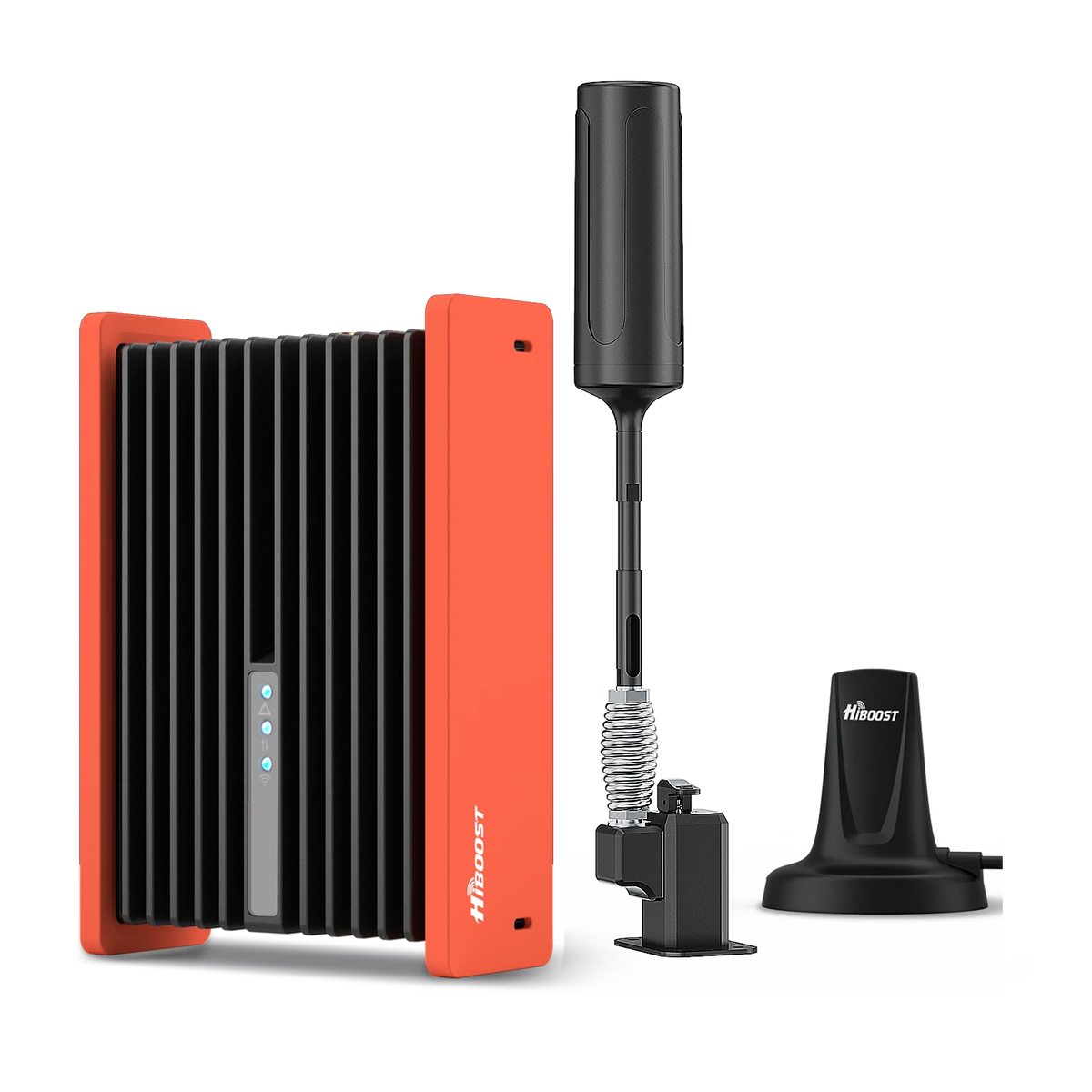
HiBoost Cell Phone Signal Booster for RV
For RVs, travel trailers, motorhomes, Class A/C RVs, 5th wheels, vans, and truck campers.
It “covers up to 1,000 square feet” inside an RV, enough for most motorhomes. Even with just one bar outside, it can amplify signal so you get full bars inside. One user reported gaining an extra bar inside their RV after installing the Travel 3.0.
Boondocking / National Parks:
Boosters require existing cell towers, so they work when you’re near an RV park or town. For off-grid areas, consider pairing Starlink or a cellular router with a booster. HiBoost solutions shine when you’re near any cell service, extending that into your rig.
Boat / Marine:
HiBoost doesn’t offer a marine-specific booster, but any vehicle booster can work on a boat if it has a clear view to a tower. Keep the antenna above deck level for best line-of-sight.
Coastal Coverage:
Near the water, aim the HiBoost outdoor antenna inland toward the nearest tower. The marine environment isn’t inherently bad for 600–2100 MHz bands; just avoid obstructions like tall masts.
8. Why Does 5G Become Slow Indoors?
There’s more than just “weak signal” at play. High-frequency 5G simply can’t penetrate walls, glass, or metal. As one expert notes, you might see “full bars upstairs” and “downstairs, nothing,” because 5G’s millimeter waves are “quick and weak”. Even sub-6 5G can suffer indoor losses due to walls.
Other indoor slowdowns include carrier switching and network load. If your phone toggles between 5G and 4G, speeds may stall during the handoff. Busy networks can throttle individual users. Measurements like RSRQ can reveal congestion even a strong signal can be bogged down if RSRQ is low.
Finally, Wi-Fi interference can complicate indoor performance: ironically, a strong in-home Wi-Fi network with Wi-Fi calling enabled might cause some phones to offload cellular calls to Wi-Fi, which can feel slower if the internet is congested. In practice, the cure is similar: improve your signal strength and reduce obstacles.
9. Signal Booster vs Wi-Fi Calling
When to choose each:
Wi-Fi calling routes voice/text through your home internet. It works great if you have a fast, reliable broadband connection and only need calling coverage at home.
If you rarely travel and only care about calls, turning on Wi-Fi calling can be a quick fix. Boosters, on the other hand, use your cellular network for both voice and data. They improve cellular reception everywhere in the boost zone.
Working together:
In many cases, both can be used. At home, you might use Wi-Fi calling on your router’s internet and also have a booster to cover dead spots. On the road, Wi-Fi calling is useless, so a booster is essential. Wi-Fi calling requires a network login; a booster does not.
Bottom line:
If all you need is occasional calling indoors and you already pay for fast internet, try Wi-Fi calling first. If you want broader coverage without relying on home Wi-Fi, a signal booster is the better choice.
According to Verizon, enabling Wi-Fi calling can provide “crystal-clear” indoor calls when cell service is flaky. But for full cellular service in all the hard-to-reach areas, boosters are the gold standard.
10. Signal Booster vs Femtocell
A femtocell is essentially a mini cell tower that uses your internet connection. It creates a cellular signal indoors and connects back to your carrier via broadband.
The pros: it can provide signal even if you have zero bars outside. It may even give faster data.
But cons: it only works for one carrier and a few devices, needs all phones synced, relies on your broadband quality, often has a monthly fee, and can be killed if you move out of range. Also, most femtocells only work with the carrier that sold them.
In contrast, a signal booster simply amplifies the signal from the nearest tower. Boosters:
- Do not require internet.
- Support all carriers and devices simultaneously .
- In general, have a one-time cost.
- But they can’t help at all if there is literally no outside signal.
Put simply, use a femtocell if you have ultra-fast internet but absolutely no cell coverage outside. Use a booster if you have any outdoor signal that you want to amplify for all your devices.
11. Signal Booster vs Starlink
Cell Booster:
Strengthens your existing cellular network for calls and data. Once installed, there’s no subscription it just works with your phone plan. It has low latency and works on the move. It can provide internet but it’s really meant to bolster phone service.
Starlink:
Provides satellite internet. Pros: extremely fast download speeds in rural areas, fixed locations, or outdoors with clear sky. Cons: very high latency spikes, high power needs, and significant monthly fees. Importantly, Starlink doesn’t carry regular phone calls you must use Wi-Fi calling or apps for voice.
Calls and texting:
Here boosters win. As Wilson puts it, Starlink “only supports voice calls through Wi-Fi calling,” which on satellite can be unreliable. Users report lag, dropouts, and echo over Starlink voice calls. A cell booster keeps your phone on the carrier’s network as intended so calls remain clear and reliable, even in emergencies.
Data:
Starlink beats boosters when you need raw broadband for streaming, downloads, or truly no cell coverage. But if you do have even one bar of 4G/5G outside, a booster will improve your mobile data at no extra cost.
Also, boosters allow mobility: you can drive and stay connected via cell towers, whereas Starlink’s RV plan now lets you use it in motion but is still expensive and power-hungry.
Cost:
Boosters have a one-time cost. Starlink has expensive hardware and hefty monthly fees. Over time, if you have cell signal, a booster is far cheaper. Wilson’s analysis shows a year of Starlink can cost more than the booster itself.
If you frequently drive or only need cell calls/data and have some tower in range, a booster is simpler and cheaper. If you absolutely have zero cell signal and need full internet, Starlink is worth considering. In practice, many rural users opt for both: Starlink for heavy internet and a cell booster for reliable voice/text on their existing phone plan.
12. How to Measure Your Signal
To choose a booster, first measure your current signal. Here’s how:
- Android: Dial *#*#4636#*#* or go to Settings ▶ About Phone ▶ Status ▶ Signal Strength. You’ll see your signal in dBm.
-
iPhone: Turn off Wi-Fi, open the Phone app, dial *3001#12345#* and tap Call. In Field Test Mode, go to LTE ▶ Serving Cell Meas ▶ rsrp0. This shows your current RSRP value in dBm.
Understanding dBm: Signal is a negative number. The closer to 0, the stronger. As a rule of thumb:
- Excellent: about –60 to –80 dBm.
- Good: –80 to –90 dBm.
- Fair: –90 to –100 dBm.
- Poor: –100 to –110 dBm.
- Very Weak: below –110 dBm.
For example, –72 dBm is roughly twice the power of –75 dBm. If your outdoor RSRP is above –90 dBm, a booster is very likely to give you solid indoor coverage. If it’s worse than –110 dBm, a booster may not help unless you can move the outdoor antenna.
Measure at the spot where you plan to mount the outdoor antenna. If you see at least –100 dBm, a HiBoost amplifier can typically magnify it to full bars inside.
13. How to Choose the Right Booster
Follow a quick checklist:
Coverage Area:
How big is the space you need to cover? HiBoost makes boosters for different sizes. For small homes, the Sidekick or Ally is sufficient.
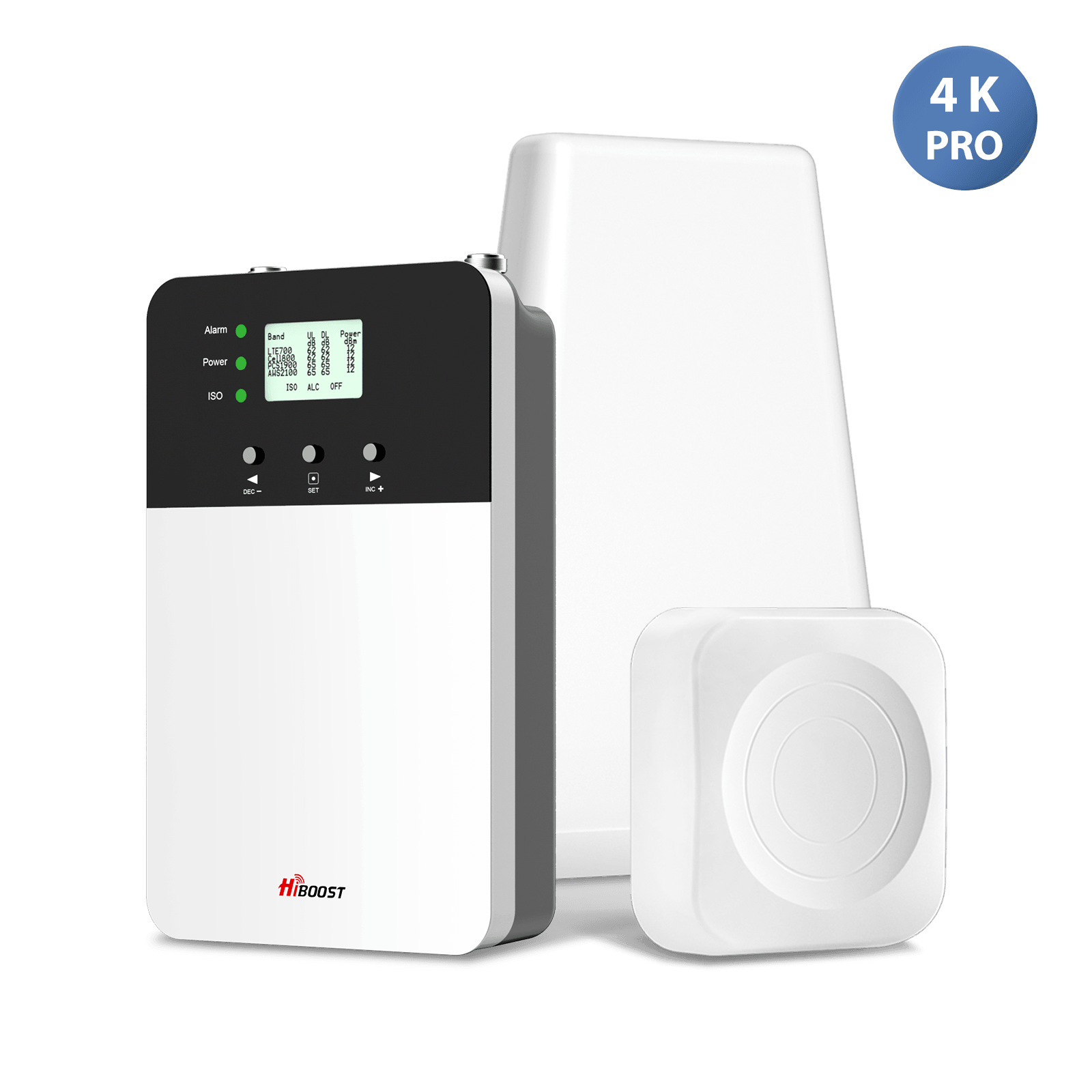
For medium homes, consider the HiBoost Hero or 4K Smart Link. For large homes or offices, go up to the 10K Plus Pro or 15K Smart Link. Always choose a booster rated for at least your square footage.
Existing Signal:
Ensure you have some outdoor signal. If you have zero bars outside, even the best booster can’t work. If you have at least one bar, pick a booster with enough gain. Use our measurement above to verify you’re in amplifier range.
Carrier/Frequency:
Know which 4G/5G bands your carrier uses at your location. All HiBoost boosters support major U.S. carriers on bands 700 MHz, 850 MHz, 1700/2100 MHz, and 1900 MHz. If your area has a unique band, check compatibility.
Fixed vs Mobile:
Will you install in a building or vehicle? For vehicles/RVs, choose the HiBoost Travel series, which have vehicle-specific antennas and 12V power adapters. For homes/offices, use the home series.
Number of Users:
More users or devices mean you need a booster with multiple indoor antennas or higher throughput. Business boosters like the 10K/15K Smart Link series are made for dozens of simultaneous users. For a family home, a single-antenna unit usually suffices.
Power and Installation:
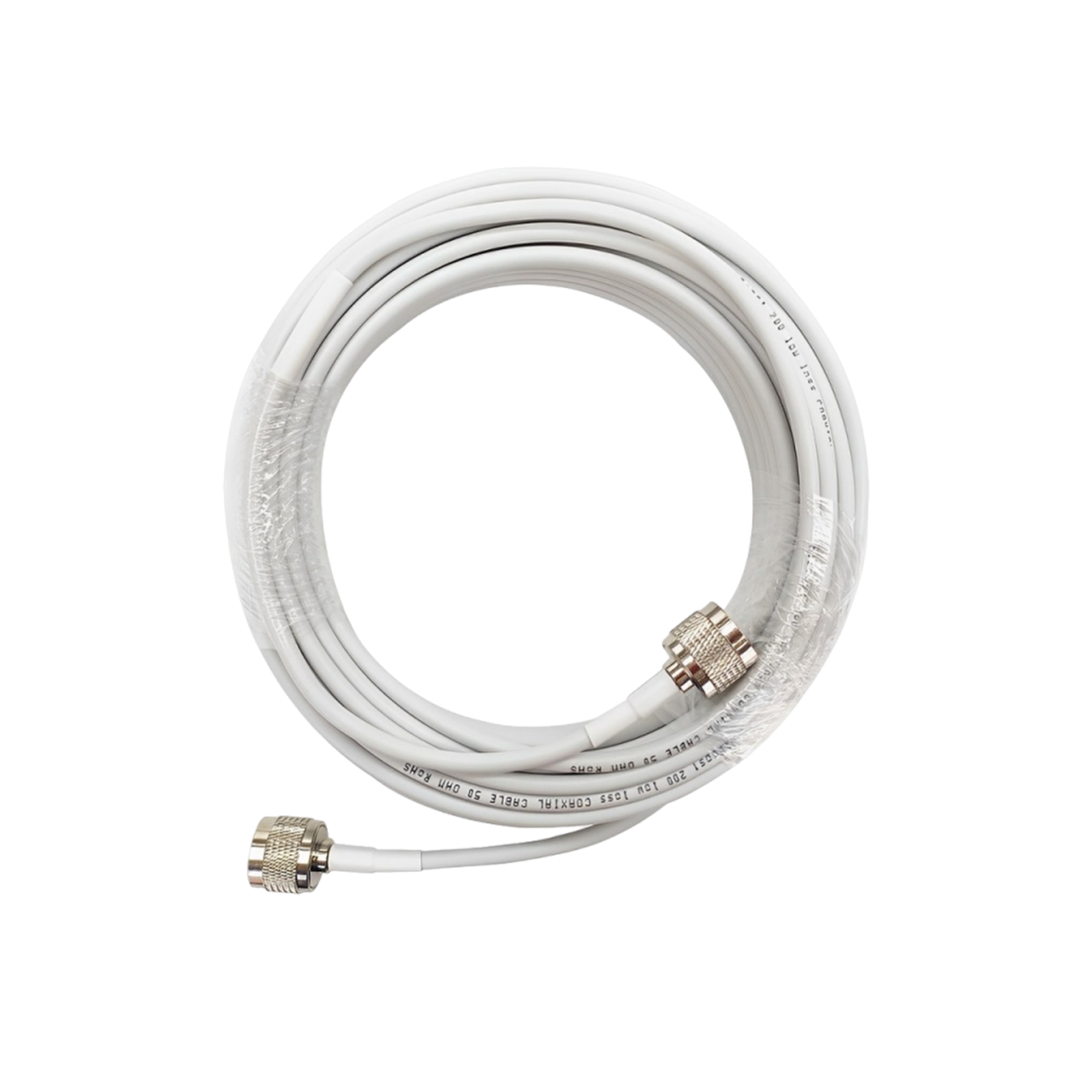
Make sure you can place the outdoor antenna on the roof or a high point with coax to the booster. HiBoost kits come with all necessary cables and mounts.
In practice, the HiBoost website provides a compatibility chart and product selector. But here’s a rule of thumb: for a typical single-floor home, Sidekick/Ally; for two-story homes or small offices, Hero/4K; for large houses and businesses, 10K or 15K.
14. Common Buying Mistakes
-
Ignoring Outdoor Signal: A booster cannot create signal, if you have no bars outside, it won’t help. Don’t buy by square footage alone without checking your signal strength first.
-
Wrong Coverage Size: People often match boosters to square footage and find it’s too weak. Always pick a unit rated larger than your area.
-
Antenna Placement: Placing the outdoor and indoor antennas too close can cause “oscillation”. Install the outdoor unit far from the indoor one for best results.
-
Carrier Compatibility: Make sure the booster supports your carrier’s bands. Some older boosters were single carrier or only LTE. All HiBoost boosters are multi-carrier, but it’s a mistake to assume any booster fits all plans.
-
Overexpectation: Don’t expect a miracle. If your outside signal is only 1 bar at best, a booster might give you 3–4 bars, not a full 5-bar super-signal everywhere.
-
DIY Errors: Common DIY mistakes include using too much cable length, or mounting the outdoor antenna in a weak-signal spot. Always scan for the best outside signal before final installation.
By avoiding these mistakes, especially ensuring some outdoor signal and proper antenna placement you’ll get the most from your booster.
15. Real-World Scenarios
Basement Upgrade:
“My basement had one bar and constant drop-outs, especially on 5G. After installing a HiBoost 15K Smart Link Deluxe , our basement now has 3–4 bars throughout.”

Studies show that adding 20–40 dB of gain with a strong booster can transform an unusable signal into HD voice and fast data. In fact, HiBoost data indicates that even zero-signal spots in a basement can become covered with the right booster.
Remote Cabin:
“We live off-grid with spotty tower range. Pointing a high-gain antenna at the nearest tower and using a HiBoost Home 10K Plus Pro made all our phones work indoors.”

This matches industry findings that rural homes benefit most from amplifying whatever weak signal exists, often bringing it from unusable to usable.
RV Adventure:
“Camping out west, our RV often had just 1 bar outside. We installed a HiBoost Travel 3.0 RV booster and suddenly got stable 3-bar coverage inside, enough to stream videos.”

One HiBoost customer report confirmed this “we did gain 1 bar inside RV compared to outside” after installing Travel 3.0. The result: fewer dropped calls on the road and working internet where there was hardly any before.
Truck Commute:
“On my daily truck route, calls would fail around the same dead spot every mile. After equipping my rig with a HiBoost Travel 3.0 Truck booster, those calls now stay connected.” Vehicle boosters like HiBoost’s drive models automatically switch towers and have solved exactly this problem for many drivers, as seen in independent tests.

Each scenario boils down to diagnosing the problem, installing the booster, and seeing instant improvement more bars, clearer voice, and faster data.
16. Frequently Asked Questions
Does a booster work with 5G?
Yes, but only with sub-6GHz 5G bands. Boosters amplify the FR1 bands. They do not work on mmWave 5G.
Can it improve data speeds?
Yes. By boosting a weak signal, the phone can use higher modulation and more bandwidth, so data rates go up. In real tests, homes went from unusable data to smooth streaming after adding a booster.
Can it boost C-band 5G?
Only if the booster is designed for the specific frequency. Most boosters cover up to LTE/2100 MHz. As carriers roll out new bands, check the specs.
Will it help indoors?
Yes, that’s the point! An indoor booster provides full coverage where you need it. As long as the outdoor antenna can see even weak signal, the indoor antennas will distribute it throughout your home or office.
Does weather affect it?
Somewhat. Rain, snow, or thick fog can attenuate high-frequency signals. If your area gets heavy storms, expect occasional dips in signal strength. Boosters can’t eliminate weather losses, but they mitigate them by amplifying what gets through.
Will it work with my carrier?
Yes. All HiBoost boosters are multi-carrier and support every major U.S. carrier simultaneously. You do not need separate boosters for each network.
Can one booster support multiple carriers?
Absolutely. A single HiBoost unit amplifies any carrier signals it receives. Family members on different networks will all benefit from one booster.
How much signal do I need outside?
Ideally at least 1–2 bars. In practical terms, if you can surf the web or get a text outdoors, that signal can be boosted indoors. If you have no service outside, nothing can be amplified.
DIY install?
Yes. HiBoost kits are designed for DIY setup. The main steps are mounting the outdoor antenna, running the cable to the indoor amp, and plugging in the indoor antenna.
Many units have a quick-start guide or app to ensure optimal antenna placement. Home units generally have flexible installation; vehicle units use magnetic mounts, so no drilling is needed.
Will it drain my battery?
No, the booster doesn’t use your phone’s battery. In fact, by giving your phone a strong signal, it saves battery life. When signal is weak, phones burn more power searching. Boosting the signal removes that strain. So you’ll actually notice your phone lasts longer with good reception.
Do boosters need internet or wifi?
No. A booster is purely passive in that sense. It connects only to your cell signals. You do not need any broadband connection for a booster to work.
Are boosters legal and certified?
Yes. HiBoost boosters are FCC-approved and carrier-compliant. This means they’re legal to use across the U.S., and you won’t interfere with the network.
Can I install antennas myself?
Yes, but plan carefully. Place the outdoor antenna as high and unobstructed as possible (roof or high wall), pointing toward the strongest cell signal.
Keep the indoor antenna(s) at least 15–20 feet away from the outdoor unit and any metal. The included cables and connectors let you run line-in walls; just avoid kinks and excessive length. If in doubt, HiBoost’s tech support can guide you.
Does orientation matter?
Yes. Aim the outdoor antenna toward the nearest tower. If unsure, use the HiBoost mobile app or LCD to test different directions: a small turn can make big differences.
Will it boost 4G and 3G too?
Yes. HiBoost is backwards compatible with all cellular standards, so it improves legacy signals as well as 5G.
What about carrier-specific boosters?
You don’t need those. All HiBoost boosters are “carrier-neutral” within the licensed frequencies, so any phone or hotspot will work once the signal is amplified.
If I move houses, can I take it?
Generally, yes. You can uninstall and reinstall, though outdoor antenna mounting hardware may need redoing. Check local rules before installing new outdoor antennas.
What if my area only has mmWave 5G?
Unfortunately, boosters can’t pick up mmWave outdoors, so they won’t help if a carrier only has mmWave in your location. In that case, your best bet is to fall back on 4G LTE or use Wi-Fi calling if you have broadband.
Continue Reading
Best 5G Signal Booster for Home in 2026
Best 5G Signal Booster for Rural Areas
How to Choose the Best 5G Signal Booster for Your Home in 2026
Do 5G Signal Boosters Really Work? Everything You Need to Know Before Buying
5G Signal Booster for RV and Truck
Car/Suv,RV,Truck,Vehicle


Our Home Signal Booster


Popular Articles

Leave a comment
All comments are moderated before being published.
This site is protected by hCaptcha and the hCaptcha Privacy Policy and Terms of Service apply.