
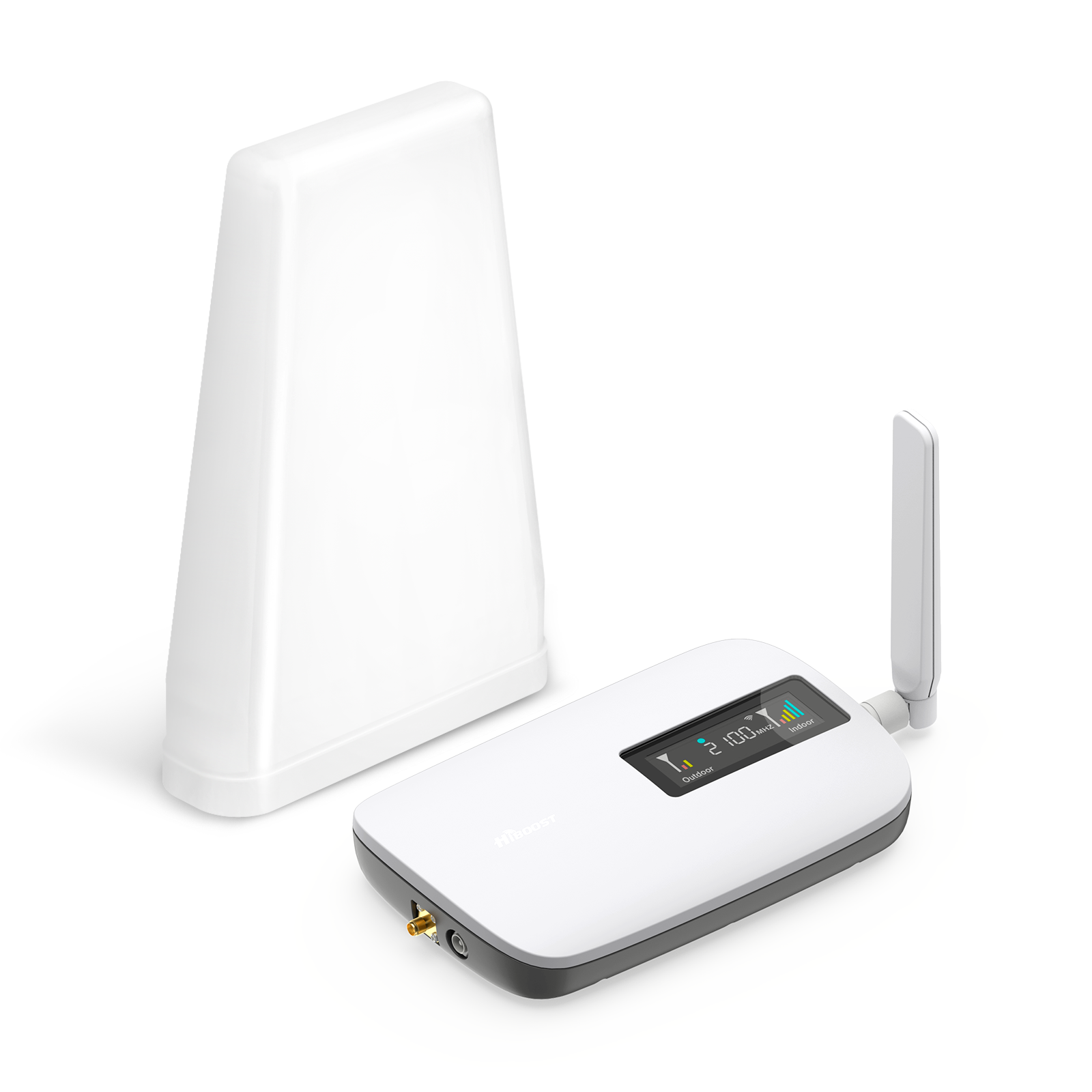
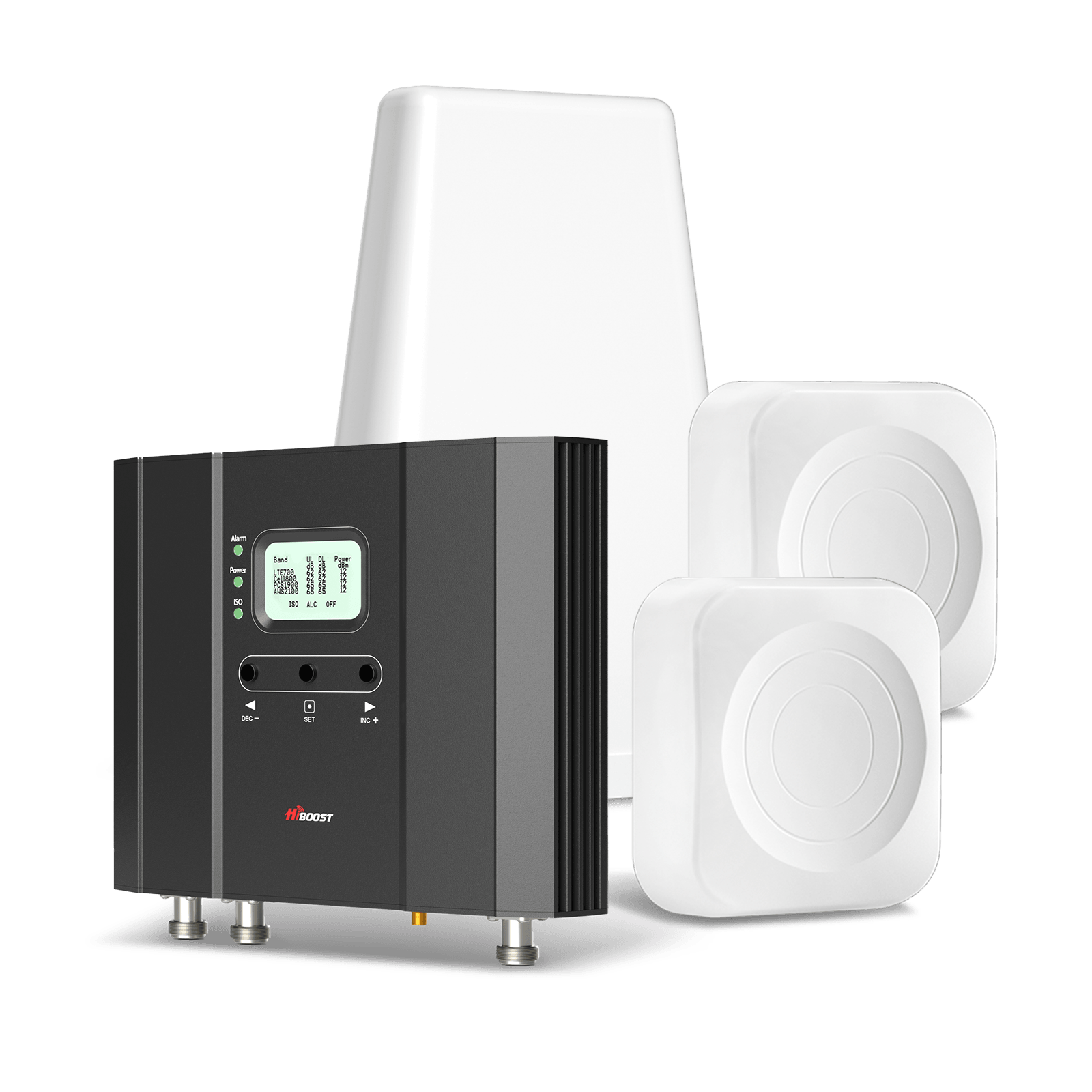
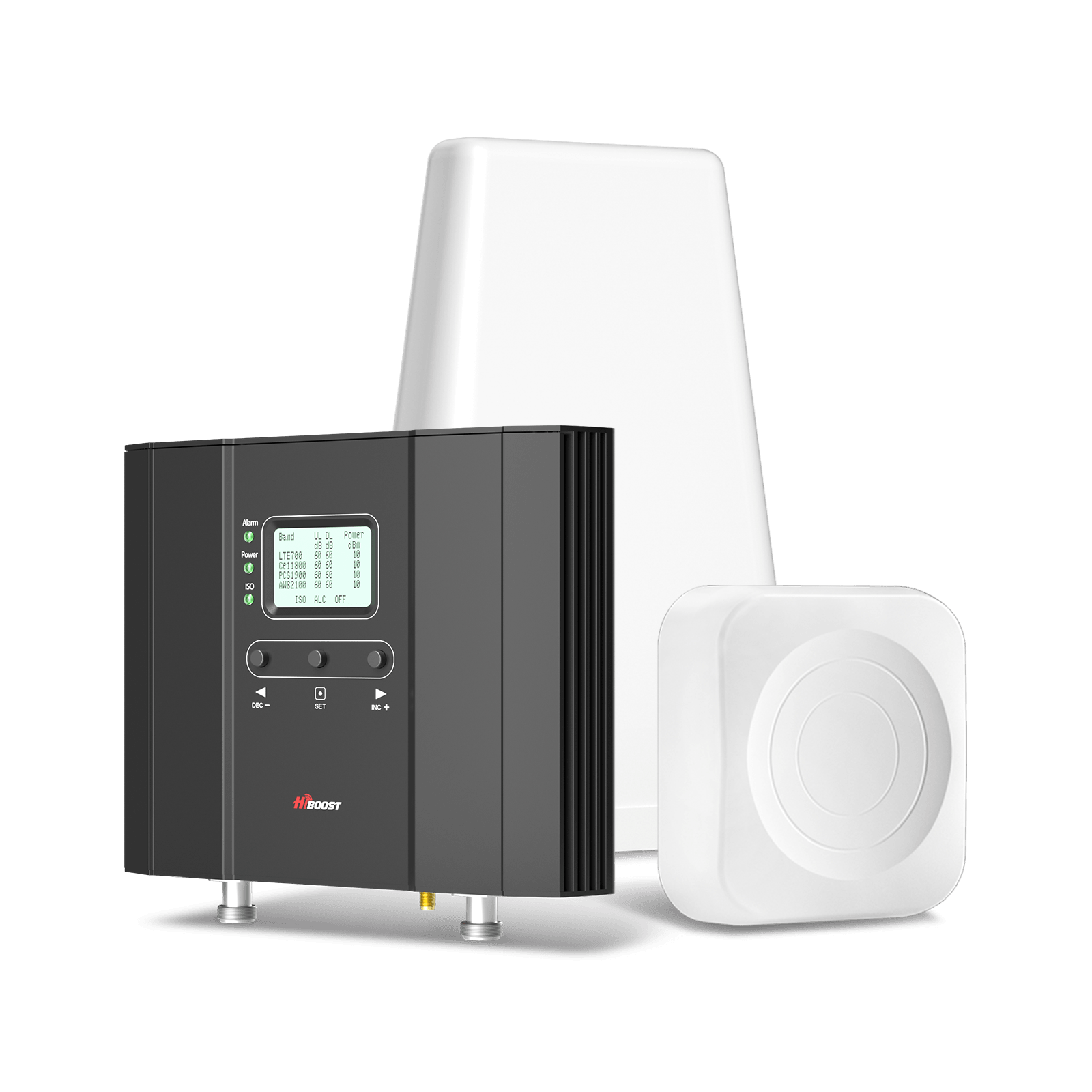
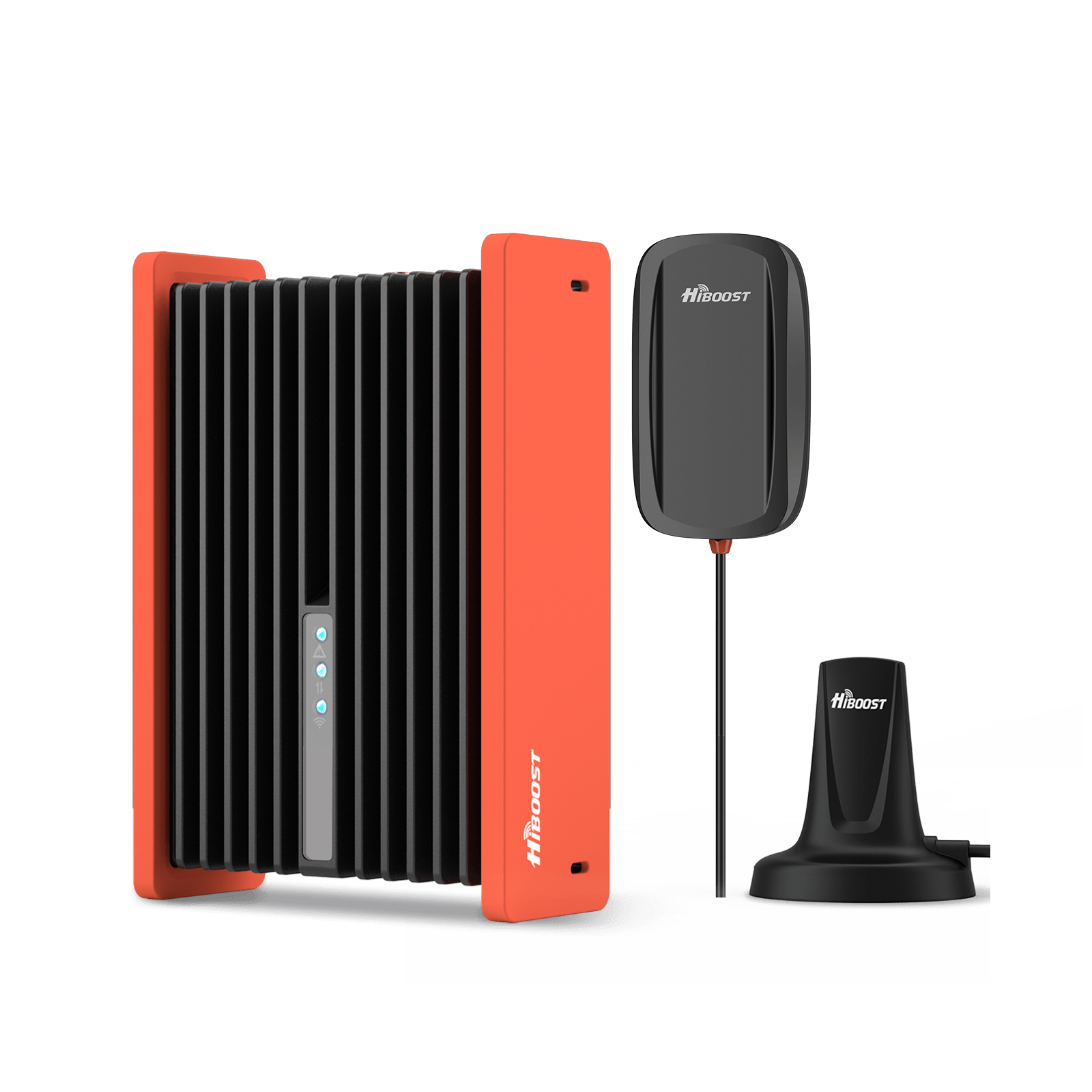
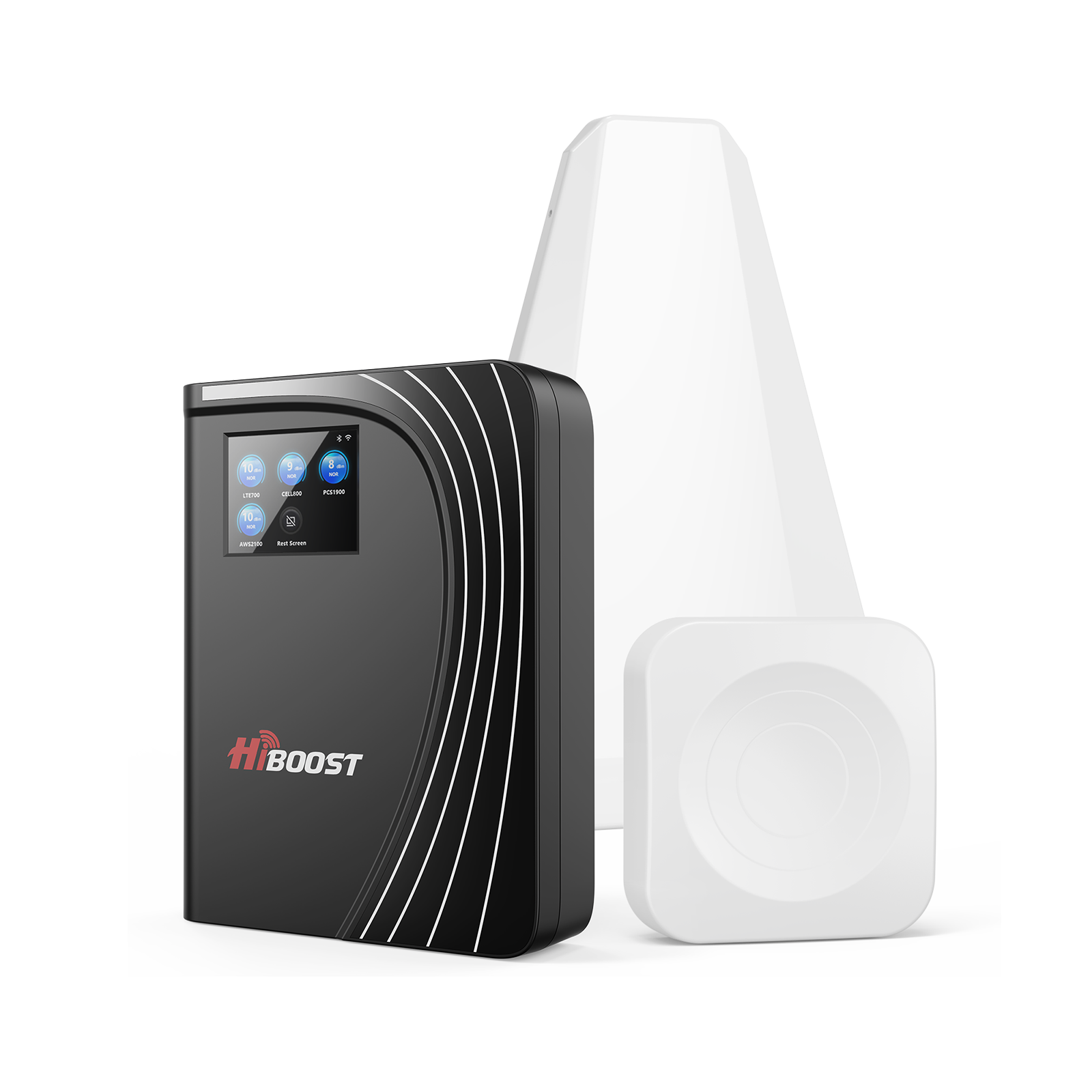
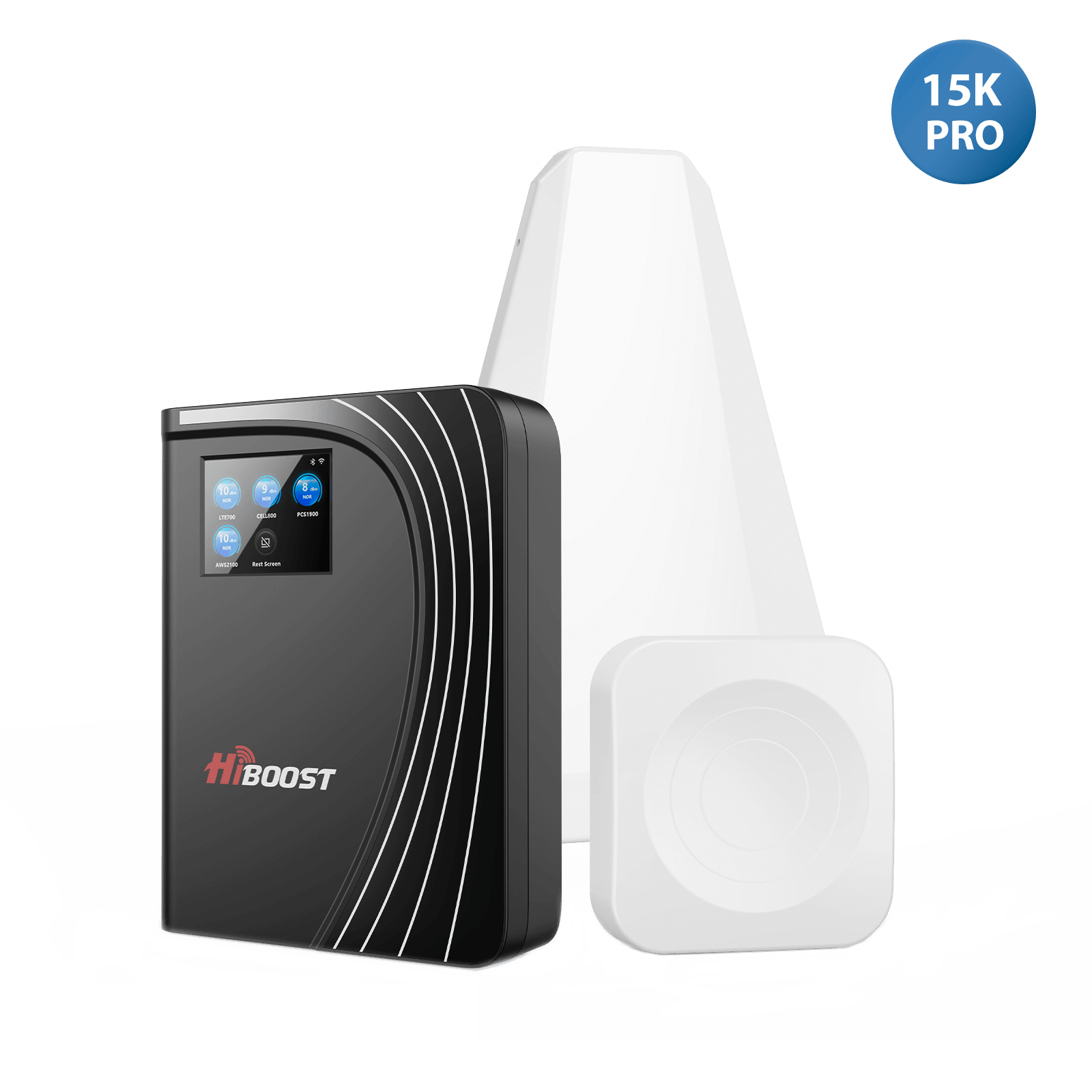
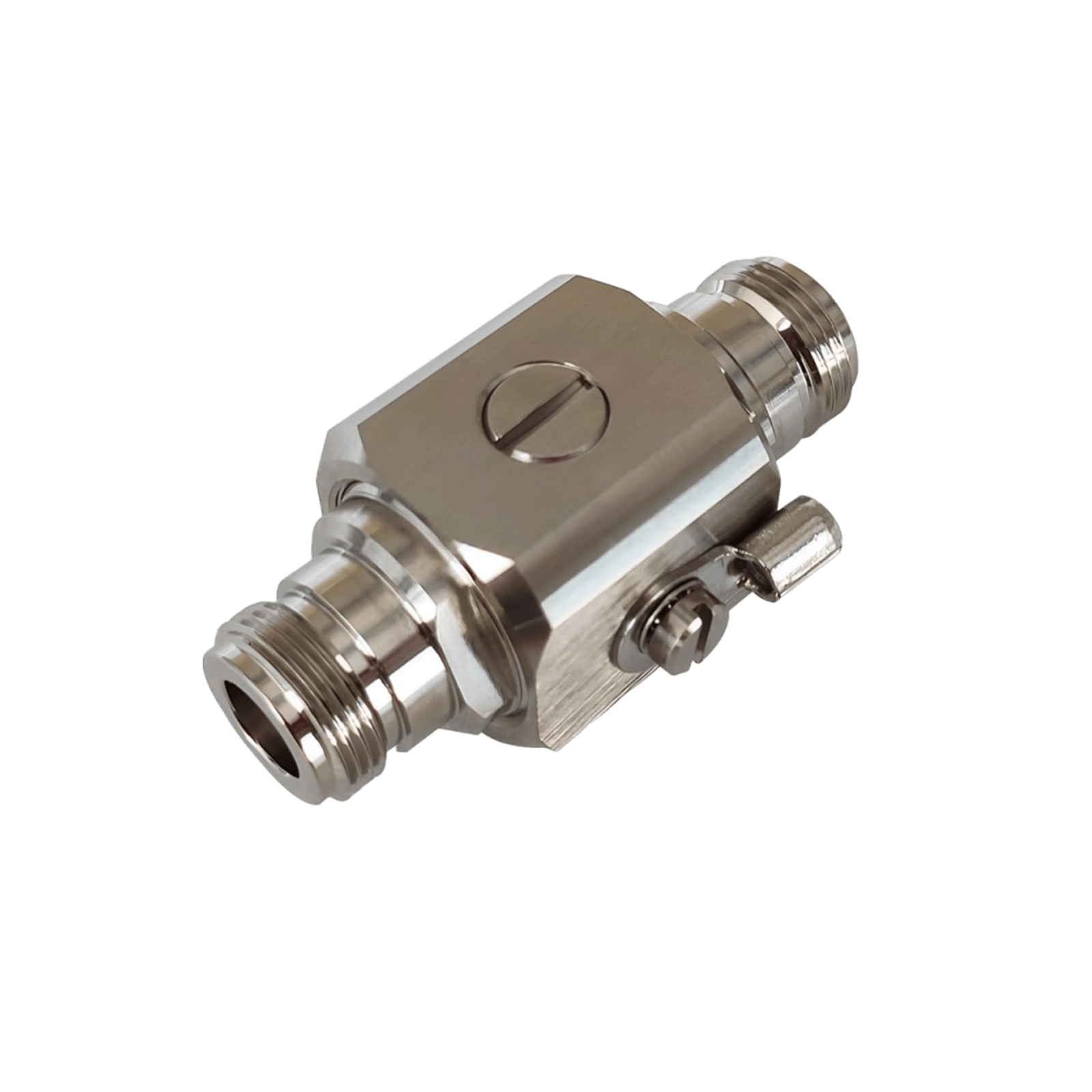
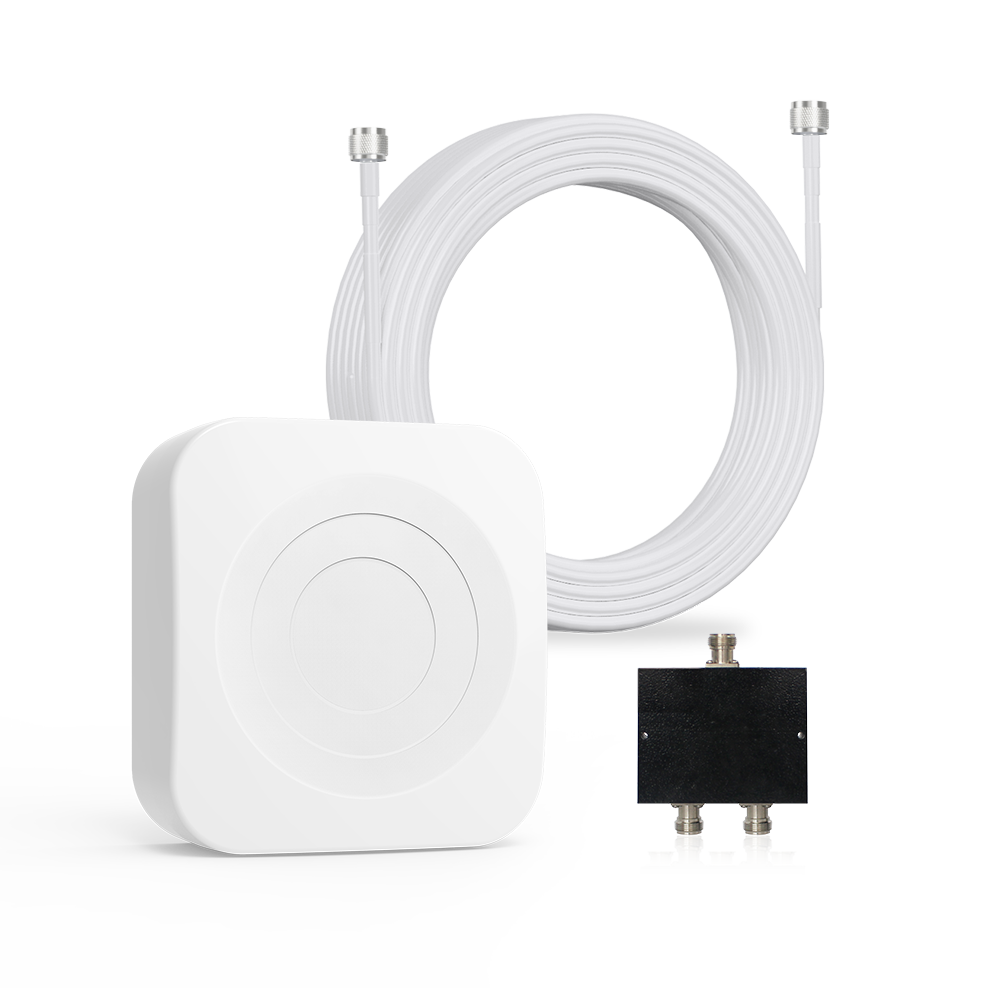
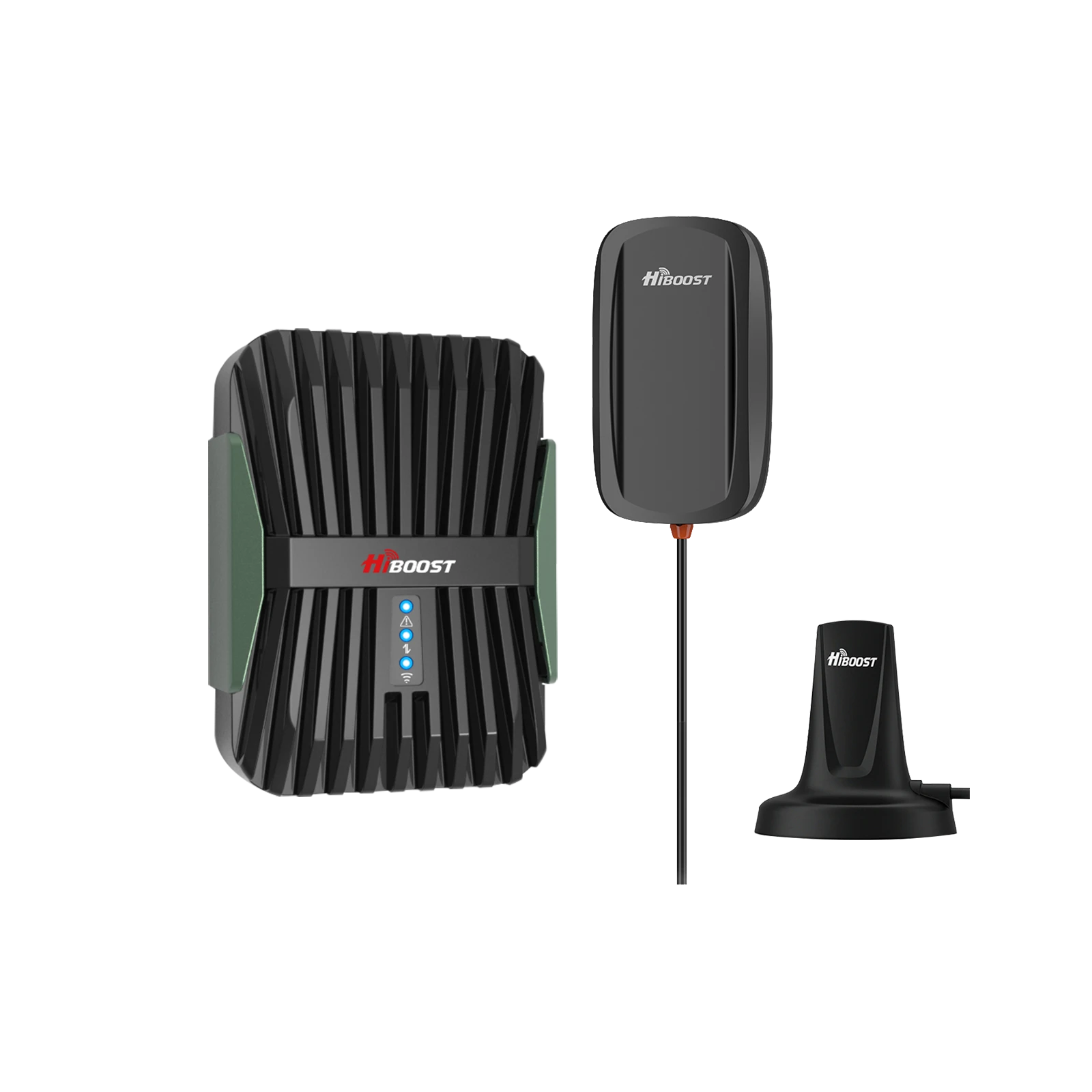
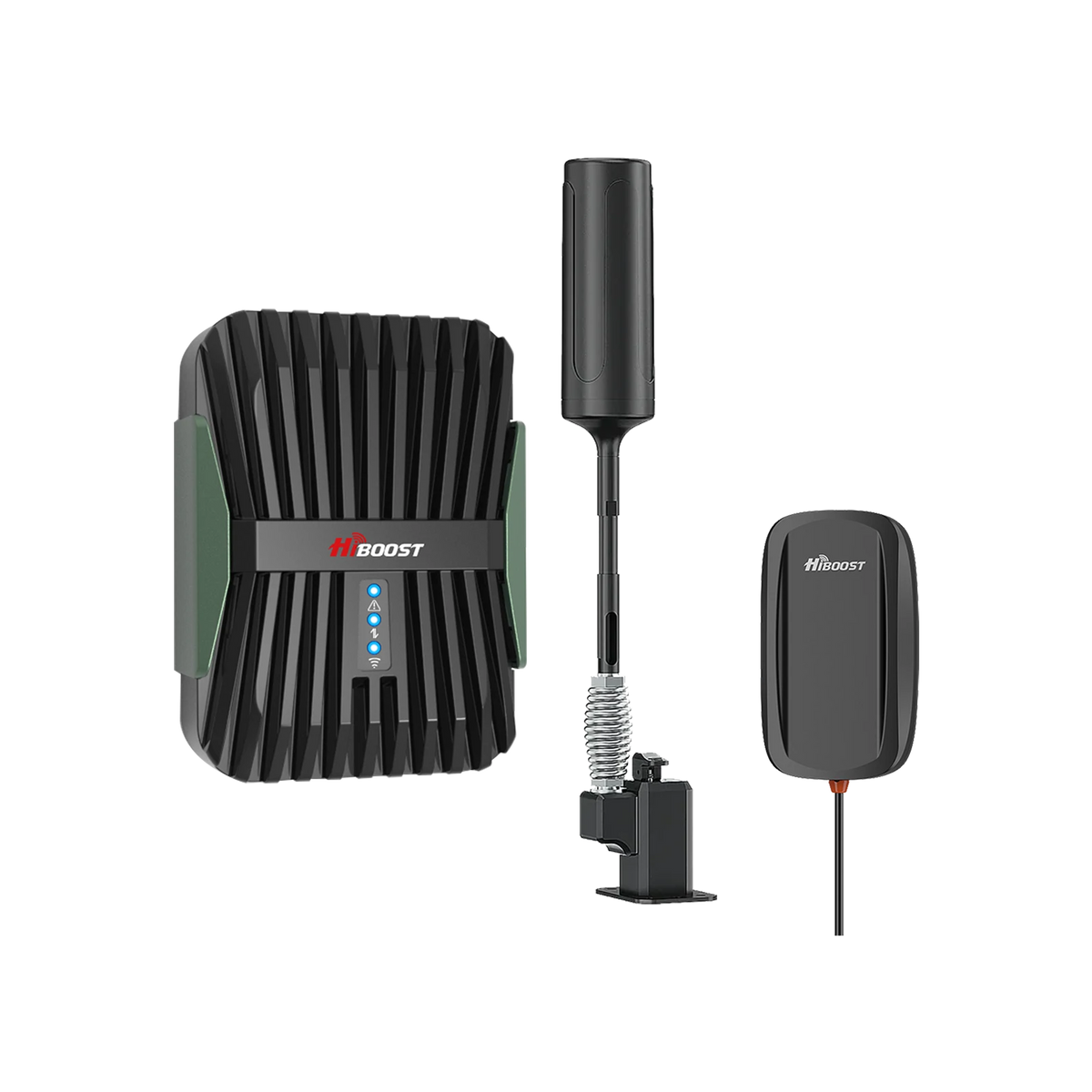
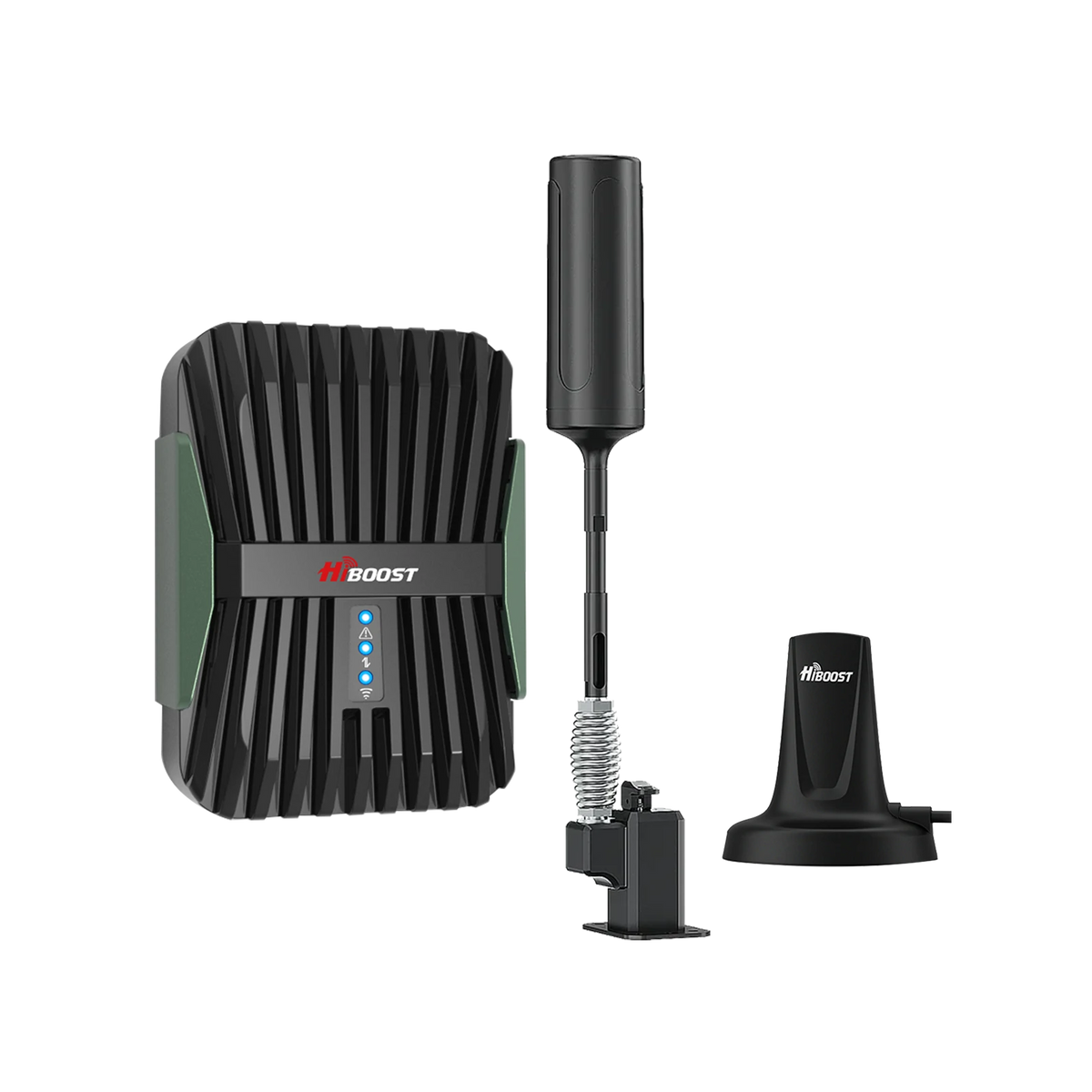
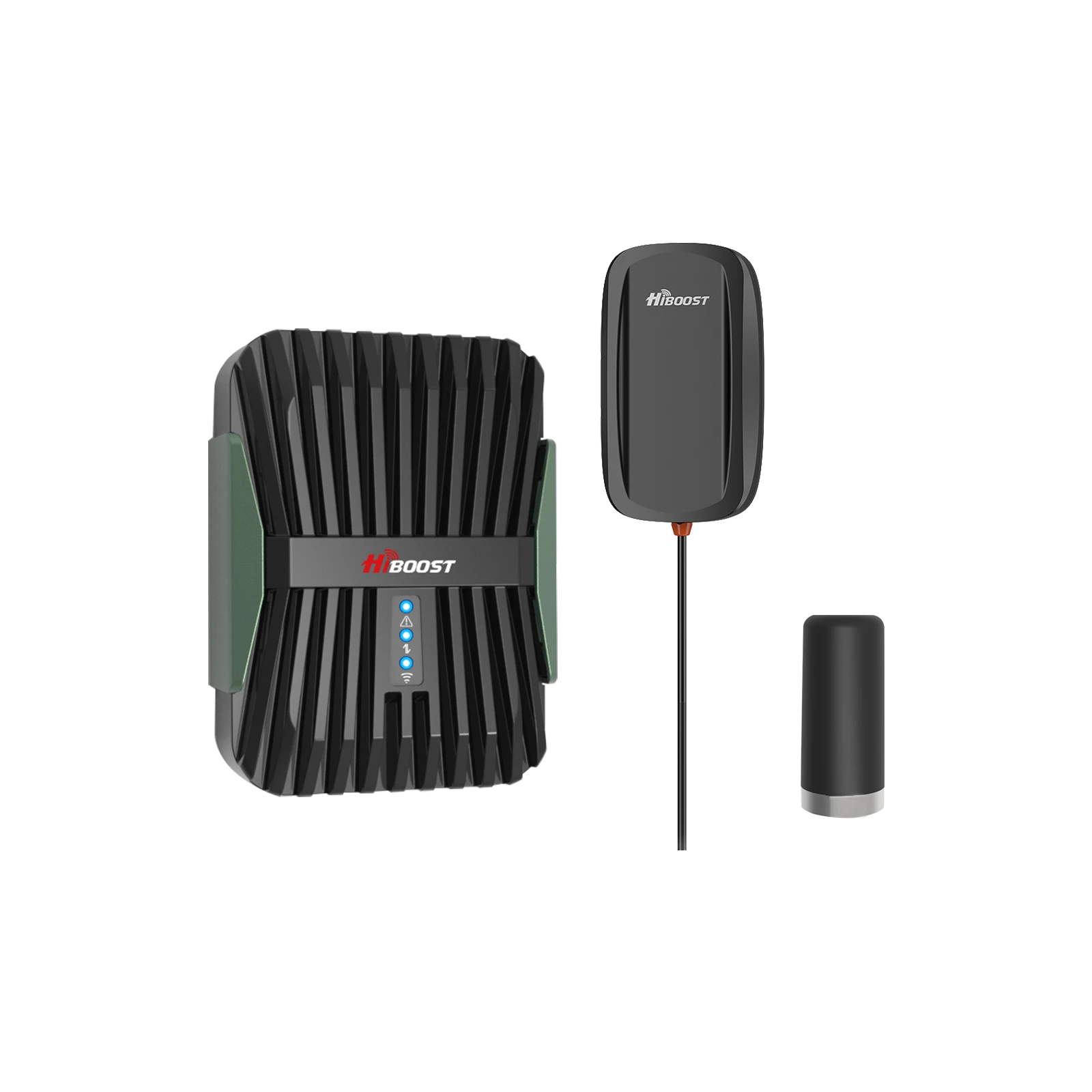
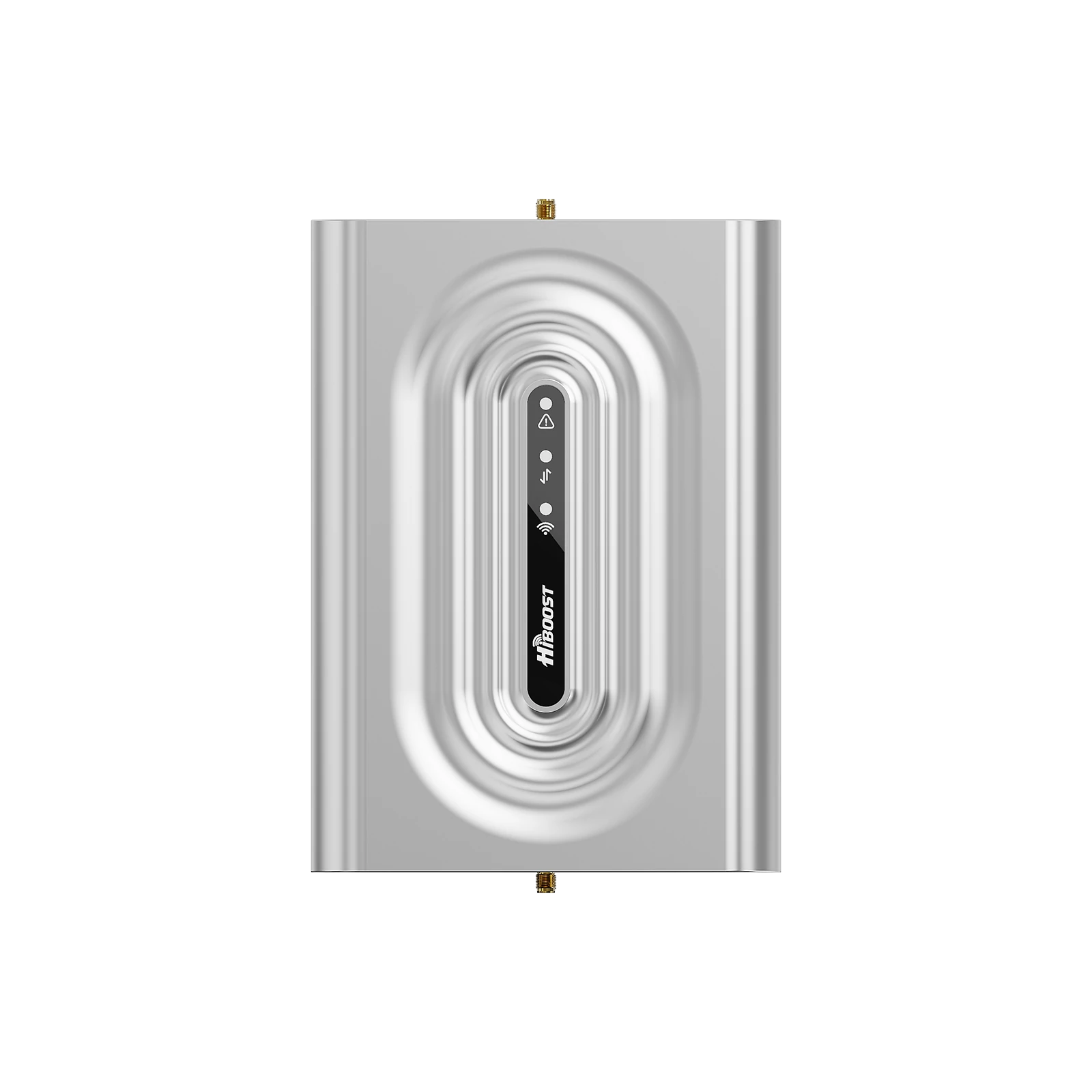
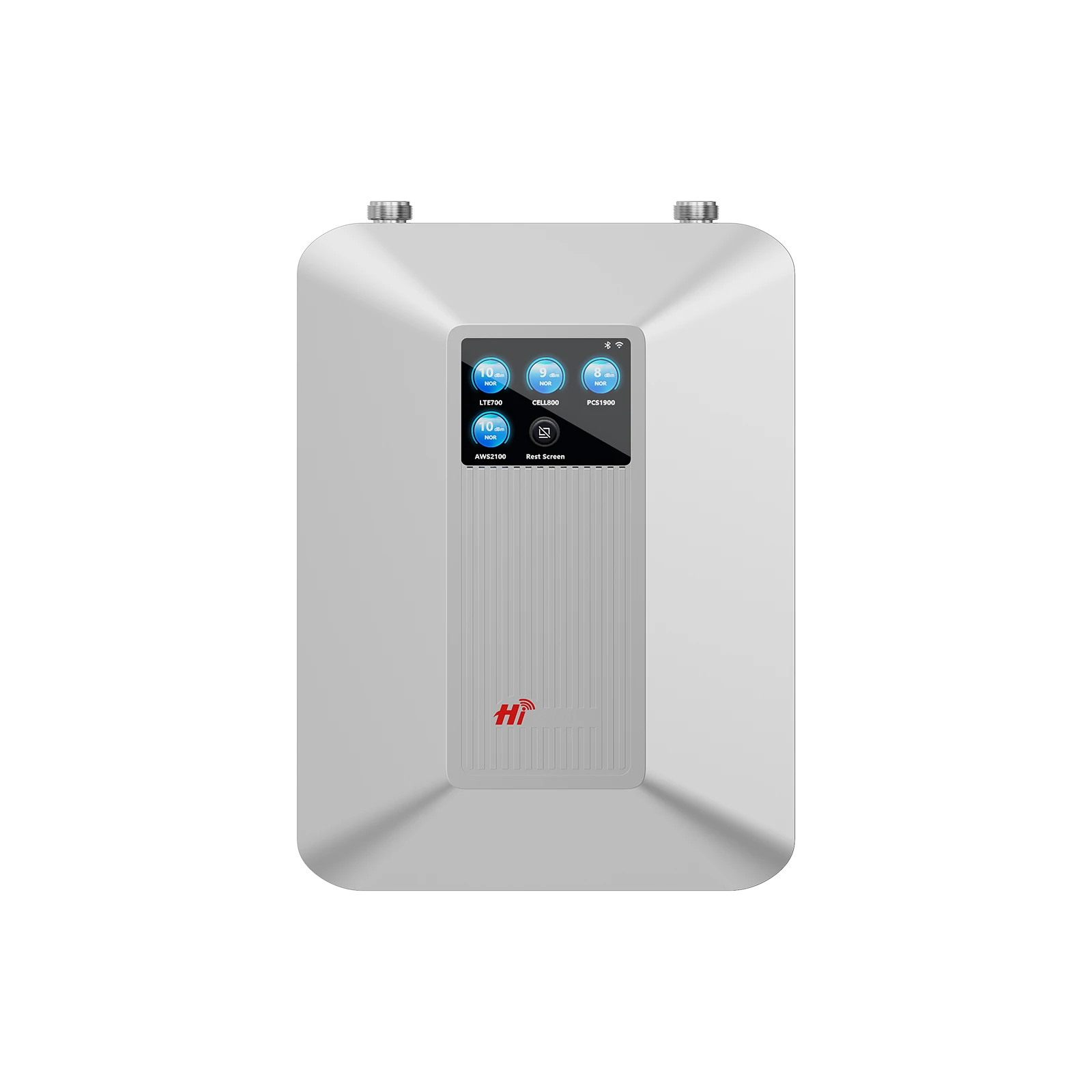
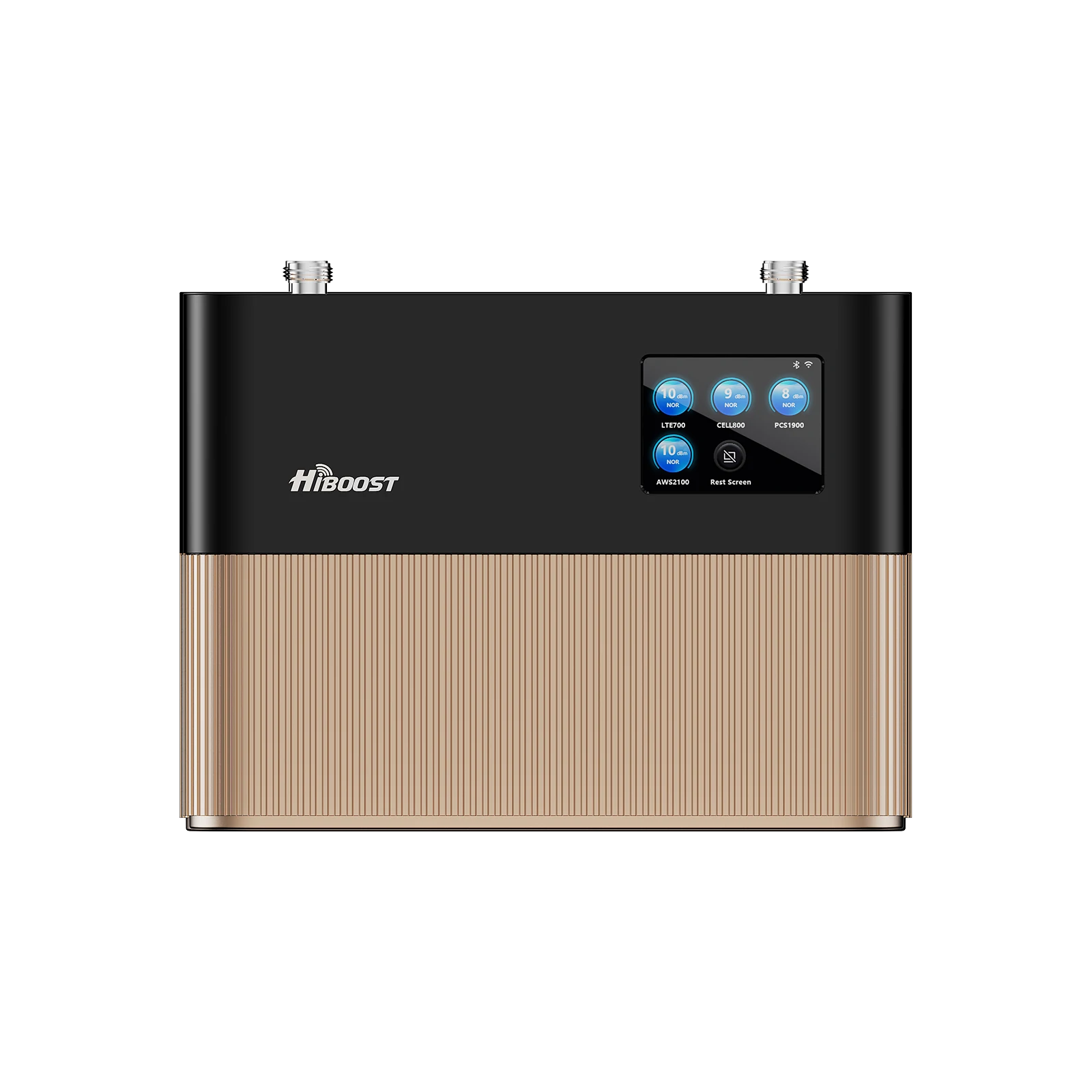
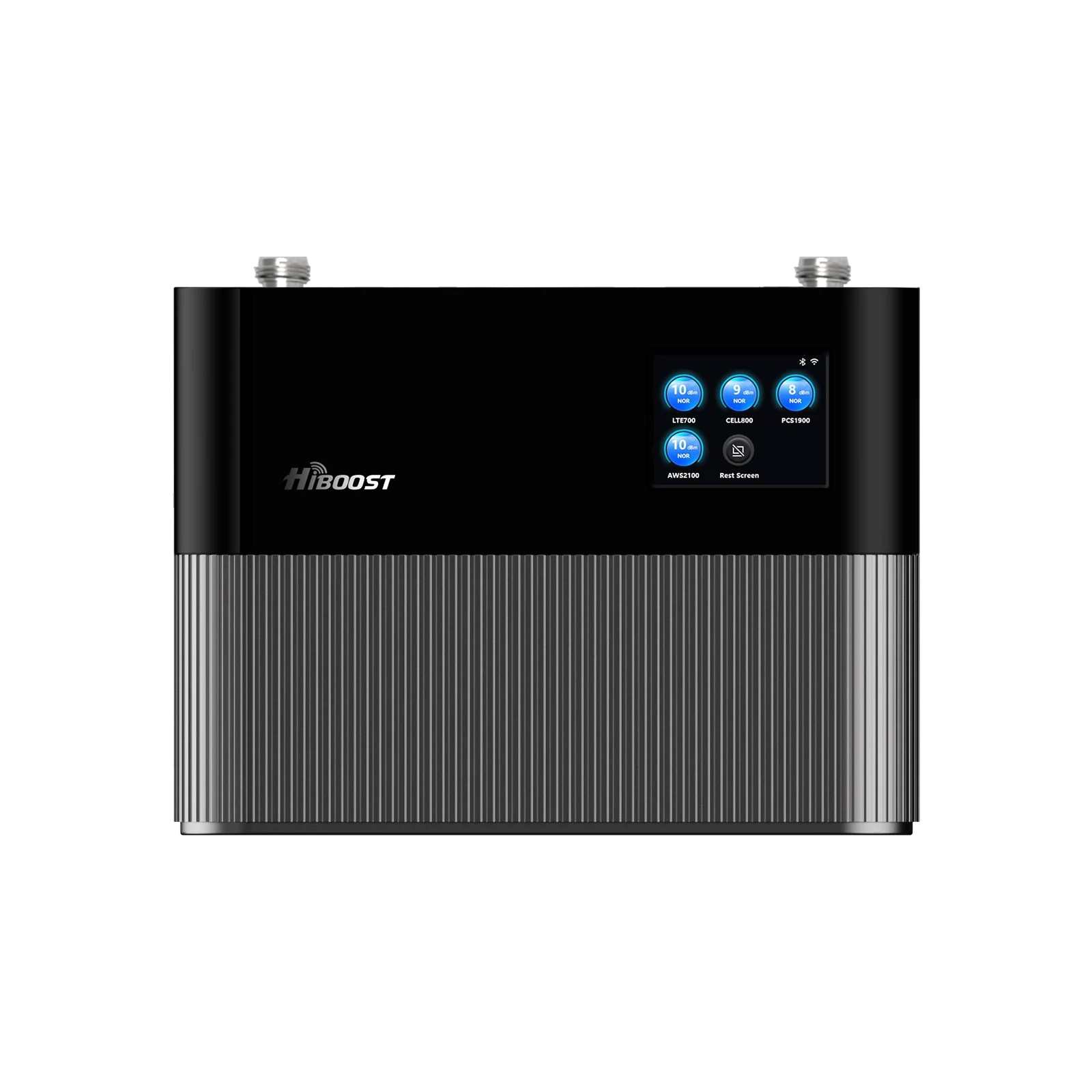
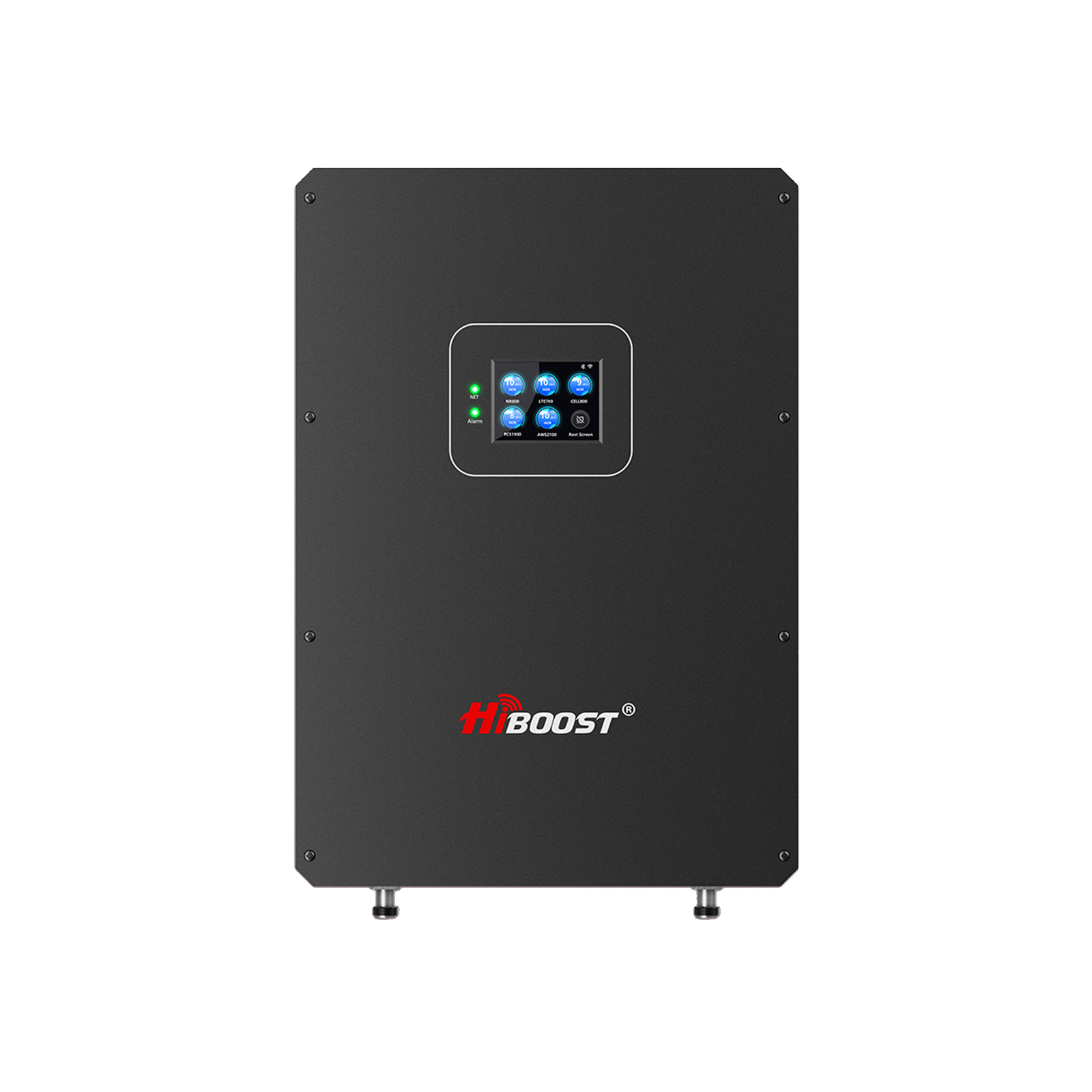
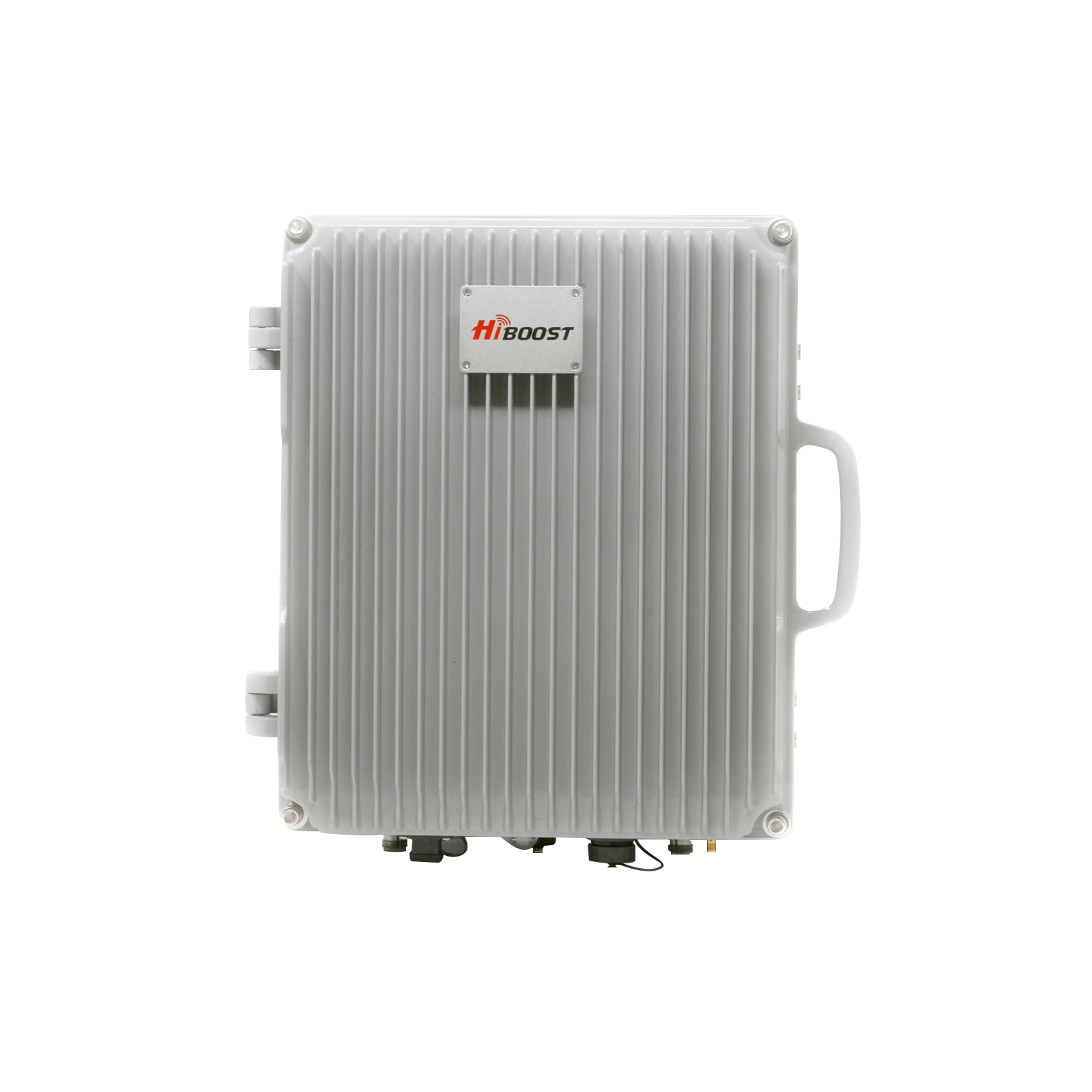
A cell phone signal booster can significantly improve weak reception when at least some usable cellular signal is available outside your home, office, RV, or vehicle. The booster captures the existing signal, strengthens it, and rebroadcasts it where coverage is weak.
It is important to understand one key point: a signal booster does not create a cellular signal where there is none. Instead, it helps make a usable outside signal stronger and more accessible indoors or inside a vehicle.
For homes, offices, RVs, trucks, and other spaces, choosing the right booster depends on several factors. These include the strength of the outside signal, the size and construction of the building, the carrier you use, the frequencies available in your area, and the type of coverage you need.
HiBoost offers signal-boosting solutions designed for different situations, including home, vehicle, and RV use. Before choosing a system, it helps to understand how boosters work, how to test your signal, what 4G and 5G support means, and what installation factors can affect performance.
Do Cell Phone Signal Boosters Really Work? Yes, a properly designed cell phone signal booster can significantly improve weak cellular reception, but only if there is some existing signal outside to amplify. A booster system works in three stages:
- Capture: An outdoor antenna mounted on the roof or exterior captures the available signal from nearby cell towers.
- Amplify: The booster’s amplifier or “bi-directional amplifier” increases the strength of that signal.
- Broadcast: An indoor antenna rebroadcasts the enhanced signal throughout the inside of your home or vehicle.
In other words, boosters pick up whatever signal your phone can, even if very weak, make it stronger, and then broadcast it back indoors. They cannot create a signal where none exists, so if you have zero coverage outside a true dead zone, the booster will have nothing to work with.
- FCC-Certified: Always use an FCC-approved booster, which means it’s legal and safe to use with U.S. carriers.
- Works with Major Carriers: A certified booster is designed as a multi-carrier, working with Verizon, AT&T, T-Mobile and others on their common bands.
- Supports 4G LTE & Compatible with 5G: Modern boosters cover all standard 4G LTE frequencies e.g. Verizon/AT&T’s 700MHz, 850MHz, 1700/2100MHz, 1900MHz and even amplify 5G signals on those same bands. Boosters cannot handle millimeter-wave 5G or certain new mid-band 5G without specialized equipment.
- No Monthly Fees: A one-time purchase once installed, there are no subscription costs or usage fees.
Table of Contents
- What Is a Cell Phone Signal Booster?
- How Does a Cell Phone Signal Booster Work?
- Why Is My Cell Phone Signal Weak?
- How to Test Your Cell Phone Signal Strength Before Buying a Booster
- Do Cell Phone Signal Boosters Really Work? (In-Depth)
- Do Cell Phone Boosters Work With 5G?
- How to Choose the Right Cell Phone Signal Booster
- Best Cell Phone Signal Boosters for Different Situations
- How to Install a Cell Phone Signal Booster
- Real-World Signal Booster Case Studies
- How to Check Your 5G Signal Strength Before Buying a Booster
- 5G vs. 4G LTE: Real-World Speed Test
- Does 5G Replace Home Internet?
- 5G Booster Buying Checklist
- FAQs
What Is a Cell Phone Signal Booster?

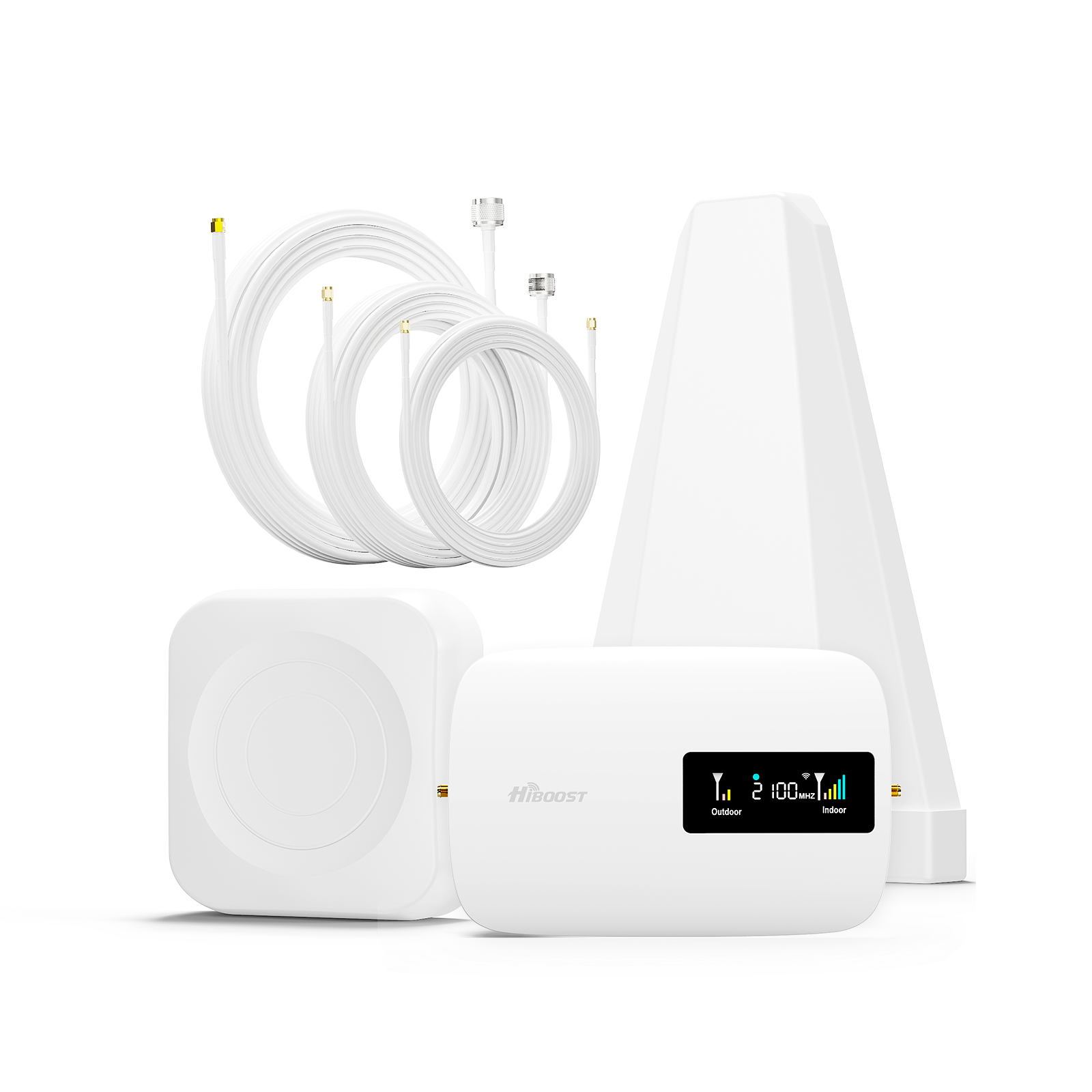
A cell phone signal booster also called a signal repeater or amplifier is an electronic system that improves cellular reception inside a building or vehicle. It has three main components: an outdoor antenna that captures cell signals from nearby towers, an amplifier that increases the signal strength, and an indoor antenna that rebroadcasts the boosted signal to your phones and devices. The booster essentially takes whatever outdoor signal exists even if very weak and makes it stronger indoors.
| Component | Function |
| Outdoor Antenna | Captures the existing cellular signal from nearby towers. Mount on roof or exterior. |
|
|
Boosts the weak signal levels (both uplink and downlink). Increases gain by up to 50–75 dB (consumer limit). |
|
Indoor Antenna |
Broadcasts the amplified signal inside the home/vehicle so devices get better coverage. |
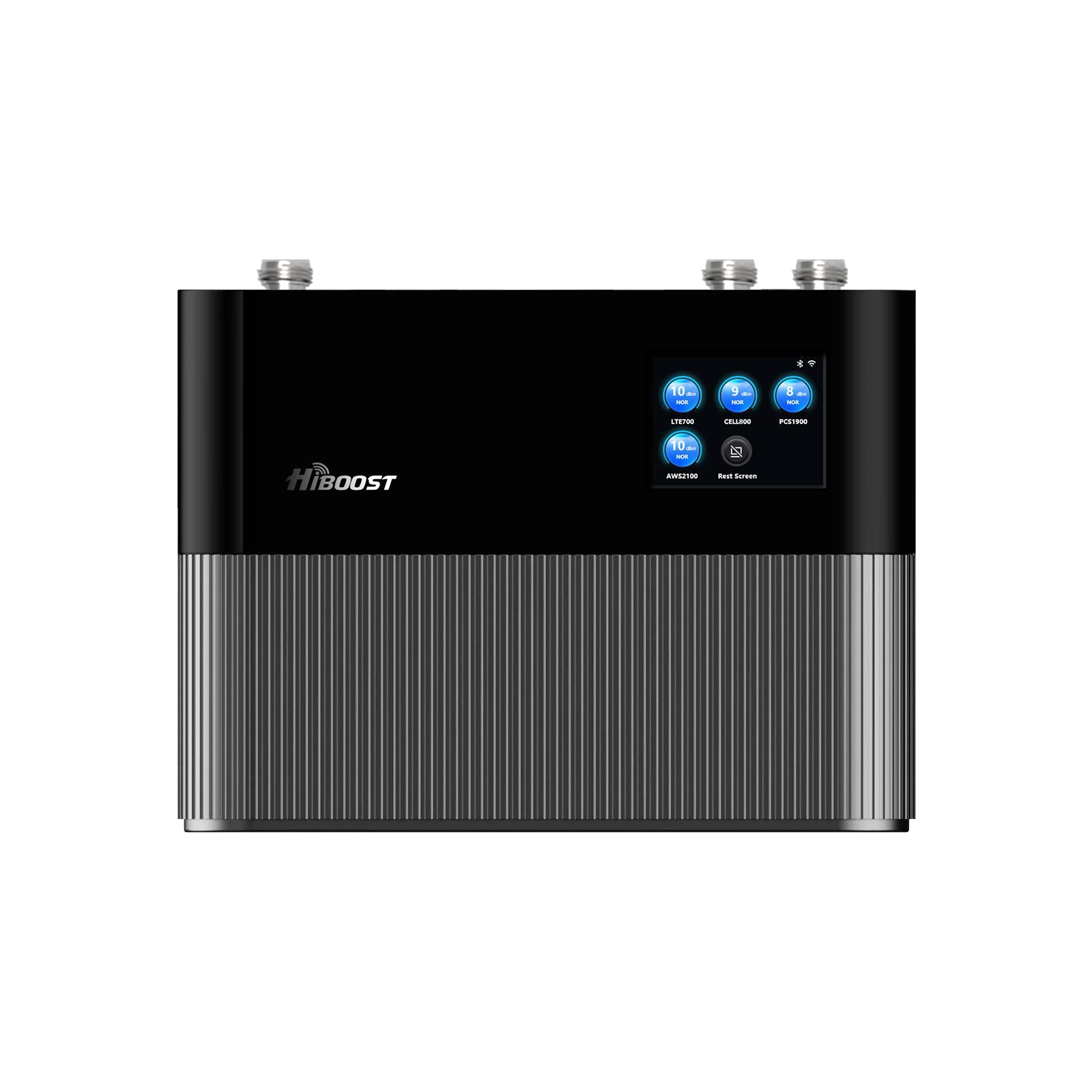
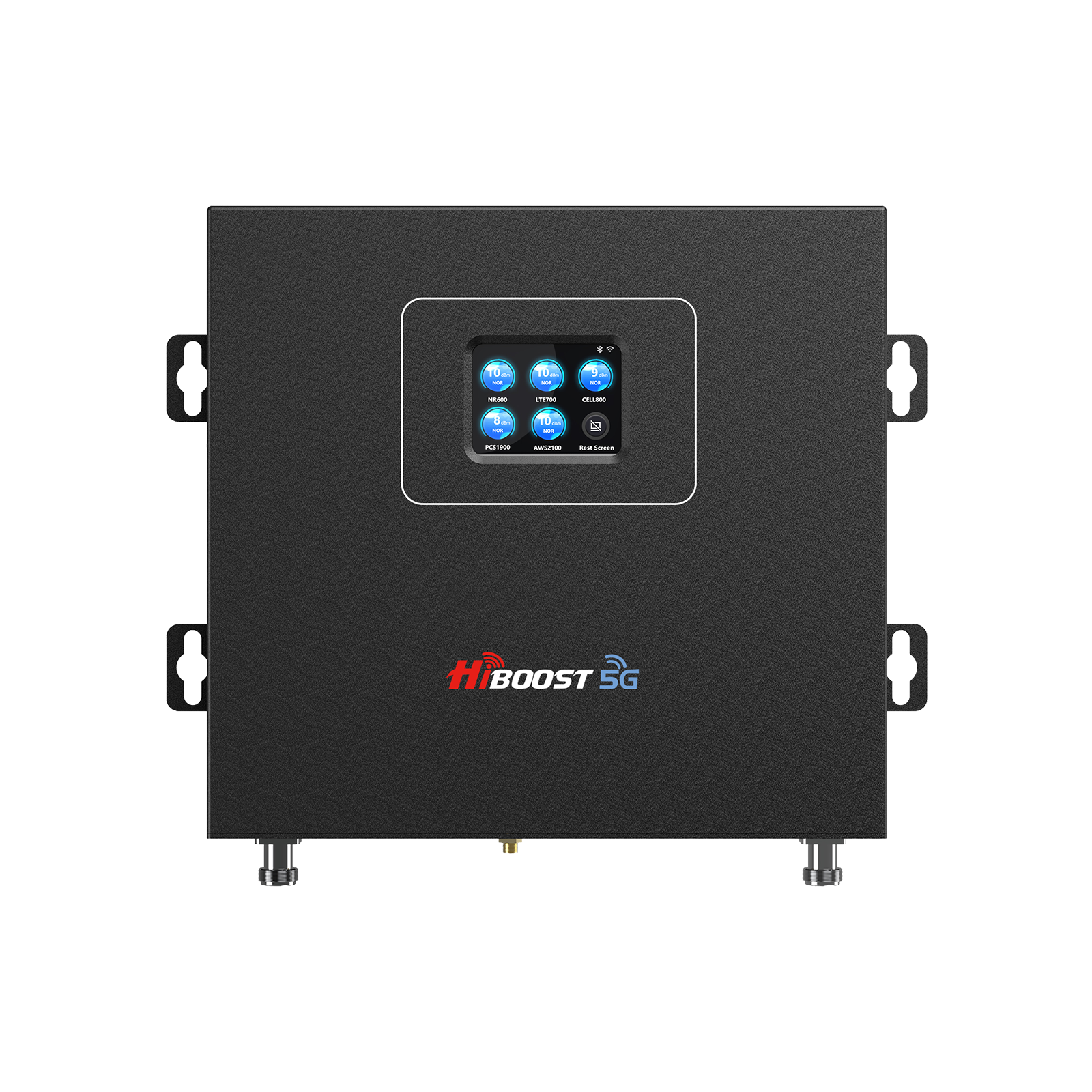
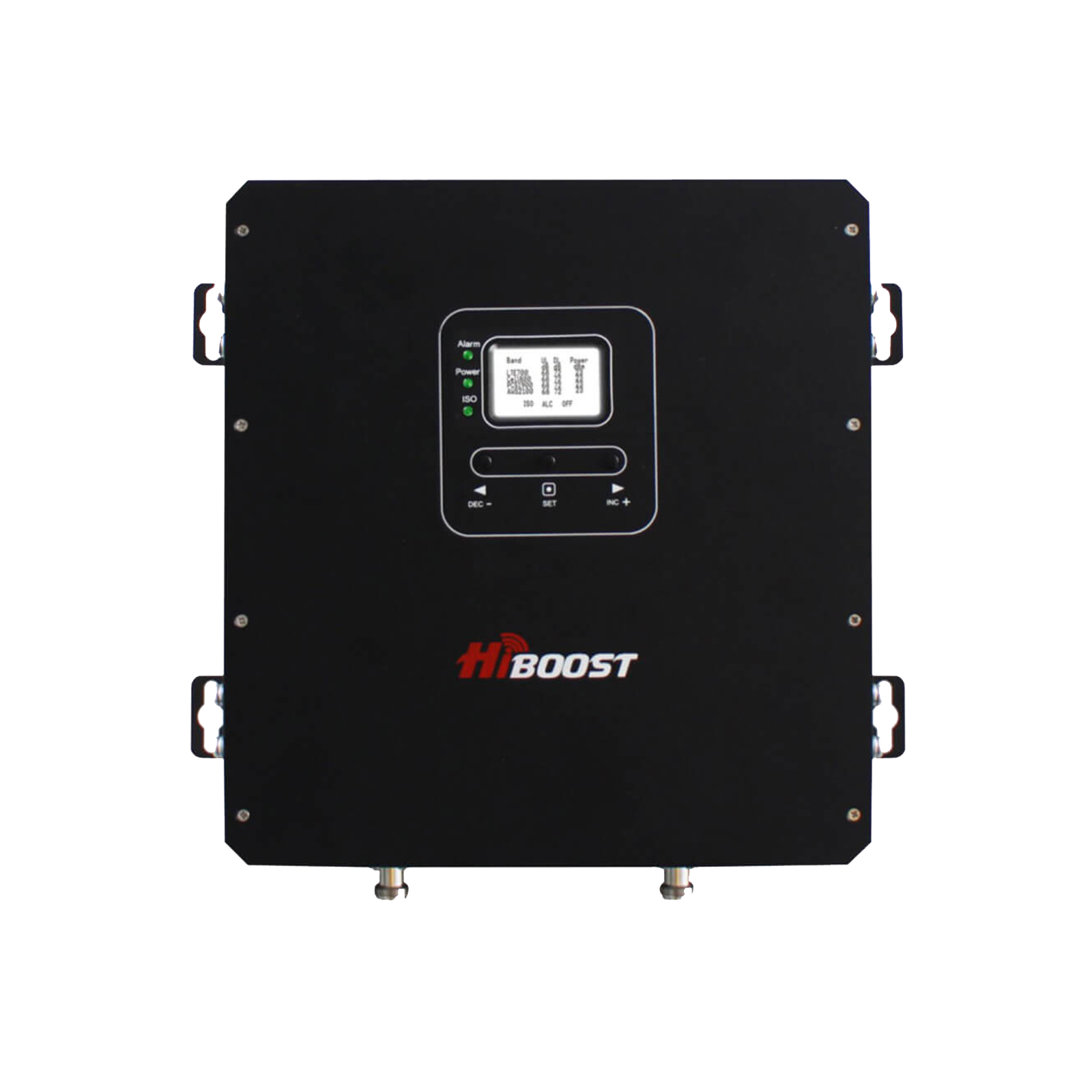
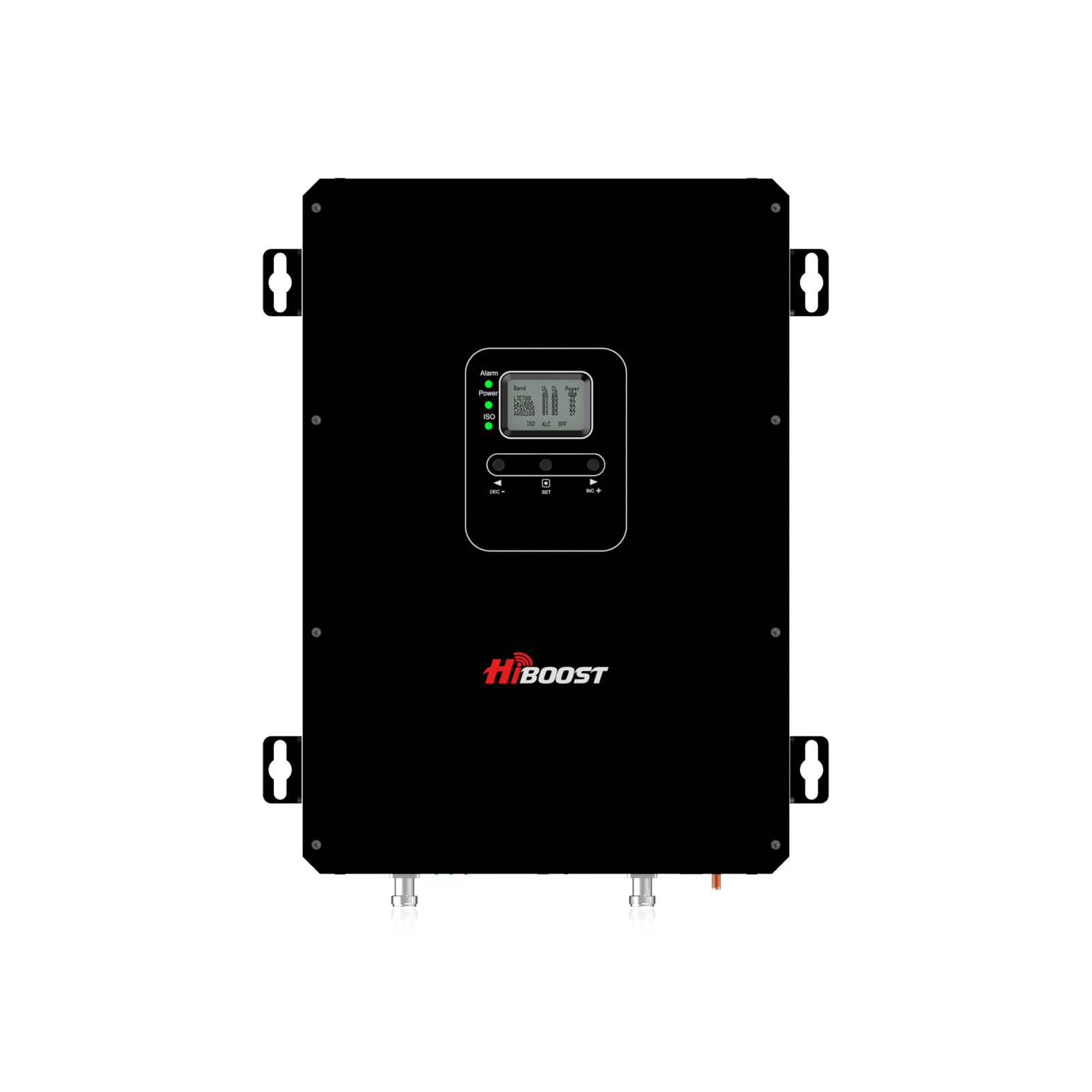
For example, the HiBoost Home Pro booster, a popular home model, uses these three parts to improve 4G and 5G signals inside a medium-sized house (up to ~4,000 sq ft). The outdoor antenna, usually mounted on the roof or a mast, faces the nearest tower.
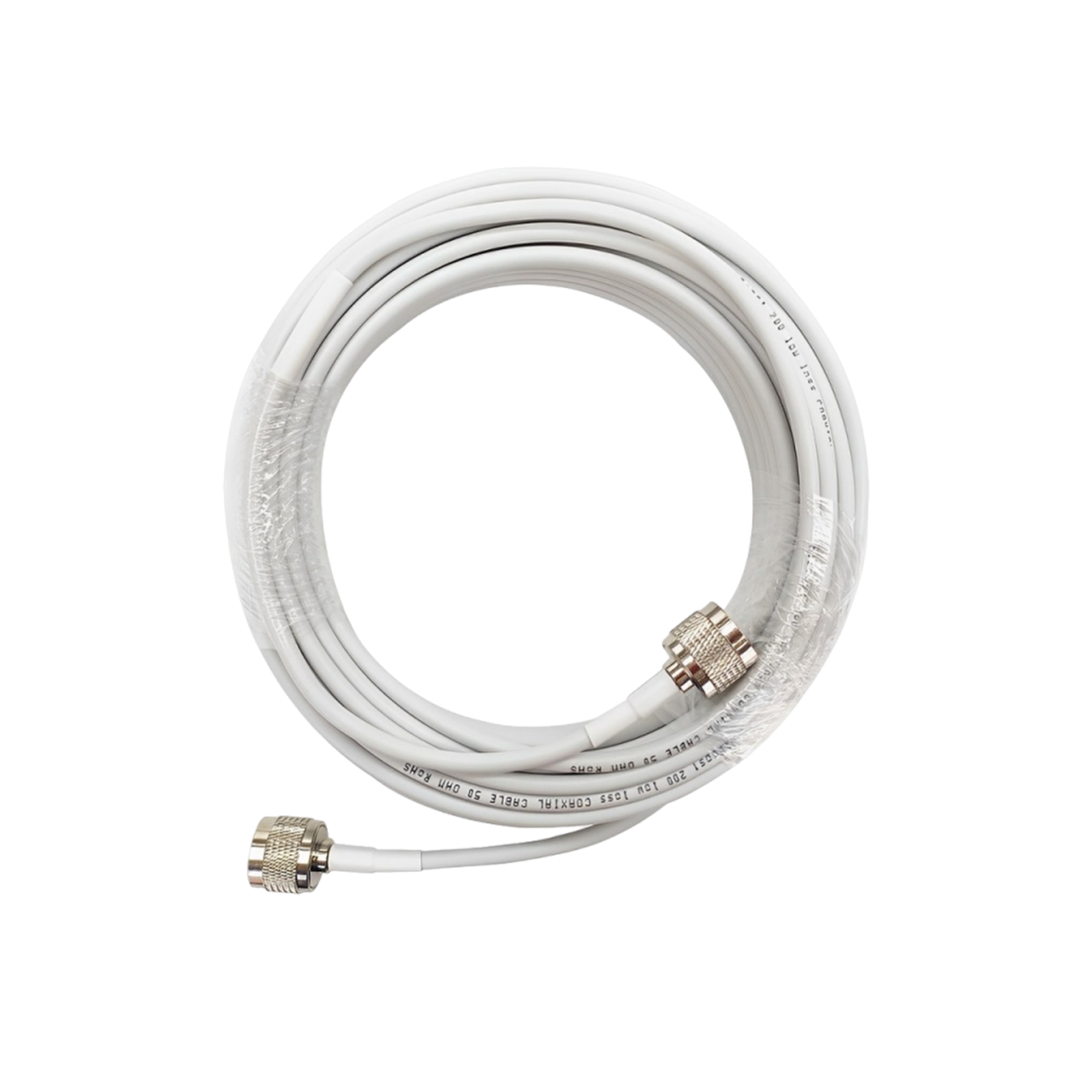
It sends the signal via coaxial cable down to the amplifier. The amplifier then drives an indoor panel or dome antenna that fills the rooms with strong cellular signals.
How Does a Cell Phone Signal Booster Work?
A cell phone signal booster captures an existing outdoor cellular signal, amplifies it, and rebroadcasts it indoors. Learn how cell phone signal boosters work and what each component does.
Here’s the step-by-step process:

Figure: A typical signal booster setup. The outdoor donor antenna picks up the cell signal from the nearest tower, the amplifier boosts it, and the indoor antenna rebroadcasts the stronger signal to your devices.
-
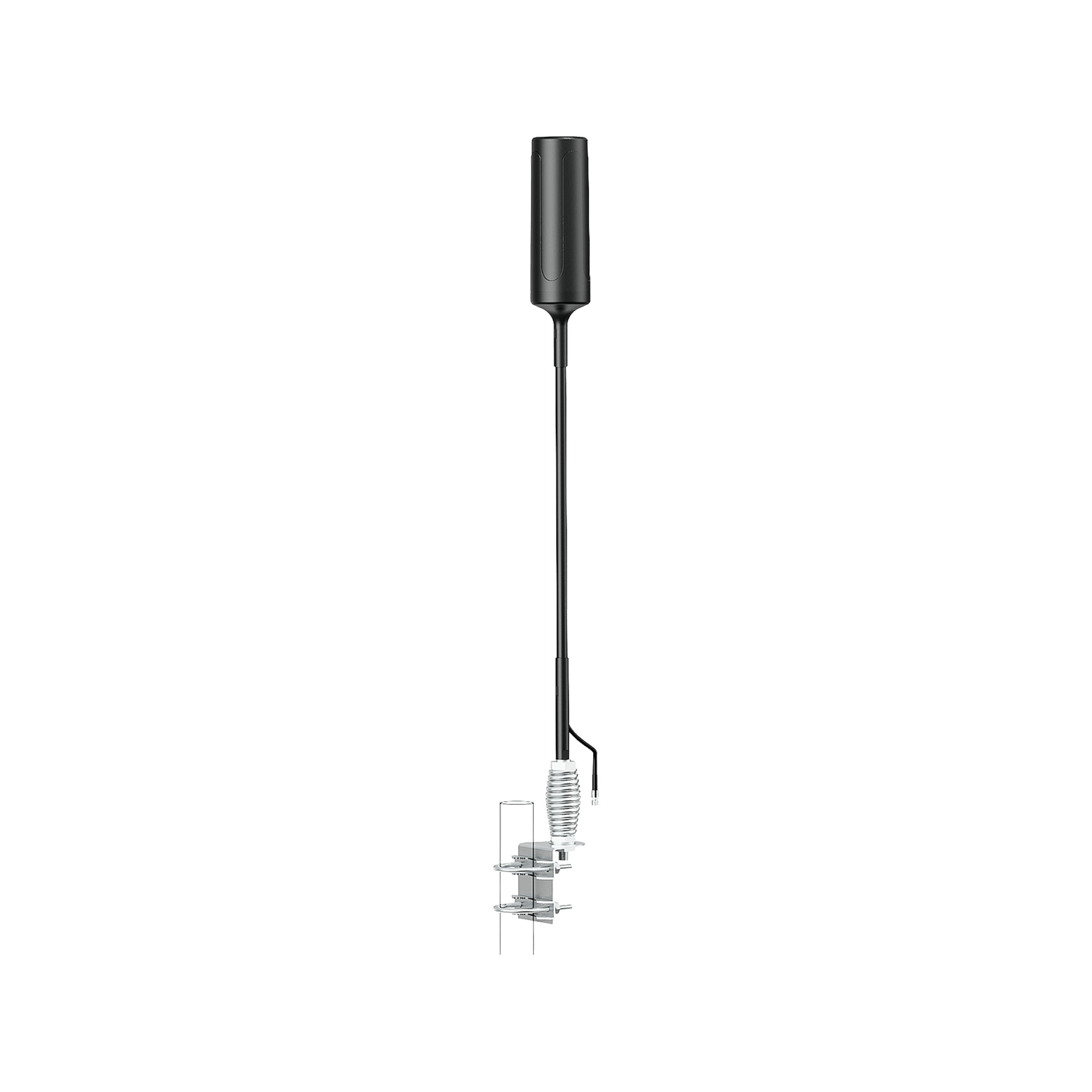
Outdoor Antenna Captures Signal: The system’s outdoor antenna sometimes called the donor antenna is positioned for maximum reception. It might be omnidirectional picking up signals from all directions or directional aimed at a specific tower.
- Signal Sent to Amplifier: The captured signal is passed via coaxial cable into the booster’s amplifier unit. The amplifier energizes both the downlink tower-to-phone and uplink phone-to-tower signals.
-
Amplification: Inside the amplifier (BDA), electronic circuits boost the weak incoming signals. Typical consumer boosters can add 50–75 dB of gain. This makes a once-marginal -110 dBm signal become a much stronger -70 dBm inside an improvement of ~40 dB.
- Indoor Antenna Broadcasts: The amplified signals are sent out through one or more indoor antennas. These antennas broadcast the stronger signal through the walls and floors of your home or the cabin of your vehicle. Your phones and tablets now see many more bars and faster data rates as a result.
In technical terms, the amplifier increases the received RSRP by tens of decibels. For example, improving an RSRP from -110 dBm to -75 dBm can make an unusable signal into a strong, call-ready connection. Because the booster handles both uplink and downlink, it also makes your voice and data transmissions back to the tower clearer and more reliable.
The booster does not create any new coverage, it only enhances what’s already there. If the outdoor antenna has no signal, the system cannot magically get service. But when installed correctly where some signal exists, a booster can dramatically improve indoor coverage.
Why Is My Cell Phone Signal Weak?
Experiencing bars dropping or dead zones? There are several common causes of poor cell signal quality:
-
Distance from Cell Tower: The farther you are from the nearest tower, the weaker the signal. Rural homes or buildings far from urban centers may get only faint reception. Signal strength decays with distance and through obstacles.
- Obstructing Building Materials: Walls and roofs made of concrete, metal, or energy efficient glass can significantly attenuate signals. For instance, steel or concrete can block and reflect radio waves, leaving interior rooms in a “Faraday cage.”
-
Terrain and Geography: Hills, valleys, dense trees, or large structures can block line-of-sight to towers. A home in a valley or behind hills will naturally see weaker coverage. Nearby buildings can also reflect or absorb signals.
- Network Congestion: If you’re in a crowded urban area or at an event, network traffic can throttle your data speed even if signal strength bars look decent. High demand can make responses slow.
- Carrier Coverage Gaps: Some carriers simply have thinner coverage in certain areas. Rural carriers may not reach every corner of a state. Even in cities, indoor coverage can be spotty if the network is busy or outdated.
A helpful way to visualize weak signals is to think of it as two things: strength and quality. Your phone bars combine both the raw signal level measured in dBm and interference/noise on that signal. You might have -80 dBm good strength but very low signal-to-interference ratio if there’s cross-talk or overlapping cells. In practical terms:
- Excellent signal strength is around -50 to -70 dBm full bars on most phones.
- A good/usable signal is roughly -70 to -90 dBm.
- Weak signals often only 1–2 bars are around -90 to -110 dBm.
- Anything below -110 dBm is generally too weak for reliable service.
If you see less than 3 bars indoors, or experience dropped calls, it usually means one of the above factors is limiting reception. A booster can help in most of these scenarios as long as there is some signal outside.
Before buying a booster, learn how to improve weak cell phone reception with both free troubleshooting methods and hardware solutions.
For example, if the nearest tower is a mile away but your walls are concrete, an outdoor antenna can capture that mile away signal and send it through the booster to reach inside rooms.
How to Test Your Cell Phone Signal Strength Before Buying a Booster
Before investing in a booster, it’s wise to measure your actual signal rather than just rely on bars. Smartphone signal bars can be very misleading. They often combine multiple indicators and vary by phone model. Instead, check the raw dBm reading RSRP for 4G/5G on your device to know if a booster is needed.
Signal Bars vs. dBm: Remember that 5 bars on your phone could still mean -95 dBm if the quality is low, and 1 bar might mean -75 dBm in some cases. To see real numbers, use field test modes or apps. The table below shows a rough interpretation of signal levels:
| Signal Quality |
Approx. RSRP (dBm) |
What It Means |
|
Excellent |
–50 to –70 | Strong/full bars (great coverage) |
| Good | –70 to –90 | Moderate (calls and data generally OK) |
|
Weak/Usable |
–90 to –110 | Low bars (calls may drop, slow data) |
| Very Poor | < –110 | Almost no connectivity (needs booster) |
Checking Signal on iPhone
- Open Field Test Mode: Dial *3001#12345#* on the iPhone’s phone app and press call.
- View RSRP: The Field Test menu will appear. Look for “RSRP” (Reference Signal Received Power) under the relevant section usually within LTE or 5G info. This gives the exact dBm value of the cell signal.
- Assess: A reading around -70 dBm or higher is quite good, while numbers like -100 dBm or worse indicate a very weak signal that could benefit from a booster.
Checking Signal on Android
- Use a Signal App: Install a free app like Network Cell Info or CellMapper from the Google Play Store. These apps display real-time RSRP, SINR, and exact cellular bands.
- Open the App and Read RSRP: Launch the app, select the active 4G or 5G connection, and note the RSRP it may be labeled as “Signal Strength” in dBm.
- Locate Best Spot: Walk around outside your building to see where the RSRP is highest. That is where your outdoor antenna should go.
Both iPhone Field Test and Android apps report signals in decibels-milliwatts dBm. You can use them to confirm if a booster is needed. If outdoors you only see numbers around –110 to –120 dBm essentially “no service”, a booster is unlikely to help because there’s almost no signal to capture. But if you find any location with, say, –90 dBm or better, a booster can amplify that for indoor use.
Perform testing for each carrier and band. Sometimes one carrier’s signal might be present while another is not. Also test different floors or sides of the house. The goal is to identify an outdoor location often the roof with the strongest reading as the mounting point for the donor antenna.
Do Cell Phone Signal Boosters Really Work?
Yes, if used under the right conditions. Numerous independent tests and user reports confirm that boosters can eliminate dead zones and drastically improve indoor reception. For example, a weak -110 dBm signal outside can be turned into a robust -80 dBm indoors with the right booster and setup.
Users often report more stable calls, faster internet, and reliable texting after installation. As one source notes, boosters “make slow data and dropped calls a thing of the past” in areas with poor coverage.

However, boosters have limits:
When Boosters Work Best:
If some outdoor signal exists even at the roof and your main issue is a “dead zone” or poor indoor coverage, boosters are very effective. They are ideal for homes or offices far from towers but not completely out of range, or for buildings with heavy construction materials. In these cases, the donor antenna can capture a usable signal and extend it inside.
For instance, a suburban home that drops to 1–2 bars inside may see 4–5 bars after a booster. Large buildings with interior rooms blocked from outside benefit greatly from multiple indoor antennas.
When Boosters Won’t Help:
If your location is truly in an outdoor dead zone with no reception anywhere outside, a booster cannot create a signal magically. Likewise, if your phone is using a band that the booster does not support, you’ll get no improvement. For example, some newer 5G bands like Verizon’s mmWave or T-Mobile’s n71 aren’t amplified by standard boosters. In practice this means:
- No Nearby Tower: If there is no cell tower within range, no device or booster will work.
- Unsupported 5G Bands: If your phone shows “5G+” Verizon or “5G UW” Ultra Wideband, Verizon or “5G UC” T-Mobile on the status bar, those mid/high-band 5G signals are not boostable. Boosters only handle 5G on traditional LTE frequencies, the “low-band” 5G.
- Incorrect Setup: A mis-installed booster e.g. antennas too close causing feedback, wrong antenna type, poor cable connections might also fail to improve or even degrade performance. Always follow installation guidelines to avoid these pitfalls.
In summary, boosters really do work for most homes and vehicles that have at least a weak signal outside. They transform flaky connections into reliable ones. But they cannot help if there’s absolutely zero coverage to start with.
Do Cell Phone Boosters Work With 5G?
For a deeper look at 5G coverage, frequency bands, indoor signal loss, and practical ways to improve reception, read our complete 5G signal booster guide.
This is a key question in 2026. The answer is nuanced, but here’s the practical summary:
- Low-Band 5G (e.g. 600–850 MHz): Yes. Low-band 5G operates on frequencies that boosters already support such as n5/n71 at 600/700 MHz, n2/n66 at 1900 MHz, etc. Any booster that covers the corresponding LTE bands will also amplify the low-band 5G signal on those bands. These low-band signals travel far and penetrate buildings well, just like old 4G.
- Mid-Band 5G (e.g. 2.5–3.7 GHz): Generally no for consumer boosters. Most home and vehicle boosters today are not FCC-certified for the new mid-band frequencies like n41 at 2.5 GHz, or C-band at ~3.7 GHz that carriers are rolling out. A typical booster cannot amplify these higher bands. Some large commercial boosters exist for C-band, but they are for enterprise use, not consumer market.
-
High-Band 5G (mmWave, e.g. 24–39 GHz): Absolutely not. Millimeter-wave signals simply cannot be boosted by a consumer repeater. The physics of mmWave means the signal only travels short distances, and no current FCC-approved boosters cover those frequencies.
- T-Mobile’s 5G: T-Mobile’s primary 5G band is n71 (600 MHz) for broad coverage, which is not supported by most older boosters, and its faster layers like mmWave and n41 are not boostable on consumer devices. Thus, no booster on the market amplifies T-Mobile’s 5G signals.
-
AT&T/Verizon 5G: If your phone on AT&T or Verizon shows just “5G,” it’s likely on a low-band or DSS signal that the booster can handle. But if it shows “5G+” (Verizon UW) or similar, that’s a higher band which boosters won’t touch.
In table form:
|
5G Type |
Can a Consumer Booster Amplify It? |
| Low-band 5G | Yes – Operates on legacy LTE bands (e.g. 600–850 MHz) |
| Mid-band 5G | Typically No – Requires special boosters; common boosters do not cover C-band (3.7 GHz) or similar. |
| mmWave 5G | No– Too high frequency, not supported by any consumer booster. |
Many customers wonder if they need a “5G signal booster.” The truth is, any FCC-approved booster will automatically boost any 5G signal that is on one of its supported bands. It doesn’t matter if it’s branded “5G DSS” or “5G NR”; if it’s on 700/850/1900/2100 MHz, it will be amplified. In other words, you don’t need a special booster for “5G” vs “4G” – just a booster that covers all the LTE bands used by your carrier.
To check if your 5G is boostable, look at your phone’s indicator. If it’s a normal “5G” (AT&T) or no extra symbol, your booster will help. If it’s “5G UW/UWB/5G+,” unfortunately the booster cannot improve that particular signal.
How to Choose the Right Cell Phone Signal Booster
If you're comparing boosters based on outdoor signal strength, coverage area, 4G/5G compatibility, and installation requirements, see our step-by-step guide to choosing a 4G and 5G cell booster.
Choosing a booster depends largely on where you need better signal:
Home Boosters:
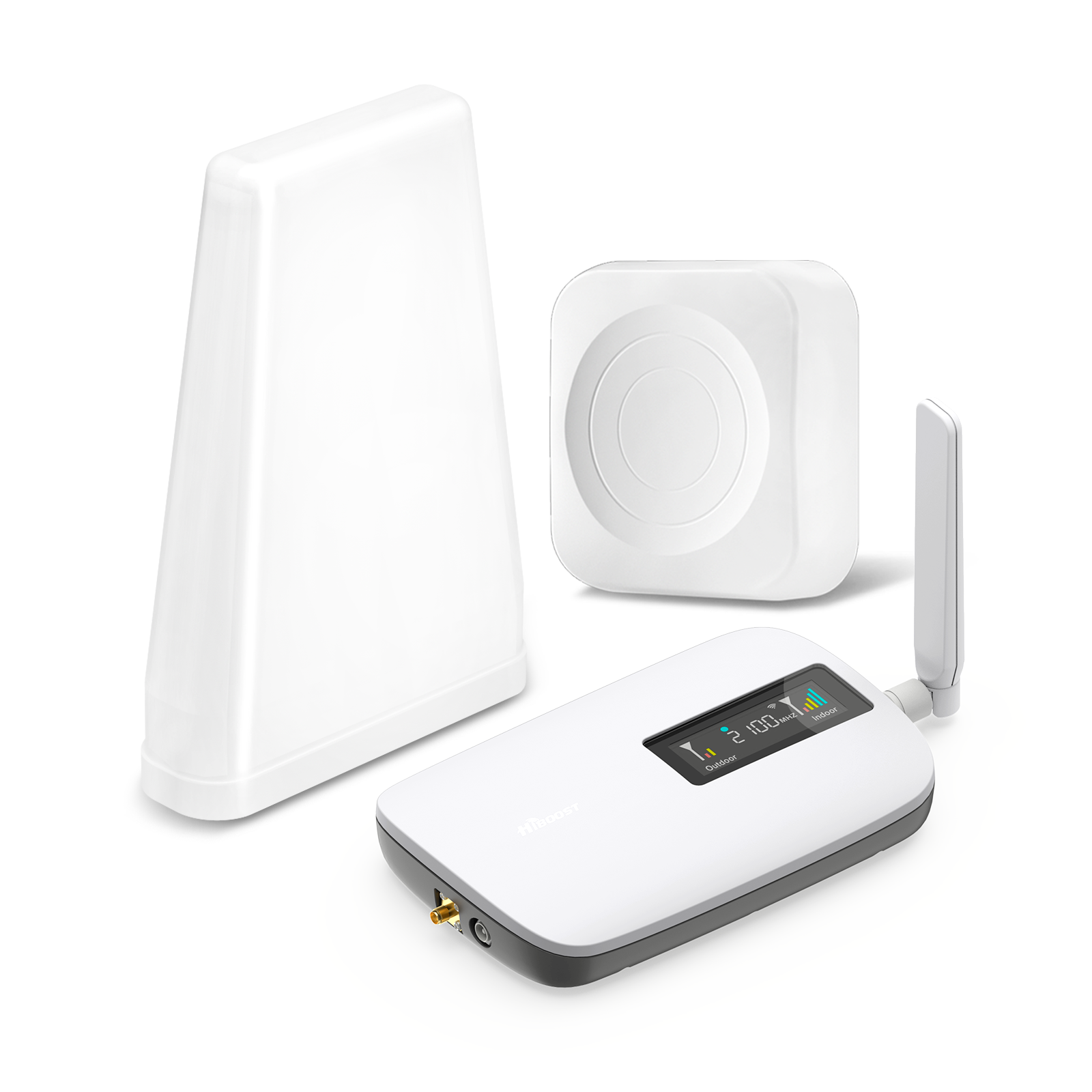
If you need to improve coverage inside a house, apartment, or office, choose a home/office booster. Consider the square footage and layout. For a small apartment with a few rooms, a compact booster like the HiBoost Home Lite is ideal.
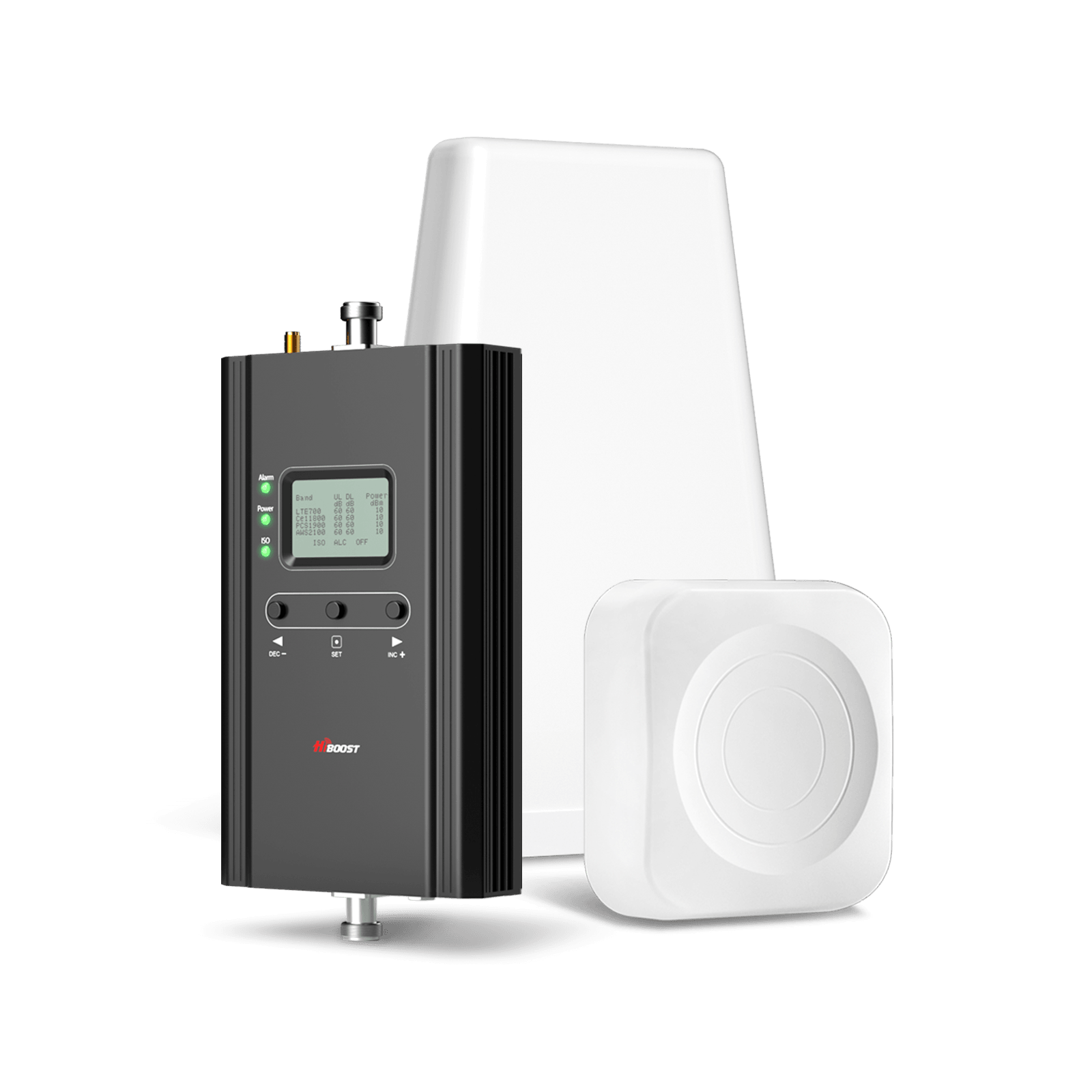
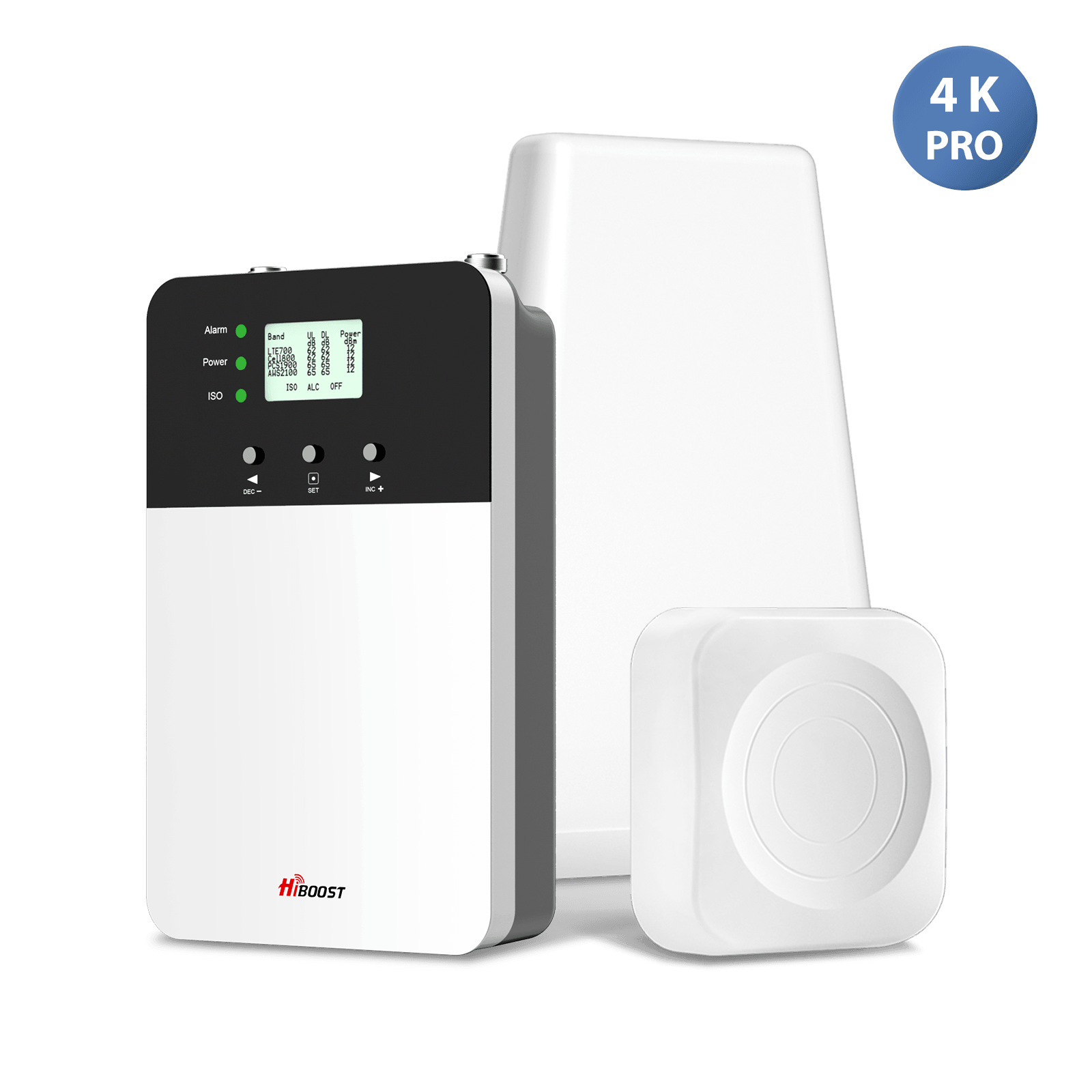
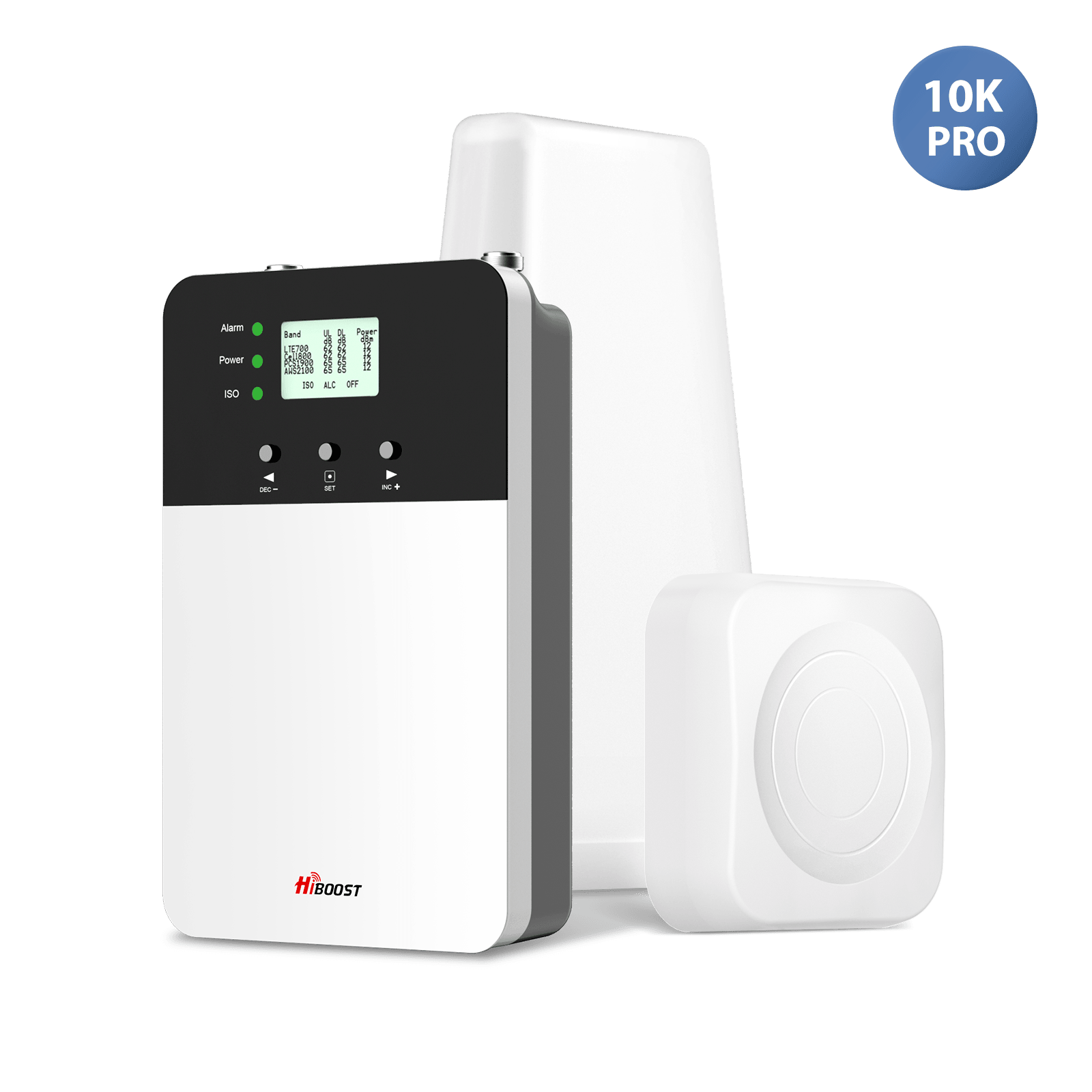
For a mid-size home (up to ~4,000 sq ft), HiBoost’s 4K Smart Link or Home Pro models are appropriate. Very large homes 7,000–15,000 sq ft require high-power units such as HiBoost’s 10K Plus Pro or 15K Deluxe with possibly multiple indoor antennas. Always check the manufacturer’s coverage rating e.g. 4K = 1,000–4,000 sq ft, 10K = 6,000–12,000 sq ft, etc.
Vehicle Boosters:
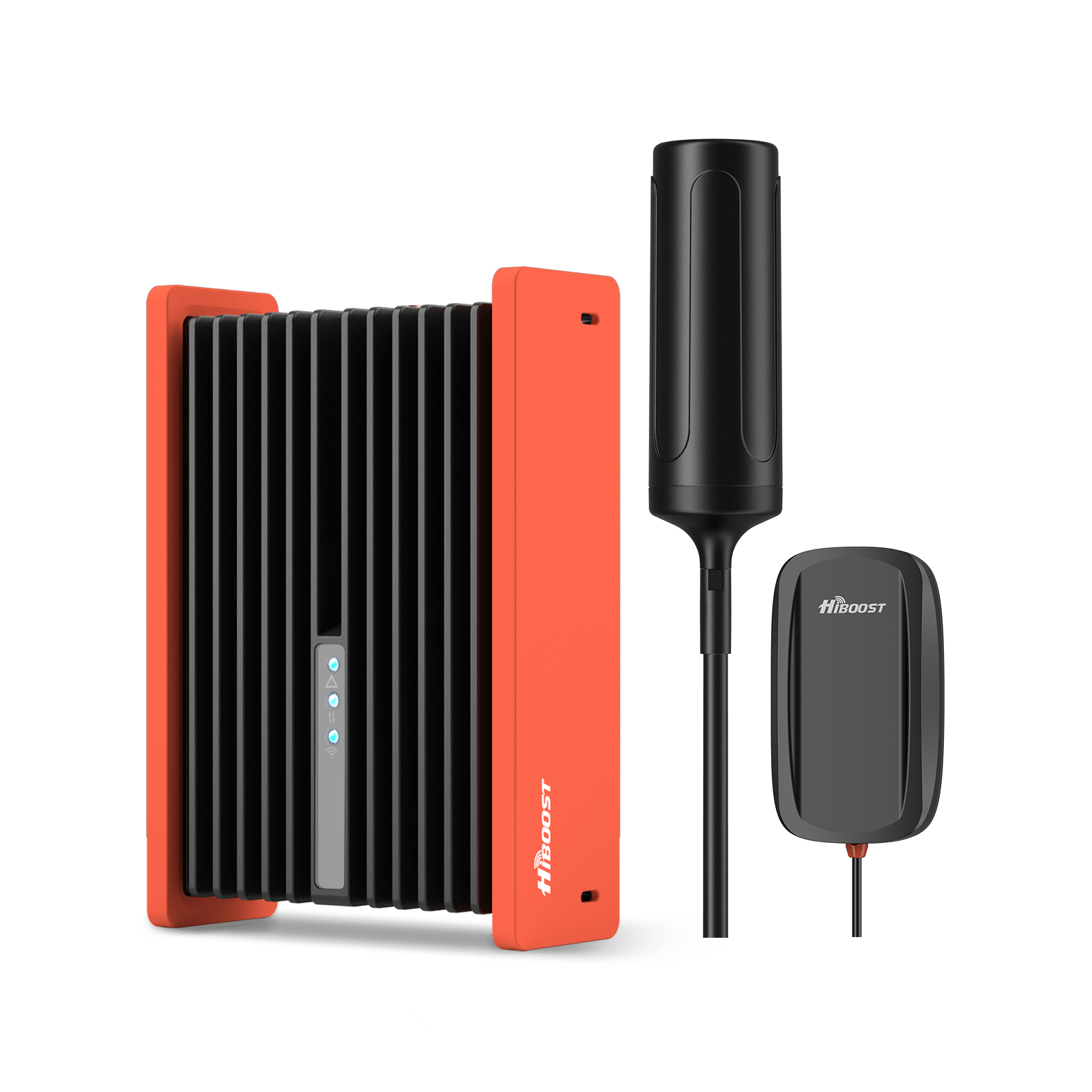
For cars, trucks, or RVs on the move, use an vehicle cell phone signal boosters. HiBoost’s Travel 3.0 series covers different vehicle sizes: car, SUV, truck, bus. These are designed to operate while driving FCC-limited to 50 dB gain. Choose one labeled for your vehicle type. Truckers often choose the “OTR” over-the-road model for maximum range.
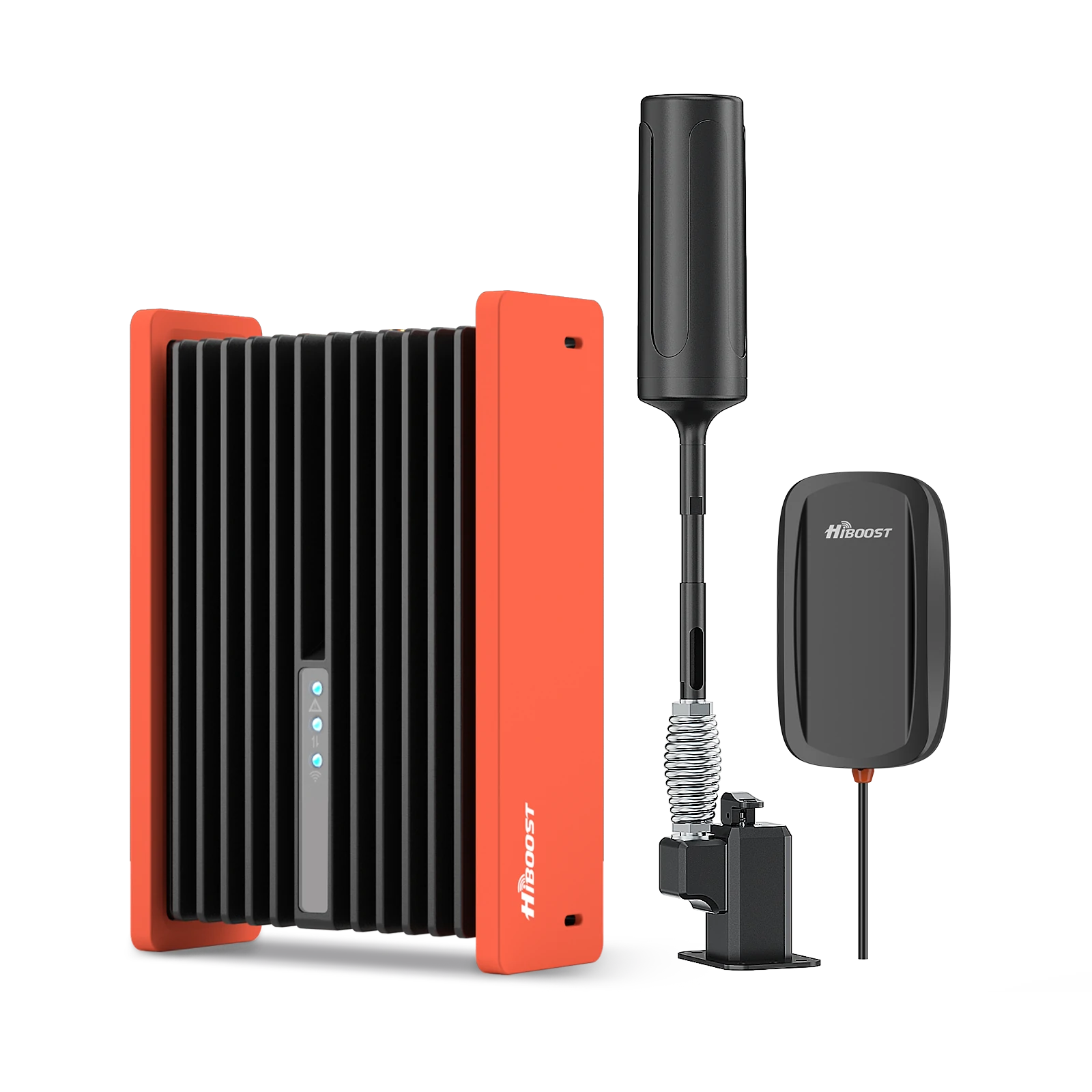
HiBoost Travel 3.0 Cell Phone Booster
For off-road vehicles, vans, SUVs, trucks, pickups and semi-trucks
RV Boosters:
RV-specific boosters are designed for somewhat stationary use when parked. They often include a mast to raise the outdoor antenna higher. For example, a HiBoost RV booster might let you park under clear sky and pick up distant signals. If you spend most time parked, use a “destination RV” style booster high gain, directional antenna. If you often drive, a Travel 3.0 mobile booster is better.
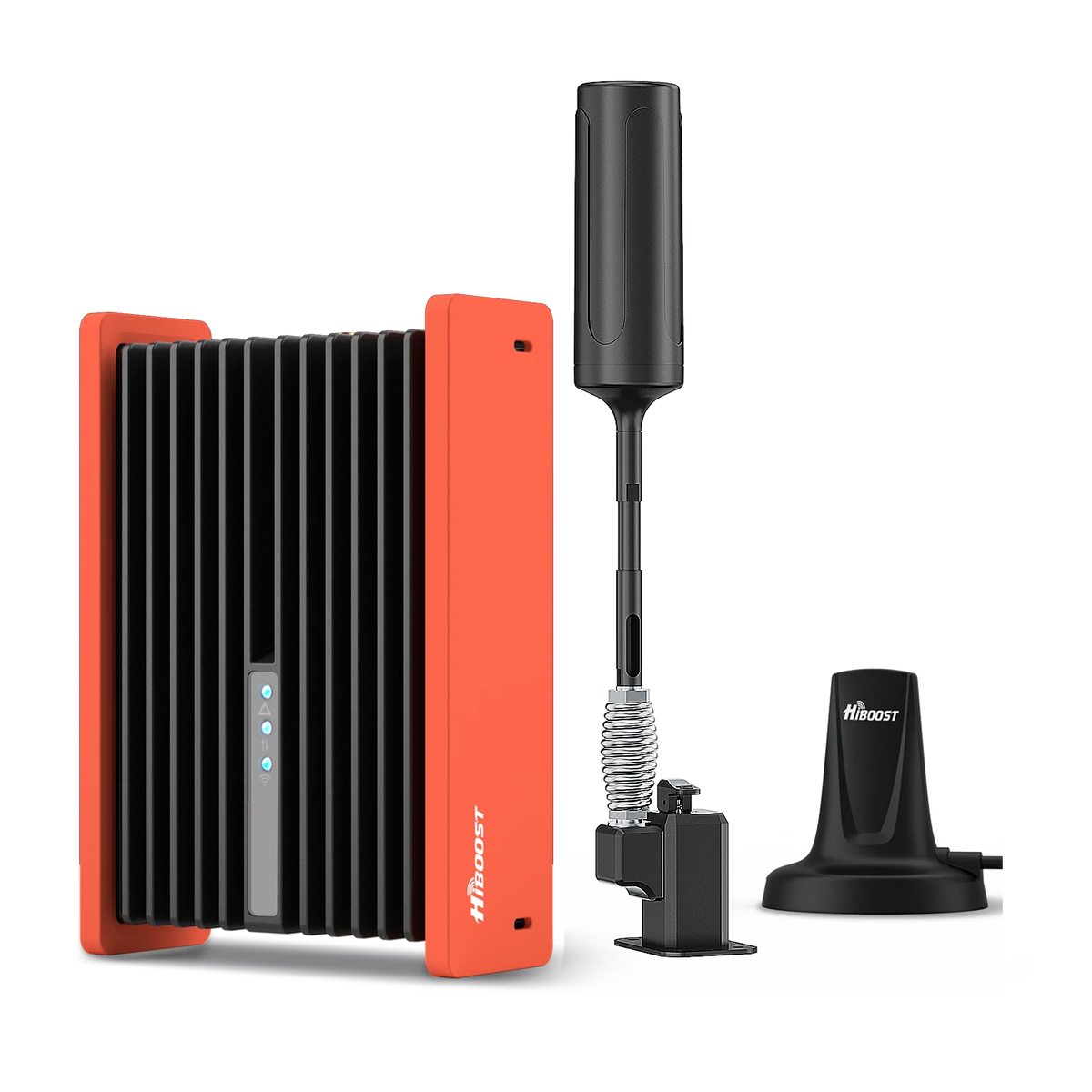
HiBoost Cell Phone Signal Booster for RV
For RVs, travel trailers, motorhomes, Class A/C RVs, 5th wheels, vans, and truck campers.
Rural or Distant Use:
If you’re in a very remote or rural area, look for boosters with high gain and directional outdoor antennas. A directional Yagi antenna on the roof can be pointed at a distant tower to pull in weak signals. Some boosters offer a choice between omni- and directional antennas. Also, ensure the booster supports the specific carrier bands used in your area e.g. if rural AT&T is on 700MHz Band 12, get that band included.
In short, start by answering:
Where do you need a better signal? If it’s indoors, get a home signal booster sized for your home. If it’s on the road, get a vehicle/RV booster. Also consider how many users/devices will use it; most modern boosters automatically cover all users once installed.
Buying Decision Tree:
Where do you need an improved signal?
- Home (or office) → Choose a home booster.
- Car/Truck/SUV → Choose a vehicle booster Travel 3.0 series.
- RV (parked or mobile) → Choose an RV booster Travel 3.0 or Destination RV.
For home: Estimate area in sq ft or number of rooms.
- Up to 2,500 sq ft → Home Lite or 4K Smart Link.
- 2,500–6,000 sq ft → HiBoost 10K Plus Pro.
- 7,000–15,000+ sq ft → HiBoost 15K Deluxe or multi-antenna setups.
Best Cell Phone Signal Boosters for Different Situations
Here are HiBoost’s recommended models by situation:
|
Situation |
Recommended HiBoost Booster |
| Apartment (1–2 rooms) | HiBoost Home Lite (compact booster for ~500–2,000 sq ft) |
| Small Home/Condo (2–3 rooms) | HiBoost 4K Smart Link (covers ~1,000–4,000 sq ft) |
| Medium Home (4–6 rooms) | HiBoost 10K Plus Pro (covers ~6,000–12,000 sq ft) |
| Large Home or Office (multi-floor) | HiBoost 15K Smart Link Deluxe (covers 7,000–15,000 sq ft) |
|
Pickup Truck/Car/SUV |
HiBoost Travel 3.0 Series (mobile booster for vehicles) |
|
RV (Camping/Parked) |
HiBoost RV Booster (high-gain kit with mast for parked RV) |
All of the above HiBoost models are FCC-certified and support all major US carriers Verizon, AT&T, T-Mobile on their common LTE and low-band 5G frequencies. They come as complete kits: antennas, cables, amplifiers. The “Smart Link” models 4K, 10K, 15K even include an app and built-in display for monitoring and tuning. Always match coverage needs to be room count and square footage.
How to Install a Cell Phone Signal Booster
Proper installation is key. Follow these general steps:
Find the Best Outside Signal Location:
Before mounting, use a phone or app see above to measure signal strength around your roof. Climb to the roof or use binoculars from the ground.
The best spot usually has the highest RSRP closest to –70 dBm if possible and a clear line of sight to a cell tower. Often this is on the roof’s peak or a southern wall if towers are south. Measure both horizontally and vertically; the difference can be dramatic.
Mount the Outdoor Antenna:
Secure the donor antenna at that optimal spot. If it’s directional, aim it toward the chosen cell tower. You can use online tower locators to find tower directions.
Ensure it’s high and clear of obstructions. The roof or a high mast is usually best. Always ground the antenna and use appropriate brackets. If using a signal meter app, you should see the dBm jump once the antenna is pointed correctly.
Avoid Oscillation (Feedback):
Maintain separation between the outdoor and indoor antennas. The typical recommended spacing is at least 20 feet vertically or 50 feet horizontally, or a combination thereof.
This prevents feedback loops oscillation where the booster’s own output is re-caught by the outdoor antenna. For example, if the outdoor antenna is on the roof, place the indoor antenna on a different floor or wall. HiBoost boosters have built-in oscillation detection and will shut off if this happens, but correct positioning avoids issues.
Route Coax Cable Inside:
Run the coaxial cable from the outdoor antenna into the building. Seal any roof penetration. A drip loop, a downward loop in the cable, is recommended at the entry point so that water drips off the cable rather than into the house. Keep cable runs as short and straight as practical, avoiding sharp bends.
Install the Indoor Antenna:
Mount the indoor panel or dome antenna where you need coverage e.g. central living room or office. Panel antennas can be wall-mounted; dome antennas typically mount in a ceiling. Make sure nothing furniture, walls blocks the antenna’s face. Connect it via coax to the booster. If you have multiple indoor antennas, use splitters or booster ports as instructed.
Connect to the Amplifier:
Place the booster’s amplifier box indoors near a power outlet. Connect the cable from the outdoor antenna to the amplifier’s “OUTDOOR” or “Donor” port. Connect the cable from the indoor antenna to the “INDOOR” port on the amplifier. Tighten all N-type connectors by hand securely no overtightening.
Power Up and Adjust:
Plug in the amplifier. Many modern boosters will self-test and begin operating. Check indicator lights green usually means good. If there’s an LCD or app, you can see dBm values. Walk around inside with your phone to test coverage. If needed, fine-tune the outdoor antenna direction or move the indoor antenna slightly. The goal is to see indoor signals e.g. –70 dBm or better improve.
Always follow the manufacturer’s instructions for mounting height, antenna orientation, and safety. If in doubt, hiring a professional installer can ensure the best performance. And if you ever need to adjust the system, always unplug power before moving components to avoid electrical issues.
Real-World Signal Booster Case Studies
Case Study 1: Rural Home – Verizon Dead Zone
A family living in a remote farmhouse had virtually no Verizon signal indoors; outdoors they measured around –112 dBm. After installing a HiBoost Home 10k Plus Pro with directional antenna aimed at the nearest tower, their indoor signal jumped to –82 dBm, a 30 dB gain. As a result, they went from dropped calls and 1X voice to steady 4G LTE voice and data. Download speeds that were previously <0.5 Mbps rose to 5–10 Mbps.

In practice, the booster turned dead-zone coverage into reliable service. As Wilson Amplifiers notes, a booster simply amplifies what’s there; it can't create a signal from nothing. In this case, that small roof signal was enough to boost.
Case Study 2: Metal Warehouse – Industrial Blockage
A manufacturing plant built entirely of steel panels had poor cellular reception inside. Phones in offices showed 0 bars and –105 dBm outside. The solution was a 15K Smart Link Deluxe booster with a directional Yagi antenna on the roof, pointed at the city tower.

Post-install, offices inside measured around –70 dBm, with full bars on all devices. Management reported clear conference calls and stable cloud database access where none had worked before. This illustrates how heavy building materials, metal, concrete really block signals, and how a high-gain antenna plus booster can penetrate those barriers.
Case Study 3: RV Travel – Remote Camping
An RV couple often camped in backcountry sites. Their phones had weak EDGE data on Verizon (no 4G) when parked. They installed a HiBoost Travel 3.0 RV kit FCC mobile booster, 50 dB gain limit. While driving, they got about 2–3 additional bars on the highway. When parked with a roof dish on a tripod, 4G emerged on their phone.

Even 5G low-band became usable when outdoors. The booster obeyed FCC rules by self-adjusting gain as they entered towns. This enabled streaming map apps and making internet calls on the go.
Note: Wilson Amplifiers advises keeping your phone close to the server antenna in vehicles because 50 dB gain boosters cover only a few meters of range, which matches our experience that putting the phone next to the dash antenna worked best.
Each of these cases shows the transformation: weak or no signal became dependable service. A certified booster with the right antennas delivered dramatic improvements, as also documented by other users.
How to Check Your 5G Signal Strength Before Buying a Booster
Since 5G networks now vary widely in low-band, mid-band, etc., you should also check 5G-specific signal metrics before choosing a booster. The process is similar to testing 4G:
-
For iPhone (5G): The same Field Test Mode code *3001#12345#* works. It will show the 5G band and RSRP when you have a 5G connection. Look for “NR RSRP” or “5G NR” in the menu. If your phone connects to 5G in your area, note the dBm reading. A booster can improve this only if its low-band 5G is often displayed as just “5G” on AT&T/Verizon iPhones.
- For Android (5G): Use apps like Cell Info Lite or Network Cell Info. These apps will show the “NR” section New Radio = 5G and report RSRP and SINR for the 5G connection. They will also tell you the exact band e.g. n2, n66, n77, n260, etc. If the band is low-band (n5, n2, etc.), a booster can help. If it's a high-band n78+ or mmWave n260+, it cannot.
In either case, you’re looking for where on 5G your phone is operating. If it’s on low-band usually indicated by just “5G” with no plus sign), your chosen booster will amplify it just as it does 4G. If it’s on mid/high-band “5G+”, “5G UW”, or any band above ~2 GHz, note that no consumer booster will help it. Knowing this in advance can prevent wasted money; if your area’s 5G is all high-band and you have no other signal, a booster won’t fix that situation.
The HiBoost Signal Supervisor app built into Smart Link models can also help. It connects to the booster via Bluetooth or Wi-Fi and displays real-time band and signal levels, including 5G DSS metrics. Using such tools, you can confirm exactly what bands you’re receiving and decide if a booster is worthwhile.
5G vs. 4G LTE: Real-World Speed Test
Want to understand why 5G can be fast outdoors but unreliable indoors? Our complete guide to 5G technology and coverage explains the underlying causes.
- Urban Areas: In cities, 5G can be vastly faster than 4G. For example, Verizon’s Ultra Wideband (mmWave) 5G can deliver multi-gigabit speeds; they recorded 6.3 Gbps in tests. In practice, a mid-band 5G connection might give 300–800 Mbps down, compared to 20–100 Mbps on 4G LTE in the same spot. Users often see 2–3× speed increases in dense urban cores.
-
Suburbs: In suburban zones, 5G often means low/mid-band e.g. T-Mobile n71/n41 or Verizon AT&T on 700/850 MHz DSS. Here, 5G speeds are only modestly better than 4G. For instance, Verizon’s residential 5G home is advertised at 300 Mbps–1 Gbps, whereas its LTE could be 50–100 Mbps. T-Mobile’s suburban 5G (600 MHz) might yield 50–200 Mbps versus similar 4G. In summary, suburban 5G may double the speed of 4G, but it’s not an order-of-magnitude jump.
-
Rural Areas: Farther from towers, 5G becomes like 4G. Rural “5G” typically uses the same low frequencies as LTE, so speed gains are minimal. You might see 25–50 Mbps on both 4G and 5G if you’re on the fringes. In some very remote spots, 4G may actually outperform 5G if the 5G layer is weak or congested. The key factor is always signal strength: if you’re 10 miles from a tower, both 4G and 5G might be equally slow.
-
Bottom Line: Don’t assume 5G will solve all speed issues. Its benefits depend on band and tower proximity. However, a booster can help with both 4G and 5G on boostable bands by improving signal. In testing, strengthening the input signal usually improves throughput on whatever network you have.
Does 5G Replace Home Internet?
There’s growing buzz about “5G home internet” services like Verizon 5G Home or T-Mobile Home Internet. These use a dedicated 5G gateway for fixed broadband at a house. They can offer very high speeds, often hundreds of Mbps up to ~1 Gbps and are plug-and-play alternatives to cable or fiber.
However, a cell signal booster is not the same as a 5G home gateway. A booster only improves cellular signal to your phones and possibly a Wi-Fi hotspot. It does not provide wired Ethernet or Wi-Fi on its own. If you want to replace your landline broadband with 5G, you would subscribe to a 5G home internet plan which includes a special 5G router that’s a different product from a booster.
In areas where 5G home service is available, it could replace your wired internet if the speeds meet your needs. For example, Verizon’s 5G Home advertises 300–1000 Mbps, which rivals many fiber plans. However, 5G Home needs a subscription and is only available in certain cities. A booster, by contrast, simply uses whatever cellular connection you already have.
So, 5G home internet can indeed approach or even match fiber speeds, but it requires a 5G router and plan. Meanwhile, cell signal boosters aim to improve your existing cellular connectivity for calls and mobile data. They are complementary technologies: a booster could even help improve the 5G Home wireless signal inside a home if you put its outdoor antenna near a 5G tower.
In short: 5G is becoming a viable internet source in some areas up to ~1 Gbps, but boosters remain focused on enhancing phone service. Neither fully “replaces” the other; a booster won’t give you a wired network by itself.
5G Booster Buying Checklist
When shopping for a 5G-compatible cellular booster, use this checklist to ensure you get a product that truly helps:
-
FCC Approval: Verify that the booster is FCC-certified and has an FCC ID shown on the product page or manual. This ensures it is legal on U.S. networks. Unapproved boosters knock-offs can cause network interference and are illegal.
- Carrier Compatibility: Make sure it explicitly supports all major U.S. carriers Verizon, AT&T, T-Mobile on their common bands. A certified booster is typically multi-band wideband, covering 700/850/1700/1900 MHz, etc. This way, it will work with any carrier’s phones. If you only use one carrier, buying a multi-carrier doesn't hurt.
-
Correct Use Case: Choose a model designed for your scenario. Home boosters differ from vehicle boosters. If you need RV coverage, pick an RV-specific kit. If your home is small, a compact unit suffices; for large areas get high-gain models.
- Coverage Area: Check the advertised coverage in square feet or rooms and match it to your building size. HiBoost labels coverage ranges for each model e.g. 4K: 1,000–4,000 ft², 10K: 6,000–12,000 ft². Overestimating coverage needs can leave dead spots.
- Frequency Bands: Ensure the booster covers the specific frequency bands used in your region. For example, if you have good Verizon LTE on Band 13 (700 MHz and T-Mobile on Band 2 1900 MHz, the booster should include Band 13 and 2. All HiBoost boosters list supported bands; they cover the key LTE/5G bands.
- Gain and Power: Consumer boosters are capped at 65 dB home or 50 dB mobile gain. Verify the gain the higher the gain, the better for very weak signals. HiBoost models like the 10K Plus Pro and 15K Deluxe offer high gain and power for large homes.
-
Automatic Gain Control: Look for built-in AGC automatic gain control and oscillation protection. This ensures the booster self-regulates its power to avoid overloads or feedback loops, making setup safer.
-
Accessories and Kit: Check that the booster package includes the necessary antennas, cables, and mounting hardware. Some models offer extra indoor antennas or extension cables in the “Deluxe” kits useful for large buildings.
-
Reviews and Support: Read customer reviews of the specific model for reliability feedback. Consider brands that offer good support and warranties HiBoost includes a multi-year warranty and tech support.
-
App/Display: Some “smart” boosters have apps or LCD screens for monitoring performance (HiBoost Smart Link series does). This can help with troubleshooting and optimizing the install, though it’s optional.
Following this checklist ensures you buy a booster that’s legal, compatible, and suited to your situation. Remember, using a non-FCC-approved amplifier or the wrong type could do more harm than good.
FAQs
Do cell phone signal boosters really work?
Yes. When there is at least a weak outdoor cell signal, a booster will amplify it and rebroadcast it indoors. This usually results in more bars, fewer dropped calls, and faster data. However, boosters cannot help if you have no signal outside. In areas with zero coverage, the booster has nothing to amplify.
Can a booster improve 5G?
A booster will improve 5G signals only if they operate on supported bands. Most boosters can amplify 5G on the low-band LTE frequencies e.g. 700/850/1900 MHz. So if your phone shows a basic “5G” (often low-band), a booster will boost it.
But boosters cannot amplify high-band or mmWave 5G. In practice, this means boosters help with 5G on AT&T/Verizon in good reception, but not with mmWave or T-Mobile’s “5G UC” signals.
Will a booster work without any signal?
No. A signal booster needs an existing cell signal to function. It amplifies and rebroadcasts the signal it receives. If you have absolutely no reception outside no tower signal at all, a booster cannot generate service out of thin air. It’s essential to test that some signal exists on your roof before expecting a booster to help.
What is the best cell phone booster?
The “best” booster depends on your needs. All FCC-approved boosters will improve reception, so choose by coverage and use case. For homes, HiBoost recommends models like the 4K Smart Link for ~1,000–4,000 sq ft or 10K Plus Pro for ~6,000–12,000 sq ft. For vehicles, the HiBoost Travel 3.0 series is top-rated. The best booster is one that matches your home/vehicle size, carriers, and bands.
Note: many expert guides suggest HiBoost units for their reliability and features.
How much does a signal booster cost?
Prices vary widely. A basic single-room booster can be a few hundred dollars, while whole-home systems can be over $1,000. For example, HiBoost’s small models like the Hero start around $370, mid-range 4K Smart Link around $400, and high-end boosters like the 15K Deluxe are about $1,030. Vehicle boosters like Travel 3.0 are typically $400–$600. Remember, it’s a one-time purchase with no monthly fees.
Do boosters work with Verizon?
Yes. All FCC-approved boosters support Verizon’s LTE and low-band 5G frequencies. Verizon has given blanket approval for certified boosters, so you can use a HiBoost or any FCC-approved booster on Verizon without extra permission. The booster will improve voice, text, and data on Verizon just as on any carrier.
Do boosters work with AT&T?
Yes. FCC-certified boosters cover AT&T’s bands 700MHz Band 12, 850MHz Band 5, 1700/2100 Band 4, 1900MHz Band 2, etc. Any cell device on AT&T inside will benefit from better signal, call quality, and data speeds after installation.
Do boosters work with T-Mobile?
It depends. Boosters will improve T-Mobile’s legacy LTE and low-band coverage if the booster includes T-Mobile’s bands, which it should. However, they do not boost T-Mobile’s high-performance 5G, the n41 mid-band or n71 low-band used exclusively by T-Mobile.
If your phone shows T-Mobile’s “5G” no symbol, it’s likely on a band the booster can help. But if it shows “5G UC/UW”, the booster won’t amplify that signal. In short: yes for T-Mobile LTE and low-band, no for T-Mobile’s specialized 5G layers.
Explore More Cell Signal Booster Guides
📡 Signal & Troubleshooting
📱 4G & 5G
🛒 Choosing the Right Booster
-
How to Pick a Cell Booster for 4G & 5G
-
How to Choose the Right Cell Signal Booster for Your Home, Apartment, or RV
🏠 Installation & Special Situations
Car/Suv,RV,Truck,Vehicle


Our Home Signal Booster


Popular Articles


Leave a comment
All comments are moderated before being published.
This site is protected by hCaptcha and the hCaptcha Privacy Policy and Terms of Service apply.