
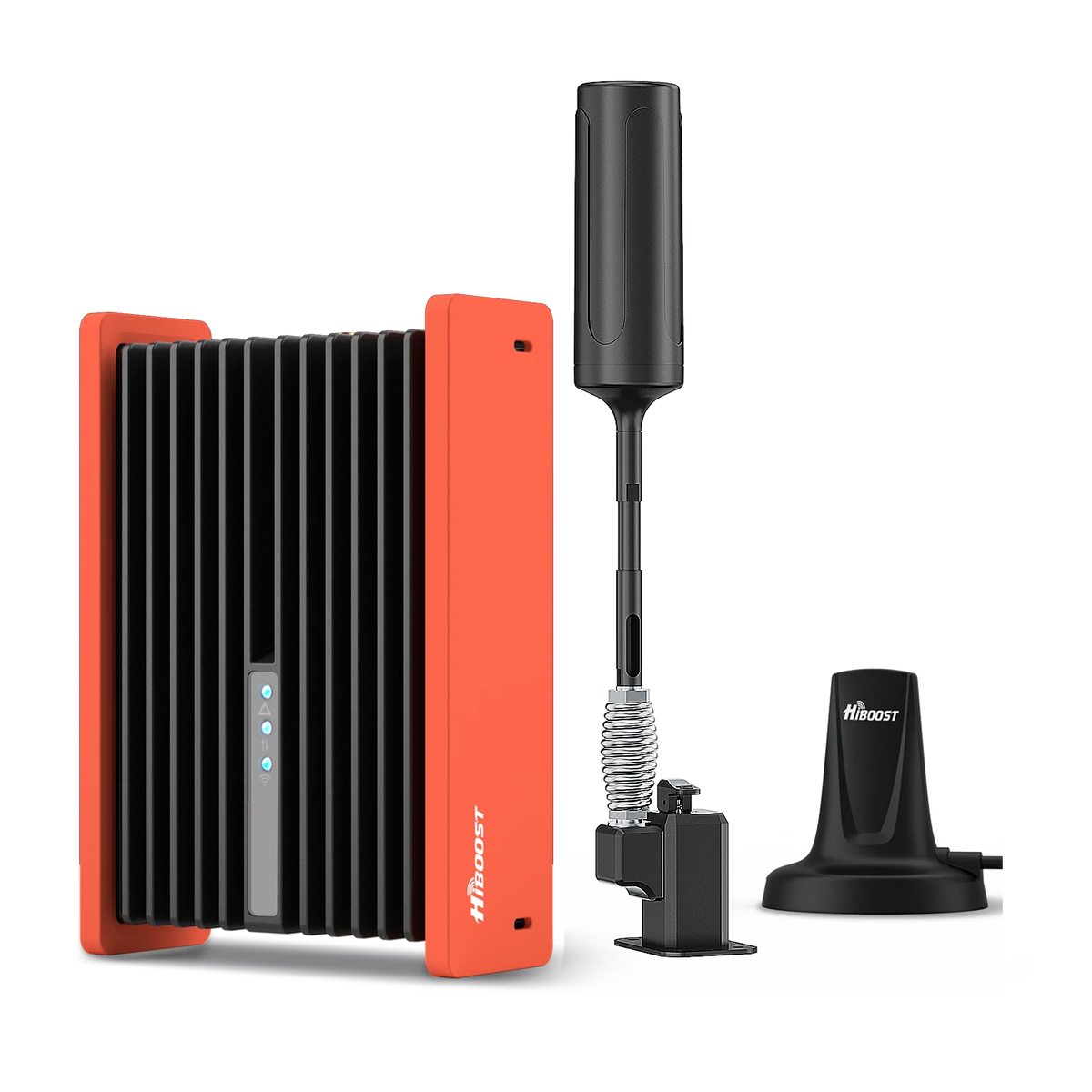
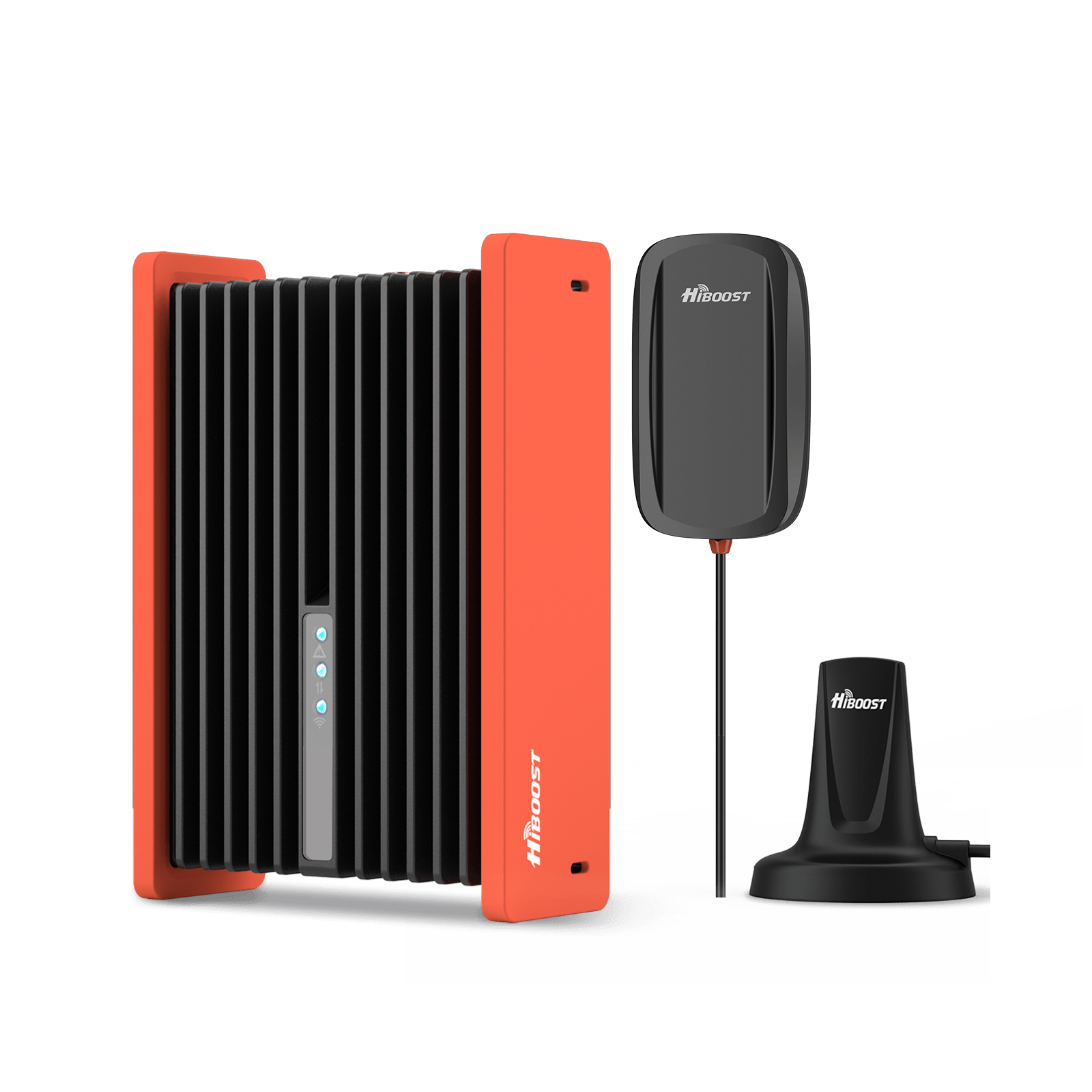
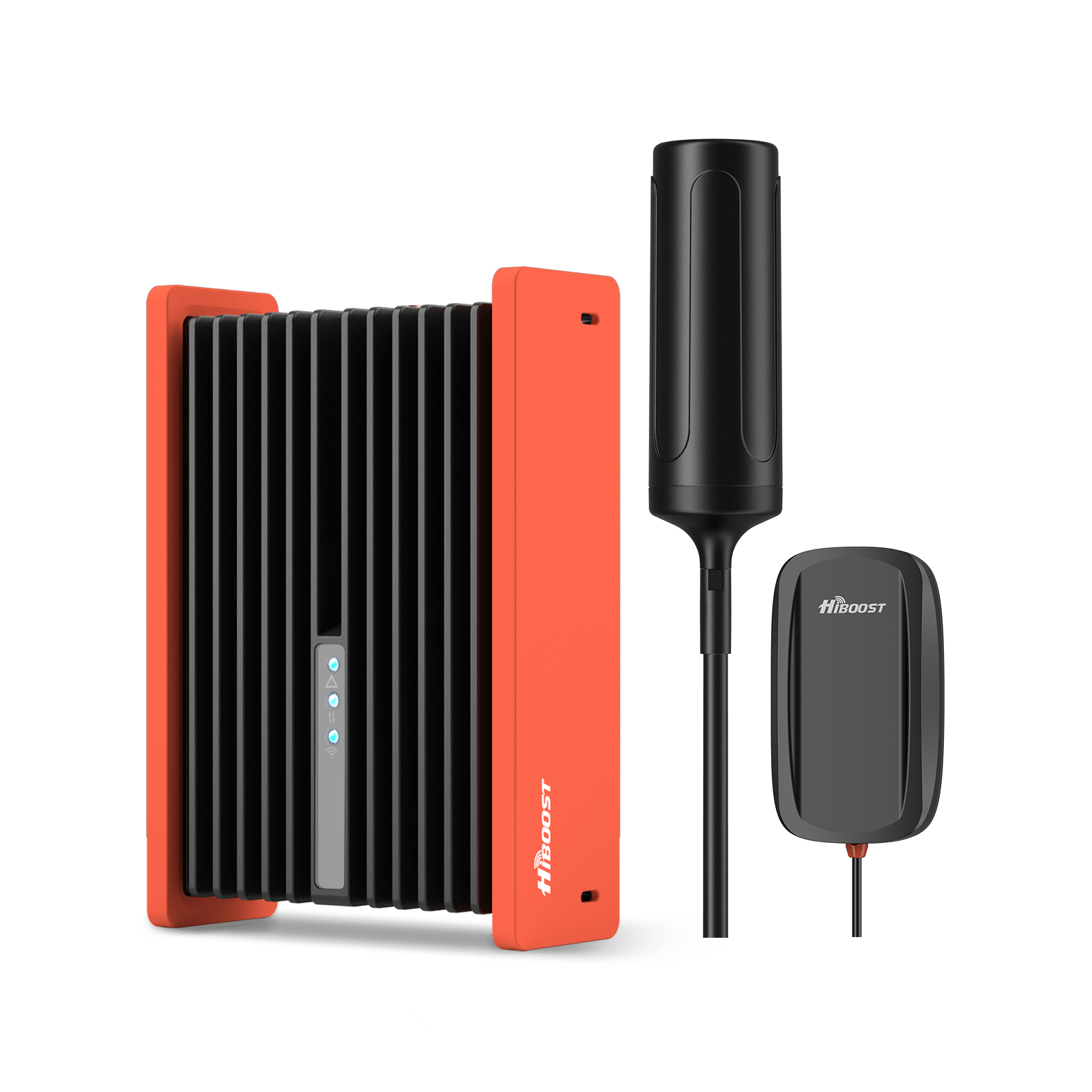
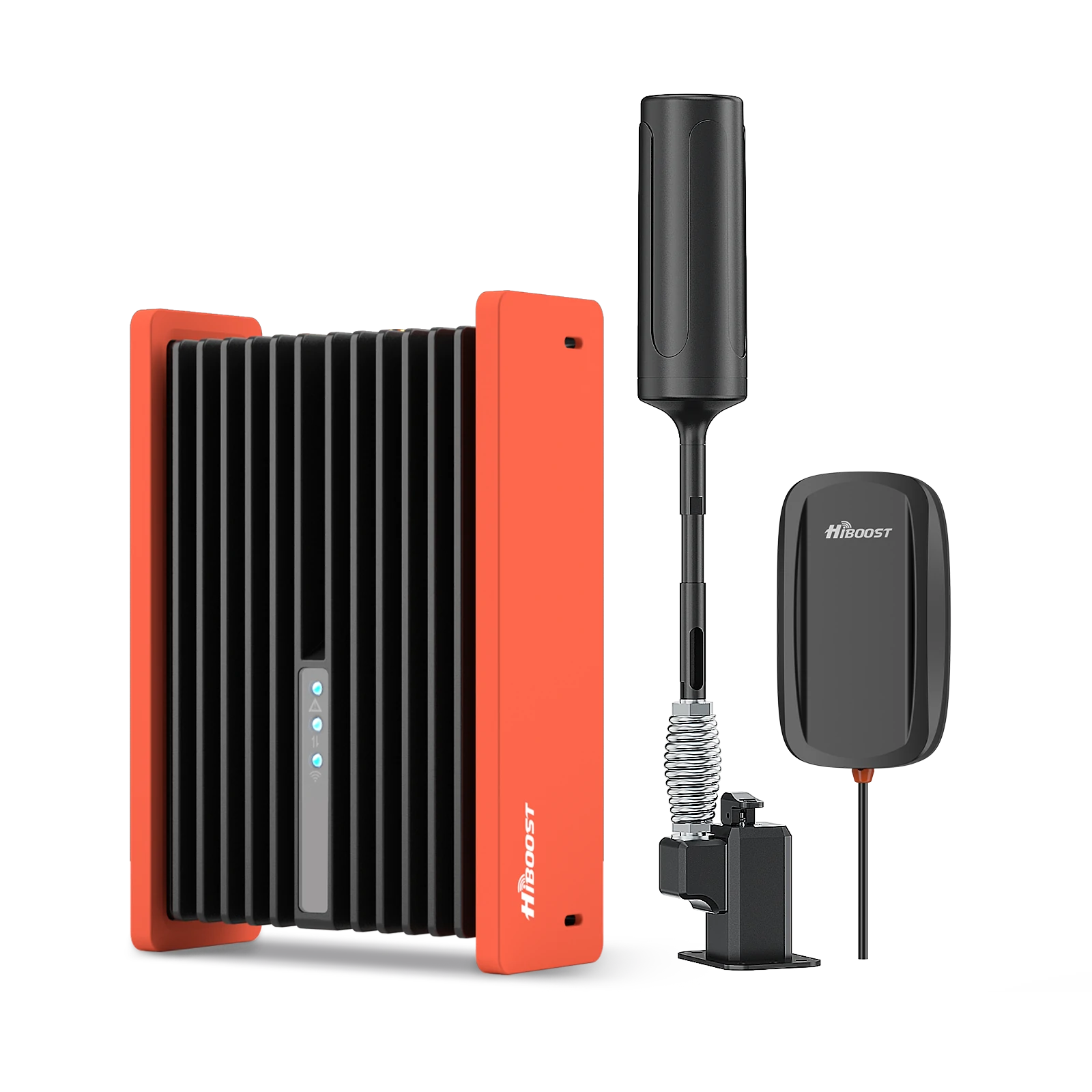
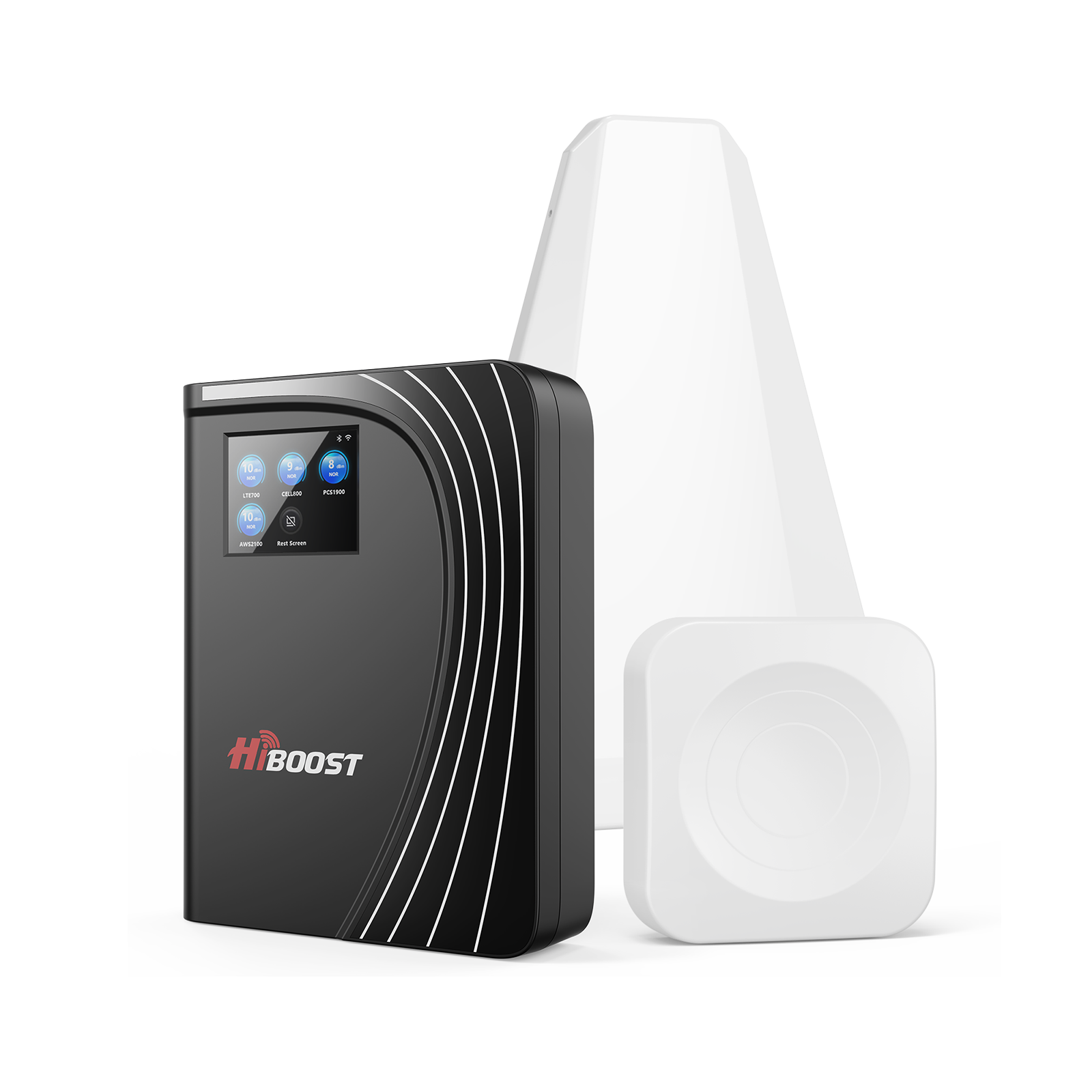
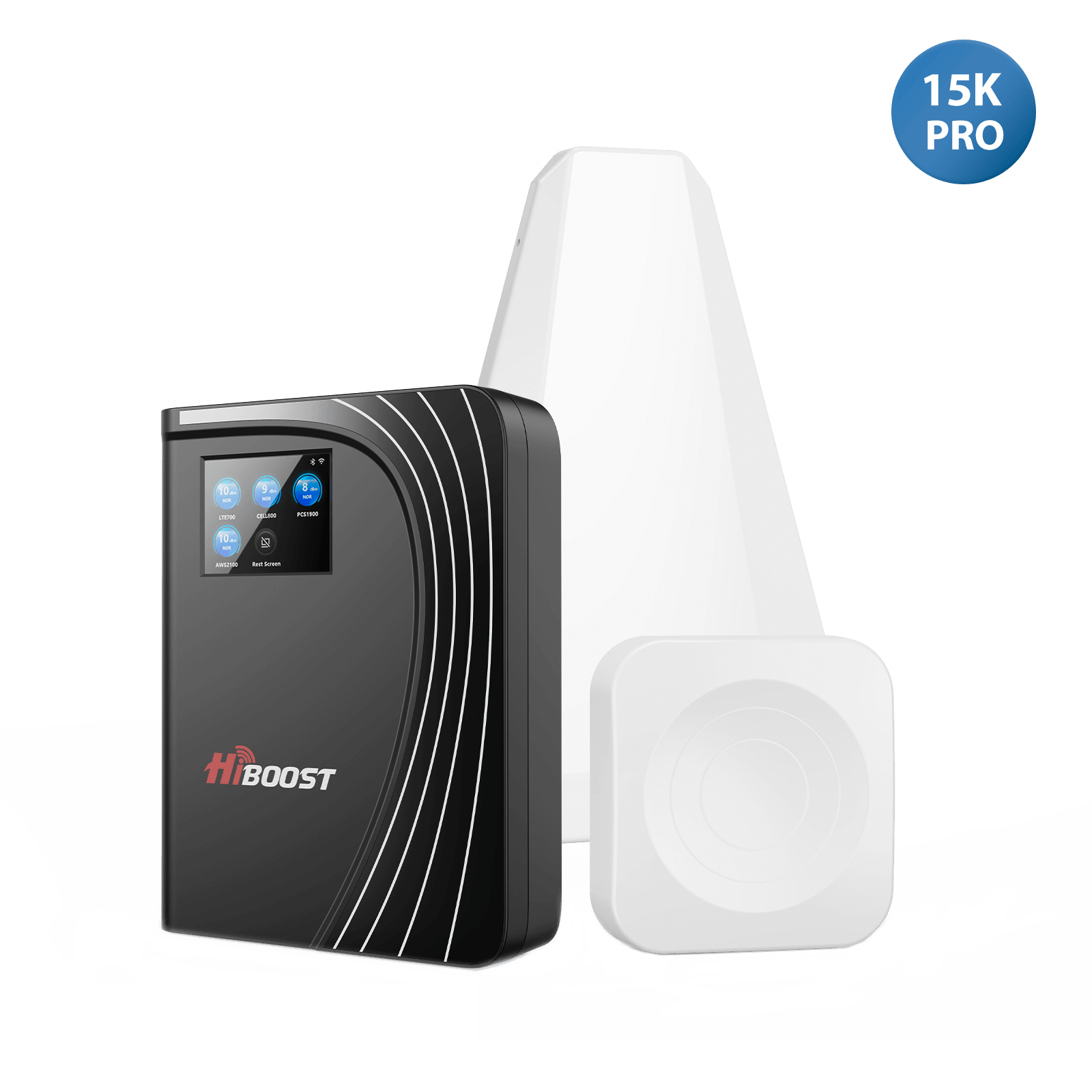
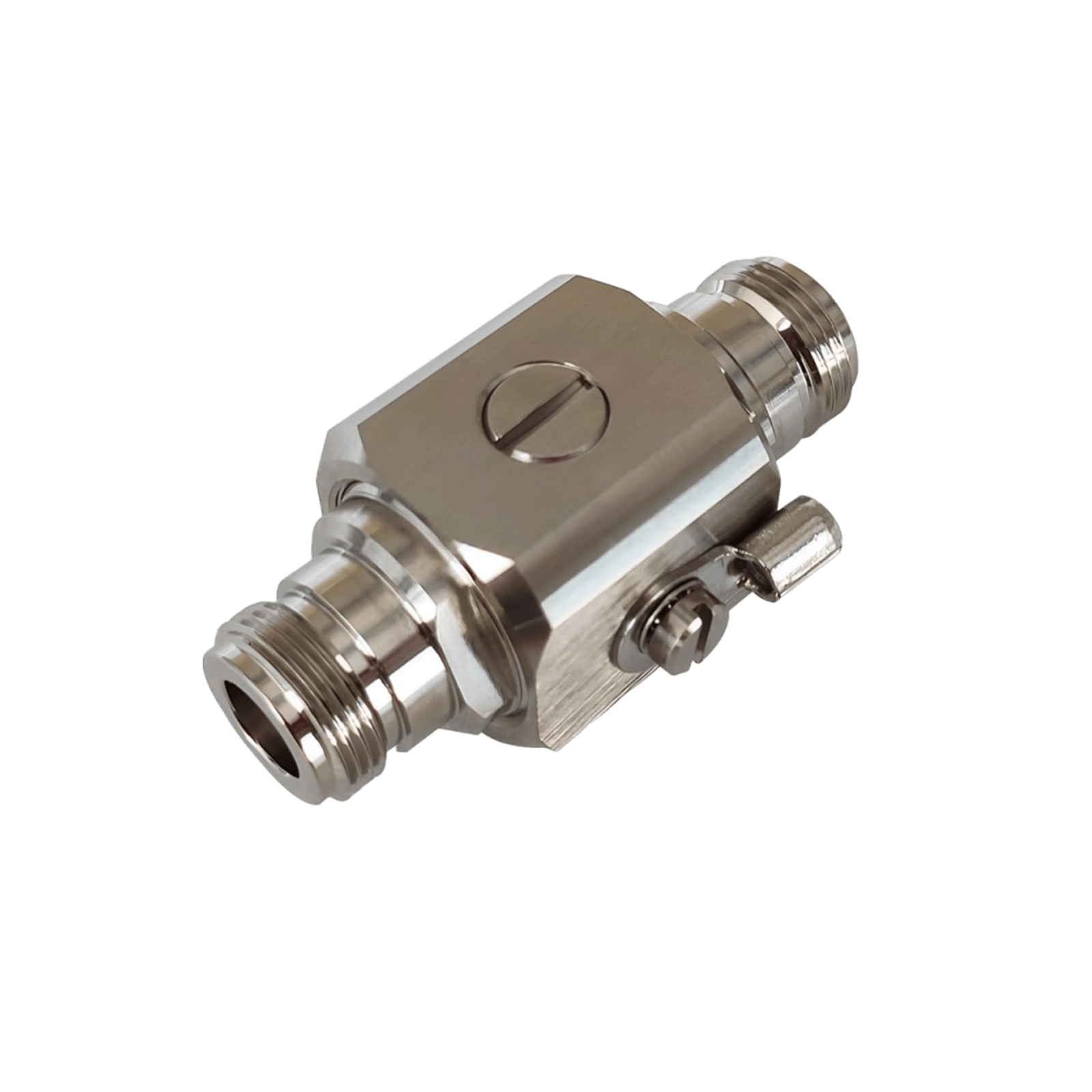
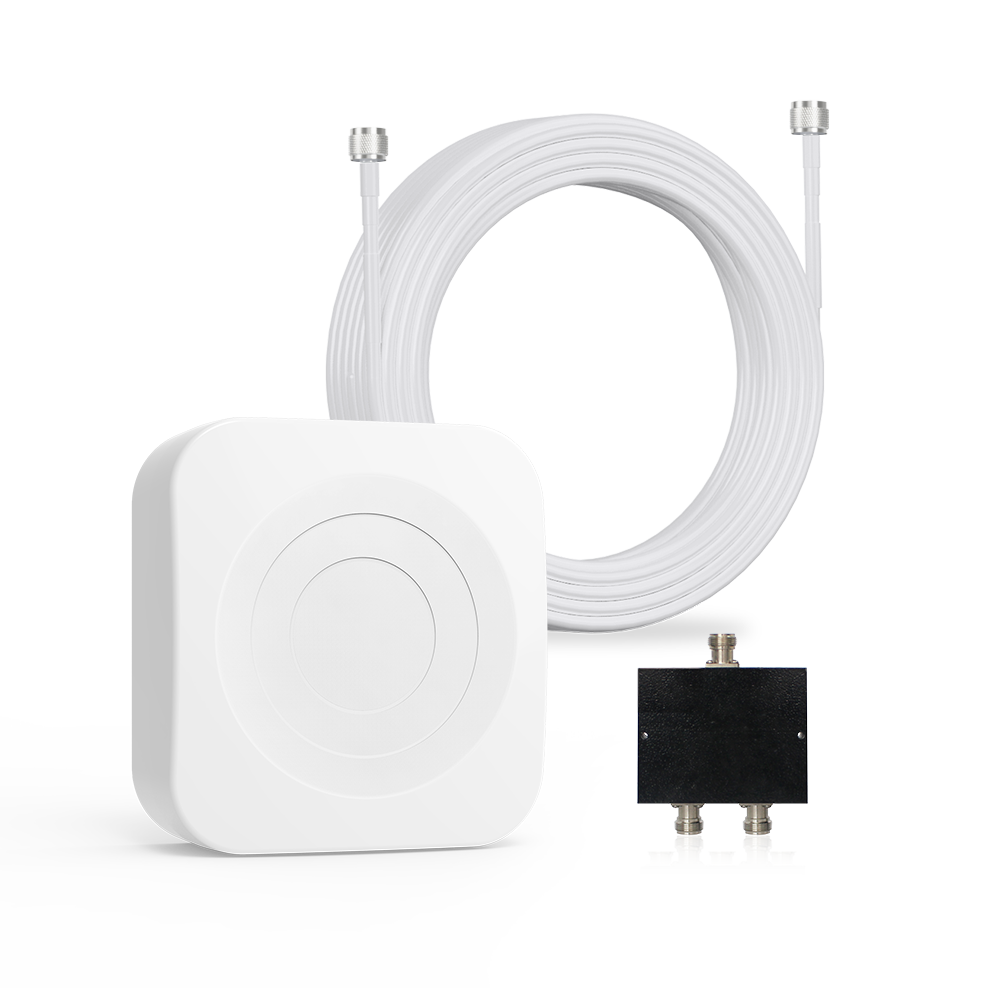
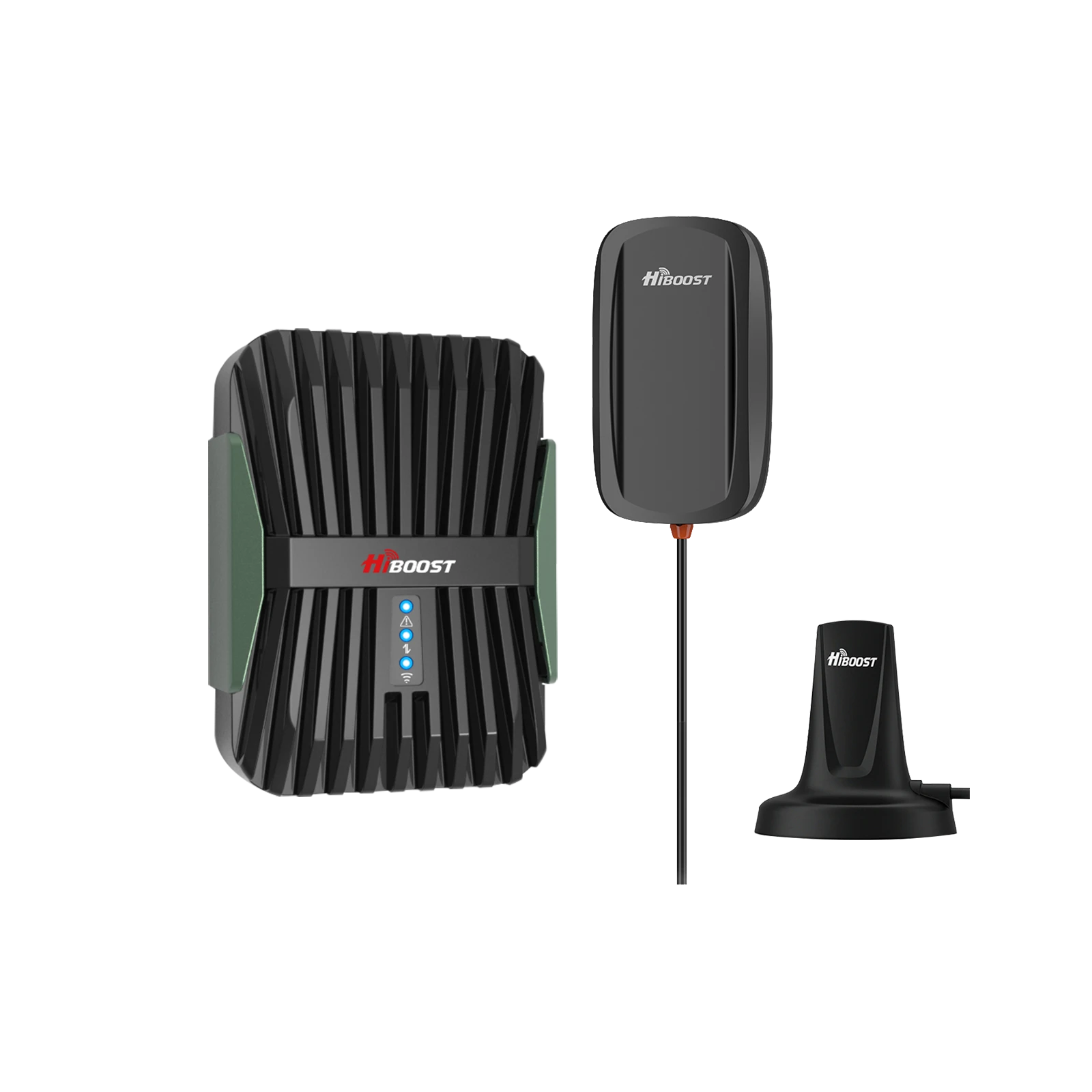
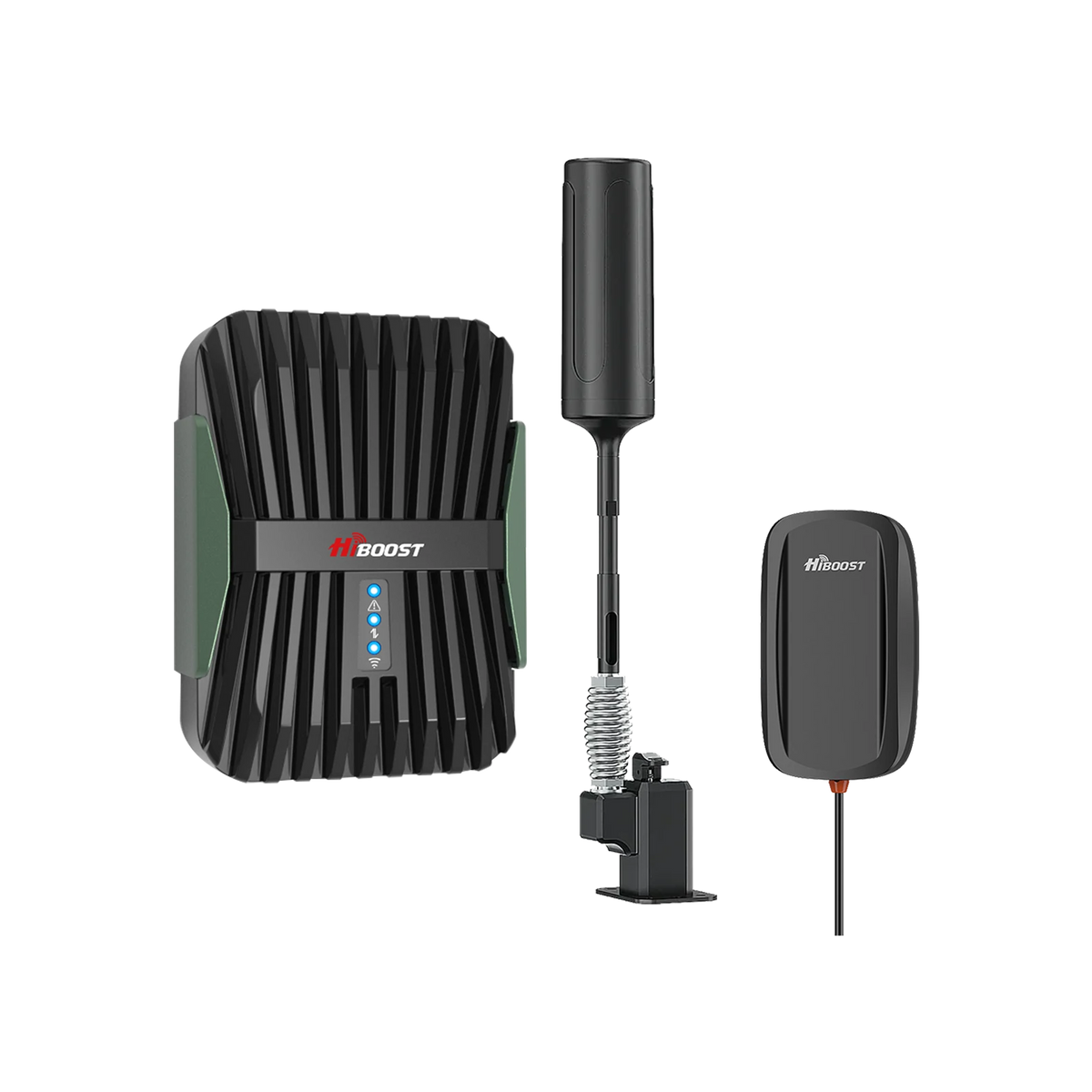
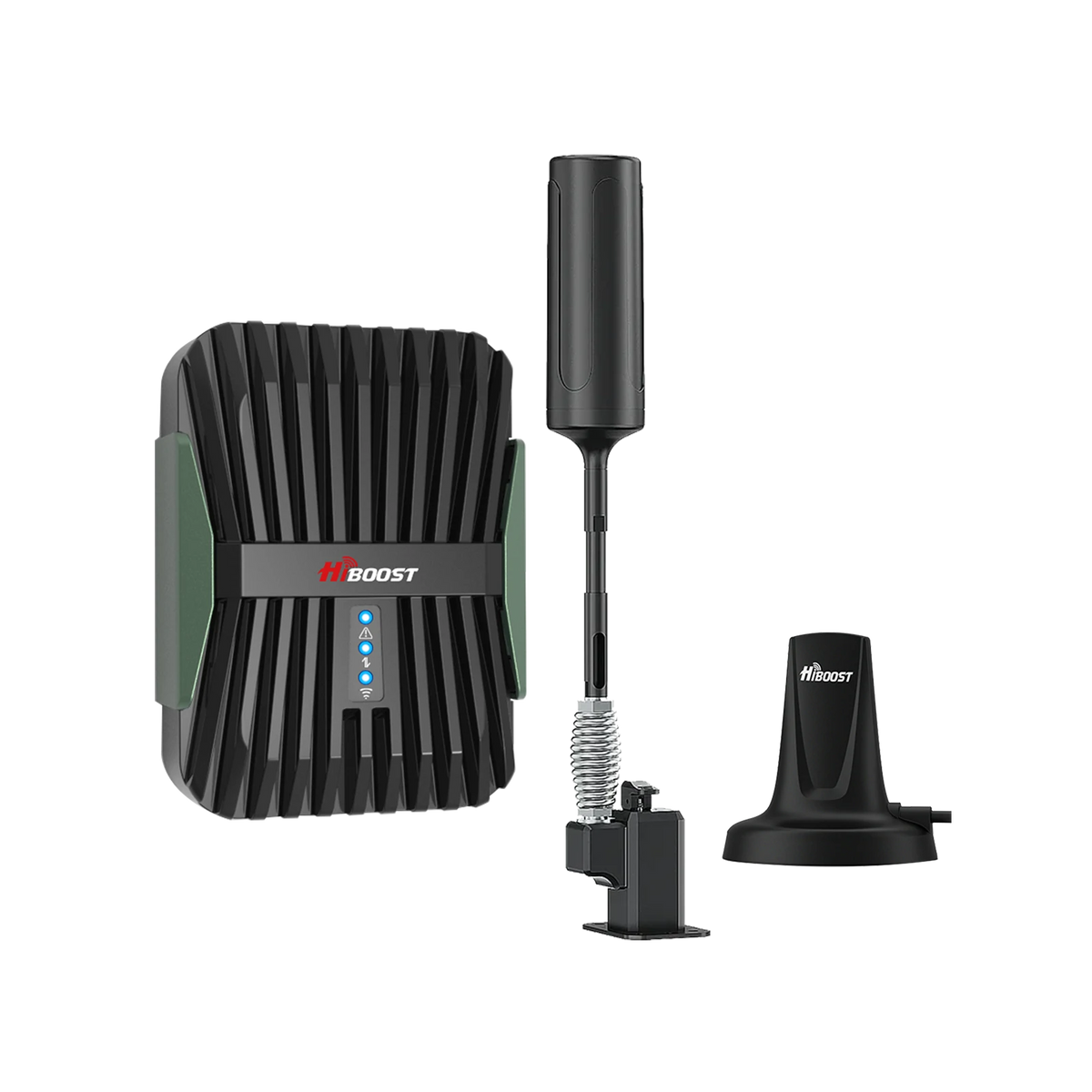
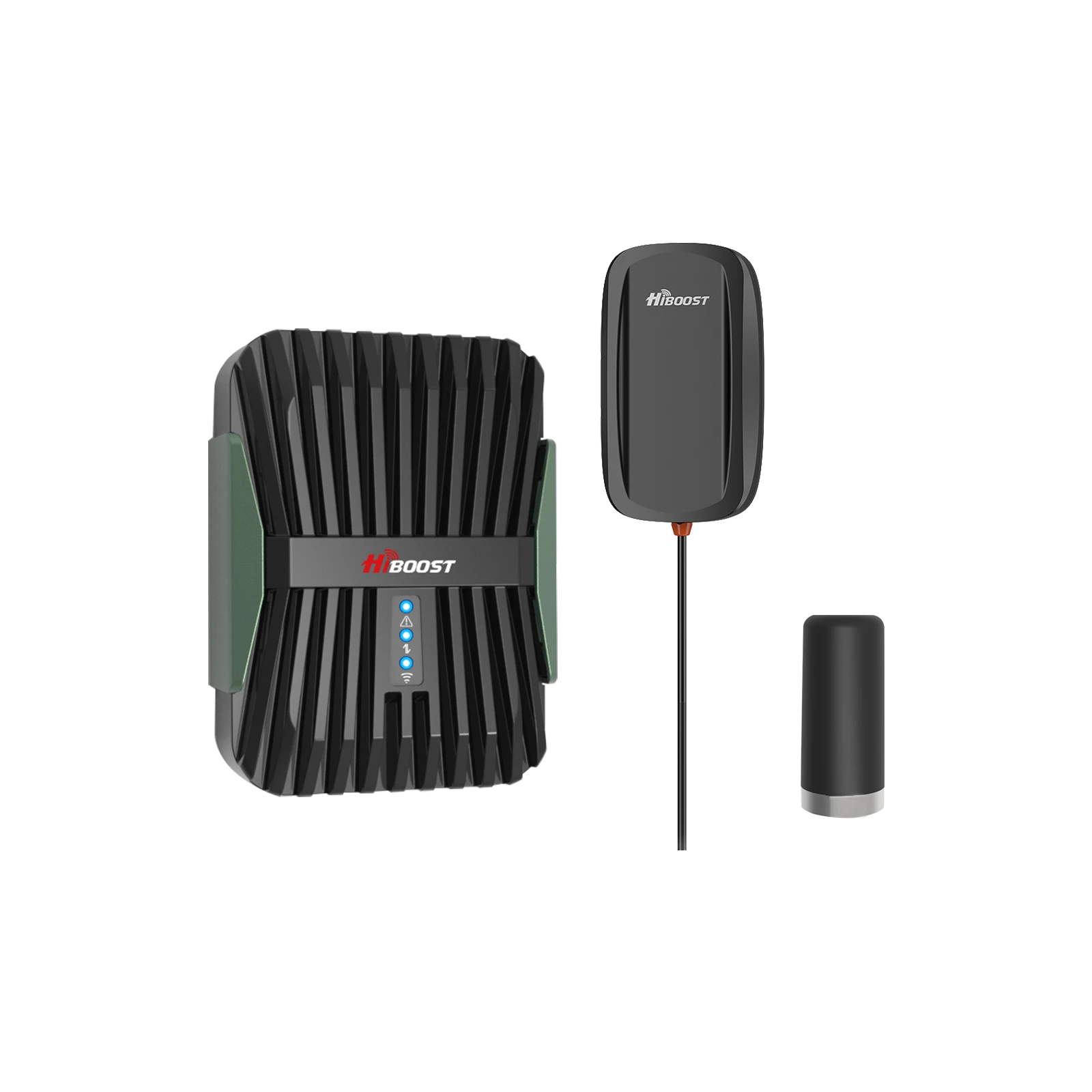
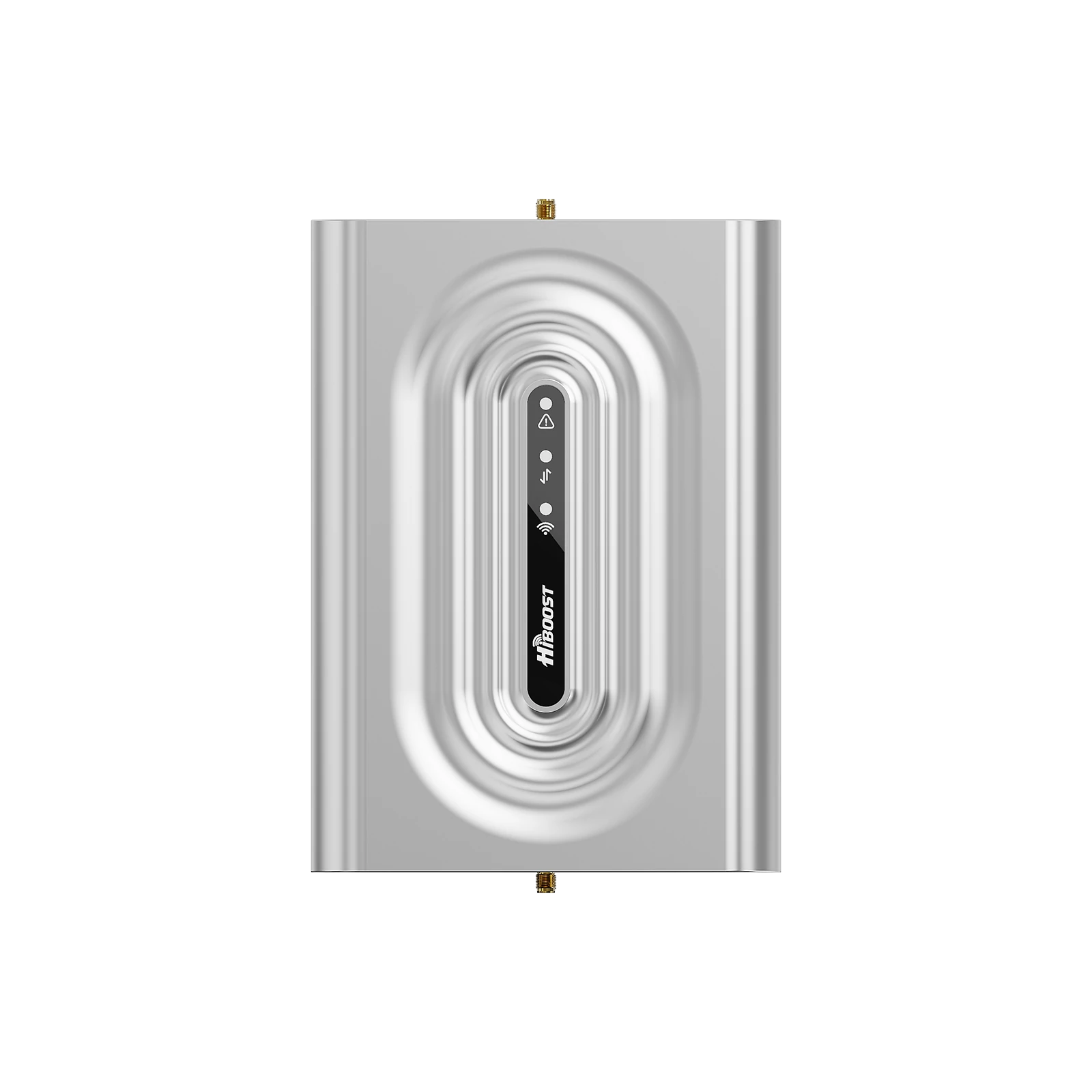
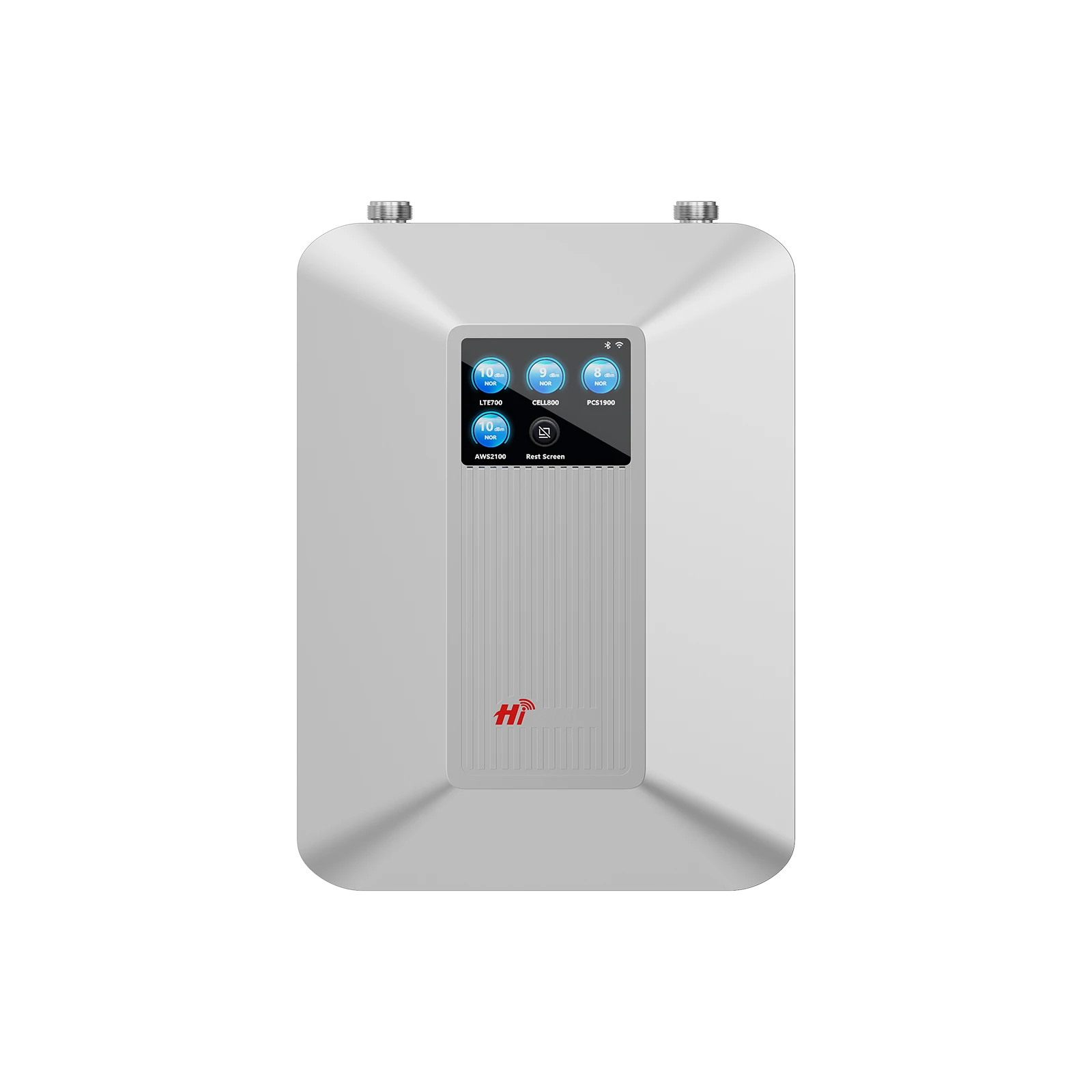
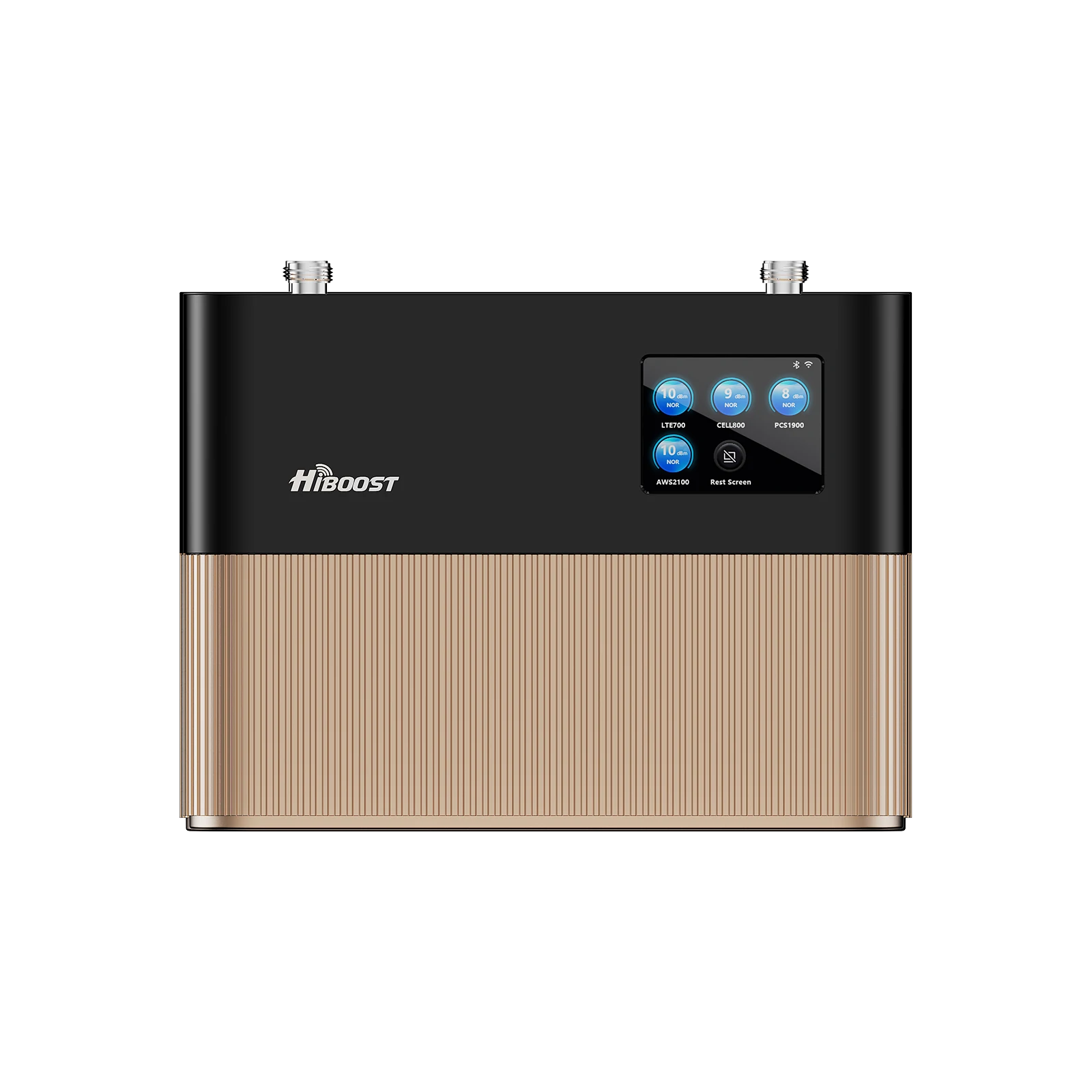
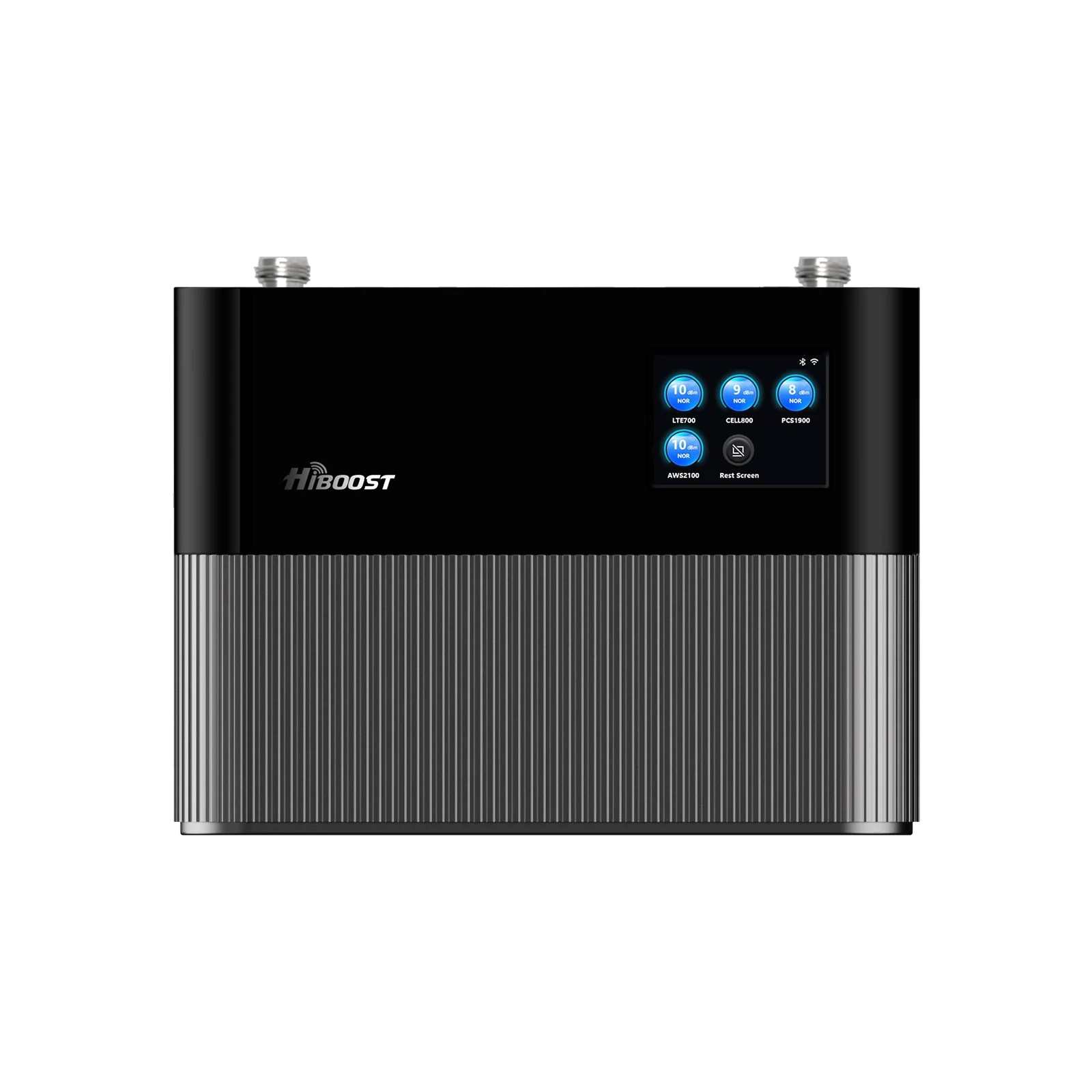
A Practical Buying Guide for Homes, Rural Areas, RVs, Trucks, Apartments, and Businesses Reliable cell service matters when you work from home, travel through rural areas, manage a farm, or need to stay connected inside a building with thick walls. Yet poor reception can make everyday tasks frustrating: calls drop, messages take longer to send, mobile data slows down, and phones struggle to maintain a stable connection.
A cell phone signal booster can help when a usable cellular signal is available outside but becomes weak indoors or inside a vehicle. It captures that existing signal through an outside antenna, amplifies it, and retransmits it through an inside antenna. The result depends on several factors, including outdoor signal strength, supported frequency bands, antenna placement, building materials, and the layout of the area you want to cover.

The best cell phone signal booster is not necessarily the most powerful or expensive model. It is the one that matches your carrier, environment, coverage requirements, and available outdoor signal.
This guide explains how to choose a booster for different situations, compares selected HiBoost models using published product specifications, and outlines what to check before buying. It is a product-selection guide, not a report of independent laboratory tests. No original controlled test results are claimed here.
Best Cell Phone Signal Booster: What Should You Look For?
Before comparing products, identify the reason your reception is poor. A weak signal inside a house requires a different setup from unreliable reception in a moving truck or a large metal warehouse.
A suitable booster should match five essential requirements.
- Usable outdoor signal: There must be an existing cellular signal for the system to capture. A booster cannot create a service where no compatible signal is available.
- Carrier and frequency compatibility: Confirm that the model supports the bands used by your wireless provider in your location.
- Coverage area: Select a system for the room, floor, vehicle, or building you want to serve. Published coverage figures are estimates, not guarantees.
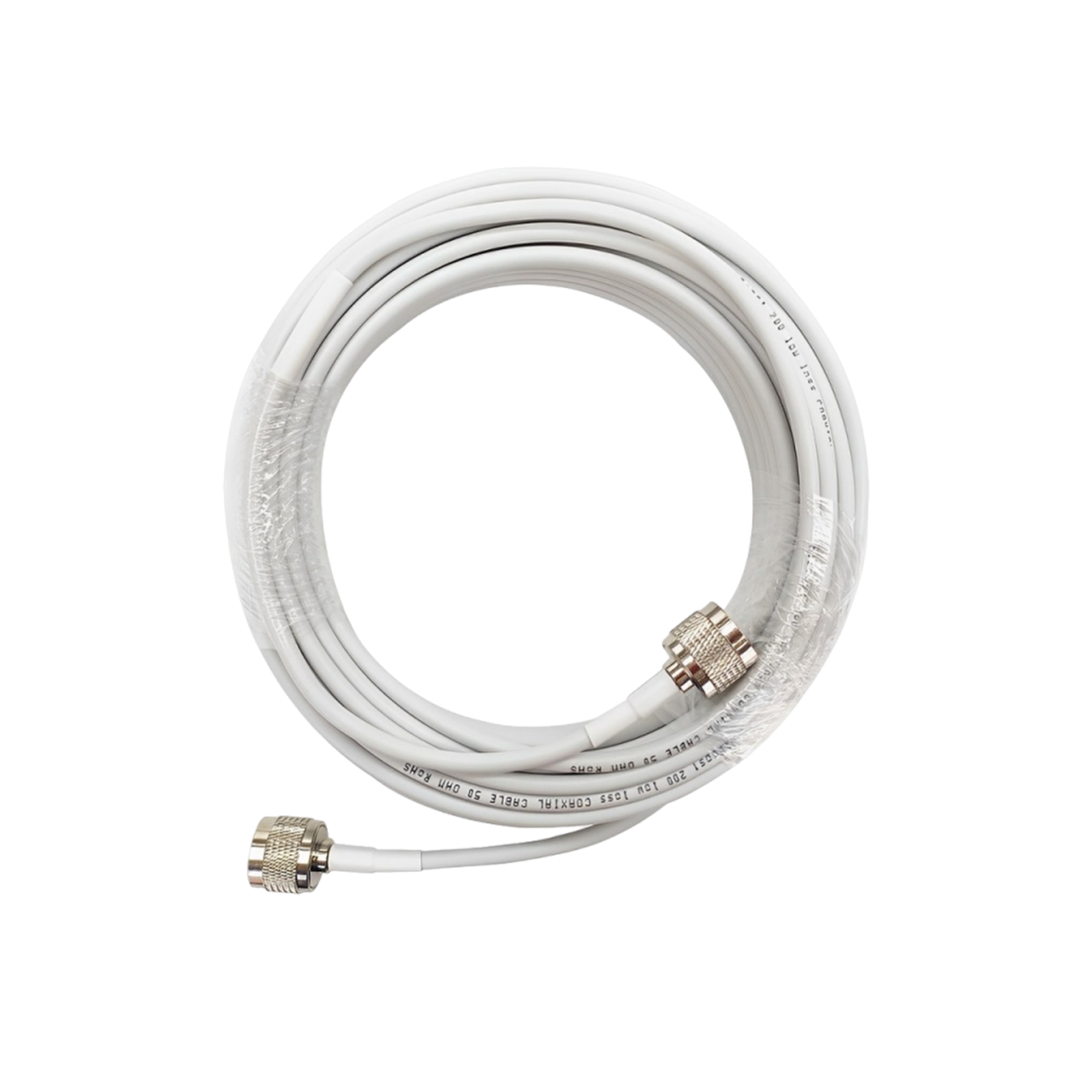
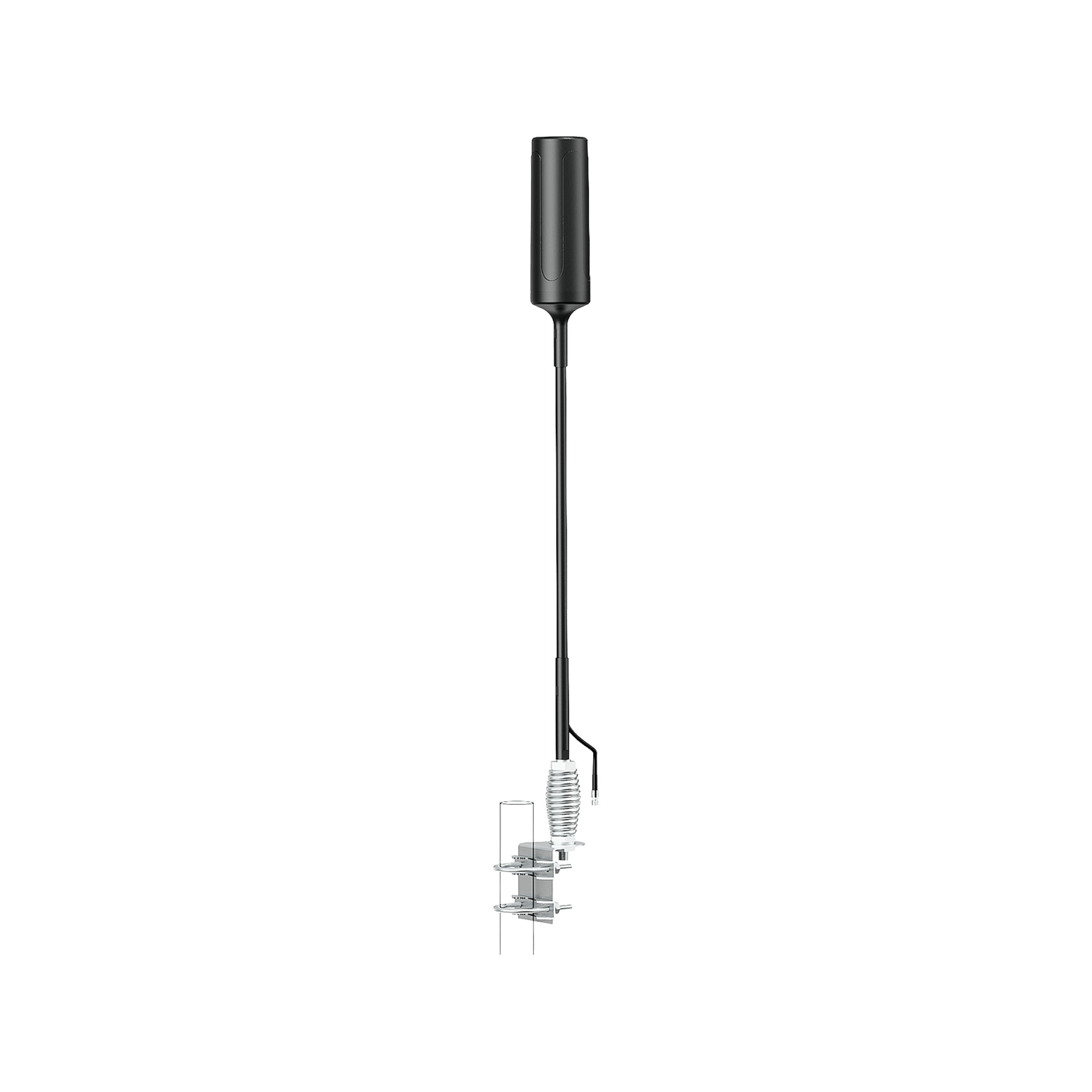
- Suitable antennas and installation: Outdoor antenna placement, cable length, separation between antennas, and indoor antenna distribution all affect results.
- Correct equipment type: A stationary home booster, a vehicle booster, and a system designed for commercial installation are not interchangeable in every situation.
Cell phone signal booster comparison table
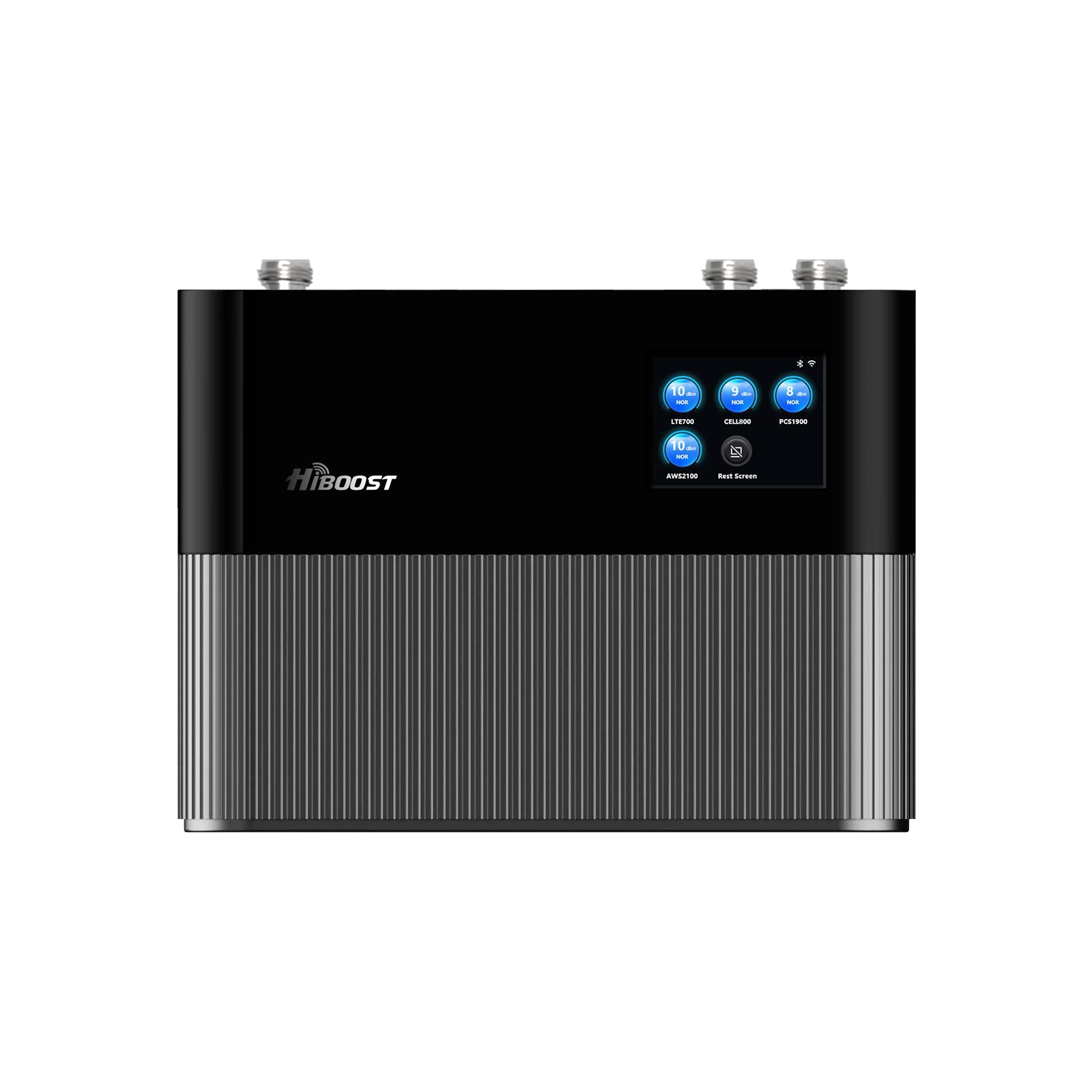
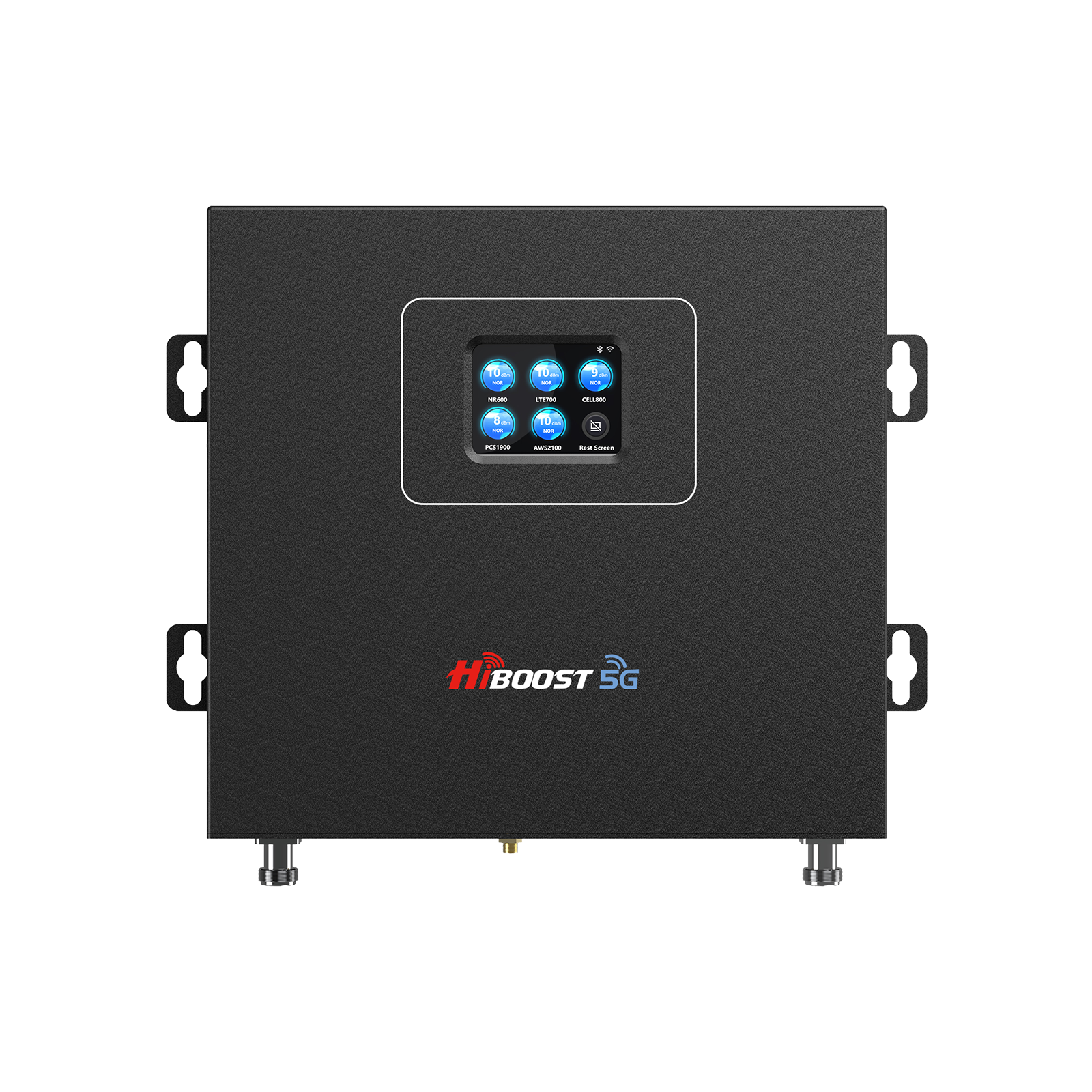
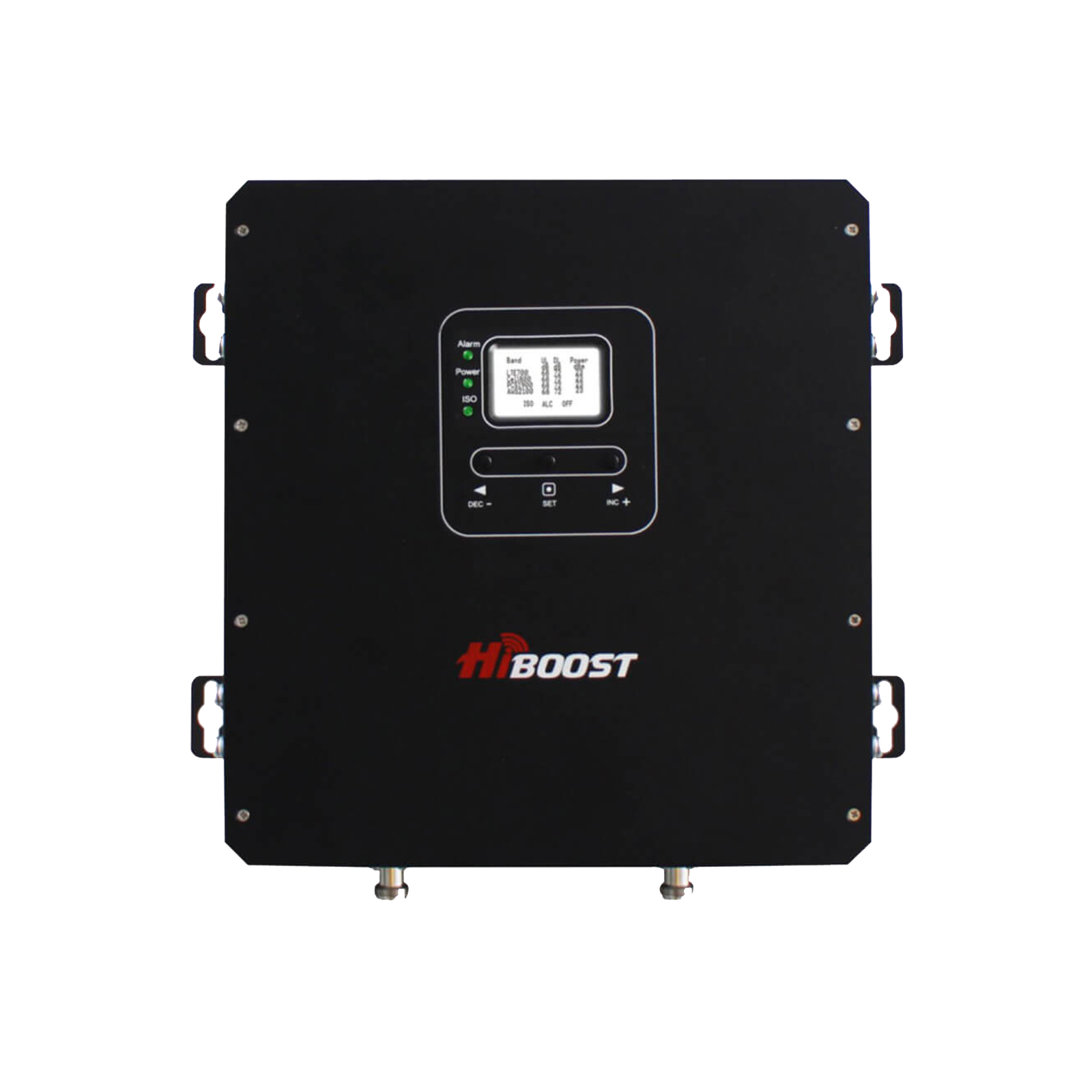
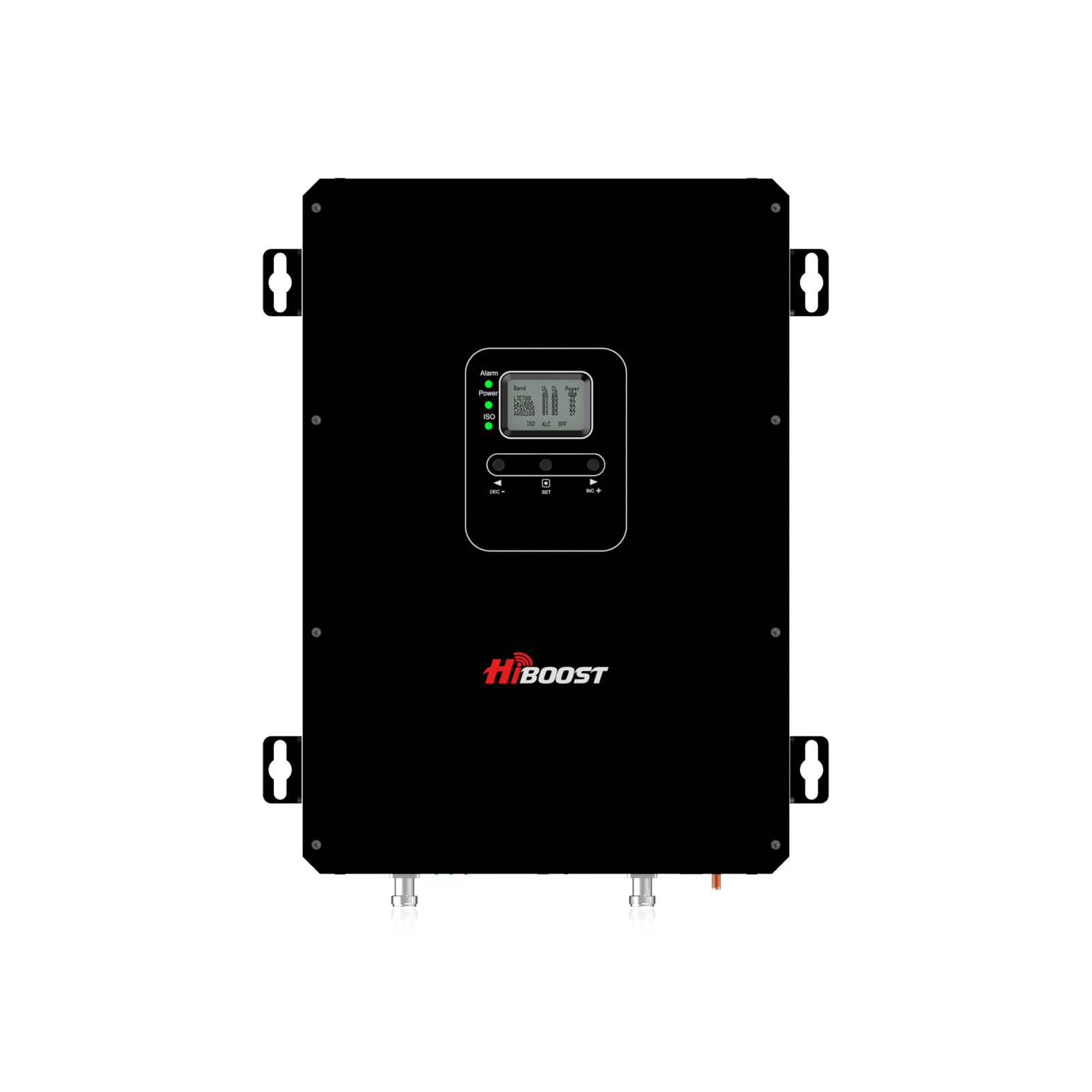
The following table compares selected HiBoost products using specifications published on the manufacturer's website.
Prices are listed in US dollars and may change with promotions, configuration, or product updates. Coverage figures represent the manufacturer's stated ranges, not independently verified results.
The table below uses current official HiBoost US product listings reviewed on October 16, 2026. Prices are listed in USD and may change. Coverage figures are manufacturer estimates, not independently verified performance results.
|
HiBoost model |
Listed price |
Stated coverage |
Max gain |
Supported bands |
|
$259.99 |
500–2,000 sq. ft. | 62 dB | 12/17, 13, 5, 25/2, 4 | |
| 4K Smart Link |
$399.99 |
1,000–4,000 sq. ft. |
60 dB |
12/17, 13, 5, 25/2, 4 |
|
$539.99 |
4,000–10,000 sq. ft. | 65 dB |
12/17, 13, 5, 25/2, 4 |
|
| 10K Plus Pro | $599.99 | 6,000–12,000 sq. ft. | 68 dB |
12/17, 13, 5, 25/2, 4 |
|
$499.99 |
Vehicle coverage |
50 dB |
12, 13, 5, 25/2, 4 |
|
| Travel 3.0 Truck | $559.99 | Vehicle coverage | 50 dB | 12, 13, 5, 25/2, 4 |
| Travel 3.0 RV | $559.99 | Vehicle coverage; up to 1,000 sq. ft. stated in product FAQ |
50 dB |
12, 13, 5, 25/2, 4 |
*Prices and specifications are drawn from HiBoost's published product listings and should be rechecked before purchase. The manufacturer may update products, availability, coverage estimates, and sale prices.
How the models differ
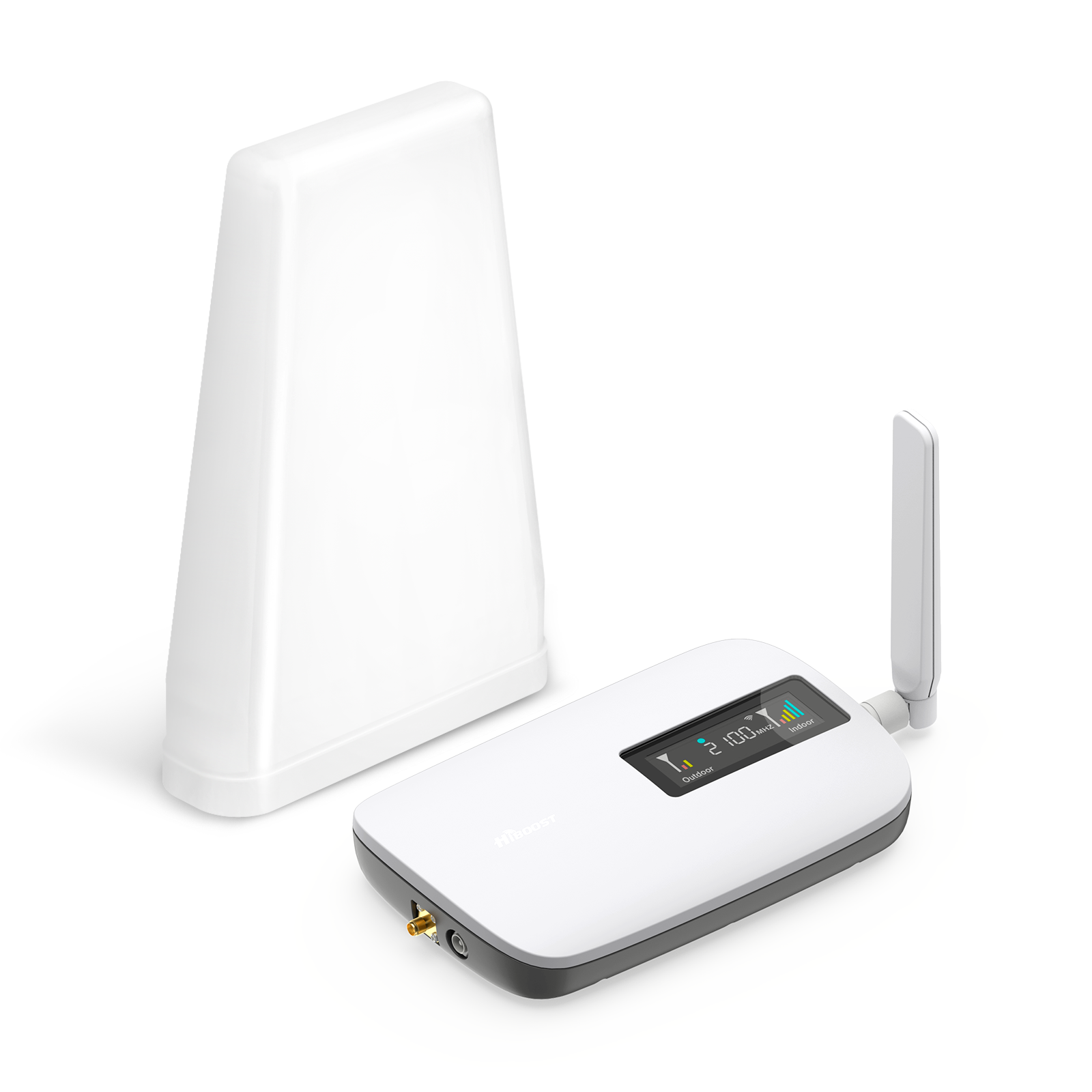
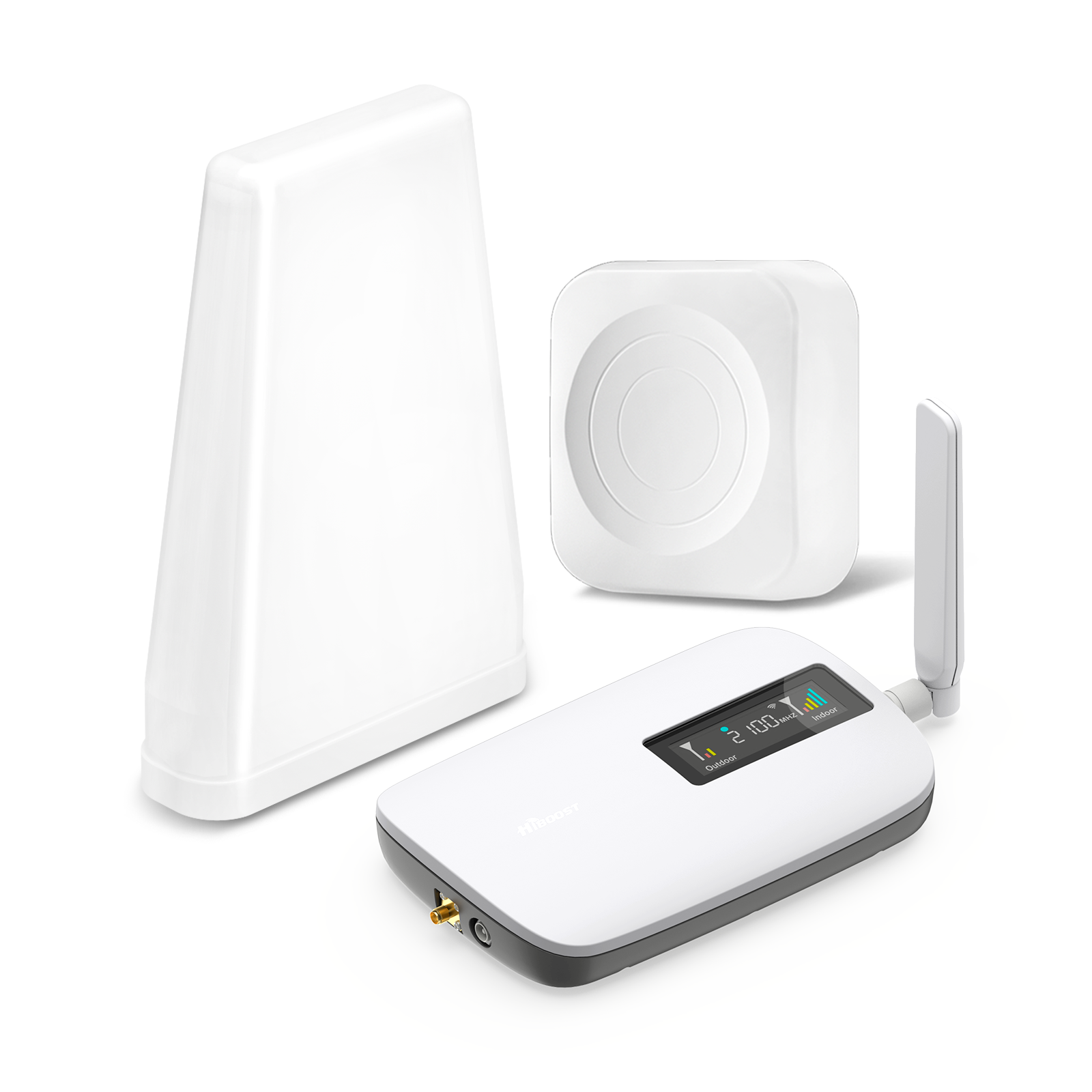
- Sidekick Home: The most affordable option in this comparison, intended for a single room or smaller indoor area. It uses a whip indoor antenna.
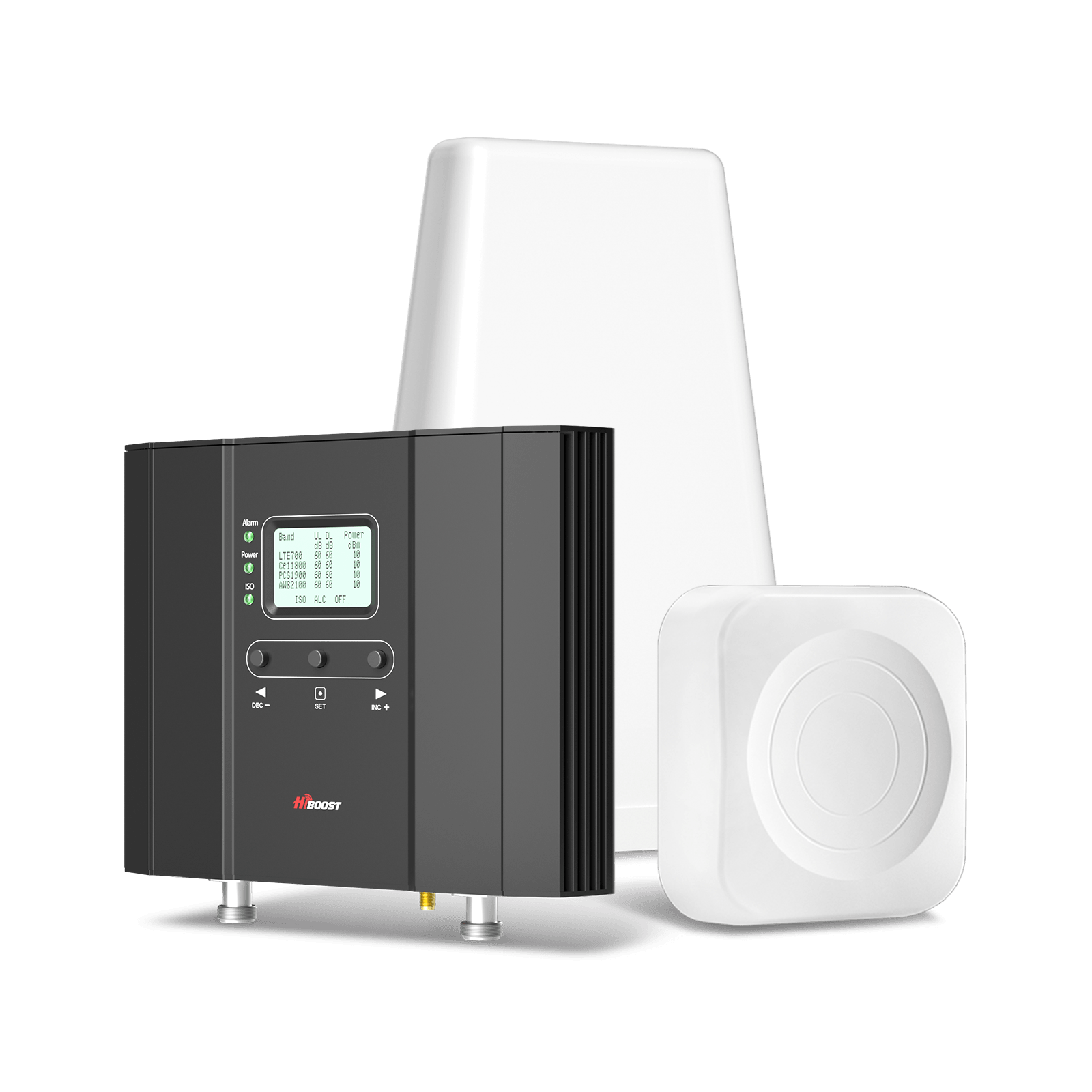
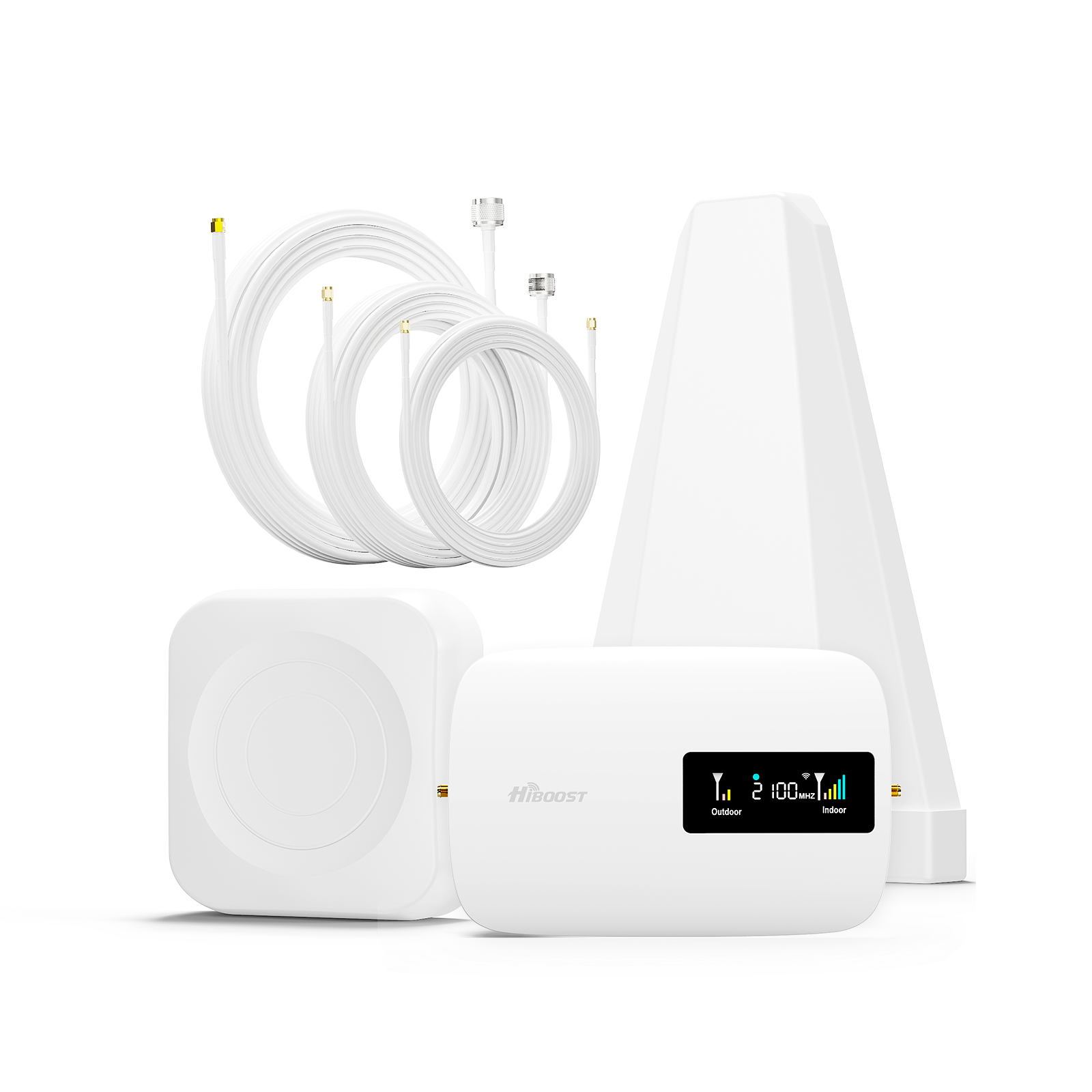
- 4K Smart Link: Designed for small homes and offices, with a stated 1,000–4,000 sq. ft. coverage range and an indoor panel antenna.
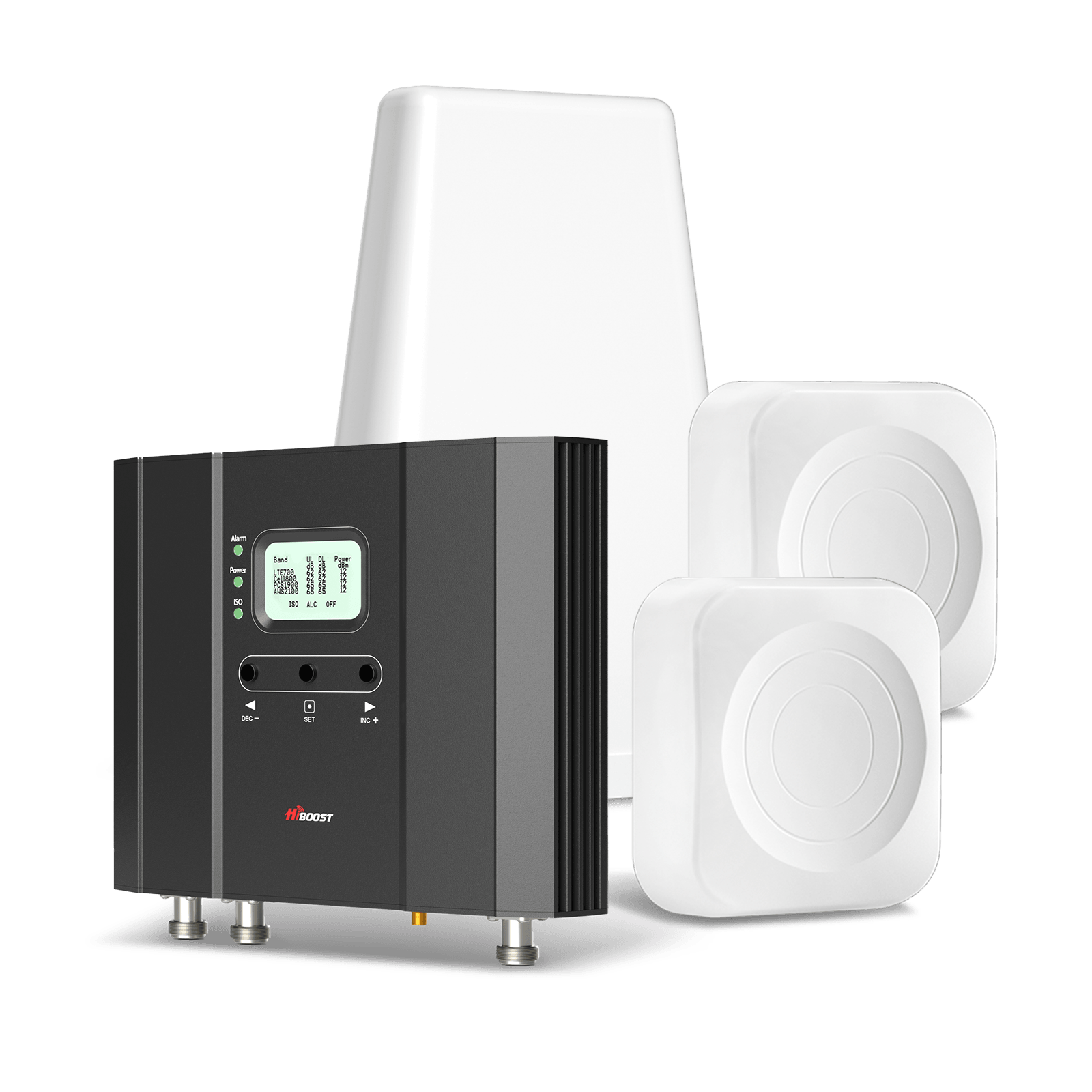
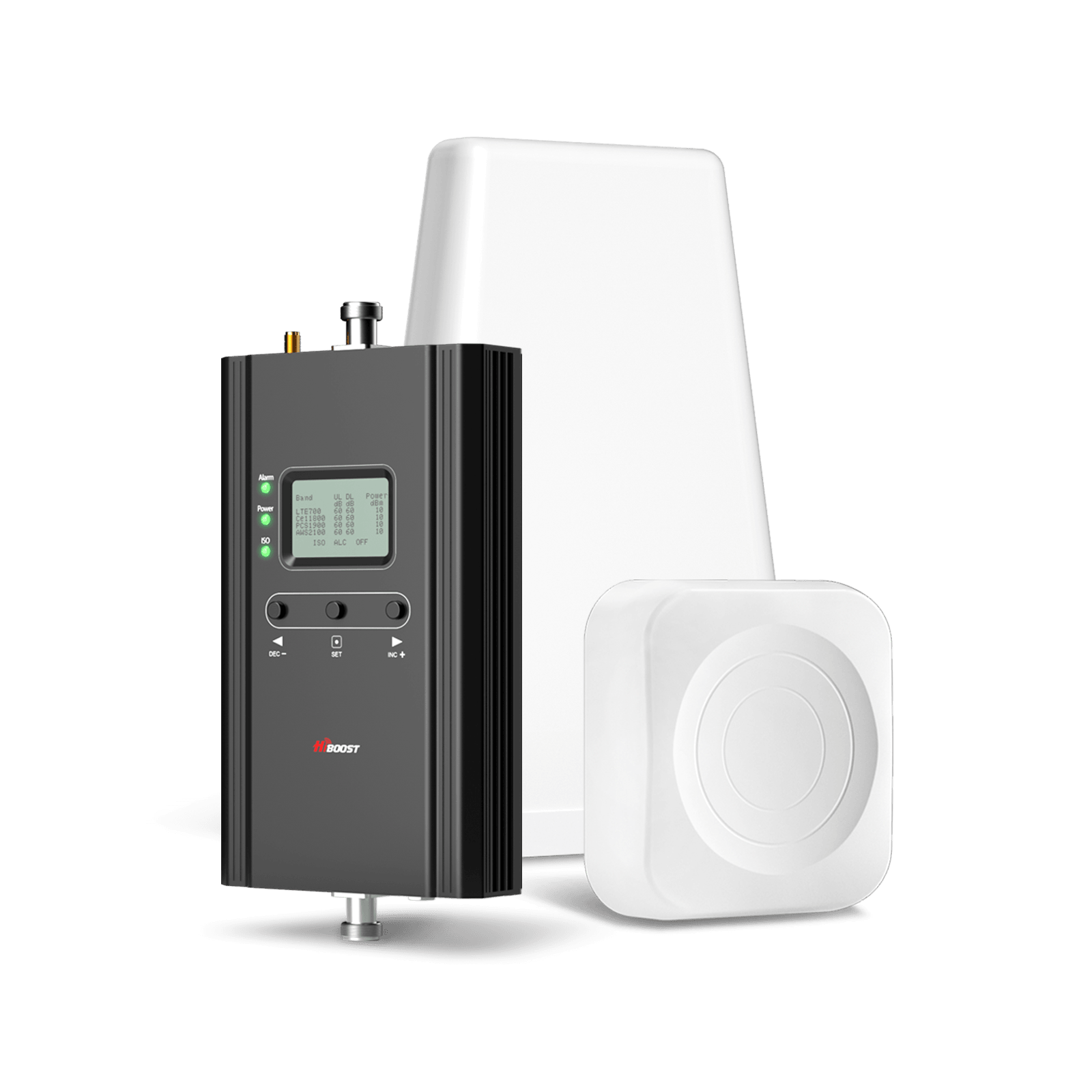
- 10K Smart Link: Intended for larger residential spaces. Its higher gain and coverage estimate make it worth comparing with smaller models when several rooms need service.
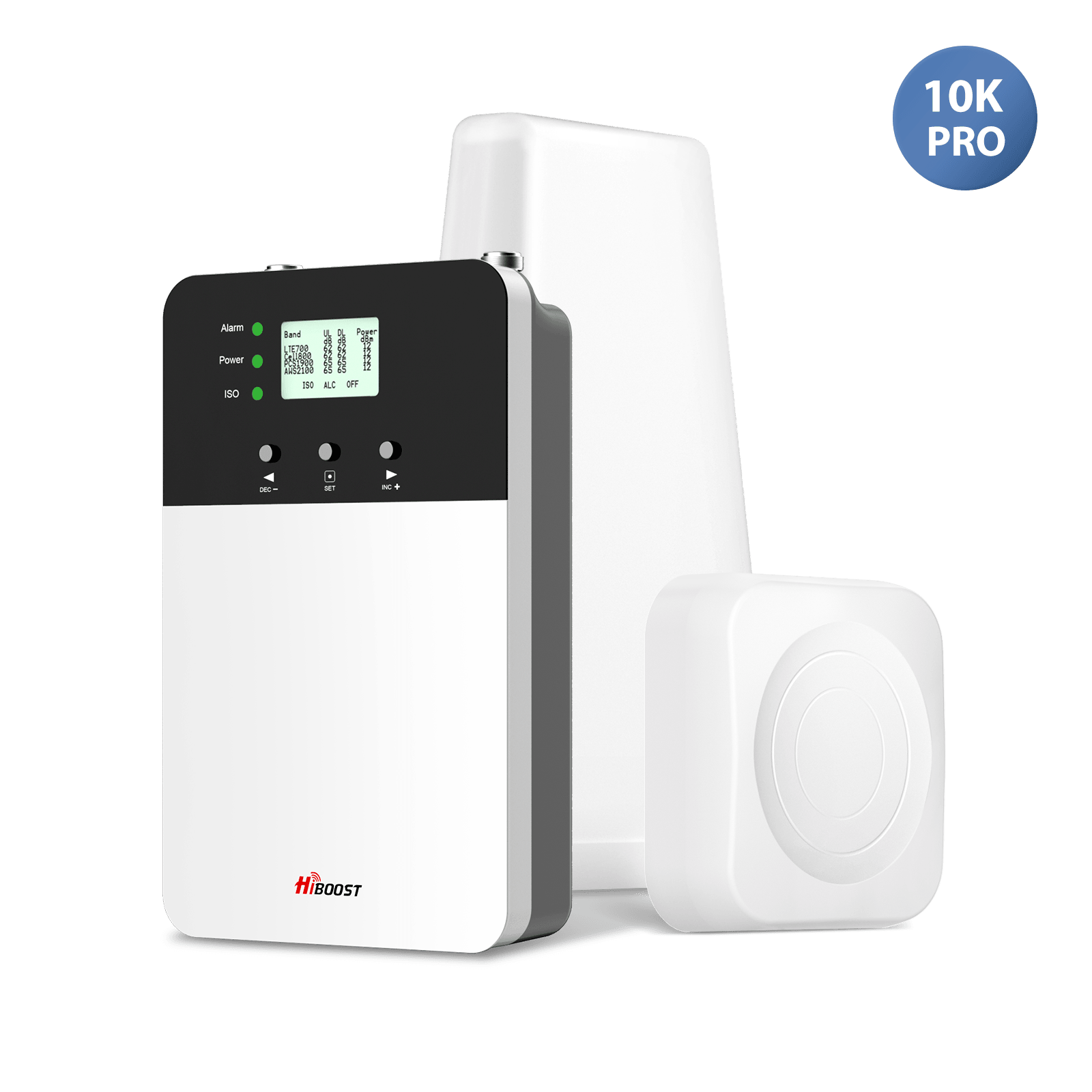
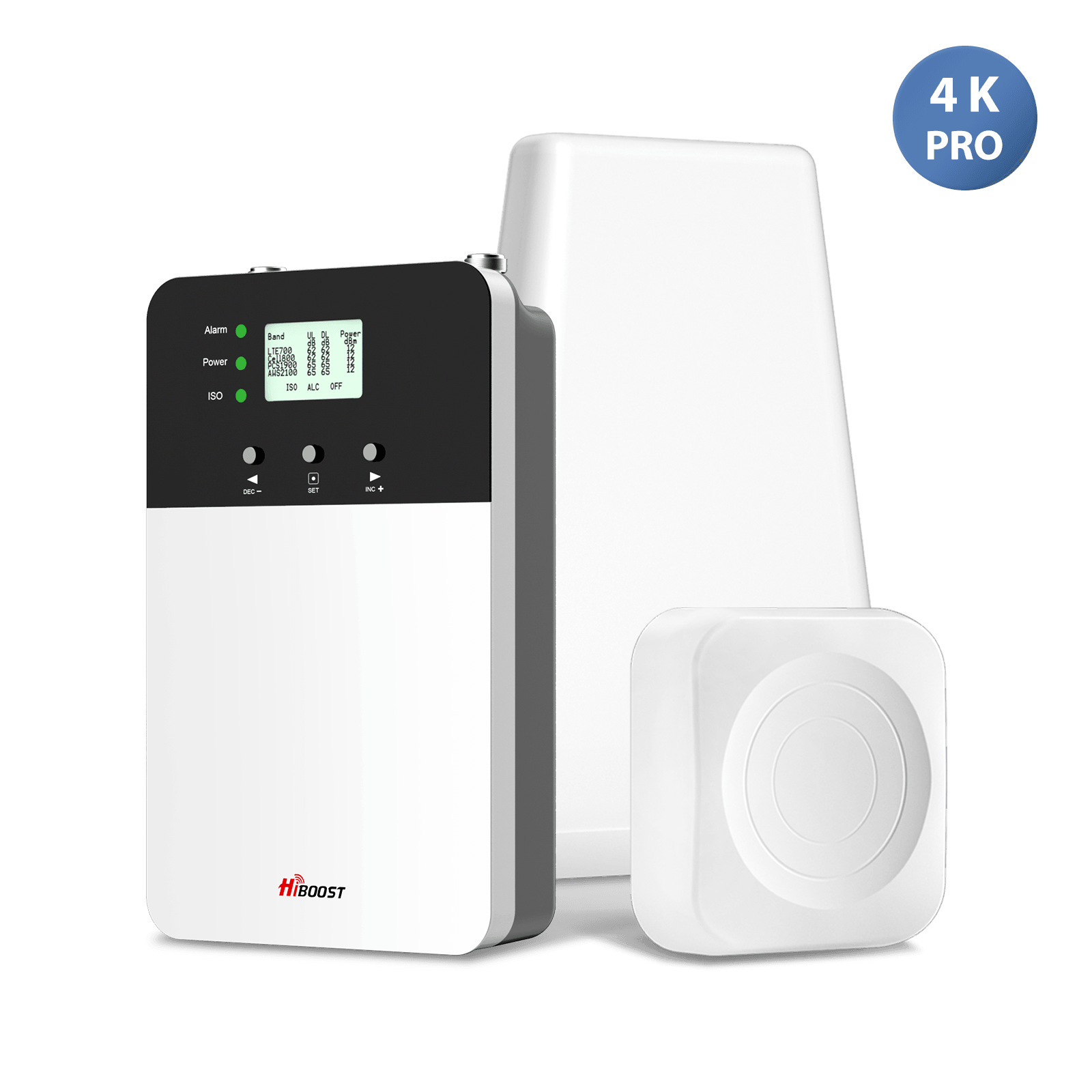
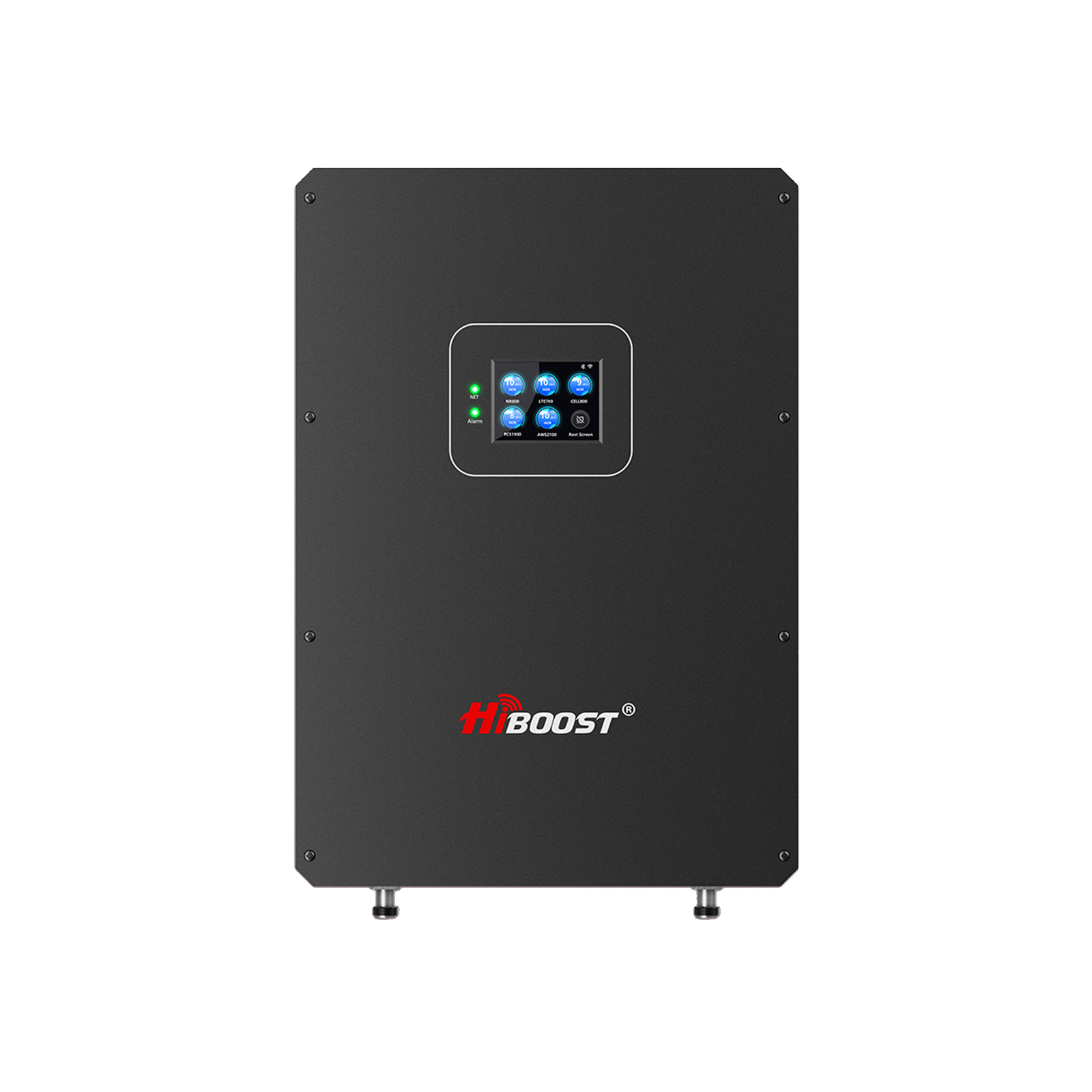
- 10K Plus Pro: Designed for whole-home coverage, with a higher maximum gain and stated coverage than the 10K Smart Link.
- Travel 3.0 Car: Intended for passenger cars, vans, and SUVs.
- Travel 3.0 Truck: Designed for trucks, semis, SUVs, and other listed vehicle applications.
- Travel 3.0 RV: Intended for RVs, campers, and travel trailers, with a mounting and power setup suited to mobile use.
The residential models are not interchangeable simply because they support similar bands. Their gain ratings, antenna configurations, output power, and intended coverage differ. The vehicle models share a 50 dB maximum gain rating, so the intended vehicle type and installation arrangement are key selection factors.
The bands shown above are taken from the corresponding product specifications. The listed bands do not mean that every model supports every 5G frequency or every network configuration. Verify carrier and frequency compatibility for the intended location before purchase.
The listed home models specify compatibility with major US cellular carriers and support selected cellular bands. Check the exact model's current specification page to confirm the supported bands and any installation restrictions before ordering.
Maximum gain, measured in decibels (dB), is not the same as coverage area. A model with a higher gain rating does not automatically cover more rooms or deliver faster data. Coverage also depends on the incoming signal, antenna arrangement, obstructions, and installation quality.
Influencer video evidence and timestamp tracking
Use the following tracking table when reviewing the seven videos. The links preserve the supplied starting timestamps where available. Since I could not retrieve the actual video contents, the measurement fields are intentionally left unverified rather than filled with estimates.
| Product or video | Original video | Evidence to extract |
| Travel 3.0 Truck | Vehicle type, carrier, baseline signal, post-installation signal, speed tests | |
| Travel 3.0 Car | Phone model, in-car signal before and after installation, antenna setup | |
| Sidekick | Home environment, carrier, signal readings, indoor coverage | |
| Sidekick |
Installation conditions, baseline readings, post-installation observations |
|
|
Travel 3.0 ExplorerX |
Watch video | Off-road or rural conditions, vehicle setup, signal measurements |
|
Additional video |
Identify exact product, test environment, visible measurements | |
|
Additional video |
Watch video | Identify exact product, test environment, visible measurements |
How to document each result
For each video, record the following information directly from the footage:
| Required field | What to record |
| Timestamp | Exact video time when the reading or observation appears |
| Product | Full model name visible in the video or confirmed by the creator |
| Environment | Home, rural property, car, truck, RV, or other setting |
|
Phone and carrier |
Exact model and network, if shown or stated |
| Installation | Outdoor antenna position, indoor antenna position, and booster setup |
|
Signal readings |
Exact before-and-after values and measurement units |
| Speed test | Download, upload, latency, and test application, when shown |
| Screenshot | Capture the original video frame displaying the evidence |
| Limitations | Missing information, changing conditions, or incomparable test methods |
Best Signal Booster by Environment
The right product depends on where you need better reception and how you use your phone. The sections below address common buying situations, from a single apartment room to a remote farm or commercial building.
Best Cell Phone Signal Booster for Home

A home signal booster is designed to bring an existing outdoor cellular signal indoors. It can be useful when your phone works near a window or outside but loses reception in interior rooms.
For a small house or a limited indoor area, compare compact systems such as the HiBoost Sidekick. For a larger home, consider models such as the 4K Smart Link or 10K Smart Link, using the manufacturer's coverage estimates as a starting point.
Before selecting a home booster, ask:
- How many square feet need improved reception?
- Is the outdoor signal usable?
- Are the rooms on one floor or multiple floors?
- Which carrier and bands must the booster support?
- Can the outside antenna be installed where it receives a stronger signal?
A home with weak but usable outdoor service may be a suitable candidate. A home in a complete cellular dead zone may need another connectivity option, such as carrier coverage improvements or a suitable internet-based calling service.
What affects home coverage?
Walls, metal roofing, foil-backed insulation, low-emissivity windows, and the distance between the outdoor antenna and the indoor area can weaken cellular signals. The building's size is only one factor.
A system advertised for a particular square footage may not achieve that coverage in every building. Where outdoor service is weak, the useful indoor area may be smaller than the manufacturer's estimate. Correct antenna positioning and adequate separation between the outside and inside antennas are important parts of installation.
Best Rural Signal Booster

Rural locations often have fewer nearby cell sites and more variation in signal strength. Hills, trees, long distances, and the direction of the nearest tower can all affect reception.
A rural signal booster is most useful when the property receives some compatible cellular signal outdoors, but the signal does not reliably reach the rooms where people need it.
Before purchasing, test reception at several locations around the property and compare the results for the carriers you use.
A practical selection process includes:
- Check the signal outside the house or building.
- Identify which carrier offers the most usable service at the property.
- Confirm that the selected booster supports the relevant frequency bands.
- Choose a system based on the indoor area you need to cover.
- Follow the manufacturer's instructions for antenna placement and cable routing.
A booster is not a substitute for a cell tower or a satellite connection. If there is no usable compatible signal at the property, amplification may not solve the problem.
Real-World Video Example: HiBoost Travel 3.0 ExplorerX
HiBoost has supplied a Travel 3.0 ExplorerX demonstration video for review. This video may be relevant to buyers seeking improved connectivity in remote or off-road environments, but the precise test location and conditions must be confirmed from the footage.
- Product: HiBoost Travel 3.0 ExplorerX
- Original video: https://www.youtube.com/watch?v=ctdbn7rBQpM
- Before-and-after signal readings: Record the exact values and timestamps.
- Speed-test results: Record only the measurements visibly shown or explicitly stated.
What Rural Buyers Should Consider
Cellular reception can change considerably with terrain, distance from cell sites, and obstructions. A vehicle booster may help when a compatible cellular signal is available, but it cannot guarantee reception in areas without usable service.
Best RV Signal Booster

RV users need to consider both stationary and moving use. A campsite with poor indoor reception presents a different challenge from a vehicle traveling between locations.
When choosing an RV signal booster, confirm that the product is specifically intended for the relevant vehicle use. Check the supported bands, included antennas, mounting requirements, power supply, cable arrangement, and any restrictions on operation while moving.
For trips through rural areas, the strength and availability of the outside signal can change continuously. A booster may help in locations where a compatible signal is present, but it cannot guarantee connectivity along every road or at every campsite.
Before buying, consider:
- Whether you need improved service while parked, moving, or both.
- Whether the system is approved for your intended vehicle use.
- How the outside antenna will be mounted safely.
- Whether the interior antenna can serve the seating or sleeping area.
- Whether the equipment and cables can be installed without interfering with vehicle operation.
Do not assume that a home booster is appropriate for an RV. Review the product documentation and vehicle-specific instructions before installation.
What Homeowners Can Learn
A residential installation demonstration can help buyers understand how the booster is installed and how its performance is evaluated. Actual results should be interpreted in the context of the outdoor signal, building materials, antenna placement, and the phone and carrier used.
Best Truck Signal Booster

Truck drivers may need dependable calls and data at rest stops, loading sites, rural routes, and remote work locations. The right equipment depends on the vehicle, the carrier, and whether the booster is intended for use while driving.
For a truck, installation practicality matters as much as published specifications. The exterior antenna must be mounted securely, the cable must be routed safely, and the inside antenna must be positioned in accordance with the manufacturer's guidance.
A booster can help improve the connection to a compatible cell site when a usable signal is available. It cannot guarantee reception in a remote location without service or overcome every coverage limitation.
When comparing vehicle models, verify that the manufacturer specifically lists the intended vehicle type. Do not choose a product solely because it has a high gain rating or a broad coverage claim.
Real-World Video Example: HiBoost Travel 3.0 Truck
- HiBoost has supplied a video demonstrating its Travel 3.0 Truck product. The footage should be reviewed to document the vehicle type, installation, and any actual signal measurements.
- Product: HiBoost Travel 3.0 Truck
- Original video: https://www.youtube.com/watch?v=C14Il7wf72M
-
Installation setup: Document antenna mounting, cable routing, and booster placement.
- Before-and-after signal readings: Record exact measurements and timestamps.
-
Speed-test results: Record download, upload, and latency values only if displayed.
What Truck Drivers Should Consider
Truck drivers may encounter different signal conditions as they travel. Results from a stationary test should not automatically be treated as evidence of performance while driving. Terrain, network availability, carrier coverage, and antenna installation can all influence the outcome.
Best Car Signal Booster

A car signal booster may suit drivers who experience weak cellular reception during road trips, commutes, or work travel. However, a car is a compact metal enclosure, and installation must account for antenna placement, cable routing, power, and the location of passengers' phones.
Check whether the product is designed for a passenger car and whether its instructions permit use while the vehicle is moving. Some systems are designed for stationary use, while others are designed for mobile operation.
Before buying, consider:
- The carriers and frequency bands you need.
- Whether the vehicle's exterior can accommodate the antenna.
- The intended number of users and devices.
- Whether you need service primarily while parked or in motion.
- The manufacturer's safety and installation requirements.
No mobile booster can guarantee improved service everywhere. Results will vary with terrain, cell-site availability, signal strength, and the installation.
Real-World Video Example: HiBoost Travel 3.0 Car
The following video is a source for documenting a HiBoost Travel 3.0 Car installation and any visible before-and-after comparisons.
- Product: HiBoost Travel 3.0 Car
- Original video: https://www.youtube.com/watch?v=BJCrrlAn8QU&t=3s
- Installation: Record the exterior antenna mounting position, interior antenna arrangement, and power setup.
- Before installation: Insert the exact signal reading and timestamp.
- After installation: Insert the exact signal reading and timestamp.
- Data performance: Include speed-test results only when the original video displays them.
What Car Owners Should Learn
A car booster should be evaluated under clearly described conditions. Signal measurements taken at different locations or times may not be directly comparable. A meaningful before-and-after comparison should use the same phone, carrier, location, and measurement method wherever possible.
Best Apartment Signal Booster

Apartments can be challenging because reception may differ from one room to another. Reinforced concrete, metal framing, coated glass, and neighboring buildings can reduce the signal reaching an indoor space.
For a small area, a compact home booster such as the HiBoost Sidekick may be worth comparing with other suitable configurations. Confirm that the selected model and antenna arrangement are permitted for your intended installation and that the outside antenna can access a usable signal.
Apartment residents should also consider practical installation constraints:
- Can an outdoor antenna be installed lawfully and safely?
- Does the lease or building management require approval?
- Is there a suitable location for the antenna and cable?
- Can the indoor antenna be separated sufficiently from the outdoor antenna?
- Is the intended system appropriate for fixed indoor use?
If outdoor installation is not permitted, contact the manufacturer to discuss approved configurations rather than improvising an antenna arrangement.
Installation Considerations: HiBoost Sidekick
The HiBoost Sidekick demonstration videos can also support the apartment-booster section once the location and test conditions have been confirmed. Before treating a video as an apartment case study, verify that it actually shows an apartment or comparable indoor environment.
- Product: HiBoost Sidekick
- Source: https://www.youtube.com/watch?v=jPQYV8p9y3E&t=17s
- Additional source: https://www.youtube.com/watch?v=Lji-5ecrul8
- Evidence to document: Indoor and outdoor signal readings, phone and carrier, antenna placement, and the exact video timestamps.
For apartment residents, the key takeaway is that a booster needs an existing outdoor cellular signal. The actual coverage depends on the building layout, construction materials, antenna placement, and installation conditions.
Best Office Signal Booster
An office booster may be useful when employees experience poor cellular reception indoors despite having usable service outside. The appropriate size depends on the floor area, room layout, building materials, carriers, and number of areas that need improved service.
For a small office, the HiBoost 4K Smart Link is one model to compare. Larger spaces may call for a higher-capacity residential model or a professionally assessed system, depending on the building and applicable rules.
When planning office coverage, map the areas where people make calls and use mobile data. A reception improvement in a central room does not necessarily mean that every conference room, corridor, or enclosed office will receive the same benefit.
For businesses that need reliable connectivity across a large or complex building, assess the site before purchasing. If a commercial or industrial signal booster is required, check the relevant licensing, consent, and installation requirements rather than assuming a consumer device is suitable.
Best Warehouse Signal Booster
Warehouses frequently have metal walls, metal roofing, tall storage racks, and large interior spaces. These conditions can make it difficult for outdoor cellular signals to reach workers inside. The first step is to establish whether a usable signal is available outside the warehouse. Then identify the areas that require coverage, including offices, loading bays, workstations, and storage zones.
Do not choose a booster based on square footage alone. A warehouse may require a more carefully designed antenna layout than a similarly sized open-plan office. Racks, equipment, building materials, and the distance between antennas can affect how well a signal reaches different areas.
For a large commercial facility, seek a site assessment and verify the equipment's intended use and regulatory requirements. A consumer home booster should not automatically be treated as a solution for a warehouse.
Best Farm Signal Booster

Farms may include a house, workshop, barn, machinery shed, storage building, and outdoor work areas spread across a large property. The signal available at one building may differ substantially from the signal at another.
Start by identifying the specific place where connectivity is needed. If the problem is weak reception inside a farmhouse, a home booster may be appropriate when outdoor service is usable. If the problem concerns several detached buildings, one indoor system may not provide the coverage required across the entire property.
Before choosing equipment:
- Test reception near each building.
- Identify the carrier with the most usable signal.
- Check which buildings need coverage.
- Consider metal roofing and other signal-blocking materials.
- Determine whether the intended equipment is designed for consumer or commercial use.
For a farm with several buildings or a large metal structure, a professional assessment can help establish a realistic coverage plan.
Best Cabin Signal Booster

Cabins may be located in wooded areas, valleys, mountains, or other places where cellular reception changes with terrain and vegetation. A booster can help when it receives an existing compatible signal, but the amount of improvement depends on the signal reaching the outdoor antenna.
Test service around the cabin rather than relying only on indoor signal bars. A location near a roofline or a clear side of the building may receive a different signal from a sheltered area under trees.
For a smaller cabin, compare the Sidekick or another appropriately sized home model. For a larger cabin, evaluate a higher-capacity system according to the manufacturer's coverage guidance. Remember that remote locations can have very weak or unavailable service from some carriers. Check the network coverage in the exact area before treating a booster as a complete connectivity solution.
Best Metal Building Signal Booster

Metal buildings are among the more challenging environments for indoor cellular reception. Metal siding and roofing can substantially weaken the signal entering the structure, while the building's size and internal layout can create additional obstacles. The key question is whether the outside antenna can capture a usable signal. If it can, a correctly installed booster may improve cellular connectivity in selected interior areas.
For a metal building, pay particular attention to:
- Outdoor antenna location and mounting.
- Separation between outdoor and indoor antennas.
- The length and type of cable used.
- The number and placement of indoor antennas.
- Whether the system is designed for the building's size and intended use.
A single small system may not be sufficient for a large metal shop or warehouse. In complex structures, evaluate the installation before deciding on a model.
Explore More Signal Booster Guides
- Best Cell Phone Signal Boosters for Rural Areas
- How to Boost the Cell Phone Signal in Your RV
- How to Choose the Best Cell Phone Signal Booster for Your Home
How Cell Phone Signal Boosters Work

A typical signal booster system has three main elements: an outdoor antenna, an amplifier, and an indoor antenna.
- Outdoor antenna: Captures a compatible cellular signal from the surrounding network.
- Amplifier: Strengthens the received signal within the equipment's operating limits and supported frequency bands.
- Indoor antenna: Redistributes the amplified signal to compatible phones and other cellular devices within the area served by the system.
The phone communicates back through the system as well, so the installation must work in both directions. Consumer boosters also incorporate interference-protection features, and they must be installed and operated according to the applicable requirements.
A signal booster is different from a Wi-Fi extender. A Wi-Fi extender improves a local wireless network connection; a cellular booster amplifies a compatible cellular signal. A booster also does not create a new broadband connection or guarantee a particular internet speed.
What Does Signal Booster Gain Mean?
Gain is a measure of amplification, expressed in decibels (dB). It is one of the specifications buyers often see on product pages, but it should not be used as the only measure of suitability.
A model with a higher maximum gain rating is not automatically better for every building. The system may adjust its operation according to the incoming signal and interference protection requirements. Actual results also depend on antenna placement, cable loss, supported bands, and the signal available outdoors.
Coverage estimates and gain ratings describe different things. Coverage refers to the area a system is advertised to serve under stated or assumed conditions; gain describes amplification. Neither figure guarantees a specific number of signal bars, data speed, or call quality in your location.
What Can a Cell Phone Signal Booster Improve?
When the system is compatible with the network and installed correctly, a booster may help a phone maintain a more usable cellular connection in areas that previously had weak reception.
Potential benefits include:
- Fewer reception-related interruptions in suitable locations.
- More reliable calling and texting where weak cellular signal is the limiting factor.
- Better access to mobile data where the connection can be improved.
- Cellular reception in selected indoor areas that previously received a weak signal.
These are possible outcomes, not guaranteed results. A booster cannot resolve every cause of slow mobile data or dropped calls. Network congestion, service outages, device problems, account restrictions, and a lack of nearby coverage may require different solutions.
How to Choose the Right Signal Booster
Use this checklist before making a purchase.
1. Check your carrier
Identify the carrier or carriers you want to support. Confirm compatibility on the exact product page, including the frequency bands used in your location. Compatibility claims such as “all US carriers” do not mean that every model supports every band or every network technology in every region.
2. Measure the outdoor signal
Check reception outside the building or vehicle. If possible, compare different locations and note whether calls and data work consistently. Signal bars can help with a basic comparison, but they are not a standardized measurement across phone models.
3. Define the coverage area
Estimate the square footage and identify the rooms or zones that matter most. A system for one room is not necessarily suitable for a whole home, a warehouse, or several detached farm buildings.
4. Review the installation
Check the antenna type, mounting options, cable requirements, and necessary separation between antennas. Follow the included manual. Poor installation can reduce performance or trigger automatic gain reduction or shutdown.
5. Confirm the intended use
Check whether the product is designed for a fixed indoor location, a car, an RV, or a truck. Do not assume that a stationary indoor product is suitable for a moving vehicle.
6. Compare the full cost
Consider the product price, installation requirements, any optional accessories, return terms, and warranty. Confirm current policies on the manufacturer's website before ordering.
7. Set realistic expectations
Ask the seller or manufacturer what the stated coverage estimate assumes and what information is needed to assess your location. Be cautious of claims that promise a specific number of bars, a fixed speed increase, or guaranteed service in a dead zone.
Installation Tips for Better Results
Installation is a major part of choosing and using a signal booster. Even a compatible system may perform poorly if the outside antenna receives a weak signal or the indoor and outdoor antennas are positioned incorrectly.
Find the strongest practical outdoor signal. Test several safe, accessible locations and follow the manufacturer's directions for aiming and mounting the antenna.
Maintain the required antenna separation. The outside antenna and inside antenna need sufficient isolation to prevent feedback or oscillation. Use the spacing and orientation specified in the product manual.
Use the supplied or approved components. Antennas and cables are part of the system's compliance and performance design. Unapproved substitutions may affect operation and regulatory compliance.
Route cables safely. Protect cables from sharp edges, water intrusion, moving vehicle parts, and other hazards. For vehicle installations, ensure the equipment cannot obstruct the driver or interfere with vehicle systems.
Follow the status indicators and app instructions. If the booster indicates an installation problem, consult the manual and support resources rather than disabling protection features.
Test the locations that matter. After installation, check calls and data in the actual rooms or vehicle areas where you need them. Results may vary between carriers and devices.
How to Evaluate Signal Booster Performance
There is no single measurement that tells the whole story. If you want to evaluate whether a booster is helping, record conditions before and after installation using a consistent method.
Signal bars
Bars are easy to understand, but their display differs by phone and operating system. A change in bars is not a precise measurement of signal strength, and the same number of bars on two phones may not mean the same thing.
Signal strength in dBm
A phone or diagnostic tool may show received signal strength in dBm. This is a logarithmic power measurement, and cellular readings are usually negative numbers. For the same measurement type and conditions, a reading closer to zero generally indicates a stronger received signal.
Make sure the metric is comparable. LTE and 5G devices can report several different radio measurements, and they should not be treated as interchangeable.
Data speed
A speed test can show download speed, upload speed, and latency at a particular time. Those results also depend on network congestion, server choice, the phone, and the carrier's network. A faster speed test alone does not prove that the booster caused the improvement unless other conditions are adequately controlled.
Call reliability
Record whether calls connect, remain connected, and sound clear in the places where service was previously unreliable. Repeated observations are more useful than a single call, but they still describe the particular location and conditions tested.
A fair before-and-after comparison
For a meaningful comparison, use the same phone, carrier, location, and measurement method. Record the time and whether the booster is on or off. Avoid changing several variables at once.
This guide does not claim to have completed independent tests on the listed products. Any future test results should identify the device, carrier, location, equipment setup, measurement method, and limitations so readers can interpret the evidence responsibly.
Signal Booster Rules in the United States
In the United States, consumer cellular boosters are subject to Federal Communications Commission rules. The rules include requirements for provider consent and registration before operation, use of approved antennas and cables, and continued operation of built-in interference-protection features.
Consumers should review the FCC's applicable requirements and the manufacturer's instructions before installing a booster. The FCC rules also explain that consumer boosters must not cause harmful interference and may need to be shut down if interference occurs.
For commercial and industrial applications, the applicable requirements may differ from those for consumer equipment. Confirm that the selected system is appropriate for the installation and that any required authorization, consent, or qualified installation is in place.
Additional HiBoost Influencer Videos for Review
The following videos have been supplied as potential sources for further case studies. Each video should be reviewed to identify its exact product model, installation environment, and any visible performance measurements.
- Travel 3.0 Truck: Watch original video
- Travel 3.0 Car: Watch original video from 00:03
- Sidekick demonstration 1: Watch original video from 00:17
- Sidekick demonstration 2: Watch original video
- Travel 3.0 ExplorerX: Watch original video
- Additional demonstration 1: Watch original video from 01:31
- Additional demonstration 2: Watch original video
Verification requirements
For each video, document the following information when available:
-
Exact product model.
-
Test environment and location type.
-
Phone model, carrier, and network technology.
-
Installation arrangement and antenna positions.
-
Signal readings before and after installation.
-
Download speed, upload speed, and latency results.
-
Exact timestamps for each important measurement.
-
Screenshots showing the original readings.
-
Any missing information or conditions that limit the comparison.
How to Interpret Before-and-After Signal Booster Results
A transparent comparison should explain what was measured, not just state that performance improved.
Signal strength, data speed, and call reliability describe different aspects of cellular performance.
A signal reading can indicate whether reception improved, while a speed test measures data performance under the network conditions at that time. Call observations can help describe connectivity, but they should not be presented as a measured call-success rate unless calls were systematically recorded.
For a useful before-and-after comparison, use the same phone, carrier, location, and measurement method wherever possible. Record the time of each test and identify any changes in the environment.
The results from a single installation should be presented as an example of performance under those particular conditions, not as a guarantee for other homes, vehicles, or buildings.
Testing disclosure: The videos listed above are source material for review. Numerical results and individual measurement timestamps must be verified from the original footage before they are reported as factual case-study findings.
How to Choose the Right Cell Phone Signal Booster
Choosing the right system is easier when you follow a clear process.
Step 1: Measure the Existing Signal
Begin outside the building or vehicle.
Check reception in several locations and record whether calls connect, whether they remain stable, and whether data works reliably.
If your phone supports detailed cellular diagnostics, record relevant measurements where available. Signal bars alone are not enough to fully describe network quality.
Test at different times if reception changes during the day.
Step 2: Choose the Required Coverage Area
Decide which rooms, floors, or parts of a vehicle need better reception.
For a house, mark the bedrooms, living areas, kitchen, and home office where calls are important.
For a warehouse, identify the loading docks, workstations, and storage areas that need service.
For a vehicle, focus on the cabin and passenger areas the system is designed to serve.
Step 3: Compare Booster Gain and System Requirements
Review the model's published gain, supported bands, antenna requirements, and installation instructions. Higher gain can be useful in some weak-signal situations, but the system still needs an appropriate outdoor signal and correct antenna separation.
Do not use gain as the only buying criterion.
Step 4: Select the Appropriate Outdoor Antenna
A directional antenna may suit an environment where the best signal comes from one direction. An omnidirectional antenna may be more appropriate in other environments.
The choice depends on the available signal and the product design. Follow the installation manual to position and orient the antenna correctly.
Step 5: Plan Indoor Antenna Placement
Indoor antennas should be placed where improved reception is needed, with the required separation from the outdoor antenna. Building materials, room arrangement, and floor levels affect coverage.
A larger property may need a more carefully planned antenna configuration than a small, open room.
Step 6: Confirm Carrier and Frequency Compatibility
Check the carrier and frequency bands supported by the exact product model. For international buyers, confirm that the booster is approved for the country where it will be installed and supports the relevant local network bands. A product intended for one market may not be appropriate for another.
Step 7: Review Installation Difficulty
Check whether you can safely mount the outdoor antenna, route the cables, place the booster, and install the indoor antenna. For roof work or complex commercial layouts, consider qualified installation support. The right system should be practical to install as well as suitable on paper.
Step 8: Set a Realistic Budget
Consider the total installation cost, not just the booster price. You may need additional mounting hardware, cable management, accessories, or professional installation. Review the warranty and return policy before ordering.
How We Test Cell Phone Signal Boosters: A Transparent Testing Method
A useful buying guide should explain how products are evaluated. However, a testing methodology must not be confused with completed testing. The methodology below describes how HiBoost systems can be evaluated consistently.
No new laboratory measurements or independent comparative results are claimed in this article. Actual results should be added only after testing has been completed and documented.
Testing Environment
Testing should include representative environments such as a house, apartment, rural property, metal building, office, warehouse, RV, car, and truck.
Each location should be documented with information about the building or vehicle, antenna placement, obstacles, and available outdoor reception.
Conditions should remain as consistent as practical when comparing before-and-after performance.
Testing Phones
Use compatible phones representing the devices that customers commonly use. Record the phone model, operating system, carrier, and supported cellular bands. If several phones are tested, document the same information for each device.
Different phones can report signal conditions differently, so the device used should remain consistent during a direct comparison.
Testing Carriers
Test each carrier separately where practical. A booster may perform differently across carriers because their frequencies, tower locations, and network conditions differ. Results from one carrier should not be presented as proof of identical performance for another.
Testing Apps
Use consistent tools to record signal measurements and run network speed tests. Document the application, test settings, date, and relevant network information. A speed-test app should be used under comparable conditions before and after installation.
Testing Locations
Mark fixed test points before installing the booster. For example, choose one point near the outdoor antenna, one central indoor point, and several locations where reception is normally poor.
Repeat measurements at those same points after installation.
Testing Download and Upload Speeds
Run multiple download and upload tests under comparable network conditions. Record the time, device, carrier, location, and results. Avoid selecting only the best result from each group, as this can make the improvement look larger than it consistently is.
Network congestion and internet server conditions can change results even when the booster setup remains the same.
Testing Call Quality
Place calls from predetermined locations and record whether calls connect, whether they remain connected, and whether either party experiences audio problems.
Repeat the process using the same device and carrier where possible.
Testing RSRP, RSRQ, and SINR
Where the device provides these measurements, record them before and after installation.
- RSRP measures the received power of a reference signal in LTE networks.
- RSRQ provides information about received signal quality in relation to signal power and interference.
- SINR compares the desired signal with interference and noise.
These measurements provide more detail than signal bars alone. Their availability and interpretation depend on the device and network technology.
Testing 5G Stability
Record whether the device maintains a stable connection on the relevant network and whether it changes between available network technologies. Do not assume that a better signal reading automatically means faster data or that every booster supports every 5G band.
Testing Indoor Coverage
Measure reception at several marked points within the intended coverage area. Record both the locations that improve and those where the change is small. This gives readers a more accurate view of the system's practical coverage.
Testing Vehicle Performance
For cars, trucks, and RVs, document the vehicle, antenna mounting arrangement, test location, and whether the vehicle is stationary or moving. Stationary tests and driving tests should be reported separately because the surrounding network environment changes as the vehicle moves.
All testing must follow the product's instructions and applicable regulations.
Testing Installation Time
Record the actual time needed to mount the antennas, route the cables, connect the booster, and verify operation. State whether the installer was experienced and whether any additional work was required. Installation times should not be estimated and presented as measured results.
Testing Oscillation and Thermal Performance
Check the system's status indicators and follow the manufacturer's instructions for verifying proper operation. Record any warnings, automatic gain adjustments, shutdowns, or unusual heating observed during the test. Do not disable safety features or bypass the manufacturer's instructions to obtain a measurement.
Testing Rural, Metal Building, Basement, Office, and Warehouse Performance
Use the same documented approach across these settings: record the environment, measure the available signal, install the system according to instructions, and repeat the measurements at fixed points.
For basements, the outdoor antenna must be placed where it can receive a usable signal. A booster cannot create a signal through solid earth or make an unavailable network available.
For metal buildings and warehouses, record the building materials and antenna layout. For offices and apartments, document internal walls, glass, and other relevant construction features.
How Real Results Should Be Published
A completed testing report should include:
- The test date and location type.
- The exact HiBoost model and antenna configuration.
- The phone, carrier, and network technology.
- Signal measurements before and after installation.
- Repeated download and upload measurements.
- Call-connect and call-drop observations.
- Indoor locations where improvement was observed.
- Any limitations or inconsistent results.
This information allows readers to understand what was tested and what the results do and do not prove.
Real Testing Results: What Should Be Included Before Publication
The original brief requests before-and-after results for houses, apartments, metal buildings, farms, trucks, RVs, offices, warehouses, mountain cabins, and basements.
Verified measurements for those scenarios have not been supplied here. It would be misleading to invent signal values, speed improvements, call-success percentages, or coverage results and label them as real tests.
Rather than presenting unverified measurements as completed tests, this section uses a published HiBoost installation report to show the product model, building environment, installation configuration, carrier information, and available before-and-after speed-test results.
Documented Test Environment and Product Details
The published case study describes a commercial installation at Thin Line Tattoo in Batavia, Illinois. The building covers 5,032 square feet and has brick walls at the front, quarry stone on the sides, and a framed rear wall with aluminum siding. The main reception problem was in the basement, where Verizon users reported having no service.
The installation used a HiBoost 10K Plus Pro cell phone signal booster. The report identifies AT&T, T-Mobile, and Verizon as the carriers evaluated for coverage. The system was professionally installed with an outdoor donor antenna on the roof and two service antennas in the basement. The main coverage area included the basement art gallery and tattoo booths.
The report also documents pre-installation testing of the coaxial cables and antennas using an Anritsu BTS Master MT8220T with calibrated phase-stable cable. Following installation, the antenna feeds were tested, with the internal HiBoost antenna excluded from that measurement. The reported system return loss for the tested antenna runs was under 12 dB.
Use the following reporting template for each completed test.
Published Before-and-After Speed-Test Results
The installation report provides the following cellular data results.
| Carrier |
Before installation |
After installation | Reported observation |
| AT&T | 0.85 Mbps | 89.3 Mbps |
The reported data throughput increased substantially after installation. |
|
Verizon |
The speed test would not run | 33.8 Mbps |
The initial signal was insufficient to establish a data session for the test; a speed test completed after installation. |
| T-Mobile | No numerical speed-test results specified in the article text | No numerical speed-test results specified in the article text | Before-and-after coverage images are included in the published report. |
These are results from one published installation case study, not a controlled comparison of all HiBoost products. The report does not specify the phone model, phone operating system, speed-test application, exact test times, or numerical before-and-after signal-strength readings in its article text.
These details should remain marked as unavailable unless they can be verified from the original test records or supporting evidence.
Installation Setup and Technical Observations
The published report documents the following installation details:
- Booster model: HiBoost 10K Plus Pro.
- Location: Thin Line Tattoo, Batavia, Illinois.
- Environment: A 5,032-square-foot commercial building with a basement art gallery and tattoo booths.
- Outdoor antenna: Mounted on the roof to capture available cellular signals.
- Indoor coverage: Two service antennas installed in the basement, with the main coverage antenna positioned in the gallery.
- Carriers: AT&T, T-Mobile, and Verizon.
- Component testing: Anritsu BTS Master MT8220T used for pre-installation cable and antenna testing.
- Reported output power: The report states that the system achieved the booster’s maximum downlink output power of 12 dBm.
- Reported performance: AT&T throughput increased from 0.85 Mbps to 89.3 Mbps. Verizon's speed test was unsuccessful before activation but reached 33.8 Mbps after installation.
What These Results Tell Buyers
This case study illustrates how a professionally installed booster may improve cellular connectivity in a building with poor indoor reception. It also demonstrates why buyers should consider the existing outdoor signal, building materials, antenna configuration, and intended coverage area when selecting a system.
However, these results should not be treated as a guarantee of similar performance in another property. The report does not provide enough information to establish that the same improvements would occur with a different phone, carrier, building, or booster model.
Testing disclosure: This section summarizes a manufacturer published installation report. It does not claim that independent testing was performed for this buying guide. No missing phone details, signal readings, or speed-test results have been estimated or invented.
Common Cell Phone Signal Booster Mistakes
Choosing a product is only part of the process. Installation errors and unrealistic expectations can also affect performance.
Mistake 1: Buying a Booster Without Testing Outdoor Signal
A booster needs an existing signal to amplify. If reception is weak indoors, test outside before purchasing. If no usable signal is available anywhere around the property, a booster may not solve the problem.
Mistake 2: Choosing Only by Advertised Square Footage
Coverage figures are estimates. Walls, floors, signal strength, antenna placement, and building materials can reduce the usable area. Select a system based on both the required coverage and the real environment.
Mistake 3: Placing Antennas Too Close Together
Poor separation between outdoor and indoor antennas can cause feedback. Follow the exact model's installation guidance. Do not guess at the required separation distance.
Mistake 4: Ignoring Carrier Compatibility
Check the frequency bands supported by the model and the carrier's network in your area. This is especially important when purchasing a product intended for another country.
Mistake 5: Expecting Faster Internet Every Time
A booster can improve the cellular signal, but internet speed also depends on network congestion, tower capacity, the carrier's service, and other network conditions.
Better reception does not guarantee a particular download or upload speed.
Mistake 6: Installing the Outdoor Antenna in a Poor Location
An antenna placed behind obstructions or near a weak-signal area may not receive the best available signal. Test several suitable locations and follow the manufacturer's mounting instructions.
Mistake 7: Ignoring Building Materials
Metal roofing, concrete, coated glass, and other materials can affect coverage. Plan indoor antenna placement around the actual structure rather than assuming a signal will spread evenly through every room.
Mistake 8: Assuming One System Will Cover Separate Buildings
A booster installed in a house may not provide reliable reception in a distant barn or workshop. Evaluate each building separately and use only configurations supported by the manufacturer.
How to Install a HiBoost Cell Phone Signal Booster
The exact process varies by model, so the current user manual should always take priority. The following steps explain the general installation process.
Step 1: Find the Best Outdoor Signal
Test reception at possible antenna locations. Compare call reliability and, where available, signal measurements. For a building, possible locations may include a roof or suitable exterior mounting point. For a vehicle, use the mounting arrangement approved for the selected kit.
Step 2: Mount the Outdoor Antenna
Secure the antenna according to the instructions. If the antenna is directional, adjust its orientation using the manufacturer's recommended procedure and signal measurements. Do not assume the nearest tower will always provide the strongest usable signal.
Step 3: Route the Cable
Connect the outdoor antenna to the correct booster port using the supplied or approved cable. Keep the cable away from sharp edges, heat sources, moving parts, and locations where it could be crushed or damaged.
Step 4: Position the Booster
Place the amplifier in a location that meets the manufacturer's ventilation, mounting, and environmental requirements. For vehicles, make sure the equipment and cables cannot interfere with safe driving.
Step 5: Install the Indoor Antenna
Place the indoor antenna where better reception is needed. Maintain the required separation from the outdoor antenna. For a large property, consider whether the antenna arrangement can serve all the important rooms.
Step 6: Power On and Check the System
Connect power and follow the startup instructions. Review any display indicators, app readings, or status lights supported by the model. Address warnings before relying on the system.
Step 7: Test the Coverage Area
Return to the test points recorded before installation. Check calls and data using the same phone and carrier where possible. If results are inconsistent, review the antenna placement, cable connections, system status, and installation instructions.
Troubleshooting: Why Is My Cell Phone Signal Booster Not Working?
If reception does not improve as expected, check the installation before assuming the product is faulty.
Check the Outdoor Signal
Confirm that the outdoor antenna is positioned where a usable signal is available. If reception is poor outdoors, experiment only within the manufacturer's permitted installation and adjustment guidance.
Check the Cable Connections
Inspect the connectors and cables for loose fittings or visible damage. Make sure the outdoor and indoor antennas are connected to the correct ports.
Check Antenna Separation
If the system indicates feedback or another installation warning, review antenna separation and positioning. Follow the manual's instructions for correcting the issue. Do not bypass automatic protection features.
Check Carrier Compatibility
Confirm that the booster supports the frequency bands used by your carrier in the location being tested. If the network has changed or the phone is using a band unsupported by the product, results may be limited.
Test the Same Locations Again
Compare the same points before and after installation. Test calls and data separately because improvement in one does not guarantee identical improvement in the other.
Contact HiBoost Support
If the system continues to show warnings or performance remains poor, consult the exact model's user manual and contact HiBoost support for model-specific assistance.
Are Cell Phone Signal Boosters Worth It?
A cell phone signal booster can be a useful option when a location has weak indoor reception but a usable signal is available outside. It may help reduce dead zones within the intended coverage area and improve the ability to maintain calls or use mobile data. The results depend on the existing signal and the system's installation.
A booster may be less useful when there is no usable cellular signal outside, when the required frequency bands are unsupported, or when the main issue is network congestion rather than weak reception.
Before buying, identify the problem you want to solve. Is it dropped calls in one room? Weak data in a warehouse? Poor reception inside a moving vehicle? Each situation requires a different evaluation.
The best purchase is not necessarily the system with the highest price or largest coverage claim. It is the system that fits your signal conditions, space, carrier, and installation needs.
Cell Phone Signal Booster vs. Wi-Fi Calling
Wi-Fi calling and a cell phone signal booster solve different problems. Wi-Fi calling lets a compatible phone make calls over a suitable Wi-Fi connection when supported by the phone and carrier. A cellular signal booster improves an existing cellular signal within its intended coverage area.
If your home has reliable broadband and Wi-Fi but poor cellular reception, Wi-Fi calling may be a convenient option. It may not solve the problem for cellular devices that cannot use Wi-Fi calling or for areas without reliable Wi-Fi.
A booster may be worth considering if you want better cellular reception itself, provided there is a usable signal to amplify. Some households use both technologies for different needs. The right choice depends on available services, compatibility, and where reception problems occur.
Maintaining Your HiBoost Signal Booster
After installation, periodic checks can help keep the system operating as intended.
Inspect Antennas and Mounting Hardware
Check the outdoor antenna and its mounting hardware periodically, particularly after severe weather. Make sure the antenna remains secure and positioned according to the installation instructions.
Inspect Cables and Connectors
Look for visible cable damage, loose connectors, corrosion, or signs of water intrusion. Use only the maintenance and repair procedures recommended by the manufacturer.
Review System Indicators
If your model has status indicators, an LCD display, or compatible monitoring features, review them when performance changes. Warnings should be investigated using the manual rather than ignored.
Recheck Reception When Conditions Change
Seasonal foliage, nearby construction, network changes, and building modifications can affect signal conditions. If reception worsens, repeat the original measurements to see whether the outdoor signal or the indoor coverage has changed.
Understand Warranty and Support Terms
Warranty coverage and support arrangements can vary by model, purchase region, and policy version. Check the current HiBoost warranty and return policy before buying. Do not rely on an old price, warranty period, or support claim without confirming it against the current official documentation.
Find the Right Cell Phone Signal Booster for Your Needs
A weak cell phone signal can make everyday communication frustrating. Calls may drop unexpectedly. Websites may load slowly. Video meetings may freeze, and text messages may fail to send when you need them most.
These problems can occur in many different environments. You might live in a rural area far from a cell tower. You might work in an office with thick walls or operate a business inside a metal building. You may also have strong reception outdoors but experience poor connectivity inside your home.
For people who travel frequently, weak reception can also be a challenge in cars, trucks, and recreational vehicles (RVs).
A cell phone signal booster may help improve these problems when a usable cellular signal is available outside your home, office, or vehicle. It captures the existing signal, amplifies it, and rebroadcasts it into an area where reception is weak.
HiBoost offers cell phone signal boosters designed for different environments, including homes, apartments, offices, vehicles, and RVs. The right system depends on your existing outdoor signal, the size of the area you want to cover, your cellular network, and your installation requirements.
Choosing a booster involves more than comparing prices or advertised coverage areas. You should also consider supported frequency bands, antenna placement, building materials, and the type of connectivity you need.
This complete buying guide explains how cell phone signal boosters work, how to select a suitable HiBoost system, and which factors can influence real-world performance. You will also learn about installation requirements, signal measurement, troubleshooting, and common purchasing mistakes.
The goal is to help you make an informed buying decision based on your coverage needs and existing cellular conditions—not on unverified test results or advertised coverage figures alone.
How Does a Cell Phone Signal Booster Work?
A cell phone signal booster is a system designed to improve cellular reception in areas where the signal is weak or unreliable. It can help improve voice calls and mobile data connectivity when the system receives a usable signal from a nearby cellular network.
Most systems contain three main components: an outdoor antenna, an amplifier, and an indoor antenna.
1. Outdoor Antenna
The outdoor antenna captures the available cellular signal from a nearby cell tower. It is usually installed on a roof, exterior wall, or another suitable location where reception is better.
The antenna's position matters because surrounding buildings, trees, terrain, and other obstacles can affect signal quality.
2. Signal Amplifier
The amplifier receives the signal captured by the outdoor antenna and increases its strength within the system's operating limits.
The booster also supports communication from your phone back toward the cellular network. This two-way operation is important for maintaining voice calls and mobile data connections.
3. Indoor Antenna
The indoor antenna rebroadcasts the amplified signal into the area where better reception is needed.
Depending on the booster model and installation, the improved signal may reach a single room, several rooms, or a larger indoor space.
However, actual performance depends on the available outdoor signal, antenna separation, building layout, installation quality, and other environmental factors.
For more information, read our guide on how cell phone signal boosters work in metal buildings.
Do Cell Phone Signal Boosters Really Work?
Yes, a properly selected and installed cell phone signal booster can improve weak cellular reception when a usable signal is available outside the coverage area.
For example, a home may receive a usable cellular signal outdoors but experience poor reception indoors because of thick walls, metal roofing, energy-efficient windows, or other building materials.
A suitable booster can capture the outdoor signal and rebroadcast it indoors, helping improve connectivity in the areas where it is needed.
However, results are not the same for every property. A booster cannot create a cellular signal where no usable signal is available. It also cannot guarantee a particular number of signal bars, download speed, or coverage area in every installation.
Before buying a booster, check the outdoor signal on your property and identify where reception is strongest. This information can help you determine whether a booster is suitable for your situation.
What Should You Consider Before Buying a Cell Phone Signal Booster?
Choosing the right booster starts with understanding your environment. Consider the following factors before comparing individual HiBoost models.
Outdoor Signal Strength
Your existing outdoor signal is one of the most important factors affecting booster performance.
If reception is relatively strong outside but weak indoors, a booster may help bring that signal into your building. If outdoor reception is very weak, the installation location and antenna type become especially important.
Measure reception in several outdoor locations before choosing a system. Your phone's signal measurements can provide more useful information than signal bars alone.
Coverage Area
Think about the exact spaces where you need better reception. Do you want to improve connectivity in one room, a small apartment, an entire house, or a commercial building?
The coverage area advertised for a booster is not a guarantee of the space it will cover in every installation. Available outdoor signal strength, interior walls, antenna placement, and building construction can all affect the final result.
Choose a model that matches your coverage requirements and review its product specifications before purchasing.
Building Materials and Layout
Building materials can influence how cellular signals travel indoors.
Concrete walls, metal structures, foil-backed insulation, and certain window coatings may weaken incoming signals. Multi-story buildings and properties with complex layouts can also require more careful antenna placement.
If your building has extensive metal or concrete construction, consider how the outdoor antenna will receive the signal and how the indoor antenna will distribute it.
Carrier and Frequency Compatibility
Not every booster supports every cellular frequency or network configuration. Before purchasing, verify that the model supports the frequency bands used by your carrier in your area.
HiBoost offers models designed for compatible major U.S. cellular networks, including Verizon, AT&T, and T-Mobile. Check the specifications of your selected model rather than assuming every product supports every network or frequency.
Installation Requirements
A booster needs suitable antenna placement to operate effectively. The outdoor and indoor antennas must be installed and separated according to the manufacturer's instructions.
Before buying, review the cable requirements, mounting options, available power supply, and installation instructions. Also consider whether you can complete the installation yourself or would prefer professional assistance.
Budget and Long-Term Value
Compare the total cost of the system with your coverage requirements. Consider the included antennas, cables, monitoring features, warranty, and technical support.
A larger or more powerful booster is not automatically the best choice for every property. A suitable system should match your actual needs without requiring unnecessary equipment.
Choosing the Right HiBoost Signal Booster
HiBoost offers different signal booster solutions for residential, mobile, and commercial environments. Selecting the right product category can help you narrow down your options.
Cell Phone Signal Boosters for Homes and Apartments
Residential boosters are designed to improve cellular reception inside houses, apartments, and other indoor spaces.
When choosing a home booster, consider the number of rooms you want to cover, the strength of your outdoor signal, the building's construction, and the number of floors.
For smaller spaces, a compact system may be sufficient. Larger properties may require a different configuration or additional indoor antennas, depending on the model and installation requirements.
Explore the HiBoost residential signal booster collection to compare available options.
Cell Phone Signal Boosters for Cars and Trucks
Vehicle signal boosters are designed for mobile environments where cellular reception may change as you travel.
They can be useful for drivers who regularly travel through rural areas, highways, or locations with inconsistent coverage. Before purchasing, check that the system is designed for your vehicle type and supports your carrier's relevant frequency bands.
Installation requirements differ from residential systems, so review the product instructions and mounting options before making a decision.
Cell Phone Signal Boosters for RVs
RV signal boosters are designed for recreational vehicles and mobile travel environments.
They may help improve reception when camping, staying at remote locations, or traveling through areas with weak coverage. The available outdoor signal and the position of the external antenna remain important factors.
If you spend extended periods in an RV, consider how you will mount the antenna, route the cables, and use the booster while parked or traveling. Always follow the selected product's operating instructions.
Cell Phone Signal Boosters for Offices and Commercial Buildings
Offices, warehouses, retail spaces, and other commercial properties may have cellular reception problems caused by building materials, internal layouts, or distance from nearby cell towers.
Choosing a commercial solution requires an assessment of the building's size, the number of coverage areas, the existing signal, and the network frequencies involved.
Larger properties may require a more specialized system and a carefully planned antenna layout. Review the specifications and installation requirements of the appropriate HiBoost commercial product before purchasing.
How to Check Your Cell Phone Signal Before Buying
Before selecting a booster, spend some time understanding your current reception. This step can help you make a more informed decision and establish a baseline for evaluating the installation later.
Check Reception in Different Locations
Walk around your property and check reception in several areas, including outdoors, near windows, on different floors, and in rooms where calls frequently drop.
Record where reception appears strongest and weakest. Test at different times when practical because network conditions can change.
Measure Signal Strength When Possible
Signal bars provide a simple indication of reception, but they do not give a precise measurement.
A compatible phone may provide cellular signal measurements in its diagnostic or network settings. Depending on the network technology, useful measurements may include RSRP for LTE or 5G NR, along with signal-quality measurements such as RSRQ and SINR where available.
Record the measurement, location, carrier, and time. Use the same phone and measurement method when comparing conditions before and after installation.
Keep in mind that a single measurement does not establish how a booster will perform throughout an entire building.
Identify Your Main Connectivity Problem
Determine whether your main concern is dropped calls, failed text messages, slow mobile data, or unreliable reception in a specific room.
Also check whether the problem affects one phone or multiple devices. This information can help you identify the most appropriate solution and determine whether other network or device issues may be involved.
Important: These are recommended preparation steps, not completed product test results. Actual performance should only be reported when supported by measurements from a real installation or a documented test.
What Affects Cell Phone Signal Booster Performance?
Even when a suitable booster is selected, several factors can influence the results.
Outdoor reception: The strength and quality of the signal received by the outdoor antenna affect the signal available for amplification.
Antenna placement: The outdoor antenna needs a suitable reception location, while the indoor antenna must be positioned to serve the required coverage area.
Antenna separation: Insufficient separation between the outdoor and indoor antennas can cause feedback, which may reduce performance or trigger automatic system adjustments.
Building materials: Metal, concrete, insulation, and other obstructions can affect how signals enter and travel through a building.
Network conditions: Congestion, tower maintenance, carrier configuration, and available network capacity can affect calling and data performance even when reception improves.
Installation quality: Incorrect connections, damaged cables, unsuitable antenna placement, or configuration problems can limit the system's performance.
Understanding these factors helps set realistic expectations. Improved signal strength does not guarantee a particular data speed or eliminate every connectivity problem.
Common Mistakes to Avoid When Buying a Signal Booster
Buying a booster without understanding your environment can lead to disappointing results. Avoid these common mistakes.
Choosing a product based only on advertised coverage: Coverage estimates depend on the available outdoor signal and installation conditions. Match the model to your property and review the manufacturer's specifications.
Ignoring frequency compatibility: Confirm that the booster supports the relevant bands used by your carrier.
Assuming every booster supports every 5G network: Some boosters support specific frequency bands used by 5G networks, while others may have different capabilities. Verify the model's specifications before buying.
Overlooking antenna placement: A suitable booster cannot compensate for every installation problem. Plan the outdoor antenna location and indoor coverage area carefully.
Expecting a booster to create a signal: A cellular booster amplifies an existing signal. If no usable signal is available, a booster may not provide the improvement you need.
Confusing cellular and Wi-Fi signals: A cellular signal booster improves compatible cellular reception. It does not directly amplify your Wi-Fi network. Better cellular reception may help a cellular-connected device, such as a compatible mobile hotspot, receive a stronger cellular signal.
How to Get the Most From Your HiBoost Signal Booster
Once you have selected the right system, follow the product manual and installation guidance carefully.
Begin by identifying a suitable location for the outdoor antenna. Secure it using the recommended mounting equipment, connect the cables correctly, and place the indoor antenna where improved reception is required.
Maintain the recommended antenna separation and follow any grounding, weatherproofing, and safety instructions supplied with your model.
If your HiBoost product includes monitoring or installation assistance through a compatible app or display, use those features according to the manual. They may help you review system status and make appropriate adjustments.
After installation, repeat your original signal measurements using the same phone, carrier, locations, and measurement method whenever possible. Record the results rather than relying only on visual impressions.
If reception does not improve as expected, check the cable connections, antenna placement, system indicators, and model-specific troubleshooting instructions. Contact HiBoost support if you need further assistance.
Frequently Asked Questions About Cell Phone Signal Boosters
1. What is a cell phone signal booster?
A cell phone signal booster is a system that receives an existing cellular signal, amplifies it, and rebroadcasts it within a designated area. It commonly uses an outdoor antenna, an amplifier, and an indoor antenna.
2. Do cell phone signal boosters really work?
They can improve reception when a usable cellular signal is available for the outdoor antenna to receive. Results depend on signal strength, supported bands, installation, and the surrounding environment.
3. Which HiBoost signal booster is best for a home?
The right model depends on the home's size, layout, outdoor signal, and required coverage. Compare the current HiBoost Sidekick, Hero, Ally, 4K Plus Pro, and 10K Smart Link specifications against those needs.
4. Which HiBoost booster is suitable for an RV?
The HiBoost Travel 3.0 RV is a product to consider for compatible RVs and campers. Review its current specifications and installation instructions before purchase.
5. Which HiBoost booster is suitable for a car?
The HiBoost Travel 3.0 Car is designed for passenger vehicle use cases. Check compatibility with your vehicle and the relevant carrier bands.
6. Which HiBoost booster is suitable for a truck?
The HiBoost Travel 3.0 Truck is a product to evaluate for compatible truck installations. Follow the manufacturer's mounting, power, and operating requirements.
7. Can a booster help in a rural area?
Yes, potentially, if a usable cellular signal is available outside the property. Outdoor antenna placement can be especially important in rural environments.
8. Can a signal booster create a signal where there is none?
No. A booster amplifies an existing signal; it does not create a cellular network connection where no usable signal is available.
9. Will a booster improve mobile data speeds?
It may improve data performance when weak cellular reception is the limiting factor. It cannot guarantee faster speeds because network congestion, tower capacity, and other conditions also matter.
10. Will a signal booster improve call quality?
It may help calls connect or remain connected when poor signal is the cause of the problem. Results are not guaranteed and depend on the network and installation.
11. Can one booster cover an entire house?
That depends on the booster, signal conditions, floor plan, walls, and antenna arrangement. Compare the manufacturer's coverage guidance with the actual layout.
12. Can a booster cover two floors?
Some installations may support multiple floors, but coverage depends on the building and indoor antenna placement. Test both floors after installation.
13. Can a signal booster work in an apartment?
It may work if a suitable outdoor signal is available and the antenna can be installed in an appropriate location. Check lease and building rules before mounting exterior equipment.
14. Can a booster help in a metal building?
It may help if the outdoor antenna can receive a usable signal and the indoor system is configured correctly. Metal walls and roofing make antenna placement particularly important.
15. Can a booster work in a basement?
Potentially, if the outdoor antenna can receive a usable signal outside or above ground. A booster cannot create a signal through solid earth.
16. Does a booster work in a warehouse?
It may help, but warehouse coverage requires careful planning. Building size, metal racks, walls, and antenna layout can all affect performance.
17. Does a booster work on a farm?
It may improve reception in a farmhouse, barn, workshop, or other building when the signal and installation are suitable. Each separate structure should be evaluated independently.
18. Can a booster help in a mountain cabin?
It may help if an outdoor antenna can receive a usable signal. Terrain, trees, and the cabin's location can limit performance.
19. Do signal boosters support 5G?
Support varies by model and supported frequency bands. Confirm the exact HiBoost product specifications and local carrier compatibility rather than relying on the term “5G” alone.
20. Will a booster work with every carrier?
Not necessarily. Compatibility depends on supported frequency bands and the carrier's network in the region. Confirm compatibility before purchase.
21. Do I need a directional antenna?
Not always. A directional antenna may be useful when the best available signal comes from a particular direction. Other installations may use a different antenna type.
22. How high should an outdoor antenna be mounted?
There is no single height that works for every location. Choose a safe mounting position that provides a usable signal and follows the product's installation requirements.
23. Can I install a booster myself?
Some systems are designed for DIY installation, but the difficulty varies by model and property. Roof mounting, long cable runs, and complex commercial layouts may require professional help.
24. Why is antenna separation important?
Insufficient separation can allow the outdoor and indoor antennas to feed signals back into one another. This can affect operation and trigger system safeguards.
25. Why has my booster stopped improving reception?
Possible causes include a change in outdoor signal, loose cables, antenna movement, incompatible network bands, or an installation warning. Review the manual and system indicators.
26. Does a booster replace Wi-Fi?
No. A cell booster improves cellular reception, while Wi-Fi provides a local wireless network connected to a router or access point. They serve different purposes.
27. Is Wi-Fi calling an alternative to a booster?
It can be an alternative when you have reliable Wi-Fi and a compatible phone and carrier. It may not meet every need for cellular coverage.
28. Can several people use a booster?
Many systems are designed to support multiple compatible devices within their coverage area. The actual experience depends on the booster, signal conditions, and network capacity.
29. Can I move a home booster between buildings?
Do not assume that a fixed system can be moved and used in any building without changes. The new location must meet the product's installation requirements and regulatory conditions.
30. Can I use a vehicle booster while driving?
Follow the exact model's approved operating instructions and applicable local regulations. Do not assume that every model has the same mobile-use permissions.
31. Will a booster improve signal in every room?
Not necessarily. Coverage can vary by room, floor, walls, and antenna placement. Test the areas where you need reception.
32. Can trees affect cellular reception?
Trees and foliage can affect radio signals, especially in some rural environments. Their impact depends on the signal frequency, density of foliage, terrain, and other conditions.
33. Can weather affect reception?
Weather can sometimes influence radio propagation, while severe weather may also affect equipment or network infrastructure. If reception changes, check both the outdoor signal and the installation.
34. How do I measure the signal before installation?
Use a phone or suitable diagnostic tool to test reception in several locations. Where available, record signal measurements, call performance, and repeated data tests.
35. Are signal bars enough to evaluate performance?
No. Bars provide a simplified indication of reception. Call stability, data performance, and detailed signal measurements can provide a fuller picture.
36. Should I test download and upload speeds?
Yes, if mobile data performance is important to you. Run repeated tests under comparable conditions and remember that network congestion can affect the results.
37. Does a higher-gain booster always work better?
No. Gain is only one factor. Outdoor signal strength, antenna separation, system configuration, and supported bands also matter.
38. Can I add indoor antennas later?
That depends on the exact booster and its approved configuration. Check the product manual and supported accessories before adding antennas.
39. How do I choose between residential and commercial boosters?
Consider the area to be covered, building layout, number of required indoor antennas, outdoor signal, and installation complexity. Commercial spaces often need more detailed coverage planning.
40. What should I check before buying a HiBoost product?
Review the exact model's coverage guidance, supported frequency bands, included accessories, mounting requirements, warranty, return policy, and suitability for your country and carrier.
41. Can a booster fix a carrier outage?
No. A booster cannot restore a network that is unavailable because of an outage or infrastructure failure.
42. Can a booster solve network congestion?
Not necessarily. A booster may improve weak reception, but it cannot add capacity to an overloaded cellular tower.
43. Does a booster need a power supply?
Most active booster systems require power. Check the selected model's power requirements and make sure the intended installation can supply it safely.
44. What if my property has several separate buildings?
Test each building independently. Depending on their distance and the selected product's approved configuration, separate systems may be necessary.
45. How often should I inspect the system?
Periodically inspect mounting hardware, cables, and connectors. Also check the system if reception changes or the booster displays a warning.
46. Where can I get installation help?
Start with the official HiBoost manual and support resources for your exact model. Consider qualified installation assistance for roof work, complex cable routing, or large commercial buildings.
47. Do cell phone signal boosters really work?
Yes. A suitable booster can improve cellular reception when a usable outside signal is available. The level of improvement depends on signal conditions, the building, the equipment, and installation quality.
48. Can a cell phone signal booster improve reception inside a metal building?
It may help when the outdoor antenna can receive a usable signal. Metal structures can significantly affect signal penetration, so antenna placement and the selected system are particularly important.
49. Will a cell phone signal booster improve mobile data speeds?
It may improve mobile data performance when weak reception is the limiting factor. However, data speeds also depend on network congestion, available capacity, carrier technology, and other conditions. Faster speeds are not guaranteed.
50. Does a cell phone signal booster work with multiple phones?
Many compatible boosters are designed to serve multiple cellular devices within their coverage area. The number of devices is not the only factor that determines performance; the available signal and network capacity also matter.
51. Do I need a separate booster for every room?
Not necessarily. Some systems can serve multiple rooms, while others are intended for smaller spaces. The appropriate configuration depends on the building layout, required coverage, and the selected model.
52. Are cell phone signal boosters compatible with 5G?
Some boosters support compatible 5G frequency bands, while others have different network capabilities. Check the product specifications and your carrier's supported frequencies before purchasing.
53. Can a cell phone signal booster work without an outdoor signal?
A booster needs a usable cellular signal for the outdoor antenna to capture. It cannot create cellular service in a location where no usable signal is available.
54. How can I tell whether my signal booster is working?
Check the system indicators or monitoring features described in the product manual. You can also compare cellular measurements before and after installation using the same phone and locations. Improvements may vary across different rooms and network conditions.
55. How should I choose the right HiBoost model?
Start with your intended environment, outdoor signal strength, required coverage area, carrier compatibility, supported frequency bands, and installation needs. Compare these requirements with the specifications of the available HiBoost models.
Choose a HiBoost Booster Based on Your Needs
The best cell phone signal booster is the one that fits your environment, carrier, and coverage requirements. For small residential spaces, compare the HiBoost Sidekick, Hero, and Ally.
For larger homes, review the 4K Plus Pro and 10K Smart Link. For mobile environments, evaluate the Travel 3.0 RV, Car, and Truck product families. For suitable office and commercial installations, compare the Home Pro and CommLink ranges.
Before making a decision, measure the outdoor signal, identify the areas that need improvement, confirm supported frequency bands, and review the manufacturer's current installation requirements.
Remember that a signal booster improves an existing cellular signal. It does not guarantee full bars, a particular data speed, or coverage in every room.
With careful product selection and correct installation, a HiBoost system may help make cellular communication more reliable in the places where you need it most.
Ready to explore your options? Visit the official HiBoost website to compare current products, verify specifications, and find the system that best fits your home, vehicle, or business.
Explore More Cell Phone Signal Booster Guides
Use these guides to understand signal booster technology, choose the right solution, and improve your cell phone reception.
1. Signal Booster Basics
2. Home & Office Solutions
- How to Choose the Best Cell Phone Signal Booster for Your Home
- Cell Phone Signal Booster Ultimate Guide
3. Rural & Remote Areas
4. RV, Truck & Car Solutions
5. Installation & Troubleshooting
- How to Install a Cell Phone Signal Booster in 5 Easy Steps
- How to Correctly Install a Cell Phone Signal Booster
6. Signal Testing & 4G/5G Technology
Car/Suv,RV,Truck,Vehicle


Our Home Signal Booster


Popular Articles


Leave a comment
All comments are moderated before being published.
This site is protected by hCaptcha and the hCaptcha Privacy Policy and Terms of Service apply.