
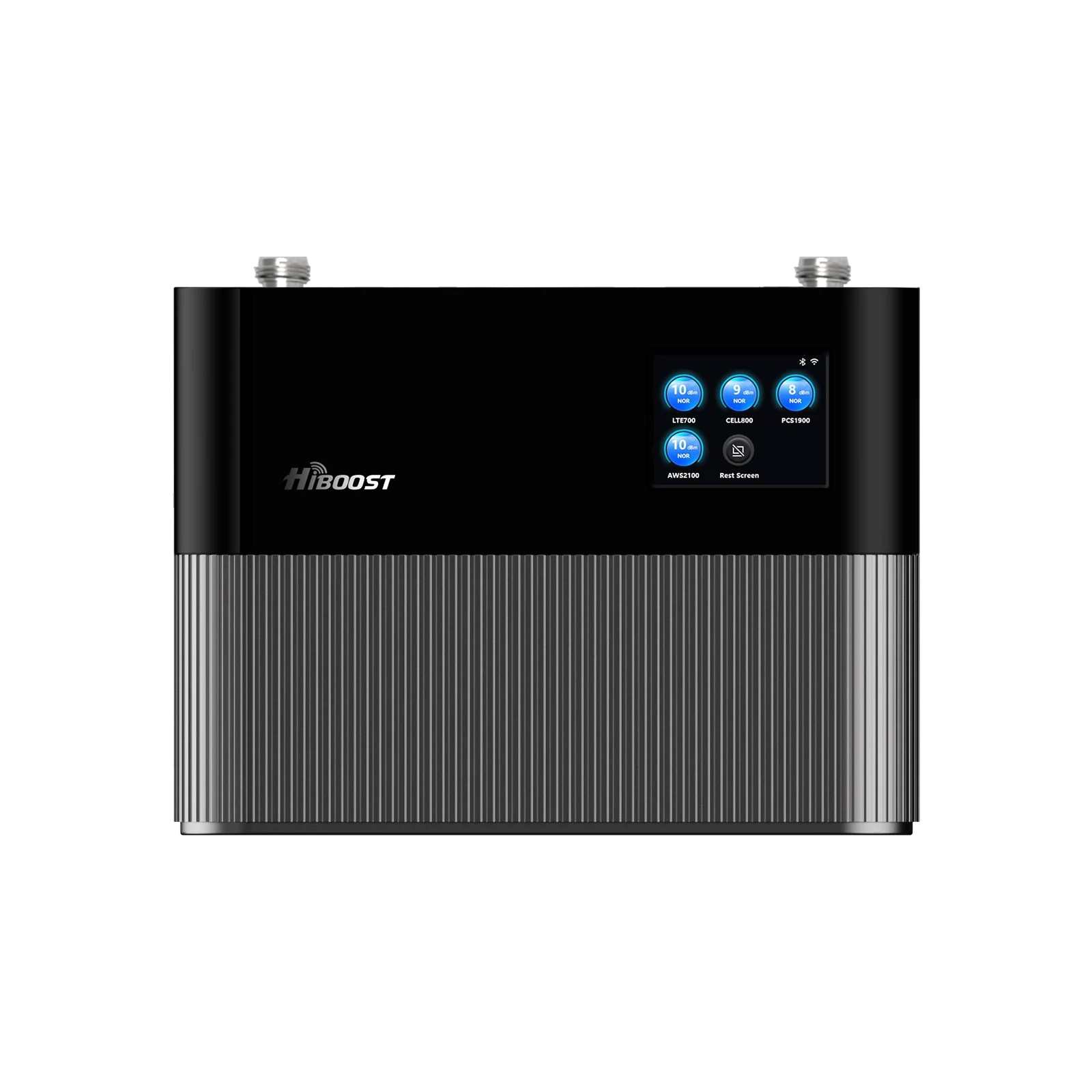
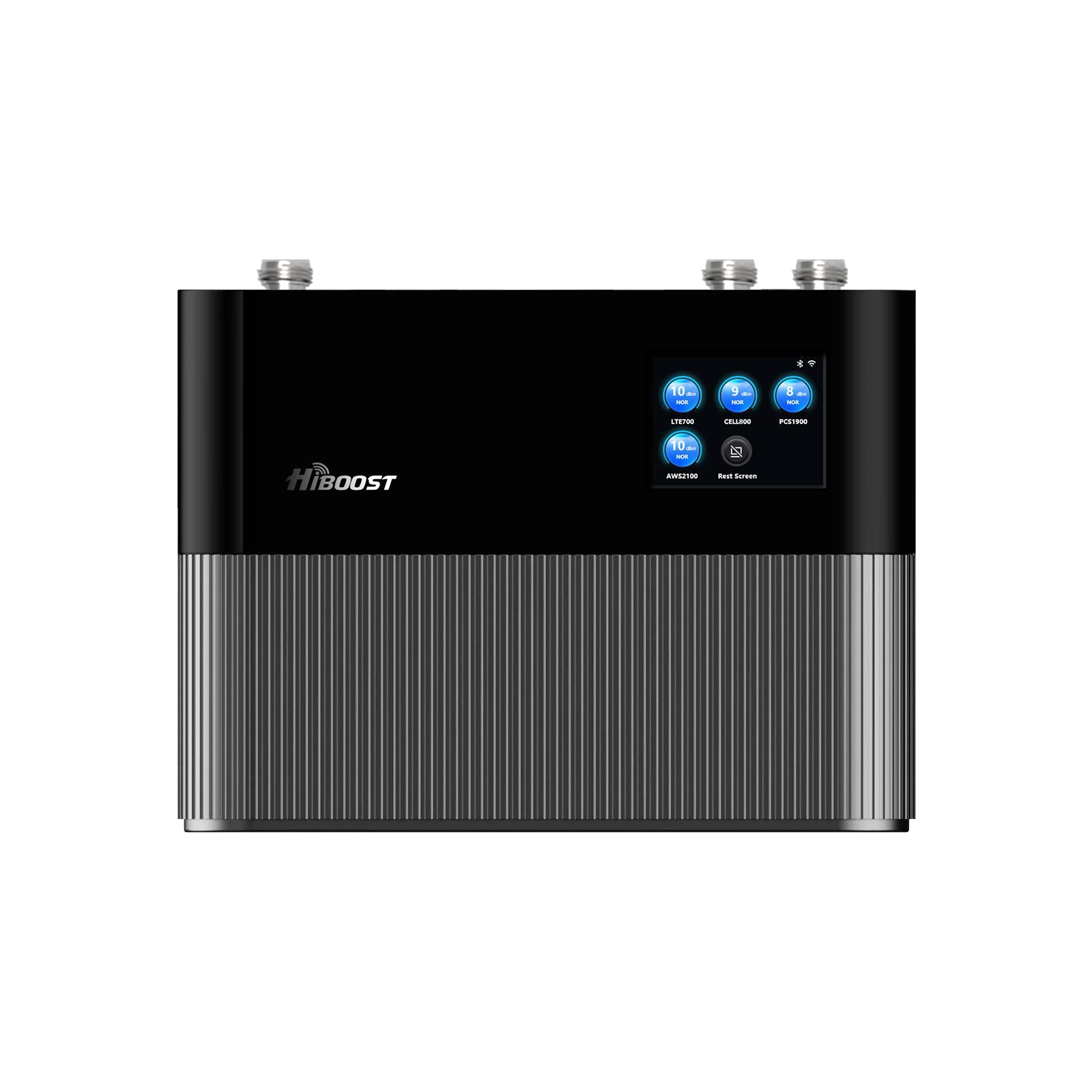
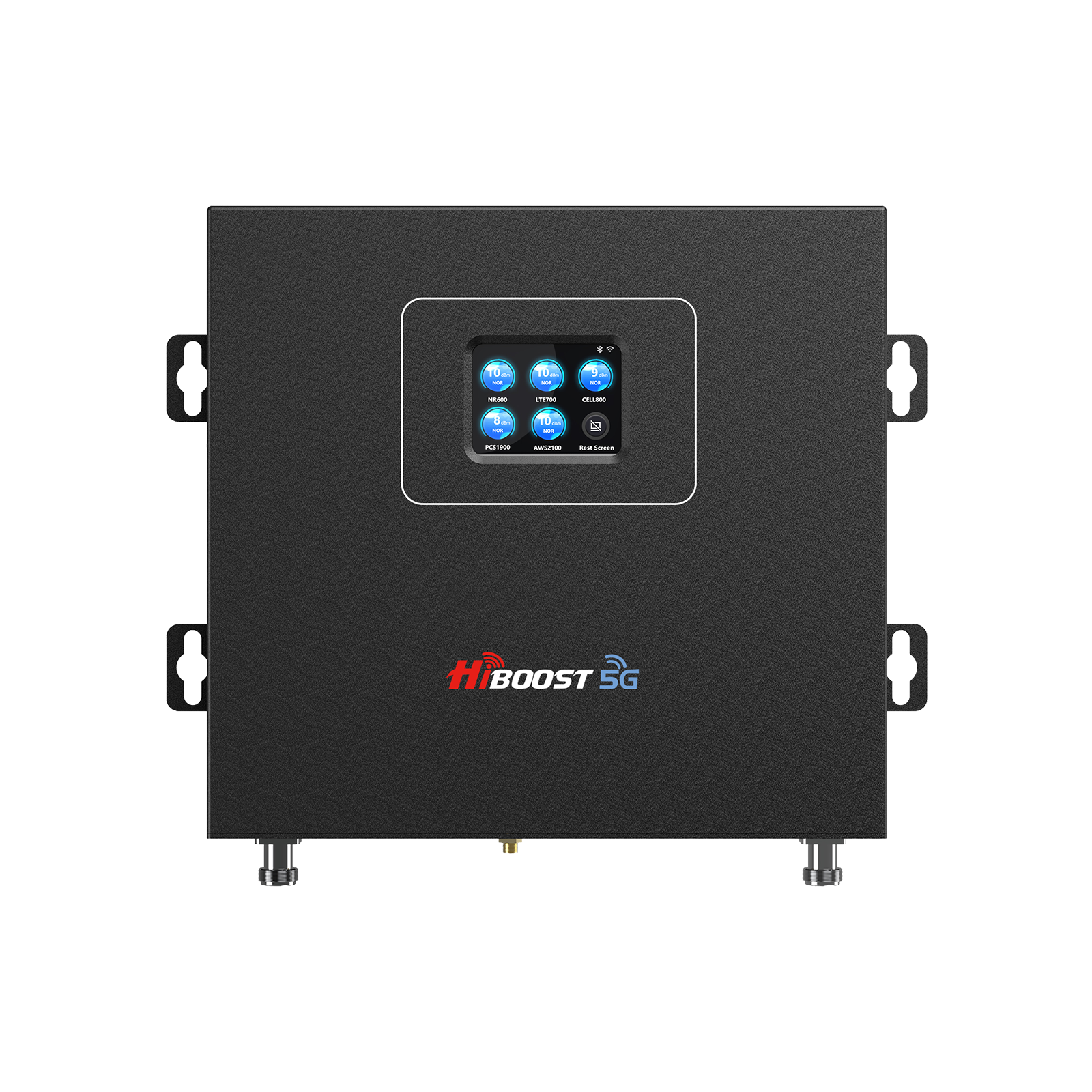
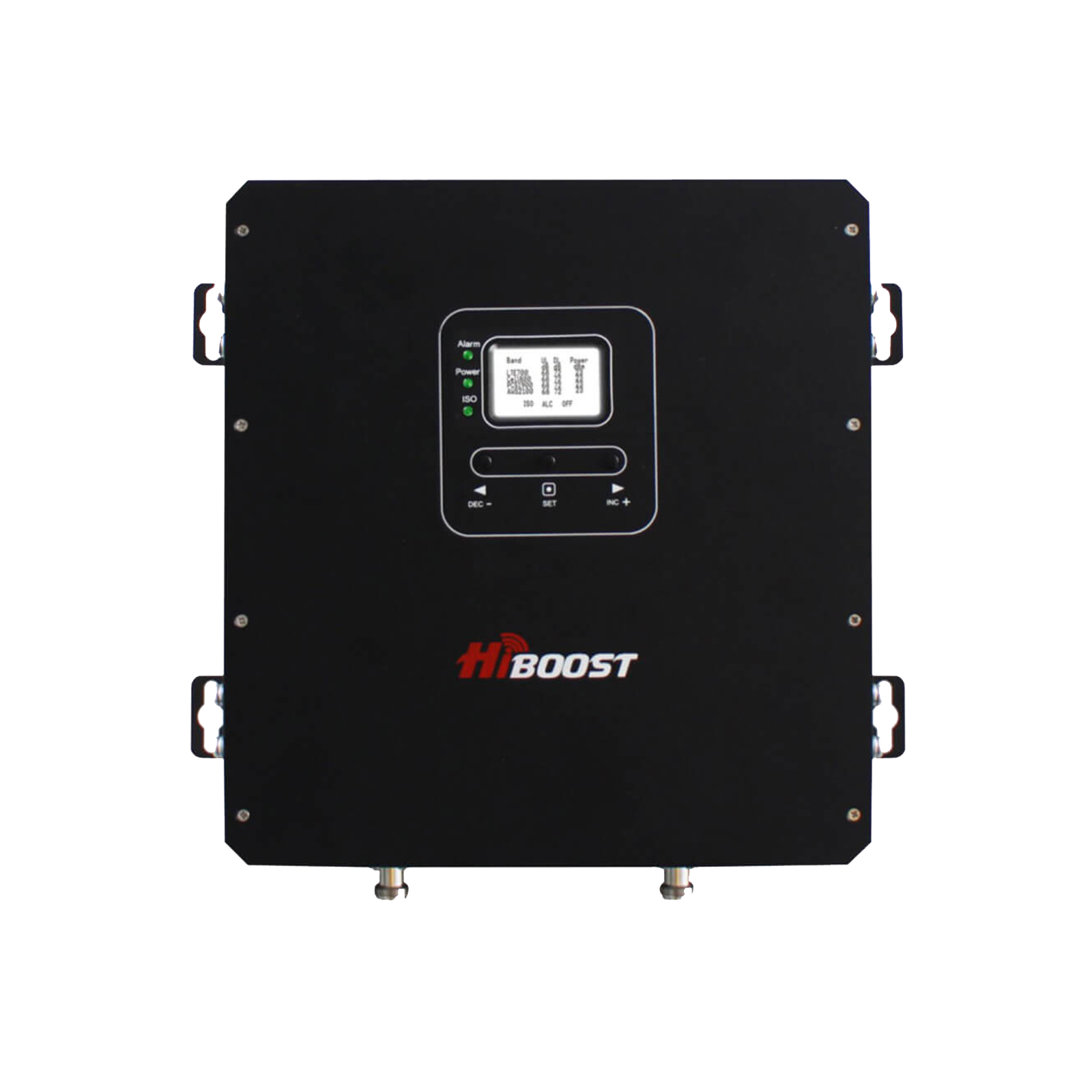
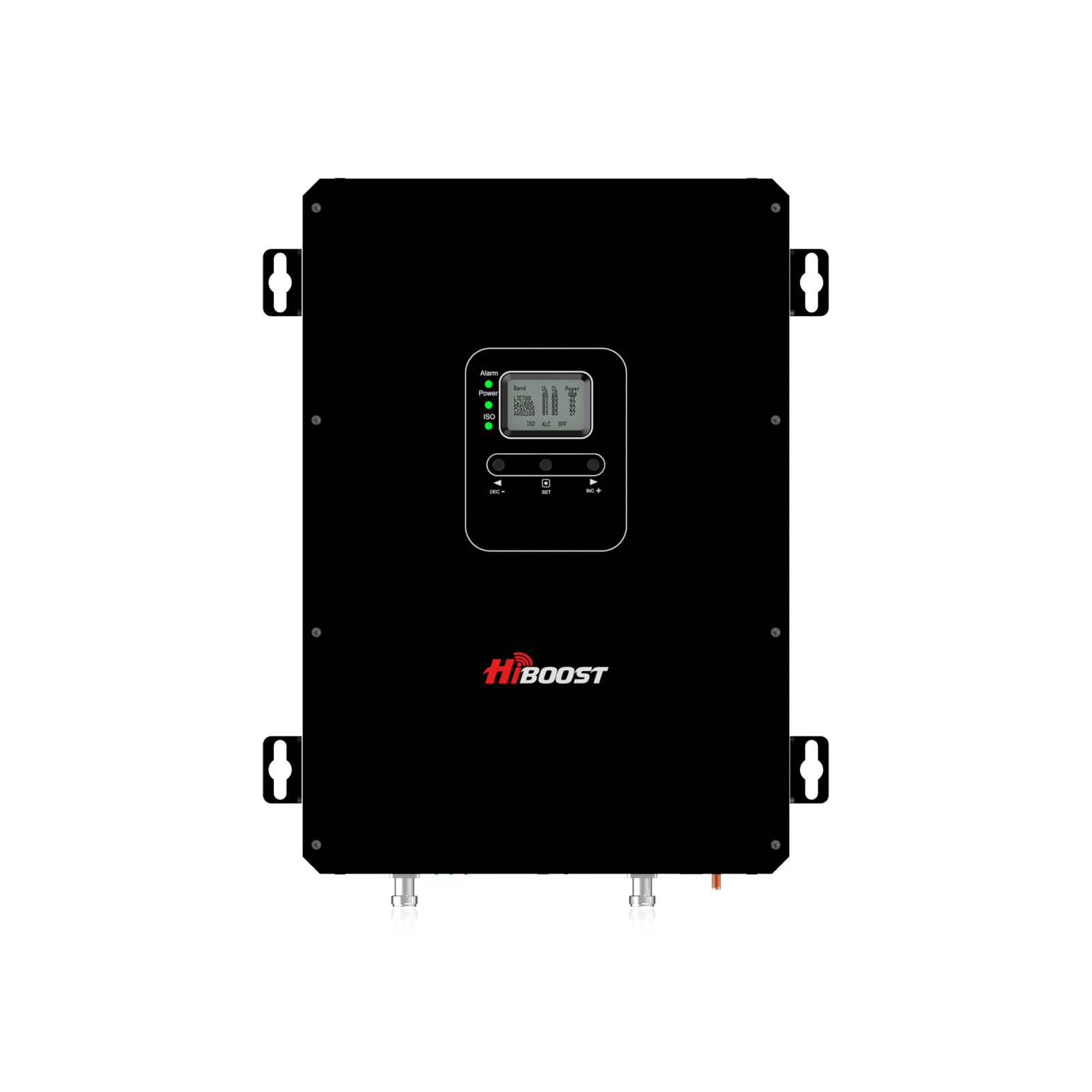
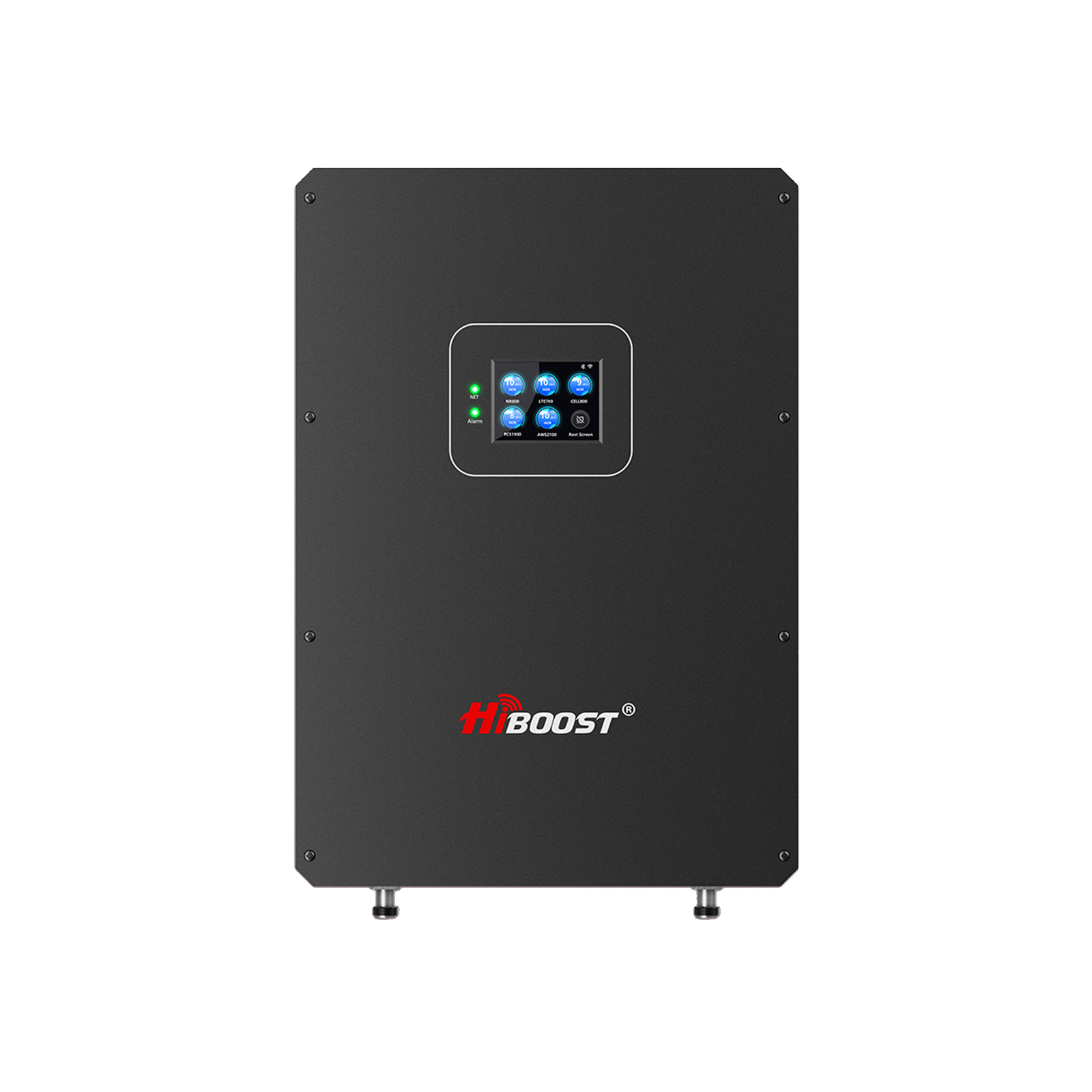
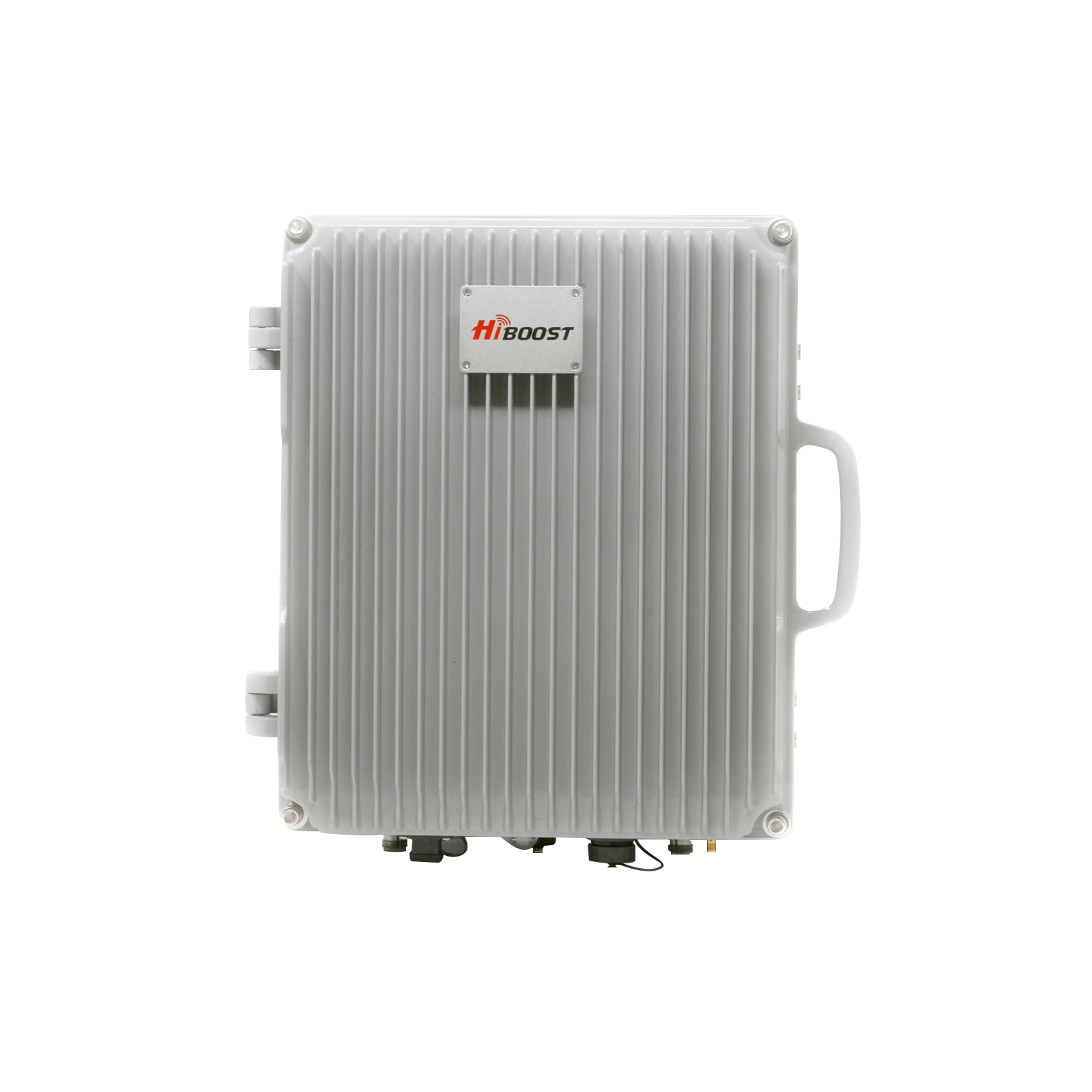
5G is the fifth-generation mobile network that promises multi-gigabit speeds, ultra-low latency, and massive device capacity. In theory, 5G can reach up to 20+ Gbps and latencies as low as 1–10 ms. However, real-world performance depends heavily on which frequency bands are used and how the network is deployed. In practice, users often see 50–500 Mbps rather than multi-gigabit rates.
Factors like distance from the tower and building obstruction play a big role in actual speed, so even with “5G” shown on your phone, throughput may not be dramatically higher than 4G. Industry rollout and adoption are still growing, but many users still experience weak or inconsistent 5G indoors or in rural areas.

Figure: 5G cell towers transmit higher-frequency signals than 4G. These signals deliver faster data but have shorter range and weaker indoor penetration.
What Is 5G? A Complete Explanation
5G stands for the 5th generation of cellular wireless technology. It builds on 4G LTE by using new radio technologies and wider spectrum to deliver more capacity and speed. In simple terms, 5G is designed to connect not only phones but also millions of IoT devices, smart vehicles, and industrial equipment, with vastly higher data rates, far greater reliability, and near-instant responsiveness compared to 4G.
- 5G Definition: 5G is the new global standard for mobile networks, delivering multi-gigabit peak data rates, ultra-low latency (as low as ~1 ms), and the ability to connect vastly more devices than 4G. It enables advanced applications like augmented reality, virtual reality, autonomous vehicles, and massive IoT sensor networks.
- 5G vs 4G LTE: Compared to 4G LTE, 5G offers much higher throughput and capacity. For example, 4G LTE typically delivered tens of Mbps with latencies around 30–50 ms, while 5G NR can deliver hundreds of Mbps up to multi-gigabit speeds and latencies under 10 ms. A quick comparison:
| Feature | 4G LTE Typical | 5G NR Typical |
| Peak Speed | ~10–100 Mbps | ~100 Mbps – 1+ Gbps |
| Latency | ~30–50 ms | ~1–10 ms |
|
Capacity |
Moderate (millions of devices) |
Very high (billions of devices) |
| Range | Long (hundreds of meters) | Shorter for high bands (tens of meters for mmWave) |
| Penetration |
Good (lower-freq signals pass through walls) |
Poor for high-frequency bands |
These figures illustrate why 5G is “faster” and can handle more traffic than 4G. However, actual speeds depend on the band: low-band 5G is similar to 4G speeds but more plentiful, mid-band hits hundreds of Mbps, and high-band mmWave can hit Gbps but covers only short distances.
Why 5G Matters Beyond Speed: 5G is not just about downloading movies faster. Its low latency and high reliability are crucial for applications like autonomous vehicles, smart cities, smart factories, remote surgery, and immersive AR/VR.
For example, a self-driving car streaming LiDAR and camera data in real-time needs millisecond response times, which 5G can provide. Likewise, 5G allows thousands of IoT sensors in a city to send and receive data simultaneously. In short, 5G’s greater capacity and responsiveness enable new technologies and smart services that 4G could not support at scale.
How Does 5G Work?
5G uses a layered network architecture and radio spectrum more efficiently than past systems. At a high level, a 5G data path flows like this:
- User Device: Your 5G-capable phone or IoT gadget. It has a 5G modem and antenna.
- Radio Access Network (RAN): The device connects via radio waves to a nearby 5G cell tower. This link is called the Radio Access Network (often 5G NR – New Radio).
- Backhaul and Core Network: The tower passes traffic into the operator’s core network (either 4G LTE EPC for NSA or a new 5G Core for SA). The core network routes data to/from the public internet or other services.
- Internet/Cloud: Finally, your data reaches internet servers or cloud resources.
Each step adds potential delay, but 5G is designed to minimize this end-to-end latency.
5G Network Architecture Explained:
In practice, most 5G deployments today are Non-Standalone, meaning they use the existing 4G LTE core network and signaling for control, but add 5G radio towers for data throughput.
Eventually networks will shift to Standalone 5G, with a full 5G core that doesn’t depend on 4G infrastructure. SA 5G allows maximum speed and latency gains. In either case, your device’s modem connects to the cell tower’s radio equipment, and data is carried through fiber or microwave links in the backhaul.
How 5G Uses Radio Frequencies:
5G operates on a wide range of frequencies. Lower bands travel far and penetrate buildings well, but provide speeds similar to strong 4G. Mid-bands offer a balance of range and high capacity. High-bands above ~24 GHz can carry enormous data rates but travel only very short distances and are easily blocked.
As a rule of thumb: “The lower the frequency, the further the signal can travel. The higher the frequency, the more data it can carry”. 5G networks typically combine several bands: low-band for blanket coverage and penetration, mid-band for urban/suburban performance, and mmWave for hotspots in dense areas.
Why Higher Frequencies Deliver Faster Speeds:
Using wider channels at higher frequencies lets carriers push more data. These bands have more spectrum available, so a 5G tower can allocate much broader “pipes” to users than LTE. The trade-off is that high-frequency radio waves attenuate quickly: they drop off with distance and are blocked by obstacles.
For example, a 28 GHz wave might only travel a few hundred meters in free space and be blocked by walls, whereas a 700 MHz wave can travel several kilometers. Thus, mmWave 5G is ultra-fast but short-range, while low-band 5G is slower but far-reaching. Carriers design networks by mixing these bands to optimize speed and coverage.

5G Frequency Bands Explained: Low Band vs. Mid Band vs. mmWave
5G uses three main “slices” of spectrum:
Low-Band 5G (sub-1 GHz):
Examples include 600 MHz and 850 MHz frequencies. Low-band covers great distances and penetrates buildings well. However, because these bands are narrow and were previously used for 4G, their 5G speeds are only modest. In practical terms, low-band 5G feels very similar to a strong LTE signal, just available more widely. It’s great for rural coverage or as a blanket layer nationwide, but it doesn’t deliver the full promise of 5G speeds.
Mid-Band 5G (1–6 GHz):
The key example is C-band in the U.S. Mid-band is a sweet spot: it carries hundreds of Mbps up to 1 Gbps, with coverage better than mmWave but somewhat less than low-band.
Mid-band is often used in cities and suburbs to provide faster 5G over a decent range. For instance, Verizon’s new C-band network and AT&T’s 3.45 GHz holdings fall here. Carriers may also use portions of existing bands.
Mid-band signals travel several hundred meters indoors and outdoors, but walls will attenuate them. In short, mid-band 5G “balances speed and coverage”, which is why it has become the workhorse of 5G deployments.
High-Band (mmWave 5G, 24+ GHz):
These are extremely high frequencies. They provide blazing multi-gigabit speeds with theoretical peaks of 20+ Gbps because huge channel bandwidths are available.
The downside is poor range and penetration: mmWave waves only travel short distances and are easily blocked by walls, rain, or even people. As a result, mmWave 5G is only deployed in very dense urban “hot zones” to deliver ultra-fast service. A good analogy is: mmWave is like a “sprinter”: extremely fast but with a very short stride length.
What Is C-Band 5G?
In the U.S., C-Band refers to mid-band spectrum around 3.7–3.98 GHz. It has been a game-changer for U.S. 5G because it offers a large swath of contiguous mid-band spectrum previously held by satellite companies. Carriers like Verizon and AT&T aggressively acquired C-band licenses in 2021 and have been rolling it out.
Why C-Band Changed US 5G:
C-band provides the first truly high capacity mid-band coverage over large areas. Verizon describes C-band as a “middle-distance runner” of spectrum; it can reach much farther than mmWave but still deliver gigabit-class speeds. At launch, Verizon promised ~1 Gbps peak speeds on C-band.
In practice, C-band has enabled massive speed gains over what Verizon and AT&T could do with only low-band before. It significantly improves 5G performance city wide without the need for countless new towers. For users, this meant 5G speeds doubling or tripling in many areas when C-band came online.
Verizon C-Band vs. AT&T C-Band:
While both carriers use mid-band, there are technical differences. Verizon’s main C-band is 3.7–3.98 GHz, whereas AT&T uses 3.45–3.55 GHz. In terms of coverage, as of 2025 Verizon reports covering over 222 million people with its C-band, aiming for 250 million.
AT&T reports roughly 190 million covered on mid-band, aiming to hit 200 million by late 2023. The key point is that both carriers gained much faster 5G by deploying these mid-band bands.
Does C-Band Work Indoors?
Generally, C-band penetrates buildings better than mmWave but worse than low-band. Users in offices or homes near windows often see good C-band 5G, but deeper indoors or in basements the signal can drop.
As with any higher-frequency signal, concrete or metal walls can block it. In short, C-band extends high-speed 5G into more areas, but it still attenuates through thick walls or glass.
Tests show that installing C-band 5G inside often requires an external antenna or booster to get full benefit. In many homes, C-band 5G is available near windows but may fade toward the interior.

NSA vs SA 5G Explained
5G networks come in two flavors:
Non-Standalone (NSA) 5G:
This is the common interim mode. NSA 5G piggybacks on existing 4G LTE core networks. Essentially, the phone connects to a 5G radio but still uses the 4G core for signalling and control. NSA rollouts are quicker and simpler because carriers reuse infrastructure.
The trade-off is that the device must keep its 4G radio active for coordination, so some latency benefits are lost. The most commercial 5G today is NSA. You often see a 5G icon even if your call/data still partially routes through 4G.
Standalone (SA) 5G:
This is the “pure” 5G mode with an independent 5G core network. In SA mode, devices connect to a completely 5G environment. The advantage is lower latency, better network slicing, and full use of 5G capabilities. SA networks can achieve sub-10ms latency end-to-end and support massive IoT. By 2025+, carriers are gradually activating SA in major cities.
Is SA 5G Faster?
In practice, real-world speeds usually depend more on the radio band than NSA/SA. Both NSA and SA can use the same high-frequency channels. However, SA unlocks some performance benefits: it can reduce signaling overhead and use newer core optimizations. Early data suggest SA networks offer slightly lower latency.
Battery vendors report users saving some power once networks go SA. But as long as NSA 5G uses mid or high bands, download/upload rates are similar. Think of NSA as “5G turbo mode but still checked by 4G,whereas SA is “full 5G” the difference is more about network efficiency and latency than raw speed.
Why Is My 5G Signal Weak?
Even with a 5G phone and a new tower, there are many reasons 5G can be weak:
Distance from the Tower:
Radio signals weaken with distance. If you’re far from the nearest 5G cell, the received signal strength drops. 5G mmWave towers only cover short ranges, so you might see bars drop as soon as you leave a hotspot.
Even with low-band 5G, a distant tower means a faint signal. In short, more distance = weaker signal. Industry experts note that if you live on the fringe of coverage, no booster can help; you need the roof antenna aimed at the tower.
Building Materials:
Indoor structures heavily impact 5G. Materials like concrete, brick, metal, and even energy efficient glass can reflect or absorb 5G waves. Higher-frequency 5G penetrates even worse.
For example, a metal roof or foil-backed insulation can block most 5G. Users often see a strong signal outside but virtually no two rooms inside. As noted by HiBoost, “walls block signals, an external antenna or booster can bring it inside”.
Network Congestion:
If many people use the same tower simultaneously, each user’s speed and latency suffer. The “bars” on your phone don’t show congestion; they just show signal strength. A full five-bar signal could still be bottlenecked by traffic. T-Mobile explicitly warns: “More bars doesn’t mean faster speeds”. In heavily loaded cells, your 5G data may slow to 4G-like speeds.
Rural Area Limits:
In remote areas, towers may only carry low-band 5G. Some towers might not have 5G hardware, or only offer basic 5G LTE in disguise. In many rural homes, the only 5G is a weak ‘Extended Range’ band with speeds similar to LTE. If no tower is nearby at all, you’ll have no coverage without an alternative .
Other Factors:
Weather can attenuate high-frequency 5G. Also, phone factors like an older model or a dying battery can reduce reception. Notably, a dying battery causes the phone to reduce transmit power, making it “hear” towers less well.
In summary, weak 5G is usually due to factors outside your phone. If distance is the issue, only a high-gain external antenna will help. If walls block the signal, an external antenna or booster is needed. If too many users are on the cell, only network upgrades or moving to another location can fix it. Because the “5G” icon only means you have some 5G signal, not that you have gigabit speeds. You might be connected to low-band 5G which caps out at maybe 50–100 Mbps, only a bit above LTE.
Also, even with strong signal bars, if the cell is congested, data will be throttled. Wilson Amplifiers emphasizes that signal bars indicate radio link strength, not throughput. In short, 5G branding doesn’t guarantee a huge speed boost unless you’re on mid-band or mmWave with a clean channel.
If your phone shows weak or inconsistent 5G reception, our guide on **[How to Improve Cell Phone Signal]** explains how to identify common coverage problems and explore practical solutions.
How to Check Your 5G Signal Strength Before Buying a Booster
Before buying a 5G booster, check the actual cellular signal outside your building instead of relying only on the bars shown on your phone. RSRP is a useful measurement for 4G LTE and 5G NR signal strength, while SINR helps show signal quality in relation to interference and noise. The FCC identifies RSRP as a standard signal measurement for LTE and 5G NR.
Your phone's signal bars are useful for a quick check, but they are not a detailed measurement. Two locations can show similar bars while producing very different speeds.
Check RSRP
RSRP, or Reference Signal Received Power, is one of the most useful measurements when checking cellular reception.
It is normally shown in dBm, with negative numbers. In general, a value closer to zero represents a stronger received signal.
For example:
| RSRP reading | General indication |
| Around -80 dBm | Strong |
|
Around -90 dBm |
Good |
| Around -100 dBm | Usable |
| Around -110 dBm |
Weak |
| Around -120 dBm or lower | Very weak |
These ranges are practical guidelines, not universal pass or fail limits. Signal performance also depends on the band, network design, device, interference, and other factors. The FCC has specifically noted that RSRP values can vary with spectrum band, network design, and device capabilities.
Check SINR
SINR, or Signal to Interference plus Noise Ratio, tells you more about signal quality.
A strong RSRP does not automatically mean fast internet. If interference is high, the phone may still deliver poor speeds.
This is why it is useful to check both:
RSRP = How strong is the signal?
SINR = How clean is the signal?
The FCC's broadband data specifications also use SINR as a network performance parameter.
Test Outside Before Buying a Booster
The most important step is to test the signal outside the building.
Walk around the property and check:
- Near windows
- On an upper floor
- Outside the building
- On the roof or another planned antenna location
- Different sides of the property
Take several readings instead of relying on one measurement.
You should also run a speed test in the same locations. Record:
- Download speed
- Upload speed
- Ping
- Jitter
- RSRP
- SINR
- 5G or LTE connection type
The FCC's mobile coverage guidance also recommends real-world speed testing because coverage maps do not show indoor coverage.
Once you understand your outdoor signal conditions, use our **[How to Choose a Cell Phone Signal Booster]** guide to compare coverage requirements, supported bands, antenna options, and installation considerations.
What Does This Mean for a HiBoost Booster?
A cellular booster needs an existing outdoor signal to amplify.
It cannot create cellular service where there is no usable signal. A suitable HiBoost setup uses an outdoor antenna to capture the available cellular signal, sends it to the amplifier, and then distributes the improved signal through an indoor antenna.
Before purchasing a HiBoost 5G booster, check the signal outside and confirm that the bands used at your location are supported by the specific HiBoost solution you are considering.
This simple test can help you avoid buying a booster without first confirming that there is a usable signal to work with.
Q: Why does 5G disappear indoors?
High-frequency 5G has poor penetration. Walls, floors, and glass can block these signals entirely. If you step from outside to inside, your phone may lose 5G and drop to LTE. This is normal physics. To improve indoor coverage, use an external antenna or booster, or rely on Wi-Fi calling.
Q: Why does 5G drain faster than 4G?
Modern 5G phones often power two radios simultaneously, which uses more energy. Also, phones may crank up power in a weak 5G area, and high-speed media streaming on 5G can push CPU/GPU harder.
Anandtech data shows 5G can increase battery drain by ~6–11% compared to 4G. As networks evolve to Standalone 5G and newer chipsets are more efficient, this gap should shrink. But for now, poor 5G reception also makes the phone boost power to maintain the link, further draining the battery.
How to Improve 5G Signal Indoors
When you have poor indoor 5G, try these user-friendly fixes first:
Move near a window or higher floor.
Even a modest change in position can help. Sitting by an east or west-facing window, or going up one floor, often raises your signal because fewer walls separate you from the tower. A HiBoost guide notes that simply “positioning your device by a window or on a balcony can raise your signal” by reducing obstructions.
Avoid dead spots.
Walk around and note which rooms/areas have zero or one bar. Those are “dead zones”. Either avoid using your phone there, or try the next tips to mitigate these spots.
Use Wi-Fi Calling.
If your cell signal is weak but your home broadband is strong, enable Wi-Fi Calling on your phone. This lets you make calls and texts over your internet connection instead of cellular.
It requires no extra hardware. Wilson Amplifiers explains that Wi-Fi Calling “bypasses indoor obstacles by leveraging the internet”. It’s a quick workaround for calls/texts, though note it doesn’t improve your cellular data speed – it simply routes calls over Wi-Fi instead of 5G.
Update settings and restart.
Check that your phone’s carrier settings and software are up-to-date; sometimes carriers push updates to improve compatibility with 5G networks. Restarting your phone can also refresh the connection, forcing it to find the best tower.
Install a 5G signal booster.
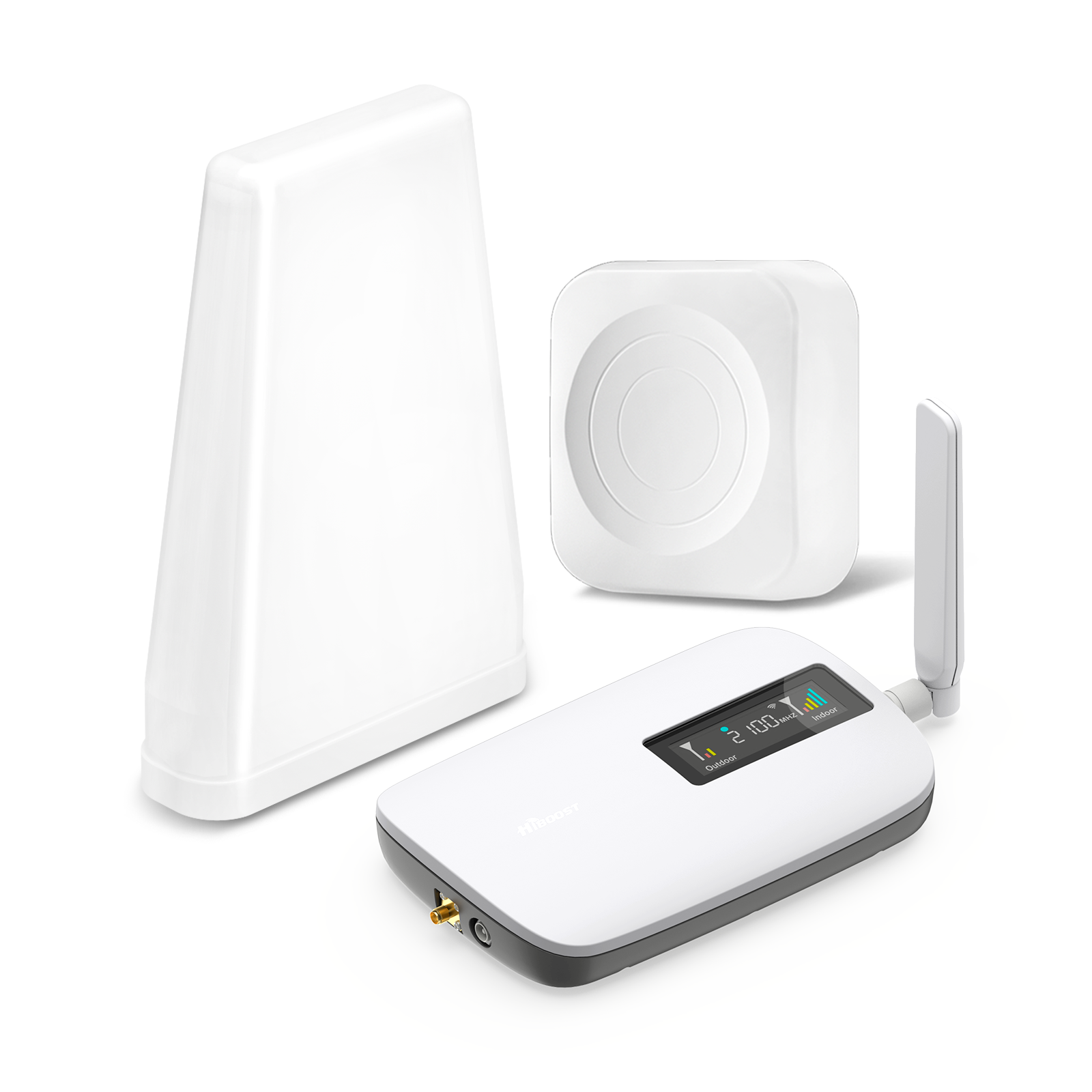
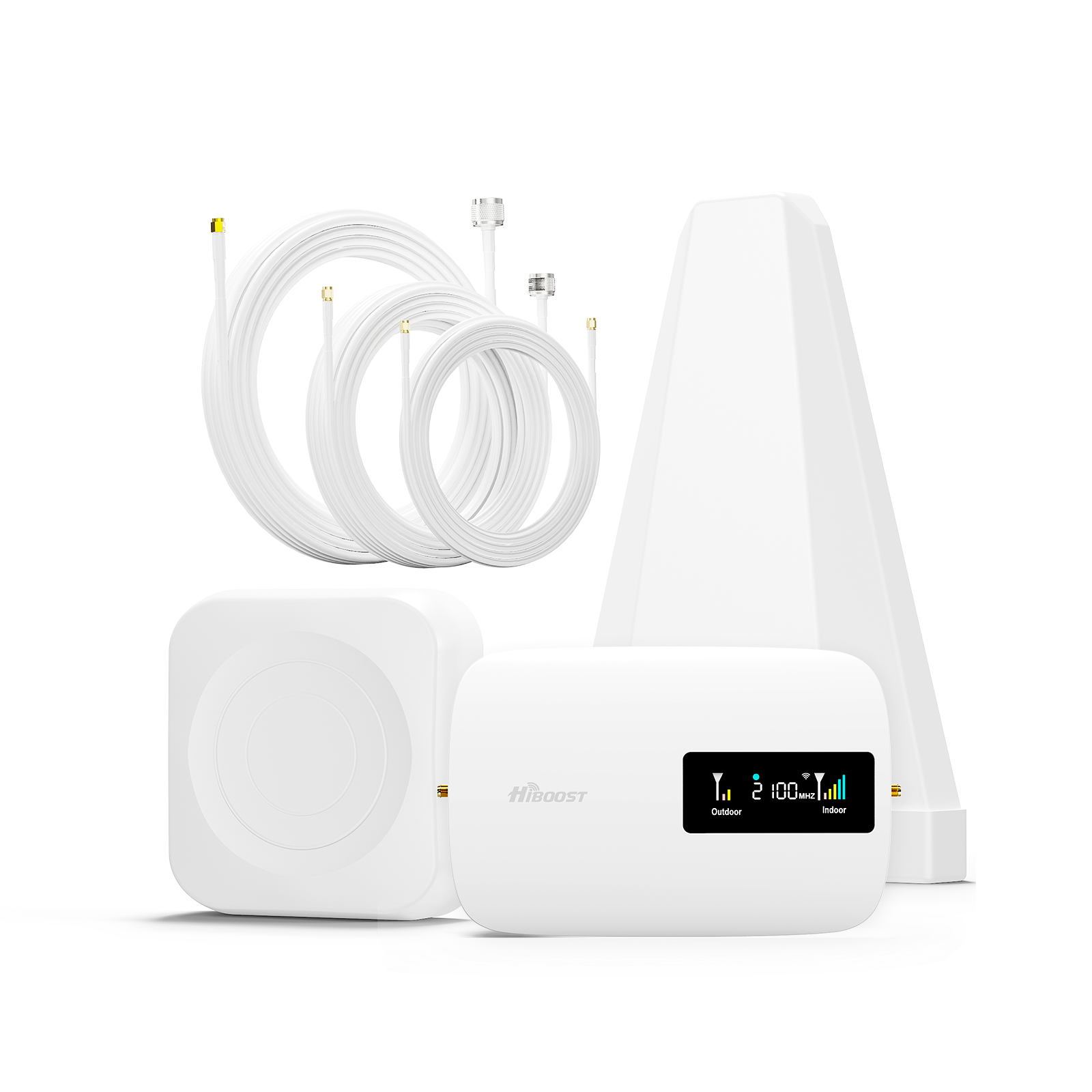
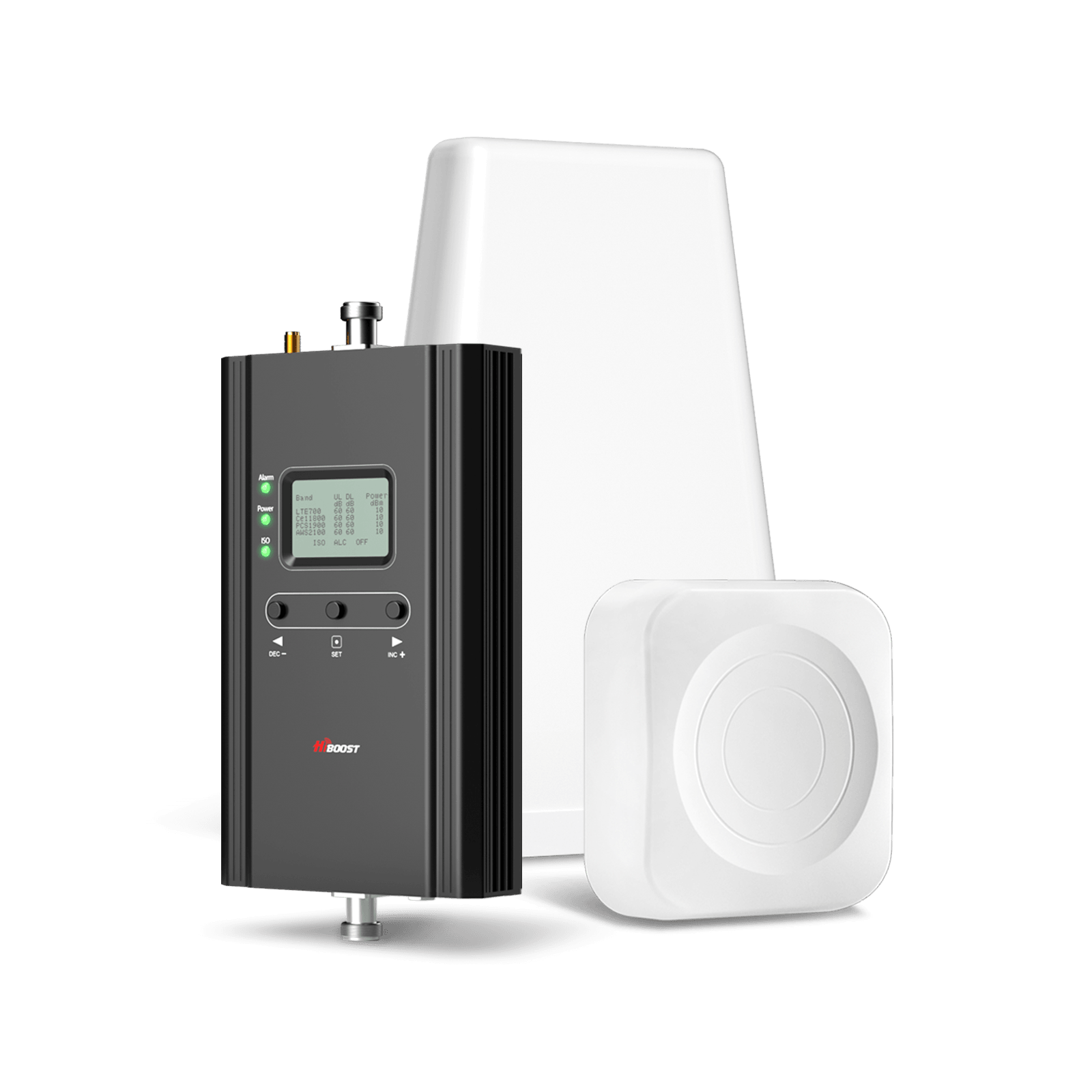
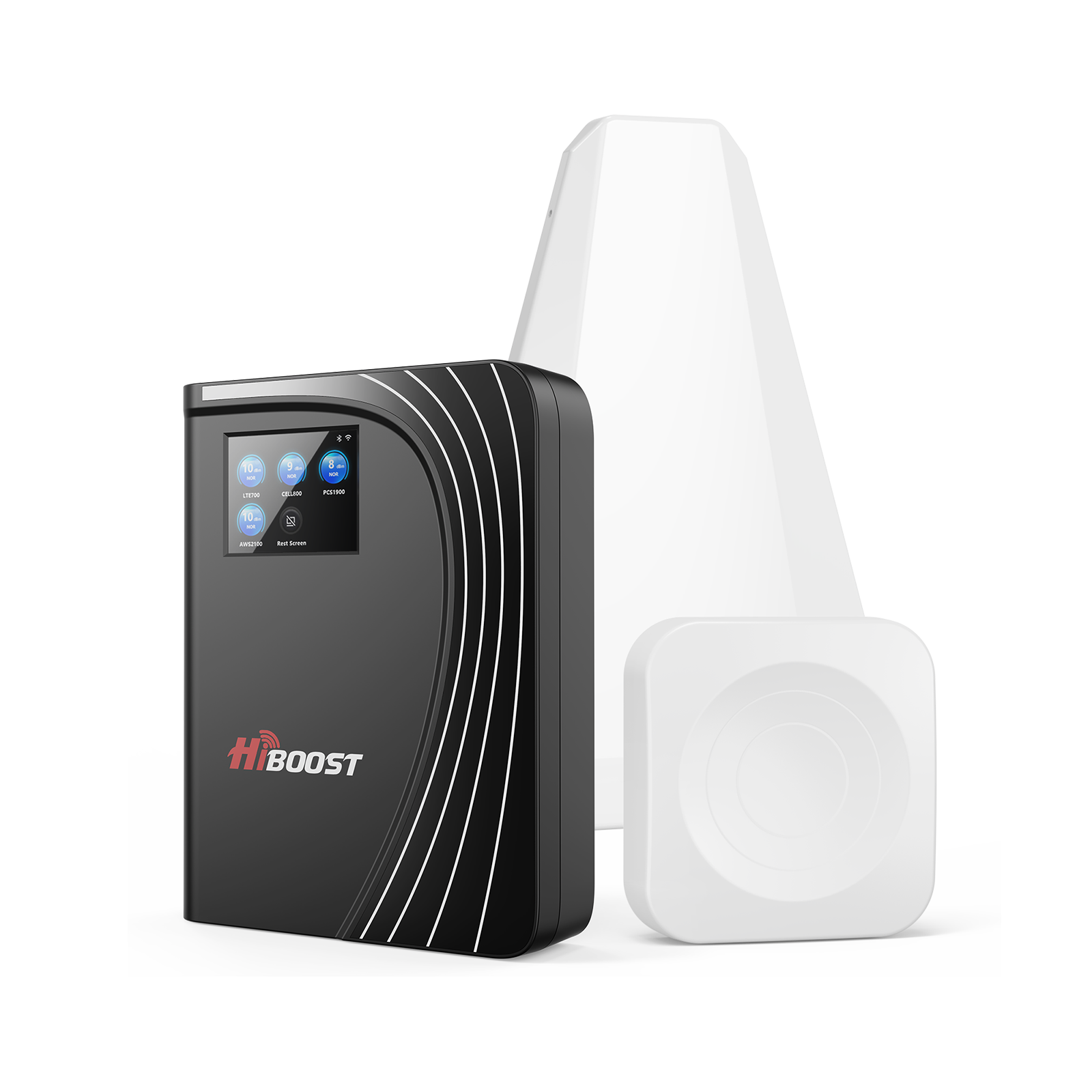
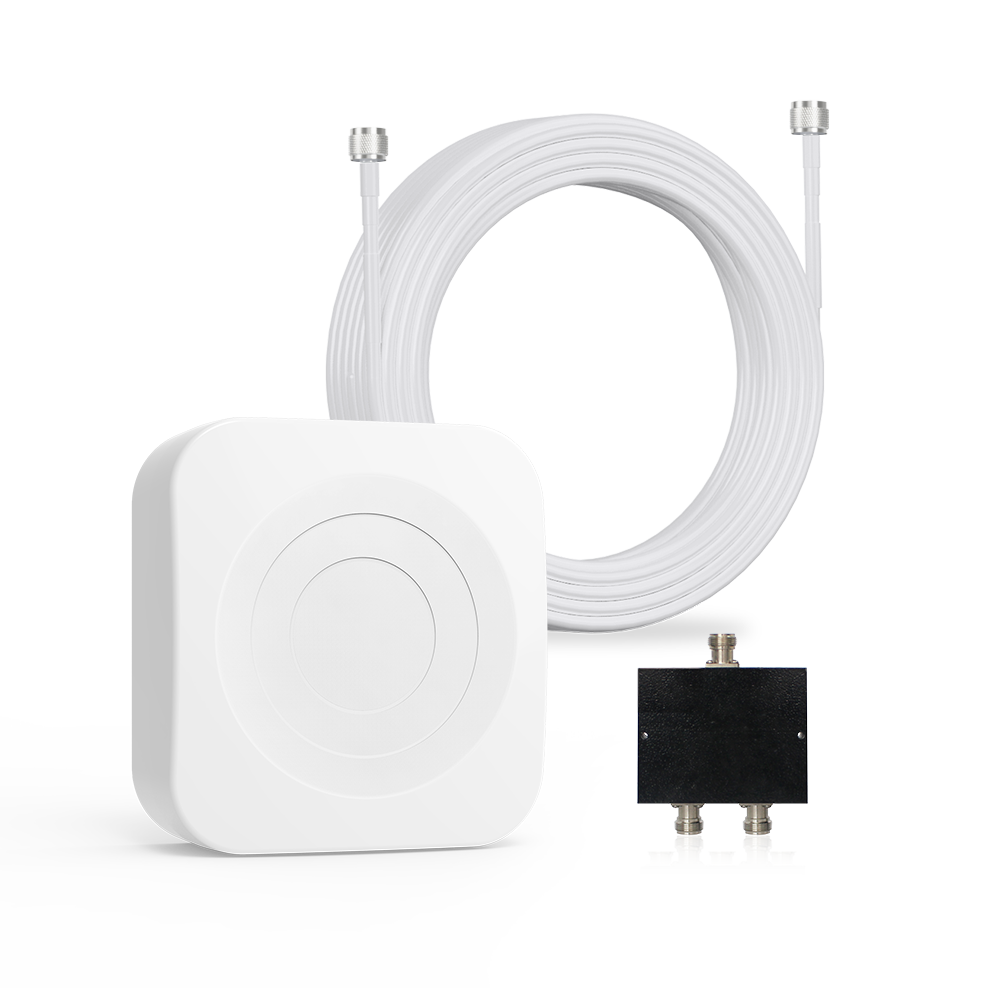
For a more robust fix, a cellular signal booster can dramatically amplify indoor 5G. A booster kit has an outdoor antenna, an amplifier, and an indoor antenna.
The outdoor antenna picks up even weak 5G outdoors, sends it to the amplifier, which boosts it and rebroadcasts indoors. All your phones then see a full-strength signal. HiBoost’s Home boosters, for example, cover thousands of square feet. In practice, installing a booster can turn a spotty one-bar signal into multiple bars throughout your home.
For a more detailed home coverage solution, explore our guide to **[Improving Cell Phone Signal at Home]**, including signal testing, building materials, antenna placement, and installation considerations.
Can Signal Boosters Amplify 5G?
Yes, if conditions are right. A signal booster works on any technology (3G/4G/5G) as long as the booster and antennas support the same bands your phones use. The key requirements are (1) there must be some outdoor signal to capture, and (2) the booster must be compatible with the bands your carrier uses.
Wondering whether a cellular signal booster is right for your situation? Read our **[Cell Phone Signal Booster Buying Guide]** to learn how to compare coverage needs, carrier compatibility, and installation requirements.
Do 5G Boosters Really Work?
In general, yes. If you have even a weak 5G signal outside on a boostable band, a booster can amplify it. Home boosters like those from HiBoost can cover entire houses and work with multiple phones simultaneously. WeBoost and SureCall report that users see improved speeds and stability after installation.
However, boosters cannot create a signal from nothing. HiBoost notes that “boosters don’t work if there is absolutely no detectable cellular signal; they must have something to amplify”. In other words, they need at least a faint “donor” signal outside.
What 5G Bands Do Boosters Support?
This is critical. In the U.S., FCC rules and current booster designs typically allow only certain “Sub-6” 5G bands. For example, most boosters handle 850 MHz and 1900 MHz 5G bands used by Verizon and AT&T. They do not support:
- T-Mobile’s 600 MHz or 2.5 GHz 5G bands.
- Verizon/AT&T’s mmWave or C-band. In practice, this means a booster will amplify Verizon or AT&T 5G only if your phone is on their low-band 5G. A T-Mobile phone on 600MHz or 2.5GHz 5G will not see any improvement from a booster under current rules. Always check your carrier’s bands and the booster’s specs before buying.
5G Booster Limitations:
Boosters amplify existing signals; they cannot extend coverage into a no-signal zone. As noted, “boosters cannot create a signal where none exists”. They also don’t remove network congestion or fix carrier-side issues. Another limitation: proper installation is crucial. In summary, a booster can vastly improve 5G in a weak-coverage area, but only if there’s some outdoor 5G to catch and on a compatible band.

5G Speed Test Guide
5G vs. 4G LTE Real-World Speed Test
5G can be considerably faster than 4G LTE, but there is no single speed that represents every 5G connection. Real-world performance depends on spectrum, tower distance, network congestion, device capability, signal quality, and the local network. The FCC notes that modern mobile broadband performance has improved substantially, with mid-band spectrum contributing to higher speeds.
A useful 5G versus 4G comparison should therefore be based on measured results, not theoretical maximum speeds.
To better understand how 5G improves mobile connectivity, see our guide to [5G vs. 4G LTE], including differences in speed, coverage, latency, and real-world performance.
Urban Areas
Urban areas often have more cellular infrastructure and higher network capacity.
Users may have access to low-band, mid-band, and in some locations high-band 5G. This can produce very high download speeds, but performance can also change during busy periods.
For a useful urban comparison:
- Test 4G LTE on the same phone.
- Test 5G in the same location.
- Use the same speed-test server.
- Test at similar times.
- Record download, upload, ping, and jitter.
This creates a much more meaningful comparison than comparing theoretical 4G and 5G speeds.
Suburban Areas
Suburban users may experience a mixture of strong outdoor coverage and weaker indoor coverage.
A phone might show excellent 5G near a window but fall back to LTE deeper inside the house.
Building materials can make a major difference. Concrete, metal structures, coated glass, and multiple walls can reduce the signal reaching the phone.
This is one situation where testing outside versus inside can reveal the real problem.
Rural Areas
Rural areas often have greater distances between towers.
Low-band cellular signals can travel farther, while higher-frequency 5G can provide greater capacity but may have more limited coverage.
A rural speed test should therefore include:
- Outside near the strongest signal
- Inside near a window
- Inside the main living area
- Different sides of the property
- Different times of day
If outdoor cellular service is usable but indoor service is weak, a HiBoost booster may be worth investigating.
If there is no usable cellular signal anywhere on the property, a booster cannot manufacture a connection that the network does not provide.
How to Compare Your Results
| Metric | 4G LTE Test |
5G Test |
| Download |
Record result |
Record result |
|
Upload |
Record result | Record result |
| Ping | Record result | Record result |
| Jitter | Record result | Record result |
| RSRP | Record result | Record result |
| SINR | Record result | Record result |
The goal is not simply to find a larger number. The goal is to understand why the numbers are different.
Does 5G Replace Home Internet?
5G can replace a traditional home internet connection in some locations, but it depends on the local 5G network, service plan, capacity, signal quality, and household needs. 5G Fixed Wireless Access is already being used as a home broadband option, and the FCC recognizes 5G as an important technology for fixed wireless access.
5G Home Internet vs. Traditional Broadband
5G home internet uses a cellular network to provide broadband service to a fixed location. A 5G gateway receives the cellular connection and shares it with devices around the home. Traditional broadband can use technologies such as fiber, cable, DSL, or other fixed connections. The right choice depends on what is available at your address.
| Feature |
5G Home Internet |
Traditional Fixed Broadband |
| Connection |
Cellular |
Wired or fixed wireless |
|
Installation |
Often simpler |
May require physical installation |
| Coverage | Depends on 5G availability |
Depends on local infrastructure |
| Speed |
Can be high |
Can be very high |
| Performance | Can vary with signal and congestion |
Often more consistent |
|
Mobility |
Usually location-based |
Fixed location |
| Rural availability | Can be useful where 5G reaches | Depends heavily on local infrastructure |
5G Fixed Wireless Access is growing quickly. Ericsson's 2026 FWA outlook reports that 71% of FWA service providers offer FWA over 5G, showing how important 5G has become for home broadband.
When Can 5G Be a Good Home Internet Option?
5G home internet can make sense when:
- Strong 5G coverage is available
- The local network has enough capacity
- The service plan meets your data needs
- Wired broadband options are limited
- You want a simpler installation
However, performance can change based on network conditions.
What If 5G Is Strong Outside but Weak Inside?
This is where the distinction between 5G home internet and 5G signal boosting becomes important.
A home may have good cellular service outdoors but poor reception indoors because the building blocks the radio signal.
In this situation, a HiBoost cellular signal booster can help improve the cellular signal inside, provided there is a compatible outdoor signal available.
The booster does not replace your carrier or create a new cellular network. It works with the existing signal available at the property.
How to Test Your 5G Speed
To measure your actual 5G speeds, use a reputable speed-test tool. The two most common are Ookla Speedtest and Fast.com. Ookla’s Speedtest measures download speed, upload speed, and ping. Fast.com gives a quick download speed using Netflix’s network. Other apps like nPerf or OpenSignal exist, but Ookla is widely used even by regulatory bodies. To run a test:
Connect only your phone to a strong Wi-Fi.
- Open the app and select “Start” or the big button.
- Wait for it to measure download and upload throughput and ping.
Run tests at different times of day or locations to get a full picture. For 5G, pay attention to consistency: mid-band might consistently give 300–600 Mbps, while mmWave might peak above 1 Gbps. Keep in mind interference and congestion: multiple parallel tests may show slightly higher speeds than a single stream application would see.
Understanding 5G Speed Results
Speed test results include:
- Download Speed: How fast data comes from the internet to your device . High download speed matters for streaming video, loading pages, etc.
- Upload Speed: How fast data goes from your device to the internet. Important for video calls, backing up photos, and live streaming.
- Ping/Latency: The round-trip time for a small data packet. Lower is better. High latency can make calls and gaming feel laggy.
- Jitter: Variation in ping. Even if average ping is low, high jitter means inconsistent performance.
A good 5G connection might show ping of 10–20 ms, download 200–800 Mbps, upload 30–100 Mbps. If your speeds are much lower than expected, double check location, carrier settings, and try a booster or Wi-Fi calling.
5G Coverage Map Guide
Different carriers and countries have varying 5G coverage. In the U.S.:
Verizon 5G Coverage:
Verizon maintains the largest geographic footprint with its nationwide 5G and ultra-wideband mmWave in metro areas. Verizon reports that its 4G LTE covers ~99.5% of where people live, and its 5G UWB now reaches over 270 million people.
On maps, Verizon’s 5G is solid in cities and along highways, but sparse in very rural corners. Generally, Verizon leads in rural and highway coverage.
AT&T 5G Coverage:
AT&T’s 5G covers about 315 million people and ~41% of U.S. land area. AT&T’s strategy was to first blanket most populated areas with low-band, then add mid-band to improve speeds. Coverage is quite broad 99.6% of people have some signal so rural users often have at least basic service.
AT&T’s map shows a wide mid-band especially in the South, Midwest, and Northeast. They still leave some gaps in very remote mountain or plains areas, but overall AT&T offers a very consistent coverage “blanket”.
T-Mobile 5G Coverage:
T-Mobile has aggressively built out 5G, especially mid-band and low-band. T-Mobile now covers over 332 million people nationwide with 5G. Its coverage strategy emphasizes population centers: its 5G blankets nearly all cities and towns.
On land area, T-Mobile’s footprint is a bit smaller than Verizon/AT&T, but because it focuses on inhabited regions, it serves almost the same population. In practical terms, in an urban or suburban area, T-Mobile 5G is likely present nearly everywhere. Their mid-band "Ultra Capacity 5G" now reaches ~305 million people.
Coverage Maps by Carrier:
Left – T-Mobile’s nationwide 5G covers most populated areas.
Top right – AT&T’s 5G offers broad coverage across states with only some rural gaps.
Bottom right Verizon’s 5G is concentrated in cities and along major roads, with large rural areas still white.
All providers still have pockets with no service. In general, if you live near a city or interstate, any of the big 3 will have service. The edges of coverage maps reveal the differences which is where boosters become most useful.
HiBoost’s advice: No matter which carrier, a signal booster can help “fill in the blanks” where the maps show sparse coverage.
5G Problems Explained
Here are answers to common 5G issues:
Q: Why does my phone show “5G” but the Internet is slow?
5G Rural Coverage: Challenges and Solutions
In rural areas, 5G often lags behind cities for a few reasons: fewer towers per square mile, lower population density, and often reliance on older low-band technology. Here’s why rural 5G is weak and what to do:
Why Rural Areas Have Weak 5G:
Many rural counties still lack any 5G towers from certain carriers. A HiBoost analysis notes that “97% of Americans own phones but coverage is uneven, and many rural counties experience internet speeds below FCC standards”.
Carriers tend to deploy mid-band 5G in cities and highways first, and only low-band in sparsely populated regions. Lower frequencies are used, but they can only carry so much data. In short: distance between towers is large, often only basic LTE or low-band 5G is available, and geography further attenuates the signal.
How to Improve Rural 5G Reception:
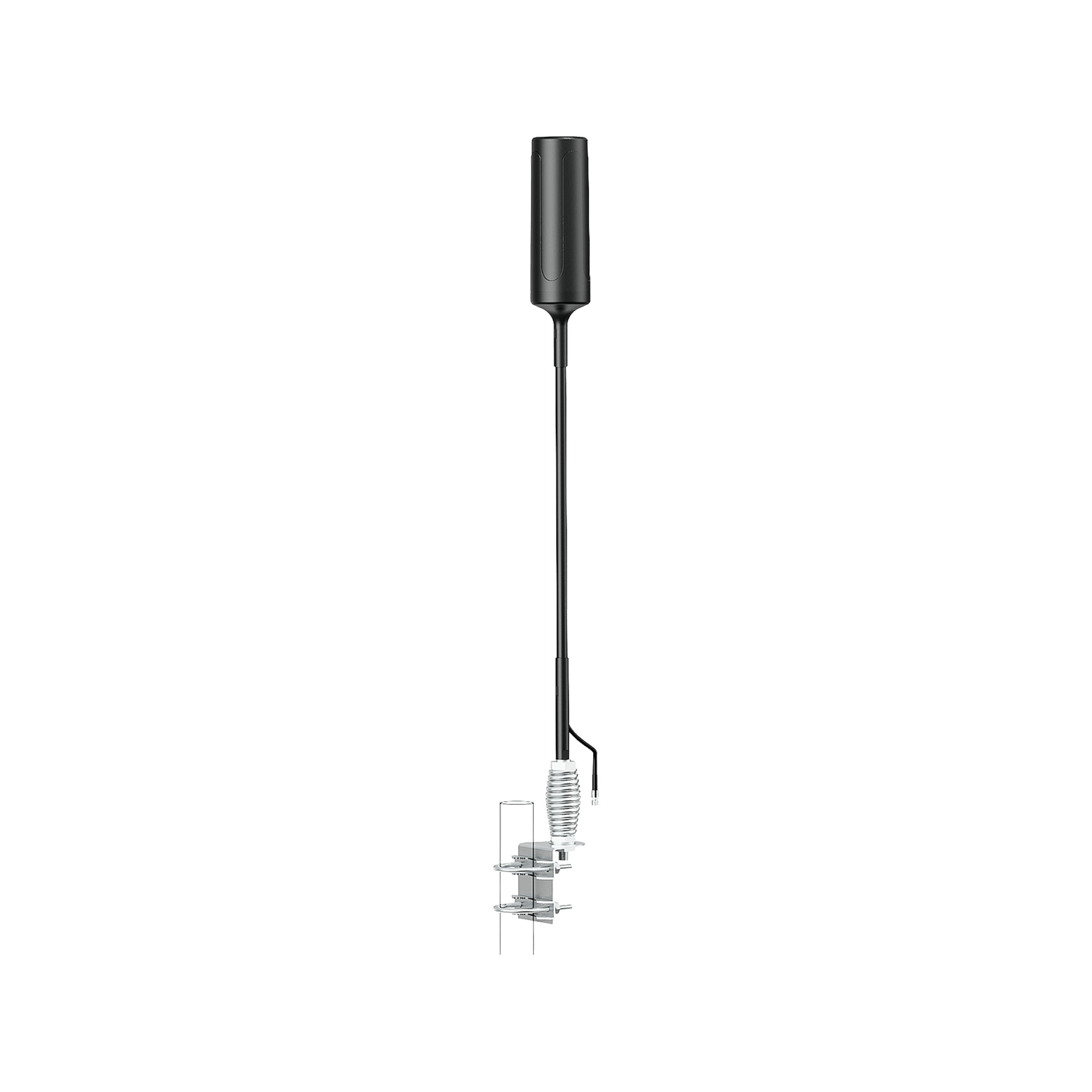
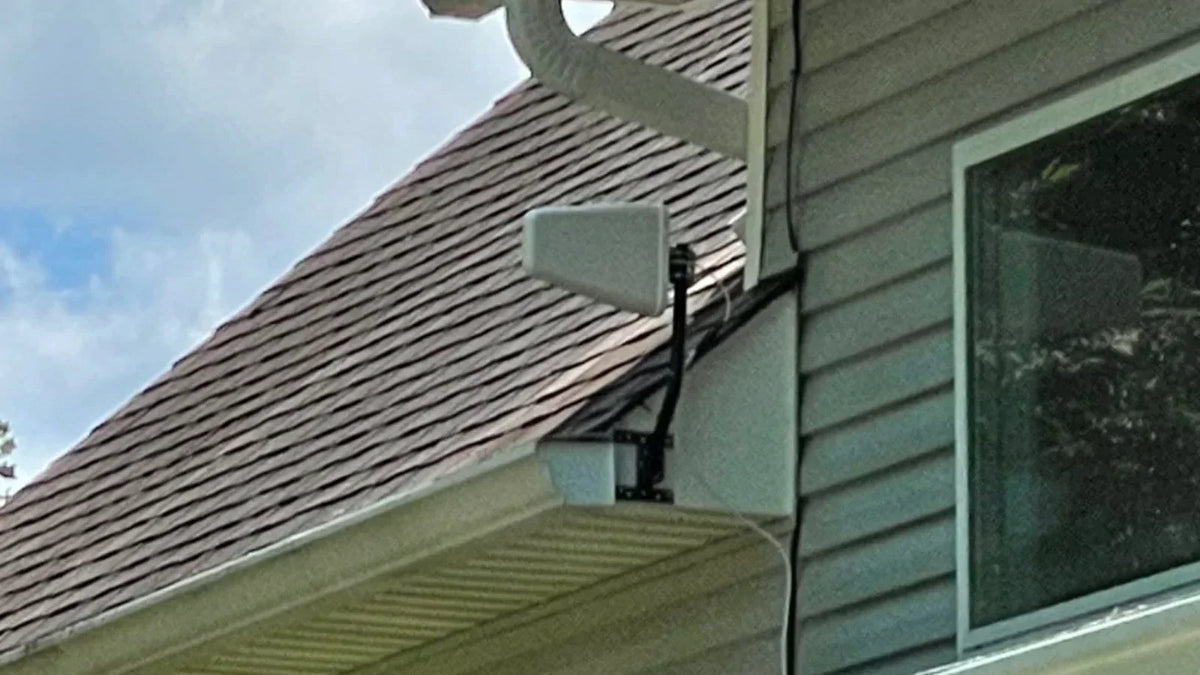
- High-Gain Directional Antennas: Place an omni or directional antenna as high as possible. Aim it toward the nearest tower. Even a few extra meters of height can vastly improve reception.
- Signal Booster Installation: Use a booster kit designed for long-range use. For homes, HiBoost’s larger booster models with a roof antenna can pull in the distant signal and amplify it inside. For vehicles, the Travel 3.0 RV or Truck boosters with an external antenna help immensely on rural roads.
- Wi-Fi or Satellite: If cellular is non-existent, consider satellite internet or Wi-Fi calling on your broadband.
- Carrier Contact: In some cases, carriers offer microcells or LTE extenders that use your home internet to create a local cell signal.
In practice, many rural customers fix their connectivity by mounting a high-gain antenna on a mast above the house and connecting it to a booster. As HiBoost summarizes: “if distance is the issue, you need a high-gain antenna on the roof”.

Real-World 5G Testing and Case Studies
Note: the following examples illustrate what HiBoost installations can achieve, based on customer reports and lab tests.
Case Study 1:
Rural Home (Utah): Before installing a HiBoost booster, a remote farmhouse had an outdoors 5G signal of only –120 dBm RSRP and roughly 15 Mbps down.
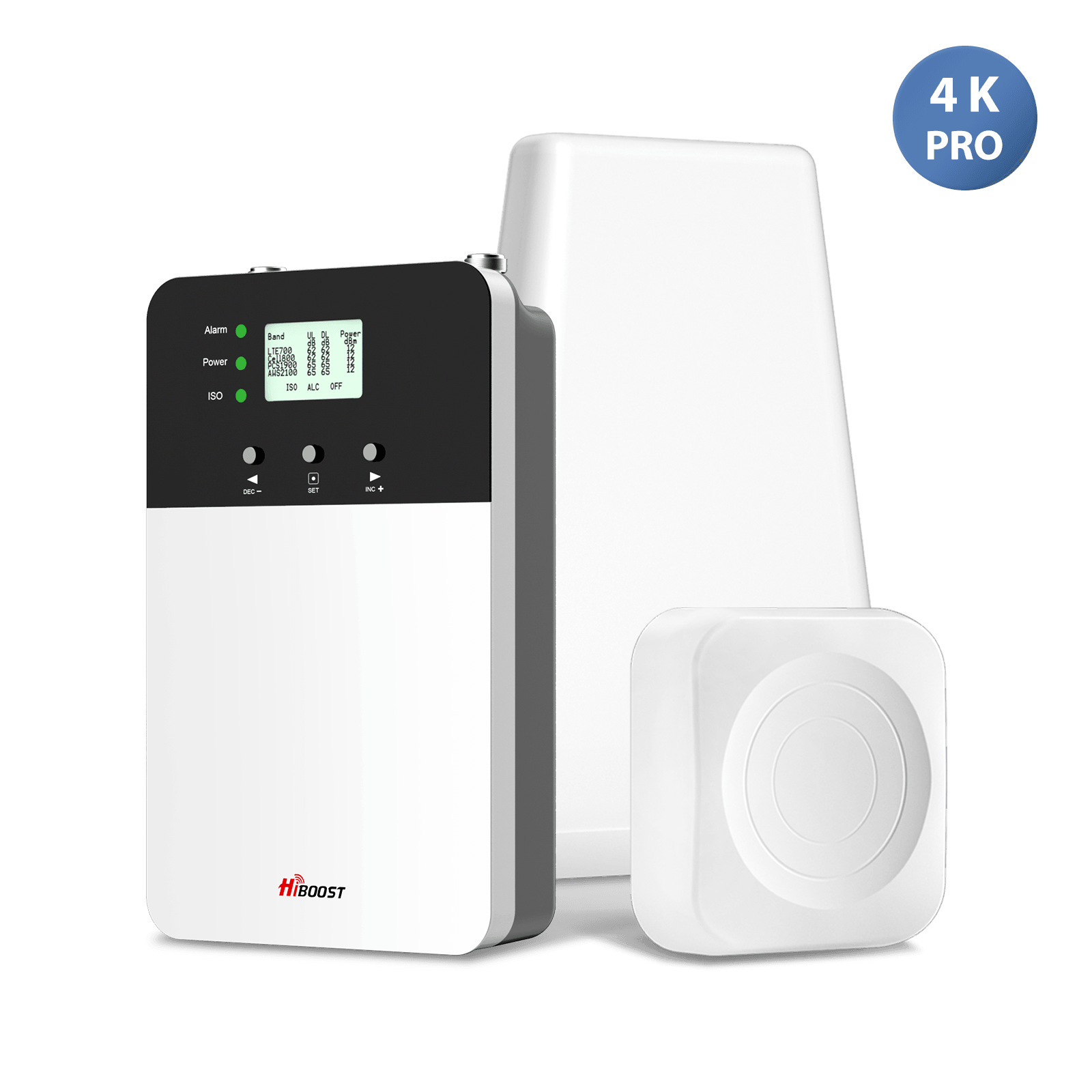
After mounting a HiBoost Home 4K Plus Pro with a roof antenna, the RSRP improved to about –85 dBm. In practical terms, speed jumped to ~120 Mbps, essentially clearing up the slow connection. This showed an ~8× speed boost from the booster.
Case Study 2:
Metal Building: A customer in an industrial park had no usable indoor 5G inside a steel-roofed warehouse. After installing a HiBoost amplifier, the building suddenly gained reliable 5G coverage. Employees reported stable video calls and data in areas that were dead zones before. This illustrates how boosters can overcome signal-blocking structures.
Case Study 3:
RV Camping: In a national park with spotty tower coverage, an RV owner struggled to get any 5G inside. He set up a HiBoost Travel 3.0 RV booster with an external omni antenna on the roof.
By aligning the RV toward the nearest tower, he went from zero indoor signal to two bars of 5G, enabling streaming and video chat from remote campsites. The booster turned an unusable situation into a stable connection on the road.
| Test | Booster Off | Booster On |
| Signal | 1 bar | 3 bars |
| Download | 29.7 Mbps | 50.3 Mbps |
| Upload | 2.02 Mbps | 4.60 Mbps |
| Ping | 45 ms | 41 ms |
| Jitter | 14 ms | 10 ms |
That represents approximately:
-
69.4% higher download speed
- 127.7% higher upload speed
- 8.9% lower ping
- 28.6% lower jitter
These should be presented as this customer's observed before-and-after results, not as a guaranteed HiBoost performance level. The screenshots are useful original evidence, but one test does not establish a universal result or prove that every variable was controlled.
That distinction will actually make the pillar page more credible from an E-E-A-T perspective.
These examples show typical outcomes: HiBoost boosters amplify weak outdoors signals into strong indoors coverage, often turning unusable low-data scenarios into fast, reliable internet.

Expert Guide: Choosing the Right 5G Booster
5G Booster Buying Checklist
Before buying a 5G booster, confirm that you have a usable outdoor cellular signal, check the supported bands, match the system to your home or vehicle, plan the antenna location, and review the installation requirements. A booster can improve an existing signal, but it cannot create coverage where no usable signal exists.
1. Check Your Outdoor Signal
This should be the first step. Test outside your building and record your RSRP, SINR, and speed.
A weak indoor signal with a stronger outdoor signal is often a better booster scenario than having no signal anywhere.
2. Check Carrier and Band Compatibility
5G is not one single frequency. Different carriers use different spectrum bands, and deployments can vary by location.
Before purchasing, check the bands used by your carrier in your area and compare them with the specifications of the HiBoost booster.
Do not choose a booster simply because it says "5G."
3. Choose the Right HiBoost Setup for Your Space
Think about where you need better coverage.
Home: Consider the size and layout of the building.
Large home: Multiple indoor areas may require a different antenna arrangement.
RV: A vehicle-specific HiBoost solution can be more suitable for mobile use.
Truck: Consider the vehicle environment and antenna mounting requirements.
Rural property: Outdoor antenna placement becomes especially important because the tower may be farther away.
4. Consider the Outdoor Antenna Location
The outdoor antenna is responsible for receiving the available cellular signal. Place it where reception is strongest.
Depending on the property, this may be:
- Roof
- Pole
- Exterior wall
- High point on the building
In rural locations, antenna direction can also matter.
5. Consider Building Materials
Concrete and metal can make indoor cellular coverage difficult. A metal building, warehouse, basement, or building with energy-efficient coated glass may need careful antenna planning.
The objective is to capture the signal outside and distribute it where people actually use their phones.
6. Check the Indoor Coverage You Need
Think about the areas that need improvement.
Do you need coverage in:
- One room?
- Several rooms?
- Multiple floors?
- A garage?
- An RV?
- A truck cab?
The answer helps determine the appropriate HiBoost system and antenna configuration.
7. Follow Installation Requirements
A booster works as a complete system.
The basic signal path is:
Outdoor Antenna → HiBoost Amplifier → Indoor Antenna → Mobile Devices
Correct antenna placement and adequate separation between antennas are important for stable operation.
Always follow the installation instructions supplied with the specific HiBoost model.
8. Check Regulatory Requirements
If you are purchasing a cellular booster for use in the United States, make sure the equipment meets applicable FCC requirements.
The FCC's consumer booster framework includes technical safeguards designed to protect wireless networks from harmful interference.
9. Do Not Expect a Booster to Fix Everything
A booster is designed to improve cellular reception.
It does not:
- Create a cellular signal from nothing
- Remove tower congestion
- Increase your carrier's network capacity
- Guarantee a specific download speed
- Change your mobile plan
Your results will depend on the signal available outside, supported bands, installation, building conditions, device, and network conditions.
10. Test Before and After
The best way to understand the improvement is to measure it.
Use the same:
- Phone
- Location
- Carrier
- Speed-test server
- Time period where practical
- Testing method
Then compare download, upload, ping, jitter, RSRP, and SINR.
Selecting a booster depends on your use case:
Best 5G Booster for Home:
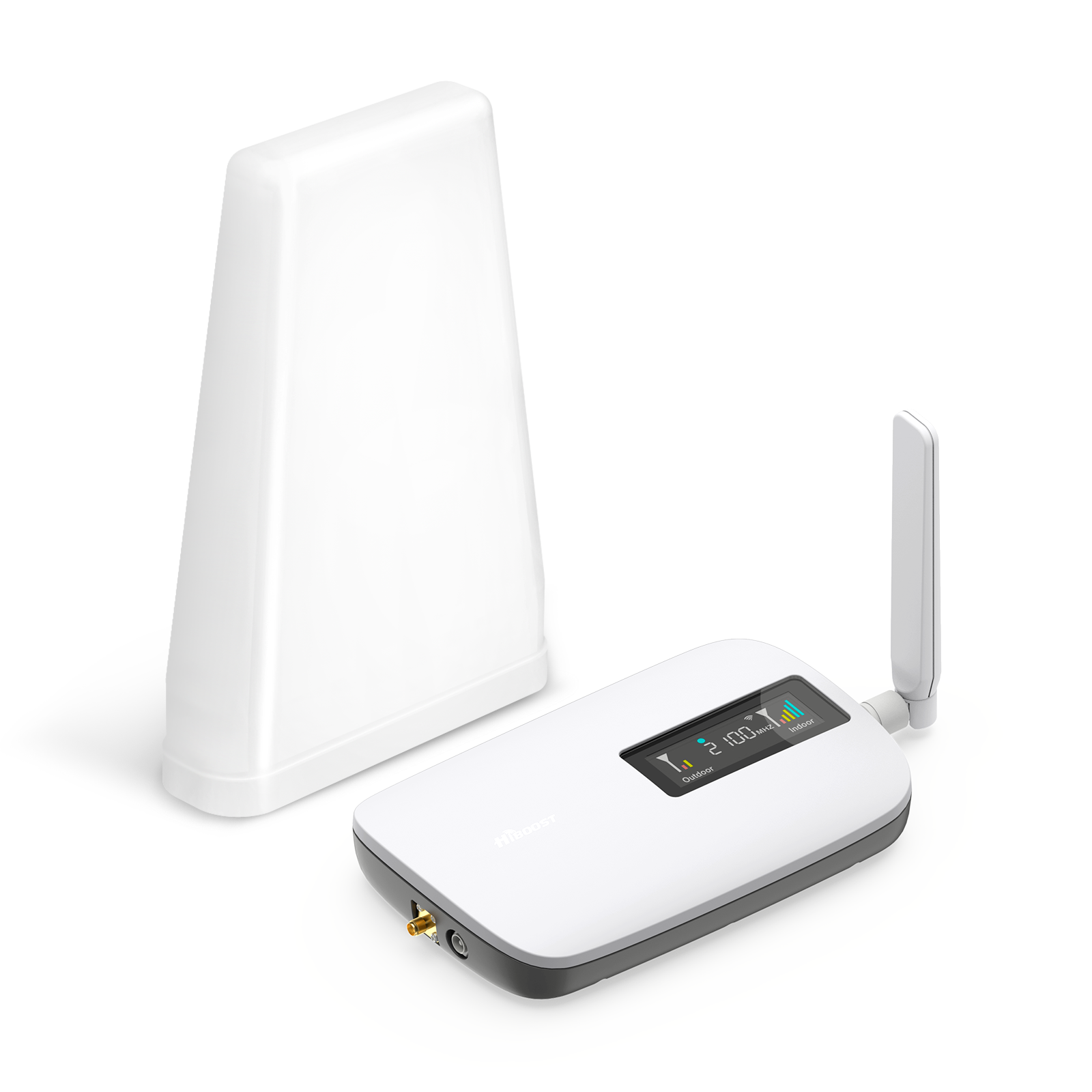
For a small home or single room, models like HiBoost Sidekick or the HiBoost 4K series are ideal. They capture 5G outside and cover a single room or office. For mid-sized homes, the HiBoost 4K Plus Pro covers the entire house.
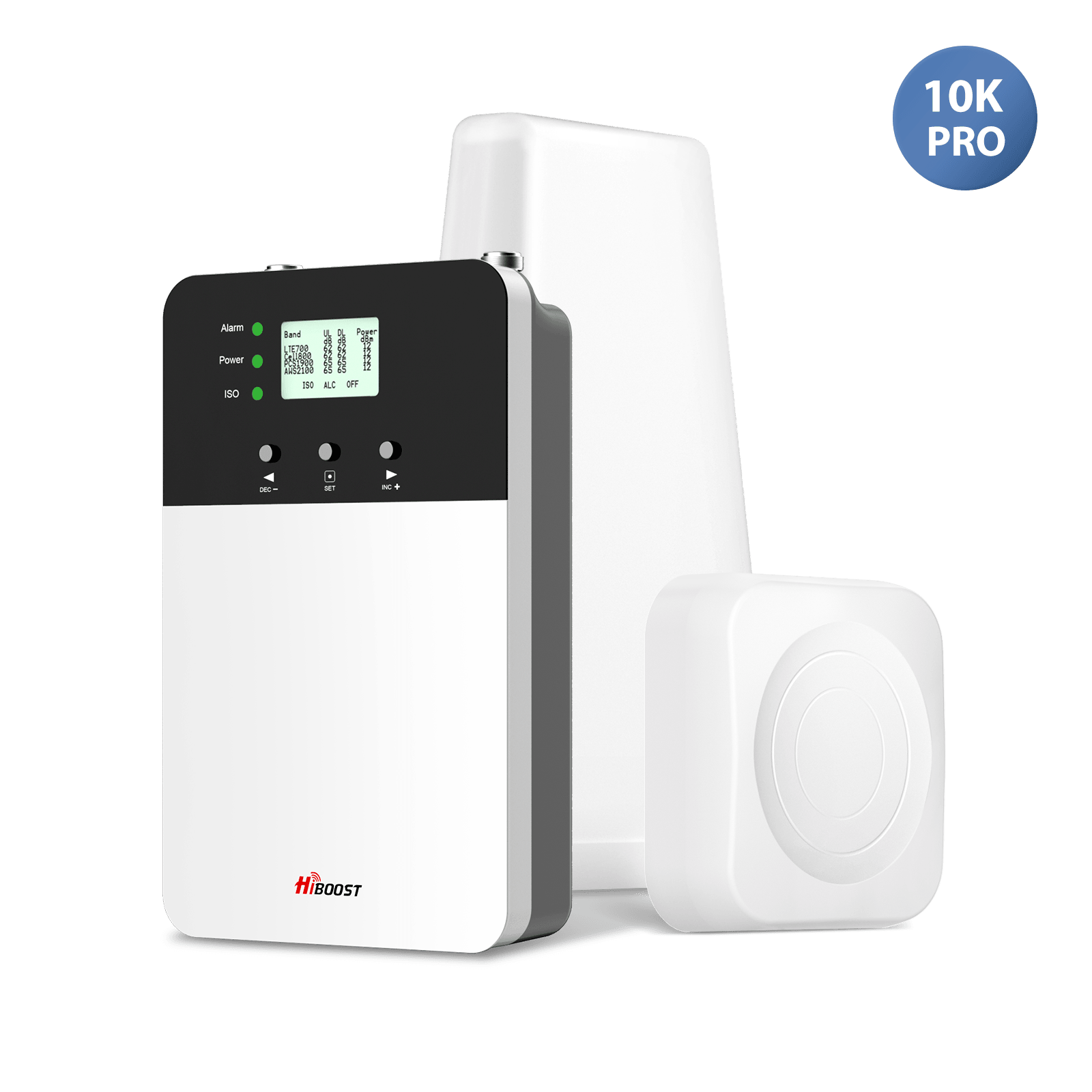
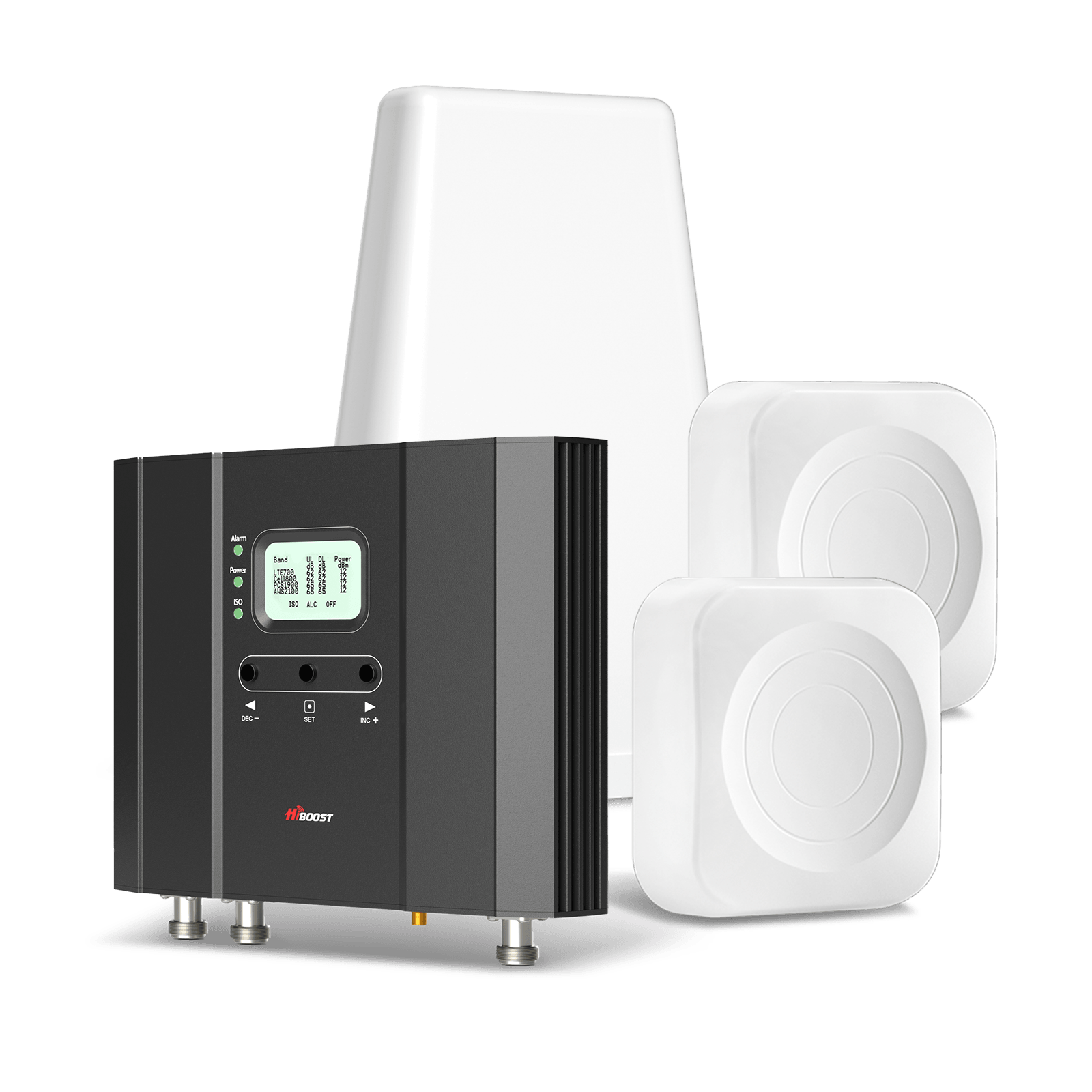
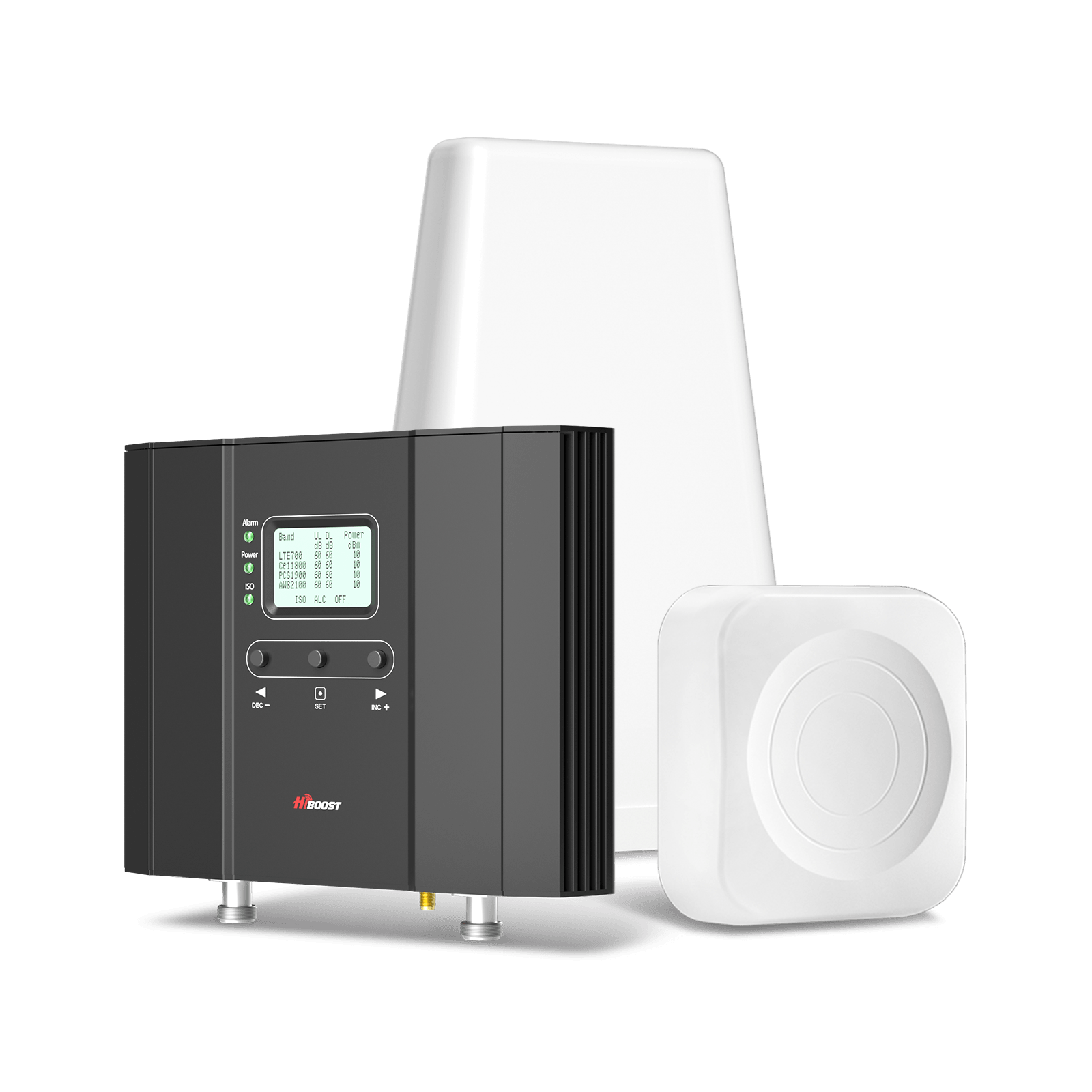
For large homes or businesses, consider the 10K Plus Pro or 15K Smart Link kits, which include multiple indoor antennas and higher gain. These can blanket multiple floors. Essentially, match the booster’s coverage rating to your home size. HiBoost boosters can handle all U.S. carriers simultaneously, so you don’t need a separate box for each network.
Best 5G Booster for RV:
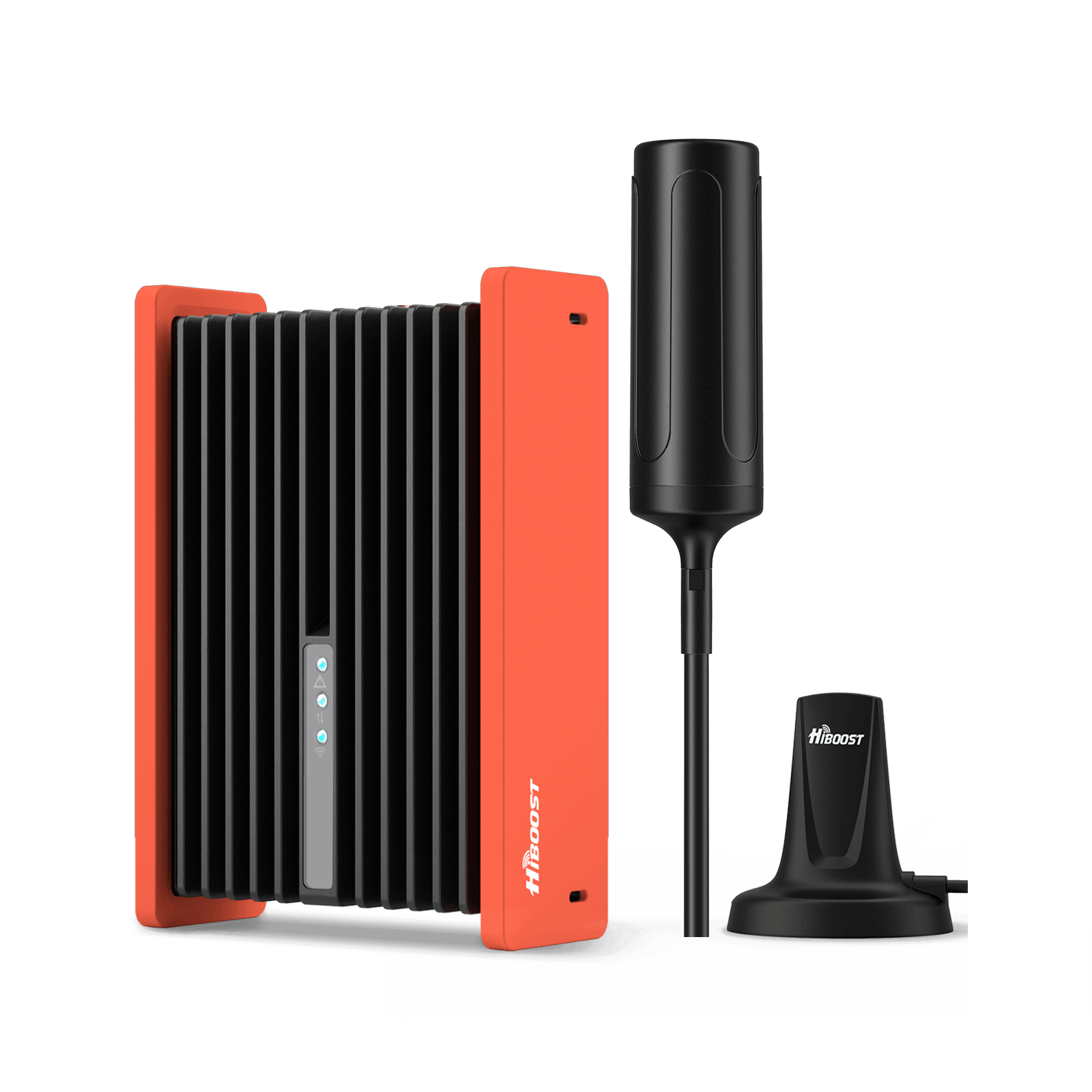
HiBoost’s Travel 3.0 RV cellular booster is purpose-built for RVs and campers. It comes with a rugged external omni-directional antenna that mounts on the roof or ladder. This antenna is weatherproof and picks up signals from any direction. The kit includes an amplifier and an indoor antenna.
For camper vans or smaller vehicles, the HiBoost RV Kit with an omni antenna can do the job. Key features: the antenna’s outside placement and high gain mean it captures weak signals on the move, and the amplifier supplies power from 12V. For stationary RVs, consider a directional antenna to point at the nearest tower.
Best 5G Booster for Truck:
For pickup trucks, big rigs, or commercial vehicles, look at mobile boosters like HiBoost Travel 3.0 Truck or MobileLink Commuter/Adventurer/Voyager series. These kits include antennas designed for vehicle mounting and amplifiers that handle vibration and heat.
The HiBoost Travel 3.0 Truck, for example, includes a high-gain omni antenna and a mount that fits on a pickup cab or semi cab. The indoor antenna is compact for the cab. These deliver strong signals for driving or parked vehicles.
Best 5G Booster for Rural Areas:
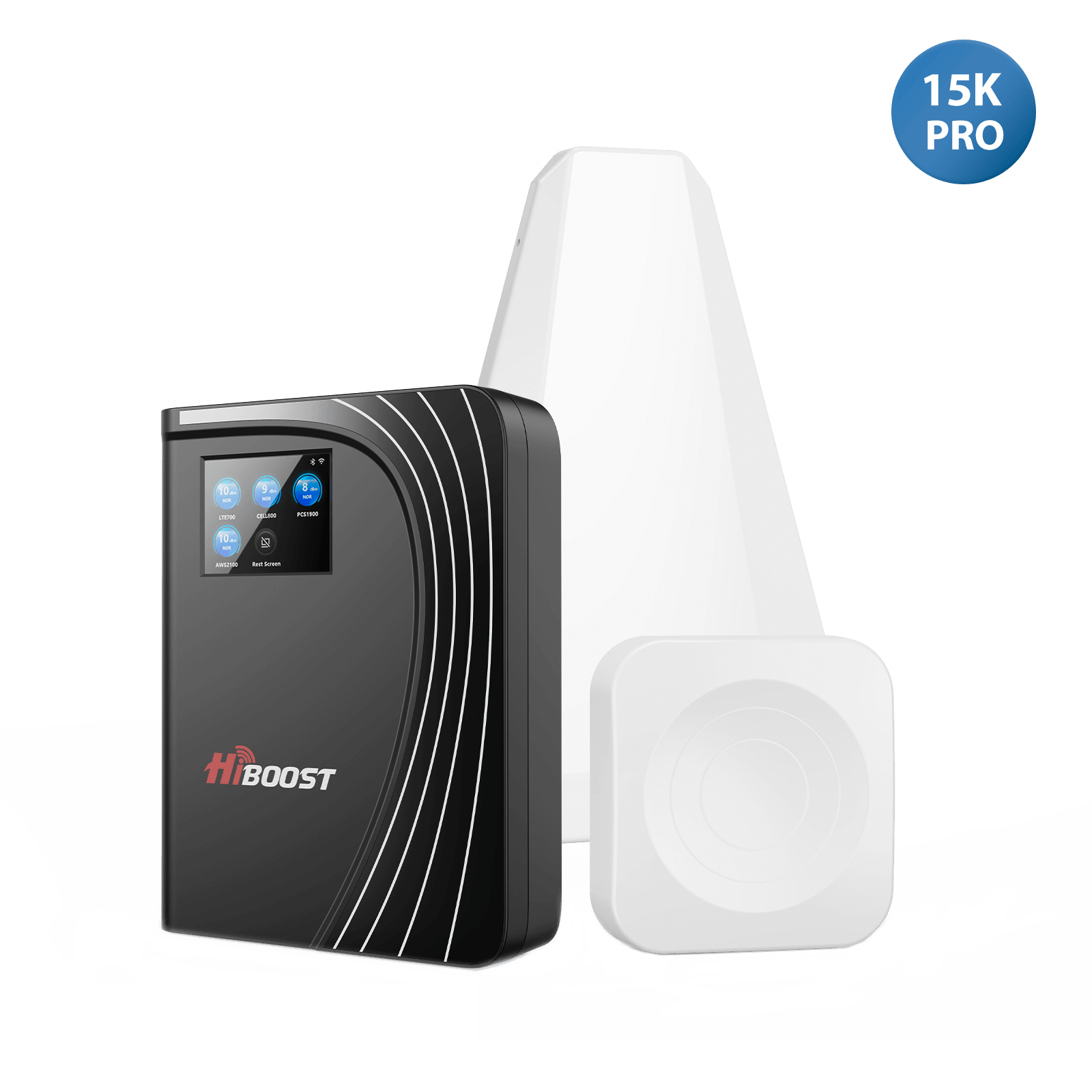
In the countryside, use boosters with the longest range. HiBoost’s 10K Plus Pro and 15K series come with high-gain outdoor antennas and long cables. These kits can cover large farms or ranch homes.
They often include directional roof antennas that must be aimed at the nearest tower for maximum range. If you live miles from the closest tower, a Yagi plus a 15K booster is recommended. Essentially, bigger gear yields the longest reach. HiBoost also offers smart link kits that include phone apps to guide antenna placement.
In summary, for homes pick a kit sized for square footage. For vehicles use the Travel 3.0 line. For multi-story or rural setups, pick high-gain multi-antenna systems. Whenever in doubt, consult a coverage map and consider the HiBoost coverage estimator or contact their support for a recommendation.

If you need to improve cellular coverage in your home, explore our **[Home Cell Phone Signal Boosters]** to find solutions based on your coverage area and installation needs.
FAQ:
Q1: What is 5G?
5G is the fifth-generation wireless technology designed to provide much higher speeds, far lower latency, and greater capacity than 4G LTE. It uses a new radio interface and more spectrum to connect not just phones but massive IoT, smart city devices, and high-data applications. In plain terms, 5G means a faster, more responsive mobile network capable of supporting many more gadgets simultaneously.
Q2: How does 5G work?
5G works by using advanced radio towers and network architecture. Your device’s 5G modem connects via radio waves to a nearby 5G cell tower, which then routes data through the carrier’s core network to the Internet. 5G supports new spectrum bands and uses techniques like massive MIMO and beamforming. In practice, a 5G phone often maintains a 4G link for signaling but uses the 5G link for high-speed data. The result is a wireless link that, under ideal conditions, can transmit data at unprecedented speed and reliability.
Q3: Does 5G work through walls?
Higher-frequency 5G signals struggle to penetrate walls. Materials like concrete, metal, and energy-efficient glass can block or heavily attenuate 5G, especially C-band and mmWave. Tests have shown that a single pane of Low-E glass can cause 20–40 dB loss at 3–7 GHz. In short, 5G typically does not work well through thick walls. Users may have to go near a window or use an external antenna to get indoor 5G.
Q4: Can a signal booster improve 5G?
Yes. A cell signal booster amplifies any existing outdoor cellular signal and rebroadcasts it indoors. For 5G, a booster can raise weak 5G signals up to full strength inside your home or vehicle, improving data rates and call quality. The booster kit works the same as for 4G, just capturing 5G frequencies. It’s important to note: a booster only helps if there is some 5G outdoors. If there’s no signal outside, a booster cannot create one.
Q5: Does a 5G booster work with Verizon?
Yes, but only on the compatible bands. Verizon uses low-band 5G and mmWave. Boosters can amplify Verizon’s low-band 5G because those are standard cellular bands. However, boosters cannot amplify Verizon’s mmWave UWB or C-band signals due to FCC restrictions. In practice, a booster will help if your Verizon phone is using Extended Range 5G.
Q6: Does a 5G booster work with T-Mobile?
Generally, not for T-Mobile’s primary 5G bands. T-Mobile’s nationwide 5G is on 600 MHz and mid-band on 2.5 GHz. Current U.S. boosters do not support these bands. This means a T-Mobile 5G signal cannot be amplified by a standard booster. The only exception is if your phone falls back to older T-Mobile LTE bands that boosters do support. For full T-Mobile 5G, boosting is not currently possible under FCC rules.
Q7: Why is my 5G slower than LTE?
Because “5G” can mean different things. If your phone is on low-band 5G, then its peak speeds are only modestly better than LTE. Also, if the 5G tower is overloaded or you have poor signal, speeds will drop.
Remember: signal bars or the 5G icon indicate connection status, not speed. As one expert notes, “more bars does NOT mean faster speeds”. In many cases, your phone might show 5G but still be downloading at, say, 50–100 Mbps, similar to LTE. To see high 5G speeds, you need mid-band or mmWave with a strong link.
Q8: What is C-band 5G?
C-band is a mid-range 5G spectrum that offers a balance of speed and coverage. It was auctioned to carriers in 2021 and is now widely deployed. C-band signals travel further and through walls better than mmWave, but carry more data than low-band.
Verizon calls it a “middle-distance runner”faster than low band yet covering more area than mmWave. For most users, C-band means gigabit-capable 5G speeds in many cities, but still requiring reasonable proximity to towers for best performance.
Q9: Is mmWave 5G available everywhere?
No. mmWave 5G is only available in select areas. It has very short range and requires line-of-sight. Carriers deploy mmWave in dense urban hotspots, stadiums, and malls where they want ultra-high speeds.
If you’re not in one of those few zones, you will not get mmWave. Even Verizon’s “5G UWB” coverage map shows sparse red pockets in cities. Most suburban/rural places have none. In general, mmWave 5G is limited to specialized locations.
Q10: How can I improve the 5G signal at home?
The first steps are free: move closer to windows or go upstairs to reduce obstructions. Enable Wi-Fi Calling to route calls/texts over your internet if cellular is weak. Check your phone’s software and carrier updates. If that’s not enough, install a 5G signal booster: mount an outdoor antenna where signal is good, connect it to a HiBoost amplifier, and place the indoor antenna centrally.
This setup captures outside 5G and floods it inside. HiBoost reports that even a small booster can raise a one-bar signal to full bars indoors. A properly installed booster is the most reliable way to get strong 5G coverage inside your home.
You may also be interested in
How to Improve Cell Phone Signal in 2026: Fix Weak Reception & Dead Zones
How to Pick a Cell Booster for 4G & 5G: Complete 2026 Guide
Best Cell Phone Signal Boosters for Rural Areas (2026 Ultimate Guide)
Weak Cell Signal in Apartment? How to Boost Phone Reception Indoors
How to Boost Cell Signal in a Basement: 2026 Connectivity Guide
Car/Suv,RV,Truck,Vehicle


Our Home Signal Booster


Popular Articles

Leave a comment
All comments are moderated before being published.
This site is protected by hCaptcha and the hCaptcha Privacy Policy and Terms of Service apply.