
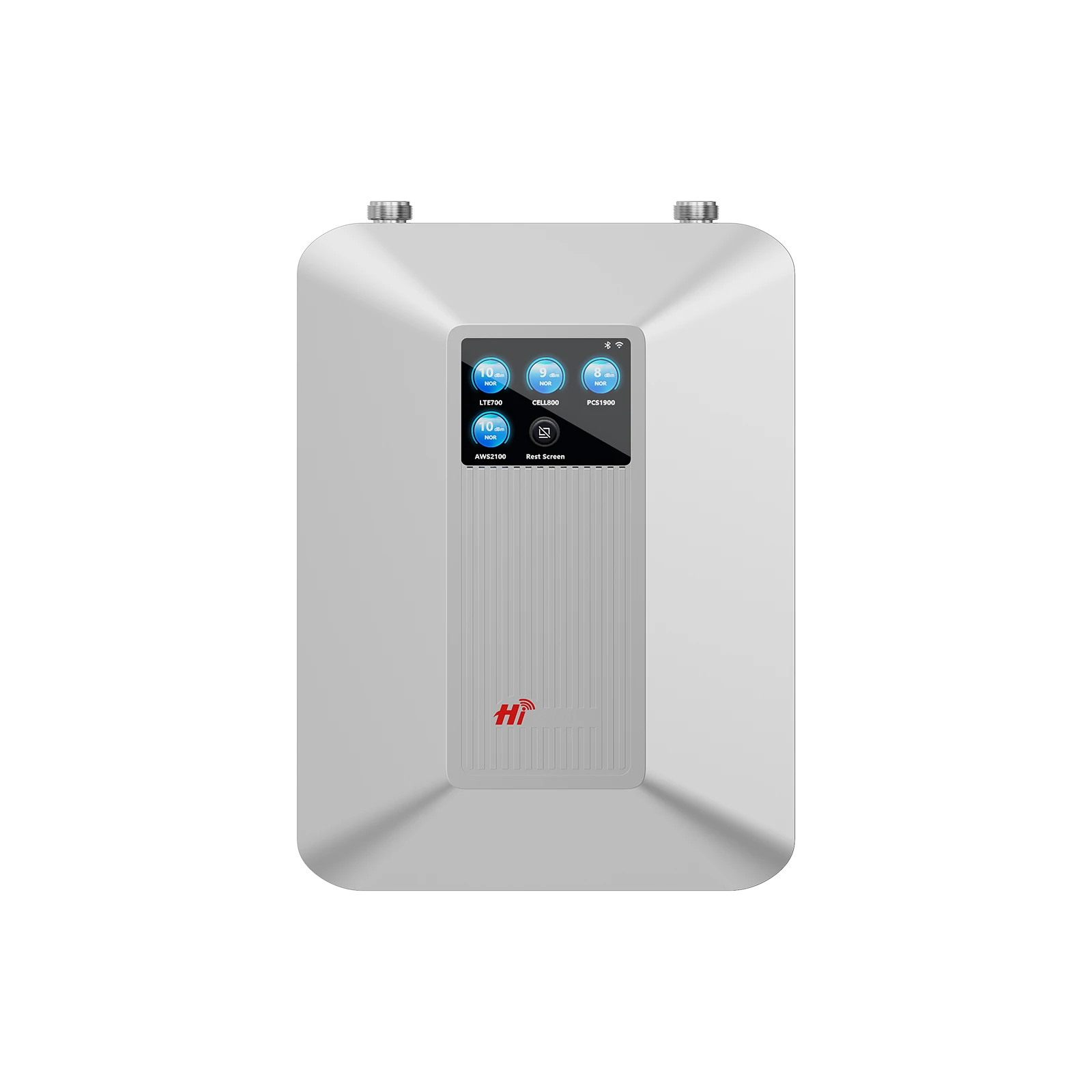
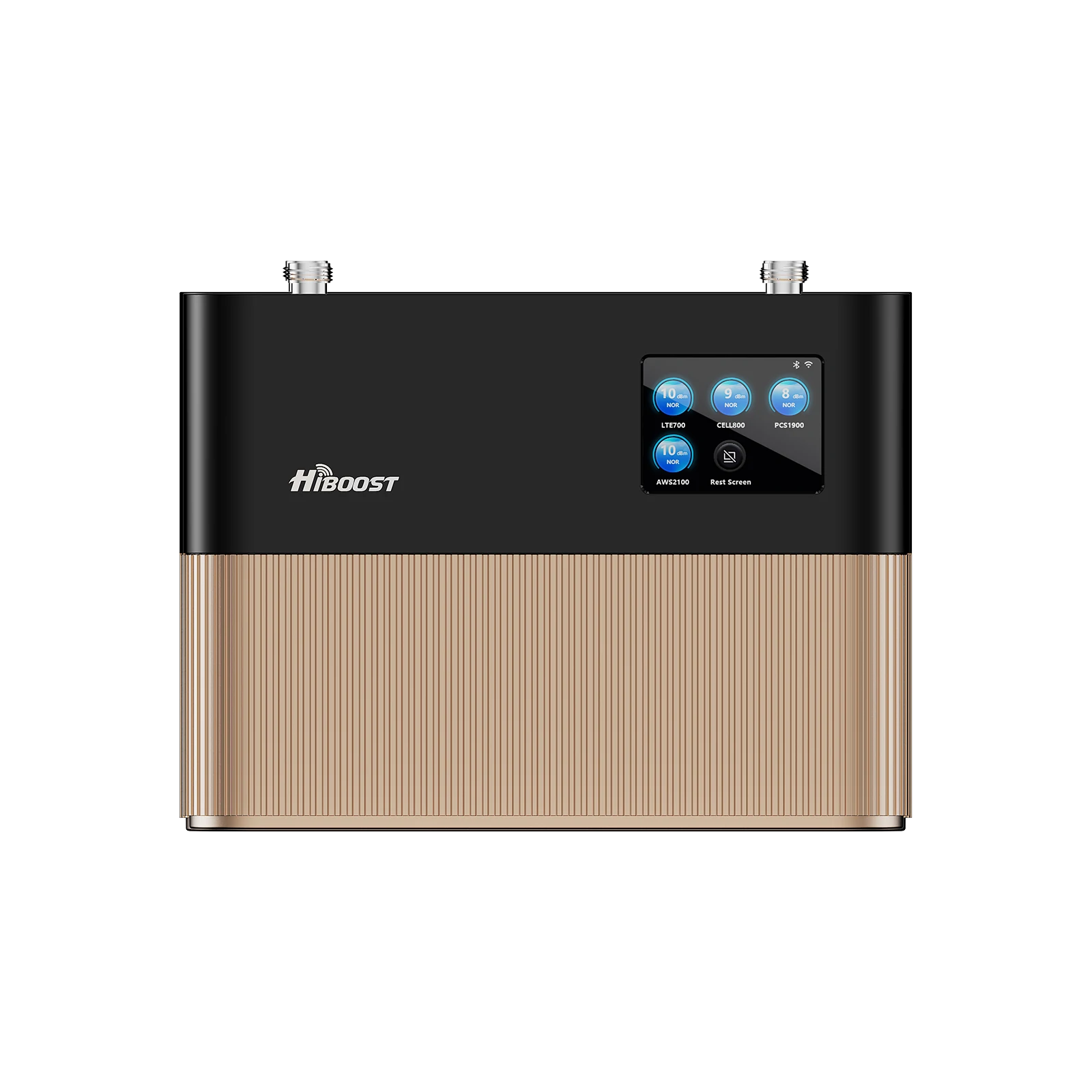
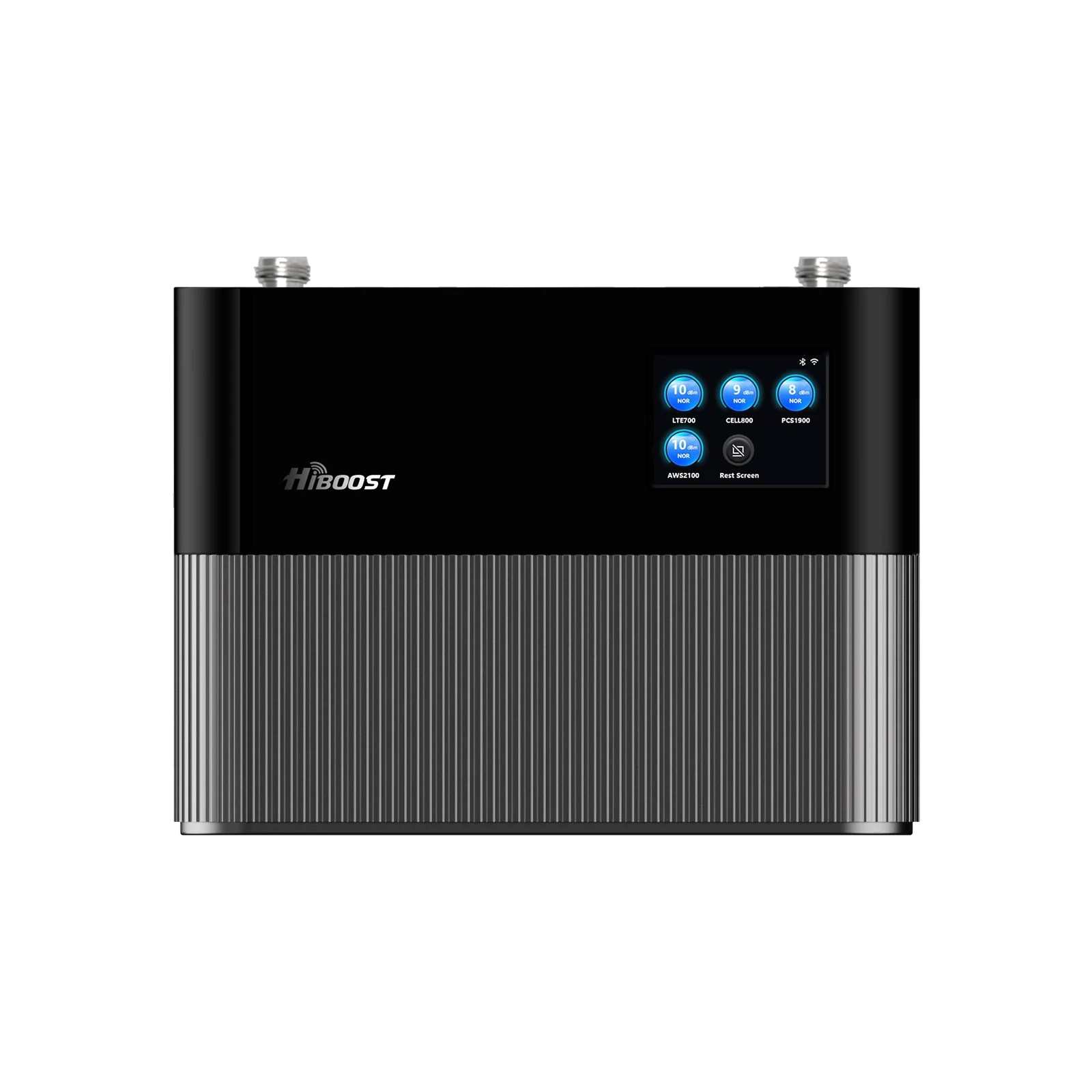
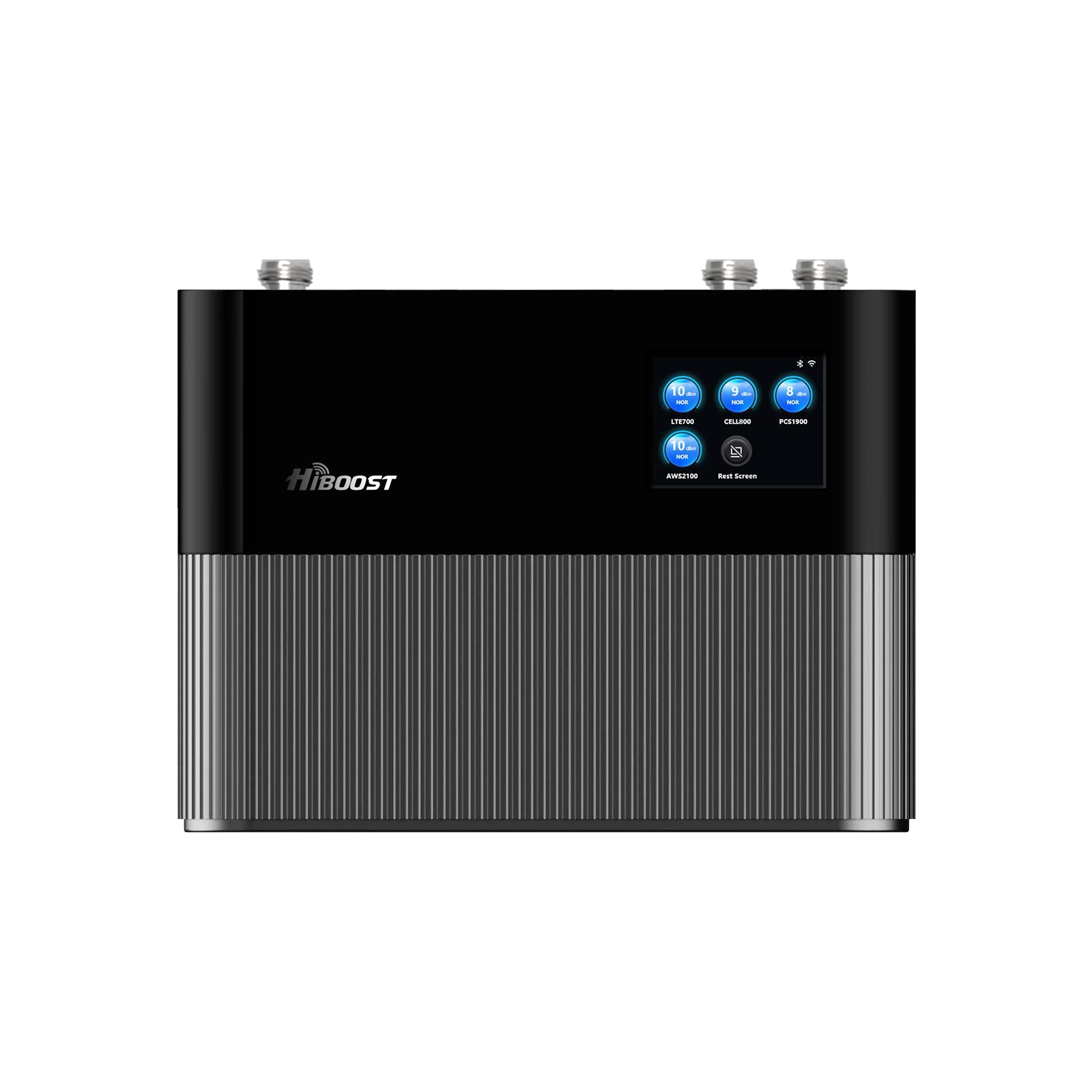
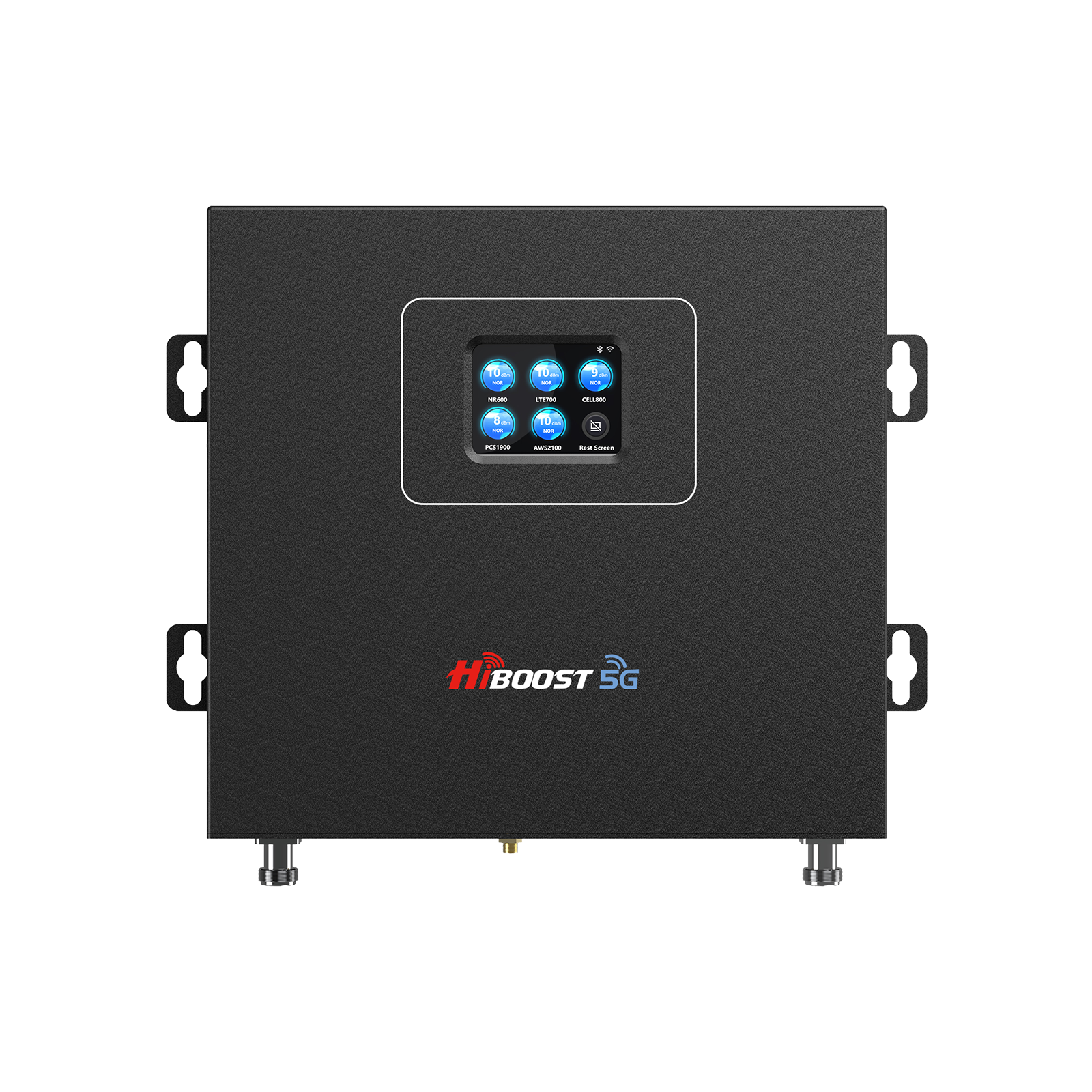
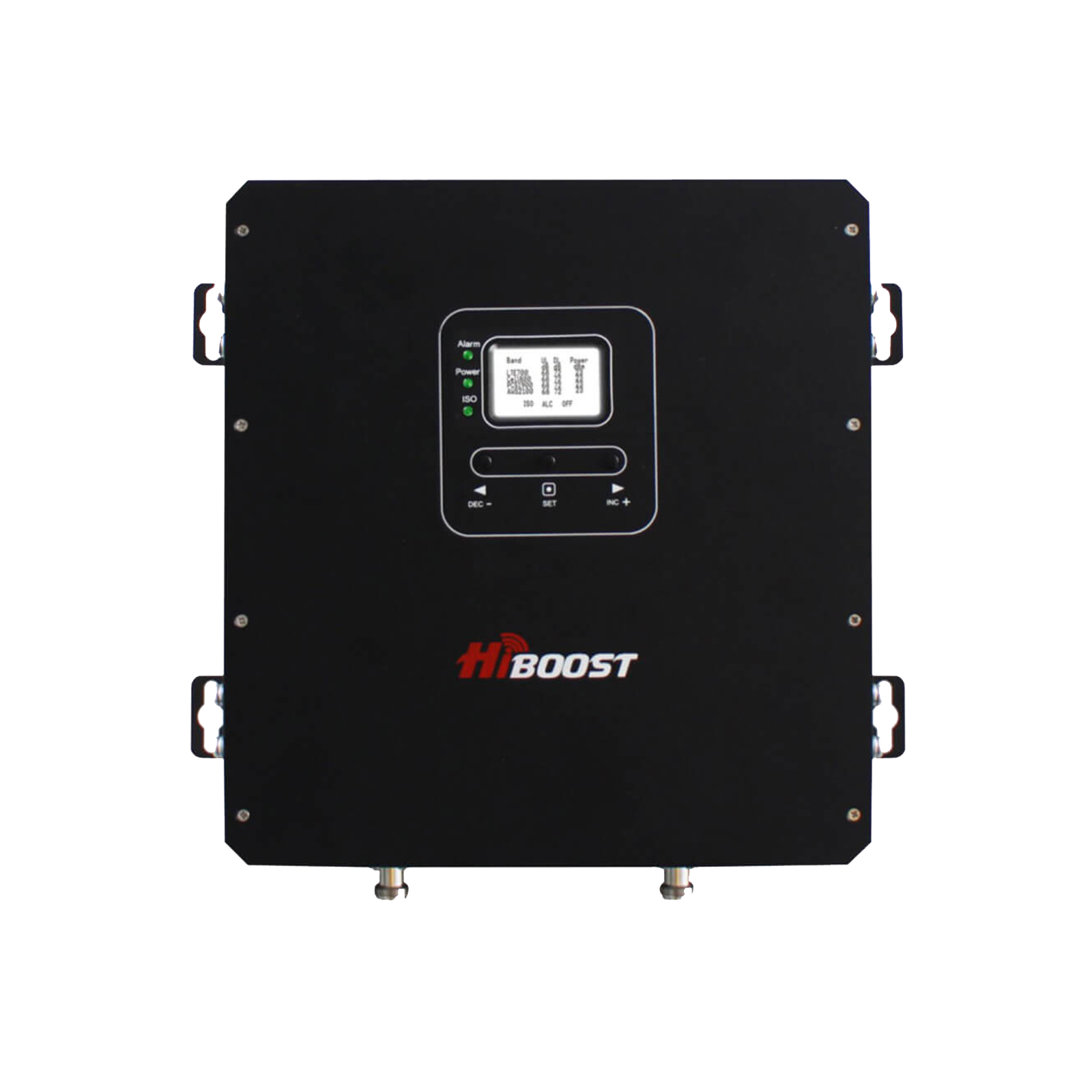
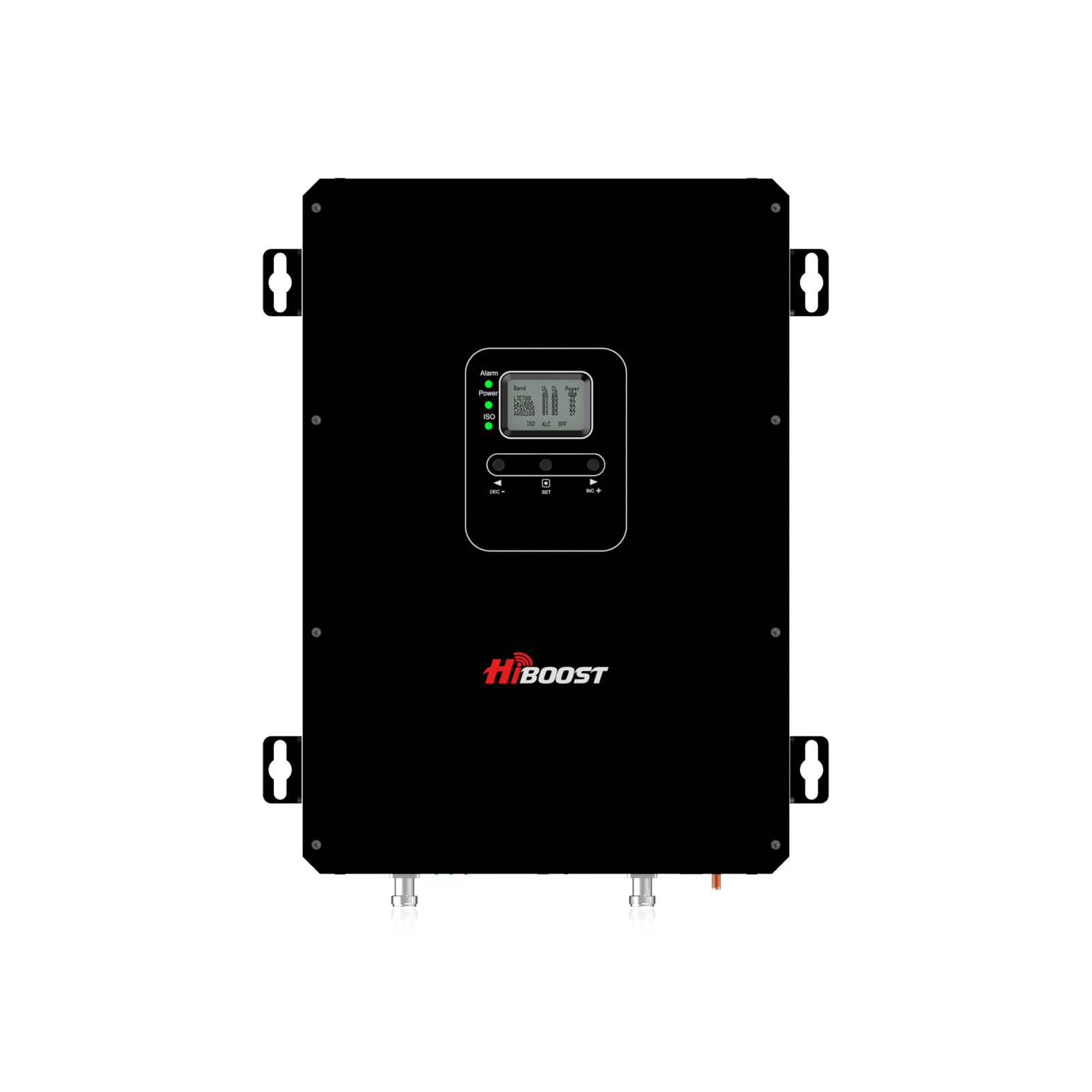
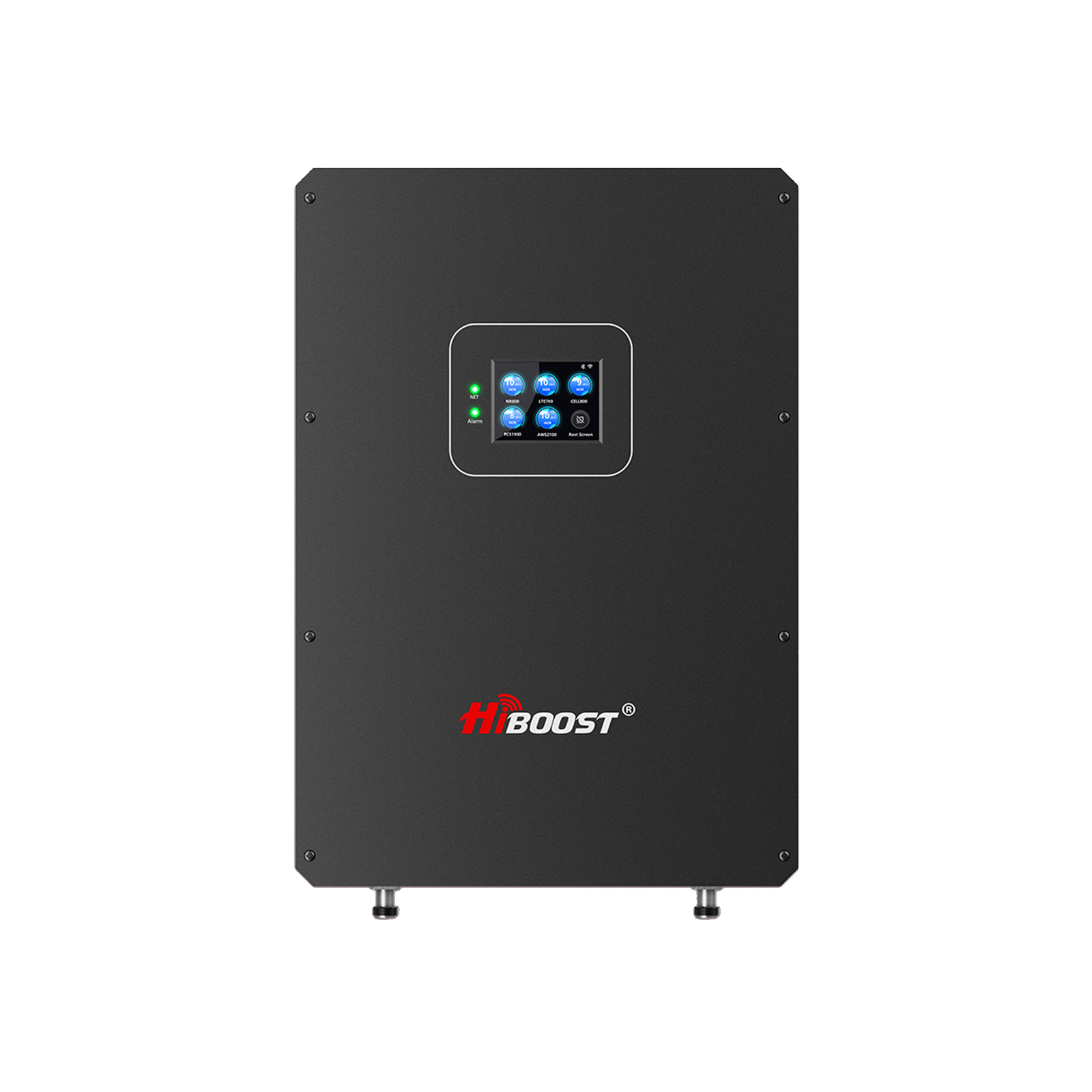
5G promises blazing data speeds, but many users still struggle with spotty coverage and slow connections. Even with “full bars,” real-world 5G performance often falls short.
In fact, having more signal bars simply means your phone has a stronger link to the tower; it doesn't guarantee faster data. This guide will explain why 5G coverage can be weak, why bars don’t always equal speed, and exactly how you can boost your 5G performance.
We’ll cover fixes for homes, apartments, cabins, RVs, trucks, and cars from simple DIY steps to choosing the right HiBoost 5G signal booster for your situation. By the end, you’ll know how to get the most reliable 5G speeds wherever you are.
Why 5G still has weak coverage
5G networks use a mix of low, mid, and high-frequency bands, each with trade offs. The fastest 5G runs on very high bands that provide gigabit speeds but only over very short ranges and require line-of-sight.

Mid-band 5G offers a balance of speed and range, but even it can’t penetrate walls and trees well. Low-band 5G travels far and indoors better, but it only offers incremental speed gains over 4G. As a result, many homes and rural areas still rely on low-band 5G or LTE, and building materials like metal, concrete, or Low-E glass can block even those signals.
Distance also plays a big role: if you live far from the nearest 5G tower, the signal at your door will be weak. Likewise, dense foliage, hills, or new construction can all attenuate 5G waves and create “dead zones.”
Weather can additionally absorb high-frequency signals. Finally, 5G is still rolling out unevenly: some carriers have only deployed 5G in major cities and along highways, so a rural or basement user might have little 5G at all.
Why more signal bars don’t always mean faster data
Your phone’s signal bars simply show how strong the radio link is to a nearby cell tower. They do not show how much capacity or bandwidth is available on that tower. Even with full bars, you can experience slow internet if the tower is congested or if the network is throttling speeds.

For example, T-Mobile explicitly notes: “Do more bars mean faster speeds? No. Speed depends on network capacity, not just signal strength”. In practice, a weak 5G signal with few users might still give good speed, whereas a strong 5G link to a busy tower can crawl.
Many factors beyond bars affect 5G performance. Network congestion can throttle your data even on 5G. Device capabilities and carrier policies also matter. Remember that any cellular connection shares bandwidth among all users on that tower; it's like a highway: more cars slow the traffic. So always measure real speeds rather than relying on bars alone.
What this guide will help you solve
This comprehensive guide addresses every aspect of weak 5G signal: why it happens, how to diagnose it, and what fixes work. You’ll learn the causes of poor 5G and step-by-step solutions for indoor and mobile scenarios.
We’ll clarify how boosters work and recommend the best booster for each situation. You’ll also get practical tips on testing your signal strength and avoiding common installation mistakes.
Finally, a FAQ answers carrier-specific questions like compatibility with Verizon, T-Mobile Ultra Capacity, Starlink, and more. Whether you’re struggling to stream a video at home or stay connected on a road trip, this guide will show you how to get reliable 5G coverage often with HiBoost solutions designed for the job.
Why Is Your 5G Signal Weak?
Poor 5G signal usually comes down to physical and network factors. Key causes include:

- Distance from the tower. 5G waves weaken with distance. If you’re miles from the nearest cell site, you’ll see poor RSRP. In rural areas this is common, since towers are sparse.
- Obstructions (trees, hills, buildings). Any obstruction between you and the tower can attenuate 5G, especially higher frequencies. Dense forests, tall buildings, rolling hills or even new skyscrapers can block signals. As one expert guide notes, forests and mountains “absorb and scatter” signals, making valleys or wooded areas dead zones.
- Building materials. Metal roofs, concrete or brick walls, and even energy efficient Low-E window coatings act like Faraday shields. They reflect or absorb 5G waves. For example, hi-tech window films can reflect a large portion of a cell signal, leaving only a trickle inside. Homes built of stucco, glass, or metal siding often see much weaker indoor reception than wood-frame houses.
- Rural or remote locations. In the countryside, you may only have low-band LTE or patchy 5G. The FCC’s new 5G frequency bands tend to focus on urban areas for capacity. If your area got 5G late, it’s probably low-band, which boosts coverage but only modestly outpaces 4G.
- Network congestion. Too many people using one tower creates a “traffic jam.” Even with strong reception, your throughput drops. Allconnect explains that a 5G home internet router can show full signal strength but still buffer video if the tower is overloaded.
- Weather. Heavy rain, snow, and humidity can attenuate especially high-frequency 5G, causing brief slowdowns during storms. While usually minor, severe weather can exacerbate any marginal connection.
- Carrier deployment. Not all 5G is the same. Verizon’s “5G UW” and AT&T’s “5G+”exist mainly in cities. If your device is trying to grab one of those in an area without it, it may fall back to slower 4G. Likewise, T-Mobile’s mid-band uses C-band, which standard boosters can’t amplify.
- Tower maintenance/outage. If the local cell tower is under maintenance or down, coverage will drop regardless of your environment.
- Device limitations. Older phones or devices with weak antennas might not latch onto distant towers as well as newer models. A worn-out battery can even reduce reception, since phones throttle RF power on low battery.
In summary, weak 5G is usually due to factors outside your control. Understanding these causes helps target fixes: for example, if walls block signals, an external antenna or booster can bring it inside; if distance is the issue, you need a high-gain antenna on the roof.
How to Improve 5G Signal at Home
Whether you live in a house, apartment, basement or cabin, there are steps you can take to get better 5G reception indoors. Try these tips one by one:
Move closer to an open window or higher floor.
The simplest fix is to reduce obstructions. If you have a weak indoor signal, try positioning your device by a window facing the nearest tower. Even sitting on a second-floor balcony can raise your signal by reducing interference from walls and objects.
Avoid dead spots.
Metal or concrete walls can block signals entirely. Identify which rooms have the worst reception. If a particular corner is a “dead zone,” avoid using your phone there or move to a better location. Removing clutter and large metal objects away from your device can also help.
Enable Wi-Fi Calling.
If you have a strong home internet connection, turn on Wi-Fi calling in your phone settings. This lets you place calls and send texts over Wi-Fi instead of cellular. Major carriers support Wi-Fi Calling on most newer phones.
It requires no extra equipment, just an active internet connection. While it doesn’t boost your cellular reception, it bypasses weak signals altogether for voice/text.
Update carrier settings or the SIM/eSIM.
Check if your phone has any available carrier updates under Settings → General → About or Settings → About Phone. These updates can improve connectivity.
Also, ensure your SIM/eSIM is 5G-compatible; older SIM cards may not handle certain 5G networks well. If in doubt, visit your carrier’s store for a new SIM or eSIM activation.
Toggle Airplane Mode.
A quick re-connect hack: switch your phone to Airplane Mode for 5–10 seconds, then turn it off. This forces the phone to drop its current cell tower link and search afresh. Many users find this service after a “no signal” glitch.
Restart your phone and router.
Power-cycling equipment often clears network bugs. Restart your phone and your home 5G gateway or Wi-Fi router if you have one. This can refresh connections and sometimes jump you to a stronger tower.
Position your 5G gateway/router optimally.
If you use a 5G home internet modem or router, place it high (near a ceiling) and next to a large window facing the direction of the tower. Avoid basement spots or enclosed shelves.
Routers often come with 4G/5G external antenna ports; consider attaching an outdoor antenna or moving the device closer to the window to improve its incoming signal.
Use an external antenna (if possible).
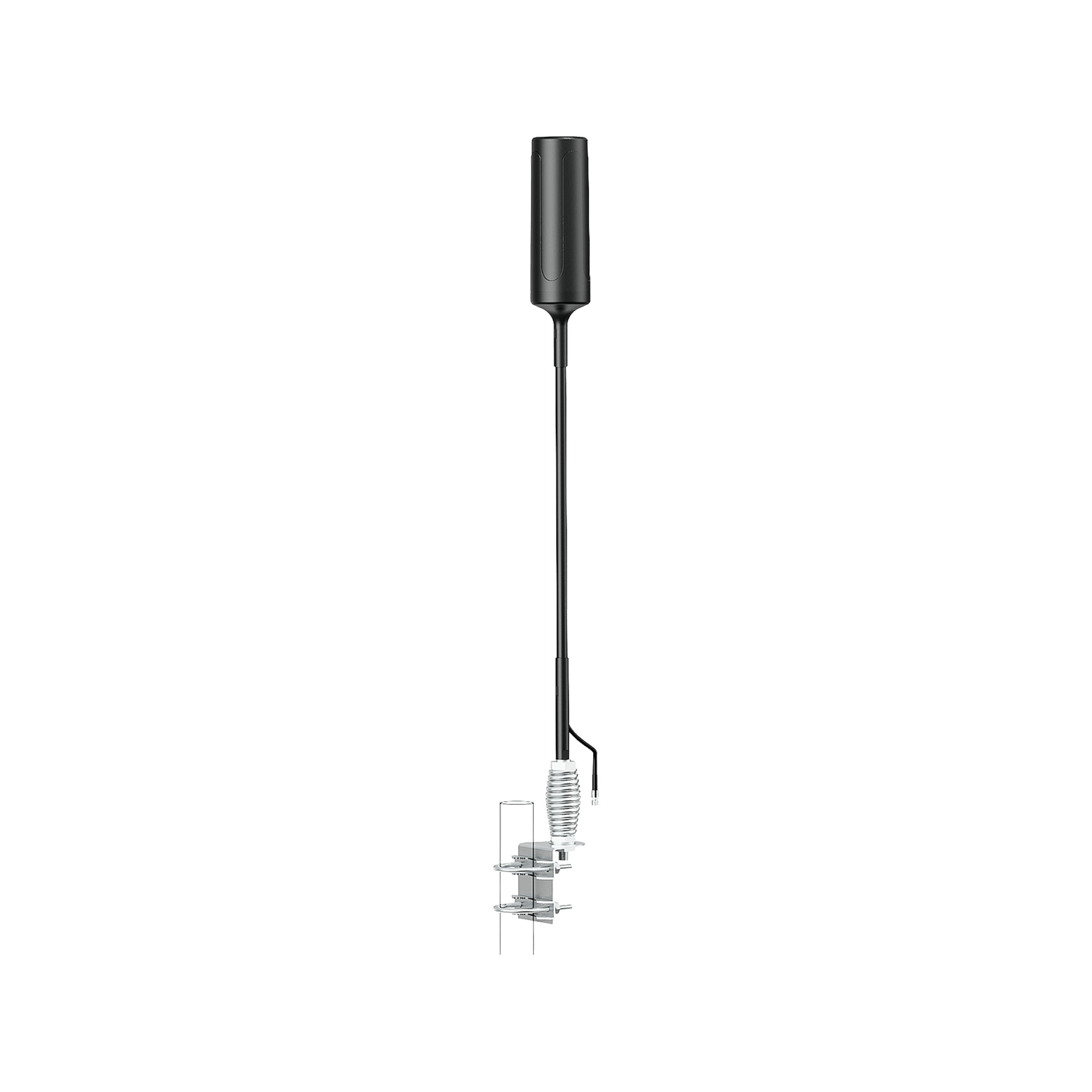
Some 5G gateways and LTE routers support an external roof antenna. Mounting a rugged omni-directional or directional antenna on your roof or outside wall can dramatically improve your input signal.
The HiBoost Smart Link kits, for instance, guide you to place antennas optimally via a mobile app.
Install a 5G signal booster.
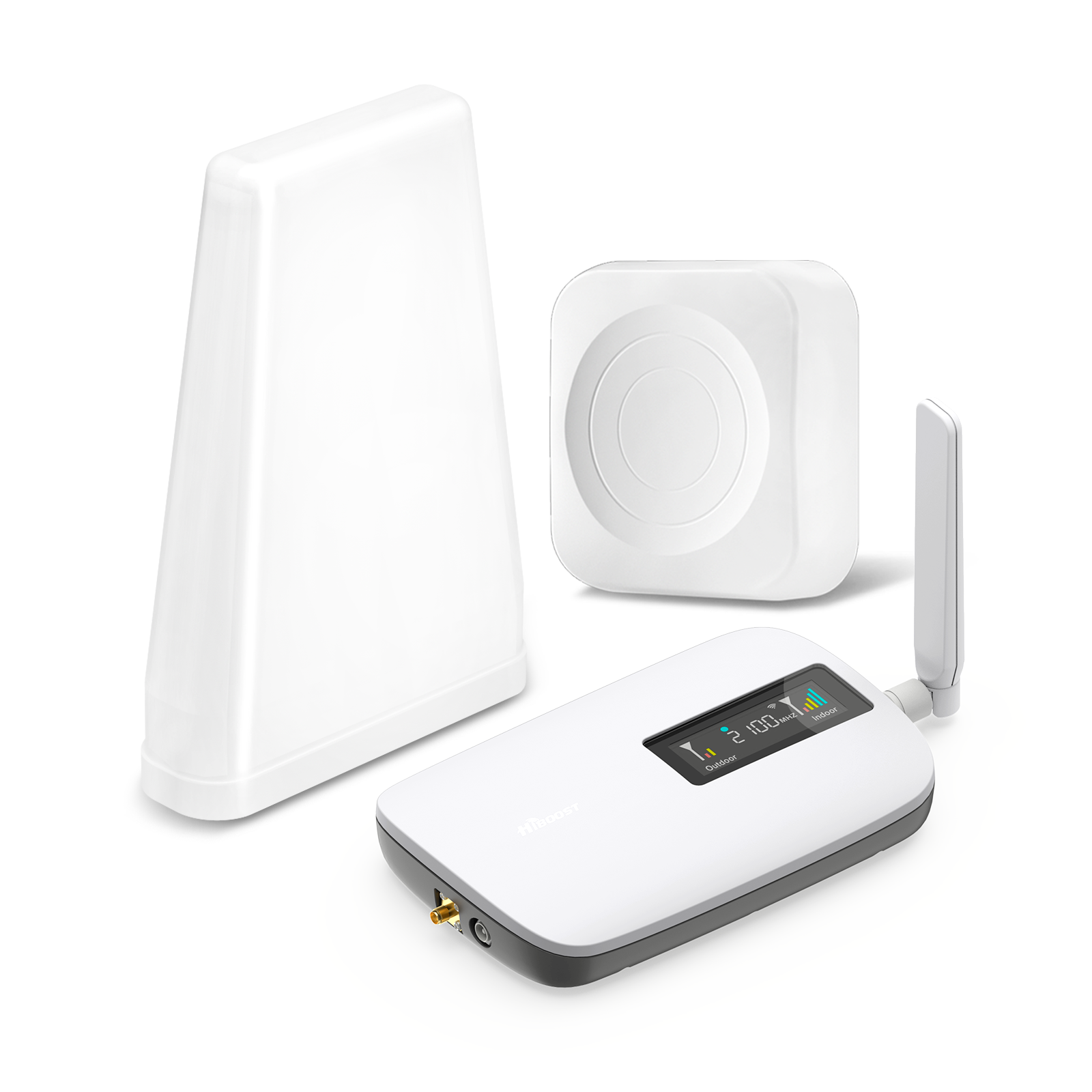
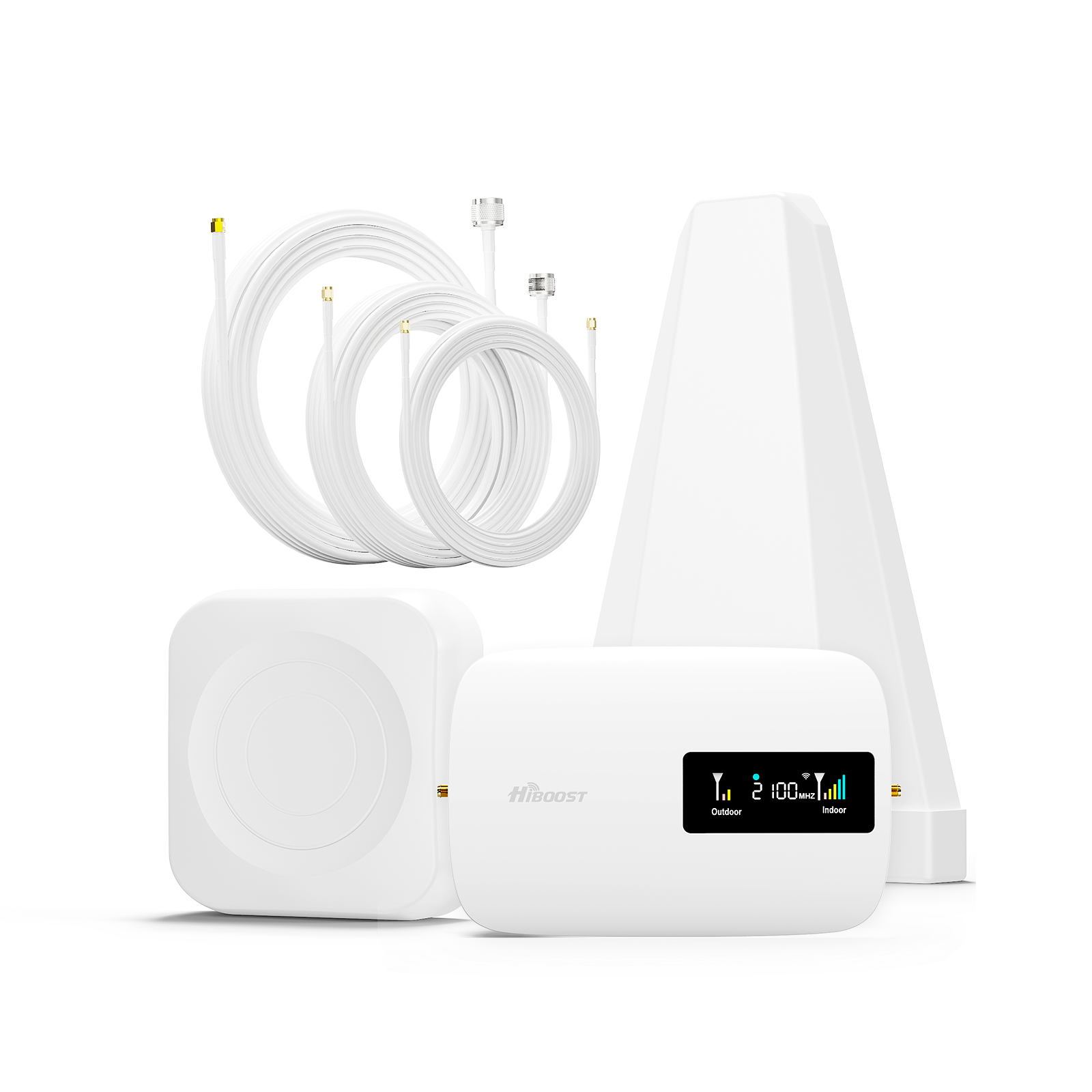
For a guaranteed improvement, a cellular booster captures outside signal and rebroadcasts it indoors. A HiBoost home booster can cover up to thousands of square feet, supporting all carriers simultaneously.

Once installed, any phone or device in range instantly sees stronger 5G/LTE coverage calls clear up, and data speeds become more stable. We’ll cover booster options in Chapter 7, but even a small 4K or Sidekick booster can lift a weak one bar signal to full bars inside.
By trying these steps, most indoor users see a noticeable improvement. Often just moving closer to a better signal or using Wi-Fi Calling is enough. But if you live in a thick-walled house or deep basement, a signal booster is usually the most effective solution for consistent 5G speed.
How to Improve 5G Signal in an RV
RVs, campers and motorhomes face unique challenges: metal exteriors, remote locations, and constantly changing direction. Here’s how to get the best signal on the road:

Mount a rugged roof antenna.
The key is to get the antenna outside, as high as possible. An omni directional 5G antenna on the RV’s roof can catch signals from any direction.
HiBoost’s Travel 3.0 RV booster kit, for example, comes with a durable outside antenna that attaches to your roof or ladder mount. Ensure it’s securely fixed and weatherproofed.
Point your RV toward nearby towers.
When stationary, try to park the front of your RV in the direction of the nearest cell tower. Mobile apps like OpenSignal or CellMapper can help locate towers.
Adjust your parking angle until your devices show the best signal. This can noticeably improve reception since directional alignment reduces interference.
Elevate if you can.
If camping in uneven terrain, park on higher ground. Even a small elevation gain can improve line-of-sight. Some RVers carry a small tripod mast or use the RV’s ladder to temporarily boost the antenna height if the ground-level signal is poor.
Place the booster centrally.
Once the antenna is up, put the HiBoost amplifier inside in a central location. This distributes the amplified signal evenly throughout the RV cabin. Avoid placing the indoor antenna in corners; the goal is a central point away from obstructions.
Manage power supply.
RV boosters typically draw around 5–10 watts. The Travel 3.0 RV can run off a standard 12V power adapter. Make sure it’s connected to a reliable power source.
Watch for oscillation.
In an RV, feedback can occur if the indoor antenna is too close to the outdoor one. If the booster’s LEDs blink or turn red, try moving the indoor antenna further away or angling it differently. HiBoost kits often include a magnetic mount for the indoor antenna, making repositioning easy.
Test different configurations.
There’s no one-size-fits-all; try the booster in different campgrounds to find optimal height and placement. In forests or valleys, a directional antenna might outperform an omni. HiBoost’s multi-antenna kits allow mixing an omni outdoor antenna with a panel inside, which often solves coverage blind spots.
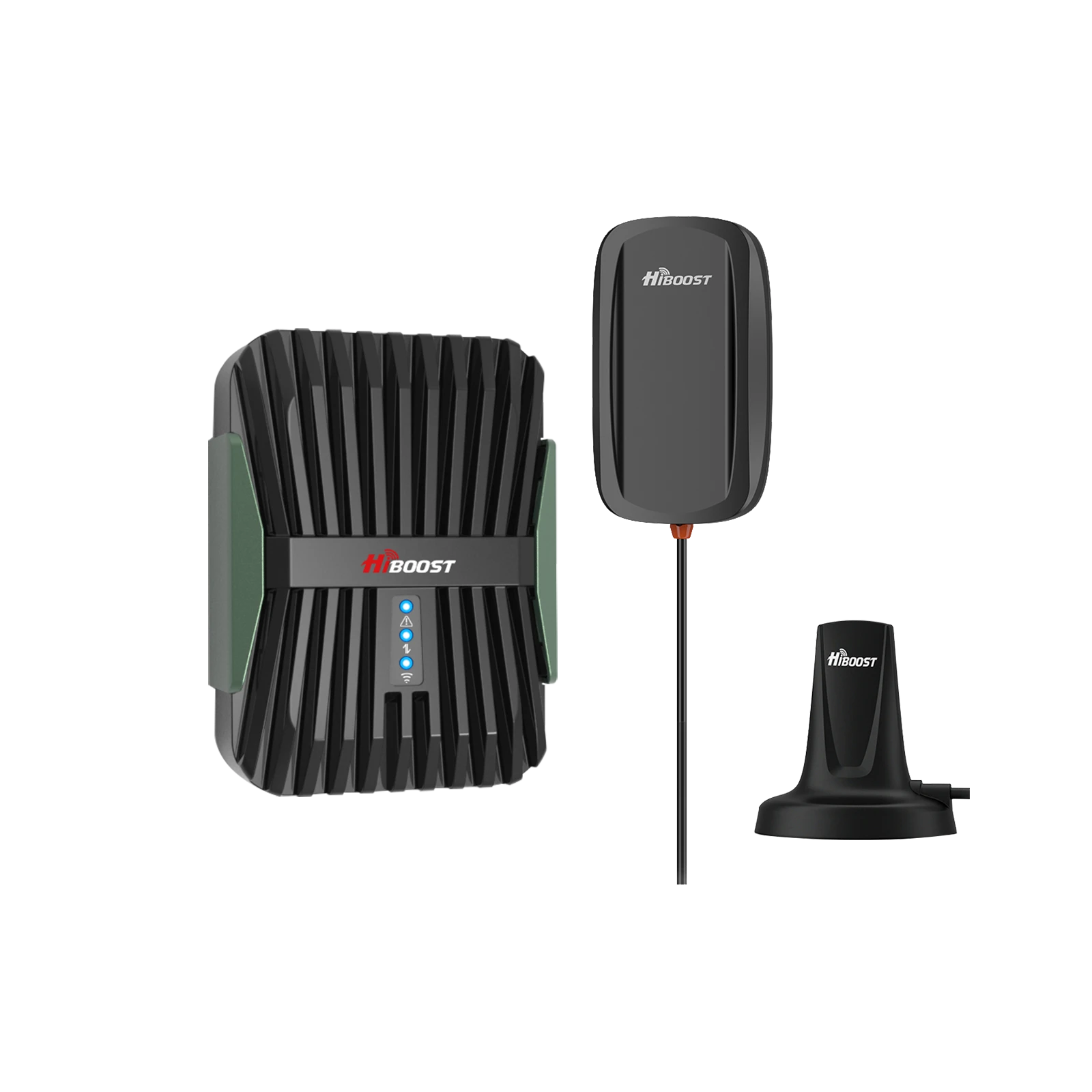
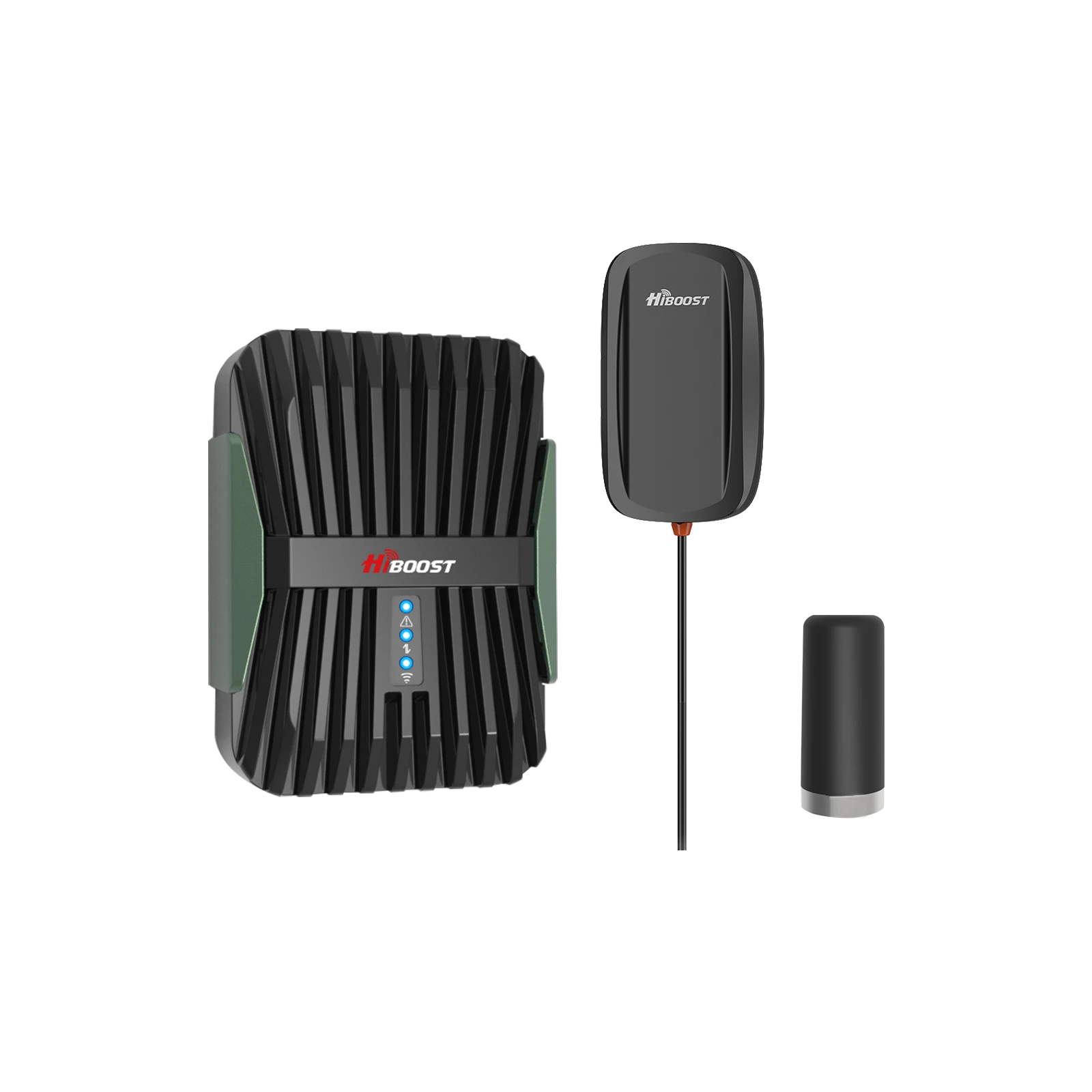
A rugged HiBoost Travel 3.0 RV signal booster kit with outdoor and indoor antennas, designed to keep your RV full-bars in remote areas.
With the right setup,
many RV users report full 5G bars even in places that were dead zones before. In lab tests and reviews, the Travel 3.0 RV consistently lifted weak one-bar signals to strong, stable connections.
The result is reliable streaming and voice calls, even in national parks or BLM camping where cellular service was spotty.
How to Improve 5G Signal in a Truck
Long-haul truckers and commuters face similar issues to RVers, plus highways and distribution centers can be remote or congested. Here’s how to get the best 5G on the go:

-
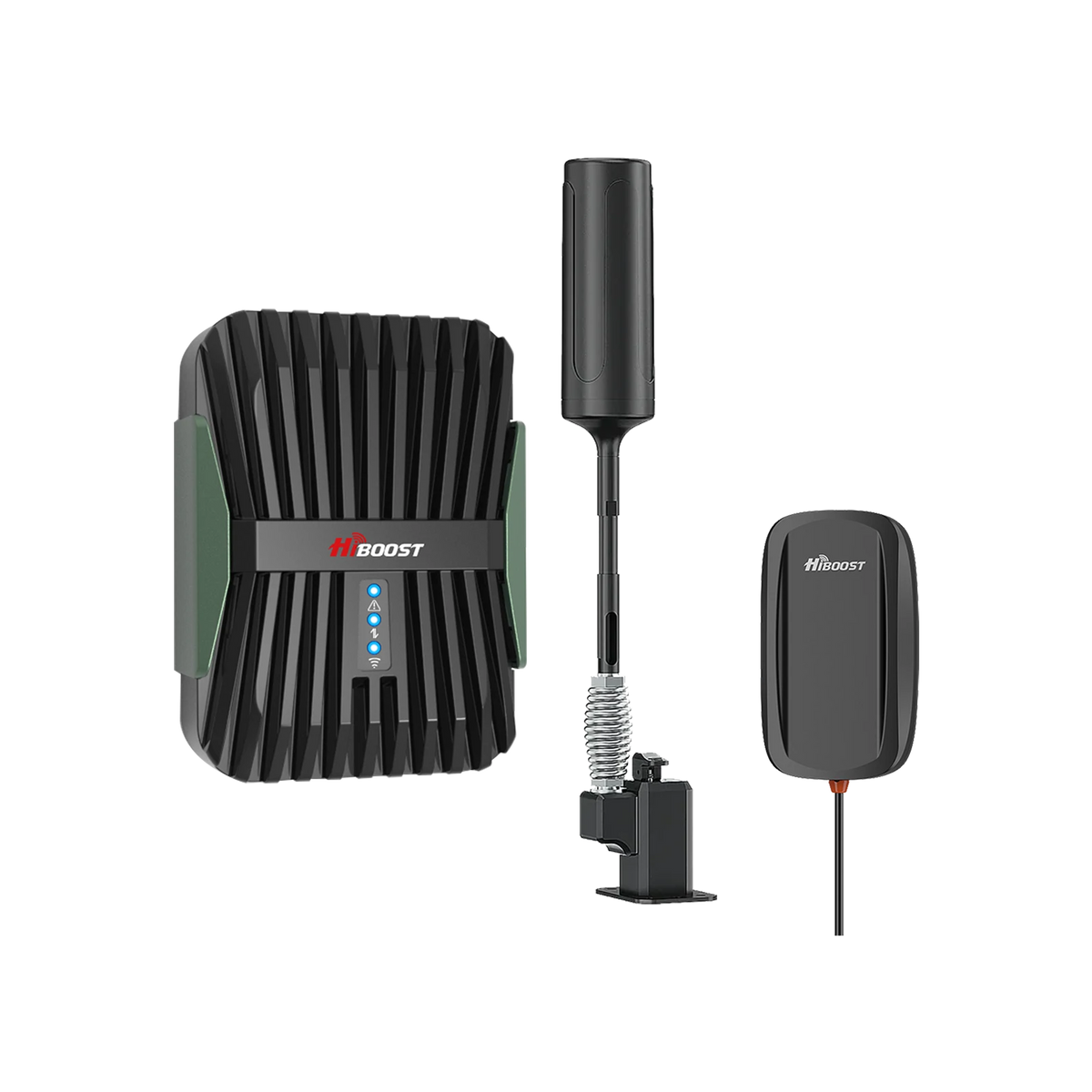
Use a vehicle-rated booster. Install a HiBoost Travel 3.0 Truck booster, which is built for SUVs, pickups, and semis. It has a high-power amplifier and two sturdy antenna poles, giving up to 50 dB of gain for your entire cab. This kit is “designed for trucks and semi-trucks,” covering multiple riders/devices simultaneously.
- Mount the outdoor antenna on the cab roof. The Travel 3.0 Truck’s outside antenna is omni directional with extension poles. Secure it on the truck roof so it can rotate freely. The magnetic mount or suction cup should form a tight seal. A higher placement will catch more signals.
- Keep the antenna clear of obstructions. The antenna should be in an open area to avoid mounting under overhangs or too close to the windshield. Make sure any roof racks or equipment aren’t blocking it. Since trucks often park among other big vehicles, you may need to park in a cleared space for the best line-of-sight.
-
Aim your vehicle. When driving or parked, try to face the truck toward cell towers if you know their direction. If possible, drive on the road side closer to towers. Even a slight orientation change can improve signal if the area is fringe coverage.
-
Manage power smartly. The booster can plug into the 12V socket or hard-wire to the truck battery. Many truckers run it from the sleeper’s secondary battery via a fused cable. Use the in-cab power adapter provided, and consider a fuse or split if wiring in permanently.
-
Indoor antenna placement. Mount the magnetic indoor antenna in the cab facing the passengers. Usually it sticks to the dashboard or the sleeper wall. In large trucks, you might place it near the sleeper area for night use. The Travel 3.0 Truck kit includes a compact indoor antenna that boosts signal to every seat.
- Check for oscillation. Trucks have metal roofs and tight cabins, so feedback is possible. If the booster’s LED turns red or blinks, move the indoor antenna further from the roof antenna. The Travel 3.0 Truck’s foldable design makes it easier to adjust length and spacing until stable.
-
Test on the road. Try the booster on different highways and in remote yards. Many truckers report that a booster like this transforms no-service areas into usable signal. The Travel 3.0 Truck has been praised for “eliminating disconnection and buffering issues in remote areas,” delivering “better voice quality, faster data speeds” on mountain roads.
A truck driver staying connected on the road. Vehicle boosters yuse a rugged roof antenna and strong amplifier to keep phones and hot spots at full bars even in remote locations.
With a proper installation, many truckers find cellular 5G reliable even in mountainous or rural highways. The HiBoost Travel 3.0 Truck’s specs ensure your rig is covered from coast to coast. In practice, this means steady navigation, timely dispatch updates, and always-online streaming through the long haul.
How to Improve 5G Signal in Your Car
Context: For daily commuting and shorter road trips, improving signal is simpler but follows the same principles:

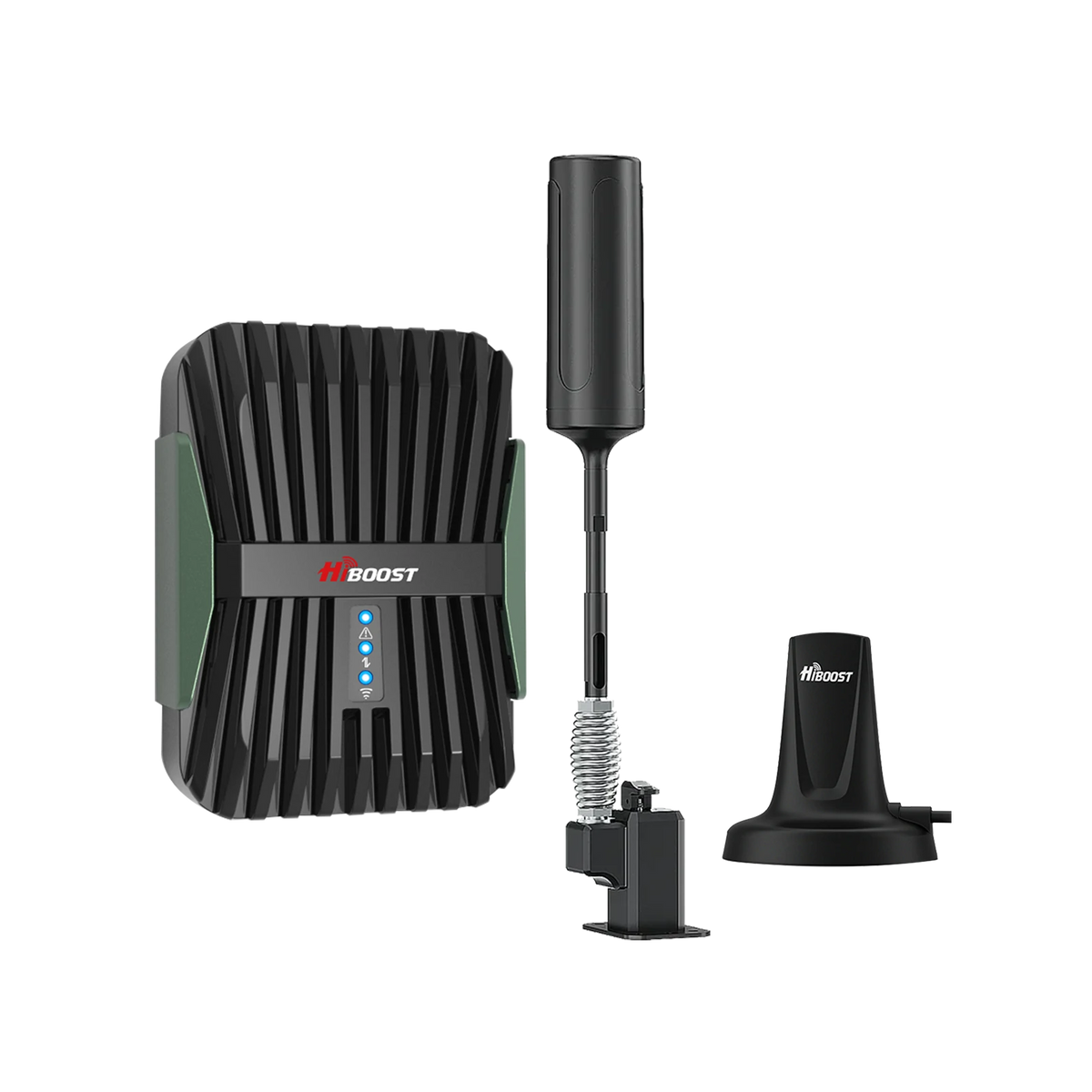
- Install a vehicle booster kit. The HiBoost Travel 3.0 Car booster is a great choice for cars, SUVs, and small pickups. It comes with a magnetic-mount outside antenna and a compact indoor antenna. Like its RV/truck counterparts, it offers up to 50 dB gain and is optimized for automotive use.
- Mount the magnetic antenna on the roof. Clean the center of your car’s metal roof and attach the magnetic base. The HiBoost outdoor antenna is strong yet low-profile. Place the interior amp unit inside. The magnetic base ensures the antenna can withstand highway speeds without falling.
- Check for signal boost. Drive normally and check your phone’s signal bars or use an app. You should see more bars appear, especially in suburban or rural areas. The interior antenna will rebroadcast the boosted signal throughout the car cabin – passengers and devices will automatically connect to the stronger network.
- Use the booster’s app (if available). HiBoost includes a “Signal Supervisor” app. It can tell you which bands you’re amplifying. For example, it might show that you’re capturing Verizon’s Band 2 and 13 or T-Mobile’s Band 4. This confirms the booster is working and can guide placement tweaks.
- Maintain the connection. Unlike bigger vehicles, cars have less space, so oscillation is less of a problem, but you should still ensure the indoor antenna isn’t touching metal parts or hidden behind seats. Position it centrally with the cable out of the way.
- Maximize data reliability. Even when moving, the booster helps maintain a higher baseline signal. On a road trip or through cell-dead zones, you’ll notice fewer dropped calls and more consistent 5G internet.
While rapid handoffs between towers can still momentarily drop 5G (phone may switch to LTE), having stronger LTE/low-band 5G helps bridge those gaps.
In practice, drivers using the Travel 3.0 Car report “significantly enhancing spotty connectivity for internet, email, and texts,” with faster data and clearer calls. For daily commuters, even a few extra bars can mean a world of difference from glitch-free streaming in the carpool lane to reliable Google Maps directions.
Does a 5G Signal Booster Really Work?
Yes, but with limits. A good-quality booster does amplify your existing cellular signal, which in turn improves coverage and often data speeds but only under the right conditions.
How It Works:
A signal booster has an external antenna that “sniffs” the outdoor cell signal, an amplifier that cranks it up, and an indoor antenna that rebroadcasts it. Essentially, it boosts the RSRP of the network you already have nearby.
Think of it as a mini cell tower inside your home or vehicle. All phones and devices within range then connect to this stronger signal just like they would to any tower.
What It Can Improve:
If your device normally shows 1–2 bars and you add a booster, you might see 3–5 bars inside and real throughput gains. In one homeowner’s test, installing a HiBoost home booster turned a -113 dBm signal into -78 dBm, doubling download speed and making upload rates “blazingly fast”.
Since most everyday use relies on the same frequencies that boosters amplify, a booster typically provides clearer calls, fewer dropouts, and more consistent data.
What It Cannot Do:
A booster cannot create a signal where none exists. If your area has literally no cell signal, a booster has nothing to amplify. Also, current consumer boosters are designed only for lower 5G bands.
They cannot amplify high-frequency 5G or standalone mid-band signals. In plain terms: if your phone is connected to Verizon’s mmWave or AT&T’s mmWave, or T-Mobile’s C-band mid-band, a basic booster won’t help those connections.
Only specialized commercial boosters can handle those. However, everyday cellular needs mostly ride on low/mid-band signals that boosters do support.
Bars vs. Speed: Remember that boosting the bars often does translate to better speed if the network was the bottleneck. But if slow speeds are due to congestion or an overloaded backhaul, a booster won’t magically speed that up. In many cases, though, boosting a marginal -100 dBm LTE signal to -80 dBm LTE will noticeably improve throughput.
Real-World Results:
User reviews confirm meaningful gains. For example, a HiBoost Home 10K user saw downloads more than double after installation. Similarly, travelers report that the Travel boosters bring “full bars” to devices that previously struggled in forests or mountains. In short, if you have at least a little cell signal outdoors, a booster usually makes it significantly better indoors or in-vehicle.
Best 5G Signal Booster for Different Situations
Choosing the right booster depends on your scenario. HiBoost offers models for every case:
Small Home / Apartment:
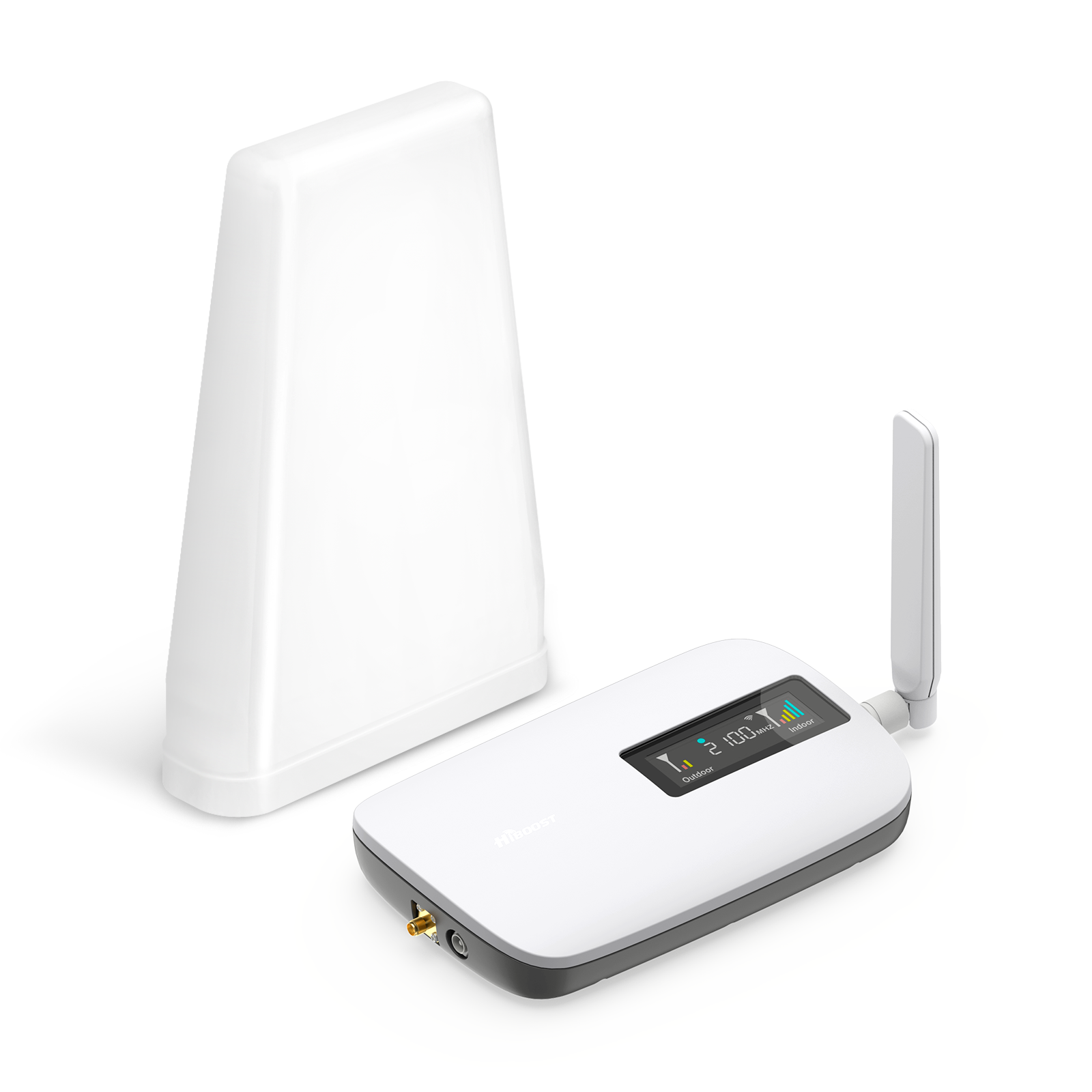
For a single room or small flat, a compact booster like the HiBoost Sidekick or Home Lite is ideal. These cover roughly 500–2,000 sq. ft. and support all major bands. They’re easy to install and perfect for fixing one dead zone.
Medium/Large Home:
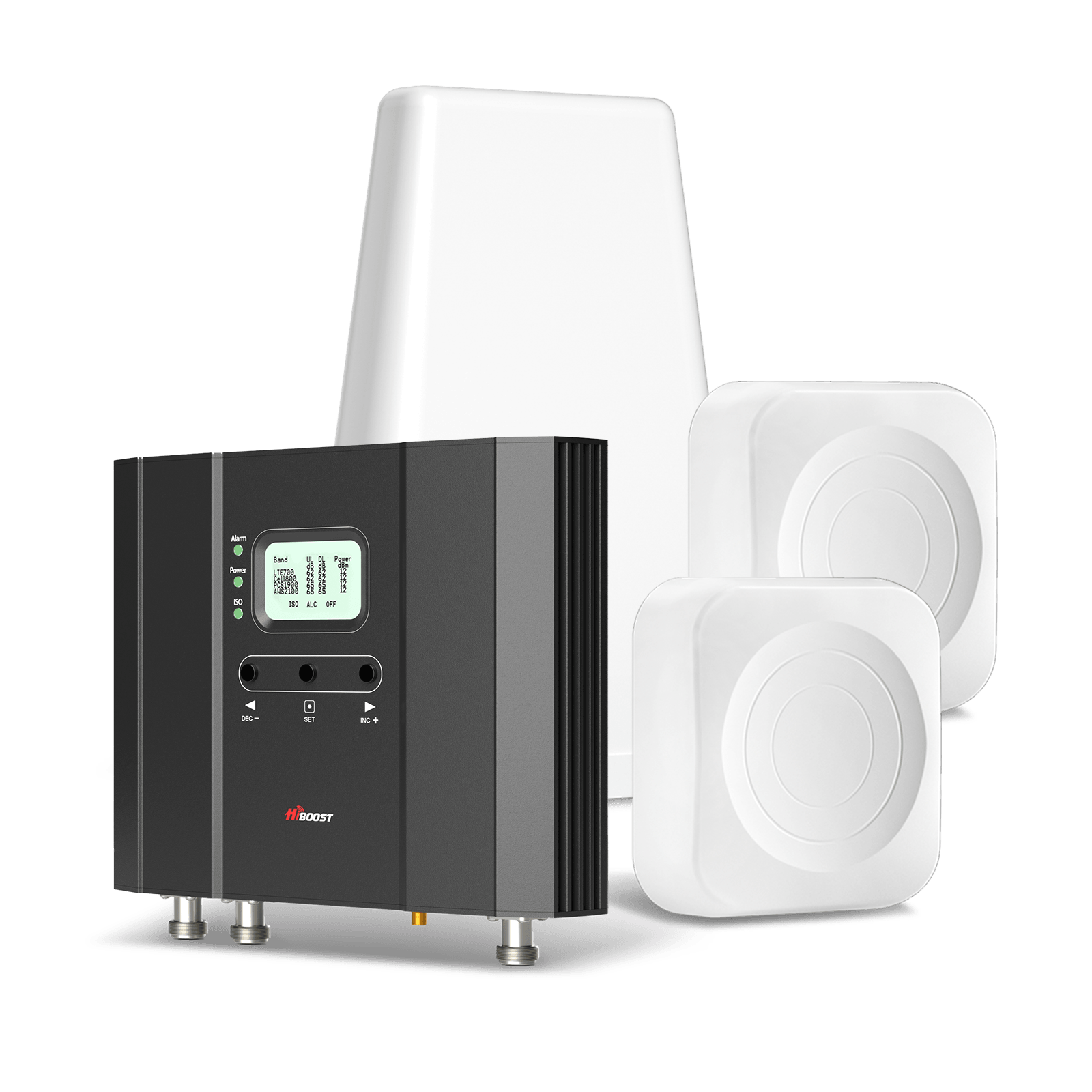
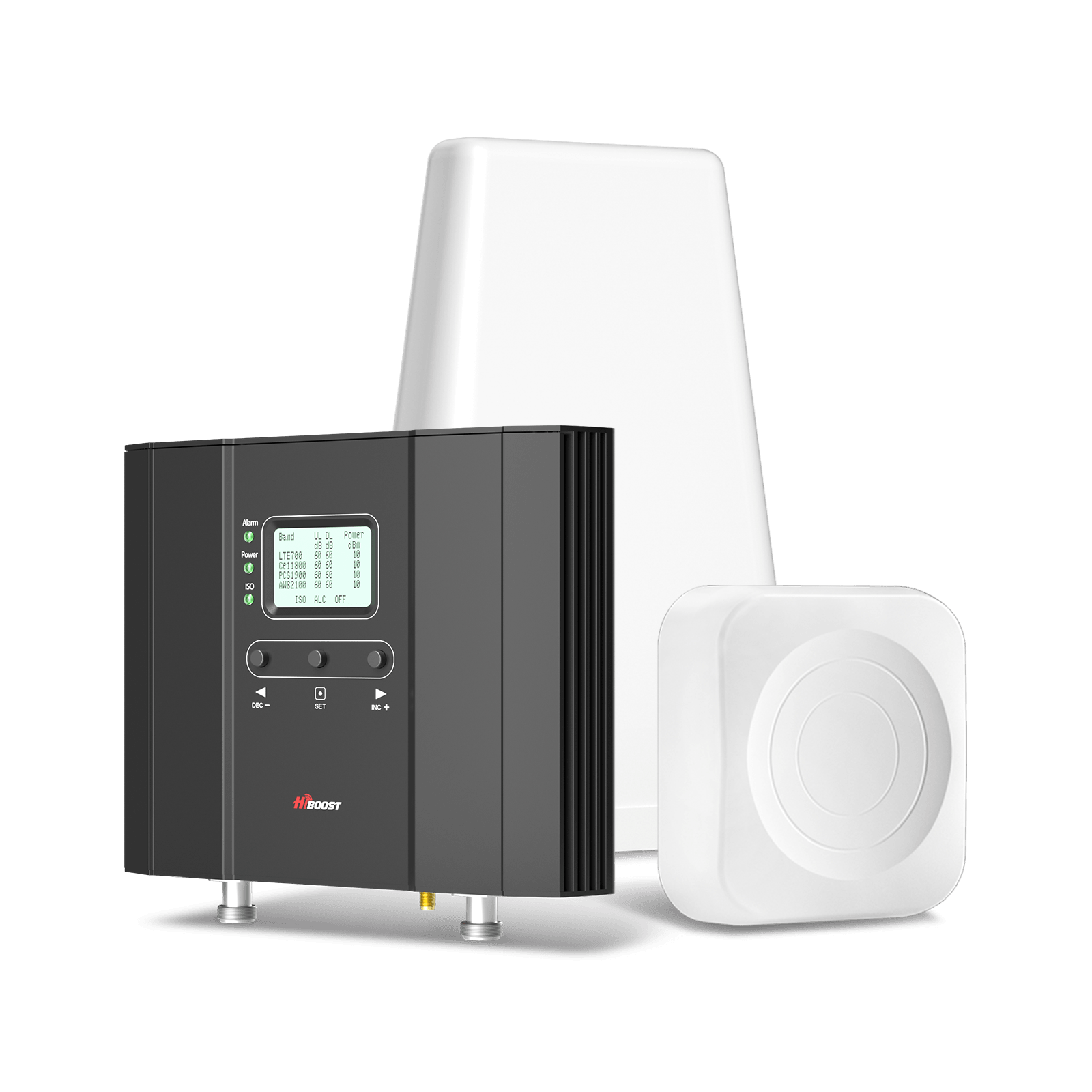
If you need whole-house coverage, go for a multi-room booster. Good options are the HiBoost 4K Plus Pro or the 10K Smart Link. These kits include a robust outdoor antenna plus one or more indoor antennas.
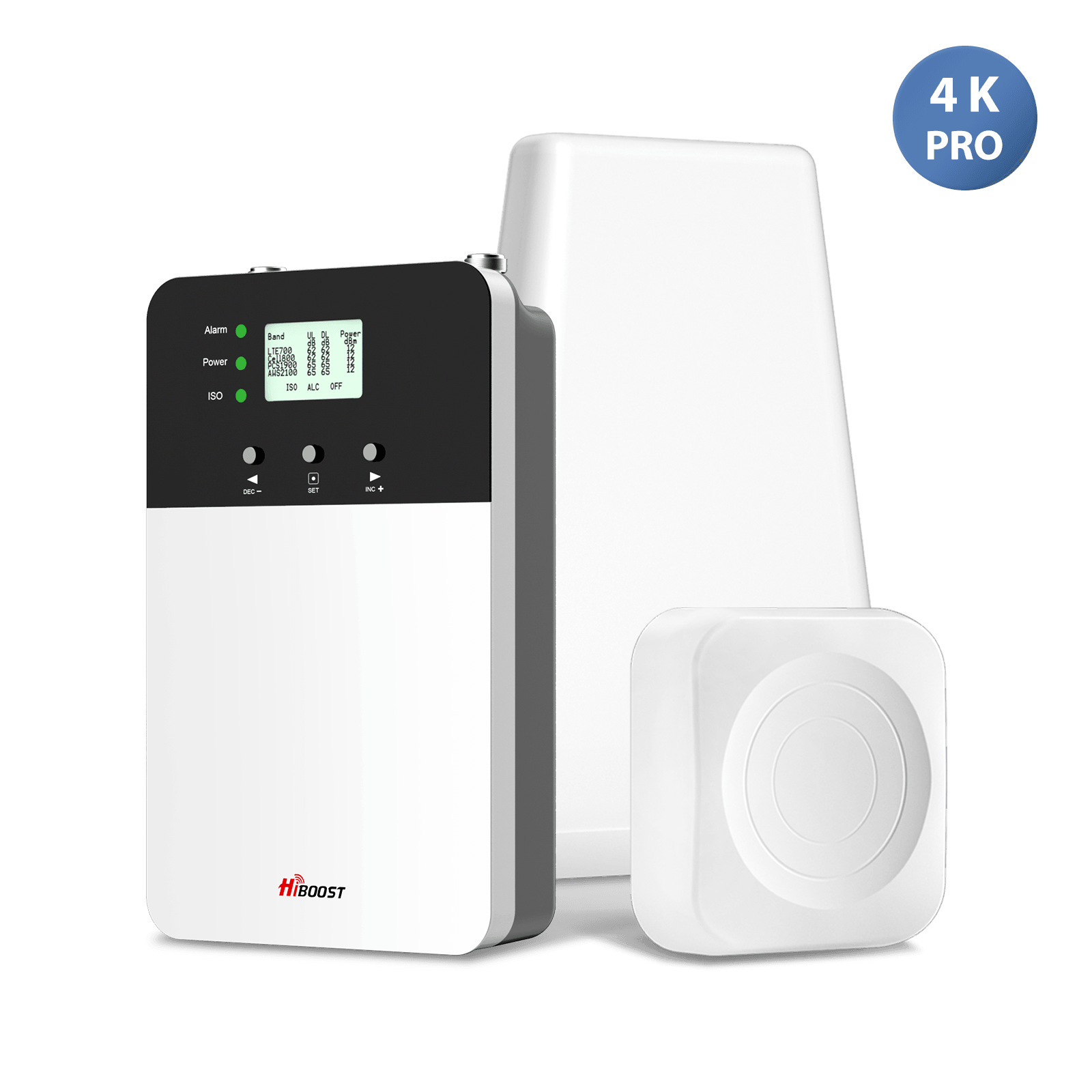
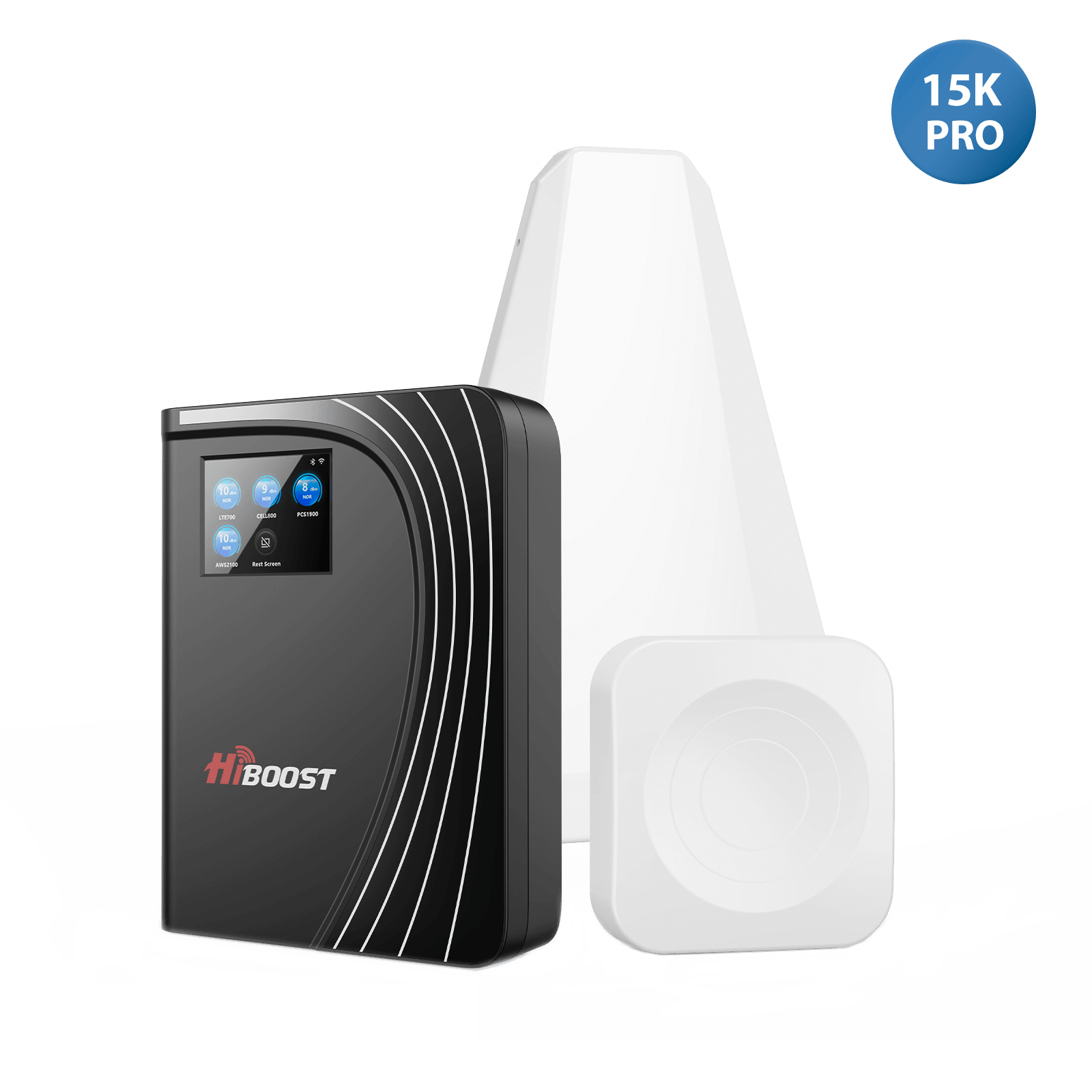
For very large homes or basements, the 15K Mate Pro/15K Smart Link provides maximum gainto overcome thick walls or metal construction.
Apartment/Condo:
Even in urban buildings, indoor signal can suffer. A small booster placed near a window usually solves this. For a high-rise unit, try to get the roof or a balcony antenna if possible; otherwise a small 1–2 room booster often covers the space.
Basement or Cellar:
Basements often have no signal. A booster with its outdoor antenna on the roof and an indoor panel on the basement ceiling can relay the rooftop signal deep underground. Sometimes using a directional “yagi” antenna outside aimed at the closest tower helps pull in enough signal to feed the booster.
Metal Buildings/Cabins:
Metal structures are tough. Use a high-gain booster and mount the outdoor antenna on a mast above the roof’s peak. Place indoor antennas wherever people congregate.
For small metal sheds, even a smaller kit can help if the outdoor antenna can capture any signal. Some industrial sites use HiBoost’s industrial boosters or metal-building-specific models to punch through steel walls.
RVs / Campers:
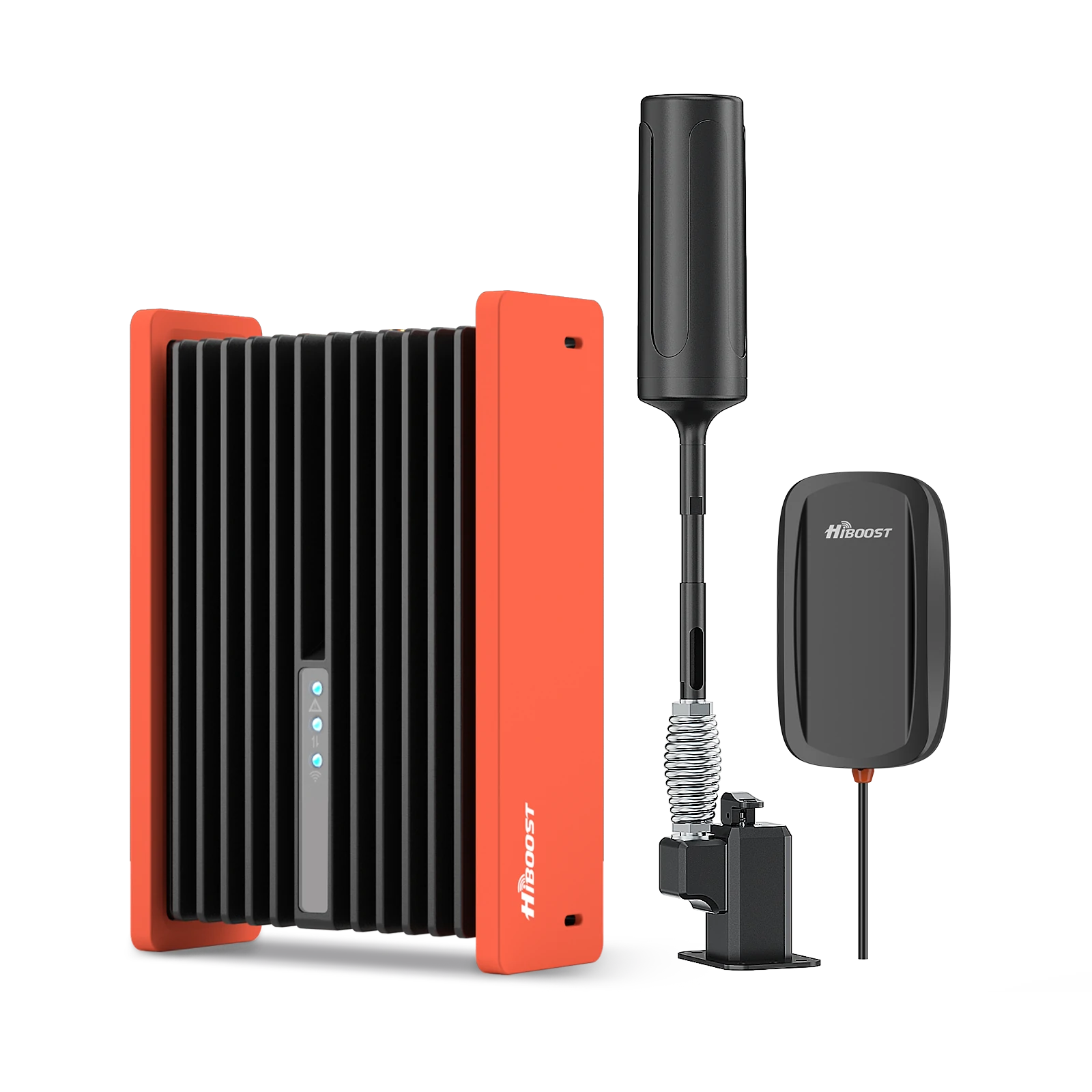
The HiBoost Travel 3.0 RV booster is built for this; it has a rugged orange amplifier and an omni roof antenna. With 50 dB gain, it covers the entire coach and supports multiple devices. Customers traveling in campers report “guaranteed full bars” for all devices with this kit.
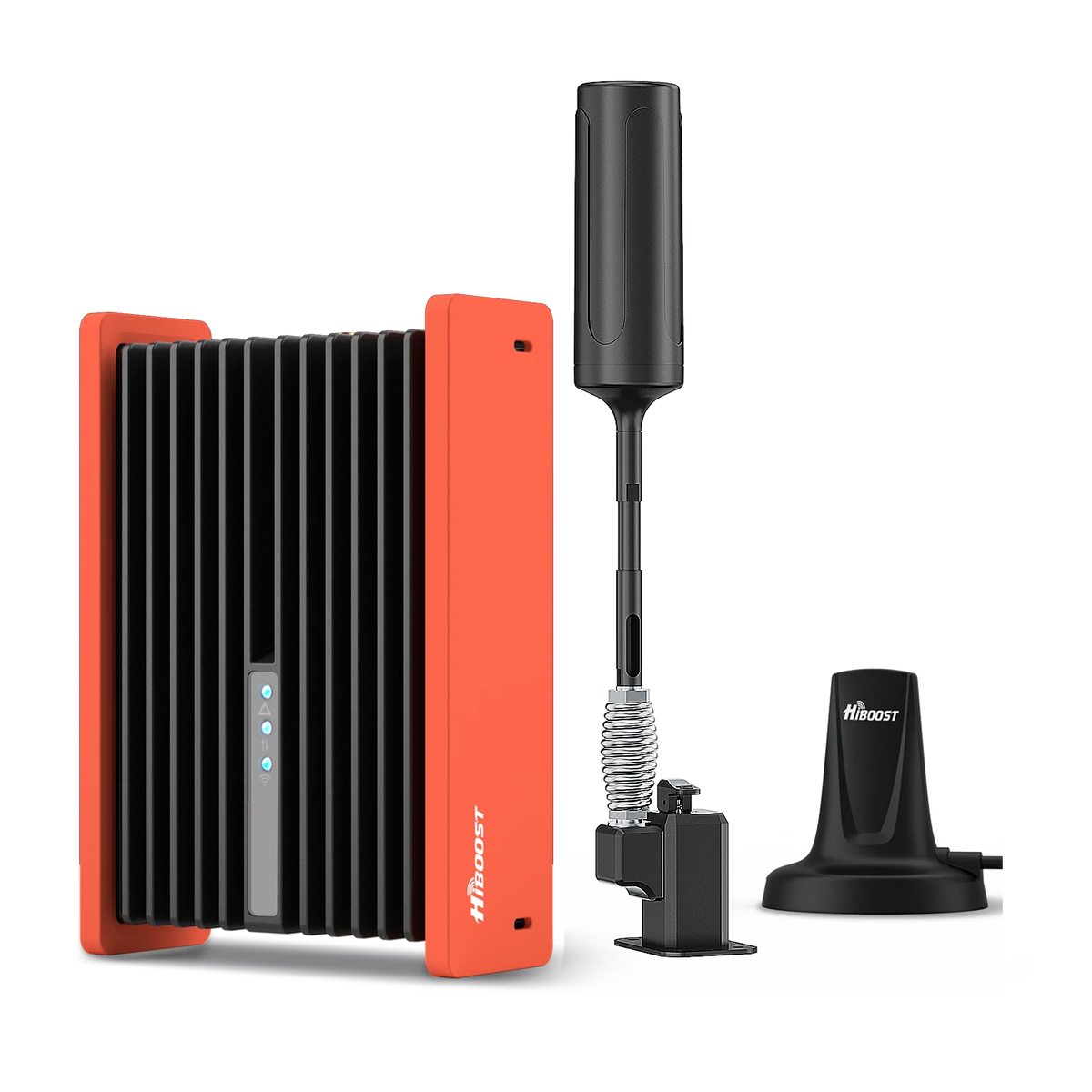
HiBoost Cell Phone Signal Booster for RV
For RVs, travel trailers, motorhomes, Class A/C RVs, 5th wheels, vans, and truck campers.
Trucks / Semis:
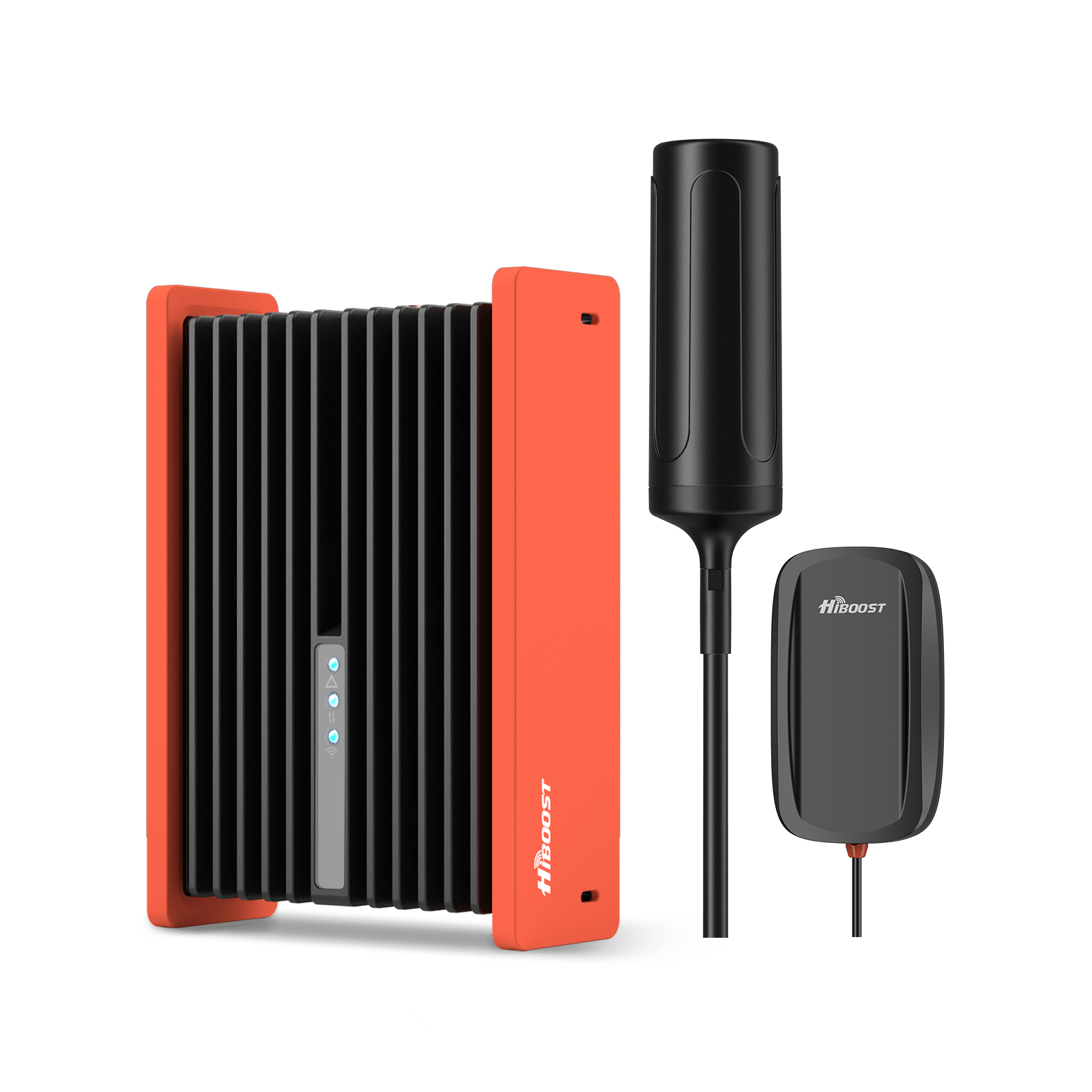
The Travel 3.0 Truck booster is the go-to. It comes with a foldable outdoor antenna and a shock-resistant amplifier. It’s rated for trucks and SUVs, giving similar 50 dB gain across the cab. Many drivers use it on long hauls with success. For more rugged off-road use, the ExplorerX booster is also popular.
Cars / SUVs:
Use the Travel 3.0 Car booster. It features a strong magnetic roof antenna and compact amp. It’s designed specifically for passenger vehicles. Compared to the older 2.0 version, it has higher output power to tackle weak spotty signals.
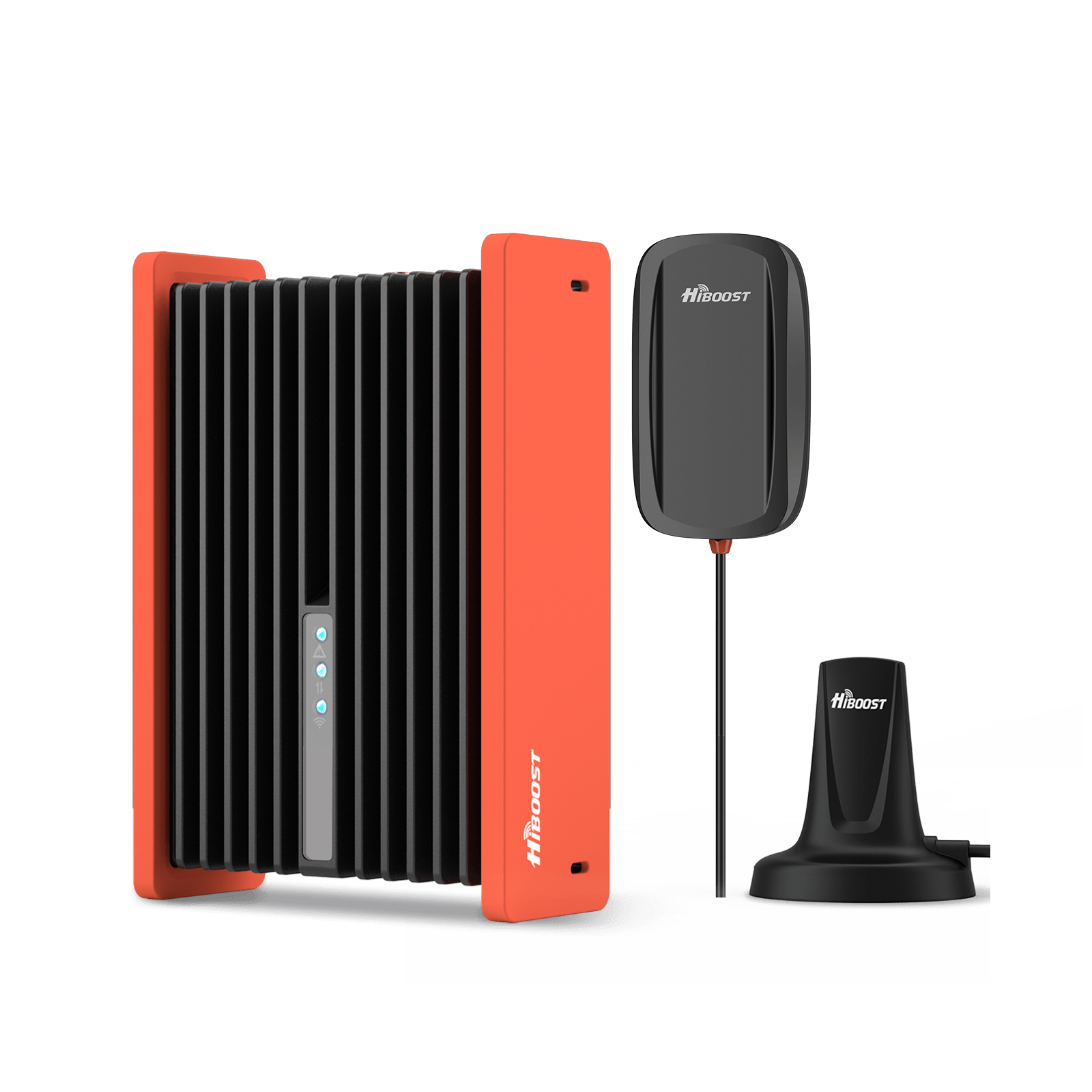
HiBoost Travel 3.0 Car Cell Phone Booster
For passenger cars, vans, mini trucks, pickups and SUVs
Remote Cabins / Farms:
For homes far from towers, choose a booster with maximum gain. Also consider a directional outdoor antenna to reach distant towers. HiBoost also makes industrial boosters if you need to cover very large rural properties or multiple cabins.
Urban Offices:
If you ever need indoor booster coverage in a small business, HiBoost offers Business line boosters sized by square footage. But for typical homes/RVs/cars, stick with the residential/vehicle lines.
In summary, match your coverage needs and building size to the booster’s rated area. HiBoost’s product pages and the “Best Booster Guide” can help you pick. The right kit will give you multiple bars of boost for 4G/5G on all major carriers simultaneously.
How to Test Your Signal Before Buying Anything
Before rushing to buy a booster, measure your current signal carefully. This tells you what you need. Here are steps and metrics to use:
Use Field Test Mode or Apps.
On iPhone, dial *3001#12345#* then swipe to see raw signal data. On Android, use Settings → About Phone → Status or a signal app. Alternatively, apps like OpenSignal or Network Cell Info display dBm and band info. Check both outdoor spots and indoors.
Measure RSRP (dBm).
The key metric is RSRP for LTE/5G. This is reported in dBm. Higher is better. As a rule of thumb: ≥ -90 dBm is excellent; around -100 dBm is okay; below -110 dBm is weak; under -120 dBm is basically unusable. For example, a phone showing -80 dBm is much stronger than one at -110 dBm.
Check RSRQ and SINR.
RSRQ should ideally be above -10 dB. If RSRQ is very low, your signal is noisy/interfered. SINR is another measure above +10 dB is good, 0–5 dB is marginal.
High SINR/RSRQ means cleaner signal, which usually means better potential speed. A booster can increase RSRP but won’t fix interference; however, using a directional antenna can improve RSRQ by isolating one tower.
Conduct speed tests.
Use an internet speed test at different locations. Record download/upload speeds with Wi-Fi off. This gives a baseline of actual performance. If possible, do this both before and after any improvement to see the gain.
Use multiple providers if possible.
If you have a dual-SIM or a friend with another carrier, compare signal quality and speed on both networks at your location. This can tell you which carrier’s signal is stronger and whether a carrier-specific booster might be needed.
Check coverage maps and local tower info.
Websites like antennasearch.com or fantrreemap.com can show nearby tower locations. If you see a tower in your vicinity but still have weak signal, it likely means obstruction is the problem. If no tower is nearby, even a good antenna can only do so much.
By testing, you’ll know: a) what your RSRP/RSRQ/SINR values are (and thus how big a boost you need), and b) whether a booster can help at all. In most cases, seeing something like -100 dBm outdoors tells you a booster will likely bring you into the -80s indoors.
Common Installation Mistakes
Even the best booster can underperform if installed incorrectly. Watch out for these pitfalls:
Antennas too close (Oscillation).
The outdoor and indoor antennas must be far enough apart. If the boosted signal “feeds” back into the outdoor antenna, the booster will oscillate and self-shut down.
Ensure at least 20 feet of separation between outdoor and indoor units. In vehicles, simply placing the indoor antenna in the cabin and the outdoor on the roof is usually enough, but double-check in small spaces.
Indoor antenna blocked or poorly placed.
Don’t hide the indoor antenna behind furniture, curtains, or shelving. It should have a clear line of sight within the area you need coverage. For example, mounting it inside a closet or behind a TV will severely limit its reach. Place it high on a wall or on a table, facing the center of the area.
Improper cable or connectors.
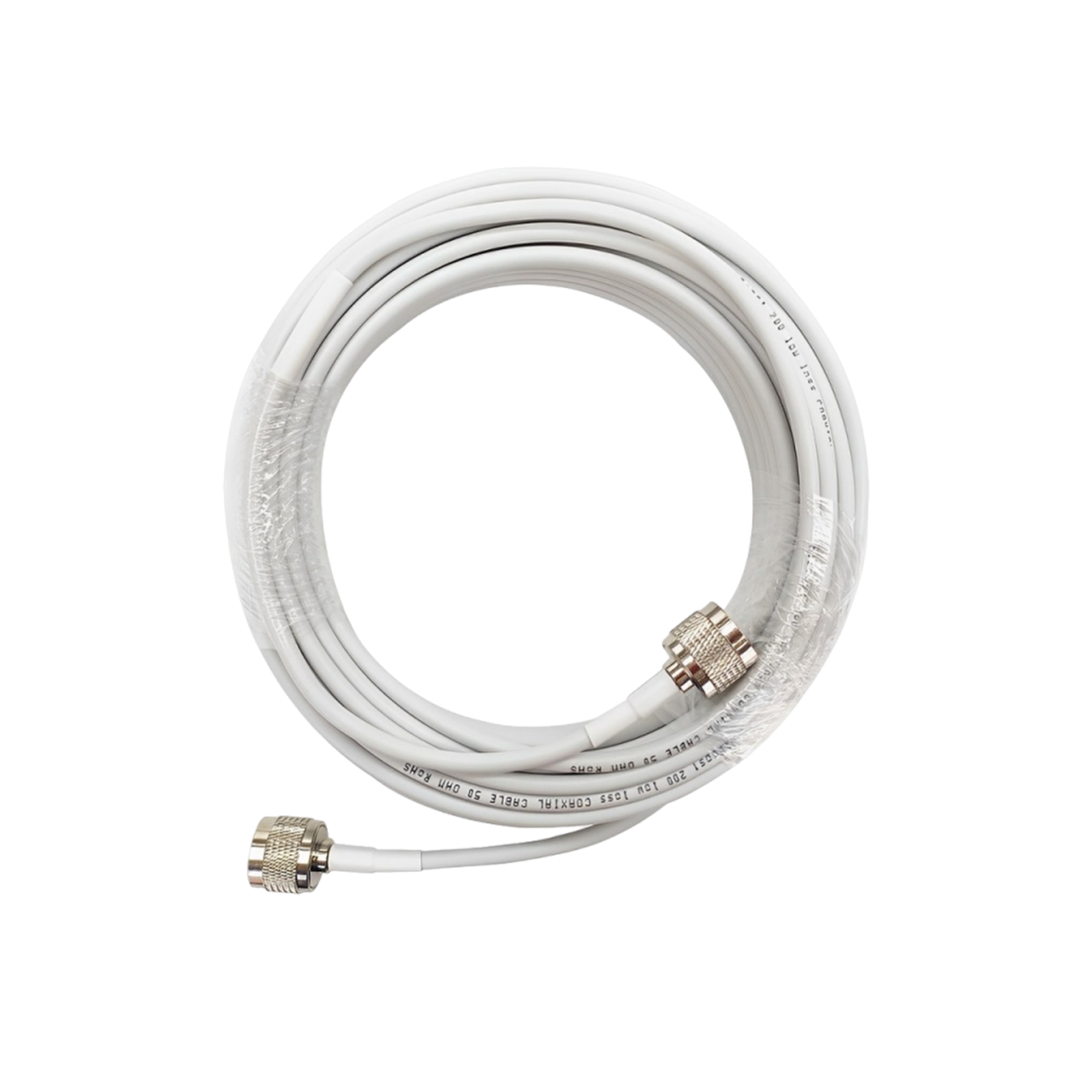
Use the coax cable supplied with the kit. Avoid splices or longer-than-needed runs. Damaged, kinked, or loosely connected cables can introduce significant signal loss.
Make sure every connector is tight and weatherproofed. Even a small fault in the cable can turn a powerful booster into a weak one. Inspect and secure connectors if you notice intermittent performance.
Wrong antenna orientation.
If you’re using a directional outdoor antenna, aim it precisely at the tower. A common mistake is to mount it facing the wrong way. Use a compass or app to line it up. For omnidirectional antennas, ensure they are vertically upright.
Booster placement near interference.
Avoid installing the booster box next to other RF equipment. Also, don’t mount it outdoors or in a very hot spot; it needs ventilation.
Ignoring FCC lights. Many boosters have indicator lights. A red light usually means feedback. A blinking yellow/amber light can mean a strong outdoor signal.
If that happens, either reposition the outdoor antenna to be slightly less directly facing the tower or use an attenuator. Never disable these features; they protect the network from interference.
In summary: keep outdoor and indoor antennas well separated, use high-quality coax connections, and aim carefully. Most installer headaches come from simple setup issues, not hardware failure.
Following the manufacturer’s diagram will prevent 90% of problems. Always check the booster’s lights and app after installation they often tell you exactly what needs adjustment.
HiBoost Signal Boosters – Dramatic Before‑and‑After Improvements
Yes, a HiBoost cell phone booster can dramatically improve your cellular signal. In real tests and customer reports, indoor signal strength often jumps by 20–30+ dB after installation. For example, one HiBoost user’s Verizon signal went from –112 dBm to –84 dBm indoors – a +28 dB gain that turned a dead zone into full 4‑bar coverage.
Download speeds in that case climbed from ~3.0 Mbps to 45.0 Mbps. In short, properly installed HiBoost boosters convert weak, unreliable reception into multiple bars of clear voice and fast data. The best way to verify this effect is to measure your phone’s signal and data rates before and after powering on the booster.
In this guide we’ll cover the key technical points including 5G support, dBm math, and LED status lights with real test data and customer quotes. We also present authentic “before vs after” results and highlight HiBoost’s top products and features. Our goal is to provide a complete, credible resource on making your signal boost work.
Verifying Booster Performance: Before-and-After Tests
To prove that your HiBoost booster is working, follow a simple before‑and‑after test procedure:
- Outdoor Test: Place a phone near the outdoor antenna’s base. Record the cellular signal and run a speed test.
- Indoor Baseline: Go to the worst coverage spot indoors. Record the phone’s dBm and speed there. Note “before” values.
- Activate Booster: Turn on the HiBoost amplifier. Wait 1–2 minutes for stability.
- Indoor After: Return to the same indoor spot and measure again. Record the new dBm and speed.
After these steps, compare your before vs after metrics. You should see the dBm value rise and the data speeds increase. HiBoost suggests logging these in a table. For example, one test table looked like this:
|
Metric |
Before Booster | After Booster |
| Signal (RSRP) | –110 dBm |
–78 dBm |
|
Download Speed |
2.1 Mbps |
30.5 Mbps |
| Upload Speed | 0.8 Mbps |
12.4 Mbps |
That case shows a +32 dB jump in signal and a download boost from 2.1 to 30.5 Mbps. Every few dB gain means much higher power (again, +3 dB ≈ 2× power). In short, even seemingly small dB gains can yield huge throughput improvements.
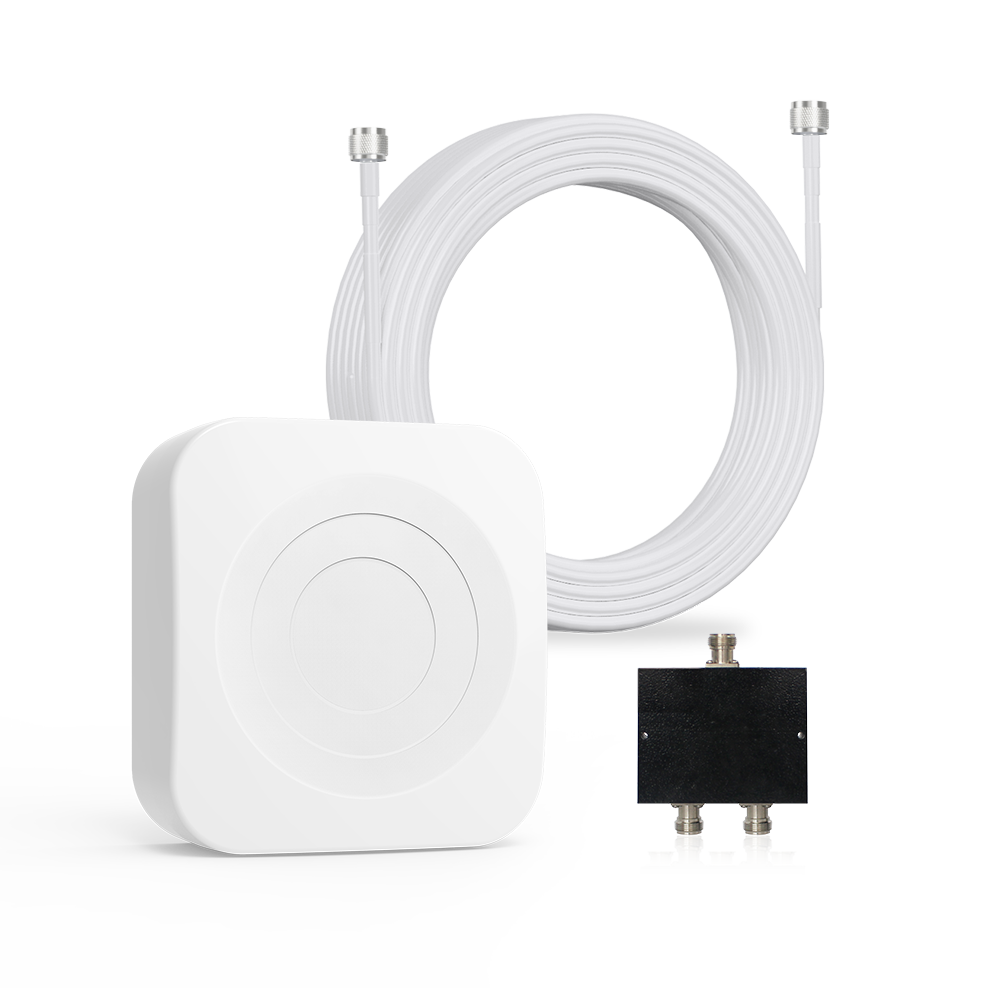
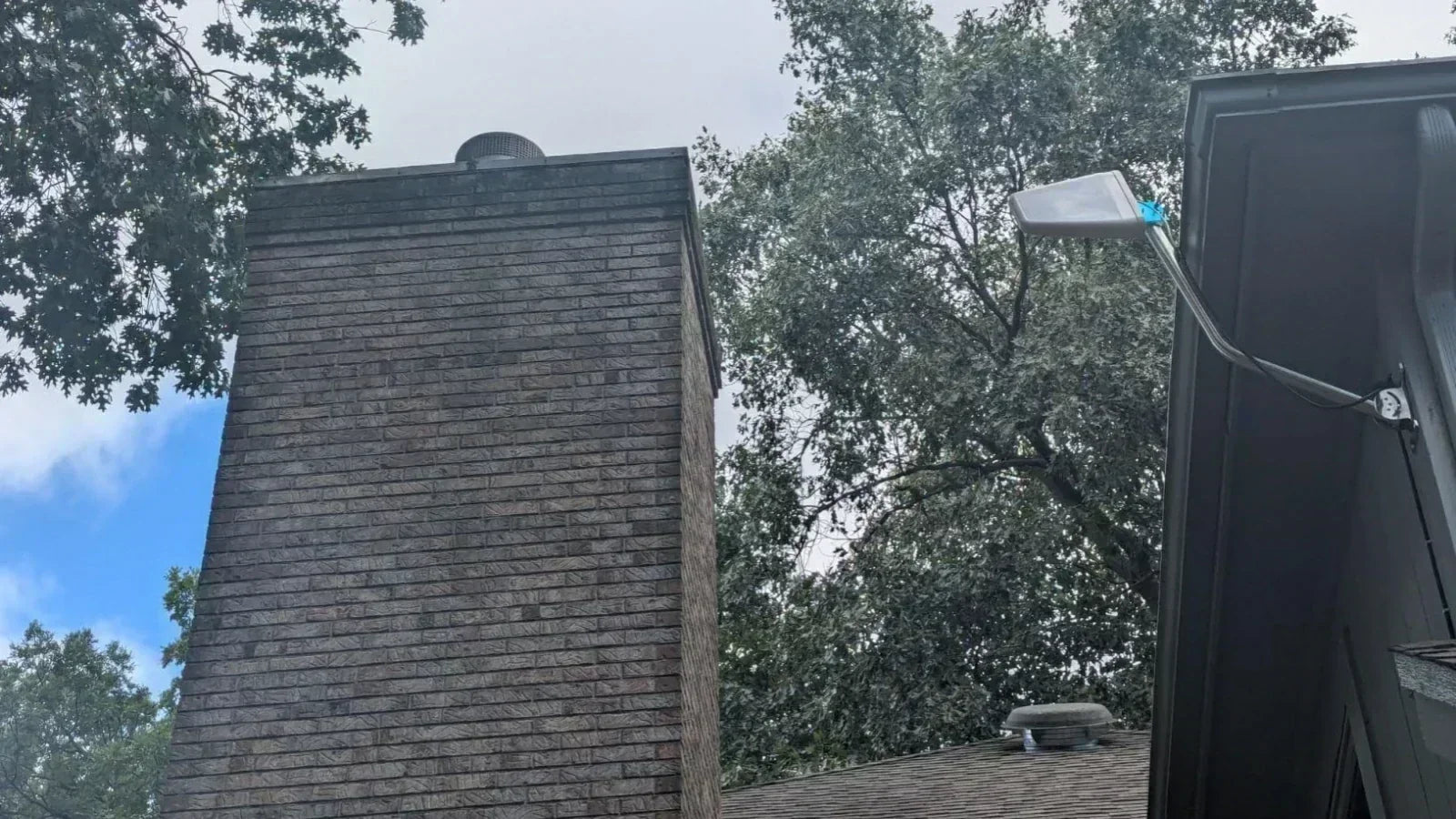
The HiBoost 15K Smart Link’s outdoor antenna mounted on a roof. This panel antenna captures the weak tower signal. Its job is to feed that signal down to the indoor booster unit. After turning the booster on, rooms that were previously dead zones (❌) often see full bars (✅).
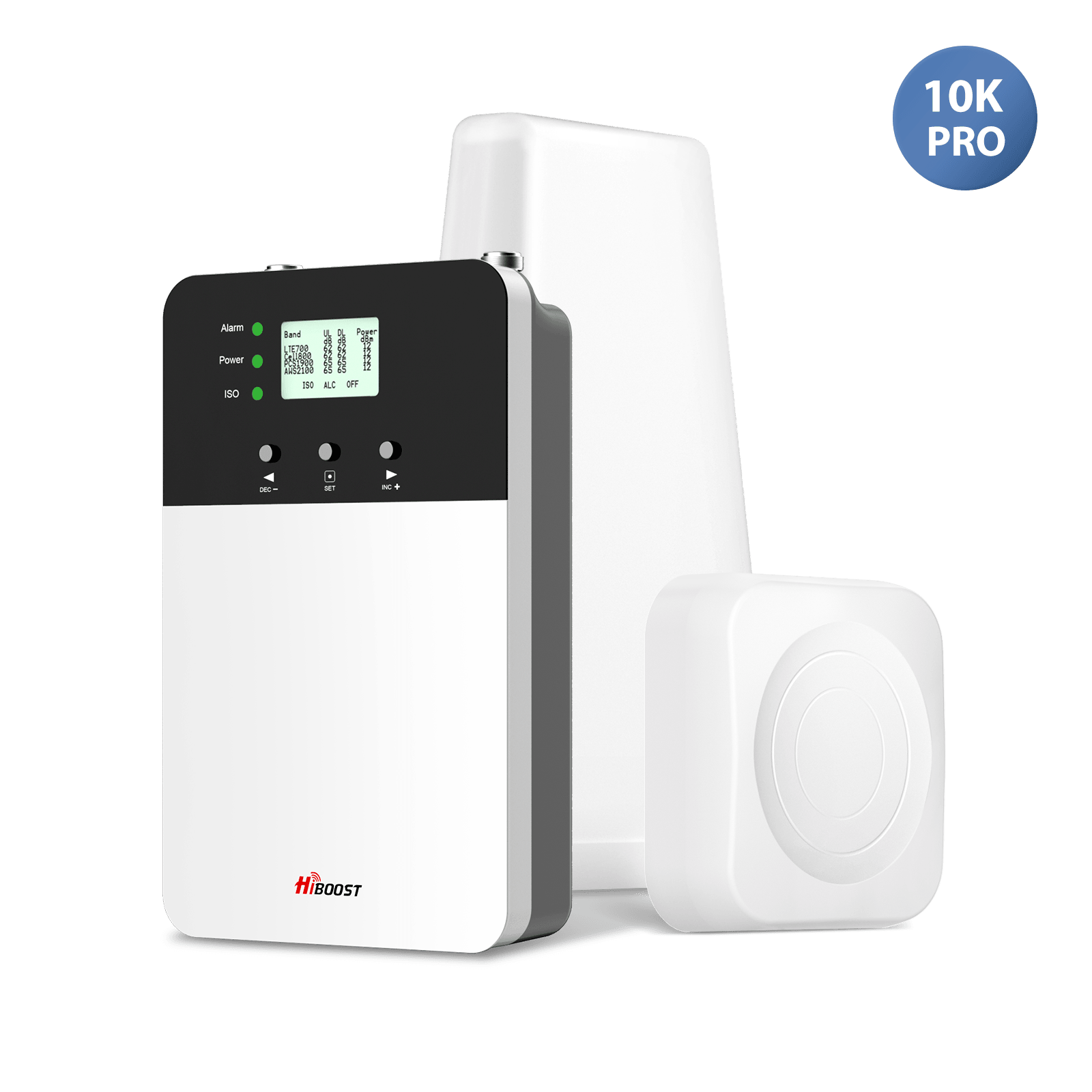
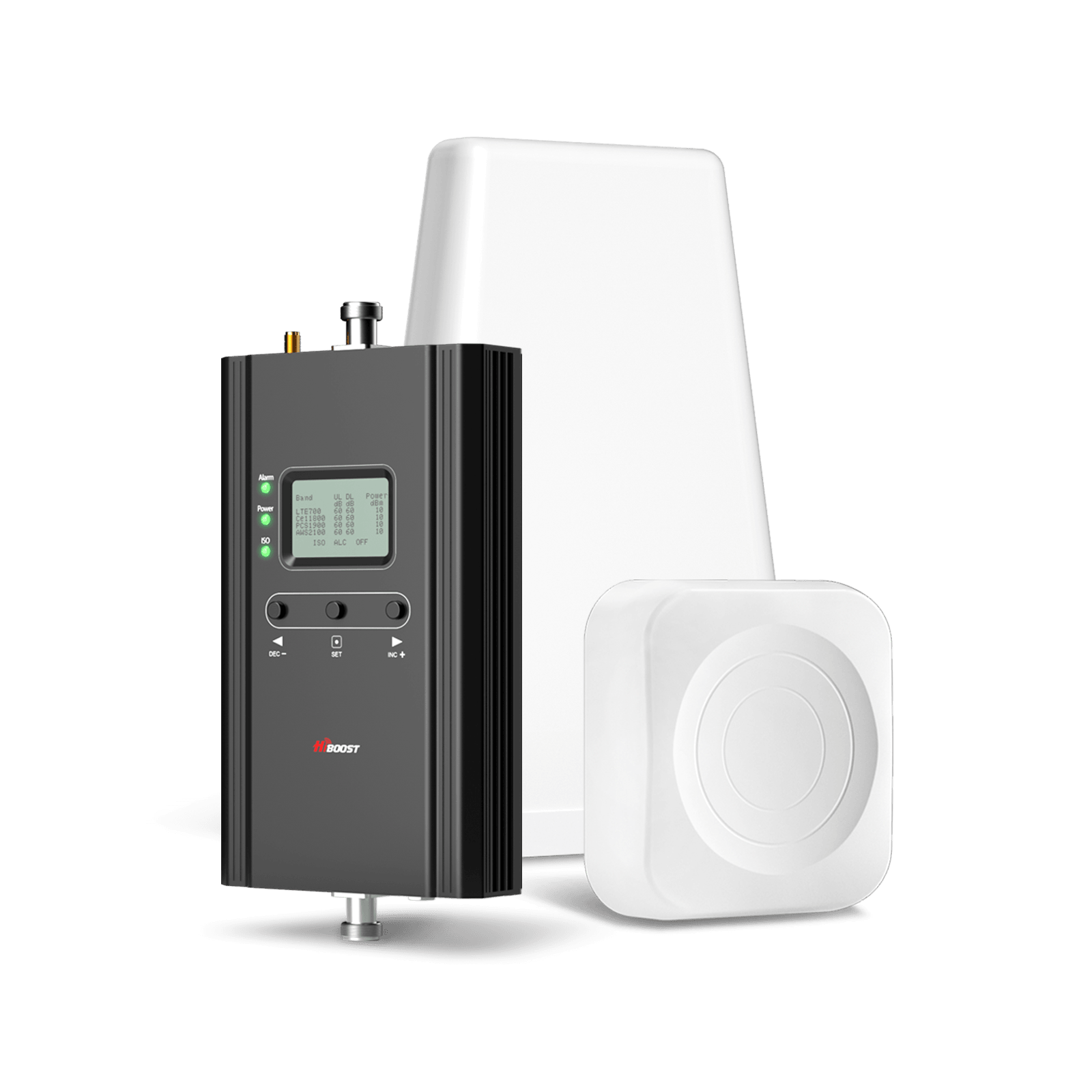
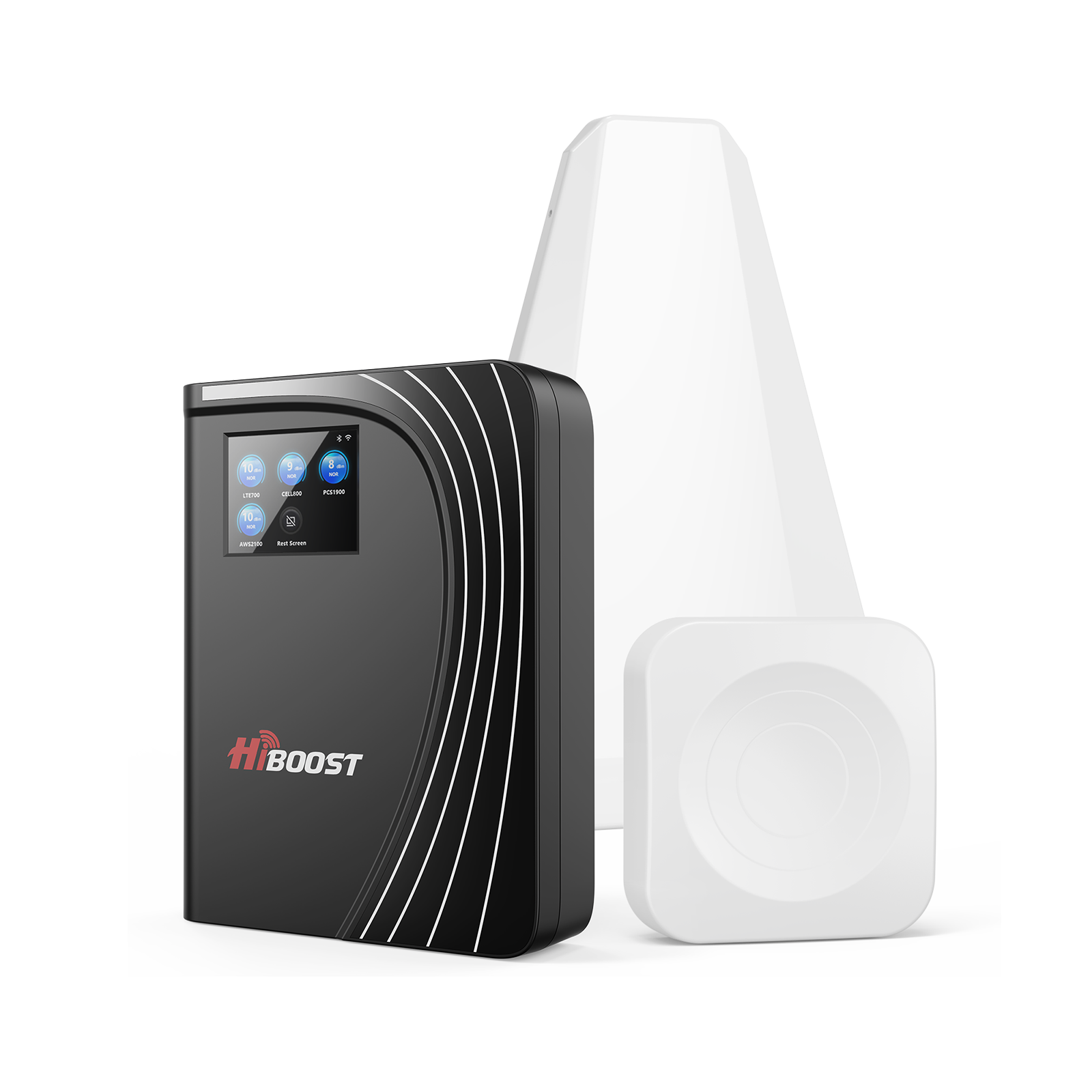
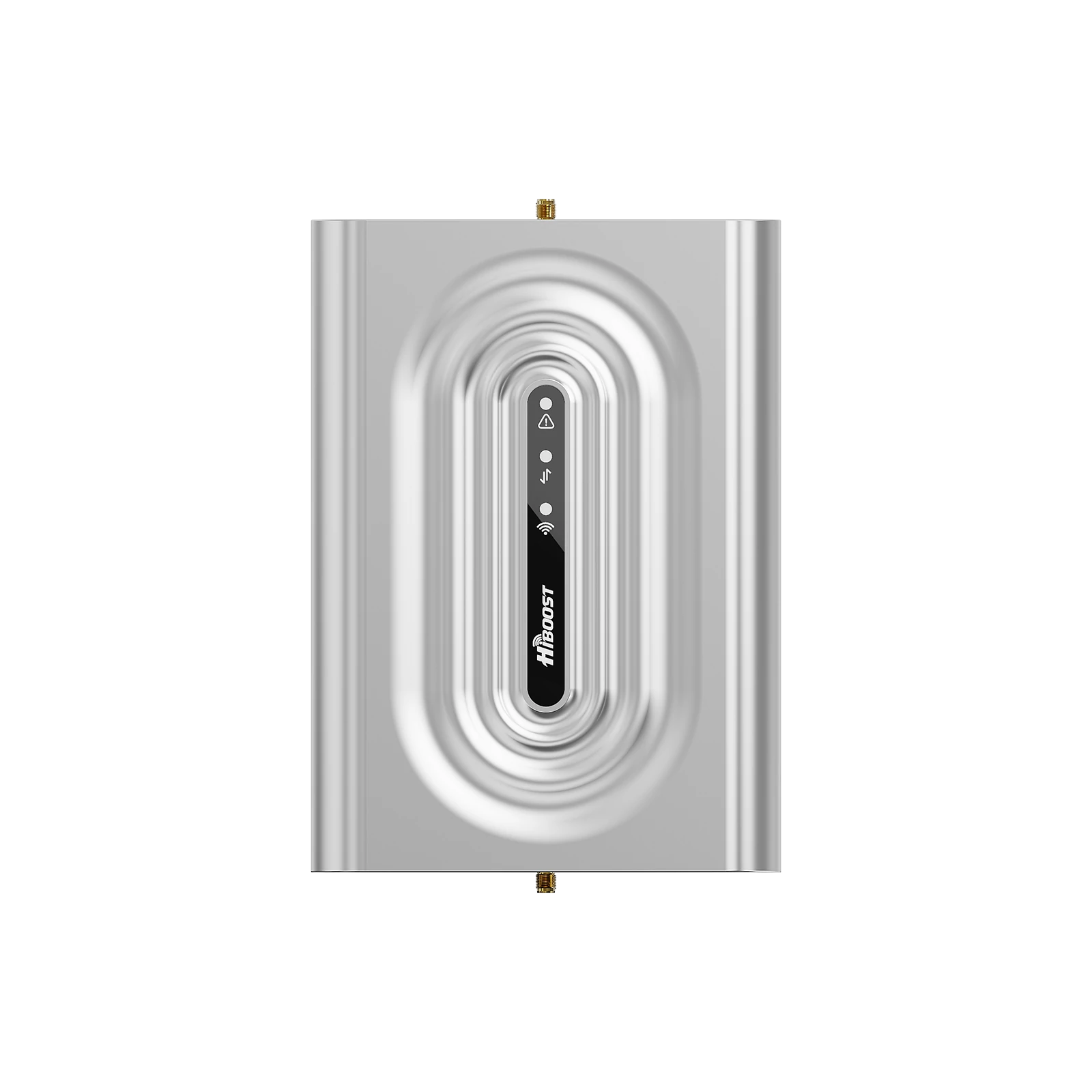
The HiBoost 10K Smart Link indoor amplifier unit. These Smart Link models feature a display and Bluetooth app for easy setup. Customers report dramatic indoor gains: for example, one user said his signal went from “one bar to 4 bars” with this 10K unit. The LCD and phone app let you watch the signal strength improve in real time during adjustment.
In summary, use field tests, not guesswork. Record your phone’s dBm and test speeds before the booster is on, then again after. The quantifiable gains are the clearest proof of success.
Interpreting LED Indicators and Troubleshooting
HiBoost boosters include LED indicators to show system health. Getting the LEDs right ensures your setup is optimal. Here’s how to read them:
-
Green LEDs: Normal operation. After a correct install, the main LEDs should be solid green or slowly flashing green/yellow. A solid green Power LED means normal power. A solid green Alarm (ALM) LED means output is below maximum (which is fine). A green ISO LED means proper antenna isolation.
- Flashing Green/Yellow: This usually means the system is adjusting or ramping up to full power still normal.
-
Red LED: Problematic. A red Alarm or ISO light indicates the booster has shut down to protect itself. In HiBoost’s words, “a red light usually signals a problem: either oscillation or signal overload.” The typical cause is antenna feedback.
Fix for a red LED: Increase the distance between your outdoor and indoor antennas. Ensure at least 20–30 feet separates them. If needed, insert attenuator pads or add more cable length until the red goes off. The goal is to stop any oscillation. Once the LEDs are green again, the booster is running safely at full power.
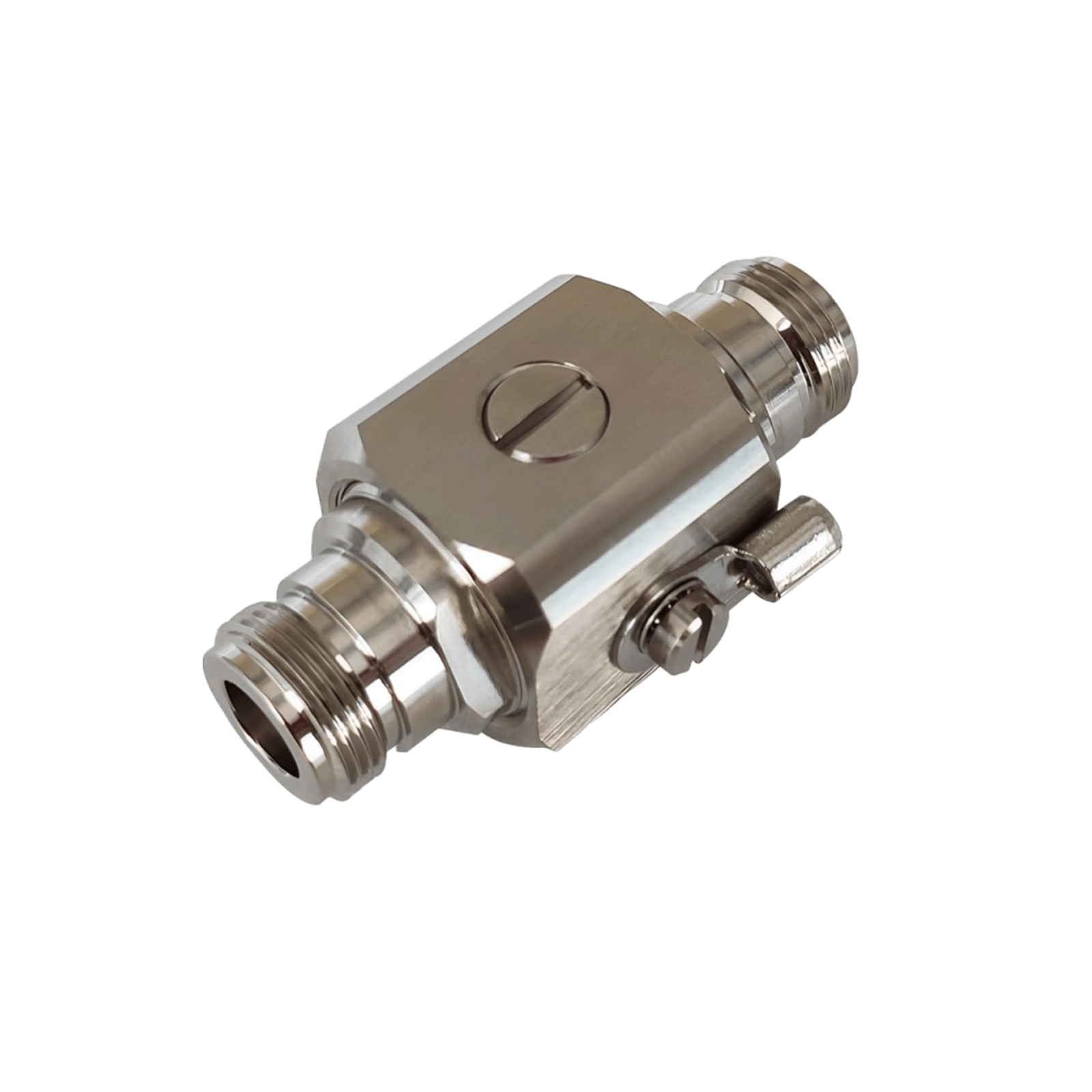
Power/Grounding: Always plug the booster into a reliable outlet. Use the included lightning arrestor at the antenna feed point to ground the system. HiBoost includes a lightning kit for outdoor antennas using it to protect the equipment and home from surges.
Installation Checklist (Common Mistakes)
-
Antenna Height: Mount the outdoor antenna as high as practical. If it’s under an eave or too low, it may pick up weak/reflected signals.
-
Antenna Separation: Keep the indoor panel far from the outdoor one. On different floors is ideal. Close proximity forces shutdown.
-
Cable Loss: Use the low-loss coax that came with the kit and keep cables as short as feasible. Every extra foot of cable slightly weakens the signal.
-
Band Compatibility: Verify the booster supports your carrier’s bands. Using a booster that lacks a needed band will limit improvement.
- Splitter Usage: Unless you really need multiple indoor antennas, don’t use a splitter it splits the signal and reduces gain.
- Power Stability: Finally, make sure the booster’s power adapter is firmly plugged in. A loose connection can cause intermittent shutdown.
By following these tips and watching the LEDs, you can troubleshoot most issues. For example, if you turn on the booster and see all green lights but no signal improvement, double‑check that the outdoor antenna has a real signal to amplify. A booster can’t amplify air; if outside is –120 dBm or weaker, there isn’t much to boost. In that case you may need a taller antenna mast or a higher-gain antenna.
Before-and-After Performance Data
To illustrate typical gains, consider this composite example based on HiBoost lab and field tests. In a weak indoor location, the phone initially had –110 dBm and 2.1 Mbps download.
After installing a HiBoost 10K/15K booster properly, the reading jumped to –78 dBm with 30.5 Mbps download. That single test showed +32 dB signal improvement and a huge throughput boost. Another HiBoost case study shows similar scale:
-
Signal Gain: +20–30 dB increase is common. Remember, +3 dB doubles the power, so +20 dB is roughly 100× power.
-
Coverage Jump: Rooms that were ❌ dead zones become ✅ covered. One family went from 0 bars inside to 4 bars after a 10K installation. Another said calls went from dropping constantly to perfect clarity.
-
Speed Increase: Data speeds often go from a few Mbps to tens of Mbps. HiBoost found downloads “often go from a few Mbps to dozens of Mbps” once the signal was strong. In one user report, downloads leaped from 3.0 to 45.0 Mbps after boosting.
In practice, your exact numbers will vary by location and provider. But the pattern is always the same: poor signal → usable signal. Even a modest gain of +6–9 dB can make a huge difference. By the guideline of thumb, moving from –100 to –90 dBm typically makes calls and data much more reliable.
Real Customer Case Studies
We’ve collected real-world feedback from Amazon customers to show authentic results:
- Steven K.: “Works great. I replaced a 20+ year old booster that failed. The HiBoost gives me 5G with full bars in a 48′ x 48′ steel building. My old booster gave me LTE with half bars.”.
- Karen H.: “Great Booster! It works! I went from one bar to 4 bars with much better downloads and uploads, basically more than tripled. Great customer service... Thank you!”.
- Mark R.: “Life Changing. I went from one bar inside my house to 3–5 bars depending on how close I am. Set up is easy... I really like this company!”.
- Jason: “4× bump: Previously barely reached 5 mbps in download. ... I believe the combination of the app and tools [helped me] find towers, helped me maximize the signal strength. Super happy!”.
- Camper Case: A remote camper reported “stable video calls where before there was no coverage” after installing a HiBoost booster.
These quotes illustrate the consistent theme: dramatic improvements. Where people once struggled to even connect, they now have multiple bars and fast data. And HiBoost’s internal testing reflects this: typically users see outdoor signal rise ~20–30 dB and speeds jump accordingly.
FAQs
Q1: Does a 5G booster increase internet speed?
It can. By strengthening your cellular link, a booster often raises achievable data rates if signal was the bottleneck. However, it won’t magically outpace your plan’s maximum or fix network congestion.
Think of it as widening the pipe: with a stronger signal you fully utilize the bandwidth you have. Real users have seen download speeds double once they went from a one-bar signal to four bars with a booster.
Q2: Will it work with Verizon?
Yes, on Verizon’s 4G LTE and 5G low-band networks. HiBoost boosters cover Verizon’s licensed bands. However, Verizon’s ultra-fast 5G UW runs on very high frequencies that consumer boosters can’t amplify. In practice, your booster will help voice/LTE and low/mid-band 5G on Verizon, but not the mmWave signals found only in select cities.
Q3: Does it support T-Mobile Ultra Capacity (UC)?
T-Mobile’s 5G UC primarily uses C-band and the 2.5 GHz band. Consumer boosters are not effective on C-band. So if your phone shows “5G UC,” a standard booster won’t boost that specific connection.
But note: T-Mobile still runs a lot of its 5G on lower bands, and those are boosted. So if your phone dips down to just “5G”or LTE, the booster will help.
Q4: Does it amplify C-band?
No. C-Band 5G is considered a mid-band frequency. At this time, consumer signal boosters cannot amplify C-Band. Only specialized commercial boosters can do that, and those are for large enterprises. For home or vehicle use, just know that C-Band signals on your phone won’t get a boost.
Q5: Does it work with AT&T 5G+?
AT&T’s “5G+” is typically mmWave, which boosters can’t catch. So, like Verizon UW, AT&T 5G+ won’t improve with a standard booster. However, any AT&T 5G on lower frequencies can be boosted.
Q6: Can I boost 5G in a metal building?
Yes, but it’s challenging. Metal buildings block signals strongly. To succeed, mount the outdoor antenna well above the roof if possible and use the highest-gain booster you can.
The booster’s indoor panel(s) will then distribute that signal inside. HiBoost actually has guides showing that even steel-sided workshops can have functional coverage if the antenna is placed outside on a pole. In short: it’s doable, but you’ll need an aggressive setup.
Q7: Can I use one in an RV?
Absolutely. Vehicle boosters like the HiBoost Travel 3.0 RV are designed for that. These kits are ruggedized for mobile use and can be powered from the RV’s 12V.
As noted above, RV enthusiasts routinely use signal boosters to stay connected in campgrounds and remote areas. Just be sure to mount the outdoor antenna properly on the roof for it to work well.
Q8: Do boosters work while driving?
Yes. Vehicle boosters maintain boosted coverage in motion. The Travel 3.0 series has been tested at road speeds. Of course, as you drive, your phone may switch towers and sometimes drop from 5G to LTE if coverage gaps occur.
But the boosted LTE/low-band signal will still be stronger overall, reducing dropouts. Many users report fewer “No Service” spots when on the move. Just ensure the booster’s outdoor antenna is secure so it stays in place at speed.
Q9: Will it improve hotspot speed?
If your hotspot is using cellular 4G/5G, then yes. The booster simply amplifies the network signal at that location. So your hotspot device will see better reception and can deliver faster Wi-Fi speeds to your devices. Essentially any cellular device benefits: phones, tablets, IoT devices, and yes, mobile hotspots.
Q10: Does it work with Starlink?
No. Starlink is satellite internet, not cellular. HiBoost boosters only amplify licensed cellular frequencies. They have no effect on a Starlink signal. If your Starlink Wi-Fi is slow, the issue isn’t the local cellular signal; you'd need a different solution for satellite connectivity.
Q11: Can multiple users connect?
Yes. Unlike a mesh router that might limit devices, a signal booster by design supports many devices at once. All phones, tablets, or IoT devices in range simply register on the boosted network as usual.
Wilson Amplifiers notes that boosters “support multiple users at the same time” without any extra setup. In practice, a booster acts like a mini-tower: dozens of devices can share the improved signal.
Q12: Additional Resources & Tips
Interactive Troubleshooting:
If you ask “Why is my 5G slow?”, follow these steps:
(1) Check if your phone is on low-band or mid/high-band. If it’s mid/high, a booster won’t help that layer.
(2) Measure your RSRP/RSRQ: use Field Test Mode or an app to get dBm.
(3) If RSRP is very weak, first improve antenna placement.
(4) If indoors, try Wi-Fi Calling or move near a window.
(5) If the outdoor signal is marginal, a booster can significantly raise it.
(6) If none of these solve it, consider carrier options.
Q13: Carrier-Specific Advice:
Each carrier’s 5G is a bit different. For example, if Verizon always drops to LTE, make sure your booster covers Band 13/2. If T-Mobile keeps showing “5G UC” (C-band) with no speed, understand the booster isn’t affecting that but it will help when you fallback to T-Mobile’s 600 MHz or 1900 MHz bands.
AT&T’s low-band (850 MHz Band 5) is fully boostable. In practice, it’s good to know which bands your area’s towers use; apps like Network Cell Info can report this (Android only).
Signal Strength Chart: As a quick reference, here are typical signal ranges:
- RSRP (strength): Excellent: ≥ -90 dBm; Good: -90 to -105 dBm; Fair: -105 to -115 dBm; Poor: < -115 dBm.
- RSRQ (quality): Excellent: ≥ -9 dB; Good: -10 to -14 dB; Fair: -15 to -19 dB; Poor: < -20 dB.
- SINR (SNR, quality): Excellent: ≥ 11 dB; Good: 6–10 dB; Fair: 0–5 dB; Poor: < 0 dB.
If your readings fall in the Poor range, a booster (plus antenna adjustment) is likely needed.
By following these expert tips and choosing the right equipment, you can transform frustrating dead zones into strong, reliable 5G connectivity.
Related Guides
→ How Cell Signal Boosters Work
→ Best Cell Signal Boosters for Rural Areas
→ Best Signal Boosters for Rural Homes
→ How to Choose a Signal Booster
→ How to Improve Rural Cell Signal
→ Cell Booster Installation Guide
→ How to Improve RV Signal
→ 2026 Mobile Signal Handbook
→ RV Connectivity Guide
Car/Suv,RV,Truck,Vehicle


Our Home Signal Booster


Popular Articles


Leave a comment
All comments are moderated before being published.
This site is protected by hCaptcha and the hCaptcha Privacy Policy and Terms of Service apply.